How is the W806 different from the W800/W801, and what OTA update method does the W800 support?
The HLK-W806-Kit-V1.0 tested in the thread appears to be a different target from the HLK-W800/W801 boards: it reportedly has no Wi‑Fi/BT and only 1 MB flash, so the W800 firmware does not flash directly and the effort shifted to trimming the SDK/build to fit [#21081609][#21534154] Later W800 experiments showed the port can boot and run with a heavily reduced build, but only after disabling features such as hostif/rmms, the SDK web server, and iperf to keep the binary size under control [#21534154][#21526615] For OTA, the W800 path is the older HTTP-server-based OTA; in newer builds, OTA can also succeed via `new_tcp_server`, but it is slower and more memory-hungry [#21527634][#21526615]
AI summary based on the discussion. May contain errors.
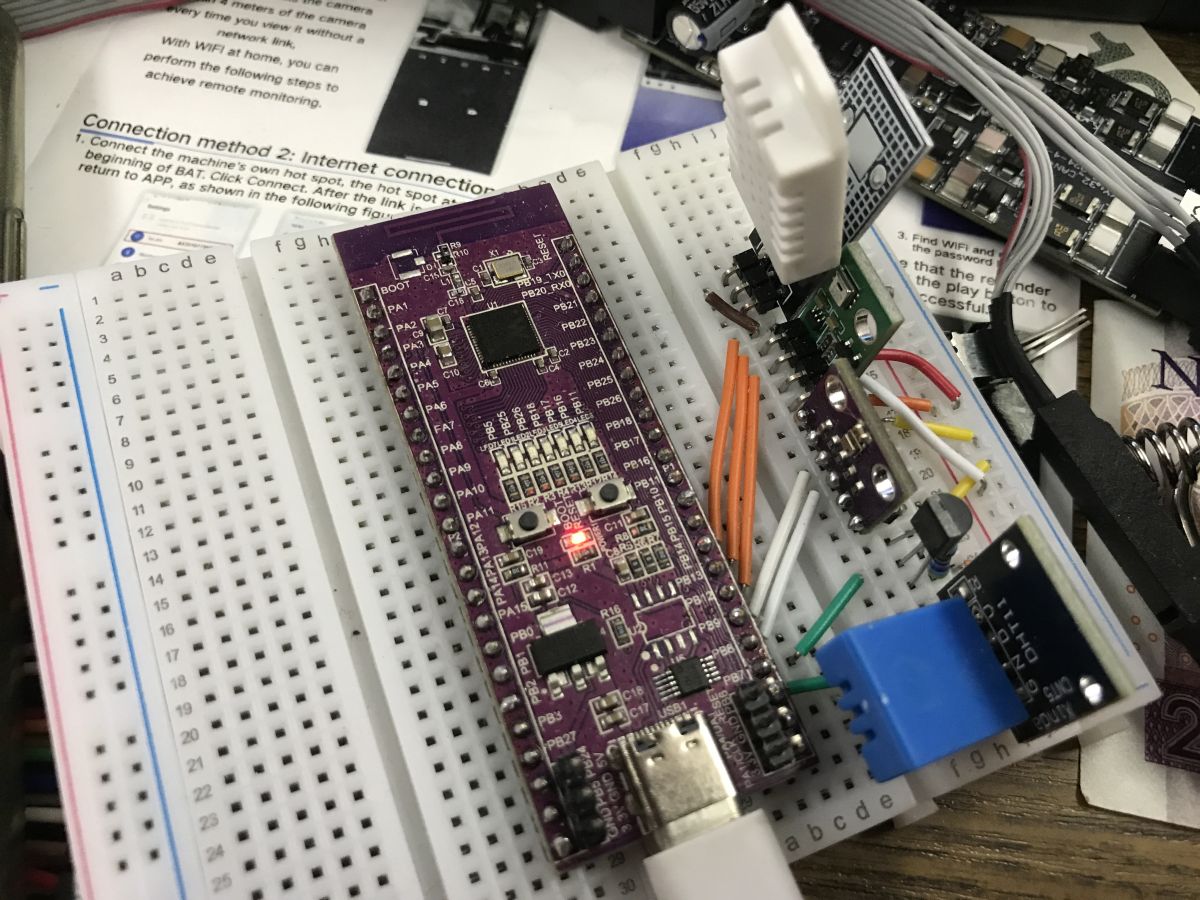
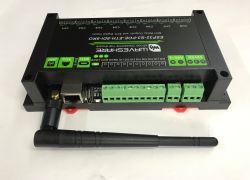
yes, I grabbed a Hi-Link HLK-W806-Kit-V1.0 board from Ali Express a week ago as it looked just like it's sister board the HLK-W800-Kit-1.0 and I wanted to see if OBK had any chance on it. I didn't really look at the spec when I bought it, but it doesn't have wifi/BT and it only has 1mb flash!
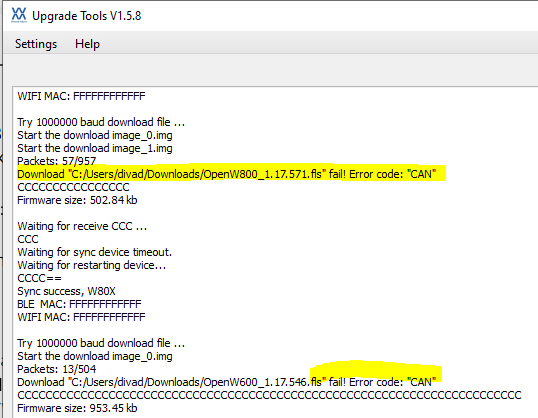
Without any research I tried flashing the W800 OBK but this unsuccessful, failing with this error
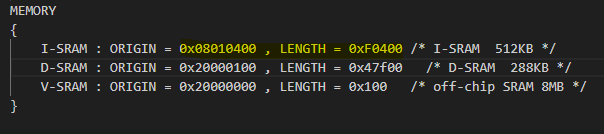
There were some failures because of size. This I think was the size that built
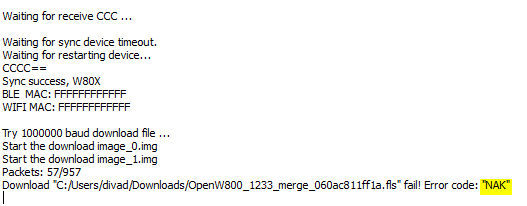
but then it would fail with
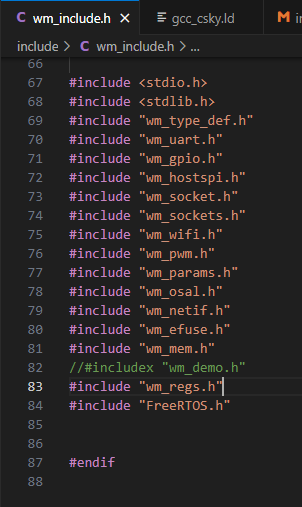
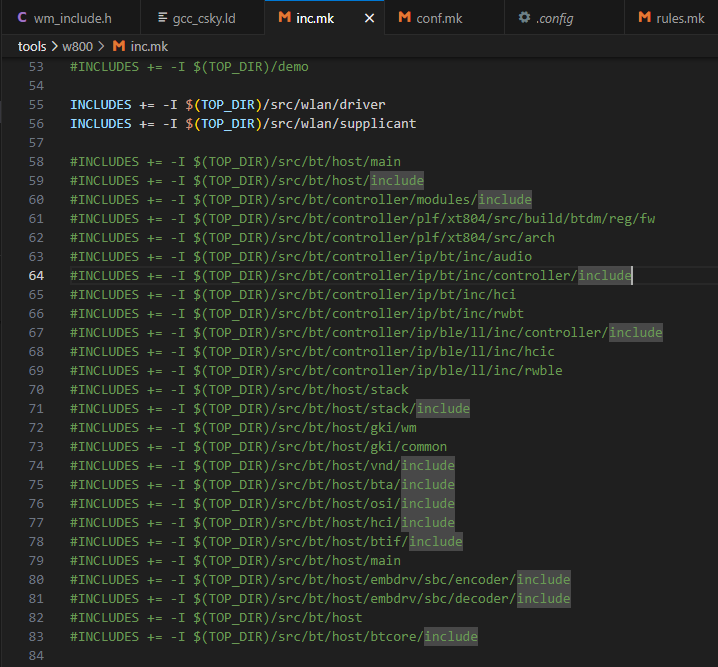
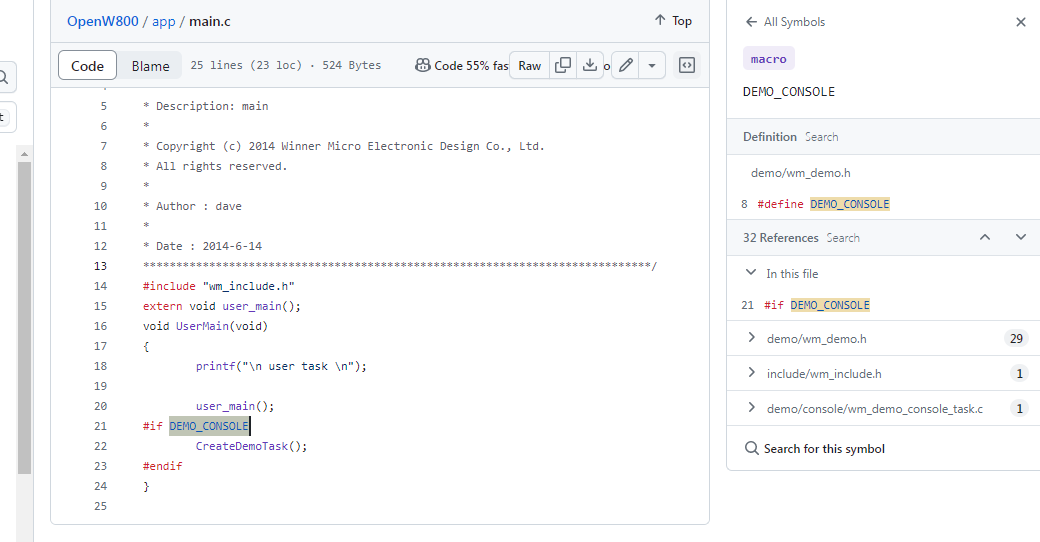
which I can't find mention of yet. Assuming this related to size I then set about trying to exclude bits to reduce flash total bytes, but you can see from subsequent runs this has not been successful yet. I've been commenting-out bits in the SDK relating to the demo, BT etc, but nothing I've tried has reduced size.
Even with a working OBK the 1mb flash probably makes it very limiting driver-wise, but still, it would be another supported chip to add to the list. Suggestions welcome!
How do you know that NAK error means that flash is too big?
I don't. Just a stab in the dark. But maybe it's related to NACK and it's that the flasher didn't receive an acknowledgement after Packets: 57/957? I've tried different uart speeds.
p.kaczmarek2 wrote:
What is the current flash size?
1mb!
p.kaczmarek2 wrote:
I can add some #define for you to for example allow turning off features like Tasmota JSON emulation
well that would be cool, but I am also happy to just keep playing myself if you've no time/other priorities. W806 was just a little adventure with no stakes.
I don't think it's exactly 1MB, what is the current size of build files?
p.kaczmarek2 wrote:
Can we get somehow some other binary for testing W806?
I did wonder about that. Will try to find something. The board didn't seem to come with anything from factory. I can't yet post on the WM forums because I need more reputation points 🙄
p.kaczmarek2 wrote:
I can try to help, I have linux vm, maybe we can build/compile something else together..
I can try to add more size build reduction within 3 to 6 hours from now so you can test more.
well sure! that'd be awesome.
Added after 1 [hours] 19 [minutes]:
I'm trying to find evidence the W806 really does have wifi/bt cores. unsure yet
i'm probably doing something wrong. I'm commenting out/undefining but that doesn't seem to be making a difference. I'm making the changes to my OpenW800 submodule then pushing to my fork then pushing to remote main. it's triggering the workflow with the open PR so I guess my changes are making it up to the right place...
I believe so. that's what I spent the first half the evening fixing. I started again with everything since the night before.
.gitmodules has
Code: Text
Log in, to see the code
Summary of My Setup:
Forks and Clones:
I forked the repositories OpenBK7231T_App and OpenW800 from the original repositories.
I cloned my forks to my local machine:
OpenBK7231T_App: C:\Users\divad\Documents\GitHub\OpenBK7231T_App
OpenW800: C:\Users\divad\Documents\GitHub\OpenW800
Submodule Configuration:
The OpenBK7231T_App repository includes the OpenW800 submodule.
I verified that the submodule URL in my OpenBK7231T_App repository points to my fork of OpenW800.
that commit showing the file changes I made in my submodule are making their way to the main app PR is evidence all is OK?
Hey, what's the state of W806 flash attempt? How much size reduction is needed? Maybe it will be possible once we merge:
Testing OBK Config for Smaller Builds on OpenBK7231T - Feedback Needed With new features, it's possible to even disable MQTT in the build and it gives a very good flash size reduction.
maybe it could be made to run with no wifi - but then you'd just get to watch the uart logs? or you'd have to somehow script all settings. Maybe OpenW806 Core Edition - without GUI
Added after 1 [minutes]:
Maybe I'll try flash to see if anything is different with latest smaller build
Added after 26 [minutes]:
not seeing sizetest2 builds that much smaller for W800. 950kb smallest I've seen I think.
Log output is present on main release:
Oops I managed to somehow break config and it's now in brand new AP state. Probably I reseted it (on main release) while it was saving flash and it has corrupted. But still...
Back on berry:
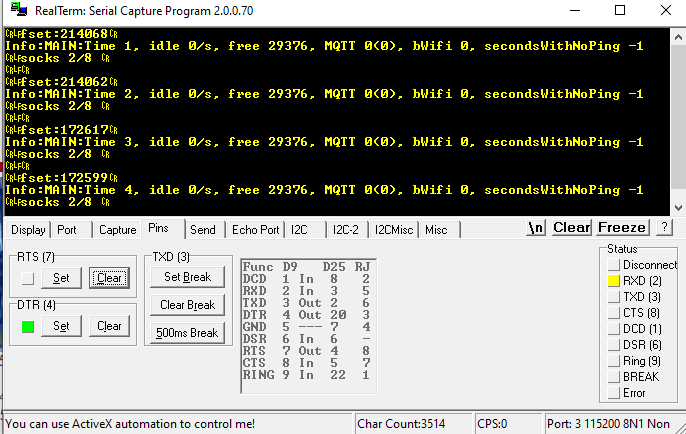
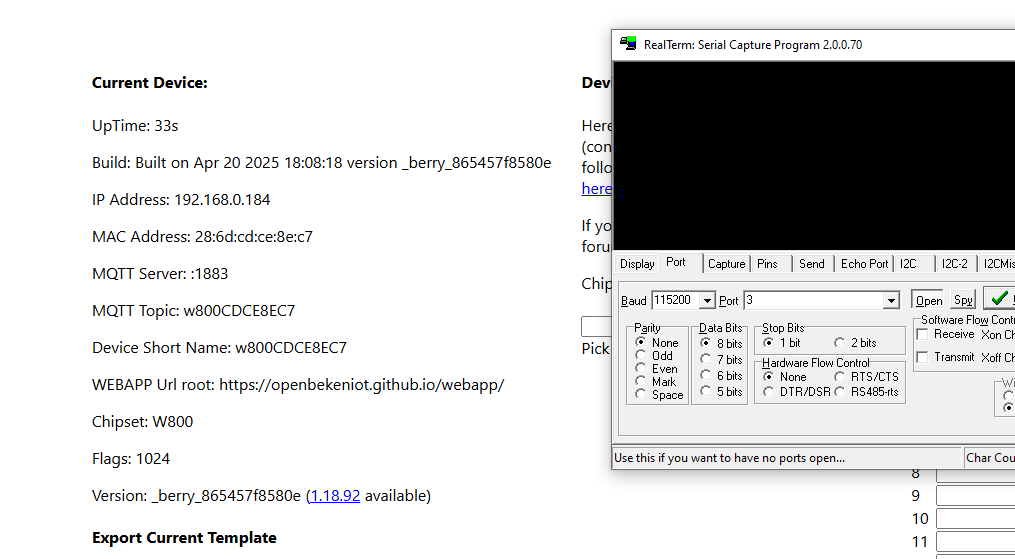
I can confirm there is no log output on your "berry " build...
The discussion investigates whether WinnerMicro W806 differs from W800/W801 and why OpenBeken flashing fails on a HLK-W806-Kit board. It is concluded that W806 is not a practical OpenBeken target because the board lacks Wi‑Fi/BT support in practice, has very limited flash, and there is no known factory backup method. Multiple build-size reduction attempts were made by disabling features such as Tasmota API emulation, MQTT, web server, hostif/rmms, and other components, but the W806 image still failed to flash reliably. Later testing shifted to SDK/toolchain changes, including newlib, heap_5, larger stack, LFS, EasyFlash, and Berry support, which improved feature availability and flash size but introduced weaker Wi‑Fi reception, slower OTA, and occasional OTA failures. The thread also compares W800 and W801 boards, notes differences in signal quality between old and new SDK builds, and discusses OTA methods, including HTTP server OTA versus Web App OTA. AI summary based on the discussion. May contain errors.
TL;DR: For OpenBeken users testing W80x boards, the practical split is simple: W806 has 1 MB flash and "it’s been put to bed" for Wi‑Fi use, while W800/W801 are the boards that actually support usable OpenBeken flashing and OTA today. This FAQ explains chip differences, flashing methods, size limits, and why W806 experiments stalled. [#21386566]
Why it matters: If you are choosing a cheap WinnerMicro dev board for OpenBeken, this thread shows which boards work, which ones waste time, and which update path is realistic.
Board/chip
Flash noted in thread
OpenBeken status
OTA/update status
W800 / HLK-W800-KIT
2 MB class board; builds around 950–976 KB discussed
Works and was flashed successfully
HTTP server OTA works; Web App OTA missing
W801 / HLK-W801-KIT
Treated like W800 for OBK target
Works, but some boards showed weak Wi‑Fi
OTA possible, but weak links hurt reliability
W806 / HLK-W806-KIT
1 MB flash
OBK Wi‑Fi goal not practical
Large OBK images fail during flashing
Key insight: The blocker on W806 was not just image size. The thread concludes that even if the silicon contains RF blocks, missing factory calibration and RO-memory limits make Wi‑Fi OpenBeken on W806 unrealistic, so W800/W801 remain the sensible targets. [#21386566]
Quick Facts
W806 was reported with 1 MB flash, while W800/W801 were treated as the 2 MB variants that OpenBeken targets normally. [#21081609]
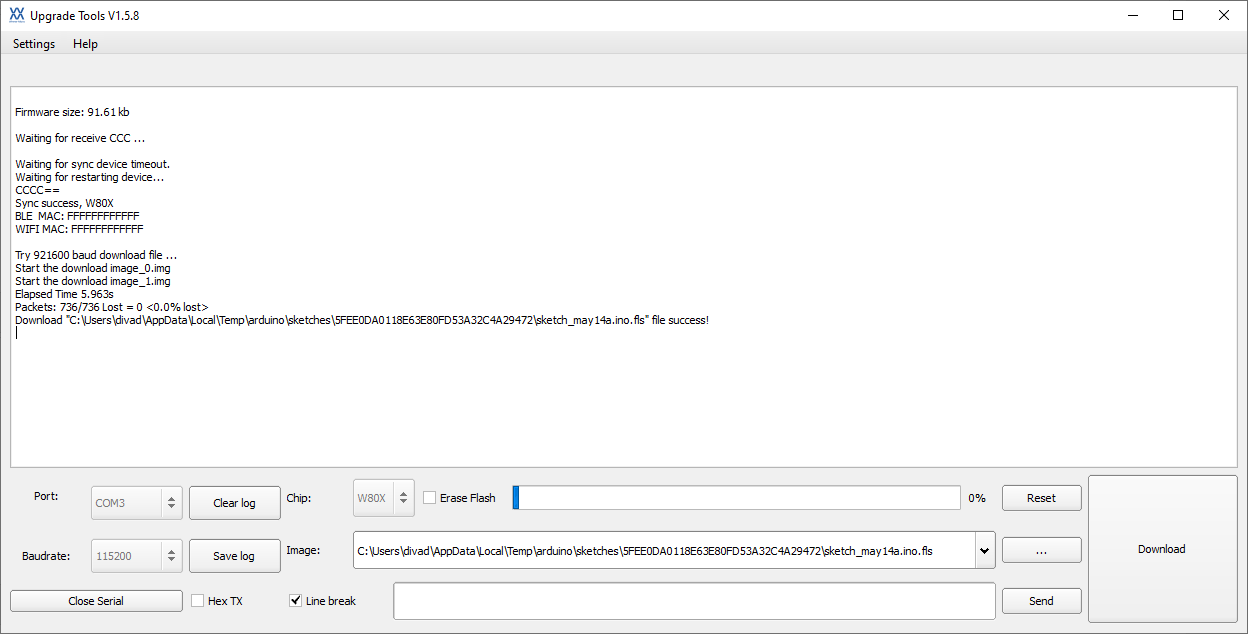
A tiny W806 Arduino LED demo was about 90 KB, while W800 OpenBeken full-flash builds discussed were about 900–976 KB, explaining why one flashed and the other did not. [#21081715]
After later size work, one reduced W800 image reached 543.75 KB, yet W806 flashing still ended with a CAN failure during image download. [#21387419]
A new W800 SDK test build reported about 88,312 bytes free heap, versus roughly 29,280 bytes on another tested build, but the newer build also showed weaker Wi‑Fi or slower OTA on some boards. [#21526809]
One Wi‑Fi test used a Windows hotspot only ~60 cm away, yet some new-SDK W800/W801 builds still failed to associate or complete OTA reliably. [#21526809]
1. What are the main differences between WinnerMicro W800, W801, and W806 when trying to run OpenBeken?
W800 and W801 were treated as the practical OpenBeken targets, while W806 was the outlier because it came with only 1 MB flash and no usable Wi‑Fi path for OBK. The thread cites W806 as internally similar to W800/W801, but with smaller flash, and later concludes Wi‑Fi enablement is not realistic on W806. In practice, buy W800 or W801 for OpenBeken work, not W806. [#21386566]
2. Why does OpenBeken fit on W800 but run into flash size problems on W806 with its 1 MB flash?
OpenBeken fits on W800 because that target has enough flash headroom for images around 950–976 KB, while W806 only exposes 1 MB flash. The thread shows W806 accepted tiny test images, but OBK builds stayed near the flash ceiling even after feature cuts. That leaves almost no safe margin for full images, OTA layout, and runtime data. [#21081754]
3. How do you flash OpenBeken onto an HLK-W800-KIT or HLK-W801-KIT, and what OTA update methods are available?
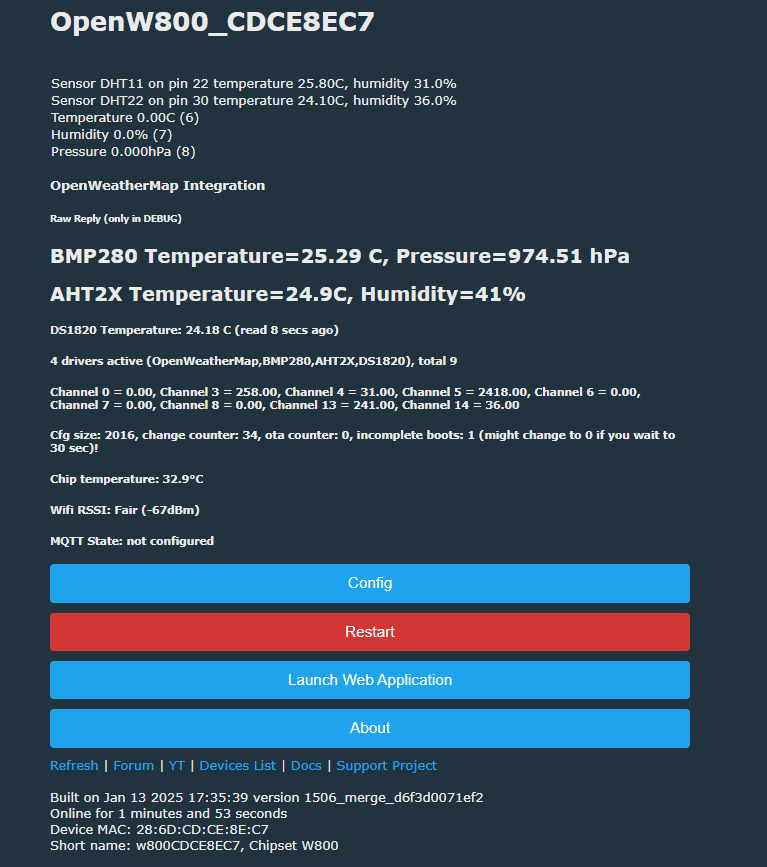
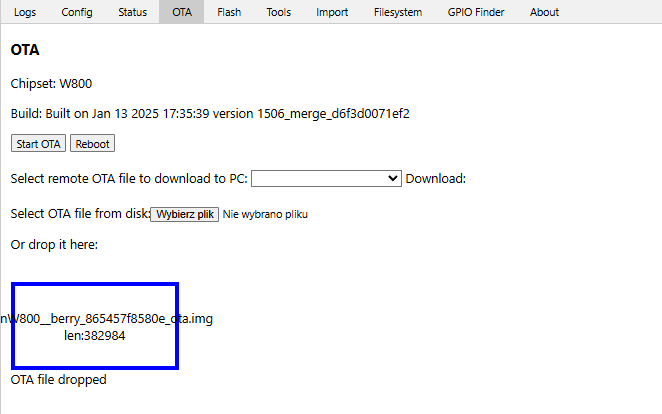
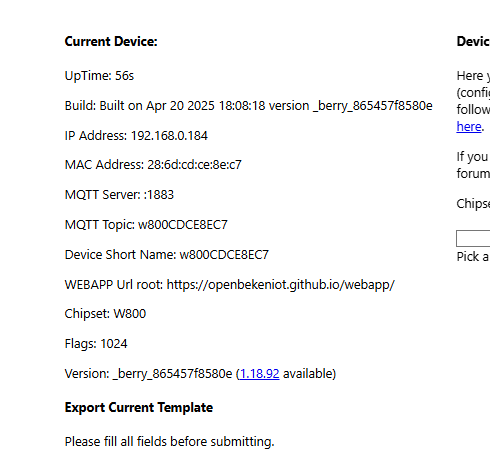
You can flash W800/W801 either by serial tools or by OTA once OpenBeken is already running. 1. Do the first flash with the WinnerMicro upgrade/flashing tool over UART. 2. Boot OpenBeken and connect to its web interface or AP. 3. Use the built-in HTTP server OTA path for later updates. The thread also shows successful OTA on a W800 board and confirms normal release builds still log on TX0. [#21525681]
4. Why is Web App OTA missing on W800 while the older HTTP server based OTA still exists?
Web App OTA is missing on W800 because that platform still uses the older OTA implementation, not the newer Web App OTA flow. The thread states this directly: W800 has HTTP server based OTA in the old style, while Web App OTA was not present. So W800 users still get OTA, but through the legacy HTTP-server path instead of the newer browser workflow. [#21081517]
5. What does a NAK or CAN error during W80x flashing usually mean, and how do you troubleshoot it?
A NAK or CAN during W80x flashing means the transfer failed, not that flash size is proven to be the cause. The thread explicitly says the size explanation was only “a stab in the dark,” and later a reduced 543.75 KB image still failed with CAN. Troubleshoot in three steps: 1. Try another UART baud rate. 2. Verify image size and target board. 3. Test a known-good small binary to separate transport errors from firmware issues. [#21081639]
6. How much firmware size reduction is needed to make OpenBeken practical on W806, and which features save the most space?
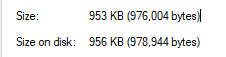
The thread never reached a stable target size that made W806 practical, even after major cuts. Disabling Tasmota API barely changed W800 full-flash size, moving from 966,824 to 976,336 bytes in one comparison, so it was not the big win. Later work cut a W800 image to 543.75 KB, but W806 still did not become a usable Wi‑Fi OpenBeken platform. [#21081754]
7. Why did a tiny W806 Arduino blinky sketch flash successfully while a much larger OpenBeken build failed?
The blinky sketch flashed because it was tiny and likely avoided the heavy Wi‑Fi stack and other OpenBeken features. The thread contrasts a roughly 90 KB Arduino test with OBK builds near 900 KB, calling that difference “huge.” A minimal LED demo proves the flasher and basic execution path work, but it does not prove a full Wi‑Fi firmware will fit or run correctly. [#21081741]
8. What is EasyFlash in the OpenBeken W800 discussion, and how could it be used for flash variables or future config storage?
"EasyFlash" is a flash-storage library that manages key-value data in flash, reduces wear from repeated writes, and can support more flexible layouts than a fixed-address config block. In the thread, it was proposed first for frequently updated flash variables, with config storage considered later if flasher support also exists. The main caution was keeping OpenBeken config easy to access and migrate. [#21525723]
9. What is LFS on OpenBeken for W800, and why do logs sometimes show messages like "lfs is absent" or missing autoexec.bat?
"LFS" is a small flash file system that stores scripts and files such as autoexec.bat, letting OpenBeken load startup content from flash instead of hardcoding it. When logs say “lfs is absent” or autoexec.bat is missing, the file system is not initialized yet, not formatted, or simply has no script stored. That is why boot logs can show Berry import errors and failed startup script loads. [#21526809]
10. W800 vs W806 for OpenBeken experiments: which one is actually worth buying for Wi‑Fi firmware work and why?
W800 is worth buying; W806 is not. The thread ends up clear on this: W806 Wi‑Fi enablement was dropped because missing factory RF calibration data and RO-memory limits make it impractical, even if shared silicon blocks exist. One commenter summed it up bluntly: it is easier to buy an HLK-W801-KIT dev board than waste time trying to force W806 into Wi‑Fi use. [#21386566]
11. How do you back up original Tuya firmware from a W800 or W80x board before flashing, and what methods were discussed?
There was no settled, known backup method at the time for W800/W80x before flashing. The thread mentions three avenues: 1. trying to read over UART, 2. exploring CK-Link or cheap CK-Link-compatible debugging hardware, and 3. using a full dump from the web app where available. One participant explicitly said there was no known XT804 backup method they could find. [#21525673]
12. Why do some newer W800 SDK builds show better free heap but worse Wi‑Fi reception, slower OTA, or failed HTTP requests?
The newer SDK changed memory layout and enabled features that raised free heap, but it also changed network behavior enough to hurt radio or socket reliability on some boards. One build reported about 88 KB free heap and used FreeRTOS 10.4.1 plus heap_5, yet testers saw weaker RSSI, slower OTA, and failing HTTP requests. So higher free heap did not guarantee better real-world Wi‑Fi performance. [#21526615]
13. How does switching the W800 toolchain from minilibc to newlib affect UART logging, heap size, and build compatibility?
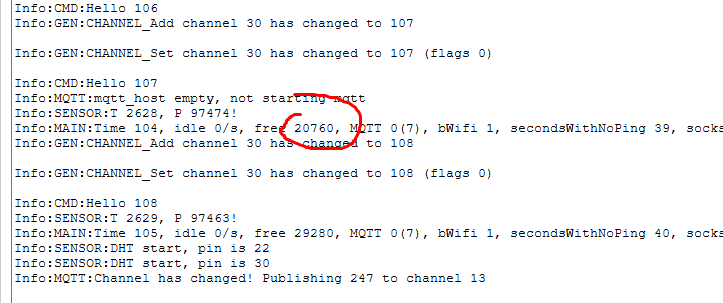
Switching from minilibc to newlib improved build flexibility and enabled larger feature sets, but it initially broke UART logging until libc-port code was replaced. The thread says most of minilibc_port.c had to be cut to compile, then later copied from a newer SDK to restore logging. On tested builds, free heap stayed around 29,280 bytes on one “berry” image, so the toolchain change did not automatically increase usable heap. [#21525702]
14. What is causing the strange log line "Error:HTTP:Created HTTP SV thread with (stack=2048)" on W800, and is it actually an error?
That line is a mislabeled informational message, not proof of an HTTP failure. The thread shows it appearing on successful boots where the HTTP server thread was created with a 2,048-byte stack, and the same wording had been noticed in earlier XR806 work. Treat it as noisy logging unless it is followed by actual web-server failures. [#21526809]
15. What was learned about trying to enable Wi‑Fi on W806, including RF calibration, RO memory limits, and whether the chip is realistically usable with OpenBeken?
The thread learned that W806 is not a realistic OpenBeken Wi‑Fi target. The strongest explanation was that even if the die still contains Wi‑Fi/Bluetooth hardware, there is no factory RF calibration data, that data cannot simply be written into RO memory, and antenna matching would still remain. That means a no-Wi‑Fi UART-only experiment might boot, but practical wireless OpenBeken on W806 was abandoned. [#21386566]
AI summary based on the discussion. May contain errors.








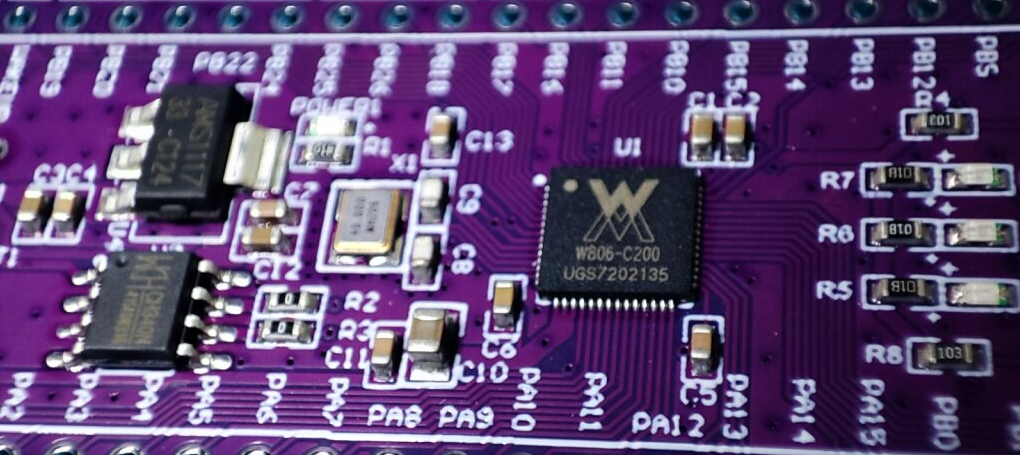



 just had to scratch that itch