FAQ
TL;DR: "16 A at 250 V" rated LSC Smart Plug can be flashed in under 3 minutes; "Broadcast self state will be default" says developer p.kaczmarek2 [Elektroda, lone, #20354535; Elektroda, p.kaczmarek2, #20354770]. Works with OpenBeken, MQTT and Home Assistant.
Why it matters: Quick, local firmware unlock turns a budget plug into an offline-friendly smart switch.
Quick-Facts:
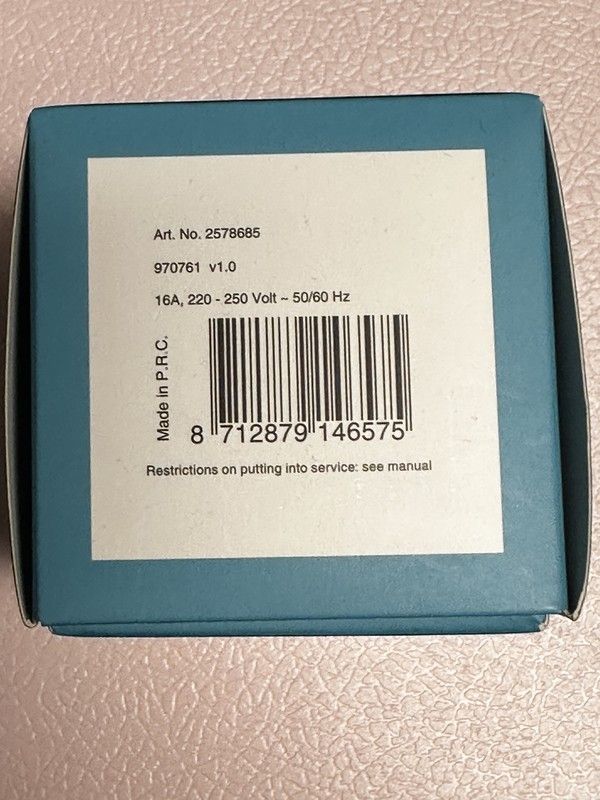
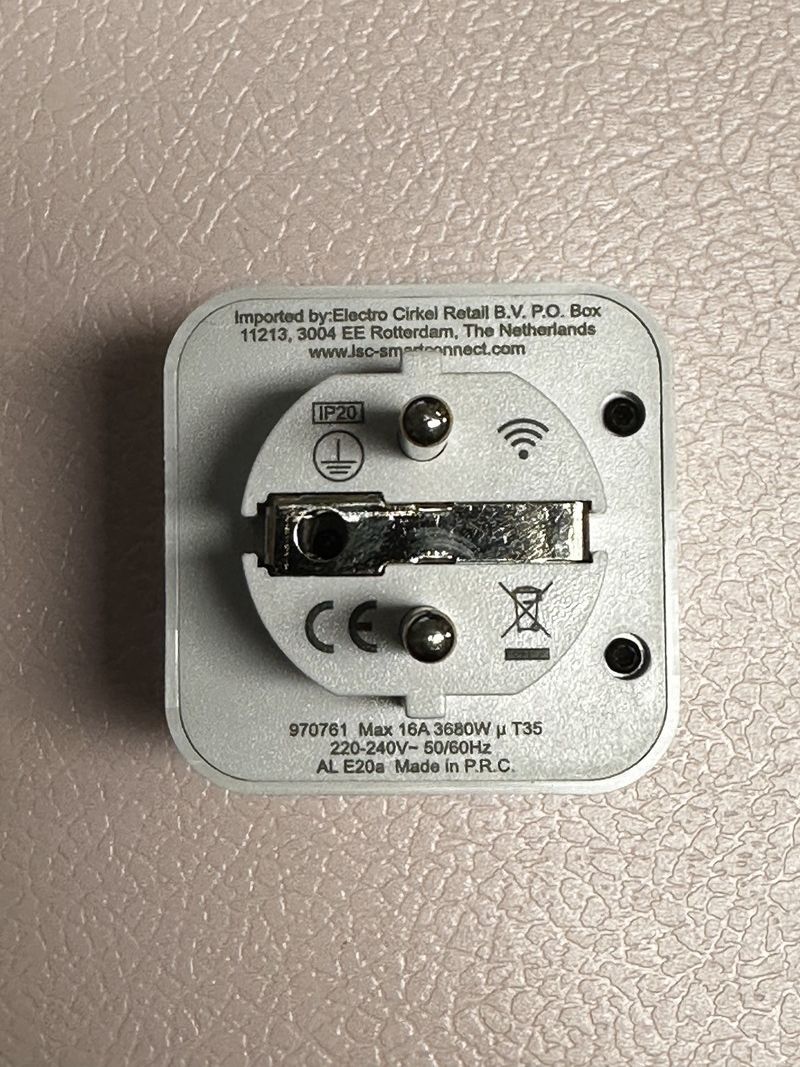
• Rated load: 16 A, 220–250 V AC, 50/60 Hz [Elektroda, lone, post #20354535]
• MCU: Beken BK7231T, flash file OpenBK7231T_UA_1.x.x.bin [Elektroda, lone, post #20354535]
• Opening requires Torx-8 + 2 PCB screws [Elektroda, lone, post #20354535]
• Typical flash success >95 % using hid_download_py [Elektroda, p.kaczmarek2, post #20399910]
• MQTT Flag 10 will be enabled by default from firmware 1.17+ [Elektroda, p.kaczmarek2, post #20354770]
Quick Facts
see lead_box
What hardware is inside the Action LSC Smart Plug (Art. No 2578685)?
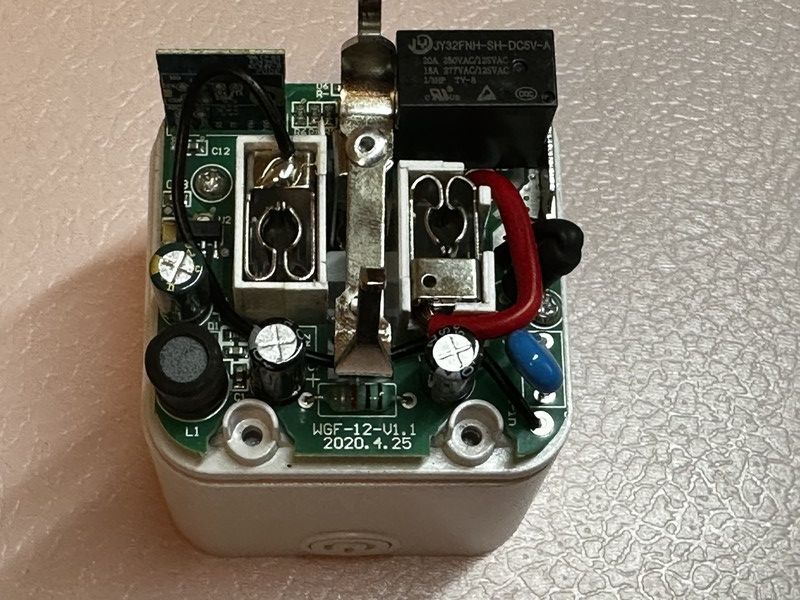
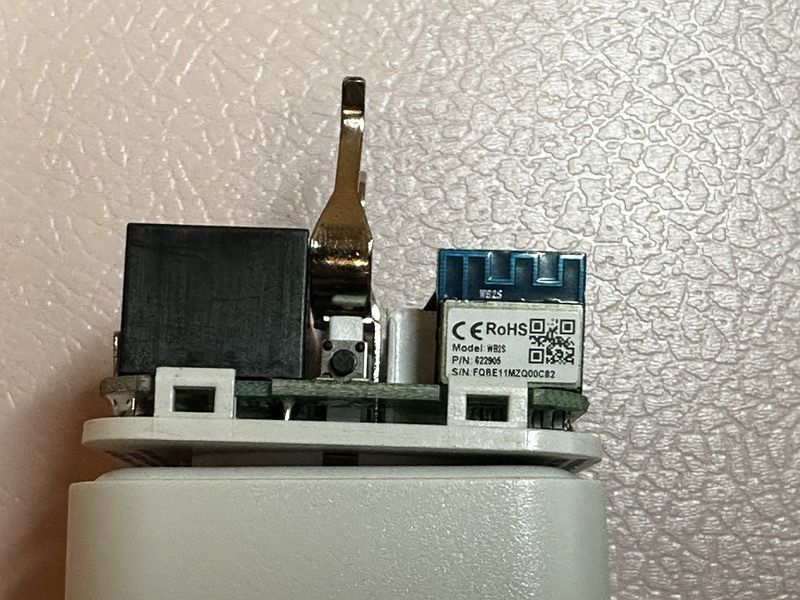
The plug uses a BK7231T Wi-Fi SoC on a WB2S module, a 16 A relay, and two status LEDs. No energy-meter IC is present, so only on/off control is available
[Elektroda, lone, post #20354535]
How do I safely open the enclosure?
- Remove the Torx-8 security screw.
- Pry the case, then undo the two internal PCB screws.
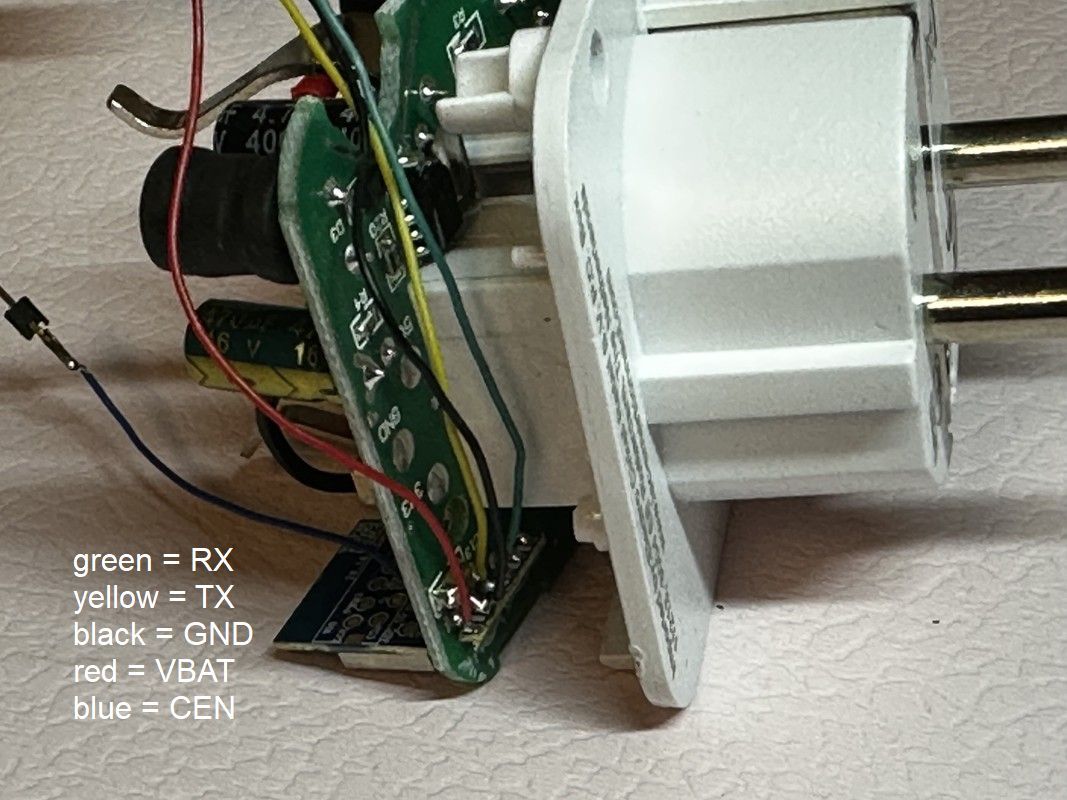
- Lift the board slightly to access the UART pads [Elektroda, lone, post #20354535]
Which GPIO configuration works for firmware 1.x on Art. No 2578685?
What MQTT flags are recommended?
Will upcoming firmware change any defaults?
How do I configure the version 2.0 plug (Art. No 970762)?
Edge case: flashing fails or memory read errors appear—what now?
Desolder the WB2S module, wire TX/RX/3.3 V/GND directly, then flash. Users report errors disappeared after removing the module from the main PCB
[Elektroda, robkry, post #20399901]
Which USB-to-TTL tools work best?
What is the maximum safe load for the relay?
Can I integrate the plug with Home Assistant?
Yes. After flashing OpenBeken, enable MQTT discovery or add a manual switch entity. Multiple users report stable operation with Home Assistant 2023.1
[Elektroda, robkry, post #20398058]
Is energy monitoring possible on this model?
Quick How-To: flash OpenBeken in 3 steps
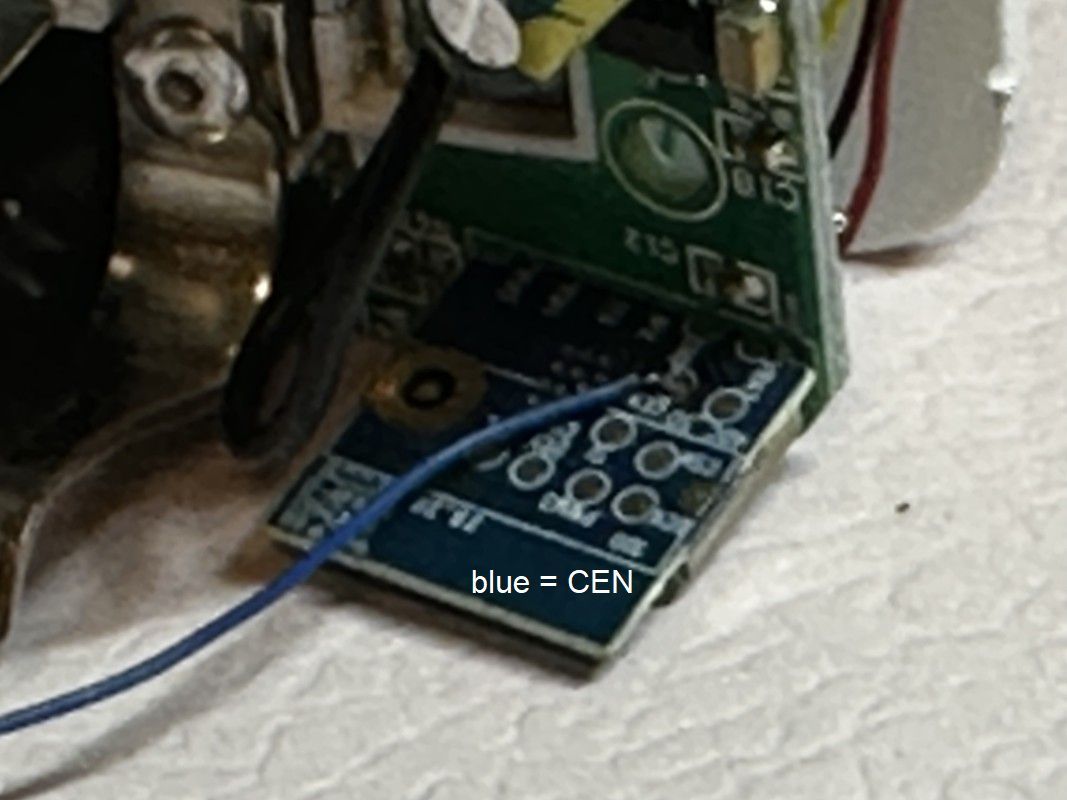
- Solder RX, TX, 3.3 V, and GND to UART pads.
- Hold BOOT0 low, run hid_download_py with OpenBK7231T_UA_1.x.x.bin.
- Power-cycle; connect to the OBK access point for setup [Elektroda, p.kaczmarek2, post #20399910]
Summary generated by AI based on the discussion content.







Comments
Thank you, I will just note here that this: Flag 10 - [MQTT] Broadcast self state on MQTT connect will be set by default in future releases. Also, if you are using this: Flag 21 -... [Read more]
Obserwują temat od kilku miesięcy, gratuluję i dziękuję Tobie za świetną robotę! Mam gniazdo LSC Smart Power Plug w wersji 2.0 (Art. No. 970762 v2.0) kupiony kilka lat temu w polskim sklepie Action. Zastosowałem... [Read more]
Hey @robkry , we don't have 970762 device on our database yet. Would you be able to provide a device photo or a photo of a packaging? Thanks! [Read more]
Dodaję zdjęcia wersji 970762: https://obrazki.elektroda.pl/9962469700_1674416362_thumb.jpg https://obrazki.elektroda.pl/9383579700_1674416382_thumb.jpg https://obrazki.elektroda.pl/3885222900_1674416400_thumb.jpg... [Read more]
Thanks! And here's a repost of my short description how to do desoldering/soldering WB2S: I hope that somebody will find that useful. Have fun soldering! [Read more]