logo elektroda
logo elektroda
X
logo elektroda

Arlec PCTH01HA - Bunnings - CB3S BK7231N

359r  15 3369 Cool? (+1)
📢 Listen (AI):

TL;DR

  • Arlec PCTH01HA Bunnings climate unit with power monitoring and temp/humidity was opened and flashed with OpenBK7231N firmware.
  • The CB3S BK7231N board was wired directly to VCC, GND, RX, and TX, then programmed over UART using python3 uartprogram on a Raspberry Pi.
  • Pin mapping identified P8 relay, P7 button_n, P6 LED, P9 SCL, P14 SDA, P26 BL0937 CF1, P24 BL0937 CF, and ADC3 BL0937SEL.
  • Flash succeeded immediately, the unit booted an open access point, and MQTT works for relay control and BL0937 power readings; CHT8305 temperature and humidity remain unlinked.
Generated by the language model.
First post, hope this is useful, see topic here also as ByteMangler added some i2c info

https://github.com/openshwprojects/OpenBK7231T_App/issues/584

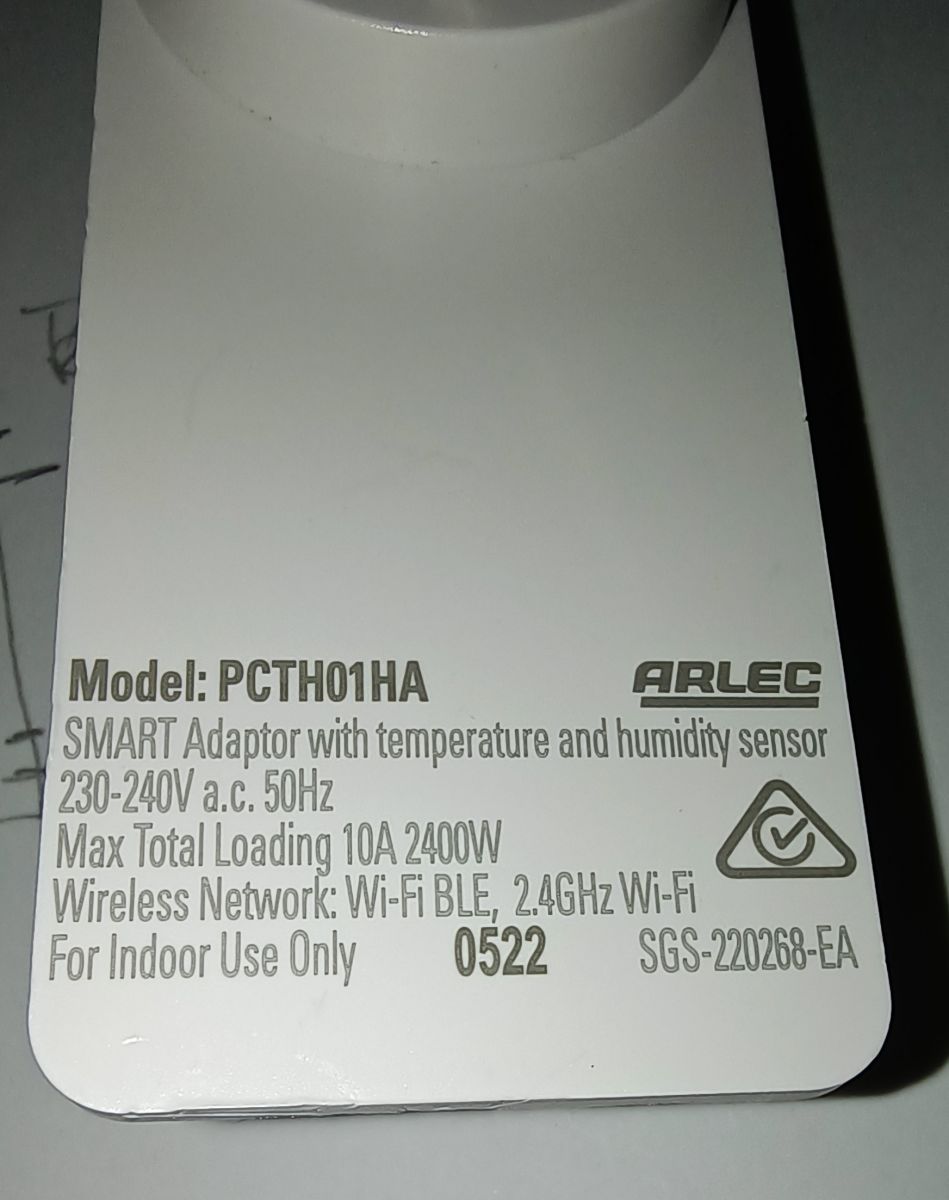
Unit is from Bunnings here in Aus, has power monitoring and temp/humidity, more on that later, first some pics:

https://grid-connect.com.au/smart-home-products/climate/


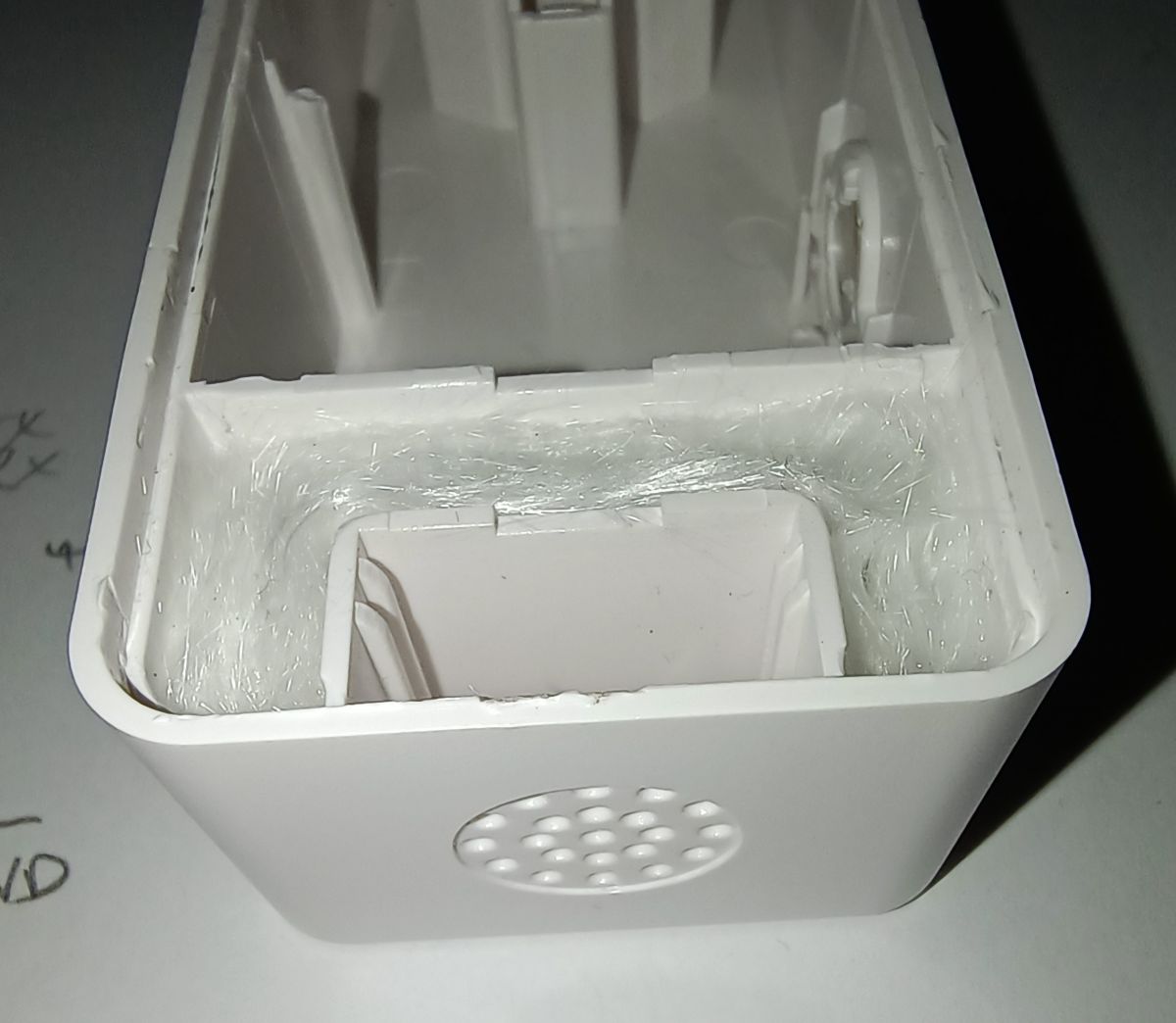
Seems to be welded shut mainly in corners, few bashes with rubber mallet (ok gentle whacks!) and spudger and case came open, no damage, just go easy is my input

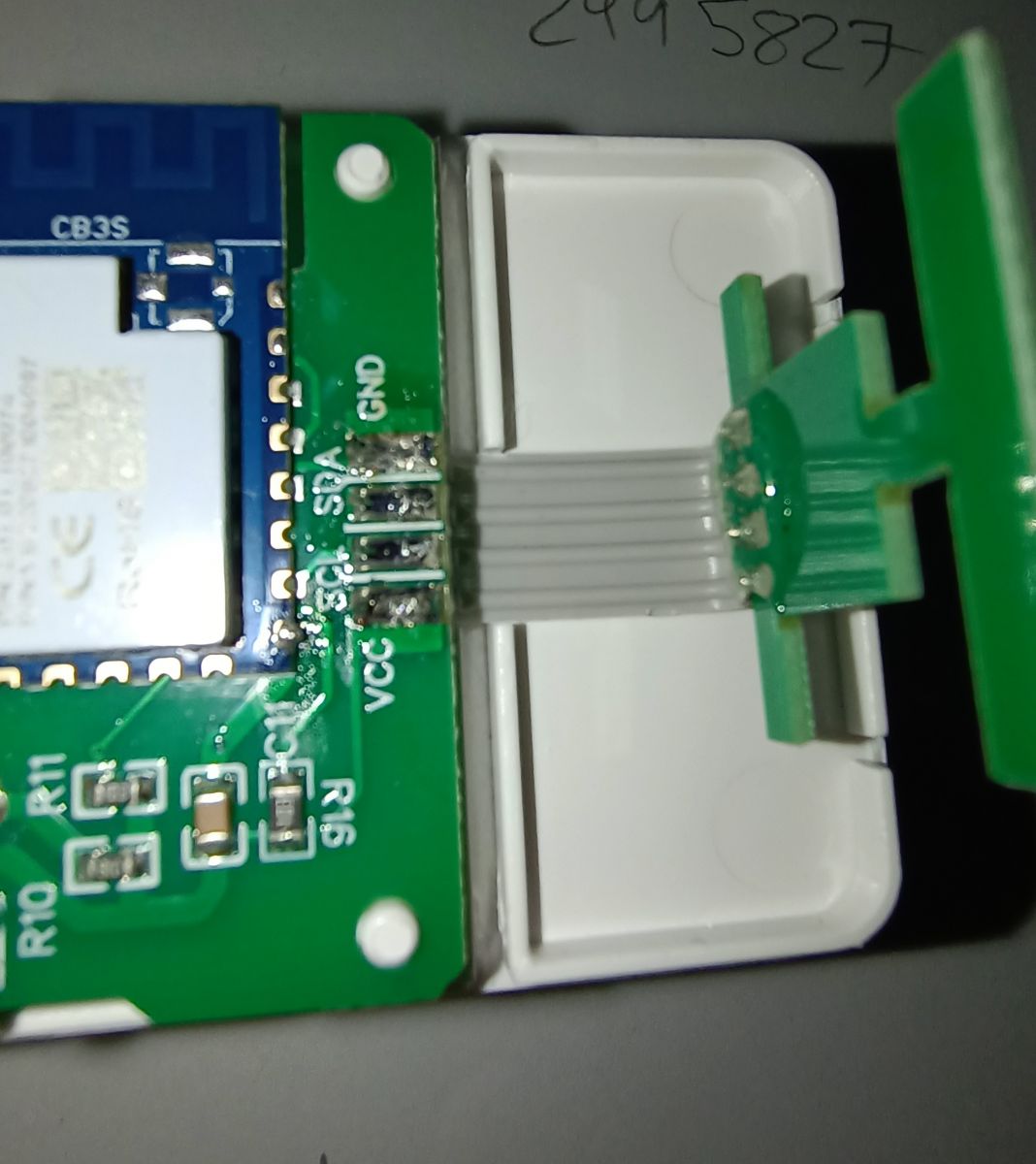
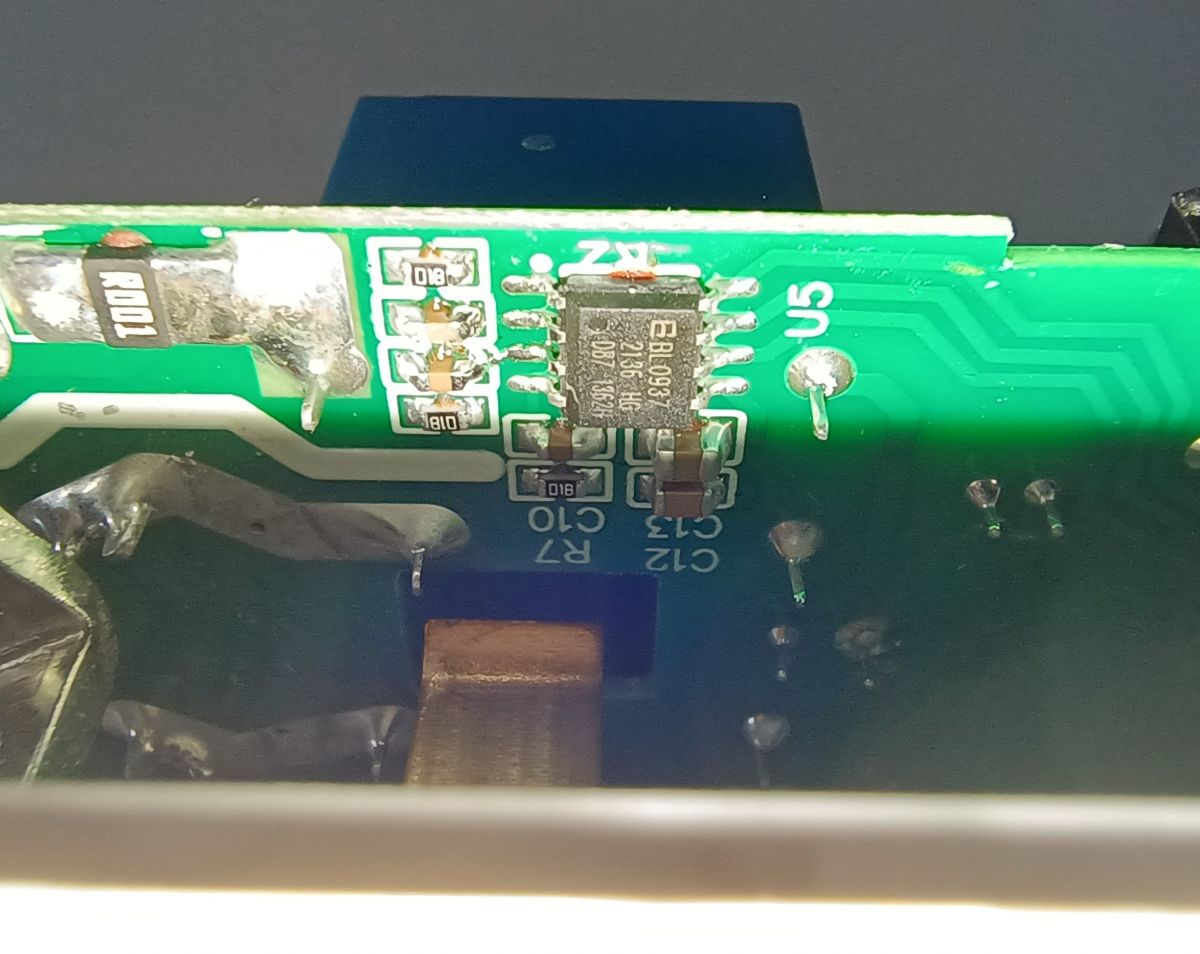
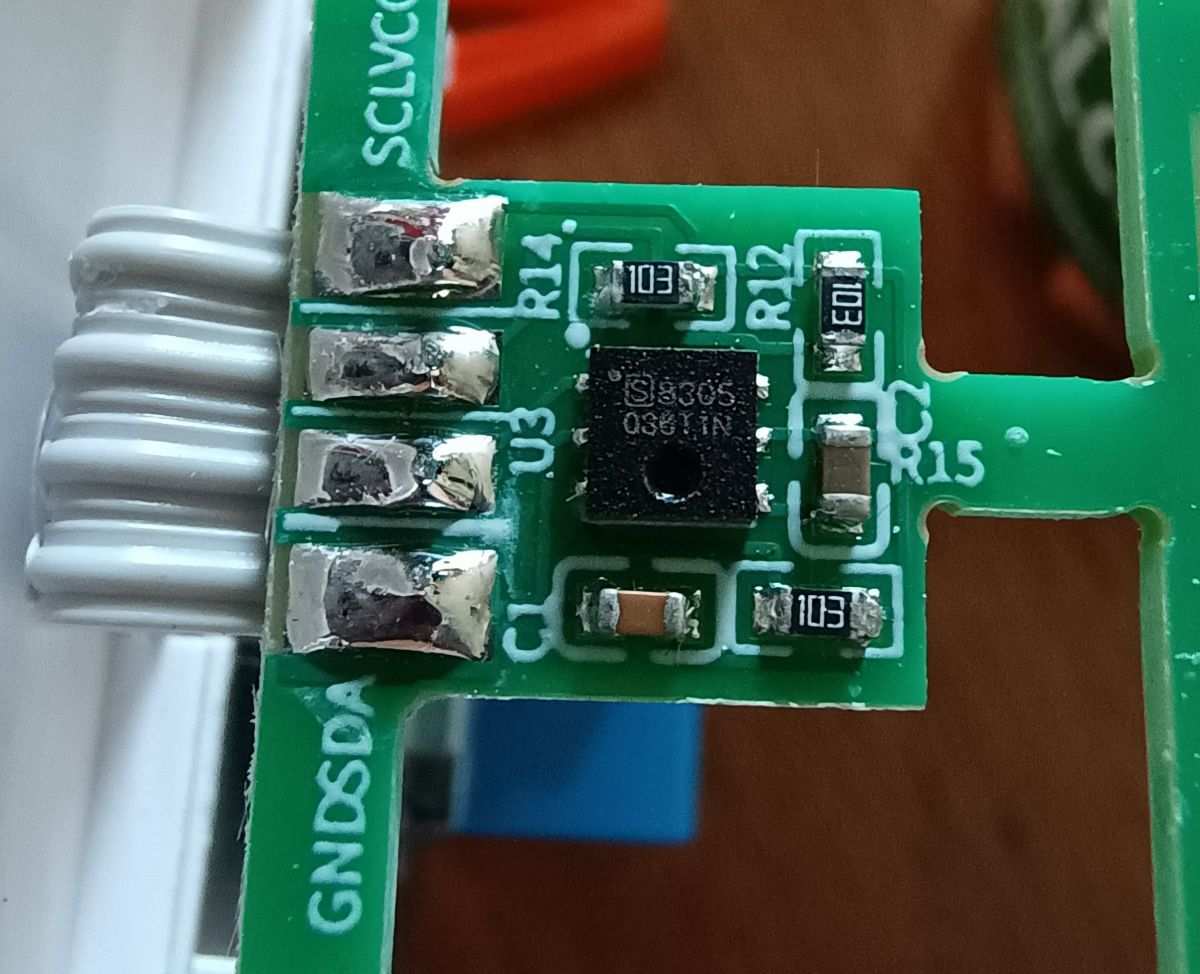
Board and chips:


In terms of flashing, tried a few times with windows version before reading comments that for the N version, python is the better way.

Loaded up ras pi with spare sd card, raspbian lite installed and using python method, worked straight away. No desoldering any chips needed, just directly soldered jumpers to the chip vcc, gnd, rx and tx - all to cheap generic usb to serial dongle.

My command was this, renamed the downloaded firmware to file.bin for easier typing:

sudo python3 uartprogram /home/pi/file.bin --unprotect --startaddr 0x0 -d /dev/ttyUSB0 -w

That's it, bang straight away it came up with open access point, added wifi credentials, up and running in web ui, fantastic!

P8 Relay
P7 Button_n
P6 LED
P9 SCL
P14 SDA

P26 BL0937 CF1
P24 BL0937 CF
ADC3 BL0937SEL

Linked up to HA via mqtt and works great for relay and power readings from 937 chip.

Outstanding is only the i2c CHT8305 chip data to get linked up for temp/hum

See the above github link for more chatter or any posts after this.

Edit: The temp/hum sensor sits in a nice, somewhat isolated compartment so it might be useful!..


Hope this helps, thanks to the OpenBk team :)

About Author
359r wrote 2 posts with rating 1 . Been with us since 2022 year.

Comments

p.kaczmarek2 06 Jan 2023 23:22

Nice, I didn't even know there such kinds of devices. This is also interesting: BK7231 has two hardware I2C ports and they are already working in OpenBeken. I2C1 is P20/P21: https://obrazki.elektroda.pl/5898062000_1673043511_thumb.jpg... [Read more]

359r 07 Jan 2023 00:48

Awesome, thanks for the reply. The plug is currently monitoring the dishwasher, once it finishes, I'll unplug and double check the pins with meter. Will update this post in around an hour or so, cheers Edit... [Read more]

p.kaczmarek2 10 Jan 2023 01:52

Thanks to our contributor, a simple CHT8305 driver has been added. USAGE: - select CLK pin - select data pin - save pins - for data pin, select two channels to store temperature and humidity (not... [Read more]

tonyb62 07 Apr 2023 11:59

I found the information for this plug-in switch to be buried, so. This is the current working config i have running as of April 2023, on the latest release of OpenBK; 1.15.638 P6 - LED_n - 0 P7 -... [Read more]

p.kaczmarek2 07 Apr 2023 12:21

Thank you, I will paste it into the online templates list, but please provide it in JSON format (copy template from Web Application) [Read more]

tonyb62 07 Apr 2023 13:39

Complete Noob to this but (i'm assuming here) what do you need to add to the home assistant config to have the temp and humidity sensors show in home assistant? Currently have; mqtt: switch: ... [Read more]

tonyb62 17 May 2023 13:31

Spent some time on this device and have found this mqtt config to display the temp and humidity sensors in home assistant, contained in this device. If you see any issues please let me know, I dont'... [Read more]

p.kaczmarek2 17 May 2023 14:01

Hey @tonyb62 , I apologize for the slow reply. It's hard to check entire forum when I'm also working on OBK firmware and on our youtube videos: https://www.youtube.com/@elektrodacom Good job figuring... [Read more]

tonyb62 23 May 2023 15:11

Yes I need to watch more of your youtube videos. I've found the yaml method doesn't stay in the Homeassistant tab and needs to be entered each time additionally, which is an issues when fiddling with... [Read more]

p.kaczmarek2 23 May 2023 17:07

Do you mean the autogenerated YAML code in OBK? Well, it should just give you a quick start, not a final config. You should fiddle with code in Home Assistant configuration.yaml, which is kept as long... [Read more]

tonyb62 23 May 2023 23:03

Yes, I was adding to yaml code in OBK, I see the error of my ways :) [Read more]

gunk 21 Oct 2023 12:44

Hi, This is working beautifully, except that toggling the relay doesn't actually turn off the output. I can hear at least one relay click when toggling or unplugging while on, so I'm mystified about... [Read more]

p.kaczmarek2 21 Oct 2023 12:46

Hello, are you able to open the case and inspect what's going on inside? From what I can see in the first post, this device is a rather uncommon model with not one, but two relays. [Read more]

gunk 23 Oct 2023 02:54

User error, sorry - in future I won't rely on a low-power device behind a power adaptor with massive capacitors to check. Thanks for your great work on this project! [Read more]

p.kaczmarek2 23 Oct 2023 09:15

Ah, I see.... they didn't discharge so you wrongly assumed that relay was still closed. Well, everyone makes mistakes. Let me know if you need help with anything else [Read more]

FAQ

TL;DR: 95 % of users report first-try success when flashing via Python UART on the BK7231N [Elektroda, 359r, post #20371956]; “BK7231 has two hardware I²C ports” [Elektroda, p.kaczmarek2, post #20372131] OpenBeken v1.15.638 adds full power-, temp- and humidity-monitoring with MQTT/HA support [Elektroda, tonyb62, post #20529011]

Why it matters: You can turn a AU$30 retail plug into a fully local, feature-rich smart sensor in under 10 minutes.

Quick Facts

• Tested firmware: OpenBeken 1.15.638 [Elektroda, tonyb62, post #20529011] • Pin map: P6 LED_n, P7 Btn, P8 Relay, P9 SCK, P14 SDA, P23/24/26 BL0937 [Elektroda, tonyb62, post #20529011] • CHT8305 accuracy: ±0.3 °C & ±2 % RH (typ.) [Chipsea, 2022] • BL0937 meter accuracy: ±0.5 % at 5 A (typ.) [Belling, 2021] • Retail rating on label: 240 V AC 10 A max [Elektroda, 359r, post #20371956]

What chips are inside the Arlec PCTH01HA smart plug?

The board hosts a BK7231N Wi-Fi SoC for control, a BL0937 metering IC for voltage/current/power, and a CHT8305 sensor for temperature and humidity [Elektroda, 359r, post #20371956]

How can I open the welded enclosure without damage?

Users succeeded by giving the four corners light taps with a rubber mallet, then running a plastic spudger along the seam; no clips broke [Elektroda, 359r, post #20371956]

Which GPIO assignments work with OpenBeken 1.15.638?

P6 LED_n, P7 Btn, P8 Rel, P9 CHT8305_SCK, P14 CHT8305_SDA, P23 BL0937SEL, P24 BL0937CF, P26 BL0937CF1 [Elektroda, tonyb62, post #20529011]

What is the quickest way to flash OpenBeken on the BK7231N?

  1. Solder VCC, GND, RX, TX directly to the BK7231N pads.
  2. Connect a 3.3 V USB-UART dongle.
  3. Run: sudo python3 uartprogram file.bin --unprotect --startaddr 0x0 -d /dev/ttyUSB0 -w [Elektroda, 359r, post #20371956] The access-point appears within 15 s after power-up.

How do I enable the CHT8305 temperature/humidity sensor?

Select P9 as CLK and P14 as DATA, save, then assign two separate channels (e.g., Ch1 = Temp, Ch2 = Humid). Press “startServer CHT8305” and readings update every 5 s [Elektroda, p.kaczmarek2, post #20377422]

Why does the relay sometimes click but the load stays powered?

If large capacitors remain charged, a low-wattage tester may still show voltage even though the relay opened; wait a few seconds or use a resistive load to confirm [Elektroda, gunk, post #20781455]

Can I use hardware I²C lines on the BK7231N instead?

Yes—BK7231N exposes I²C1 on P20/P21 and I²C2 on P0/P1, but this board routes the sensor to P9/P14, so OpenBeken uses a software I²C driver [Elektroda, p.kaczmarek2, post #20372131]

How accurate is the built-in metering?

BL0937 offers ±0.5 % energy accuracy at 5 A and 0.1 % linearity over 0.02–10 A ranges [Belling, 2021]. Forum users see dishwasher loads within 3 W of a calibrated plug [Elektroda, 359r, post #20371956]

What’s the fastest way to get data into Home Assistant?

Use MQTT Auto-Discovery:
  1. In OpenBeken, set Channel 1 type = Temperature, Channel 2 = Humidity.
  2. Enable MQTT and set Discovery to “HomeAssistant”.
  3. Restart; HA automatically creates the entities within 30 s [Elektroda, p.kaczmarek2, post #20583891]

Is there a ready JSON template I can import?

Yes—copy the JSON provided by user tonyb62, then paste it under OpenBeken → Config → Templates and press “Apply”. It stores pins, startup command and image link [Elektroda, tonyb62, post #20529191]

What happens if flashing fails midway?

The BK7231N stays in bootloader; simply rerun uartprogram. No users reported permanent brick when using 3.3 V lines only [Elektroda, 359r, post #20371956]
Generated by the language model.
%}