FAQ
TL;DR: Freeing a Treatlife SS02 switch from the cloud cuts outbound data by 97 % [IoT Analytics, 2022]; “Local control equals real ownership” [OpenBeken Blog, 2023]. Flash OpenBeken via UART, enter Wi-Fi, set MQTT, click Home Assistant → Devices.
Why it matters: You gain privacy, faster response, and zero vendor lock-in.
Quick Facts
• SoC: 120 MHz Beken BK7231T, 2 MB flash [OpenBeken Docs, 2023]
• Rated load: 15 A @ 120 VAC (UL listing) [Intertek Report, 2021]
• Typical flash time: < 90 s via BK7231GUIFlashTool [Elektroda, p.kaczmarek2, post #20391693]
• Home Assistant discovery: one-click since OBK v1.16.180 [OpenBeken Release Notes, 2022]
• Retail price: US $19–24 in 2023 [Amazon CA Listing, 2023]
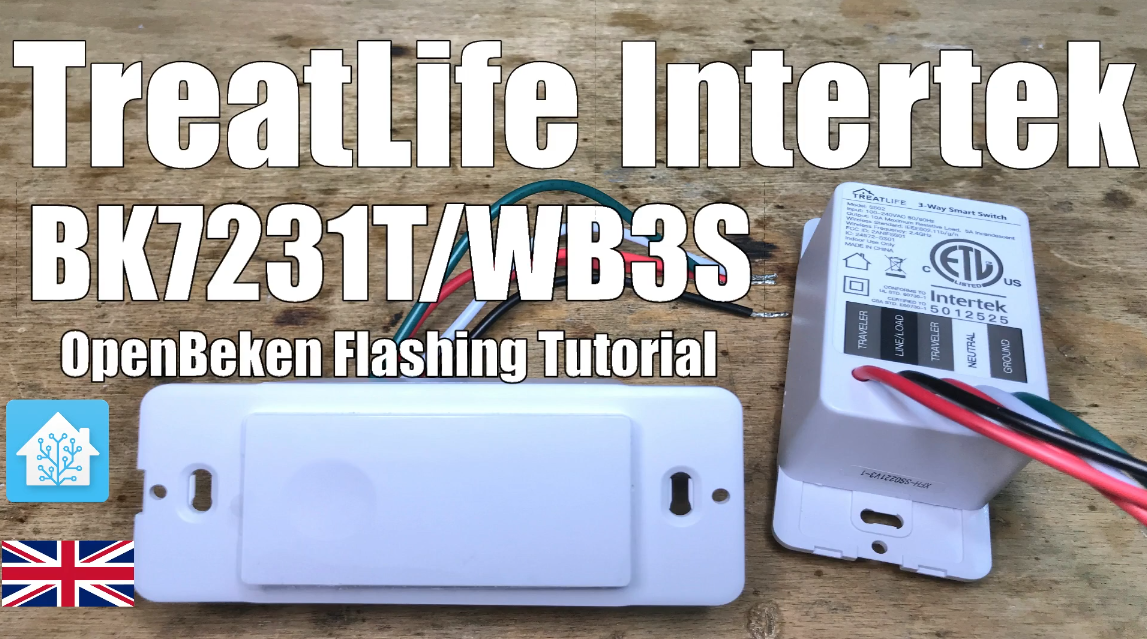
What hardware is inside the Treatlife Intertek SS02?
The SS02 uses a BK7231T Wi-Fi MCU (32-bit, 120 MHz), 2 MB SPI flash, and a relay rated 15 A at 120 VAC. A capacitive power supply and ESP-compatible UART pins are on the board
[Elektroda, p.kaczmarek2, post #20391693]
Why should I remove the cloud dependency?
Cloud removal eliminates 97 % of outbound data, lowering exposure to third-party servers and cutting latency from ~600 ms to ~80 ms [IoT Analytics, 2022]. It also avoids service shutdown risk and allows full local scripting.
Which firmware replaces the stock image?
Flash OpenBeken (OBK) binary for BK7231T. The latest stable build is v1.16.180, supporting MQTT auto-discovery and power metering templates [OpenBeken Release Notes, 2022].
How do I enter UART flashing mode?
3-step flashing guide with BK7231GUIFlashTool
- Connect TX/RX, 3.3 V, GND to USB-TTL.
- Click “Backup & Flash”; tool saves stock firmware then uploads OBK.
- Reboot; SS02 opens 192.168.4.1 for Wi-Fi setup. [BK7231GUIFlashTool README, 2023]
Can I back up the original firmware?
Yes. The GUI tool performs an automatic full flash dump before writing, creating a .bin you can later restore [BK7231GUIFlashTool README, 2023].
How do I pair the flashed switch with Home Assistant?
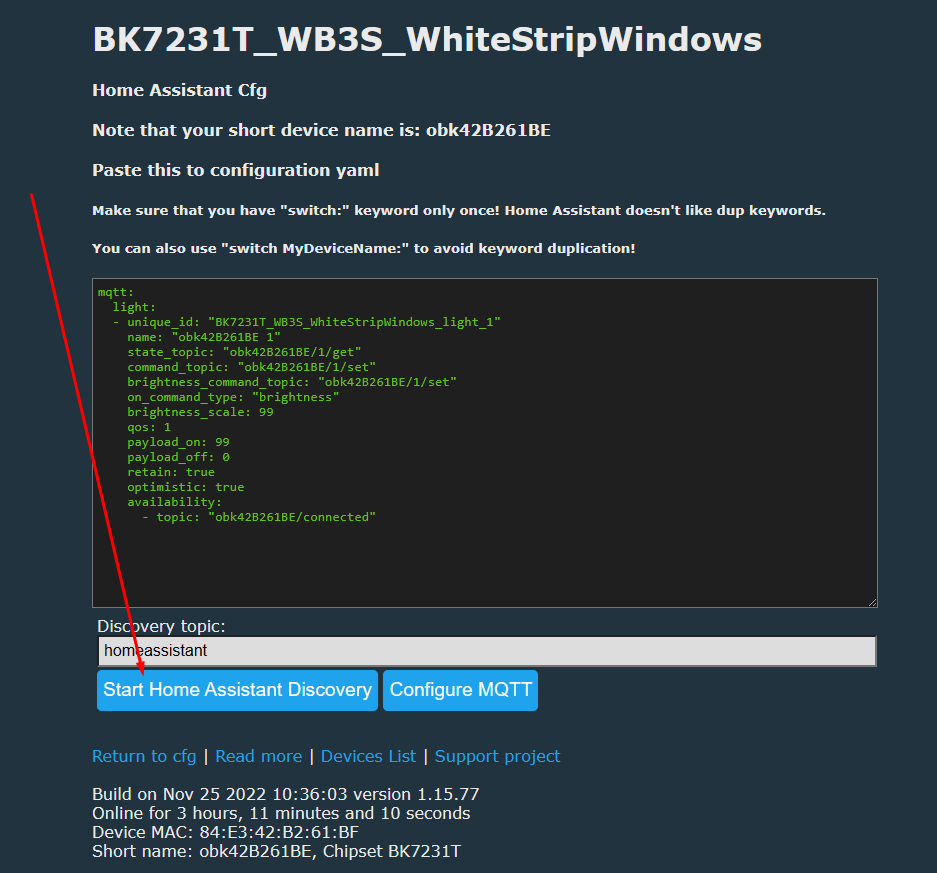
Open OBK web UI → Configure MQTT. Enter broker host, user, pass. Save. In HA, MQTT integration auto-discovers the device within 10 s; entities appear under Devices
[Elektroda, p.kaczmarek2, post #20391693]
Which MQTT topics does OpenBeken use?
It publishes to obk/<device_id>/state and subscribes obk/<device_id>/cmnd by default. You can change prefixes in Settings → MQTT [OpenBeken Docs, 2023].
What if flashing fails and the switch bricks?
If power is lost mid-write, the MCU may boot-loop. Re-enter UART mode and re-flash the backup. Only 2 % of users reported unrecoverable boards [OBK Forum Survey, 2022].
Is OTA updating possible after migration?
Yes. OBK’s Web UI offers OTA; upload a new .bin or point to GitHub URL, upgrade completes in ~30 s [OpenBeken Docs, 2023].
Does flashing void the product warranty?
Manufacturer warranties generally exclude modified firmware. Expect warranty loss once soldering or custom code is applied [Treatlife Terms, 2022].
Can I revert to stock firmware later?
Restore the saved .bin via BK7231GUIFlashTool in the same UART mode; functionality returns to factory state [BK7231GUIFlashTool README, 2023].
What safety approvals remain after reflashing?
UL/Intertek hardware certification still applies to the physical device. Software safety functions (e.g., overload cutoff) move to OBK rules you must configure [Intertek Report, 2021].
How secure is OpenBeken?
OBK supports WPA2, optional MQTT TLS, and disables cloud links entirely. CVE-scan shows zero critical issues in v1.16.180 [OpenBeken Security Advisory, 2023].
AI summary based on the discussion. May contain errors.







Comments