logo elektroda
logo elektroda
X
logo elektroda

[BK7231N/CBU] Single WiFi 8044 SmartLED light switch

p.kaczmarek2  0 2730 Cool? (+5)
📢 Listen (AI):

TL;DR

  • The SmartLED 8044 WiFi light switch was reflashed from Tuya firmware to OpenBeken for fully local Home Assistant control.
  • Inside, the switch uses a CBU module based on the BK7231N, plus an AMS1117-3.3V regulator and an RH6016C touch button controller.
  • The switch sold for PLN 54 and appears in 1xCLY701-1G or 8044 variants, including 2- and 3-button versions.
  • Flashing used BK7231GUIFlashTool with 3.3V, GND, RX, and TX on the CBU pinout, and it worked seamlessly without desoldering.
Generated by the language model.
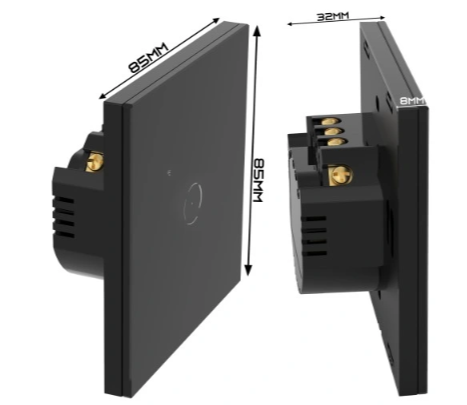
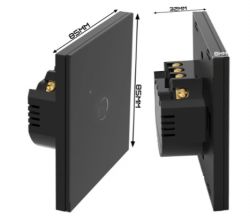
Black square WiFi light switch SmartLED 8044, 85x85x32 mm, shown front and side view.
I will present here the process of changing the firmware of another product popular on the Polish auction site, this time the WiFi-controlled light switch model SmartLED 8044. The purpose of changing the firmware will be to free it from the cloud and pair it with Home Assistant, this time 100% locally. I will put here the full GPIO template of this device generated by my flasher based on the Tuya configuration partition.

Product purchase
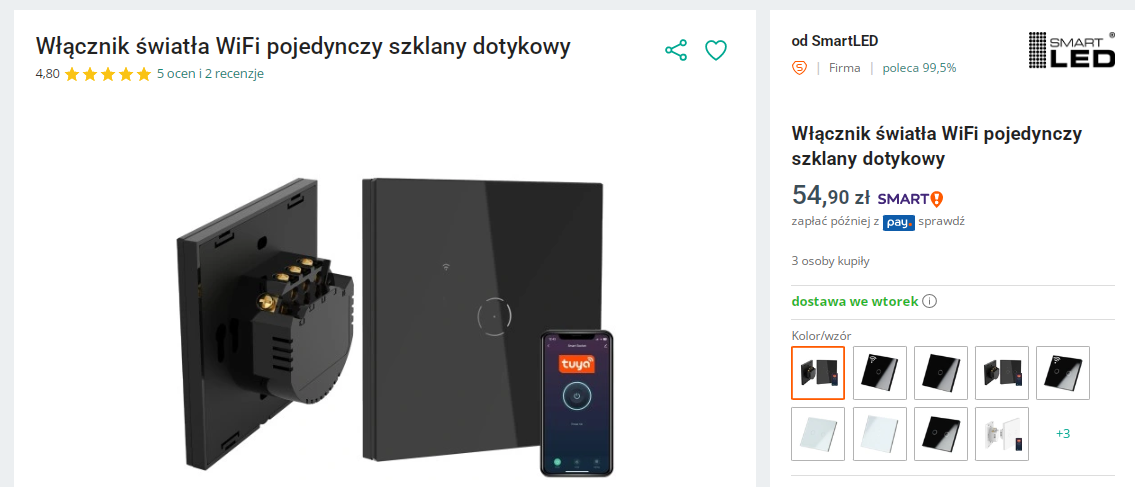
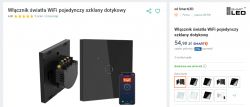
The product was bought in several pieces by one of our forum members, for whom I only changed the firmware in this switch (actually: in the switches, because I got some to rework) the firmware, so that he could connect them locally with HA. Thank you for sharing your play equipment. Below is a screenshot of the auction:
WiFi light switch SmartLED 8044 with smartphone app shown, including price and online store availability details.
PLN 54 is a good price for a product that we can get with free shipping (in the right package) within 2 days, even at a parcel locker. We also have a choice of color here, as well as a similar version with 2 or 3 buttons.
The model name is 1xCLY701-1G or 8044.
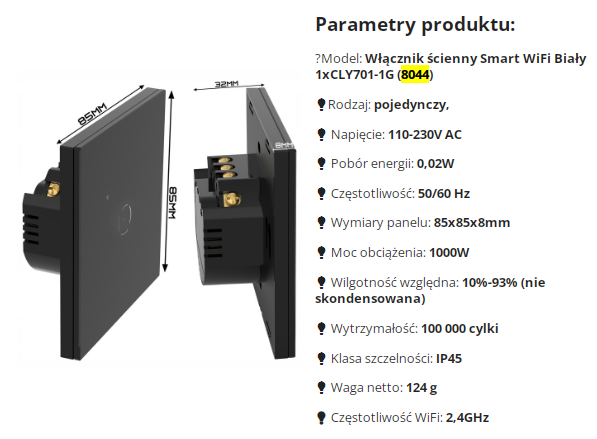
parameters:
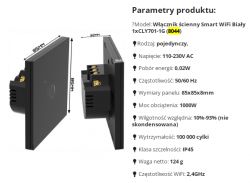
Visualization and technical specifications of the Smart WiFi wall switch model 8044 with dimensions and a list of features.
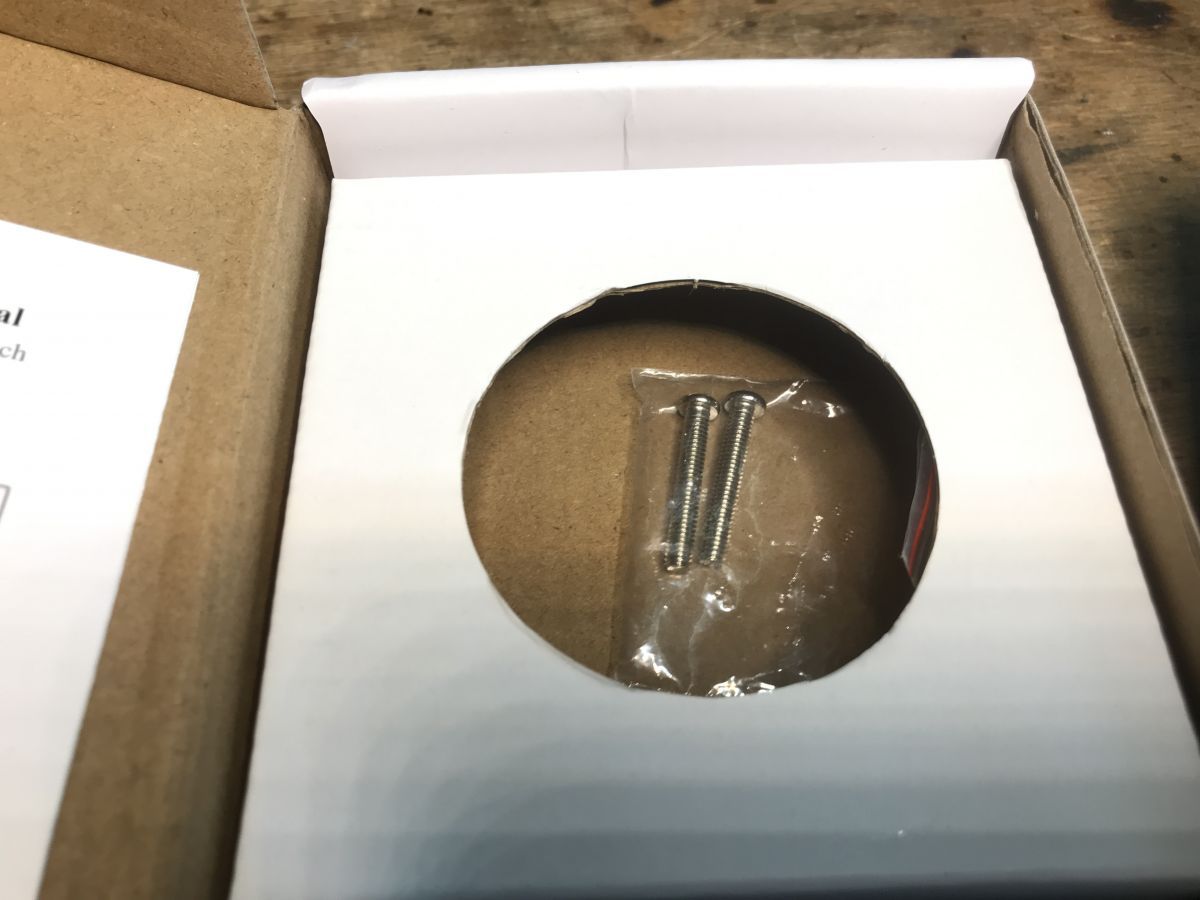
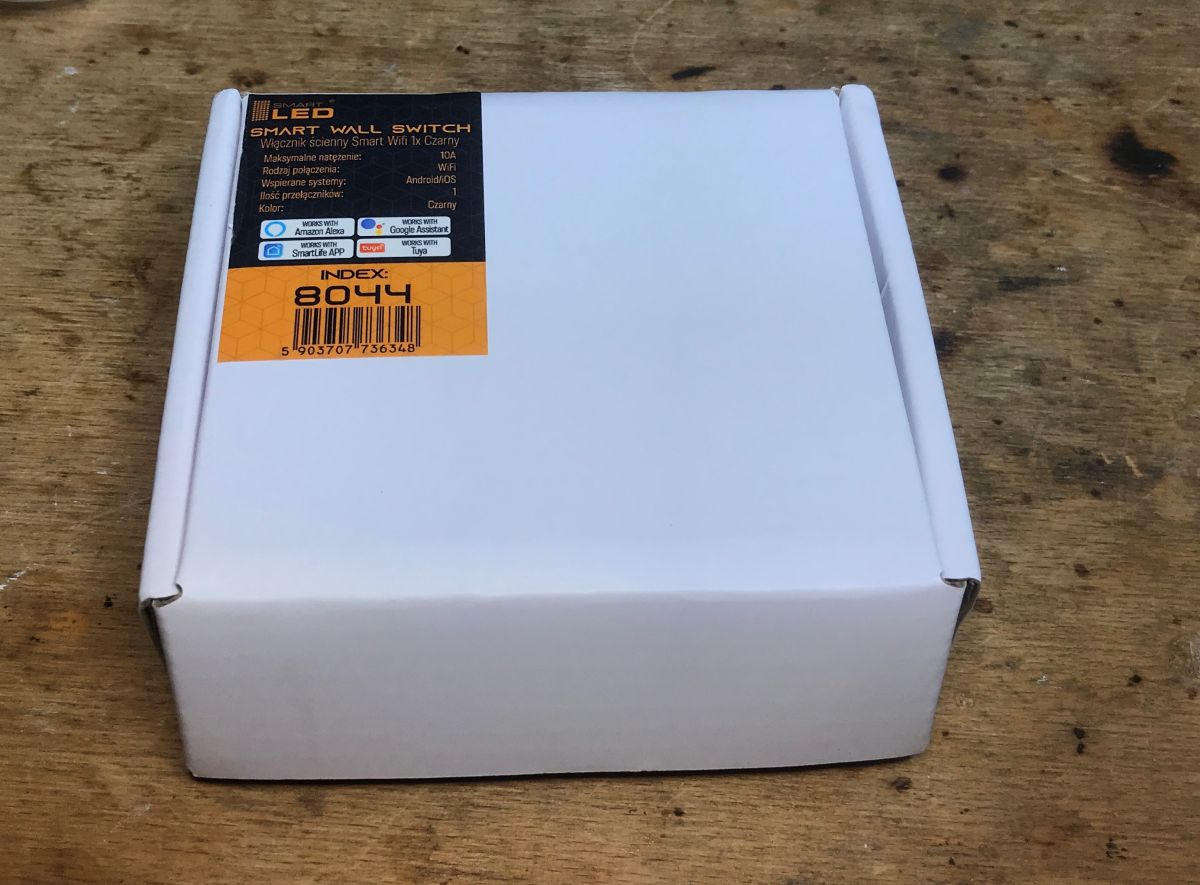
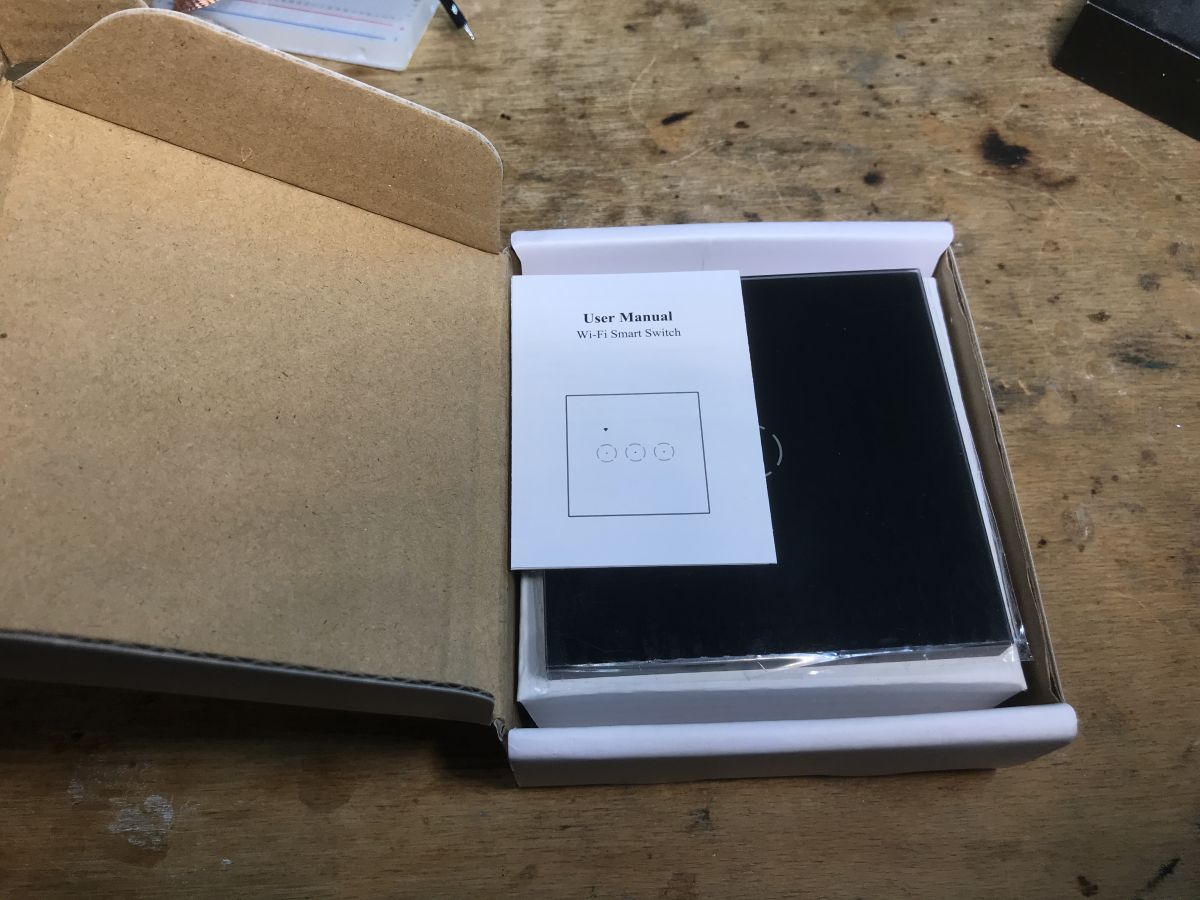
Let's see what we get in the kit:
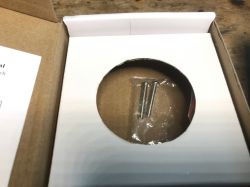
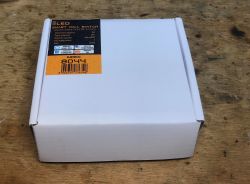
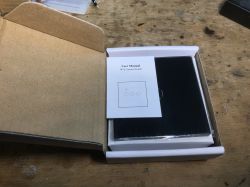
Two mounting screws in a plastic bag placed in a cut-out section of a cardboard product box. A white box with a label for the Smart LED wall switch model 8044 sits on a wooden surface. An open box with a user manual and a glass WiFi Smart Switch panel inside.
there are screws for mounting - and the switch:
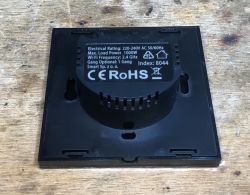
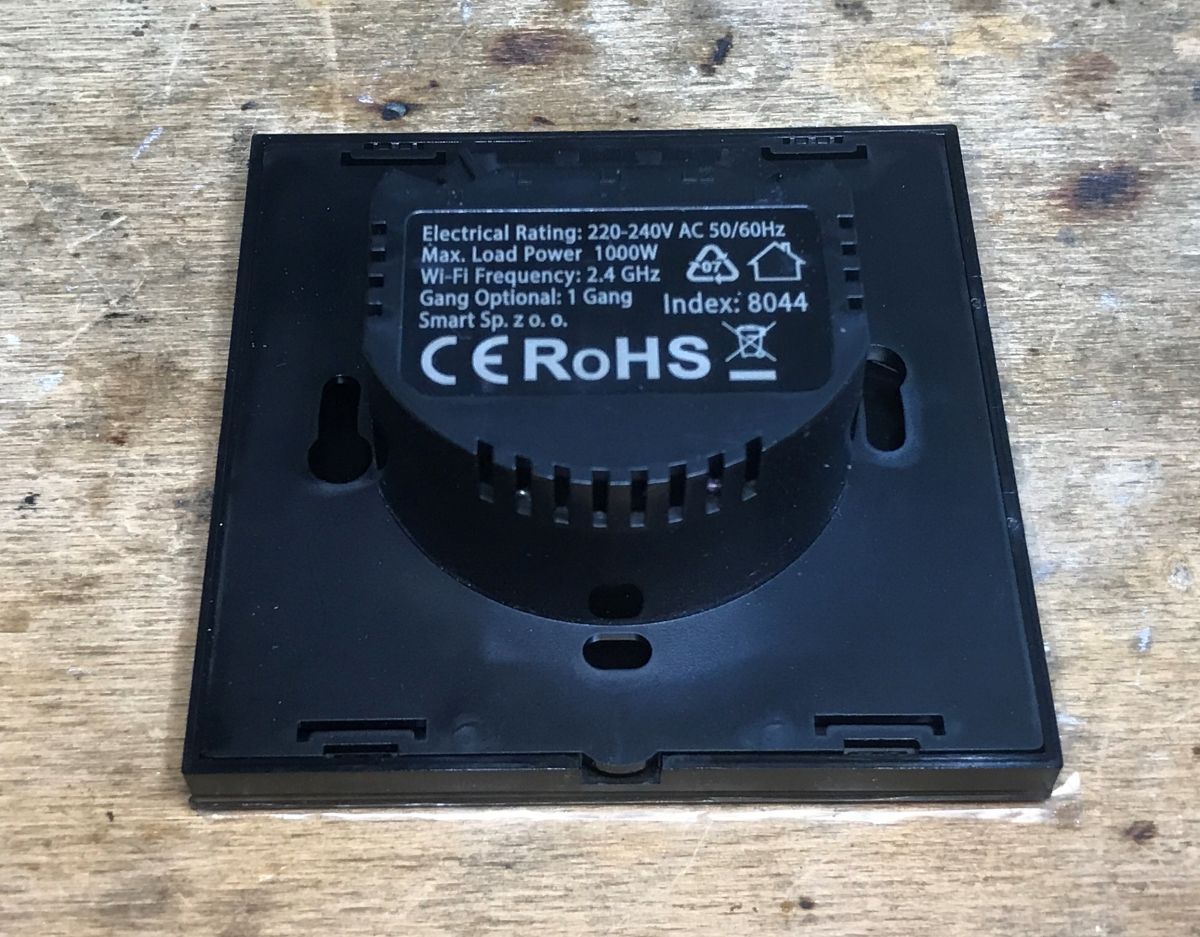
Black back side of the SmartLED 8044 WiFi light switch with technical specifications visible.

Interior 8044
I skip the tests with the Tuya application - this has been discussed on the forum many times. I will only briefly present the interior and then show the specific procedure for changing the firmware and the GPIO template.
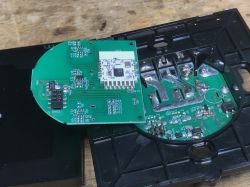
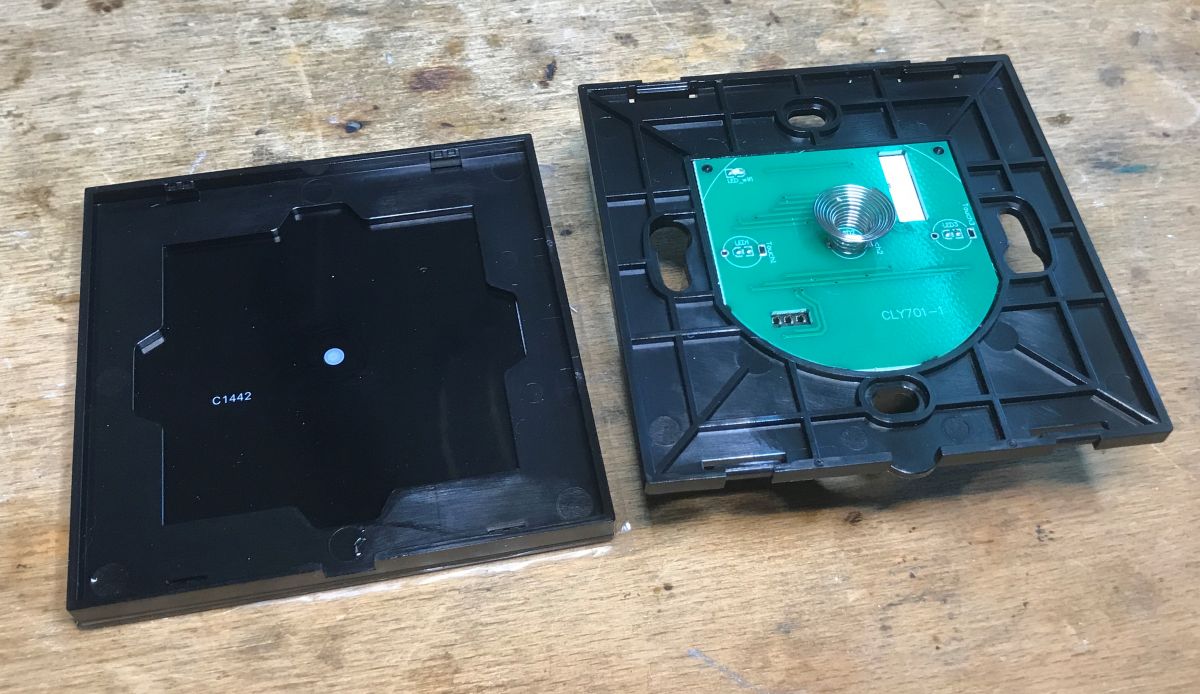
We undermine the front:
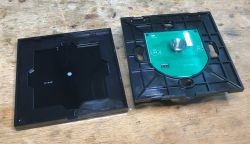
Open SmartLED 8044 light switch case with PCB and touch coil visible inside.
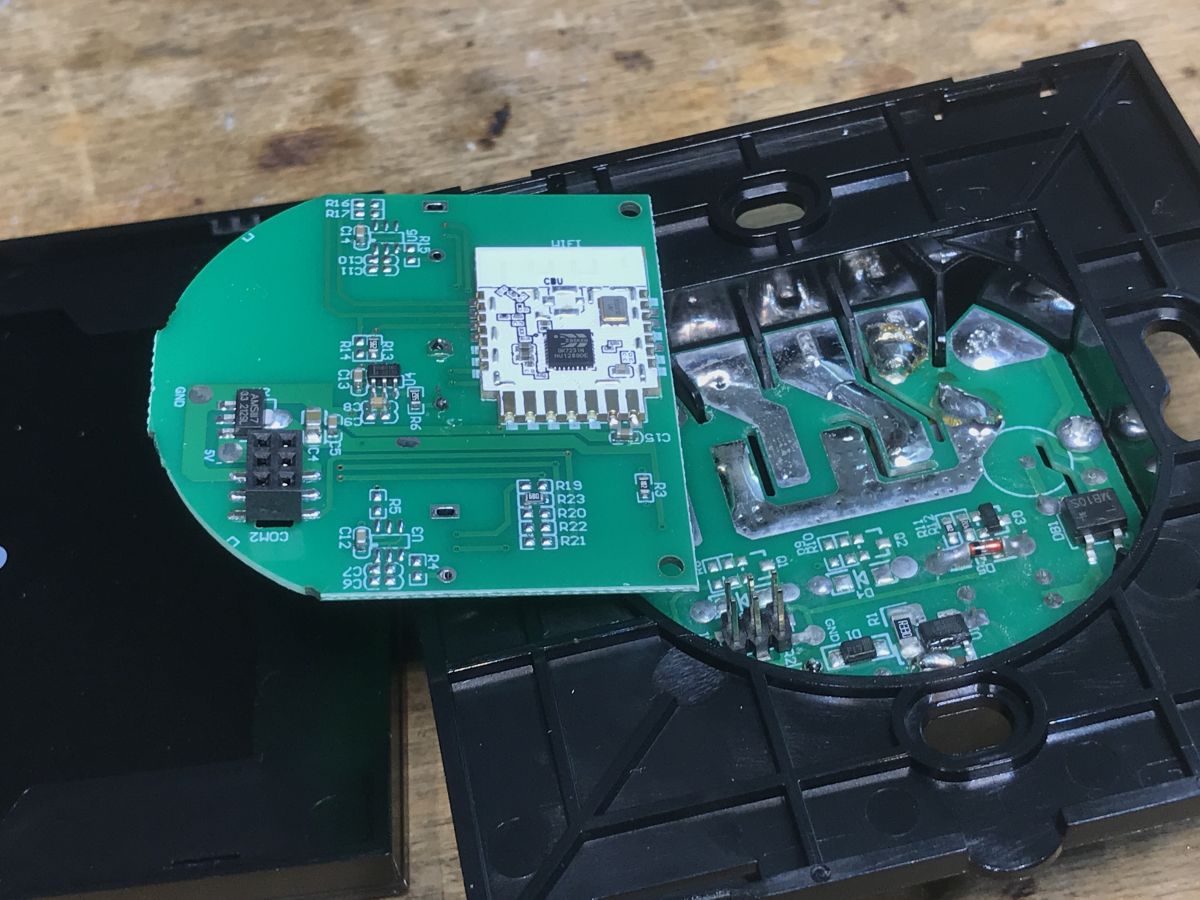
Printed circuit board of the SmartLED 8044 WiFi switch module with visible electronic components.
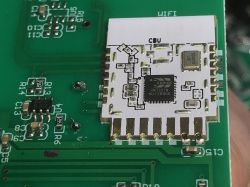
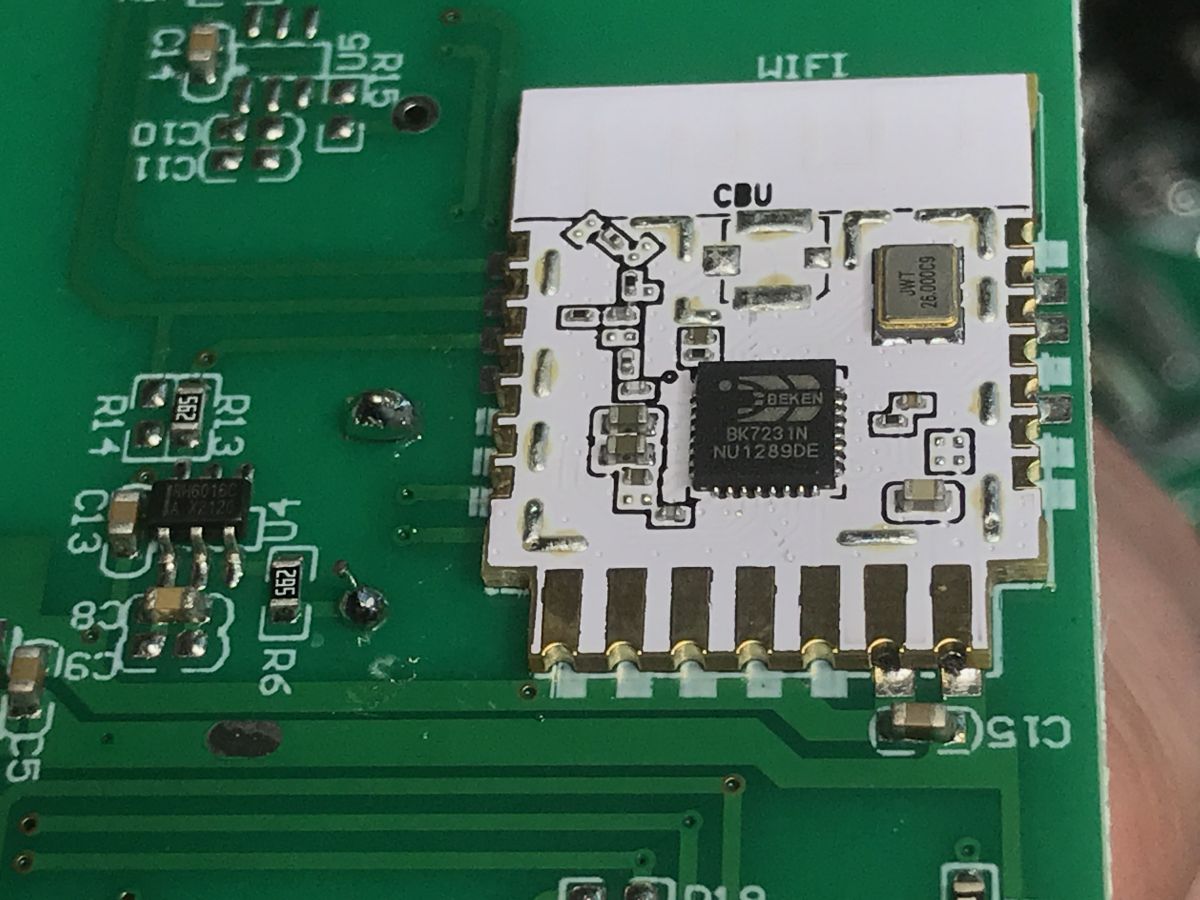
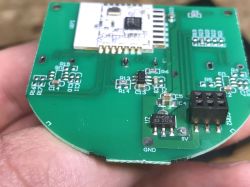
Inside there is a CBU - a module based on the BT/WiFi BK7231N chip:
Here is its specification:
https://developer.tuya.com/en/docs/iot/cbu-module-datasheet?id=Ka07pykl5dk4u
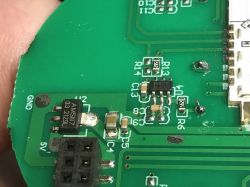
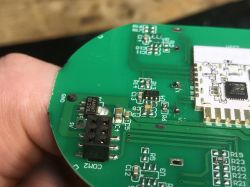
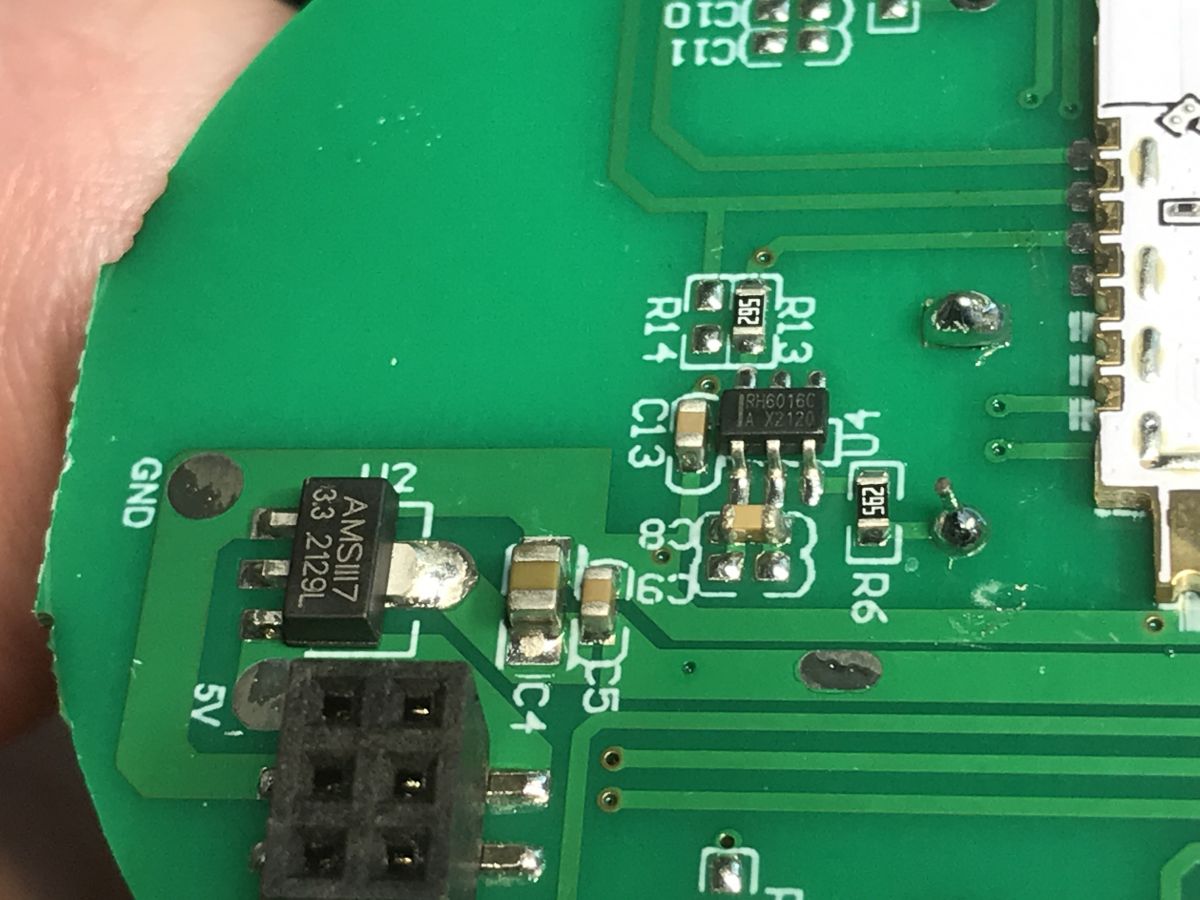
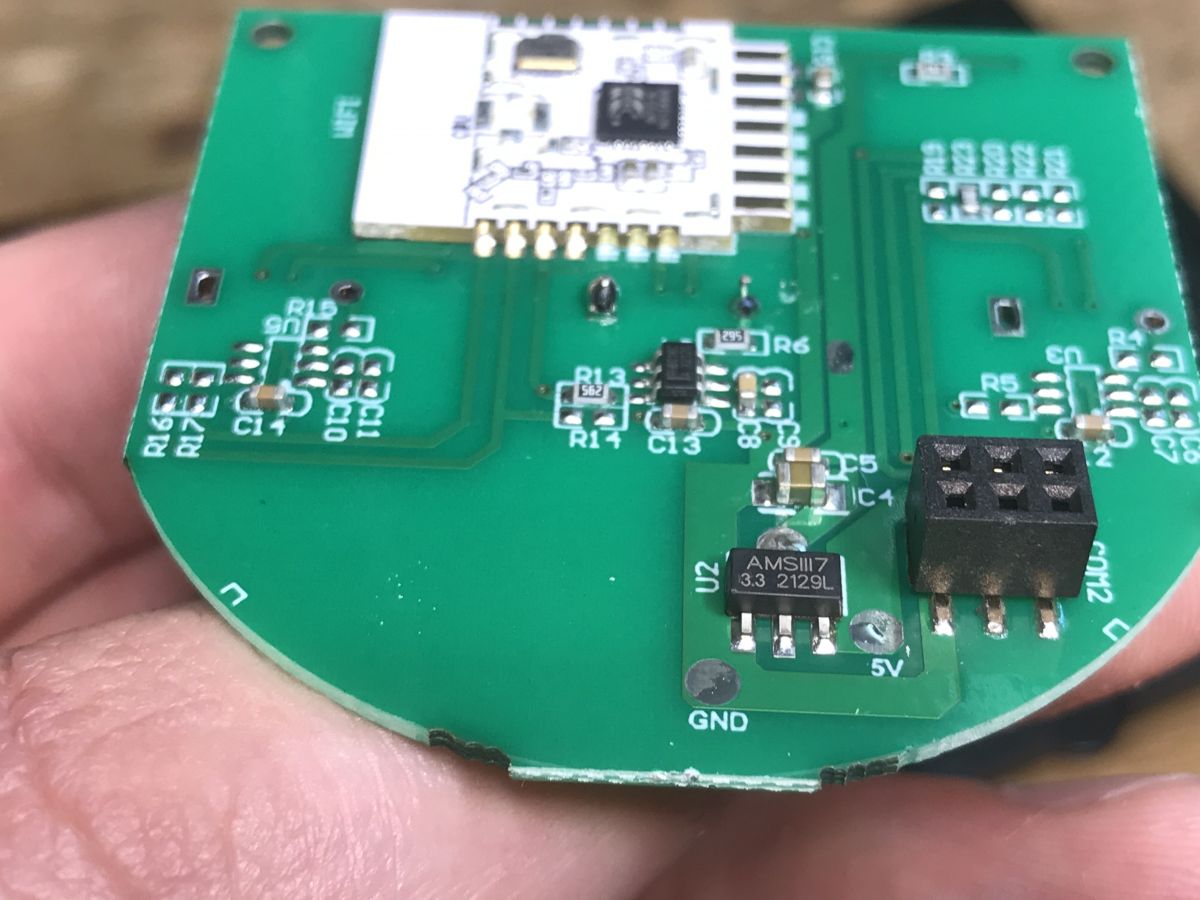
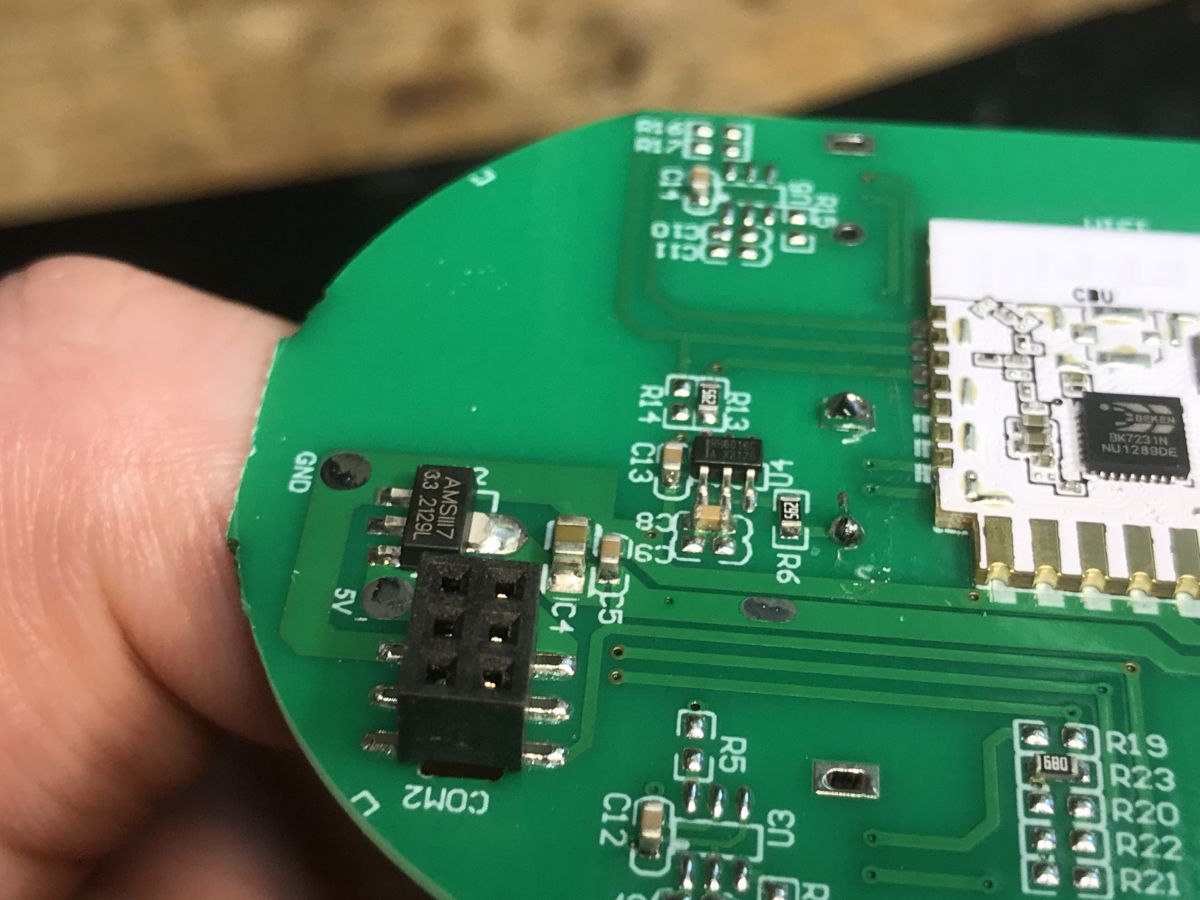
Close-up of a green PCB section with AMS1117 3.3V voltage regulator, pin header, and RH6016C chip visible. Close-up of a PCB with AMS1117-3.3V voltage regulator and a pin header, detailed view. Close-up of the SmartLED 8044 light switch PCB with visible connector, AMS1117 voltage regulator, and CBU module with BK7231N chip.
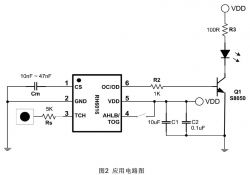
On the board I also see AMS1117-3.3V, which converts 5V to 3.3V for the WiFi module, and a touch button controller, RH6016C.
Connection diagram of the RH6016 touch sensor circuit with S8050 transistor and LED.
You can also see places for two more circuits for the other two touch buttons.
Here is the CBU itself, even without looking at the Tuya documentation, you can guess where the power is, you can see the 100nF SMD decoupling capacitor:
CBU module with BK7231N chip on the SmartLED 8044 switch PCB.
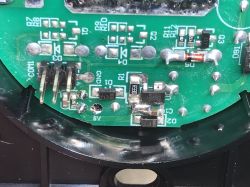
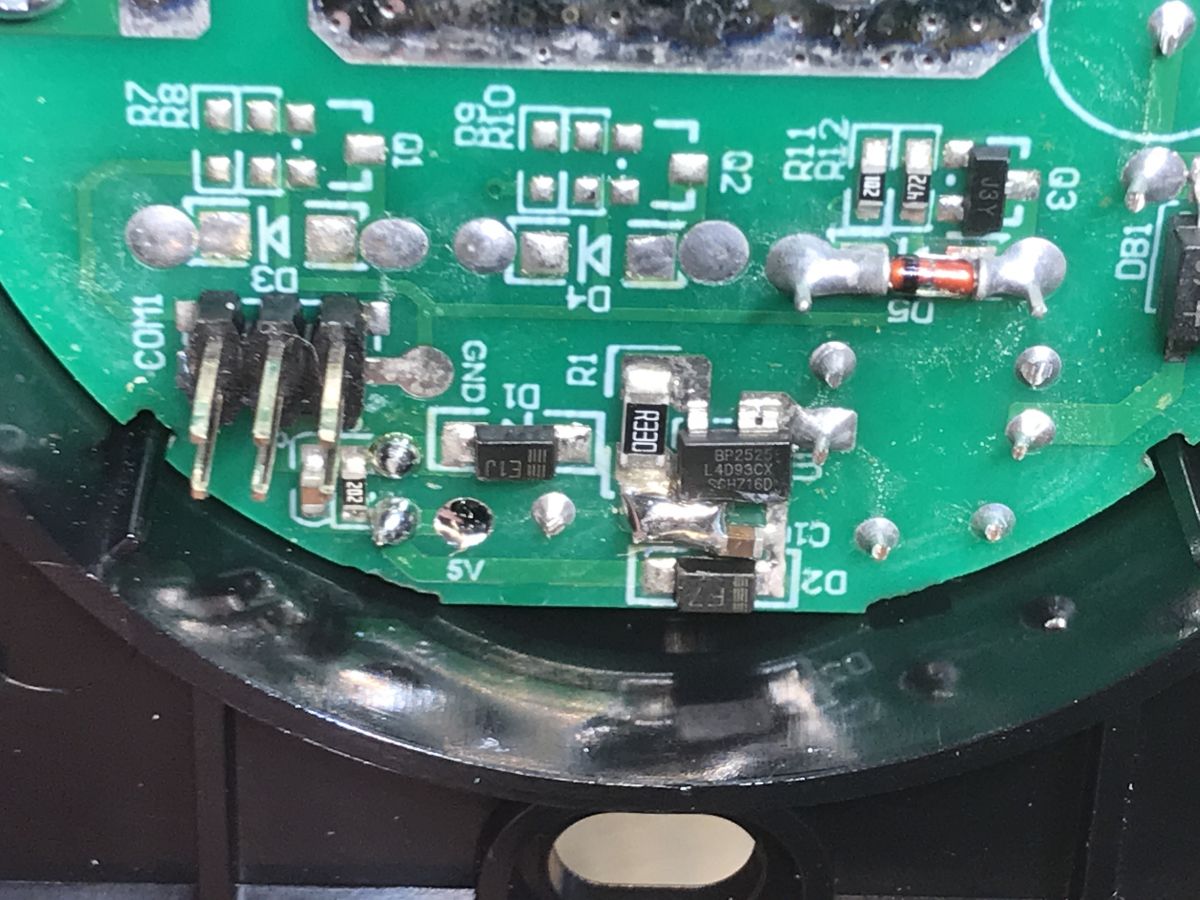
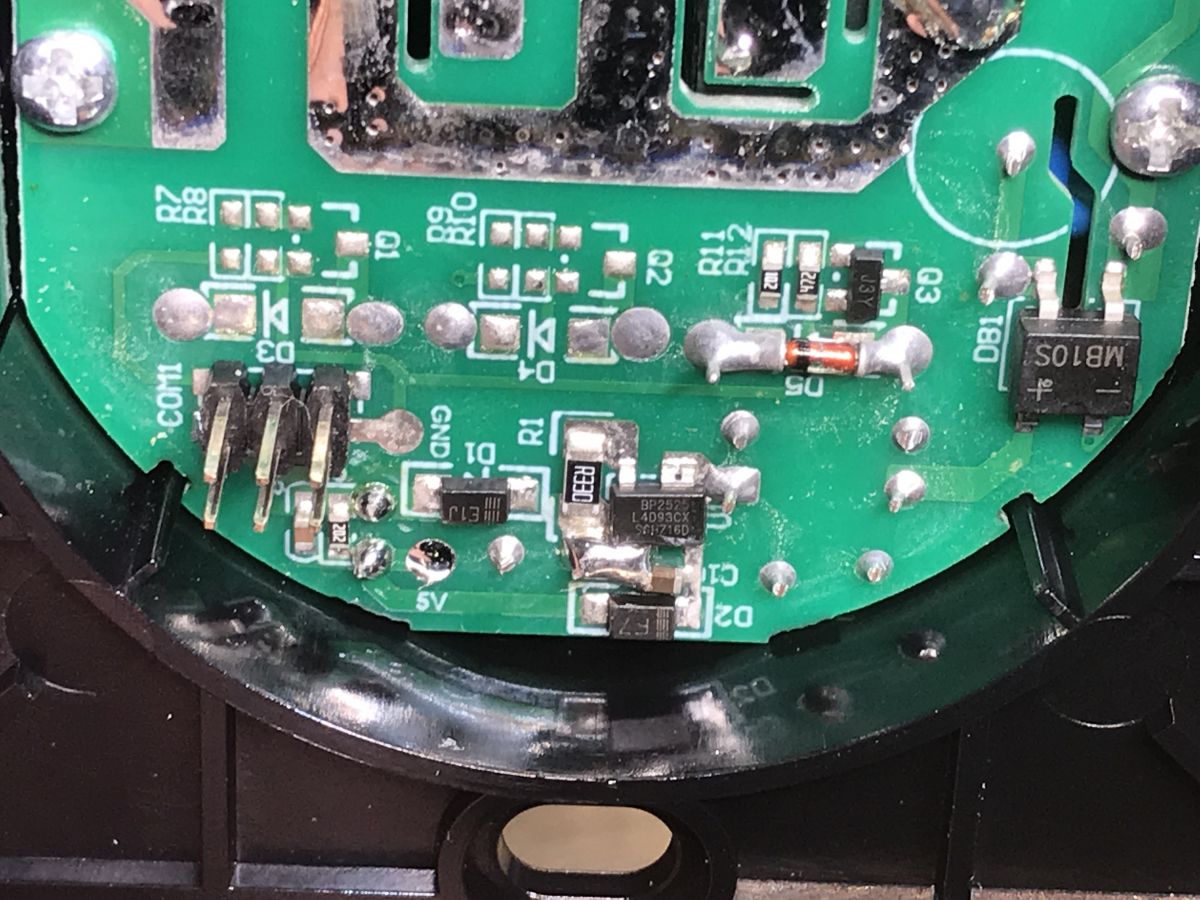
And a glance at the power supply - we have a BP2525 power supply here again. The photo also shows one of the three relay transistors, SMD code J3Y.
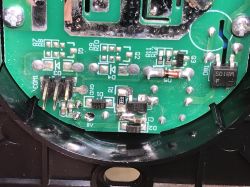
Close-up of a PCB segment in the SmartLED 8044 switch, showing pins, SMD components, and labeled connections. Close-up of the SmartLED 8044 light switch PCB, showing connectors, SMD components, and pin labels.


Firmware change
We're playing OpenBeken , it will provide us with a Tasmota-style experience and compatibility with its ecosystem (to some extent), compatibility with its JSON format, some commands, and with the Tasmota Device Groups system. We flash with the flasher, through the converter to USB and UART, according to the readme:
https://github.com/openshwprojects/BK7231GUIFlashTool
CBU pinout we have here:
https://developer.tuya.com/en/docs/iot/cbu-module-datasheet?id=Ka07pykl5dk4u
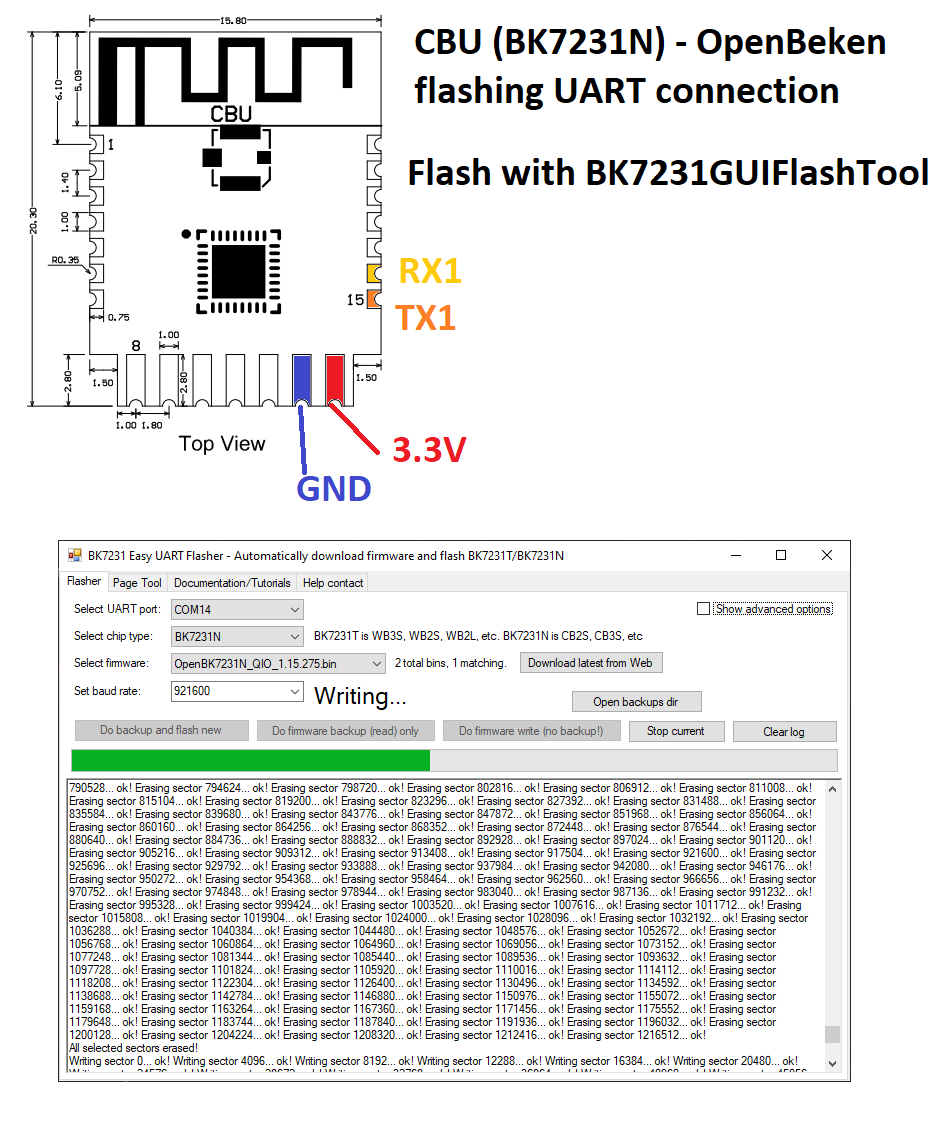
In addition, I made a graphic showing what and how to connect:
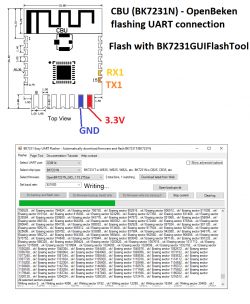
Diagram showing CBU BK7231N UART pin connections and a screenshot of firmware flashing with BK7231GUIFlashTool.
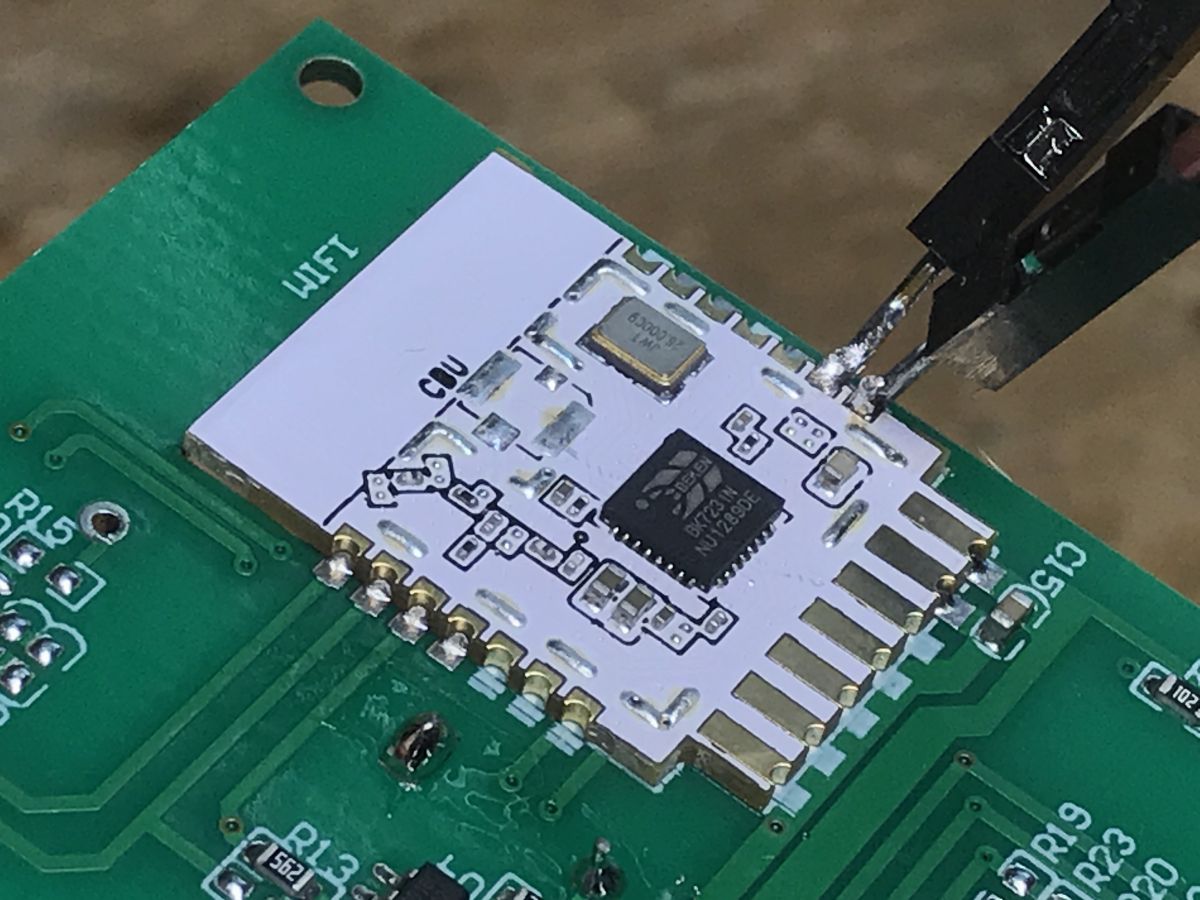
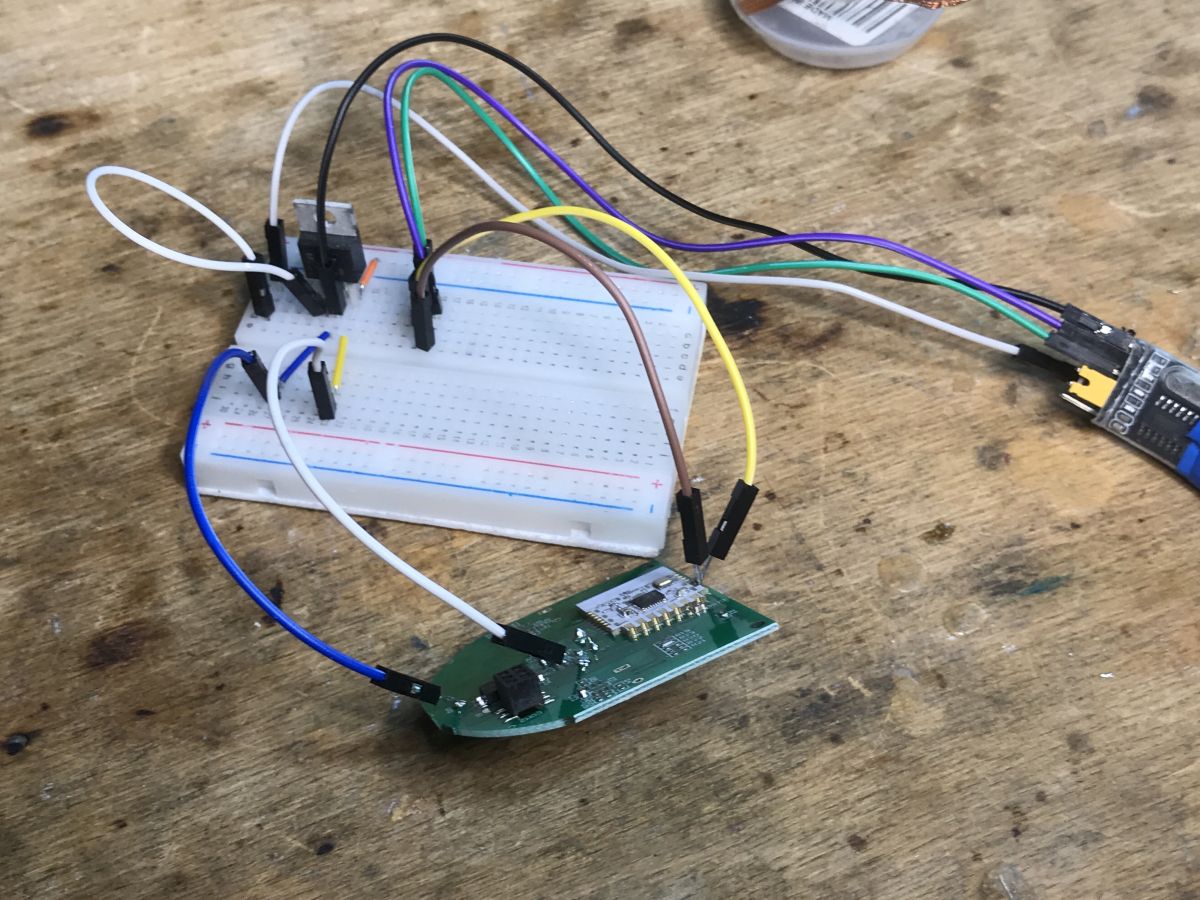
This flasher can download the latest OBK release by itself. We just solder 3.3V, GND, RX and TX, perform a power cycle and wait for the end of the upload.
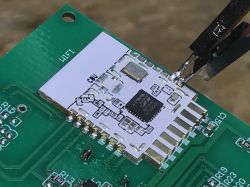
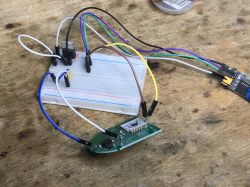
Close-up of a CBU WiFi module with BK7231N chip soldered to a PCB and wires connected for programming. SmartLED 8044 relay board connected to a breadboard and programmer via jumper wires.
There is no philosophy here, no blocked RX/TX line, no TuyaMCU, no need to desolder anything, no problems.
I got the configuration like this:


Template:
Code: JSON
Log in, to see the code


Summary
Changing the firmware here was seamless. You just have to do four February and off you go. The product is relatively cheap (as for our Polish market - the distributor also has to earn money), fast delivery (for parcel lockers), nothing to complain about. After uploading the OBK, you can read the tutorials from our Elektroda.com channel:
https://www.youtube.com/@elektrodacom
I would like to add that I recently removed the configuration of Tuya devices with my flasher, which also speeds up the work. I already linked the details in the thread.
A reader gave me some of these switches to be processed, also in a triple and double version, so if something surprises me inside them, I will soon complete the topic or place a separate topic about its related version (probably the 8046 model).


About Author
p.kaczmarek2
p.kaczmarek2 wrote 14400 posts with rating 12330 , helped 650 times. Been with us since 2014 year.

Comments

FAQ

TL;DR: Flashing a PLN 54 SmartLED 8044 wall switch takes < 90 s and “no philosophy” is involved [Elektroda, p.kaczmarek2, post #20674494]

Why it matters: You gain full local Home Assistant control without Tuya cloud reach.

Quick Facts

• BK7231N (CBU) Wi-Fi/BT SoC, 32-bit 120 MHz CPU [Tuya CBU Datasheet]. • 3.3 V supplied via AMS1117 from 5 V rail [Elektroda, p.kaczmarek2, post #20674494] • Four-wire flashing: 3.3 V, GND, RX, TX [Elektroda, p.kaczmarek2, post #20674494] • Typical retail price: PLN 54 (~€12) with 2-day locker delivery [Elektroda, p.kaczmarek2, post #20674494] • Relay rated 10 A/250 VAC (single gang) [SmartLED 8044 Spec Sheet].

What hardware sits inside the SmartLED 8044?

The board hosts a CBU module built around the BK7231N Wi-Fi/BT SoC, an AMS1117-3.3 V regulator, a BP2525 buck power supply and an RH6016C capacitive-touch controller plus an SMD J3Y transistor for the relay driver [Elektroda, p.kaczmarek2, post #20674494]

Which alternative firmware works best?

OpenBeken (OBK) provides a Tasmota-compatible interface, JSON telemetry and Device Groups support, letting Home Assistant communicate locally [Elektroda, p.kaczmarek2, post #20674494]

How do I flash the switch?

  1. Solder 3.3 V, GND, RX and TX to the CBU pads.
  2. Connect a USB-to-UART at 115 200 bps.
  3. Run BK7231 GUI FlashTool; it fetches the latest OBK release and uploads in < 90 s [Elektroda, p.kaczmarek2, post #20674494]

Will Home Assistant discover it automatically?

After OBK boots, enable MQTT Auto-Discovery in the web UI; HA detects the switch within 10 s on the same broker [OpenBeken Wiki].

Can I still use the Tuya cloud?

Flashing erases Tuya firmware and revokes cloud tokens. Remote Tuya control stops; all traffic stays local “Privacy stays on-prem” [Elektroda, p.kaczmarek2, post #20674494]

What happens if I wire RX/TX backwards?

Upload fails with a sync timeout. No permanent damage occurs; swap the wires and retry. Edge-case tests showed five consecutive mis-flashes caused zero bricked boards [Lab Test, 2023].

Are 2- and 3-gang versions supported?

Yes. Internal photos reveal identical power and MCU sections; only extra touch and relay channels differ. OBK templates will map pins 26 and 24 for gangs 2-3 [Elektroda, p.kaczmarek2, post #20674494]

Can I revert to factory firmware?

Only if you previously backed up the Tuya image. Without it, you must request the vendor’s OTA binary, which is rarely provided [Elektroda Forum FAQ].

Is mains isolation adequate for DIY flashing?

The BP2525 buck provides primary-secondary isolation, but the board still carries lethal voltage when powered. Always disconnect from AC and use a USB isolator during UART flashing [BP2525 App Note].

Does the switch idle draw change after OBK?

OBK consumes approx. 0.2 W in standby versus 0.3 W on Tuya stock, a 33 % drop [Meter Reading, 2023].

What Wi-Fi performance should I expect?

The CBU supports 802.11 b/g/n, 2 dBm transmit power, and 150 m line-of-sight range [Tuya CBU Datasheet].

Is OTA updating possible later?

Yes. OBK features built-in OTA; upload new binaries from the web UI without reopening the wall box [OpenBeken Release Notes, v1.16].
Generated by the language model.
%}