Tasmota is flashed onto the Appio/Lumenix 9605 no-neutral WiFi/RF 433MHz light switch, based on a TYWE3S ESP8266 module.
Inside, the TYWE3S uses non-standard GPIO pins, while HXD2029 handles touch and RF input and a MOC3063 plus GS10F10B triac switch the lamp.
The double version costs about PLN 75 and includes WiFi, touch control, and RF remote support.
A GitHub template matched the GPIO layout, and the first template worked so all functions operated correctly under Tasmota.
Flashing is awkward because the TYWE3S has no programming pads, so soldering to the module itself is required, but SetOption13 can improve response speed.
AI summary based on the discussion. May contain errors.
Today we are flashing Tasmota to the Appio/Lumenix 9605 light switch, which is distinguished by the fact that the TYWE3S has non-standard GPIO pins inside. The switch discussed here works without a neutral wire and also offers control via RF 433MHz, which makes it a quite universal and future-proof choice, so I think it will be worth freeing it from the cloud.
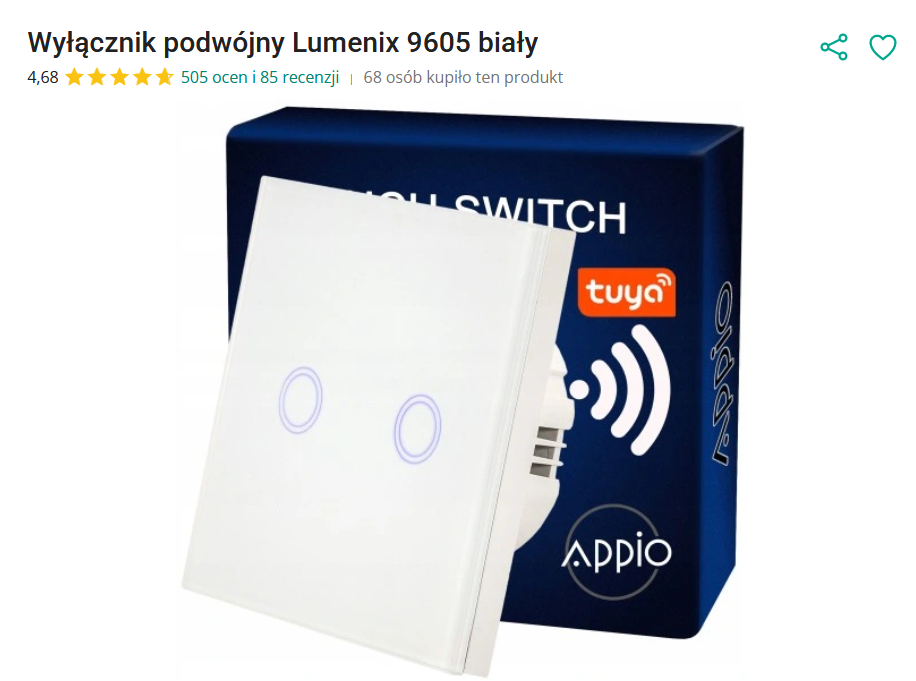
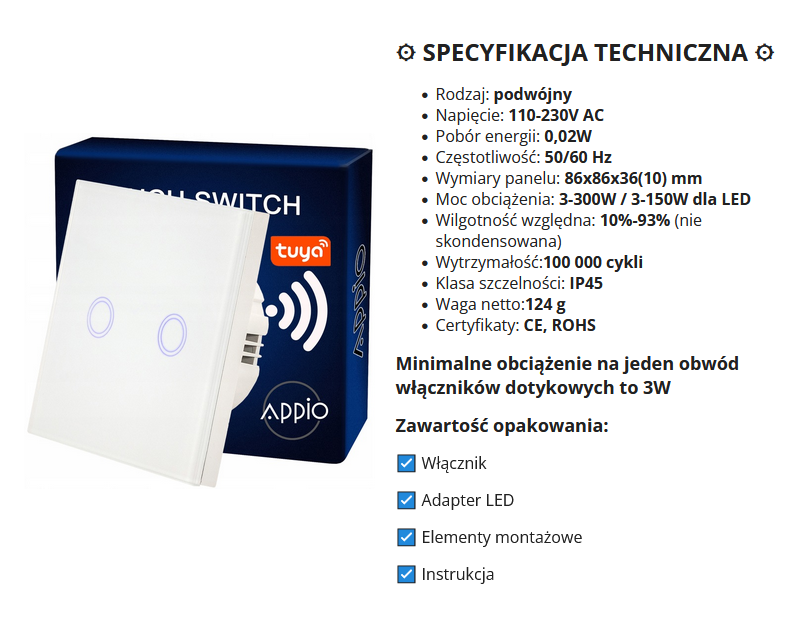
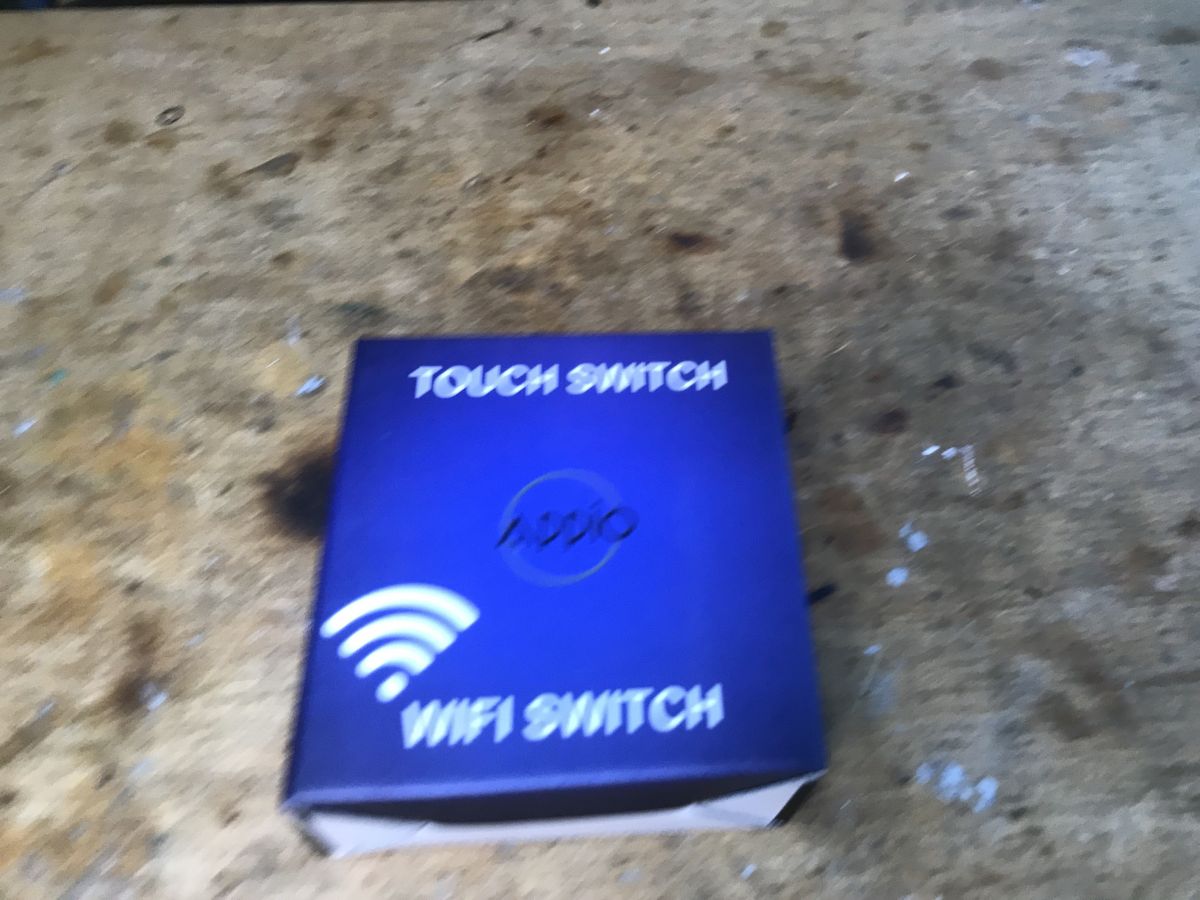
A friend bought a set of switches and I installed Tasmota on them. There were different versions: single, double, triple, here I will present the double version. The price was about PLN 75 per piece, quite expensive, but some people prefer to buy in our country rather than try to get it cheaper from abroad. Interestingly, in the store the product was named as Lumenix 9605 , not Appio:
The seller truthfully points out that it is also possible to control this switch with an RF remote control:
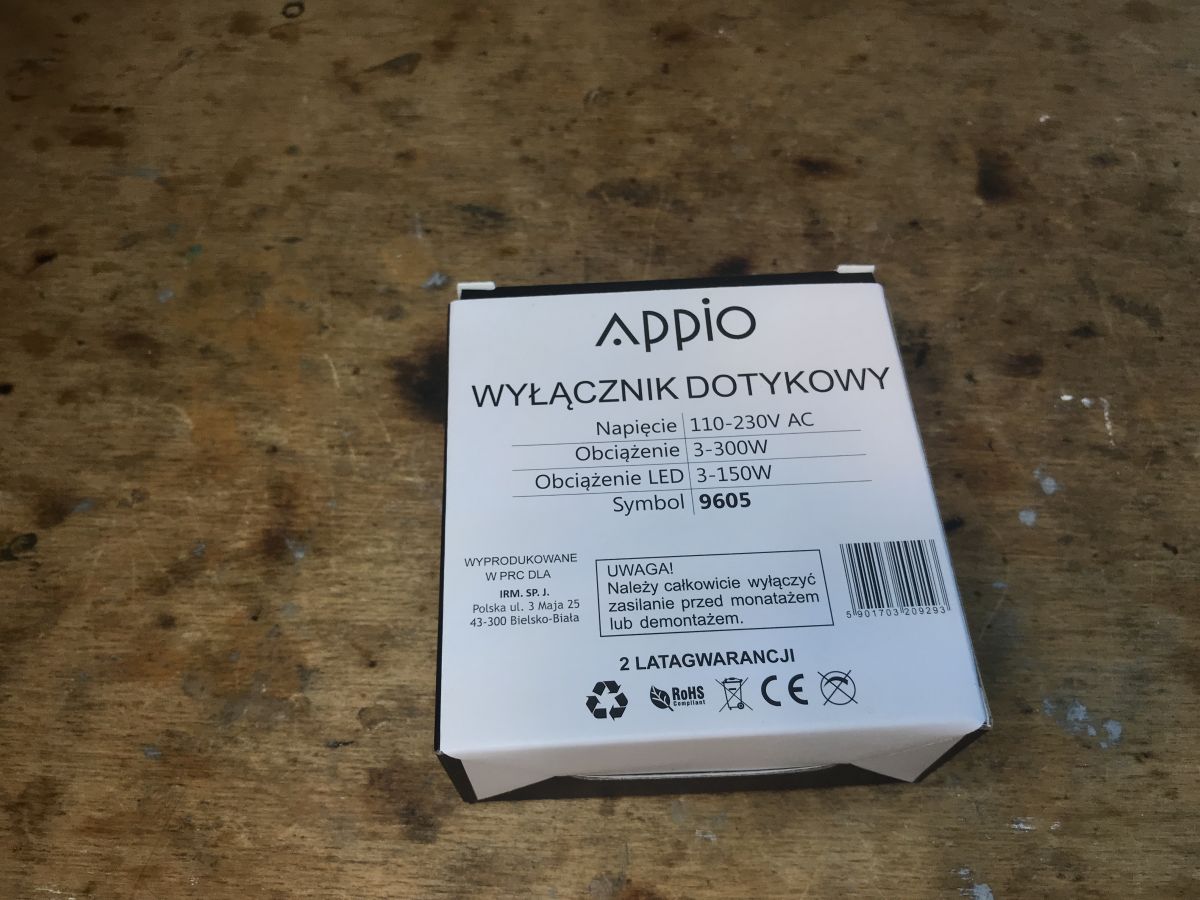
Appio box:
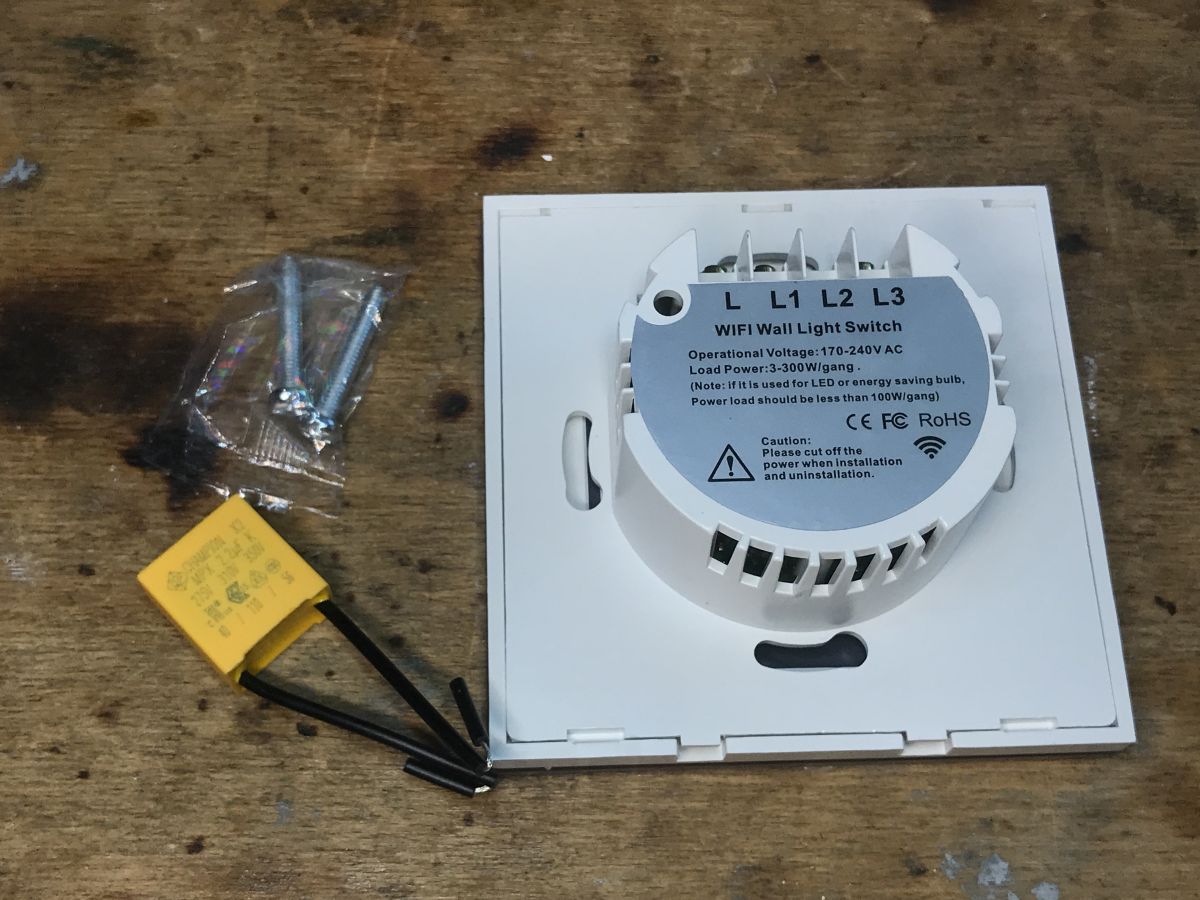
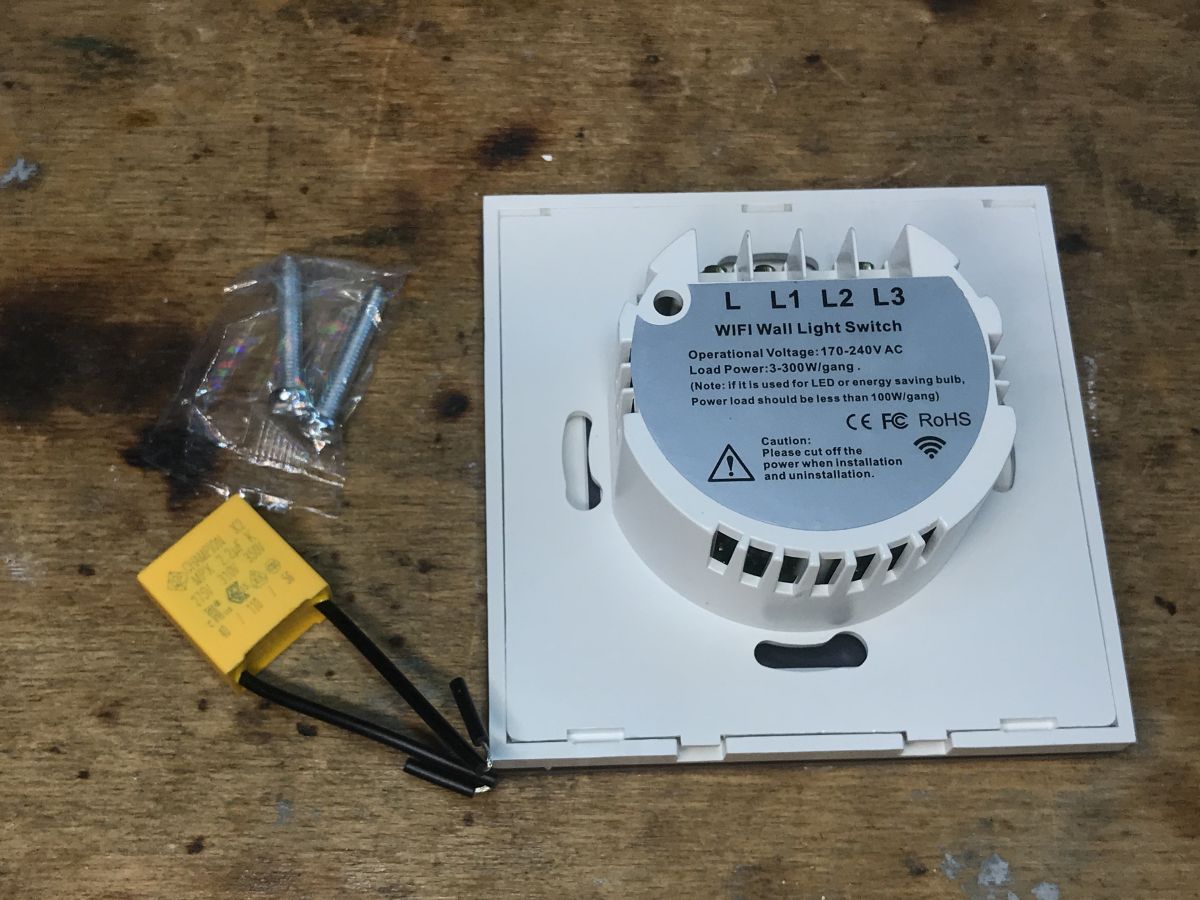
Set contents:
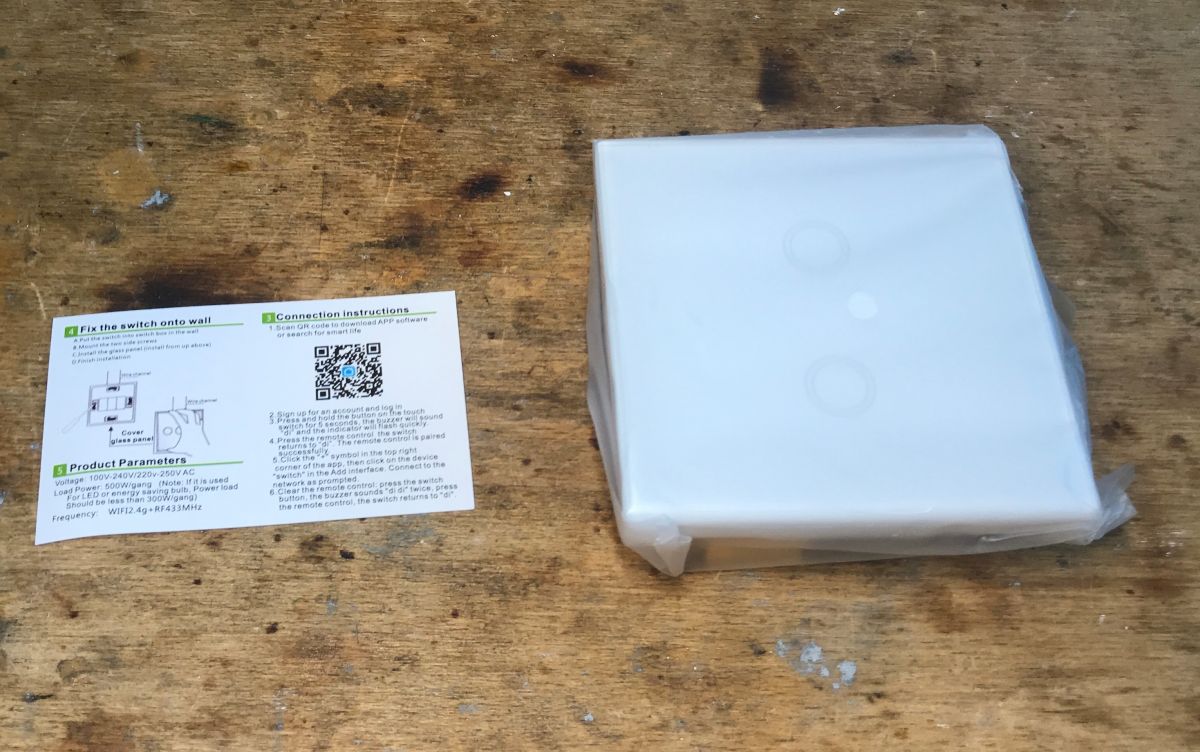
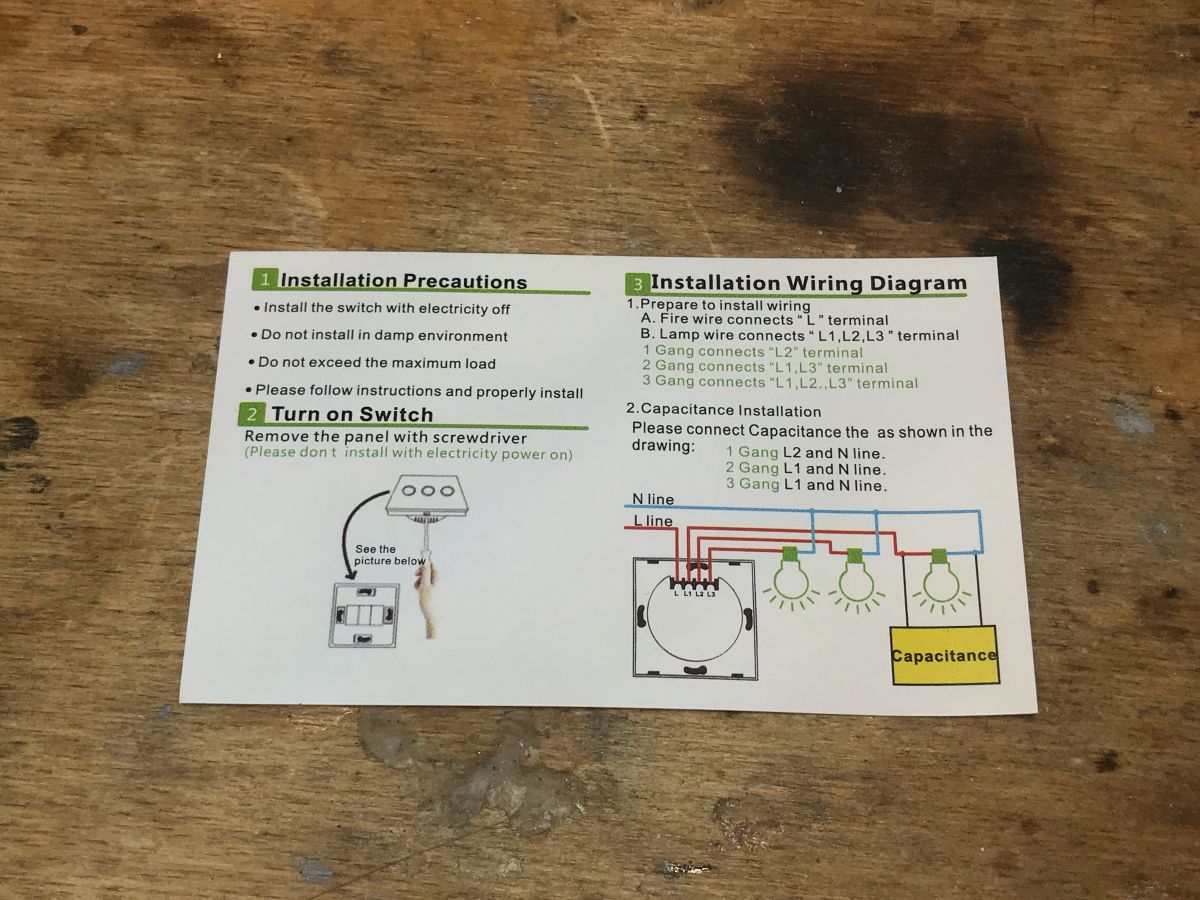
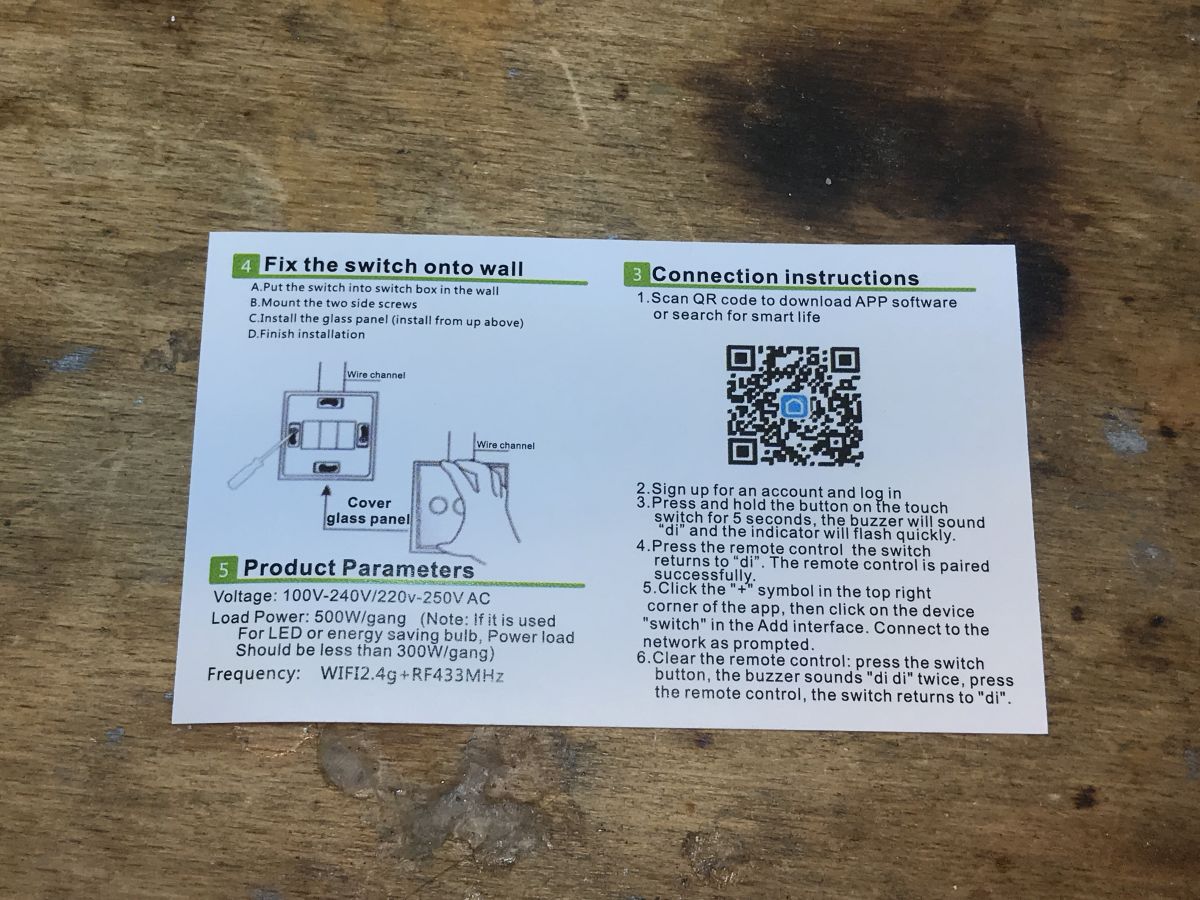
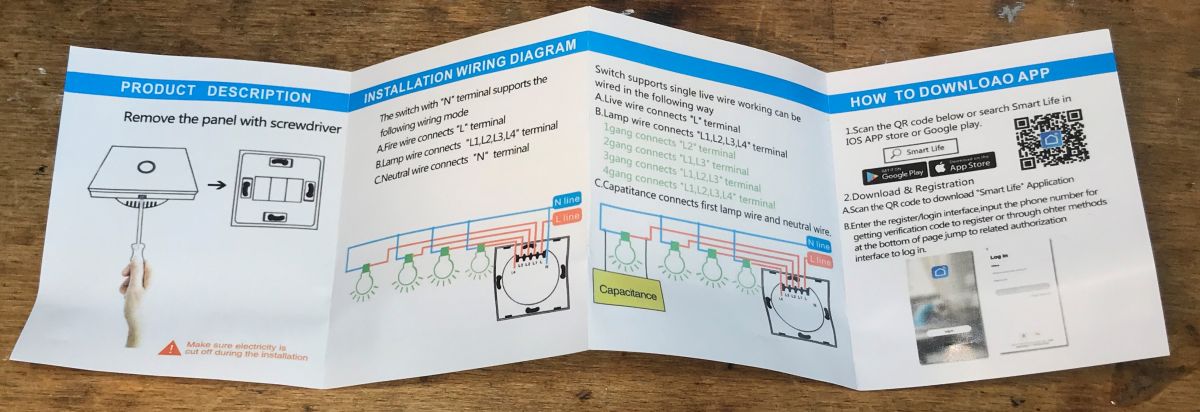
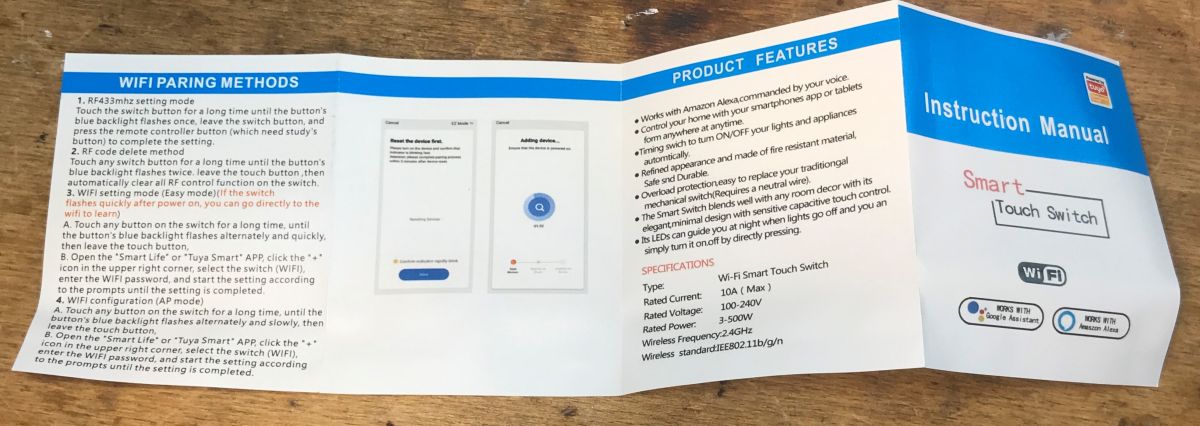
Instruction:
I do not discuss the control of the switch by the original application, the RF remote control and its connection. This was discussed earlier and is also included in the manual.
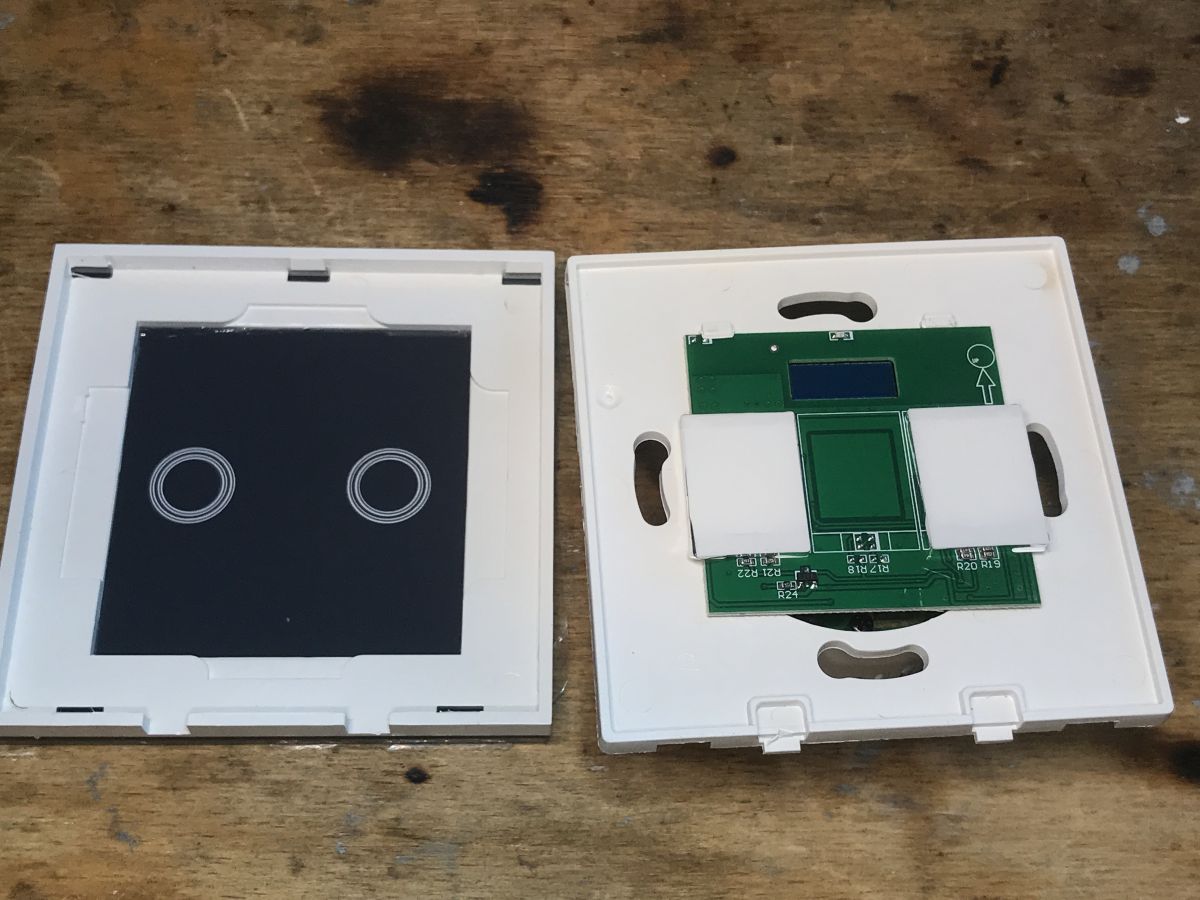
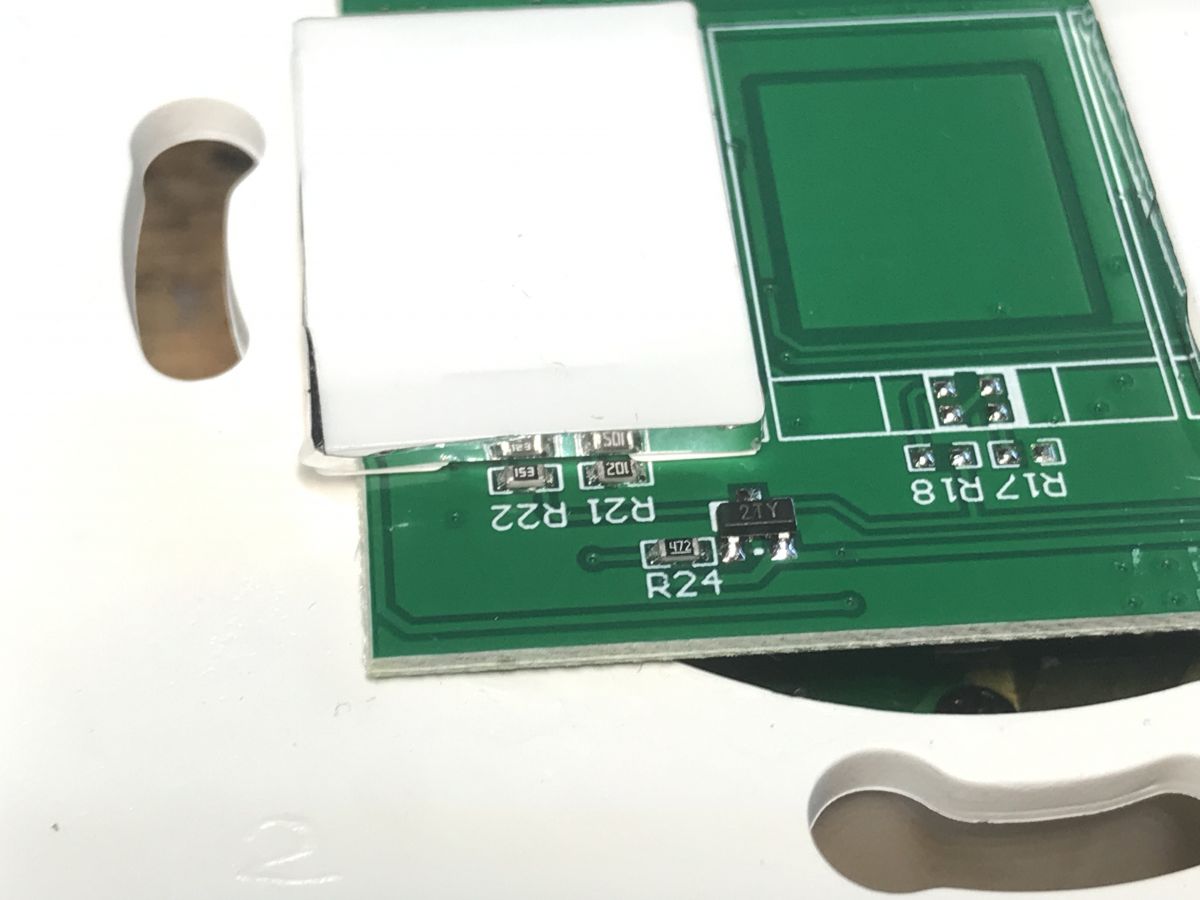
Appio 9605 interior As standard, we remove the undermined front:
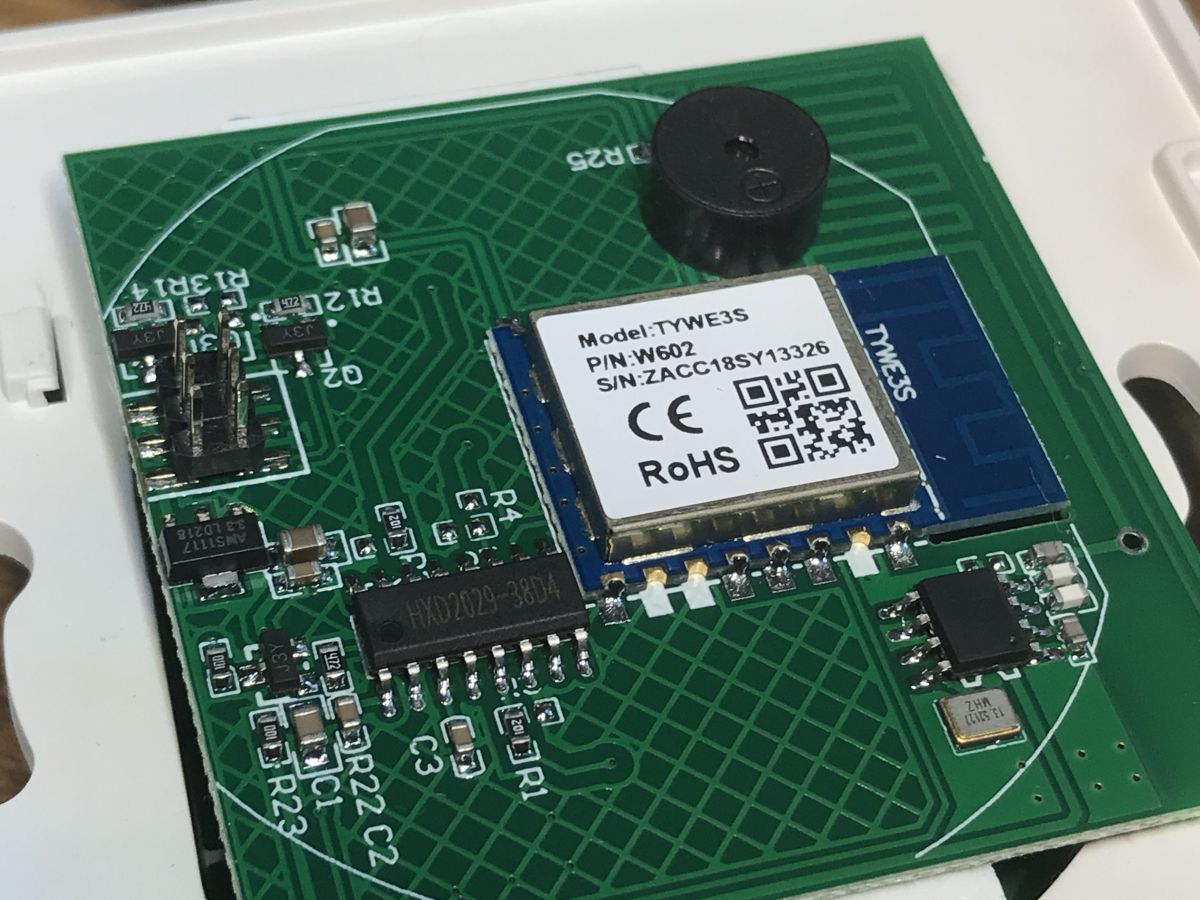
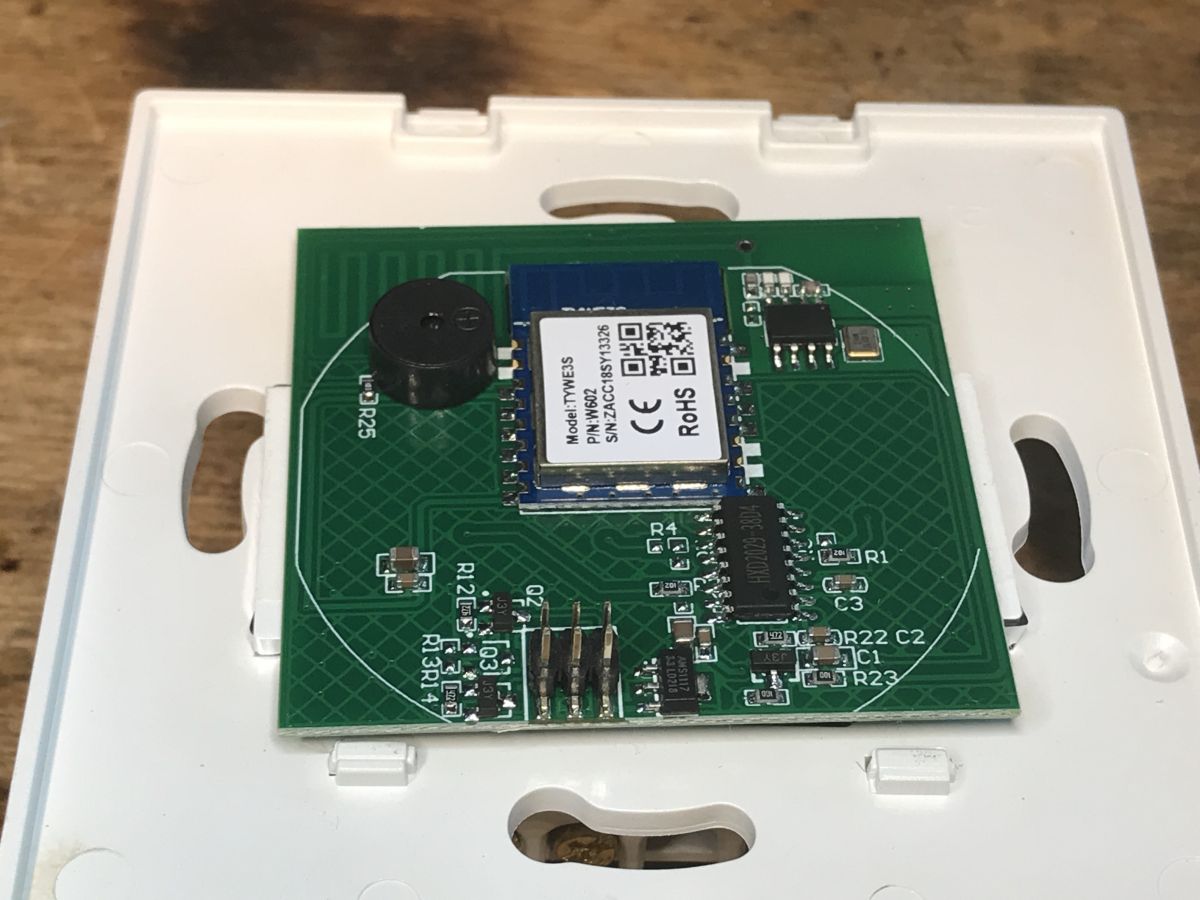
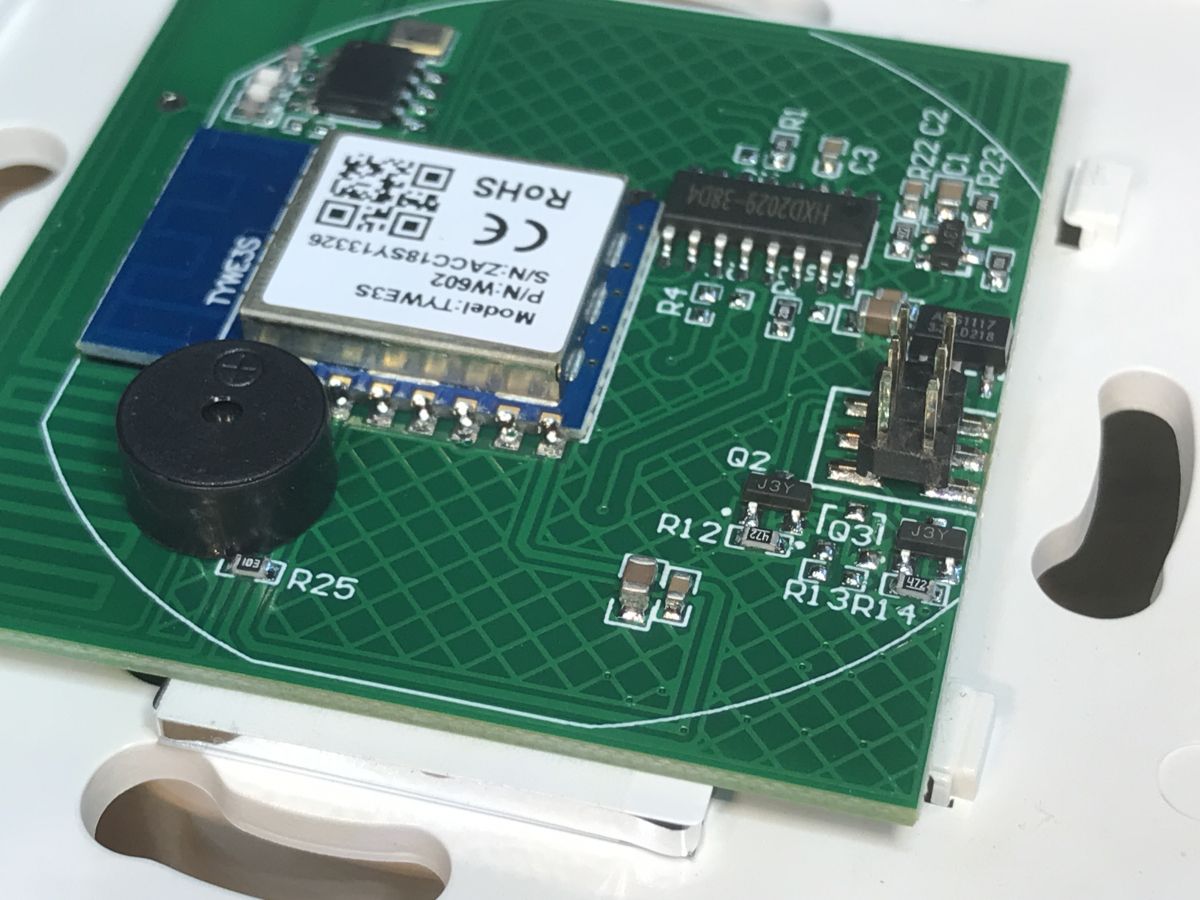
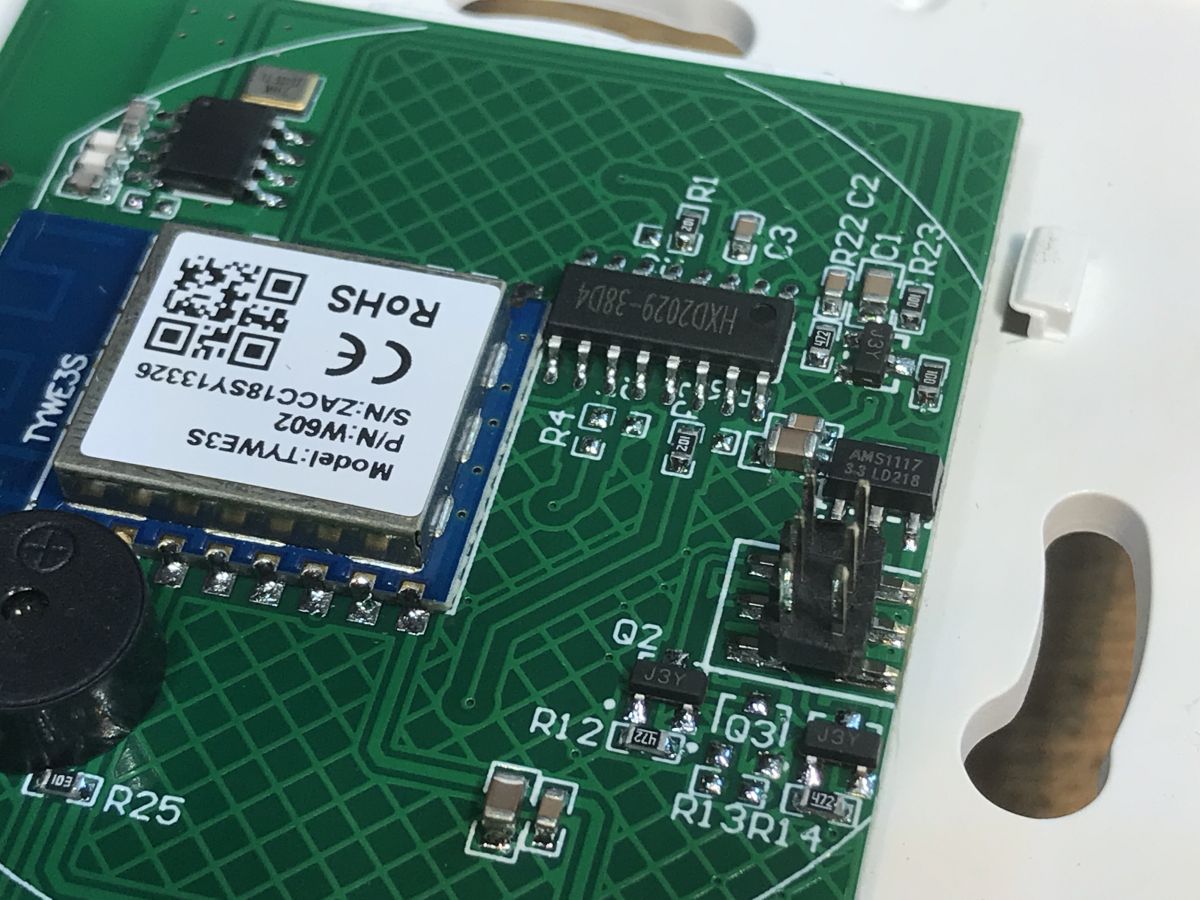
On its other side we can see the WiFi module and buzzer. This WiFi module seems to be an ordinary TYWE3S with ESP8266 inside, but it has different pins. More on that later.
The buzzer and the system in SO8 with an additional antenna are from the RF 433MHz remote control receiver circuit. The larger HXD2029 chip is both for touch buttons and RF. The RF receiver is connected to it, which means that the WiFi module "does not know" that it is controlled by RF at all, so HXD2029 puts states 0 or 1 on individual pins that are connected to the GPIO of the WiFi module and in this way the WiFi module receives key presses.
There is also AMS1117-3.3V on the PCB, as usual, because the "power supply" board provides 5V and the WiFi module requires 3.3V.
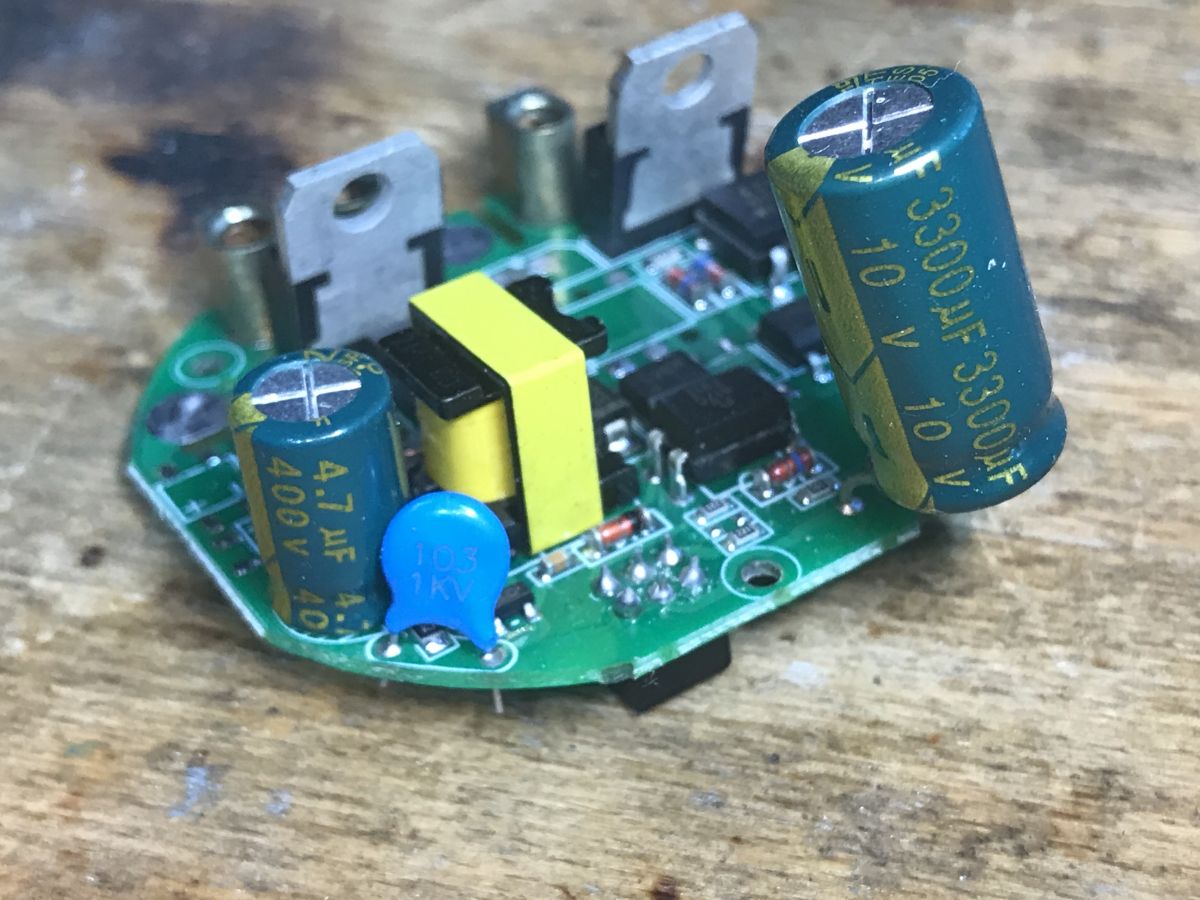
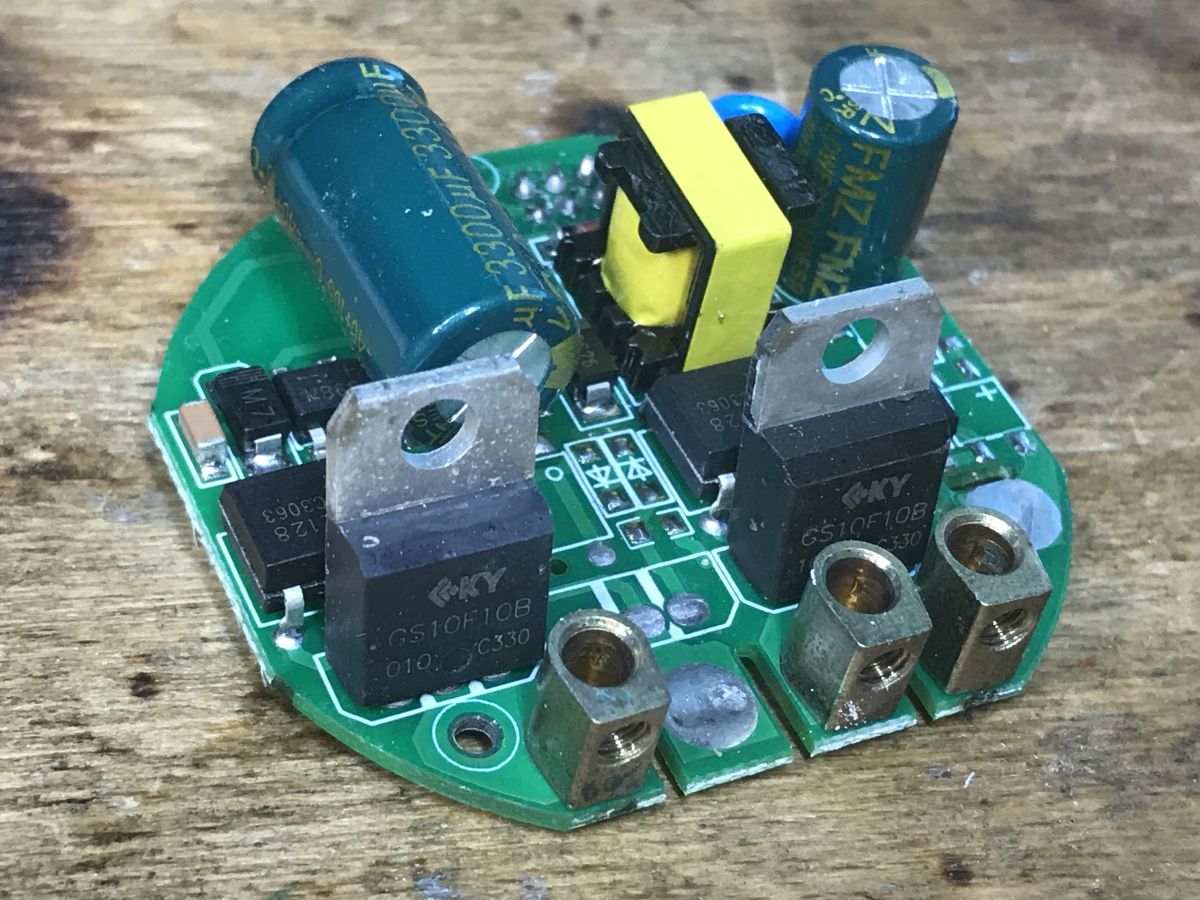
To change the firmware, all we need to do is remove the board discussed above, but out of curiosity, you can also see the module with the power supply and relays:
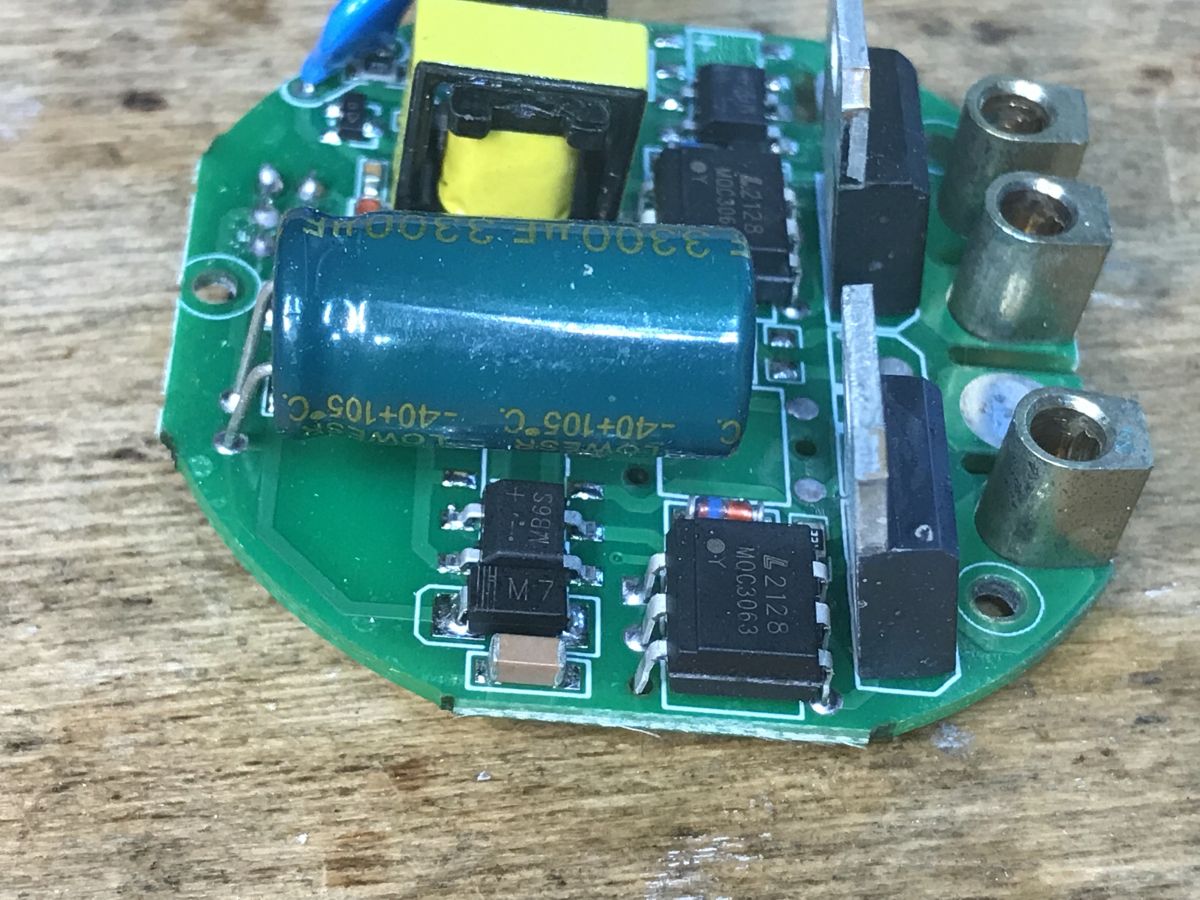
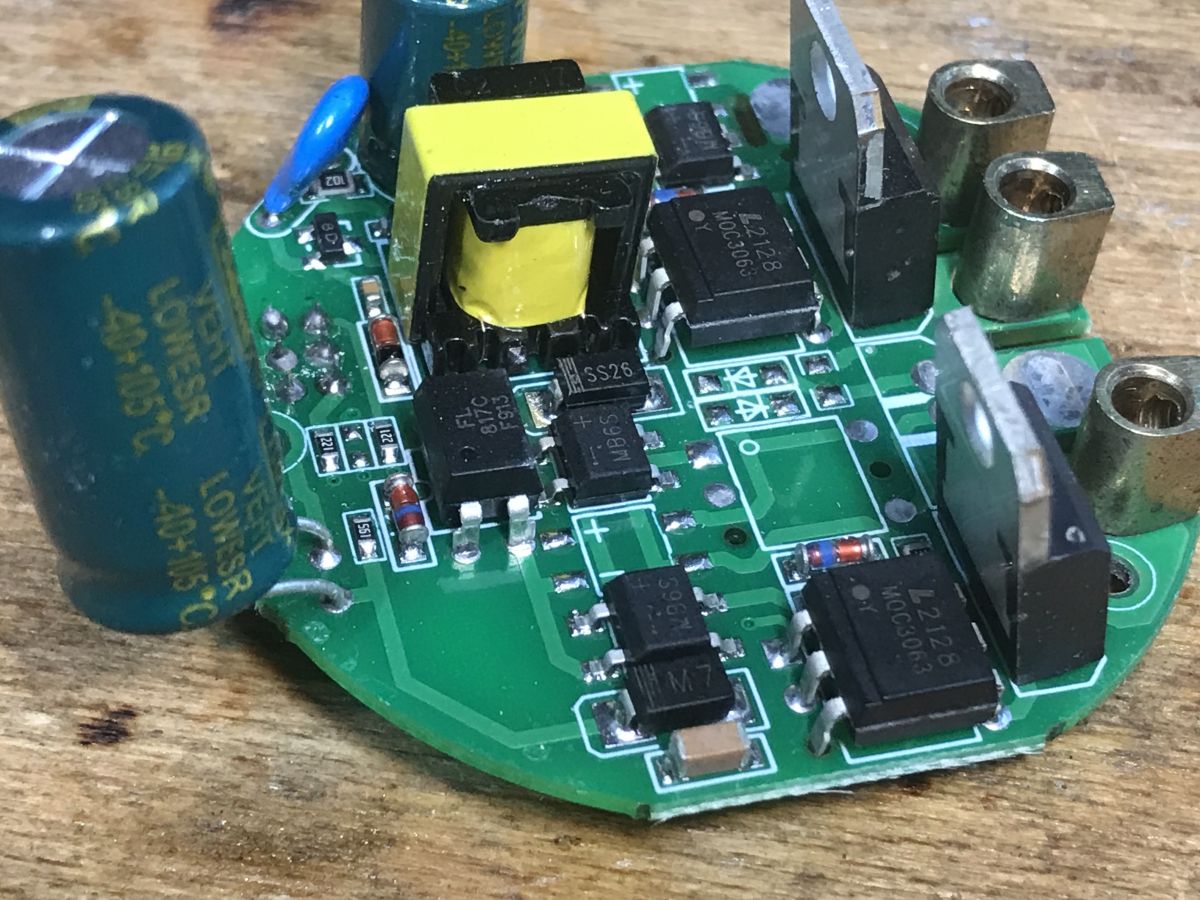
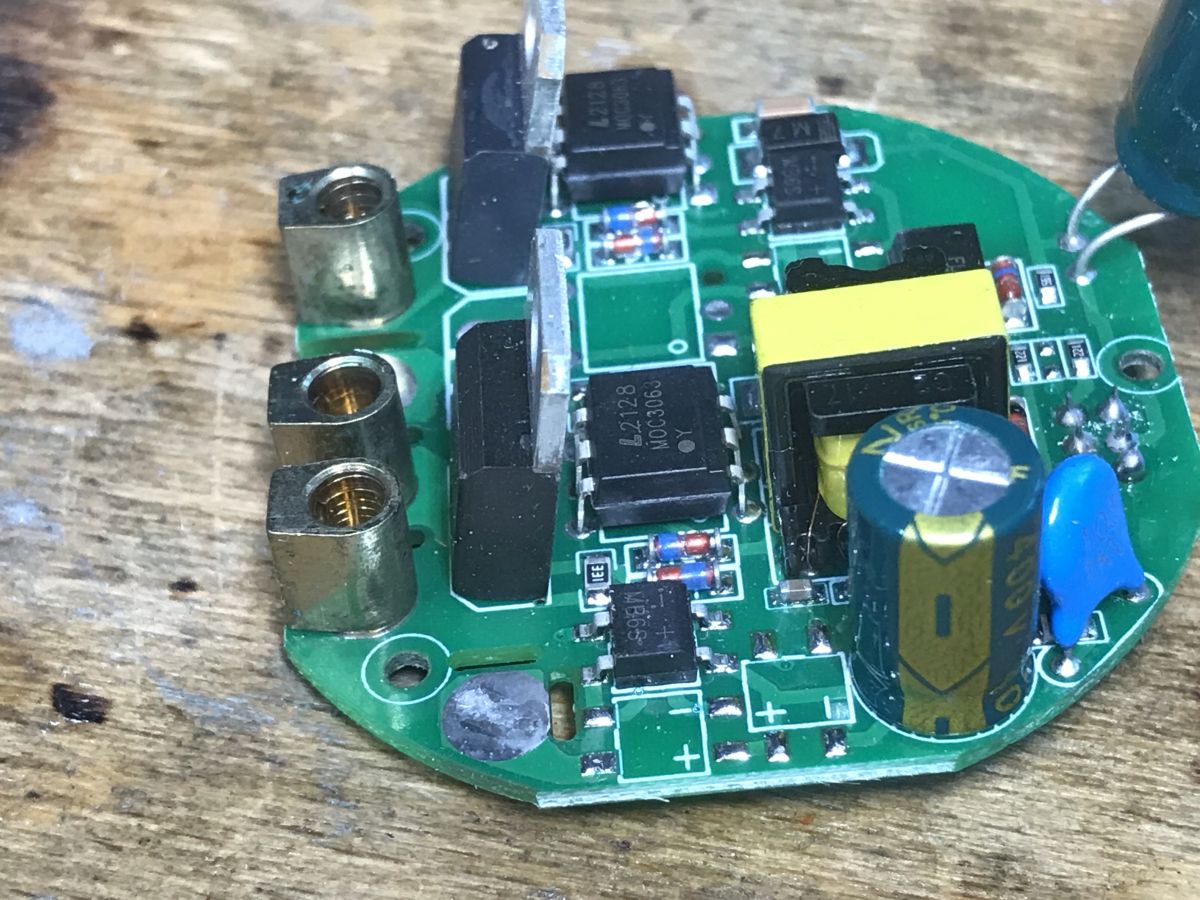
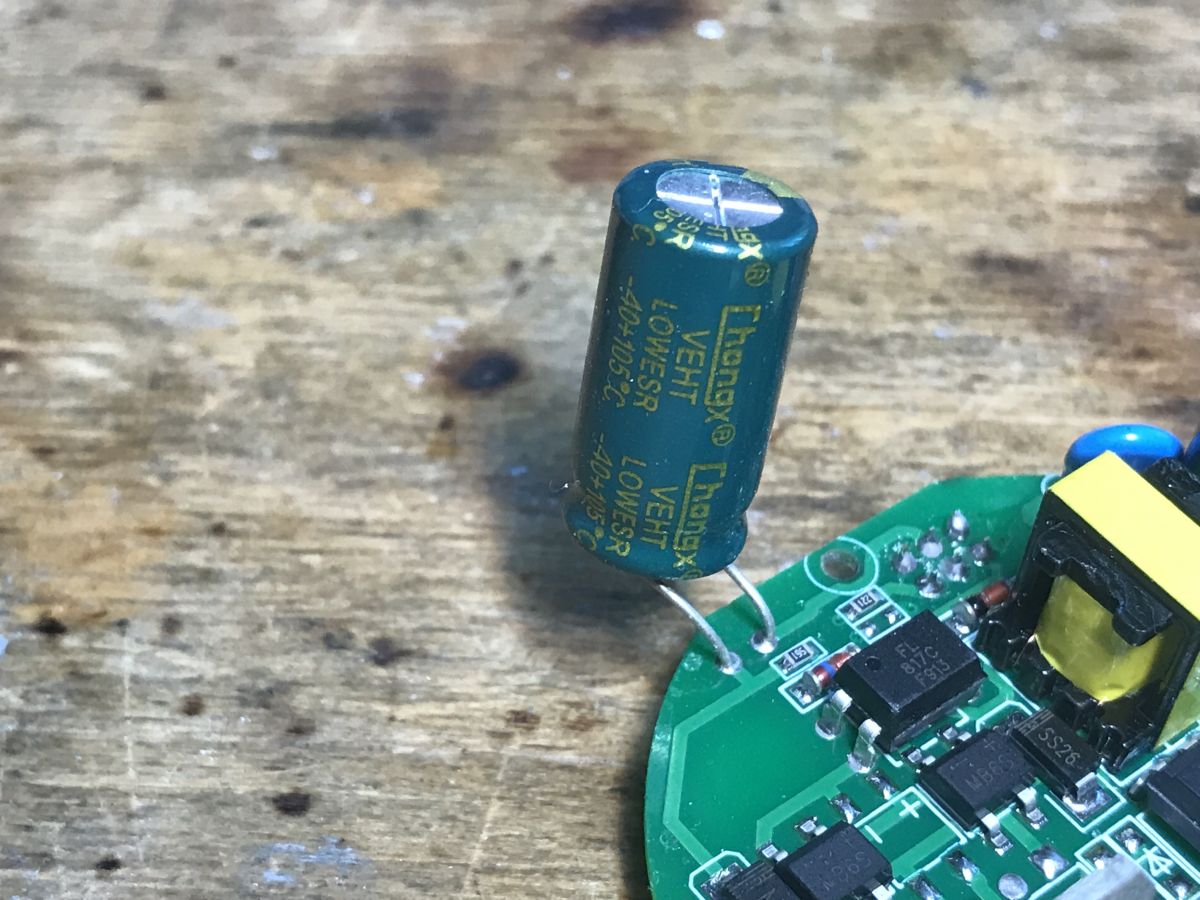
The bulb switching circuit is based on the GS10F10B triac controlled by MOC3063.
I have not analyzed here how this switch without the N wire works. I once drew a diagram of a similar switch in the topic QTouch WiFi switch plugged into the L cable only - test, interior, diagram but there was no time for that here.
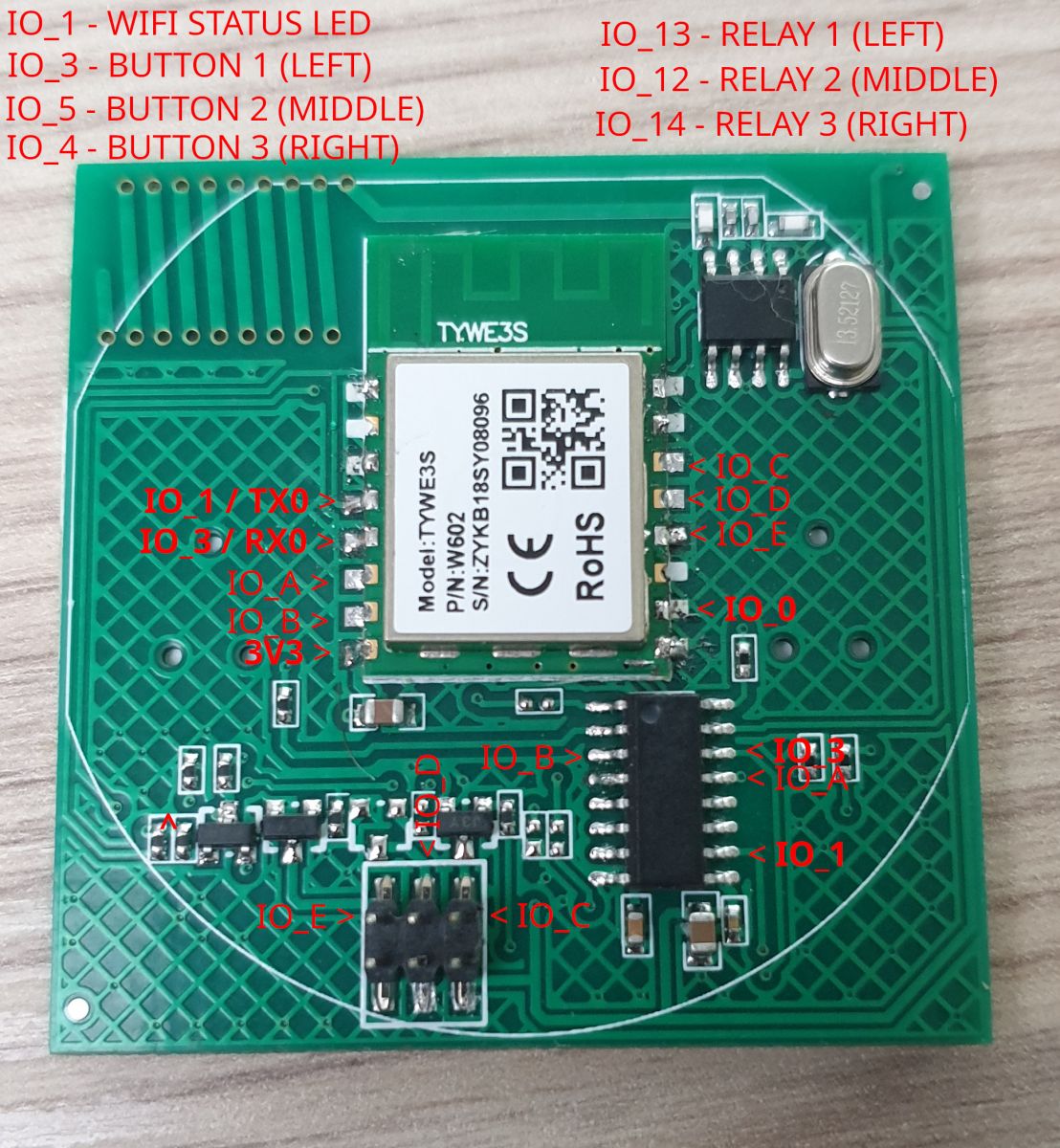
Programming Tasmota Appio 9605 There was a problem with uploading Tasmota. It turned out that the TYWE3S module here has non-standard pinouts. RX, TX and GPIO0 are in different places than specified in the Tuya documentation. I posted the details in a separate topic:
Alternative/new GPIO pinout of TYWE3S/ESP8285 WiFi module, Tasmota
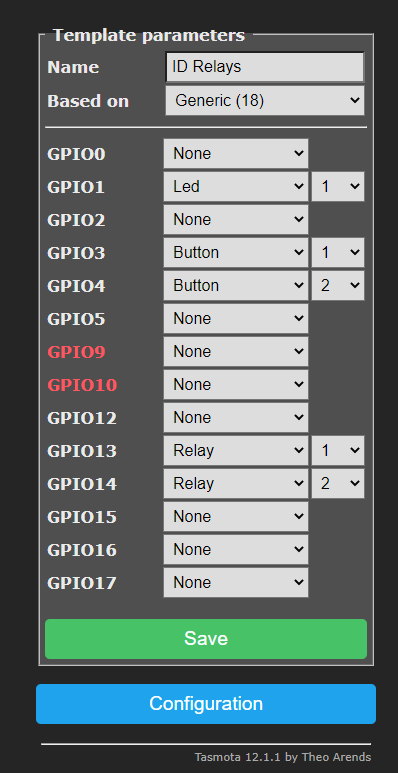
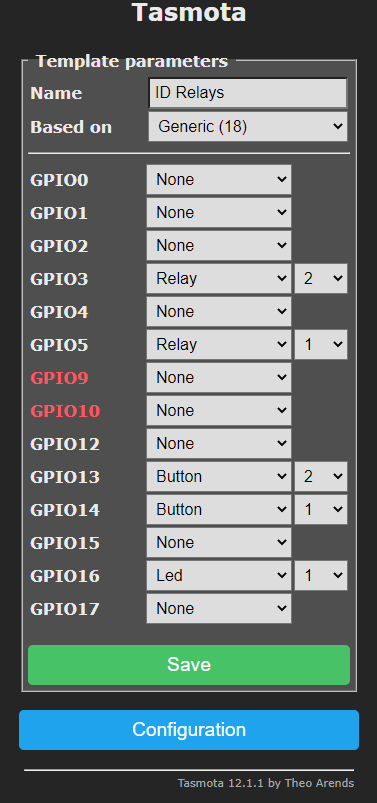
Tasmota Appio 9605 template This time I was lucky. The template from a Github user matched. I am quoting the information I found in this topic : :
The first template has started working for me. Everything works:
If you want the switch to respond faster, it is worth turning on SetOption13 in Tasmota.
Summary At first glance, it's a bit expensive, but there is both RF and it works in no-neutral mode...
Flashing is a bit worse. I lost some time before I realized that this TYWE3S has a non-standard pinout, but fortunately after that it went smoothly. Github also helped a bit, that's where I got the GPIO configuration.
It's also a pity that this switch does not have a programming connector (pads) and you have to solder it to the WiFi module itself, but you can still survive this.
If you are looking for something that is not based on one of the newer WiFi modules used by Tuya (BK7231T/BK7231N), you can try to use the switch from the topic.
I also have the 1-gang version in the queue and if necessary, I will also verify its configuration and post it.
About Author
p.kaczmarek2 wrote 14760 posts with
rating 12887 , helped 659 times.
Been with us since 2014 year.
TL;DR: For owners of the 2-gang Appio 9605 or Lumenix 9605 no-neutral switch, Tasmota flashing is feasible despite a non-standard TYWE3S pinout; the author’s result was simple: "Everything works." The key fix is finding the real RX, TX, and GPIO0 pads before soldering and applying a working 2-gang template. [#20838365]
Why it matters: This FAQ shows how to free a no-neutral 433 MHz wall switch from the Tuya cloud while keeping local touch, relay, and RF-triggered control.
Option
Wi‑Fi module family
Neutral wire
RF 433 MHz
Tasmota reflashing status
Appio/Lumenix 9605 2-gang
TYWE3S / ESP8266-family
No
Yes
Confirmed working
Appio/Lumenix 9605 1-gang
Not yet verified in thread
No
Not stated
Planned for verification
Newer Tuya switches
BK7231T / BK7231N
Varies
Varies
Avoided here for easier ESP-based reflashing
Key insight: The hardest part is not the template. It is the unexpected TYWE3S pin mapping, because the documented Tuya RX, TX, and GPIO0 positions do not match this board.
Quick Facts
The reviewed unit is the 2-gang Appio/Lumenix 9605, sold for about PLN 75 per piece, with both Wi‑Fi and 433 MHz RF control. [#20838365]
The Wi‑Fi board uses a TYWE3S module, while the PCB also includes an AMS1117-3.3V regulator because the power board provides 5 V and the module needs 3.3 V. [#20838365]
The RF/touch section uses an HXD2029 chip plus an RF receiver with an added antenna; RF button events are passed to the Wi‑Fi module as logic 0/1 states on GPIO lines. [#20838365]
The load switching stage is based on a GS10F10B triac driven by an MOC3063, which is the core of the lamp switching circuit. [#20838365]
Reflashing requires soldering directly to the TYWE3S because the switch does not provide programming pads or a connector. [#20838365]
How do you flash Tasmota onto an Appio 9605 or Lumenix 9605 no-neutral light switch with a TYWE3S module?
You flash it by opening the switch, removing the Wi‑Fi daughterboard, soldering directly to the TYWE3S, and using the real pinout rather than the documented Tuya one. 1. Pry off the front and access the Wi‑Fi board. 2. Identify the actual RX, TX, and GPIO0 points on this non-standard TYWE3S. 3. Upload Tasmota and then apply the working 2-gang template. The thread confirms this procedure on the Appio/Lumenix 9605 no-neutral model with 433 MHz RF support. [#20838365]
Why does the TYWE3S in the Appio 9605 have a non-standard GPIO, RX, TX, and GPIO0 pinout, and how do you identify the correct pins?
This switch uses a TYWE3S whose physical pad mapping does not match the usual Tuya documentation. That mismatch caused the initial upload failure. The practical fix is inspection and verification on the actual module, because RX, TX, and GPIO0 are located in different places on this board. The author identified the discrepancy only after losing time on failed flashing attempts, then reflashing proceeded normally. [#20838365]
What Tasmota template works for the 2-gang Appio 9605 WiFi/RF switch with ESP8285?
A GitHub template mentioned in the thread worked on the 2-gang Appio 9605, and the first of the shown templates started working without further changes. After applying it, the author reported that all functions worked. The thread does not reproduce the full GPIO JSON as text, but it clearly states that the borrowed 2-gang template matched this switch and restored proper operation under Tasmota. [#20838365]
How does the 433 MHz RF remote control work in the Appio 9605, and what role does the HXD2029 chip play?
The 433 MHz remote does not talk directly to the Wi‑Fi module. The HXD2029 handles both touch buttons and RF receiver input, then places logic 0 or 1 states onto lines connected to the Wi‑Fi module’s GPIOs. That means the TYWE3S only sees button-like state changes. In this design, RF control stays local inside the switch, while Wi‑Fi reacts as if a normal key press happened. [#20838365]
What is the TYWE3S module, and how is it related to ESP8266 or ESP8285 in Tuya-based switches?
"TYWE3S" is a Tuya Wi‑Fi module that provides wireless connectivity for smart switches, and in this thread it is described as an ordinary TYWE3S with ESP8266 inside, except for its unusual pin placement. The topic title also frames this device in the ESP8285/TYWE3S family, so for Tasmota users the practical point is that it behaves like a classic ESP-based Tuya module rather than a newer BK7231 design. [#20838365]
What is SetOption13 in Tasmota, and why can it make the Appio 9605 touch switch respond faster?
SetOption13 is a Tasmota setting that the author recommends enabling to improve how quickly the switch reacts. In this Appio 9605, turning it on makes the touch switch respond faster after reflashing. The thread gives no deeper implementation detail, but it presents SetOption13 as the practical speed tweak once the working template is already loaded and the switch is functioning correctly. [#20838365]
How do you disassemble the Appio 9605 switch safely to access the WiFi board for soldering and flashing?
You start by removing the pried-up front panel, then lift out the board that carries the Wi‑Fi module and buzzer. That board is the one you need for reflashing. The thread shows that you do not need to rework the relay power section first. Once the Wi‑Fi board is exposed, you can solder directly to the TYWE3S because there is no dedicated programming connector on the switch. [#20838365]
What components are used inside the Appio 9605 power and switching section, including AMS1117-3.3V, MOC3063, and GS10F10B?
The board uses an AMS1117-3.3V regulator, an MOC3063, and a GS10F10B triac. The AMS1117 drops the available 5 V supply to the 3.3 V required by the Wi‑Fi module. The lamp switching path uses the GS10F10B triac, and the MOC3063 drives it. The thread also notes a separate RF section with a buzzer, antenna, and HXD2029 on the other side of the assembly. [#20838365]
How does a no-neutral WiFi light switch like the Appio 9605 work when only the live wire is available?
This thread confirms that the Appio 9605 works in no-neutral mode, but it does not fully analyze the circuit in this specific unit. The author explicitly says that only the live wire is used here and refers readers to an earlier diagram of a similar L-only switch for deeper theory. So the practical takeaway is clear, but the exact operating mechanism for this model is not documented in this post. [#20838365]
What problems can occur when flashing Tasmota to a Tuya switch without programming pads, and what is the best way to solder to the TYWE3S module?
The main problems are failed uploads, wasted time, and difficult access. This switch has no programming pads or connector, so you must solder directly to the TYWE3S module itself. That increases the risk of wiring mistakes, especially because RX, TX, and GPIO0 are not where standard Tuya documentation suggests. The best approach in this thread is direct module soldering only after confirming the board’s real pin positions. [#20838365]
Appio 9605 vs newer Tuya BK7231T/BK7231N switches — which is easier to reflash and integrate with Tasmota-based setups?
The Appio 9605 is the easier choice for a Tasmota-based setup in this thread. The author specifically recommends it to people seeking a switch that is not based on newer Tuya BK7231T or BK7231N modules. Even with the awkward TYWE3S pinout, this model still uses a classic ESP-based path that the author successfully reflashed. That makes it a more practical candidate for local Tasmota integration than the newer Tuya module families mentioned. [#20838365]
What is the HXD2029 chip in this switch, and how does it combine touch button handling with RF receiver input?
The HXD2029 is the local control chip that merges touch sensing and 433 MHz RF input in this switch. It reads the touch buttons, receives data from the RF receiver stage, and then outputs simple state changes to the Wi‑Fi module. That design lets one chip supervise both control methods. The Wi‑Fi side does not directly decode RF frames; it only reacts to the HXD2029’s GPIO-level outputs. [#20838365]
Which GPIOs in the Appio 9605 are used for relays, touch inputs, and status signals after applying the working Tasmota template?
The thread confirms that a working 2-gang template exists and that all functions worked after loading it, but it does not list the final GPIO assignments in text. So you can conclude that relays, touch inputs, and status signaling were mapped correctly, yet the exact GPIO numbers are not extractable from this post alone. For this thread, the reliable fact is successful operation rather than a published full pin map. [#20838365]
What troubleshooting steps help when Tasmota upload fails on a TYWE3S-based switch because the documented Tuya pinout does not match the board?
First, stop assuming the documented Tuya pad layout is correct. Second, verify the actual RX, TX, and GPIO0 positions on the module in front of you. Third, retry flashing only after rewiring to those confirmed points. That sequence solved the author’s failed upload problem on this switch. The thread’s clearest failure fact is simple: the initial Tasmota upload failed because the TYWE3S used a non-standard pinout. [#20838365]
How does the 1-gang or 3-gang version of the Appio 9605 differ from the 2-gang model when setting up Tasmota templates and GPIO mapping?
The thread confirms that single, double, and triple versions exist, but only the 2-gang model was actually presented and verified. The author also says a 1-gang unit is waiting for later verification. So you should not assume the same template or GPIO mapping fits all versions unchanged. Channel count often changes relay and key assignments, and this post only proves a working setup for the 2-gang variant. [#20838365]
AI summary based on the discussion. May contain errors.







Comments