logo elektroda
logo elektroda
X
logo elektroda
Dostępna jest polska wersja

Czy wolisz polską wersję strony elektroda?

Nie, dziękuję Przekieruj mnie tam

[CBU/BL2028N] Appio Strip 7331 LED Strip Controller with IR Receiver

p.kaczmarek2  6 2790 Cool? (+3)
📢 Listen (AI):

TL;DR

  • Rozebrano i zmodyfikowano sterownik taśmy LED Appio Strip 7331 z odbiornikiem IR, oparty na module CBU z układem BL2028N.
  • W środku znaleziono przetwornicę 12V→3,3V, mikrofon podłączony prawdopodobnie do P23, miejsce na przyciski oraz tranzystory sterujące trzema kanałami RGB.
  • Deklaracja „IRM 36W 15M” i model WX300P sugerują jedno urządzenie, ale oba gniazda taśmy są połączone z tymi samymi wyjściami.
  • Po wgraniu OpenBeken przez BK7231GUIFlashTool, z użyciem czterech przewodów i kopii 2MB, sterownik działa i można dodać logikę przycisków, DGR oraz integrację z HA.
  • Ograniczeniem są małe MOSFET-y na wyjściu i brak fizycznych przycisków w wersji fabrycznej, więc nie należy oczekiwać długich taśm ani pełnej funkcjonalności dual-color.
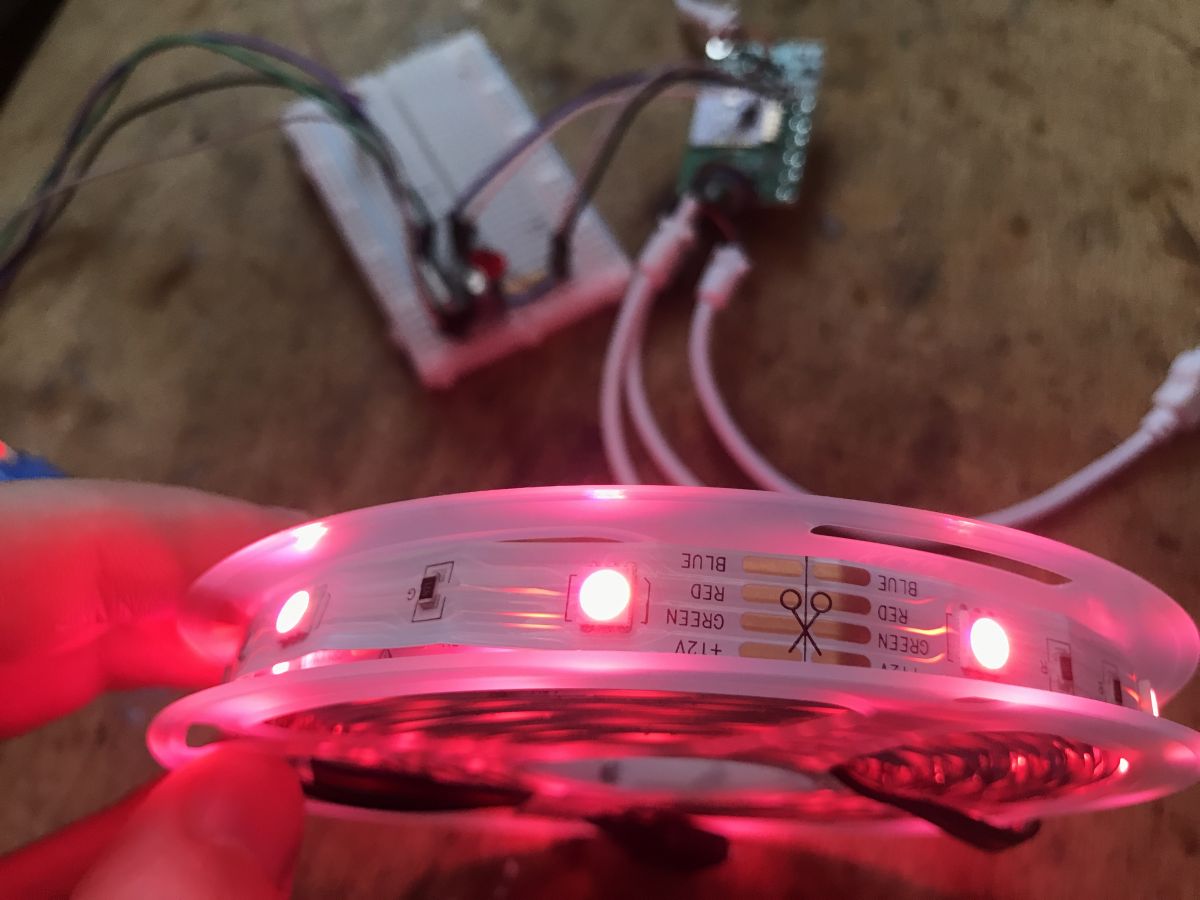
Pink-glowing LED strip with RGB color labels visible on the side.
Here I will show the floashing procedure of RGB LED strip controller. As usual, I will start with a teardown, and then change its firmware to OpenBeken . I will also provide its template here, i.e. a description of the roles of its GPIO, which PWMs are used, etc. Finally, I will link few video tutorials showing what can be done next with a LED strip controller programmed in this way.

Purchasing Appio Strip 7331
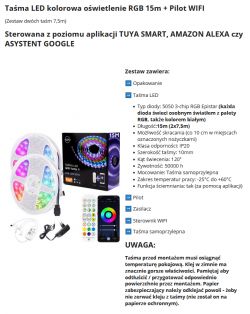
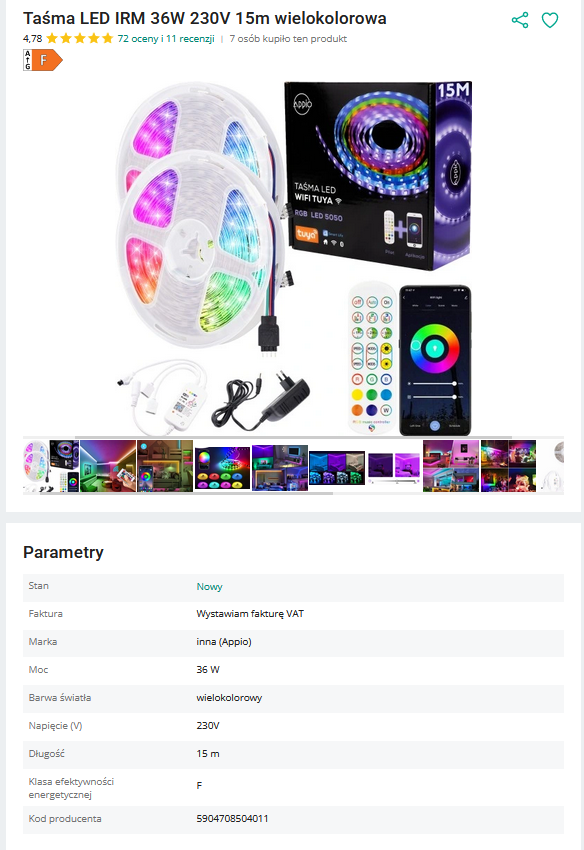
The product is advertised as a multi-colored IRM 36W 15M LED strip. Sometimes the phrase "double" is also mentioned there, but you can`t set two colors at once, it`s one RGB strip controller with two strip plugs. The whole thing can be purchased for just over PLN 100, below is a screenshot of the offer:
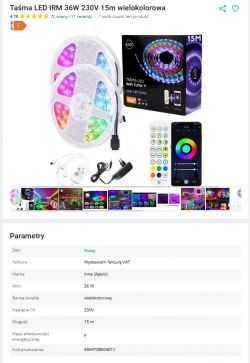
Multicolor LED strip set with remote and app.
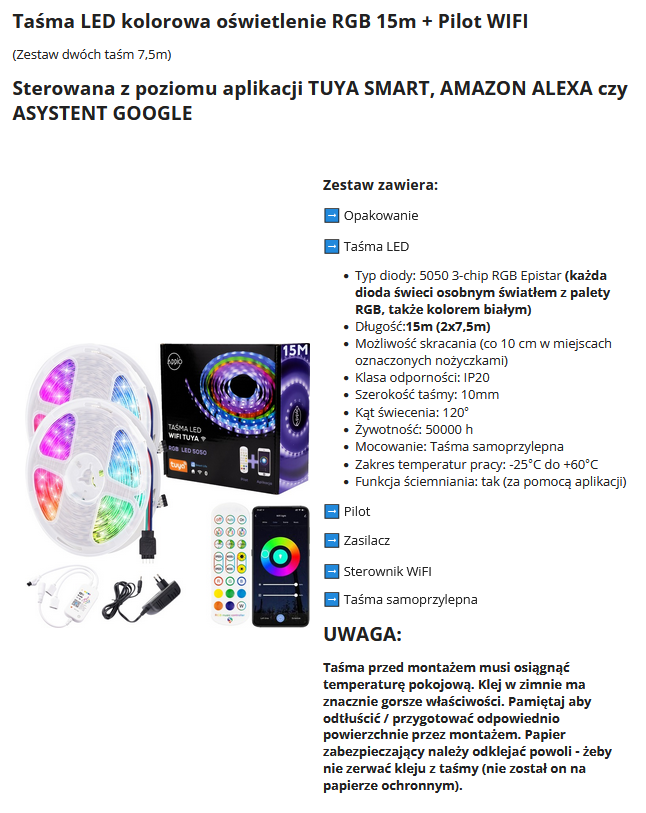
Fragment of the description:
Description of the 15m RGB LED strip set with WiFi remote.
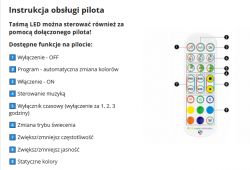
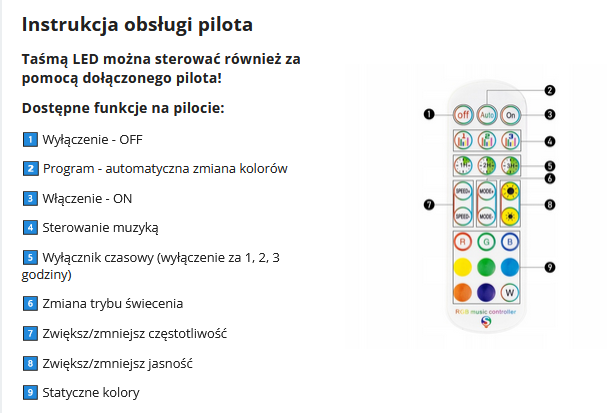
Remote Control Features:
LED strip remote control instructions with function descriptions.
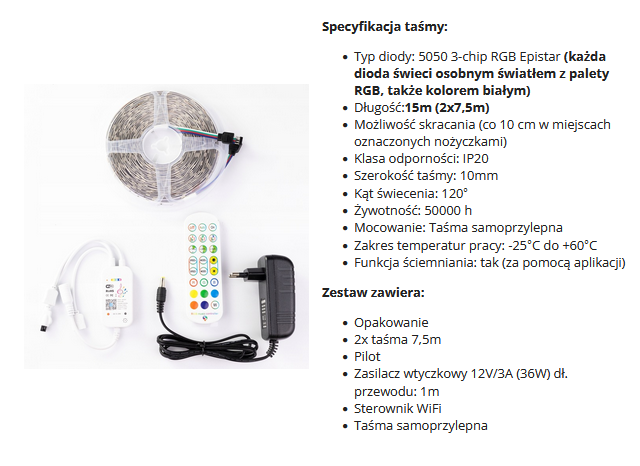
Specification and contents of the set:
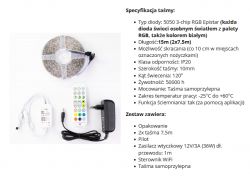
RGB LED strip with set components.
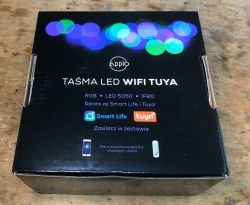
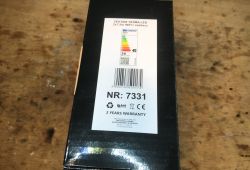
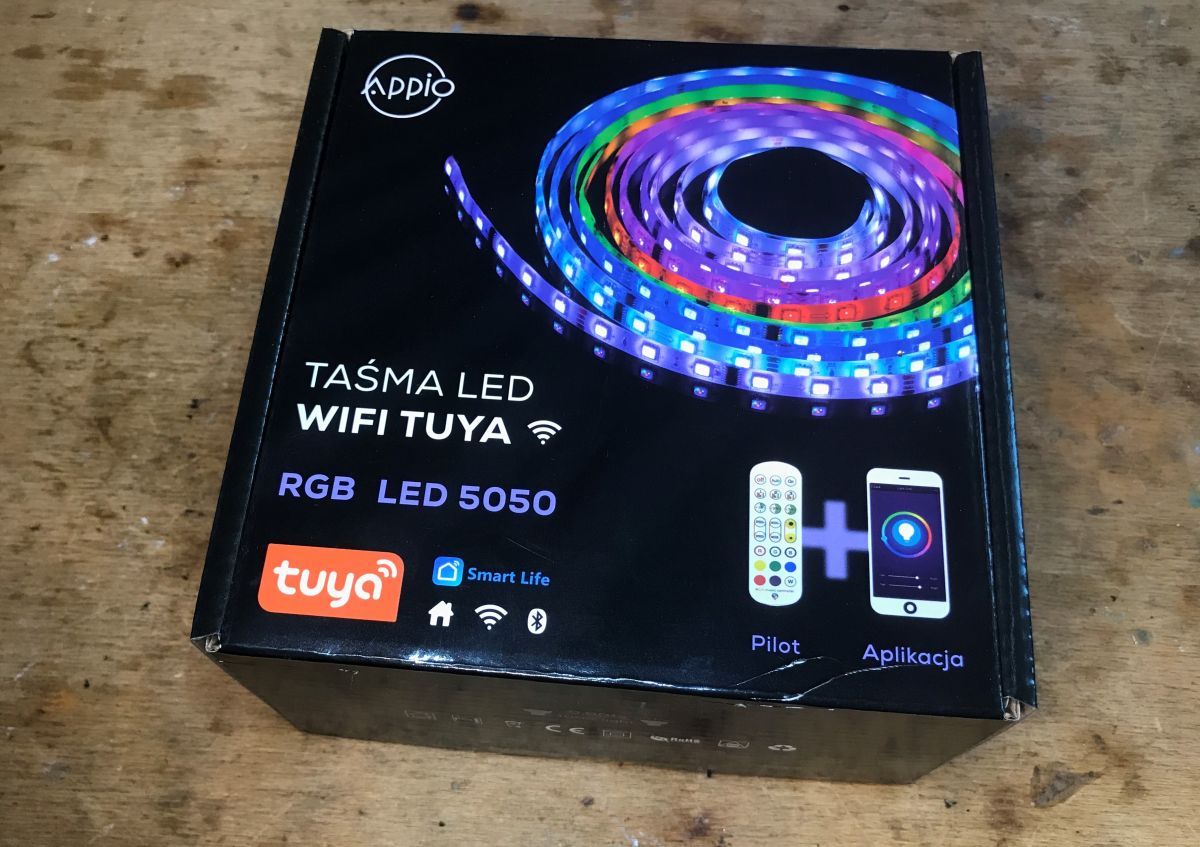
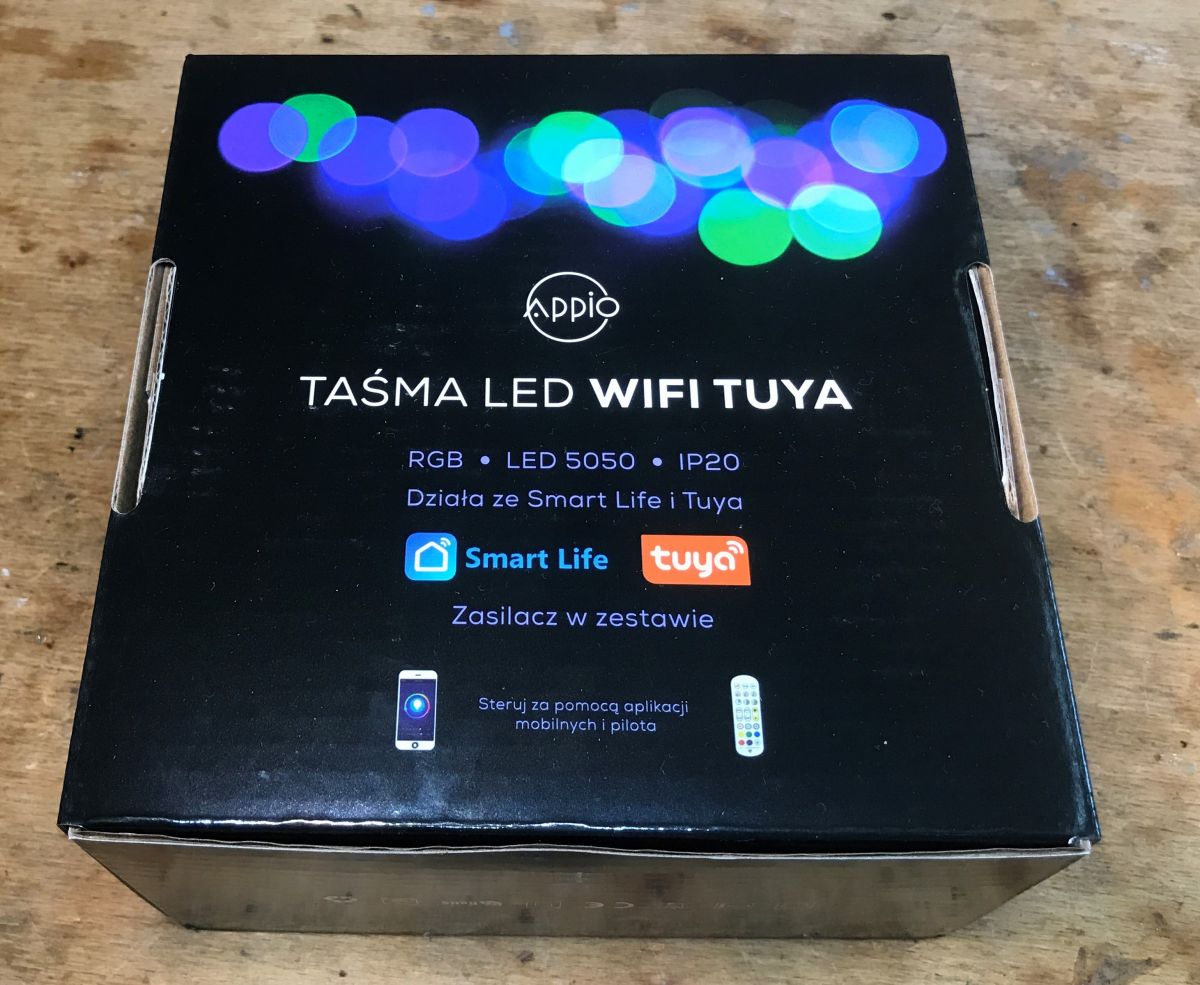
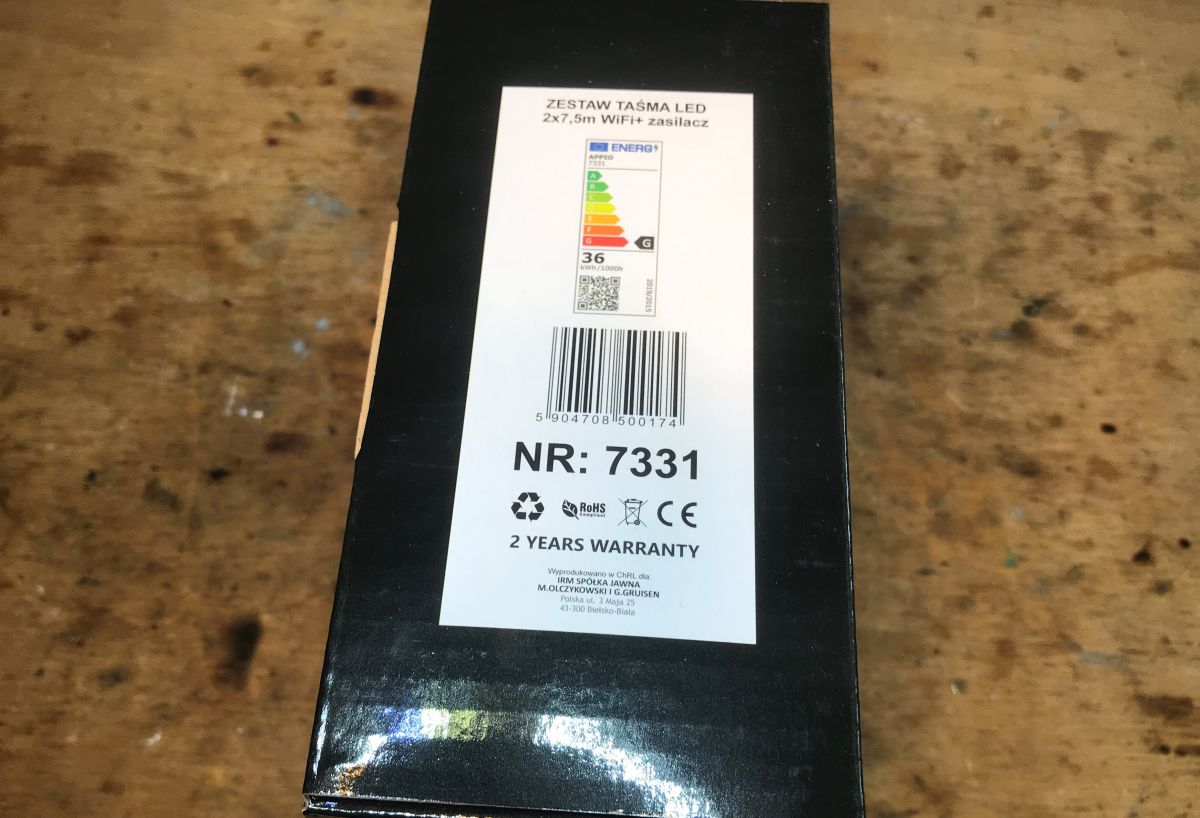
Now let`s see what we get in practice. Packaging and markings:
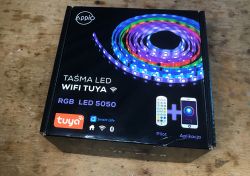
Packaging of Appio Strip 7331 RGB LED with WiFi and Bluetooth controller. Appio Strip 7331 LED strip packaging Packaging of the Appio Strip 7331 LED strip set with visible labels and specifications.
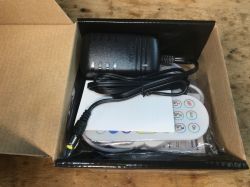
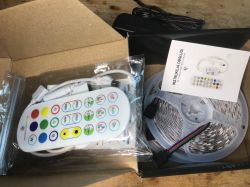
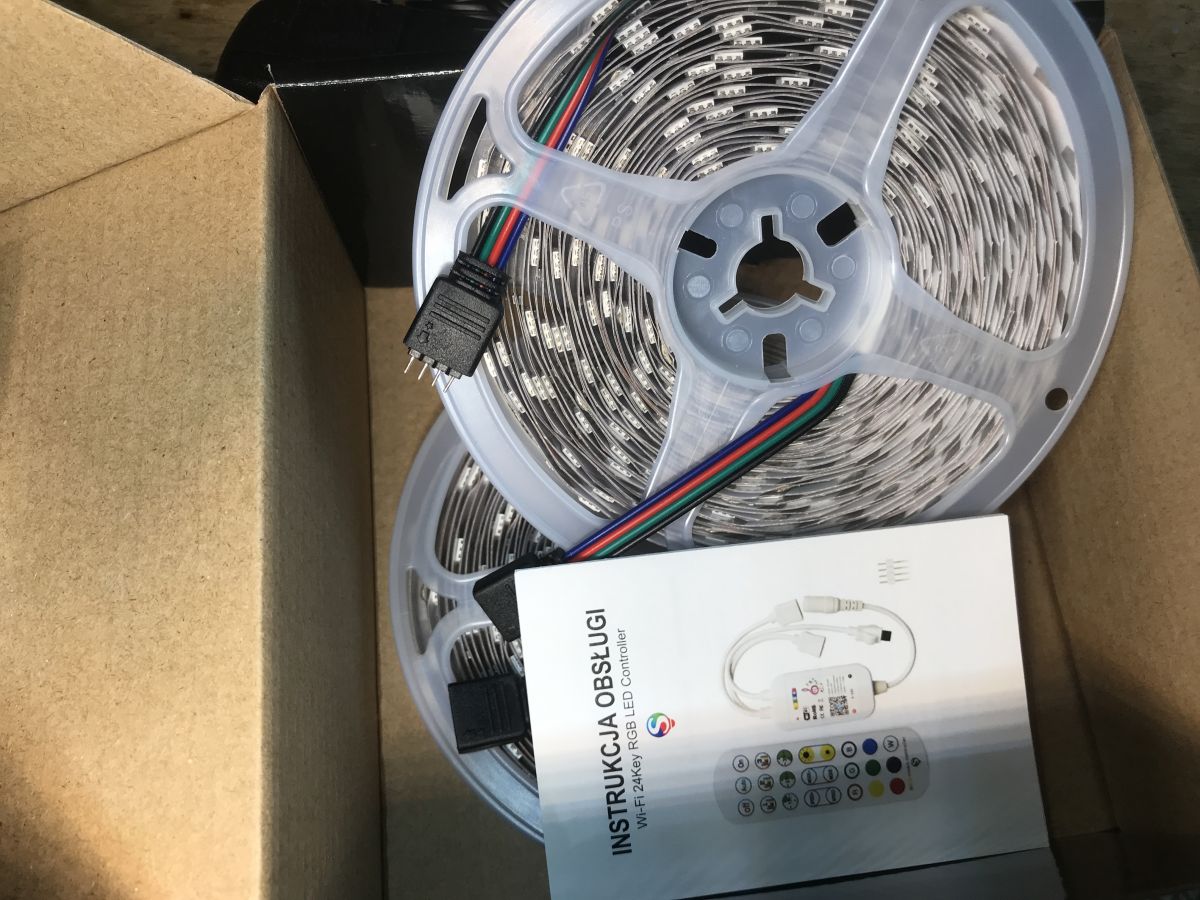
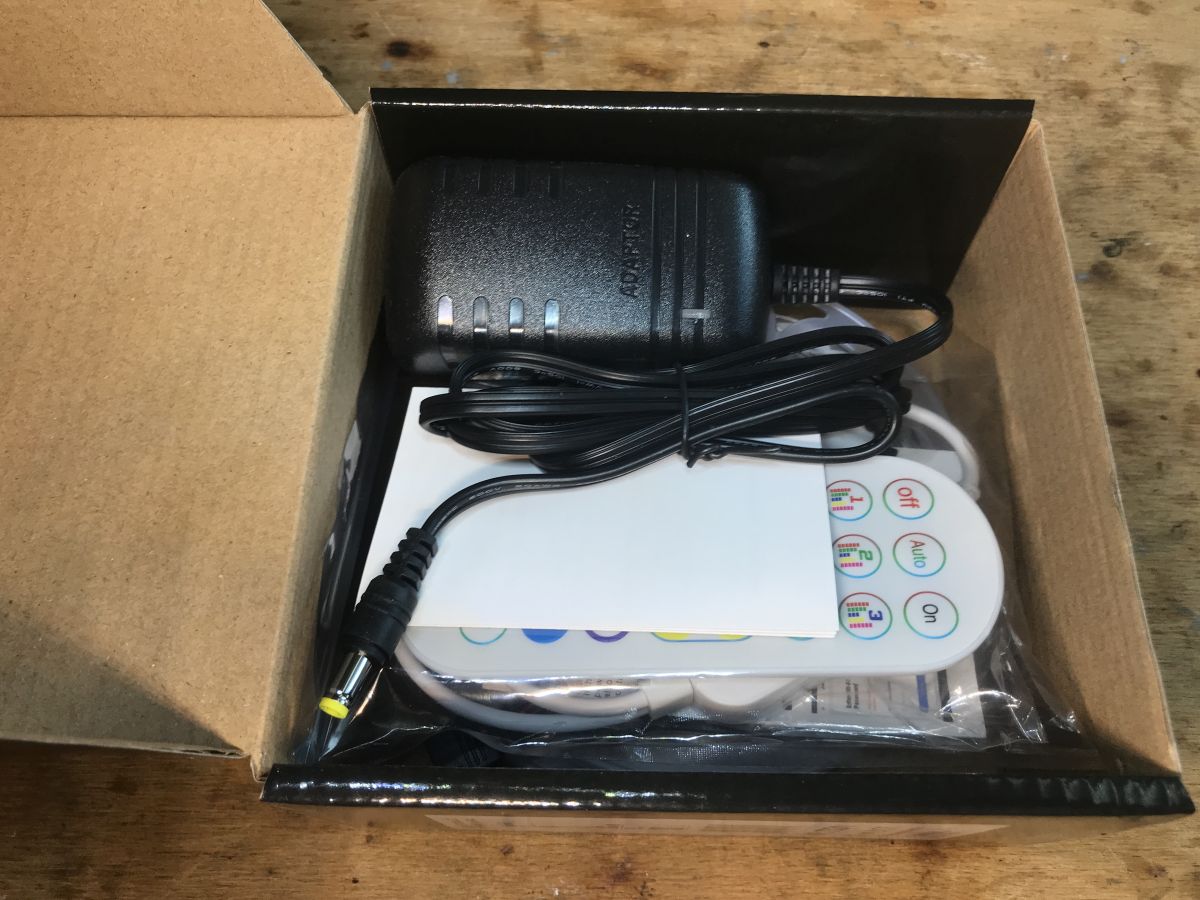
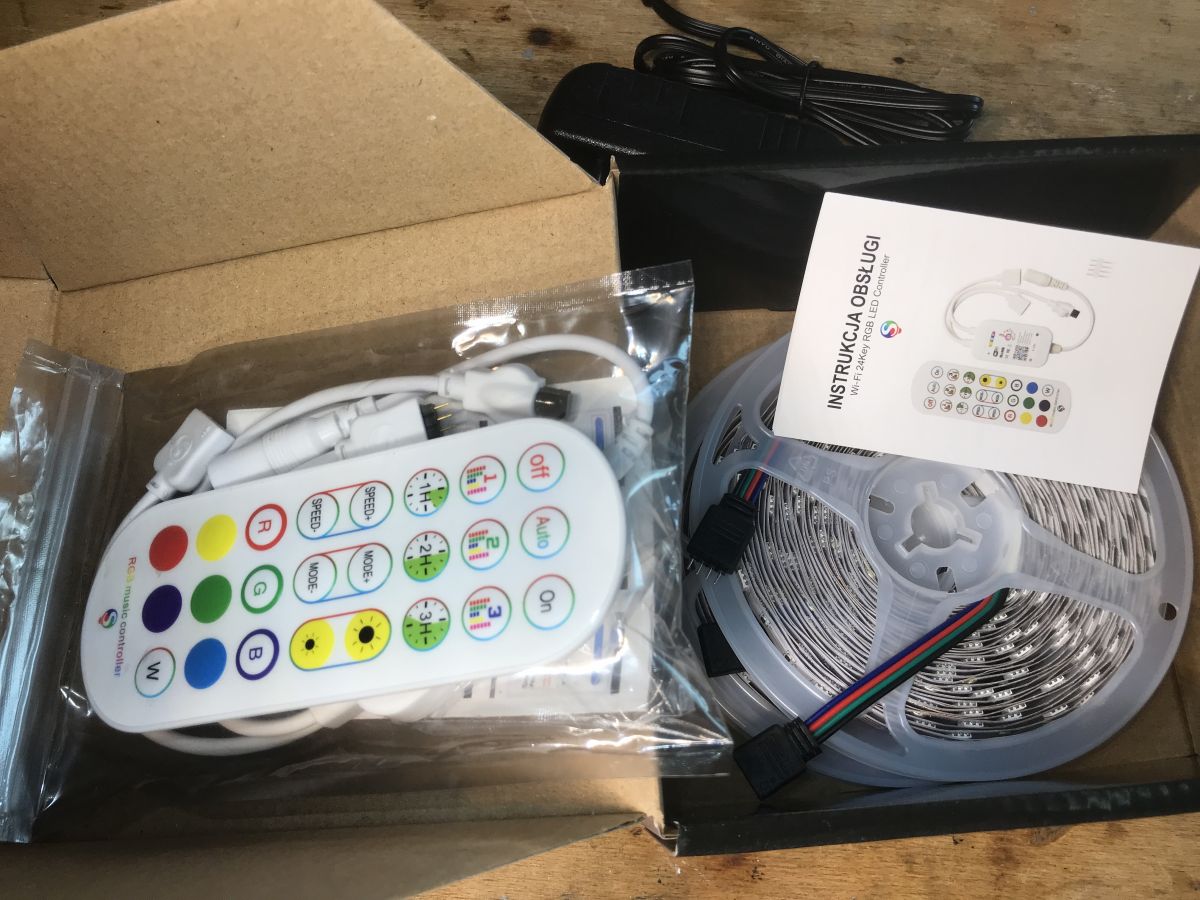
The contents of the set... not bad, there`s even a power supply:
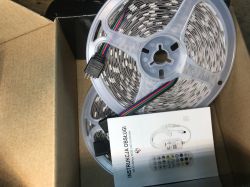
Contents of the RGB LED strip box, including user manual and remote control. Appio Strip 7331 kit includes a power adapter and remote control. Contents of the box with LED strip and remote control
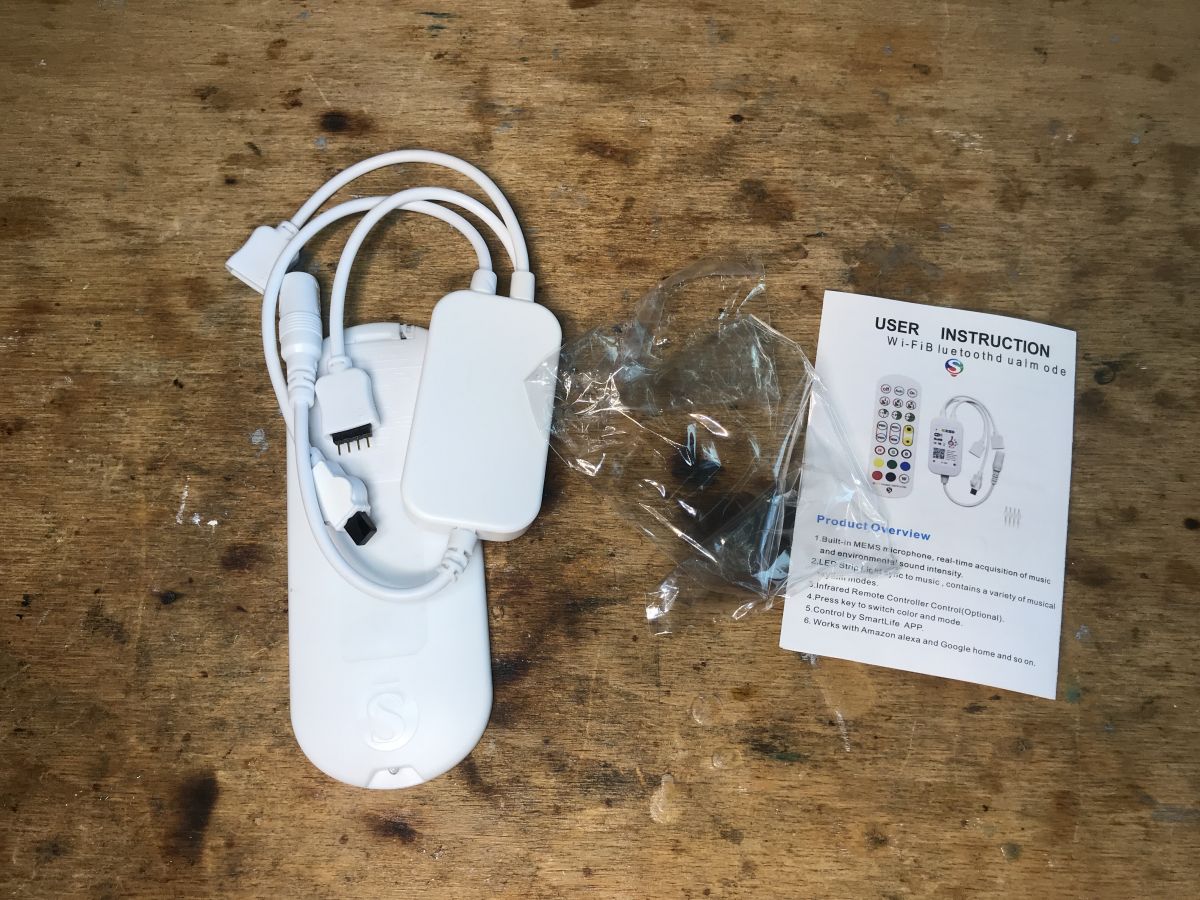
Appio Strip 7331 RGB LED Controller with manual and cables
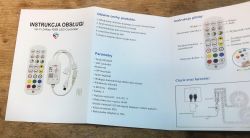
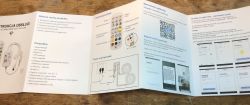
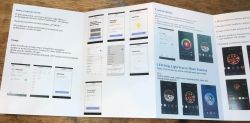
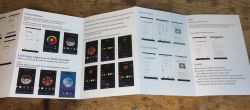
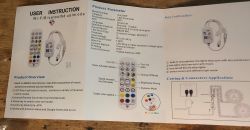
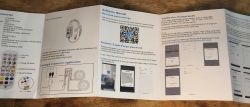
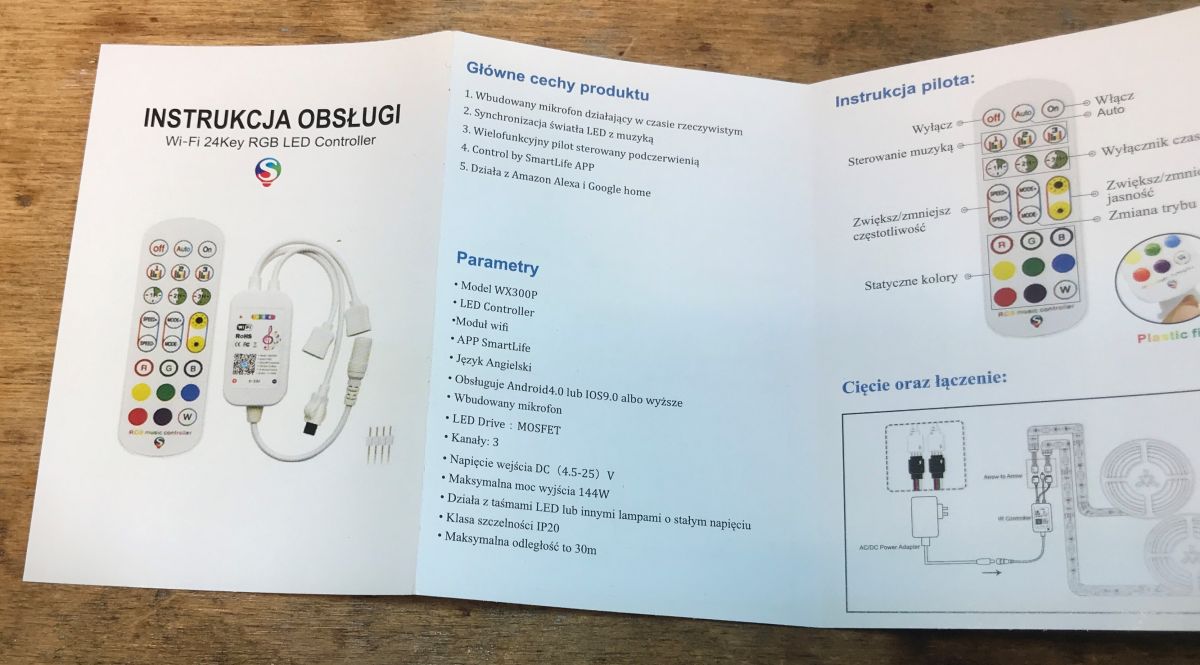
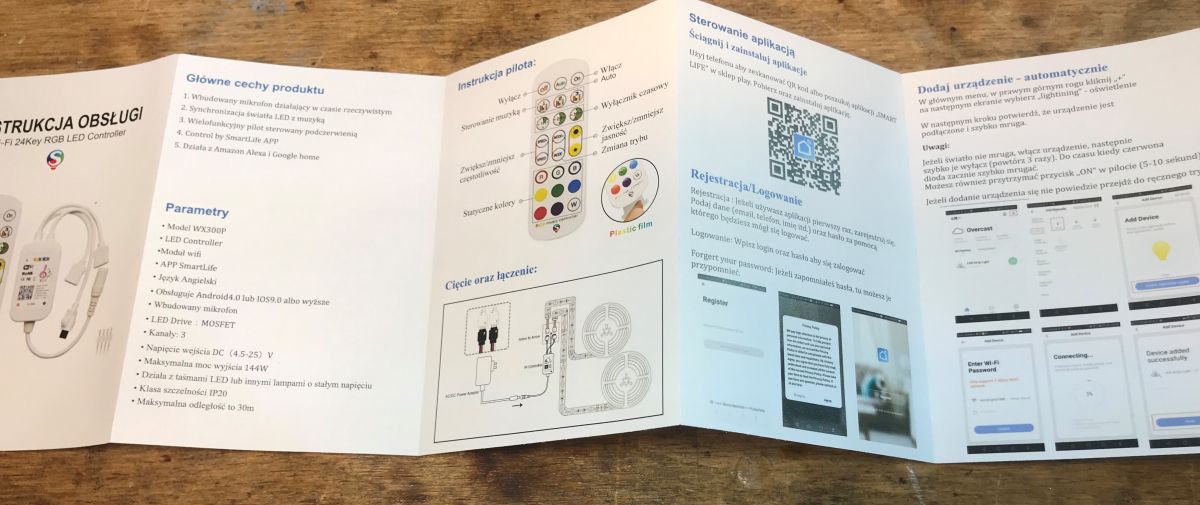
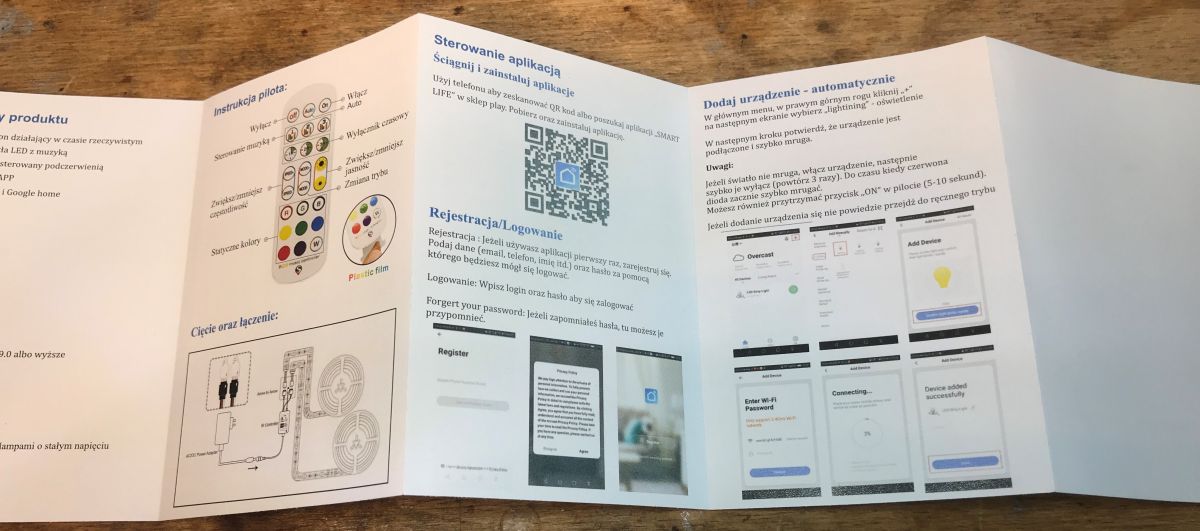
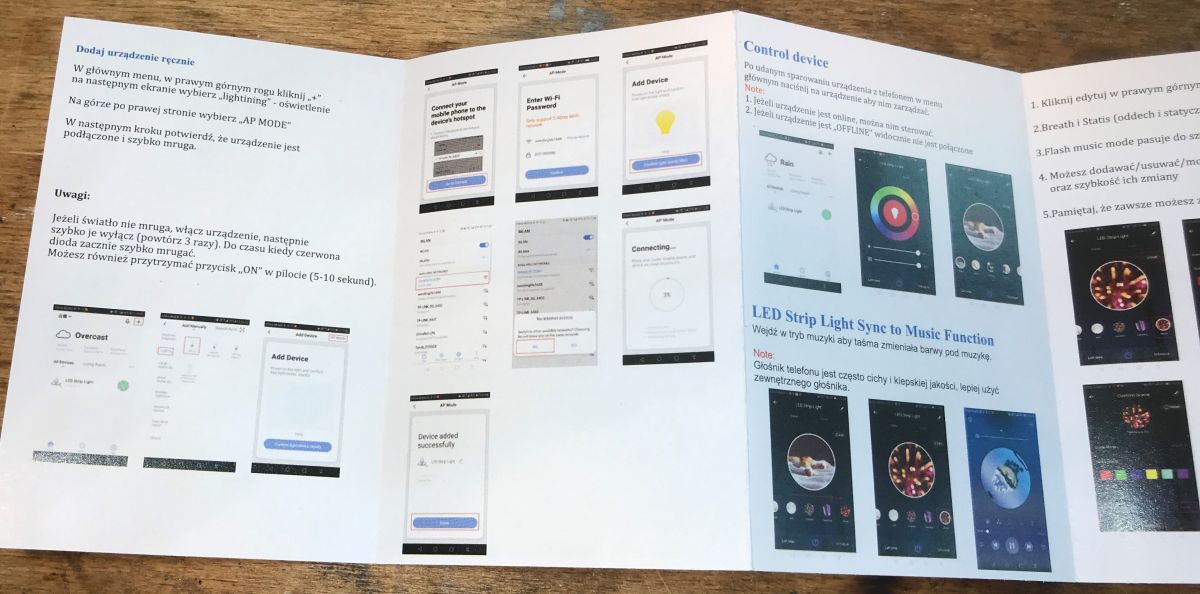
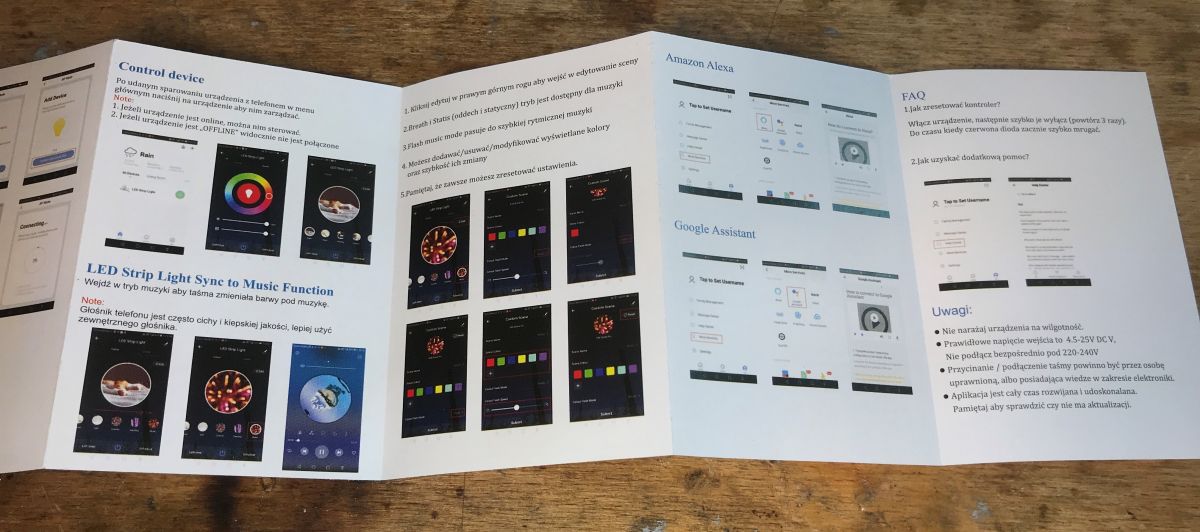
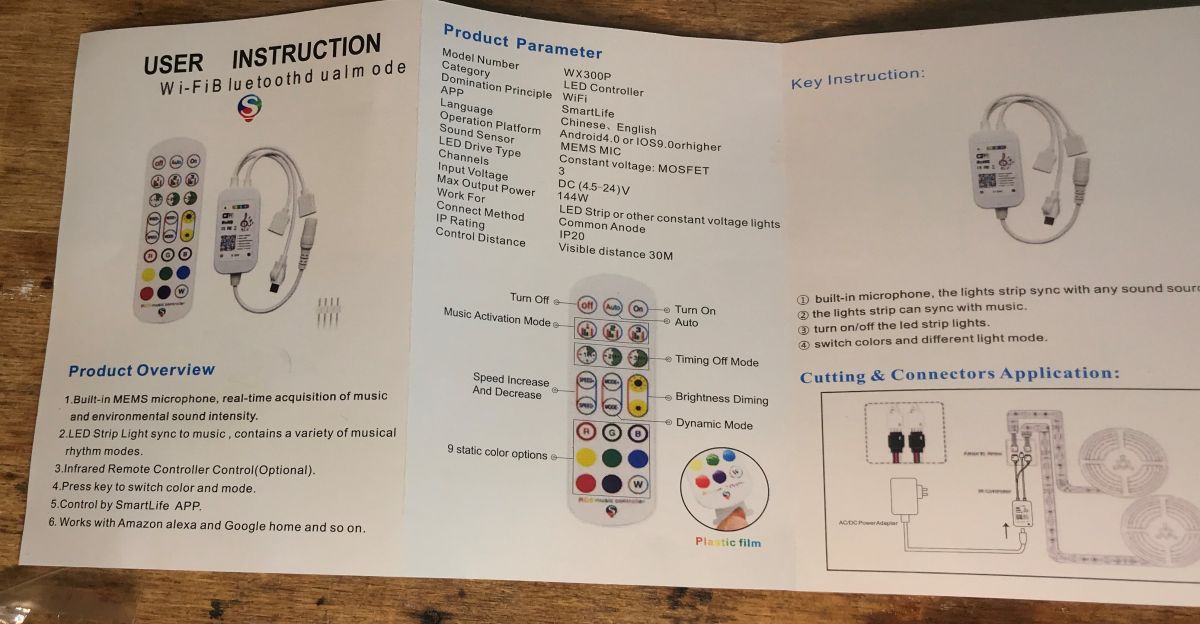
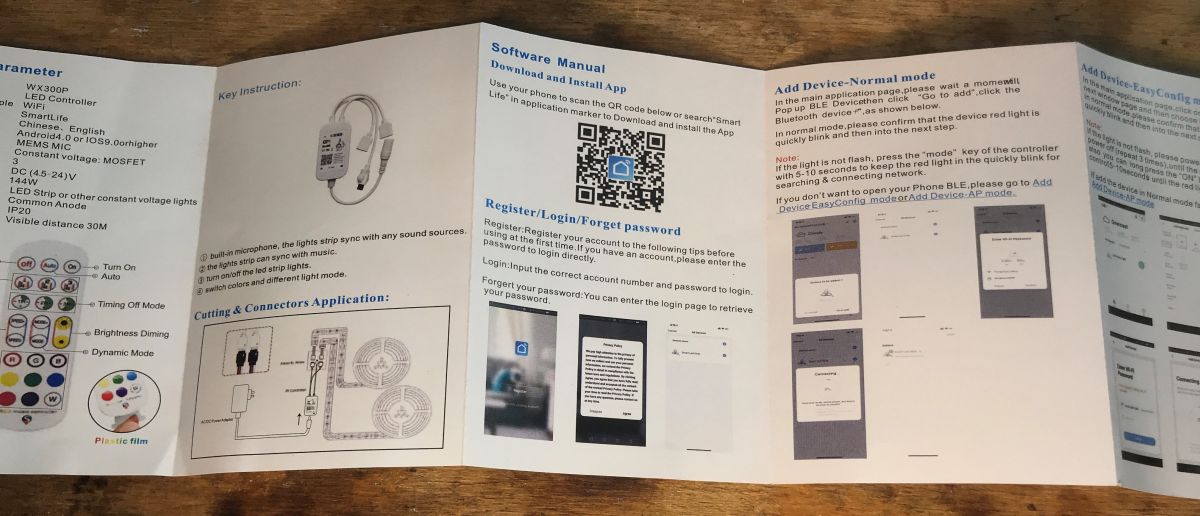
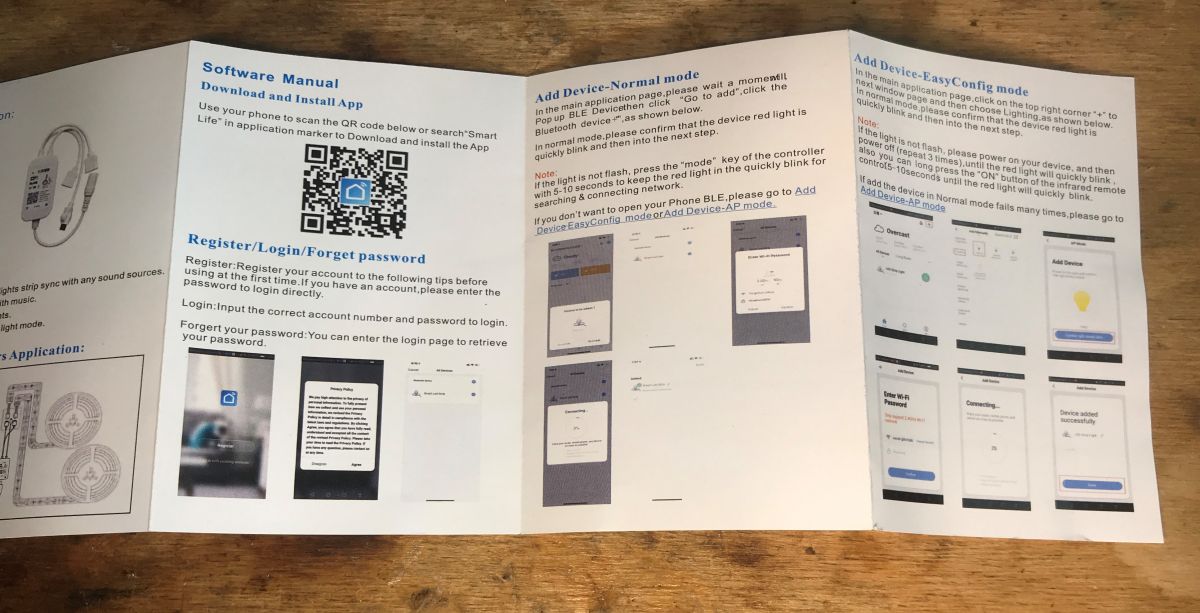
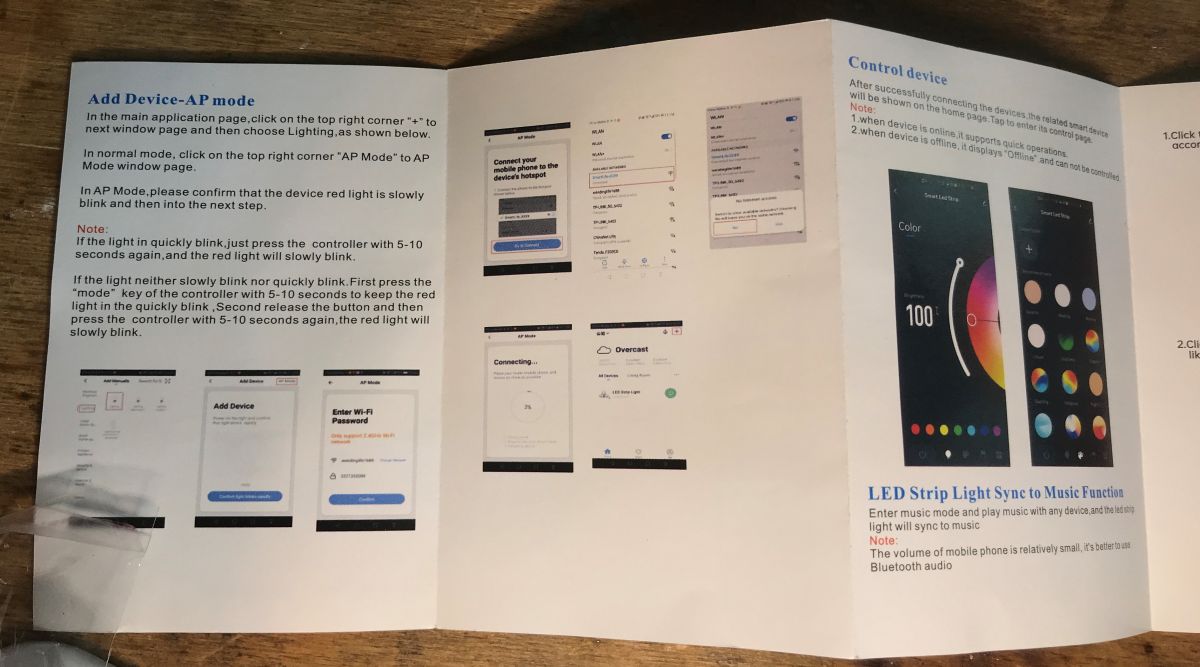
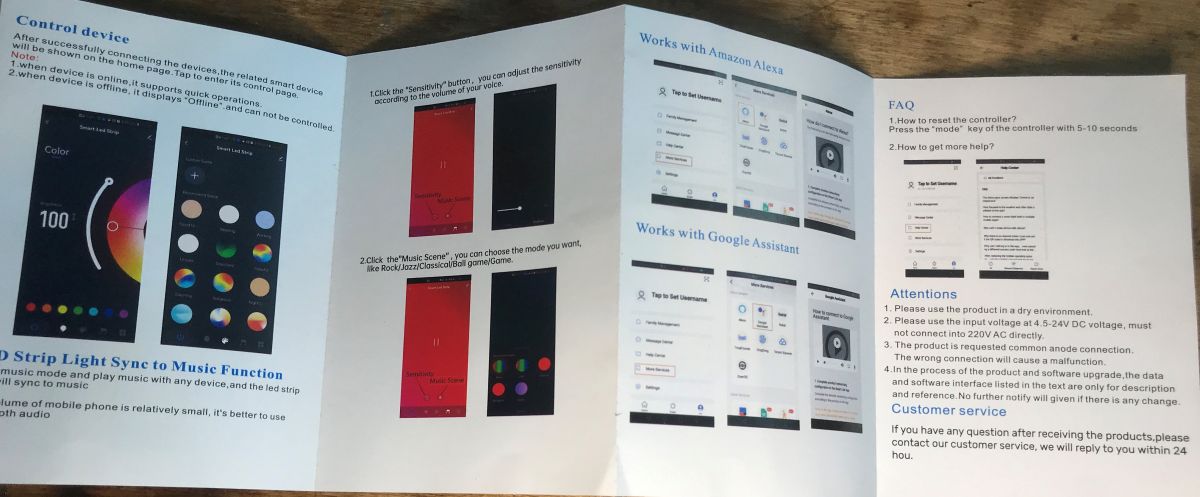
Instruction:
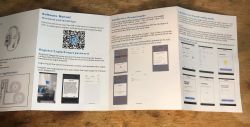
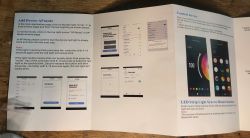
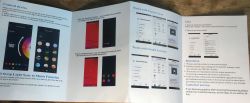
Instruction manual for RGB LED strip controller with remote. User manual for the Appio Strip 7331 RGB LED controller with product function descriptions. One-page user manual for the LED strip controller with app installation instructions. User manual for the Appio Strip 7331 LED controller showing setup and control instructions. Open user manual of LED strip controller with app illustrations. User manual for WiFi+Bluetooth LED controller with remote control features. User manual for WX300P LED controller with Smart Life app instructions. User manual for RGB LED strip with QR code and app setup illustrations. LED strip controller user manual with mobile app features. User manual for the Appio Strip 7331 LED strip controller
The inscription WiFi+Bluetooth itself suggests that this is not a product based on ESP8266 ...
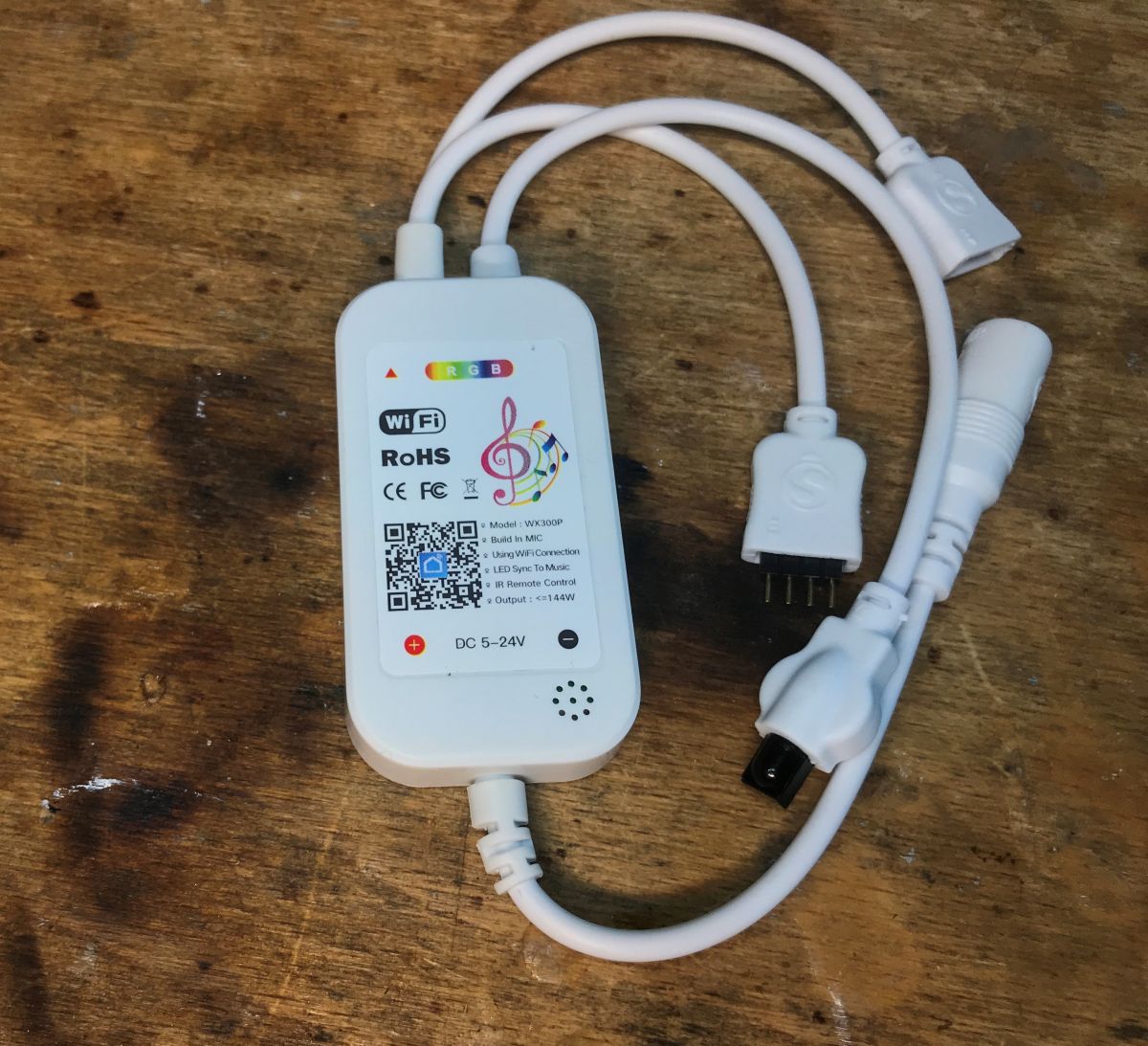
The manual mentions the WX300P model, which would indicate this product , but the interior is slightly different...

The interior of Appio Strip 7331
And here is our controller:
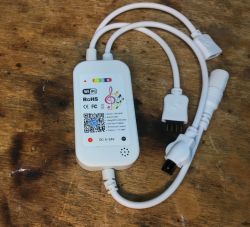
RGB LED strip controller with informational sticker and attached cables.
We remove the cover (just pry it off):
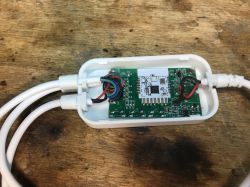
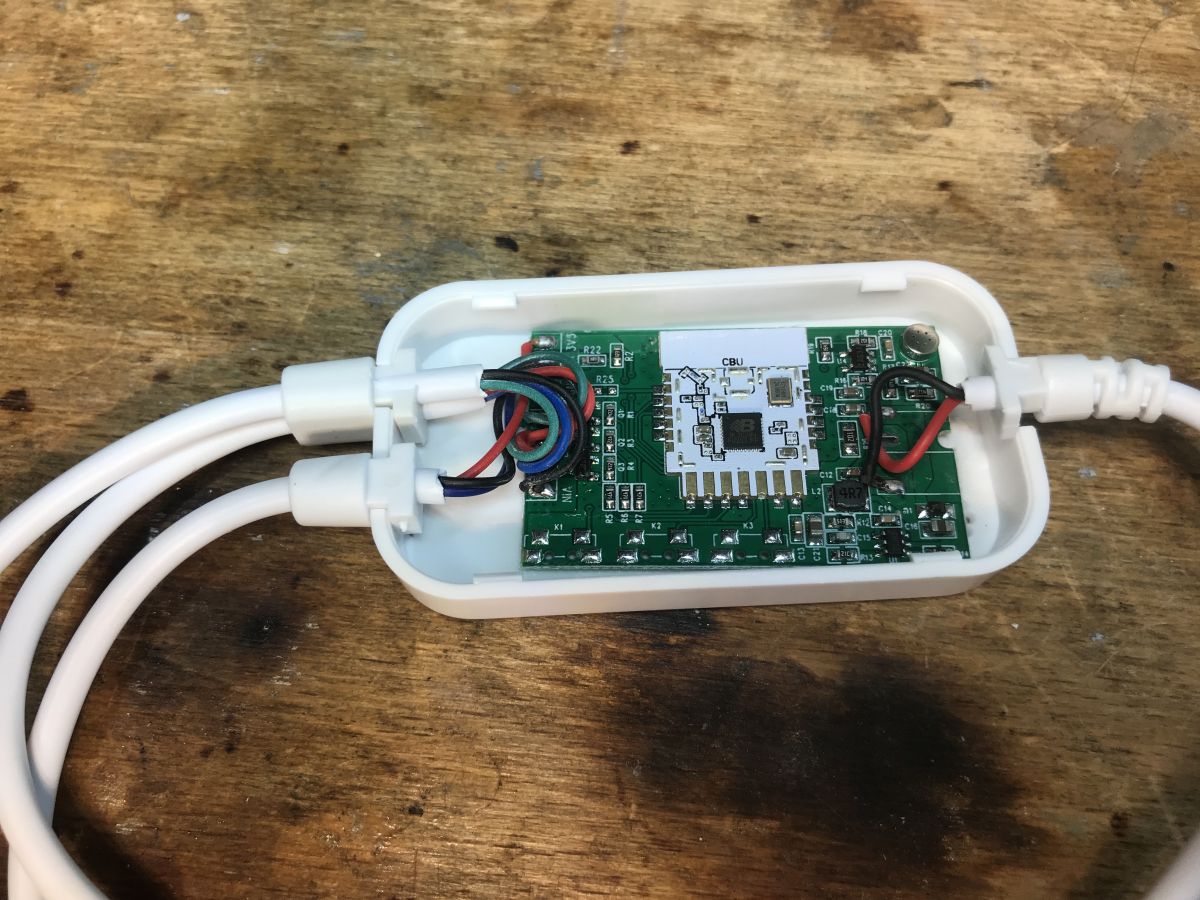
Interior of Appio Strip 7331 controller with visible wires and module
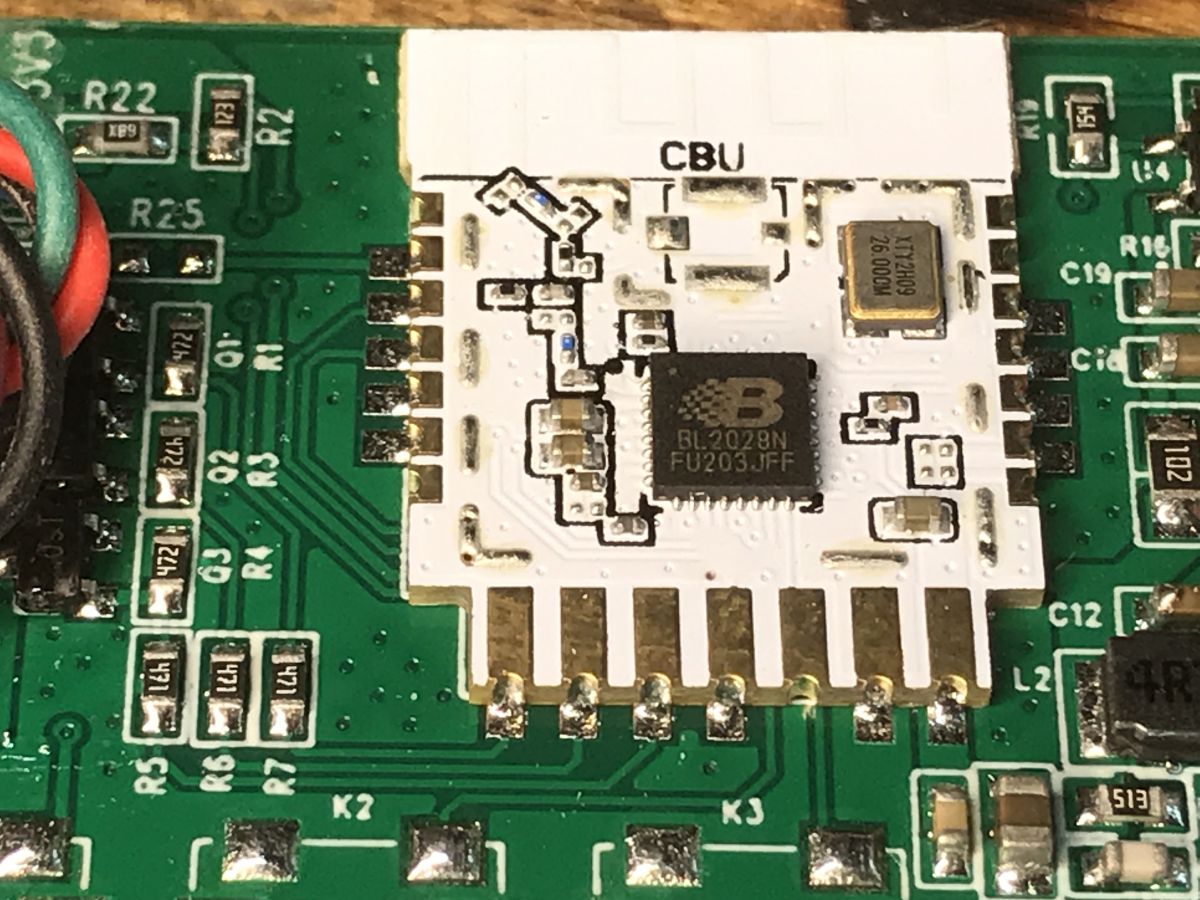
Inside there is a CBU module, known for having the BK7231N on board, but here it is in the BL2028N version:
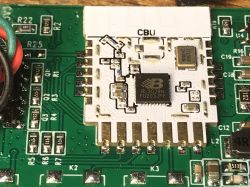
Close-up of the interior of a control panel showing the CBU module and BL2028N chip.
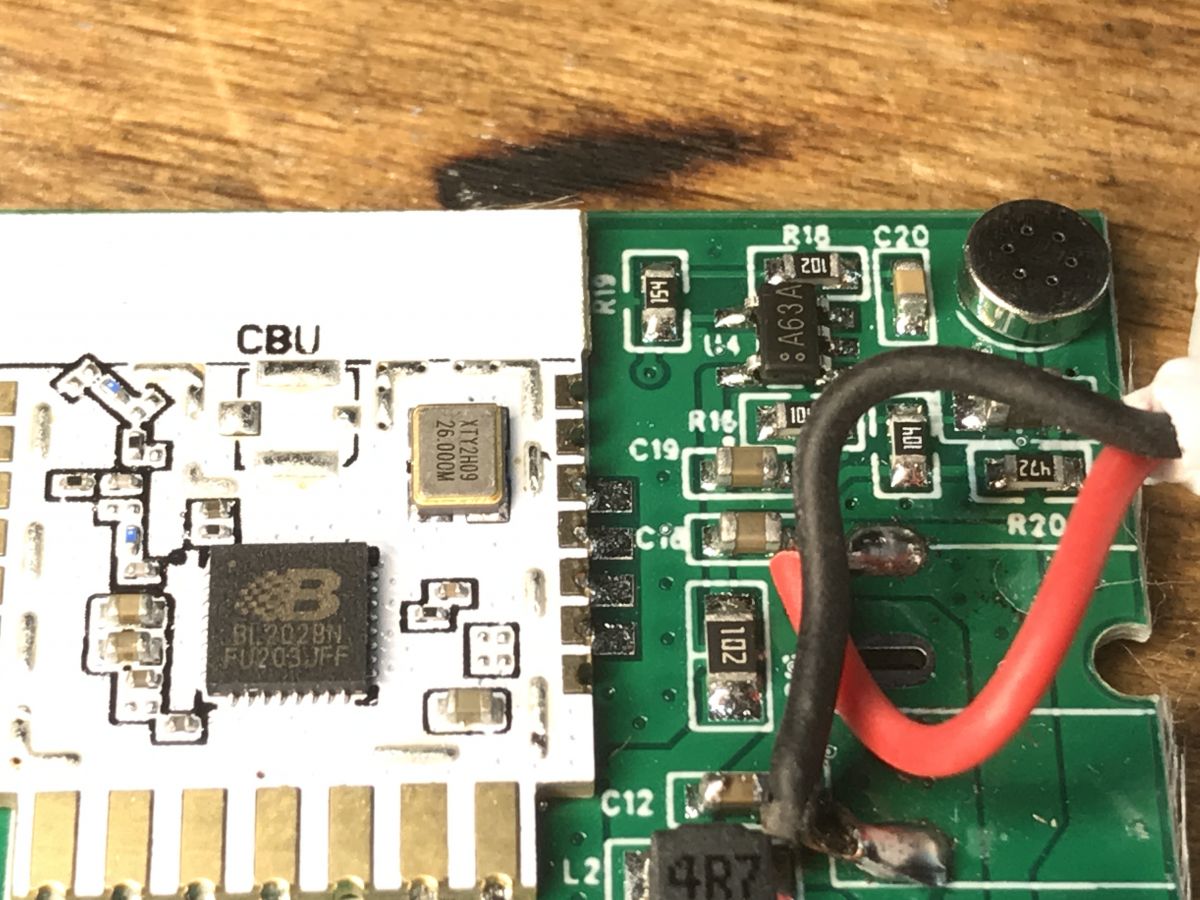
Here you can see a microphone, probably connected to P23 from BK, i.e. ADC:
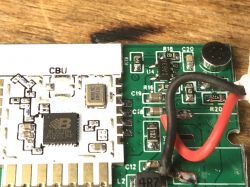
Close-up of a controller module with BL2028N and CBU chips on a PCB.
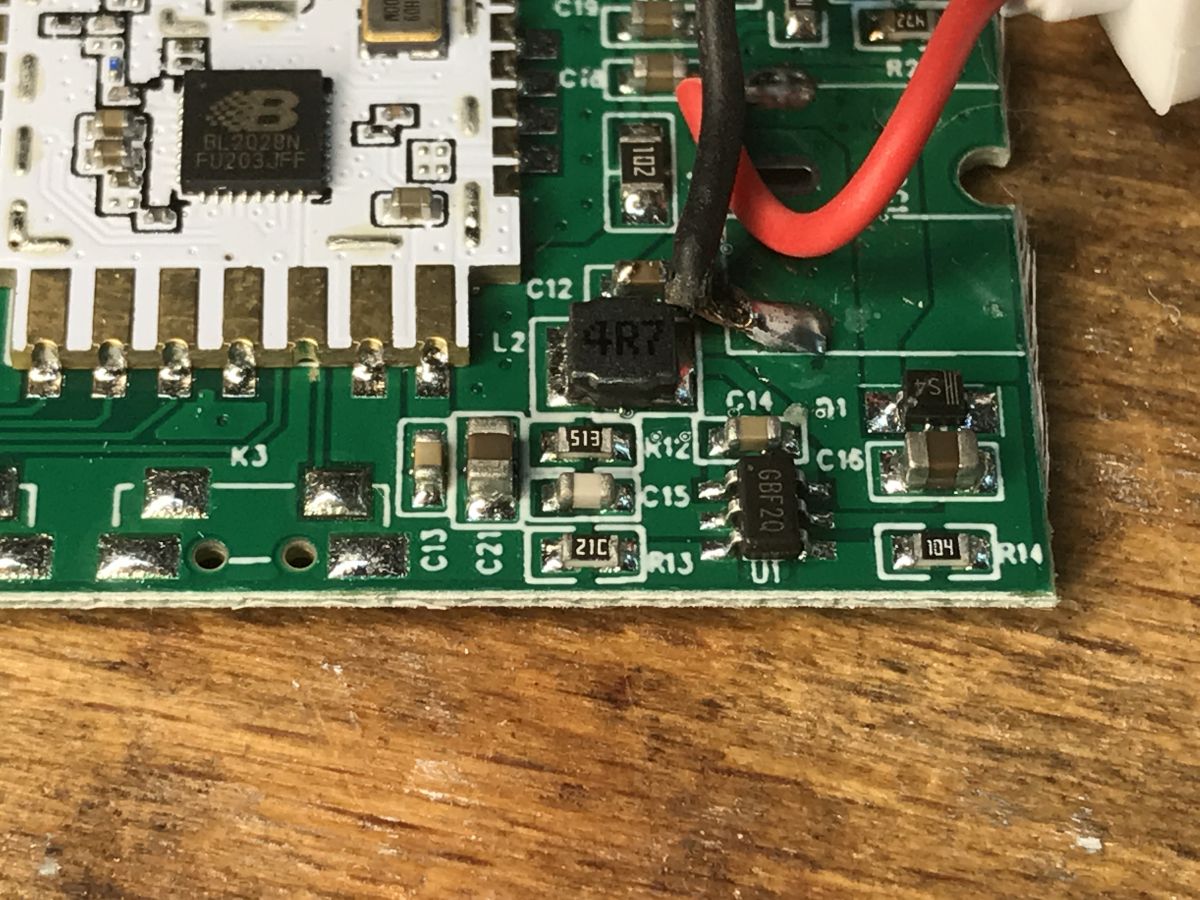
Below you can see the step down converter, can anyone decipher the GBF20 marking? It converts 12V from the belt into 3.3V for the WiFi module:
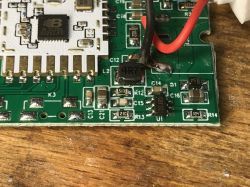
Close-up of the LED strip controller PCB with the BL2028N module.
You can also see the space for buttons on the PCB:
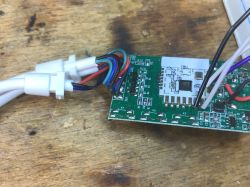
Interior of the Appio Strip 7331 LED strip controller with a visible CBU module.

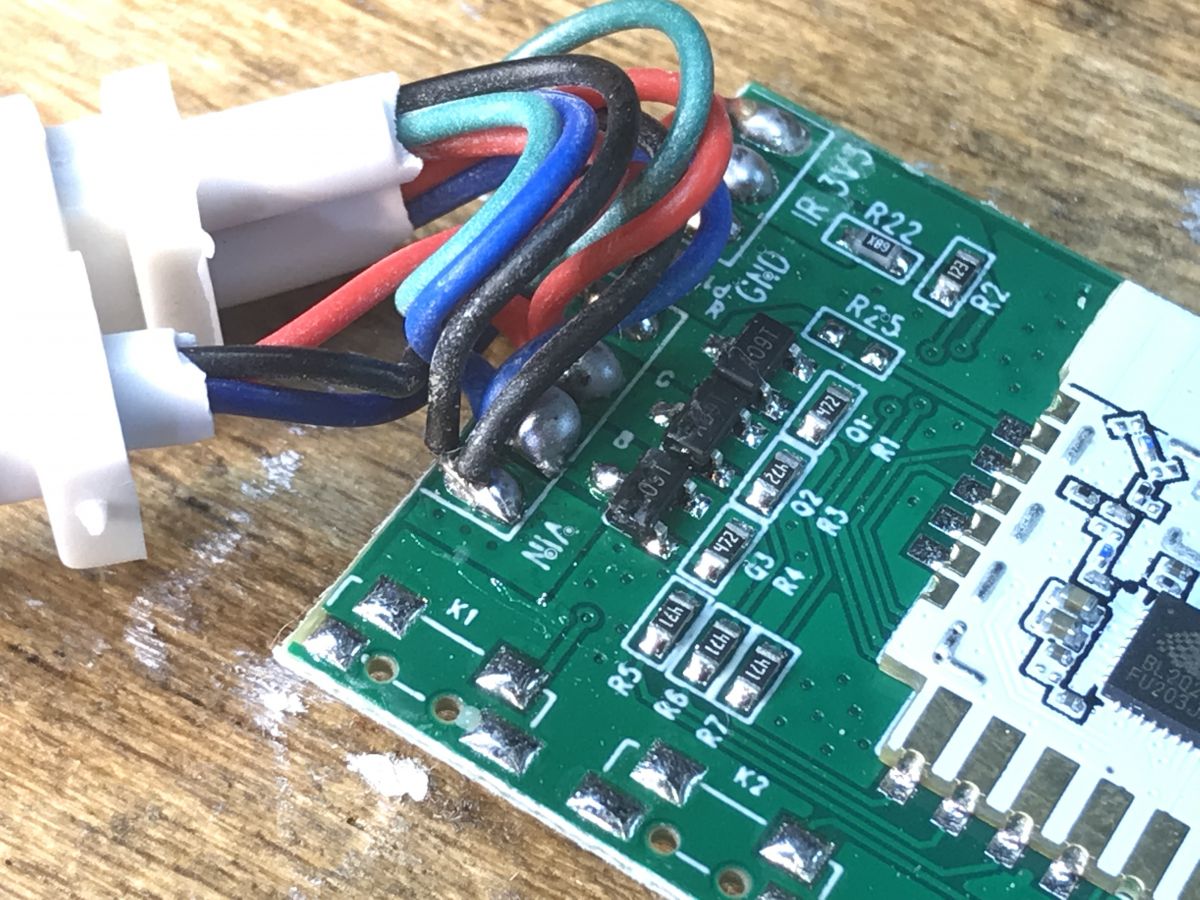
And here we have transistors, this is the RGB strip, i.e. three colors:
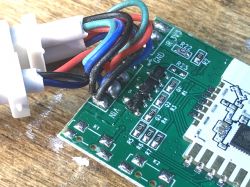
Close-up of a PCB with RGB wires.
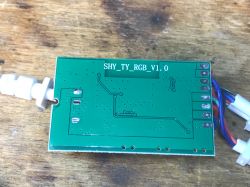
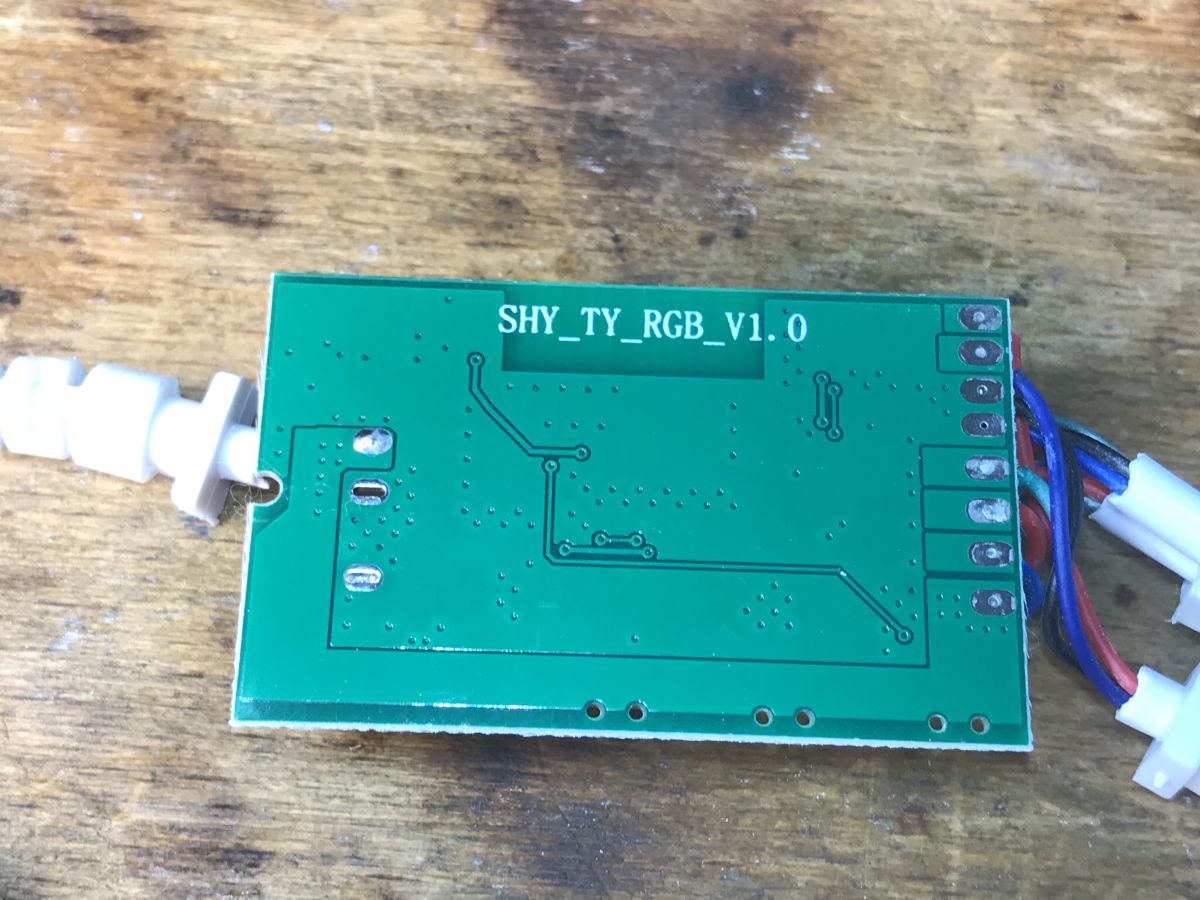
The bottom of the PCB is quite poor:
Bottom of the Appio Strip 7331 LED controller PCB
Designation: SHY_TY_RGB_V1.0.


Appio Strip 7331 firmware change
According to CBU documentation:
https://developer.tuya.com/en/docs/iot/cbu-module-datasheet?id=Ka07pykl5dk4u
and flasher instructions:
https://github.com/openshwprojects/BK7231GUIFlashTool
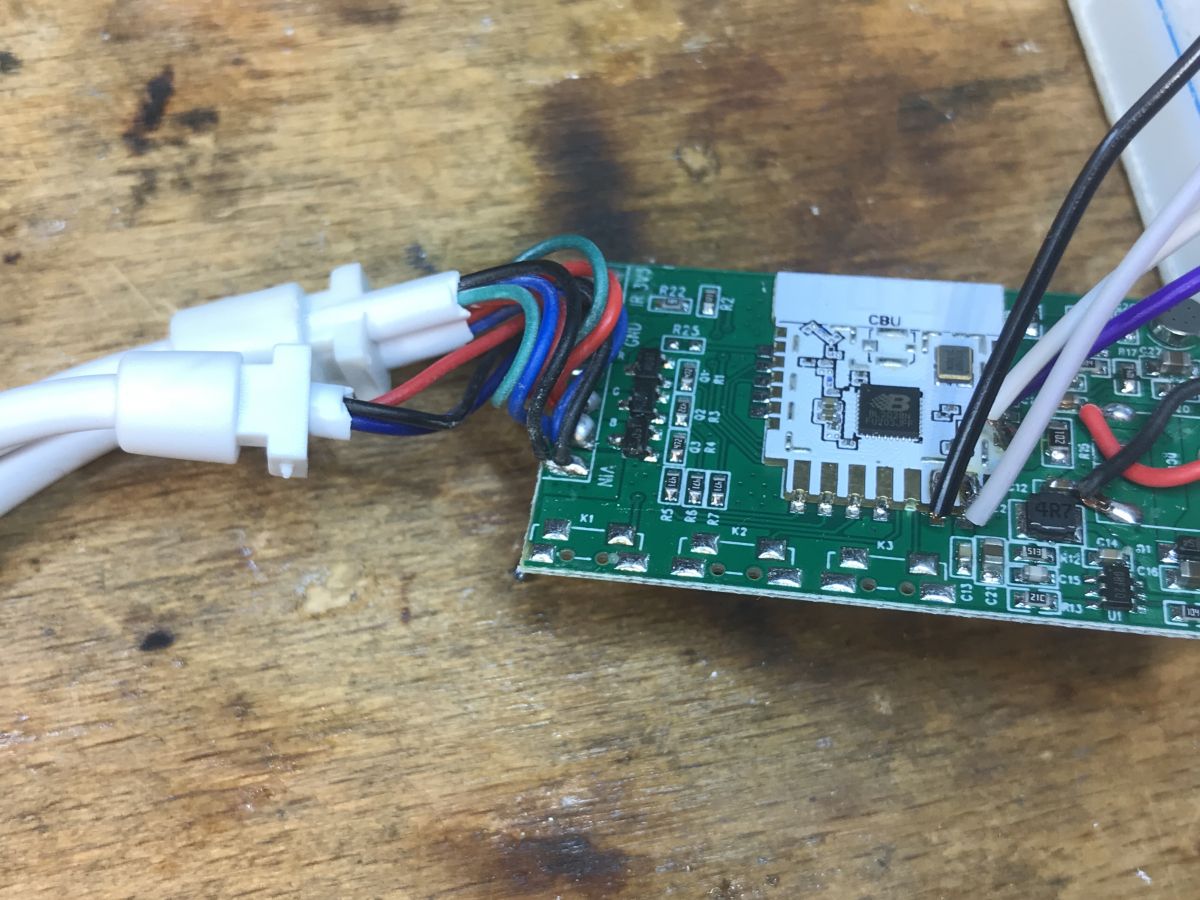
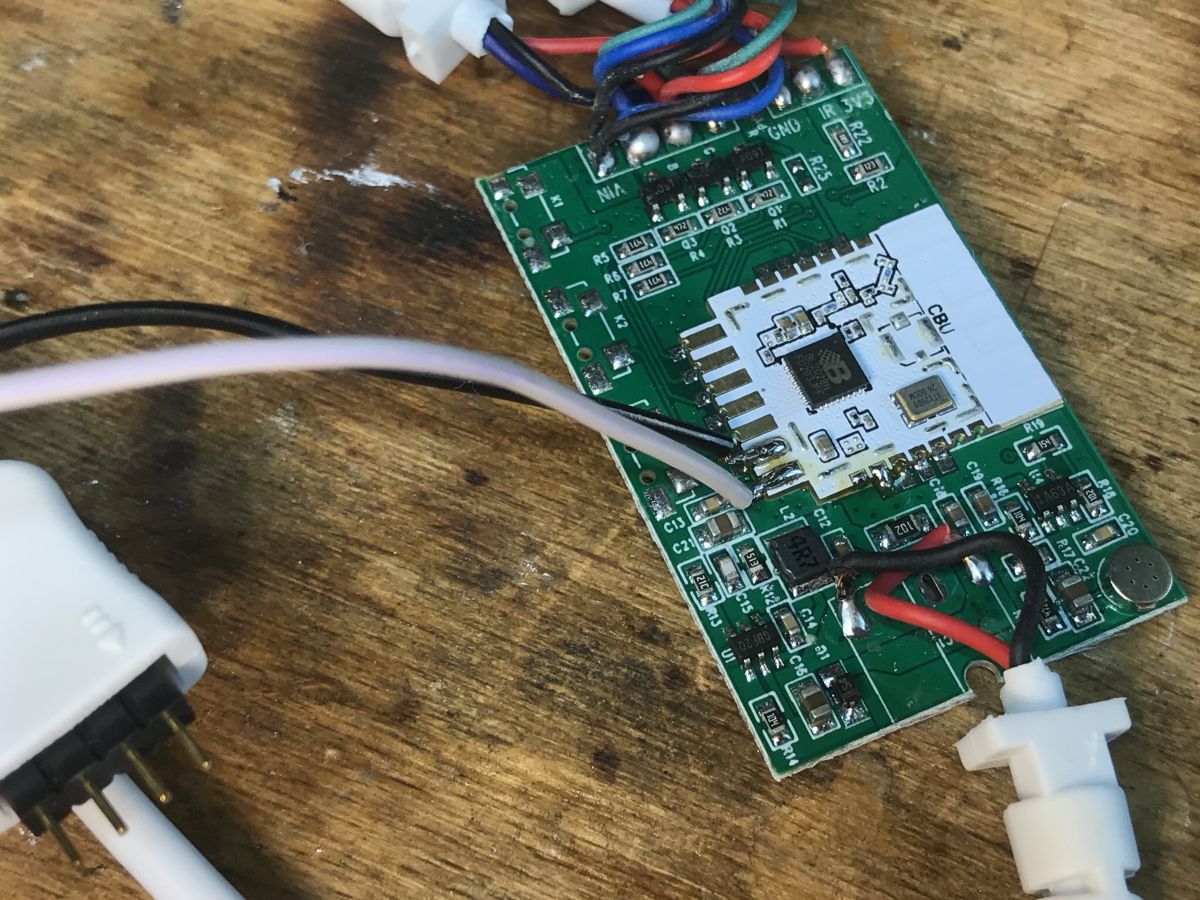
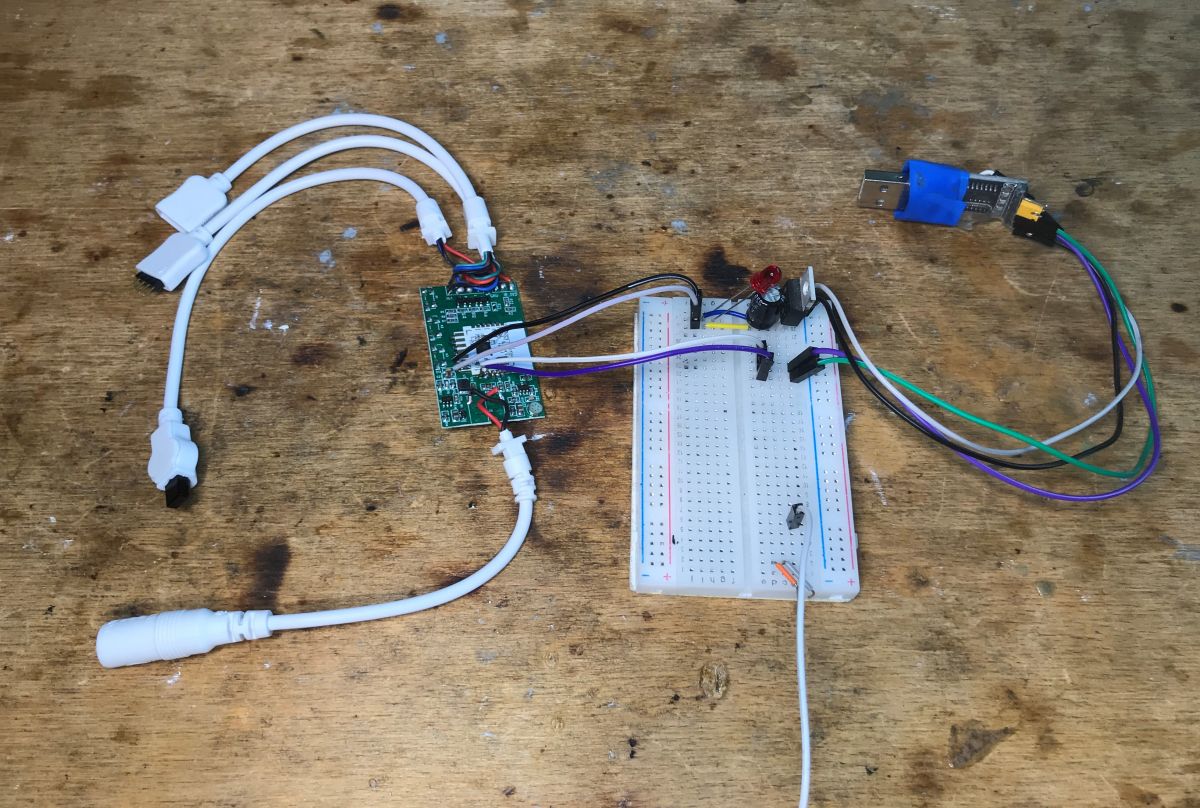
We solder four wires, ground, 3.3V, RX and TX. We copy a 2MB copy of the batch and then upload the OBK with flasher:
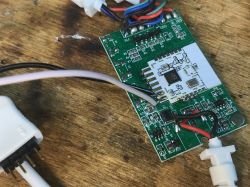
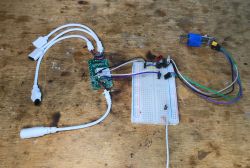
Close-up of the interior of the Appio Strip 7331 controller with exposed circuit board. LED controller setup on a workbench
OBK template:
Code: JSON
Log in, to see the code

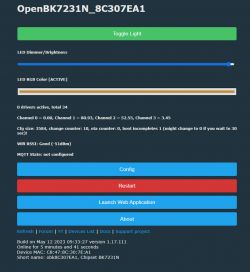
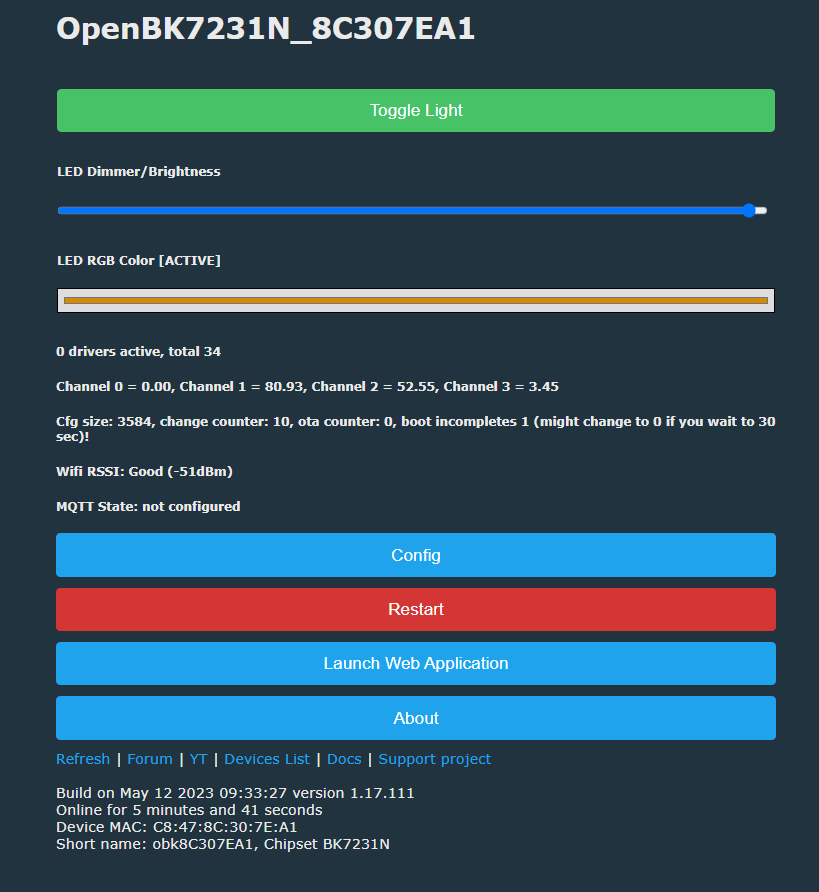
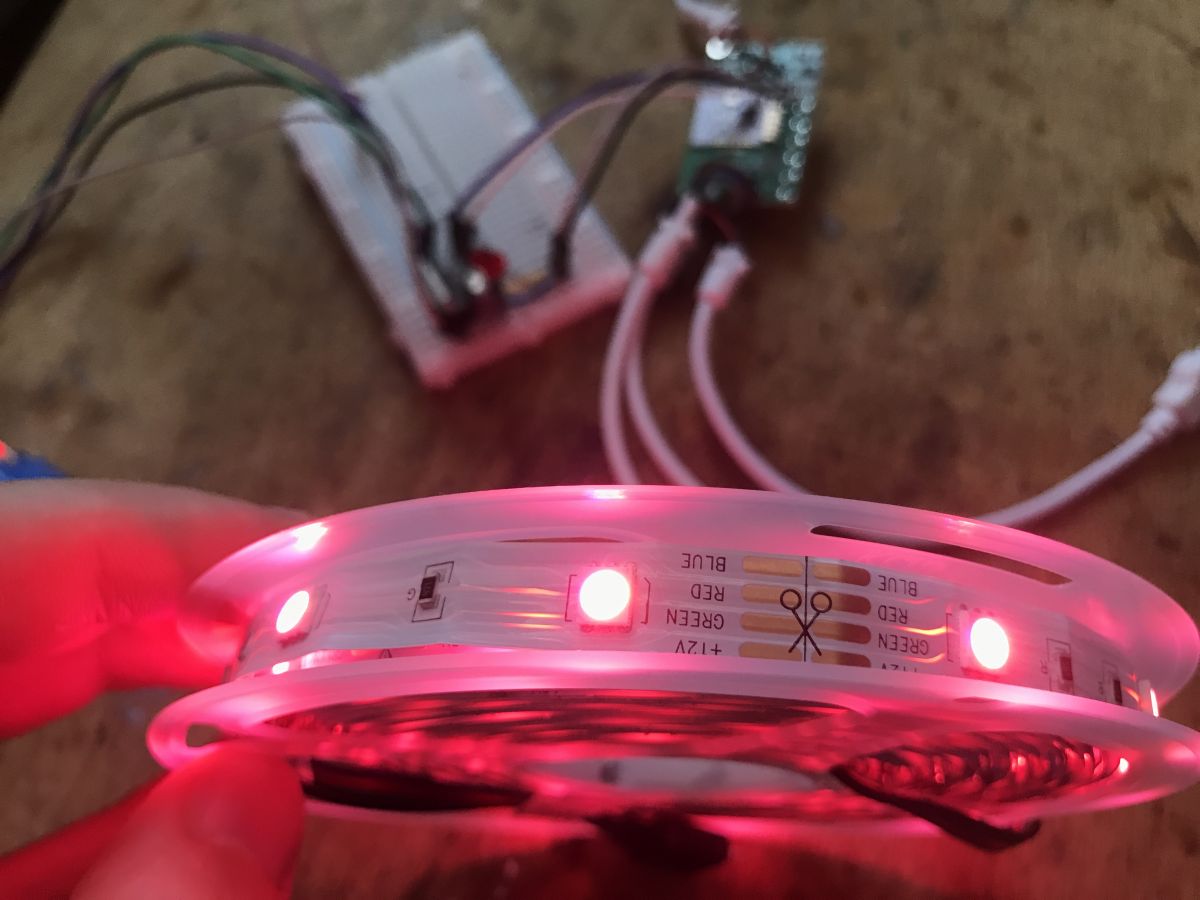
Short test of OBK operation:
OpenBK7231N interface with LED controller settings.
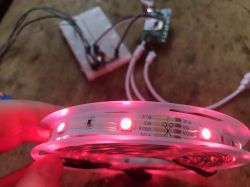
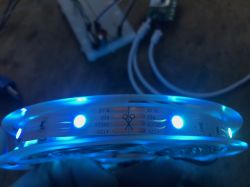
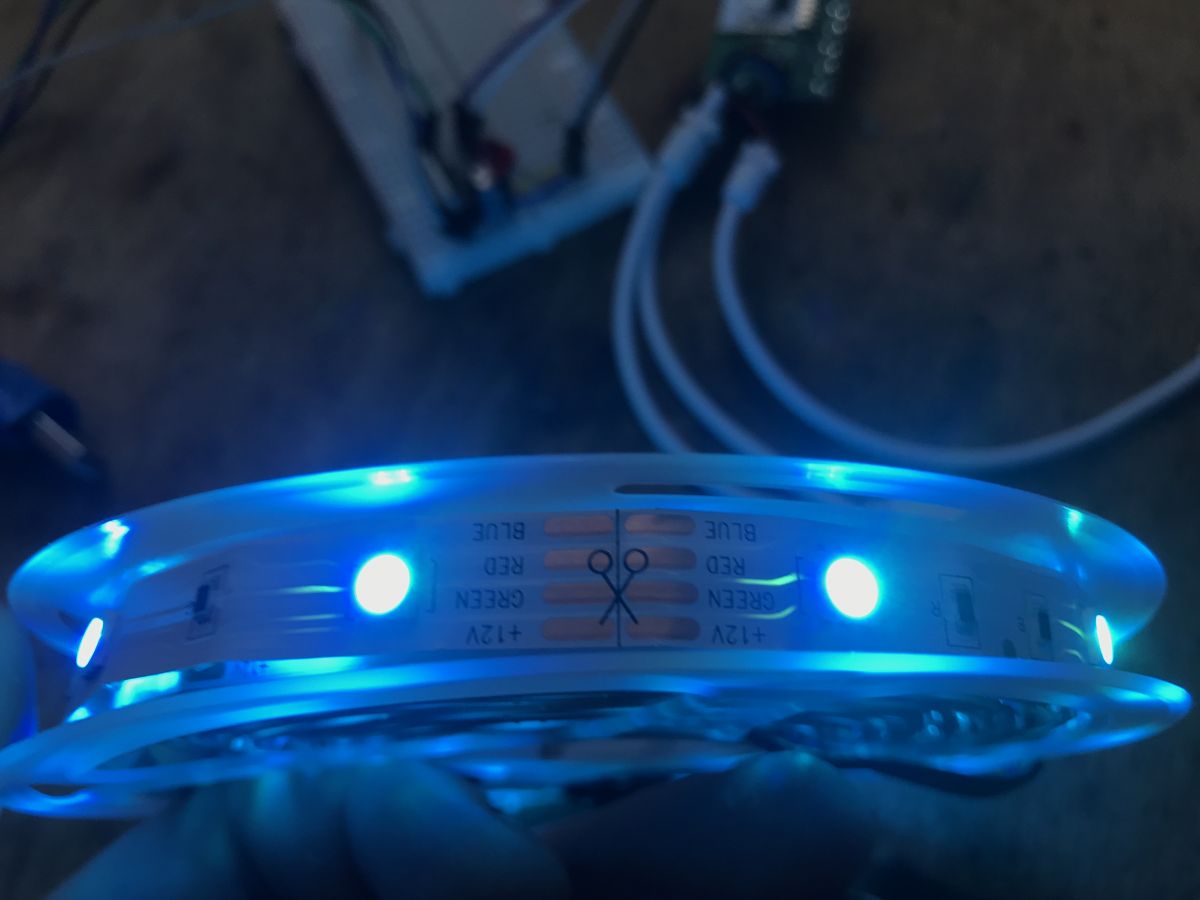
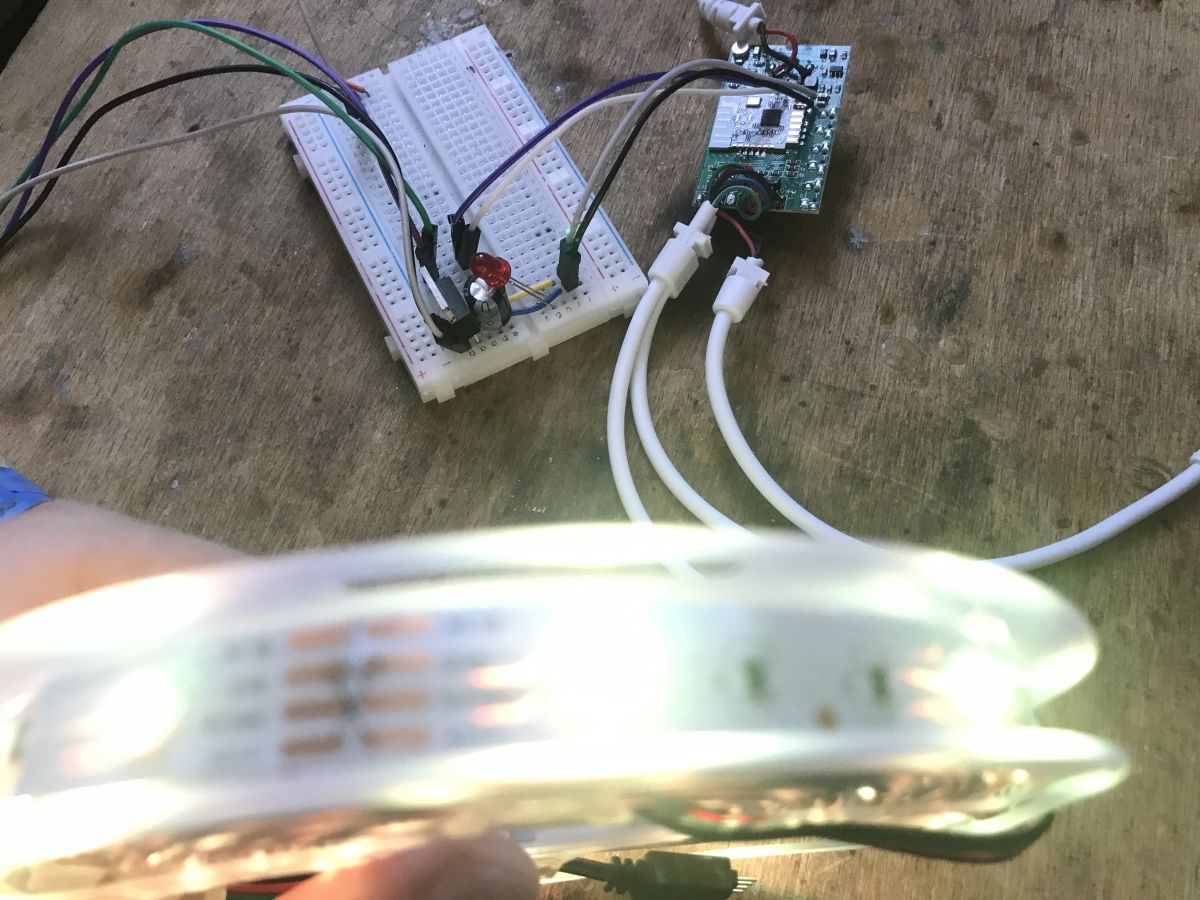
Close-up of a glowing pink LED strip with color labels visible on the strip. Illuminated blue LED strip Close-up of a connected LED strip controller on a breadboard
Everything works. You can also script the buttons, for example according to this tutorial:


You can add a button (physical):


You can also connect to other devices via Tasmota DGR:


And of course pair with HA:


The possibilities are great.

Summary
It`s supposed to be a double controller, but in fact both strips are connected to the same outputs, so we won`t choose different colors. Apart from that - no complaints, although it`s a pity that they didn`t remove the buttons with space for the PCB. In my opinion, such a product without "physical" control should not exist, but fortunately, after changing the firmware, it can be easily "repaired" and restore the missing buttons. I think that after changing the firmware, this controller may even find its place in our home, although I wouldn`t expect it to drive long strips, looking at these tiny MOSFETs at the output...


About Author
p.kaczmarek2
p.kaczmarek2 wrote 14649 posts with rating 12661 , helped 655 times. Been with us since 2014 year.

Comments

divadiow 06 Jan 2024 20:59

Very interesting indeed. It looks very similar to something that I had delivered today from Ali. I took some pictures but not many. I'm not home so haven't investigated further. The tantalising pics I... [Read more]
p.kaczmarek2 06 Jan 2024 21:42

I can see that your board has place for Q4 and Q5 transistors. You can easily solder those two transistors and get two more channels controlled via your strips. Of course, also resistors will be required... [Read more]
divadiow 06 Jan 2024 22:27

I have no idea to be honest. I don't imagine it's very good compared to whatever mic is in my Alexas. Maybe I lack imagination. Added after 22 [minutes]: Do you have ideas for its use? [Read more]
p.kaczmarek2 07 Jan 2024 12:15

Original firmware used it to make some kind of music-based effects but they were very crude. We could try to do the same, but that would require some work and not many users are interested in that. [Read more]

divadiow 07 Jan 2024 22:58

No. I personally have no interest in anything audio with it I don't think. I have Yi Home cameras flashed with the AllWinner Yihack and I note that there are MQTT audio options for things like baby... [Read more]

p.kaczmarek2 08 Jan 2024 09:54

Can you maybe write a few words about this AllWinner hack on our device teardowns forum? Maybe some kind of guide? This sounds interesting. [Read more]

FAQ

TL;DR: This FAQ helps OpenBeken users flash a 2MB backup and remap a 12V Appio Strip 7331 controller. "Everything works," the teardown concludes after assigning RGB PWM and IR pins, while confirming both strip outputs always mirror the same color. [#20891034]

Why it matters: It shows how to turn a cheap Tuya RGB strip controller into a more open device with working IR support, Home Assistant options, and clearer hardware limits.

Feature Original firmware OpenBeken after flash
RGB strip control Works Works
IR receiver Present in product Mapped on GPIO 26
Home Assistant use Not described Supported via pairing/tutorials
Physical button options No fitted buttons Can be added using PCB pads

Key insight: The “double” Appio Strip 7331 is not a dual-zone controller. Both strip connectors share the same RGB outputs, so they always show the same colors. [#20891034]

Quick Facts

  • The kit is sold as a 36W, 15M RGB LED strip set and was bought for just over PLN 100, with power supply included. [#20891034]
  • The board drops 12V from the strip supply down to 3.3V for the wireless module through an onboard step-down stage marked "GBF20." [#20891034]
  • The published OpenBeken template uses pin 6 = PWM 3, pin 7 = PWM 2, pin 8 = PWM 1, and pin 26 = IRRecv 1. [#20891034]
  • Flashing starts with a full 2MB dump, then OpenBeken is written through 3.3V, GND, RX, and TX connections. [#20891034]
  • A similar AliExpress board exposes empty Q4 and Q5 transistor footprints, which could add two output channels if matching transistors and resistors are fitted. [#20895098]

How do you flash the Appio Strip 7331 LED strip controller with OpenBeken using BK7231GUIFlashTool?

You flash it over a 4-wire serial connection and write OpenBeken after saving a full backup. 1. Solder GND, 3.3V, RX, and TX to the CBU board. 2. Use BK7231GUIFlashTool to read and save a 2MB dump first. 3. Write the OpenBeken firmware, then apply the Appio Strip 7331 template so RGB PWM and IR work correctly. [#20891034]

What GPIO template should I use in OpenBeken for the Appio Strip 7331 with the CBU/BL2028N module and IR receiver?

Use the published Appio Strip 7331 OpenBeken template with four mapped pins. It sets pin 6 to PWM 3, pin 7 to PWM 2, pin 8 to PWM 1, and pin 26 to IRRecv 1. The JSON also identifies the board as CBU, the chip family as BK7231N, and the model as 7331. [#20891034]

Why does the Appio Strip 7331 advertised as a double RGB controller only drive both strip outputs with the same colors?

It drives both outputs with the same colors because both strip connectors are tied to the same RGB control lines. The teardown states this is one RGB strip controller with two strip plugs, not two independent color zones. In practice, you cannot set one connector to red and the other to blue. [#20891034]

What is the CBU module in Tuya devices, and how does it relate to BK7231N or BL2028N chips?

"CBU" is a Tuya wireless module that provides Wi‑Fi and Bluetooth connectivity, built around a Beken-class control chip. In this controller, the board uses a CBU module, and the teardown notes it is the BL2028N version of hardware associated with the BK7231N family rather than an ESP8266 design. [#20891034]

What is OpenBeken, and why would someone replace the original firmware on an Appio Strip 7331 controller?

OpenBeken is replacement firmware used to regain flexible local control of Tuya-style devices. The author replaced the stock firmware to publish a working GPIO template, keep RGB and IR functions, script buttons, connect through Tasmota DGR, and pair the controller with Home Assistant. That makes the device more customizable than the original setup shown in the package materials. [#20891034]

Which pins on the Appio Strip 7331 are used for RGB PWM outputs and the IR receiver after flashing OpenBeken?

Pins 6, 7, and 8 drive the RGB channels, and pin 26 handles the IR receiver. The template assigns PWM 3 to pin 6, PWM 2 to pin 7, PWM 1 to pin 8, and IRRecv 1 to pin 26. Those four assignments are the key settings needed after flashing. [#20891034]

What can be done with the built-in microphone on this Appio Strip 7331 style LED controller?

The built-in microphone can be used for simple sound-reactive lighting effects, but the thread does not show a finished advanced use. The teardown points to a microphone likely connected to P23 as an ADC input, and the later discussion says the original firmware used it for crude music-based effects. The participants did not pursue voice analysis or baby-cry detection on this board. [#20895772]

How could the microphone be used for music-reactive effects on a BK7231N or BL2028N LED strip controller?

You could sample the microphone through the ADC and map sound level changes to color or brightness effects. The thread says the original firmware already did this in a crude way, so the basic concept is proven on this hardware. A practical version would react to peaks, beats, or volume changes rather than trying full audio recognition. [#20895772]

Why does the WiFi+Bluetooth marking suggest this LED controller is not based on ESP8266?

The WiFi+Bluetooth marking points away from ESP8266 because ESP8266 devices do not provide native Bluetooth support. The teardown explicitly uses that label as an early clue that the controller is not ESP8266-based. That observation matched the later discovery of a CBU module with a BL2028N/BK7231N-family design inside. [#20891034]

What is Tasmota DGR, and how does it help OpenBeken devices connect to other smart home devices?

Tasmota DGR is shown in the thread as a way for an OpenBeken device to link with other smart home devices. The post includes a dedicated tutorial video for connecting this flashed LED controller through Tasmota DGR, alongside separate Home Assistant guidance. In this context, it is presented as an interoperability method after replacing the stock firmware. [#20891034]

How do you add a physical button to the Appio Strip 7331 board when the PCB has unused button pads?

You can add a button by using the empty switch area already present on the PCB and then assigning it in firmware. The teardown shows clear space for buttons on the board, and the summary argues the missing physical control can be “repaired” after reflashing. The post also links a tutorial specifically about adding a physical button. [#20891034]

What are the risks of driving longer RGB LED strips with the small MOSFETs used in the Appio Strip 7331 controller?

The main risk is overstressing the output stage when strip current rises beyond what the small MOSFETs can handle. The teardown ends with a direct warning that the author would not expect this controller to drive long strips, specifically because of the tiny output MOSFETs. For longer runs, heat, voltage drop, or unstable switching become the likely failure points. [#20891034]

How does OpenBeken compare with the original Tuya firmware for RGB strip control, IR remote support, and Home Assistant integration?

OpenBeken keeps RGB control working, maps the IR receiver explicitly, and adds clearer smart-home options. The post shows a successful test after flashing, confirms IR on pin 26 in the template, and links tutorials for Home Assistant pairing and Tasmota DGR. The original firmware also ran the strip and microphone effects, but it did not expose this level of documented pin control. [#20891034]

What power conversion stage does the Appio Strip 7331 use to drop 12V down to 3.3V for the wireless module, and how can you identify the regulator?

It uses an onboard step-down converter to reduce 12V input to 3.3V for the wireless module. The teardown identifies that stage visually and asks about the “GBF20” marking on the regulator area, which is the only label provided in the thread. So the converter type is known, but the exact regulator part number is not confirmed there. [#20891034]

How could you use the empty Q4 and Q5 transistor footprints on a similar AliExpress RGB controller board to add extra output channels?

You can populate Q4 and Q5 with matching transistors and add the required resistors to create two more controlled outputs. The reply on the similar AliExpress board says those footprints are ready for expansion and could let the strips use two additional channels after hardware modification. This is a board-level mod, not a firmware-only change. [#20895098]
%}