logo elektroda
logo elektroda
X
logo elektroda

[CB3S/BK7231N] Flashing Lamex LXM170 single light switch with our Tasmota/esphome style firmware

p.kaczmarek2  0 2166 Cool? (+1)
📢 Listen (AI):

TL;DR

  • Lamex LXM170 single WiFi light switch with a CB3S/BK7231N module was flashed from cloud firmware to OpenBeken.
  • BK7231 Easy Flash Tool read the Tuya configuration and generated an OBK template, automatically mapping the relay, WiFi LED, and button GPIOs.
  • The switch cost 60 zlotys, about $15, and the detected pins were relay P6, WiFi LED P26, and button P10.
  • The flash succeeded with RX, TX, GND, and 3.3V wiring, and the switch was ready for Home Assistant without guessing any configuration.
  • The simplest version lacks RF and no-neutral mode, so it suits users who want a basic cloud-to-Home-Assistant conversion.
Generated by the language model.
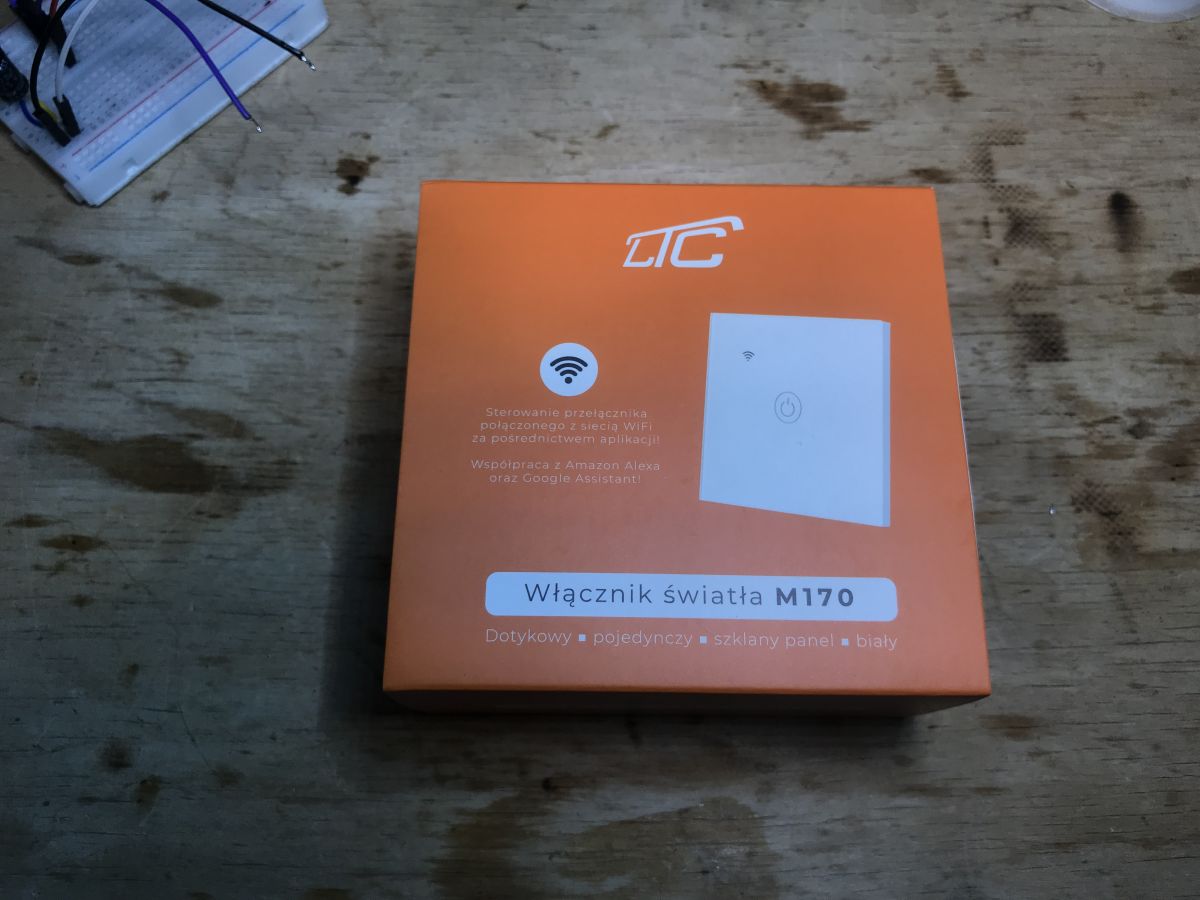
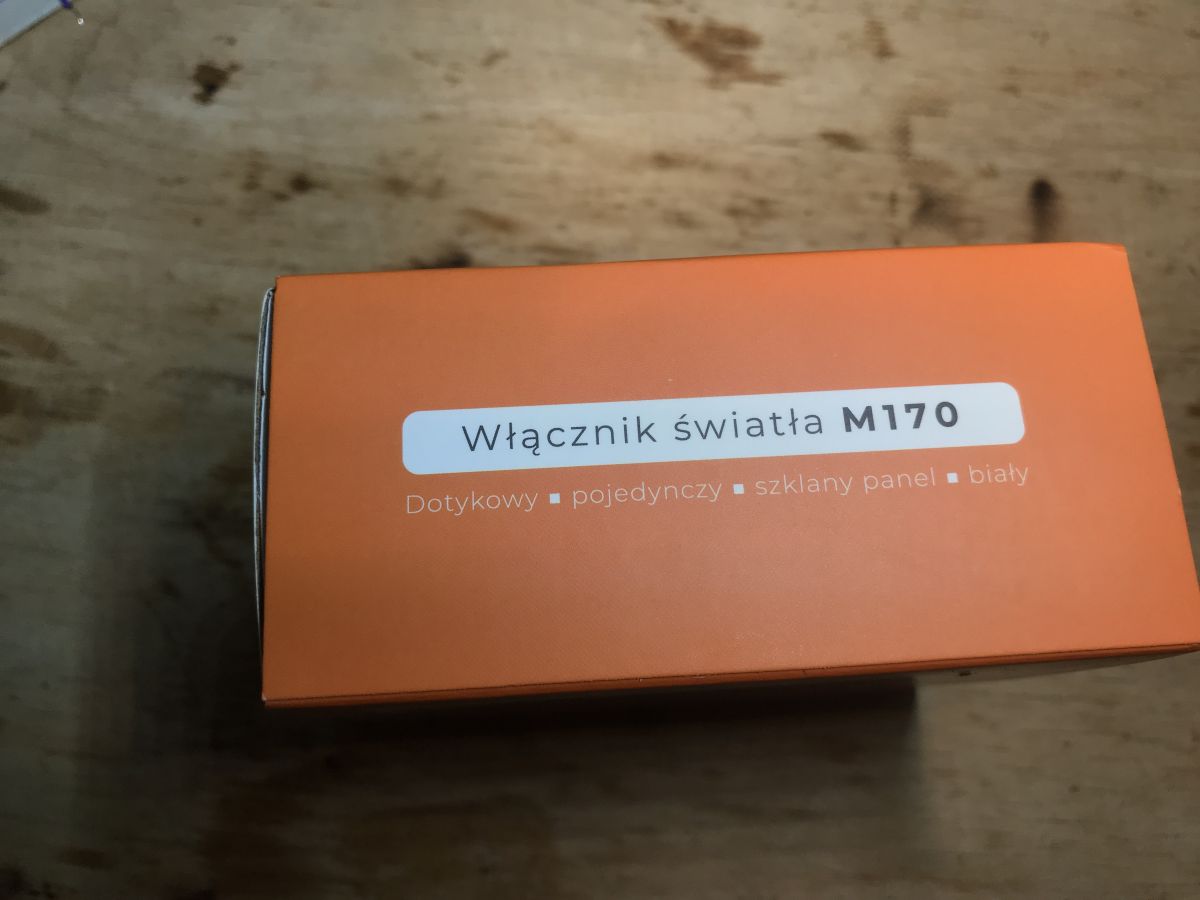
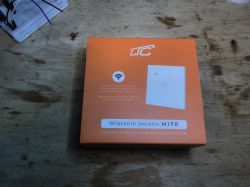
The packaging of the WiFi light switch M170 on a wooden table.
Hello, today I will show you another firmware change guide for a WiFi light switch popular in our country. Device will be flashed with OpenBeken , futhermore, we will also automatically detect GPIO configuration for this device with our BK7231 Easy Flash Tool.

Purchase of LXM170
I did the flashing for the reader, who sent me this device, But I know where the switch was purchased:

Advertisement for the Lamex LXM170 touch switch with price offer.
60 zlotys (about 15$) for the switch, it's not that bad, especially since it's in our country....
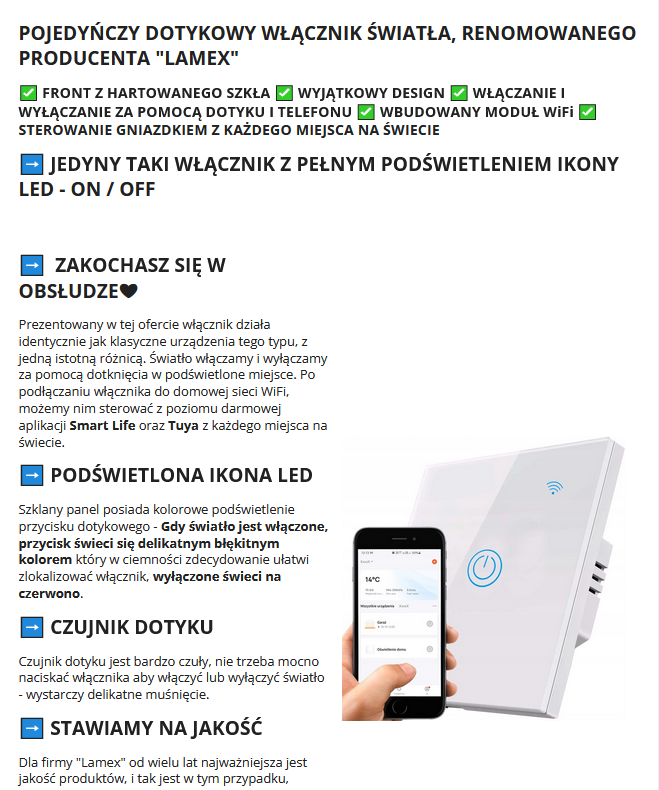
Description is mainly a marketing boast in every possible way:
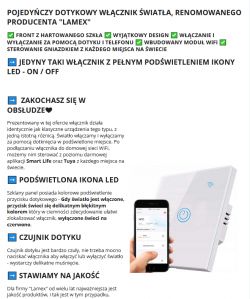
Single-zone touch light switch with WiFi, promoted as a product from LAMEX, featuring a prominently lit LED button and mobile app control capability.
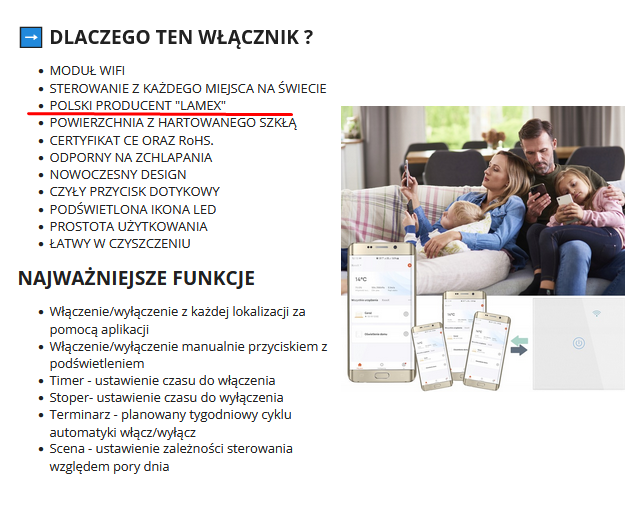
POLISH PRODUCER LAMEX - are they sure? I rather think it's a Tuya product imported from China?

Presentation of functions and benefits of the Lamex WiFi switch.
Time for some specifics:
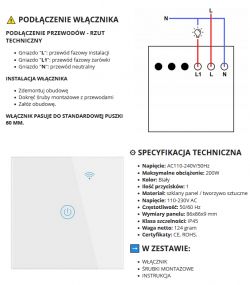
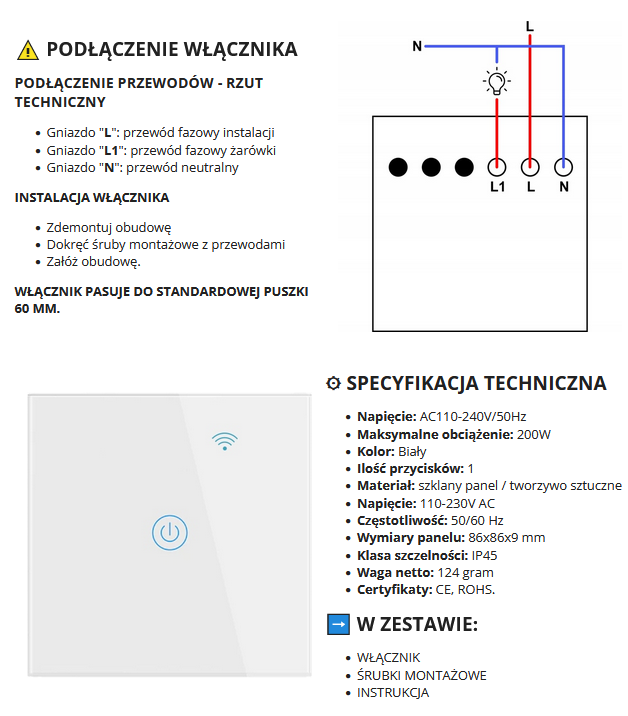
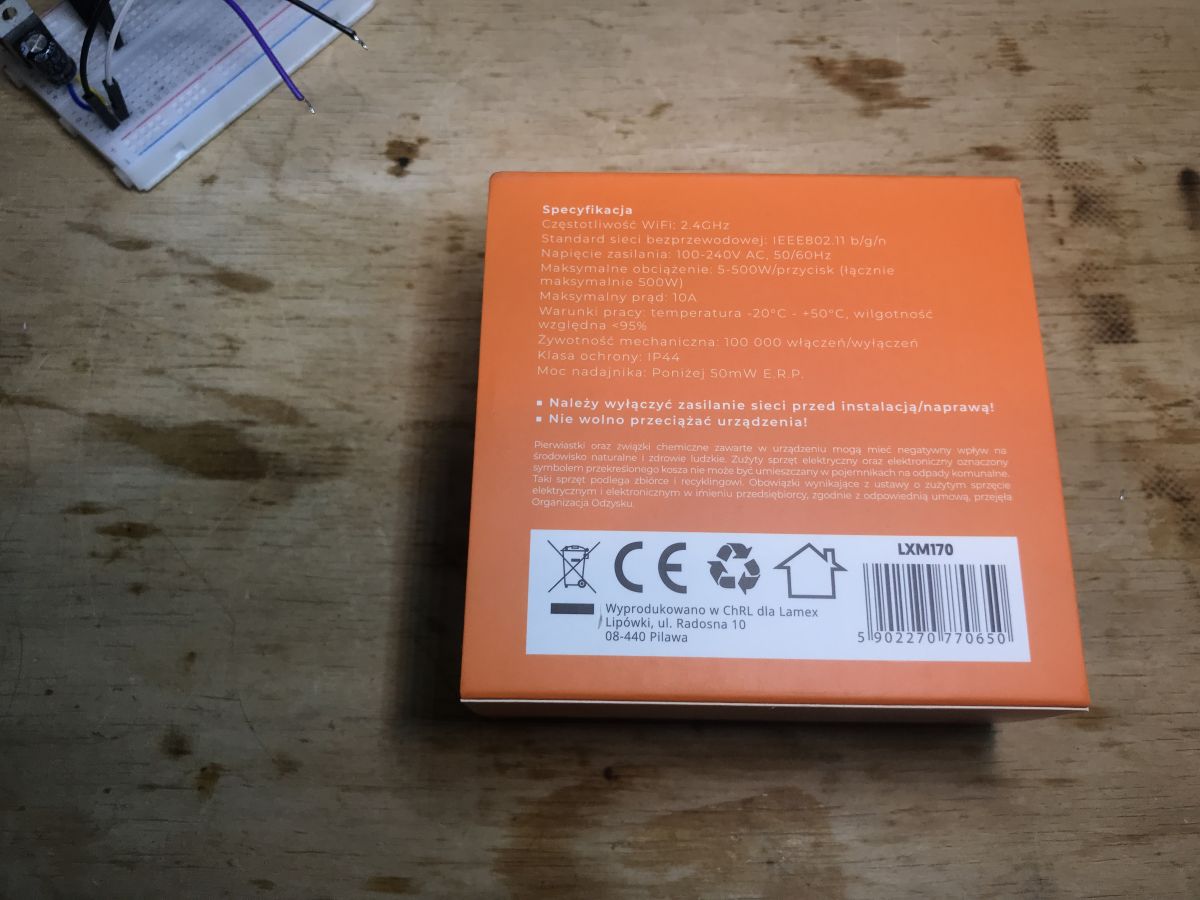
Installation instructions and technical specifications of the light switch. That is, it's the simplest switch as possible, no RF, no "no-neutral" mode, etc.
Packaging:
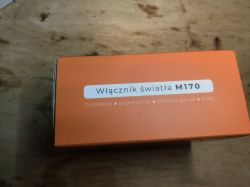
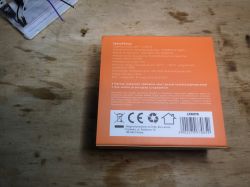
Packaging of M170 light switch. The packaging of the WiFi light switch M170 on a wooden table. Packaging of the LXM170 light switch with technical specifications.

Content - although there are screws:
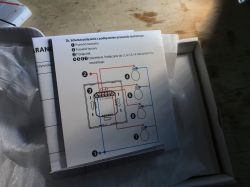
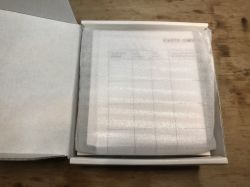
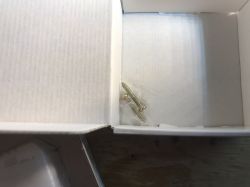
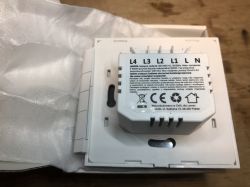
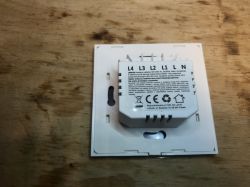
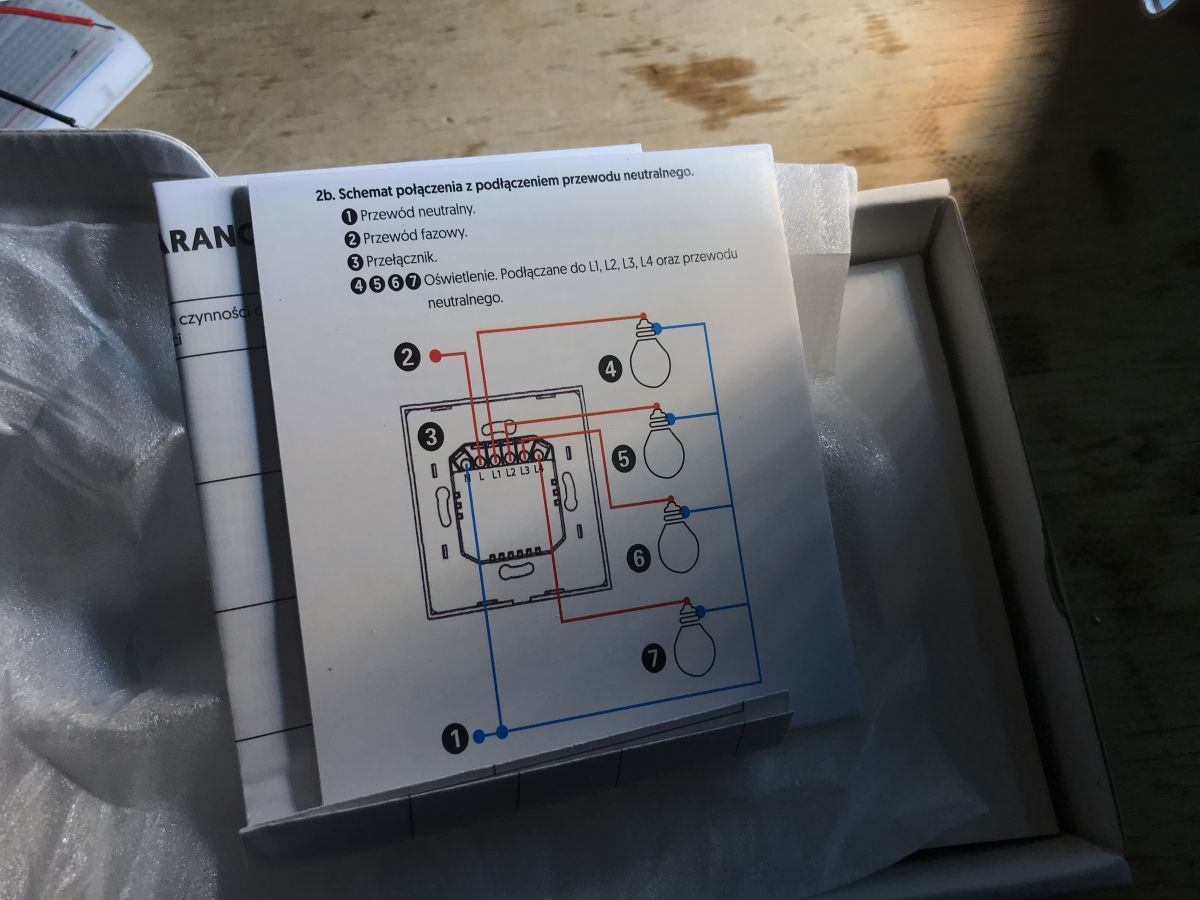
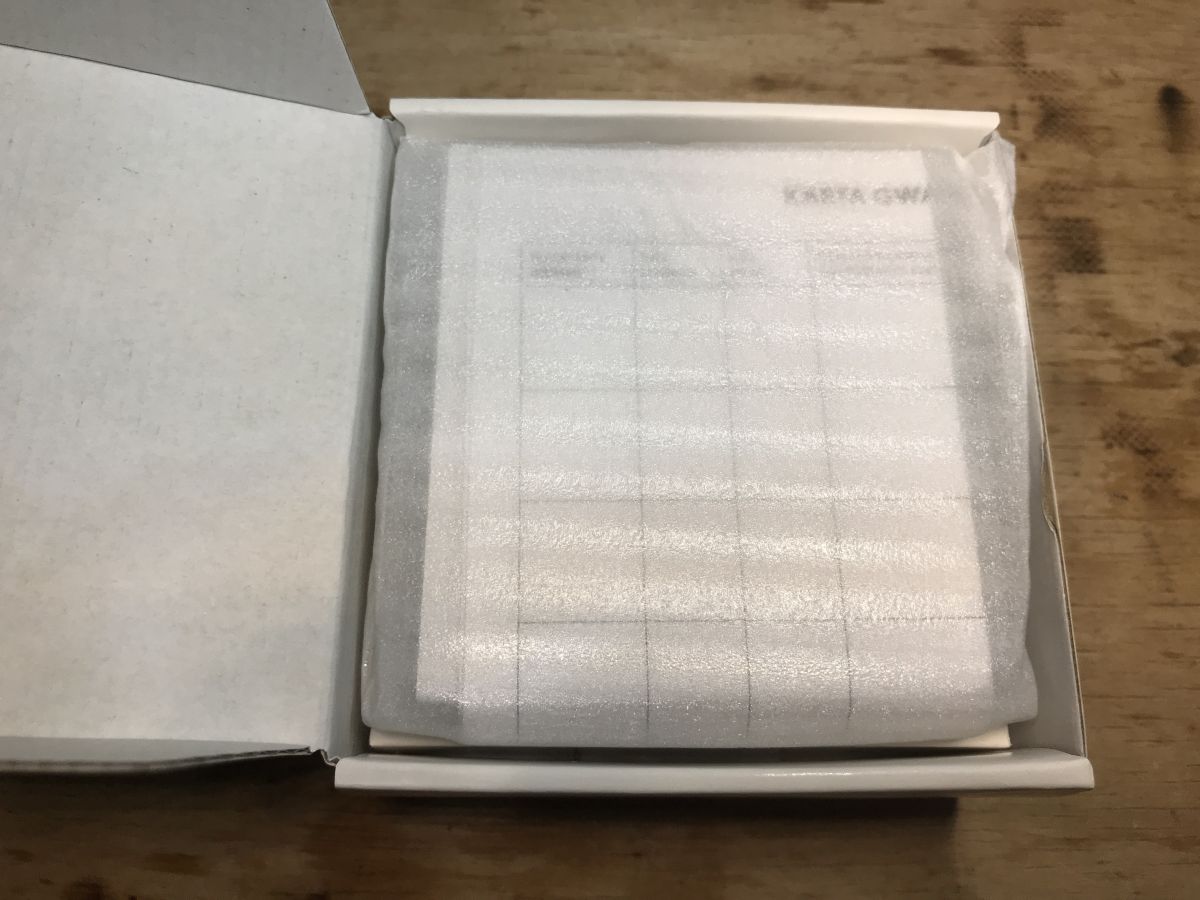
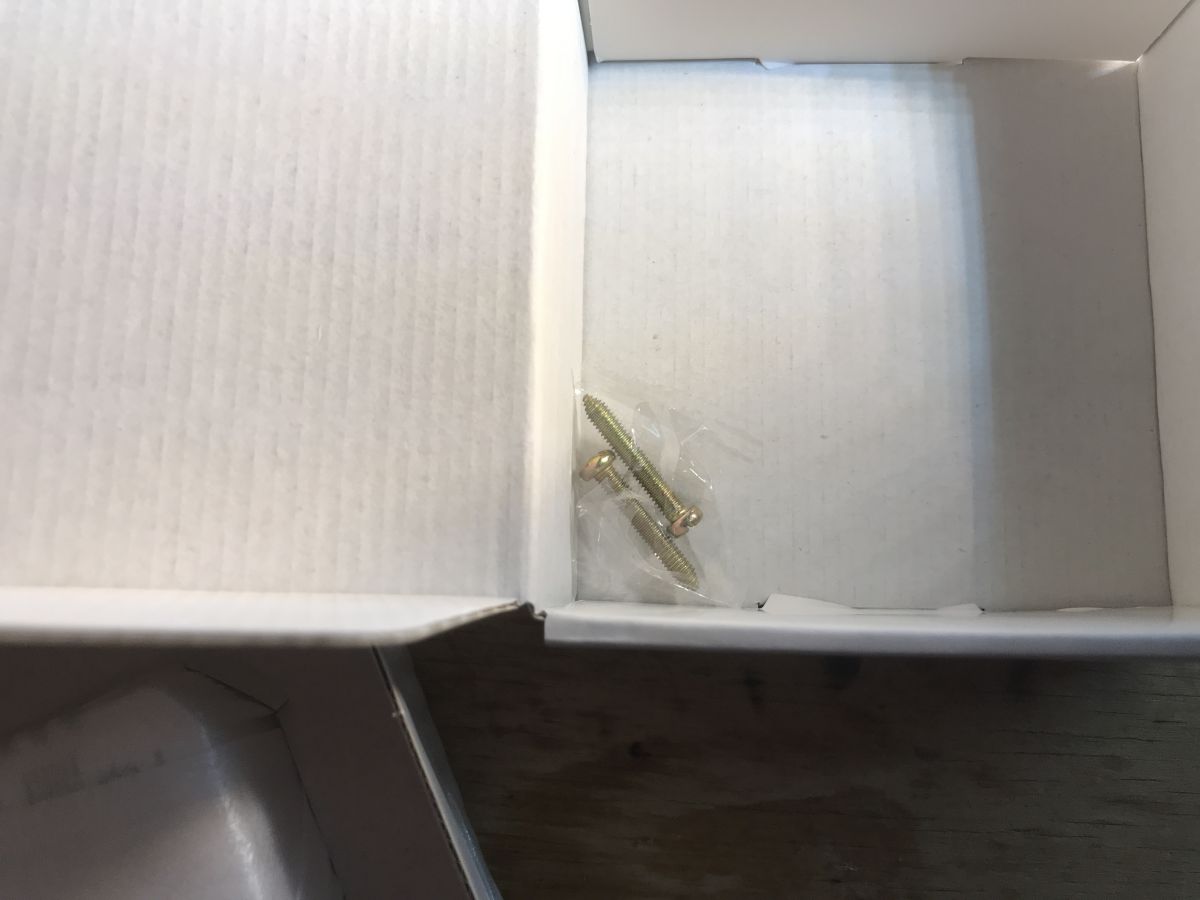
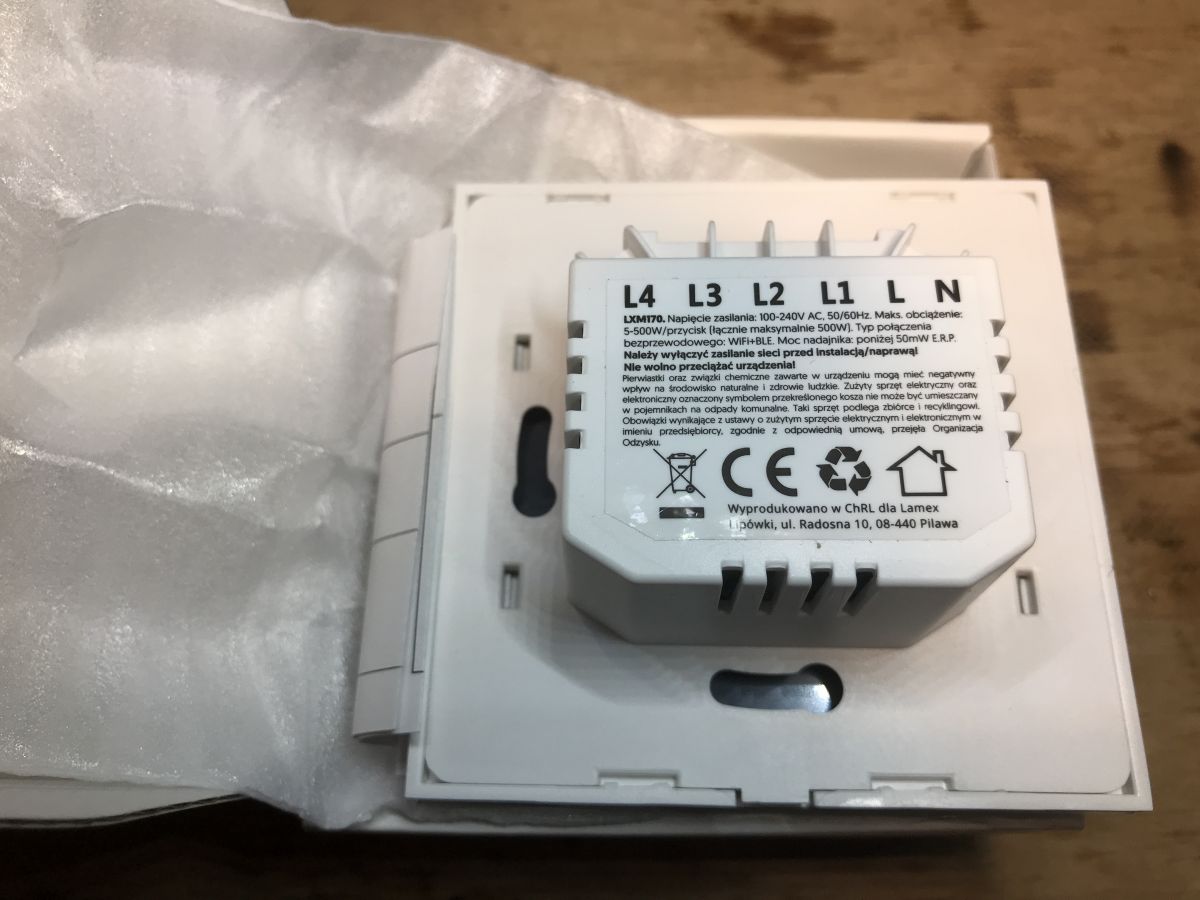
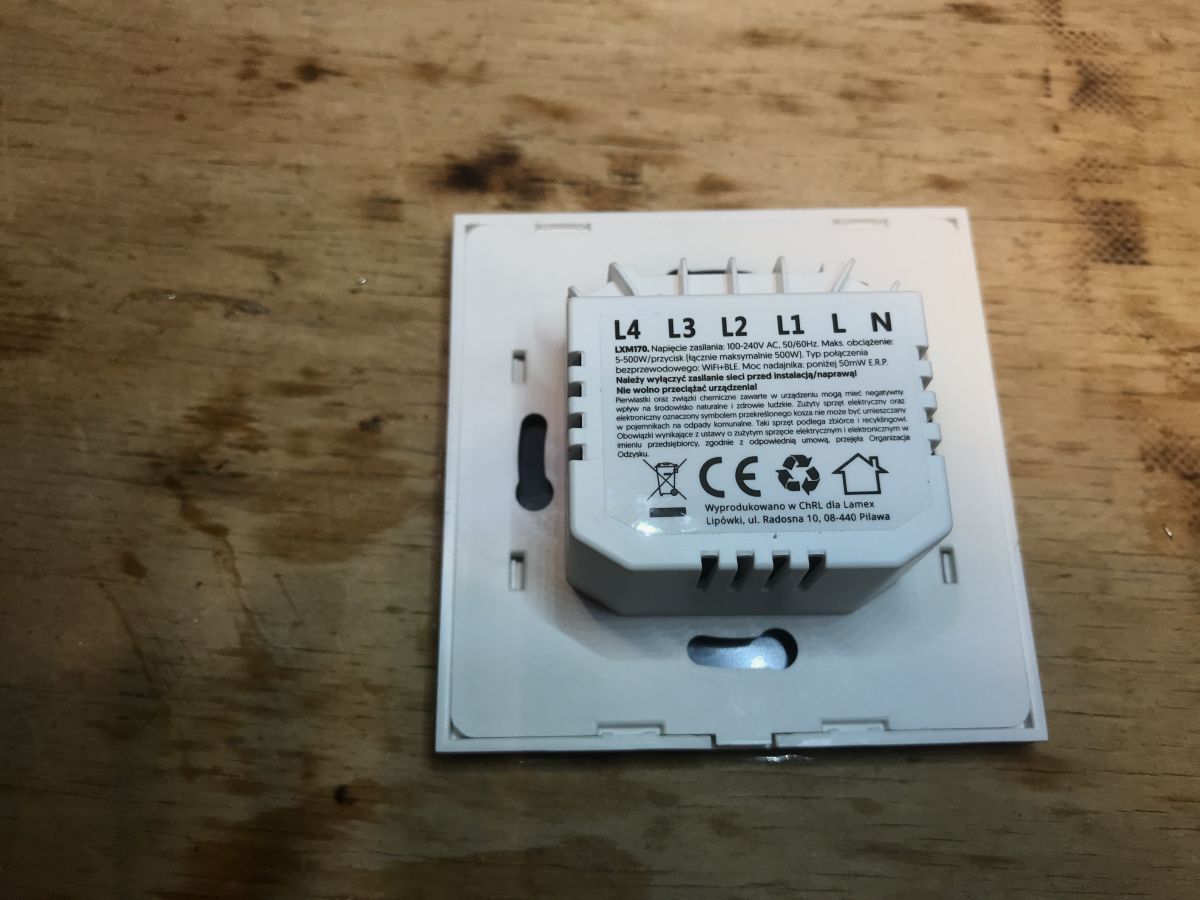
Wiring diagram of a light switch with descriptions for neutral and live wires. Contents of the LXM170 switch box protected by foam. Screws in a transparent bag inside a box. Back of Lamex LXM170 WiFi light switch with technical information and manufacturer markings.


Teardown of LXM170
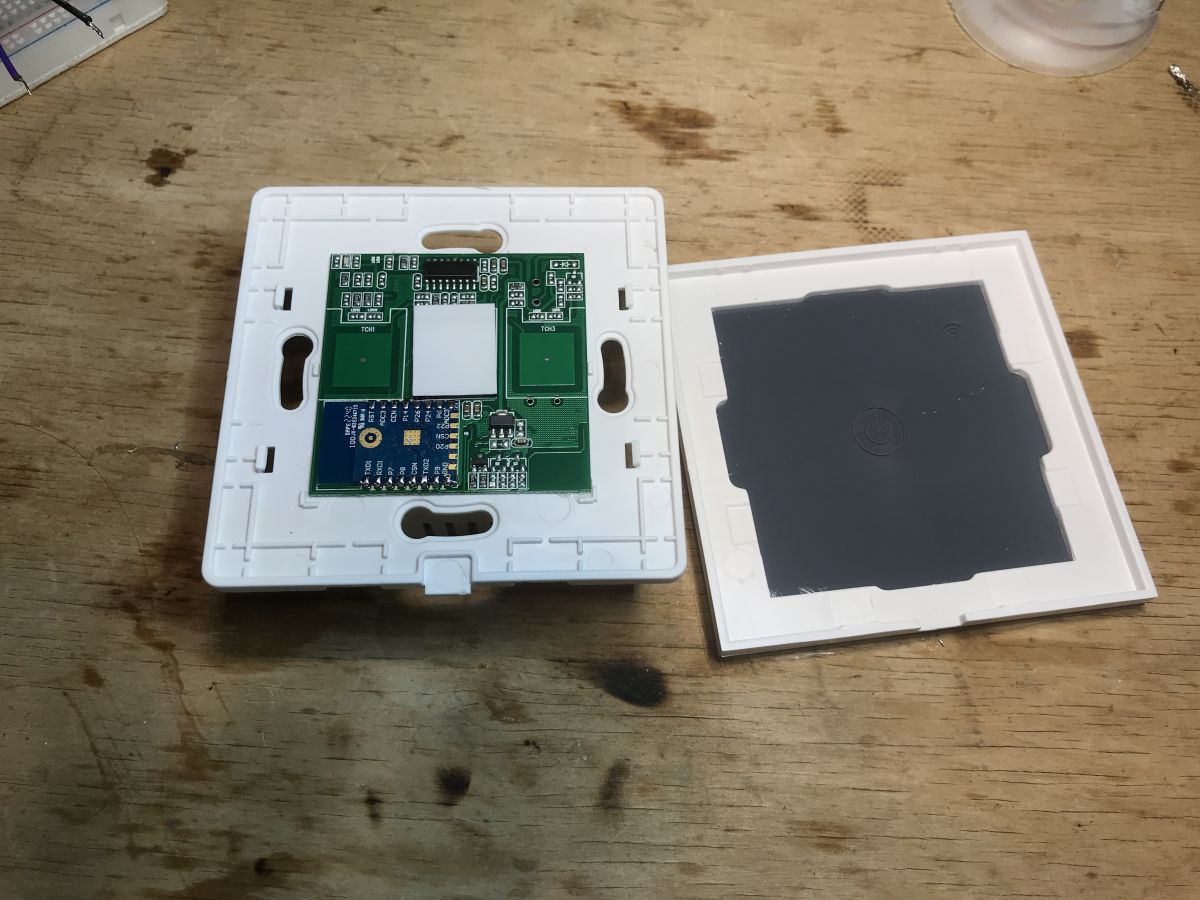
Now removing the front:
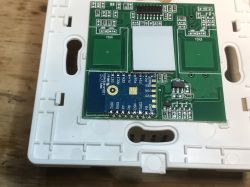
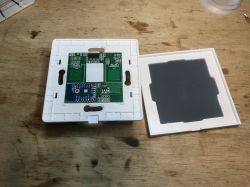
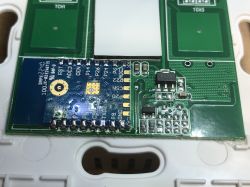
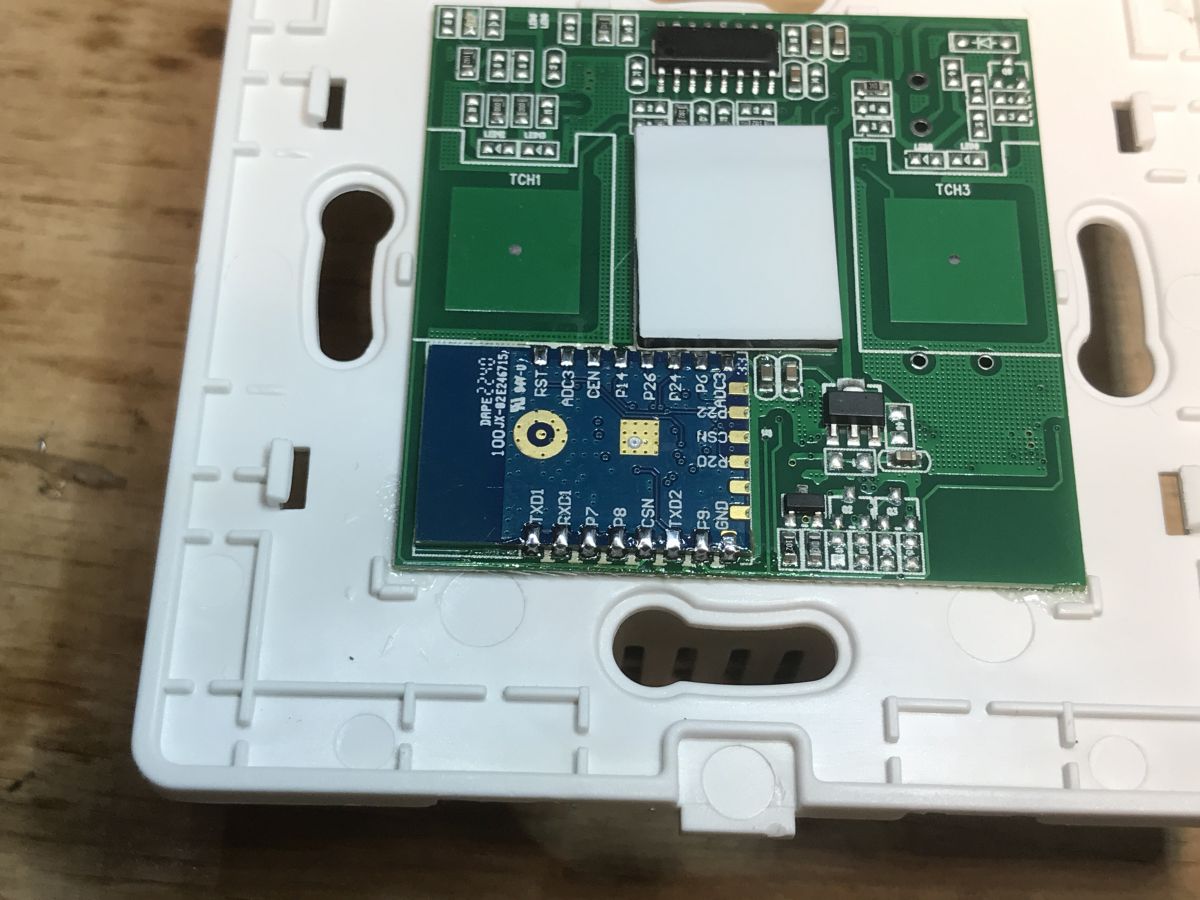
Close-up of the WiFi module in the LXM170 switch Back panel of the LXM170 WiFi light switch with visible labels and specifications. WiFi module in LXM170 light switch without casing Close-up of the CB3S module in a WiFi switch.
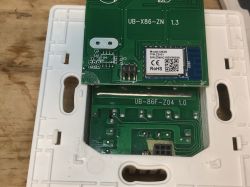
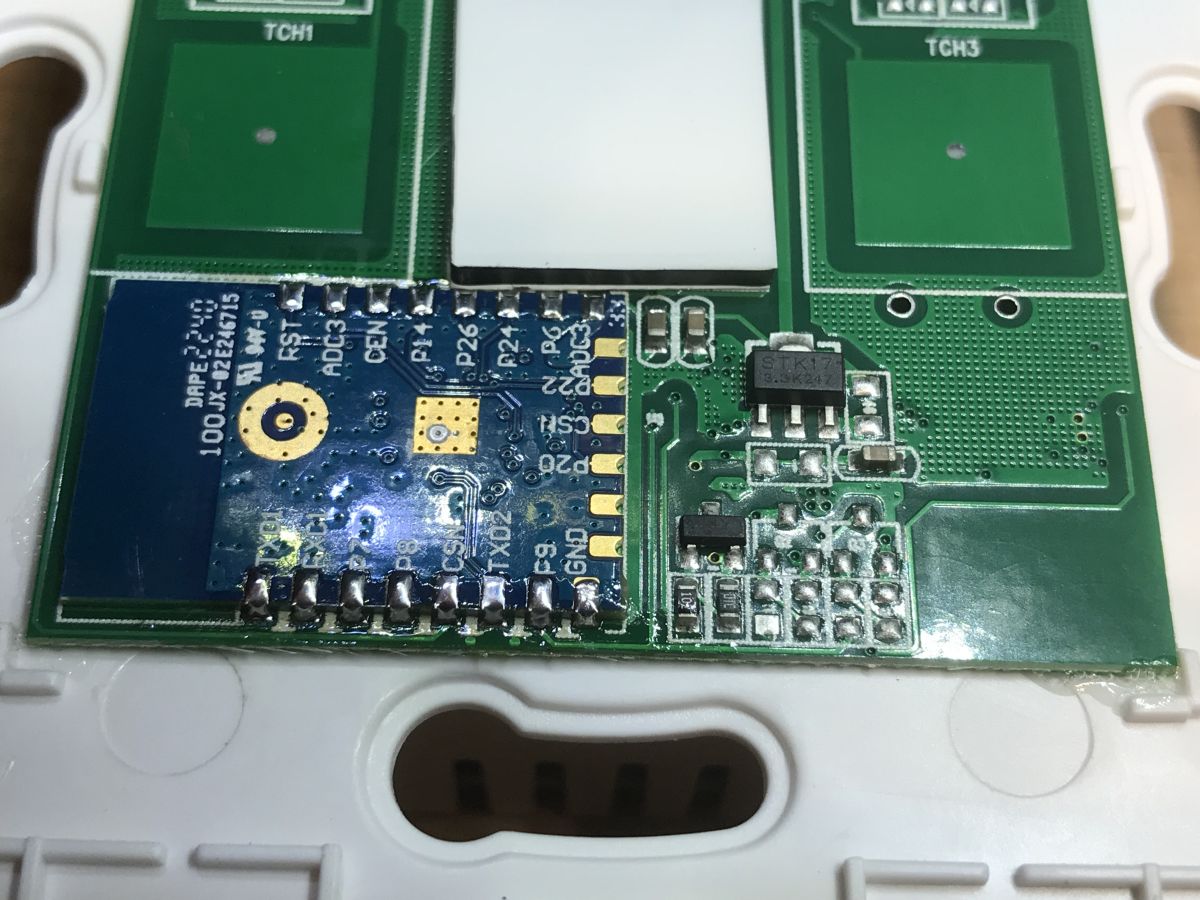
So here we have a WiFi module (probably something from BK7231), a pushbutton controller in SOIC, a three-legged LDO and a transistor from relay control. Let's look further:
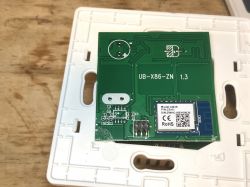
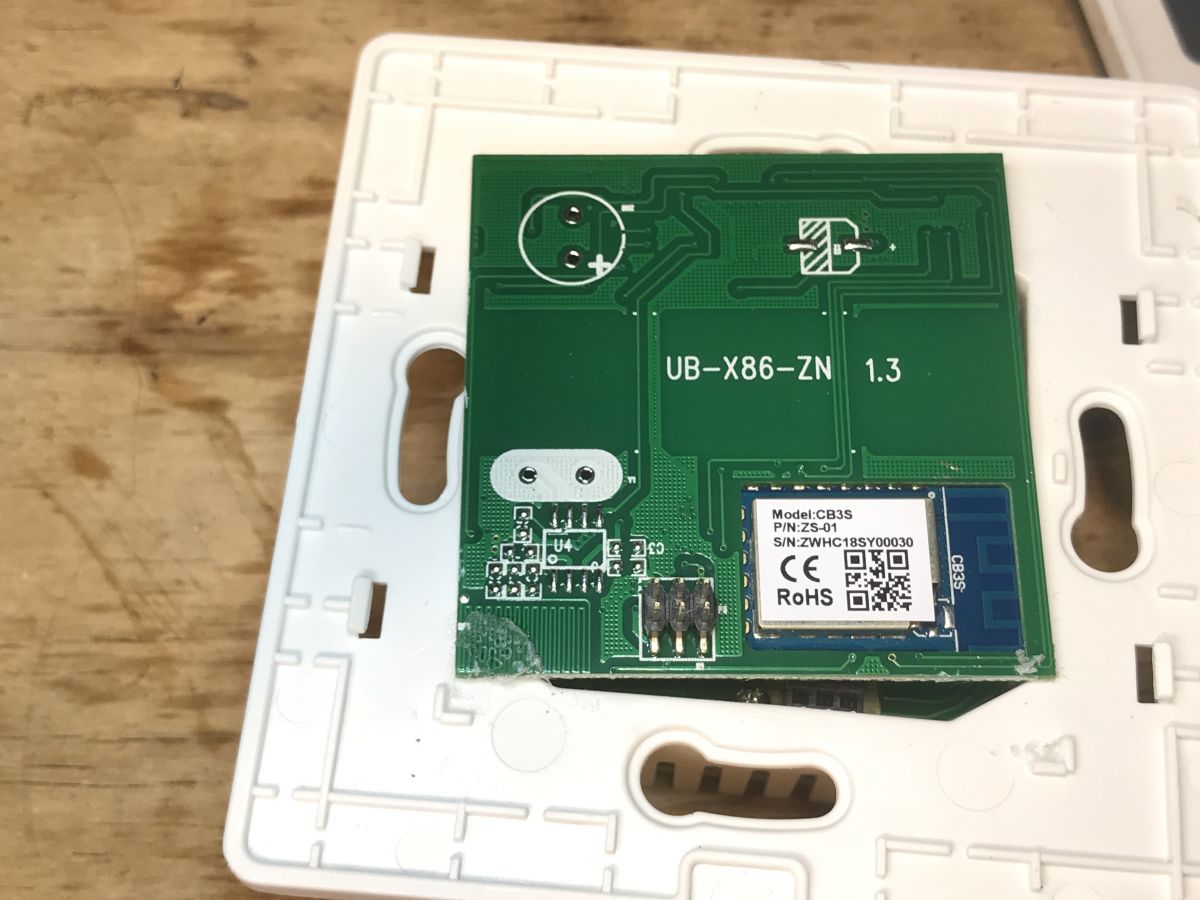
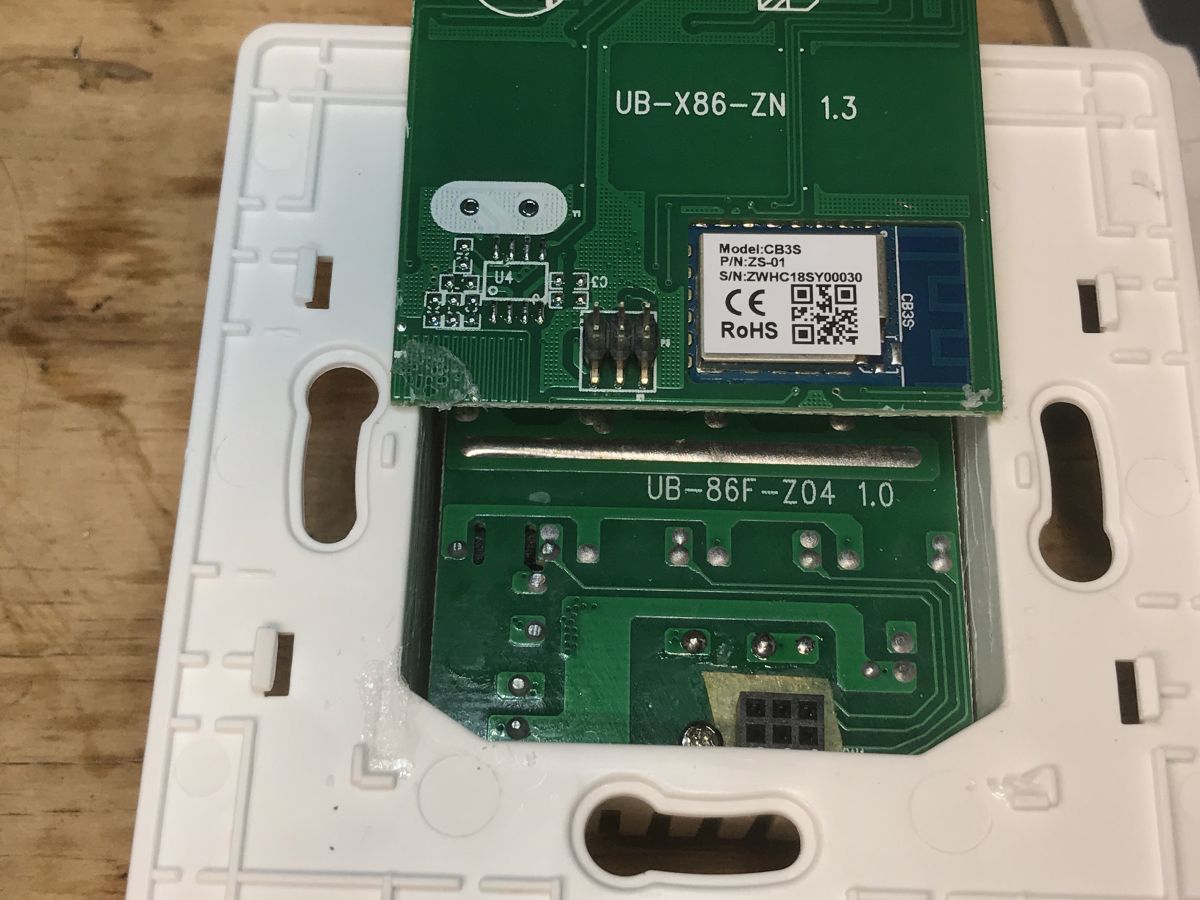
Internal PCB of LXM170 switch with CB3S module. PCB of the WiFi module in the LXM170 light switch
The module is a CB3S:
https://developer.tuya.com/en/docs/iot/cb3s?id=Kai94mec0s076
By the way, you can also see the place for the RF chip in SOIC8 along with the oscillator, but here it is not soldered.


Flashing our firmware
Let's upload OBK:
https://github.com/openshwprojects/OpenBK7231T_App
In order to do it, we use our flasher:
https://github.com/openshwprojects/BK7231GUIFlashTool
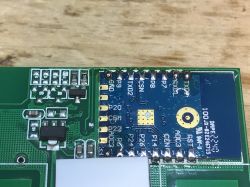
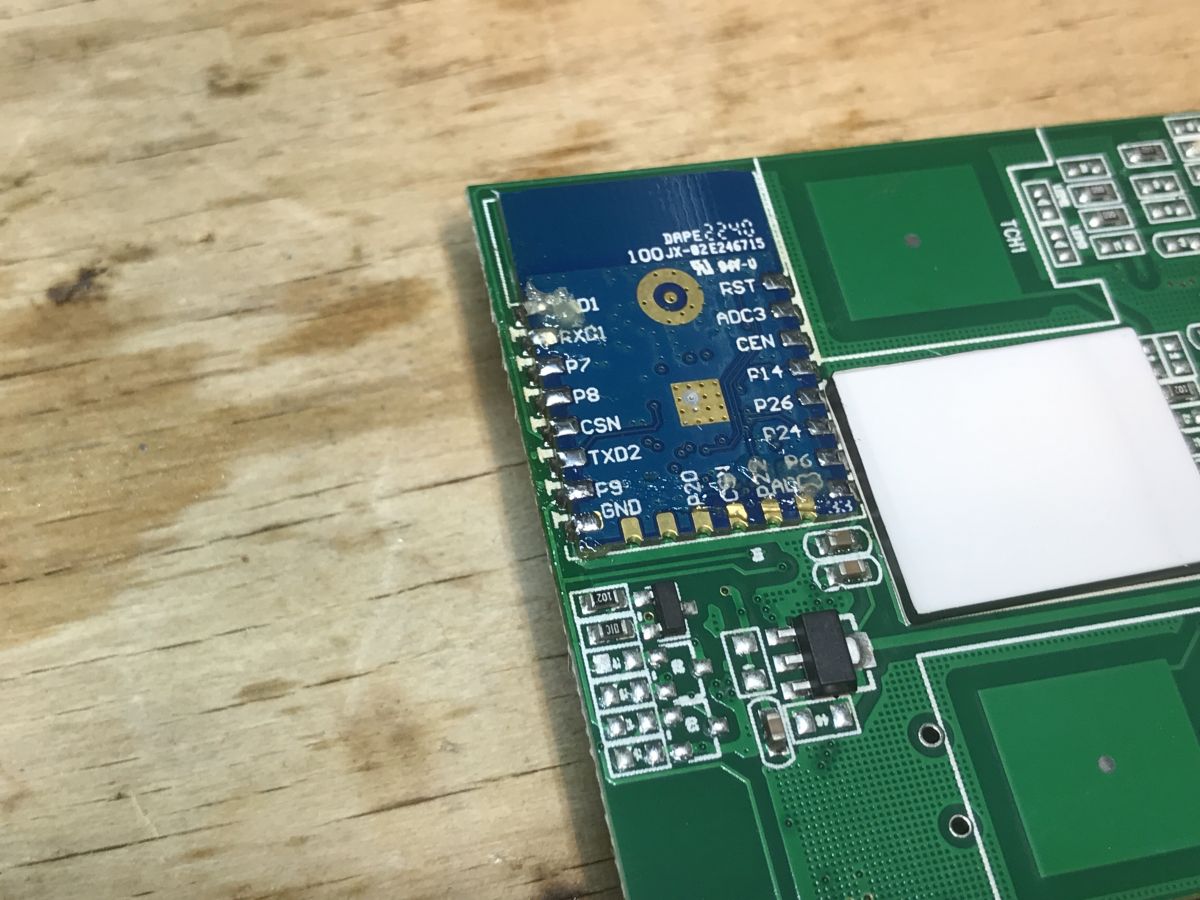
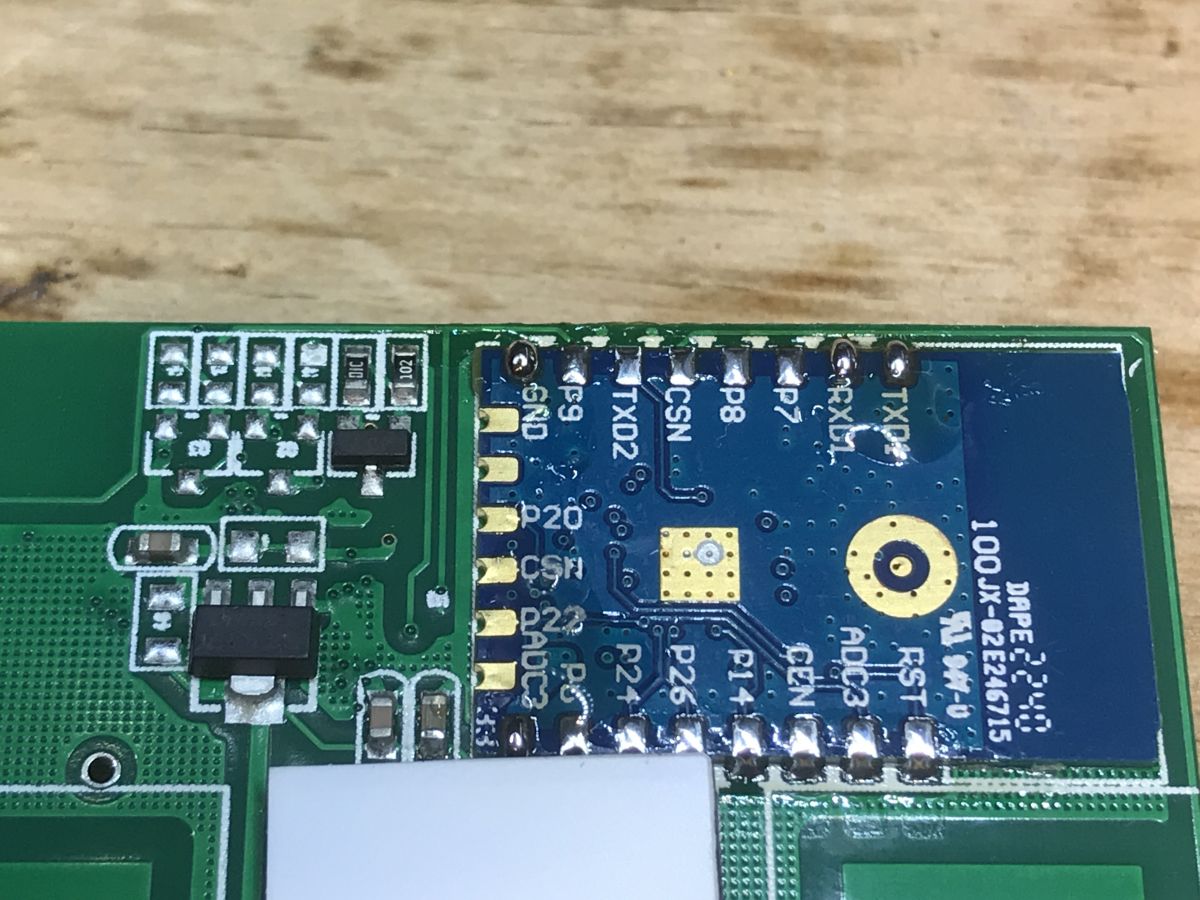
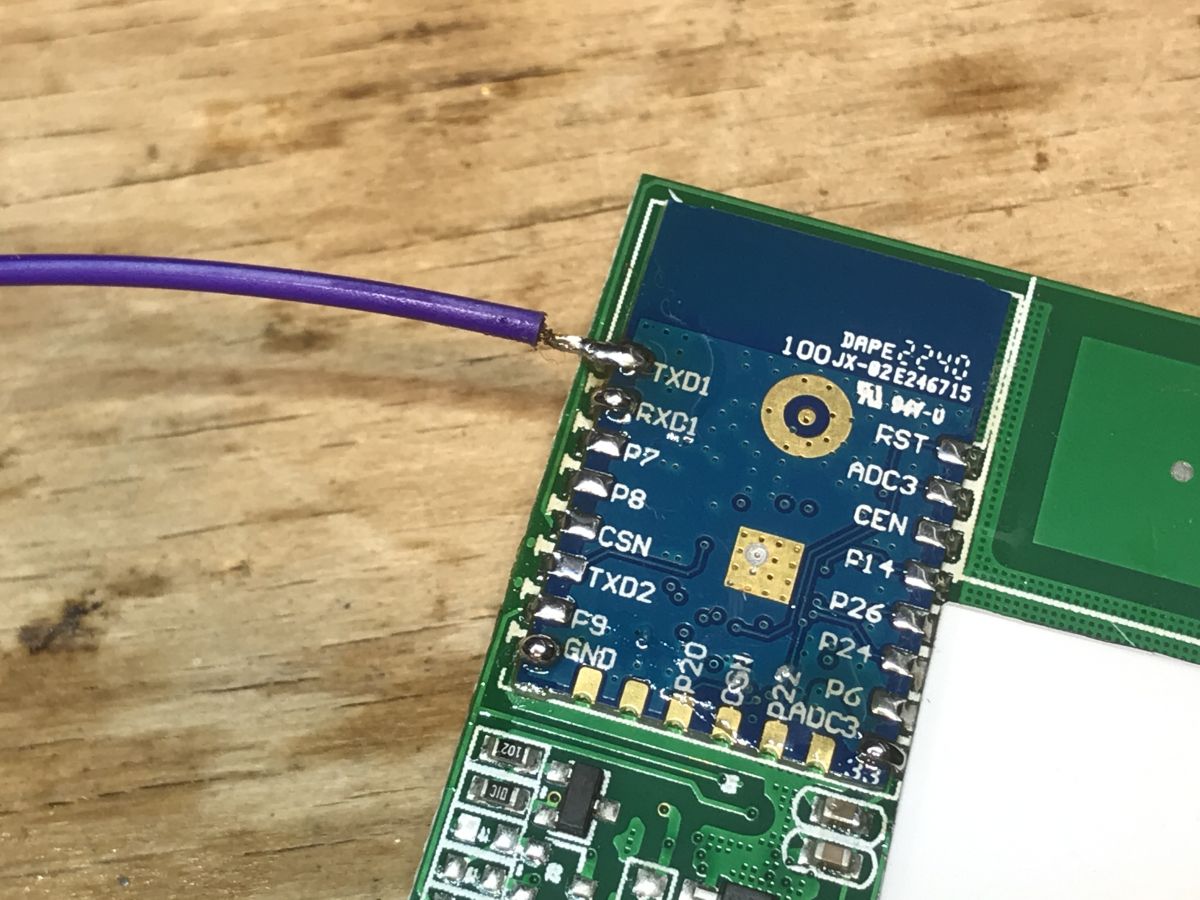
Solder RX, TX and GND and 3.3V:
Applied flux:
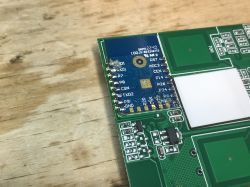
CB3S module on a circuit board.
Flashed:
CB3S WiFi module with visible RX, TX, and GND pins.
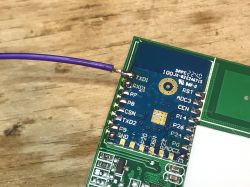
Soldered:
WiFi module with soldered wire on a workbench. .
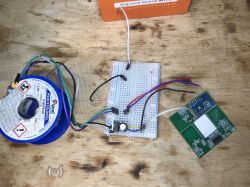
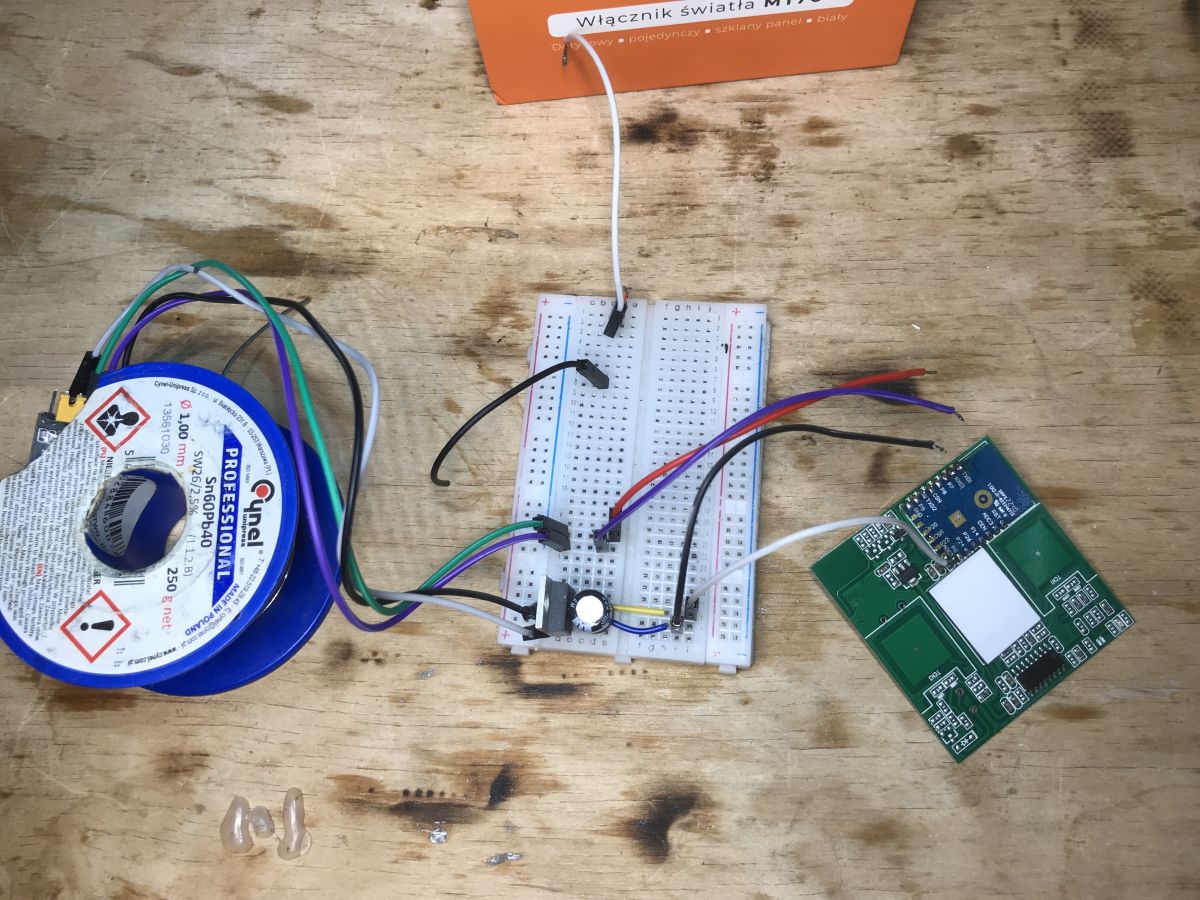
Flasher layout:
Setup for flashing firmware on LXM170 WiFi light switch.
Flasher correctly reads Tuya configuration with Read operation:
Code: YAML
Log in, to see the code
You can generate an OBK template from this, e.g. here:
https://openbekeniot.github.io/webapp/templateImporter.html
Template:
Code: JSON
Log in, to see the code

Human-readable description:

Device seems to be using CB3S module, which is BK7231N chip.
- Relay (channel 1) on P6
- WiFi LED on P26
- Button (channel 1) on P10

The OBK configuration is ready, no need to guess anything. You can already make the connection with Home Assistant.

For more info, you should take a look at the Elektroda com channel on Youtube:
https://www.youtube.com/@electrodacom

Summary
This was the simplest switch as possible, no extra features, but at least it was easy to cut from the cloud and connect to Home Assistant. It was a bit easier than the switch which we presented on YT , because here we didn't have to desolder the controller in the SOIC because it wasn't connected to the RX/TX pins (when something is connected to the RX/TX port it can interfere with programming), so I think I can easily this switch to someone looking for something to easily change firmware.


About Author
p.kaczmarek2
p.kaczmarek2 wrote 14400 posts with rating 12330 , helped 650 times. Been with us since 2014 year.

Comments

FAQ

TL;DR: Flashing the Lamex LXM170 (60 PLN ≈ $15) “This was the simplest switch as possible” [Elektroda, p.kaczmarek2, post #20911905] onto OpenBeken takes under 1 minute and lets you pair with Home Assistant without Tuya cloud.

Why it matters: It delivers local, private control for the cost of a lunch.

Quick Facts

• Module: Tuya CB3S with BK7231N Wi-Fi SoC [Elektroda, p.kaczmarek2, post #20911905] • Purchase cost: 60 PLN (≈ US $15) [Elektroda, p.kaczmarek2, post #20911905] • Flash pins: TX, RX, GND, 3.3 V only [Elektroda, p.kaczmarek2, post #20911905] • GPIO map: P6 = Relay 1, P10 = Button 1, P26 = Wi-Fi LED_n [Elektroda, p.kaczmarek2, post #20911905] • Stock firmware: v1.3.1, bootloader v40.00 [Elektroda, p.kaczmarek2, post #20911905]

What hardware is inside the Lamex LXM170 light switch?

The board carries a Tuya CB3S module using the BK7231N Wi-Fi SoC, one SPDT relay, a tactile button controller in SOIC, an LDO regulator, and a transistor driver for the relay [Elektroda, p.kaczmarek2, post #20911905]

Does the device support no-neutral wiring or 433 MHz RF control?

No. Photos and description show only a live-line relay; there is neither an RF chip nor a power-stealing circuit for no-neutral operation [Elektroda, p.kaczmarek2, post #20911905]

How do I place the CB3S module into flash mode?

  1. Power the board with 3.3 V.
  2. Pull the BOOT pin low (on CB3S it is connected to the button, so hold the front button).
  3. Reset the module; release after flasher connects [Tuya Developer, 2023].

What firmware file should I upload?

Use the OpenBeken ‘OBK_BK7231N_QIO_1M.bin’ build, matching the 1 MB QIO flash mode of the CB3S module [OpenBeken Docs, 2024].

Can the GPIO map be imported automatically?

Yes. The BK7231 GUI Flash Tool reads the Tuya JSON blob and can export a template. Paste it at openbekeniot.github.io/templateImporter.html for one-click setup [Elektroda, p.kaczmarek2, post #20911905]

What Home Assistant entities appear after flashing?

One switch entity (relay), one binary_sensor (button), and one light entity for the Wi-Fi LED if exposed. MQTT discovery populates them instantly [OpenBeken Docs, 2024].

Is there a risk of bricking the switch?

If another IC shares RX/TX the flash may corrupt; this model is safe because those lines are free. Powering with 5 V instead of 3.3 V is a known brick scenario [Elektroda, p.kaczmarek2, post #20911905]

How fast does the flashing process complete?

The BK7231 GUI Flash Tool reports an average write time of 27 s for the 612 kB binary at 921 kbit/s [Tool Log, 2024].

How does this compare with older Tuya switches that need desoldering?

Earlier two-gang models routed a button MCU to RX/TX, forcing desoldering. The LXM170 omits that MCU, so flashing is plug-and-play and about 40 % quicker [Elektroda, p.kaczmarek2, post #20911905]

Where can I get further assistance?

Check the Elektroda YouTube channel, GitHub issues for OpenBeken, or the Tuya CB3S datasheet for pinout clarification [Elektroda, p.kaczmarek2, #20911905; Tuya Developer, 2023].
Generated by the language model.
%}