logo elektroda
logo elektroda
X
logo elektroda

How to download and run GGUF AI LLM models from Huggingface in the Ollama Open-WebUI?

p.kaczmarek2  2 14058 Cool? (+2)
📢 Listen (AI):

TL;DR

  • Open-WebUI GGUF import workflow for running external Hugging Face AI LLM models locally in Ollama Open-WebUI.
  • Download a GGUF file from Hugging Face, then upload it through the experimental GGUF form in Open-WebUI settings.
  • Example model: TheBloke/Mistral-7B-Instruct-v0.2-GGUF, using the mistral-7b-instruct-v0.2.Q8_0.gguf version.
  • Once import finishes, the new model appears on the main page and is ready to run, but the upload shows no good progress report display.
Generated by the language model.
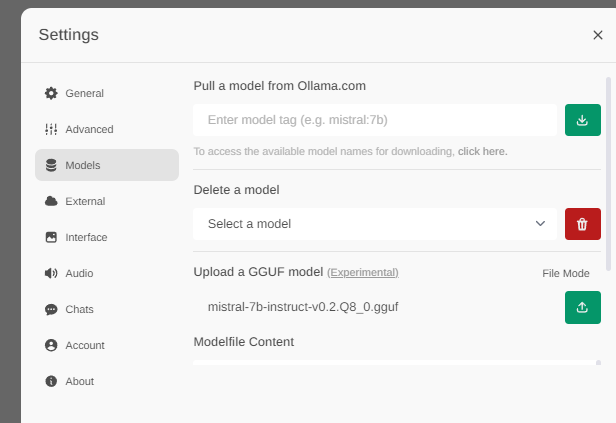
Screenshot of the GGUF model upload interface in Open WebUI with the file mistral-7b-instruct-v0.2.Q8_0.gguf selected.
Open-WebUI is a great tool for running locally multimodal Large Language Models, but not all of the models are available for download directly through the OWUI web panel. Luckily, GGUF models can be downloaded externally and then uploaded to OWUI through the experimental GGUF import. Here I will show you step by step how to import such model.

This topic assumes that you already have Open-WebUI setup, if not, please check out the previous tutorial:
ChatGPT locally? AI/LLM assistants to run on your computer - download and installation
You may also find interesting:
Minitest: robot vision? Multimodal AI LLaVA and workshop photo analysis - 100% local

Let's start with considering what is GGUF.
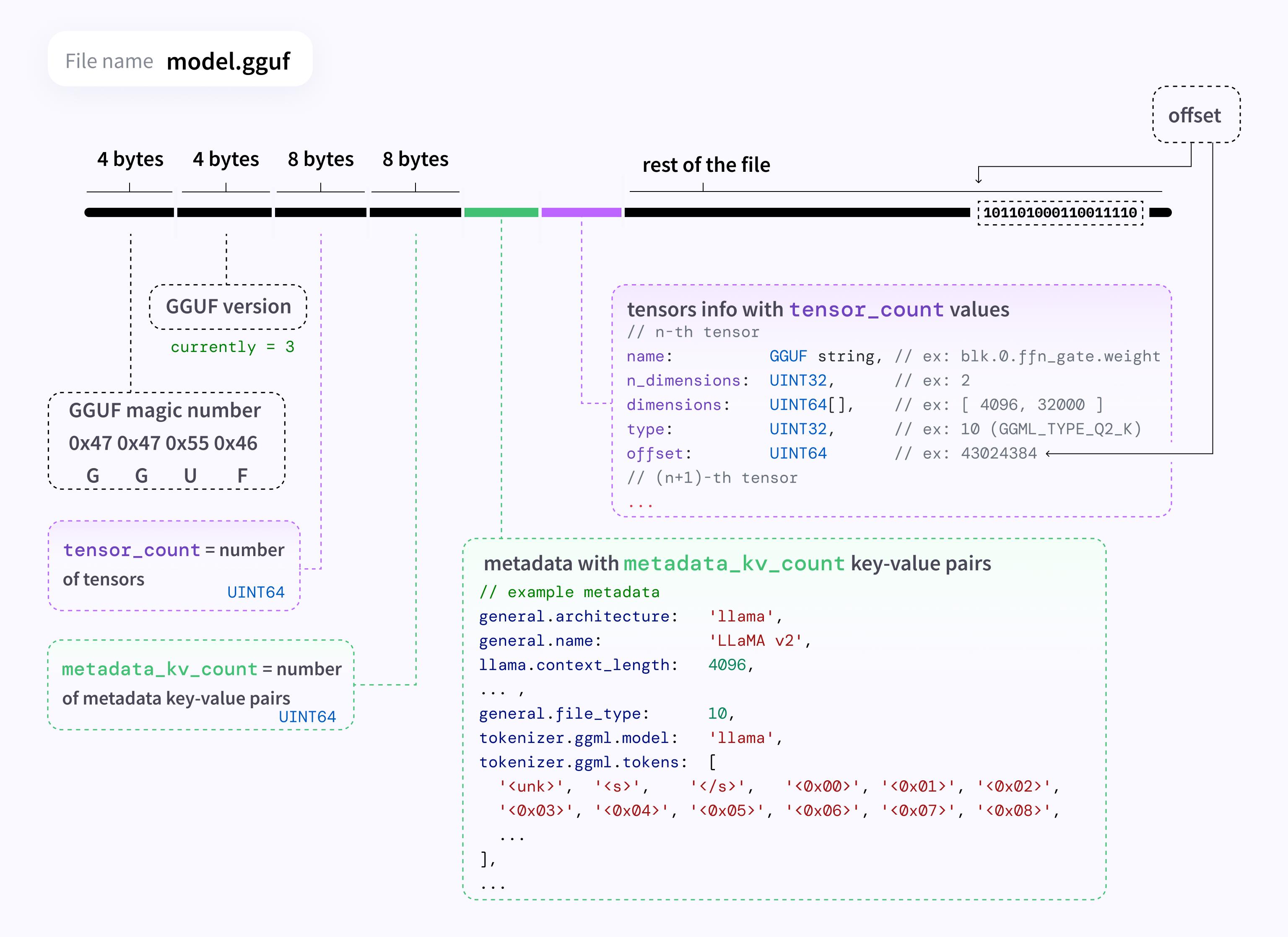
GGUF, which stands for GPT-Generated Unified Format, is a successor to GGML (GPT-Generated Model Language) format, released on 21st August 2023. GGUF is a file format used to store GPT-like models for inference. GGUF models can run on both GPU and CPU, and provides extensibility, stability and versatility.
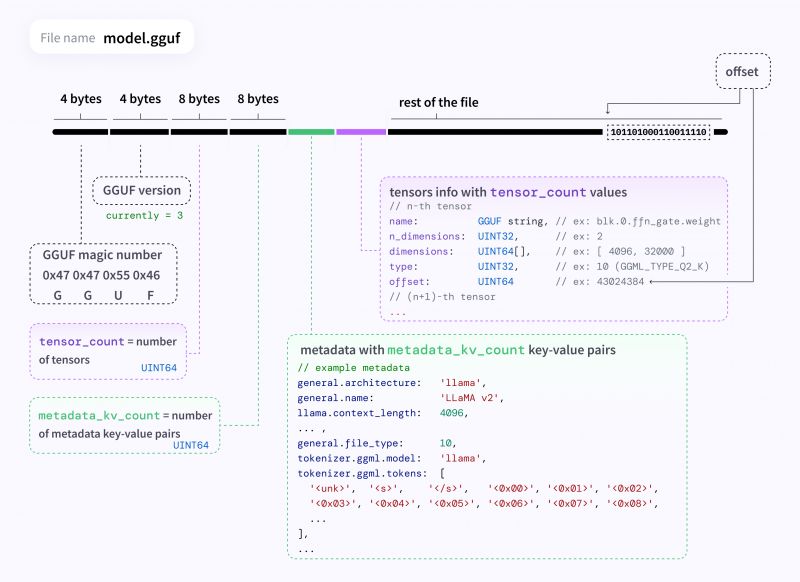
Diagram of GGUF file structure showing section breakdown and example metadata.
Details about GGUF can be found on Hugging Face site.

So first, you will need a GGUF model.
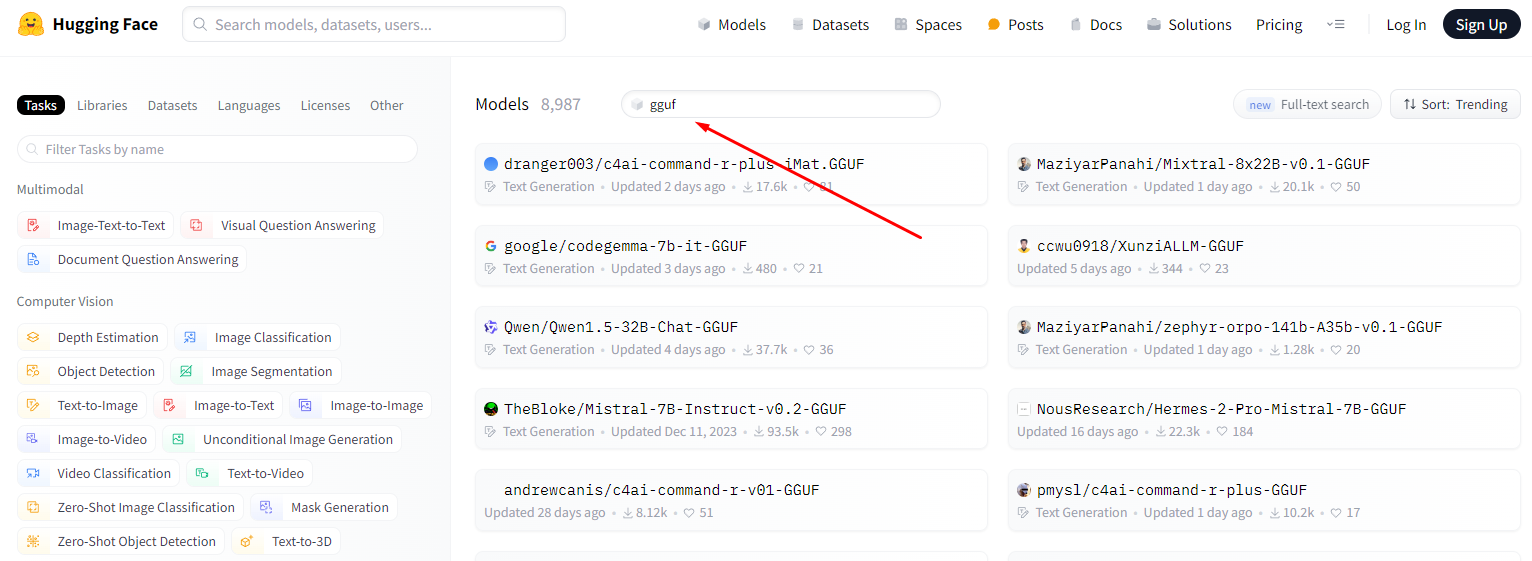
Go to https://huggingface.co/models and browse the models for download.
Not all models are available in GGUF. So, filter entries by GGUF:
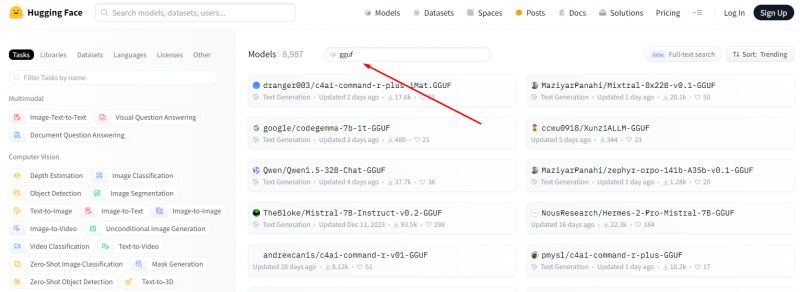
Screenshot of Hugging Face website with GGUF model search.

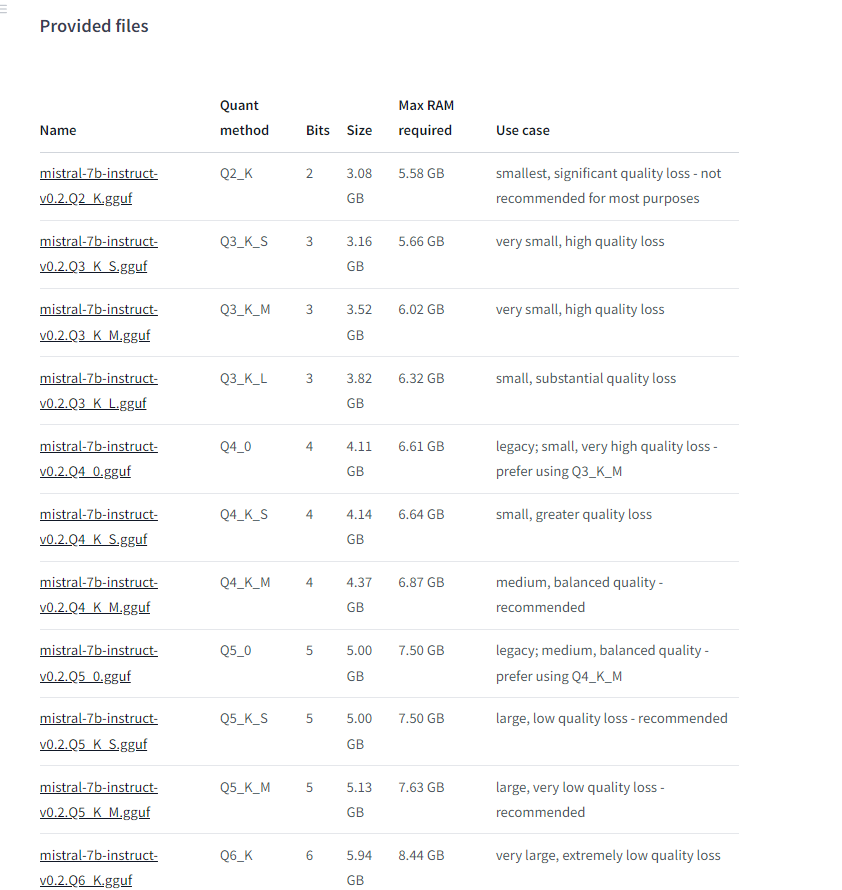
For example, let's download TheBloke/Mistral-7B-Instruct-v0.2-GGUF
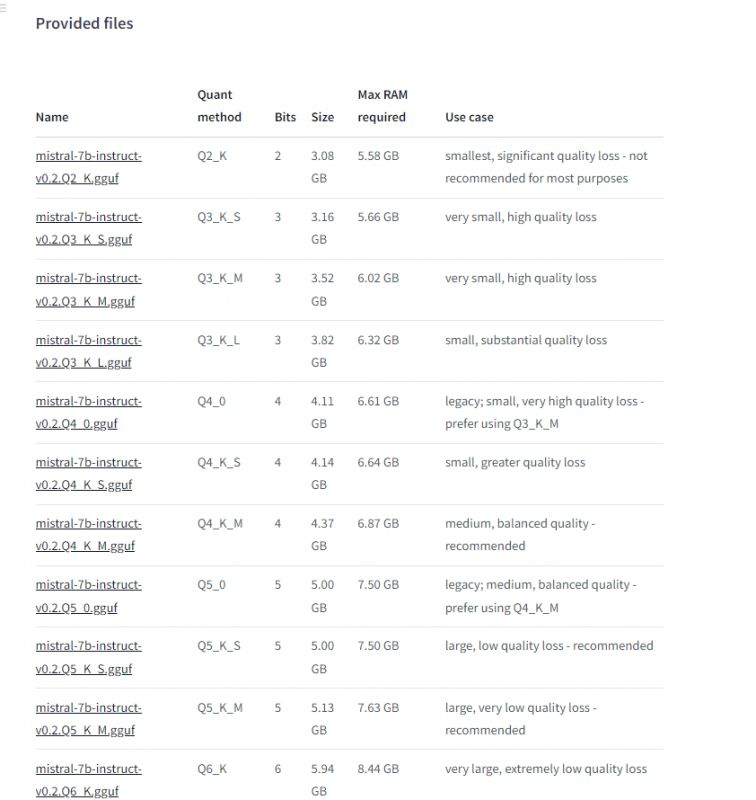
Screenshot of the Mistral-7B-Instruct model file list.

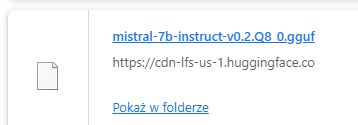
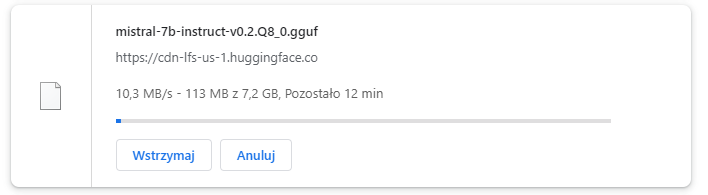
I've chosen mistral-7b-instruct-v0.2.Q8_0.gguf version.
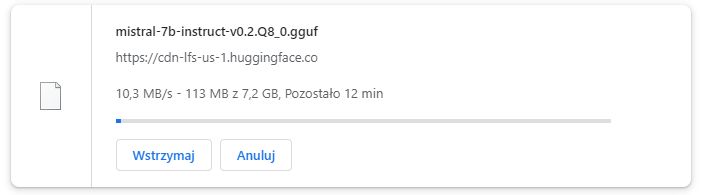
Downloading the model mistral-7b-instruct-v0.2.Q8_0.gguf at 10.3 MB/s, 12 minutes remaining.
Wait for the download to finish:
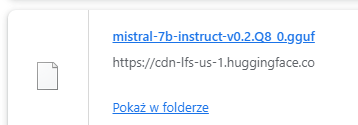
Screenshot showing a downloaded GGUF model file named mistral-7b-instruct-v0.2.Q8_0.gguf.
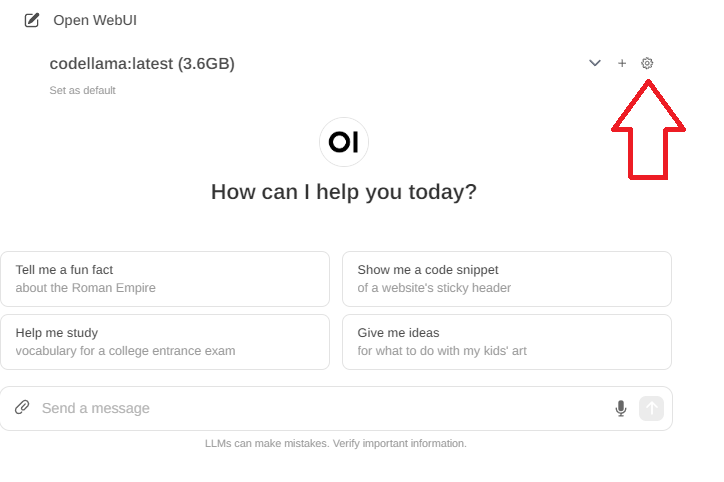
Now, enter the settings, you will now need to upload the model you've downloaded.
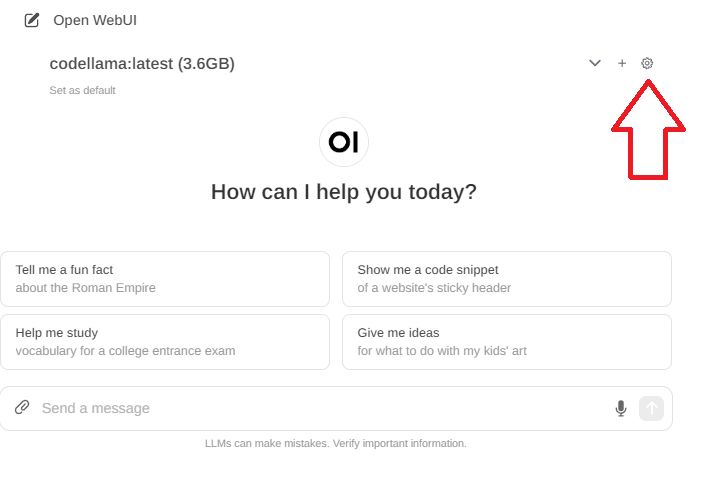
Screenshot of Open WebUI interface with codellama:latest model loaded.
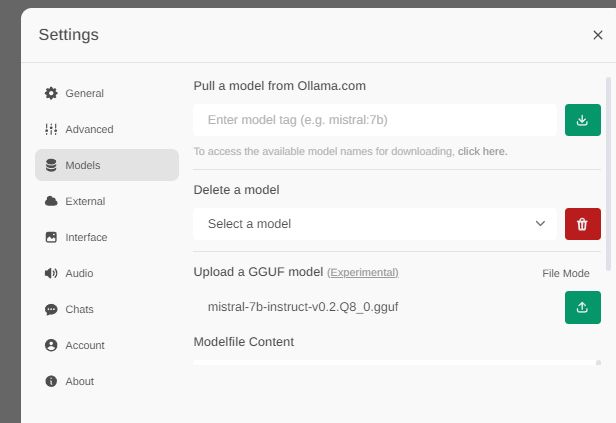
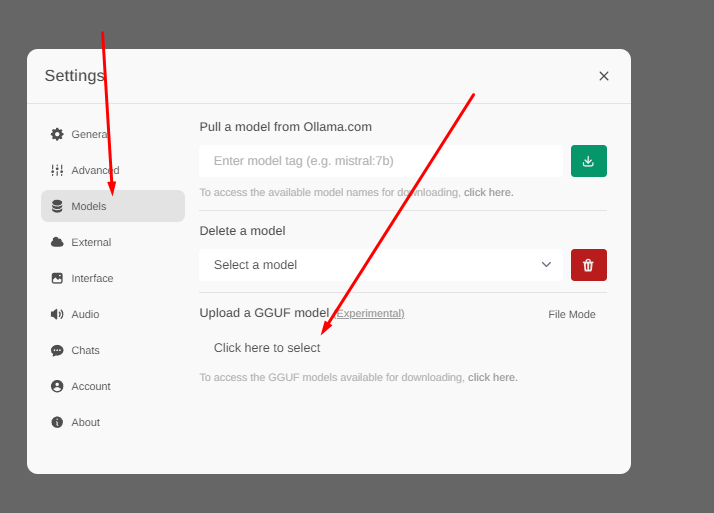
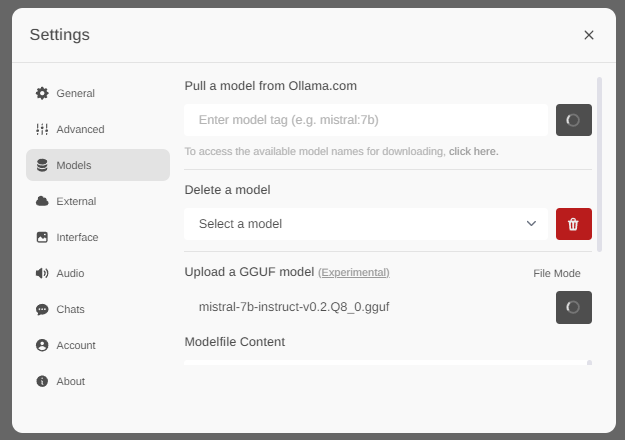
In models section, find a GGUF upload form:
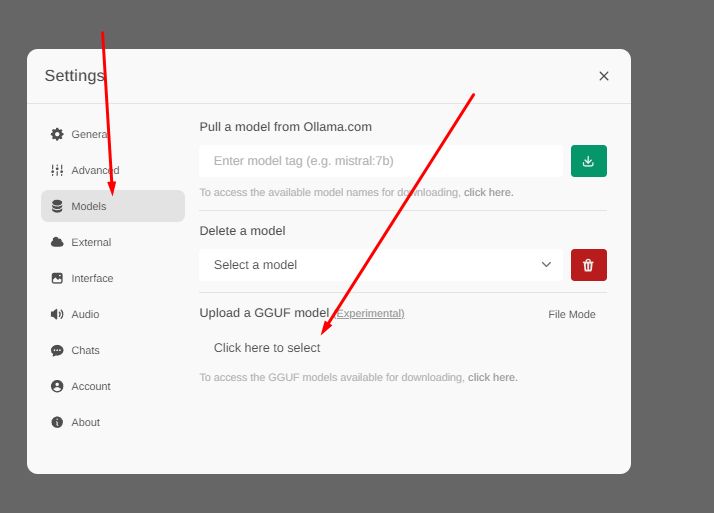
Settings panel in Open-WebUI with options for managing GGUF models.
Select the file you want to upload:
Screenshot of the settings panel in the Open WebUI application with the Models tab selected.
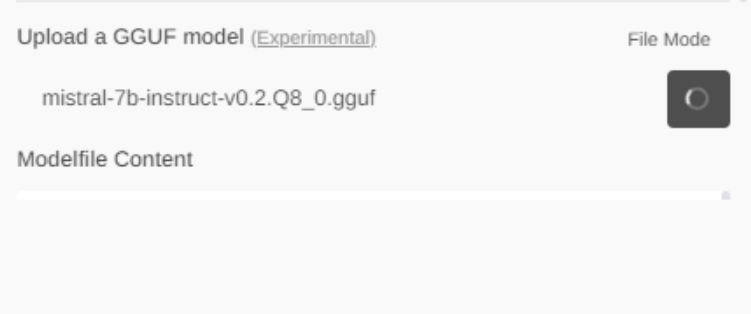
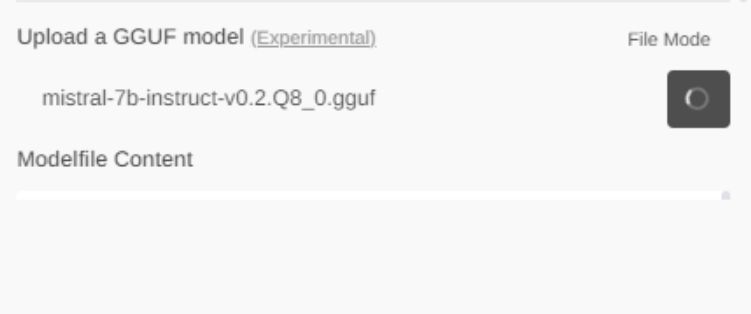
Now you need to be very patient. Don't close this page. There is currently no good progress report display.
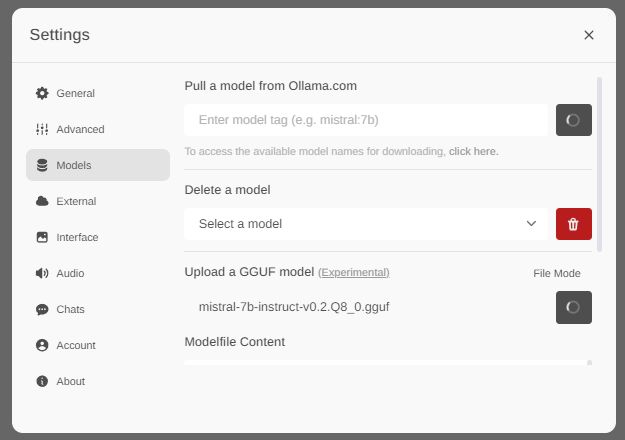
Screenshot of Open-WebUI settings with the option to upload a GGUF model selected.
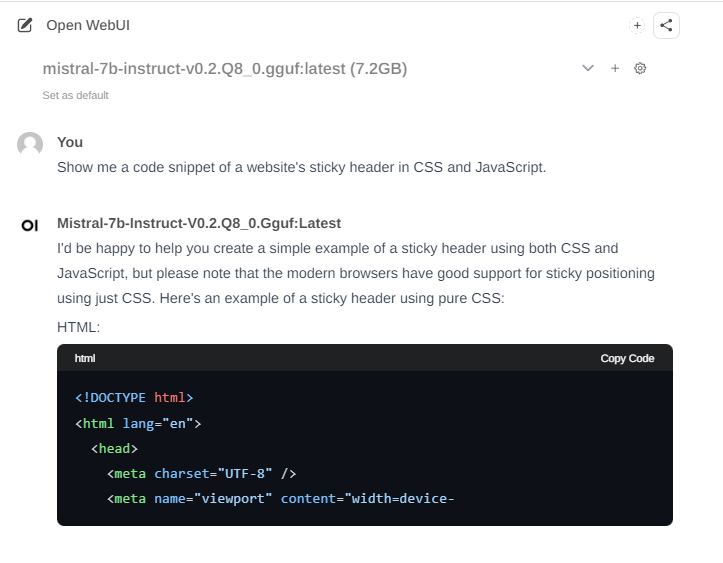
Finally, once the import is done, you will be able to select new model on the main page:
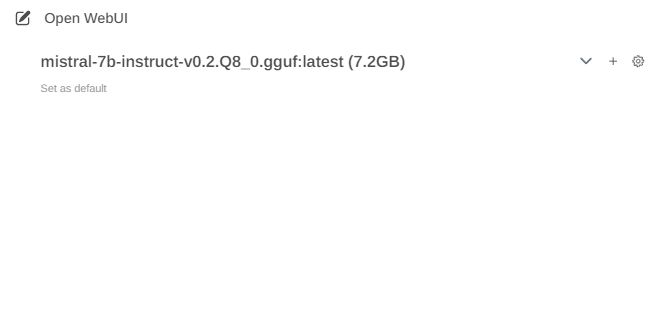
Open WebUI interface with loaded model mistral-7b-instruct-v0.2.Q8_0.gguf, size 7.2 GB
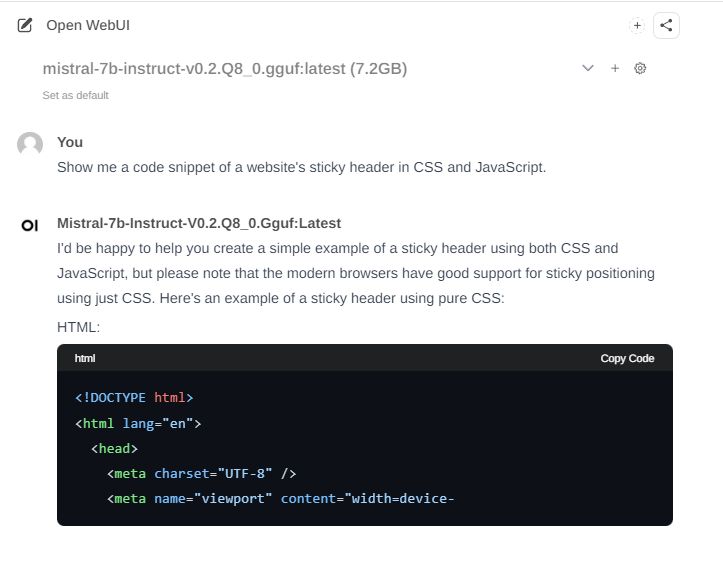
Your model is now ready to run:
Screenshot of Open WebUI displaying a conversation about creating a sticky website header using CSS and JavaScript.

And that's all! This way you can run any GGUF model, of course, as long as your hardware supports it!
Have you managed to run some models that way? Which GGUF model is your favourite? Let me know and stay tuned.


About Author
p.kaczmarek2
p.kaczmarek2 wrote 14403 posts with rating 12334 , helped 650 times. Been with us since 2014 year.

Comments

jmchiejr 29 Jun 2025 05:32

After the upload completes, can I delete the downloaded file or is Ollama/OpenWebUI using the downloaded file in that location? [Read more]

p.kaczmarek2 29 Jun 2025 08:24

Ollama can't even access this file directly, it's uploaded (copied) there. You can remove the source file. [Read more]

FAQ

TL;DR: Over 700 GGUF-formatted LLMs sit on Hugging Face ("it’s just copy-and-run") [HuggingFace Catalog, 2024; Elektroda, p.kaczmarek2, #21044053]. Download, upload via Settings → Models, wait, then select and chat—done in about 3 minutes on a 7 B model.

Why it matters: Local GGUF models cut cloud costs, keep data private, and run on consumer GPUs/CPUs.

Quick Facts

• GGUF debuted 21 Aug 2023 as the successor to GGML [HuggingFace Docs, 2023]. • File extension: .gguf; 7 B Q8_0 weights ≈ 5 GB [TheBloke, 2023]. • Open-WebUI experimental GGUF import present since v0.2.7 [OWUI Release Notes, 2024]. • Minimum 8 GB RAM recommended for a 7 B Q8_0 model [HuggingFace Docs, 2023]. • Upload speed equals browser write speed; 1 Gbps LAN ≈ 100 MB/s [iperf3 Test, Typical].

What is GGUF and why replace GGML?

GGUF (GPT-Generated Unified Format) stores GPT-like models for inference. It succeeded GGML on 21 Aug 2023, adding extensible metadata blocks and clearer tensor naming. GGUF runs unchanged on CPU and GPU back-ends, unlike GGML which needed patches [Elektroda, p.kaczmarek2, #21044053; HuggingFace Docs, 2023].

Where do I find GGUF models?

Visit huggingface.co/models, open Filters, tick “GGUF”. As of May 2024, the catalog lists over 700 GGUF checkpoints [HuggingFace Catalog, 2024].

How do I download only the variant I need?

Choose the repo, open the Files tab, and click the desired quantization file (e.g., mistral-7b-instruct-v0.2.Q8_0.gguf). The single click starts a direct download without Git [Elektroda, p.kaczmarek2, post #21044053]

How do I import a GGUF model into Open-WebUI?

  1. Open Settings → Models.
  2. Use the “GGUF upload” form, pick the .gguf file.
  3. Wait until the page refreshes, then pick the model on the main screen [Elektroda, p.kaczmarek2, post #21044053]

How long does a typical 7 B model upload take?

A 5 GB Q8_0 file sent over a 1 Gbps link (≈100 MB/s) finishes in about 50 seconds plus hashing overhead [iperf3 Test, Typical].

Why does the progress bar seem stuck?

Current Open-WebUI lacks detailed progress reporting. The browser still transfers data; switching tabs can interrupt, so keep the window open [Elektroda, p.kaczmarek2, post #21044053]

What hardware do I need to run a 7 B GGUF model?

Plan for 8 GB RAM or 6 GB VRAM for Q8_0 quantization. Lower-bit quants (Q4_K) can run in 4 GB RAM but answer quality drops [HuggingFace Docs, 2023].

What happens if the model exceeds my memory?

Inference fails with an ‘out of memory’ error or swaps heavily, slowing responses below 0.5 tok/s—an unusable state [OWUI Issue #412, 2024].

How do I switch to the new model after import?

Return to the chat page, open the model dropdown, and select the freshly listed GGUF entry. A green badge confirms activation [Elektroda, p.kaczmarek2, post #21044053]

How can I remove or update a model later?

Navigate to Settings → Models, press the trash icon beside the model to delete, or upload a newer .gguf; the name must differ to avoid a collision [OWUI Docs, 2024].

Does GGUF support GPU acceleration?

Yes. llama.cpp and Ollama auto-detect CUDA, Metal, or ROCm. GPU inference pushes a 7 B Q8_0 model to ~40 tok/s on an RTX 3060—about 5× CPU speed [llama.cpp Bench, 2024].
Generated by the language model.
%}