FAQ
TL;DR: For under 30 PLN, the Sonoff DW2-Wi-Fi is a cheap door sensor for reverse engineers, and the thread’s key result is that "A2 SDK works" on the module marked A2. The flash was dumped, UART flashing worked, and OTA updates worked only after correct Opulinks packaging with an OTA loader. [#21196691]
Why it matters: This FAQ helps hardware hackers and OpenBeken users decide whether the DW2 is worth buying, dumping, compiling for, and eventually de-clouding.
| Option |
Radio / setup |
Firmware status from thread |
Practical takeaway |
| Sonoff DW1 |
RF433 MHz |
Older design referenced by sellers |
Different product family, not the Wi-Fi teardown target |
| Sonoff DW2-Wi-Fi |
Wi-Fi + BLE setup flow |
Flash dumped, UART flashing and OTA confirmed |
Best current OPL1000-family test target in the thread |
| OPL1000 A2 SDK |
Matches A2-marked module |
Boots and connects in tests |
Use this SDK path first |
| OPL1000 A3 SDK |
Different family mapping |
Did not boot on this hardware |
Avoid for DW2 A2 modules |
Key insight: The breakthrough was not just compiling code. The breakthrough was proving the DW2 can boot custom A2 builds, accept UART flashes, and alternate between MW_OTA [0] and MW_OTA [1] once the OTA image is packaged correctly. [#21196691]
Quick Facts
- Case label and seller data in the thread identify the unit as DW2-Wi-Fi, with quiescent current <=40 uA and emission current <=15 mA. [#20767159]
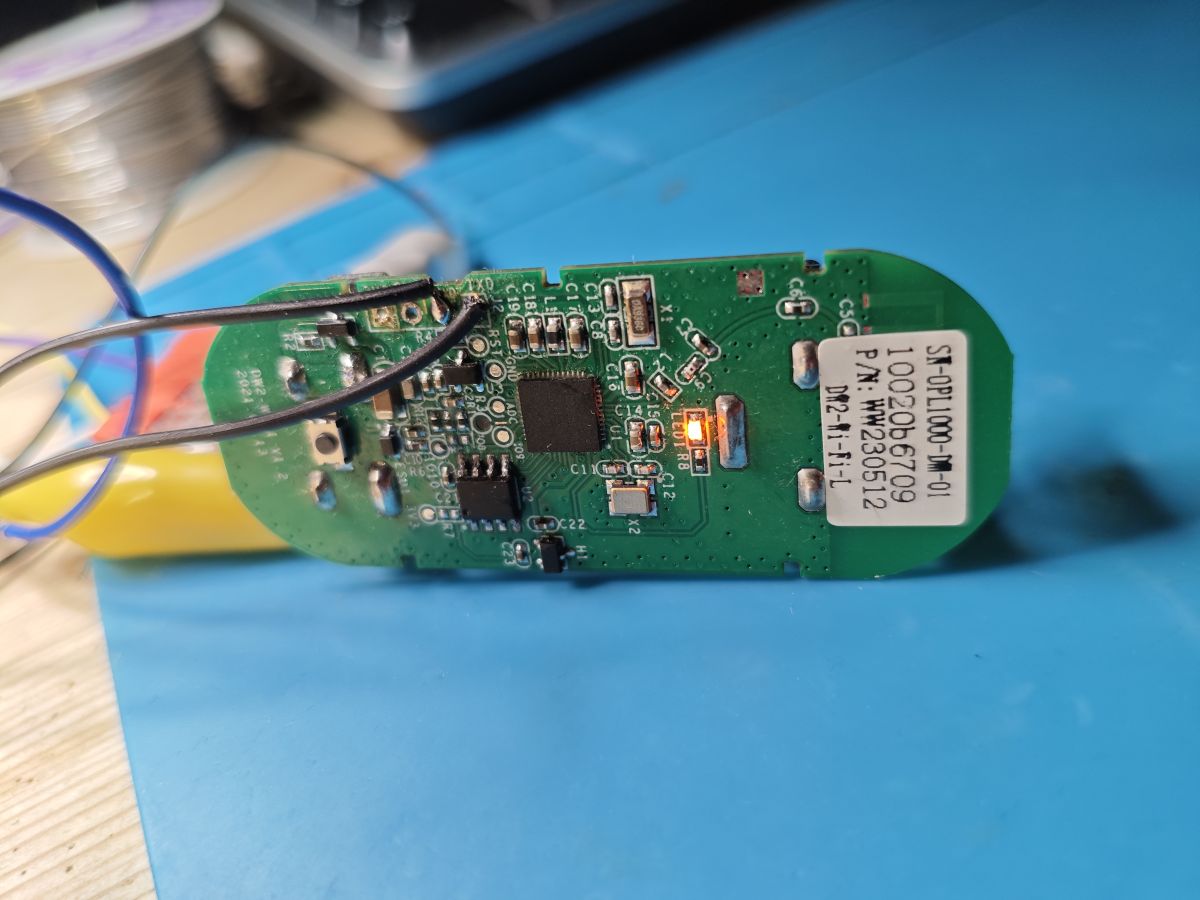
- The teardown identifies three core parts: an Opulinks OPL1000-family module marked A2, a TH25Q80UA SPI flash, and a 6131 Hall sensor. [#20767159]
- The original buyer paid less than 30 PLN, which is why the DW2 attracted interest as a low-cost battery Wi-Fi sensor. [#20767159]
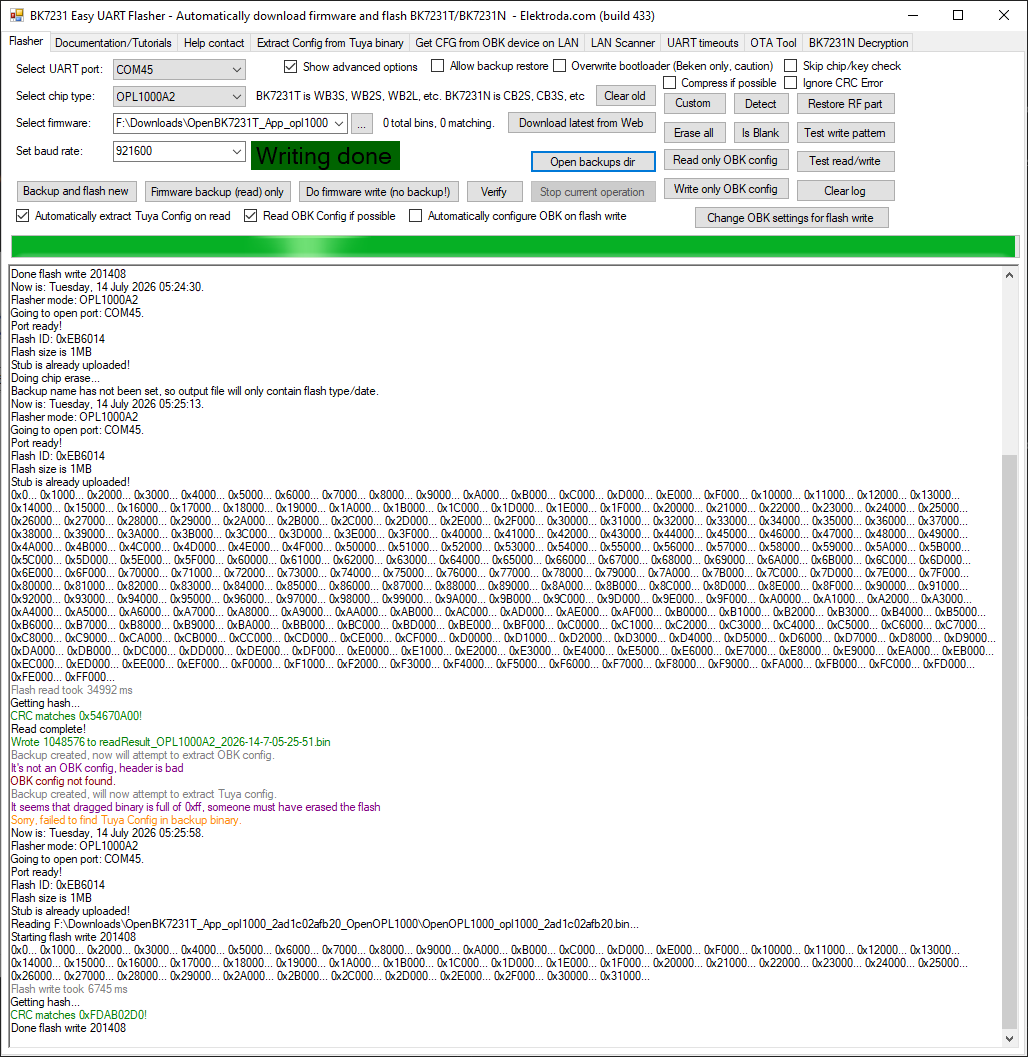
- A full external flash backup was read from the 8 Mbit / 1 MB TH25Q-80UA chip, and later the same dump was flashed back successfully over UART. [#21190525]
- OTA testing succeeded with a correctly packed image of 118,300 bytes, and the boot log then switched from MW_OTA [0] to MW_OTA [1]. [#21196691]
How do I open the Sonoff DW2-Wi-Fi door/window sensor and identify its main components like the OPL1000, TH25Q80UA flash, and Hall sensor?
Open it by removing the battery cover first, then release the two PCB retaining hooks and lift the board out. The PCB is marked
DW2-WiFi V1.2 with date
2021.01.13. The main identifiable parts are the Opulinks Wi-Fi/Bluetooth module marked
A2, the
TH25Q80UA SPI flash, and a Hall sensor marked
6131.
"Hall sensor" is a magnetic sensor that detects the nearby magnet’s position, replacing a reed switch and enabling open/close sensing with low power. The thread also notes transistor
Q1 near the sensor area.
[#20767159]
What is the OPL1000 and how does it differ from the OPL1200, OPL1600, and OPL1800 mentioned in the Opulinks SDKs?
The OPL1000 is an Opulinks Wi-Fi and Bluetooth microcontroller family used here as the DW2’s radio SoC. In the thread, Opulinks support mapped SDK families this way:
A1 = OPL1000,
A2 = OPL1200, and
A3 = OPL1600 & OPL1800. The confusion came from the module being discussed as “OPL1000,” while the chip marking also showed
A2. Later testing confirmed the
A2 SDK worked on the DW2 hardware, so that is the practical target for this sensor.
"OPL1000 family" is a Wi-Fi/BLE MCU line that uses multiple SDK branches tied to chip revisions or related parts. [#21192899]
Why does the Sonoff DW2 show up in listings with RF433 keywords when the teardown says it only uses WiFi?
Because sellers mixed the DW2 with the older DW1 in marketplace titles. The thread states that auction listings included
RF433 keywords even though the examined
DW2-Wi-Fi had
Wi-Fi only and no 433 MHz radio. The seller’s own description explained the mismatch: the earlier
DW1 version used
RF433 MHz, while the offered version used Wi-Fi. So the keyword is listing carryover, not a hardware feature of the teardown unit.
[#20767159]
How can I dump the Sonoff DW2 TH25Q80UA flash chip with a CH341A or FTDI bit-banging method?
You can dump it by removing the flash and reading it externally. 1. Desolder the
TH25Q80UA because the thread author did not trust clip reading. 2. Read it with a
CH341A in NeoProgrammer, which detected
SPI ID EB6014. 3. Save the full dump, or bit-bang SPI with an
FTDI adapter if needed; later posts confirmed a successful bit-banged dump after desoldering the same
8 Mbit / 1 MB chip. The original dump also revealed SDK-related strings and a PEM certificate when inspected.
[#21187912]
Which Opulinks SDK should be used for the Sonoff DW2 module marked A2, and why did the A2 SDK work while the A3 SDK did not boot?
Use the
OPL1000A2-SDK for the DW2 module marked
A2. In direct testing, an
A2 build of
wpa2_station_gpio booted and joined Wi-Fi, while the
A3 build did
not boot on the same device. The tested working combination used
A2 PatchData.txt,
A2 opl1000_m0.bin, and the
A2 example output binary. The thread later clarified that the module photos showed
A2 on the chip, matching the SDK choice. In practice, the A2 firmware path matched the hardware layout and packing files, while A3 did not.
[#21192488]
What is MW_OTA in the OPL1000 boot log, and what do messages like "This image is from MW_OTA [0]" and "MW_OTA [1]" mean?
MW_OTA is the Opulinks dual-image OTA storage area used to switch between firmware slots. In the thread, the boot log printed
"This image is from MW_OTA [0]" before an update and
"This image is from MW_OTA [1]" after a successful OTA flash. That shows the new image was written to the alternate slot and then executed after reboot. The same post notes that if you keep serving the OTA demo again, the device alternates between
[0] and
[1] on successive reboots.
"MW_OTA" is firmware storage logic that keeps two bootable images for rollback-style updates. [#21196691]
Why does the OPL1000 ota_wifi demo fail with "ota_prepare fail," and how do I package the firmware correctly for OTA updates?
It fails when the OTA file is built in the wrong format. The breakthrough post showed the fix: first build normal
opl1000.bin, then use
Opulinks Download Tool v2.0.0 to combine it with
opl1000_ota_loader.bin and generate
opl1000_ota.bin in the OTA tab. After that, the OTA demo downloaded and flashed a
118,300-byte image successfully. Before that correction, the log stopped at
"ota_prepare fail" even though HTTP worked. The full
1,024 KB factory backup still failed as an OTA payload, stopping around
167 KB, so raw flash dumps are not valid OTA images.
[#21196691]
What steps are needed to compile and flash an OPL1000A2-SDK example like wpa2_station_gpio on a Sonoff DW2 using MSYS2 and arm-none-eabi-gcc?
Use MSYS2, install the ARM GCC toolchain, build the A2 example, then pack and flash it. 1. In
msys64, run
pacman -Syu and install
mingw-w64-x86_64-arm-none-eabi-gcc, then add
/mingw64/bin to PATH. 2. Build
OPL1000A2-SDK\SDK\APS_PATCH\examples\wifi\wpa2_station_gpio with
make to generate
opl1000_app_m3.bin. 3. Pack it with
A2 PatchData.txt and
A2 opl1000_m0.bin, flash it, and the DW2 should boot, scan APs, and obtain a DHCP address such as
192.168.0.251 when credentials are correct.
[#21192439]
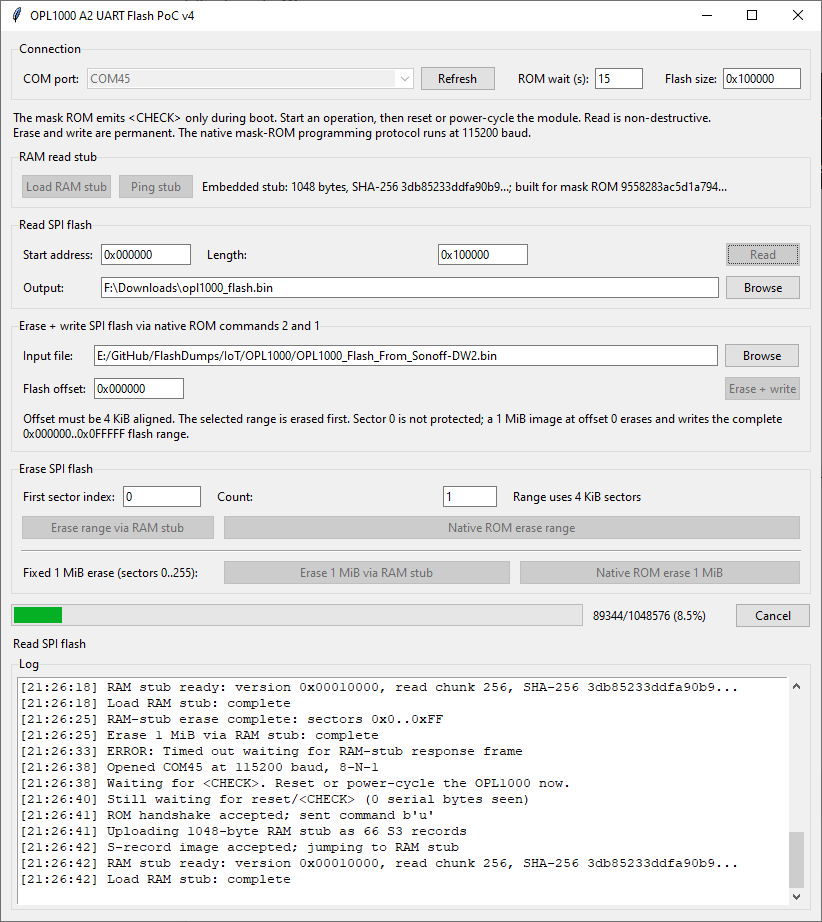
How do I use the Opulinks Download Tool to flash OPL1000 binaries over UART, and why do I need to power-cycle the device when the tool is waiting on the COM port?
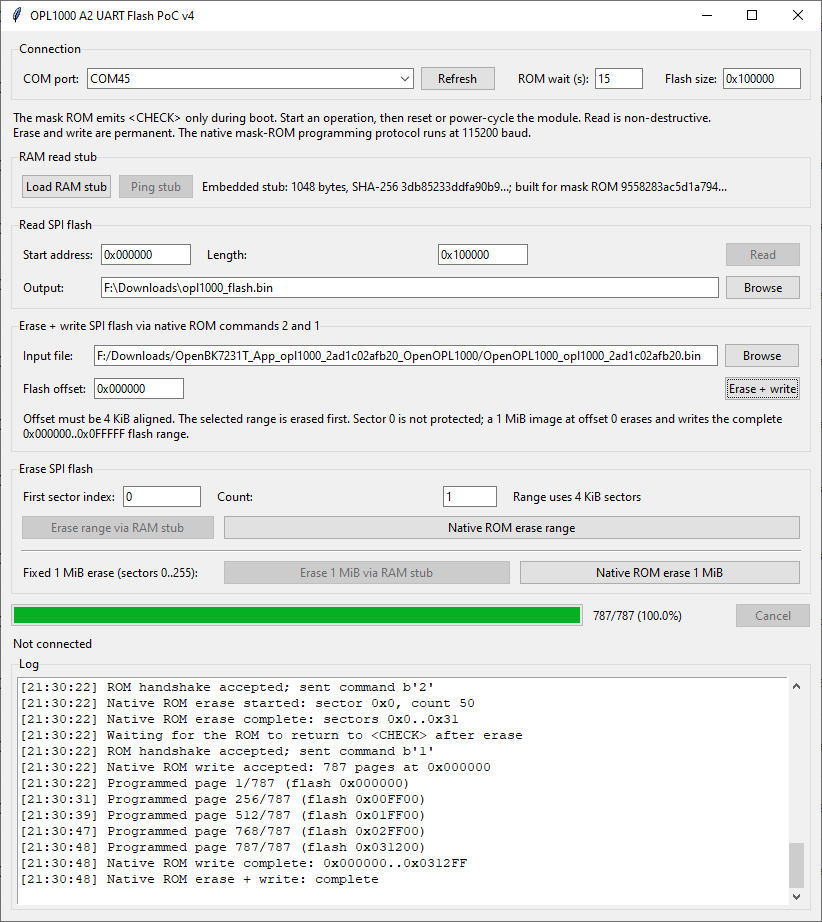
Use the Opulinks Download Tool, select the COM port and binary, then reconnect power when the tool starts waiting. The thread reports that flash start on this platform is
like Beken: the DW2 enters the loader when power is reapplied while the tool is already waiting. That timing is why a power cycle is required. Tests confirmed that official binaries, AT firmware, and even full flash-chip dumps could be written this way over UART. The same workflow was used successfully with Download Tool
3.9.3.7012 for basic flashing, though OTA packaging later depended on
v2.0.0.
[#21190297]
Where is the Sonoff DW2 UART boot output available, and what can GPIO0 versus GPIO8 logs tell me during reverse engineering?
The DW2 exposes useful UART output on both
GPIO0 and
GPIO8, but they show different things. The thread states that
GPIO8 has a PCB pad and prints the richer application boot log, including Wi-Fi scan activity and cloud retries.
GPIO0 prints a shorter low-level boot stream such as
"",
"SPI load patch", and
"BootMode 10". That split helps reverse engineering: GPIO0 is better for bootloader and image-slot clues, while GPIO8 is better for application behavior and pairing flow.
[#21186407]
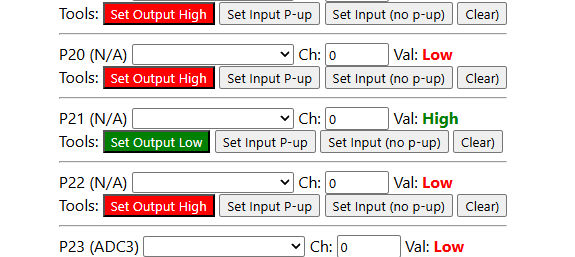
How can I control the Sonoff DW2 status LED from custom OPL1000 firmware, including the PinMux and Hal_Vic_GpioDirection settings needed for GPIO21?
Control the LED on
GPIO21 after changing its PinMux role from
PIN_TYPE_ICE_M3_CLK to
PIN_TYPE_GPIO_OUTPUT_HIGH in
hal_pin_config_project.h. The thread confirms the LED trace and datasheet mapping point to
GPIO21. After that, custom code can call
Hal_Vic_GpioOutput(GPIO_IDX_21, GPIO_LEVEL_HIGH) when Wi-Fi connects and drive it low on disconnect. A key lesson from the thread was that pin direction matters; output mode must be configured, not just the output level. Once corrected, the DW2 LED lit reliably on Wi-Fi connection.
[#21193315]
Sonoff DW1 vs Sonoff DW2 — what are the practical differences in radio technology, cloud dependence, and firmware modification potential?
The DW1 is the older
RF433 MHz design, while the DW2 uses
Wi-Fi and a BLE-assisted setup flow. In practice, that means the DW2 can pair with
eWeLink directly, but the thread repeatedly notes it is still cloud-dependent and was
not easily cut off from the cloud at the start of the investigation. Firmware modification also differs: the DW2 needed OPL1000-family reverse engineering, flash dumping, SDK builds, and custom OTA packaging. So DW2 offers more software potential than DW1, but it also creates a much harder de-clouding path.
[#20767159]
Why does the Sonoff DW2 pair in eWeLink but sometimes stay offline while looping coolkit.cc connection errors in the UART log?
It pairs because local provisioning succeeds, but it can still stay offline if the cloud connection fails. In the thread, the device paired successfully, yet the UART log looped
mbedtls_net_connect() failed, ret:-0x44,
HTTP connected fail, and repeated attempts to reach
https://eu-dispd.coolkit.cc:443/dispatch/device. That means BLE/Wi-Fi setup and app-side registration can complete, while the sensor still cannot finish its cloud session. The practical symptom is an eWeLink device that appears added but remains offline.
[#21189210]
What pairing method does the Sonoff DW2 use if it does not seem to support soft-AP mode, and how is BLE involved in WiFi setup?
The DW2 appears to use
BLE for provisioning and then joins Wi-Fi as a
station, not as a soft-AP. The thread notes that repeated resets never exposed an AP, and later analysis pointed to Opulinks
blewifi examples where BLE handles configuration of the device’s Wi-Fi connection. One poster summarized it as BLE being the setup channel while the device is configured to connect
to a Wi-Fi AP, not act
as one. That explains why pairing can work even when no temporary AP is visible.
[#21205368]
Which other devices have been found with OPL1000-family chips, such as the Tuya outdoor siren or Ebyte E103-W08A module, and how useful are they for OpenBeken porting and testing?
The thread found at least two useful additional targets: a
Tuya outdoor 95 dB siren with solar and USB power, and the
Ebyte E103-W08A module. The siren used an
OPL1000 A2SA2121 chip with
PUYA P25Q80H flash, making it a strong OpenBeken port candidate because it adds another real product beyond the DW2. The E103-W08A is useful for AT-command and module-level testing, but the thread called its form factor awkward and noted its small flash package. More hardware targets matter because low OPL1000 popularity was the main reason porting stalled.
[#21174018]
Generated by the language model.