


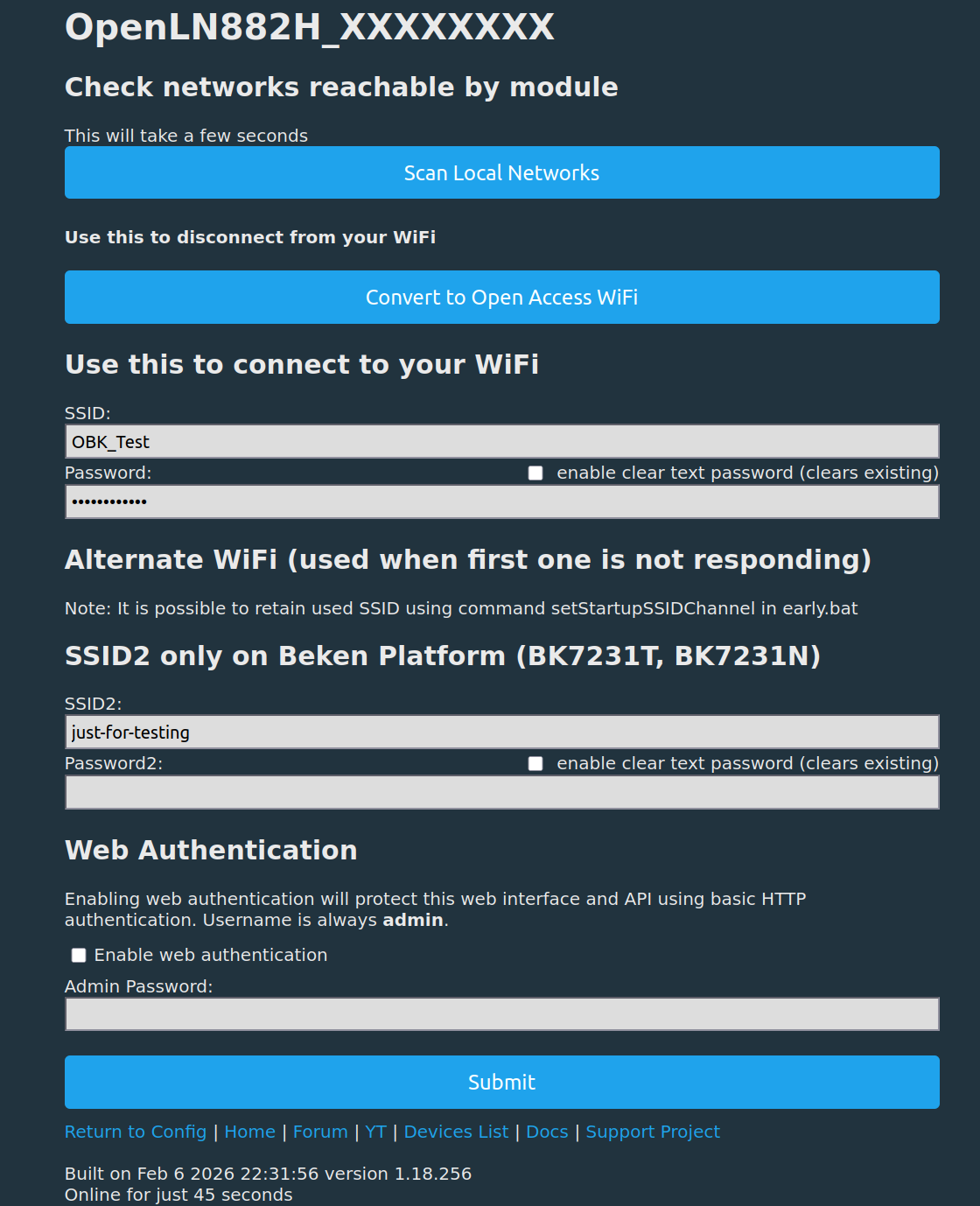
In fact not only the wifi mode had changed, but the whole configuration was lost. FW-Version was of April 2025, if I remember right.




Czy wolisz polską wersję strony elektroda?
Nie, dziękuję Przekieruj mnie tam


Info:MAIN:Time 96578, idle 1626553/s, free 42344, MQTT 1(18), bWifi 1, secondsWithNoPing 96310, socks 6/16 POWERSAVE
Info:MQTT:Publishing val 0.023 to SmartPlug2_DG_Garage/current/get retain=0
Info:MQTT:Publishing val 5.44 to SmartPlug2_DG_Garage/power_apparent/get retain=0
Info:MQTT:Publishing val 5.44 to SmartPlug2_DG_Garage/power_reactive/get retain=0
Info:MQTT:Publishing val 0.00 to SmartPlug2_DG_Garage/power_factor/get retain=0
Info:MAIN:Time 96579, idle 858364/s, free 42344, MQTT 1(18), bWifi 1, secondsWithNoPing 96311, socks 6/16 POWERSAVE
Info:MAIN:Time 96580, idle 1631807/s, free 30744, MQTT 1(18), bWifi 1, secondsWithNoPing 96312, socks 7/16 POWERSAVE
Info:MAIN:Time 96581, idle 629037/s, free 30744, MQTT 1(18), bWifi 1, secondsWithNoPing 96313, socks 7/16 POWERSAVE
Info:MQTT:Publishing val 230.2 to SmartPlug2_DG_Garage/voltage/get retain=0
Info:MAIN:Time 96582, idle 1648857/s, free 30744, MQTT 1(18), bWifi 1, secondsWithNoPing 96314, socks 7/16 POWERSAVE
Info:MQTT:Publishing val 0.00 to SmartPlug2_DG_Garage/138/get retain=0
Info:MQTT:Publishing val 0.000 to SmartPlug2_DG_Garage/energycounter_last_hour/get retain=0
Info:MQTT:Publishing val 0.000 to SmartPlug2_DG_Garage/energycounter_yesterday/get retain=0
Info:MQTT:Publishing val 0.000 to SmartPlug2_DG_Garage/energycounter_2_days_ago/get retain=0
Info:MQTT:Publishing val 0.000 to SmartPlug2_DG_Garage/energycounter_3_days_ago/get retain=0![Another ELIVCO LSPA9: BSD342-2110 PCB with [LN882H] and [BL0937]](https://obrazki.elektroda.pl/2127134000_1782308557.png "Another ELIVCO LSPA9: BSD342-2110 PCB with [LN882H] and [BL0937]")
io2345 wrote:What is "OpenLN"?
 )
)
io2345 wrote:Voltage reading of the plug dropped from 230 to 116V. Will have to re-calibrate.
TL;DR: This FAQ shows how to open and flash the Elvico LSPA9 using only 3 wires and a brief A9-to-GND short; one contributor said, "you only need to solder three wires." It helps OpenBeken users identify the BSD342-2110 / LN882H / BL0937 variant, avoid cracking the glued case, and handle firmware issues such as reboots, heat, LED behavior, and MQTT control. [#20965239]
Why it matters: The LSPA9 exists in multiple hardware variants, so correct flashing points, pin mapping, and firmware expectations matter more than the product name.
| Topic | This LN882H BSD342-2110 variant | Notes from the thread |
|---|---|---|
| Main SoC/module | LN882H, WL2S-labeled module | Not the common Beken-based variant |
| Metering chip | BL0937 | Power readings supported in OpenBeken |
| Flash entry | Short A9 to GND for a few seconds after power-up | Retry timing may be needed |
| Observed idle draw | Approx. 8.5 mA relay off | Reported with both Open firmware and vendor firmware |
| Observed temperature | About 60°C with powersave 0, ~40°C with powersave 1 |
powersave 1 was not fully reliable early on |
Key insight: Treat this plug as a board-specific target, not just an "LSPA9." The successful recipe is BSD342-2110 wiring, A9 boot shorting, and the matching pin template for A3, A10, A11, A12, and A19. [#20965239]
powersave 0 and about 40°C with powersave 1, but the GUI could stop responding after some time. [#21023618]LED_n;0, A3 to Btn;0, A7 to BL0937CF1;0, A10 to WifiLED_n;1, A11 to Rel;0, A12 to BL0937CF;0, and A19 to BL0937SEL;0. It identifies the device as Elvico LSPA9, board BSD342-2110, chip LN882H, with keywords BSD342-2110, LN882H, and BL0937. Another user reported a different LSPA9 board marking, so verify your PCB before copying the mapping. [#20965239]BL0937CF, BL0937CF1, and BL0937SEL pins. > "BL0937 is an energy-metering chip that measures electrical load data, using dedicated pulse outputs and a select line for integration with the main controller." In this LSPA9, users relied on it for power updates shown in the GUI about every 3 seconds. [#21064249]PowerSave 1 set manually after boot. [#21015608]Btn;0 and set the relay pin to the same channel, Rel;0. That makes A3 the control input for relay channel 0. If pressing the button does nothing, first check that the relay is not assigned to another channel. If channels match, test for a hardware issue; one user solved the problem after finding the push-button needed extra force to make contact. [#21022708]-1 worked as a valid retained-start behavior on this device. Two users tested it and confirmed it behaved correctly after both power loss and GUI-triggered reboot. One user explicitly said the device worked “without any problems” after changing channel 0 to -1. That makes -1 a usable startup option on this LSPA9, even though one tester was initially afraid it might brick the unit. [#21023427]powersave 0. Stability was mixed early, but later users reported more than 3 days and nearly 1 week of stable 24/7 use on newer OpenLN882H builds. [#21024780]WifiLED_n to WifiLED if you want red-on and off-off behavior. The purple effect came from both the blue and red LEDs being active when the relay was on. After switching A10 to WifiLED, one user reported the result as “LED off when Power off, LED red when Plug has Power.” If you prefer the original Tuya-style locator glow, another user suggested assigning A10 to LED instead. [#21067125]WifiLED_n keeps the second LED active in the inverted Wi-Fi role, which caused blue-plus-red and a purple on-state for one user. WifiLED limits that LED mainly to the connection phase, so the plug ended up off when off and red when on. LED gives the Tuya-like locator style, with blue visible when power is off. The thread treats A10 as the behavior switch for how the front dual-color indicator is used. [#21067385]cmnd and stat trees. 1. In ioBroker expert mode, create mqtt.0.<client_topic>.0.set as a readable and writeable number state. 2. Write 0 or 1 to set for OFF or ON. 3. Read current state from mqtt.0.<client_topic>.0.get, which also changes when you press the hardware button. One user first tried cmnd/.../POWER, but later confirmed the simpler set/get method worked better. [#21064461]