logo elektroda
logo elektroda
X
logo elektroda

[CBU/BK7231N] AVATTO WSM16-W1 WiFi relay module for PLN 30 - firmware change

p.kaczmarek2 2649 2

TL;DR

  • The AVATTO WSM16-W1 WiFi relay module was modified to work fully locally with Home Assistant instead of depending on Tuya cloud servers.
  • Inside, the compact design uses a non-isolated OB2525 converter, an extra 3.3V step-down stage, and a side-mounted relay to fit the small housing.
  • The module uses a CBU board with BK7231N, and the flasher automatically detected the Tuya configuration on P8, P6, P14, and P20.
  • Firmware replacement required soldering four wires, and the author recommends setting PowerSave 1 to reduce startup stress and possible capacitor wear.
  • Bought for less than PLN 30, the module was considered a good value after the firmware change worked hassle-free.
Generated by the language model.
ADVERTISEMENT
Treść została przetłumaczona polish » english Zobacz oryginalną wersję tematu
📢 Listen (AI):
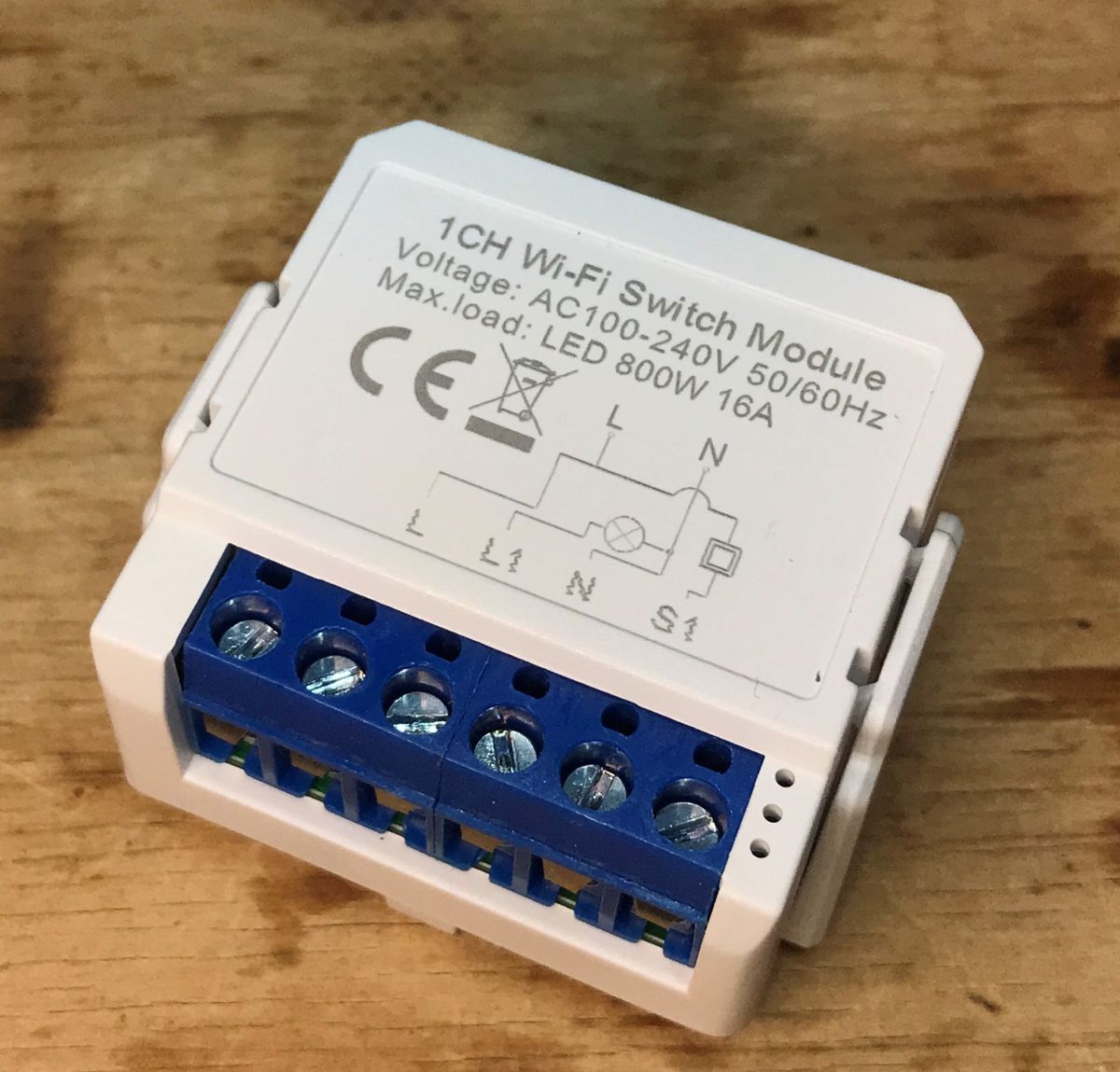
  • WSM16-W1 Wi-Fi switch module with visible connectors and technical markings.
    Today we are modifying another relay module for the box so that it works 100% locally, regardless of the manufacturer`s servers. Then we will also pair it with Home Assistant. This modification was made for a reader who sent me a set of gadgets that I haven`t described yet so that we could expand our electrode list of IoT device interiors .

    Purchase of WSM16-W1
    The module was purchased quite cheaply - less than PLN 30:
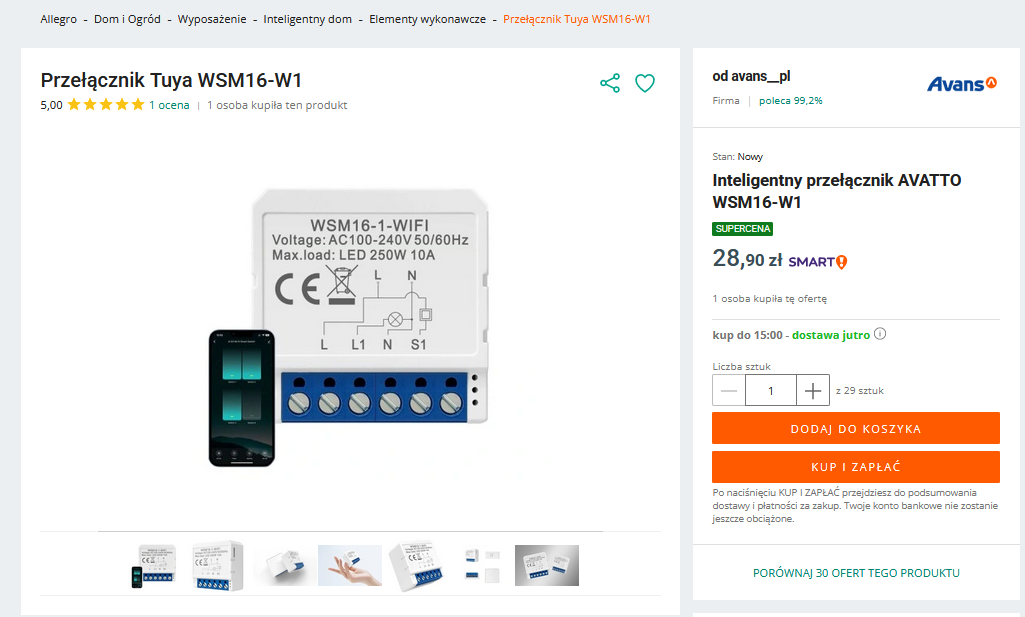
    Product page of Tuya WSM16-W1 switch showing the device and a smartphone.
    The description has standard Tuya talk:
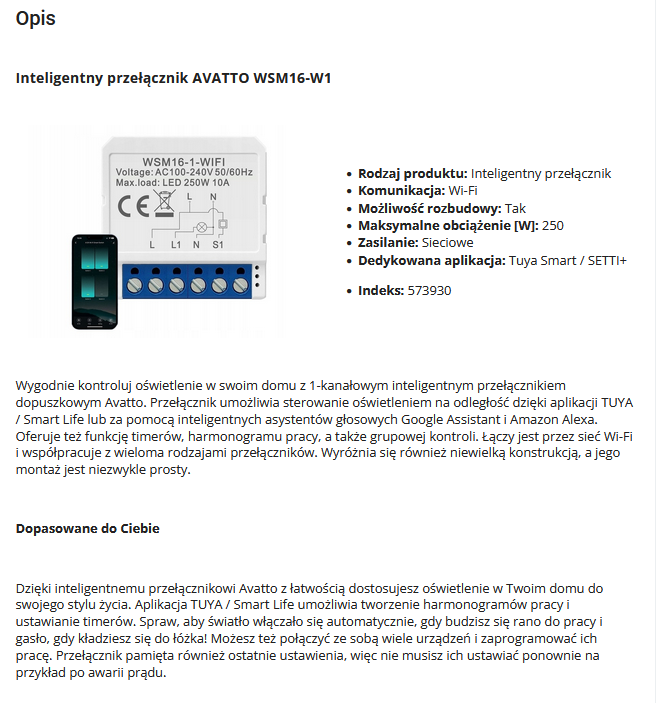
    Image of the AVATTO WSM16-W1 smart switch and a phone with an app.
    What also catches my eye is that the description includes the version 250W and we got the versions 800W , I wonder if both versions have the same interior?
    Parameters:

    Table with parameters of a smart switch.
    Packaging:
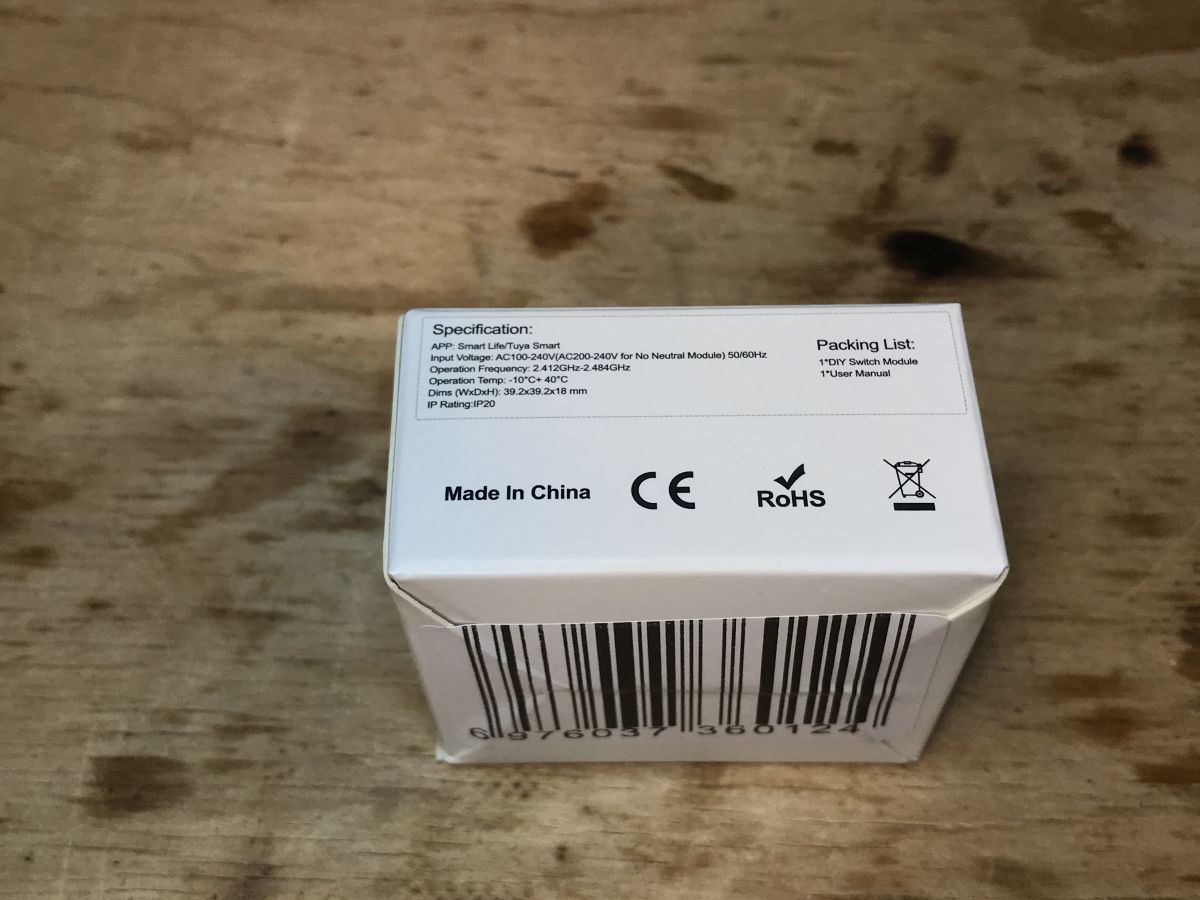
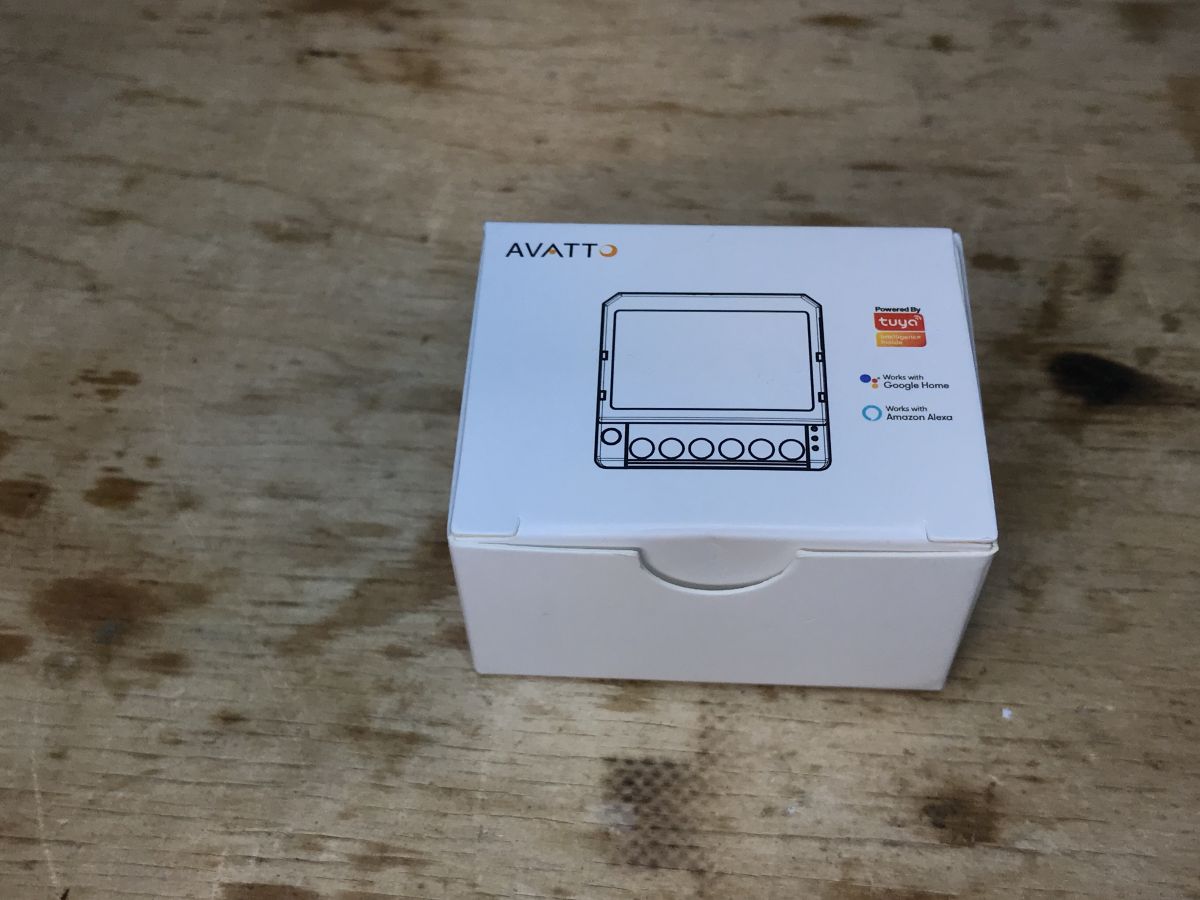
    Packaging of WSM16-W1 relay module on a wooden background Box of AVATTO WSM16-W1 module on a wooden surface.
    The contents of the set (well, there is a plastic mounting with hooks):
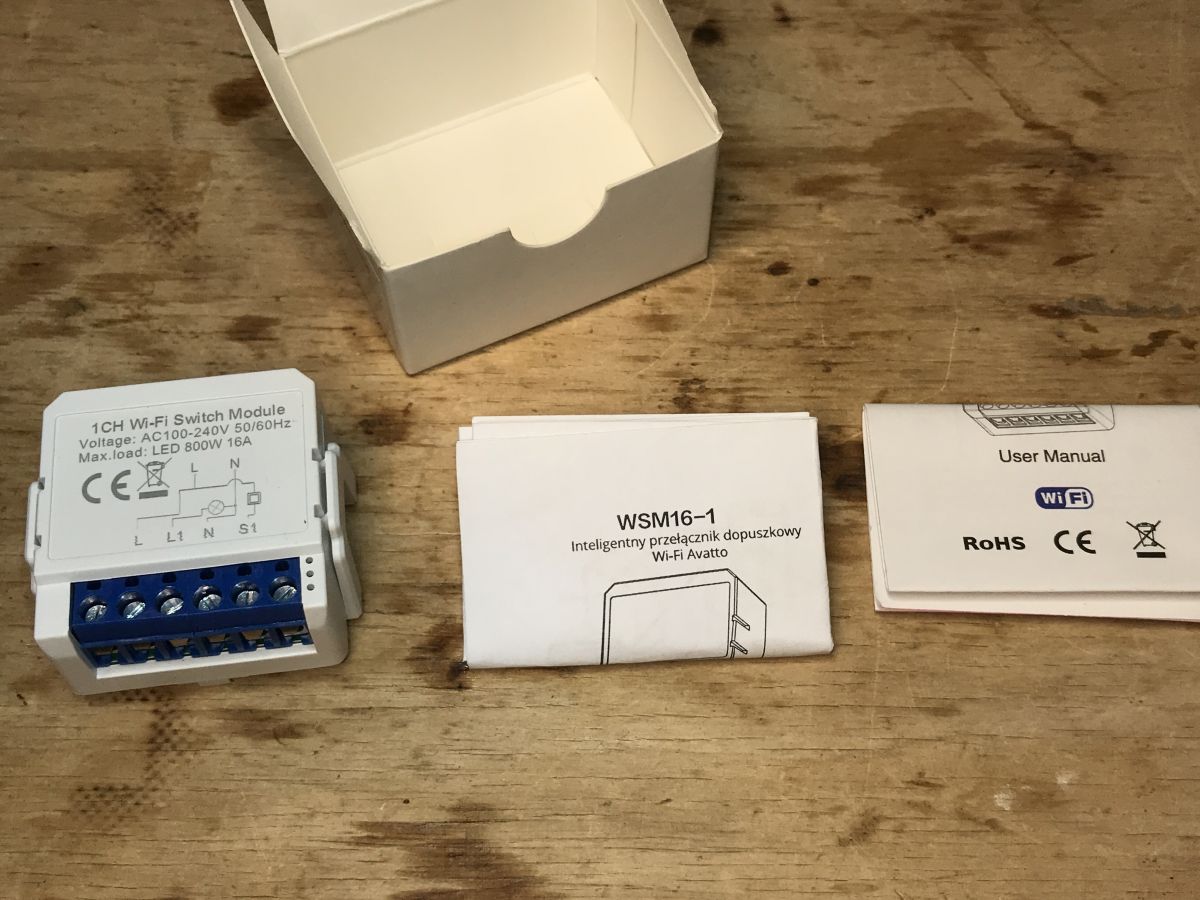
    WSM16-W1 Wi-Fi switch module, manuals, and packaging on a wooden surface.
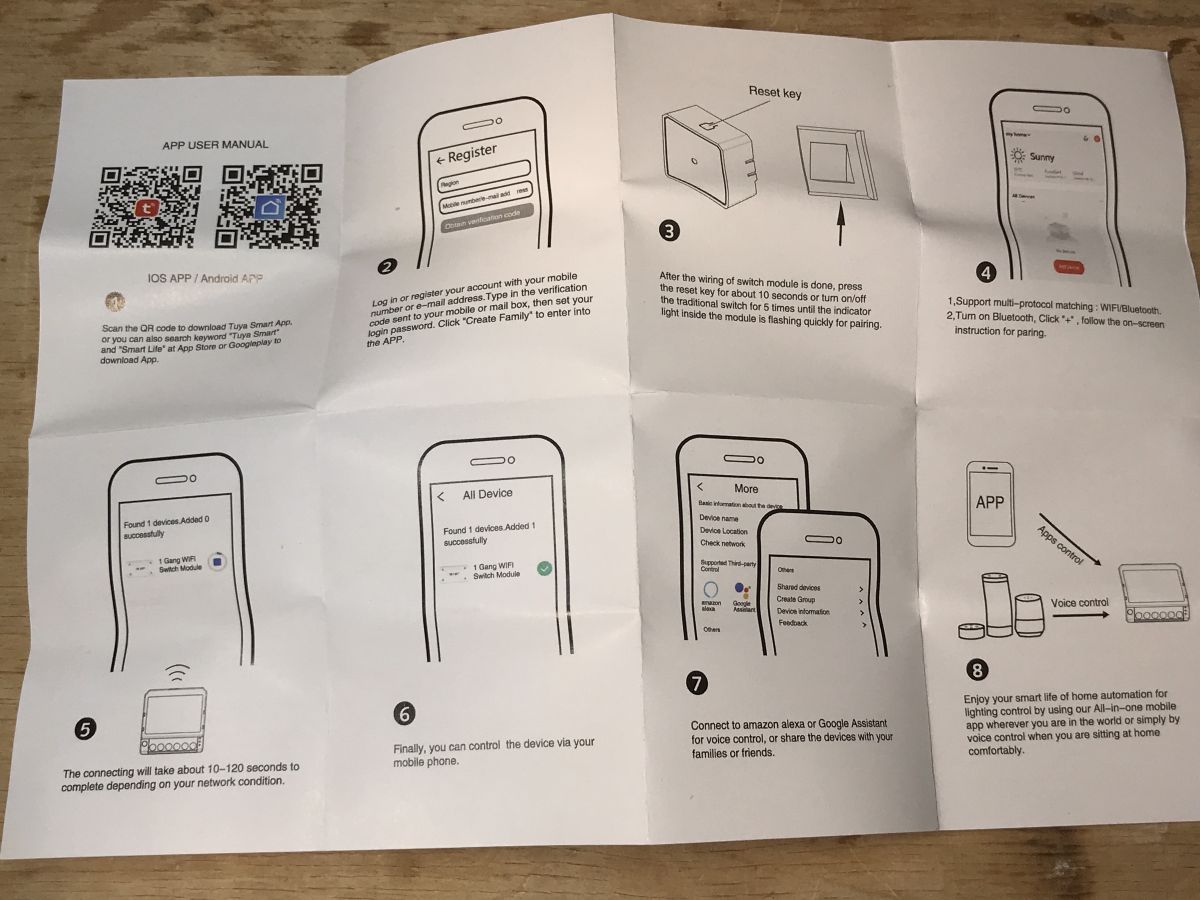
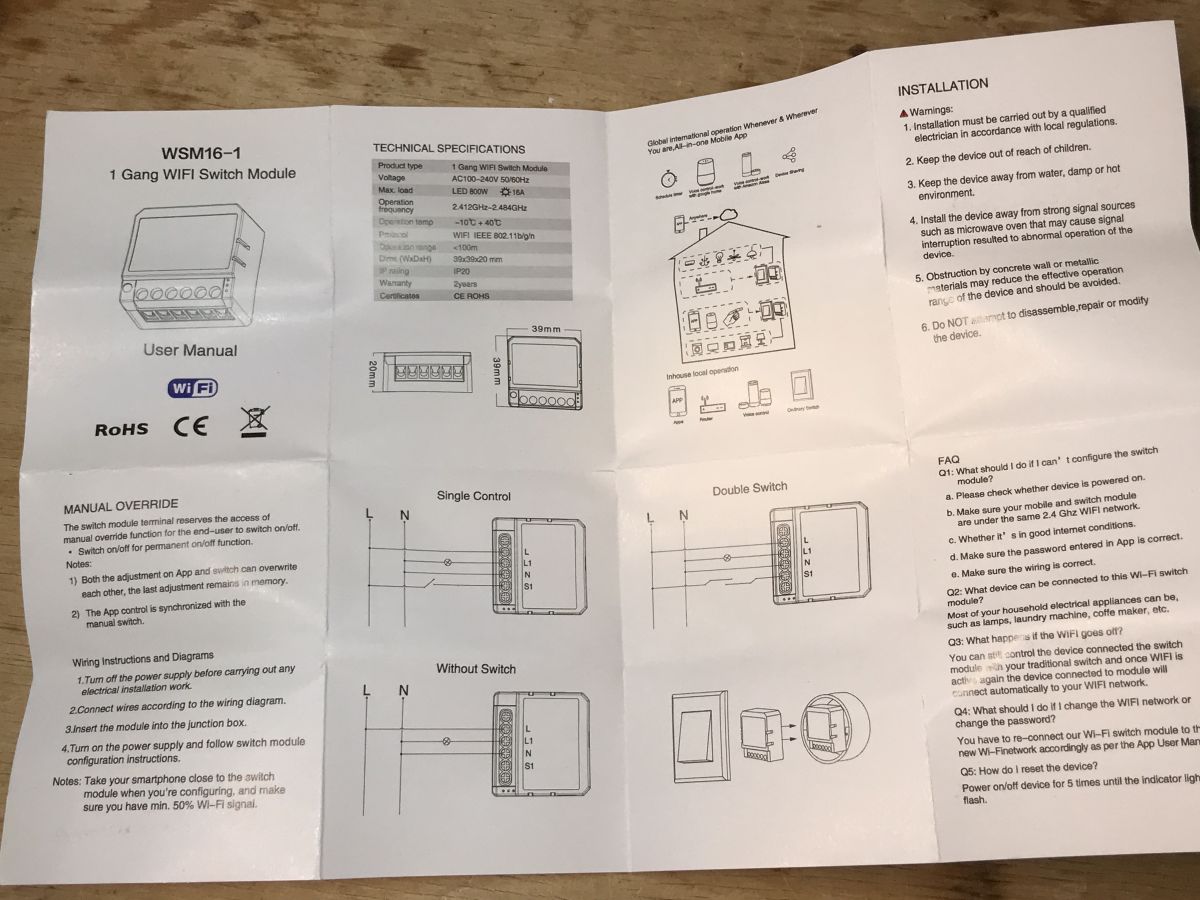
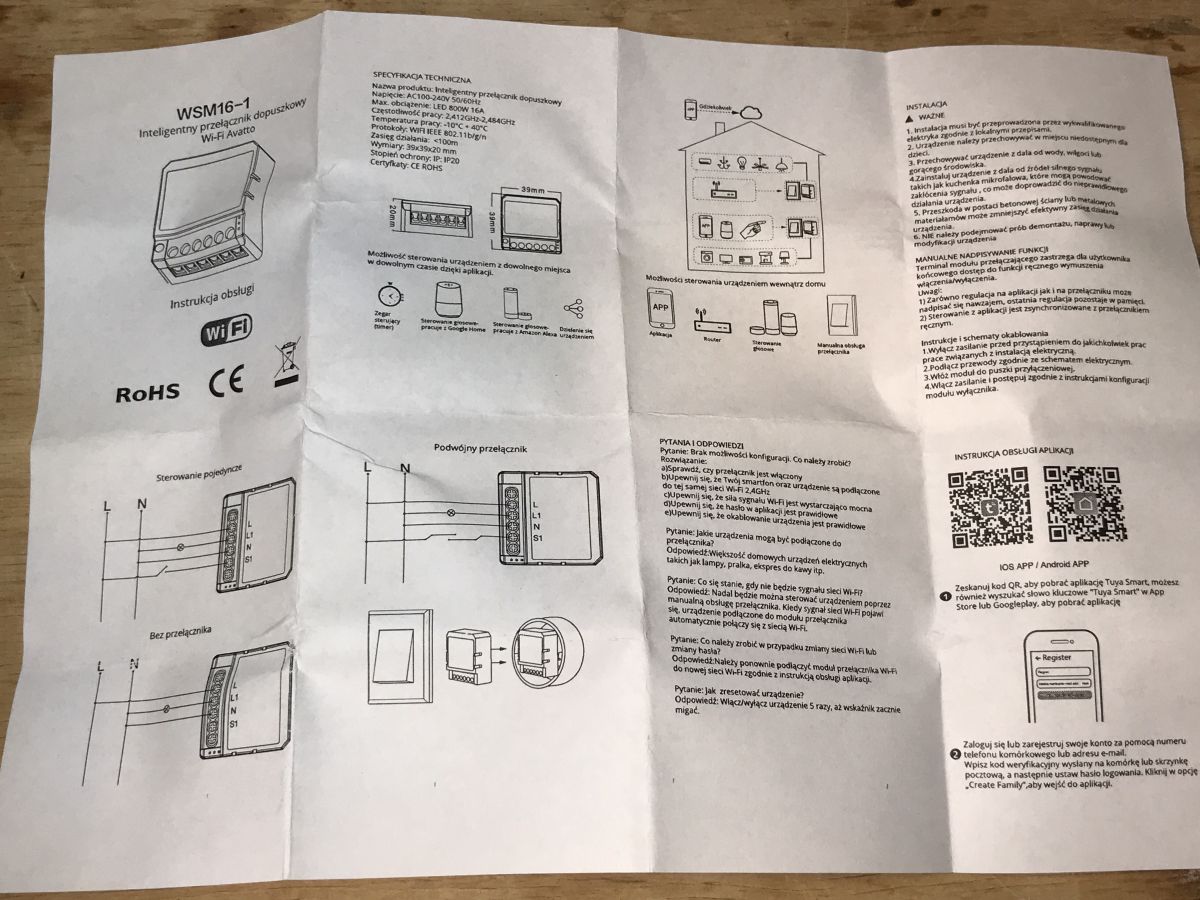
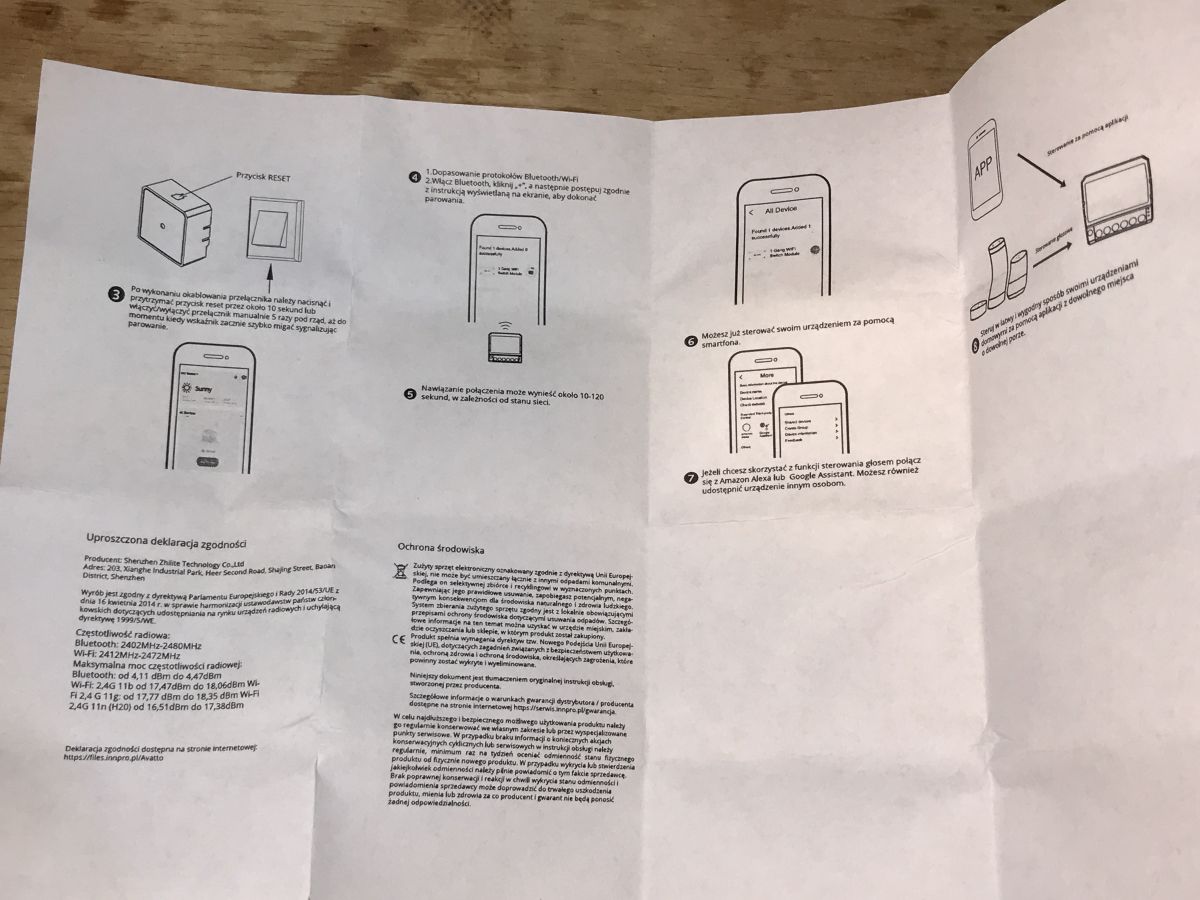
    Instruction:
    Smart module user manual with illustrations and QR codes. User manual for WSM16-1 module showing technical specifications. User manual for Avatto WSM16-W1 smart Wi-Fi switch. WSM16-W1 module instruction manual with diagrams and text.


    Interior of WSM16-W1
    We question the casing:
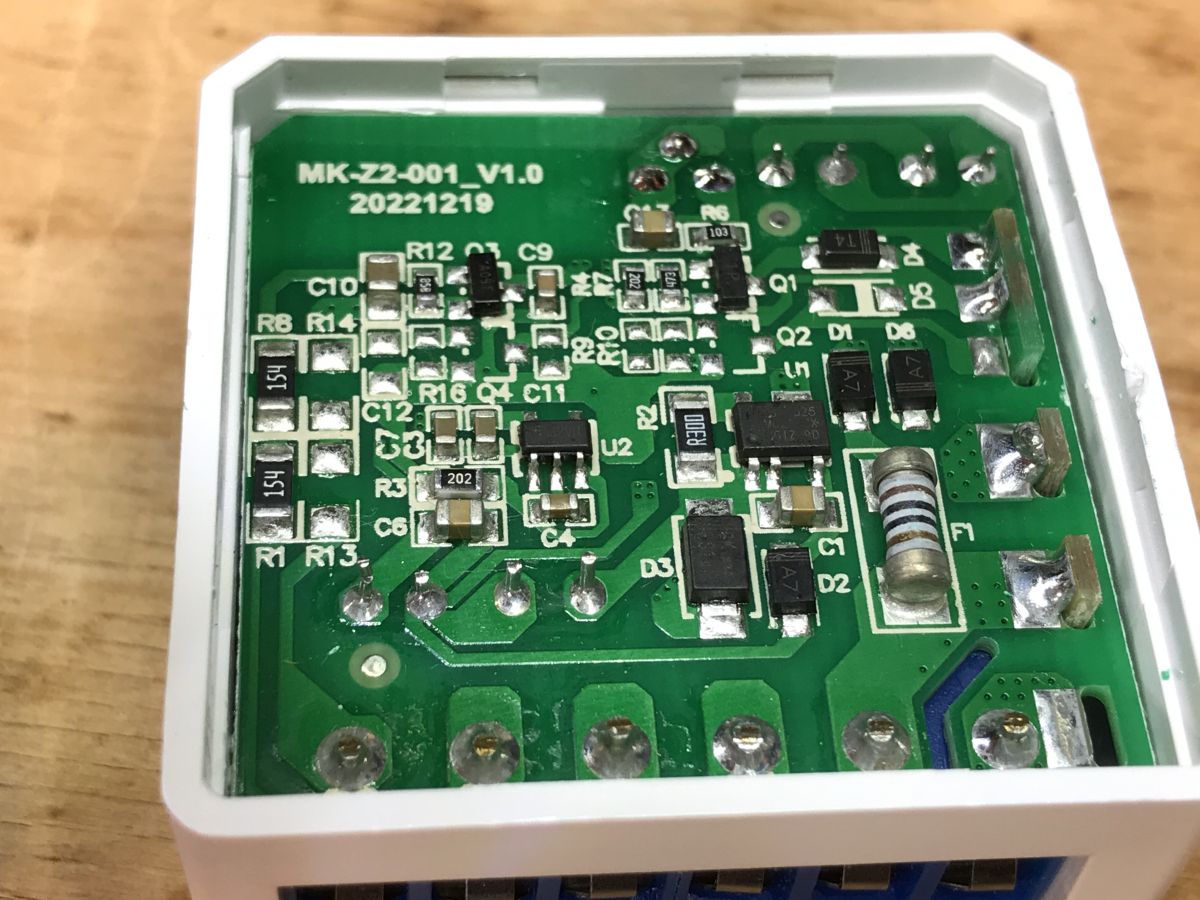
    Interior view of the WSM16-W1 electronic module with electronic components on a green PCB.
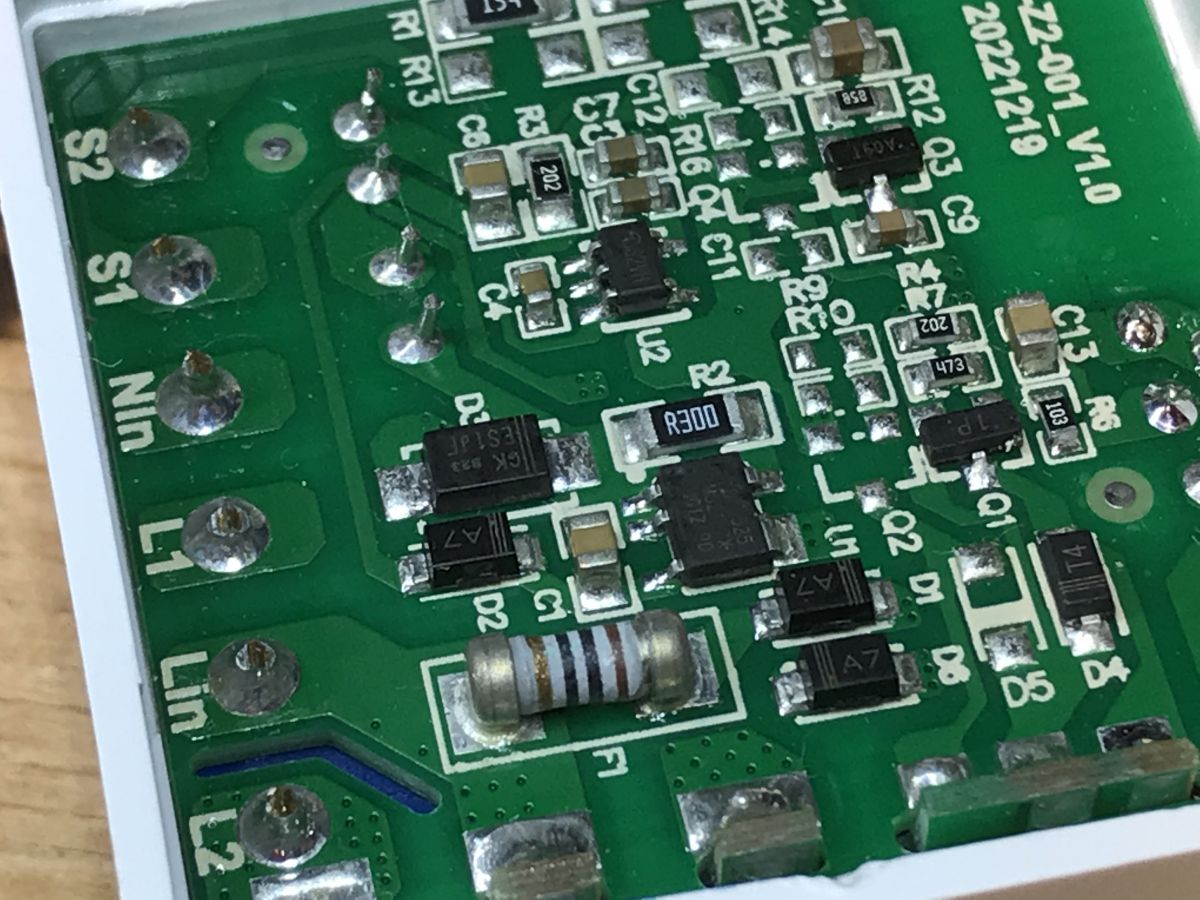
    Inside there is again a non-isolated converter based on OB2525. I also see a fuse resistor and a step down converter (U2), because OB2525 only provides 5V, and I need to generate another 3.3V for the WiFi module:
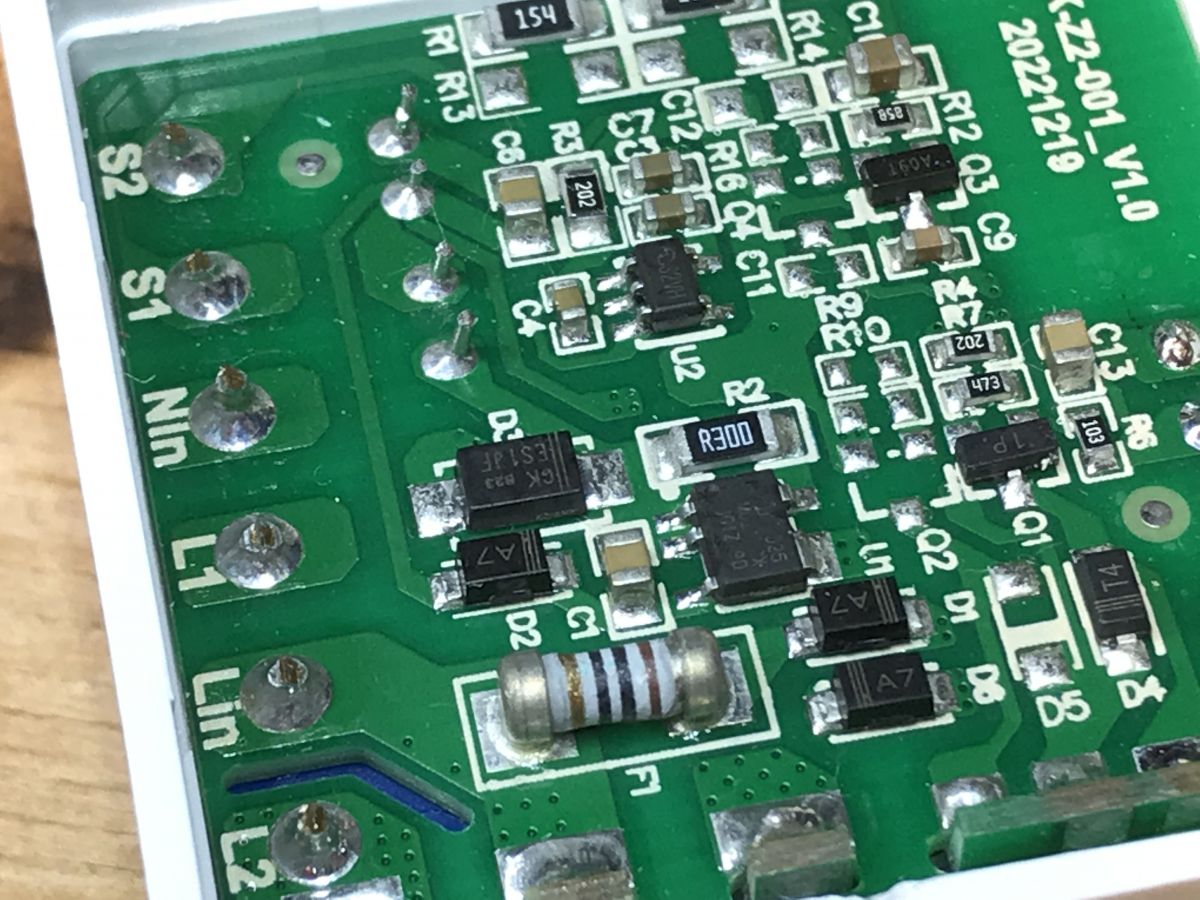
    Close-up of the PCB of the WSM16-W1 module showing electronic components. Close-up of a circuit board with electronic components.
    In this case, it was extremely difficult to remove the PCB from the other half of the housing. I had to gradually pry from each side.
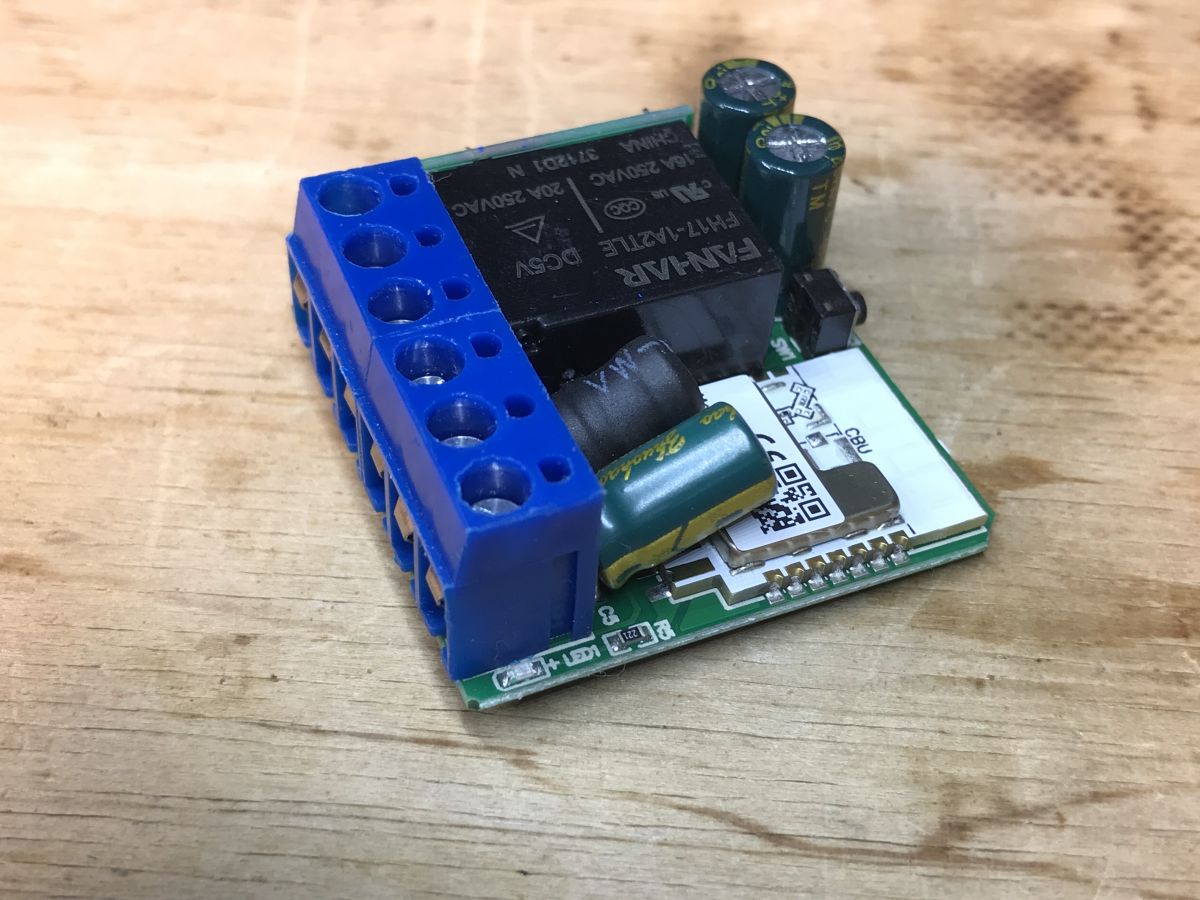
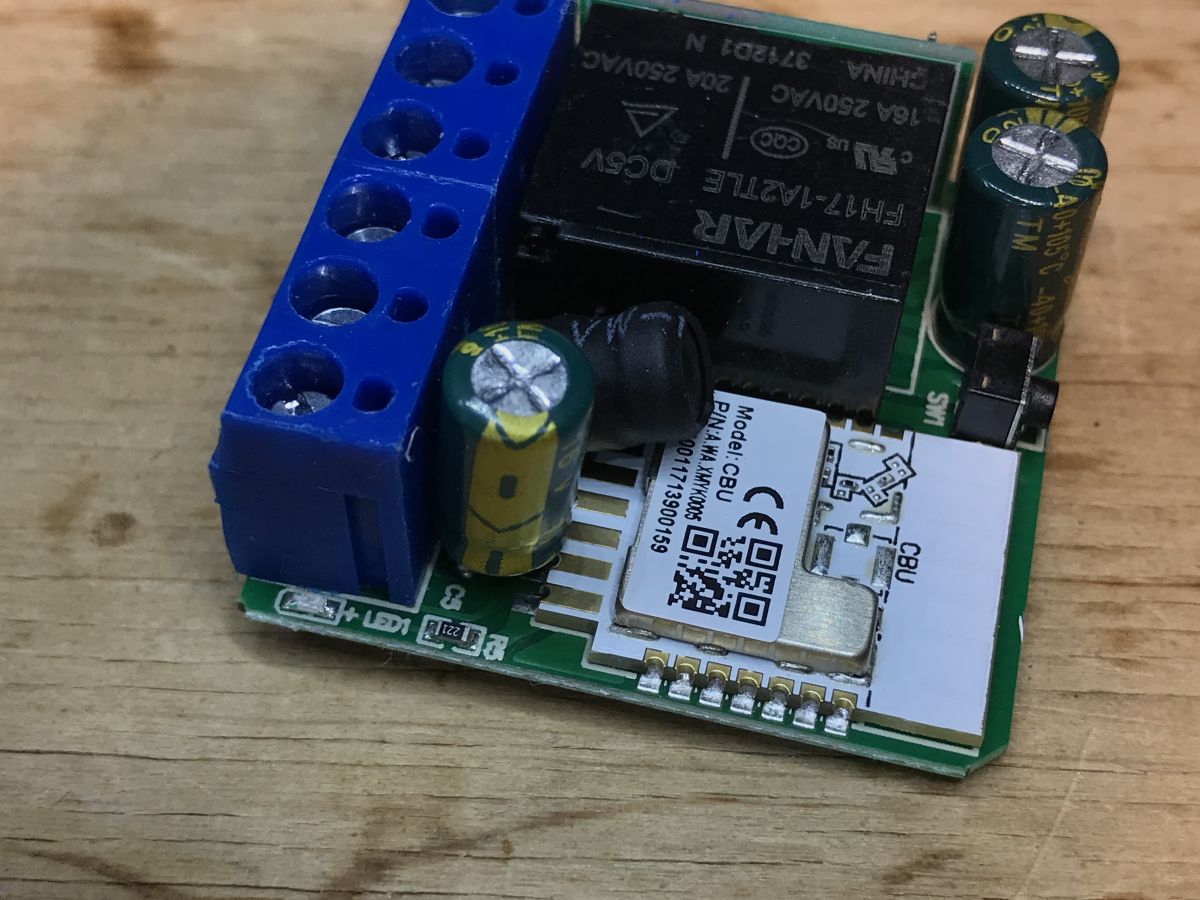
    WSM16-W1 relay module with visible electronic components, including a relay, capacitors, and a terminal block.
    Inside is the CBU module:
    https://developer.tuya.com/en/docs/iot/cbu-module-datasheet?id=Ka07pykl5dk4u
    You can upload:
    https://github.com/openshwprojects/OpenBK7231T_App
    The whole thing is packed very tightly, the capacitor and the coil are specially placed:
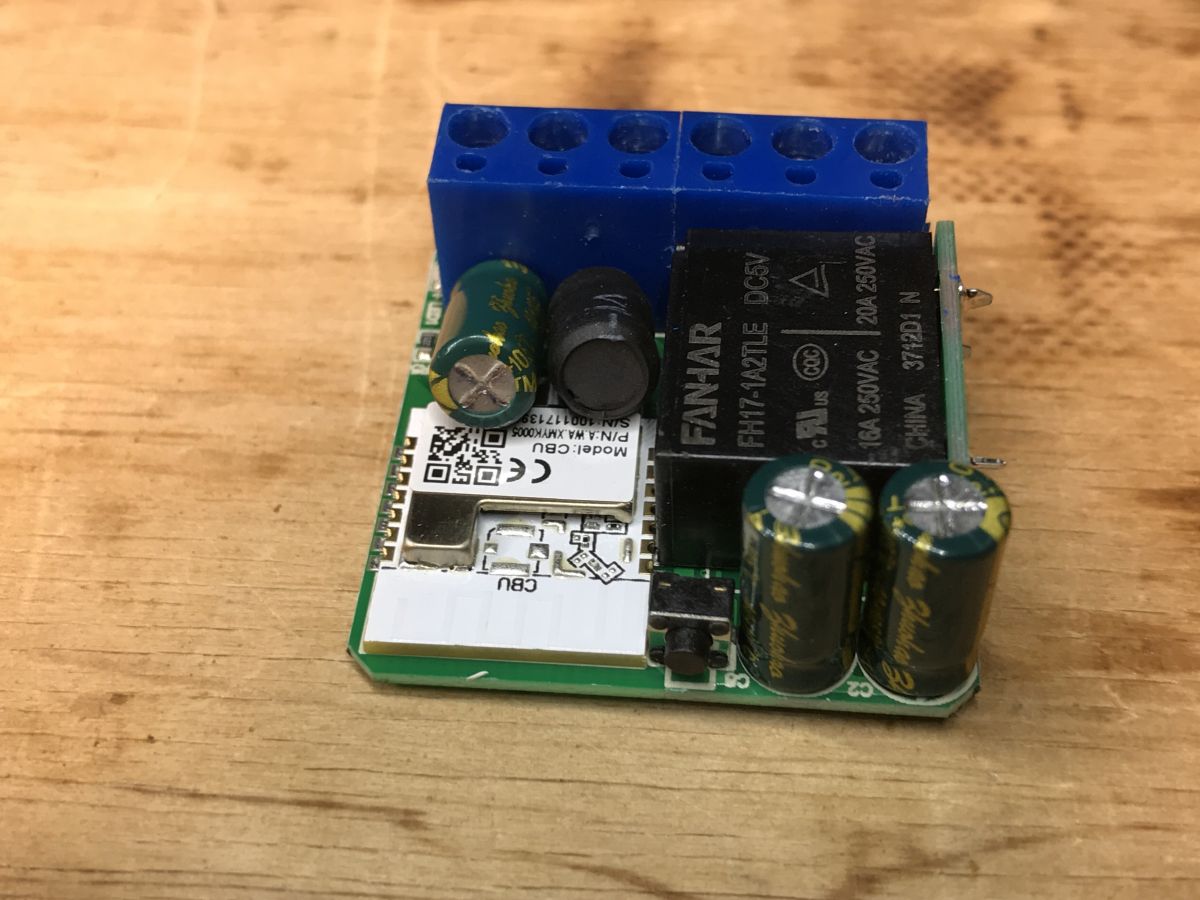
    Close-up of the WSM16-W1 module with electronic components on a wooden background.
    In order to reduce the thickness of the module, the clever manufacturer placed the relay on its side:
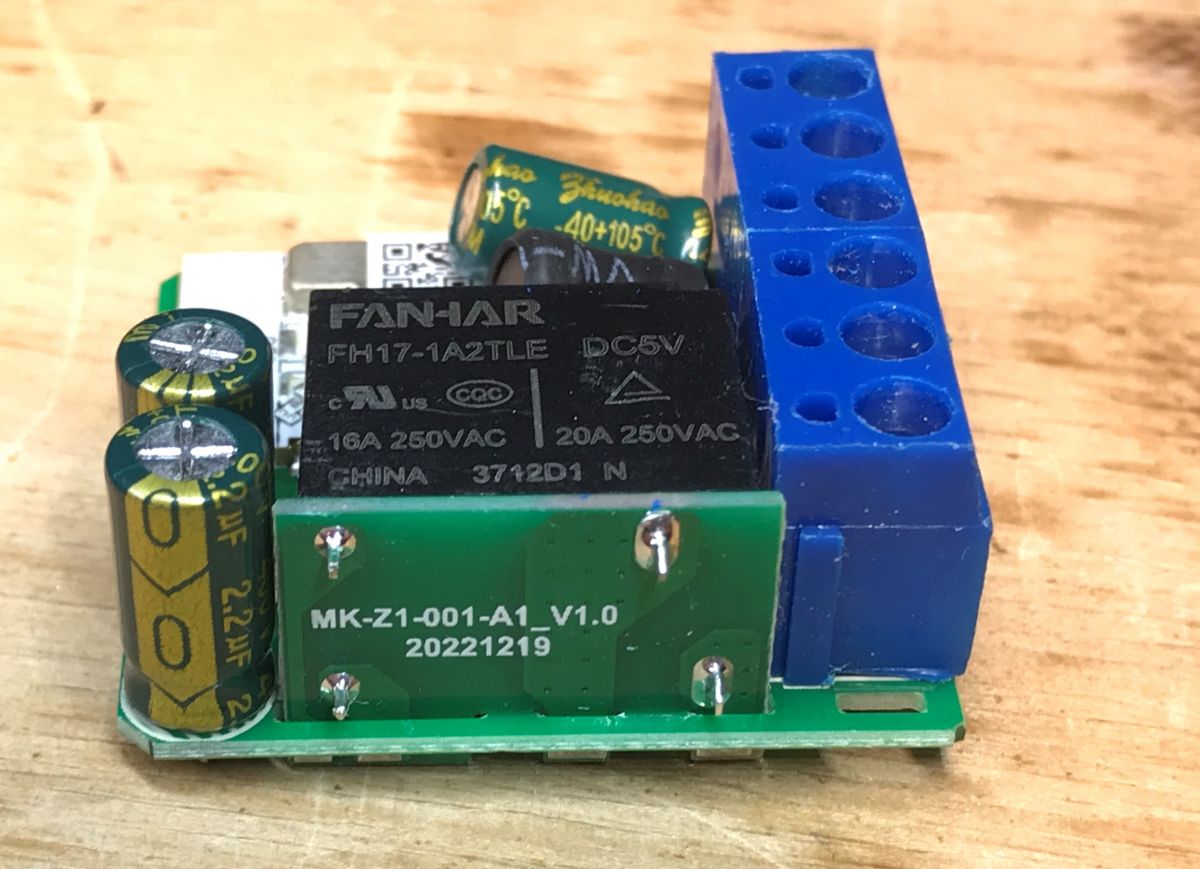
    Close-up view of an electronic relay module with FANHAR markings.

    ADVERTISEMENT


    Changing the WSM16-W1 load

    According to the readme of our flasher:
    https://github.com/openshwprojects/BK7231GUIFlashTool
    You can also check out the Elektroda channel, there are flashing video tutorials:
    https://www.youtube.com/watch?v=Yb3zXtBdSnE&list=PLzbXEc2ebpH0CZDbczAXT94BuSGrd_GoM&index=7
    CBU documentation is available online:
    https://developer.tuya.com/en/docs/iot/cbu-module-datasheet?id=Ka07pykl5dk4u
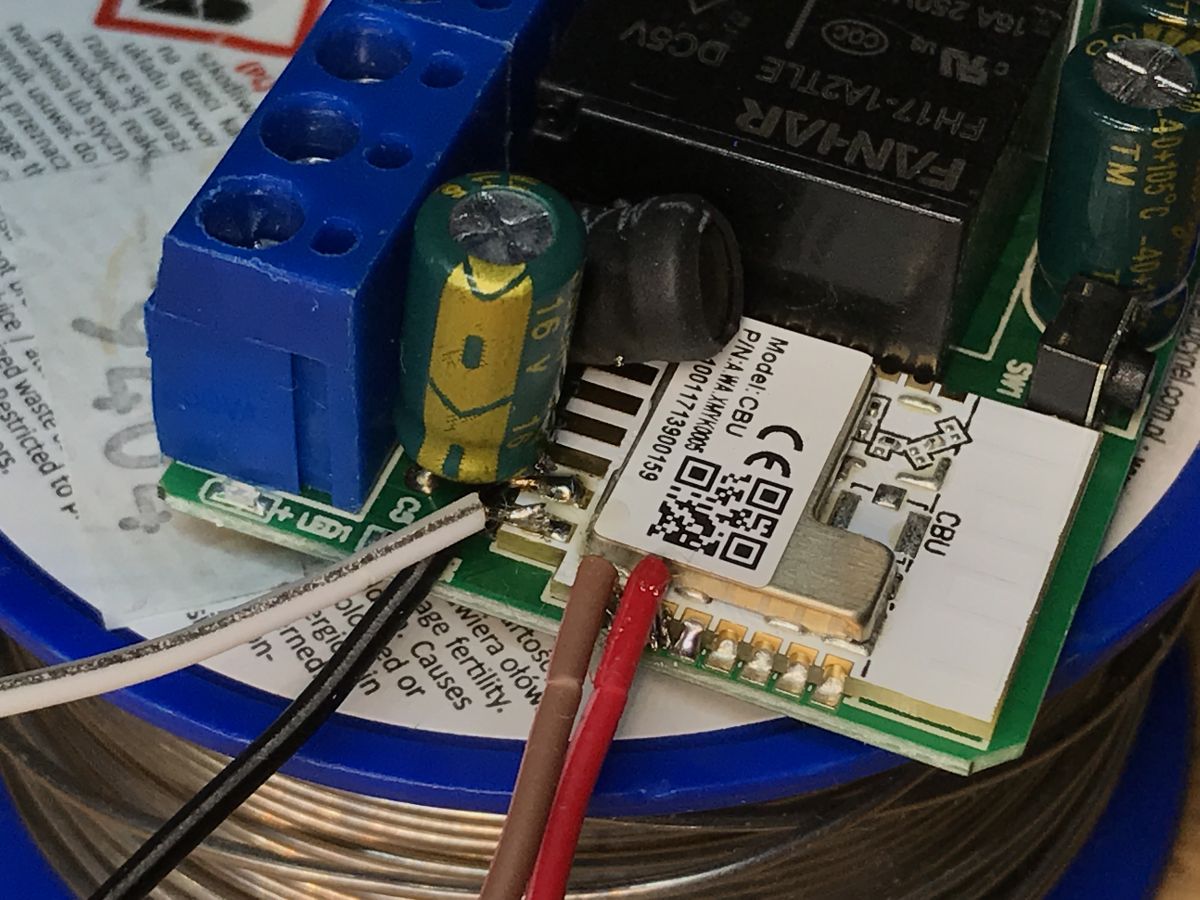
    We solder four wires, first whiten the pads:
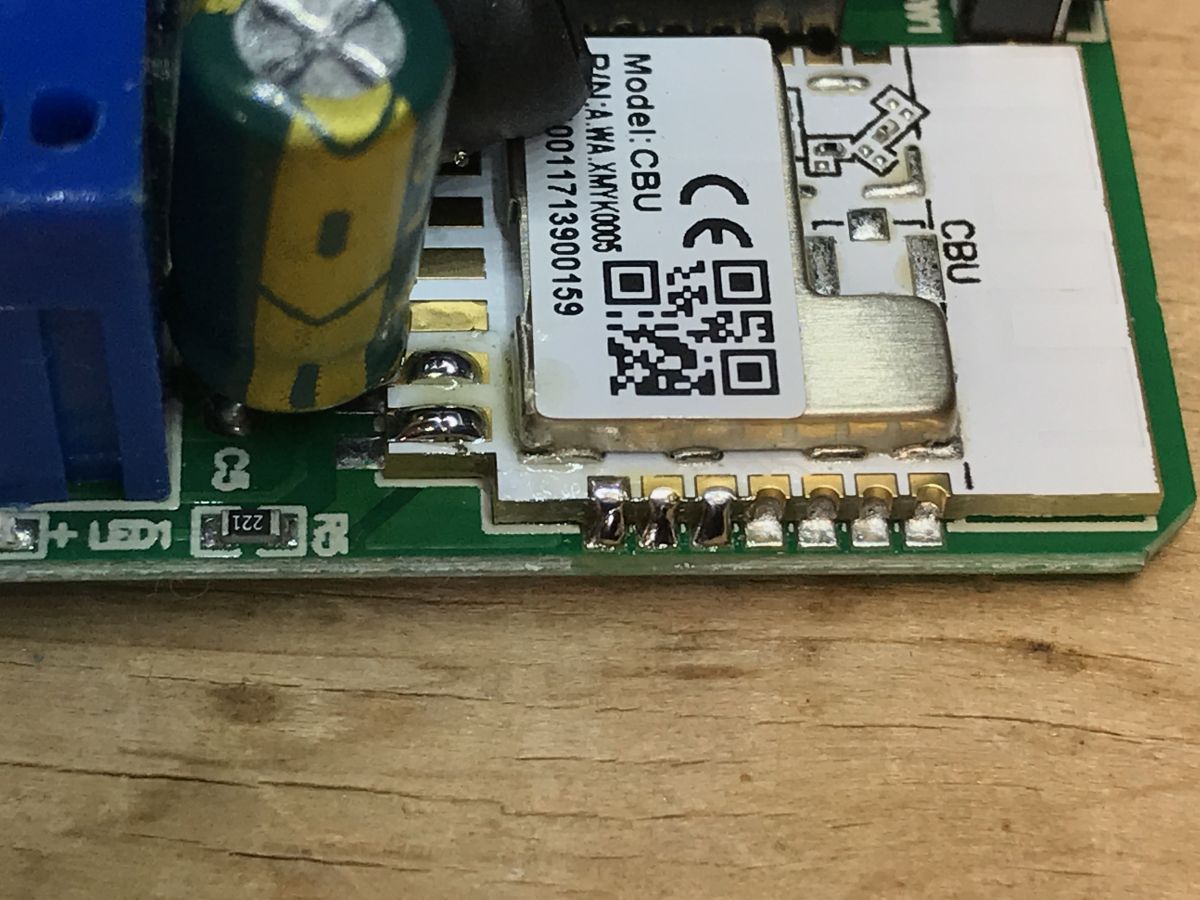
    Close-up of the CBU electronic module with soldered components on the PCB. Close-up of the WSM16-W1 module with visible electronic components on the PCB.
    Soldered:
    Close-up of the interior of the WSM16-W1 module with connected wires.
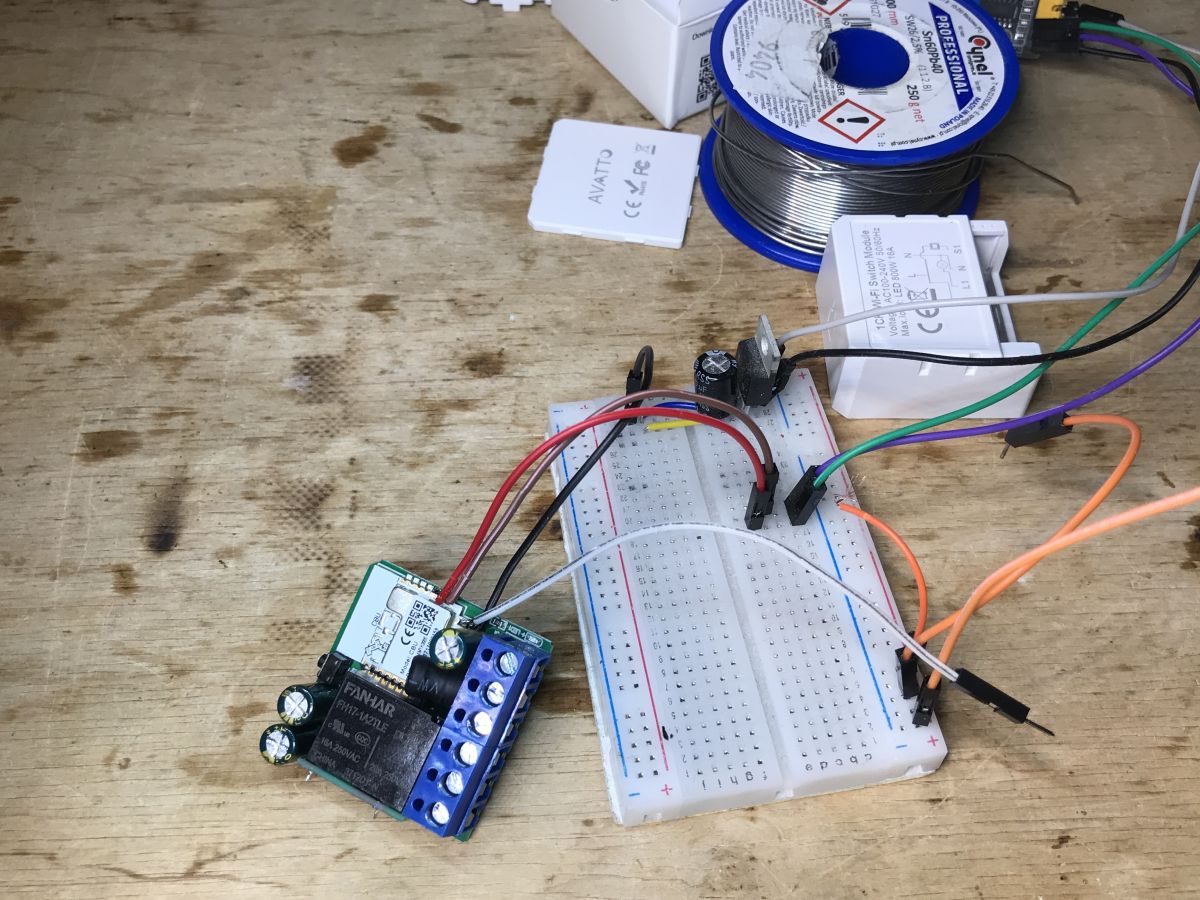
    Whole flashing system:
    WSM16-W1 module connected to a breadboard with several wires.
    Flasher correctly detects Tuya configuration:
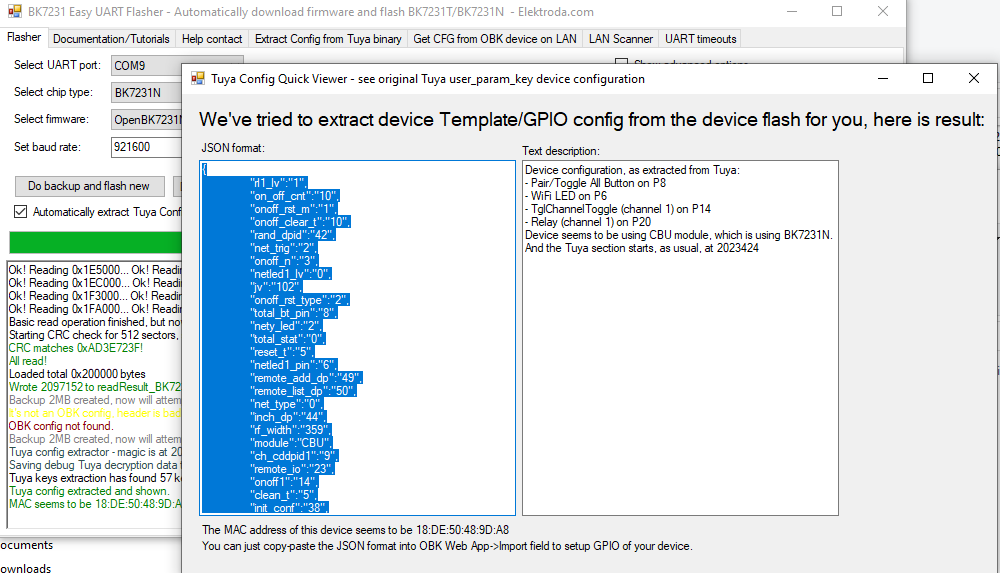
    Screenshot showing the BK7231 Easy UART Flasher interface extracting JSON configuration for a device module.
    JSON:
    Code: JSON
    Log in, to see the code

    Verbal description:
    
    Device configuration, as extracted from Tuya: 
    - Pair/Toggle All Button on P8
    - WiFi LED on P6
    - TglChannelToggle (channel 1) on P14
    - Relay (channel 1) on P20
    Device seems to be using CBU module, which is using BK7231N.
    And the Tuya section starts, as usual, at 2023424
    

    OBK template:
    Code: JSON
    Log in, to see the code

    Uploading a template:


    Configuration with HA:


    This device probably needs to be entered as well PowerSave 1 to short startup command, otherwise we will have to replace the capacitor after a few months, as in this topic: https://www.elektroda.pl/rtvforum/topic3898805.html

    Summary
    The manufacturer has made every effort to pack this module into a small housing. Even the relay was specially mounted "on the side", so as not to increase the height of the module. Similarly with the coil and capacitor.
    Changing the firmware was, as usual, hassle-free, just solder four cables and the configuration was automatically detected by my flasher again.
    For such money - I can recommend this module.

    Cool? Ranking DIY
    Helpful post? Buy me a coffee.

    About Author
    p.kaczmarek2
    Moderator Smart Home
    Offline 
    p.kaczmarek2 wrote 14403 posts with rating 12336, helped 650 times. Been with us since 2014 year.
  • ADVERTISEMENT
  • #2 21781898
    divadiow
    Level 38  
    Posts: 4847
    Help: 421
    Rate: 854
    interesting your extraction seems to suggest there's an RF version. I don't see evidence yours have an RF chip

    "remote_io":"23",
  • #3 21782134
    p.kaczmarek2
    Moderator Smart Home
    Posts: 14403
    Help: 650
    Rate: 12336
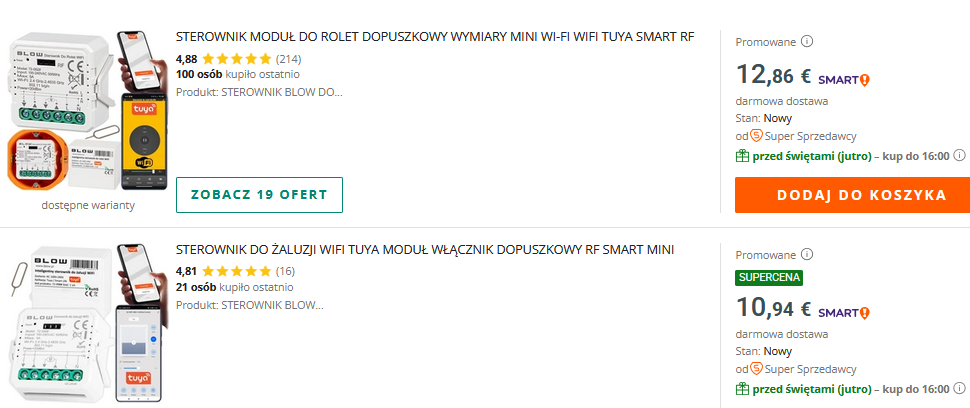
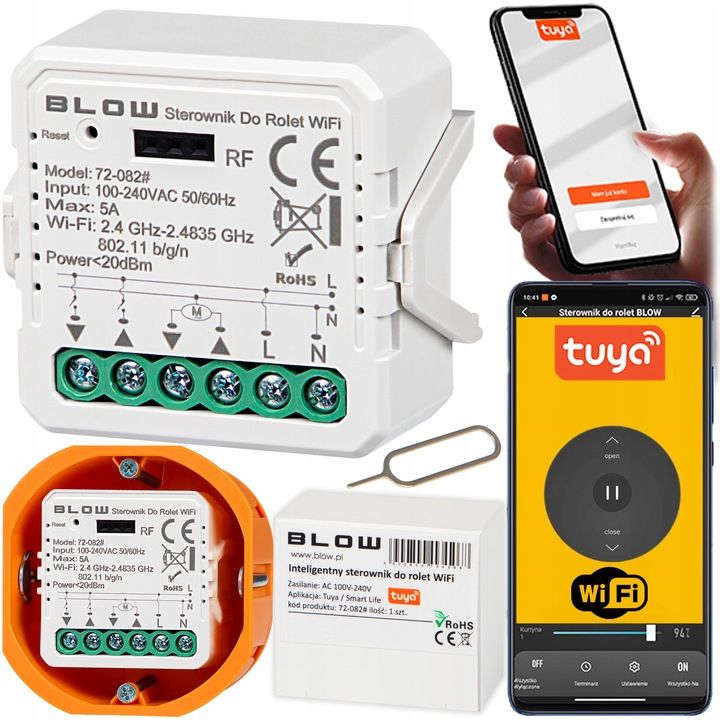
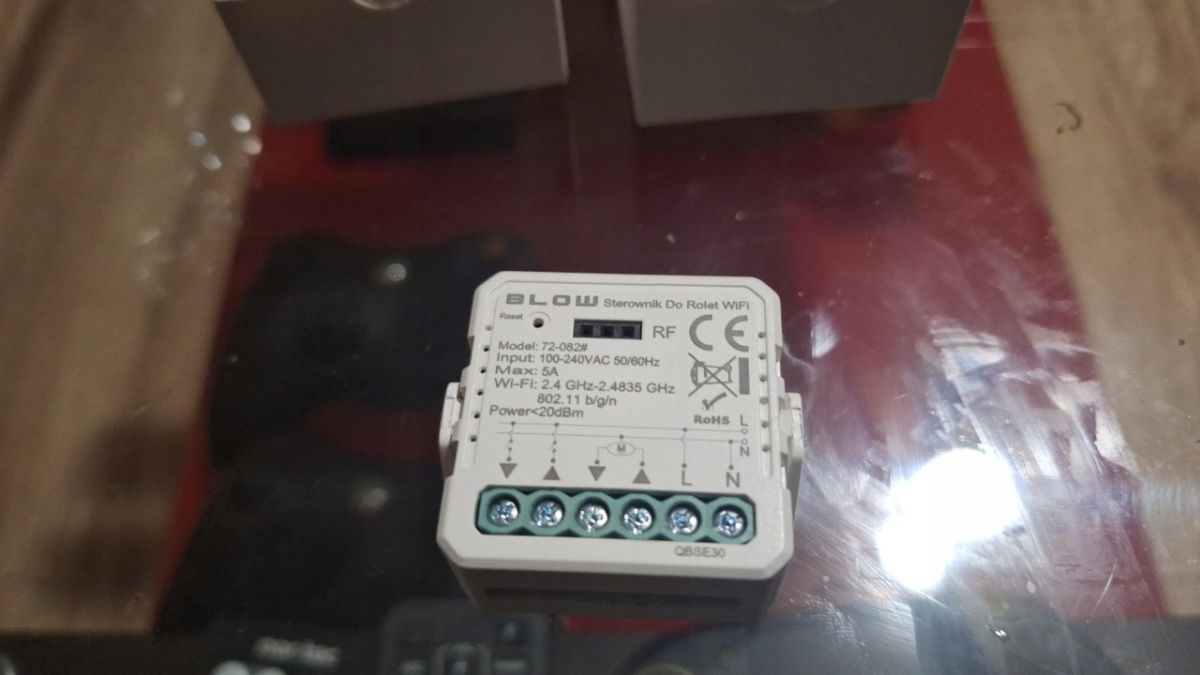
    Nice finding. I seem to remember that there was some other version of this device around, it had a 3 pin female connector for external RF receiver.... maybe this?
    Wi-Fi Tuya RF smart controllers for blinds and shutters with prices shown
    BLOW WiFi roller shutter controller with Tuya app on smartphones
    BLOW WiFi roller shutter controller on a glass surface
    but I haven't found how the RF module addon for that looks like.
    Helpful post? Buy me a coffee.
📢 Listen (AI):

FAQ

TL;DR: Costing under PLN 30, the AVATTO WSM16-W1 relay can be locally flashed in minutes via four solder points—“just solder four cables” [Elektroda, p.kaczmarek2, post #21017766] Remove cloud dependence and pair it with Home Assistant effortlessly.

Why it matters: A cheap Tuya module becomes a private, automation-ready switch with one evening of work.

Quick Facts

• Price paid: PLN 29.99 (≈ €6.5) [Elektroda, p.kaczmarek2, post #21017766] • MCU & Wi-Fi: Beken BK7231N on Tuya CBU module [Elektroda, p.kaczmarek2, post #21017766] • Advertised load: 250 W; received unit marked 800 W resistive [Elektroda, p.kaczmarek2, post #21017766] • Flashing interface: 4-wire 3.3 V UART (TX, RX, VCC, GND) [Elektroda, p.kaczmarek2, post #21017766] • Housing height reduced by sideways-mounted relay, saving ≈20 % thickness [Elektroda, p.kaczmarek2, post #21017766]

What hardware powers the AVATTO WSM16-W1?

The module uses a Tuya CBU board built around the Beken BK7231N Wi-Fi SoC. Power conversion relies on an OB2525 non-isolated buck plus a 3.3 V step-down stage [Elektroda, p.kaczmarek2, post #21017766]

Why do some listings say 250 W while the board shows 800 W?

Retail pages kept an older 250 W spec, but the shipped PCB and relay are labeled for 800 W resistive loads. Always size the relay to your actual load and de-rate inductive or capacitive circuits by 50 % for safety [Elektroda, p.kaczmarek2, post #21017766]

Can I flash OpenBK7231T without opening the case?

No. The case must be opened to reach the CBU pads. Removing the tightly packed PCB requires gentle prying on each side to avoid cracking the plastic shell [Elektroda, p.kaczmarek2, post #21017766]

Which pads do I solder, and what’s the exact flashing procedure?

Solder to 3.3 V, GND, RX, and TX pads on the CBU module. How-To: 1. Tin the four pads. 2. Attach dupont wires and connect a USB-TTL at 115 200 baud. 3. Run BK7231 GUI Flash Tool and load OpenBK7231T.bin. The tool auto-detects chip type and GPIO mapping [Elektroda, p.kaczmarek2, post #21017766]

How do I load the OBK template after flashing?

Open the web console at the module’s IP, paste the provided JSON template, and press “Apply”. The template sets Wi-Fi LED (P6), button (P8), toggle input (P14) and relay (P20) automatically [Elektroda, p.kaczmarek2, post #21017766]

Does the relay integrate with Home Assistant?

Yes. After flashing, enable MQTT or use the REST bridge, then add the entity in Home Assistant. The video guide shows pairing finished in under 60 seconds [Elektroda, p.kaczmarek2, post #21017766]

What is PowerSave 1 and why enable it?

PowerSave 1 lowers Wi-Fi duty-cycle, cutting idle consumption by ~30 % and easing stress on the 10 µF primary capacitor. Without it, that capacitor can dry out in a few months [Elektroda, p.kaczmarek2, post #21017766]

Is the internal power supply isolated?

No. The OB2525 topology is a non-isolated buck. The low-voltage ground is at mains potential; avoid touching any circuitry while powered [Elektroda, p.kaczmarek2, post #21017766]

What failures have been observed in edge cases?

Leaving stock firmware with constant cloud chatter or disabling PowerSave overheats the PSU capacitor, leading to relay chatter or total dropout after ~90 days of 24/7 use [Elektroda, p.kaczmarek2, post #21017766]

Any tips for fitting the module into shallow switch boxes?

The sideways relay and flattened coil reduce thickness by about one-fifth, letting the board fit standard European wall boxes (⌀60 mm). Check clearance around screw posts before final mounting [Elektroda, p.kaczmarek2, post #21017766]

How many free GPIOs remain for sensors?

After reserving P6, P8, P14, P20, the CBU exposes at least three extra pins; you can repurpose them for DS18B20 or contact sensors via the OpenBK UI [Elektroda, p.kaczmarek2, post #21017766]

Can I restore the original Tuya firmware later?

Only if you first read and save the factory image. Use the same UART pads to write the backup with BK7231 GUI Flash Tool. Without a backup, a return to Tuya OTA is impossible [Elektroda, p.kaczmarek2, post #21017766]
Generated by the language model.
ADVERTISEMENT