logo elektroda
logo elektroda
X
logo elektroda

Another Generic Tuya Water Leak Flood Detector TY-SJ-01 - no Audio Alarm [CBU/BK7231N]

divadiow 2637 12
ADVERTISEMENT
  • #1 21097283
    divadiow
    Level 38  
    Posts: 4847
    Help: 421
    Rate: 854
    Just wanted to add another device to the device list and have a thread to link it to. I won't go into too much detail about the flashing and config as there are many other threads for very similar devices.

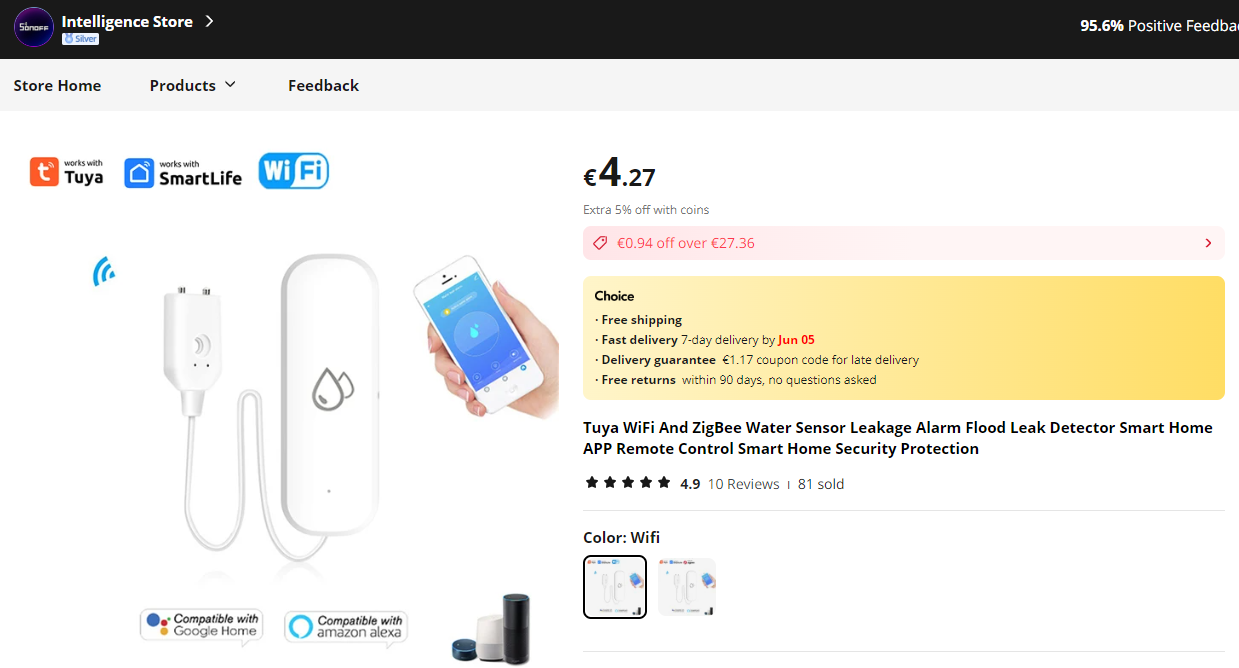
    This is from Ali https://www.aliexpress.com/item/1005006024045641.html

    Screenshot of a product page for a Tuya water sensor on AliExpress.

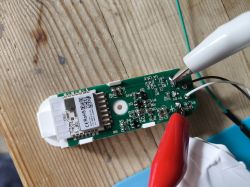
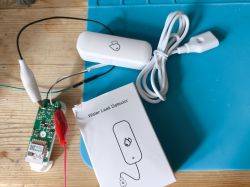
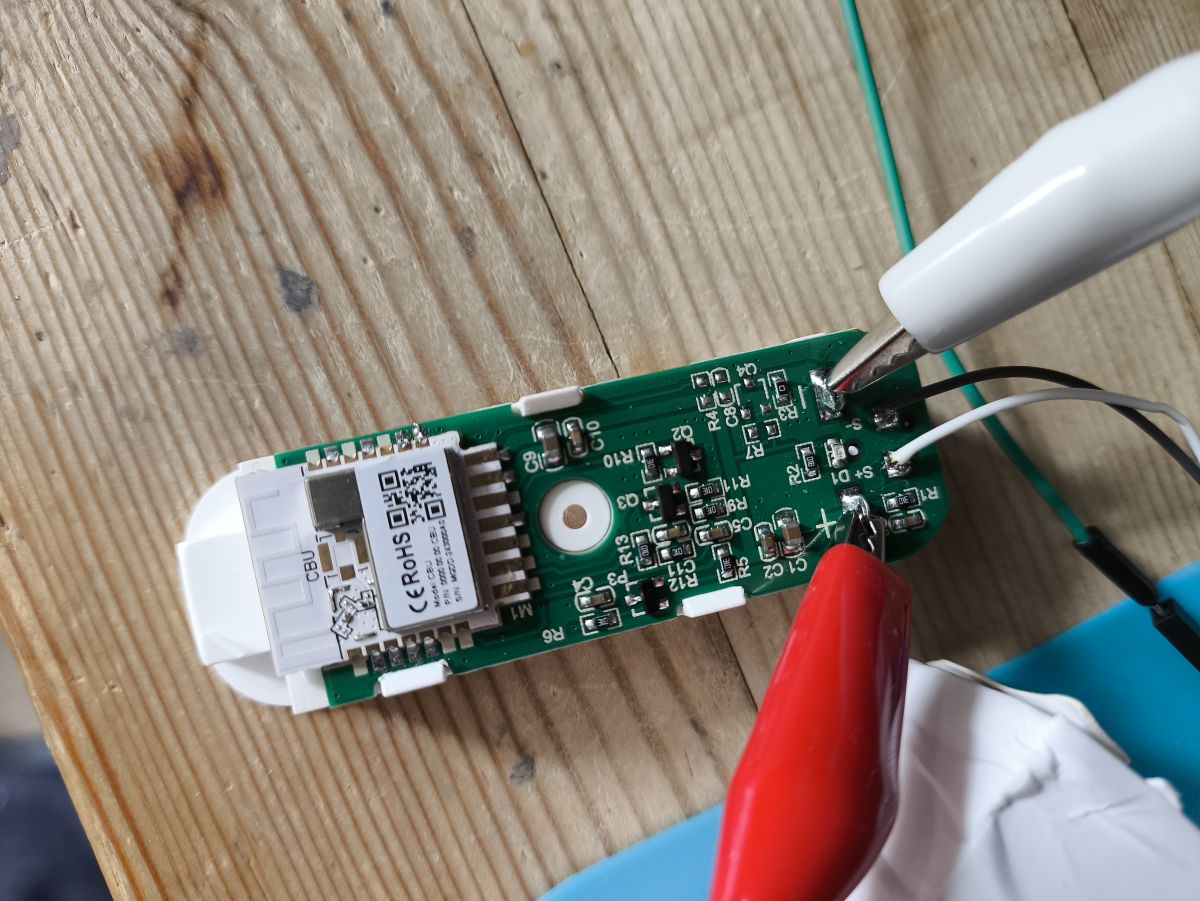
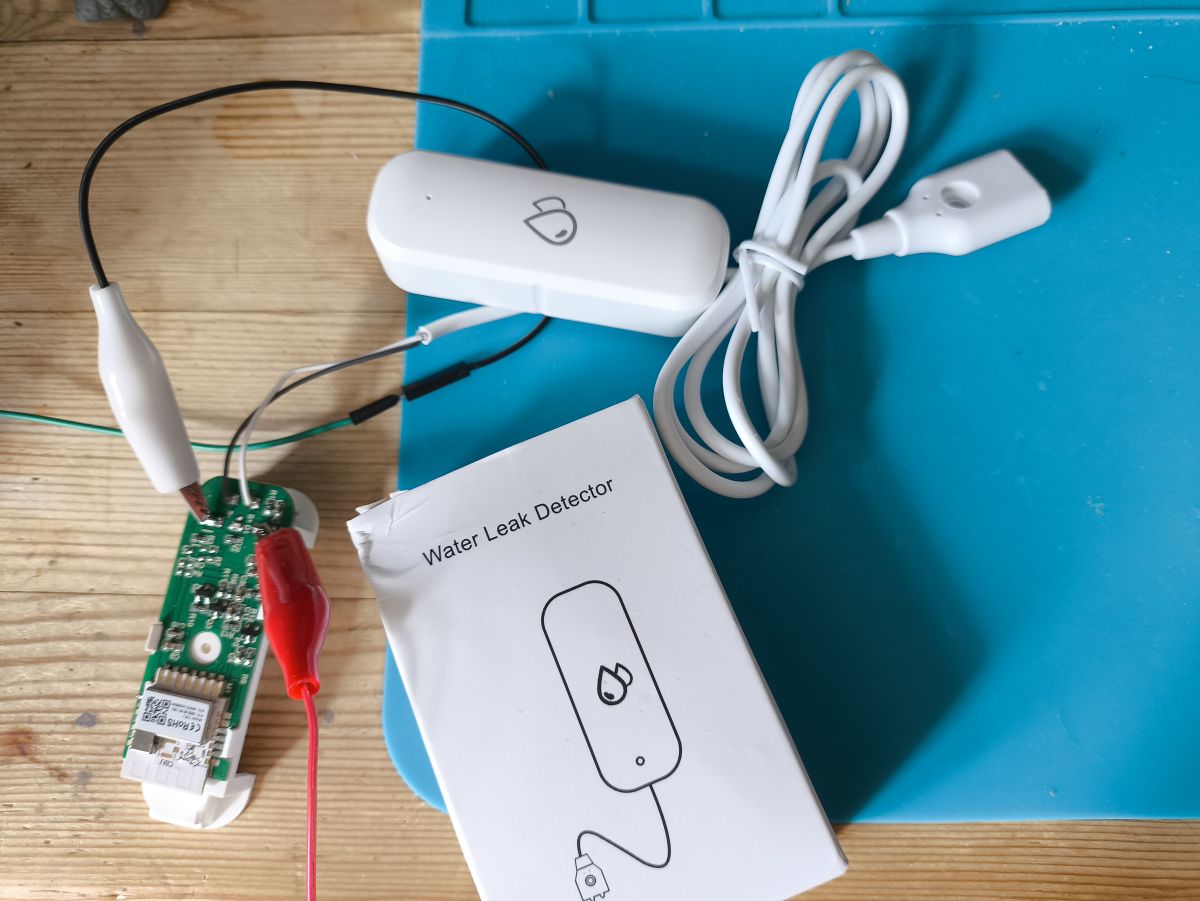
    CBU/BK7231N module.

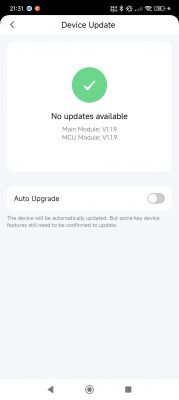
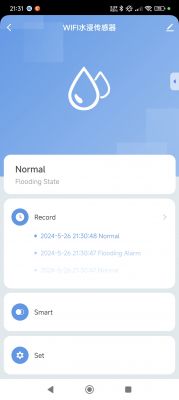
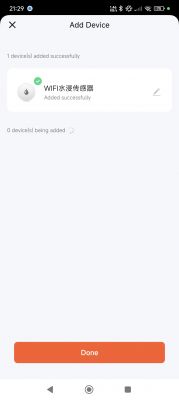
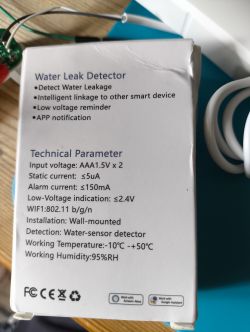
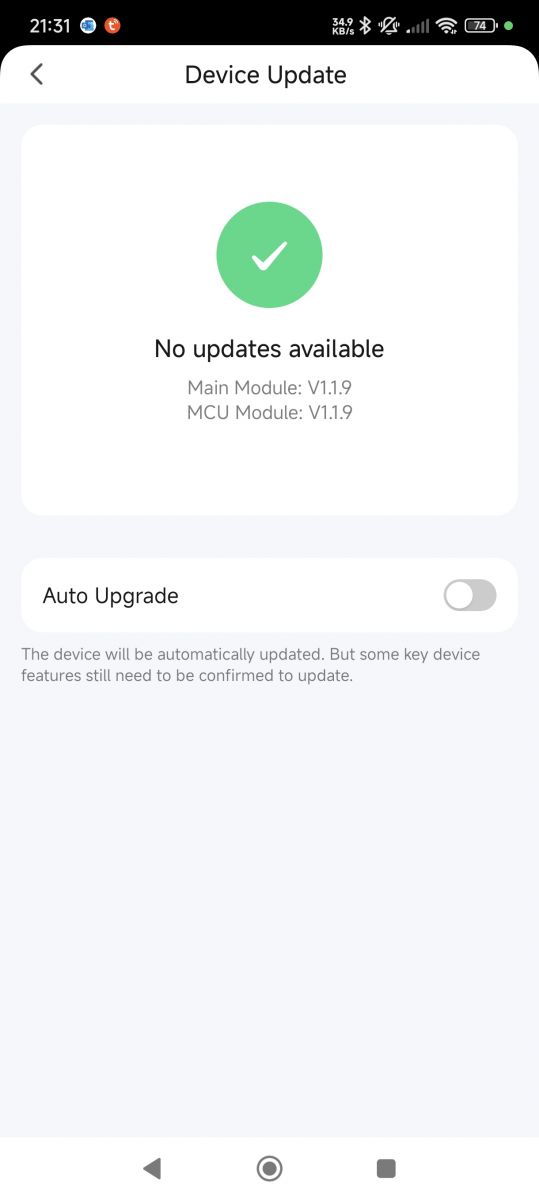
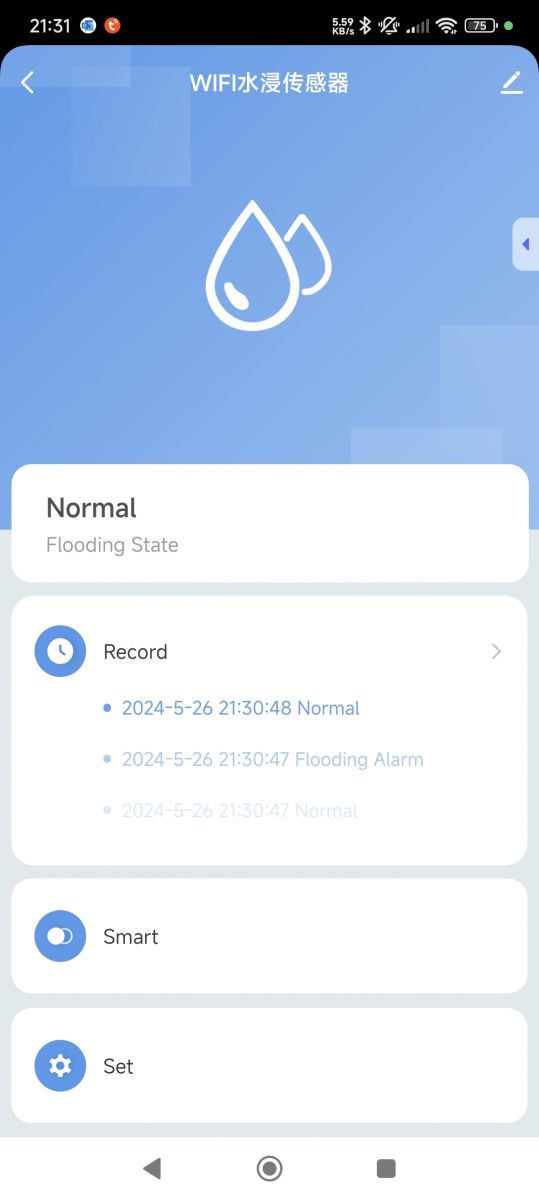
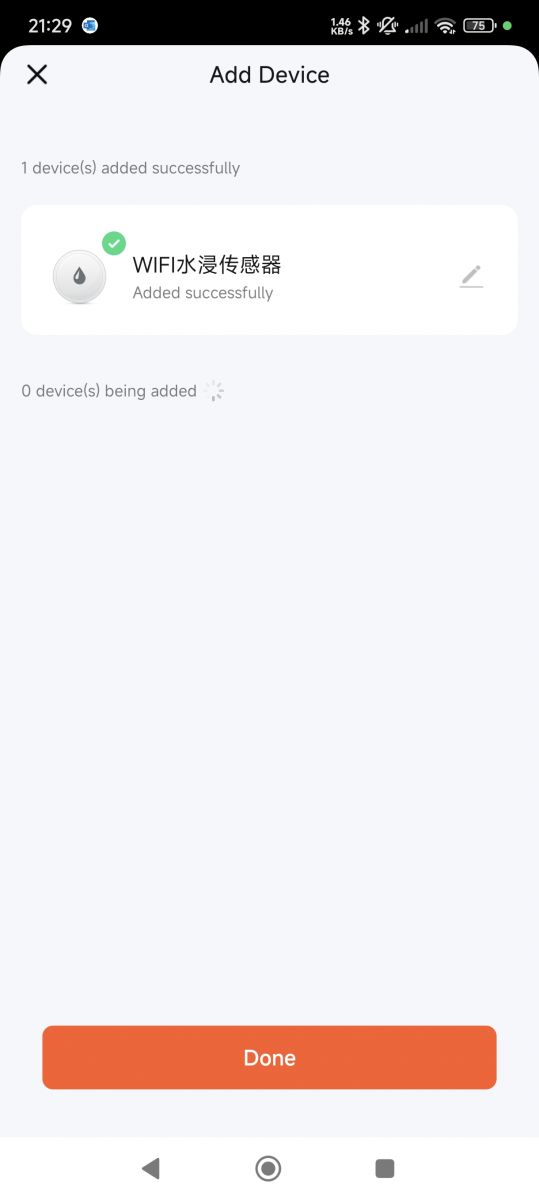
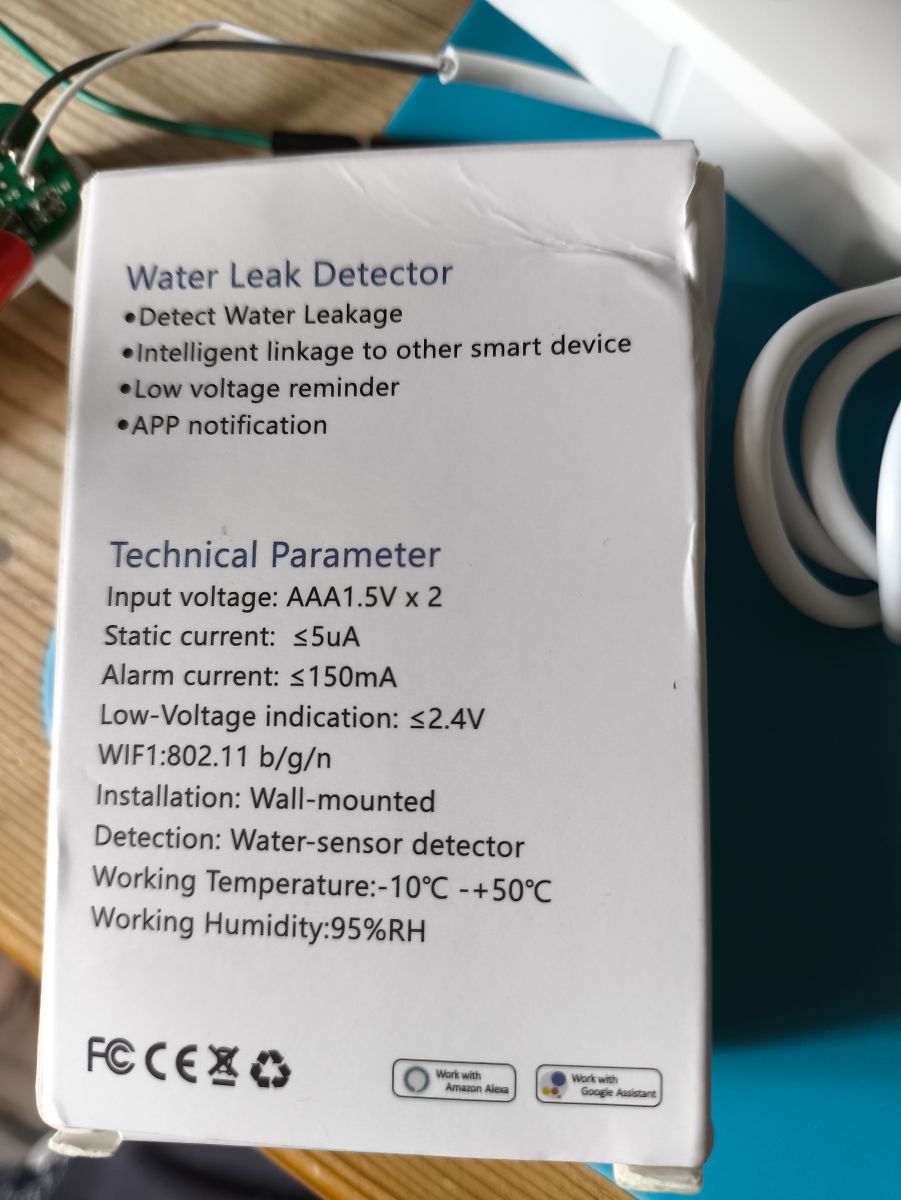
    Device update screen indicating no updates available. Screenshot of a mobile app showing the state of a water sensor. App screen for adding a device with a successfully added water sensor. Image of a water leak detector box with technical specifications displayed. CBU/BK7231N module on a table with connecting wires. Water leak detector module with electronic components.

    boot log

    Code: Text
    Log in, to see the code


    autoexec to publish and label water sensor state and put into deep sleep, configure battery.
    Code: Text
    Log in, to see the code


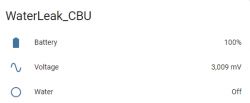
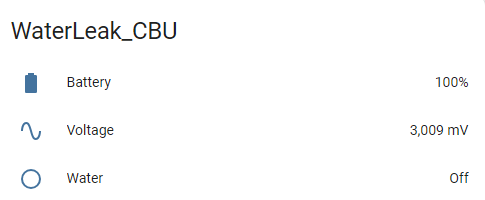
    Screenshot displaying WaterLeak_CBU sensor status information.

    Could probably get fancier with dry/wet sensor state, instead of on/off, in HA. And a nice automation to raise an email or other kind of alarm when water is detected. Device won't currently stay awake if water is detected.

    Device does wake from deep sleep on button push and on sensor state change. Successful MQTT connection required.

    OBK Template

    Code: JSON
    Log in, to see the code
    Attachments:
    • readResult_BK7231N_QIO_2024-26-5-22-24-13.bin (2 MB) You must be logged in to download this attachment.
  • ADVERTISEMENT
  • ADVERTISEMENT
  • #3 21144037
    0xlnz
    Level 5  
    Posts: 6
    Help: 1
    Rate: 2
    Hi, I'm new here.

    > I won't go into too much detail about the flashing and config as there are many other threads for very similar devices.

    Can you point me in the right direction as to where to find info on how to flash OpenBeken on this particular device? I have a couple of these sensor I would very much like to break free, but the information I found about how to flash BK7231N (here: https://www.elektroda.com/rtvforum/topic3951016.html) shows the chip's pinout with 8 rows of vertical pins, whereas the CBU from this water leak sensor only has 7?
  • #4 21144059
    divadiow
    Level 38  
    Posts: 4847
    Help: 421
    Rate: 854
    similar devices with CBU

    https://www.elektroda.com/rtvforum/topic4055031.html
    https://www.elektroda.com/rtvforum/topic4056603.html

    of course I forget that sometimes when you first start out, a thread that details everything you need to know about your specific device is what you're looking for. Trawling through threads and instructions relating to other devices can be a pain.
  • ADVERTISEMENT
  • #5 21144065
    0xlnz
    Level 5  
    Posts: 6
    Help: 1
    Rate: 2
    hehe not my first rodeo but I figured I'd ask (:

    Thanks a lot for pointing me in the right direction, time to get my hands dirty!
  • #6 21144071
    divadiow
    Level 38  
    Posts: 4847
    Help: 421
    Rate: 854
    good luck!
  • #7 21144478
    0xlnz
    Level 5  
    Posts: 6
    Help: 1
    Rate: 2
    >>21144071

    all done. was easy enough (:

    thanks for the awesome work!
  • #8 21144484
    divadiow
    Level 38  
    Posts: 4847
    Help: 421
    Rate: 854
    Hurrah!
  • ADVERTISEMENT
  • #9 21153445
    0xlnz
    Level 5  
    Posts: 6
    Help: 1
    Rate: 2
    Hey @divadiow,
    I noticed a weird behavior with this device, let me explain:
    -device starts in deep sleep, last known value was 0-
    1. On state change of the sensor from 0 to 1, the device is turned on from deep sleep, it reports its status to the mqtt server and then goes back to sleep after 60 seconds.
    2. If the state then changes from 1 to 0, the device is NOT turned on to report the changed status.
    3. what's worse is that when the status changes again from 0 to 1, it does not wake from deep sleep like it did on step 1 (I'm guessing since it doesn't detect a state change, since the last state was 1?)

    If however, i let the sensor go from 1 to 0 before it goes to deep sleep again, then it wakes up as expected on the next status change.

    Just wondering if this is the expected behavior or if there is something else I'm missing. as it stands I have to manually reboot (by unplugging a battery or pushing the reset button) each time it triggers or it doesn't wake again from a state change. (now that I'm thinking about it, It should wake itself anyway after 24h and reset the sensor then... but there is still a 24h windows where state changes are not detected :)

    Hope I was clear enough, let me know what you think
  • #10 21153590
    divadiow
    Level 38  
    Posts: 4847
    Help: 421
    Rate: 854
    Ah. I think I understand. I have not actually used the device for the purpose it was intended, so will set it up again to play. Sorry, that's no help yet :)

    Added after 2 [hours] 5 [minutes]:

    What is your complete autoexec btw?

    Is this issue perhaps solved with the dsedge setting?

    https://www.elektroda.com/rtvforum/topic4023117.html#20872182
  • Helpful post
    #11 21156555
    0xlnz
    Level 5  
    Posts: 6
    Help: 1
    Rate: 2
    >>21153590

    I did some quick testing, and setting DSEdge 0 seems to wake the sensor on both state change (wet to dry and dry to wet)
    However, when waking due to dry to wet, the sensor seems to wake up two times in a row (not much of a problem but I find it noteworthy). Does not happen on wet to dry.

    full autoexec (copied from your post, only DSEdge 0 added):
    // Powersave mode
    powersave 1
    //Battery config
    Battery_Setup 2000 3000 2.16 2400 4096
    //measure batt every 2s
    Battery_cycle 2
    //mqtt_broadcastInterval 1
    //mqtt_broadcastItemsPerSec 5
    // Add event to make button hold launch safe mode
    addEventHandler OnHold 20 SafeMode 5
    setChannelLabel 5 Water
    // now wait for MQTT
    waitFor MQTTState 1
    // extra delay, to be sure
    delay_s 1
    // publish water state at least once after boot
    publishchannel 5
    DSEdge 0
    // All good, sleep for 1 day or next water event after 60s
    delay_s 60
    PinDeepSleep 86400
  • #12 21156557
    divadiow
    Level 38  
    Posts: 4847
    Help: 421
    Rate: 854
    ah OK cool.

    not sure what to say about the double wake though. any clues in the logs about what triggered it?
  • #13 21156675
    0xlnz
    Level 5  
    Posts: 6
    Help: 1
    Rate: 2
    >>21156557

    Can't seem to find anything relevant, this is the log for the first wake:
    (the probe was just submerged)

     changed to 1 (flags 0)
    
    Info:GEN:CHANNEL_Set channel 3 has changed to 0 (flags 0)
    
    Info:DRV:DRV_BATTERY : battery voltage : 2733.750000 and percentage 73.375000%
    Info:MAIN:Time 2, idle 68989/s, free 79800, MQTT 0(0), bWifi 0, secondsWithNoPing -1, socks 2/38 POWERSAVE
    Info:MAIN:Time 3, idle 65407/s, free 79800, MQTT 0(0), bWifi 0, secondsWithNoPing -1, socks 2/38 POWERSAVE
    Info:DRV:DRV_BATTERY : Measure Battery volt en perc
    Info:GEN:CHANNEL_Set channel 3 has changed to 1 (flags 0)
    
    Info:GEN:CHANNEL_Set channel 3 has changed to 0 (flags 0)
    
    Info:DRV:DRV_BATTERY : battery voltage : 2731.218750 and percentage 73.121871%


    And this is the second time it wakes:
    (the probe remained submerged in a glass of water, no state change)

    
    idle 143931/s, free 79888, MQTT 0(0), bWifi 0, secondsWithNoPing -1, socks 2/38 POWERSAVE
    Info:DRV:DRV_BATTERY : Measure Battery volt en perc
    Info:GEN:CHANNEL_Set channel 3 has changed to 1 (flags 0)
    
    Info:GEN:CHANNEL_Set channel 3 has changed to 0 (flags 0)
    
    Info:DRV:DRV_BATTERY : battery voltage : 2722.359375 and percentage 72.235939%
    Info:MAIN:Time 2, idle 68175/s, free 79800, MQTT 0(0), bWifi 0, secondsWithNoPing -1, socks 2/38 POWERSAVE
    Info:MAIN:Time 3, idle 62882/s, free 79800, MQTT 0(0), bWifi 0, secondsWithNoPing -1, socks 2/38 POWERSAVE
    Info:DRV:DRV_BATTERY : Measure Battery volt en perc
    Info:GEN:CHANNEL_Set channel 3 has changed to 1 (flags 0)
    
    Info:GEN:CHANNEL_Set channel 3 has changed to 0 (flags 0)

Topic summary

✨ The discussion revolves around the Tuya Water Leak Flood Detector model TY-SJ-01, which utilizes the CBU/BK7231N module. Users share experiences regarding flashing the device with OpenBeken firmware, troubleshooting issues related to its deep sleep mode, and the behavior of the sensor during state changes. One user reports that the device fails to wake from deep sleep on certain state changes, requiring manual rebooting. Another user suggests modifying the autoexec settings, specifically the DSEdge parameter, which appears to resolve some wake issues. The conversation includes links to relevant resources and logs for further analysis.
Generated by the language model.

FAQ

TL;DR: TY‑SJ‑01 (BK7231N) supports 86,400‑second deep sleep; “Successful MQTT connection required.” Use the OpenBeken autoexec to publish Channel 5 and sleep after 60 seconds. No buzzer; pair with HA/MQTT alerts. [Elektroda, divadiow, post #21097283]

Why it matters: This setup delivers battery‑friendly, local leak alerts without Tuya cloud lock‑in, ideal for DIY home automation.

Quick Facts

What is the TY‑SJ‑01 leak detector, and what hardware does it use?

It’s a Tuya‑based water leak sensor using a BK7231N on a CBU module. The OpenBeken template targets this board and names it “Generic Flood Water Leak Detector – 2x AAA.” The original post includes photos, AliExpress listing, and boot logs confirming the platform. This unit is designed for low‑power battery operation and MQTT reporting under OpenBeken. [Elektroda, divadiow, post #21097283]

Does TY‑SJ‑01 have a built‑in audio alarm?

No. The thread explicitly addresses this unit as having no audio alarm. Boot logs also indicate alarm_type:0, and the recommended approach is to raise alerts via MQTT or Home Assistant automations. Plan notifications accordingly, such as push, email, or siren triggered by your hub. [Elektroda, divadiow, post #21097283]

How do I flash OpenBeken on the CBU/BK7231N in this sensor?

Use the CBU‑specific guides linked by the original author. They cover the exact board family used here and walk through the flashing process. Start by reviewing those threads, then apply the provided OBK template and autoexec after flashing. This approach matches what users followed for this device. [Elektroda, divadiow, post #21144059]

Why doesn’t my sensor wake again after a wet event?

A user observed this pattern: it wakes on 0→1, sends status, sleeps after 60 seconds, then does not wake on 1→0, and later misses the next 0→1. The device may only wake again after manual reset or a scheduled wake (e.g., 24 hours). This edge case stems from edge detection while sleeping. [Elektroda, 0xlnz, post #21153445]

How do I make it wake on both wet and dry changes?

Set DSEdge 0 in your OpenBeken configuration. A user validated that this makes the sensor wake on both wet→dry and dry→wet transitions. Add the command near the end of your autoexec so it persists across boots. This resolves missed wake issues reported earlier. [Elektroda, 0xlnz, post #21156555]

I’m getting two wakeups when it gets wet—what’s happening?

With DSEdge 0 applied, one user reported “wake up two times in a row” when transitioning to wet. Treat this as a duplicate event and filter it in your automation or MQTT processing. It did not occur on wet→dry in their tests, only on dry→wet. [Elektroda, 0xlnz, post #21156555]

What autoexec should I use to publish water state and manage sleep?

Use the author’s autoexec: enable powersave, configure Battery_Setup and Battery_cycle, label Channel 5 as Water, wait for MQTT, publish the water state, then delay 60 s and deep‑sleep 86,400 s. You can bind a long‑press to SafeMode. Add DSEdge 0 if you need both‑edge wake. [Elektroda, divadiow, post #21097283]

Do I need MQTT connected for the device to report?

Yes. “Successful MQTT connection required.” The device wakes from deep sleep on button press or sensor change but expects an MQTT session before publishing status. Ensure your broker is reachable and credentials are correct so the publish occurs before sleep. [Elektroda, divadiow, post #21097283]

How long does the sensor stay awake before going back to sleep?

By default autoexec, it waits one second after MQTT connects, publishes Channel 5, then delays 60 seconds before PinDeepSleep 86,400 seconds. You can tune these values to balance responsiveness and battery life. Keep a short window to finish publishing. [Elektroda, divadiow, post #21097283]

Which channel carries the water status, and how do I label it in HA?

Water status is on Channel 5. The autoexec labels it “Water,” publishes it once after boot, then sleeps. In Home Assistant, create an MQTT binary_sensor and map on/off to dry/wet if you prefer readable states. This keeps dashboards clear. [Elektroda, divadiow, post #21097283]

What battery thresholds should I use with this setup?

The shared configuration scales 2.0–3.0 V with factor 2.16, sets a 2.4 V low threshold, and uses a 12‑bit 4096 ADC. Battery_cycle 2 samples every two seconds during wake windows. Adjust thresholds to your cell chemistry if needed. [Elektroda, divadiow, post #21097283]

What battery reading should I expect in real use?

Example logs show about 2.733 V corresponding to roughly 73.4% state of charge in this calibration. That offers a practical mid‑pack reference for alerting and replacement planning. Use your own discharge curve if precision is required. [Elektroda, 0xlnz, post #21156675]

Which pins does the OBK template map for this board?

Pin 16 is the water input (Channel 5), pin 17 controls BAT_Relay, pin 20 is the button, pin 23 is BAT_ADC, and pin 26 is WifiLED_n. The JSON template and image link are included in the original post. [Elektroda, divadiow, post #21097283]

Any webapp or template updates I should know about?

Yes, the author linked a specific webapp commit for this device family. Review that change when setting up your build or web UI, as it may affect presentation or defaults. Keep firmware and webapp in sync. [Elektroda, divadiow, post #21097290]

Can the device remain awake when water is detected?

Not with the shared configuration. The author notes it “won’t currently stay awake if water is detected.” Use MQTT or Home Assistant to escalate alerts immediately during the 60‑second wake window. Consider tuning sleep if needed. [Elektroda, divadiow, post #21097283]

Was flashing this unit confirmed by other users?

Yes. A user reported success and said it was “was easy enough.” This validates the linked guidance and the OBK template for the CBU board. Proceed methodically and verify pads and power before flashing. [Elektroda, 0xlnz, post #21144478]
Generated by the language model.
ADVERTISEMENT