FAQ
TL;DR: This VeSync/GreenSun WHOGPLUG uses a 720 KB OTA slot at 0x125000; "OTA works as expected at 0x125000" once the build targets that start. [Elektroda, divadiow, post #21452918]
Why it matters: It lets you flash OpenBeken reliably, keep Wi‑Fi working, and avoid soft‑brick loops.
Who this is for: Tinkerers and integrators asking “how do I flash this VeSync plug to OpenBeken and fix OTA/MAC?”.
Quick Facts
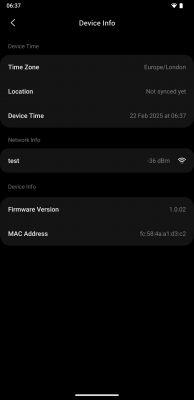
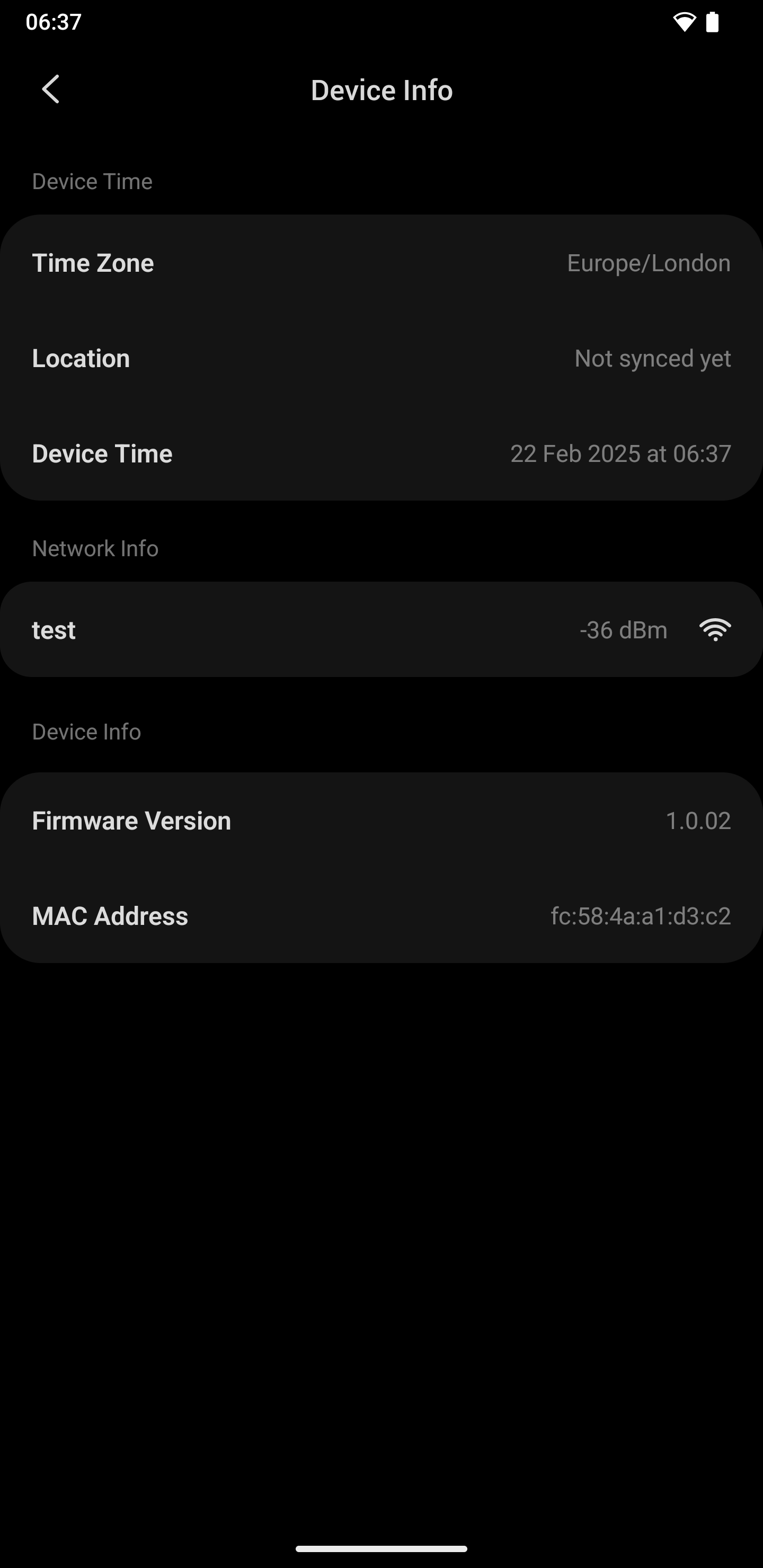
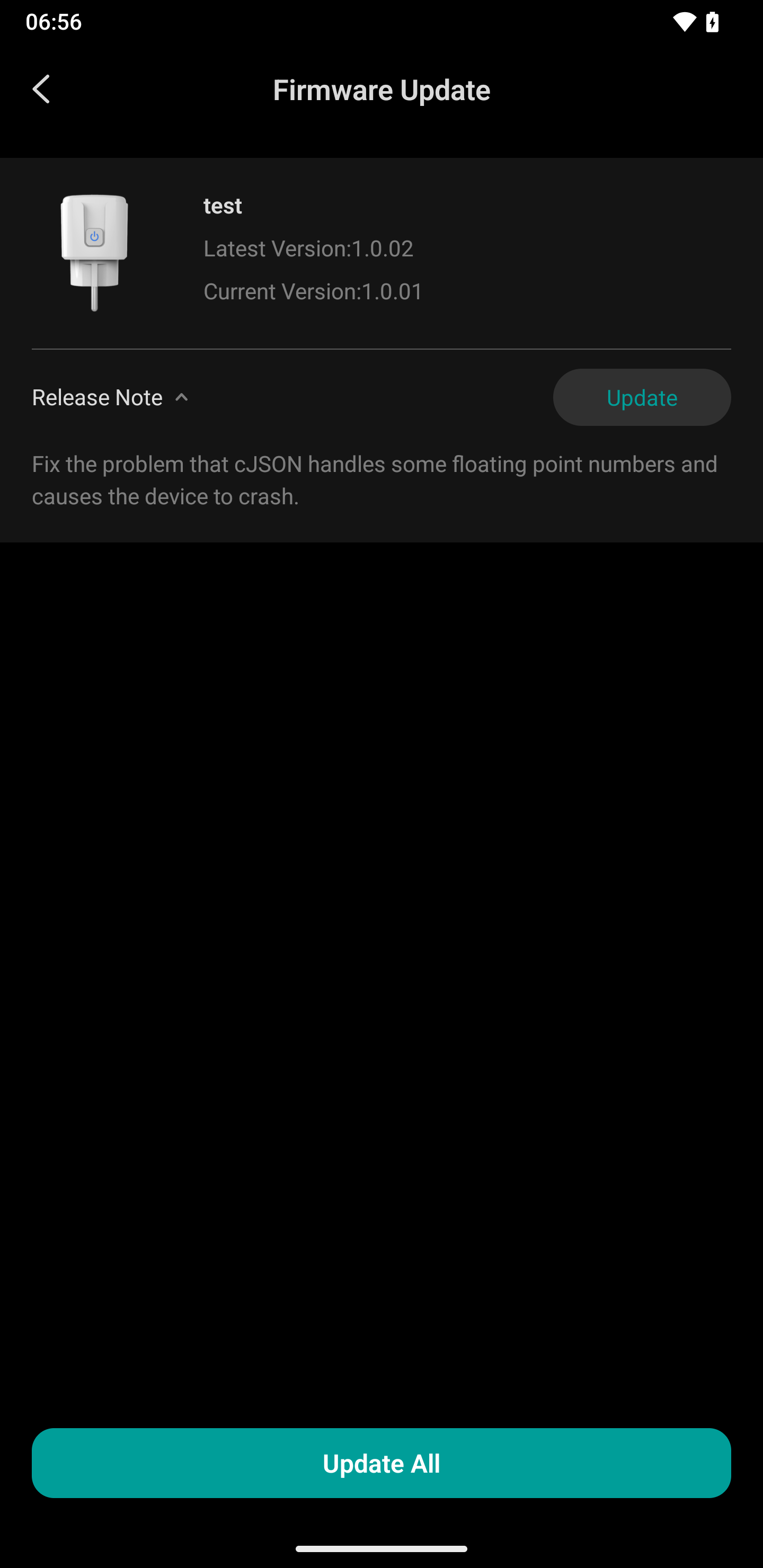
- Chip/module: BK7231M (QIO), with efuse key 00 00 00 00 …; tested stock FW 1.0.01 and 1.0.02. [Elektroda, divadiow, post #21450728]
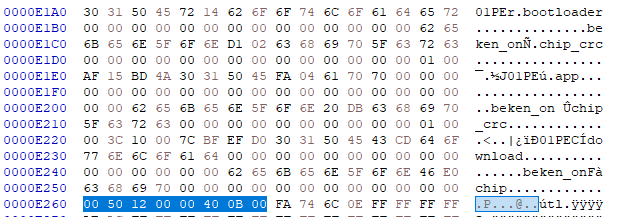
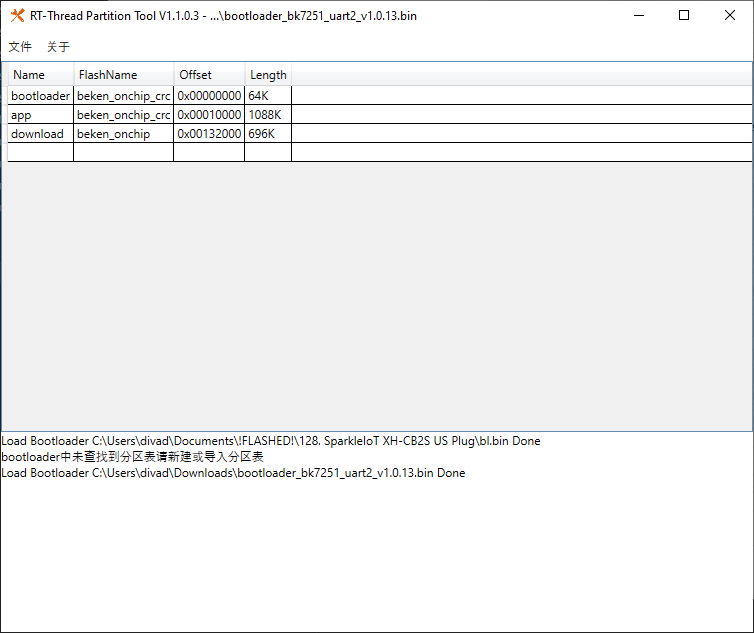
- Correct OTA region: start 0x125000, length 0xB0000 (≈720 KB); change START_ADR_OF_BK_PARTITION_OTA accordingly. [Elektroda, divadiow, post #21452918]
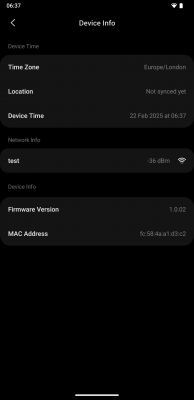
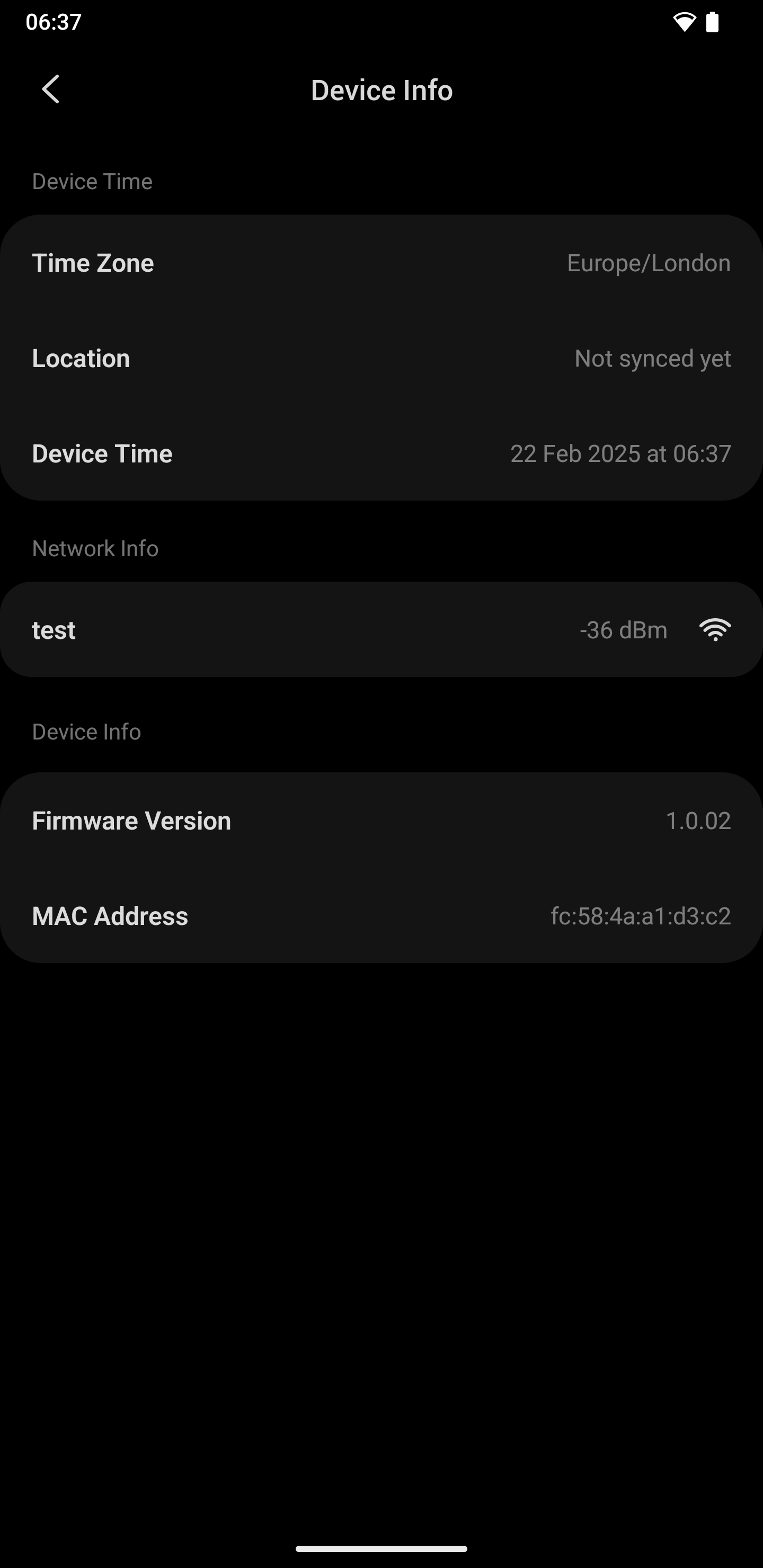
- MAC/TLV location used by vendor FW: 0x1D9000; example MAC FC:58:4A:A1:D3:C2 present there. [Elektroda, divadiow, post #21450728]
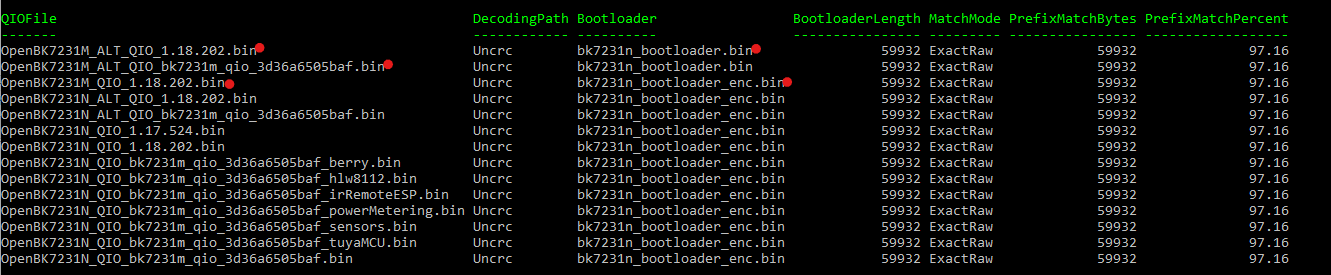
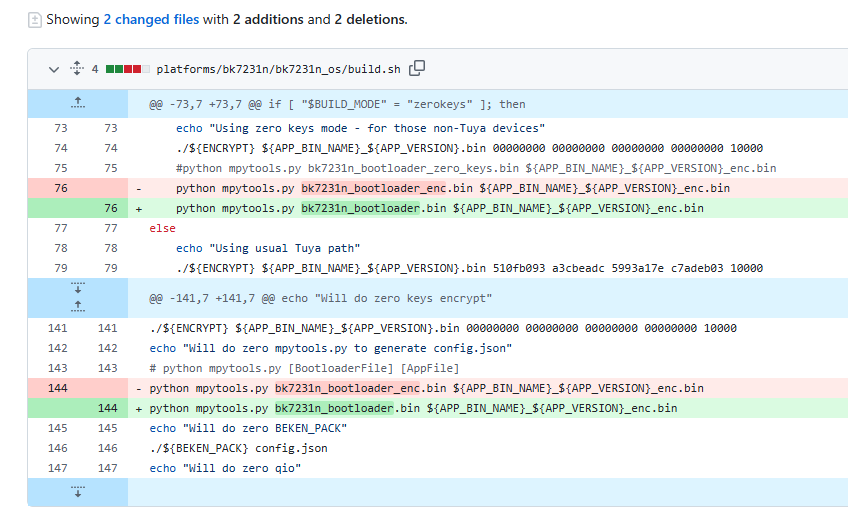
- Boot tip for BK7231M QIO: use the non-_enc bk7231n bootloader; it boots where _enc failed. [Elektroda, p.kaczmarek2, post #21725674]
- Firmware backups for this plug (1.0.01/1.0.02) are available for reference. [Elektroda, divadiow, post #21450728]
What’s the fastest way to get OTA working on this VeSync WHOGPLUG?
Point the OTA start to 0x125000 and set length to 0xB0000 in your custom build. Recompile and flash. The author reports, “OTA works as expected at 0x125000.” This aligns logs showing OTA writes from 0x125000 upward and a successful reboot into OpenBeken. [Elektroda, divadiow, post #21452918]
How do I perform the actual OTA-to-OpenBeken update on this device?
- Build OpenBeken with START_ADR_OF_BK_PARTITION_OTA = 0x125000 and length 0xB0000.
- Flash an rbl to 0x125000; the vendor RT-Thread OTA will rewrite the app.
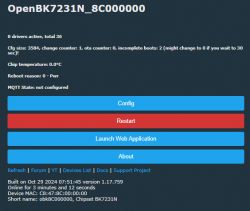
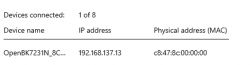
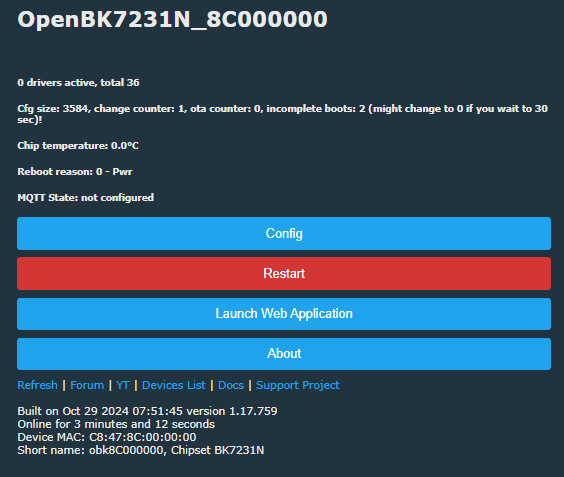
- Reboot; device starts OpenBeken AP (e.g., OpenBK7231N_8C000000).
This flow is confirmed by boot and OTA logs and the AP name after flashing. [Elektroda, divadiow, post #21450728]
What addresses do I use for the OTA partition on BK7231M in this plug?
Use start address 0x125000 with length 0xB0000 (737,280 bytes). The code snippet and runtime logs show initialization and writes at the 0x125000 boundary. This partitioning enabled consistent OTA success in testing. [Elektroda, divadiow, post #21452918]
Where is the device MAC stored, and will OpenBeken read it?
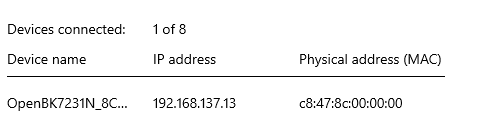
Vendor firmware stores a TLV block at 0x1D9000 containing the MAC (example FC:58:4A:A1:D3:C2). After OTA, OpenBeken may still show a wrong MAC unless additional handling is added. This is a known caveat noted by the author. [Elektroda, divadiow, post #21452918]
Which bootloader works on BK7231M QIO for this case?
Use the non-encoded bk7231n bootloader. Maintainer feedback confirms switching from the _enc variant to the plain one allows BK7231M QIO builds to boot. “We can just use the one without _enc.” [Elektroda, p.kaczmarek2, post #21725674]
Does this change break BK7231N devices?
No. The contributor stated BK7231M QIO boots and can OTA, and BK7231N “appears to remain working.” The maintainer asked to double-check BK‑N, indicating compatibility attention in the workflow. [Elektroda, divadiow, post #21723871]
What firmware versions were captured from this plug?
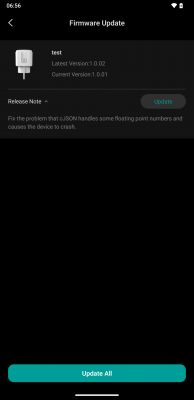
Boot logs for vendor firmware 1.0.01 and 1.0.02 were captured over UART (TX2). They show SDK revisions, BLE stack, and Wi‑Fi scans. These dumps helped map partitions and verify OTA behavior. [Elektroda, divadiow, post #21450728]
How big is the OTA image, exactly?
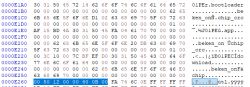
Length is 0xB0000, which equals 737,280 bytes (720 KB). The calculation was validated from the 4-byte little-endian field and noted in-thread. This size matches the working OTA writes shown in logs. [Elektroda, divadiow, post #21450728]
What tools or scripts were used to troubleshoot encryption/bootloaders?
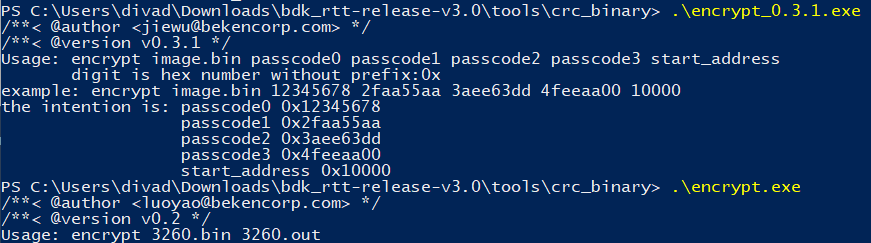
They referenced encrypt.exe with zero keys, build.sh/post-build scripts, and compared bootloader variants. A trial to encrypt uart bootloader with zero keys did not boot; this shaped the final non-_enc choice. [Elektroda, divadiow, post #21453255]
How can I flash over Wi‑Fi once I have a working QIO build?
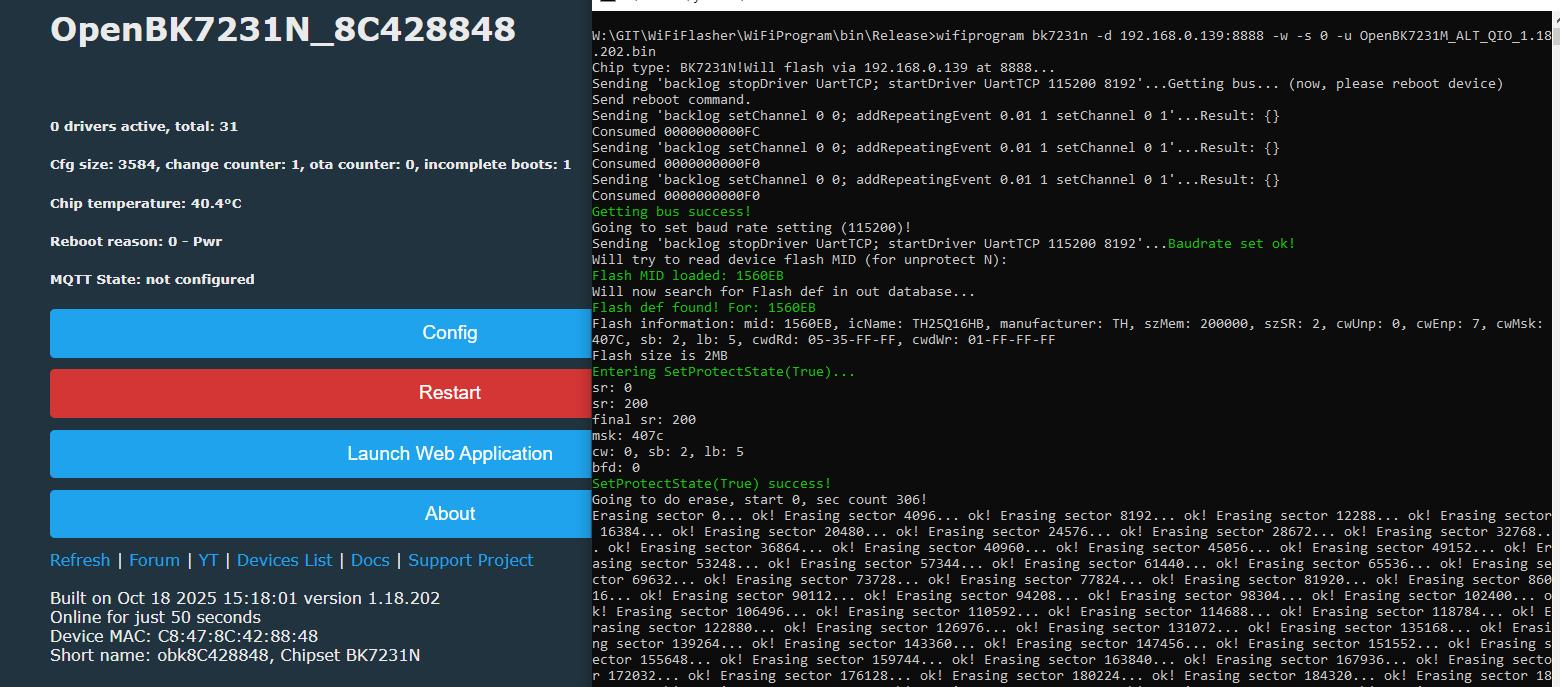
Use WiFiProgram with the device IP and OpenBK7231M_ALT_QIO binary. Example: wifiprogram bk7231n -d :8888 -w -s 0 -u OpenBK7231M_ALT_QIO_1.18.202.bin. Maintainer confirmed it boots after this method. [Elektroda, p.kaczmarek2, post #21725507]
What is OpenBeken (OpenBK)?
OpenBeken is open firmware for BK72xx chips. After OTA, the device boots OpenBeken and exposes an AP like OpenBK7231N_8C000000 with DHCP 192.168.4.1. Logs confirm services start and the module runs. [Elektroda, divadiow, post #21450728]
My partitions show overlap—what should I check?
Partitions should not intersect. Review start addresses and lengths for OTA, RF firmware, and NET params. Correct any overlaps before flashing to prevent corruption or boot failure. This was called out explicitly in-thread. [Elektroda, insmod, post #21452972]
Can I fix OTA by swapping the bootloader to 1.0.1 or re‑encrypting with zero keys?
One suggestion was to replace bootloader with standard 1.0.1 or encrypt with zero keys. However, trials with zero-key encrypted UART bootloader did not boot. The stable fix was using non-_enc bootloader. [Elektroda, divadiow, post #21453255]
Any useful performance datapoints from logs?
Yes. Vendor Wi‑Fi scans completed in 1.324 seconds, reported multiple times. This helps verify radio health and timing during bring-up and after OTA changes. [Elektroda, divadiow, post #21450728]
What’s an edge case that can still bite me?
Even with RF/NET at 0x1D9000 configured, OpenBeken may report an incorrect MAC. Plan for a post-flash MAC fix if your network depends on stable ARP/DHCP leases. [Elektroda, divadiow, post #21452918]