logo elektroda
logo elektroda
X
logo elektroda

Sonoff B02-F-A60 Retro/Antique Filament Bulb Teardown and Module Findings [SV6166F] [RM9012GB]

divadiow 4815 6

TL;DR

  • A destructive teardown разобрал Sonoff B02-F-A60 retro/antique filament bulb and exposed its buried control module, power converter, capacitors, and Wi‑Fi electronics inside resin.
  • The bulb uses an Icomm-Semi SV6166F (CKW04) MCU, a RE705-MB-v0.1 module, and a Reactor-Micro RM9012GB LED driver.
  • UART1_TX runs at 921600 baud, and sending "m" at power-on opens the boot menu.
  • Pressing "x" in that menu erases the flash and waits for new firmware, so the factory firmware was lost; the boot flow resembles Hi Flying HF-LTPx30 upgrade procedures.
Generated by the language model.
ADVERTISEMENT
📢 Listen (AI):
  • Here's my destructive exploration into the module used in retro/antique/filament Sonoff B02-F-A60 available from Ali Express https://www.aliexpress.com/item/1005004755054049.html
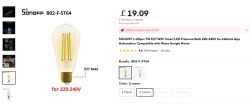
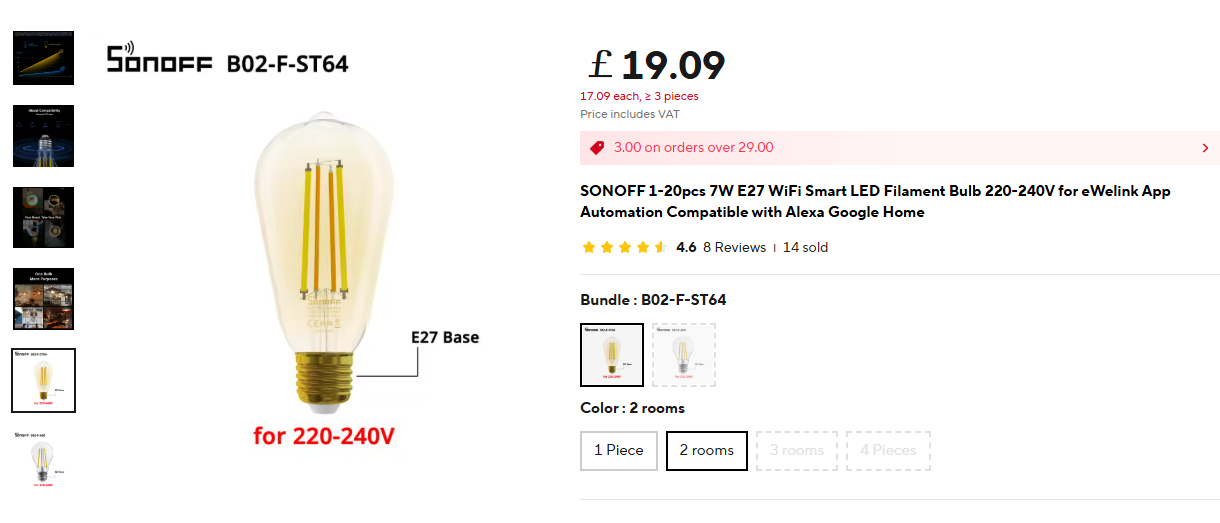
    Sonoff B02-F-ST64 LED filament bulb with E27 base for 220-240V, shown on an online store product page.

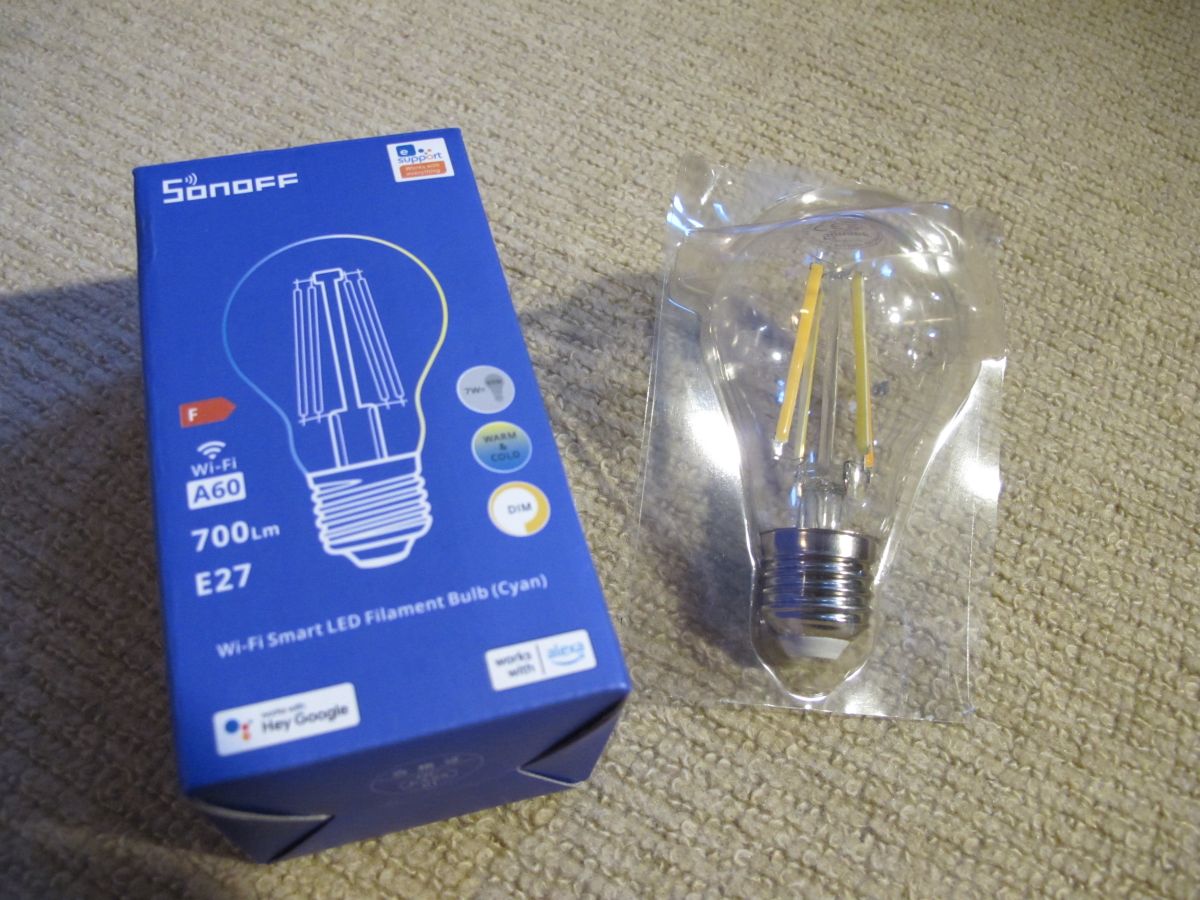
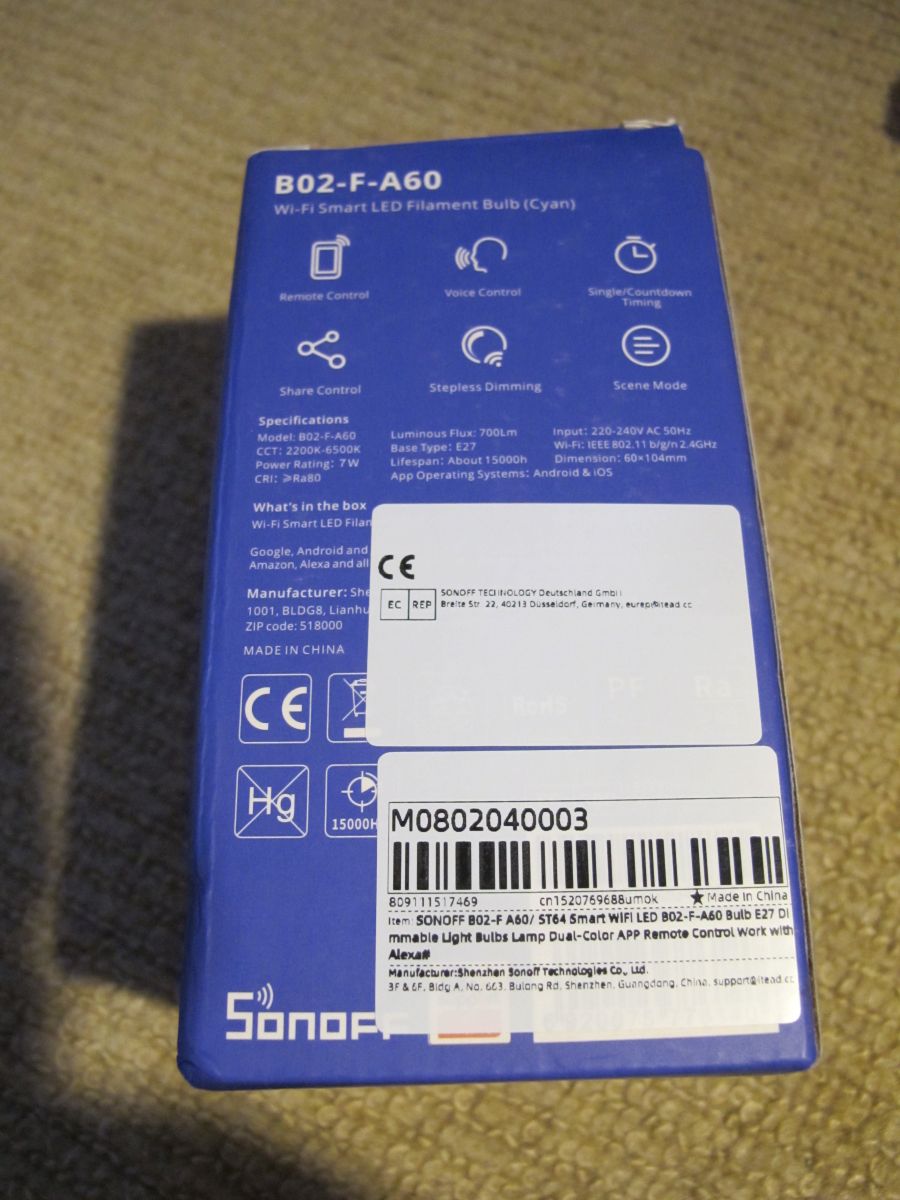
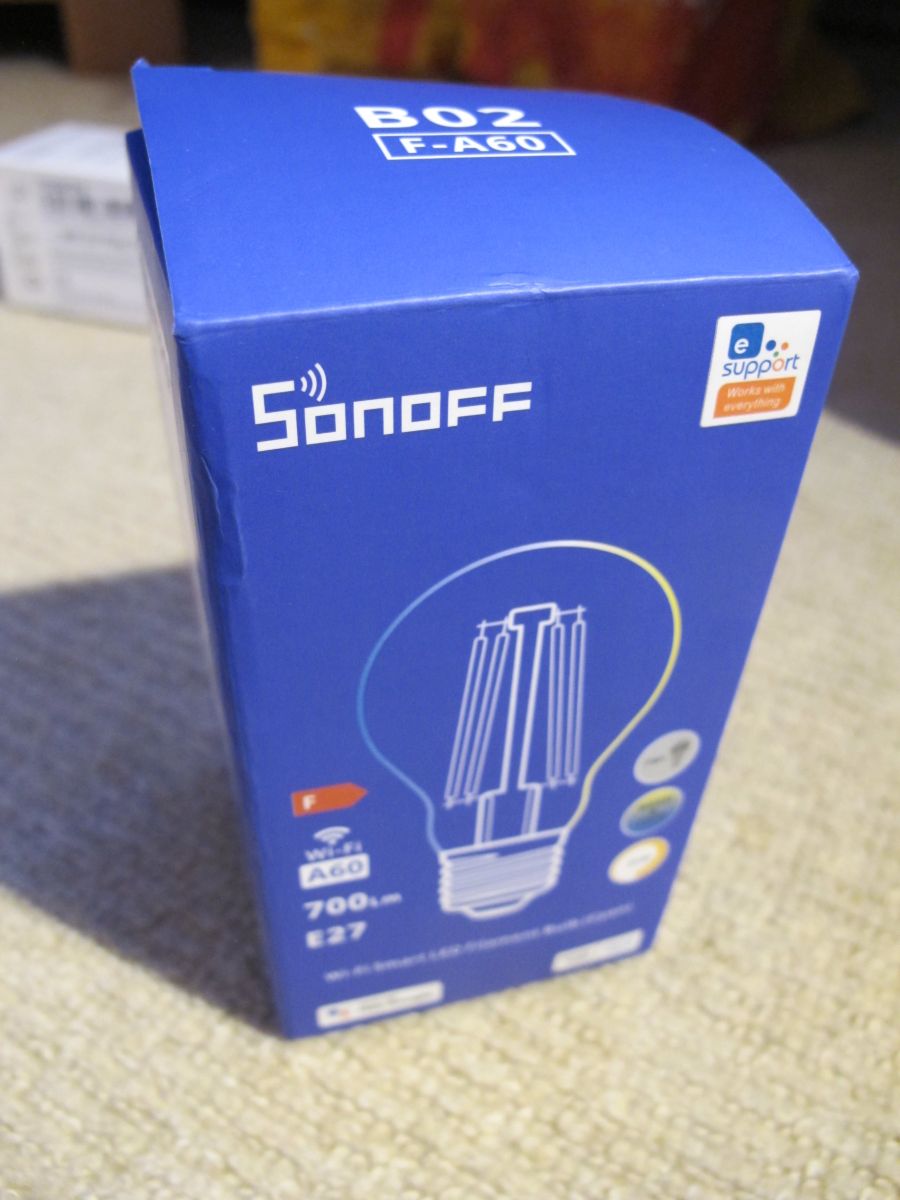
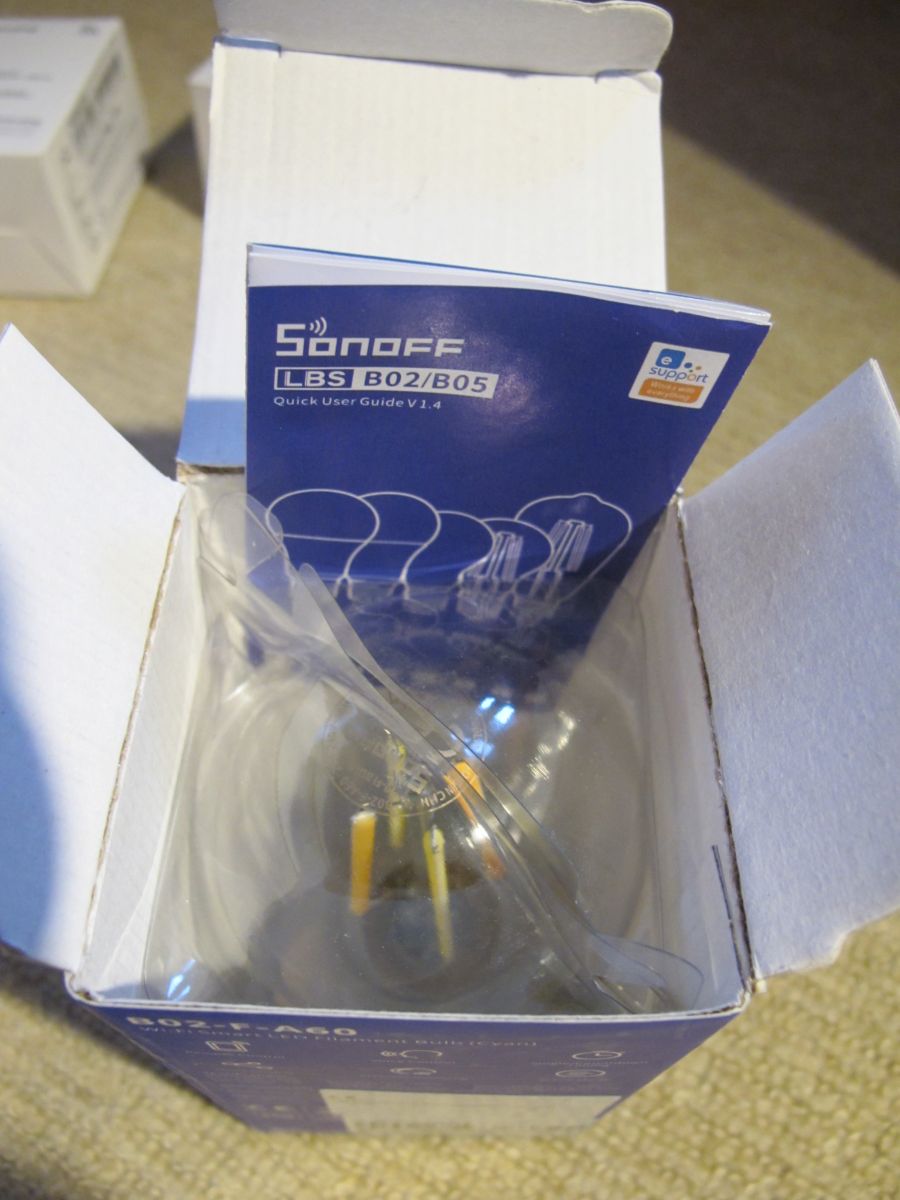
    Sonoff ship these in decent packaging because they're glass. It arrived in a thick pillowed envelope as well as the box with plastic inner shell.
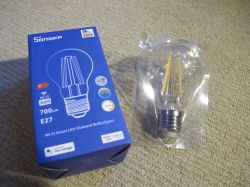
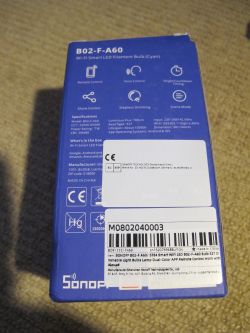
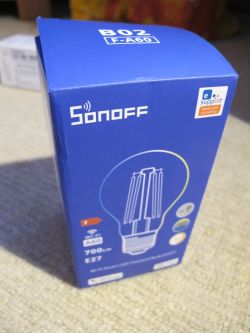
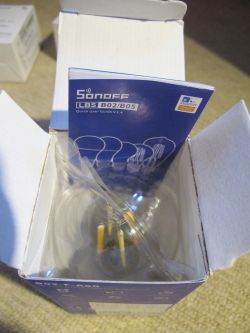
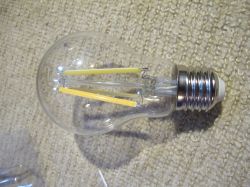
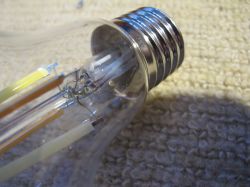
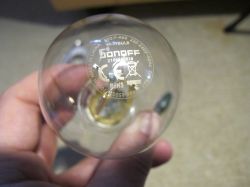
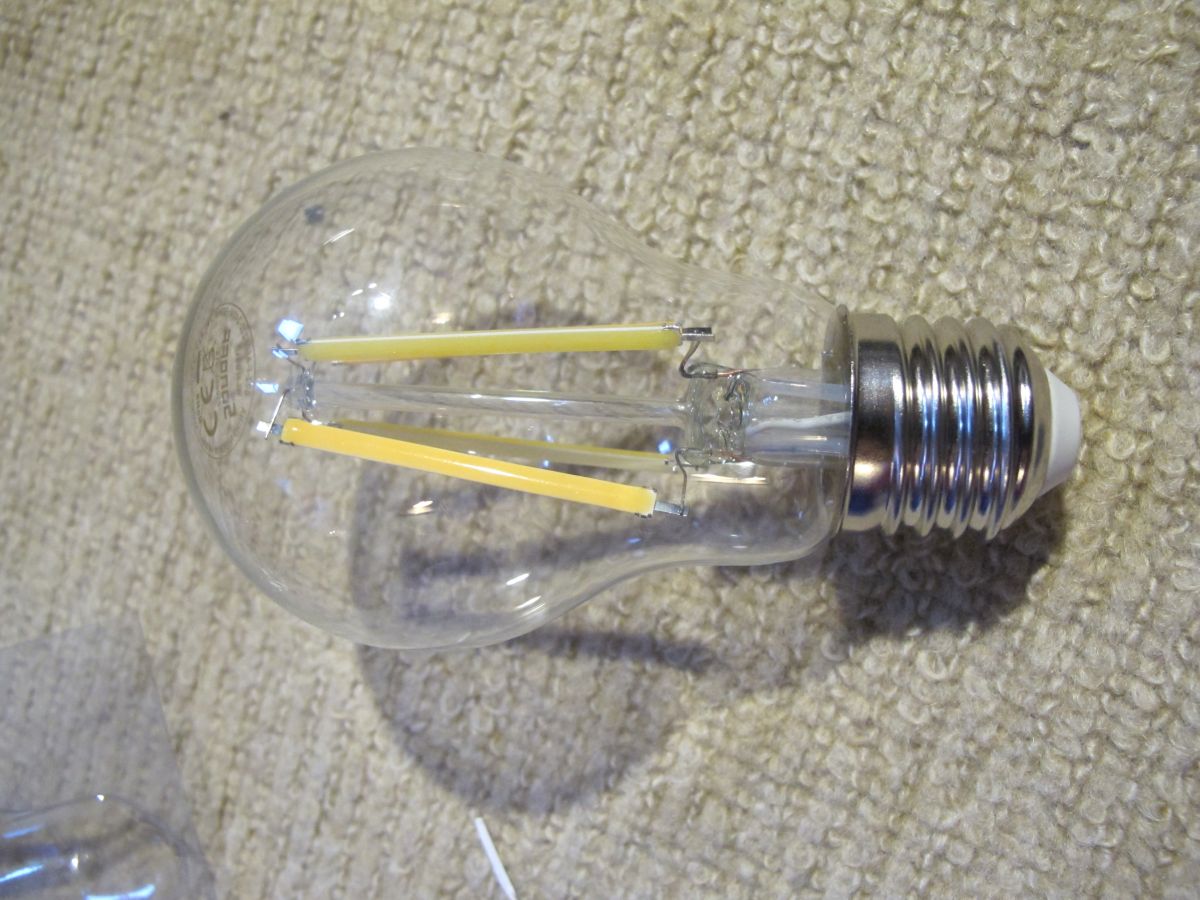
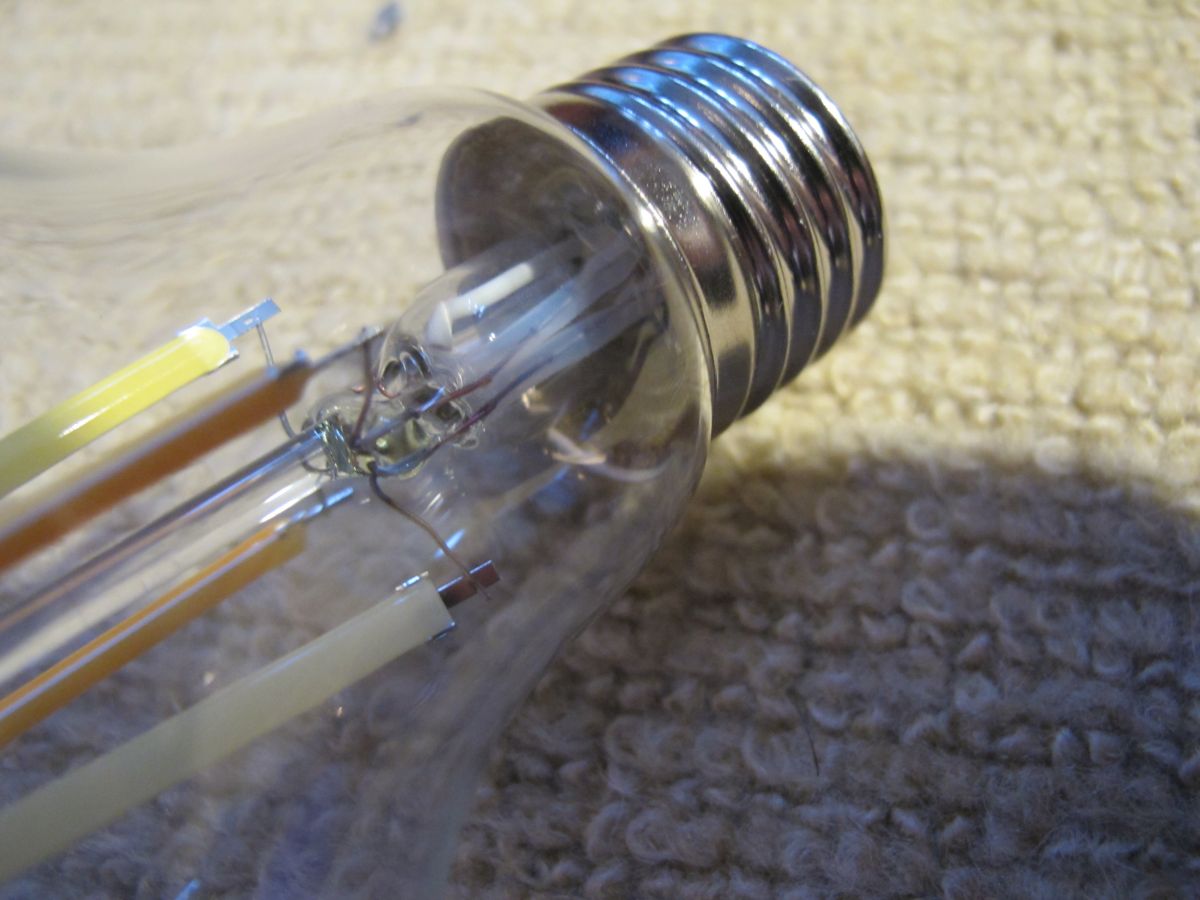
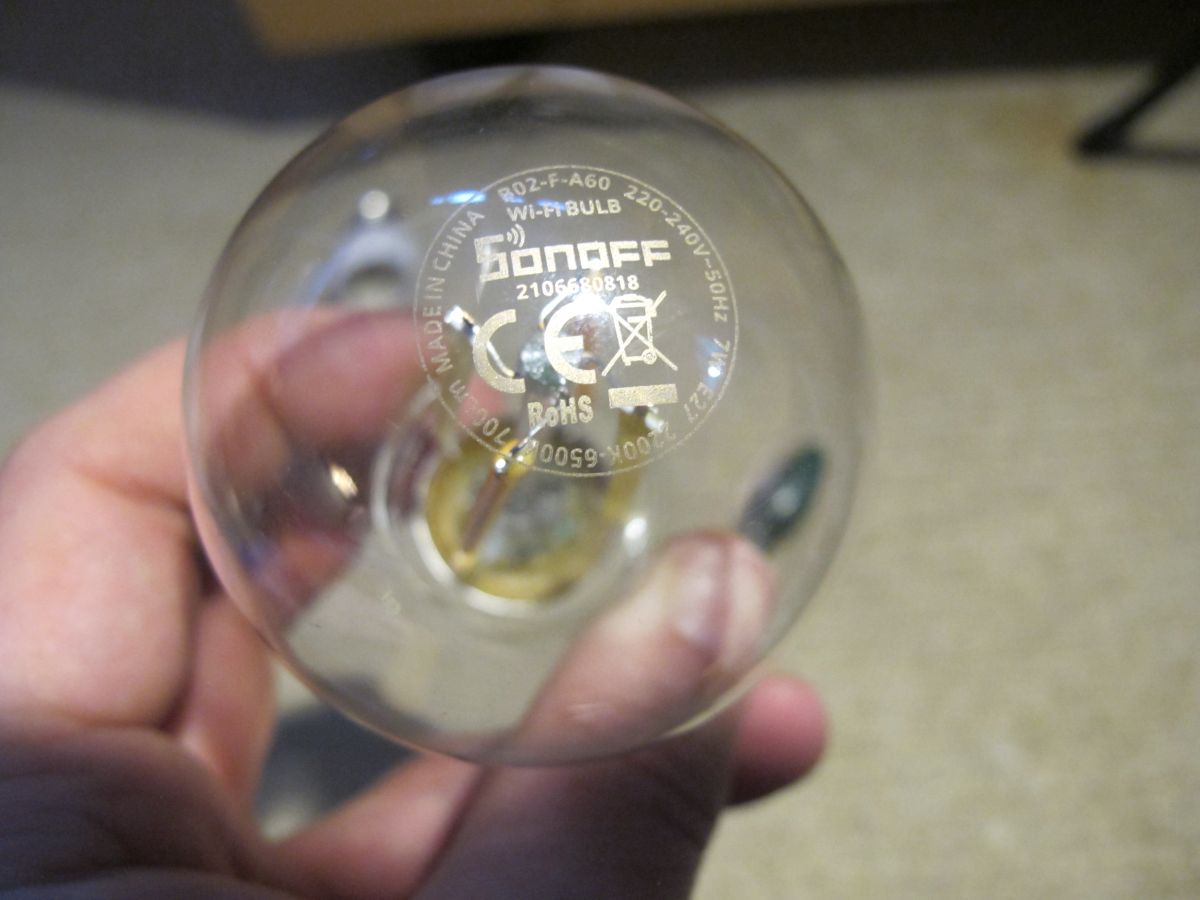
    Sonoff B02-F-A60 LED filament bulb and its original packaging on a carpet. Sonoff B02-F-A60 Wi-Fi LED bulb box with features and technical specifications. Blue box of Sonoff B02-F-A60 Wi-Fi LED bulb with drawing and technical information on the package. Sonoff B02-F-A60 filament bulb in its box with the user guide visible. LED light bulb with transparent glass lying on a carpet. Close-up of an LED light bulb lying on a beige carpet, showing the screw base and internal components. A person holding a transparent Sonoff Wi-Fi bulb with visible technical markings and certifications.

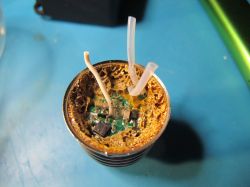
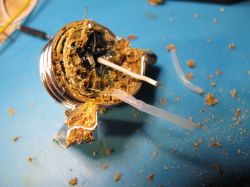
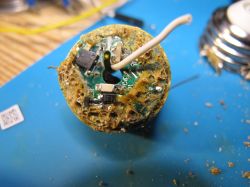
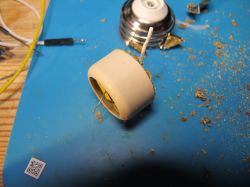
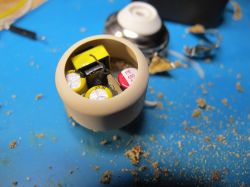
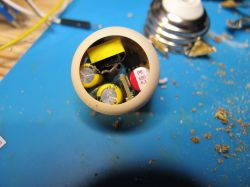
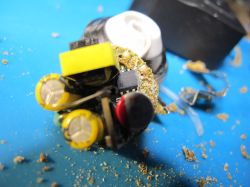
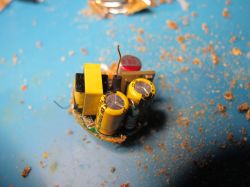
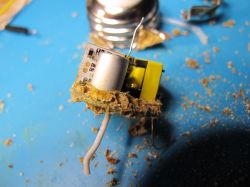
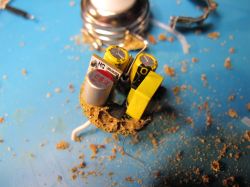
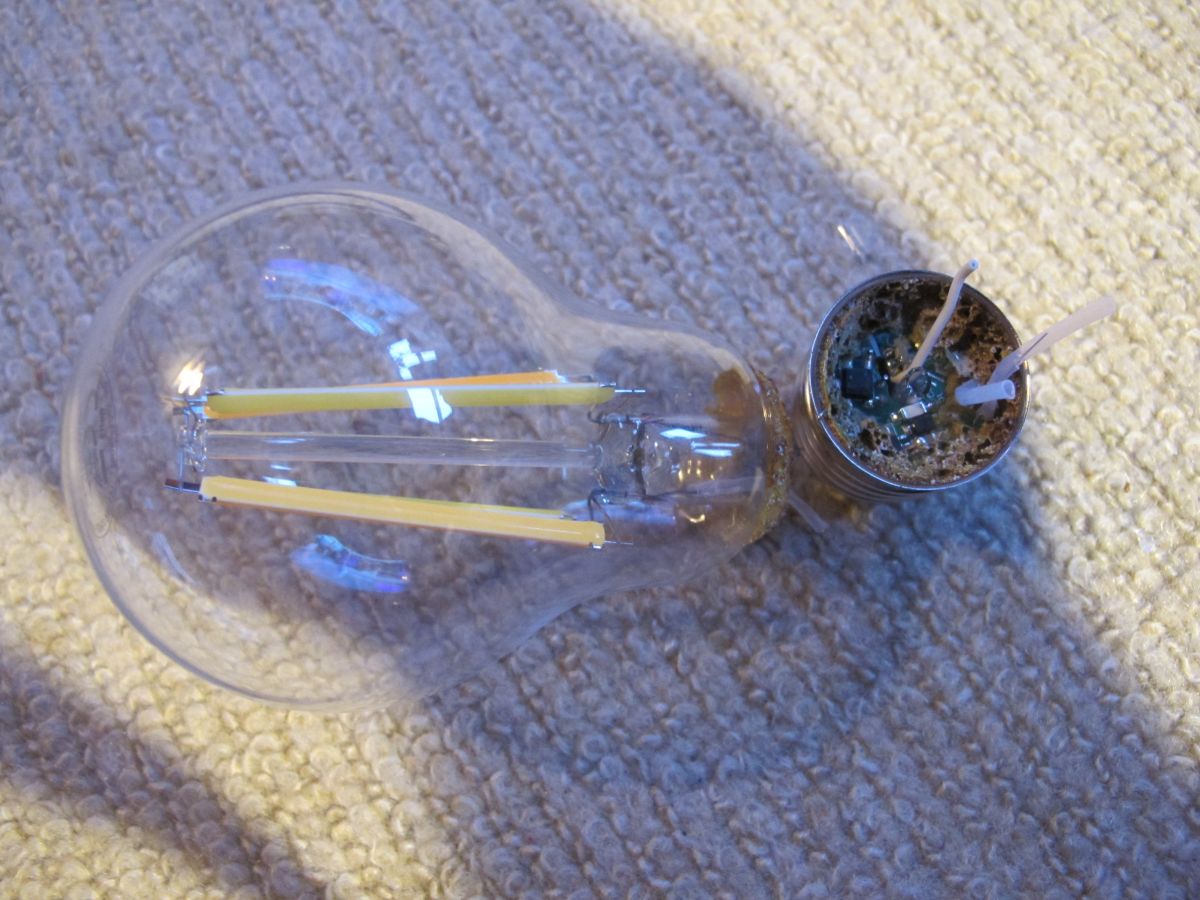
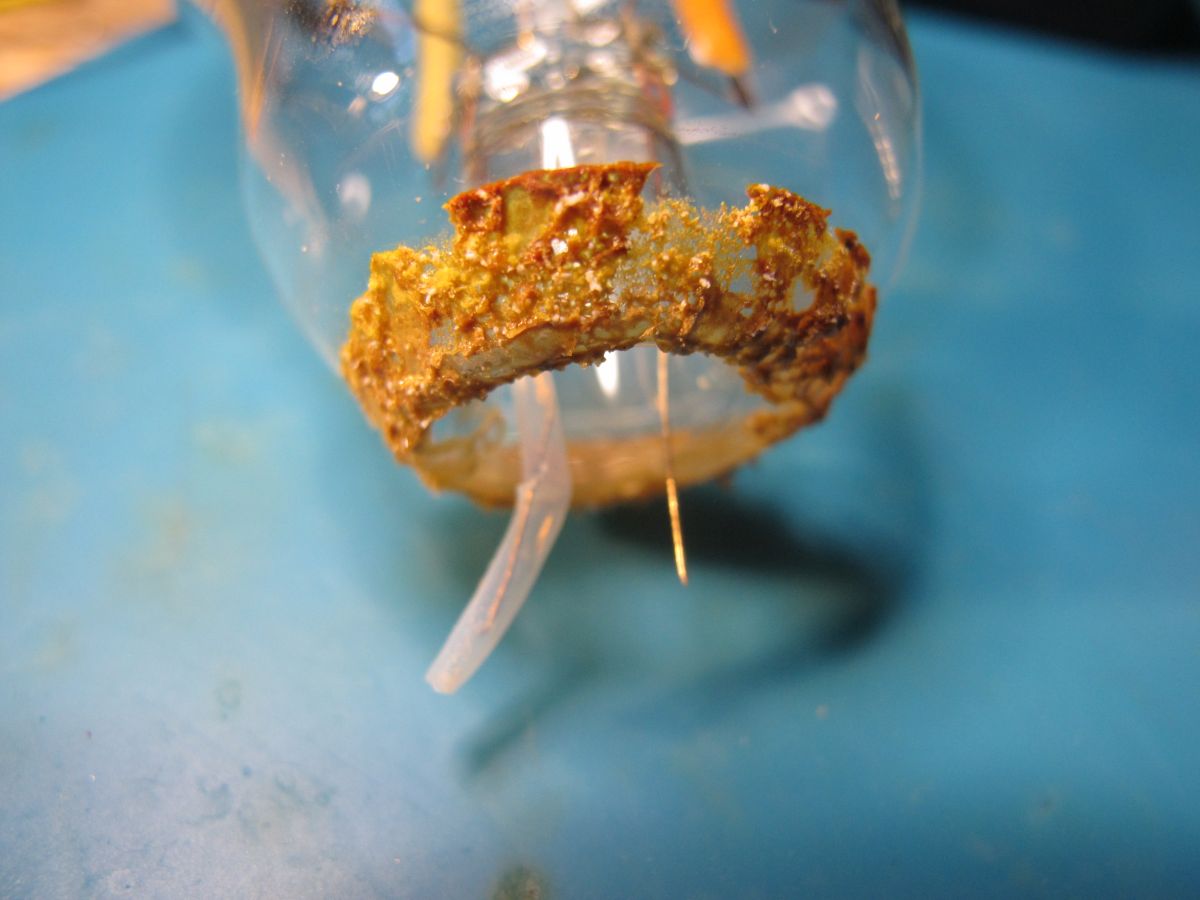
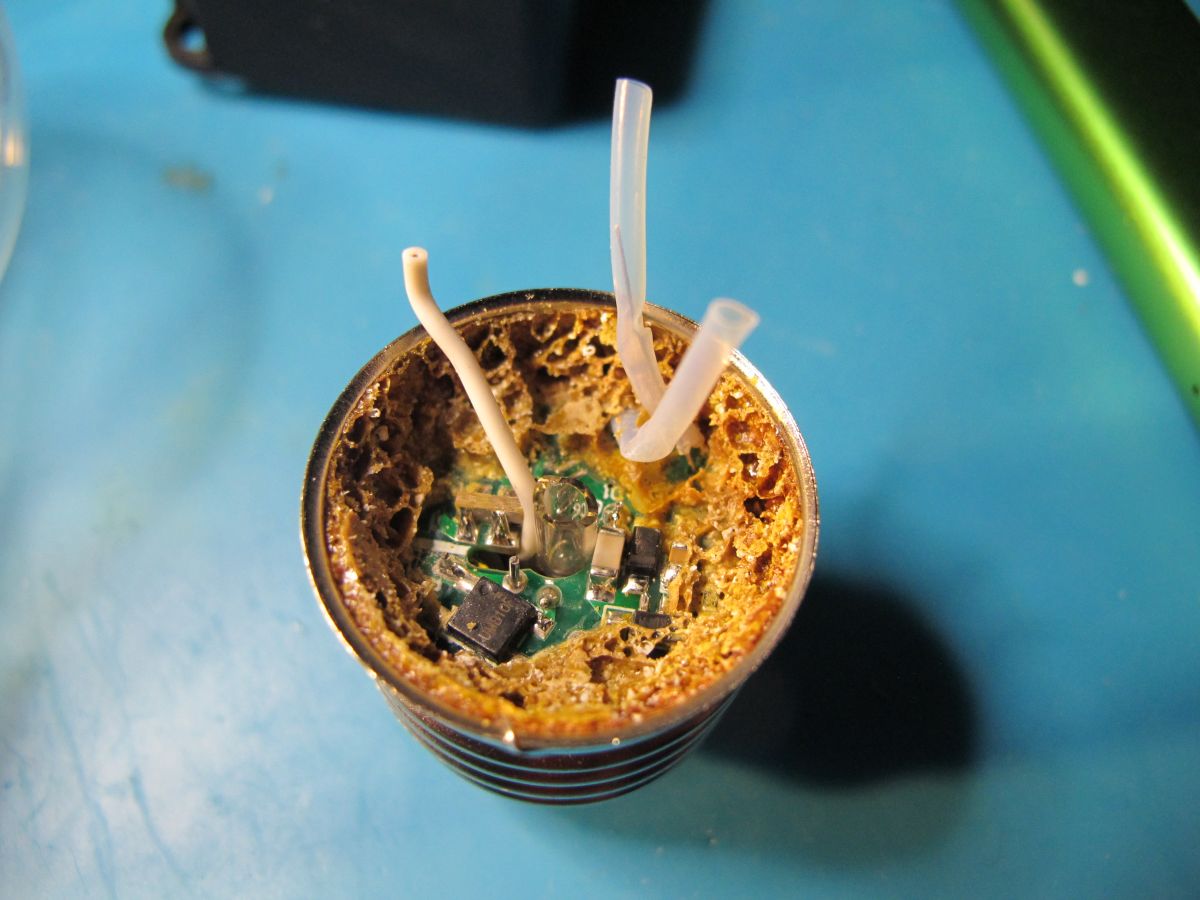
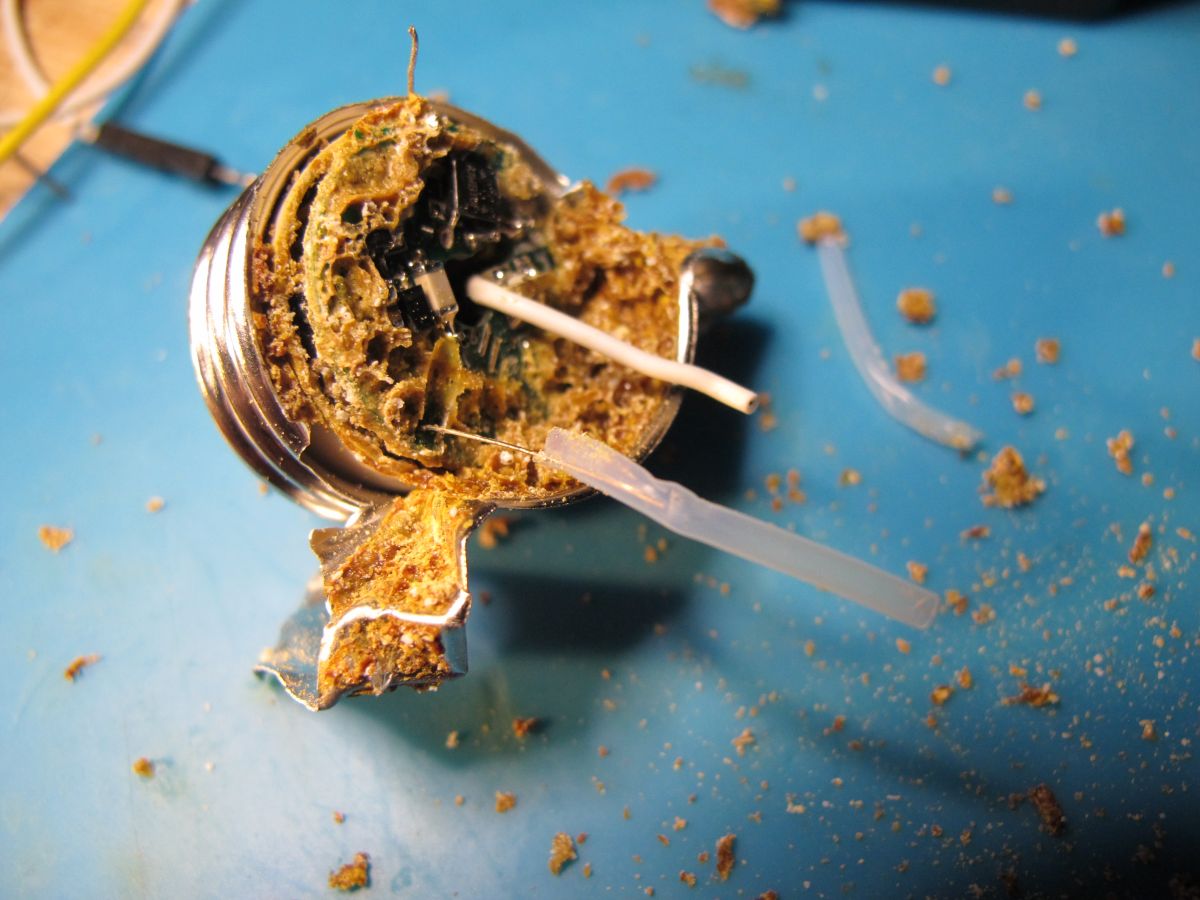
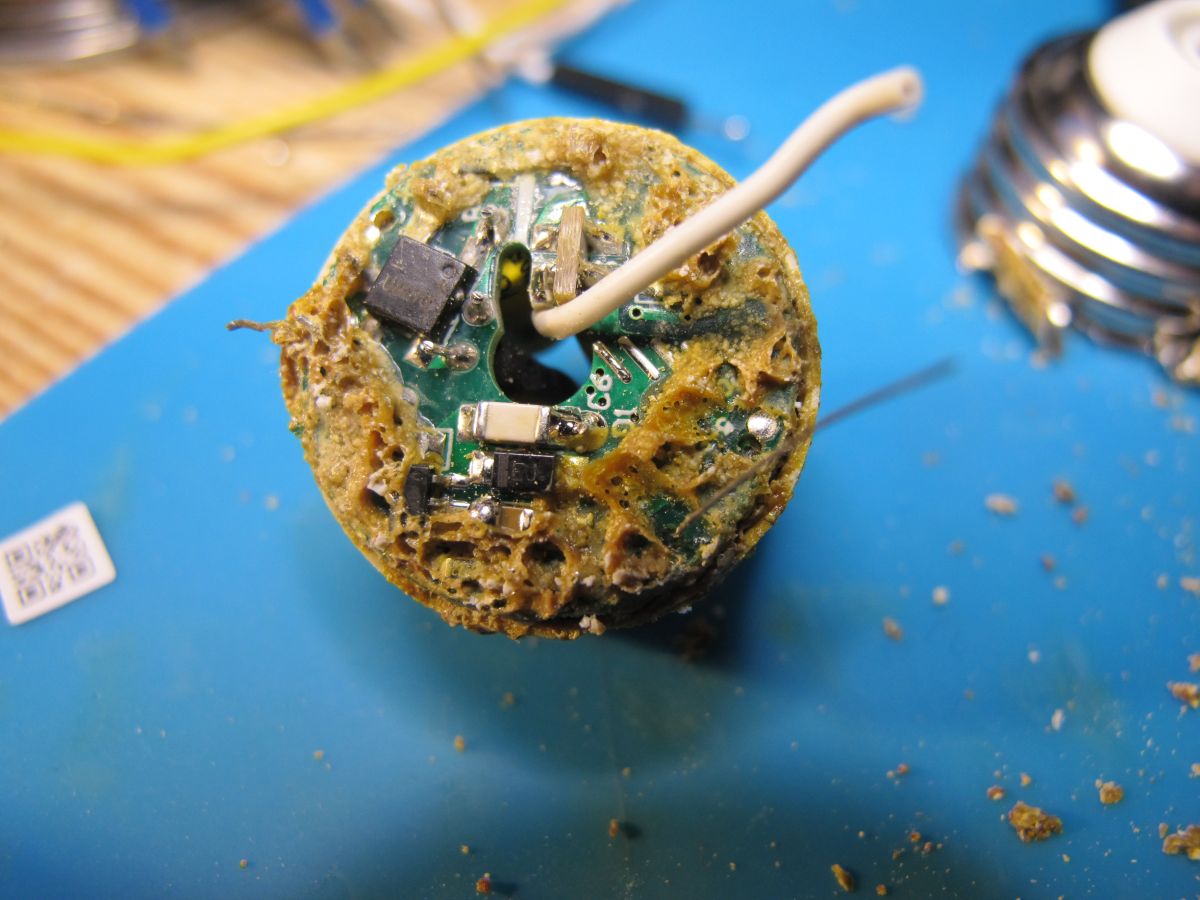
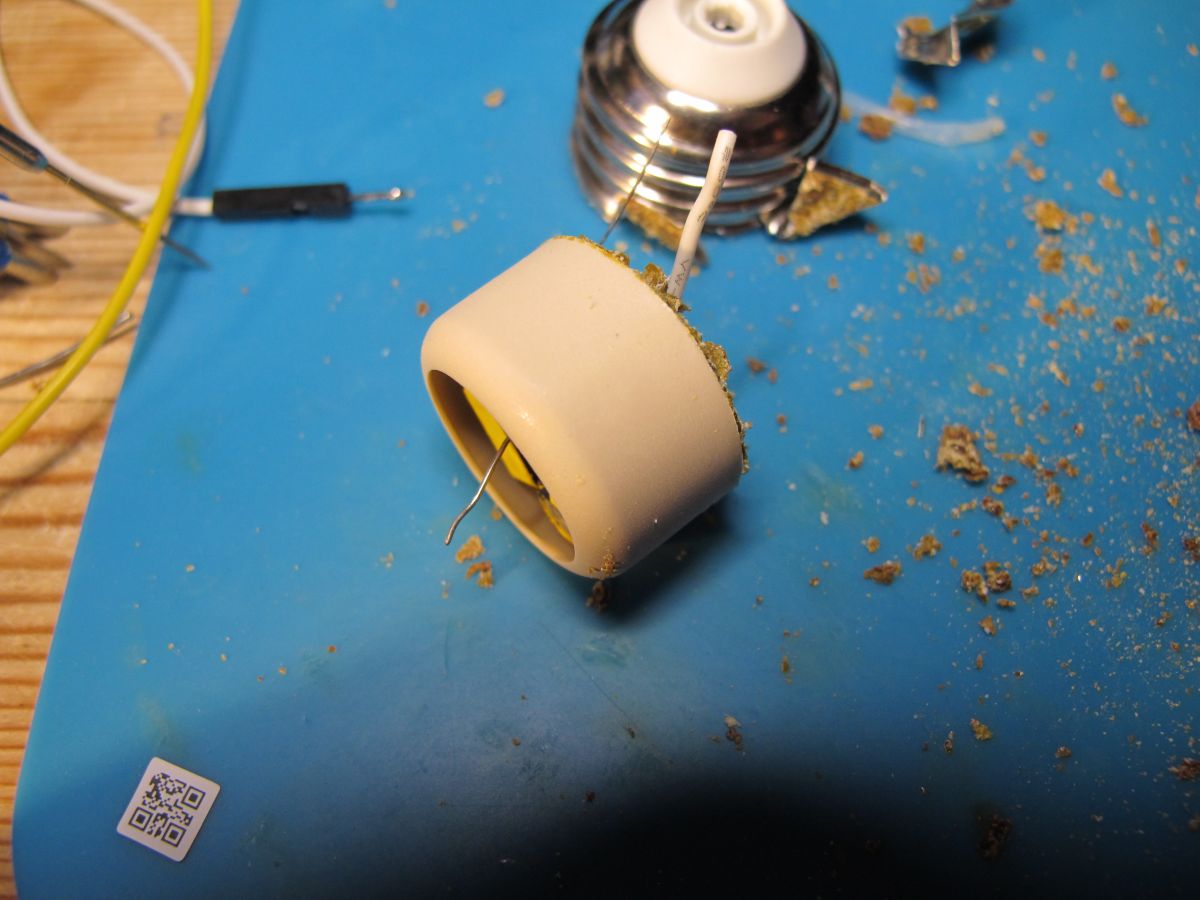
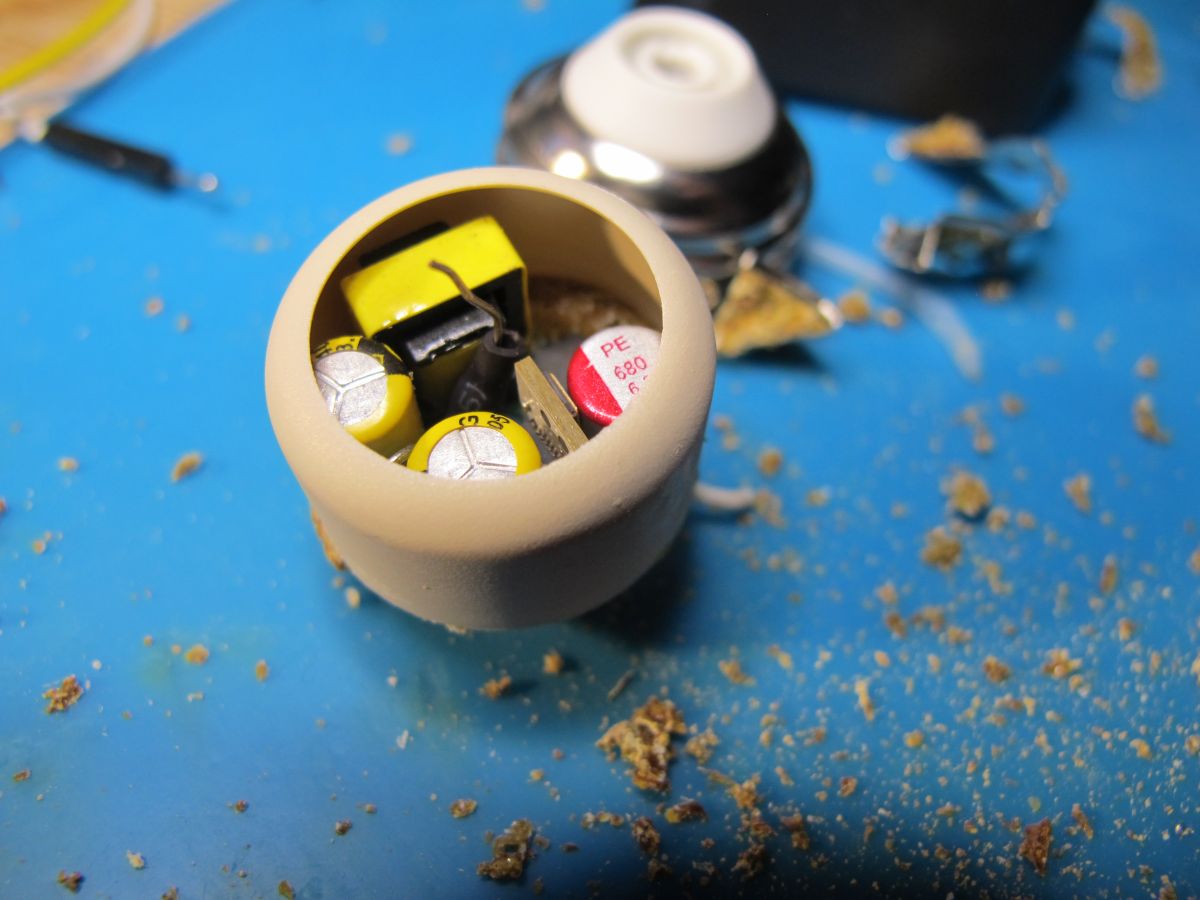
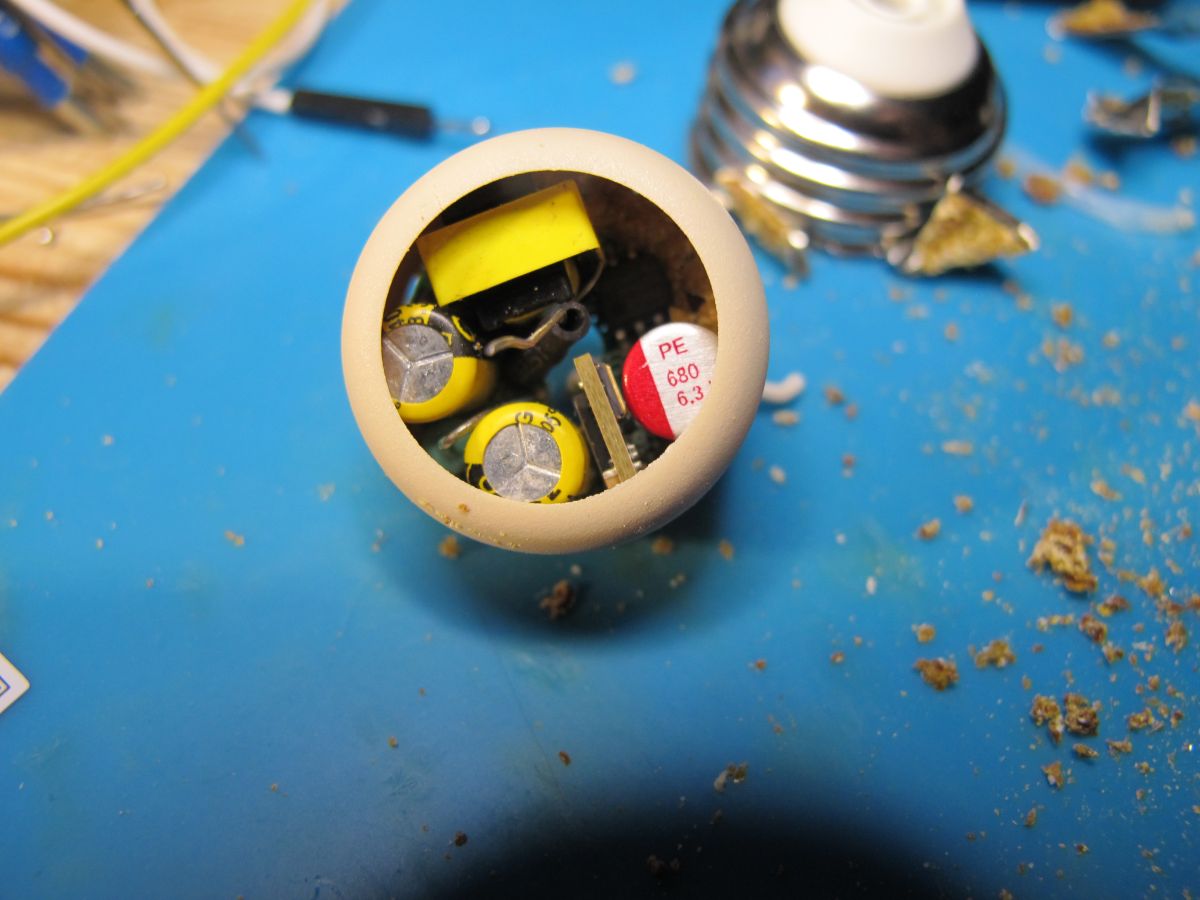
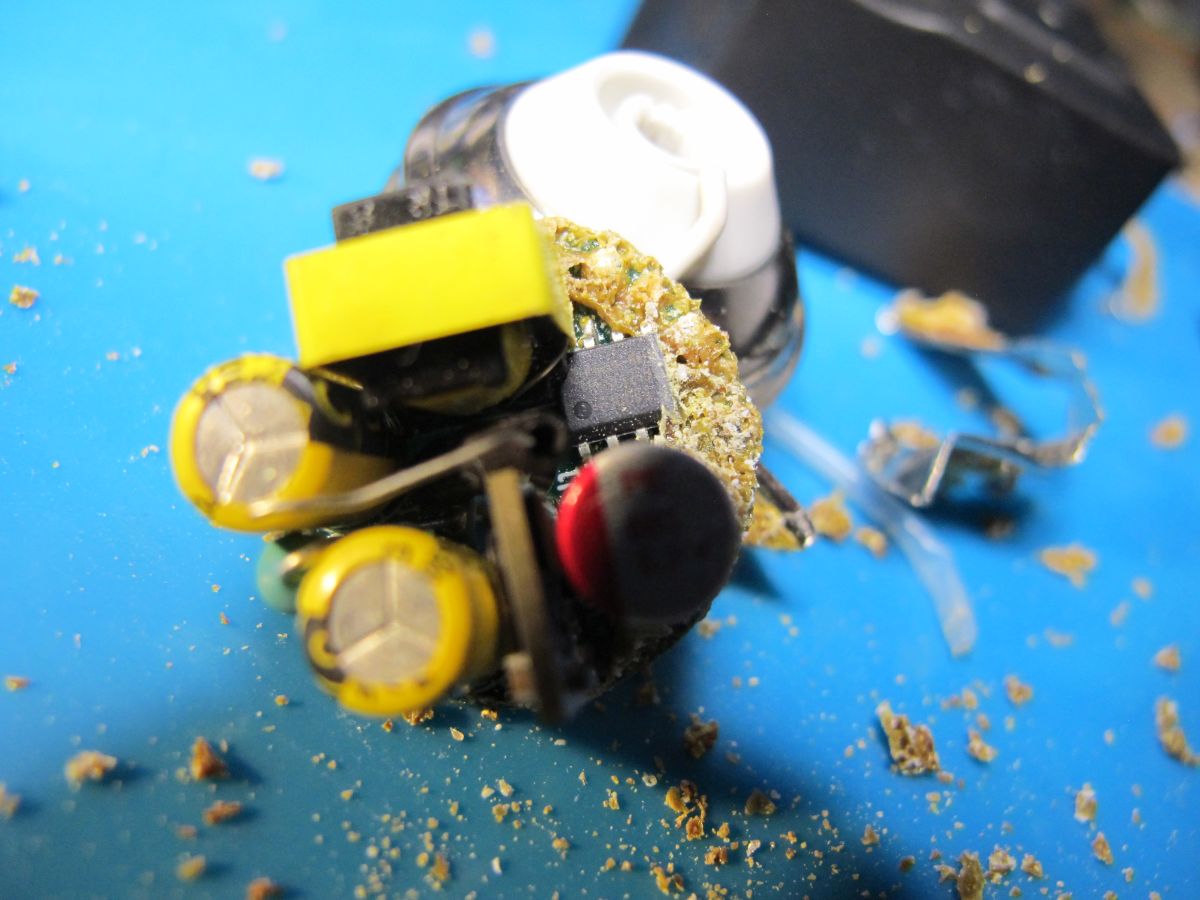
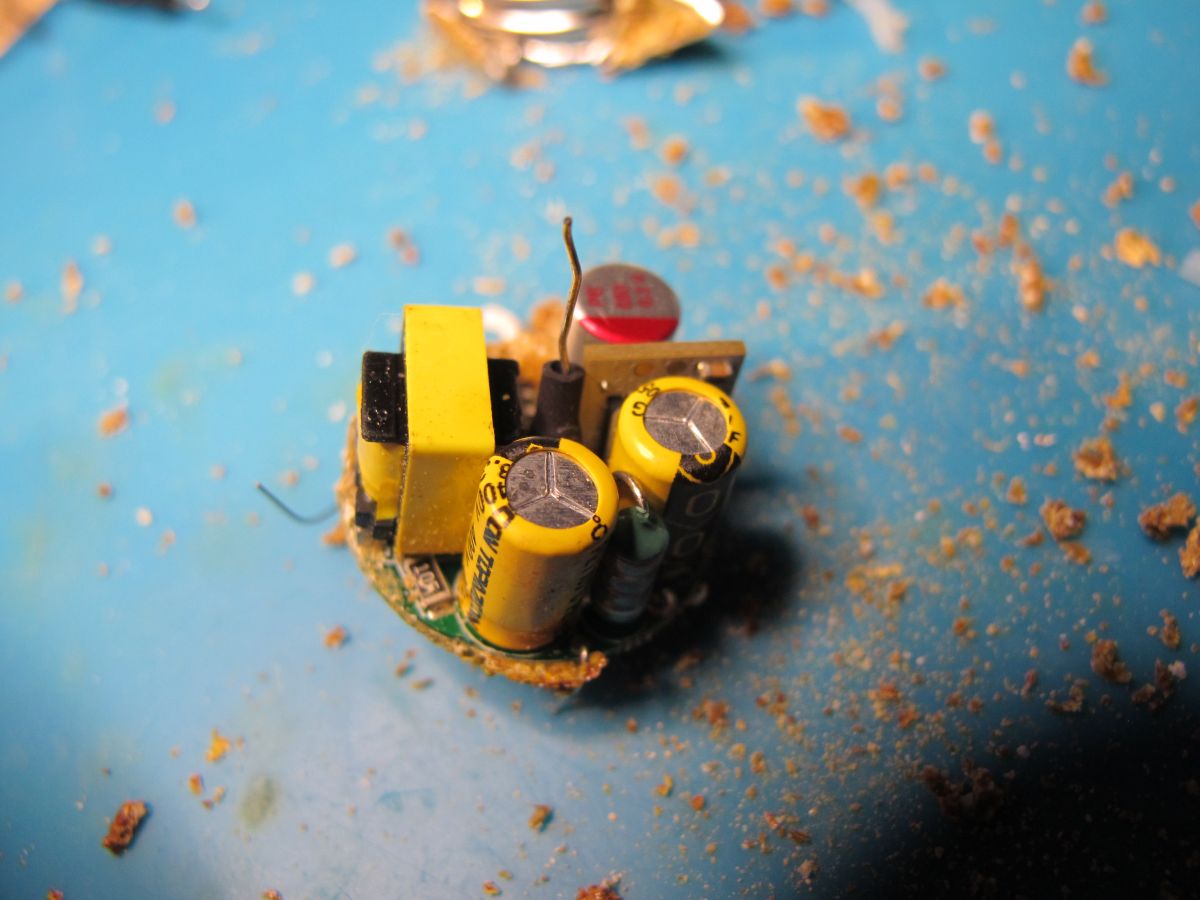
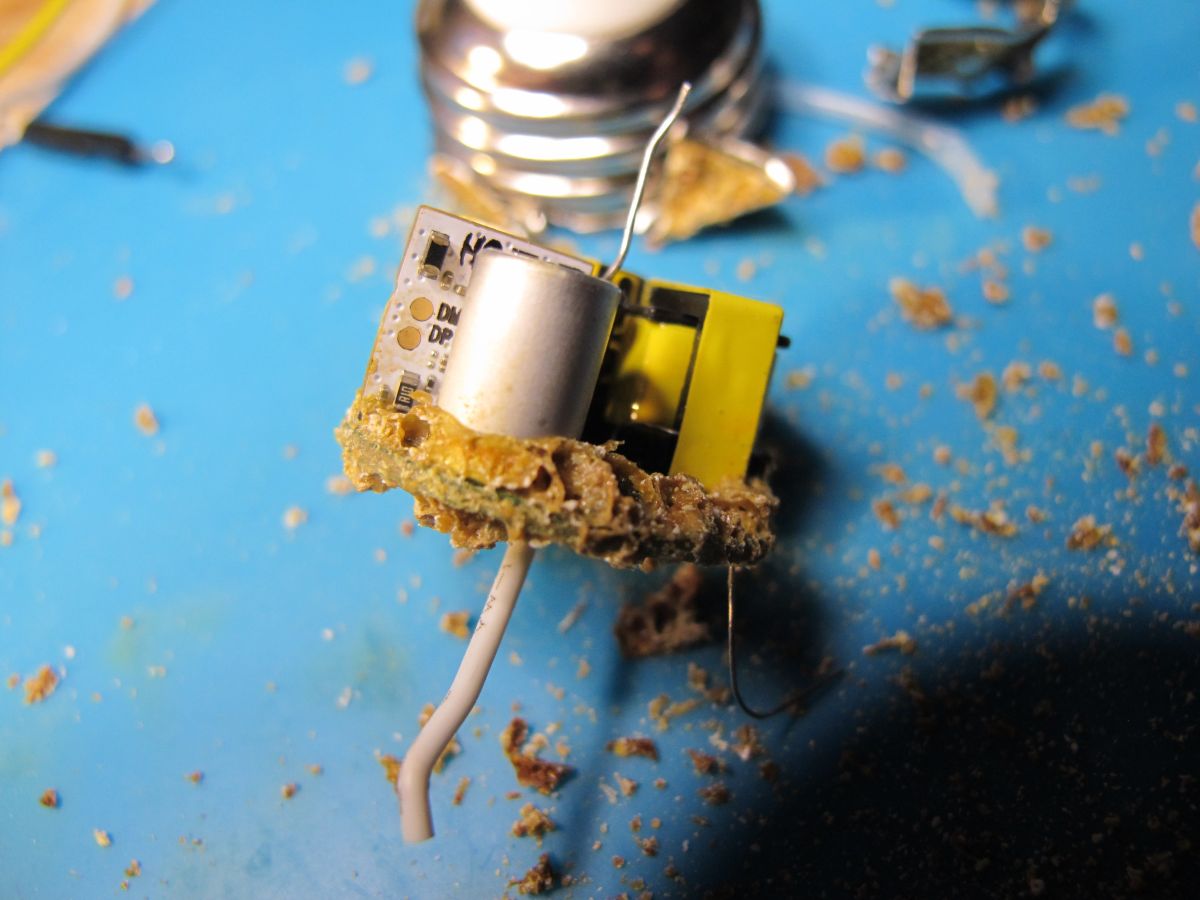
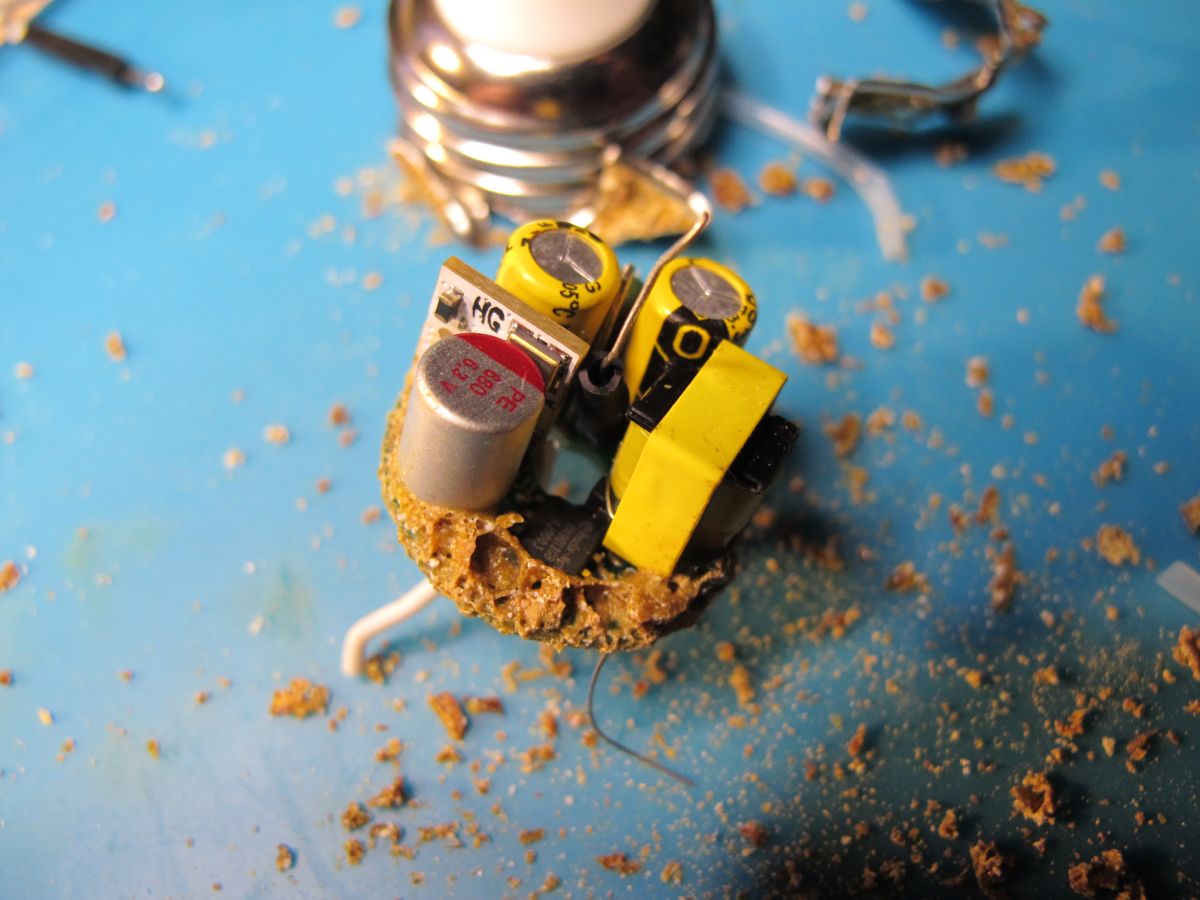
    I believe the hard foam/glue is a phenol-formaldehyde resin so will be hard to soften/dissolve. I heated the metal fitting and finally managed to pop it off. It broke the LED filament wires as it came apart. The PCB with power converter, capacitors and wifi module is buried in more resin, the metal fitting and a plastic ring. Further removal was destructive. I'm not putting this back together.
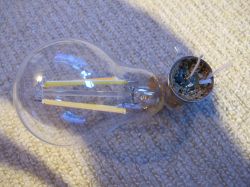
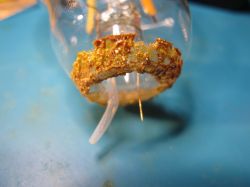
    A broken LED bulb lying on a light-colored carpet. A rusty metal base of a glass light bulb against a blue surface. Damaged internal electronic component of an LED spotlight with visible corrosion and wires. Damaged LED bulb with exposed burnt electronic components and debris. Close-up of a damaged and corroded electronic circuit board with visible rust, debris, and a protruding white wire. Lamp socket component and its parts on a blue mat, surrounded by small debris. Close-up of the inside of an electronic component with removed casing, showing capacitors. Interior of an LED bulb showing visible electronic components. Close-up of a damaged and partially disassembled electronic power supply with visible components and burn residues. Small circuit board with yellow capacitors and other electronic components on a blue background. A damaged electronic module covered with brown corrosion or residue on a blue surface. Interior of an electronic module with visible capacitors and brown residue, likely a damaged LED bulb circuit.

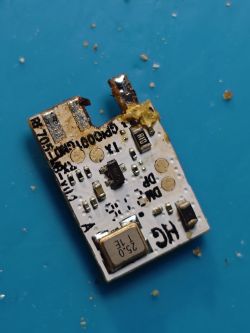
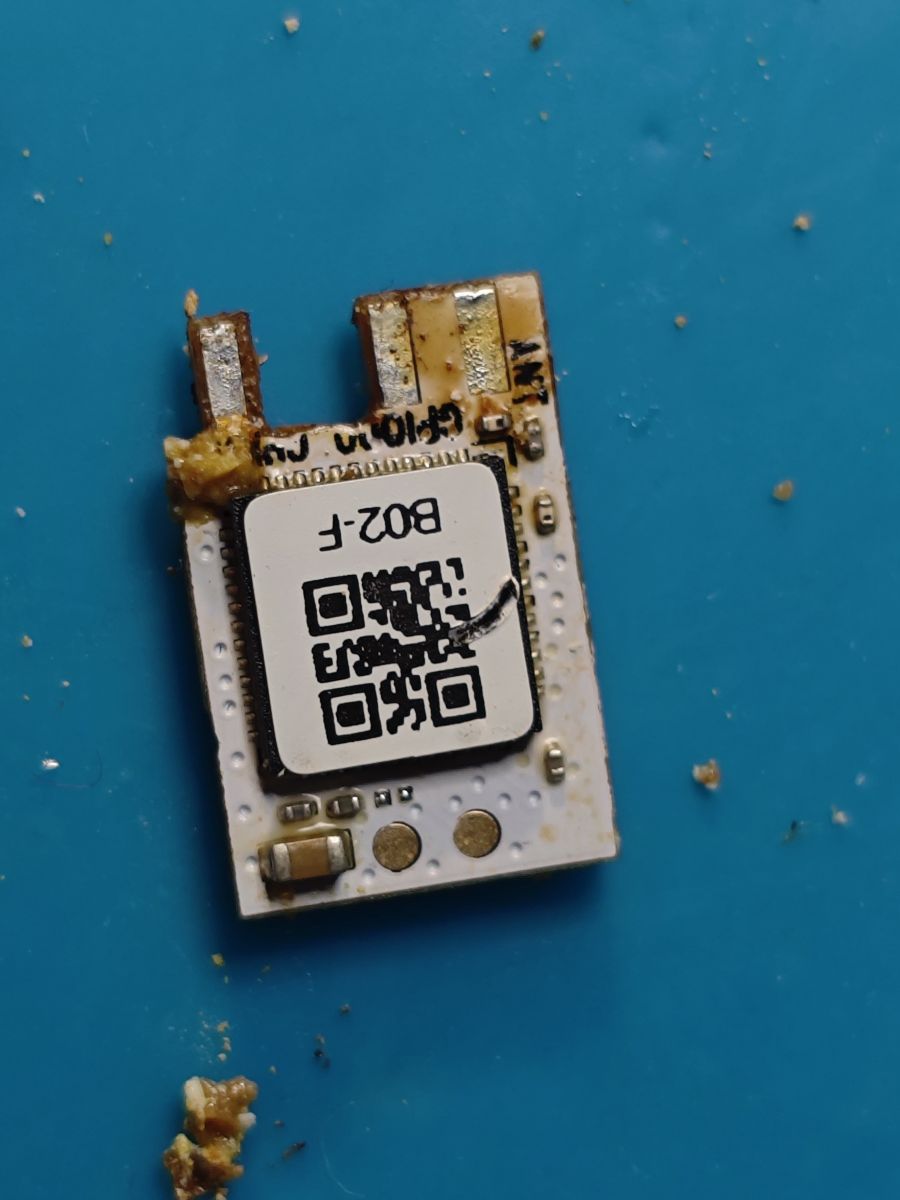
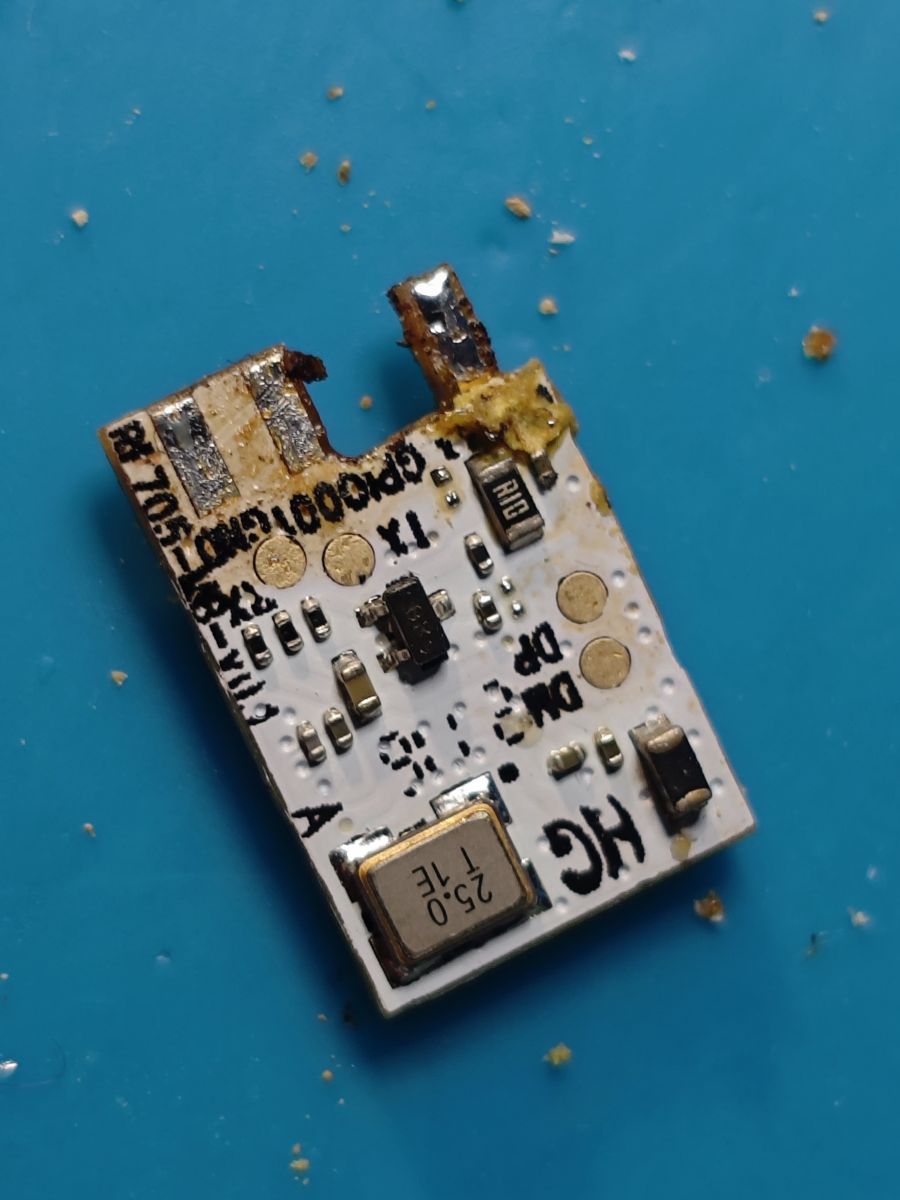
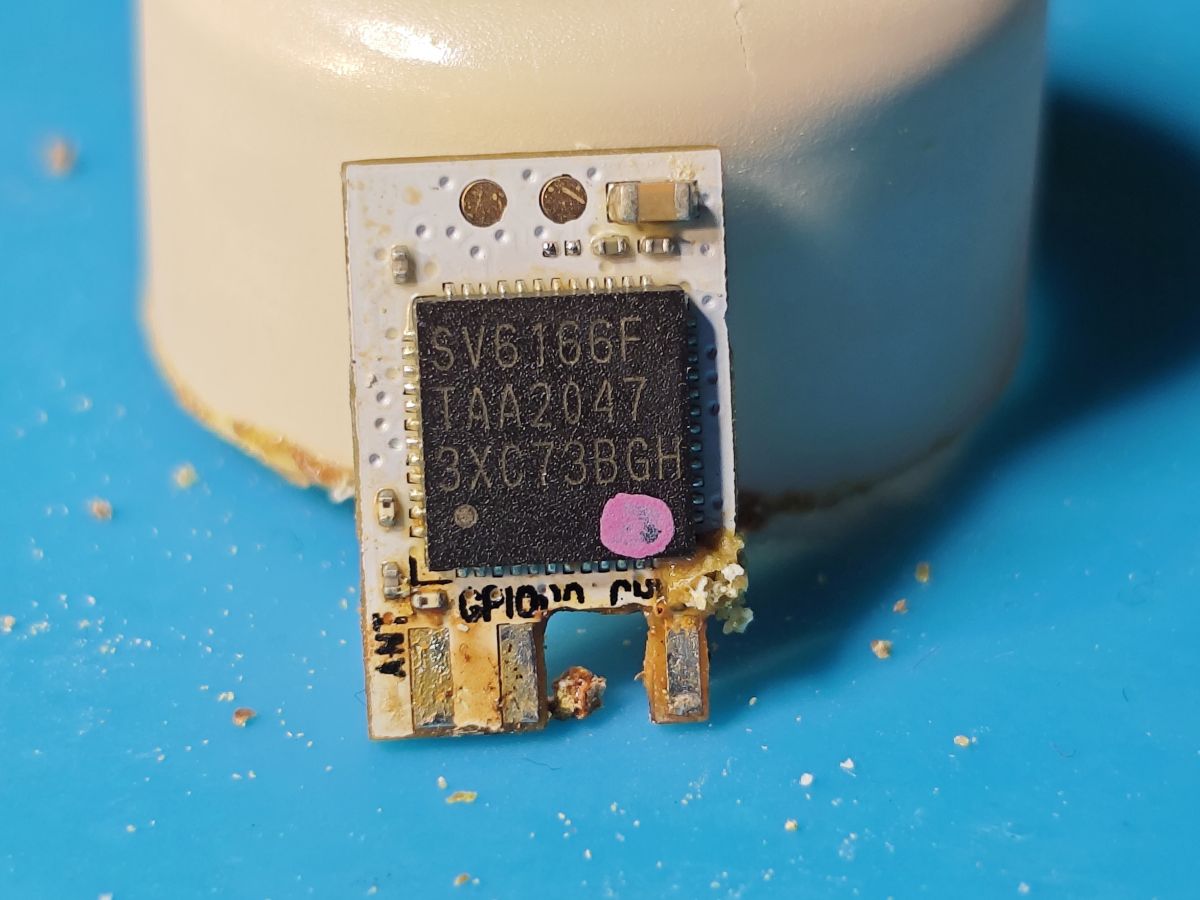
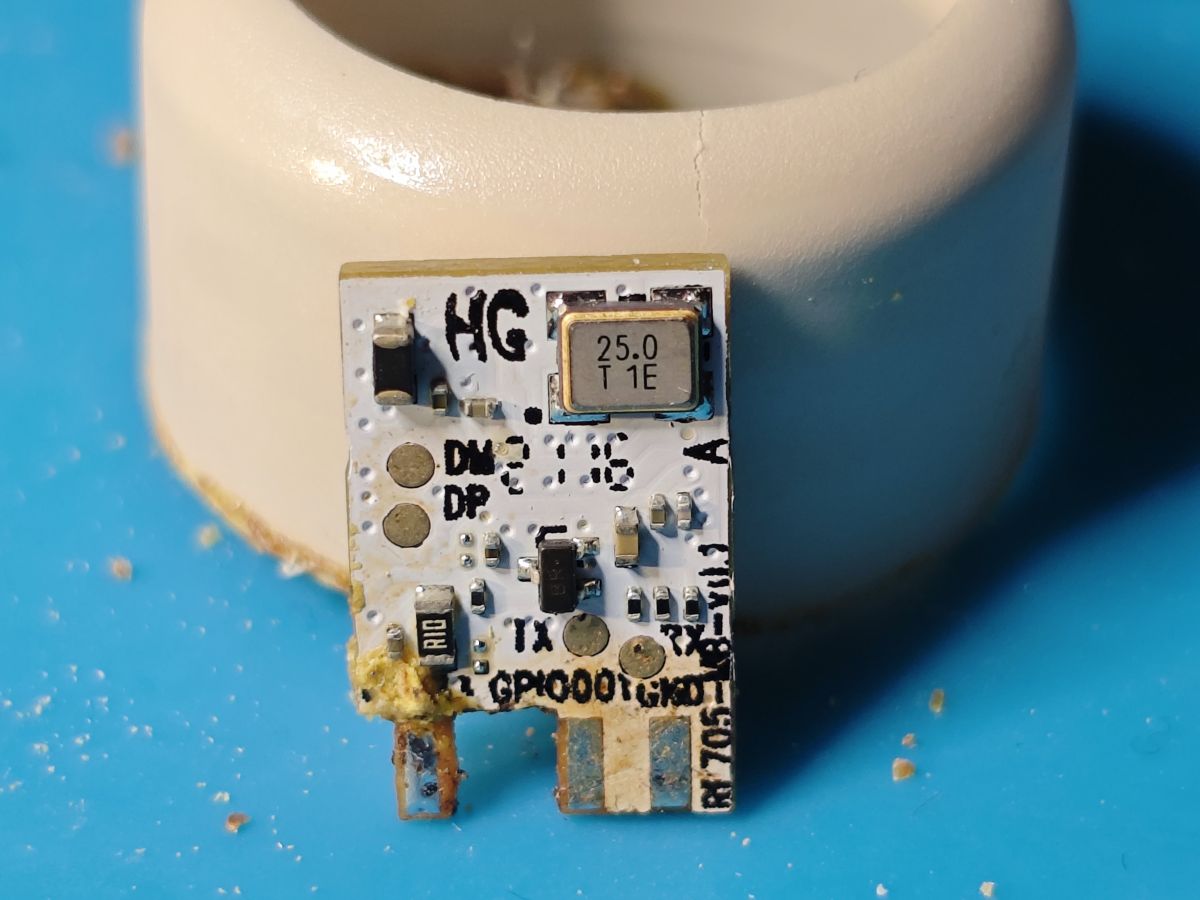
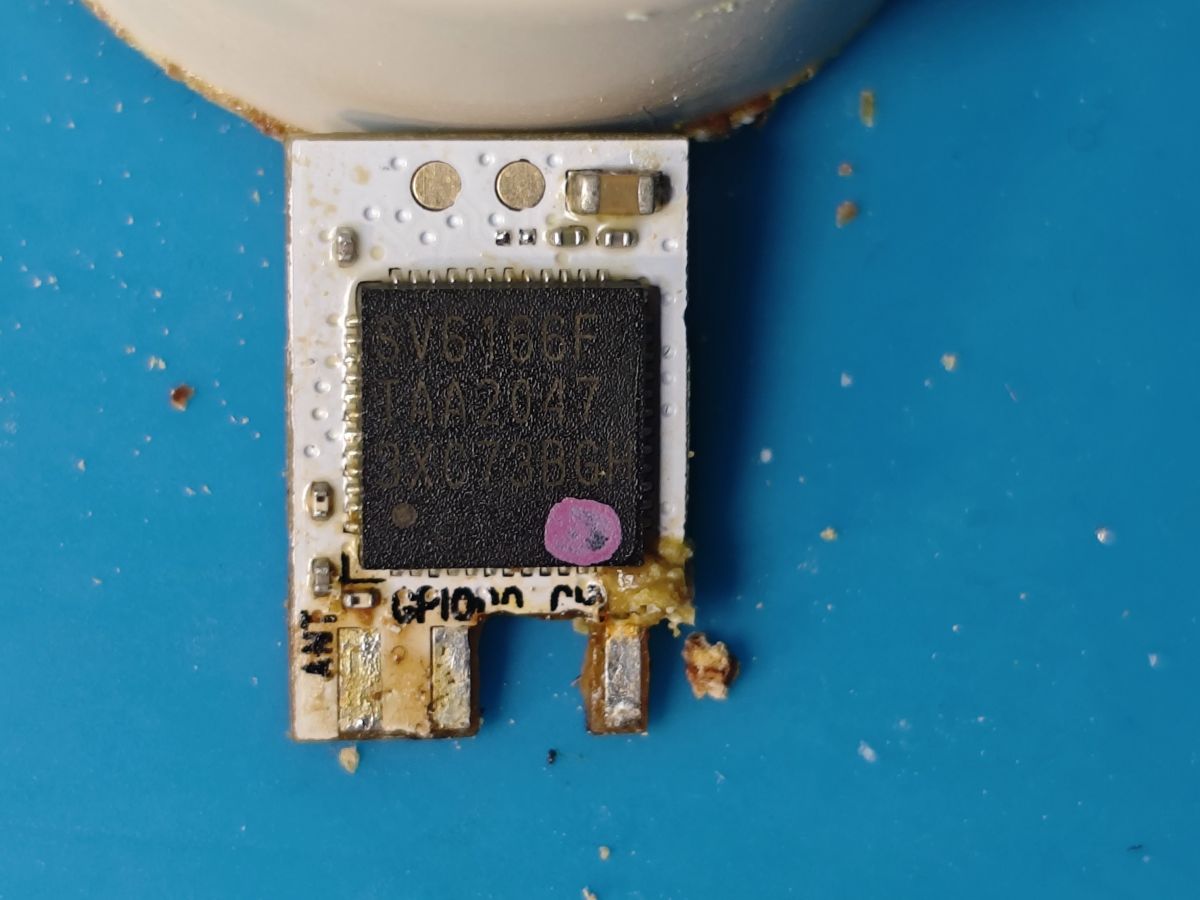
    After scraping enough resin away the module is de-soldered
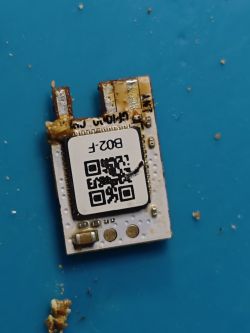
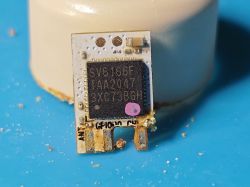
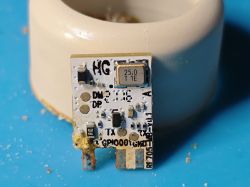
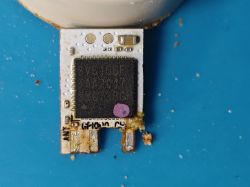
    Sonoff B02-F Wi-Fi module with visible IC and QR code on white PCB, partially dirty with resin residue. RE705-MB-v0.1 circuit board module with exposed electronic components and resin residue. Electronic module with SV6166F chip and pin markings on a blue background. Close-up of an electronic module with a 25.0 MHz crystal oscillator, mounted vertically in front of a ceramic base. Close-up of a PCB module with SV6166F chip removed from a Sonoff lamp, placed on a blue surface.

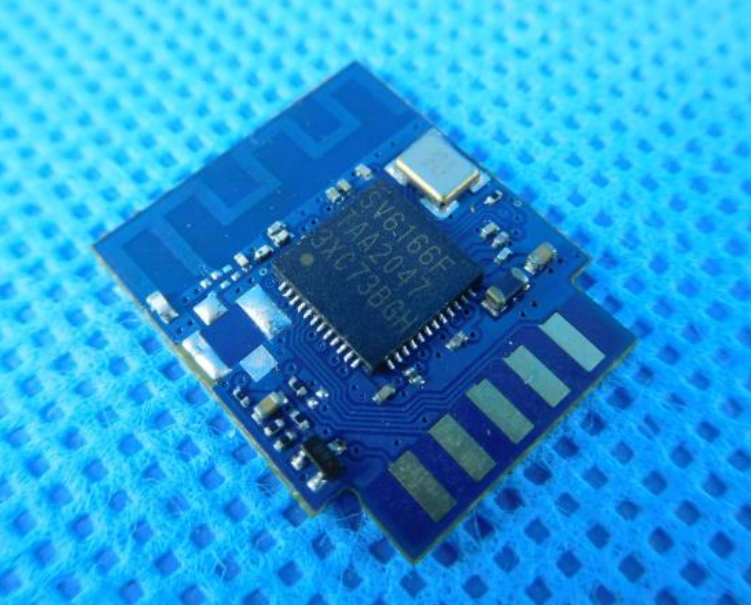
    The MCU is an Icomm-Semi SV6166F (aka CKW04) - the subject of previous musings here https://www.elektroda.com/rtvforum/topic4086605.html

    Module RE705-MB-v0.1 also seen here and probably in a few other Sonoff devices: https://fcc.report/FCC-ID/2APN5B02FA19/5455362

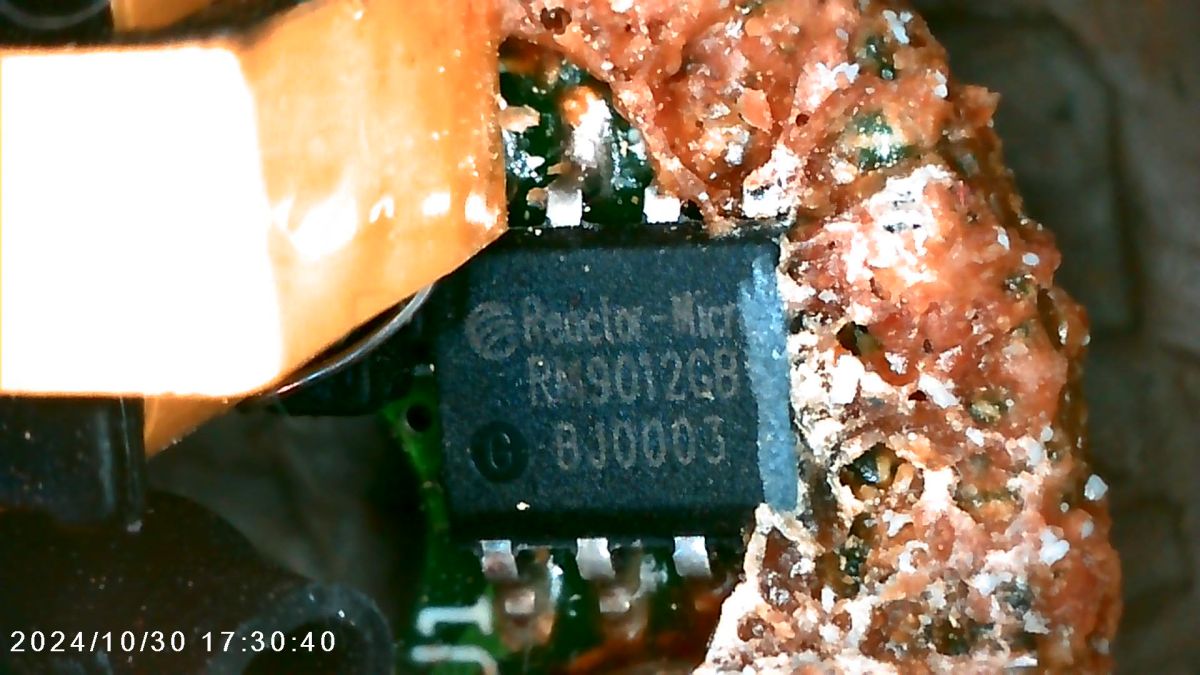
    The ESOP8 chip is a Reactor-Micro RM9012GB LED driver - datasheet attached
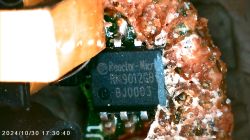
    Close-up of a Reactor-Micro RM9012GB chip on a PCB, partially covered by brown resin.

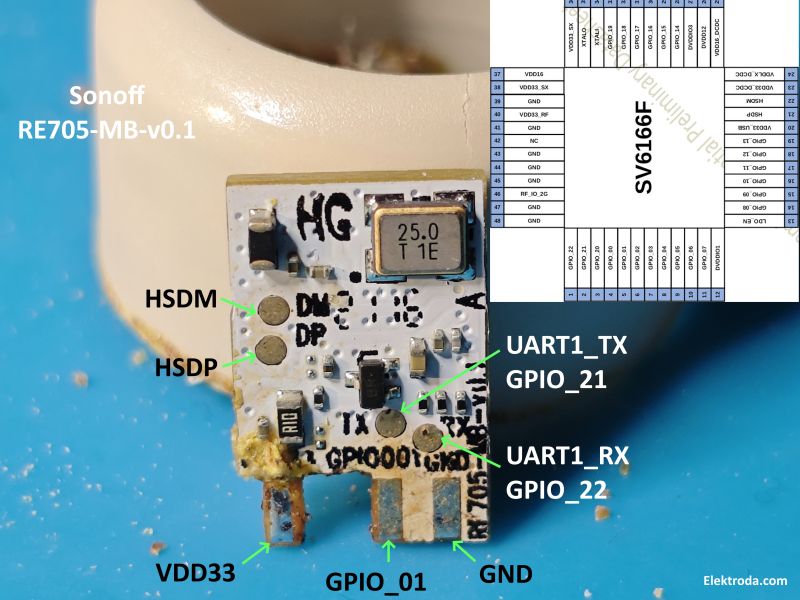
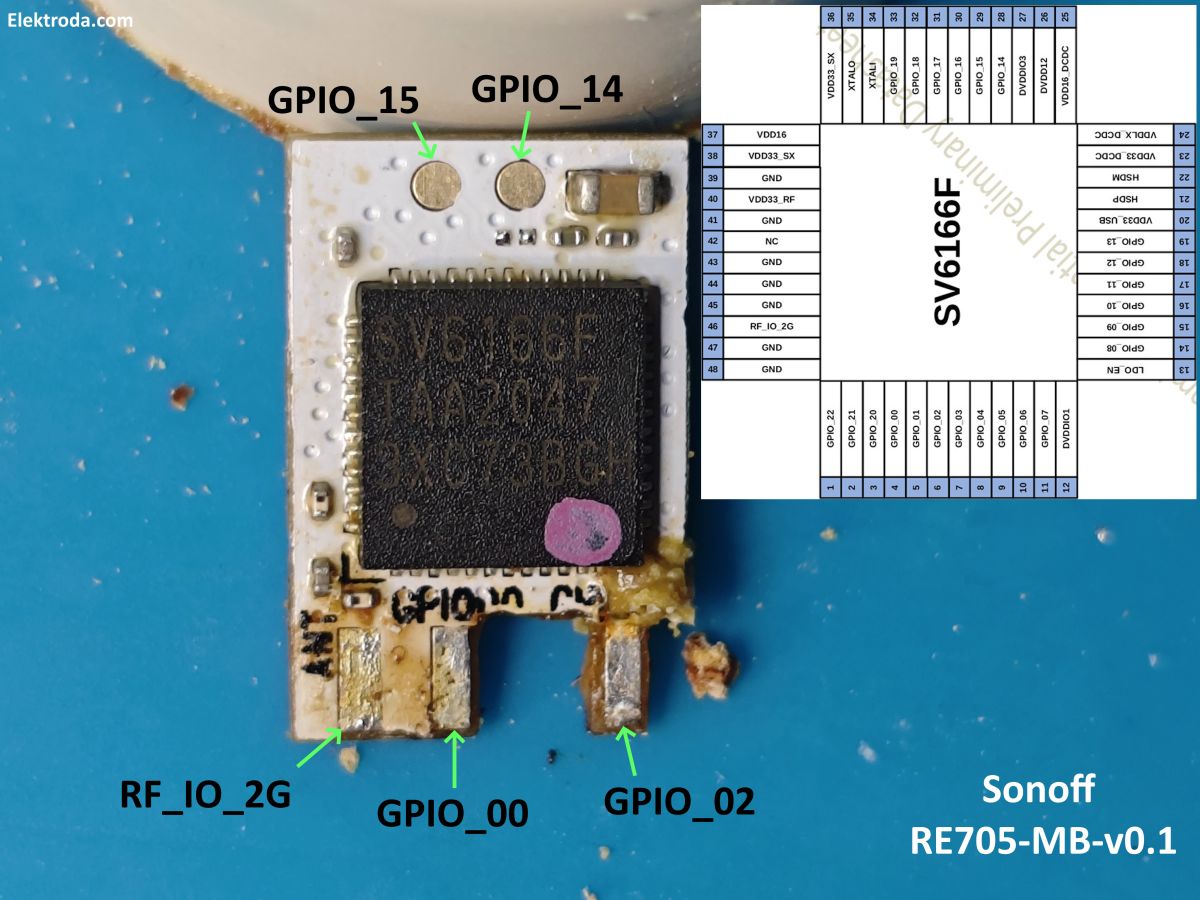
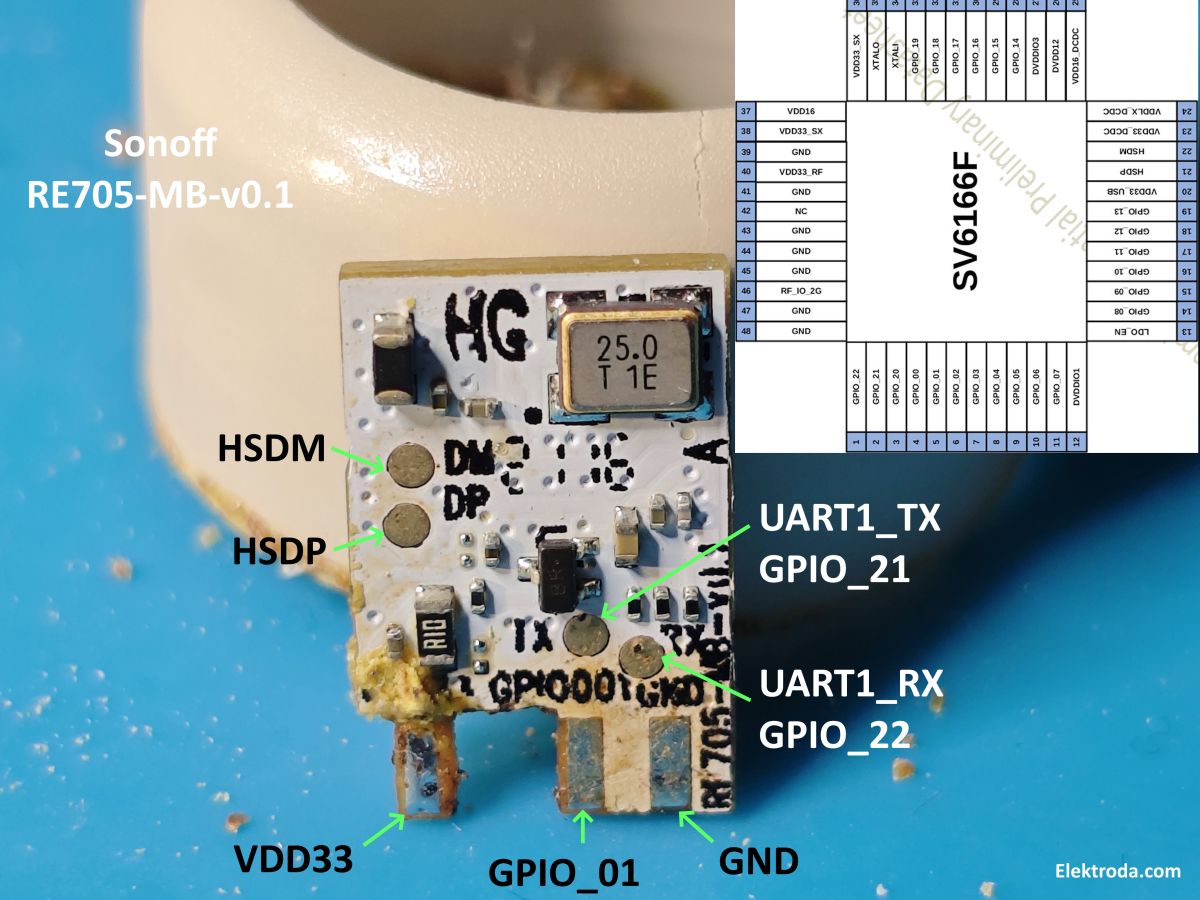
    Before continuing I traced every pad/contact:
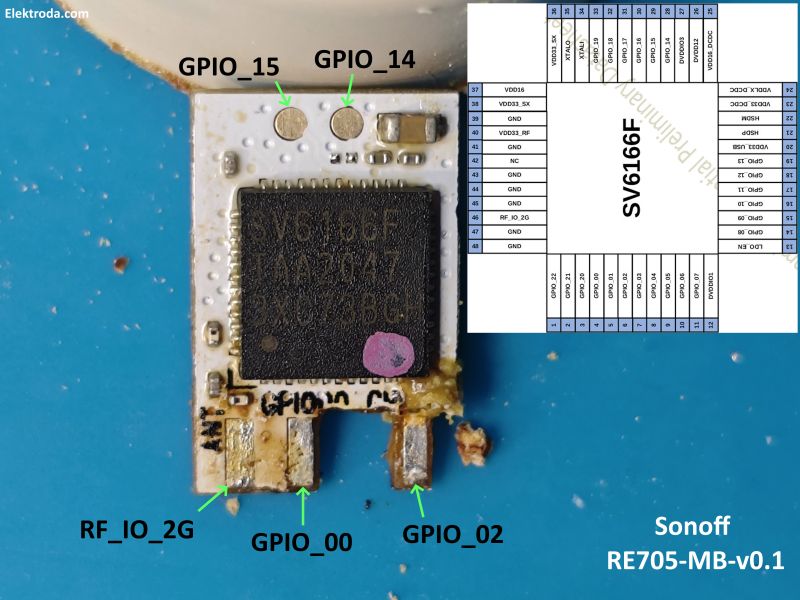
    Close-up of Sonoff RE705-MB-v0.1 PCB with SV6166F chip, labeled GPIO pins, and a pinout diagram. Close-up of the Sonoff RE705-MB-v0.1 module with labeled UART, GPIO, and HSD pins, partially cleared of resin.

    so from UART1_TX at 921600 baud we have this log:

    Code: Text
    Log in, to see the code


    I was able to enter the boot menu by sending the "m" character at power-on, as shown in boot log.

    Code: Text
    Log in, to see the code


    Unfortunately I hit "x" next which went straight into erasing the flash and waiting for an upload of new firmware
    Code: Text
    Log in, to see the code


    so that's the factory firmware gone :/

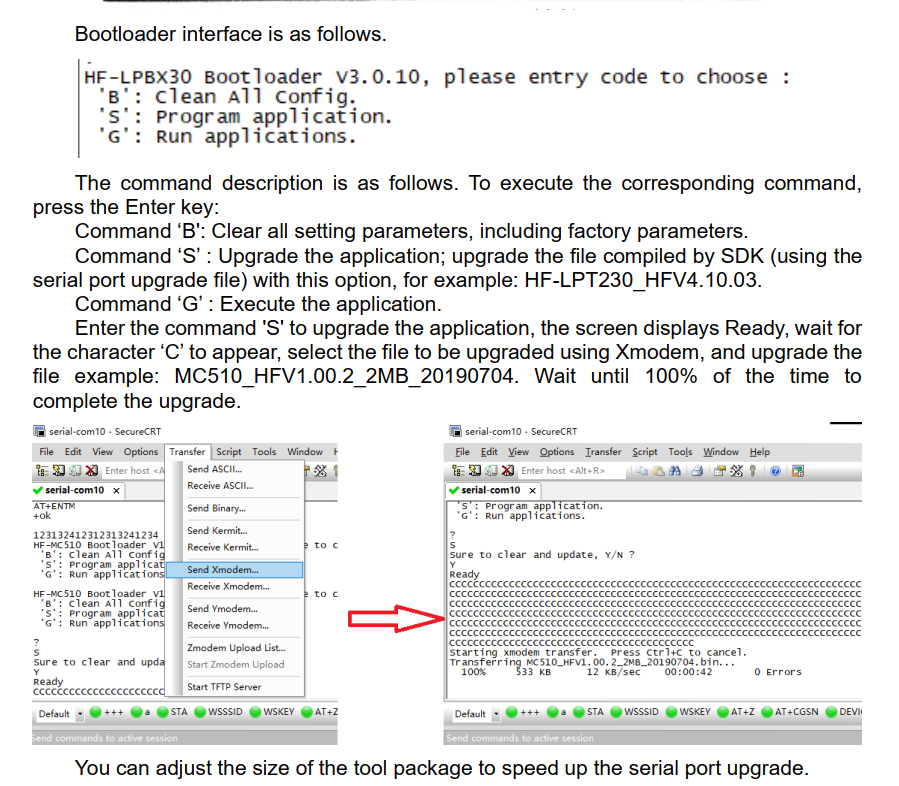
    this boot menu/ xmodem and CCCCC console output is very similar to the serial port firmware upgrade step shown in the Hi Flying HF-LTPx30 upgrade document High Flying Wi-Fi Module Operation Guide_20200814.pdf
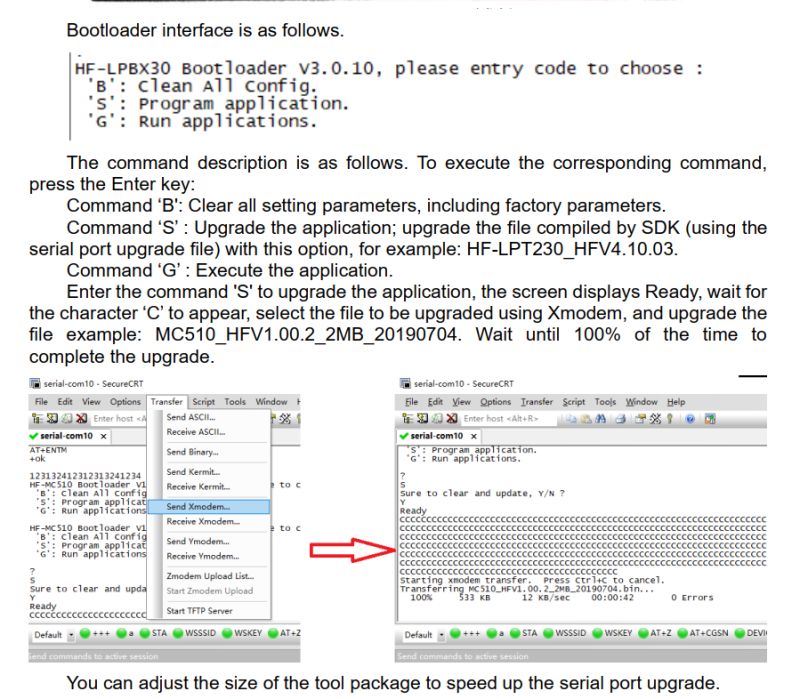
    A screenshot showing firmware update instructions for the HF-LPBX30 bootloader, its command menu, and file upload via Xmodem in a terminal program.

    I think my next step will probably be to attempt an upload of something - maybe the HF-LPD1x0 firmware supplied here http://www.hi-flying.com/download-center-1/firmware-1/download-item-hf-lpd1x0-firmware
    Attachments:
    • Reactor-Micro_RM9012GB_LED_Driver.pdf (392.14 KB) You must be logged in to download this attachment.

    Cool? Ranking DIY
    About Author
    divadiow
    Level 38  
    Offline 
    divadiow wrote 4777 posts with rating 844, helped 416 times. Live in city Bristol. Been with us since 2023 year.
  • ADVERTISEMENT
  • #2 21520513
    p.kaczmarek2
    Moderator Smart Home
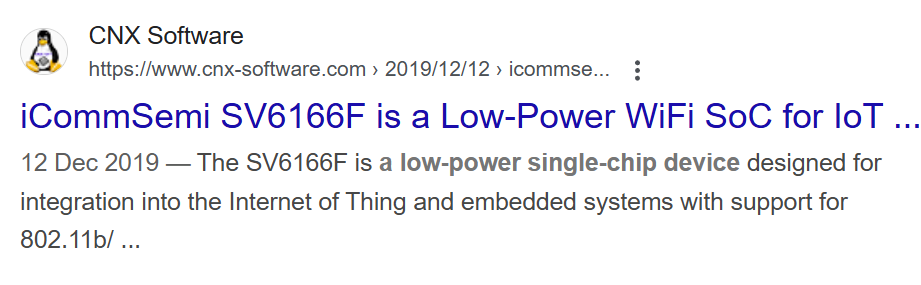
    Interesting, I've known Sonoff products for BL602 usage, but not for SV6166F. Still, SV6166F doesn't seem to be new, I see mentions dating back to 2019:
    Google search result showing an article about the iCommSemi SV6166F, a low-power WiFi SoC for IoT.
    See: https://www.cnx-software.com/2019/12/12/icomm...-andes-risc-soc-for-iot-and-embedded-systems/
    MCU – Andes Technology N10 processor with ILM/DLM and I-cache.
    Memory & Storage:
    - 128K ROM and 192 KB SRAM for Instruction and data SRAM in total
    - 8K retention SRAM
    - 2MB (16 Mbit) SPI flash in package
    - Flash and PSRAM controller up to 16MB/64Mb with XIP
    I wonder if you'll be able to flash any new firmware to that, even a hello world, this could be a first step to porting OBK, if there is an SDK.
    Helpful post? Buy me a coffee.
  • ADVERTISEMENT
  • #3 21520521
    divadiow
    Level 38  
    yes indeed.

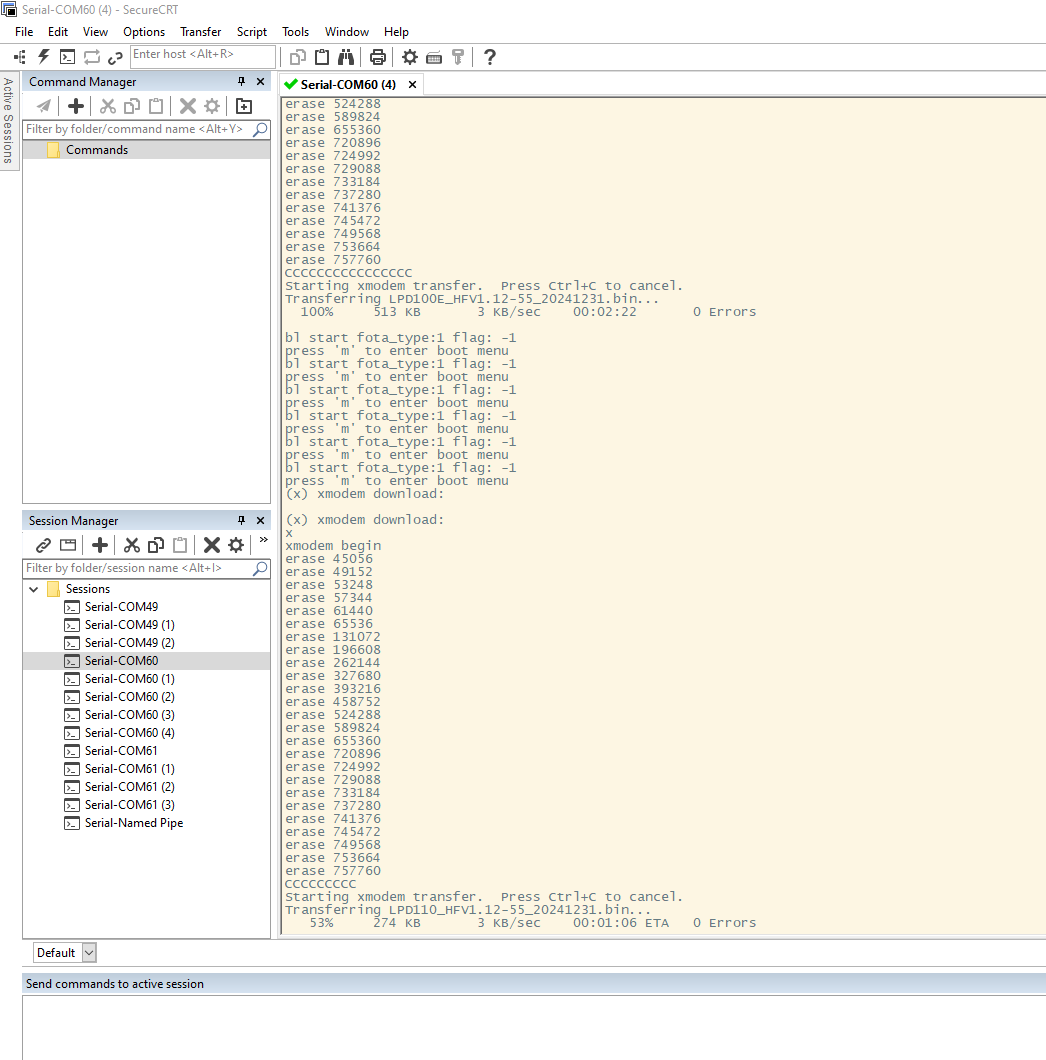
    I'm sending various HF firmware to it now to see which boot if any
    Screenshot of SecureCRT software displaying a binary file transfer over a serial port using the Xmodem protocol.

    Added after 18 [minutes]:

    these do not

    A list of five firmware BIN files starting with LPD, showing name, date, type, and size details.
  • ADVERTISEMENT
  • #4 21520720
    p.kaczmarek2
    Moderator Smart Home
    Do we have any firmware backup from other SV6166F device to try flashing?

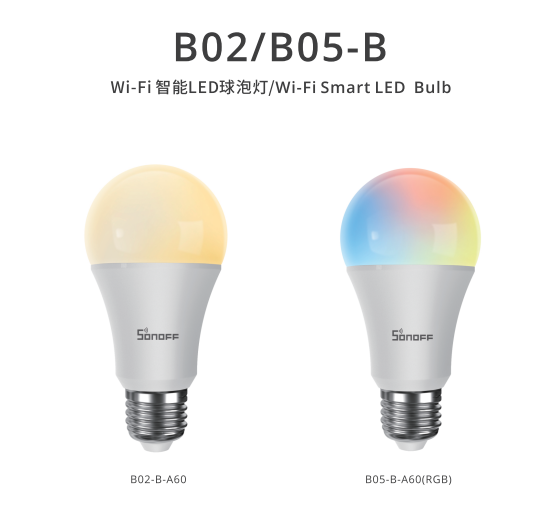
    I can see that SV6166F was also used in Sonoff B02-B-A60 bulbs at some point:
    Two Sonoff Wi-Fi smart LED bulbs, models B02-B-A60 and B05-B-A60(RGB), on a white background.
    产品参数表-B02-...201016.pdf (1.36 MB)You must be logged in to download this attachment.

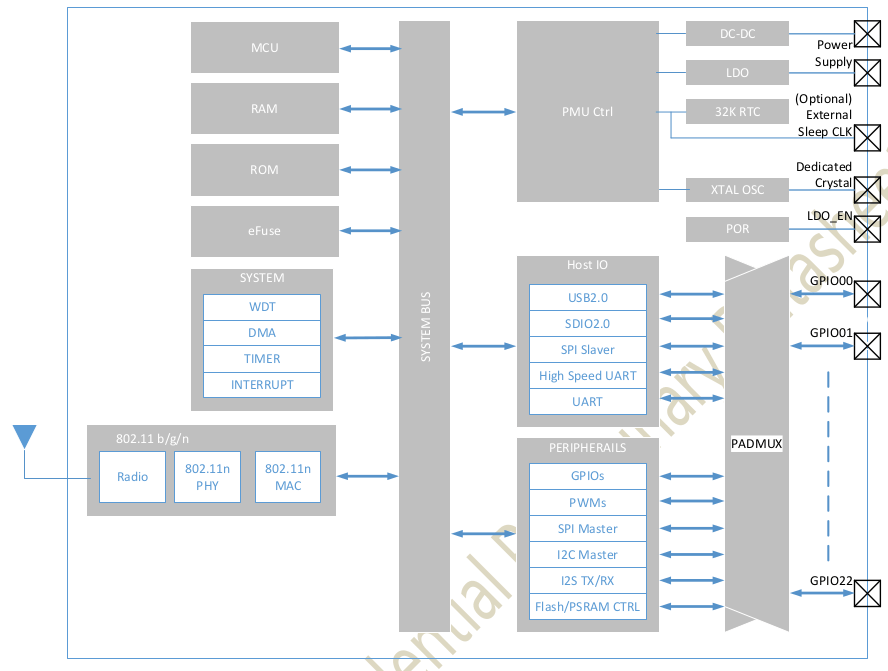
    What is DP, DM? For a moment I hoped for USB, but I see no mentions of that on the diagram:
    Block diagram of a Wi-Fi module with interfaces, memory, power, and I/O connections.

    This chinese document (Alios SDK?) mentions BK7231, BK7231S, BK7231U along with SV6166F, SV6166, SV6266:
    开发指南_cn_z..CN.pdf (26.96 MB)You must be logged in to download this attachment.
    Helpful post? Buy me a coffee.
  • ADVERTISEMENT
  • #5 21520729
    divadiow
    Level 38  
    regarding your other post https://www.elektroda.com/rtvforum/topic4086605.html#21520722, apologies, there's a little side exploration I tried with this Sonoff module regarding USB that I neglected to mention.

    With that USB program in mind, I hooked up D- and D+ pads to a USB cable I cut up in the hope it would detect as something, even an unknown device, in Windows for use with that program. That seemed like the most likely way I could read the flash and then maybe flash whole chip, including BL, if necessary. Sadly nothing was detected.

    I have not been able to find a firmware dump from a proper Sonoff SV6166F device - yet.

    Added after 56 [minutes]:

    yes. I think I should focus on the USB function. Also, why are GPIO14/15 exposed as test pads on this module? What purpose do they serve? Could pulling one, the other, or both low put it into USB download mode or something? I'll investigate.

    Added after 35 [minutes]:

    the module might actually be by Shenzhen Water World Co., Ltd. There are other RE7xx modules in FCC docs with SV6166F chips https://fcc.report/company/Shenzhen-Water-World-Co-L-T-D

    eg the RE730 https://fcc.report/FCC-ID/2AYCN-RE730
    Blue Sonoff SV6166F electronic module with visible chip, traces, and antenna, placed on an anti-static mat.

    Added after 8 [hours] 49 [minutes]:

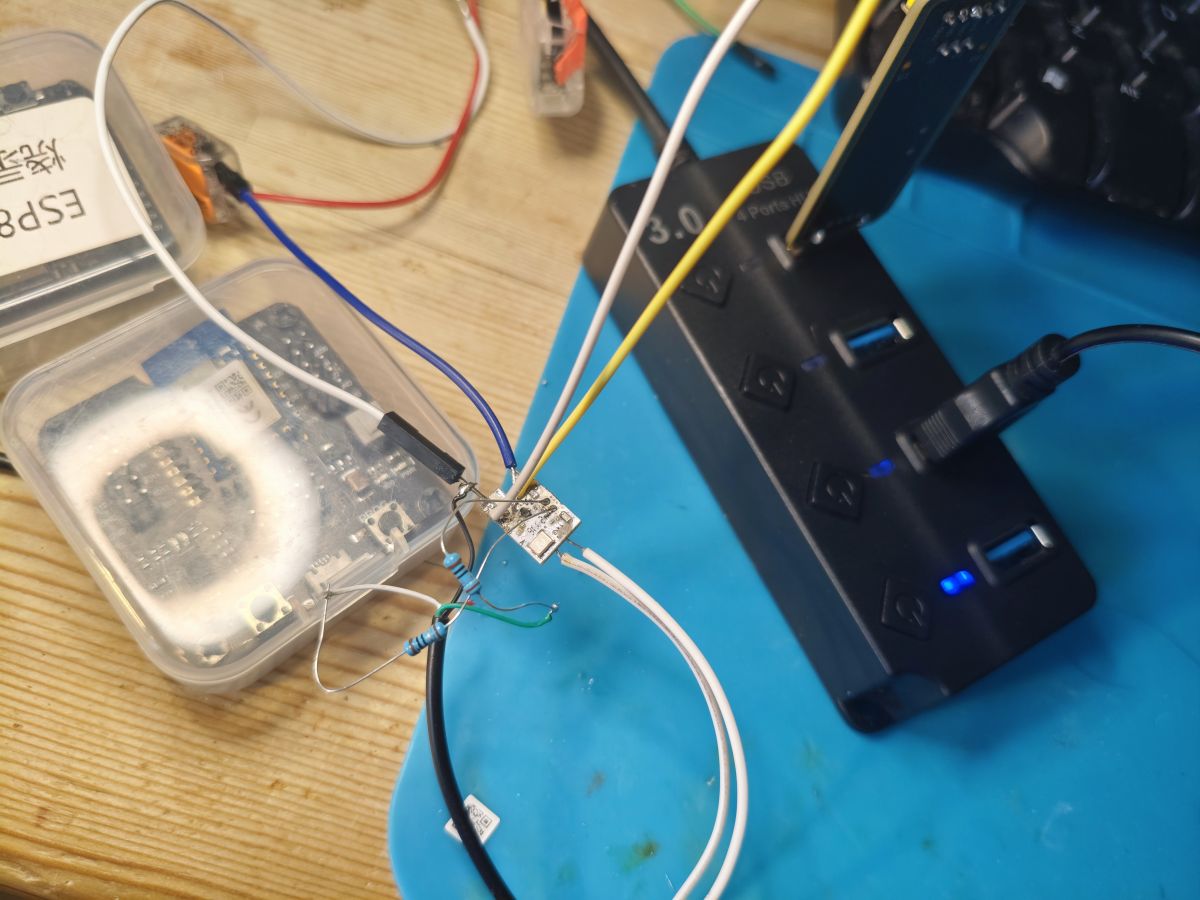
    this curious arrangement is HSDP/HSDM to USB via 10ohm resistor, TX/RX to terminal and tails for GPIO14/15. No sign of any USB life in Windows with any GPIOs tried low

    An electronic board connected to a USB hub with multiple wires on a workbench.
  • #6 21532820
    divadiow
    Level 38  
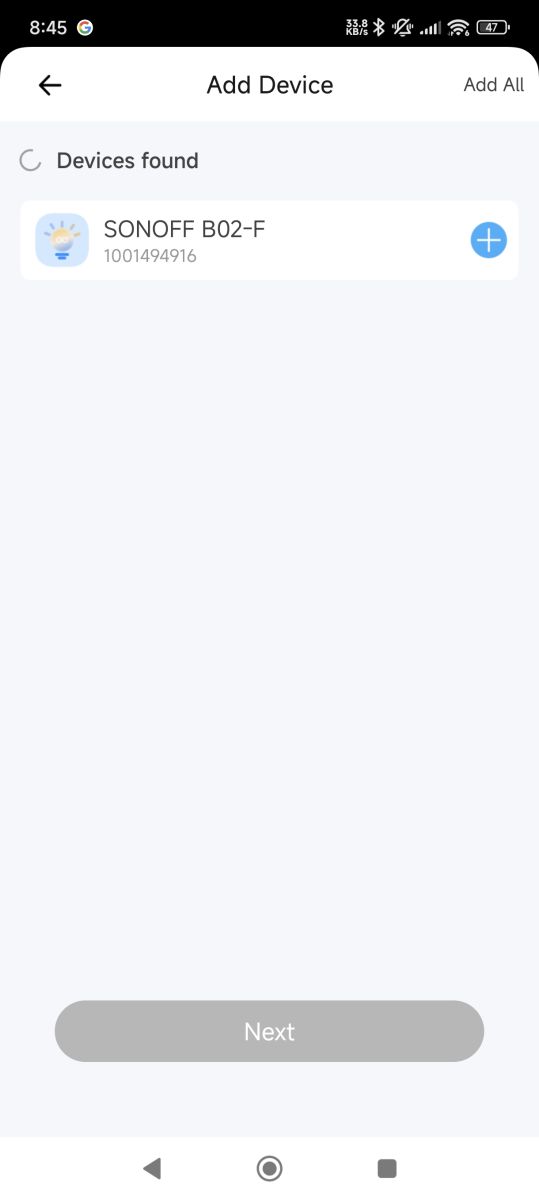
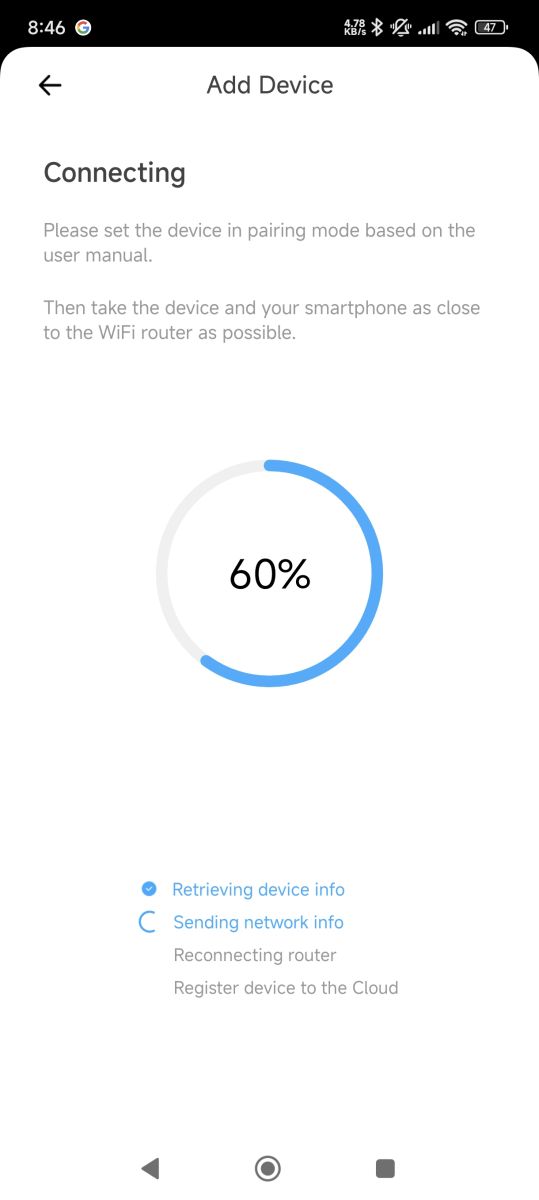
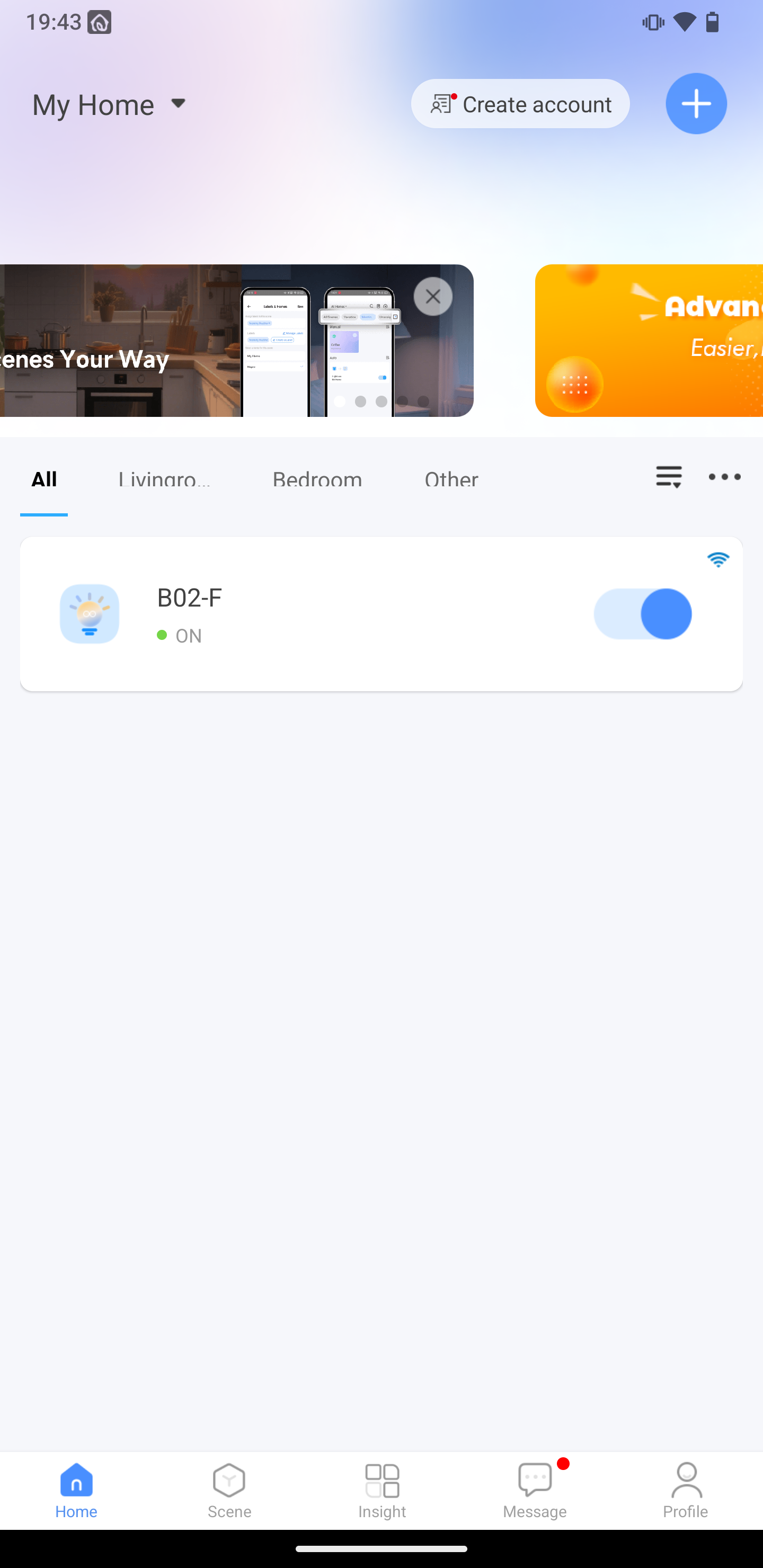
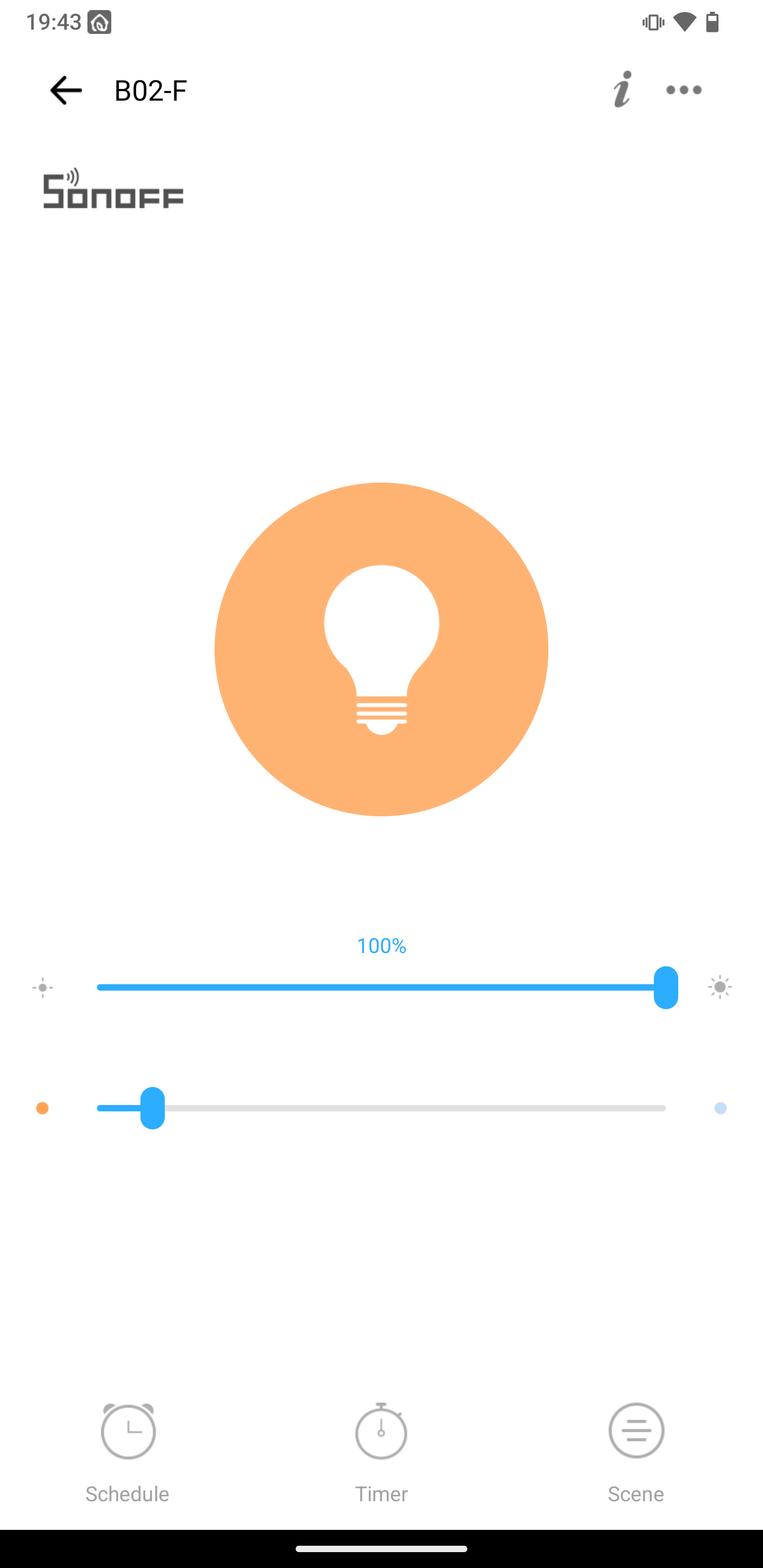
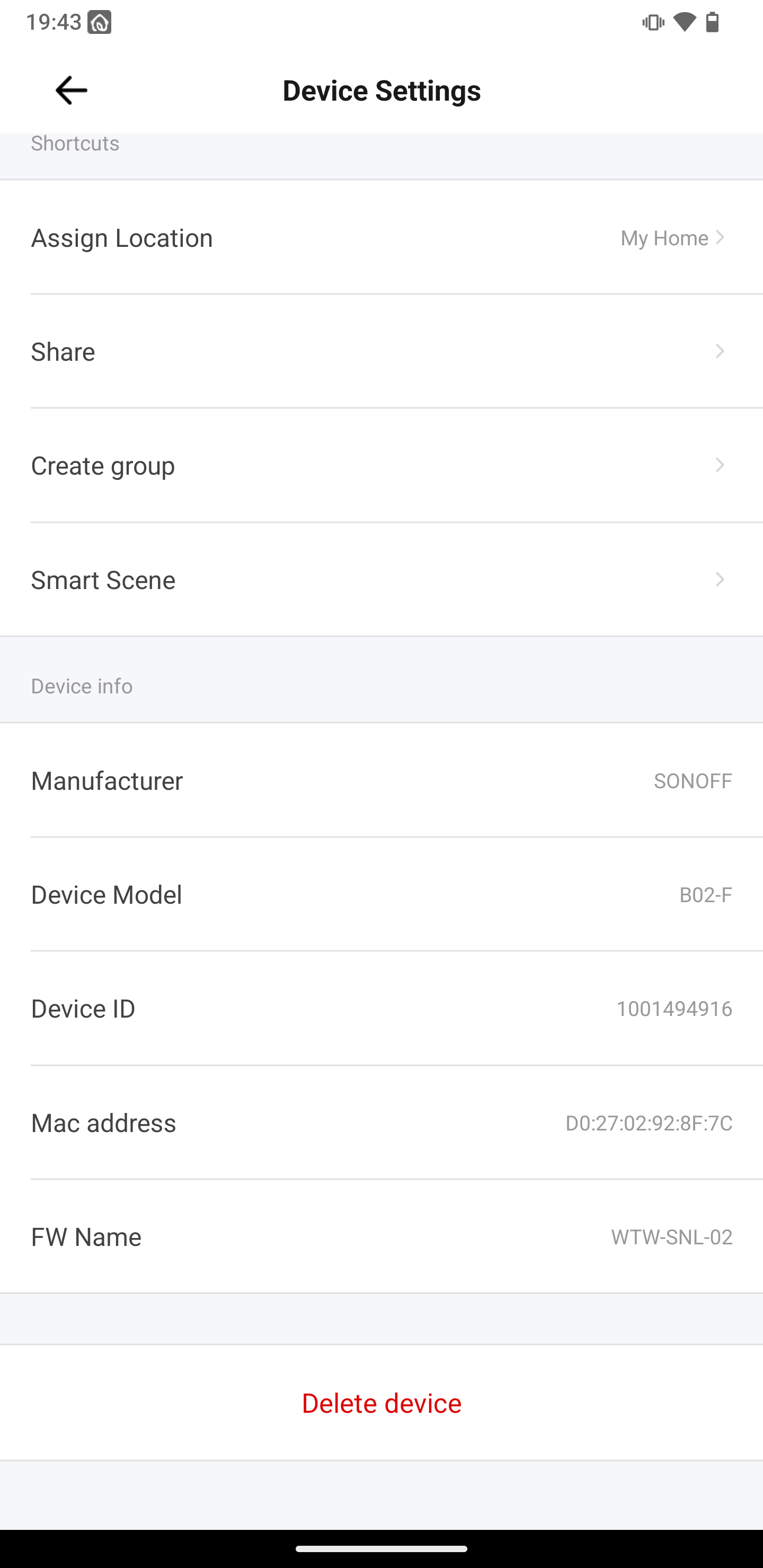
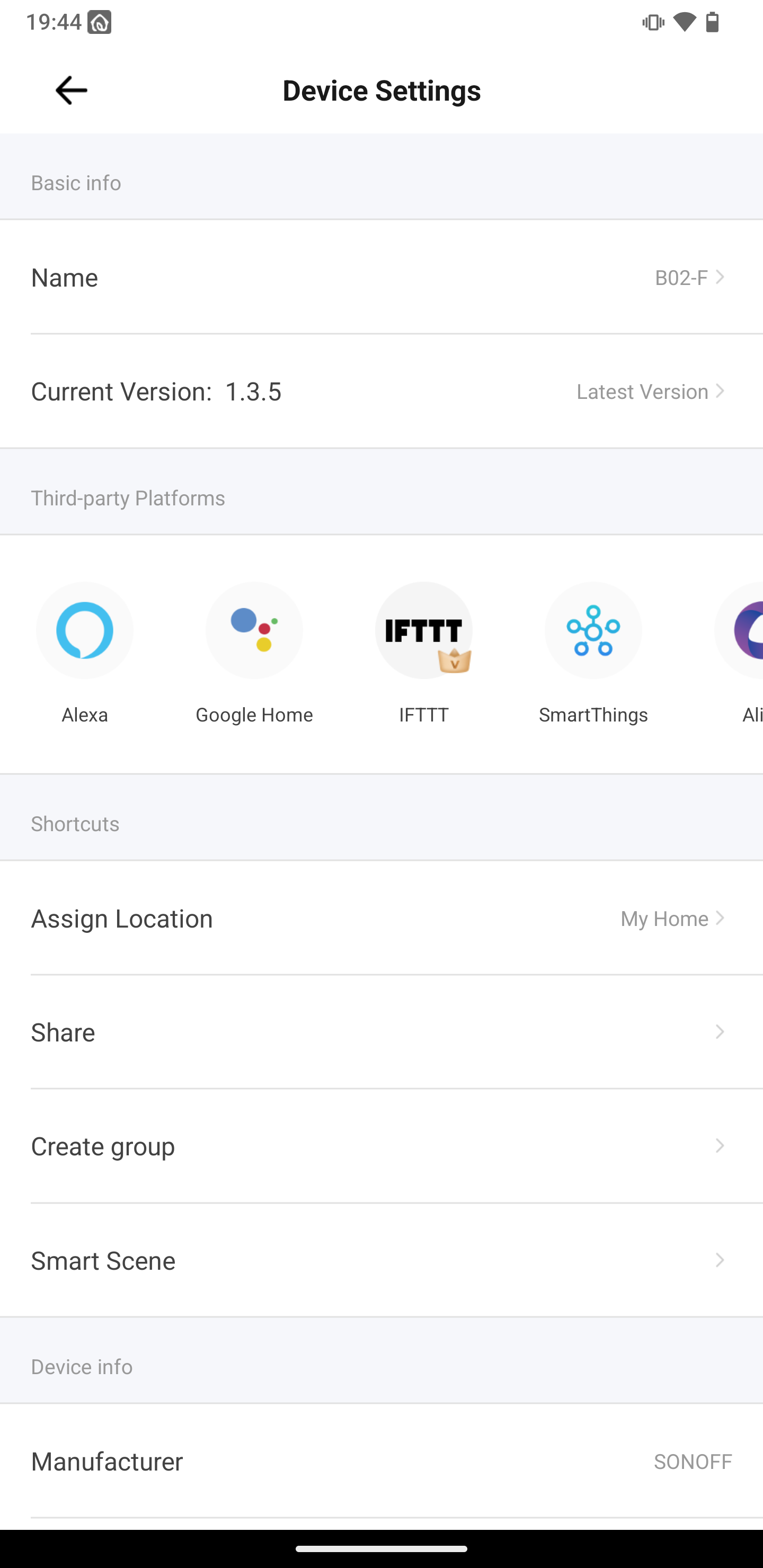
    Paired with eWeLink app
    eWeLink app screen showing found device SONOFF B02-F ready to add. App screen showing device pairing progress with Wi-Fi, including a 60% circular progress bar. Screenshot of the eWeLink app showing device B02-F turned ON in the My Home section. eWeLink app screen controlling a Sonoff bulb, with the brightness slider set to 100%. Device settings screen in the eWeLink app showing details for a SONOFF B02-F smart device. Device settings screen in the eWeLink app, displaying details for a SONOFF device.
    WTW-SNL-02
  • #7 21869920
    divadiow
    Level 38  
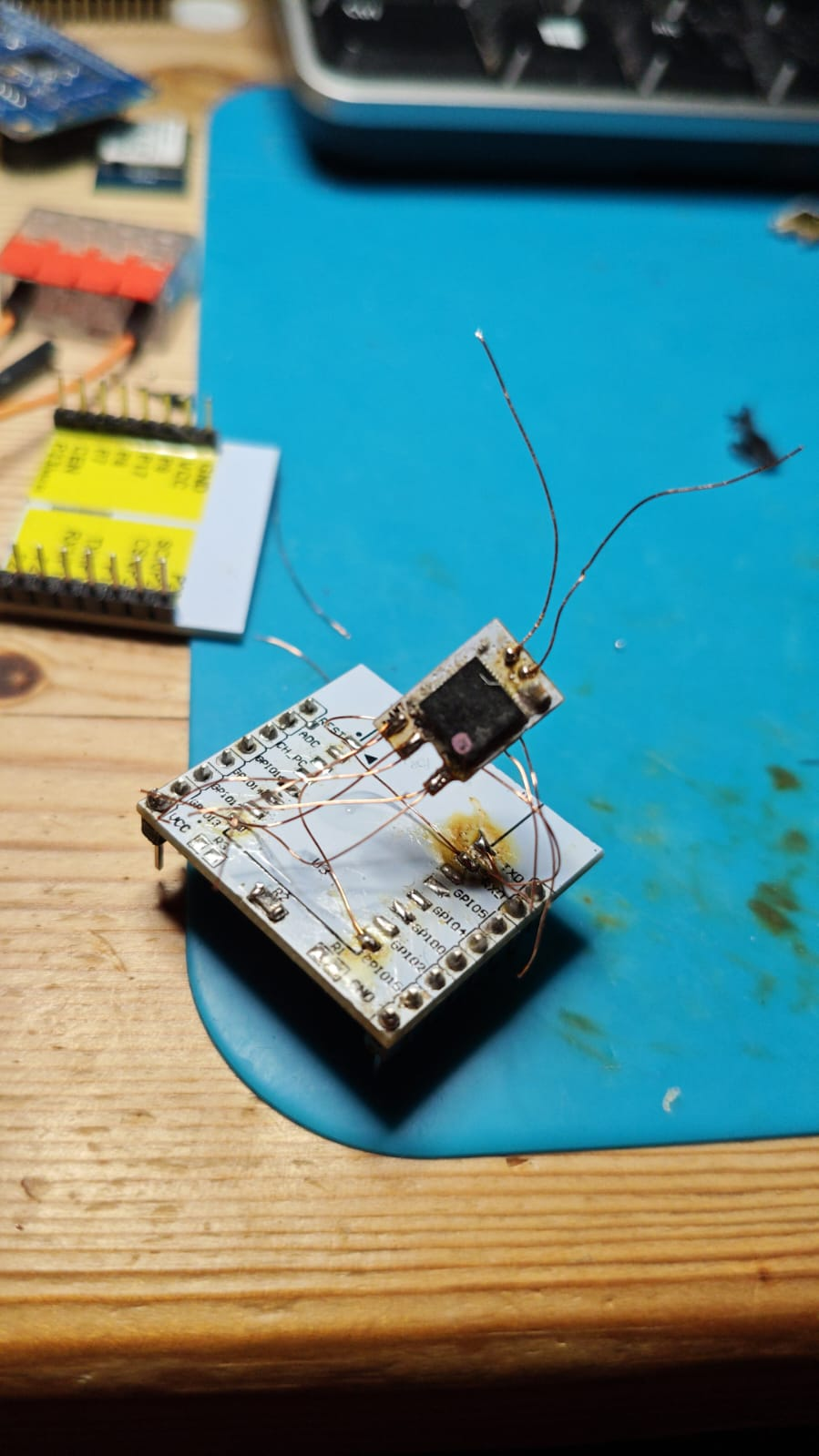
    made this little SV6166F monster. ITEAD firmware in tact on this one.

    Small circuit board with thin wires and a scorched component on a blue work mat

    exploring flash dump options further.

    AT response is something new:

    Code: Text
    Log in, to see the code


    Code: Text
    Log in, to see the code


    Code: Text
    Log in, to see the code


    Code: Text
    Log in, to see the code
📢 Listen (AI):

Topic summary

✨ The discussion focuses on a teardown and analysis of the Sonoff B02-F-A60 retro/antique filament bulb module, specifically the SV6166F SoC used within. The module arrives well-packaged due to its glass construction, with internal components embedded in a phenol-formaldehyde resin making disassembly challenging. The SV6166F is identified as an IoT Wi-Fi SoC based on the Andes Technology N10 processor, featuring 128KB ROM, 192KB SRAM, 8KB retention SRAM, and 2MB SPI flash. Attempts to flash alternative firmware images to the device have so far been unsuccessful. The module exposes test pads including GPIO14 and GPIO15, which may be related to USB download mode, but USB detection attempts via D+ and D- lines failed to register on Windows. The SV6166F has been used in other Sonoff bulbs such as the B02-B-A60. The module pairs with the eWeLink app and may be manufactured by Shenzhen Water. The discussion also references related chipsets like BK7231 series and SDKs such as Alios. Overall, the exploration highlights the hardware specifics, firmware challenges, and potential for further USB interface investigation on the Sonoff B02-F-A60 module.
Generated by the language model.

FAQ

TL;DR: At 921600 baud, this Sonoff bulb teardown shows a resin-potted RE705-MB-v0.1 module built around SV6166F, and the key lesson is: "pressing x erases flash". This FAQ helps reverse engineers avoid destroying LED filament wires, losing factory firmware, and misreading the DP/DM and GPIO14/15 recovery pads on the B02-F-A60. [#21520365]

Why it matters: This thread documents the exact failure points, recovery clues, and identification data needed before you probe, dump, or reflash an SV6166F-based Sonoff filament bulb.

Path Evidence from thread Practical result
UART boot log 921600 baud, boot menu appears after sending m Best confirmed interface
XMODEM boot menu xmodem download starts after x Erases flash and waits for upload
DP/DM pads to Windows USB No device detected Not a proven recovery path
HF-LPD1x0 firmware tests Multiple images tried Did not boot
Intact Sonoff firmware AT commands respond on later test unit Best source for identification and backup

Key insight: Back up flash before touching the boot menu. On this platform, one wrong keystroke can erase the original Sonoff firmware before you confirm any working replacement.

Quick Facts

  • The module was identified as RE705-MB-v0.1, with an Icomm-Semi SV6166F MCU and an RM9012GB ESOP8 LED-driver chip on the bulb board. [#21520365]
  • The captured UART output used UART1_TX at 921600 baud and exposed a boot prompt that accepts m during power-on. [#21520365]
  • The boot log showed 2 MAC addresses and scanned 8 nearby APs in one capture, confirming active Wi‑Fi firmware before erasure. [#21520365]
  • A later intact unit answered AT+VER with RE705S-V1.3.5-20210303, hardware RE705-MB-V0.1, and baseline WSDK.18Q4.1934.03 2019-08-21. [#21869920]
  • In eWeLink, the paired bulb reported the device model string WTW-SNL-02, matching later AT output from intact firmware. [#21532820]

How do you safely tear down a Sonoff B02-F-A60 retro filament bulb without destroying the RE705-MB-v0.1 module or LED filament wires?

You cannot safely guarantee a non-destructive teardown with the method shown. The metal fitting had to be heated off, and that step broke the LED filament wires as the bulb came apart. 1. Remove the cap slowly after heating the metal shell. 2. Stop before prying deep resin around the PCB. 3. Treat full module extraction as destructive unless you accept wire damage. The thread’s outcome was explicit: the PCB sat under more resin, a metal fitting, and a plastic ring, so further removal destroyed the assembly. [#21520365]

What is the SV6166F MCU in the Sonoff B02-F-A60, and how does it relate to the CKW04 name mentioned in the teardown?

The Sonoff bulb uses an Icomm-Semi SV6166F MCU, and the teardown states it is also known as CKW04. A follow-up post cites 2019-era information describing SV6166F as an IoT Wi‑Fi SoC with an Andes N10 processor, 128 KB ROM, 192 KB SRAM, 8 KB retention SRAM, and 2 MB SPI flash in package. In this bulb, it sits on the RE705-MB-v0.1 module and handles Wi‑Fi and device logic rather than LED power conversion. [#21520513]

Why is the Sonoff B02-F-A60 module buried in hard resin, and what is phenol-formaldehyde resin in this kind of bulb construction?

The module is buried in hard resin to lock the power board and radio module in place inside a glass bulb base. "Phenol-formaldehyde resin is a thermoset polymer that hardens permanently under heat, resists softening, and mechanically stabilizes parts in compact mains-powered assemblies." The teardown author believed this bulb used that type of resin, which explains why scraping and heating were needed and why the module could not be removed cleanly. In practice, the resin makes inspection, repair, and wire preservation much harder. [#21520365]

What is the RM9012GB ESOP8 chip on the Sonoff bulb board, and what role does it play as an LED driver?

The RM9012GB is the bulb board’s LED-driver IC. The teardown identifies the ESOP8 package as a Reactor-Micro RM9012GB and places it on the same board as the power converter, capacitors, and Wi‑Fi module. That means the SV6166F handles control and networking, while the RM9012GB drives the LED filaments electrically. The attached datasheet was mentioned, but the thread’s main confirmed role is simple: it is the dedicated LED driver on the Sonoff B02-F-A60 control board. [#21520365]

How can you capture the UART boot log from an SV6166F module, including the reported 921600 baud setting?

Use UART1_TX and listen at 921600 baud during power-up. The thread states that, after tracing every module pad, the boot log appeared on UART1_TX and printed startup lines, RF tables, country-code text, MAC addresses, and a Wi‑Fi scan list. 1. Map the pads first. 2. Connect a USB-UART adapter to the serial lines. 3. Power the module and capture output at 921600 baud. That setup also exposed the boot prompt that accepts m during startup. [#21520365]

What is XMODEM download mode on the SV6166F boot menu, and why did pressing "x" erase the factory firmware?

XMODEM download mode is the bootloader’s serial firmware-update path, and pressing x entered it immediately. "XMODEM download mode is a serial bootloader transfer mode that erases target flash blocks first, then waits for a host upload using the XMODEM protocol." In the log, x triggered xmodem begin followed by many erase addresses, then repeated C characters while waiting for data. Because no valid upload followed, the original Sonoff firmware was lost. This is the main irreversible failure shown in the thread. [#21520365]

What steps can I try after accidentally erasing the flash on a Sonoff SV6166F bulb module?

First, stop testing random boot commands and look for a known-good dump from the same platform. The thread shows three realistic next steps: try firmware from another Sonoff SV6166F device, probe DP/DM and GPIO14/15 for a hidden download mode, and use an intact unit’s AT-accessible firmware as a reference. Hi-Flying images were tested next, but they did not boot, so they are not a confirmed recovery path. The safest recovery workflow is donor dump first, transport method second, write attempt last. [#21520729]

Where can I find a firmware backup or flash dump from another Sonoff SV6166F device such as the B02-B-A60 or B02-F-A60?

The thread did not provide a public dump, but it identified the best donor targets. One reply noted that SV6166F also appeared in some Sonoff B02-B-A60 bulbs, and a later post confirmed an intact Sonoff firmware unit still existed for further flash-dump exploration. That makes other B02-B-A60 or B02-F-A60 bulbs the strongest same-family backup candidates. The thread also linked FCC material for related RE7xx modules, which helps identify compatible hardware revisions before you dump or compare flash contents. [#21869920]

What are the DP and DM pads on the RE705-MB-v0.1 Sonoff module, and why don't they show up as a USB device in Windows?

The DP and DM pads appear to be USB data lines, but the thread did not confirm a working USB device mode. The author connected D- and D+ to a cut USB cable, hoping Windows would detect even an unknown device, yet nothing enumerated. Later testing described the layout as HSDP/HSDM routed to USB through 10 Ω resistors, with TX/RX and GPIO14/15 also exposed. That means the pads may serve factory test or conditional download functions, but Windows detection did not occur in any reported setup. [#21520729]

How should GPIO14 and GPIO15 test pads on the SV6166F module be used during recovery, flashing, or possible USB download mode testing?

Use GPIO14 and GPIO15 only as test points for controlled boot-mode experiments, not as confirmed recovery pins. The thread asks why those pads are exposed and tests whether pulling one or both low might enable USB download mode. No successful mode switch was reported, and Windows still showed no USB activity with tried GPIO combinations. A practical rule from this thread is simple: record each GPIO state, test one change at a time, and never assume those pads behave like standard UART or USB boot straps. [#21520729]

Which Hi-Flying firmware images are worth testing on an erased SV6166F module, and why might HF-LPD1x0 firmware fail to boot?

HF-LPD1x0 was the main Hi-Flying family considered, because the SV6166F boot menu and CCCC serial behavior resembled a Hi-Flying upgrade document. The author attempted several HF firmware images after erasing flash, but reported that those images did not boot. The likely lesson is compatibility, not transfer failure: similar bootloader behavior does not prove a matching flash layout, board config, or product firmware family. So Hi-Flying images are only exploratory candidates here, not validated recovery firmware for RE705-MB-v0.1. [#21520521]

SV6166F vs BL602 in Sonoff products: what are the practical differences for reverse engineering, firmware replacement, and OBK porting?

The practical difference is support maturity, not just silicon. One reply says Sonoff products are known for BL602 usage, but not for SV6166F, then asks whether even a simple test firmware could be flashed as a first step toward an OBK port if an SDK exists. In other words, BL602 already has clearer community expectations, while SV6166F reverse engineering still lacks a proven replacement firmware path, a public backup, and an established OBK workflow in this thread. That makes SV6166F riskier for early firmware experiments. [#21520513]

How do you pair the Sonoff B02-F-A60 filament bulb with the eWeLink app, and what device model string does it report?

The bulb pairs with the eWeLink app and reports the model string WTW-SNL-02. The thread’s later update shows screenshots of successful pairing, then names the device model directly. A March 2026 intact-firmware test confirmed the same identifier through AT+DEVID, which returned model WTW-SNL-02 along with device IDs and MAC addresses. So the app-visible model and the firmware-reported model match on this Sonoff SV6166F platform. [#21869920]

What can the AT command set on an intact Sonoff SV6166F firmware tell me about hardware version, model, MAC addresses, and firmware version?

It can reveal the hardware revision, model, MAC addresses, baseline build, and Sonoff firmware version without opening the flash image first. In the intact unit, AT+VER returned RE705S-V1.3.5-20210303, hardware RE705-MB-V0.1, time 20210303_19:14, and baseline WSDK.18Q4.1934.03 2019-08-21. AT+DEVID exposed two MAC addresses and model WTW-SNL-02. AT+FW_VER? returned WTW-SNL-02-WIFI-6166-V1.3.5. The AT+H help output also listed many RF, Wi‑Fi, and device-management commands. [#21869920]

What's the best way to dump or back up flash from an SV6166F-based Sonoff module before experimenting with boot menus, AT commands, or reflashing?

The best method in this thread is: back up from an intact unit before you touch the boot menu. One accidental x at the boot prompt erased flash, so the thread’s strongest lesson is procedural, not tool-specific. 1. Find a working SV6166F Sonoff module first. 2. Document UART, AT responses, and pad mapping. 3. Explore dump options before sending bootloader commands. The March 2026 intact unit is especially valuable because it still exposes model, version, and hardware strings that can anchor a correct donor image. [#21869920]
Generated by the language model.
ADVERTISEMENT