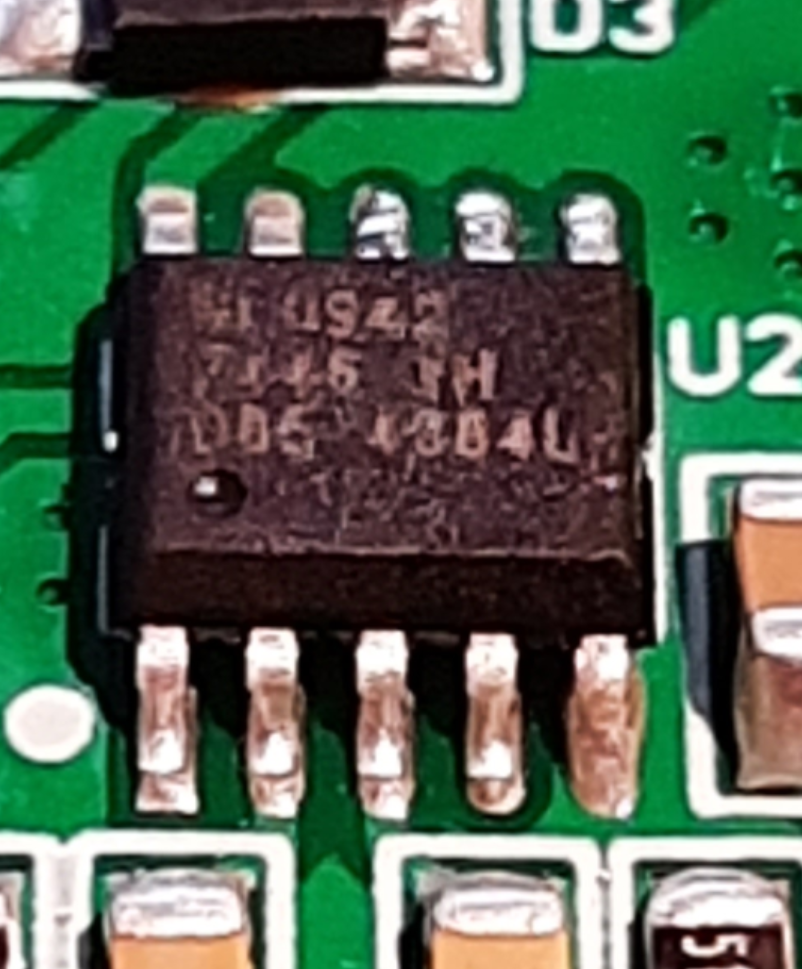
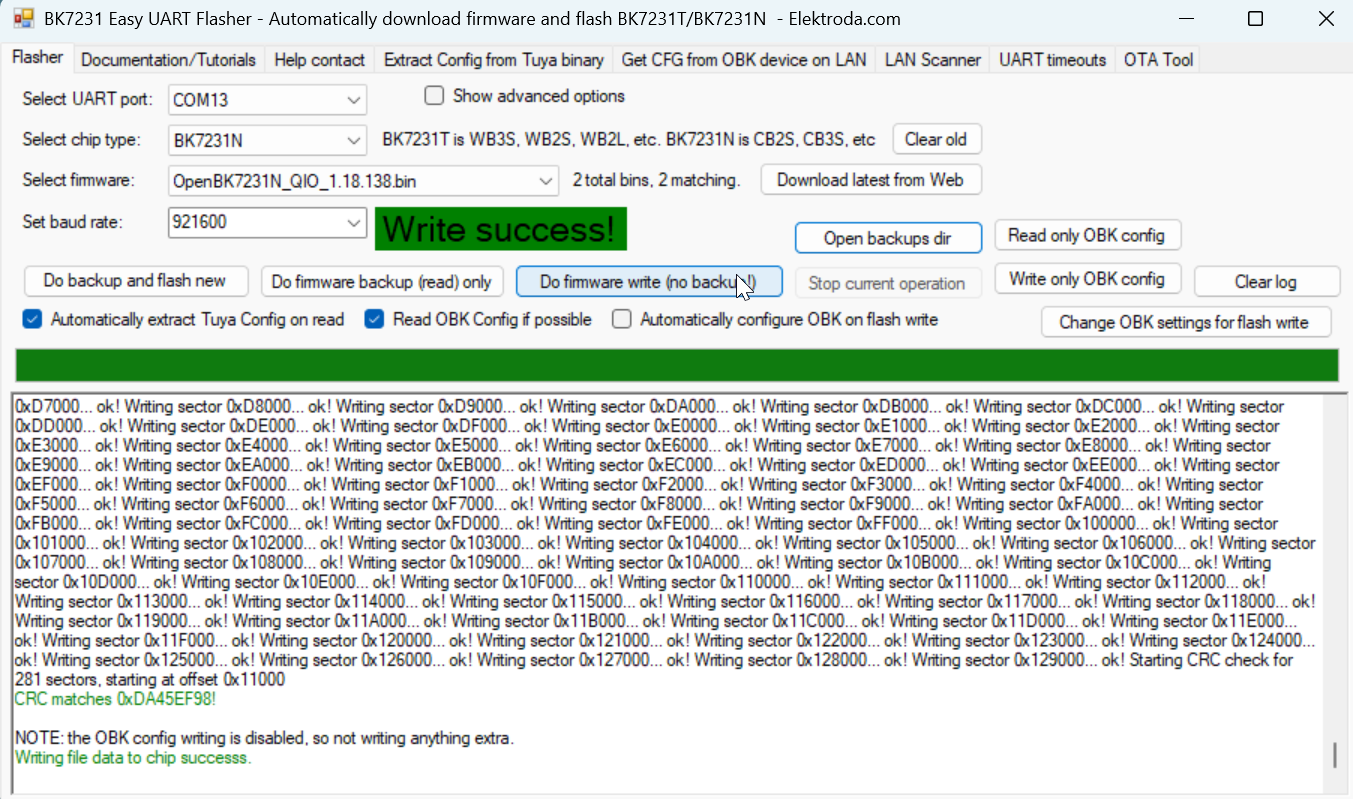
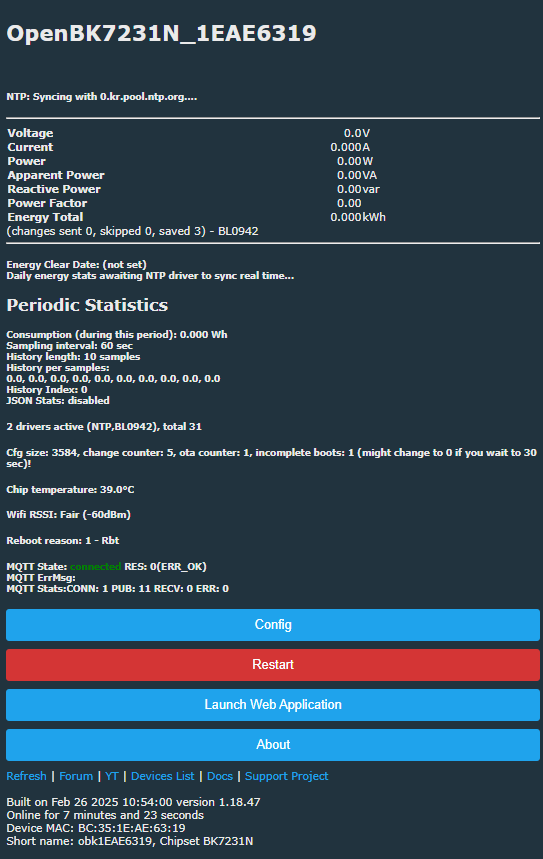
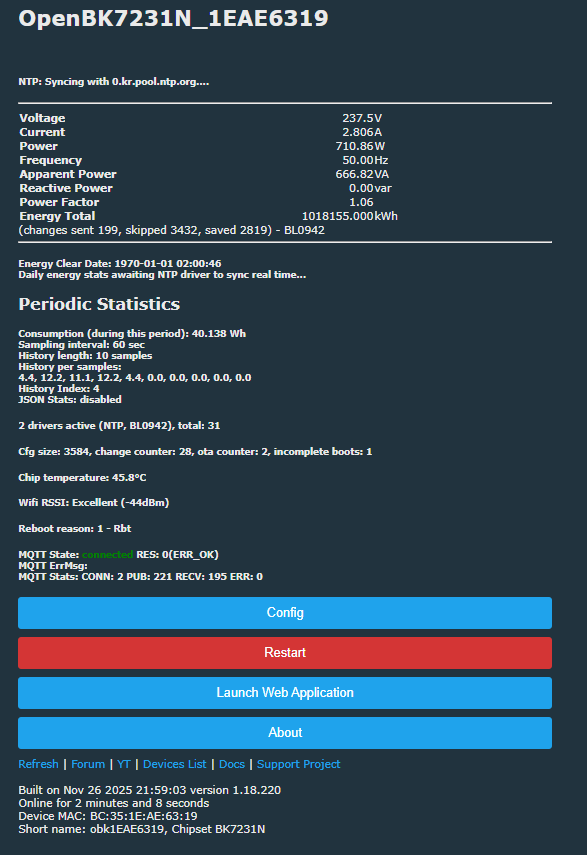
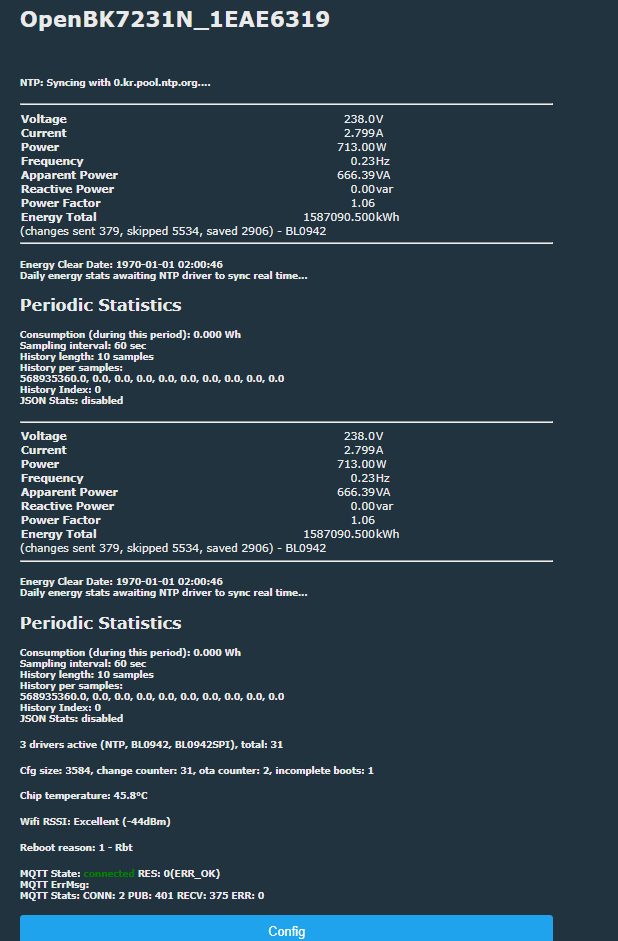
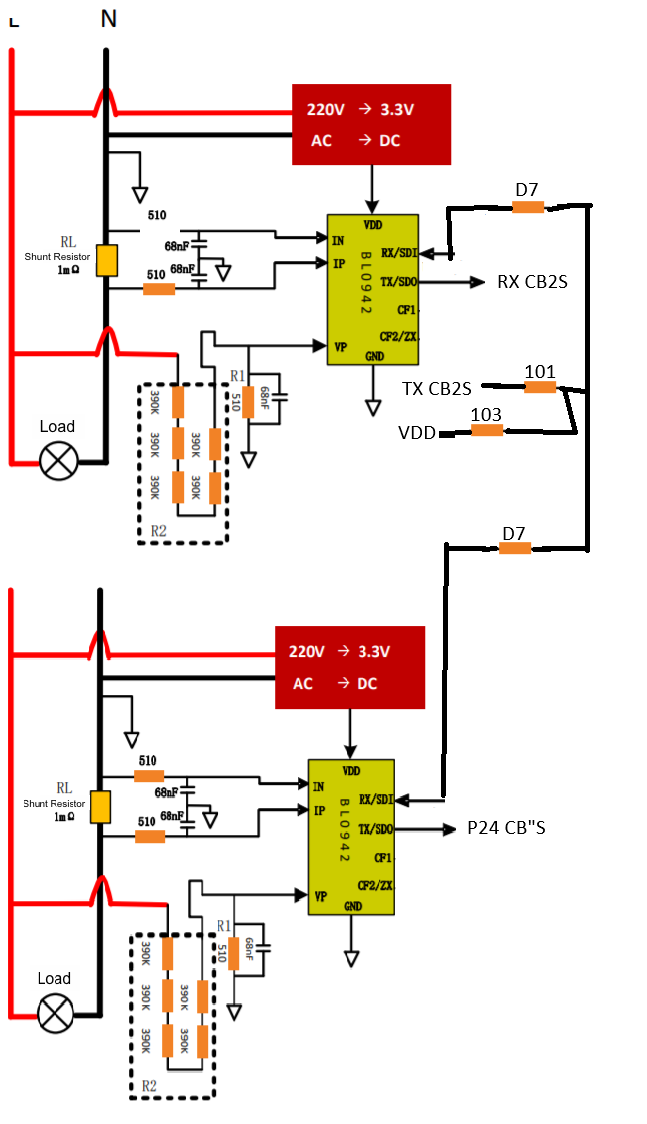
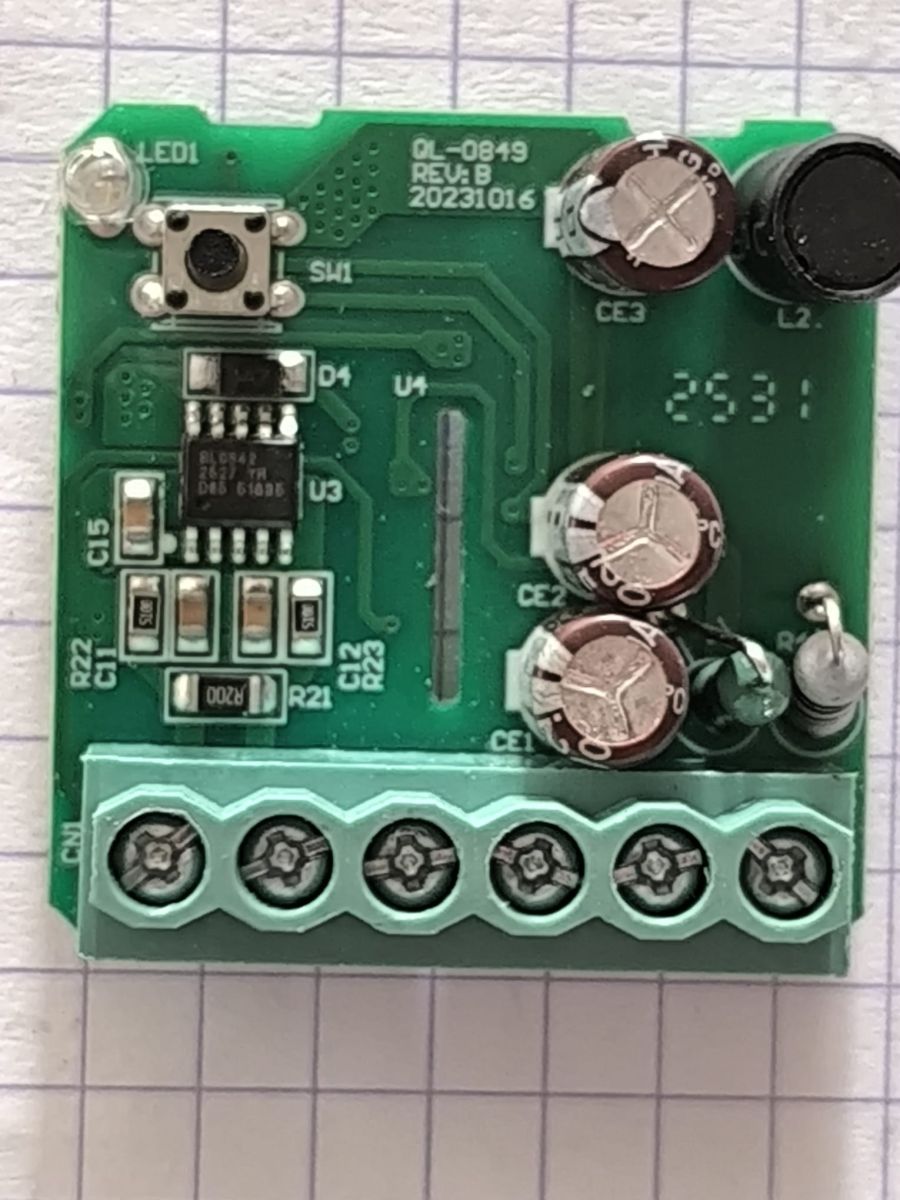
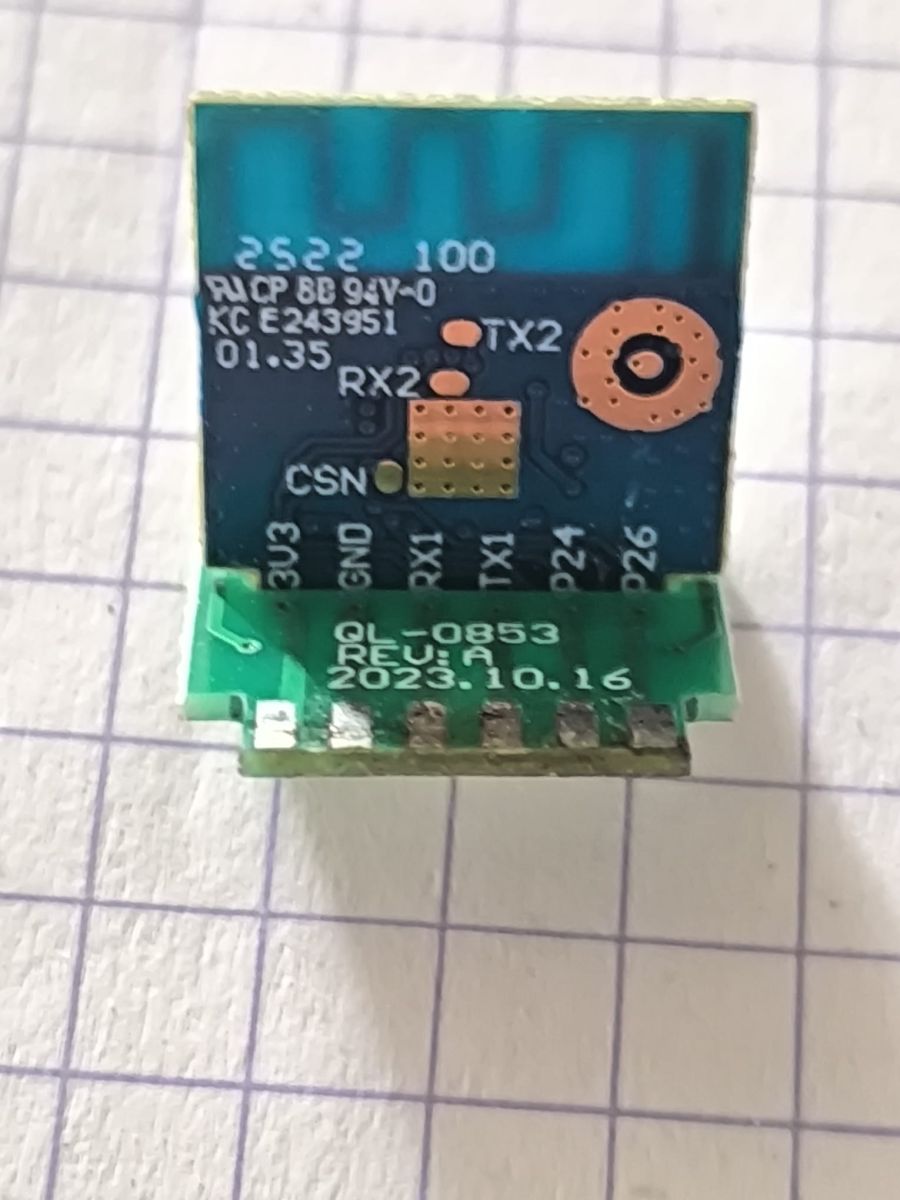
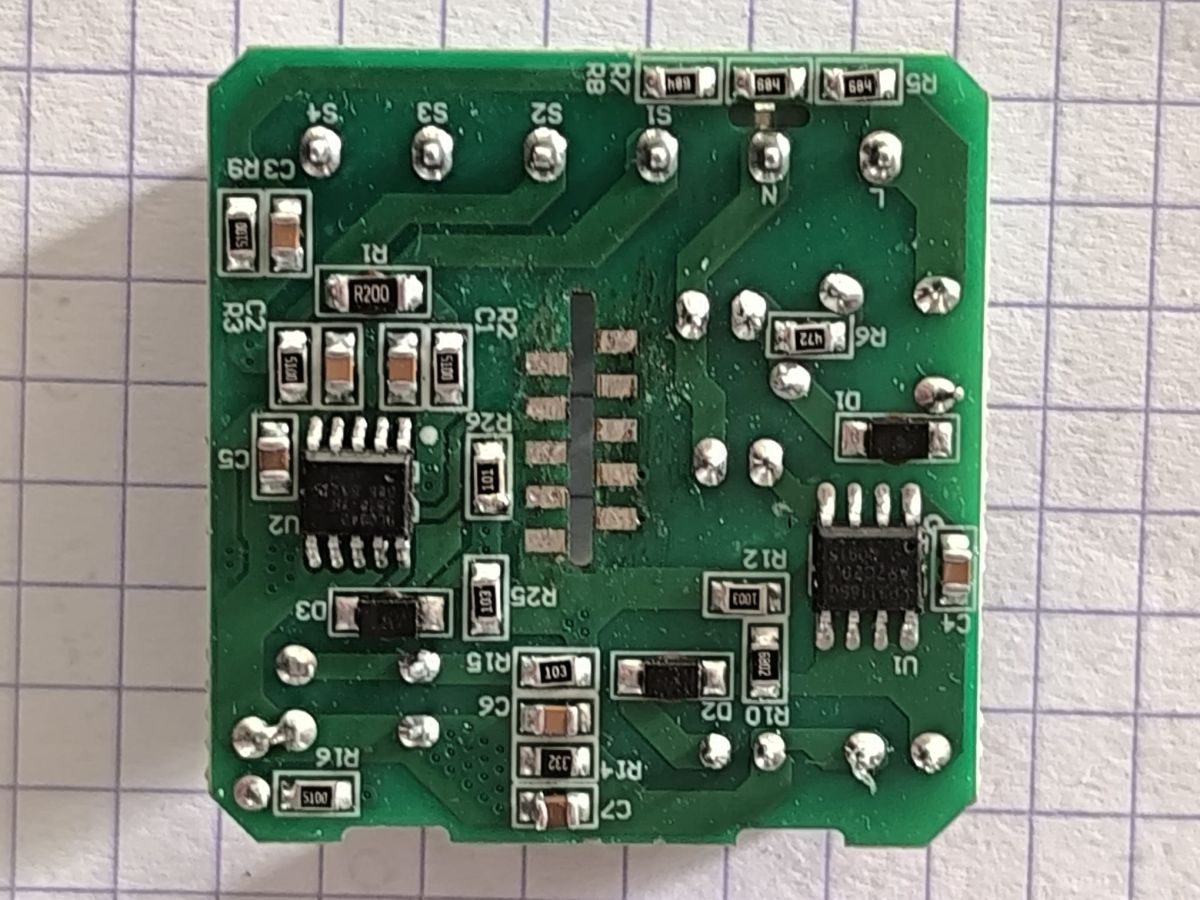
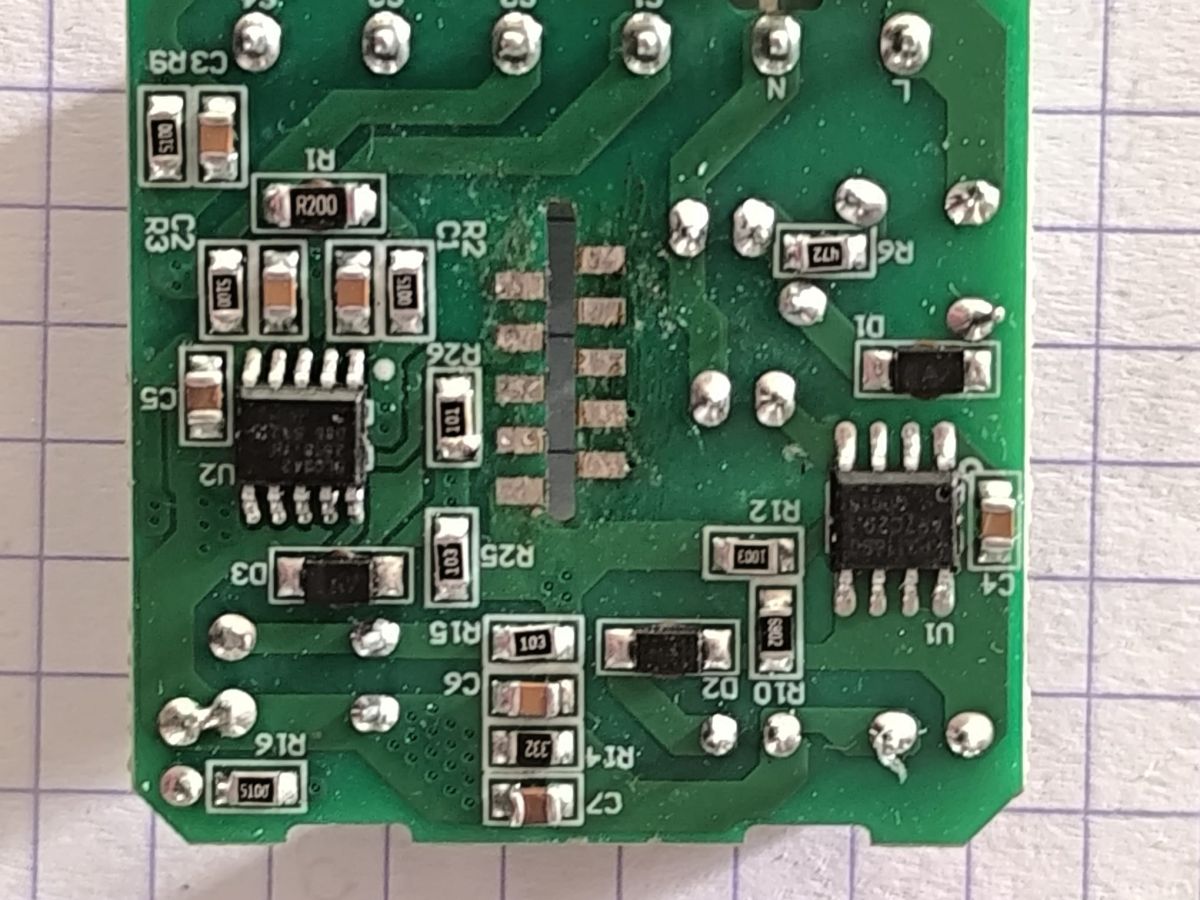
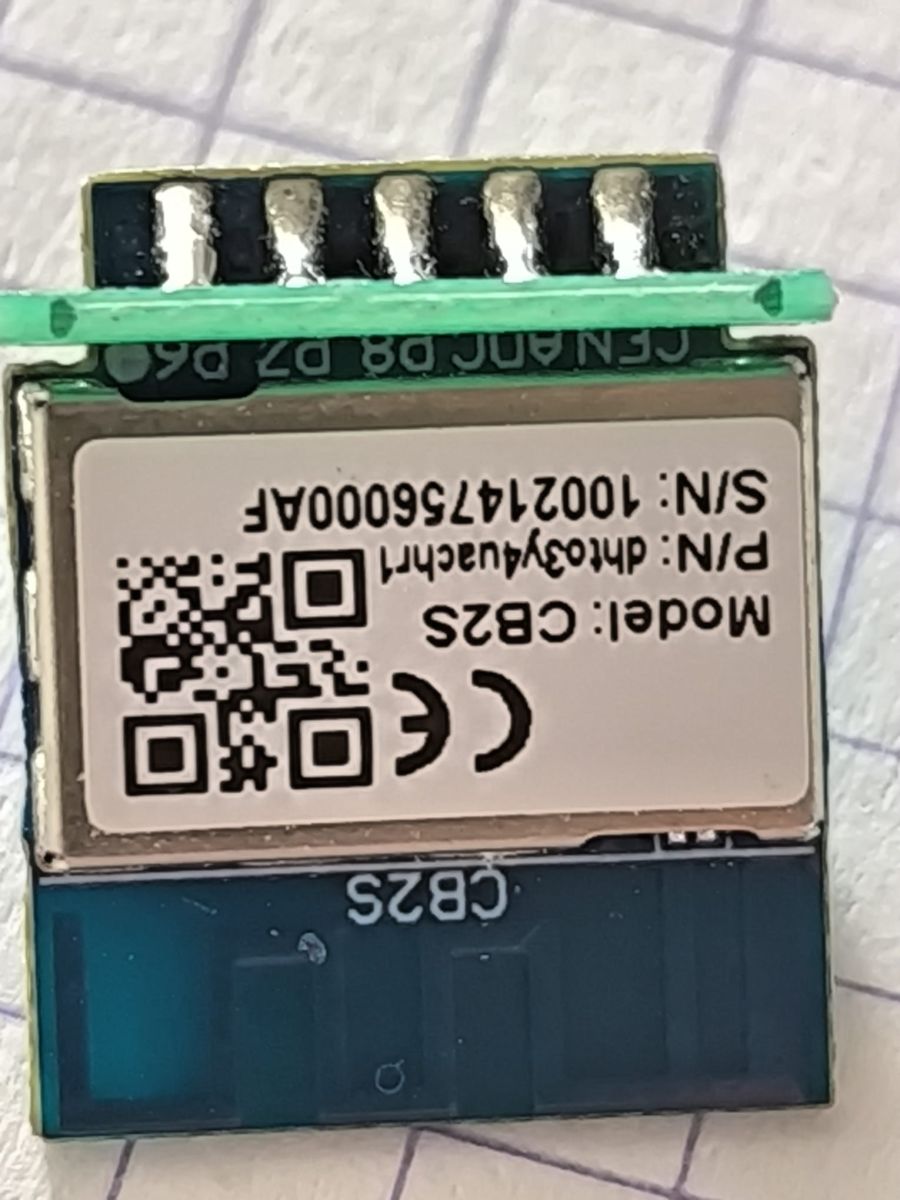
I have recently bought a "2 gang wifi single phase clamp".
model QS-wifi-S10-CT02
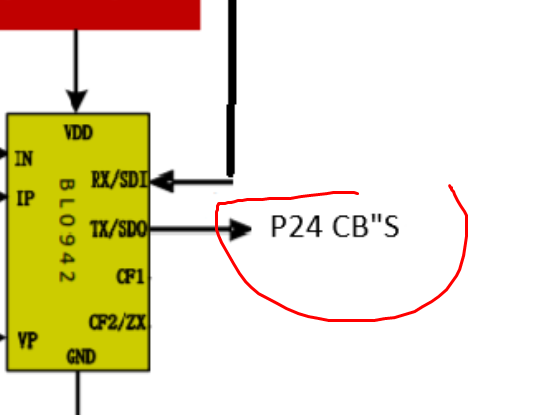
It is based on a CB2S and used for monitoring power without disconnecting (via clamp)
I was wondering if there is a flash instruction for new firmware that disconnects from internet?
AI: Do you have a specific firmware in mind that you want to flash onto the QS-wifi-S10-CT02, like Tasmota, ESPHome, or something else?
tasmota
AI: Are you able to access the device's hardware for flashing (like using serial pins), or are you looking for a way to flash the firmware over the air (OTA)?
yes
model QS-wifi-S10-CT02
It is based on a CB2S and used for monitoring power without disconnecting (via clamp)
I was wondering if there is a flash instruction for new firmware that disconnects from internet?
AI: Do you have a specific firmware in mind that you want to flash onto the QS-wifi-S10-CT02, like Tasmota, ESPHome, or something else?
tasmota
AI: Are you able to access the device's hardware for flashing (like using serial pins), or are you looking for a way to flash the firmware over the air (OTA)?
yes
Attachments:
-
 QS-wifi-S10-CT02_4.png
(7.54 MB)
You must be logged in to download this attachment.
QS-wifi-S10-CT02_4.png
(7.54 MB)
You must be logged in to download this attachment.
-
 QS-wifi-S10-CT02_3.png
(2.94 MB)
You must be logged in to download this attachment.
QS-wifi-S10-CT02_3.png
(2.94 MB)
You must be logged in to download this attachment.
-
 QS-wifi-S10-CT02_2.png
(2.72 MB)
You must be logged in to download this attachment.
QS-wifi-S10-CT02_2.png
(2.72 MB)
You must be logged in to download this attachment.
-
 QS-wifi-S10-CT02_1.png
(2.33 MB)
You must be logged in to download this attachment.
QS-wifi-S10-CT02_1.png
(2.33 MB)
You must be logged in to download this attachment.