







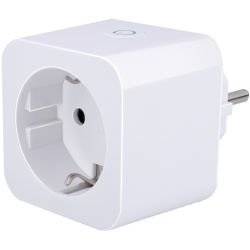
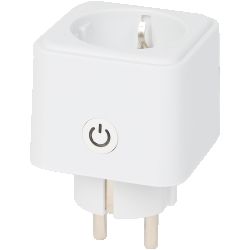
The Wifi Smart Socket EU (SPL-W-TY-PM-EU-RY-L) by Sky-Lighting has been available under various brand names since around August 2022, for example at Action DE, Amazon.de and Calex. There is a variant with 10A at a maximum of 2500W and another with 16A at a maximum of 3680W, which are usually integrated into the smart home using the Alpina Smart, Calex Smart, Hema Smart, LSC Smart Connect or Smart Life app.
Products
Principle of operation
The plug type is E+F and the socket type is F, while energy measurement is performed using a BL097. The connection to the Tuya cloud is carried out using the CB2S radio-frequency module by Tuya, which has a BK7231N microcontroller by Beken.
Firmware flashing
It is not possible to disconnect from the Tuya cloud using CloudCutter, as the pre-installed firmware version 1.1.17 with class oem_bk7231n_plug has already been patched against the known vulnerability.
Therefore, OpenBeken must be flashed via the serial interface (GND, 3V3, TX1, RX1). Here you will find instructions and pictures on how to open the case as well as flash the firmware.
Firmware configuration
OpenBeken template:
Contents of the autoexec.bat file:
Firmware difficulties
Am I correct in understanding that the calibration depends on the model, or does it have to be done individually for each device? If someone has determined generally applicable values, would they be willing to share them?
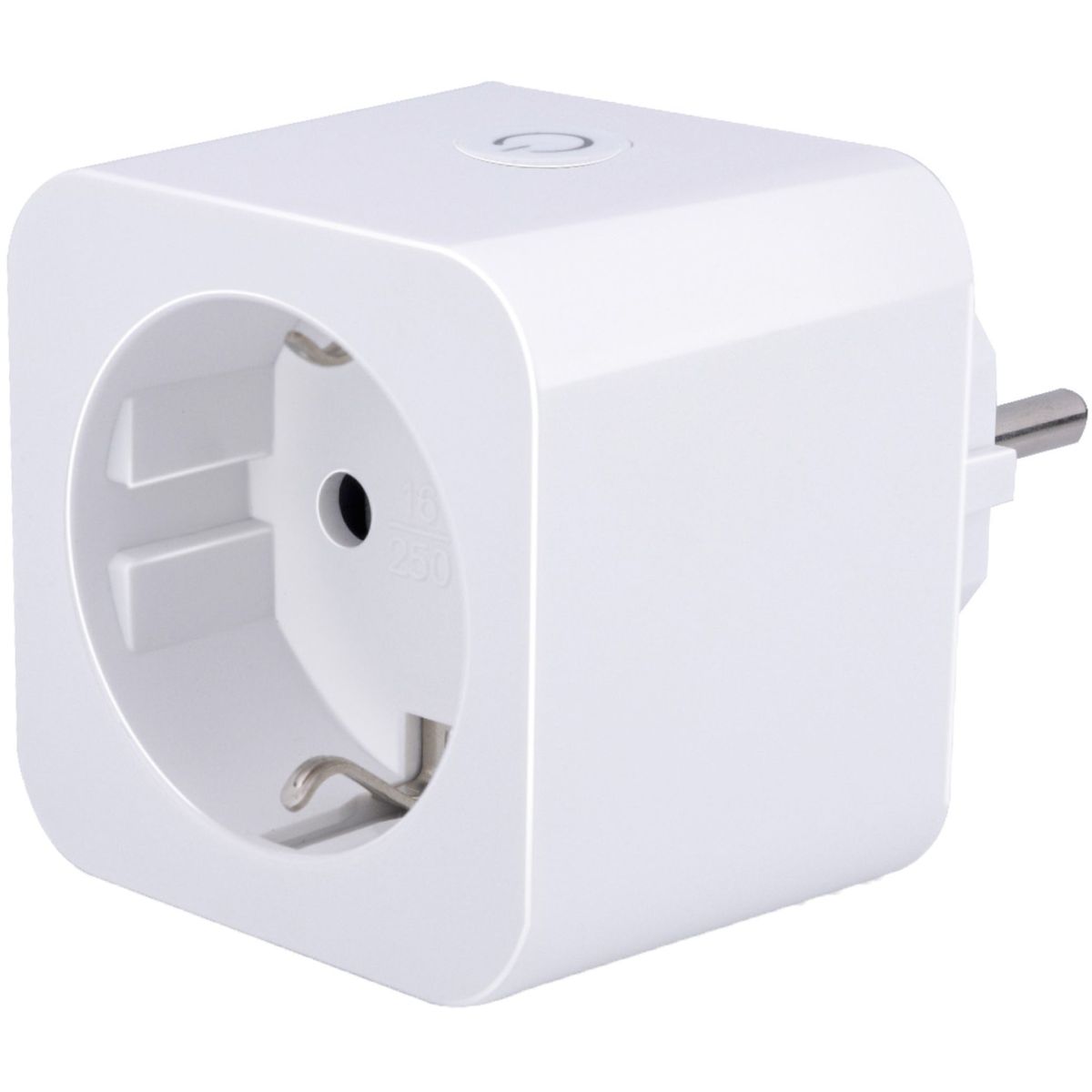
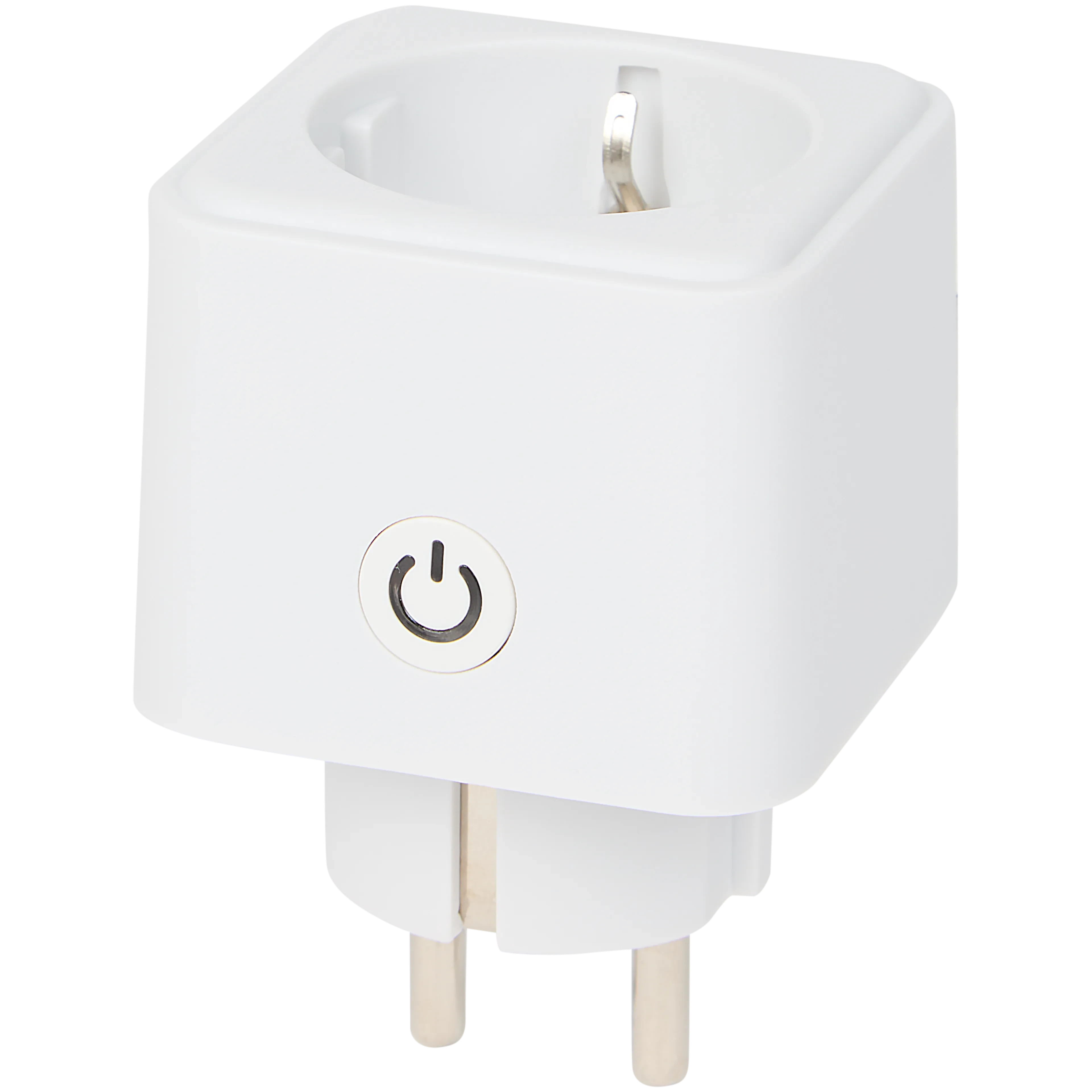
| Manufacturer | Sky-Lighting | Model name | Wifi Smart Socket EU | Model number | SPL-W-TY-PM-EU-RY-L | PCB name | WF02GE, WP02GE, WP02GE-F, WP02GE-F | PCB date | 2021-08-23, 2021-06-06, 2023-08-04, 2024-07-21 |
Products
| Brand name | Alpina Smart Home | Alpina Smart Home | Antela | Calex Smart | Hema Smart | LSC Smart Connect | Product name | Smart Wi-Fi Plug | Smart Wi-Fi Plug | WiFi Smart Plug | Power Plug | ? | Smart Power Plug with Energy Monitoring | Product number | 26545 | 26546 | AN-EU-Plug-TD202206 | 5201000300 | ? | ? | GTIN-13 (EAN-13) | 8711252265452 | 8711252265469 | ? | 8712879161318 | 8720354313053 | 8712879159025 | Article number | 871125226545 | 871125226546 | ? | 429198.2 | ?20.07.0001? | 3202087 |
Principle of operation
The plug type is E+F and the socket type is F, while energy measurement is performed using a BL097. The connection to the Tuya cloud is carried out using the CB2S radio-frequency module by Tuya, which has a BK7231N microcontroller by Beken.
Firmware flashing
It is not possible to disconnect from the Tuya cloud using CloudCutter, as the pre-installed firmware version 1.1.17 with class oem_bk7231n_plug has already been patched against the known vulnerability.
Therefore, OpenBeken must be flashed via the serial interface (GND, 3V3, TX1, RX1). Here you will find instructions and pictures on how to open the case as well as flash the firmware.
Firmware configuration
OpenBeken template:
{
  "vendor": "Sky-Lighting",
  "bDetailed": "0",
  "name": "Wifi Smart Socket EU",
  "model": "SPL-W-TY-PM-EU-RY-L",
  "chip": "BK7231N",
  "board": "CB2S",
  "flags": "2252212164101120",
  "keywords": [
    "WF02GE (2021-08-23)",
    "WP02GE (2021-06-06)",
    "WP02GE-F (2023-08-04)",
    "WP02GE-F (2024-07-21)",
    "Action",
    "3202087",
    "LSC Smart Connect",
    "8712879159025",
    "Alpina Smart Home",
    "8711252265452",
    "8711252265469",
    "Antela",
    "AN-EU-Plug-TD202206",
    "Calex Smart",
    "429198.2",
    "Plug Type E+F",
    "Socket Type F",
    "Energy Meter",
    "BL0937",
    "10A (2500W)",
    "16A (3680W)"
  ],
  "pins": {
    "6": "LED;1",
    "7": "Btn;1",
    "8": "Rel;1",
    "10": "WifiLED_n;0",
    "11": "BL0937SEL;0",
    "24": "BL0937CF1;0",
    "26": "BL0937CF;0"
  },
  "command": "PowerSave 1",
  "image": "https://obrazki.elektroda.pl/6961005700_1765097985.jpg",
  "wiki": "https://www.elektroda.com/rtvforum/topic4156246.html"
}
Contents of the autoexec.bat file:
// Enable NTP (Network Time Protocol) driver
startDriver ntp

// Config local NTP server IP address
//ntp_setServer 192.168.1.1 // OpenWrt
//ntp_setServer 192.168.10.1 // LibreCMC
ntp_setServer 192.168.178.1 // Fritz!Box

// Config local time zone
setChannelType 2 Default
setChannelLabel 2 "Time Zone Offset"
setChannelPrivate 2 1
setChannelVisible 2 0
//setChannel 2 -05:00 // EST (Eastern Standard Time)
setChannel 2 +01:00 // CET (Central European Time)

// Config local time
ntp_timeZoneOfs $CH2

// Config location
//ntp_setLatlong 38.895 -77.036667 // District of Columbia, United States
ntp_setLatlong 52.518611 13.408333 // Berlin, Germany

// Wait for available time values
waitFor NTPState 1

// Calibrate energy measurement
backlog VoltageSet 230; CurrentSet 0.26; PowerSet 60 // https://tasmota.github.io/docs/Power-Monitoring-Calibration/
//PowerMax 2500 // 10A, 2500W
PowerMax 3680 // 16A, 3680W

// Config periodic statistics
SetupEnergyStats 1 60 60 0
Firmware difficulties
Am I correct in understanding that the calibration depends on the model, or does it have to be done individually for each device? If someone has determined generally applicable values, would they be willing to share them?
