logo elektroda
logo elektroda
X
logo elektroda
Dostępna jest polska wersja

Czy wolisz polską wersję strony elektroda?

Nie, dziękuję Przekieruj mnie tam

[ESP32] Sonoff POWR316D energy meter with display - firmware change

p.kaczmarek2 3654 4

TL;DR

  • The Sonoff POWR316D Elite16A WiFi smart power meter combines an LCD display with app-based energy monitoring and a built-in consumption counter.
  • Inside, the board uses an ESP32, CSE7759B metering chip, TM1621 display driver, and LP3667 supply stage, with RX/TX programming pads beside SPI flash.
  • Flashing Tasmota required soldering 3.3V, GND, RX and TX wires, then holding the button to pull IO0 into bootloader mode.
  • Tasmota loaded successfully, the display still works, and the meter needs calibration afterward; the LCD is useful but not very readable.
ADVERTISEMENT
Treść została przetłumaczona polish » english Zobacz oryginalną wersję tematu
📢 Listen (AI):
  • Sonoff energy meter with connected lamp and multimeter.
    Today I am presenting a rather unusual Sonoff energy meter, which is distinguished by the fact that in addition to sharing measurements via a mobile application, it also displays them on an LCD display. This allows you to quickly check how much electricity and energy the connected device consumes without reaching for your phone. Here, of course, I will also focus on changing its firmware, I will upload Tasmota so that it can be connected to Home Assistant, and at the same time I will analyze its structure.

    Purchase Sonoff POWR316D
    A friend of mine gave me the Sonoff set so I could upload the firmware. My friend simply doesn't know anything about electronics and doesn't even have soldering equipment, but for me the equipment was included in the review. However, I know that it was bought in a Polish mail order store, you can search for it by name Sonoff POWR316D Elite16A WiFi smart POWER MEASUREMENT R3 : :
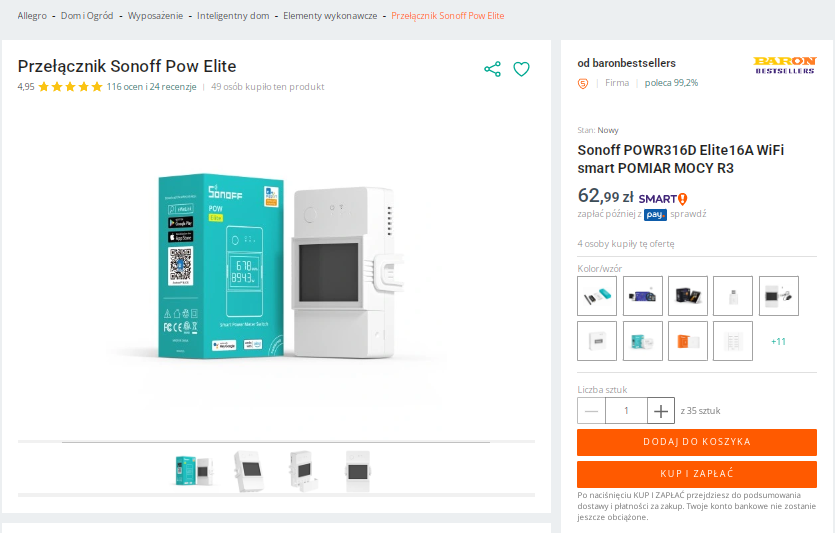
    Sonoff Pow Elite switch and product packaging on an online store page.
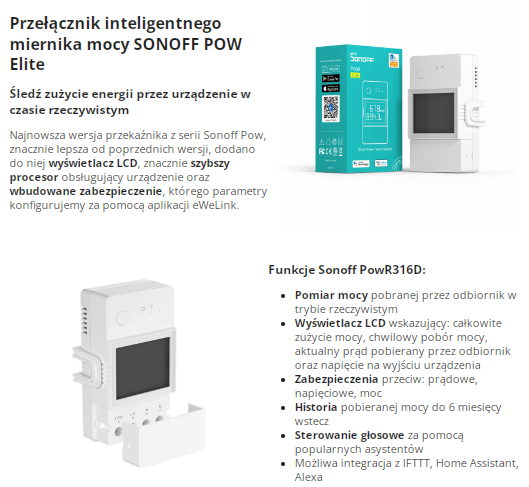
    Let's quote the product description:
    Advertisement for the Sonoff POW Elite smart power meter with feature descriptions and an LCD display.
    By default, the device uses the eWeLink application:
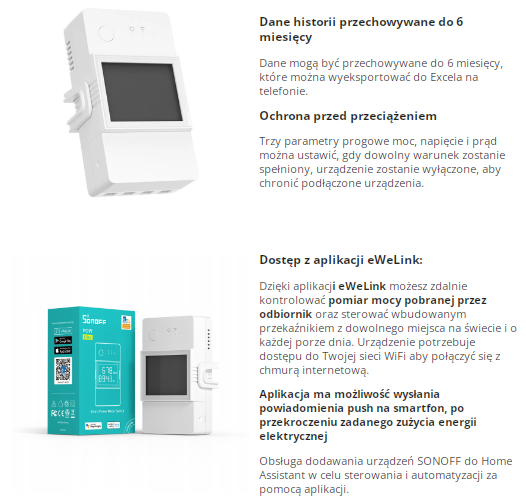
    Sonoff POWR316D with LCD display and eWeLink packaging.
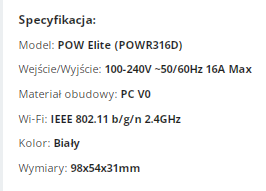
    Specifications and dimensions:
    Technical specifications of Sonoff POWR316D
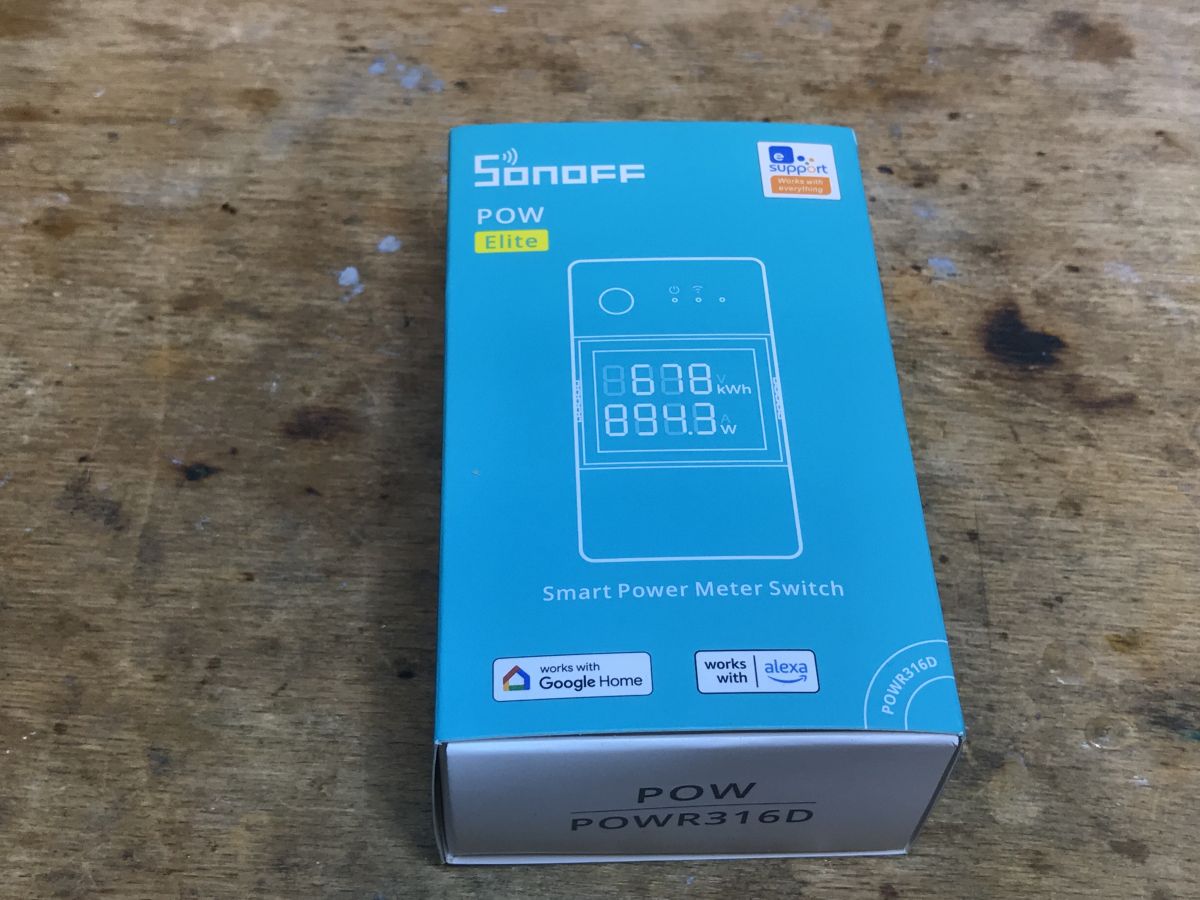
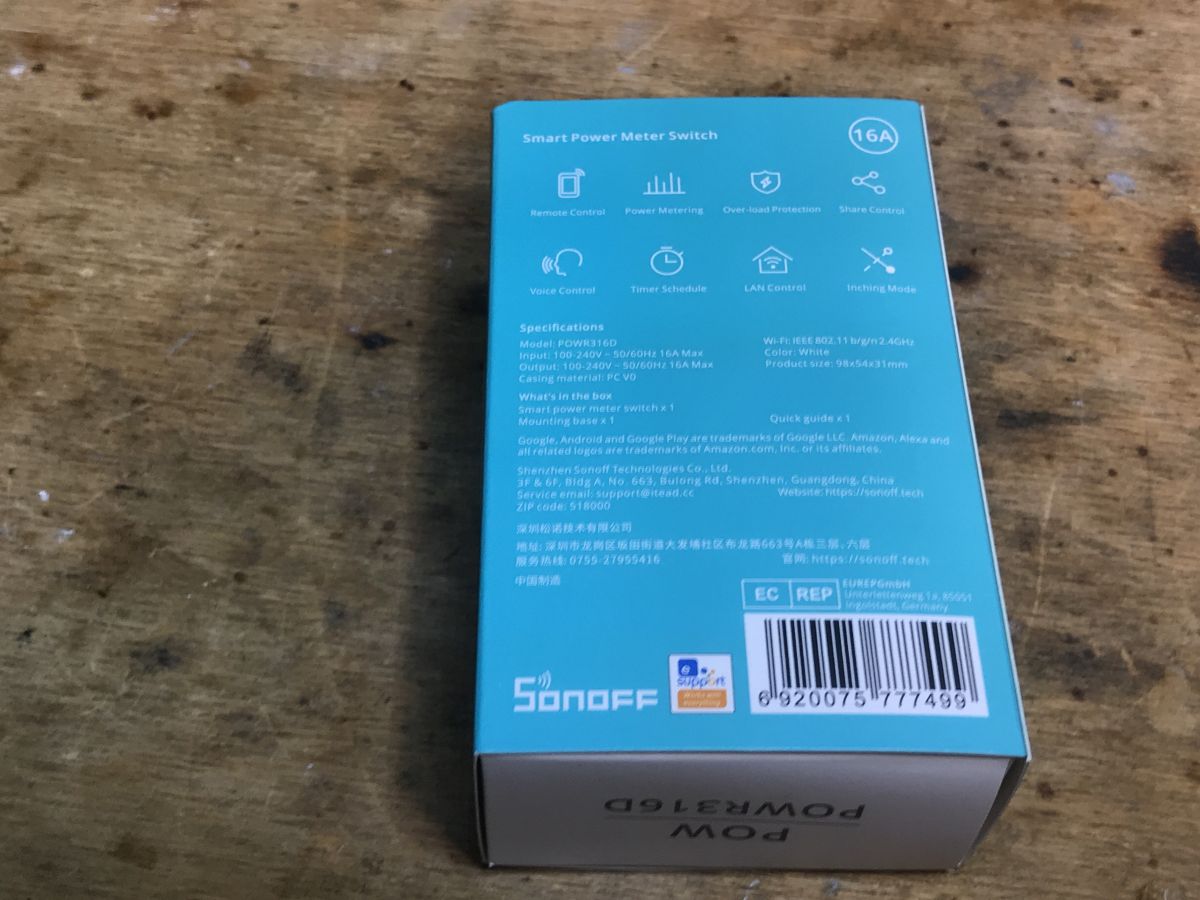
    Let's see what we get in practice:
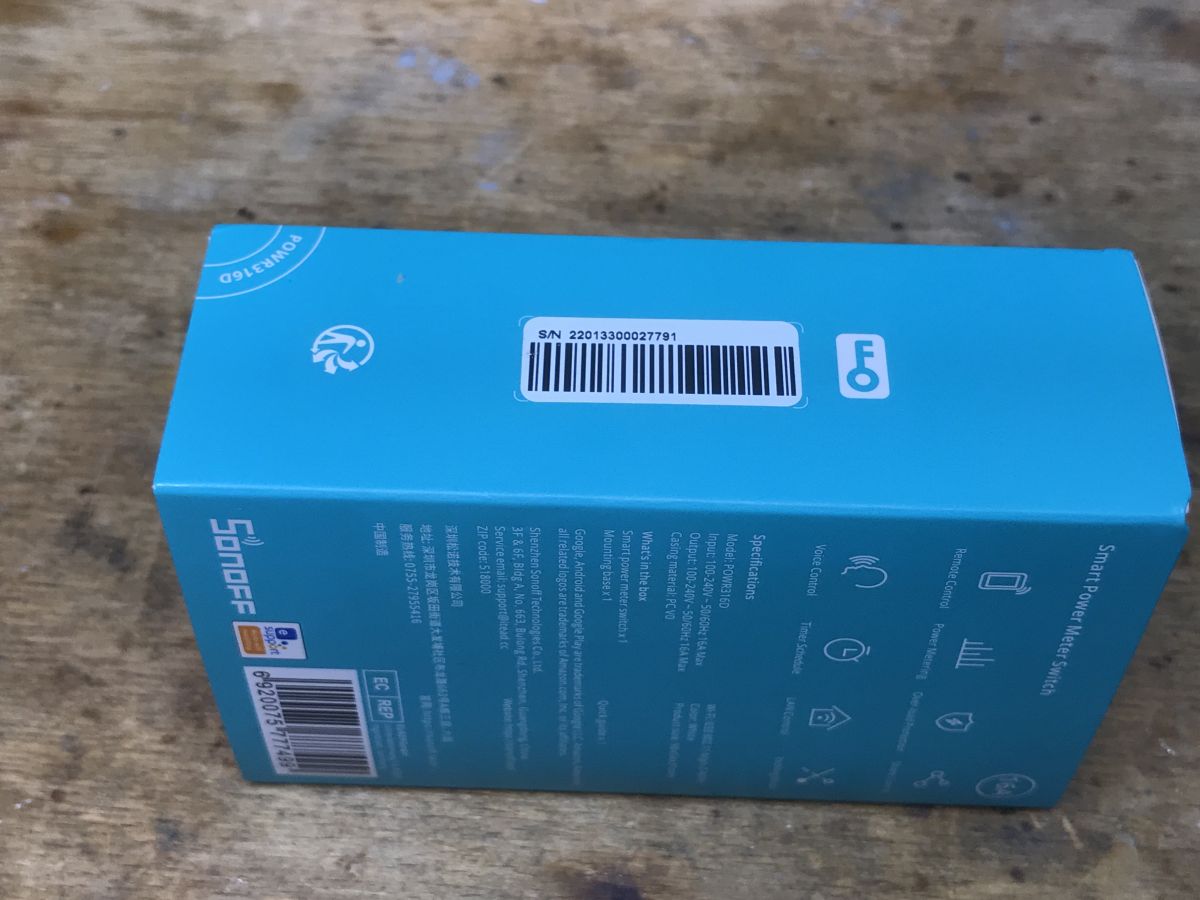
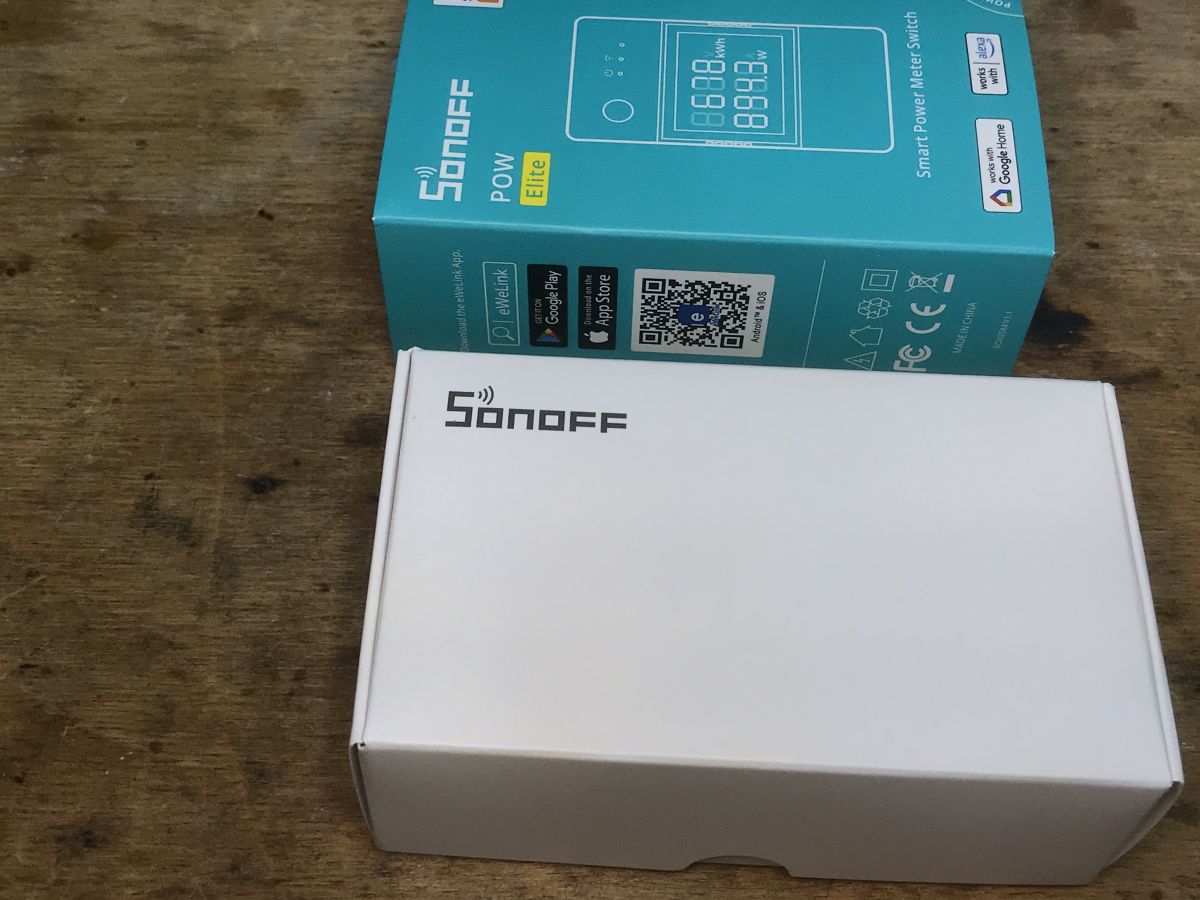
    Sonoff POWR316D box on a wooden table Sonoff POWR316D energy meter packaging on a wooden surface. Side of Sonoff box with QR code and eWeLink app information. Blue packaging of Sonoff POWR316D energy meter on a wooden surface. Sonoff POWR316D Elite16A boxes on a wooden surface.
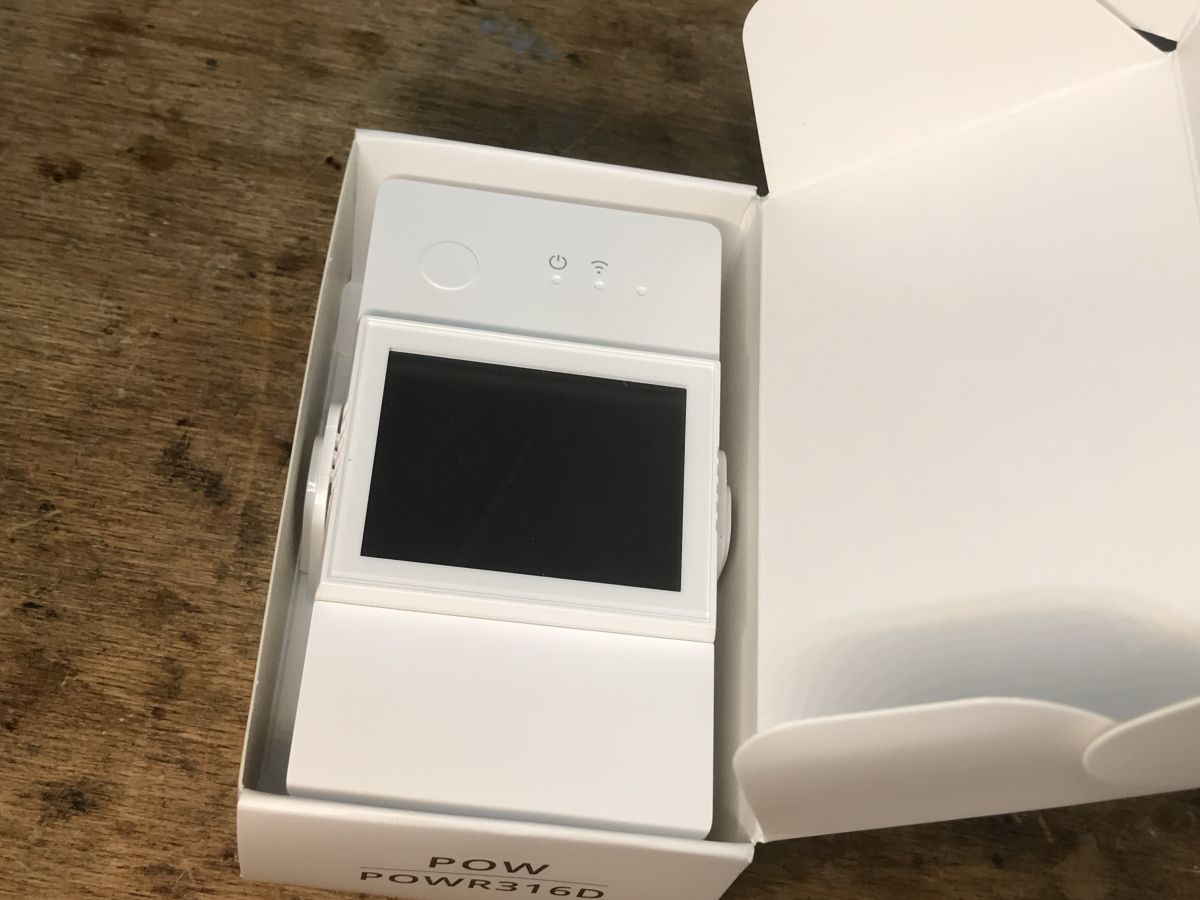
    The set does not include screws, but includes the module itself and a plastic hook/mounting mat:
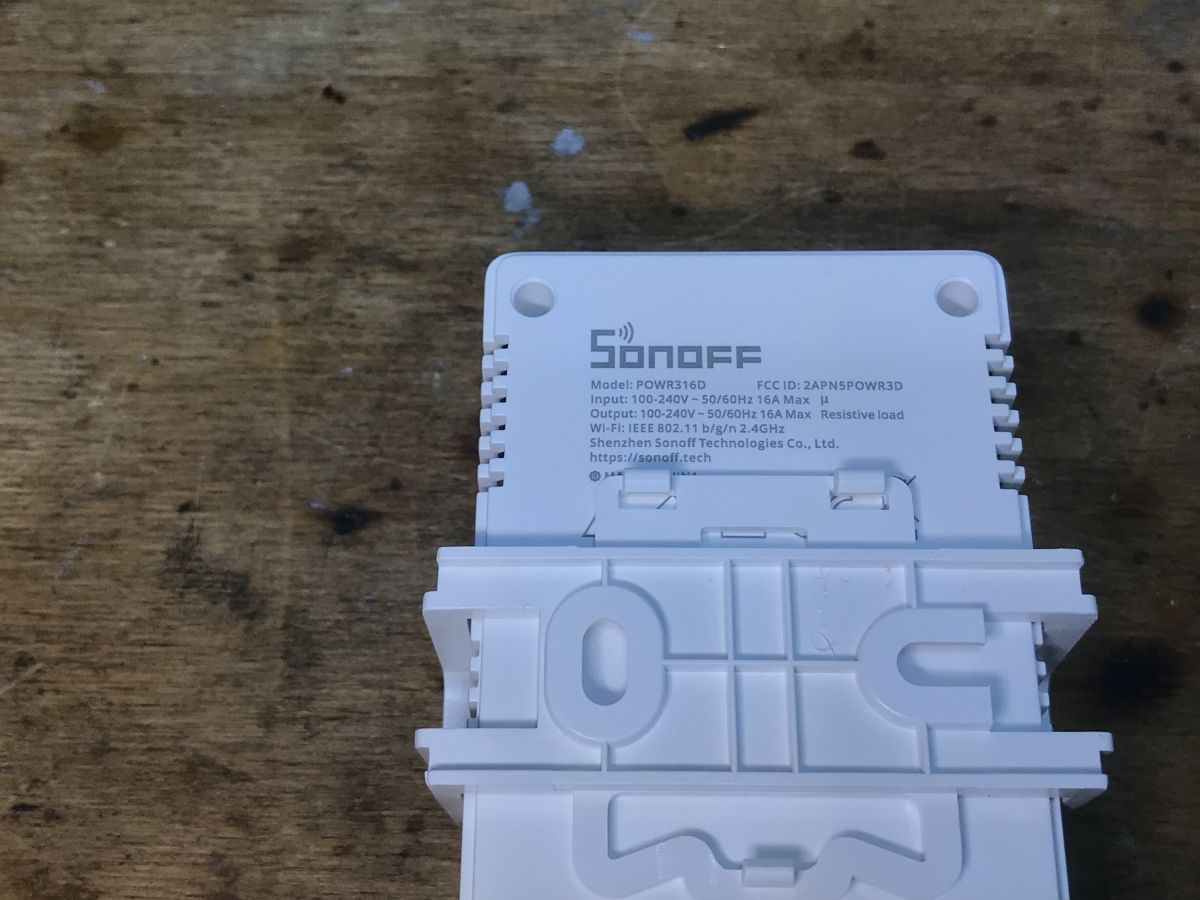
    Back of Sonoff POWR316D module with technical details on a wooden background. Sonoff POWR316D with LCD display in packaging
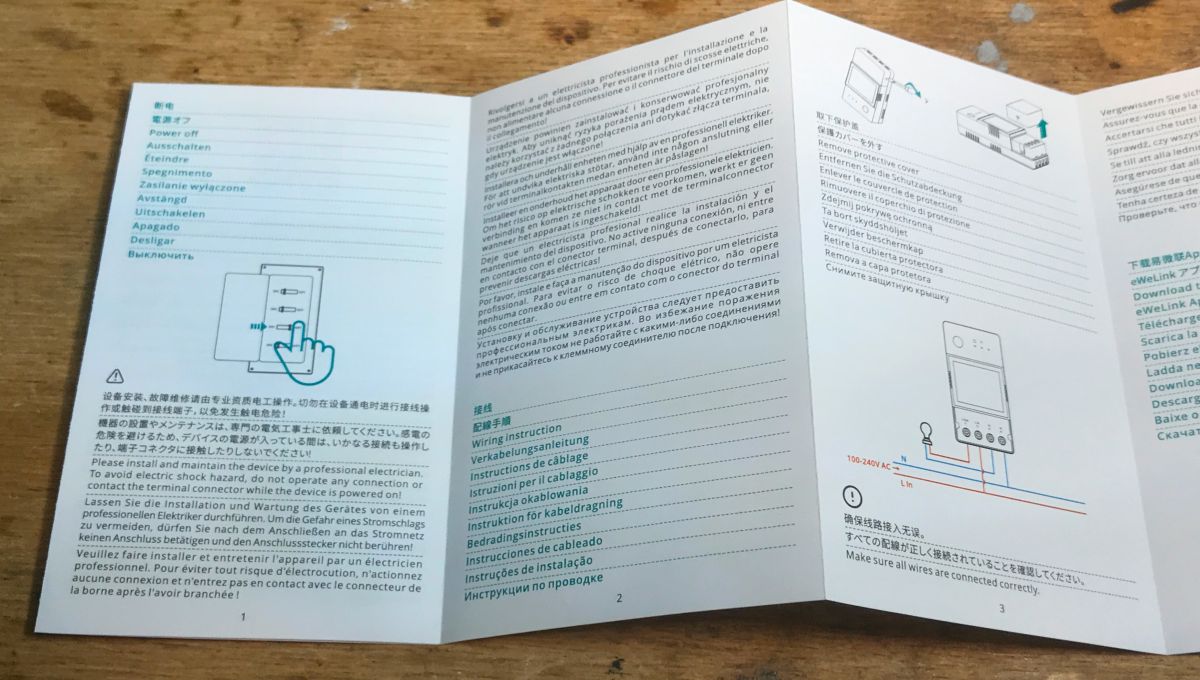
    Instruction:
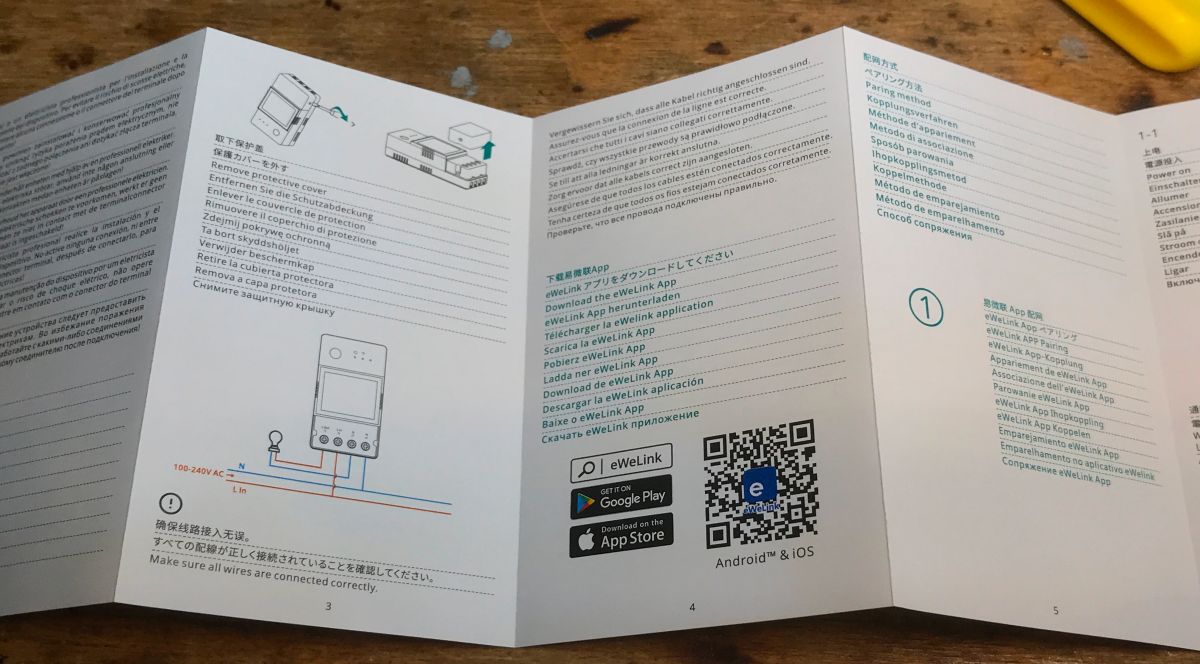
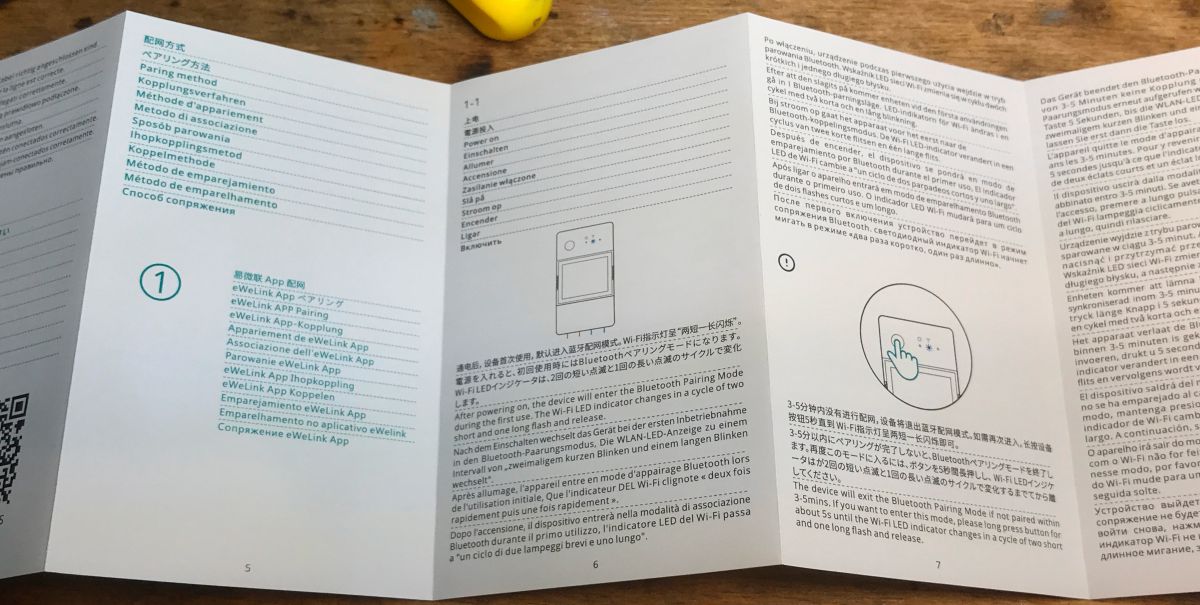
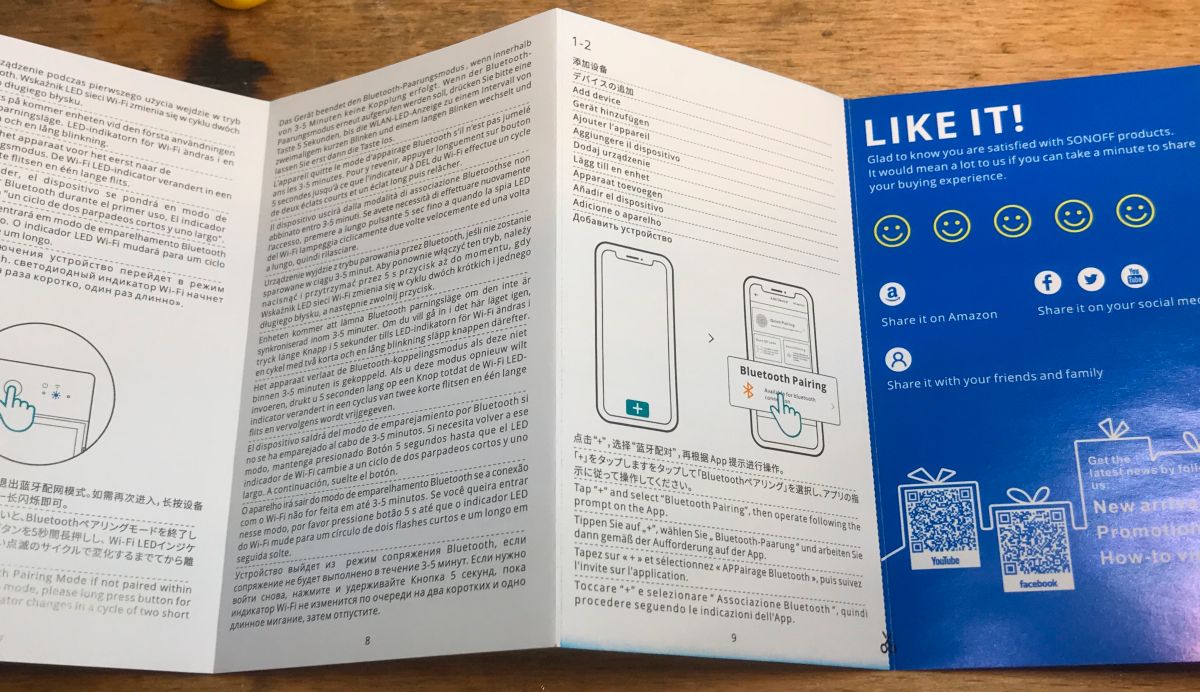
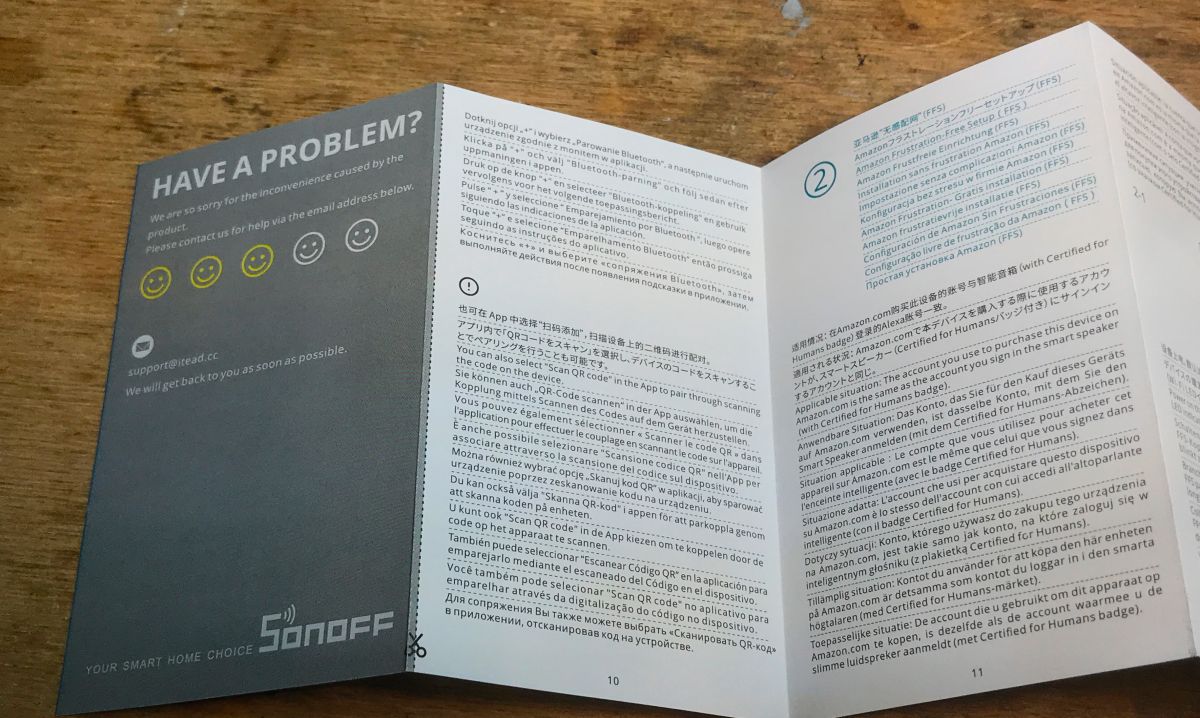
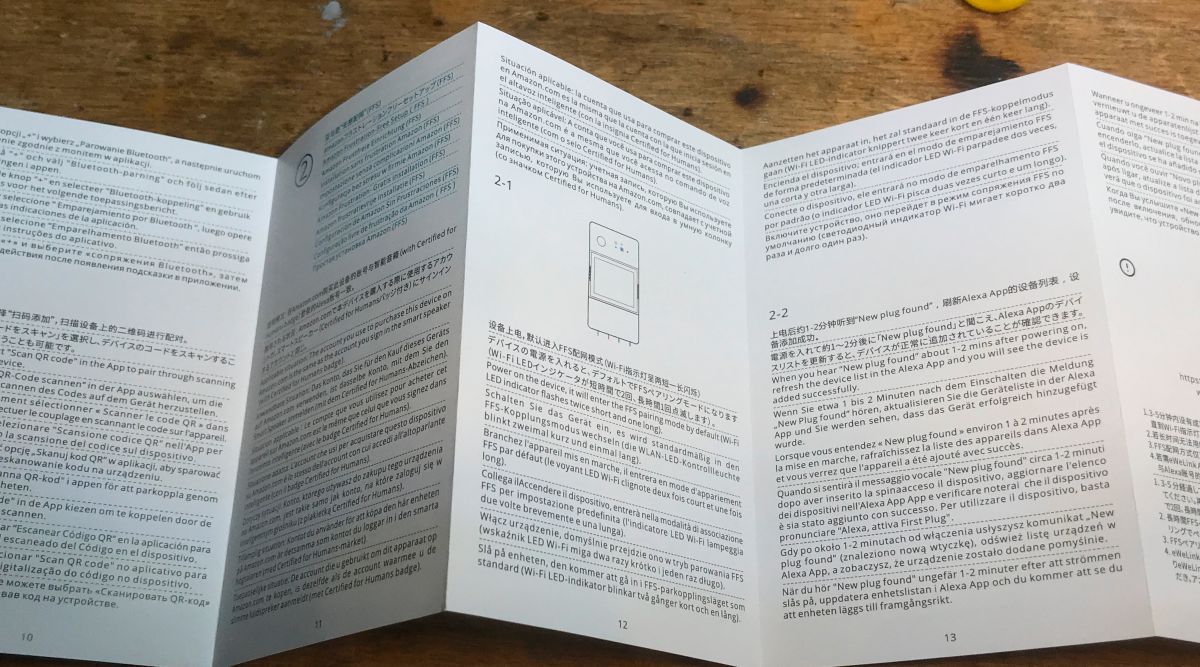
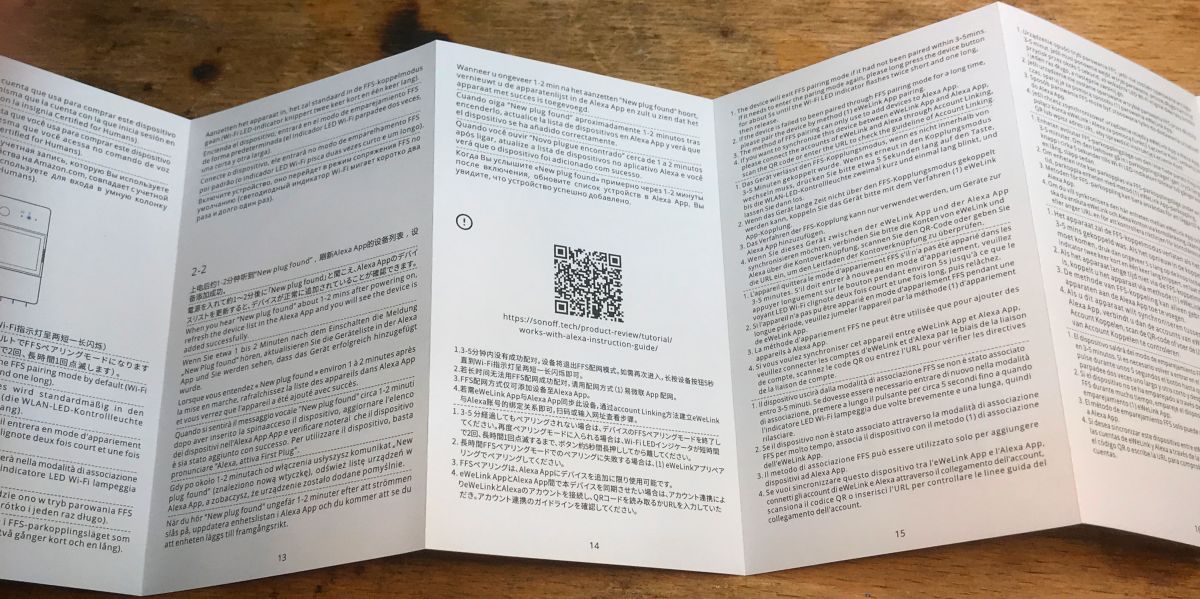
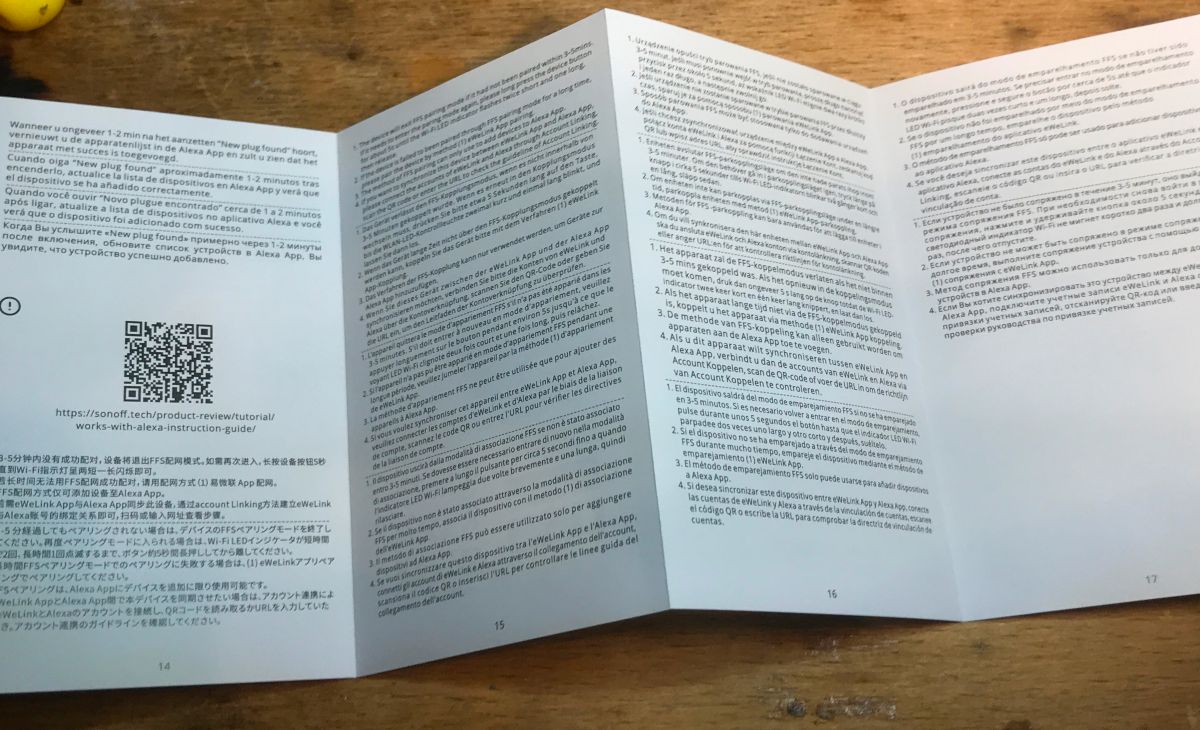
    Sonoff POWR316D user manual in various languages. User manual for Sonoff POWR316D energy meter with multilingual text.
    Sonoff POWR316D user manual in various languages. Sonoff device manual with illustrations and information on Bluetooth pairing. User manual for Sonoff device with multiple languages. Sonoff POWR316D user manual spread out on a desk. User manual for the Sonoff POWR316D device with text in multiple languages. Sonoff energy meter user manual unfolded on a table.

    A short test without changing the firmware
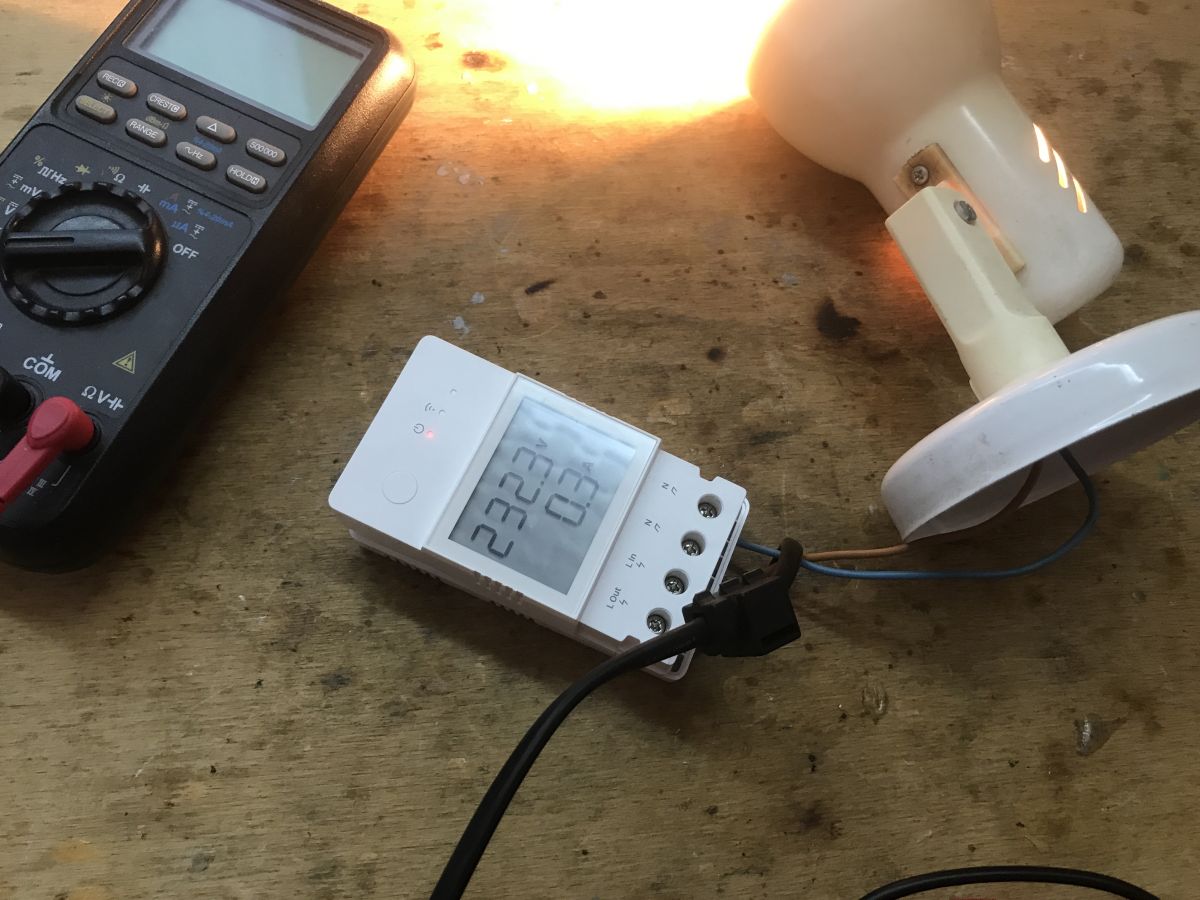
    To test, I connected an old lamp:
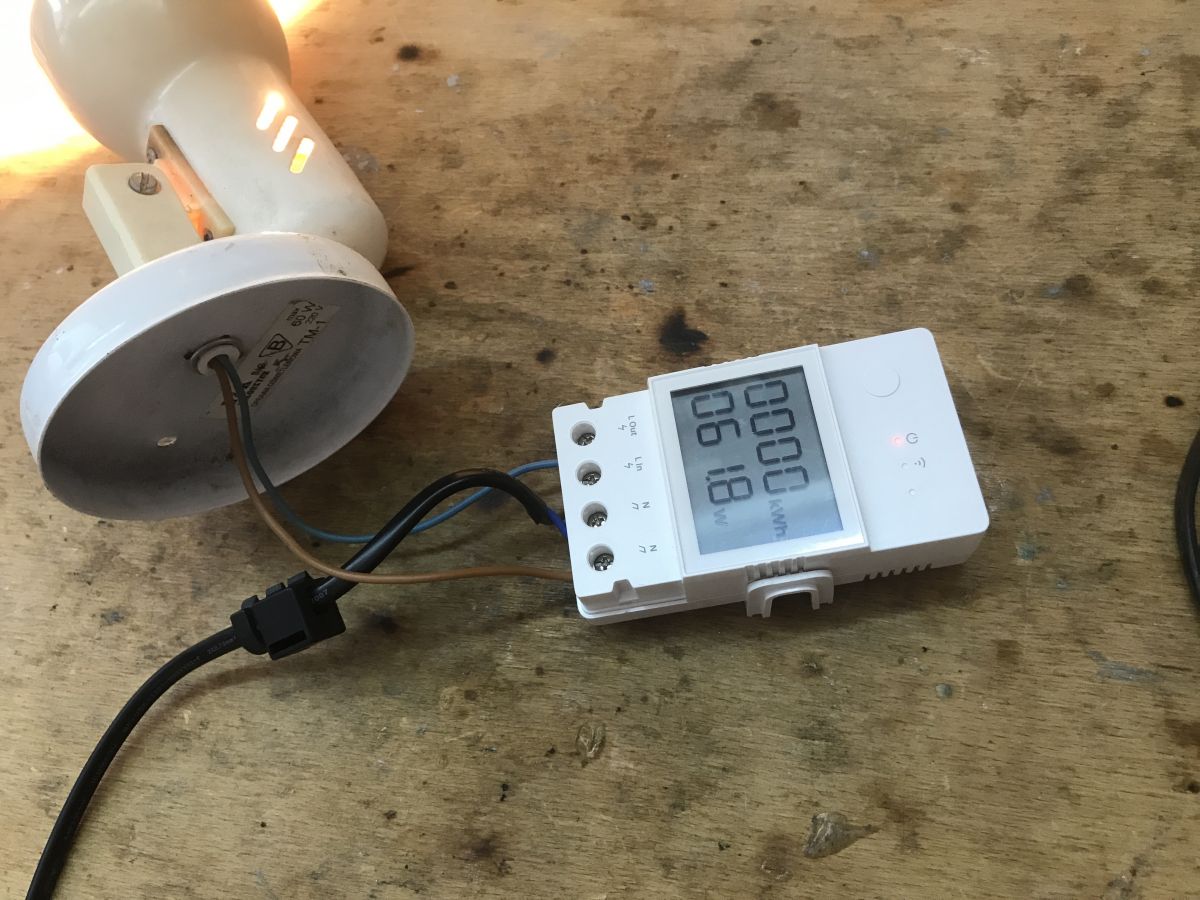
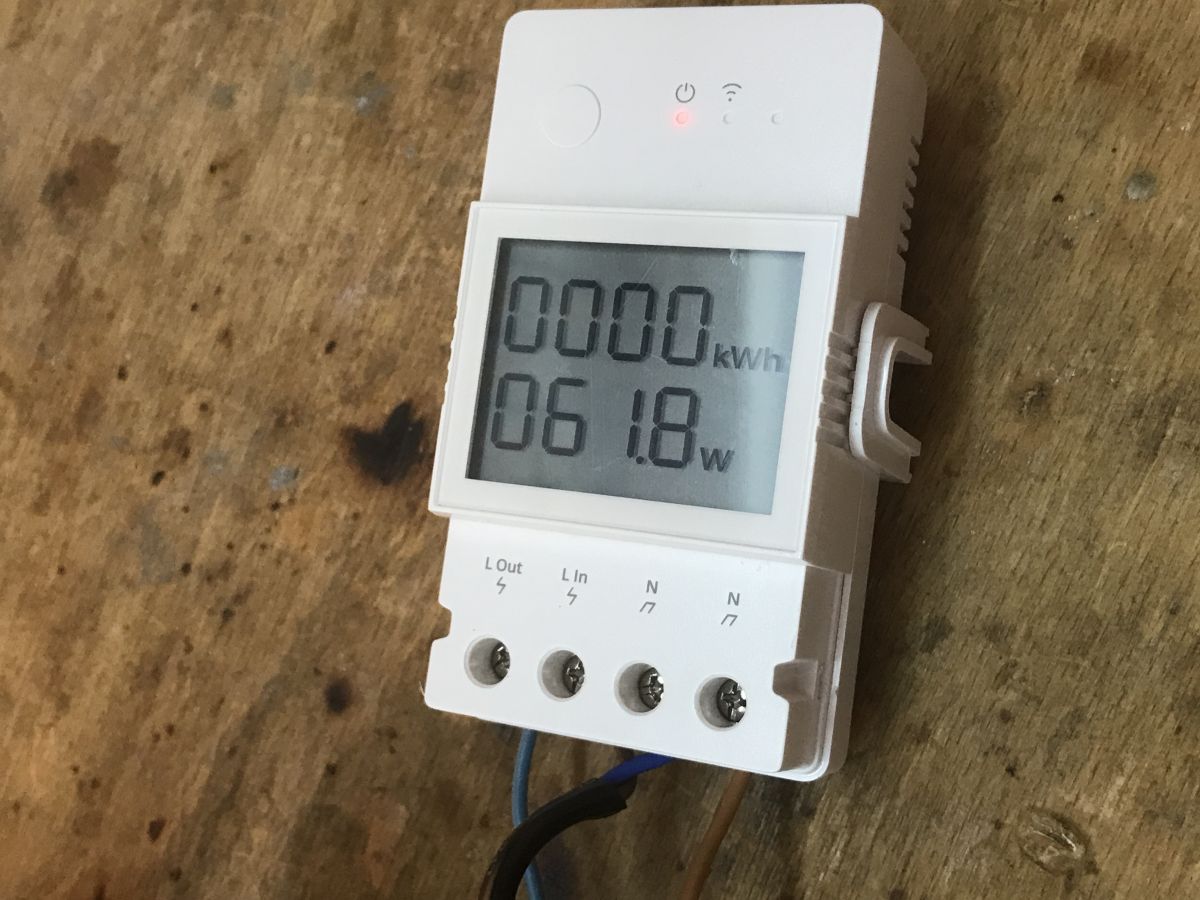
    Sonoff POWR316D energy meter connected to a lamp Sonoff POWR316D energy meter with LCD display. Sonoff POWR316D with an LCD display showing energy consumption.
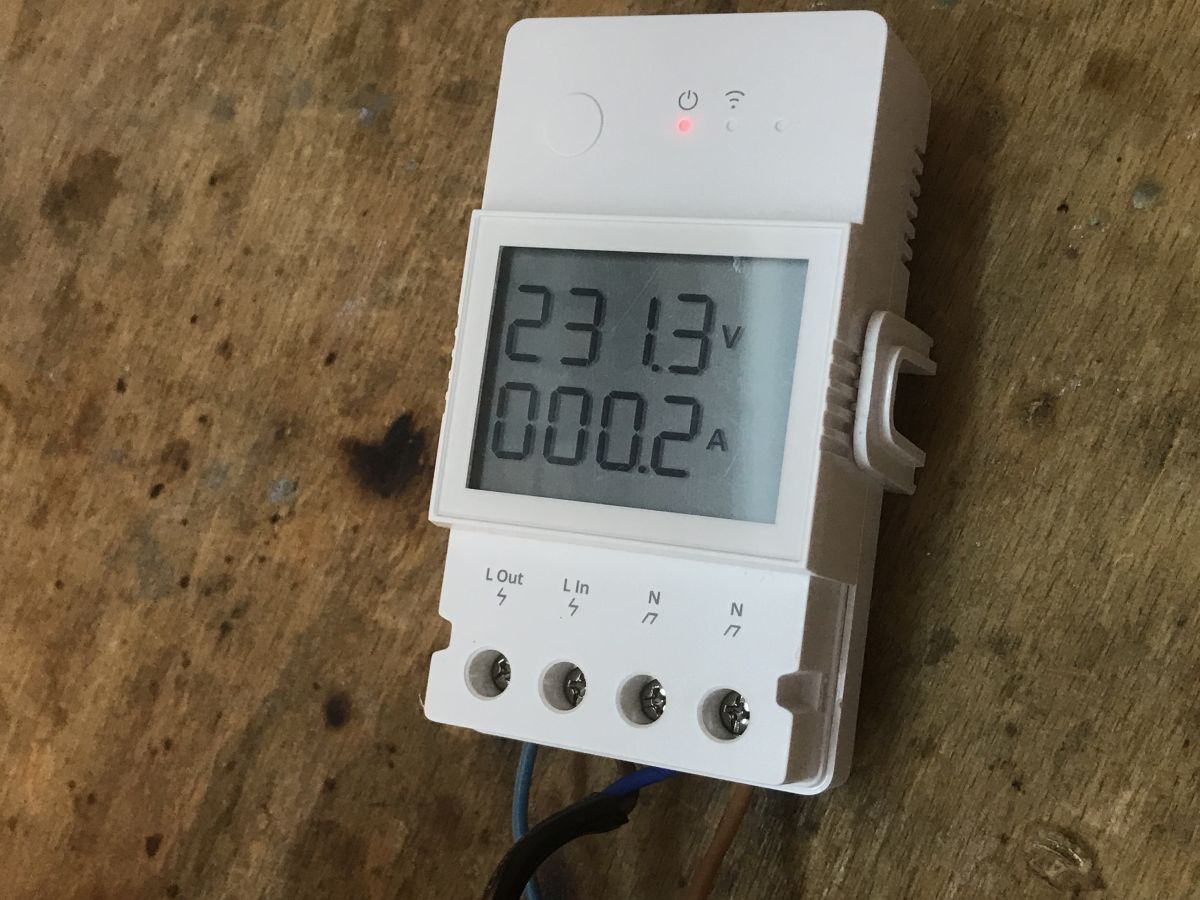
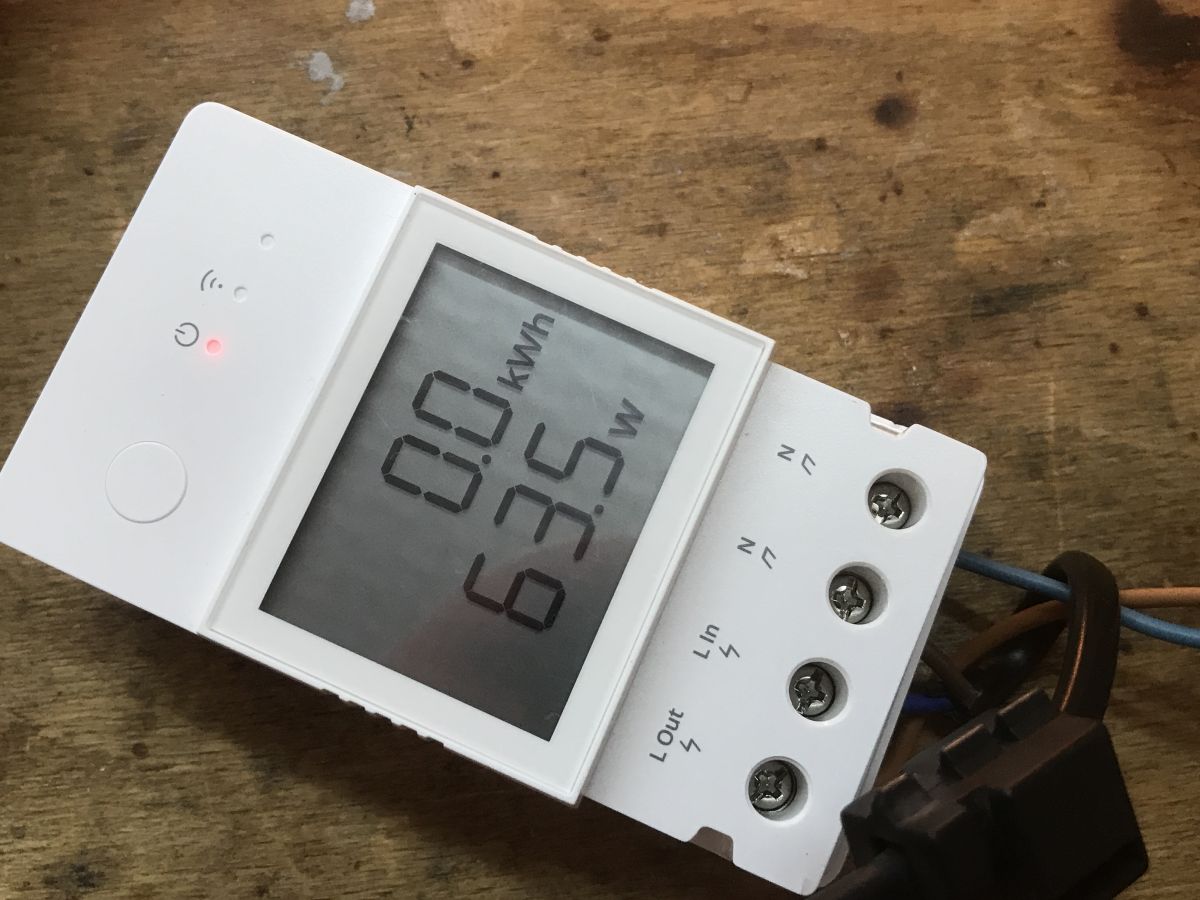
    The display is not very readable, but it does its job. It alternately shows voltage, power, current and also the sum of consumed electricity, the counter of which can be reset in the application. Quite comfortable!

    We look inside
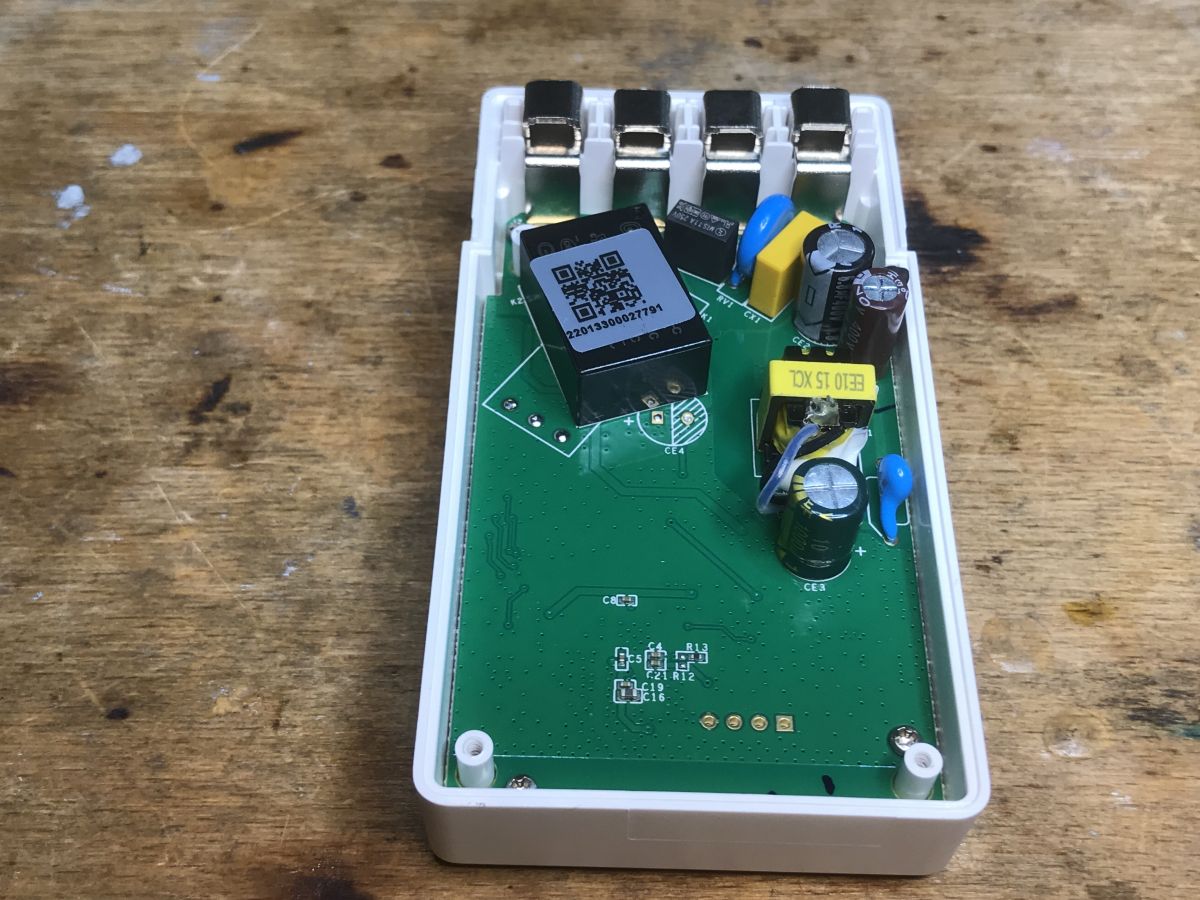
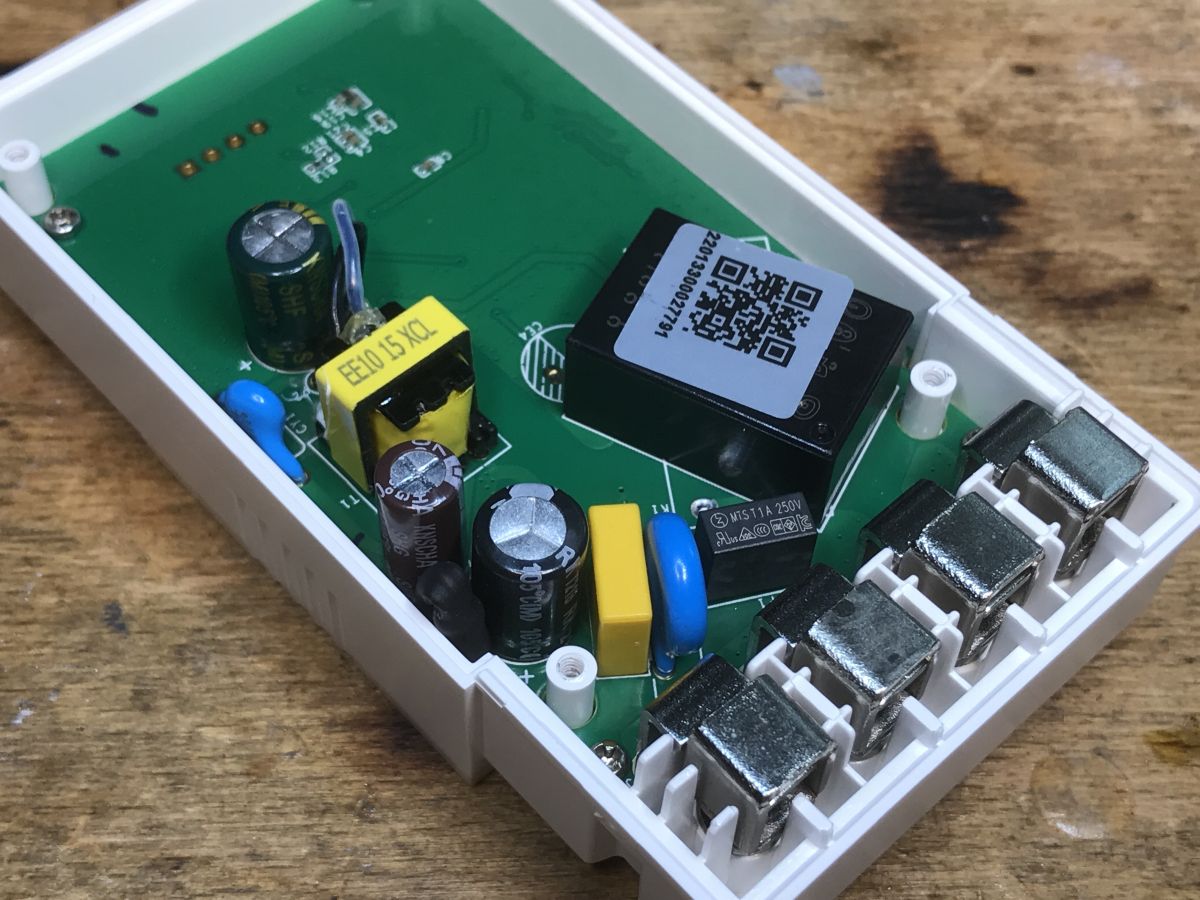
    Let's unscrew the screws. You can already see the transformer inside, there is probably a small impulse converter there, as well as some poor filters at the power input, this time there is probably even a varistor and a capacitor:
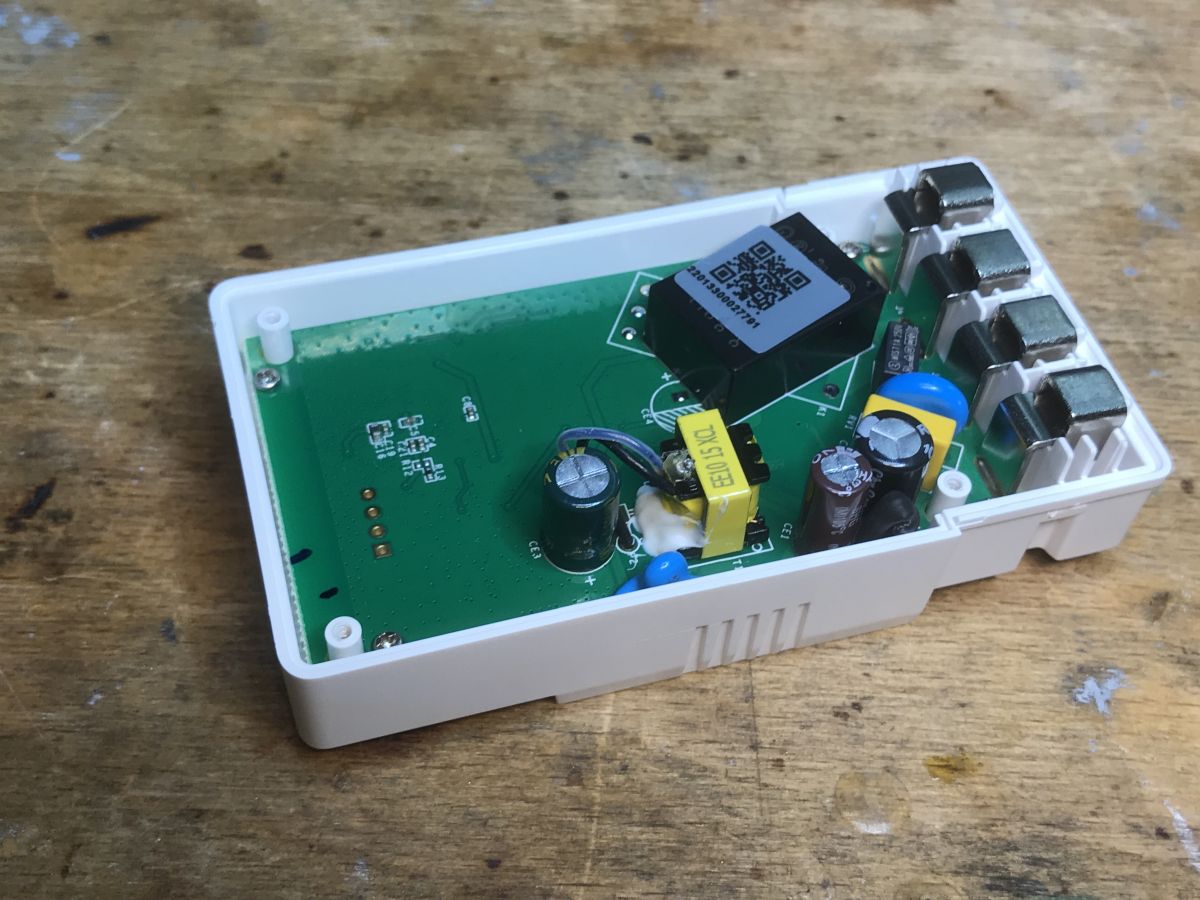
    View of the interior of the Sonoff POWR316D module with electronic components on the PCB. Interior of the Sonoff POWR316D module showing electronic components. Interior of Sonoff energy meter with visible PCB and electronic components.
    After unscrewing the screws, you can remove the board:
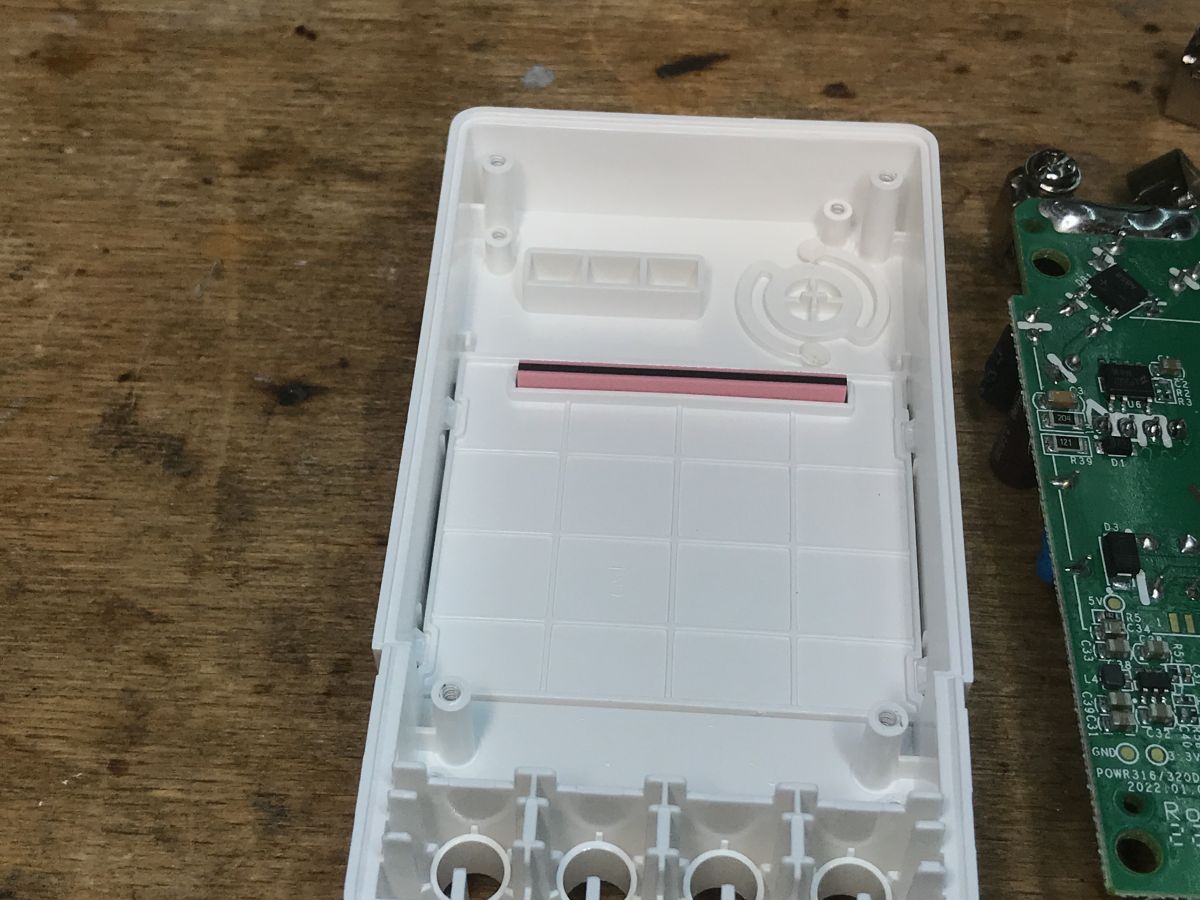
    Interior of Sonoff POWR316D enclosure and PCB. Sonoff POWR316D circuit board with visible electronic components.
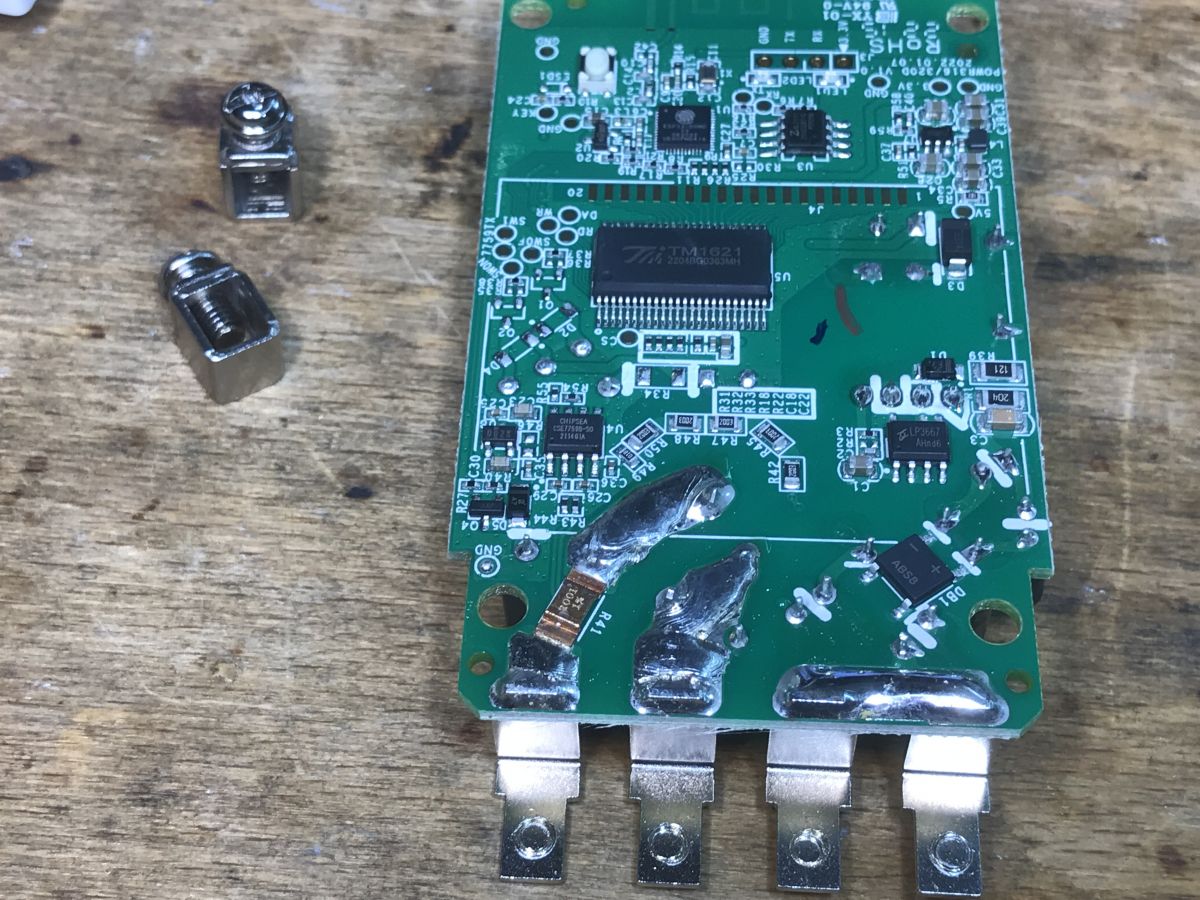
    The display is controlled by TM1621:
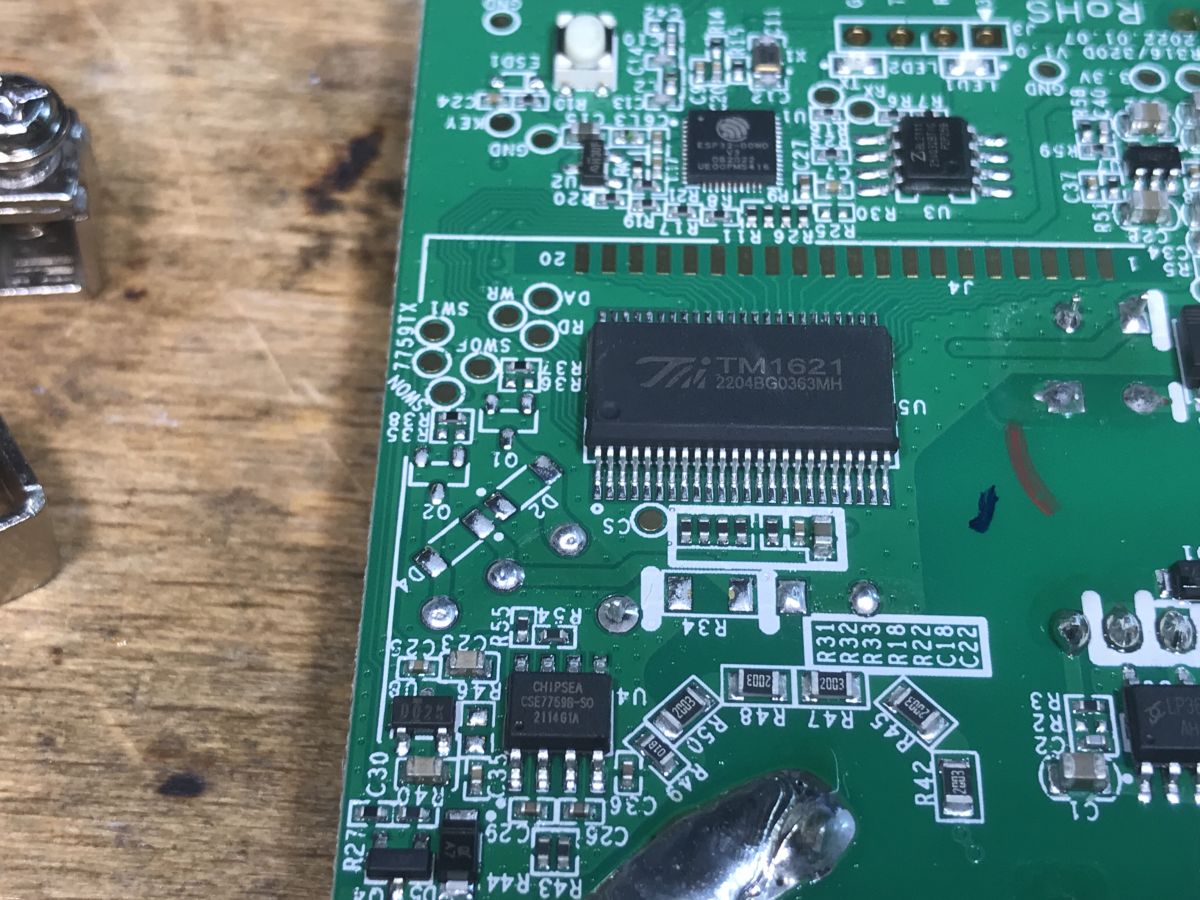
    Close-up of a circuit board with integrated circuits and TM1621 marking.
    The heart of the device is ESP32, on the PCB right next to it you can also see SPI Flash memory with the program and a programming connector with RX and TX, I will mention IO0 later.
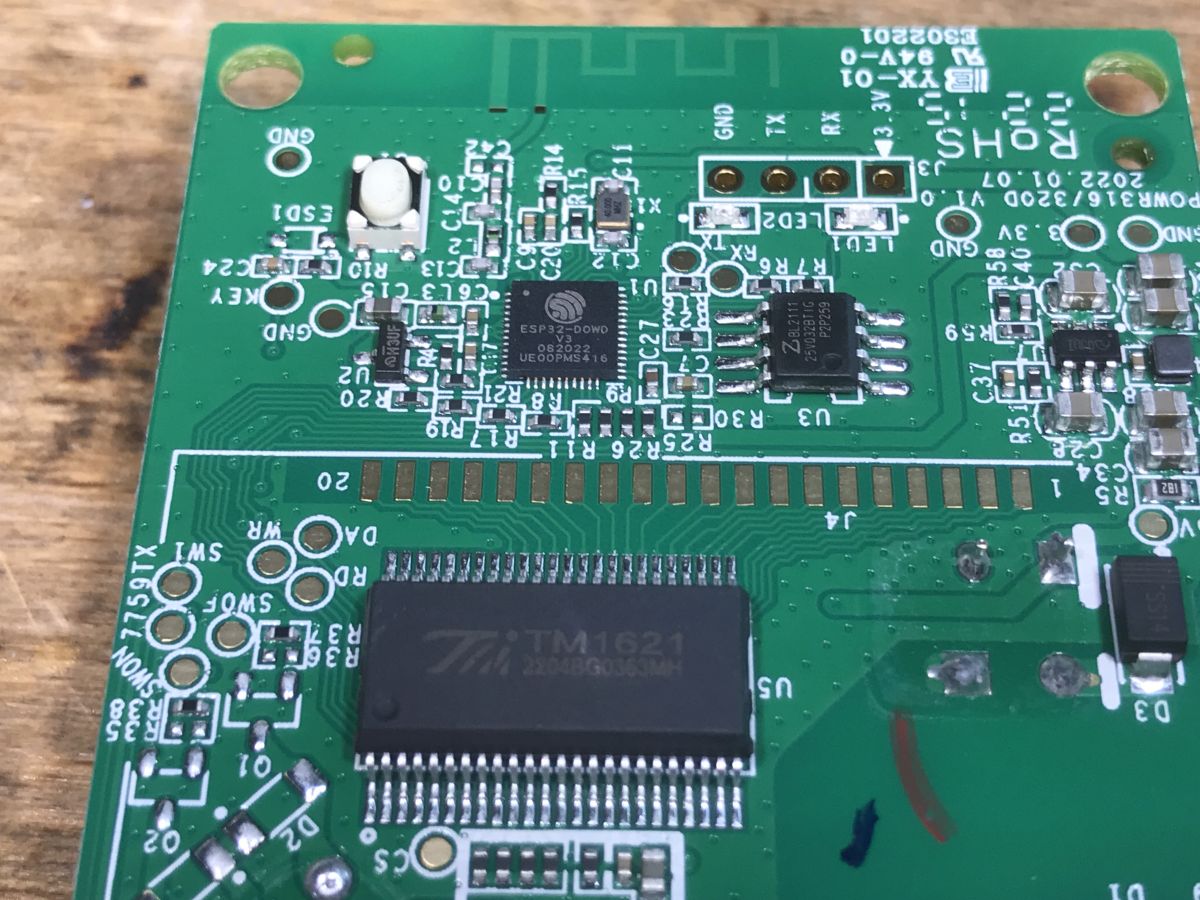
    Close-up of the Sonoff POWR316D PCB with visible electronic components.
    The integrated circuit at L4 looks like a step down converter to me, it probably provides 3.3V for ESP:
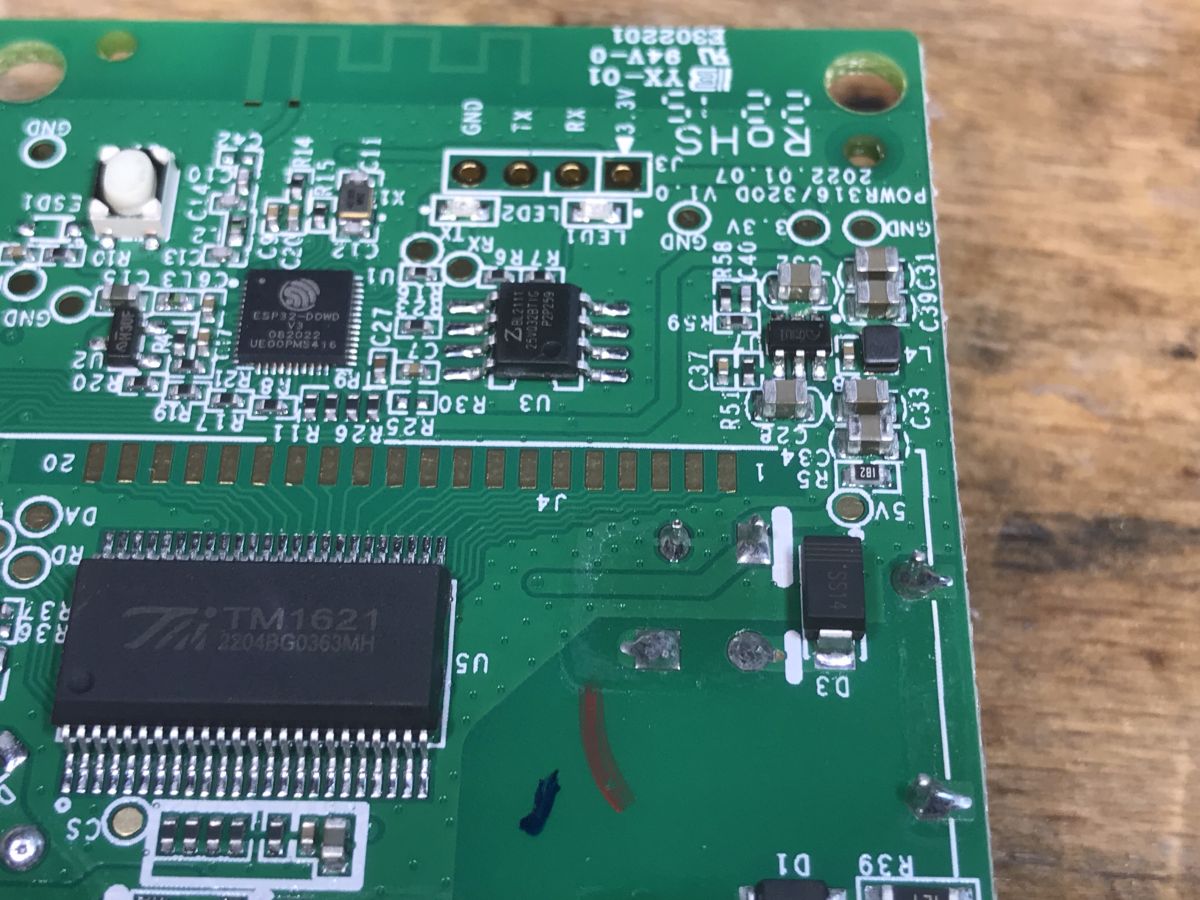
    Close-up of the Sonoff POWR316D circuit board with visible components.
    The CSE7759B is responsible for energy measurement:
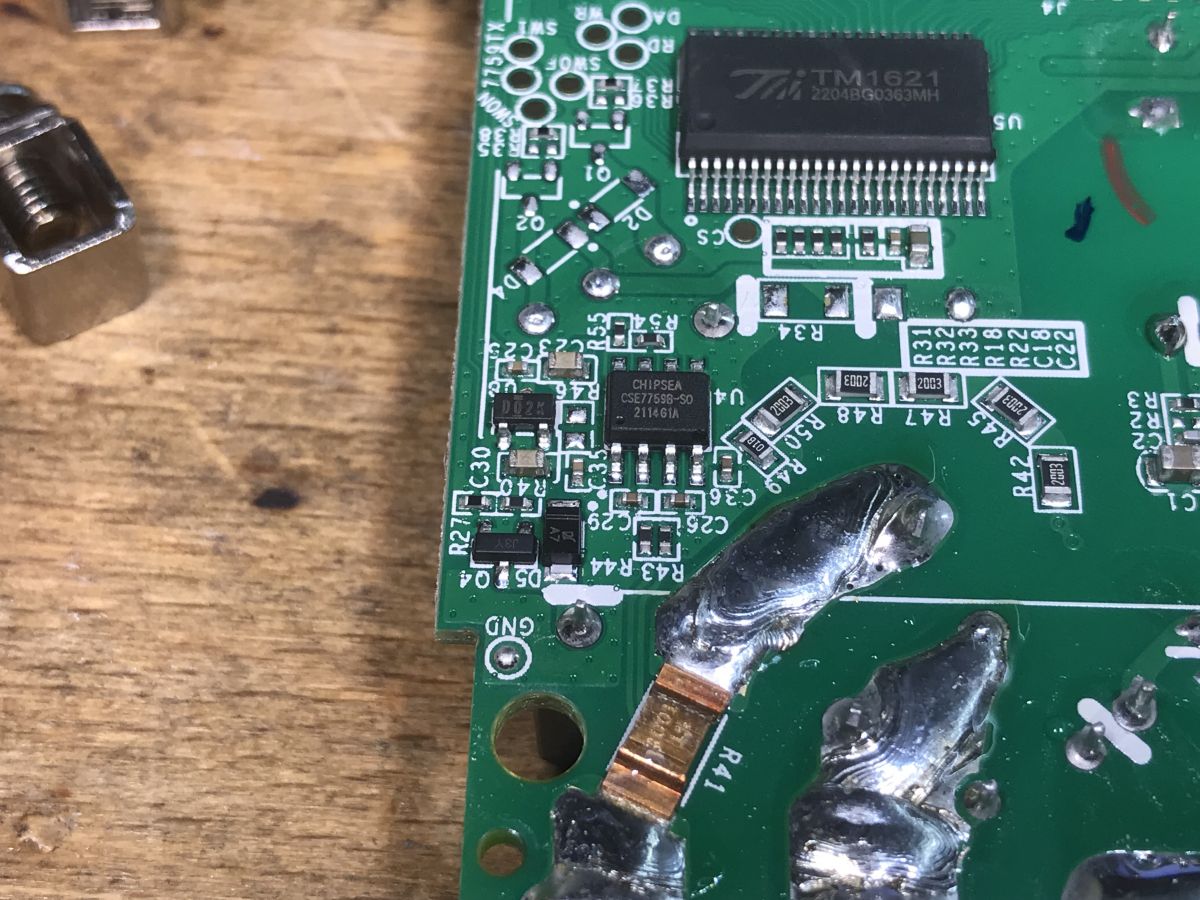
    Close-up of a circuit board with electronic components.
    The main power supply is based on LP3667:
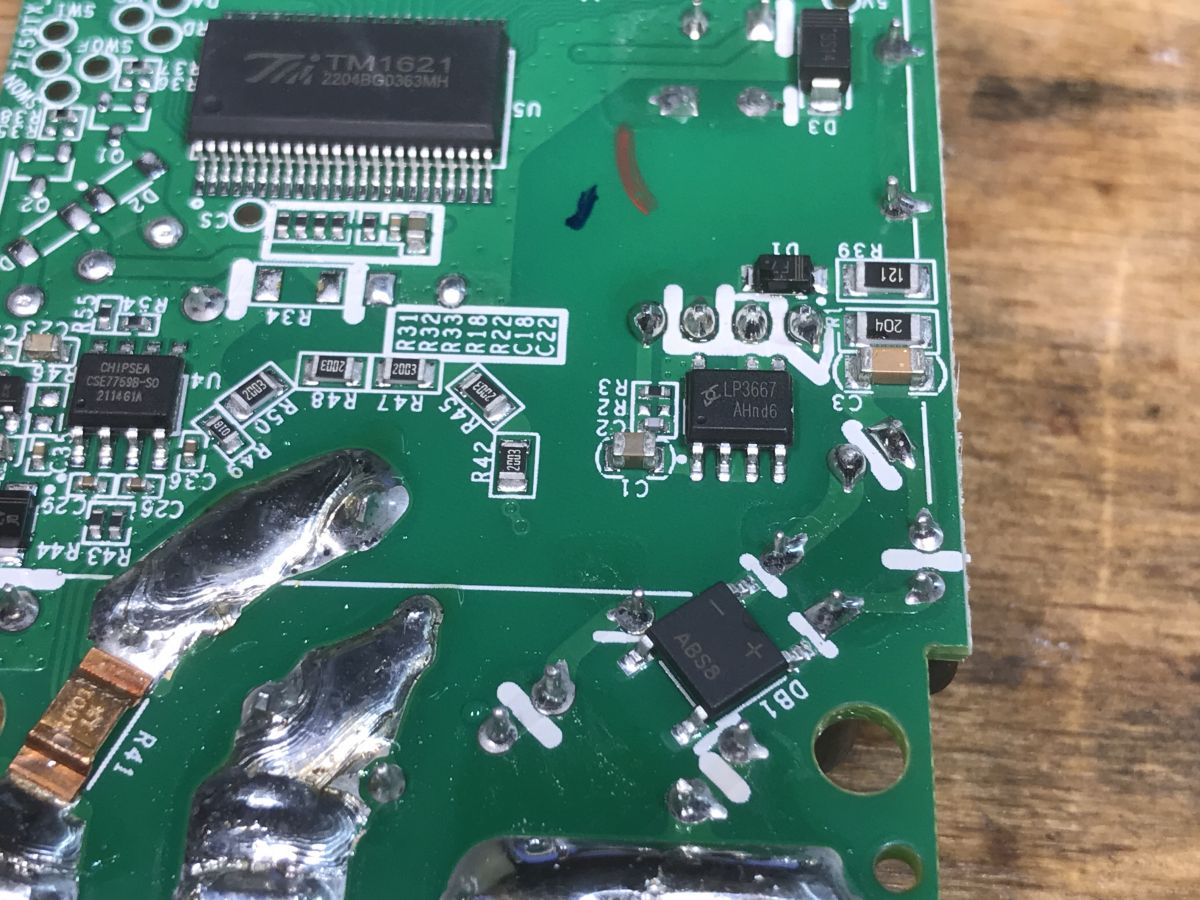
    Circuit board inside Sonoff meter with visible electronic components
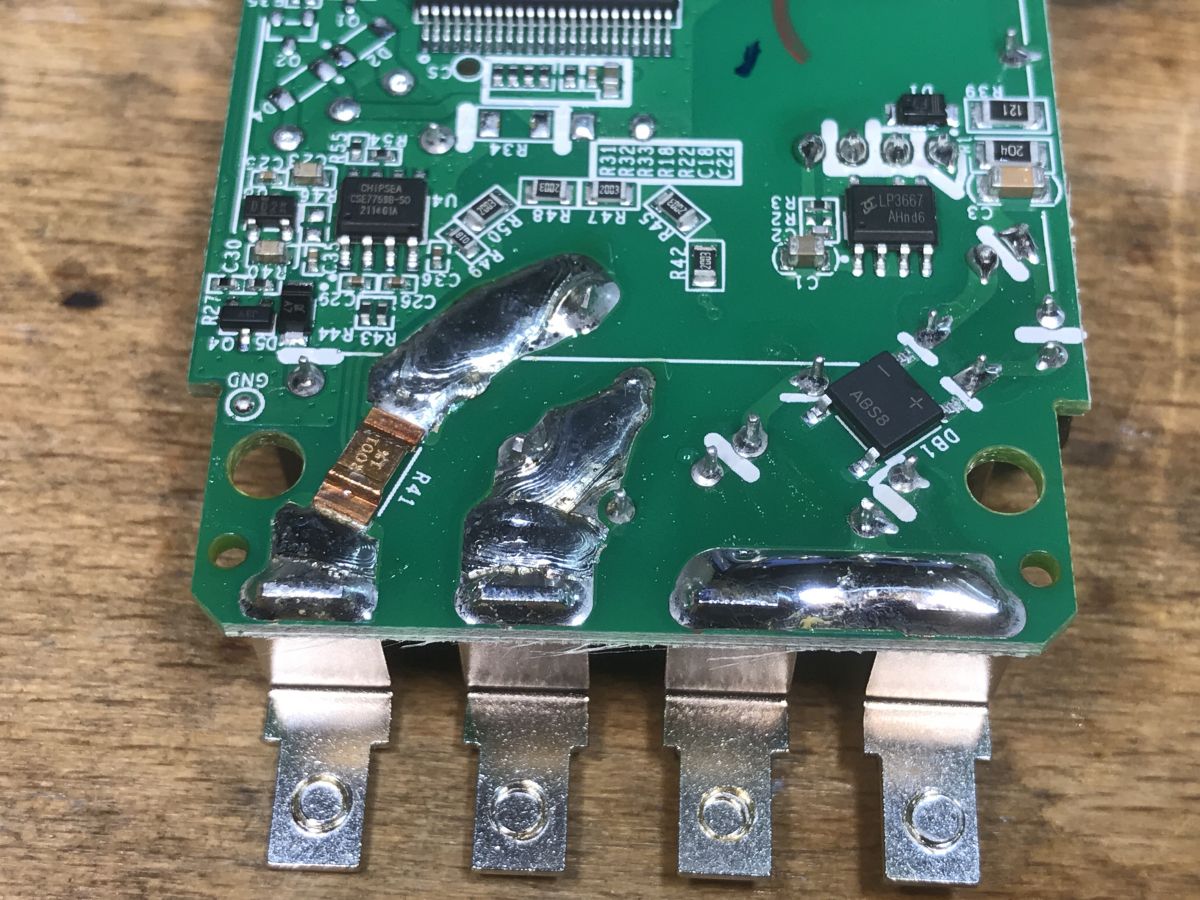
    The high-current paths are additionally tinned, the photo also shows a resistor with a tolerance of 1% - shunt:
    Sonoff POWR316D circuit board with visible electronic components.

    POWR316D firmware change
    The device is based on ESP32, you can upload Tasmota, either via esptool.py or via the online installer:
    How to easily install Tasmota - online installer tasmota.github.io/install via a web browser
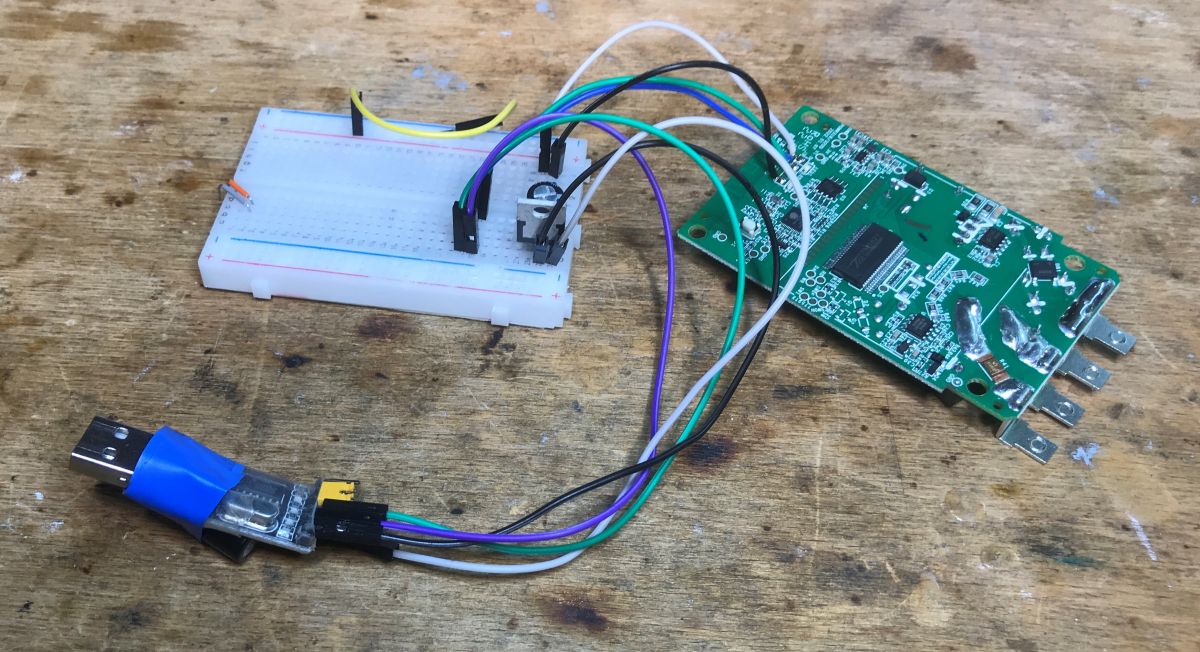
    This time we solder four wires, power supply (3.3V), ground, RX and TX:
    Sonoff PCB board with connected wiring and a breadboard.
    IO0 is output to the button, so to enter the bootloader mode we must first press this button and then connect the power supply (3.3V power supply)
    Of course, we perform all flashing operations away from the 230V network, everything must be completely disconnected, but this is rather obvious, as always.
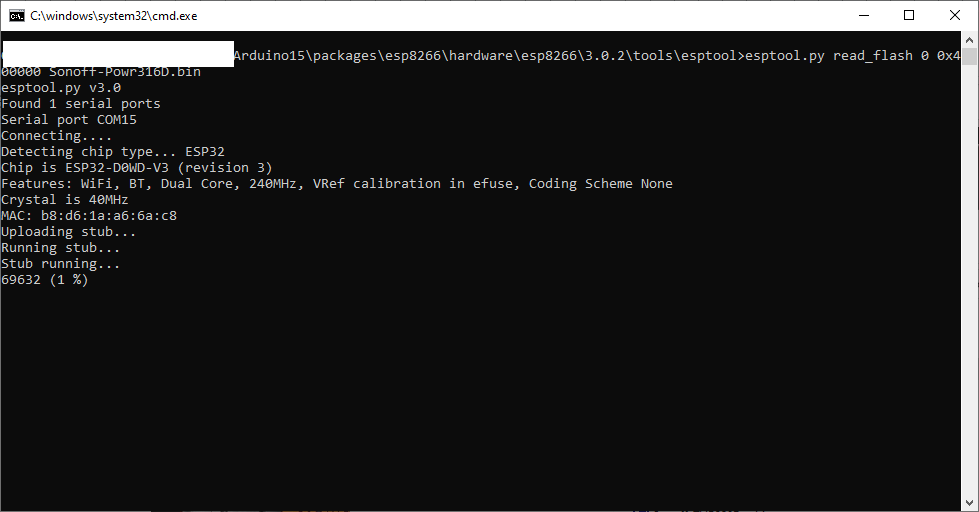
    I decided to use esptool.py because I always backup the firmware:
    Screenshot of CMD program during the flashing of Sonoff POWR316D.
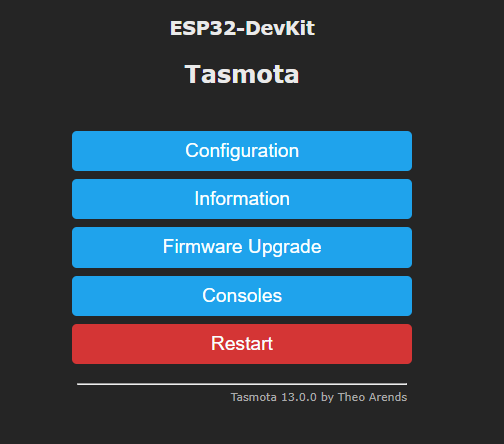
    Then I loaded Tasmota:
    Tasmota interface on ESP32-DevKit with configuration buttons
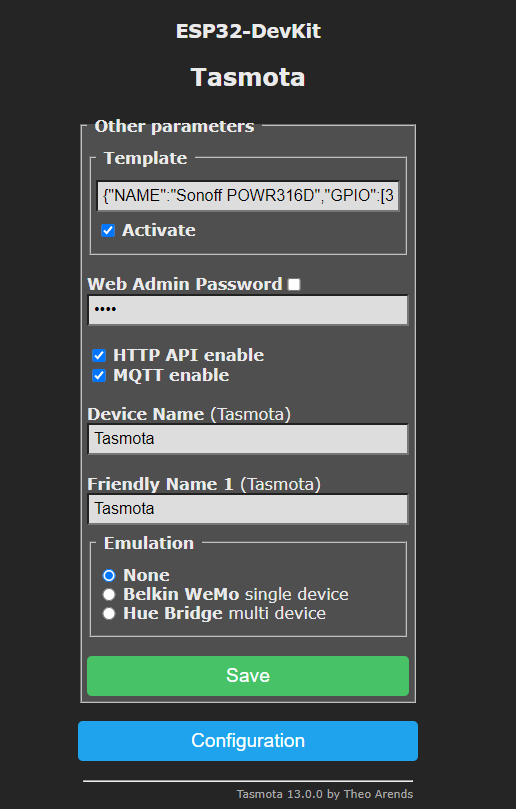
    I found the template ready on the Blakadder website:
    
    {"NAME":"Sonoff POWR316D","GPIO":[32,0,0,0,0,576,0,0,0,224,9280,0,3104,0,320,0,0,0,0,0,0,9184,9248,9216,0,0,0,0,0,0,0,0,0,0,0,0],"FLAG":0,"BASE":1}
    

    Uploading:
    Tasmota configuration interface on ESP32-DevKit.
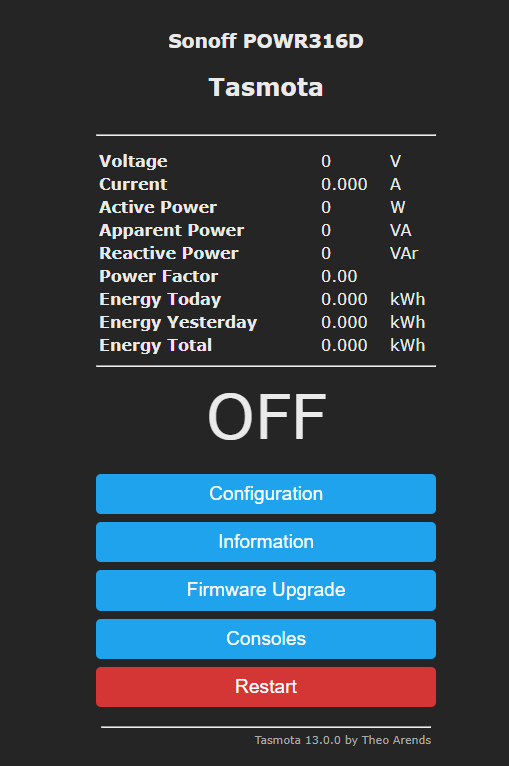
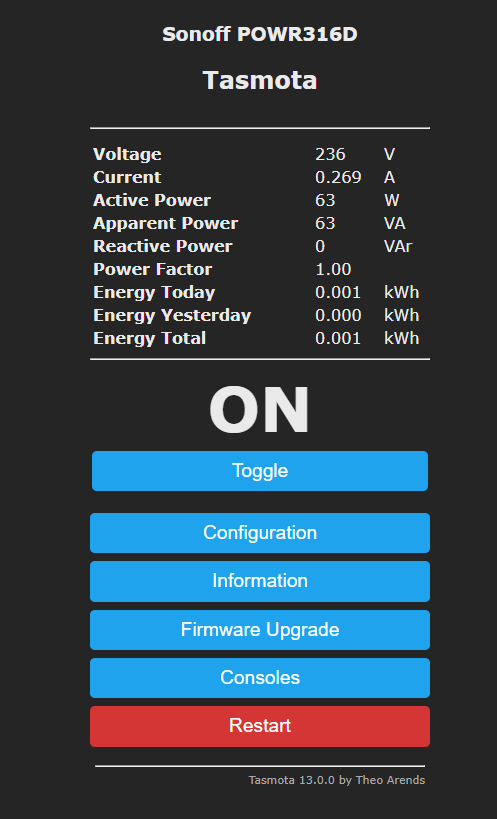
    After activation:
    Sonoff POWR316D user interface with Tasmota User interface of Sonoff POWR316D with Tasmota firmware showing energy consumption data.
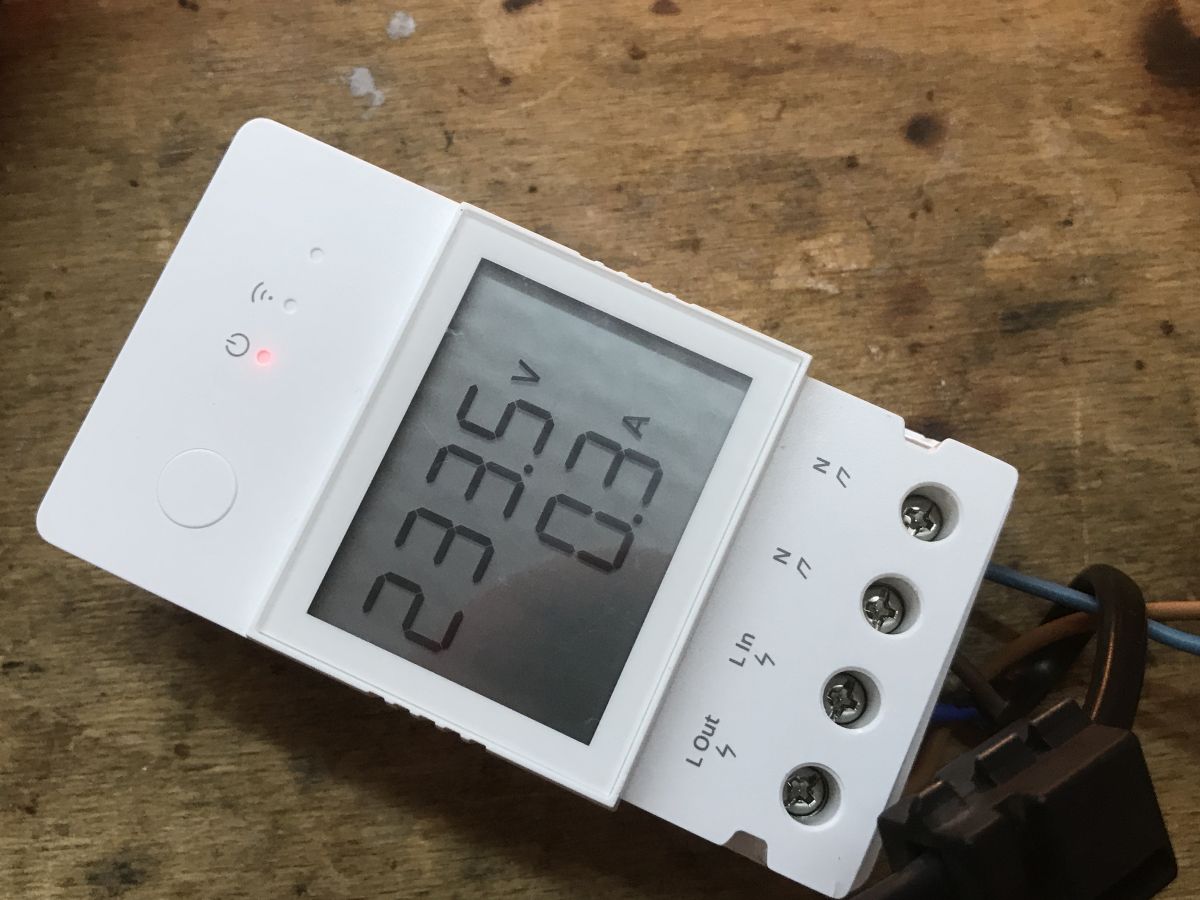
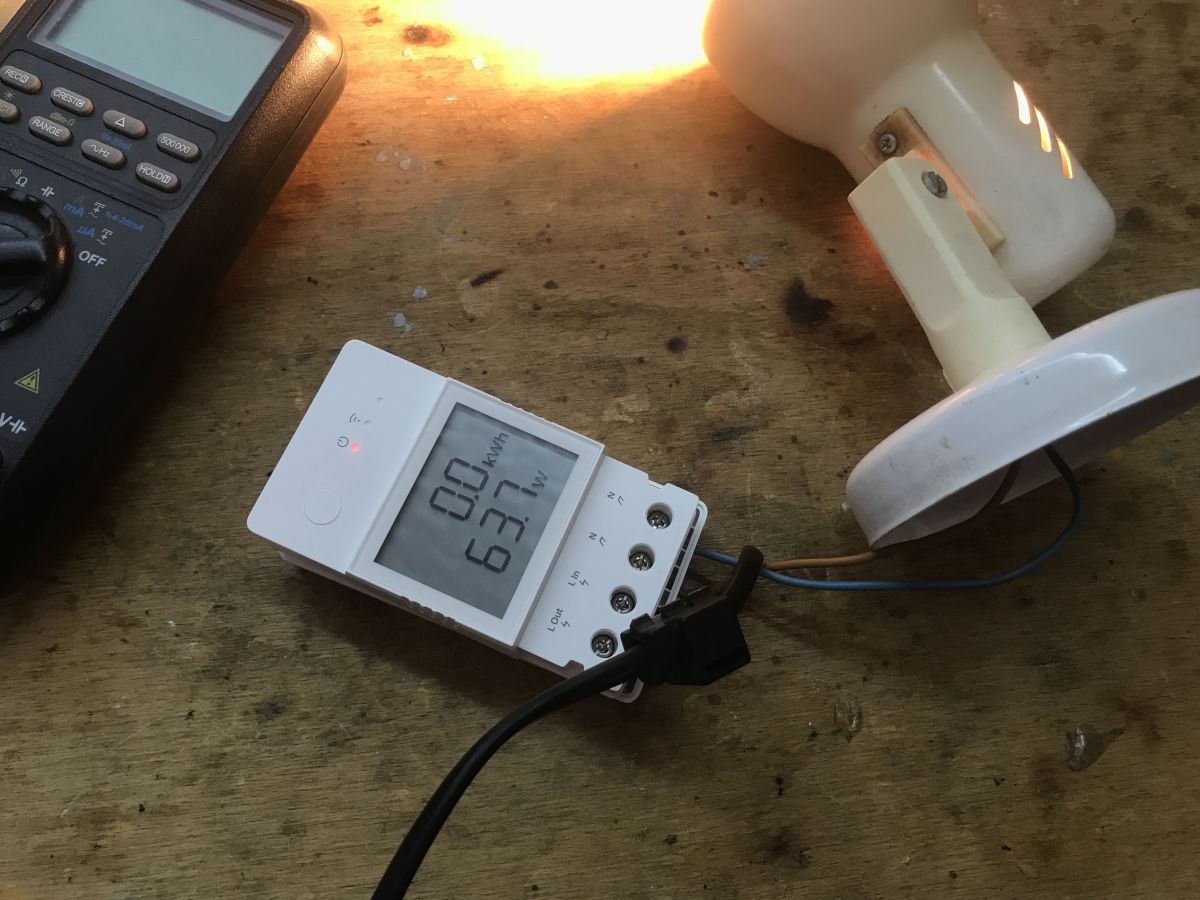
    The display also works:
    White Sonoff energy meter with an LCD display showing measurements. White Sonoff energy meter on a wooden background Sonoff POWR316D connected to a lamp and a multimeter Sonoff POWR316D with a connected lamp and LCD display showing energy consumption.
    After changing the firmware, the device requires calibration:
    https://tasmota.github.io/docs/Power-Monitoring-Calibration/

    Summary
    A very cool gadget. The price is slightly higher than in the case of regular smart sockets with energy measurement, but in exchange we get a display, which in my opinion is more convenient than constantly reaching for the phone or web browser to check the measurements in Home Assistant. In general, it's hard for me to get used to the phone and I much prefer gadgets that also work without WiFi, such as this energy meter from the topic or, for example, an LED strip controller with a button (as opposed to LED strip controllers without buttons - yes, such are on sale, and then the WiFi runs out and you can't turn on the lights...). To sum up, for me this gadget is worth attention.
    Does anyone use these types of Sonoff products? I invite you to share your impressions.

    Cool? Ranking DIY
    Helpful post? Buy me a coffee.

    About Author
    p.kaczmarek2
    Moderator Smart Home
    Offline 
    p.kaczmarek2 wrote 14231 posts with rating 12127, helped 647 times. Been with us since 2014 year.
  • ADVERTISEMENT
  • #2 20828342
    krzbor
    Level 29  
    A very interesting device due to its display. The price is also quite decent. I found something similar: Link . I wonder if it's not even the same display.
  • ADVERTISEMENT
  • #3 20829062
    mfac
    Level 17  
    It is tempting to check the measurement accuracy, especially for non-linear loads and PF
  • ADVERTISEMENT
  • #4 21052523
    szczukot
    Level 14  
    Does anyone know how to control it themselves - without Tasmota ?
    Any API etc ?
    Because I'm struggling for the second day and it's lame.
  • #5 21089691
    szczukot
    Level 14  
    What exactly is the ESP32 chip in this device?
📢 Listen (AI):

FAQ

TL;DR: The Sonoff POWR316D measures power with ±0.5 % accuracy and switches up to 16 A; “A very cool gadget” [Elektroda, p.kaczmarek2, post #20827853] Flashing Tasmota takes four wires and <5 min with esptool.py. Why it matters: You gain local control, Home Assistant support and an always-on LCD without relying on cloud servers.

Quick Facts

• Rated load: 100-240 V AC, 16 A max [Elektroda, p.kaczmarek2, post #20827853] • Metering chip: CSE7759B, ±0.5 % typical accuracy [CSE7759B Datasheet] • MCU: Dual-core ESP32 (240 MHz, 4 MB flash) [Elektroda, p.kaczmarek2, post #20827853] • Street price: €18-22 in Poland, April 2024 [Allegro Listing 2024] • Post-flash calibration required (voltage, current, power) [Tasmota Docs]

What exact ESP32 variant is inside the POWR316D?

Photos show a bare ESP32-D0WD V3 (QFN-48) bonded directly on the PCB, paired with a 4 MB SPI flash chip [Elektroda, p.kaczmarek2, post #20827853] The pin-out matches Espressif’s D0WD reference, so any ESP32 toolchain or Tasmota-ESP32 build works.

Is the LCD really driven by a TM1621 and can ESPHome control it?

Yes. The board carries a TM1621 segment driver [Elektroda, p.kaczmarek2, post #20827853] ESPHome already includes a tm1621 display component that uses four GPIO lines esphome.io/tm1621. You can therefore map the same pins when building your own ESPHome firmware [ESPHome Docs].

How accurate is the energy meter, especially on non-linear loads?

The CSE7759B chip offers ±0.5 % accuracy at PF ≥ 0.5 and rated current [CSE7759B Datasheet]. For highly capacitive LED drivers power factor can drop to 0.3, pushing errors toward 3 % unless you run a fresh calibration with an RMS reference meter [Tasmota Docs].

Can I control the POWR316D without Tasmota or eWeLink?

Three options: 1) eWeLink DIY-mode REST API once you activate LAN mode (port 8081) itead.cc DIY; 2) Raw UART commands over the exposed RX/TX pads; or 3) Custom ESPHome firmware flashed via bootloader. All bypass cloud control, but DIY mode keeps the original firmware intact [Elektroda, szczukot, post #21052523]

How do I flash Tasmota?

  1. Solder 3.3 V, GND, RX, TX to the on-board header [Elektroda, p.kaczmarek2, post #20827853]
  2. Hold the front button (IO0 low) while applying 3.3 V to enter bootloader.
  3. Run esptool.py write_flash 0x0 tasmota32.bin, power-cycle, then join the Wi-Fi AP. The process takes under five minutes.

What calibration steps are required after flashing?

Open Tasmota console and run: 1) PowerSet 230 (your mains RMS). 2) Attach a resistive load with known power, enter PowerCal 1000,3000 (example Watts,mA). 3) Verify with a reference meter and fine-tune using VoltCal or CurrentCal [Tasmota Docs].

Does the device work with Home Assistant?

Yes. Tasmota exposes MQTT auto-discovery; Home Assistant adds the switch and power sensors instantly once you set SetOption19 1 [Tasmota Docs]. eWeLink users can instead enable the Sonoff LAN integration for local control HA Docs.

How much power does the POWR316D consume itself?

Stand-by draw measures about 0.5 W at 230 V, equating to 4.4 kWh annually [Sonoff Product Sheet].

What wire sizes fit the screw terminals?

The spring clamps accept 0.5-2.5 mm² solid or stranded conductors (AWG 20-14) according to the Elite16A datasheet [Sonoff Product Sheet]. Tighten to 0.4 N·m to avoid hot joints.

Are there safety risks when opening the enclosure?

Yes. High-voltage tracks sit <2 mm from the 3.3 V section; energised board handling can cause lethal shock. Always disconnect mains, wait 30 s for capacitors to discharge, and use an isolation transformer when probing [Elektroda, p.kaczmarek2, post #20827853] "Treat every trace like 230 V until proven otherwise" [IEC 61010].

How do I reset the accumulated energy counter?

In Tasmota send EnergyReset 0; in the eWeLink app tap Settings → Clear Data. Both commands zero the kWh register but keep voltage calibration [Tasmota Docs].

What happens if flashing fails midway?

The ESP32 stays in bootloader and the relay won’t energise—a classic soft-brick. Re-flash with the original backup (esptool.py write_flash 0x0 backup.bin) to recover [Elektroda, p.kaczmarek2, post #20827853]
ADVERTISEMENT