logo elektroda
logo elektroda
X
logo elektroda
Dostępna jest polska wersja

Czy wolisz polską wersję strony elektroda?

Nie, dziękuję Przekieruj mnie tam

Updating 16A Plug with Energy Meter from Chinese Server to Free Device

lbelleboni 1950 2

TL;DR

  • Converts a 16A plug with an energy meter from AliExpress into a "free" device no longer tied to the Chinese server.
  • Opens the enclosure by forcing the plastic, then solders every signal directly to the board before following the guide.
  • Uses a 16A plug with energy meter and includes the JSON file for the updated configuration.
  • The enclosure survived the opening process without breaking anything, despite requiring a lot of force.
Generated by the language model.
ADVERTISEMENT
📢 Listen (AI):

  • Ciao to everybody.
    I use all the information read from this forum to "update" and free from Chinese server a 16A plug device with energy meter.
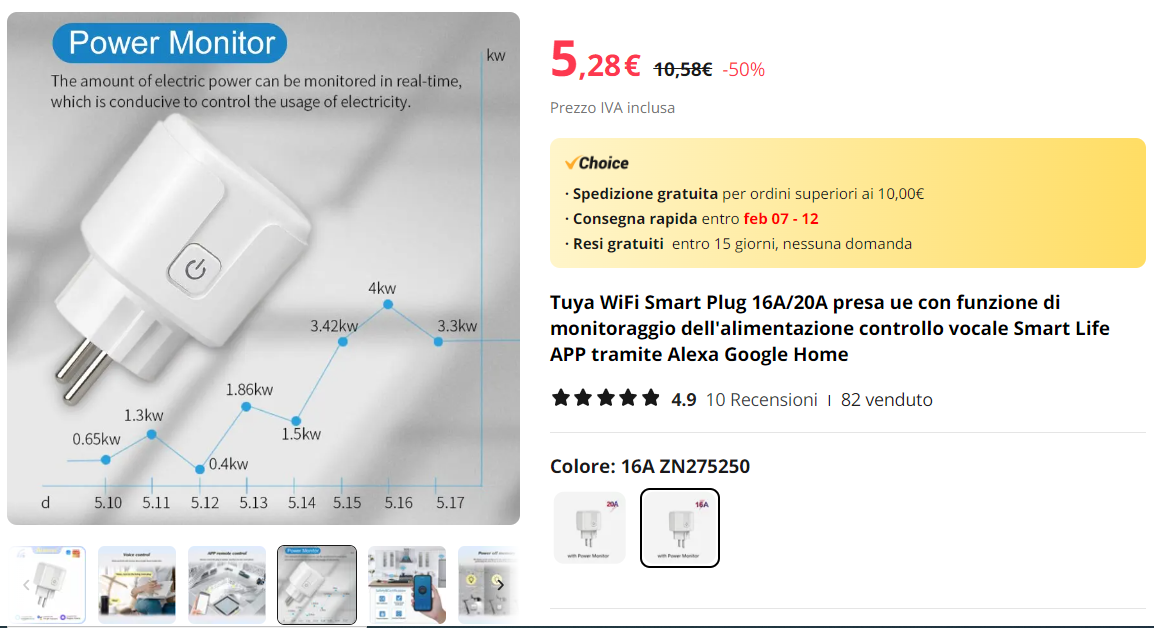
    Advertisement for Tuya WiFi Smart Plug with energy monitoring function.

    I bought it from Aliexpress site:
    https://it.aliexpress.com/item/10050059683013...t_main.58.65863696sd18bs&gatewayAdapt=glo2ita

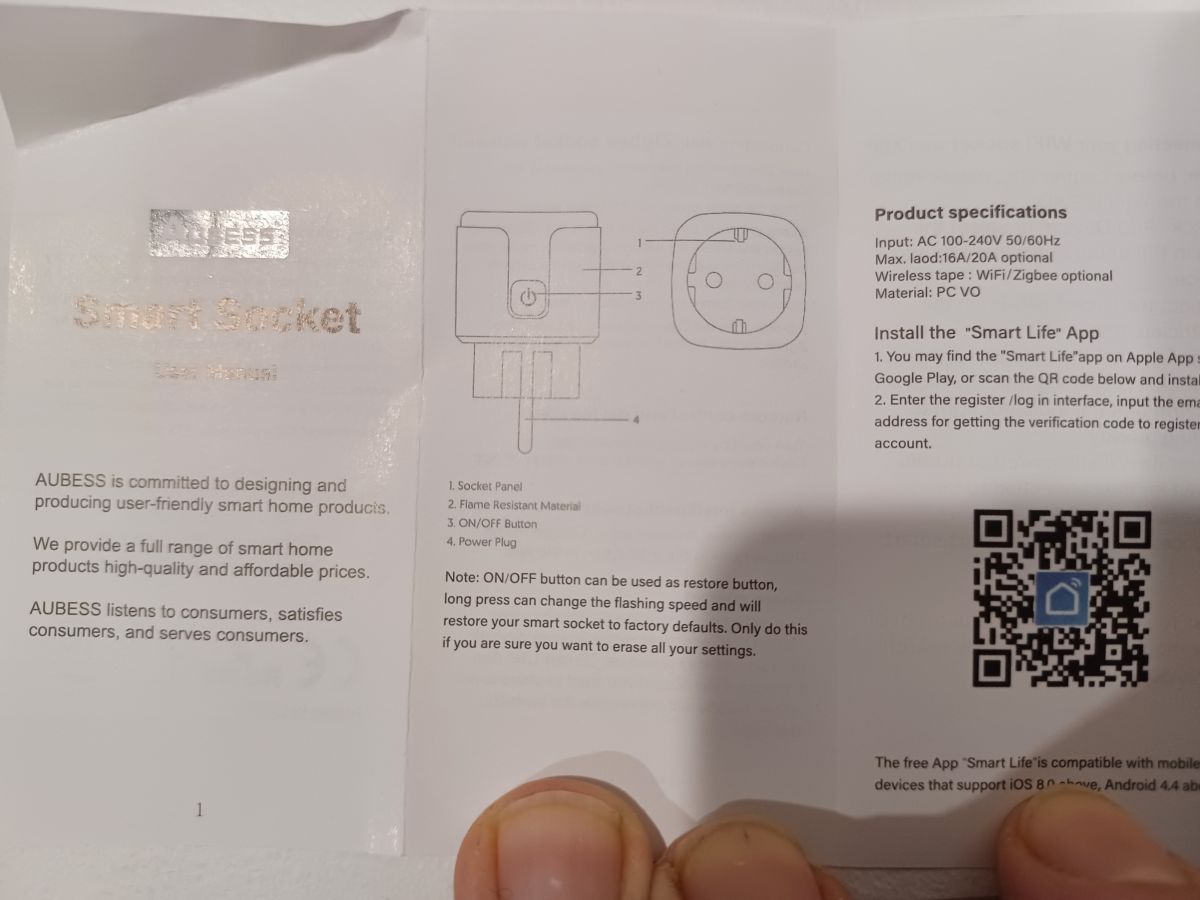
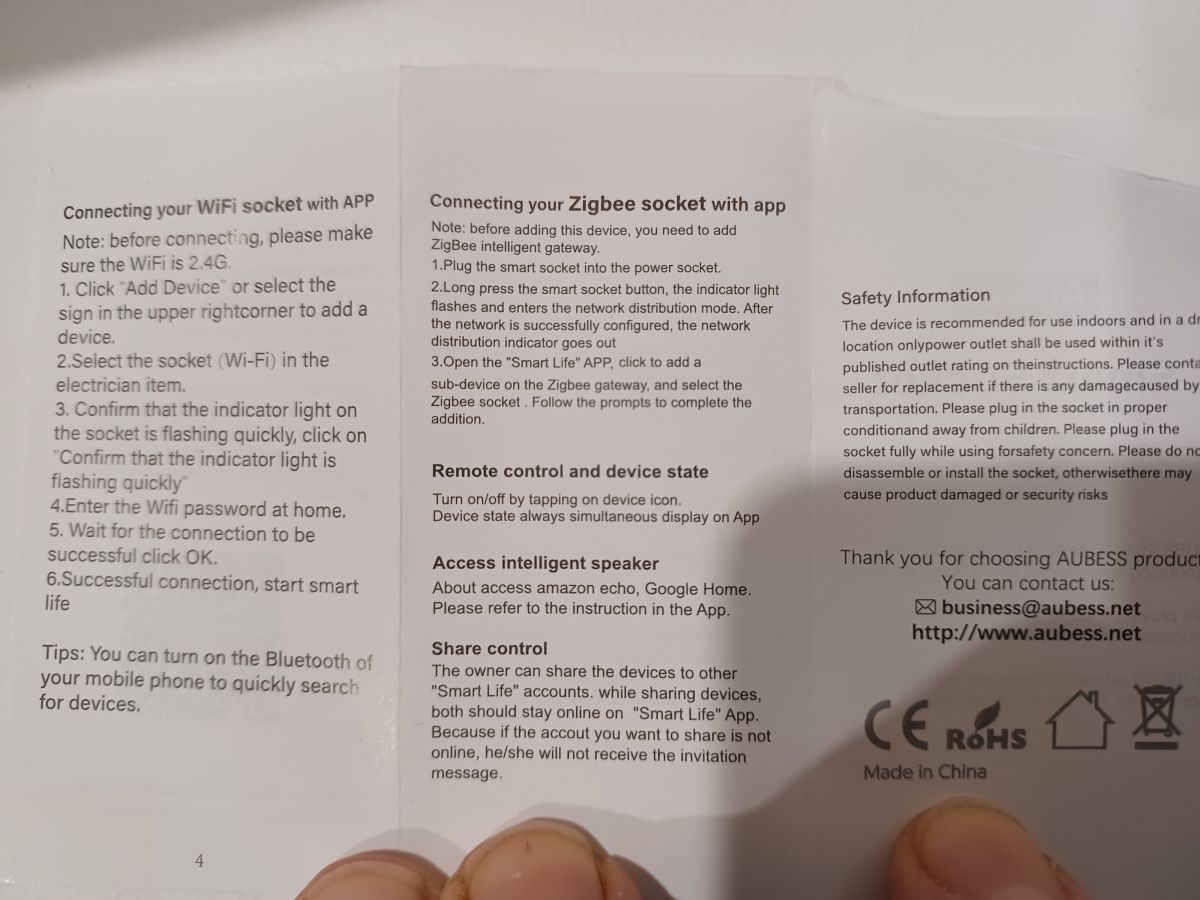
    These are the info from the box:
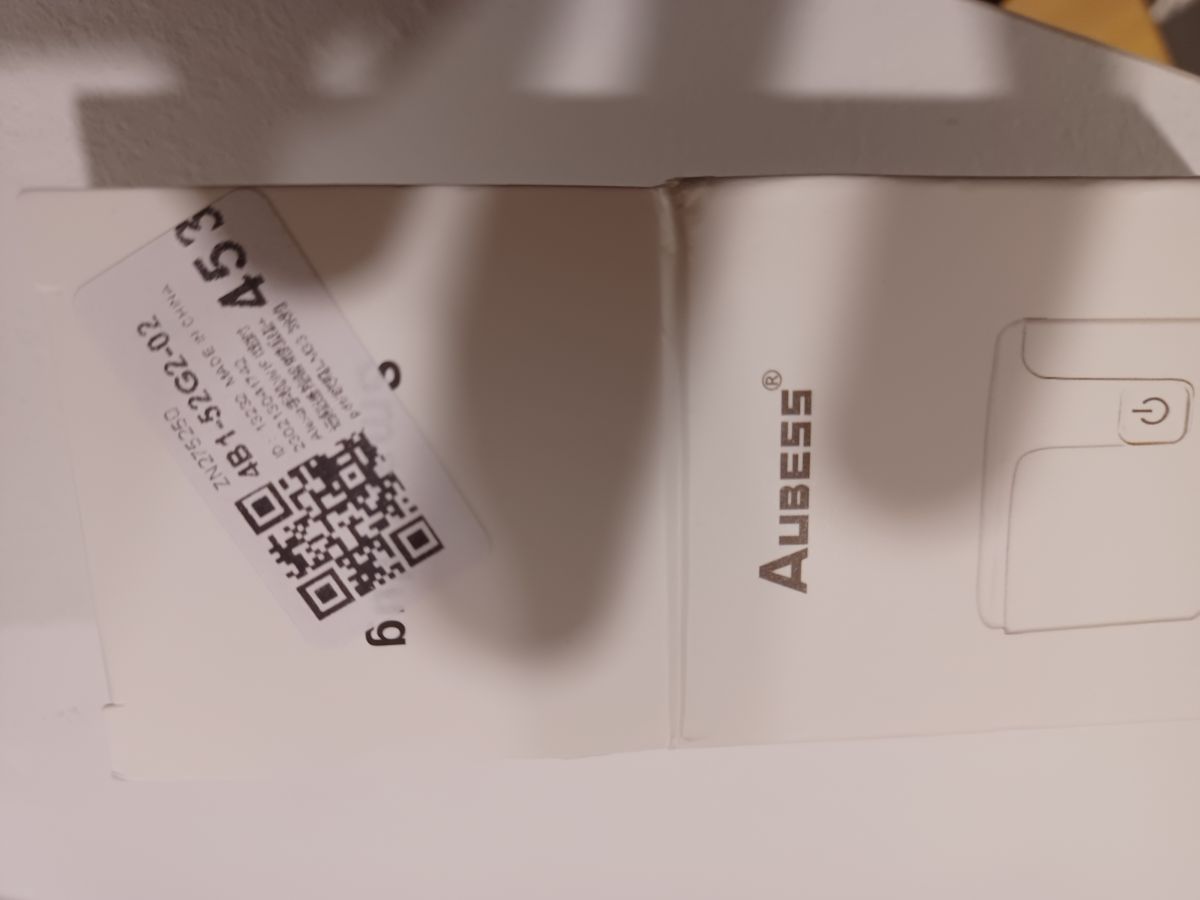
    Close-up of an Aubess device box with a QR code sticker. User manual for AUBESS Smart Socket with visible specifications and QR code. User manual of an electronic device with three columns of text.

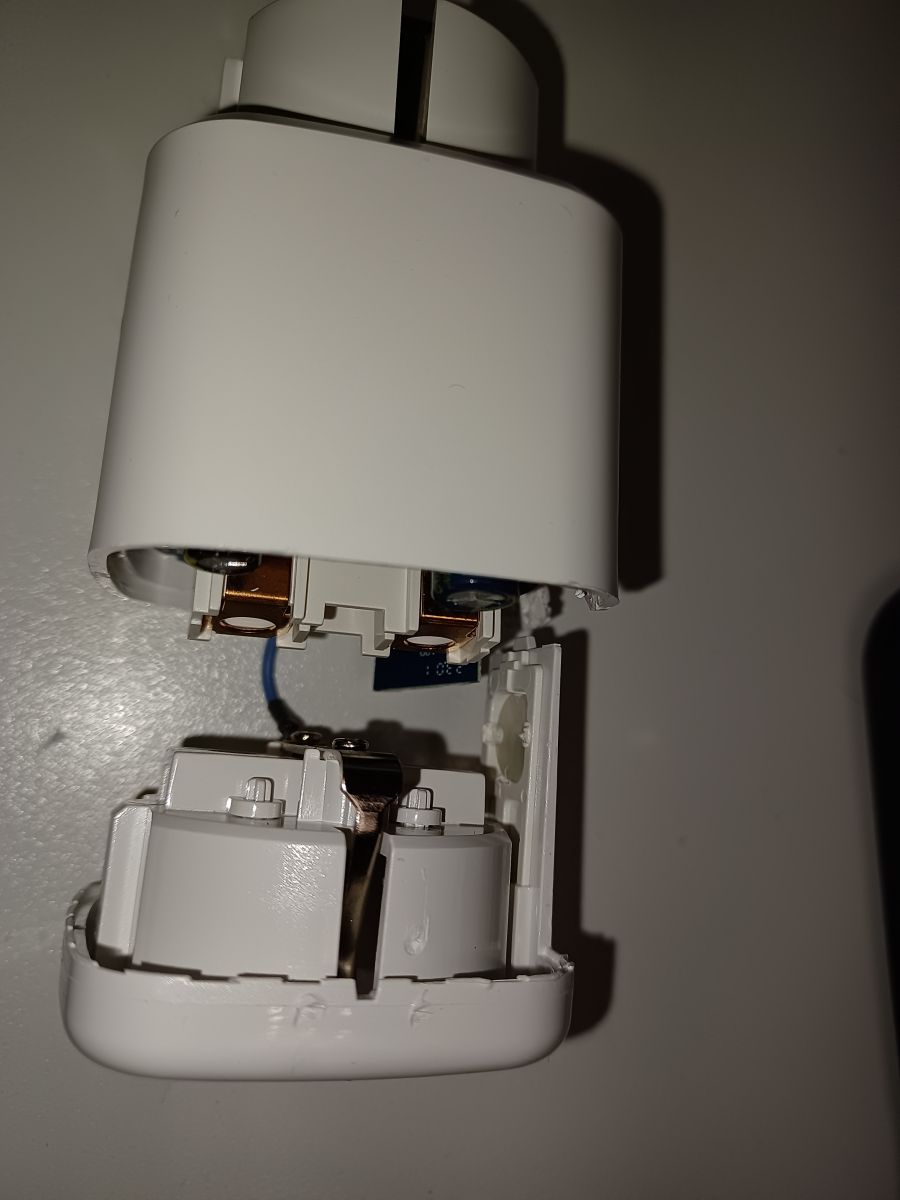
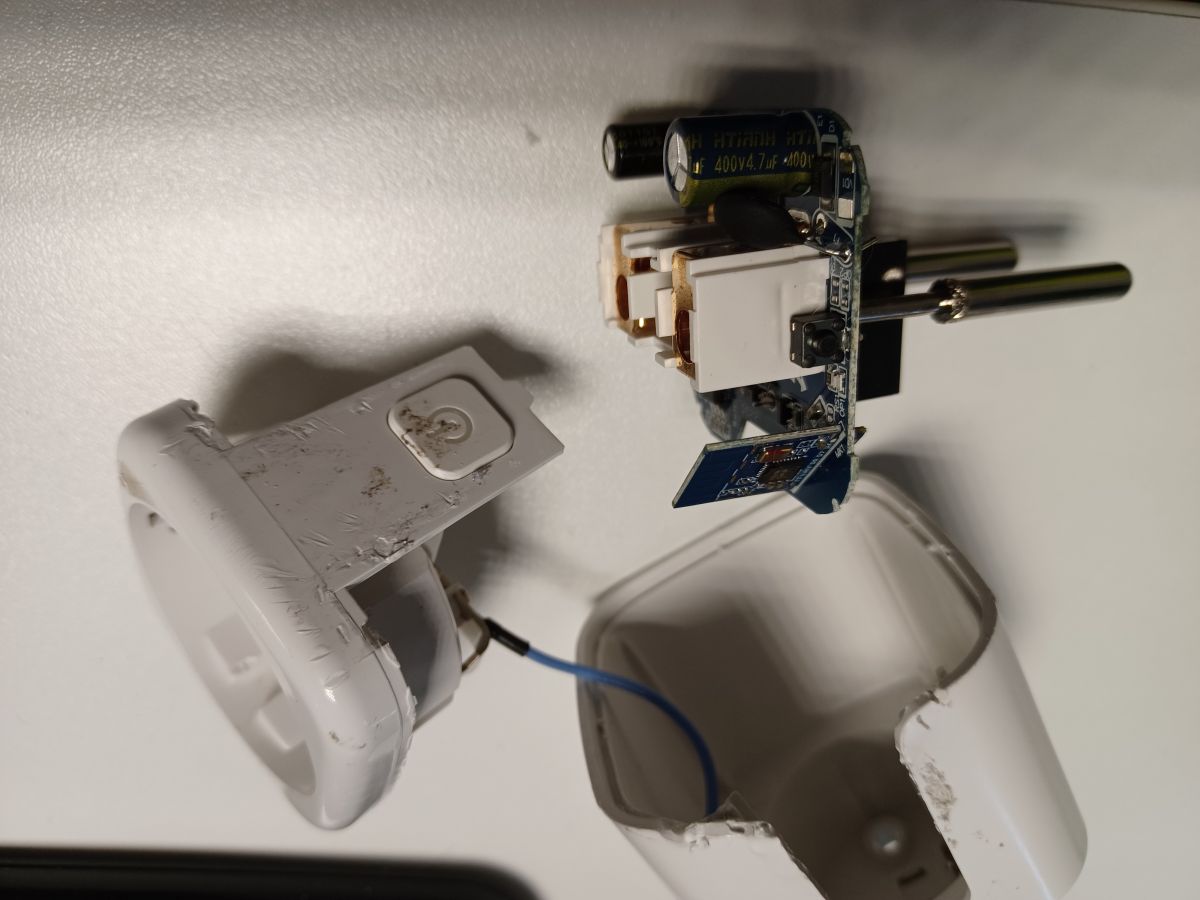
    I "forced" a lot the plastic in order to be able to open it, but at the end I haven't broken anything :-)
    Photo of an open electrical device with a 16A plug and energy meter.

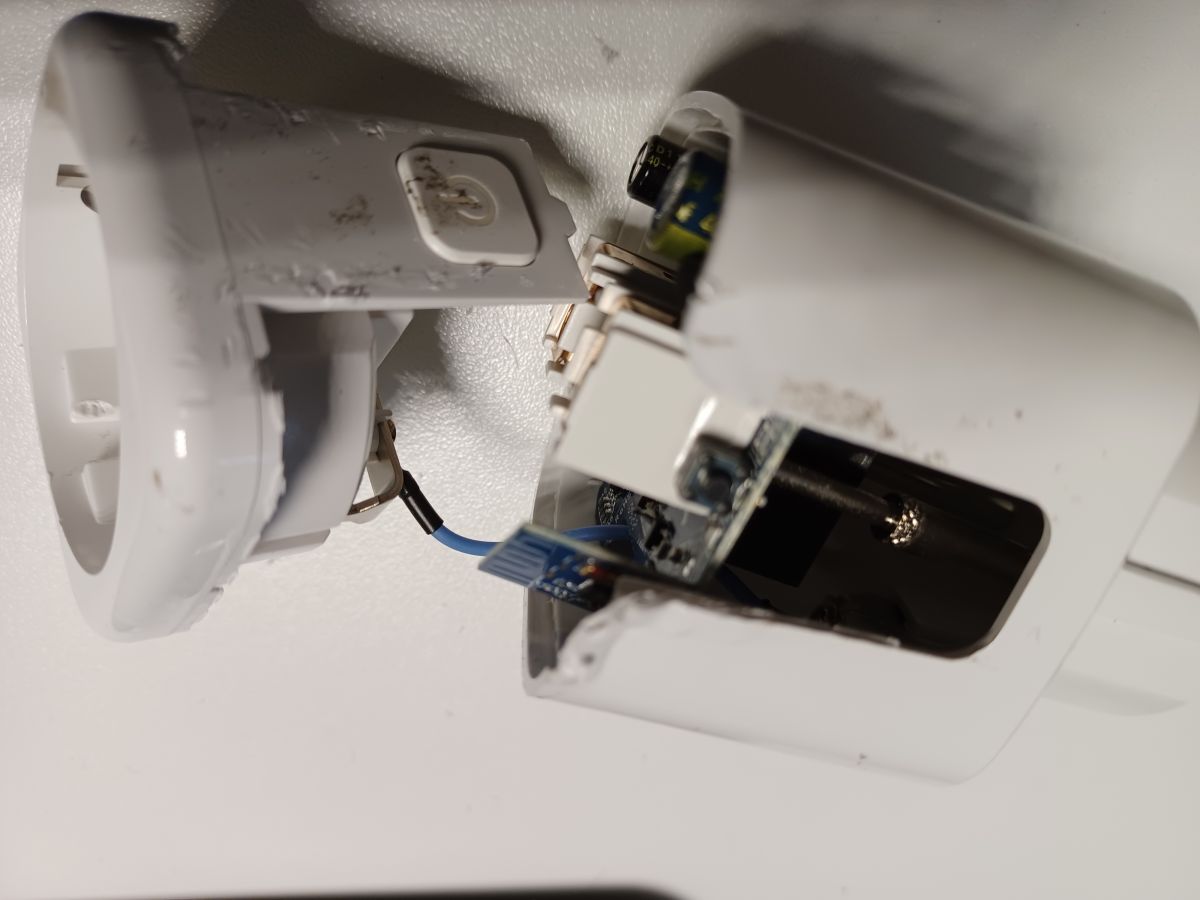
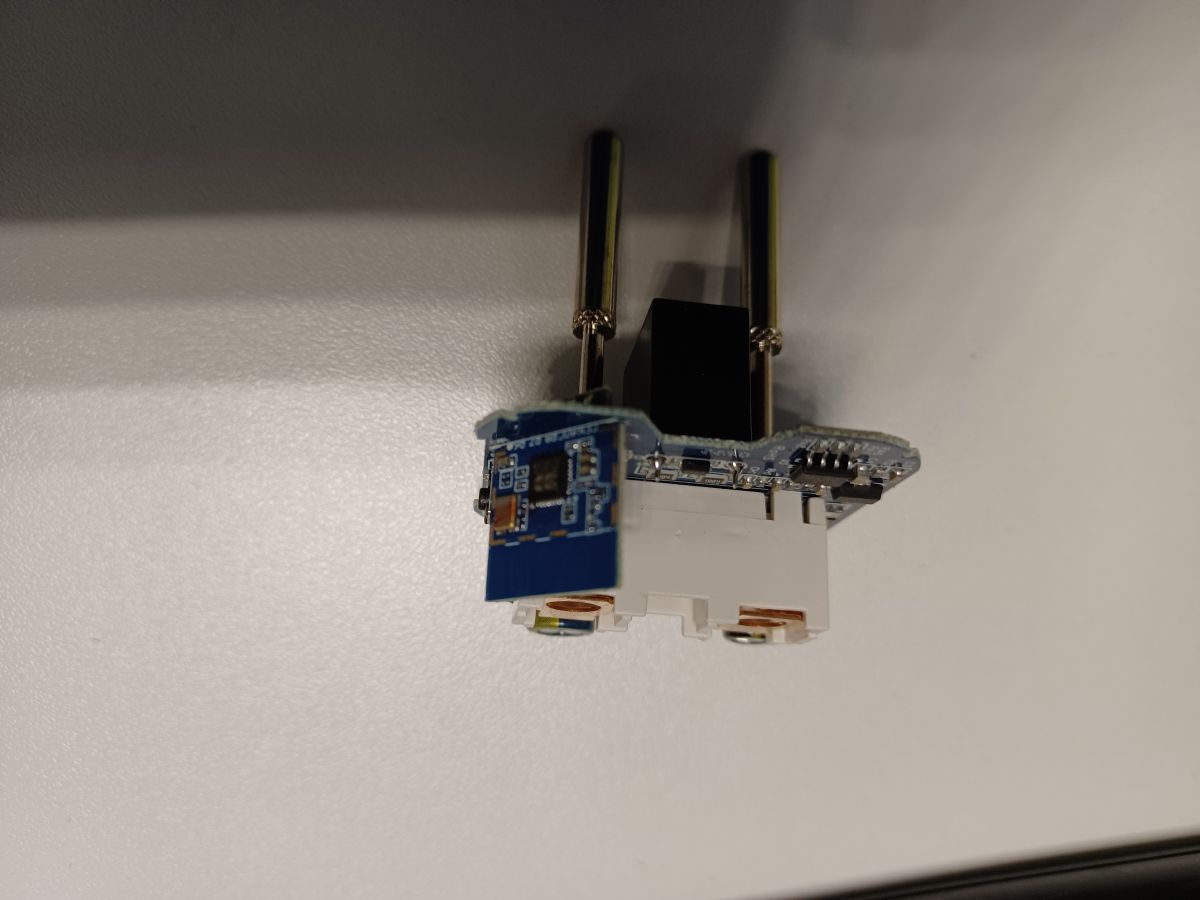
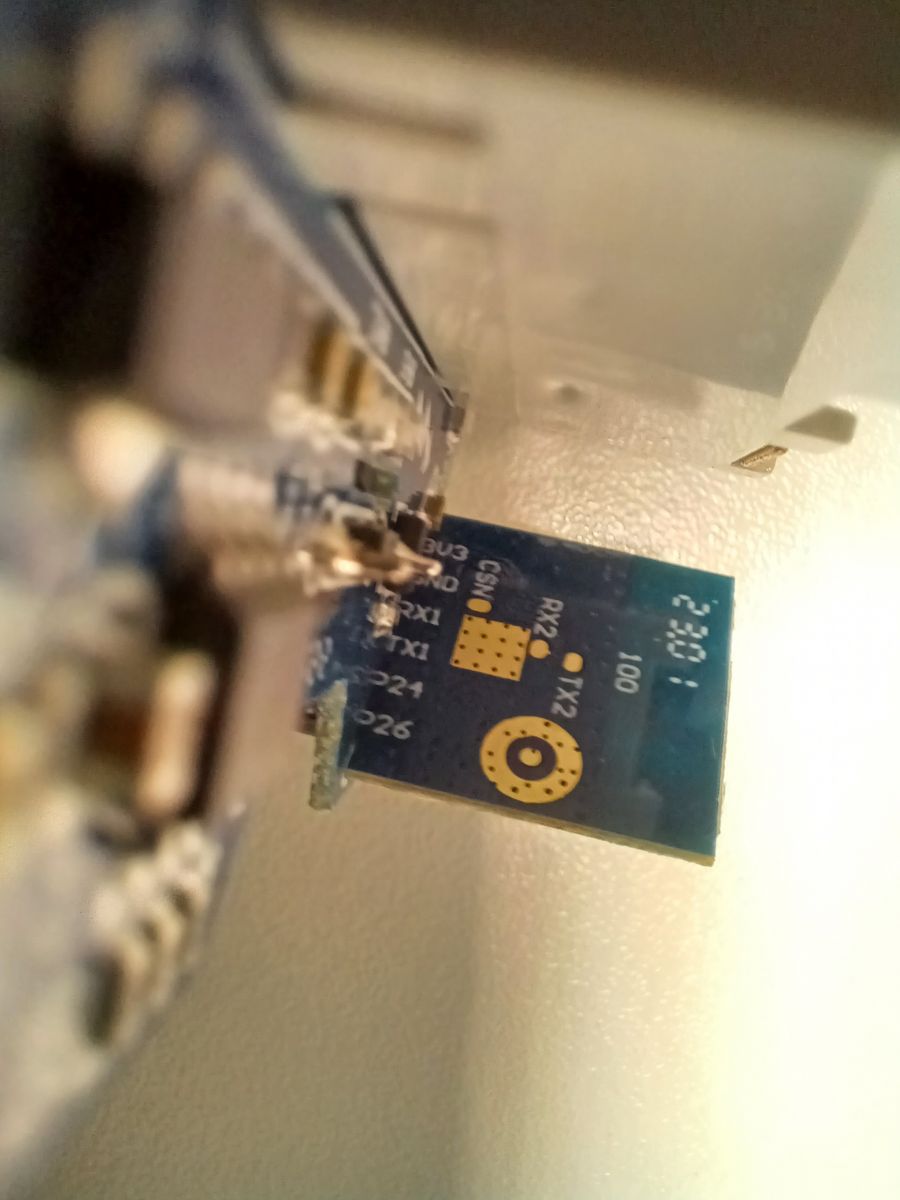
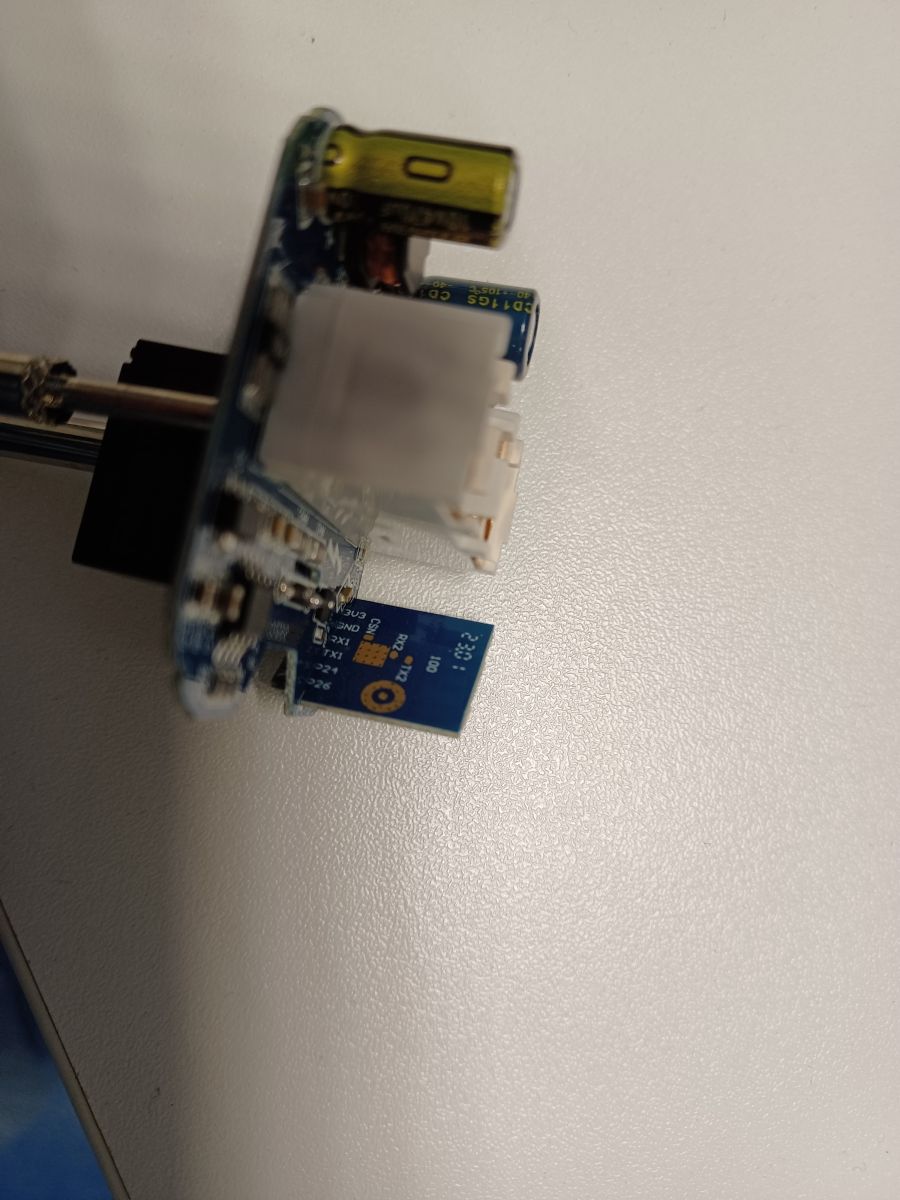
    Other images of the device:
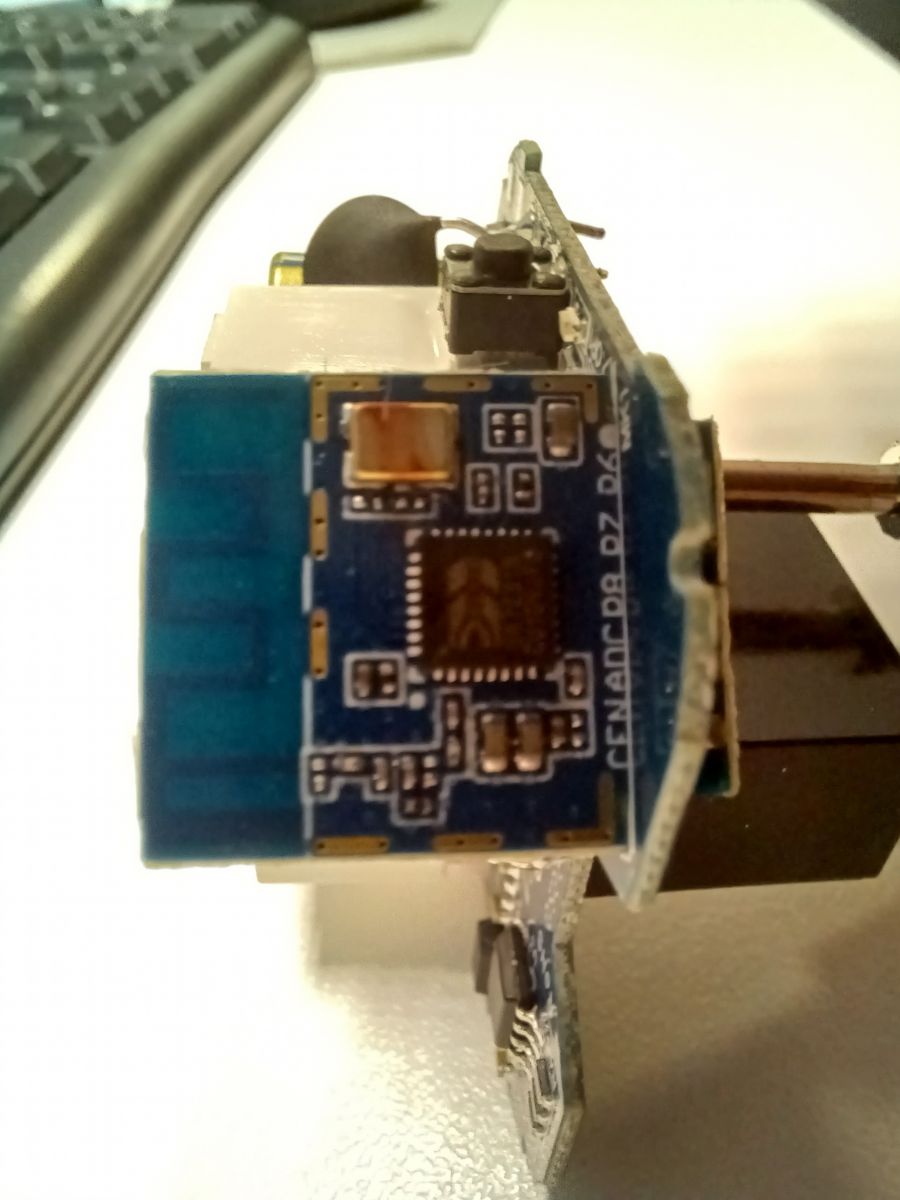
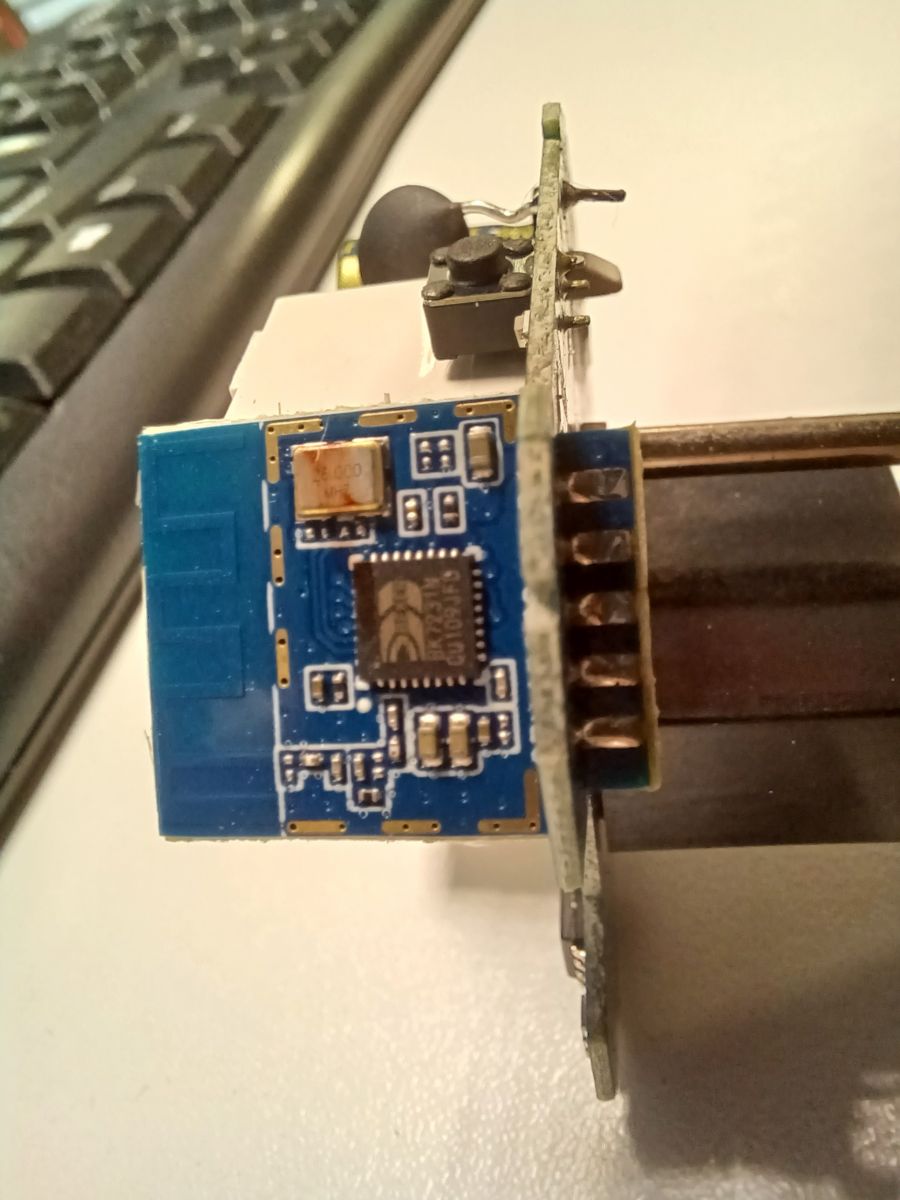
    Opened 16A plug module with visible electronic components. An opened electrical adapter with visible circuit board and electronic components. Interior of a 16A plug device with an energy meter after opening. Close-up of a circuit board inside an electrical device. Close-up of a circuit board with electronic components. Close-up of an open circuit board of an electronic device. Close-up of an open electronic device with a visible circuit board and electronic components.

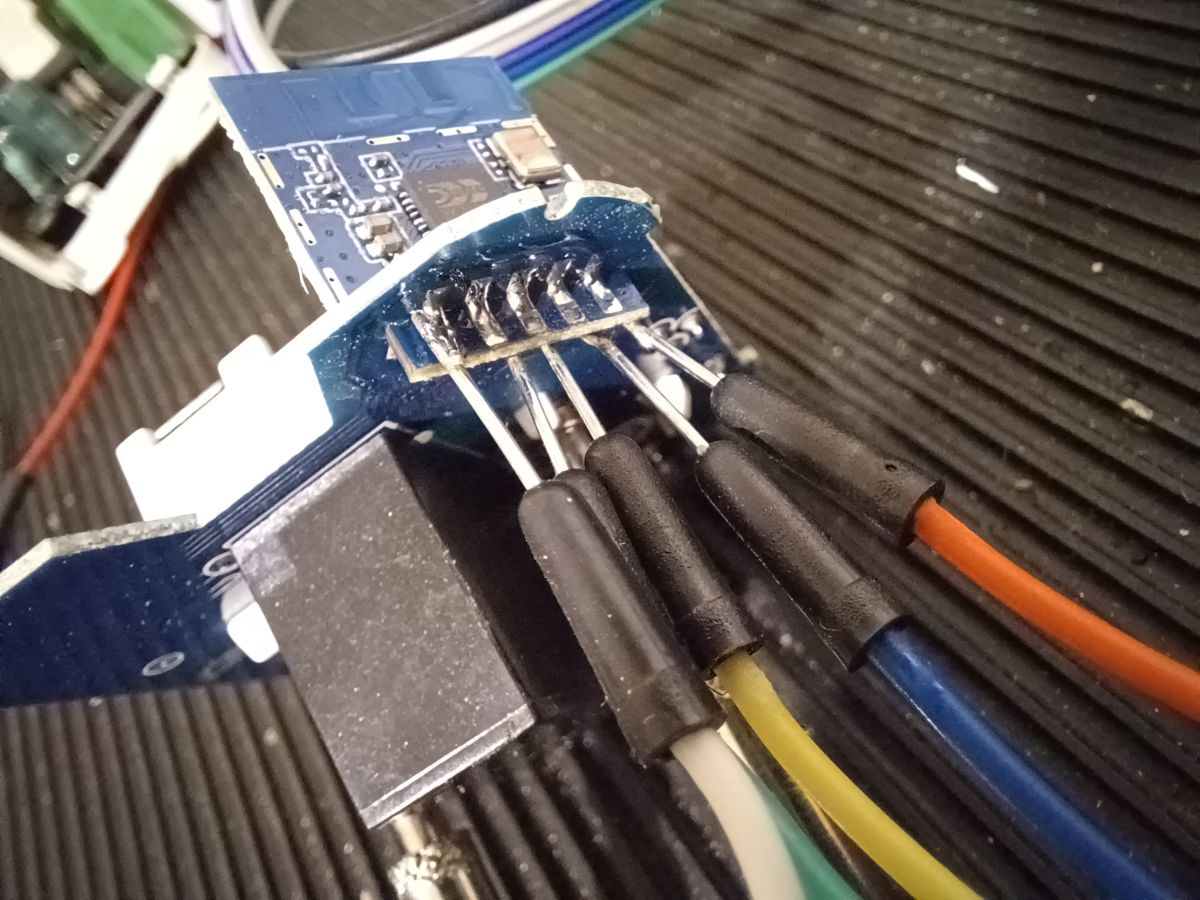
    I prefer to solder every signal directly to the board:
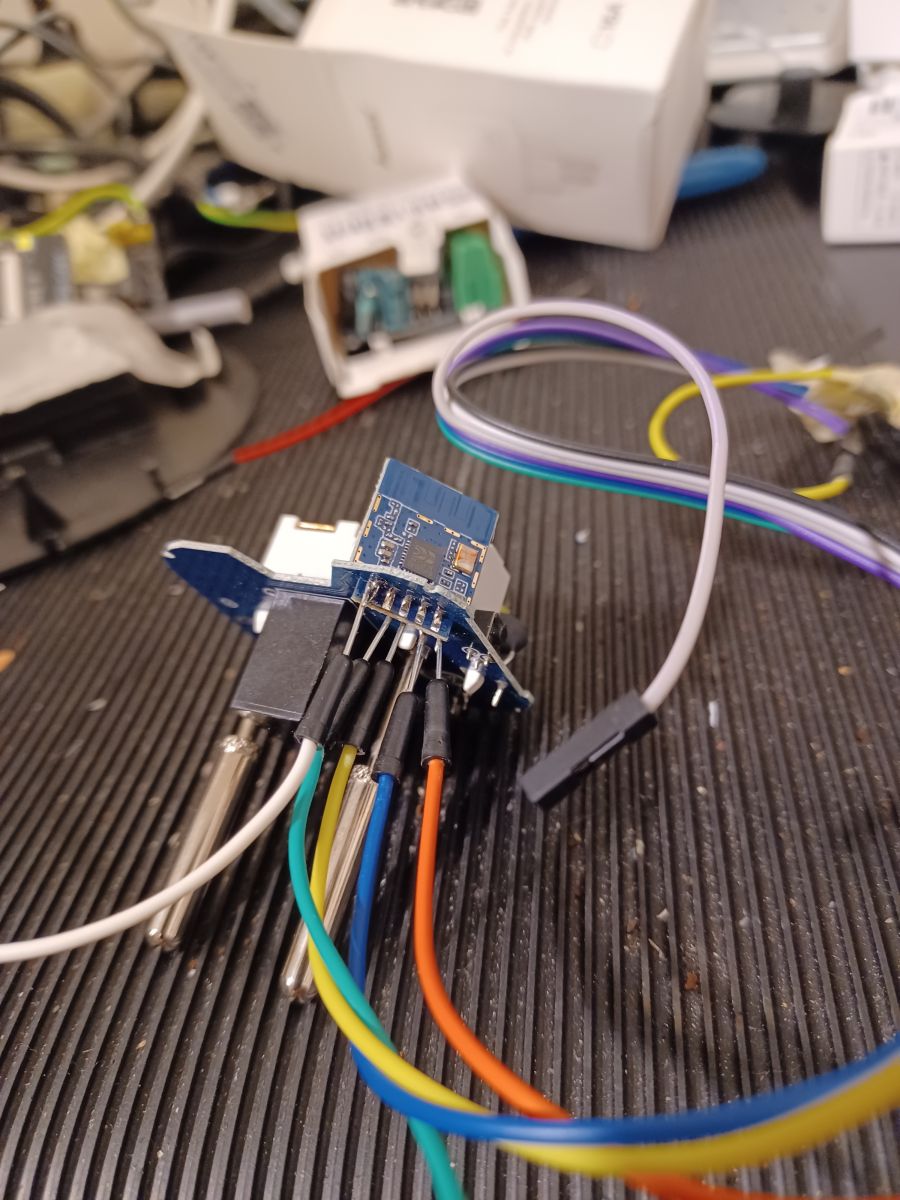
    Close-up of a circuit board with attached colored wires. Close-up of a circuit board with connected wires.

    Then I followed the guide and now I have a "free" device. Here's the JSON file:
    JsonPresaA..ess.txt (2.05 kB)You must be logged in to download this attachment.

    I hope that this can help.

    Cool? Ranking DIY
    About Author
    lbelleboni
    Level 3  
    Offline 
    lbelleboni wrote 23 posts with. Been with us since 2024 year.
  • ADVERTISEMENT
  • #2 20929455
    p.kaczmarek2
    Moderator Smart Home
    Posts: 14627
    Help: 655
    Rate: 12646
    And here is text description:
    
    Device seems to be using CB2S module, which is BK7231N chip.
    - Relay (channel 1) on P26
    - WiFi LED on P8
    - Button (channel 1) on P23
    - BL0937 ELE on P7
    - BL0937 VI on P6
    - BL0937 SEL on P24


    and OBK template:
    Code: JSON
    Log in, to see the code
    Helpful post? Buy me a coffee.
  • #3 21015113
    Raufaser
    Level 10  
    Posts: 47
    Help: 3
    Rate: 16
    I got the same plug from aliexpress. This item

    Here is a dump of the original firmware:
    Attachments:
    • readResult_BK7231N_QIO_Aubess_2024-22-3-13-29-52.zip (1.05 MB) You must be logged in to download this attachment.
📢 Listen (AI):

FAQ

TL;DR: For owners of this 16A smart plug, “Device seems to be using CB2S” and the confirmed setup uses 6 mapped pins: relay P26, LED P8, button P23, and BL0937 on P6/P7/P24. This FAQ shows how to turn the AliExpress Aubess LSPA9 into a local, free device with an importable template. [#20929455]

Why it matters: This thread gives a usable board map and template that remove guesswork when converting a cloud-tied energy plug to local control.

Option Control path Metering map status Best use
Original firmware Chinese server/cloud Present, but not documented here Keep stock behavior
Free device with OBK template Local device setup Confirmed: P6, P7, P24 Local control and easier reuse

Key insight: The decisive finding is not the seller listing but the verified internals: this plug uses a CB2S module with a BK7231N and a BL0937 meter wired to six known pins. Once that map is known, template import becomes straightforward. [#20929455]

Quick Facts

  • The plug discussed is sold as an Aubess LSPA9-class smart plug and appears in 16A and 20A labeling in the thread, with energy metering provided by a BL0937 chip. [#20929455]
  • The confirmed GPIO map has 6 assigned roles: P26 relay, P8 WiFi LED, P23 button, P7 BL0937 ELE/CF, P6 BL0937 VI/CF1, and P24 BL0937 SEL. [#20929455]
  • The board uses a CB2S module based on the BK7231N chip, which is the key hardware fact needed before flashing or importing a template. [#20929455]
  • One poster opened the plastic enclosure without breaking it, but only after forcing the case a lot, which flags enclosure damage as the main mechanical risk. [#20928375]

How do I convert an Aubess LSPA9 16A smart plug from a Chinese cloud server to a local 'free device' setup?

You convert it by opening the plug, soldering directly to the board pads, and then applying the working JSON template shared in the thread. 1. Open the enclosure carefully. 2. Solder the needed signals directly to the PCB. 3. Follow the guide and import the template so the device becomes a “free” local setup. The poster completed that process on January 25, 2024 and shared a JSON file afterward. [#20928375]

What pin mapping should I use for the CB2S-based Aubess ZN275250/LSPA9 plug with BK7231N and BL0937 energy metering?

Use this confirmed map: relay on P26, WiFi LED on P8, button on P23, BL0937 ELE on P7, BL0937 VI on P6, and BL0937 SEL on P24. The posted OBK template encodes the same roles as Rel;1, WifiLED_n;0, Btn;1, BL0937CF;0, BL0937CF1;0, and BL0937SEL;0. That gives you 6 mapped pins for one relay channel and one metering IC. [#20929455]

What is a CB2S module, and how does it relate to the BK7231N chip in Tuya-style smart plugs?

“CB2S is a Wi-Fi module that hosts the main control chip, providing the radio and GPIO interface used by the smart plug.” In this plug, the thread identifies that module as CB2S and states that the chip on it is a BK7231N. That relationship matters because the module name helps identify the board family, while BK7231N tells you the actual SoC used for firmware and pin roles. [#20929455]

What is the BL0937 chip, and how do the ELE, VI, and SEL pins work for power measurement in a smart plug?

“BL0937 is an energy-metering chip that reports electrical measurement signals, using separate pins for pulse outputs and channel selection.” In this plug, ELE is on P7, VI is on P6, and SEL is on P24. The template maps them as BL0937CF, BL0937CF1, and BL0937SEL, which is the exact role set needed for energy-monitoring support in this board. [#20929455]

How can I safely open a 16A smart plug bought from AliExpress without cracking the plastic enclosure?

Open it slowly and expect a very tight plastic fit. The poster said they “forced” the plastic a lot to open the plug, but did not break anything in the end. That gives you one clear rule: apply gradual force, stop if the shell starts whitening or bending sharply, and avoid twisting one corner harder than the rest. The main failure case in the thread is enclosure damage, not electronics damage. [#20928375]

Which pads should I solder to directly on the board when flashing a BK7231N smart plug instead of using a connector?

Solder directly to the board pads that carry the signals required by the flashing guide you are following, because the poster explicitly chose direct soldering over a connector. The thread does not label those pads in text, but it does show close-up board photos and states that direct soldering was preferred for every signal. Use the images to match the board revision before you attach wires. [#20928375]

How do I create or import an OpenBeken JSON template for an Aubess 16A/20A plug model LSPA9?

Create or import a JSON template that declares vendor Aubess, model LSPA9, chip BK7231N, board CB2S, and the six posted pin roles. The thread includes a ready-made template with P6 as BL0937CF1, P7 as BL0937CF, P8 as WifiLED_n, P23 as Btn, P24 as BL0937SEL, and P26 as Rel. If your board matches those internals, you can import that template instead of building one from scratch. [#20929455]

Why does the WiFi LED on this BK7231N plug use the WifiLED_n role on pin P8, and what does the '_n' mean?

It uses WifiLED_n on P8 because the shared template defines the LED as an active-low signal. In that naming convention, “_n” marks an inverted logic role, so the LED state is logically reversed relative to a normal active-high LED role. The thread does not explain the inversion in prose, but the template explicitly assigns "8": "WifiLED_n;0", which is the decisive implementation detail. [#20929455]

What do the pin roles Rel, Btn, BL0937CF, BL0937CF1, and BL0937SEL mean in an OBK template?

They name the function assigned to each GPIO in the template. Rel means the relay output, Btn means the push-button input, and the three BL0937 roles connect OpenBeken to the metering chip’s two measurement outputs and its select line. In this exact plug, those roles map to P26, P23, P7, P6, and P24. That is why the template can control one outlet and read one energy meter. [#20929455]

OpenBeken vs the original Tuya firmware on an Aubess energy-metering plug — which is better for local control and privacy?

For local control and privacy, the free-device setup is better because the original state is described as tied to a Chinese server, while the modified state is explicitly called a “free” device. The thread does not benchmark speed or features, so the strongest evidence is operational: one setup depends on cloud service, the other follows a local template-based conversion. Choose stock firmware only if you want to keep the original server workflow. [#20928375]

How can I verify that the relay, button, and energy meter are working correctly after flashing a CB2S/BK7231N smart plug?

Verify each function against the posted map. 1. Toggle the relay on P26 and confirm the outlet switches. 2. Press the button on P23 and confirm input response. 3. Check that the BL0937 lines on P6, P7, and P24 report activity through the imported meter roles. If any one of those three tests fails, the fastest diagnosis is a wrong pin map or a visually similar board revision. [#20929455]

What should I do if my smart plug looks identical to the Aubess LSPA9 from AliExpress but the pinout or module is different?

Do not reuse the template blindly if the internals differ. The thread’s working template is specific to a plug identified as CB2S with a BK7231N and the six-pin map P6/P7/P8/P23/P24/P26. A visually identical shell can still hide a different module or routing, so open the plug, inspect the board markings, and confirm the meter and GPIO wiring before flashing. That is the main edge case here. [#20929455]

Where can I find or extract a dump of the original firmware for the same AliExpress smart plug before modifying it?

You can get it from another owner of the same AliExpress plug, because the thread includes a later reply that says, “Here is a dump of the original firmware.” That post appears on March 22, 2024 and refers to the same plug family bought from AliExpress. If preserving stock firmware matters to you, save that dump before any modification or compare your hardware against that same item listing first. [#21015113]

How do I calibrate voltage, current, and power readings on a BL0937-based smart plug after installing OpenBeken?

This thread does not provide calibration values or a calibration procedure. It only confirms that the plug uses a BL0937 metering chip and that its three signal lines are on P7, P6, and P24 in the working template. Use the thread for hardware identification and pin assignment, then perform calibration only after the meter is already reading through those mapped pins. No thread-sourced offset, multiplier, or reference load is given. [#20929455]

What safety precautions matter most when modifying a mains-powered 16A or 20A smart plug with energy monitoring?

The biggest precautions are mechanical care and hardware verification before power-up. The enclosure is tight enough that the poster had to force the plastic a lot, so cracking the shell is a real risk, and a wrong board assumption is the second risk on look-alike plugs. Work only on an unplugged device, inspect the board before soldering, and confirm the module is CB2S/BK7231N with the posted six-pin map before applying any template. [#20928375]
Generated by the language model.
ADVERTISEMENT