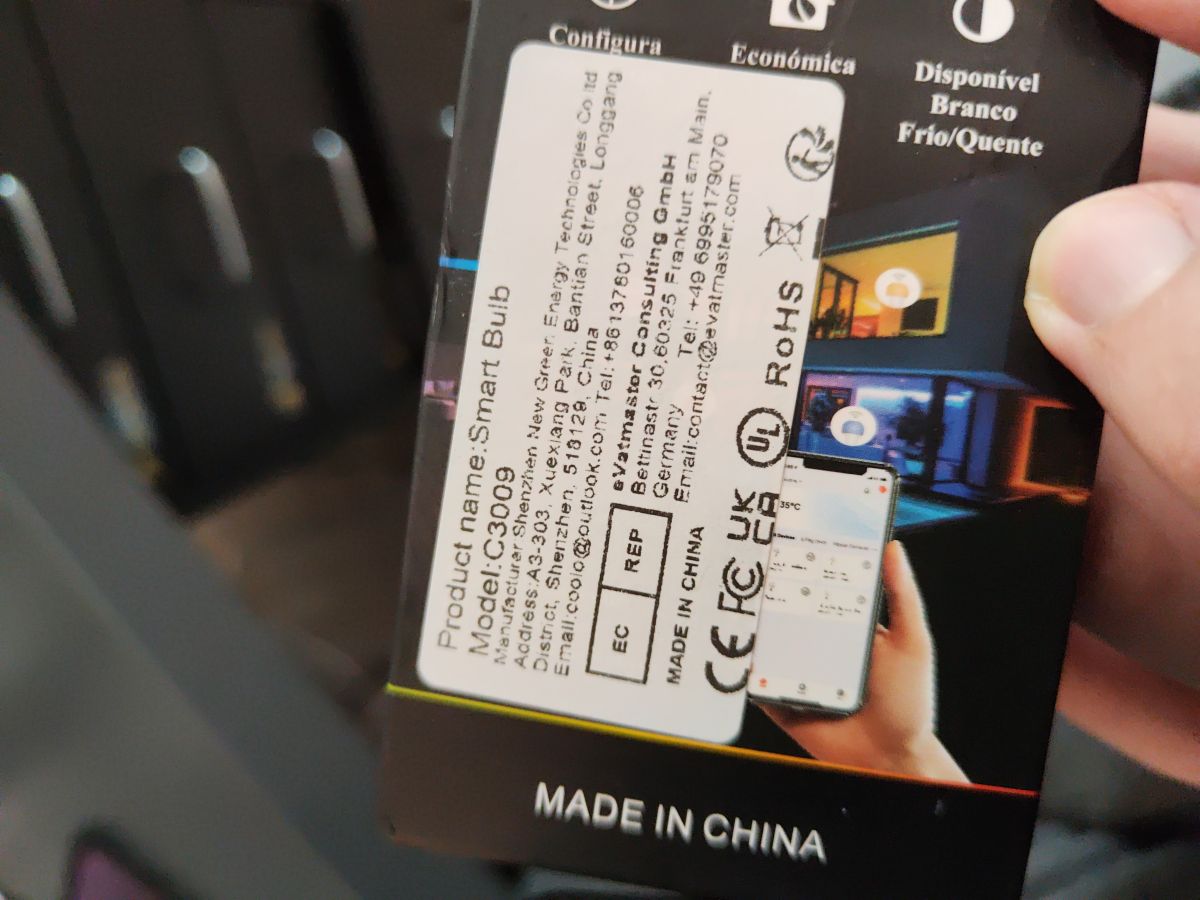
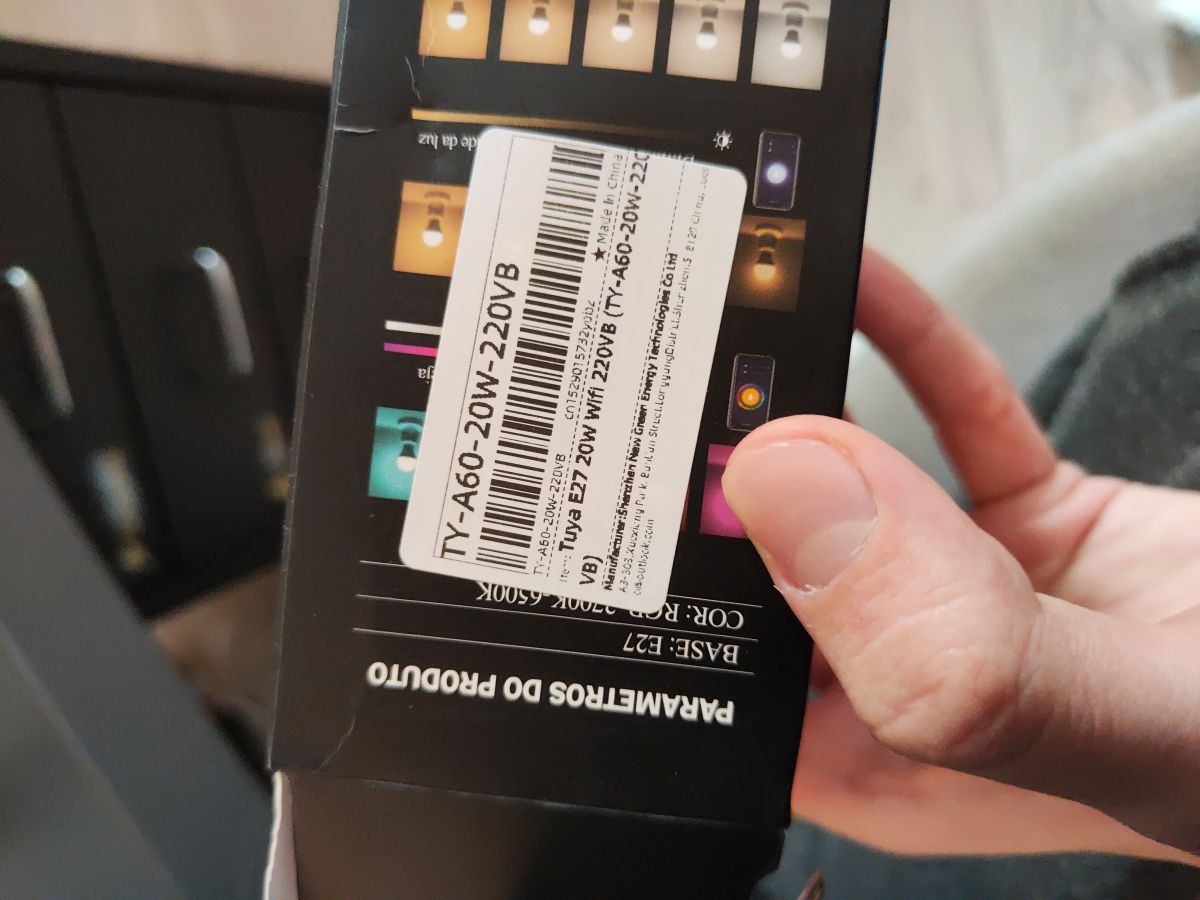
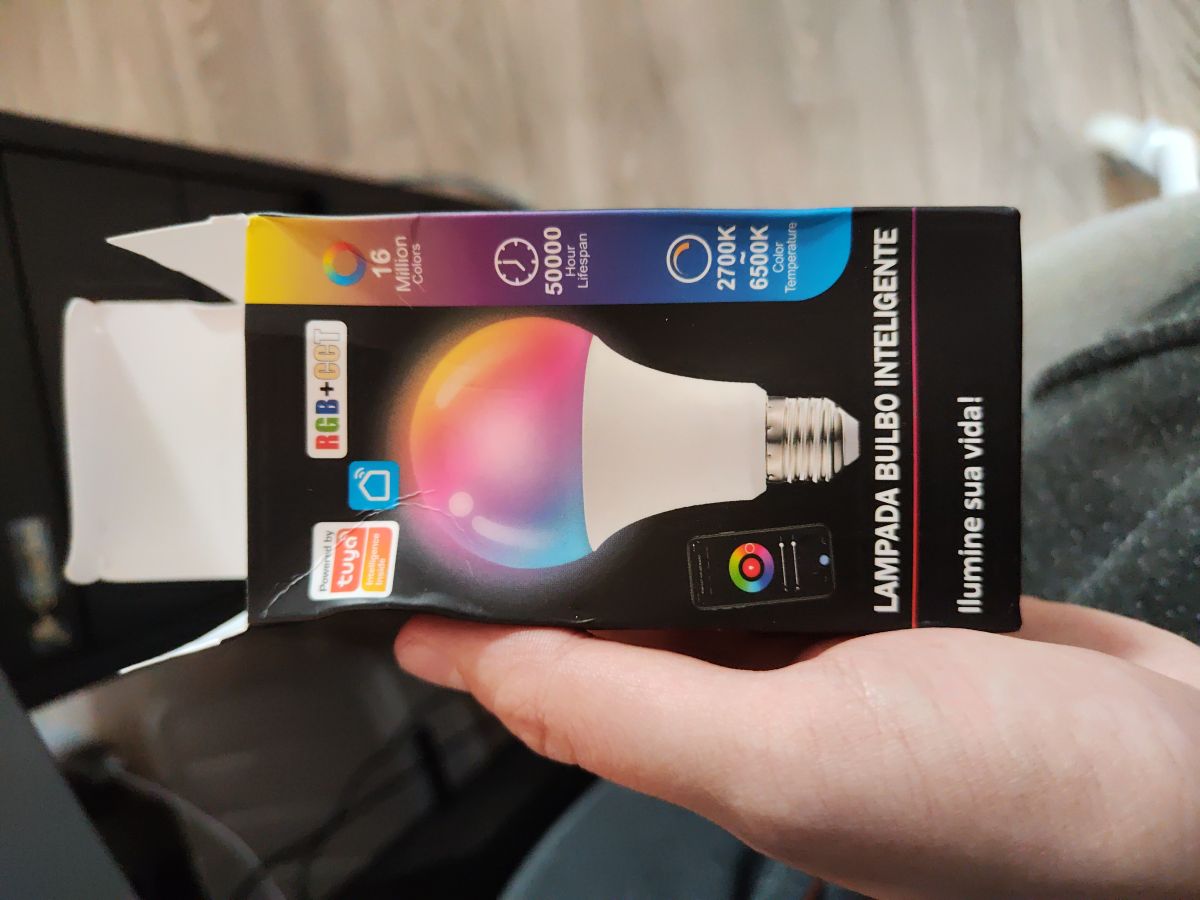
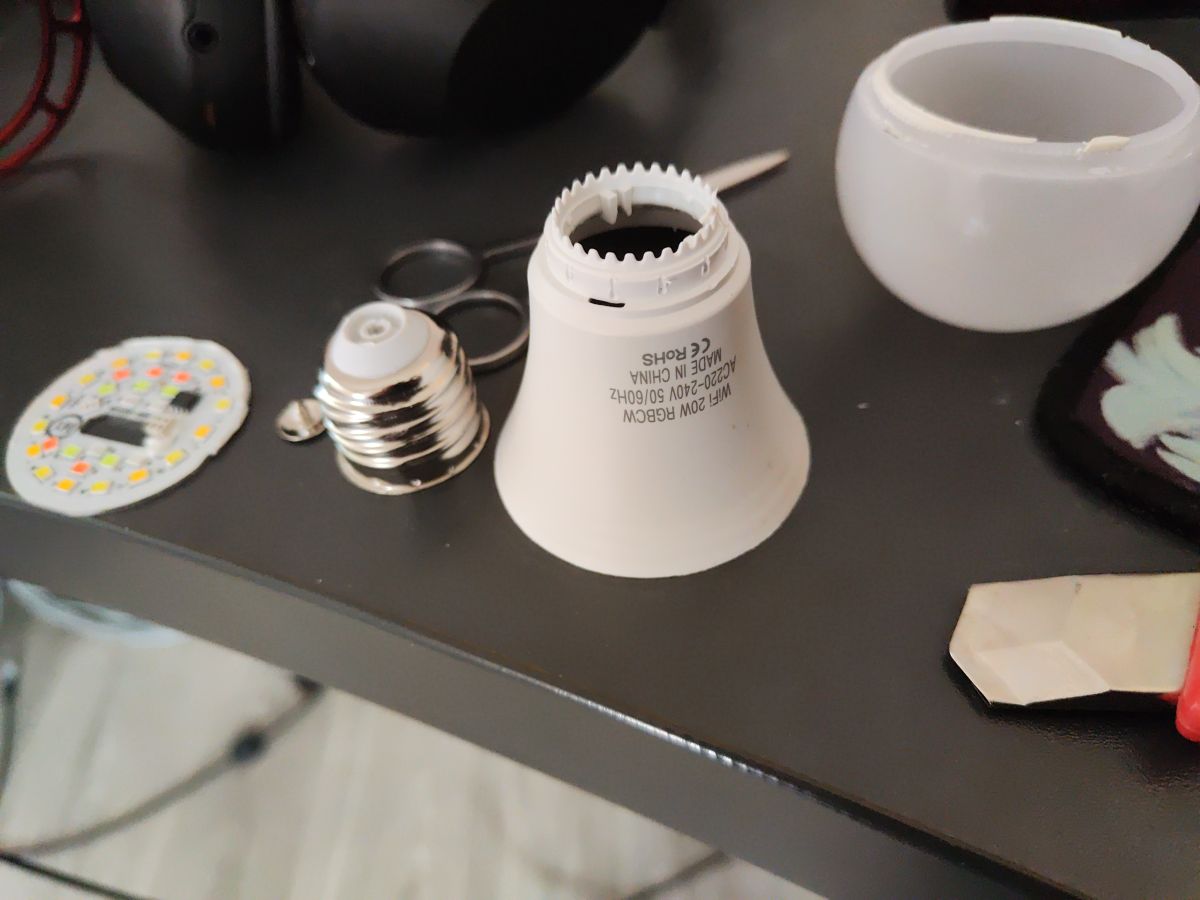
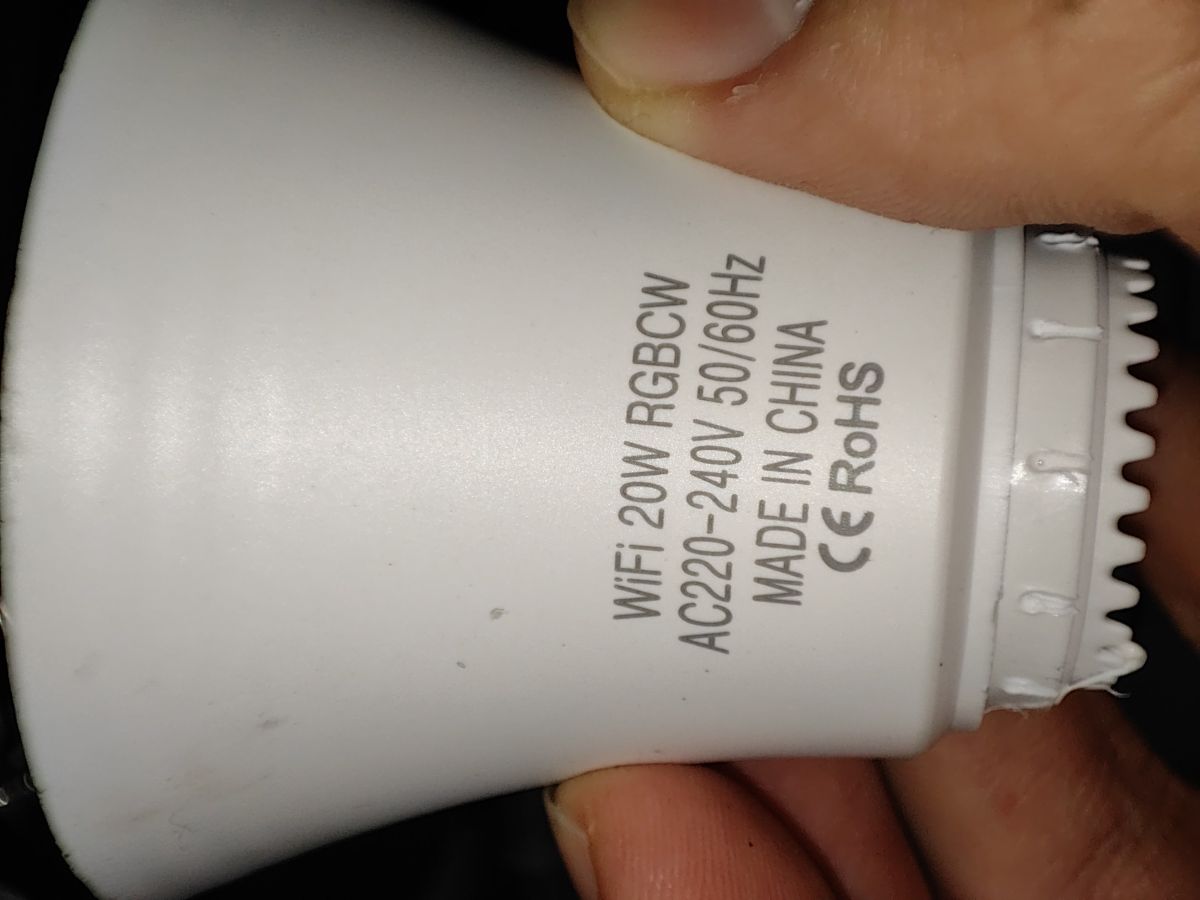
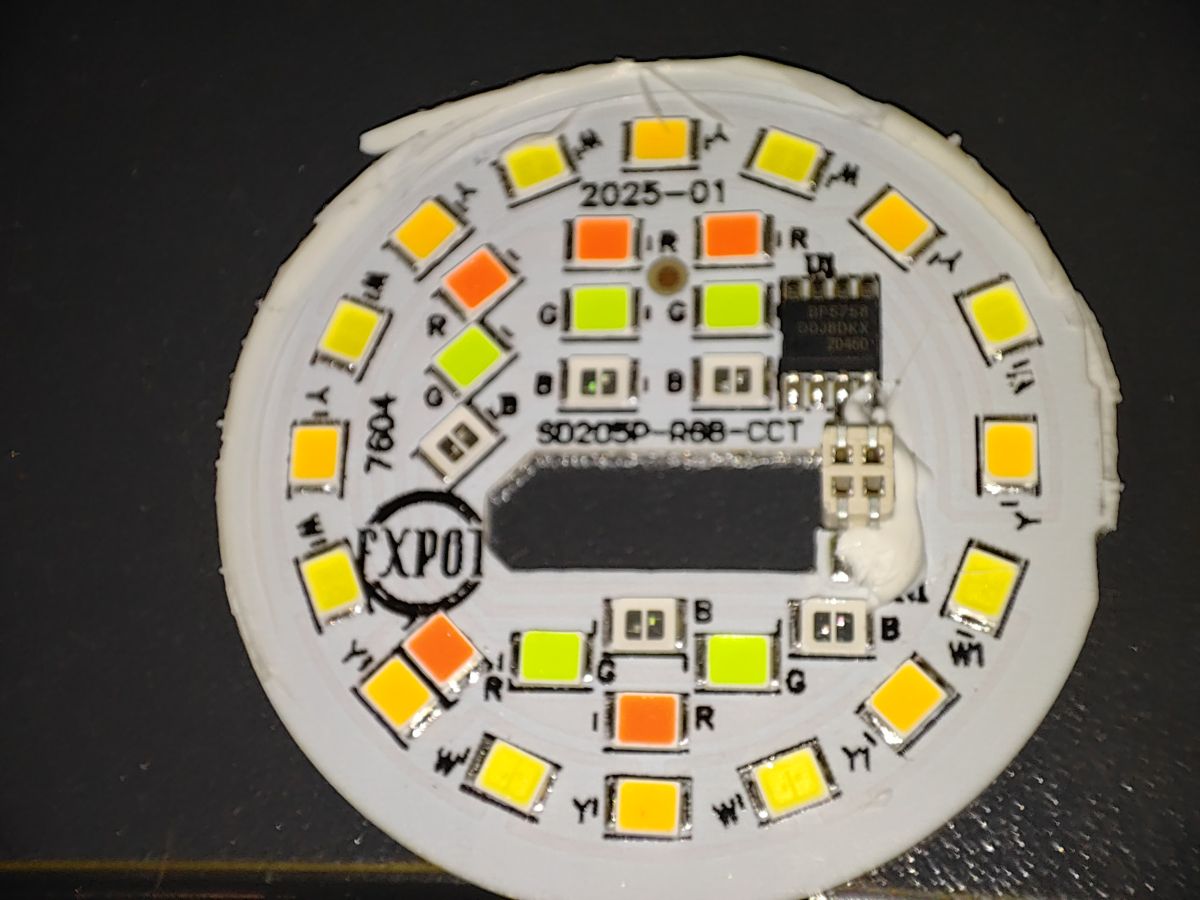
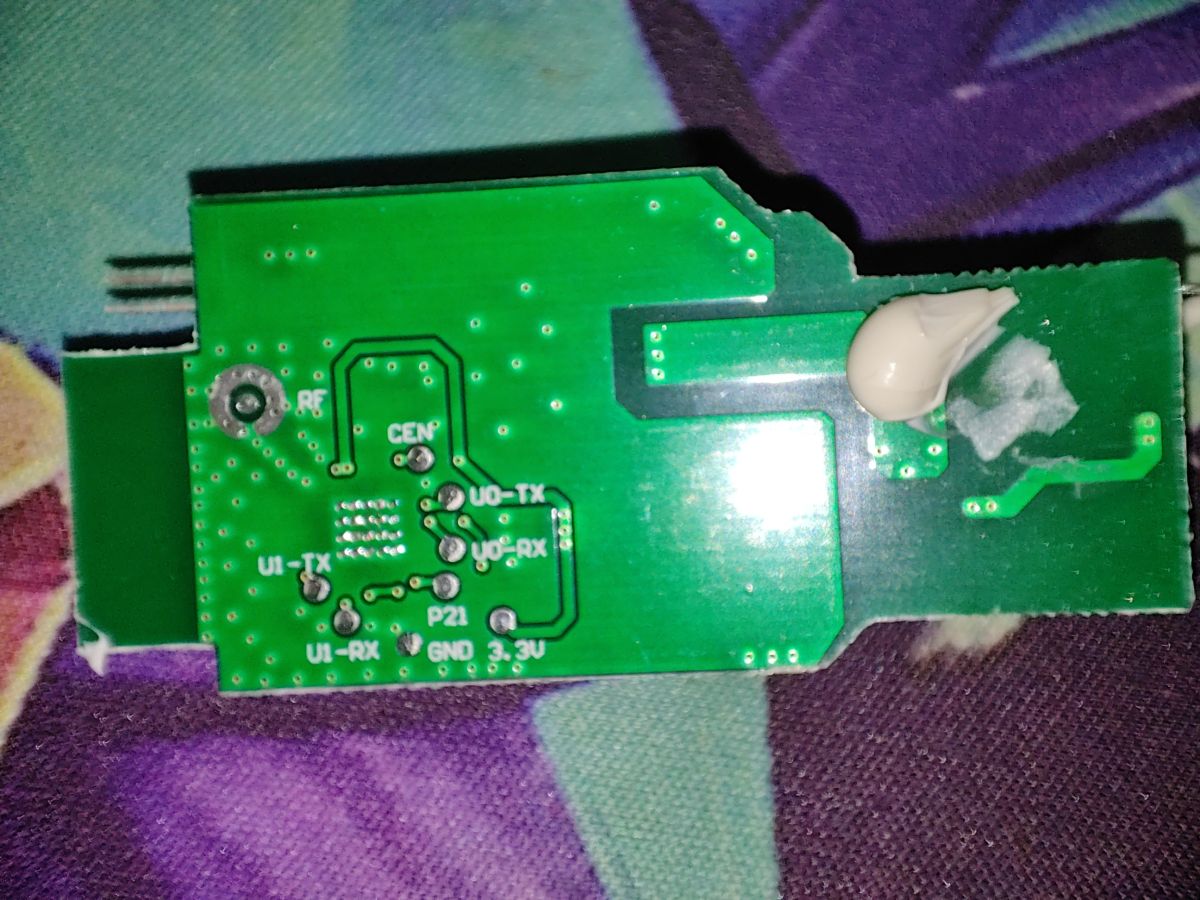
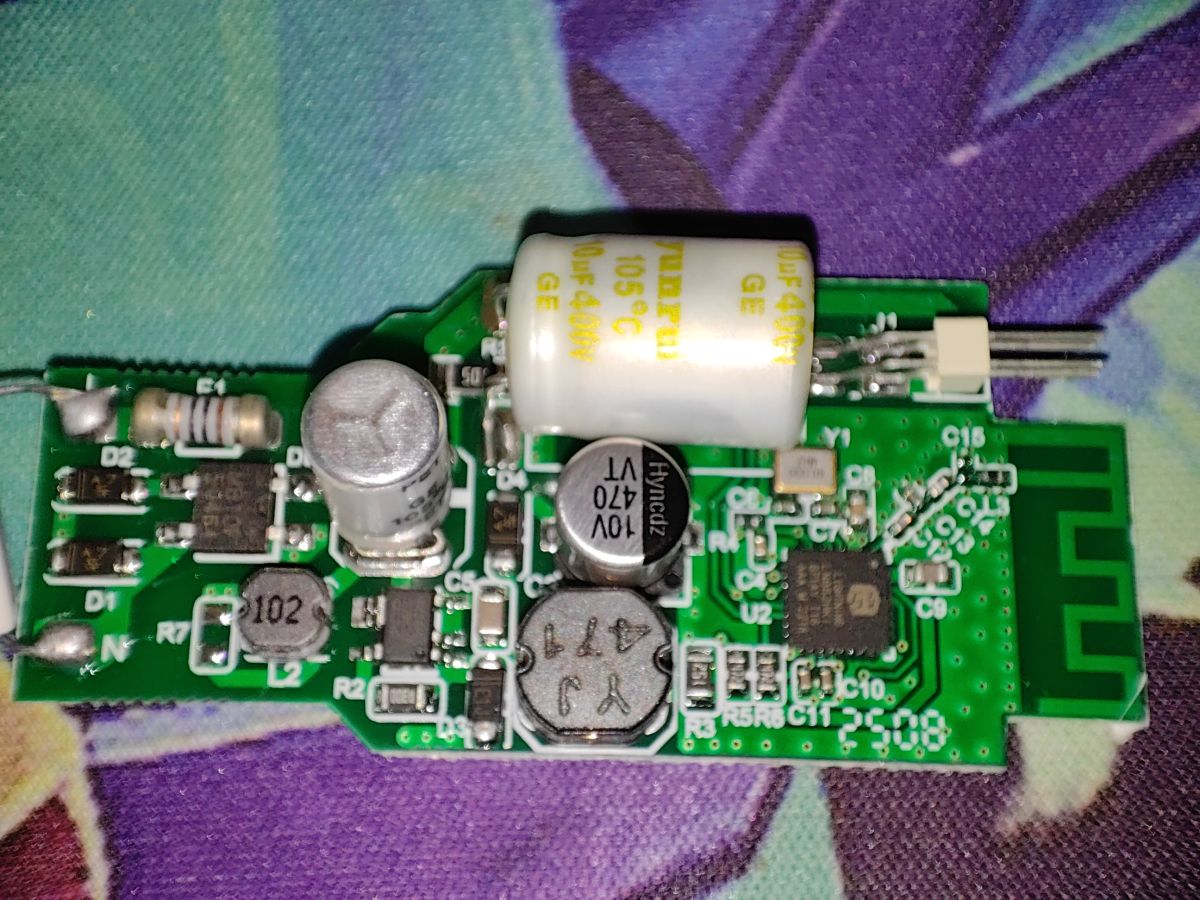
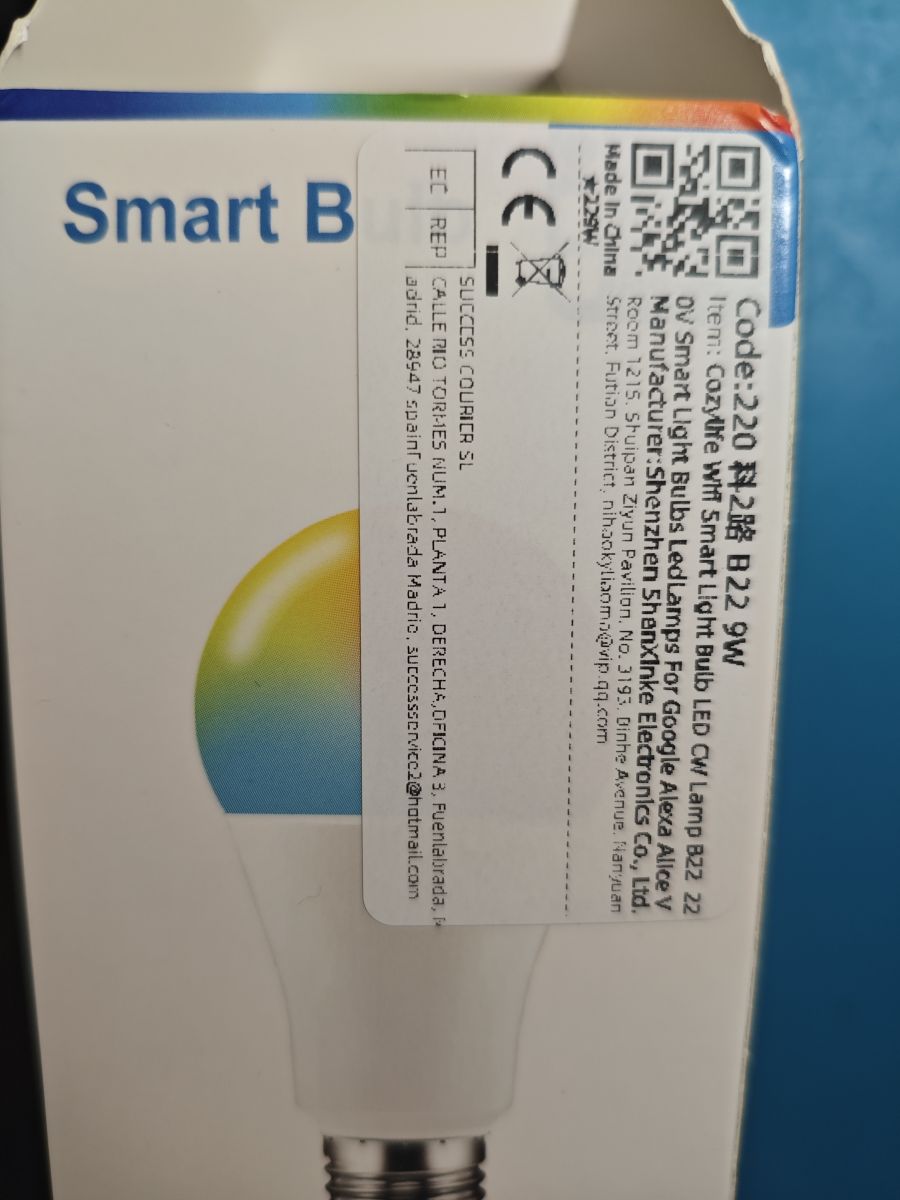
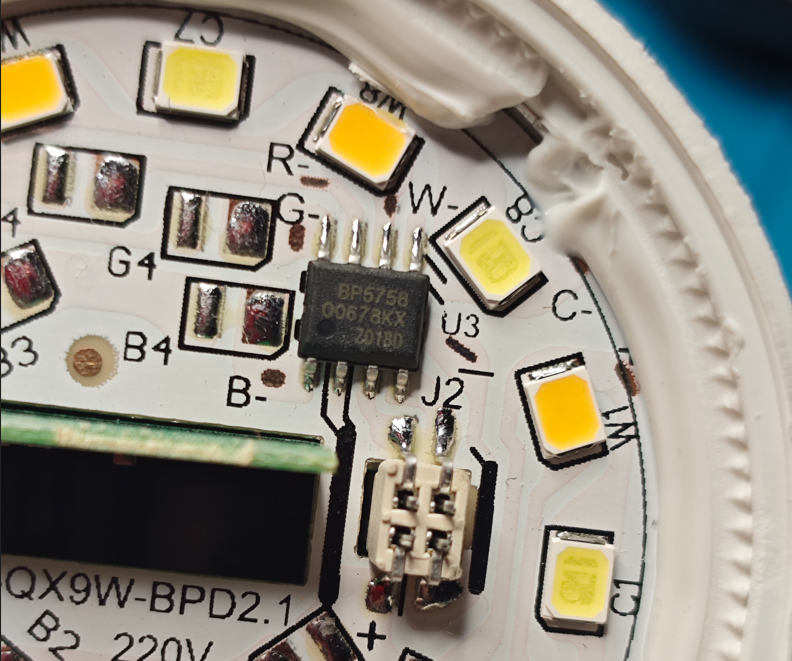
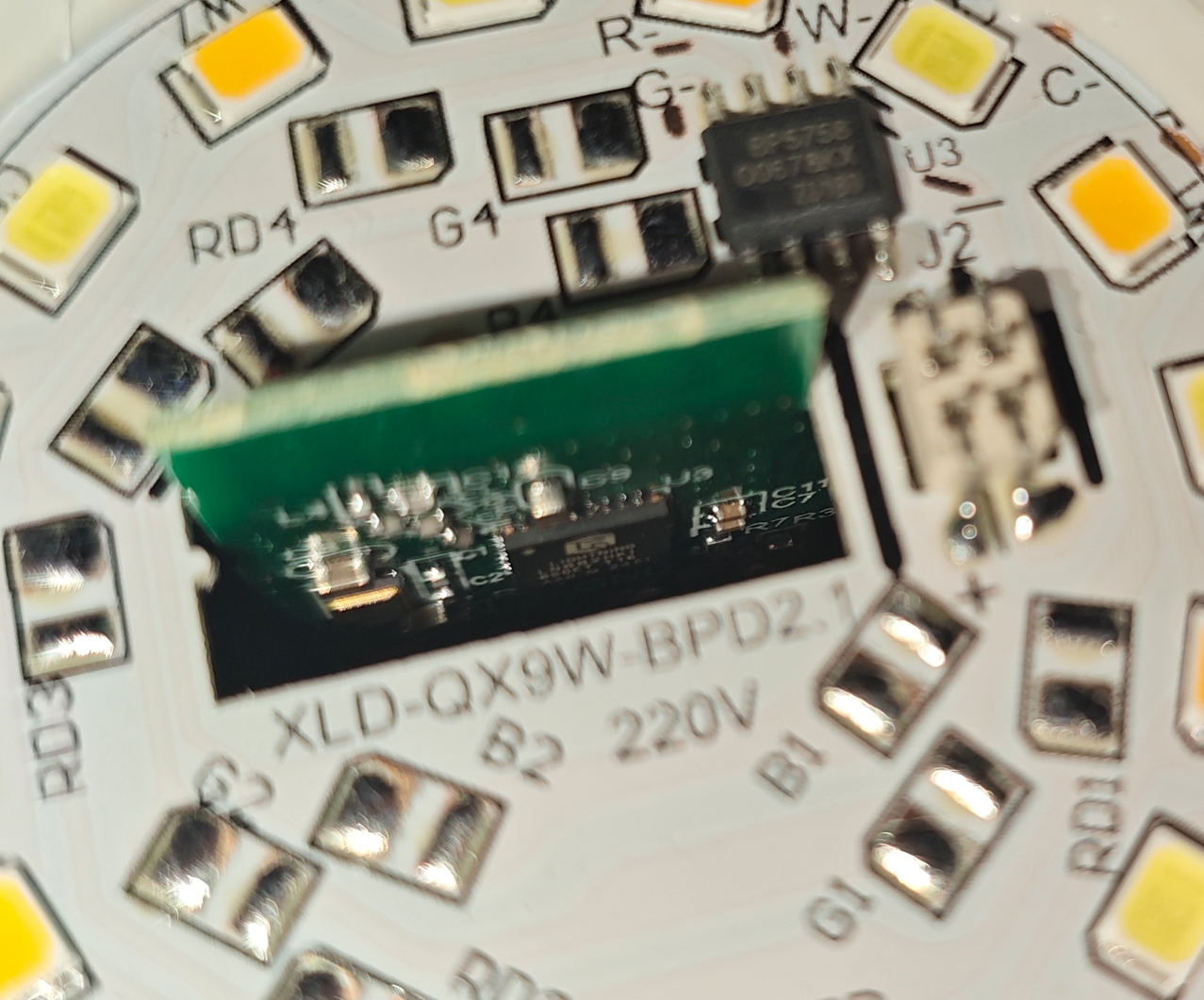
How do I configure this LN882HKI Tuya RGB light in OpenBK after flashing it, especially with the BP5758 LED driver?
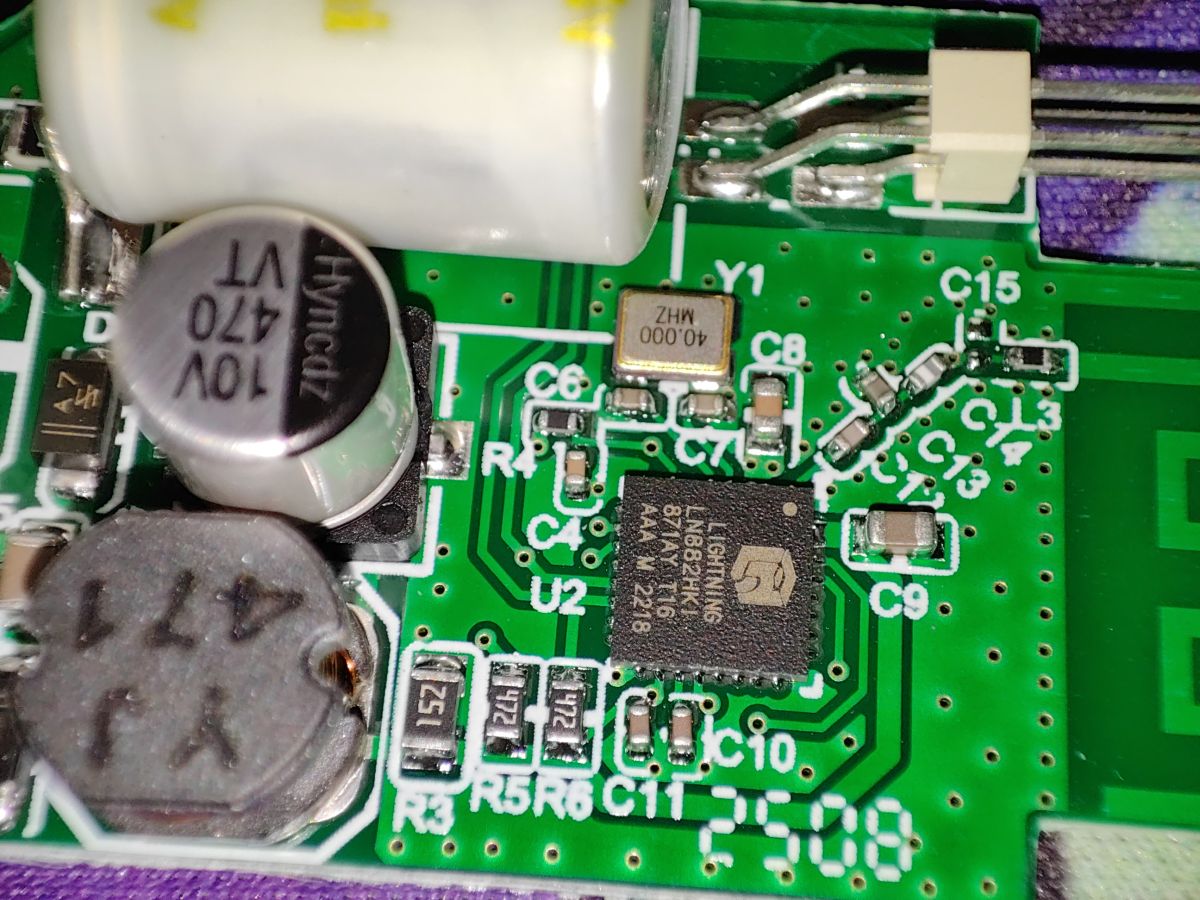
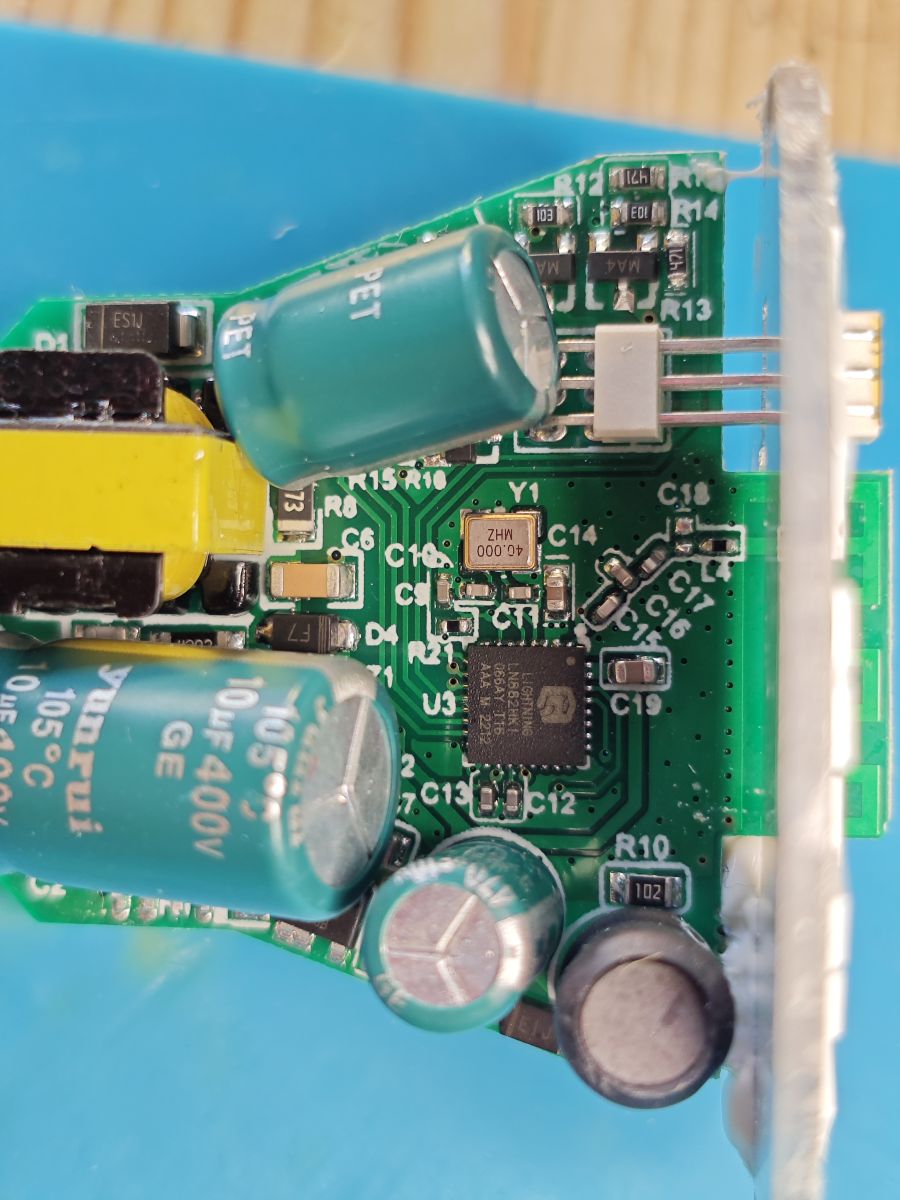
You need to configure the BP5758 LED driver, not just hunt random GPIOs: the module is an LN882H + BP5758 combo, so first identify which LN882H pins go to the BP5758 SCL/SDA (same as CLK/DAT) with a multimeter rather than guessing [#20970790] The thread later confirmed on this board that A0 is connected to SCL and A1 to SDA [#20971840] Once the driver support was enabled, the working LED mapping was `LED_Map 3 4 2 0 1` [#21010588] For brightness/current, the BP5758 current command was also used to tame heat; `BP5758D_Current 2 2` was reported stable for 2 hours at about 80°C, and `BP5758D_Current 1 1` was said to keep one unit around 73°C [#21011100][#21650555]
AI summary based on the discussion. May contain errors.
There may be still some not added templates in the existing posts.
probably!
We would also need to check our ESP devices teardowns. They should be on Teardowns List as well, but they are often not added there due to the lack of time.
divadiow wrote:
p.kaczmarek2 wrote:
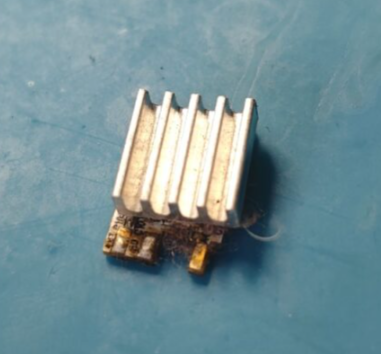
Internal temperature?
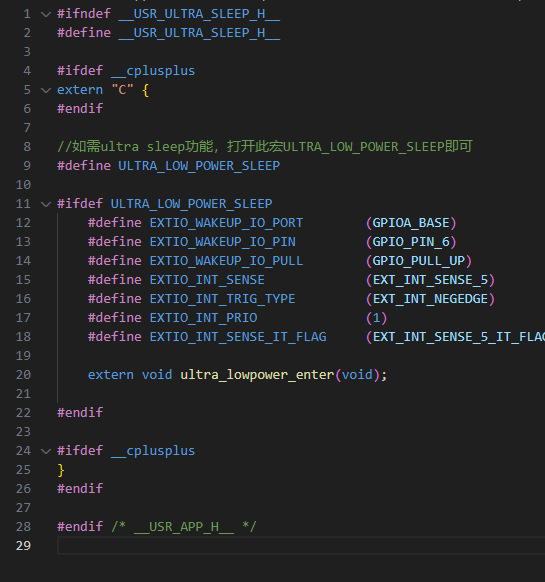
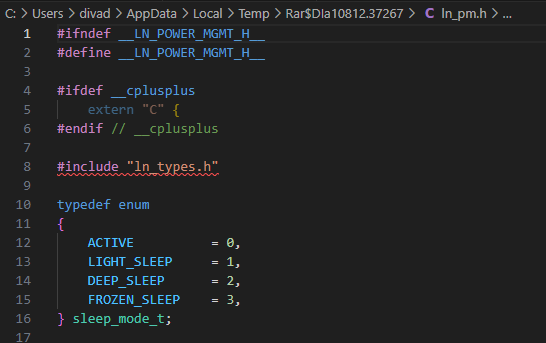
must be? I wonder how the power management differs to OBK code, what powersave level is used.
I wonder if we could try to compare the heating before and after flashing. Is OBK more or less efficient in that manner? Still, this would require a good measurement method. @DeDaMrAz has thermal camera that could do it.
I already know that in case of BK7231 devices the heating after flashing can be increased if you don't also enable PowerSave. Still, for now, PowerSave is not enabled by default, because of stability concerns - it seems that PowerSave breaks IR receiving (sending?) and BL0937 measurement.
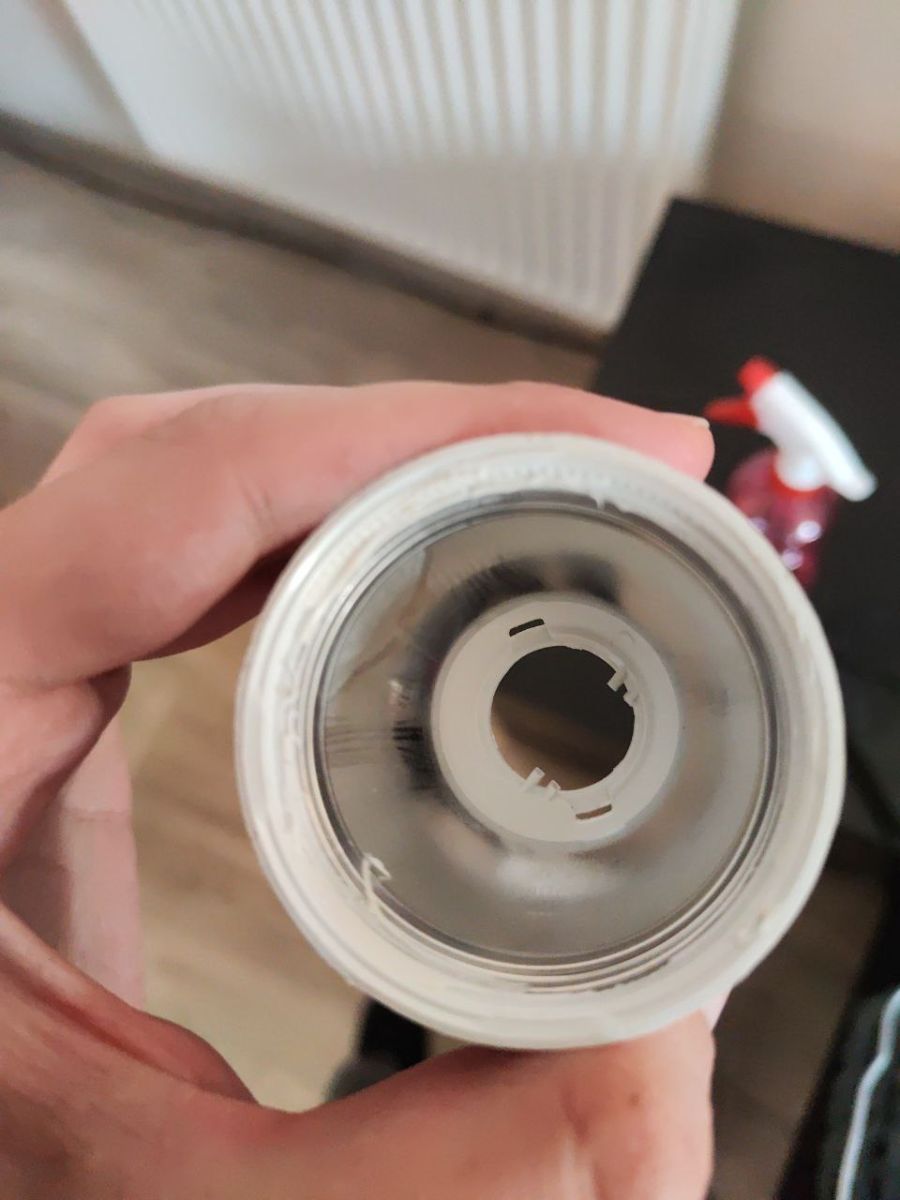
I unfortunately bent the coil(?) and only later realized I can probably poke it out through the two holes on the inside... how do you otherwise remove that without damaging it, it seems very fragile? I ended up rescrewing it by force which sort of re-threaded it.
The OG Python script does not handle errors, I have forked it and gave it some resiliency, now one can actually see progress and it retries on errors -
https://github.com/C0rn3j/LN822H_dump_tool
It still crashed at the very end overwriting the FW it had until then, yet to fix that one:
```
.............Traceback (most recent call last):
File "C:\Users\SadCyclops\Downloads\LN882H_CMD_TOOL\LN882H_Flash_Dumper.py", line 81, in <module>
read_flash(flash_file, arg_port, flash_size)
~~~~~~~~~~^^^^^^^^^^^^^^^^^^^^^^^^^^^^^^^^^^
File "C:\Users\SadCyclops\Downloads\LN882H_CMD_TOOL\LN882H_Flash_Dumper.py", line 26, in read_flash
bin = bytearray.fromhex(flash_hex)
ValueError: non-hexadecimal number found in fromhex() arg at position 23
```
Eventually I got the FW dumped and flashed OpenBeken, re-assembled it, configured Wi-Fi, configured the pinouts and startup command to swap red and blue as per the existing 9W device entry.
Attachments:
backup_flash.bin(2 MB)
You must be logged in to download this attachment.
backup_otp.bin(1 KB)
You must be logged in to download this attachment.
Nah, I don't think it's powersave. I think the default BP5758 current in OBK is higher than current used by these bulbs, that's why they are hot by default.
Default current in OBK is 14ma, but 10 is good even for GU10 bulbs.
I've about 10 of them, all with ESP32-C2 with ESPHome. Temperature goes up to about 80 °C.
LN882H is just very hot by itself.
Discussion about disassembling a Tuya RGB/CCT smart bulb from AliExpress based on the LN882HKI/LN882H MCU and BP5758D LED driver. The device was flashed with OpenBK/OpenBK7231T, but GPIO auto-detection froze on some pins, so the correct BP5758D control lines had to be identified manually with a multimeter. The board markings showed SDA/SCL, and continuity testing established that A0 is connected to SCL and A1 to SDA. After enabling the BP5758D driver in OpenBK and adding LN882H support, the correct LED channel mapping was found and the bulb worked with the final BP5758D_Map configuration. The thread also covers flash backup/readout issues, boot mode wiring, reversed TX/RX on some boards, and thermal/stability tuning using BP5758D_Current and powersave settings because the bulb runs hot and can reboot at high brightness. AI summary based on the discussion. May contain errors.
TL;DR: For OpenBeken users modding LN882H Tuya bulbs, the proven setup is 115200 baud, BP5758D on A0/A1 for the E14 bulb, and "LED_Map 3 4 2 0 1" or "BP5758D_Map 2 1 0 3 4" depending on model. This FAQ solves freezing GPIO scans, bad pin guesses, overheating, and backup issues before flashing. [#21010588]
Why it matters: These bulbs are cheap and moddable, but one wrong continuity test or current setting can destroy the lamp or make it unstable.
Variante
Chip
LED-Treiber
Bekannte Daten-/Taktpins
Bewährtes Mapping
Tuya W505Z2, 220V 9W E14 Candle RGB+CCT
LN882H
BP5758D
Pin 0 = CLK, Pin 1 = DAT
LED_Map 3 4 2 0 1
Tuya W509Z2, 220V 9W E27 RGB+CCT
LN882H
BP5758D
Pin 5 = DAT, Pin 6 = CLK
BP5758D_Map 2 1 0 3 4
Frühe Fehlannahme
LN882H
PWM vermutet
GPIO-Finder friert ab, LEDs reagieren nicht
Nicht per PWM einrichten
Key insight: The bulb is not a simple PWM LED design. Once the thread identified a BP5758D driver and the exact DAT/CLK lines, OpenBeken setup became a mapping-and-current problem, not a GPIO-finder problem. [#20970790]
Quick Facts
The original buyer paid 2.69€ for the bulb, which explains why several users treated it as a low-cost test platform for LN882H flashing and teardown work. [#20971840]
Confirmed stable flash speed was 115200 baud after 3 failed attempts at 2000000 baud on the same LN882H module. [#20970052]
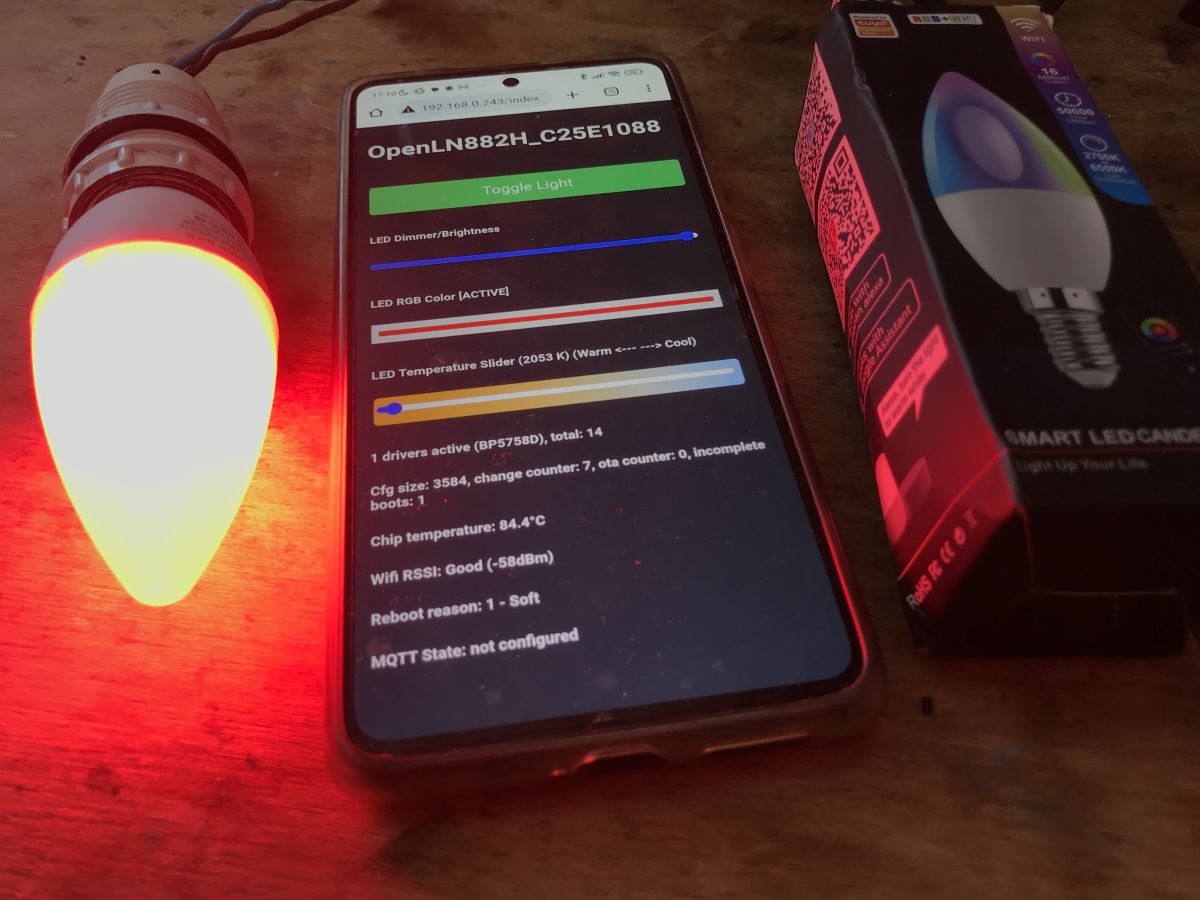
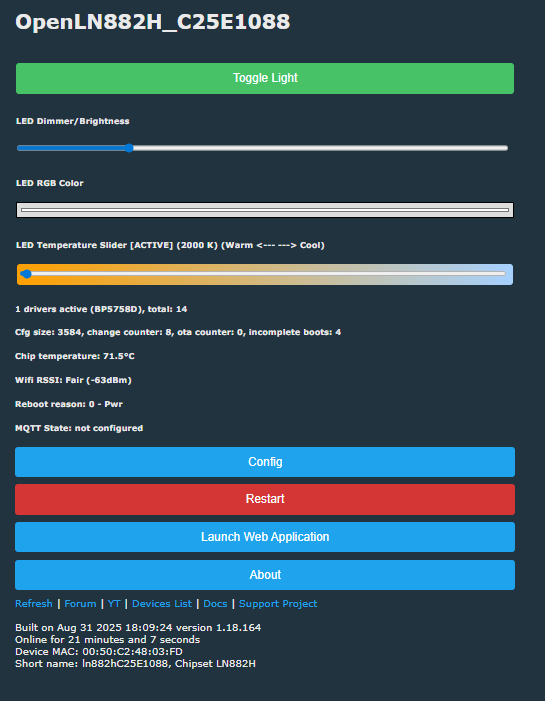
Reported chip temperatures ranged from about 63°C idle/off to 100°C at full brightness, with several users reducing BP5758D current to improve stability. [#21011100]
The E14 candle template used Pin 0 = BP5758D_CLK;0 and Pin 1 = BP5758D_DAT;0, while the E27 template used Pin 5 = BP5758D_DAT;0 and Pin 6 = BP5758D_CLK;0. [#21280147]
On one stable E27 test, limiting current to 10 mA held chip temperature around 67.1°C after 2 hours at full brightness. [#21653825]
1. How do I set up an LN882HKI Tuya smart light in OpenBeken when the GPIO finder freezes and the LEDs do not respond?
Set it up as a BP5758D bulb, not as a PWM bulb. The freeze on pins like P13/P14 misled early testing, but the thread later confirmed this hardware uses a BP5758D LED driver over two control lines. Start by tracing DAT and CLK with a multimeter, assign those pins in OpenBeken, then apply the correct map command for your model. For the E14 candle bulb, the working result was LED_Map 3 4 2 0 1 after BP5758D support was enabled. [#21010588]
2. What is the correct OpenBeken template for the Tuya W505Z2 220V 9W E14 candle RGB+CCT bulb with LN882H and BP5758D?
The working template uses model W505Z2, chip LN882H, and BP5758D on pins 0 and 1. Set pin 0 to BP5758D_CLK;0 and pin 1 to BP5758D_DAT;0. The posted template also identifies it as a 220V 9W E14 Candle RGBCCT Bulb (2800K-6500K) with flags 1024. After flashing, users still needed the color-channel mapping command to match the LED order correctly. [#20994908]
3. Which LN882H pins are connected to the BP5758D on this bulb, and how do I identify SDA and SCL with a multimeter?
On the first E14 bulb, A0 was connected to SCL and A1 to SDA. The PCB had both SDA and SCL marked, so the safe method was to check continuity from those PCB labels to the LN882H module pads with power removed. 1. Unplug mains power completely. 2. Put the meter in continuity or beep mode. 3. Probe from BP5758D SDA/SCL pads to LN882H pins until you find the matches. That process produced the final A0/A1 identification. [#20971840]
4. What is the safe way to do a continuity test on a smart bulb PCB, and why can testing on a powered device burn components?
Do continuity tests only with the bulb fully disconnected from mains. One user tested while the lamp was powered, saw a small electrical flash, and then found burn marks and a dead bulb. Another poster explicitly clarified that continuity mode is the meter's beep mode and that the bulb does not need power for that test. A live continuity test can inject current into the wrong part of the circuit and damage components instantly. [#20971601]
5. Why does flashing OpenBeken to an LN882H bulb work at 115200 baud but fail repeatedly at 2000000 baud?
Because this LN882H setup proved reliable at 115200 and unreliable at 2000000 on real hardware. The original poster reported three failed flash attempts at 2000000 baud, then an immediate success at 115200. The thread did not identify a deeper firmware bug, but it clearly showed that lower speed was the practical fix for this bulb and wiring setup. Use 115200 first if you want a dependable backup or flash session. [#20970052]
6. How do I use BP5758D_Map and LED_Map in OpenBeken to get the correct RGB+CCT channel order on these Tuya bulbs?
Use the mapping command that matches your bulb model and driver pins. For the E14 W505Z2 candle bulb, the working channel order was LED_Map 3 4 2 0 1. For the E27 W509Z2 bulb, the final working order was BP5758D_Map 2 1 0 3 4. "BP5758D is a 5-channel constant-current LED driver that controls RGB+CCT LEDs over DAT/CLK lines, unlike simple PWM wiring where each LED channel connects directly to a microcontroller pin." That difference is why mapping fixes colors here. [#21281700]
7. What BP5758D current settings keep LN882H bulbs stable and cooler without losing too much brightness?
The thread's safest proven range was low current, especially 1 1, 2 2, or 3 3. One user reported BP5758D_Current 3 3 gave full-brightness operation with about the same temperature as before, around 63°C off afterward. Another reported BP5758D_Current 2 2 held about 80°C with no reboot or freeze after 2 hours. Later testing showed BP5758D_Current 1 1 could keep a similar bulb stable around 73°C. [#21650565]
8. Why do LN882H smart bulbs with BP5758D run hotter under OpenBeken than under the factory Tuya firmware?
The thread points to LED current, not a confirmed OpenBeken power-save bug, as the main reason. Users saw temperatures climb to 100°C at full brightness under OpenBeken, then improve when they lowered BP5758D current. One contributor concluded that OBK's default BP5758 current was likely higher than the factory setting used by these bulbs. Another noted LN882H itself runs hot, so the bulb combines a warm SoC with a high-current LED driver in a cramped enclosure. [#21650616]
9. What is BP5758D, and how does it differ from PWM-controlled LED setups in Tuya smart bulbs?
BP5758D is a dedicated LED driver chip, not a direct PWM output scheme. It controls five LED outputs for RGB+CCT bulbs through two digital lines named DAT and CLK, which the thread also called SDA and SCL. PWM-controlled bulbs instead use LN882H pins that drive LED channels directly, so only certain PWM-capable pins matter there. This bulb confused early setup because users first looked for PWM GPIOs, but the hardware actually centered on a BP5758D on the LED board. [#20970624]
10. What is GPIOA9 on the LN882H, and why is it used as the BOOT pin for entering download or flash mode?
GPIOA9 is the LN882H BOOT pin used to force download mode for flashing or dumping firmware. The thread later clarified that BOOT/GPIOA9 is pin 17 on LN882HKx modules, and one user verified that their board label P21 was actually continuity-linked to A9. Pulling that BOOT line low during startup was the key step for entering flash mode when backup tools reported that the chip could not enter download mode. [#21266733]
11. How do I dump and back up LN882H firmware before flashing OpenBeken, especially when the LN882H_Flash_Dumper tool gives Python or file errors?
Use the dumper only after you verify Python version, tool files, UART pins, and BOOT wiring. One Linux user got a SyntaxError on print('.', end='', flush=True), which points to running the script with an older Python version. On Windows, another common failure was a missing LN882H_CMD_Tool.exe in the same directory as the dumper script. If backup still fails, confirm BOOT on GPIOA9, use the correct UART, and retry before flashing any OpenBeken release. [#21265486]
12. LN882H Flash Dumper on Windows vs Linux: what are the common setup mistakes and how do I fix serial port, missing file, and download-mode problems?
The common mistakes were old Python on Linux, a missing EXE on Windows, wrong UART pins, and wrong BOOT pin handling. 1. On Linux, run the dumper with a Python version that supports print(..., end=..., flush=...). 2. On Windows, keep LN882H_CMD_Tool.exe in the same folder as LN882H_Flash_Dumper.py. 3. If you get "could not go in download mode," short GPIOA9/BOOT to ground during reset and verify you are using the flashing UART, not just the boot-log UART. [#21266966]
13. What's the best way to remove and disassemble these cheap Tuya LED bulbs without damaging the fragile threaded center or internal parts?
Open the bulb gently and avoid forcing the fragile threaded center from the front. A later user bent that center coil or threaded part, then realized it could likely be pushed out through the two holes inside instead of being re-threaded by force. Earlier in the thread, the original poster said disassembly was easy after following an Elektroda channel video and did not damage the lamp. That combination suggests careful mechanical pressure and inside-out removal is safer than twisting fragile parts. [#21554929]
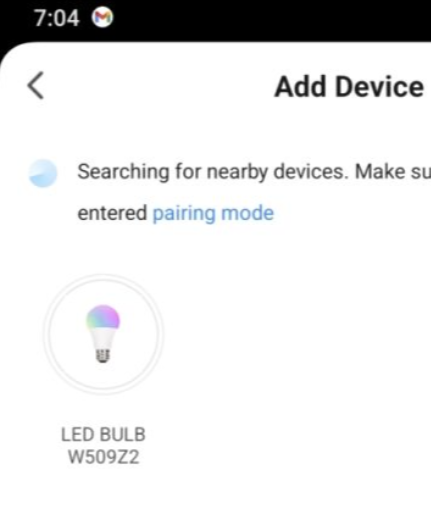
14. How can I tell whether my Tuya RGB+CCT bulb model is W505Z2 or W509Z2 from the factory firmware, Tuya app, or boot log?
The cleanest method is to pair the factory firmware in the Tuya app and read the model shown there. The E14 candle template was published as W505Z2, while another LN882H RGB+CCT bulb was later confirmed as W509Z2 after reflashing factory firmware and pairing it again. A boot log alone showed product keys and firmware versions, but the model confirmation in the thread came from app pairing, not from a decoded boot string. [#21712747]
15. What UART pin wiring should I use for LN882H backup and flashing when boot logs appear on U1 but flashing needs U0 or reversed TX/RX lines?
Use the UART that the tool expects for flashing, and cross TX/RX even if your boot log came from another port. One later user with a similar board reported successful flashing and backup only after using reversed lines: U0-TX -> RX, U0-RX -> TX, GND -> GND, 3V3 -> 3V3, and P21 -> GND during boot. That same post warned that boot logs can appear elsewhere, so a readable log on U1 does not prove U1 is the right flashing port. [#21554929]
AI summary based on the discussion. May contain errors.