logo elektroda
logo elektroda
X
logo elektroda

Exploring A9 Minicam Variation: XF16 PB380EA6341 MCU, T25S80 SPI Flash, XR872, Skylark SDK

divadiow 26118 287
ADVERTISEMENT
  • #271 21711351
    p.kaczmarek2
    Moderator Smart Home
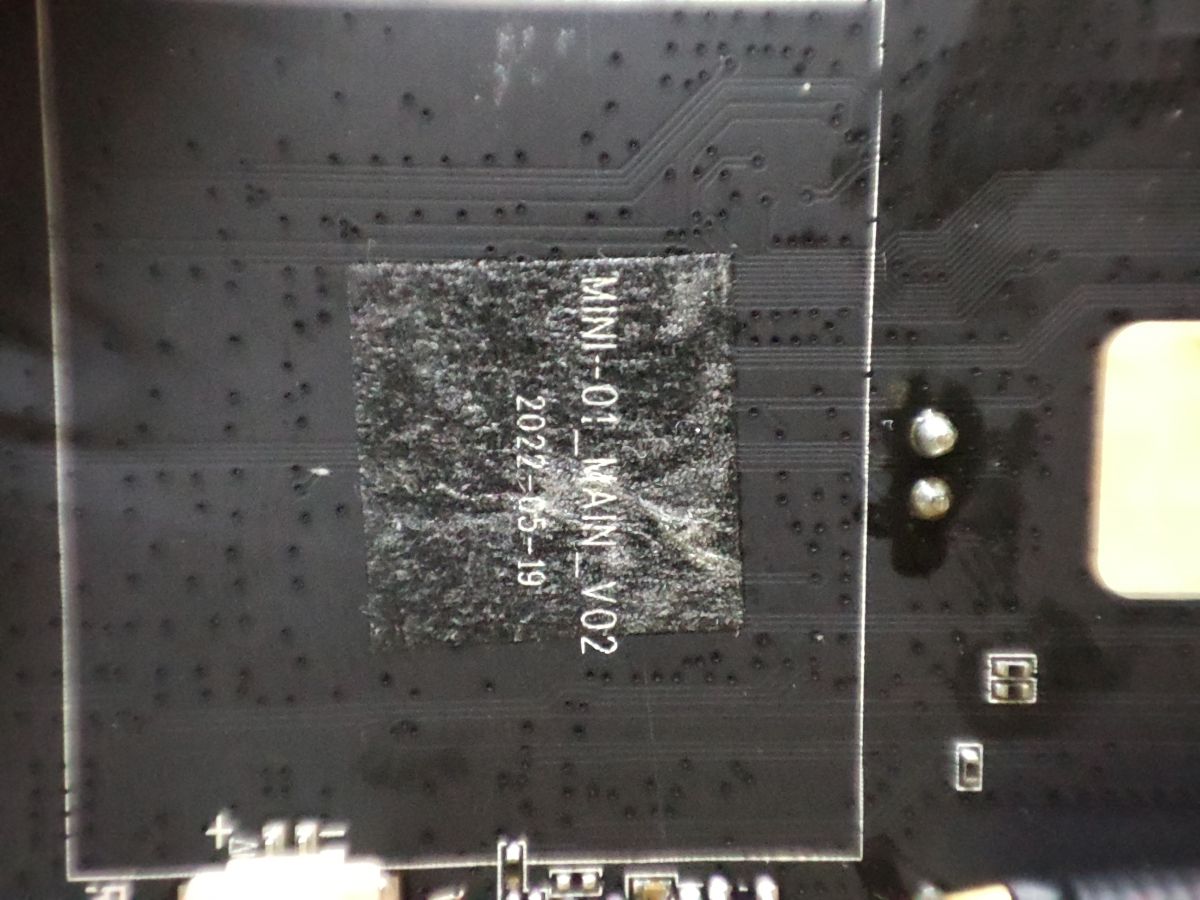
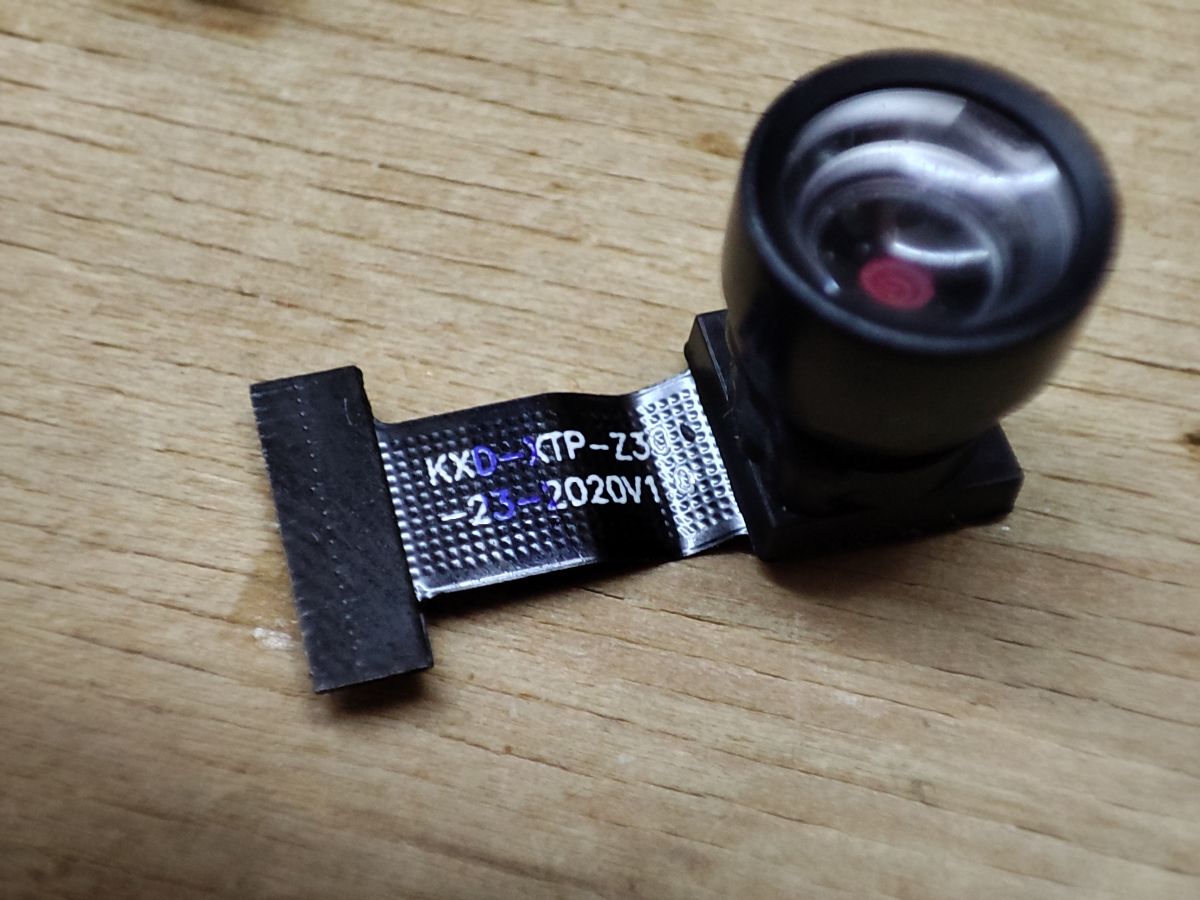
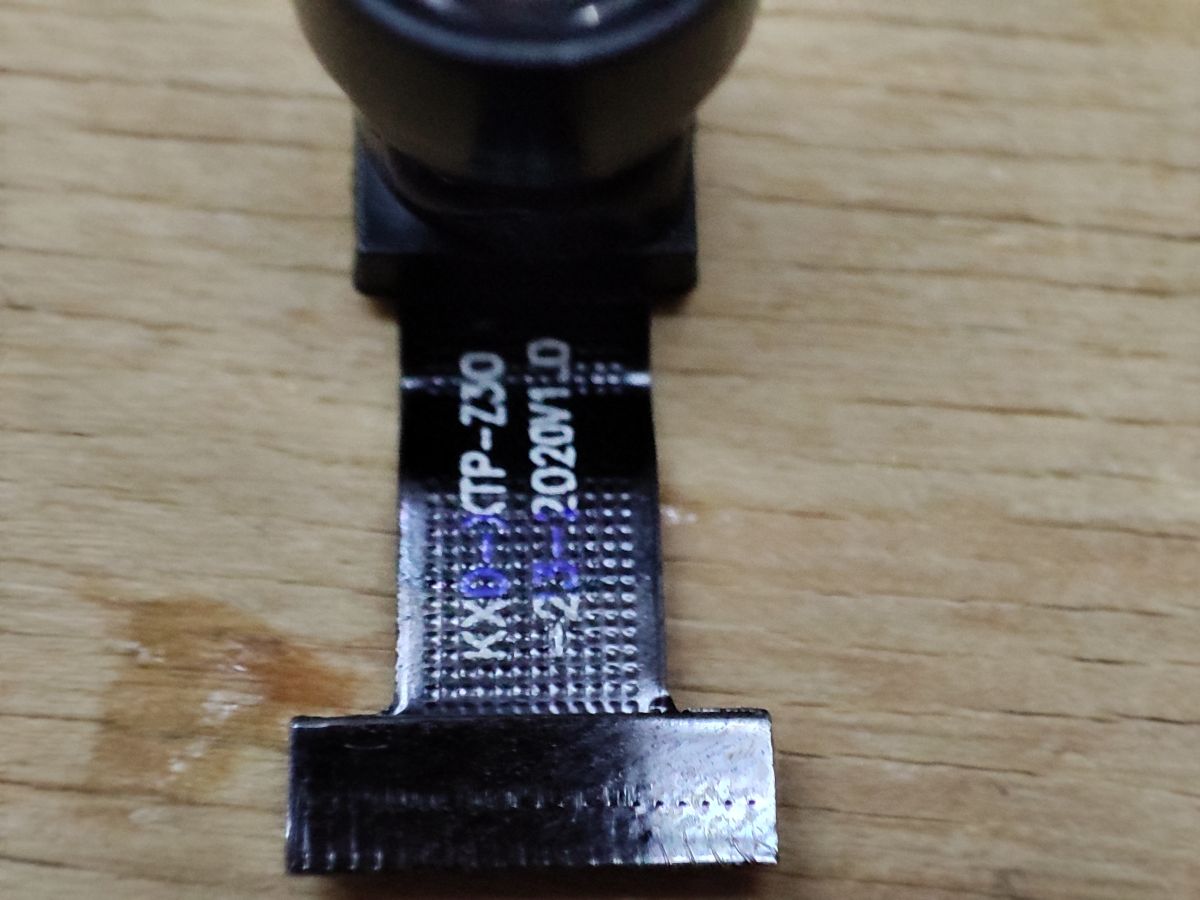
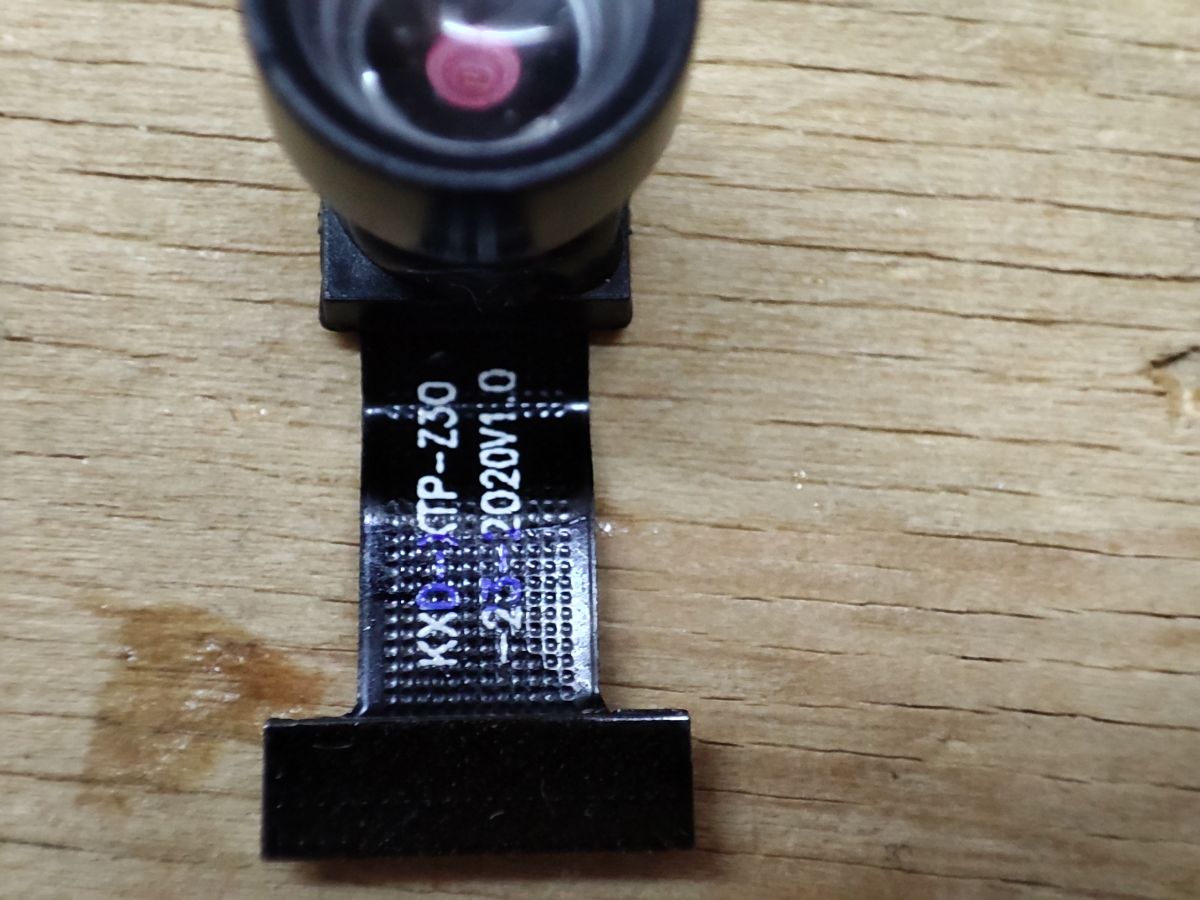
    This is what I have:
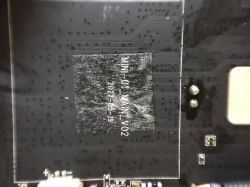
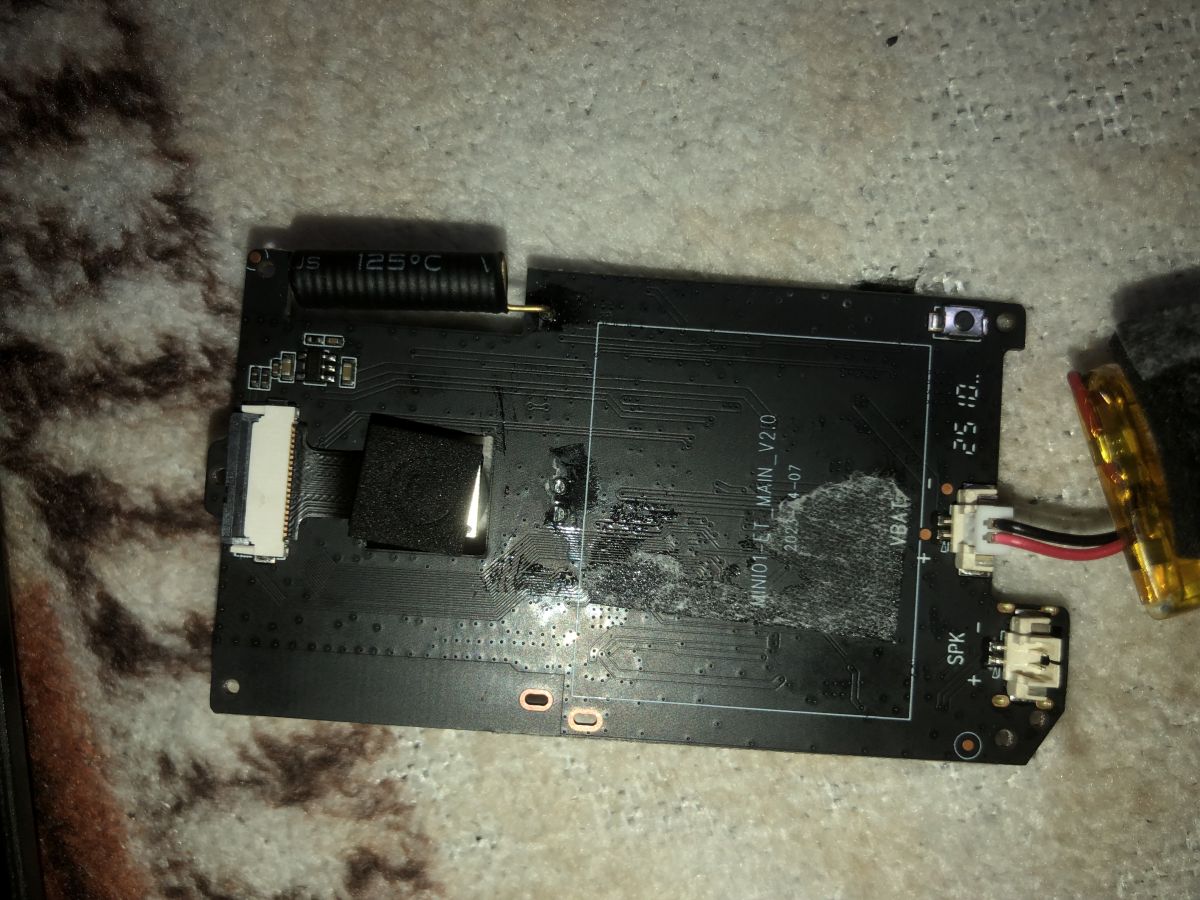
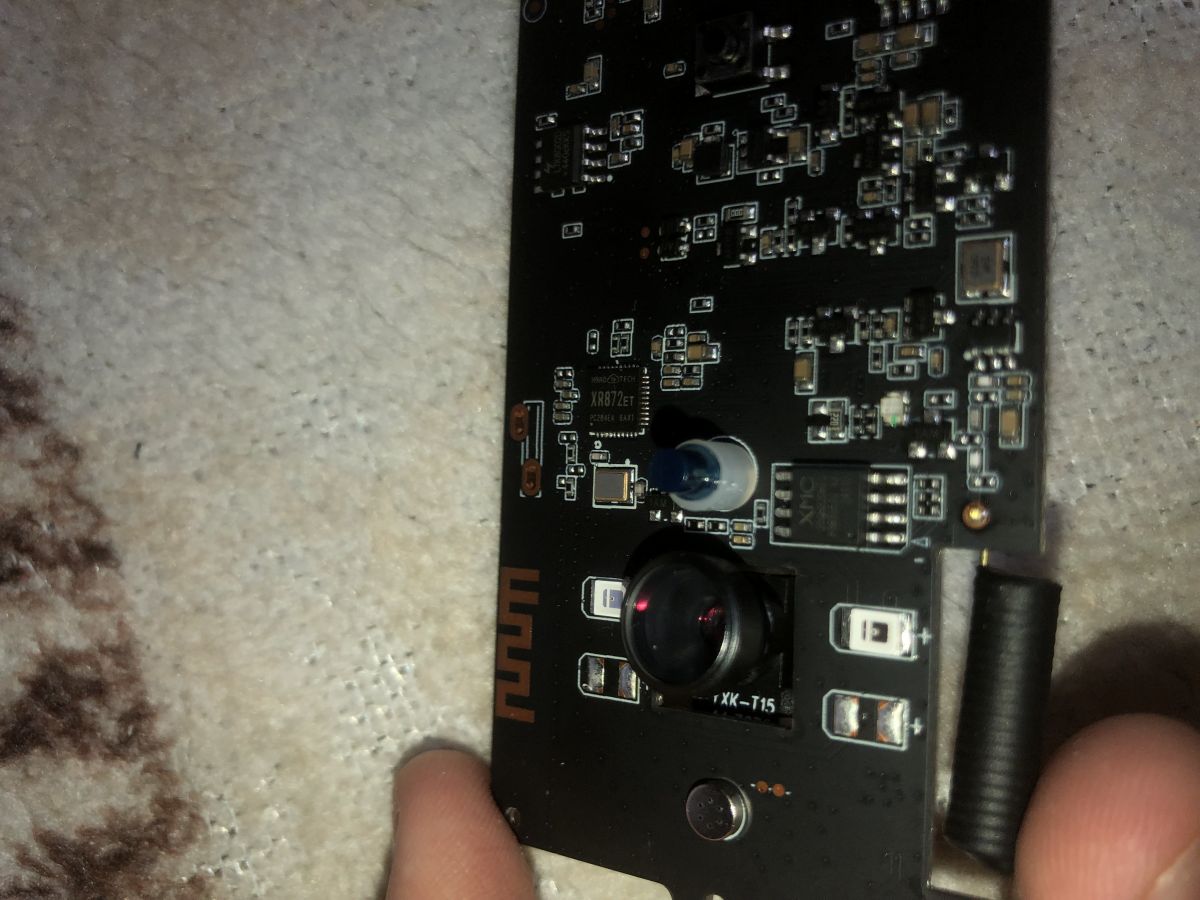
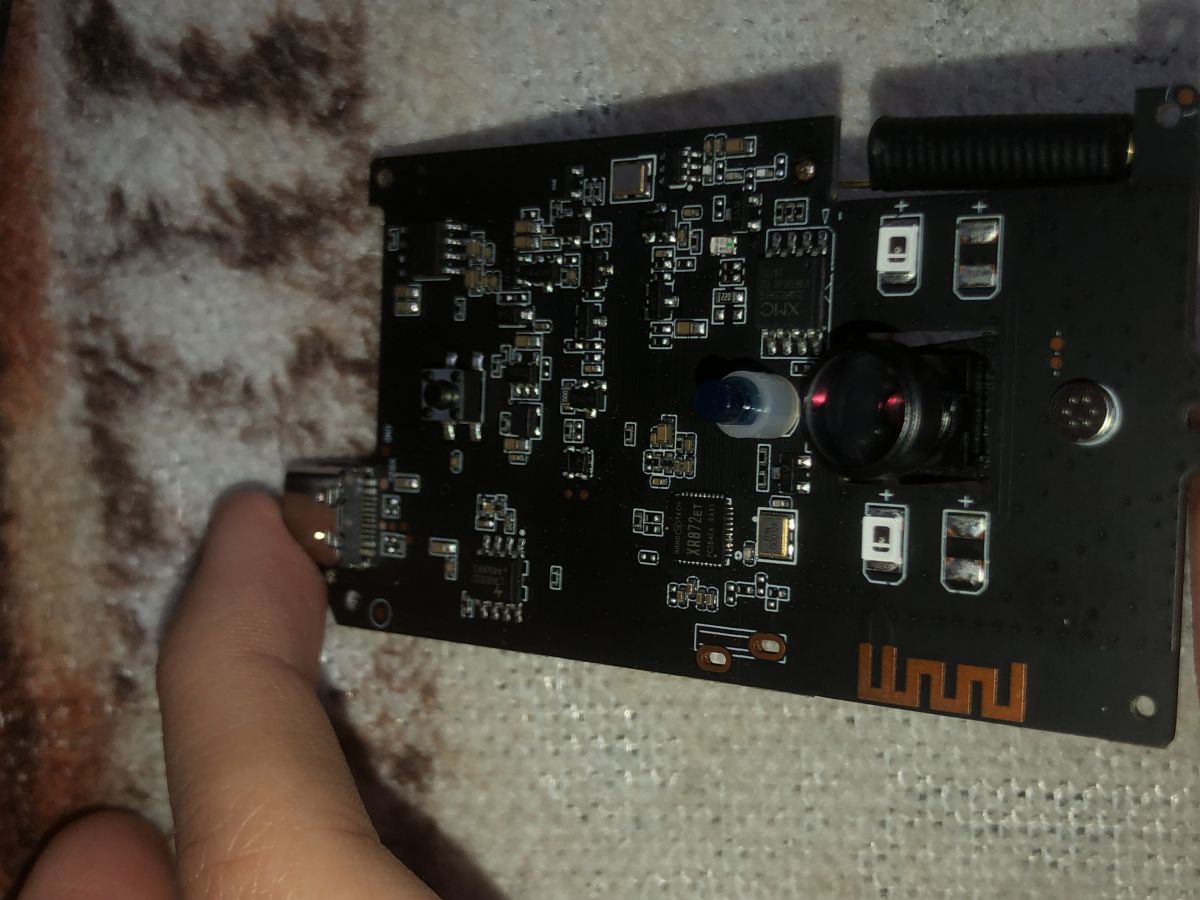
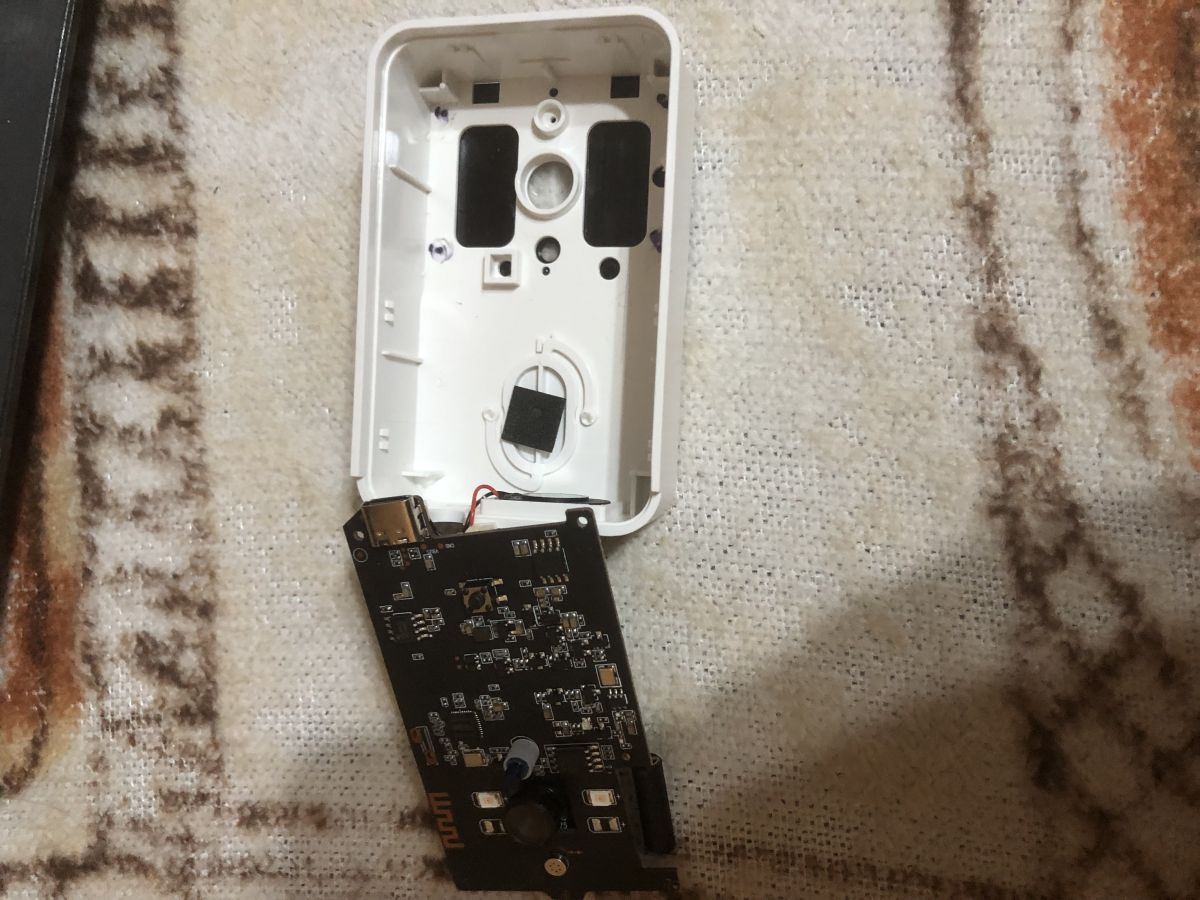
    Close-up of PCB labeled MINI-01_MAIN_V02 with date 2022-05-19
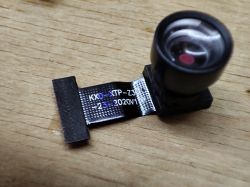
    Camera module labeled KXD-XTP-Z30-23-2020V1.0 on a wooden surface
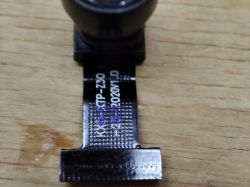
    Camera module with flex cable on wooden surface, visible technical markings
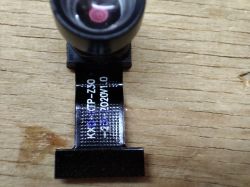
    Camera module with lens and ribbon labeled KXP-STP-Z30 2020v1.0
    So board reads... MINI-01_MAIN_V02 2022-05-19 and camera... KXD-XTP-Z30-23-2020V1.0 ?
    Helpful post? Buy me a coffee.
  • ADVERTISEMENT
  • #272 21711381
    divadiow
    Level 37  
    Can't recall operation of I2C on XR872 build but I use it to get address to begin driver for new sensors. Worth adding I2C to XR and seeing if you can get address on any traced pins?
  • ADVERTISEMENT
  • #273 21711393
    p.kaczmarek2
    Moderator Smart Home
    Sounds like too much hassle for manual checking, I will most likely just figure out a test driver that scans all permutations of available GPIO for I2C pairs.
    Helpful post? Buy me a coffee.
  • #274 21716905
    divadiow
    Level 37  
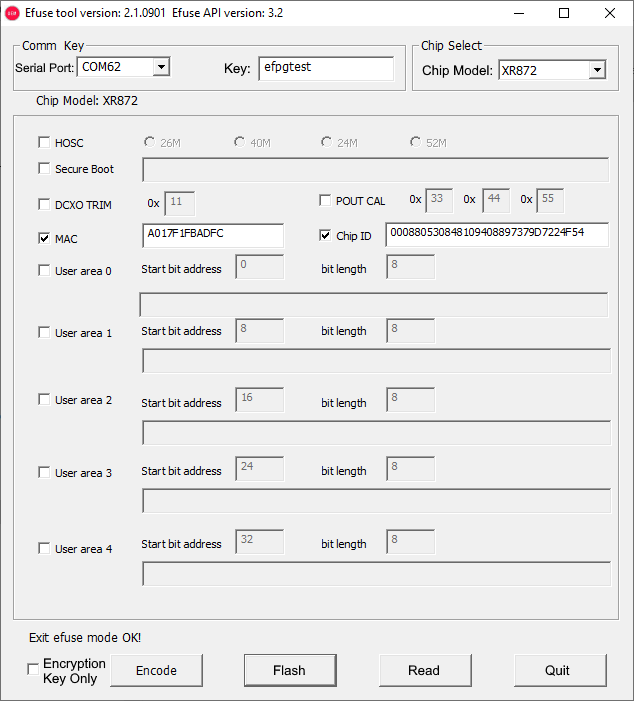
    hey look, here's the efuse tool retrieving some info from XF16 device. OBK is running at this point.

    Translated bits added too
    Screenshot of Efuse tool with chip model XR872 and MAC/Chip ID data enabled

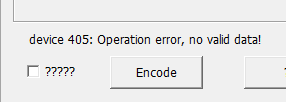
    add extra things to read (eg secure boot) and this is the result
    Error message “device 405: Operation error, no valid data!” and Encode button

    Latest tool and API dll combination I could find attached as well as efuse tool PDF in Chinese and English.

    I wonder if the Kement XR872s have anything interesting to be read.

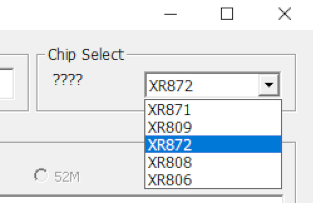
    Others supported:
    Screenshot with chip selection dropdown list, XR872 selected
  • Helpful post
    #275 21716910
    divadiow
    Level 37  
    efuse tool is sending the command efpg and some other bytes then getting back a <ACK> 200 OK and some bytes

    Added after 3 [minutes]:

    https://github.com/openshwprojects/OpenXR872/...de0b238e2c054265f88a9/include/efpg/efpg.h#L43

    Added after 18 [minutes]:

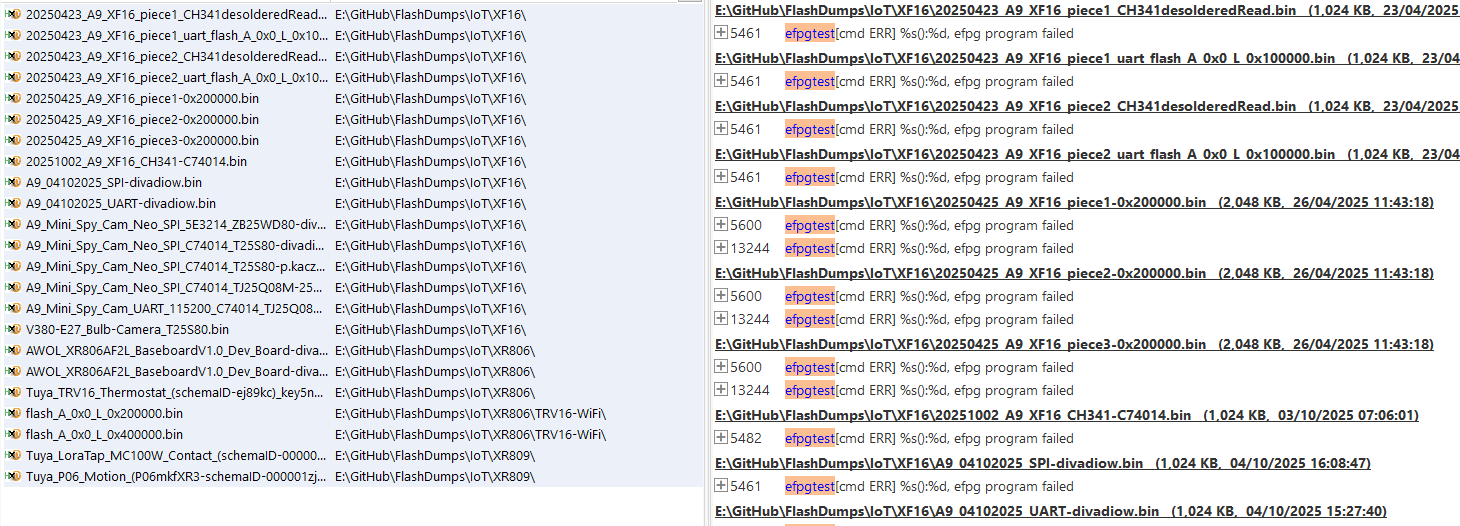
    unsurprisingly perhaps the key espgtest does not appear to be present in the Kement dumps
    List of binary files with paths, sizes, and programming error logs.

    the real key is proving elusive
  • Helpful post
    #278 21732686
    divadiow
    Level 37  
    Back to the XF16 A9 cam

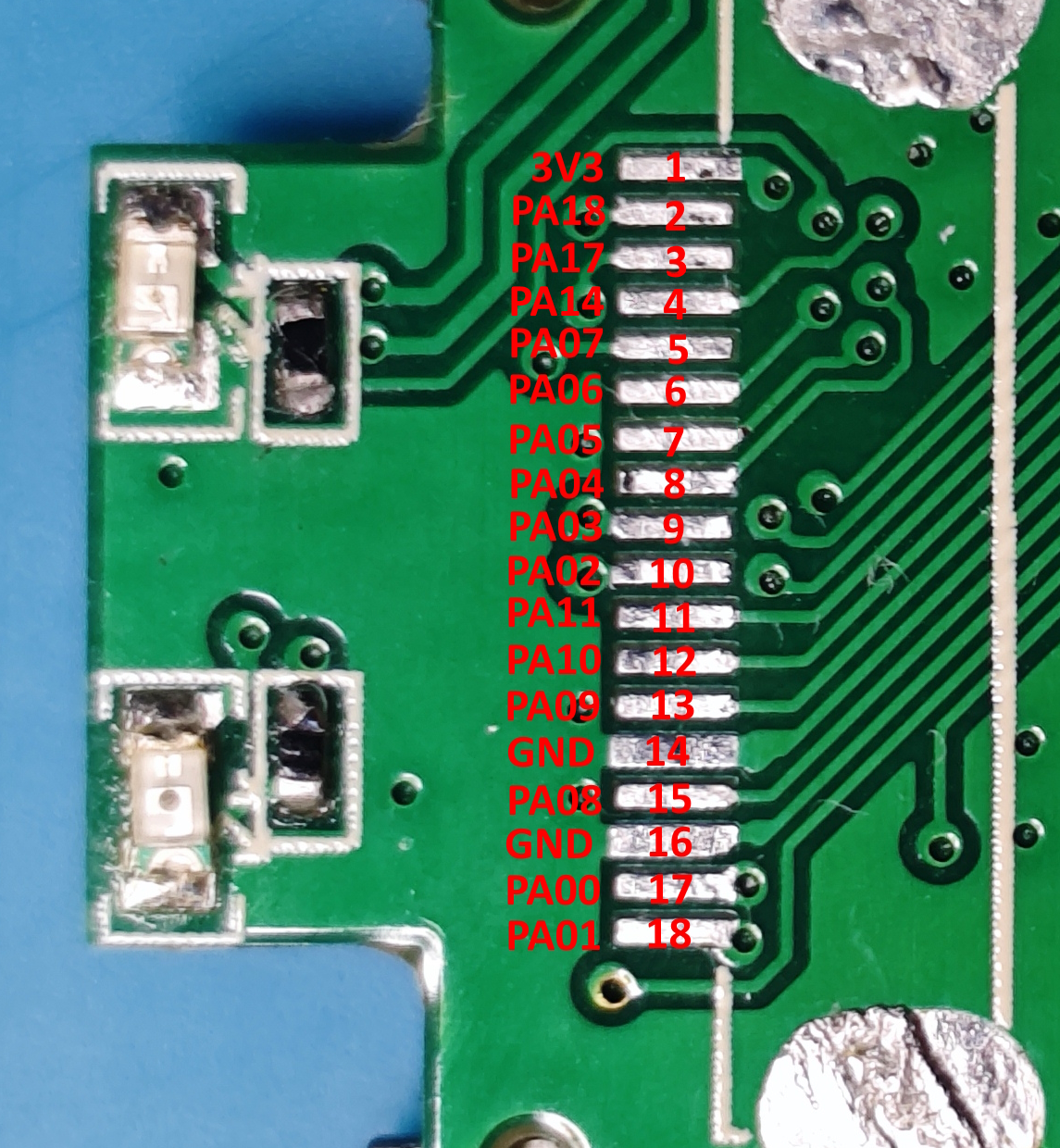
    This is where each of the 18 pins trace to on this

    Exploring A9 Minicam Variation: XF16 PB380EA6341 MCU, T25S80 SPI Flash, XR872, Skylark SDK

    Pad #FunctionXF16 IO
    1AVDD
    2SDAPA18
    3SCLPA17
    4PWDN/RESETPA14
    5DVP D7PA07
    6DVP D6PA06
    7DVP D5PA05
    8DVP D4PA04
    9DVP D3PA03
    10DVP D2PA02
    11VSYNCPA11
    12HSYNCPA10
    13MCLKPA09
    14GND
    15PCLKPA08
    16GND
    17DVP D0PA00
    18DVP D1PA01
  • ADVERTISEMENT
  • #279 21745299
    divadiow
    Level 37  
    building jpeg demo to try to bring up either GC0308 or GC0328C

    Code: Text
    Log in, to see the code
  • #280 21745740
    p.kaczmarek2
    Moderator Smart Home
    This may be interesting for you and camera testing - a multi-pin I2C scanner, tested only on ESP8266:
    
    bool canUsePin(int pin) {
    #if PLATFORM_ESP8266
       if (pin == 6) {
          return false;
       }
       if (pin == 7) {
          return false;
       }
    #endif
       return true;
    }
    

    I had to disable two pins there.
    
    startDriver MultiPinI2CScanner
    

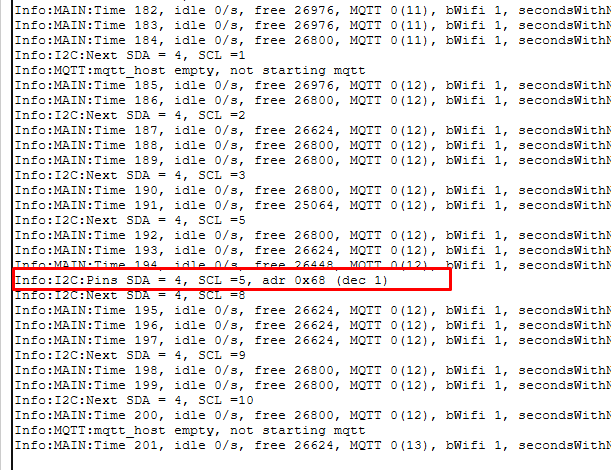
    Correctly detects clock chip:
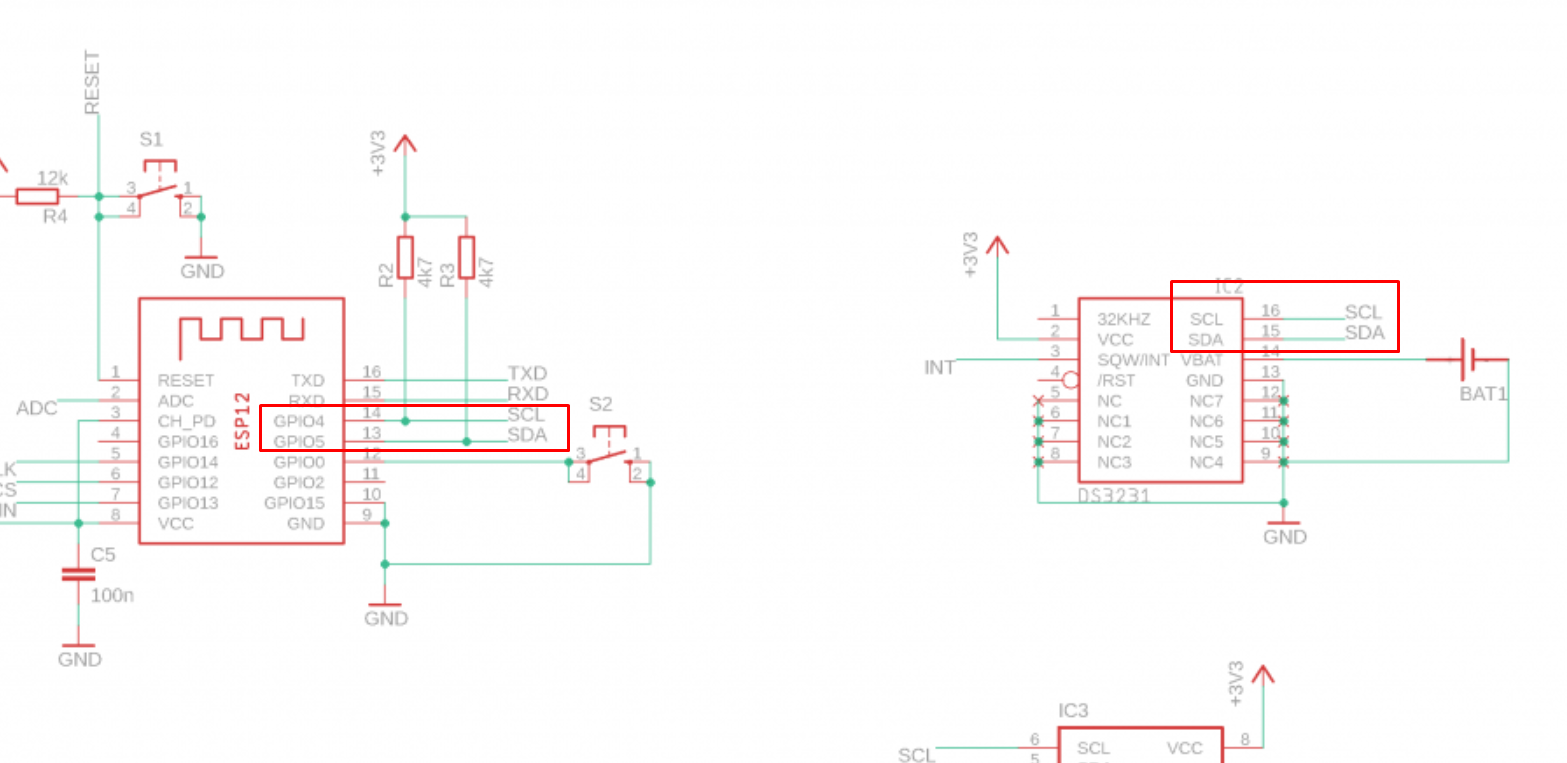
    ESP-12 connected to DS3231 RTC via I2C using GPIO4 and GPIO5
    System log screenshot showing I2C pins and address 0x68 highlighted
    Helpful post? Buy me a coffee.
  • ADVERTISEMENT
  • #281 21746010
    divadiow
    Level 37  
    Yep cheers. I've an i2c scanner now (GPT creation) but no detection. I need to go back a step and get a working detection with non-camera like AHT20, so not relying on camera to be in correct state first. Get proven i2c detection code then go back to cam.
  • Helpful post
    #282 21746839
    divadiow
    Level 37  
    cool. it doesn't crash. going to take ages. I will wire up AHT20.

    Code: Text
    Log in, to see the code


    Added after 6 [minutes]:

    not sure i2c's been added to XR872 actually anyway.
    platforms.md needs i2c column

    Added after 1 [hours] 47 [minutes]:

    divadiow wrote:
    I will wire up AHT20
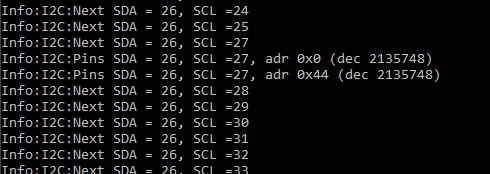


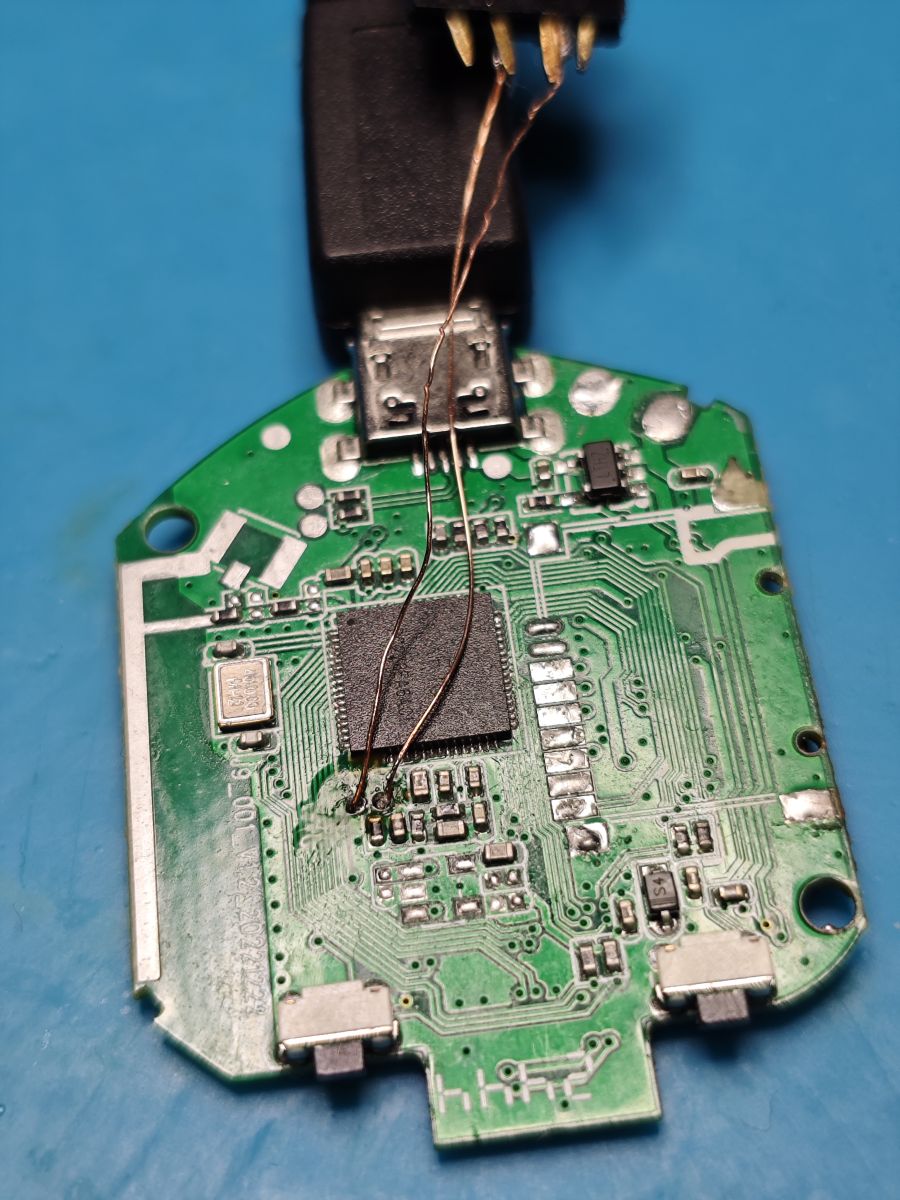
    Exploring A9 Minicam Variation: XF16 PB380EA6341 MCU, T25S80 SPI Flash, XR872, Skylark SDK

    this was using PB02 and PB03 test pads
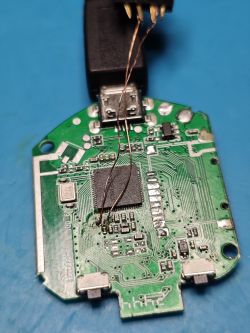
    Exploring A9 Minicam Variation: XF16 PB380EA6341 MCU, T25S80 SPI Flash, XR872, Skylark SDK

    Added after 9 [hours] 49 [minutes]:

    just confirming IOs PA17 and PA18 are the two contacts next to AVDD for SDA/SCL as stated above on the XF16 A9 (I had AHT20 wired the other way round for scan below)
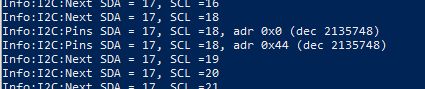
    Exploring A9 Minicam Variation: XF16 PB380EA6341 MCU, T25S80 SPI Flash, XR872, Skylark SDK

    Added after 14 [minutes]:

    also worth noting that the xr872_evb_ai board csi pinmux matches XF16

    board_config.c
    Code: C / C++
    Log in, to see the code


    but the default SDA/SCL does need tweaking for i2c0
    Code: C / C++
    Log in, to see the code
  • #283 21747580
    p.kaczmarek2
    Moderator Smart Home
    Well, this AHT20 I2C address does not look okay. Strange.

    I2C is done in software, it should run more or less on any platform. No specific timings are required there, it's not problematic as DS18B20.

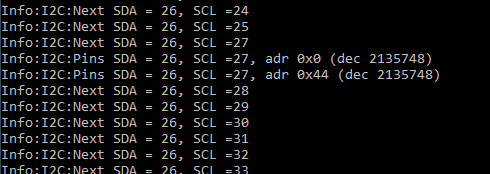
    I also got false positives on some pin configurations.

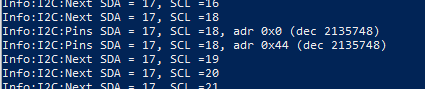
    I added 24AA256 to my clock bus and redid scan:
    , MQTT 0(12), bWifi 1, secondsWithNoPing 129, socks 0/0 
    Info:I2C:Pins SDA = 4, SCL =5, adr 0x50 (dec 1)
    Info:MAIN:Time 199, idle 0/s, free 26780, MQTT 0(12), bWifi 1, secondsWithNoPing 130, socks 0/0 
    Info:I2C:Pins SDA = 4, SCL =5, adr 0x68 (dec 1)
    Info:I2C:Next SDA = 4, SCL =8
    Info:MAIN:Time 200, idle 0/s, free 26604, MQ
    

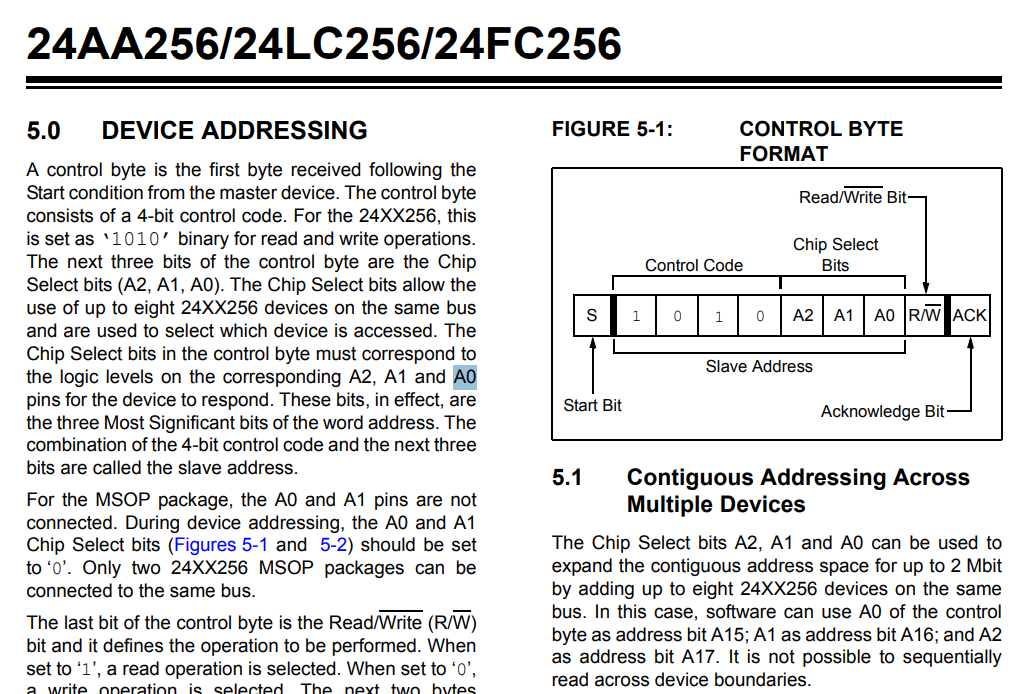
    Well.. 0x50
    Control byte format diagram with device addressing info for 24XX256 memory
    assuming all address pins are tied to ground...
    We'd get 0b1010000, and this is exactly 0x50 hex.
    Helpful post? Buy me a coffee.
  • Helpful post
    #284 21747599
    divadiow
    Level 37  
    p.kaczmarek2 wrote:
    Well, this AHT20 I2C address does not look okay. Strange.

    maybe not, but confirmation of something on those pins satisfied my current need.

    Added after 3 [minutes]:

    Here's another thing.

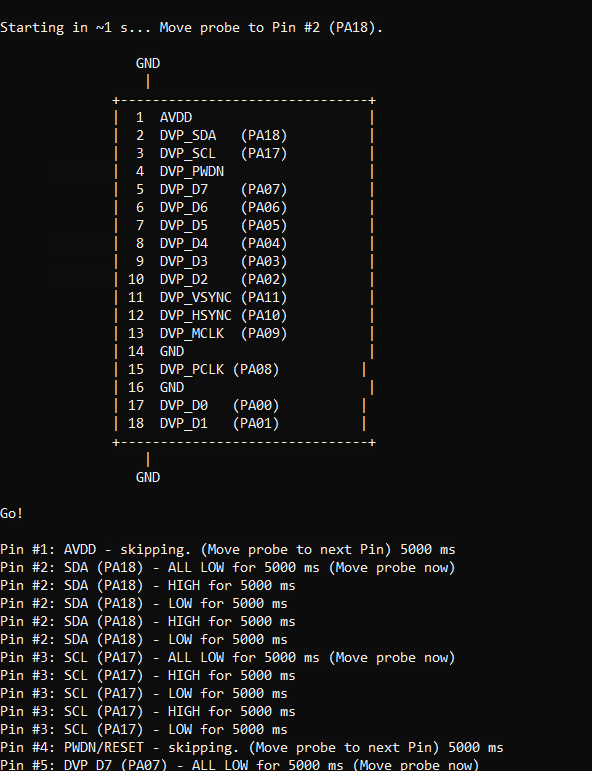
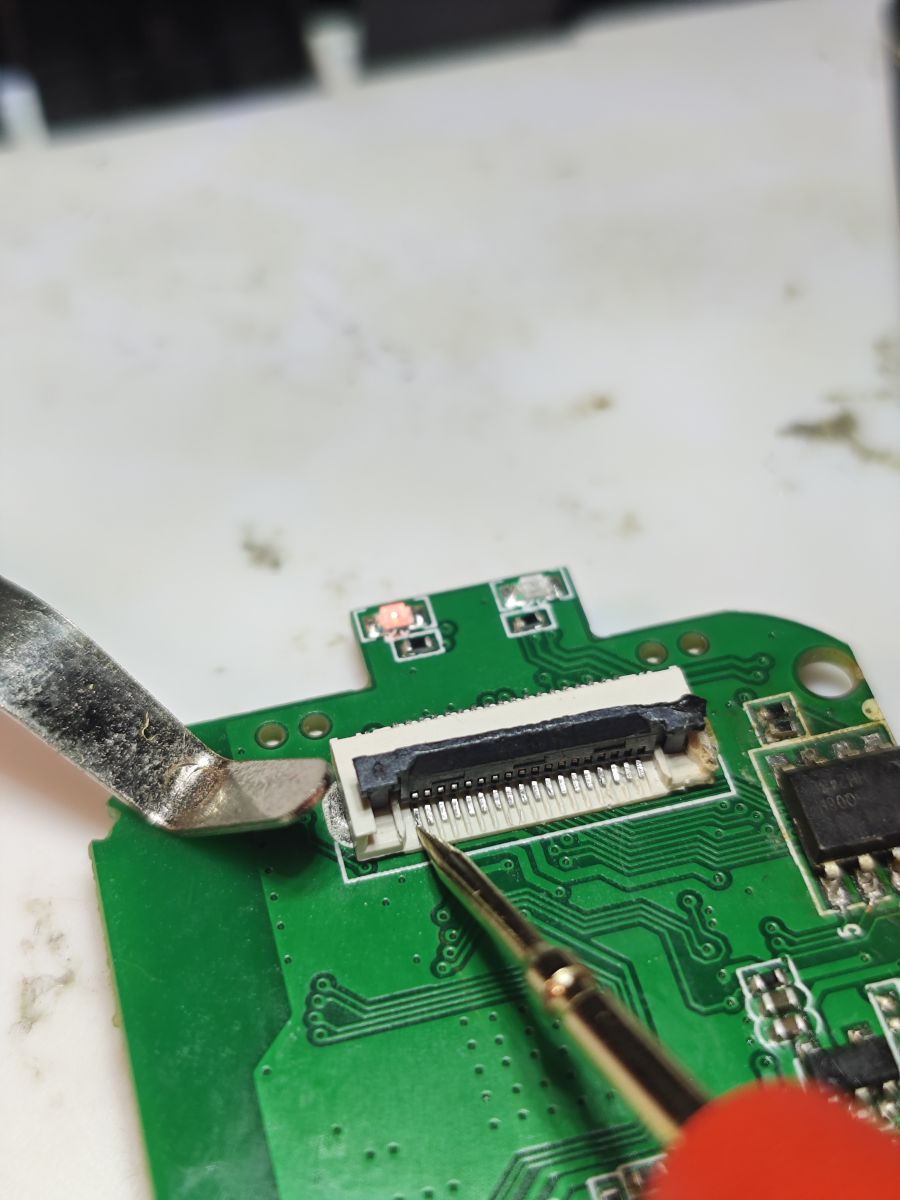
    An XF16 CSI connector pin walker. This confirms the remaining IOs in the table above.

    DVP module pinout diagram with test log showing GPIO pin signal states

    Prints ASCII connector x3 every 3s.
    Countdown to Pin#2
    High/Low/High/Low 5s each
    Pause to move probe
    repeat for next pin.

    A bit slow but you get to watch the multimeter dance around and it confirms OpenXR872 pin mappings.

    Close-up of FFC connector on green PCB with a measurement probe touching the pins
  • Helpful post
    #285 21748848
    divadiow
    Level 37  
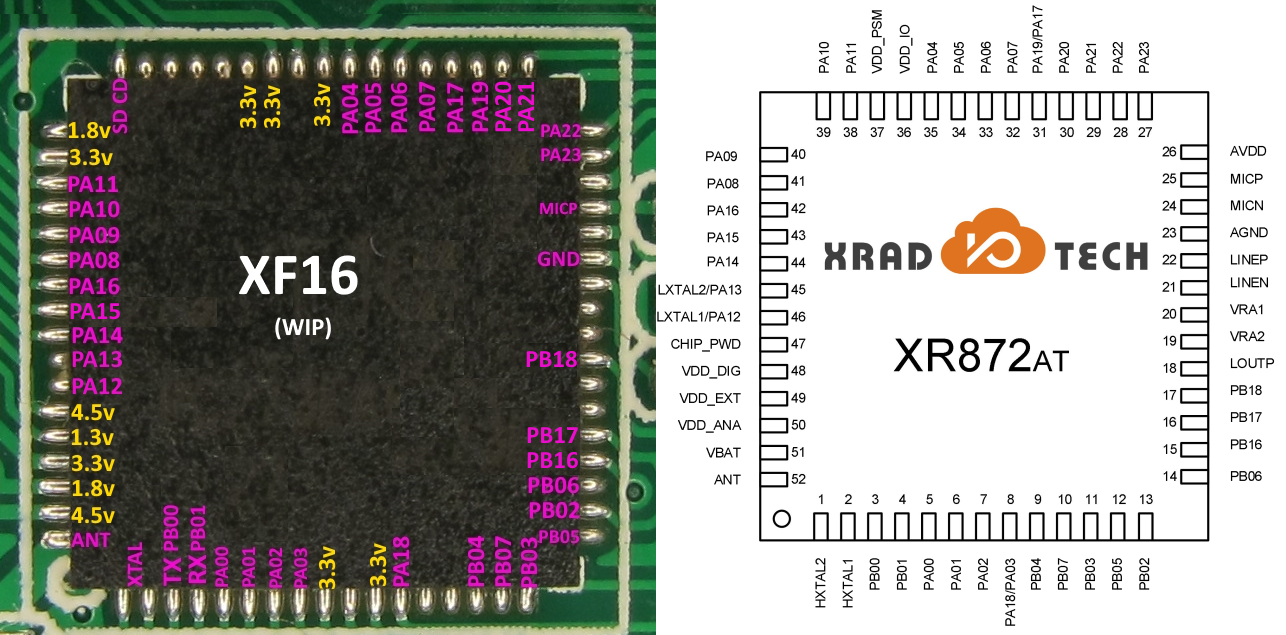
    Confirmed all GPIOs with new firmware that detects and prints when each one is pulled low. So the below is correct. XR872 for comparison.

    Comparison of XF16 chip and XR872AT pinout diagram from XRADIO
  • Helpful post
    #287 21755503
    divadiow
    Level 37  
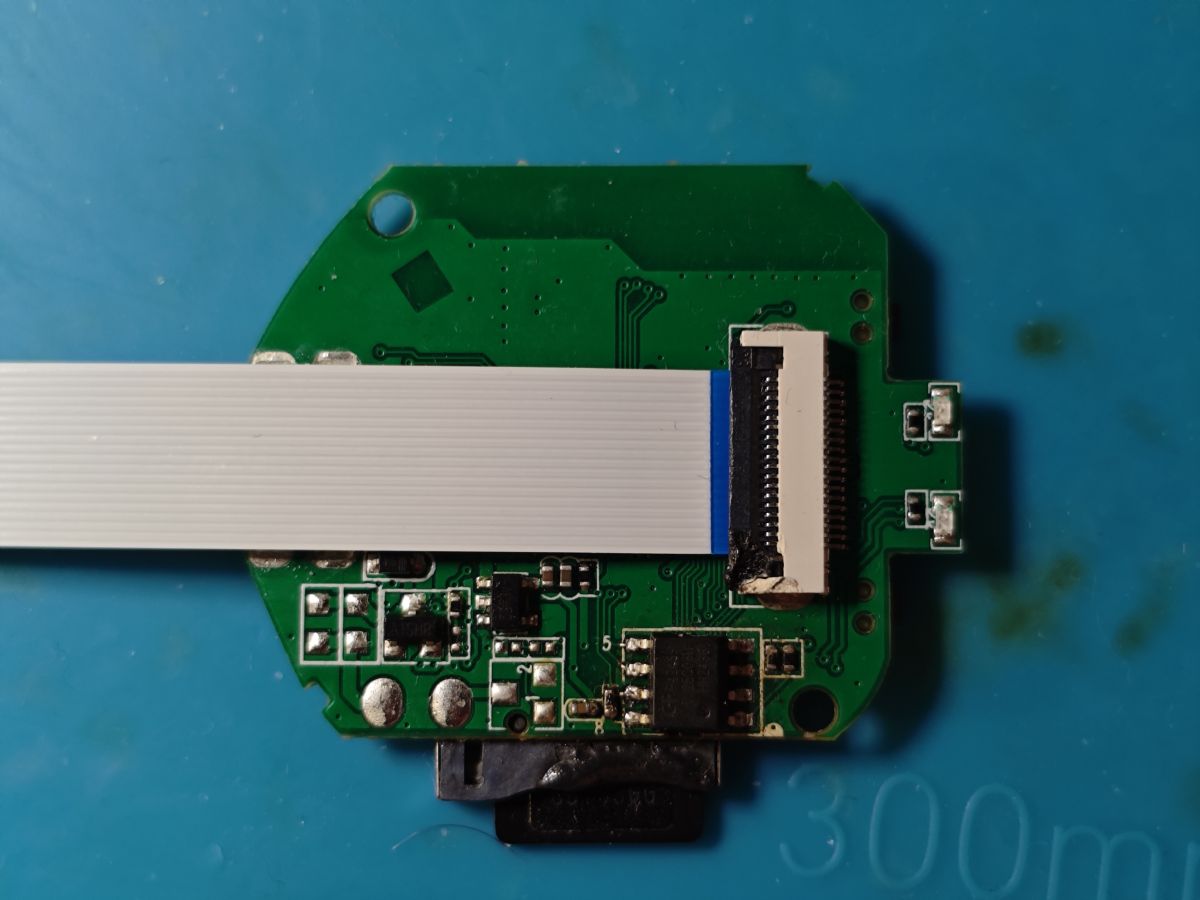
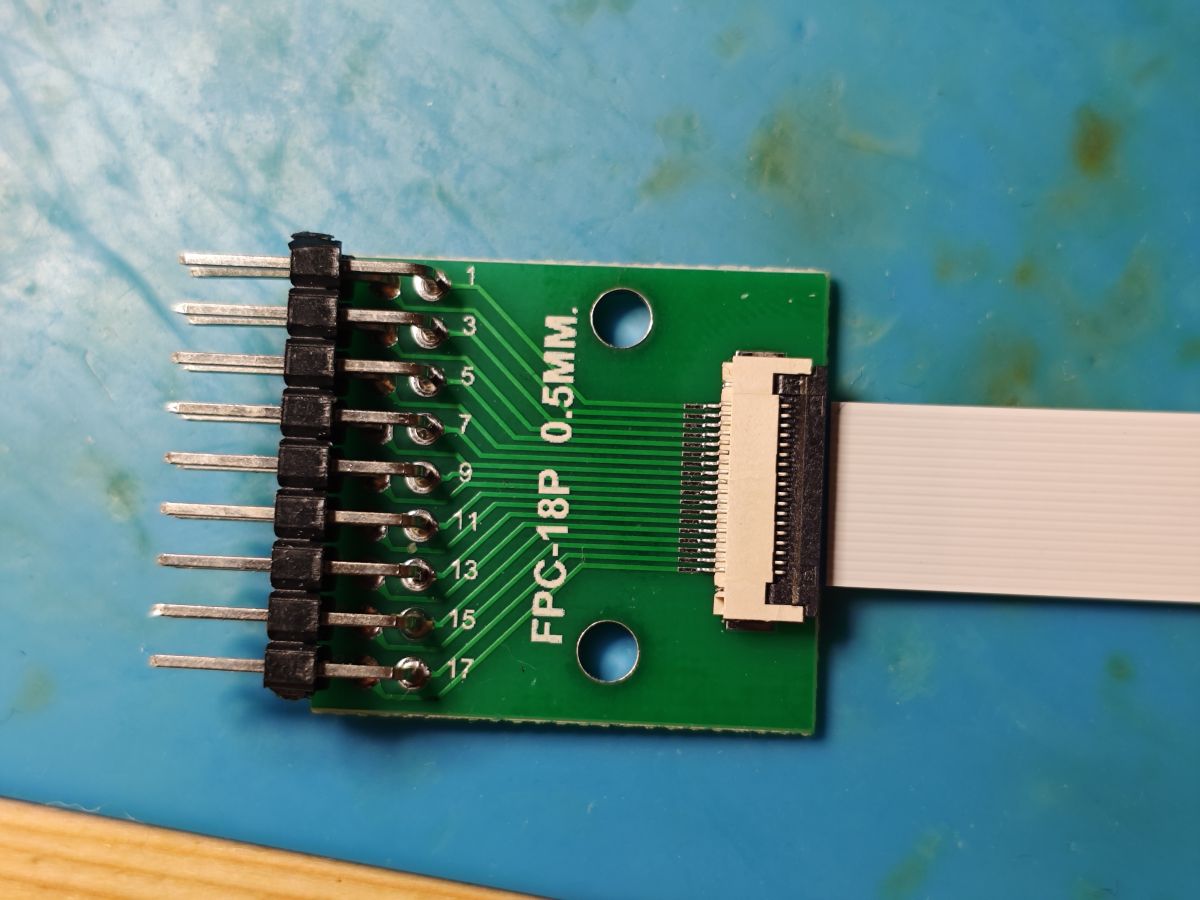
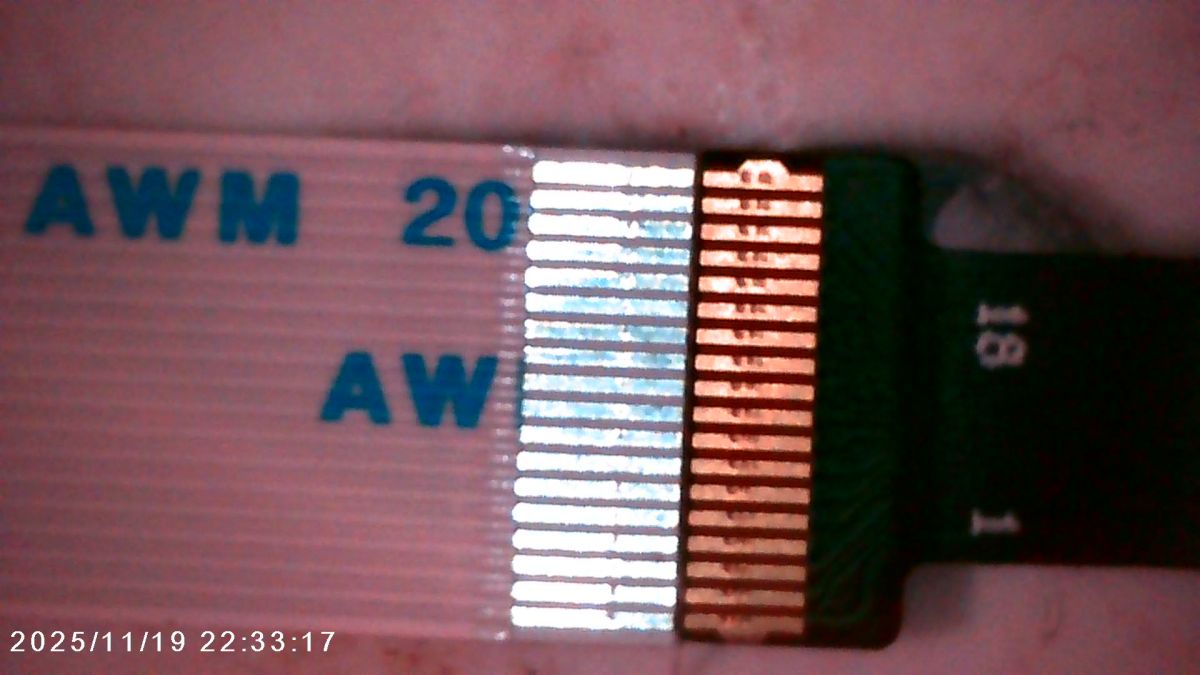
    the connectors on these cams and sensors appear to be standard 18-pin .5mm pitch FFC which can be used with various FFC connectors and ribbons from Ali

    Printed circuit board with flat ribbon cable connected, on blue background Close-up of FPC-18P 0.5 mm adapter with flat ribbon cable attached

    Close-up of AWM ribbon cable with exposed contact connector

    makes it even easier to confirm pins I guess. BK7252U48 next maybe

Topic summary

The discussion focuses on a variation of the A9 mini Wi-Fi camera featuring the XF16 PB380EA6341 MCU, an 8Mbit SPI flash chip labeled T25S80 (likely from ChipSourceTek), and the XR872 SoC running the Skylark SDK. Attempts to read and dump the flash firmware using tools like Flashrom, NeoProgrammer, and ASProgrammer faced challenges due to unrecognized SPI IDs and unreliable read/write operations, especially when the flash chip was in-circuit. Desoldering the flash chip improved read/write reliability. The firmware strings indicate the use of an RTOS and the iLnkP2P protocol for communication. The XR872 SDK (version 2.0 and later 1.2.x) was explored for building and flashing demo applications, including a "hello world" example, which successfully booted on the hardware after flashing via UART using PhoenixMC. Flashing custom firmware requires careful handling of flash erase and protection bits, with some users experiencing verification errors and random write failures. The flash layout includes an AWIH header and OTA partitions, with OTA updates compressed by XZ, raising concerns about fitting OTA images into the 1MB flash. Hardware details such as the presence of a pull-up resistor on the flash hold pin and UART pin configurations (PB02/PB03) were examined. The community also discussed the compatibility of different flash chip sizes (1MB vs 2MB) and the impact on firmware booting and flashing. Some users successfully transplanted firmware to larger flash chips (2MB) to run custom firmware like OpenXR872 (OBK). The discussion includes references to related projects for video stream capture without flashing (cam-reverse) and the challenges of flashing and booting custom firmware on these devices. Overall, the thread provides detailed technical insights into hardware probing, firmware extraction, SDK usage, flashing procedures, and troubleshooting for the XF16-based A9 mini camera variant with XR872 SoC.
Summary generated by the language model.
ADVERTISEMENT