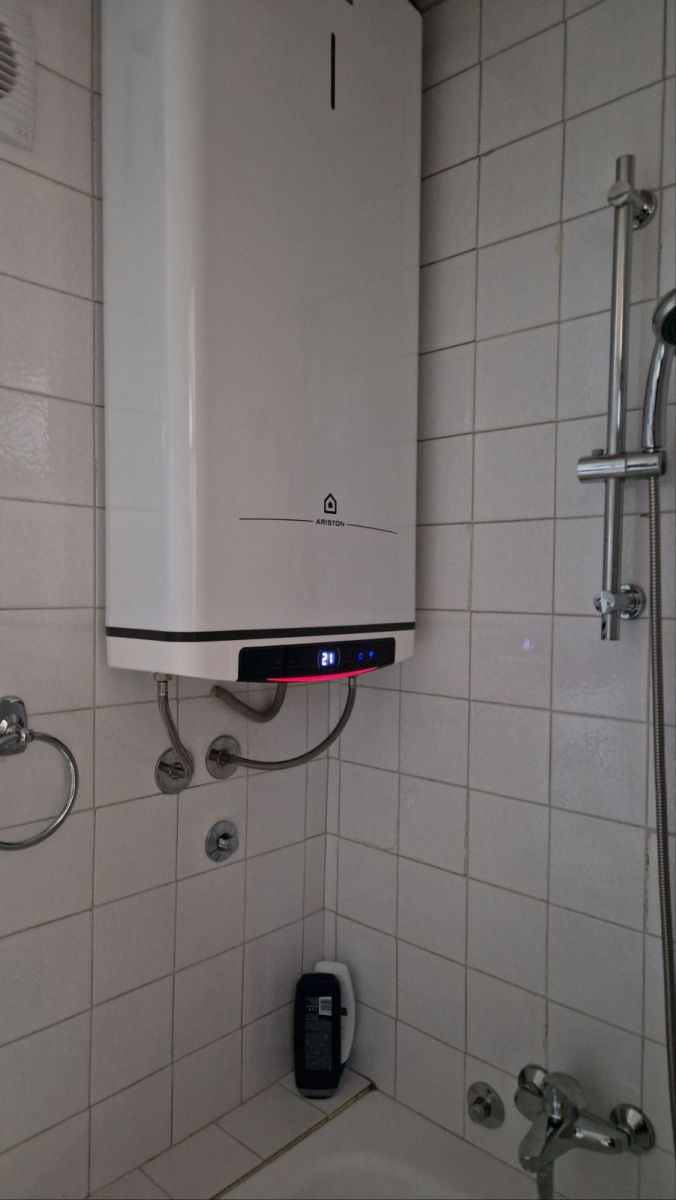
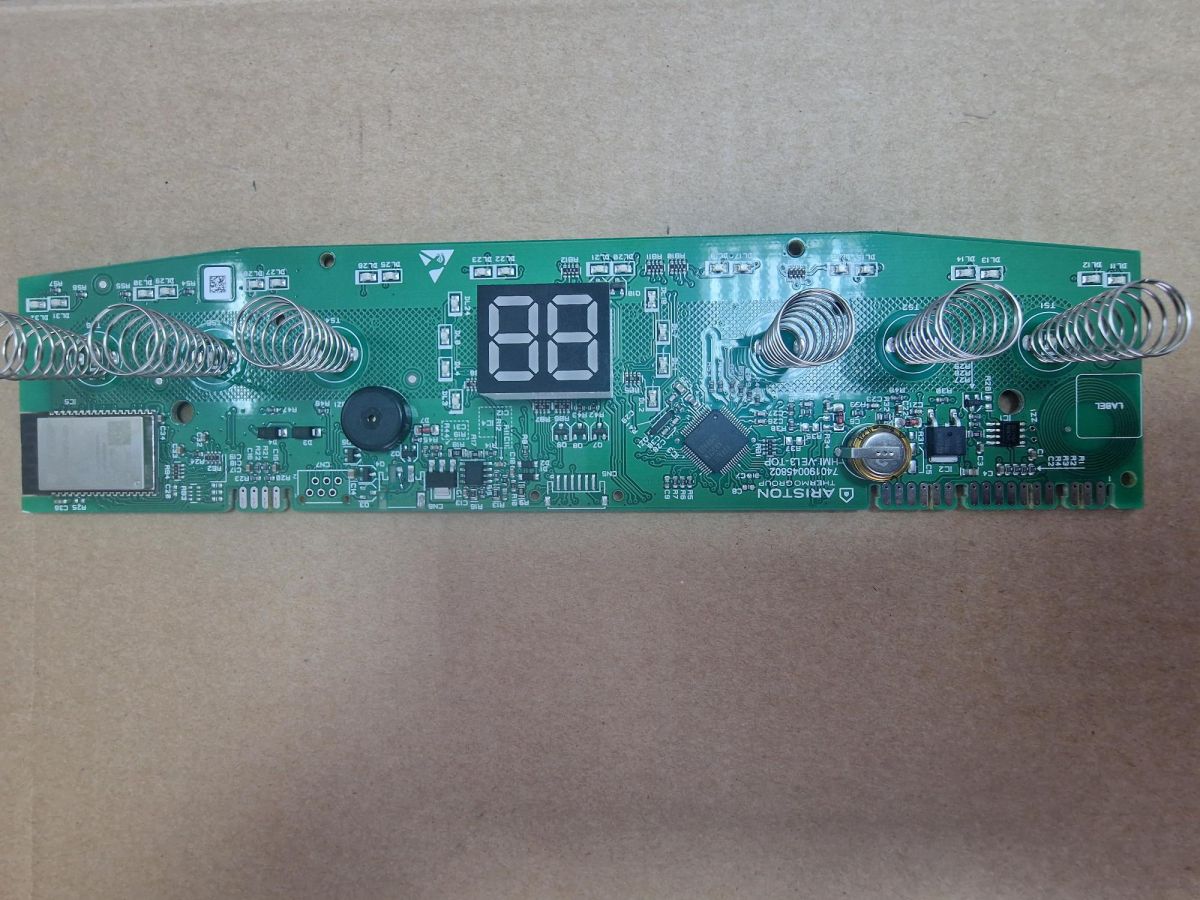
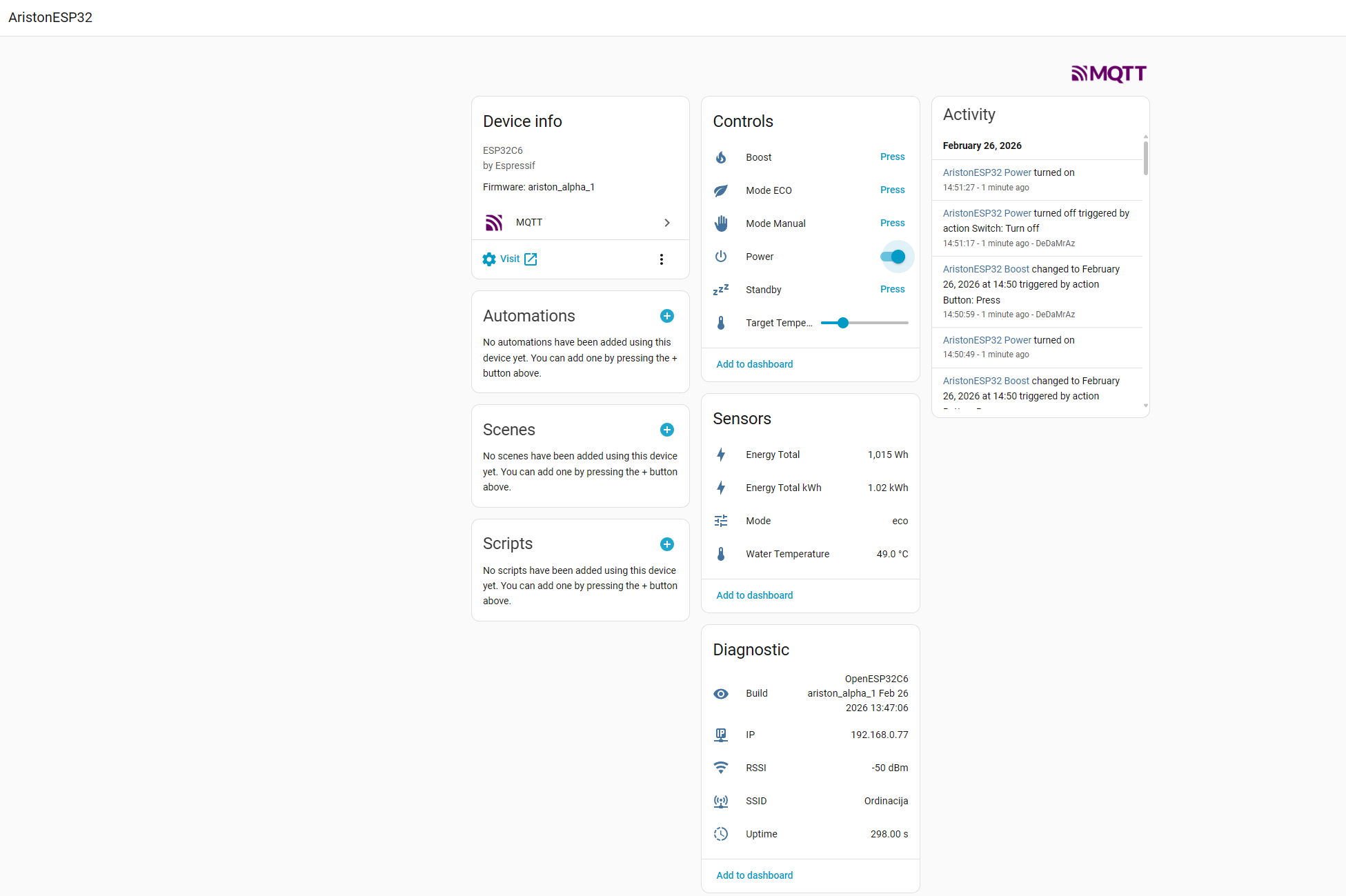
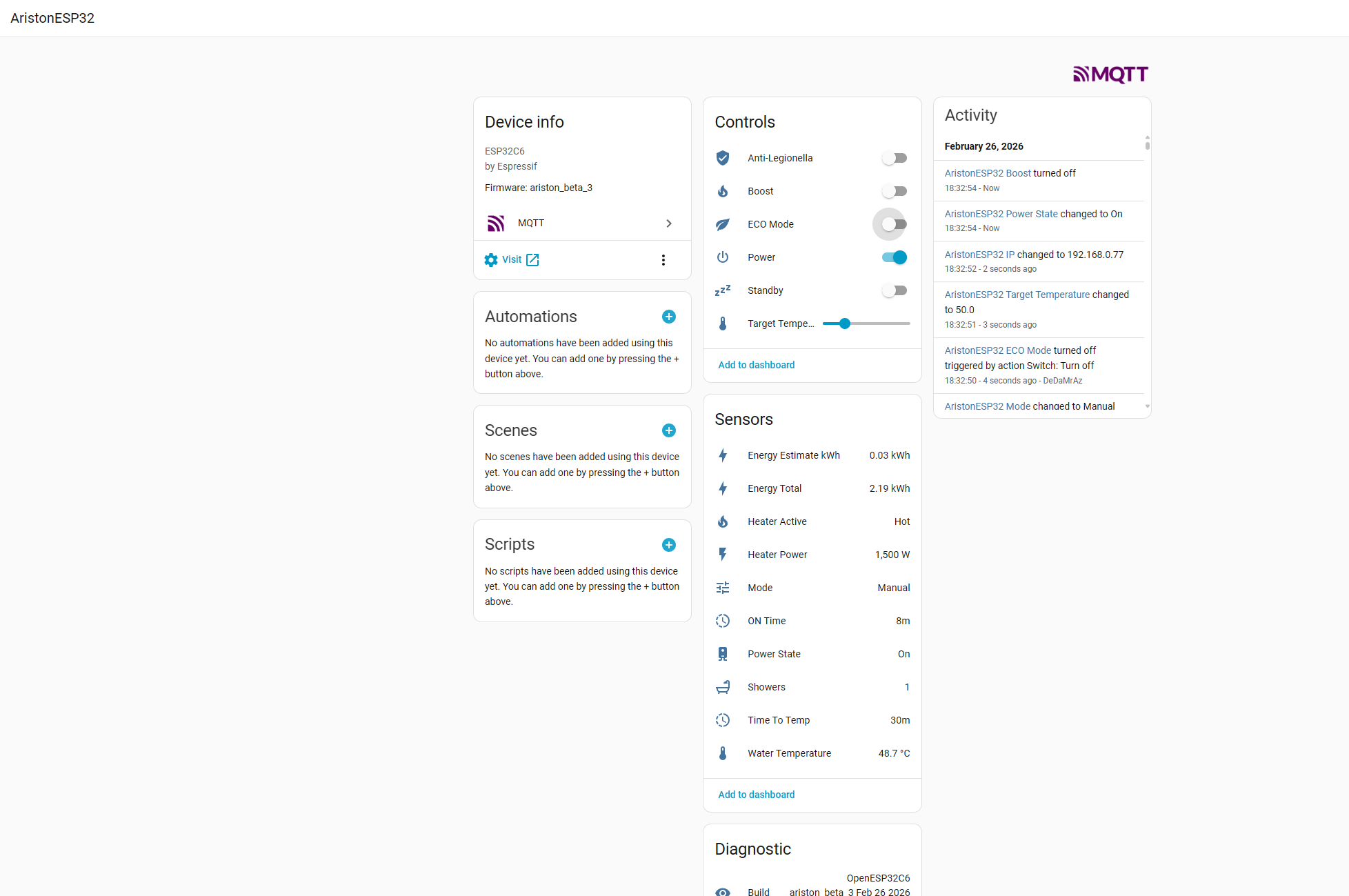
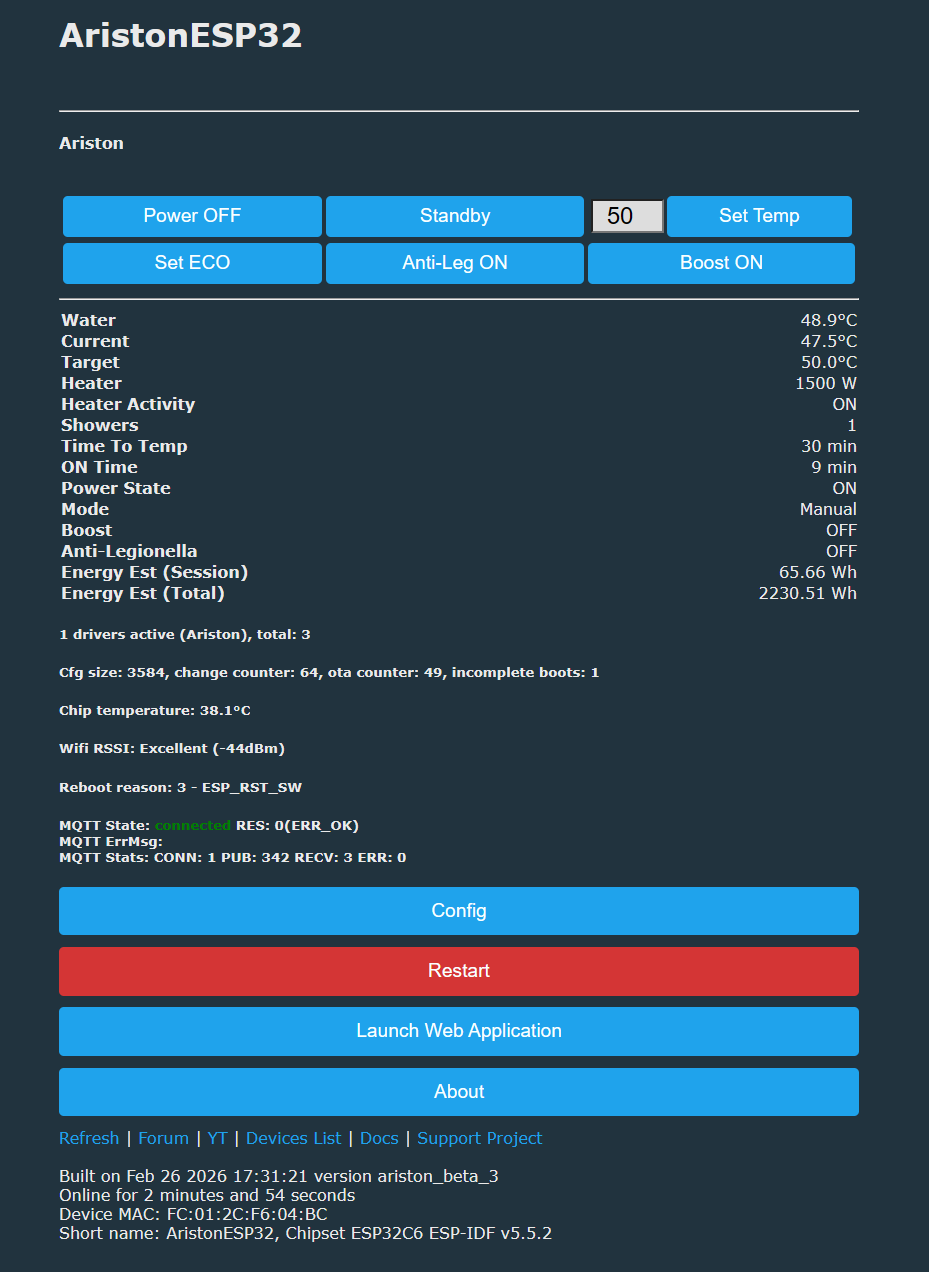
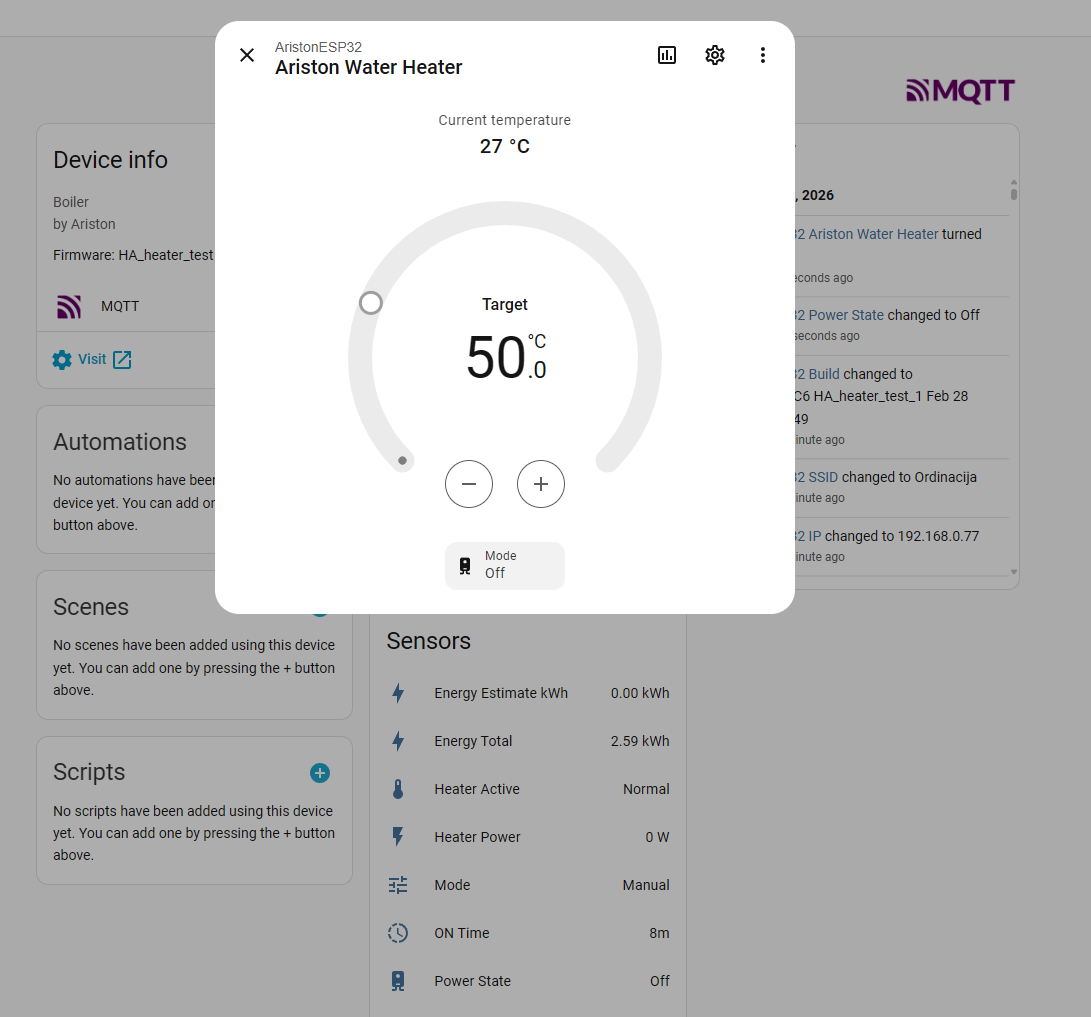
I am in a process of simulating that on a dry workbench (more convenient 😁) it is stable, and working, all the controls are up and running now so more test will follow. Right now no HA implementation (discovery) and index is still rough + log is debug heavy for testing purposes. Once the tests are done I'll post more findings and document everything for future reference.
I think I posted this already but worth repeating
This is just the WiFi control command set, there is a telemetry set (cmd 0x23), system init/report (cmd 0x52) and generic (0x25) command set that I am in a process of fully understanding.
I think I posted this already but worth repeating
### CMD 0x33 — Control Write (ESP → Boiler, on demand)

To change boiler settings, the ESP sends a CMD 0x33 with a 2-byte register ID and value:

| Register | Value        | Description                         |
| -------- | ------------ | ----------------------------------- |
| `05 21`  | `01` / `00`  | App/UI power state ON / OFF         |
| `06 21`  | `01` / `00`  | Mode selector (manual/eco, TBD map) |
| `DD 27`  | `01`         | Power ON                            |
| `DD 27`  | `05`         | Standby                             |
| `DD 27`  | `09`         | Boost ON                            |
| `79 2D`  | `XX XX` (LE) | Target temperature x 10             |
| `0A 21`  | `01` / `00`  | Anti-legionella ON/OFF              |
| `CC 4B`  | `08`         | WiFi STA connected                  |
| `CC 4B`  | `06`         | WiFi connecting                     |
| `CC 4B`  | `04`         | WiFi AP mode                        |
| `CC 4B`  | `00`         | WiFi OFF                            |
This is just the WiFi control command set, there is a telemetry set (cmd 0x23), system init/report (cmd 0x52) and generic (0x25) command set that I am in a process of fully understanding.
## Byte-Level Frame Maps (working decode)

Conventions:
- Offsets below are payload offsets (start at payload byte 0, not frame start).
- `u16le@N` means little-endian 16-bit value using payload bytes `[N]` and `[N+1]`.
- `?` means not yet fully decoded/confirmed.

### CMD23 response maps

1) Water tuple response (len=12), query: `60 10 68 13 69 13 6A 13 6B 13 43 51`
- `u16le@0`  : water/avg temp candidate #1 (x10 C)
- `u16le@2`  : water/avg temp candidate #2 (x10 C)
- `u16le@4`  : water/avg temp candidate #3 (x10 C)
- `u16le@6`  : water/avg temp candidate #4 (x10 C)
- `u16le@8`  : water/avg temp candidate #5 (x10 C)
- `u16le@10` : often `0xFFFF` sentinel

2) Current/target response (len=12), query: `4A D8 ... 71 9E`
- bytes `0..7`   : status/unknown block (`?`)
- `u16le@8`      : `TEMP_CUR` (x10 C)
- `u16le@10`     : `TEMP_SET` (x10 C)

3) Heater response (len=10), query: `4F 9D ... 57 D1`
- bytes `0..1`   : status word (`?`) commonly `C9 00`
- `u16le@2`      : heater power (W), observed `0` or `1500`
- bytes `4..7`   : error/status reserved (`?`)
- bytes `8..9`   : status tail (`?`) commonly `9B 00`

4) Time-to-temp/showers response (len=7), query: `D3 4B ... CC 4B`
- byte `0`       : status/flags (`?`) usually `00`
- byte `1`       : status/flags (`?`) often `04`/`4E`
- byte `2`       : showers candidate
- byte `3`       : time-to-temp candidate
- byte `4`       : status (`?`) often `00`
- byte `5`       : constant-like `0x1B` in many captures (`?`)
- byte `6`       : mode/state nibble-like (`?`) often `08/06/05/00`

5) On-time response (len=6), query: `DA 40 ... CF 3D`
- `u16le@0`      : uptime-like counter (minutes in current interpretation)
- bytes `2..5`   : reserved/flags (`?`) usually zeros in baseline
- Note: this is not heater-active runtime.

6) Status block A response (len=12), query: `44 DC ... 4D DC`
- payload often all zeros in idle/heating runs
- field semantics unknown (`?`)

7) Status block B response (len=6), query: `C0 F2 ... D0 F9`
- `u16le@0`      : small state code (often `4`)
- `u16le@2`      : usually `0`
- `u16le@4`      : usually `0`

8) Status block C response (len=7), query: `C0 F9 ... D4 3D`
- `u16le@0`      : usually `0`
- `u16le@2`      : often `0x024E` (=590, may correlate with target 59.0 C in some runs)
- remaining bytes : flags/status (`?`)

9) Status block D response (len=6), query: `D1 40 ... DB 40`
- `u16le@0`, `u16le@2`, `u16le@4` are non-zero status words (`?`)
- seen values drift with runtime/heating; semantics pending

10) Status block E response (len=4), query: `D9 3E D0 3D D2 3D C4 3E`
- often all zeros in current captures
- semantics pending

### CMD25 response maps

For registers where response len=8 (`44..47 24`, `79 2D`, `7A 2D`, etc.), payload is usually 4 little-endian words:
- `u16le@0`, `u16le@2`, `u16le@4`, `u16le@6`

Known high-confidence examples:
- `44 24` -> `1500, 200, 3000, 1500`
- `45 24` -> `1500, 0,   3000, 1000`
- `46 24` -> `100,  50,  3000, 100`
- `47 24` -> `10,   1,   100,  10`

`CMD25` 4-byte responses are often:
- word-like status pairs (`u16le@0`, `u16le@2`) or
- byte flags in `[0..3]` depending on register.

### CMD52 payload maps (identity/init)

`CMD52` is used for module identity and boot/session initialization.
Frame format reminder: `C3 41 52 [LEN] [PAYLOAD...] [CHK]`

1) MAC announcement (`LEN=9`)
- Example payload: `03 0F 01 78 42 1C 14 3E 18`
- byte `0`        : group/type (`03`)
- byte `1`        : field id (`0F`)
- byte `2`        : sub-id/version (`01`)
- bytes `3..8`    : MAC address bytes (`78 42 1C 14 3E 18`)

2) Serial announcement (`LEN=15`)
- Example payload: `03 10 01 31 37 32 35 32 32 46 4B 30 37 30 30`
- byte `0`        : group/type (`03`)
- byte `1`        : field id (`10`)
- byte `2`        : sub-id/version (`01`)
- bytes `3..14`   : ASCII serial (e.g. `172522FK0700`)

3) Combined/session info (`LEN=18`)
- Example payload: `03 29 00 0E 73 19 31 37 32 35 32 32 46 4B 30 37 30 30`
- byte `0`        : group/type (`03`)
- byte `1`        : field id (`29`)
- byte `2`        : mode/subtype (`00`)
- bytes `3..5`    : session/config triplet (`0E 73 19`) (`?`)
- bytes `6..17`   : ASCII serial echo (`172522FK0700`)

4) Init request A (`LEN=3`)
- Payload: `02 2C 00`
- byte `0`        : init class (`02`)
- byte `1`        : init opcode (`2C`) (`?`)
- byte `2`        : arg/status (`00`)
- Sent in retries during early startup.

5) Init request B (`LEN=3`)
- Payload: `03 21 00`
- byte `0`        : init class (`03`)
- byte `1`        : init opcode (`21`) (`?`)
- byte `2`        : arg/status (`00`)

6) Init request C (`LEN=3`)
- Payload: `02 0B 00`
- byte `0`        : init class (`02`)
- byte `1`        : init opcode (`0B`) (`?`)
- byte `2`        : arg/status (`00`)

7) Boiler ACK to CMD52 (`RX`, len=4)
- Example payload: `1D FE 00 13`
- bytes `0..3`    : ACK/status block (`?`) used as handshake success marker.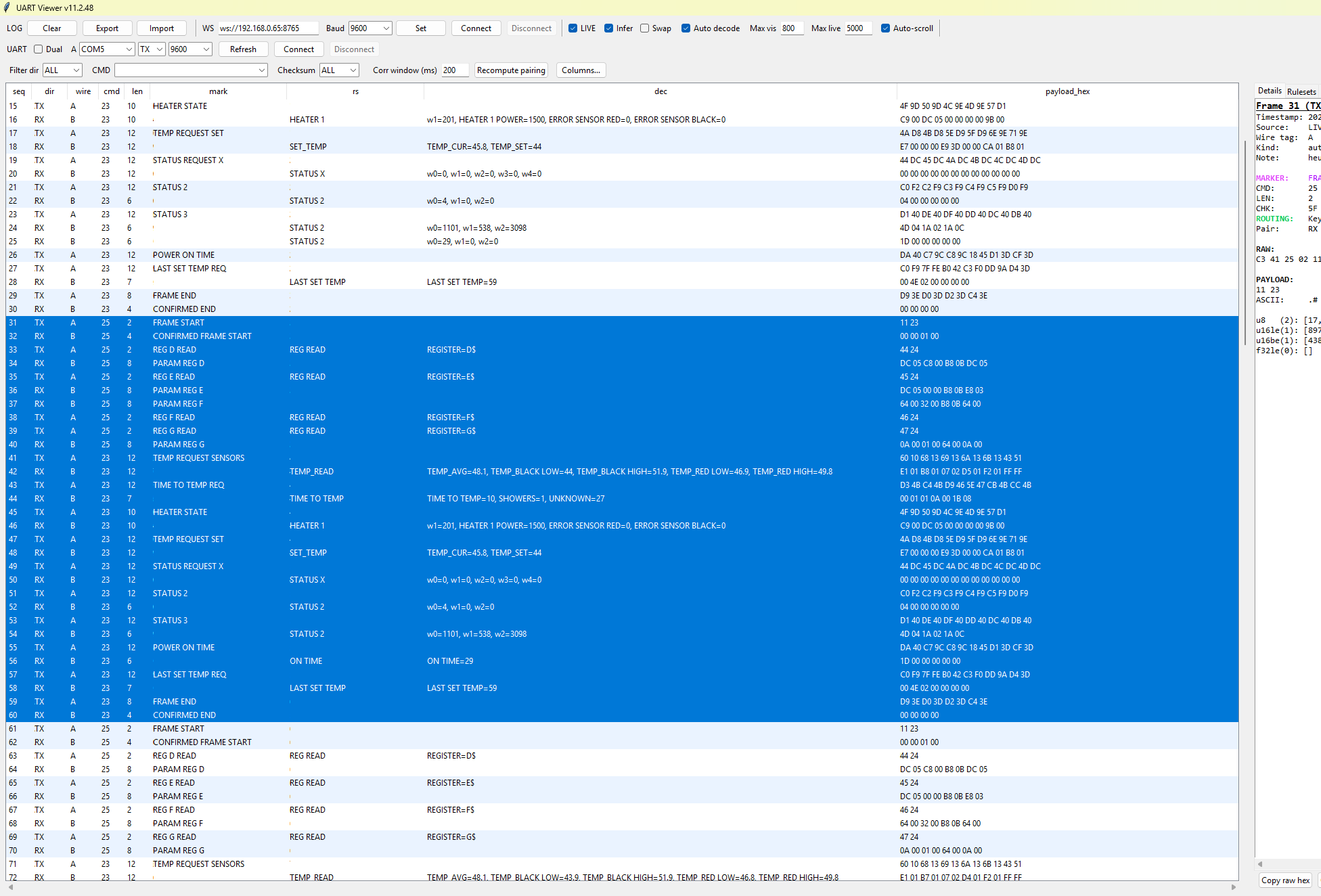
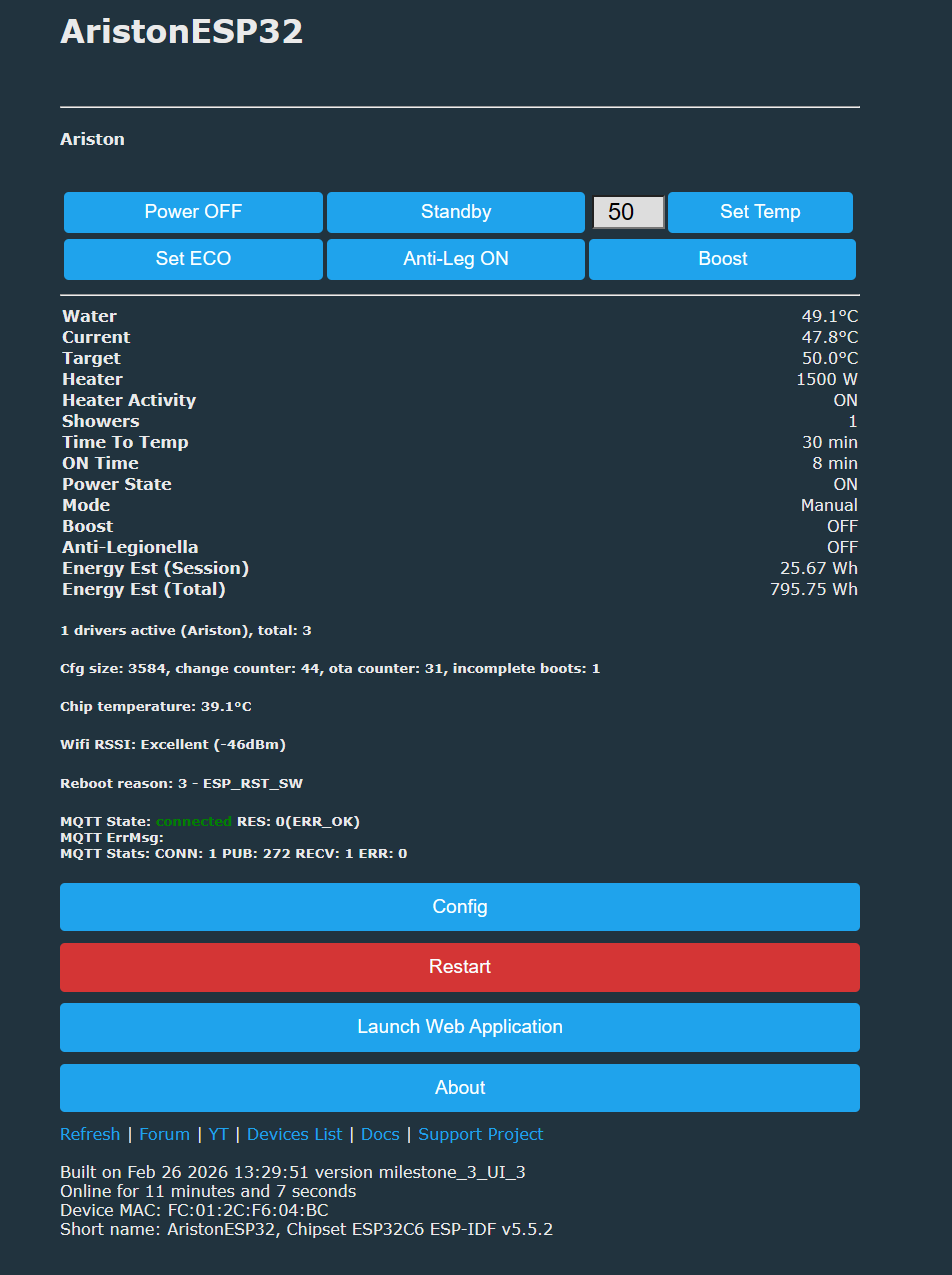
 Thanks for moving this project forward!