logo elektroda
logo elektroda
X
logo elektroda

[BK7231N/CB2S] SWP86-01OG energy measurement socket

p.kaczmarek2 3825 18

TL;DR

  • The SWP86-01OG is a WiFi smart socket with onboard voltage, power, and current measurement.
  • Inside are a BL0937 metering IC with a shunt, a CB2S BK7231N module, a J3Y transistor, an AMS1117-3.3V regulator, and a BP2525 supply.
  • It was bought for PLN 65, and the outlet uses the schuko standard, which can create grounding compatibility issues with some plugs.
  • Firmware replacement uses soldered CB2S pins, BK7231GUIFlashTool, and OpenBeken; GPIO mapping and VoltageSet/CurrentSet/PowerSet calibration make it work locally with Home Assistant.
  • The power supply is a simple step-down, not a flyback design, so the socket has no galvanic isolation.
Generated by the language model.
ADVERTISEMENT
Treść została przetłumaczona polish » english Zobacz oryginalną wersję tematu
📢 Listen (AI):
  • White schuko-type SWP86-01OG electrical socket in a box, wrapped in protective foil.
    Today I will present the interior and firmware change of an electrical socket that offers WiFi control and, additionally, measurement of voltage, power and current. I have already described "smart" products with energy measurement, but there was no socket in this style yet. Will I be able to free it from the cloud? What WiFi module is inside? Let's check.

    Purchase SWP86-01OG
    The product was bought on a Polish auction website for PLN 65:
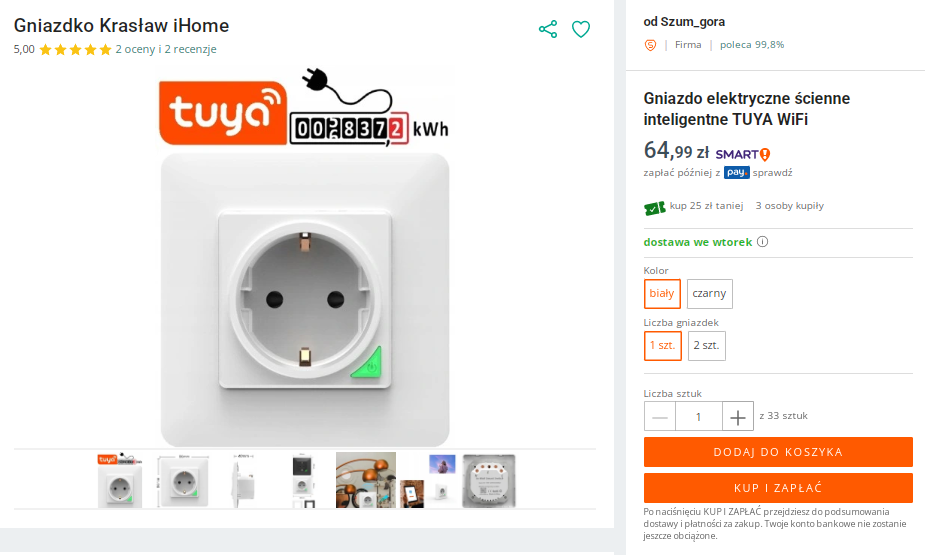
    Product listing for Tuya WiFi smart wall socket with energy measurement feature on an auction website.
    The specific model name may not be available in the offer description, but it is available on the socket itself. There is also something else that catches the eye in this nest - after all, it is not typical for our country, but "schuko". This may cause some serious problems with grounding if, for example, we forget and connect a plug that is not compatible with it!
    The product is available in two colors, white and black:
    Two schuko-type electrical wall sockets, black and white, each with a matching frame, both measuring 86x86 mm.
    Dimensions as in the picture above, depth shown below:
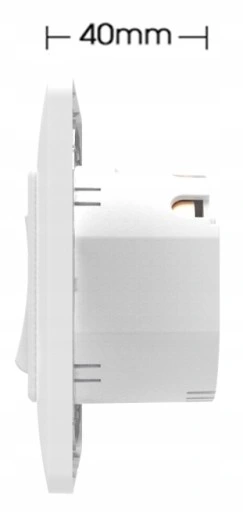
    Side view of a white wall-mounted electrical socket with a marked depth of 40 mm.
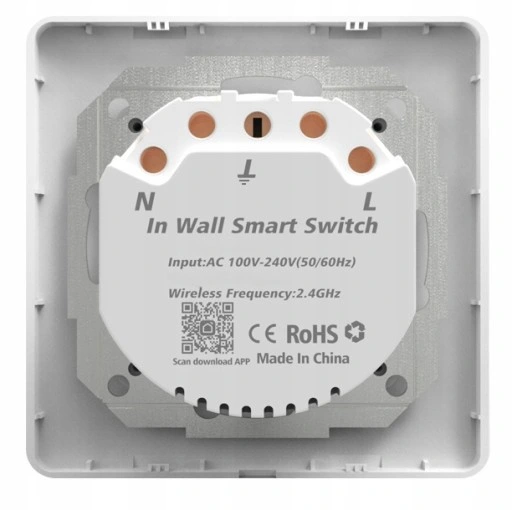
    Schuko-type smart wall socket interior, showing terminals L and N, and device markings.

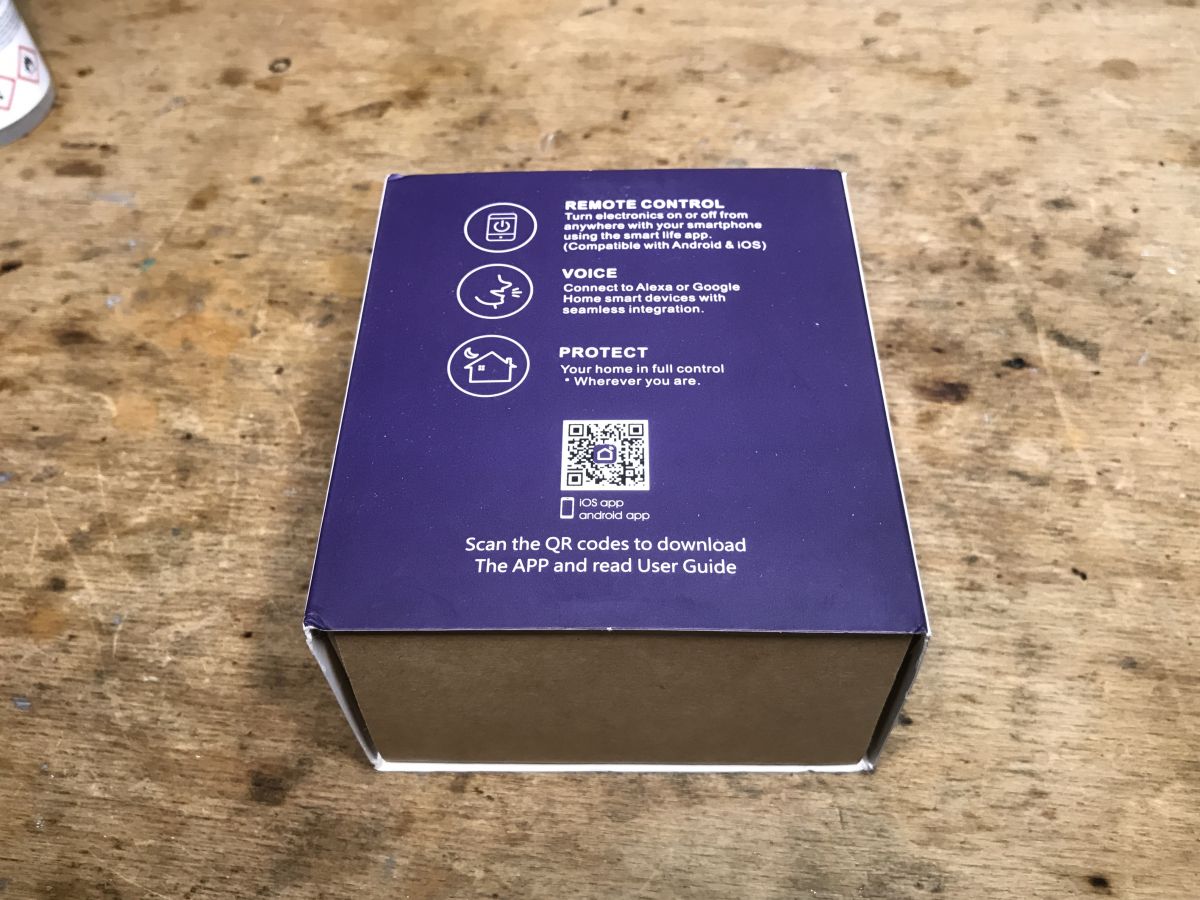
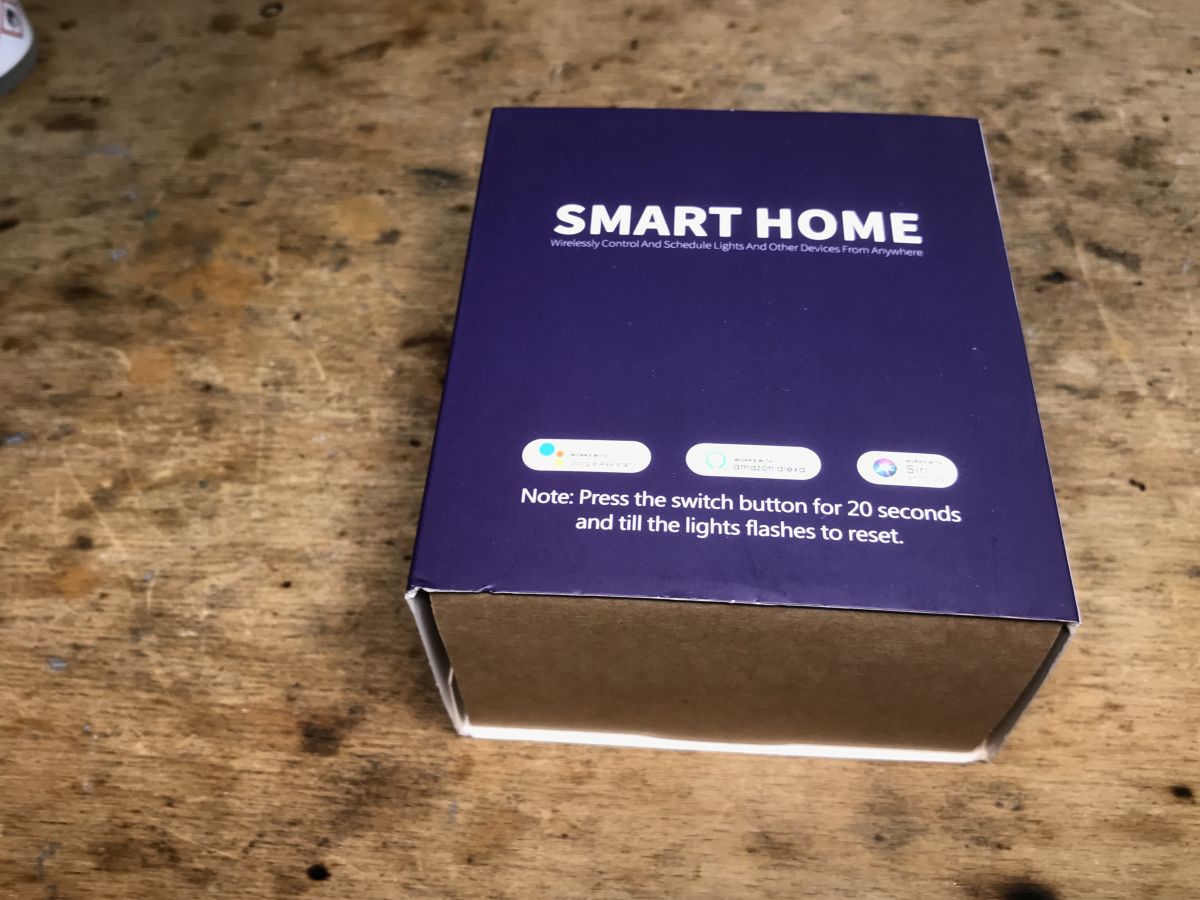
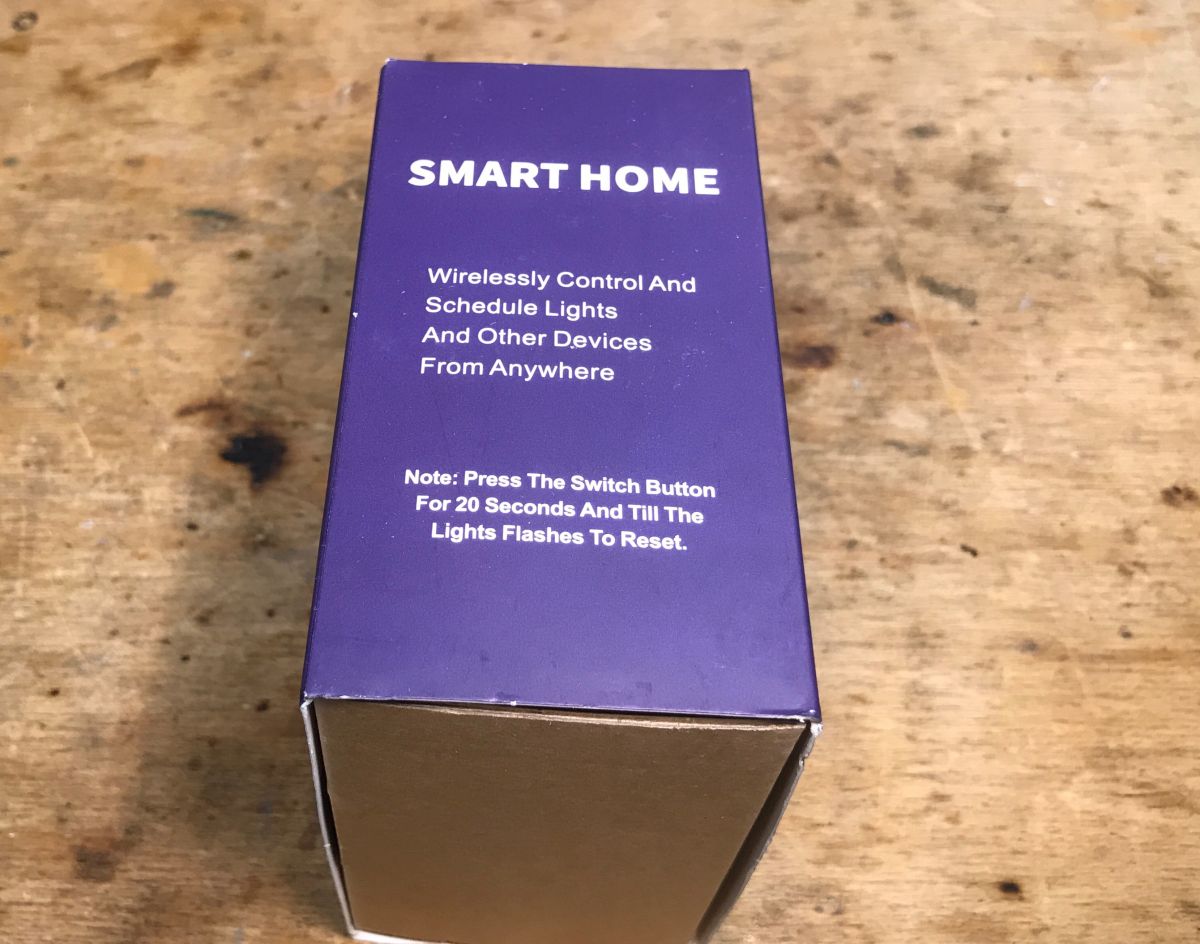
    Product packaging:
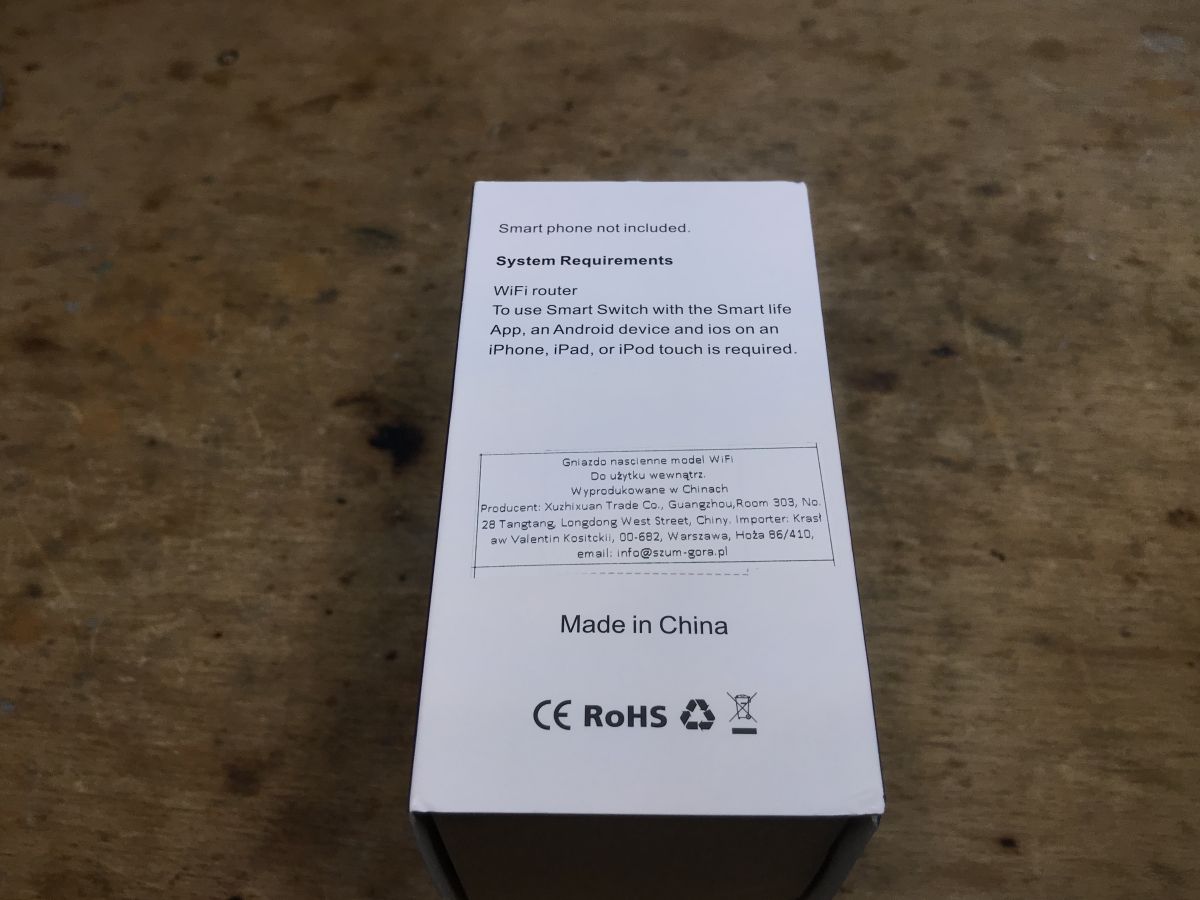
    Purple packaging box of a smart WiFi socket on a wooden surface, showing icons and a QR code. Purple SMART HOME product box on a wooden surface, partially open. Purple smart home product box with reset instruction on a wooden surface. The side of a WiFi socket box with system requirements, CE and RoHS marks, placed on a wooden table.
    Contents of the set, is something missing?
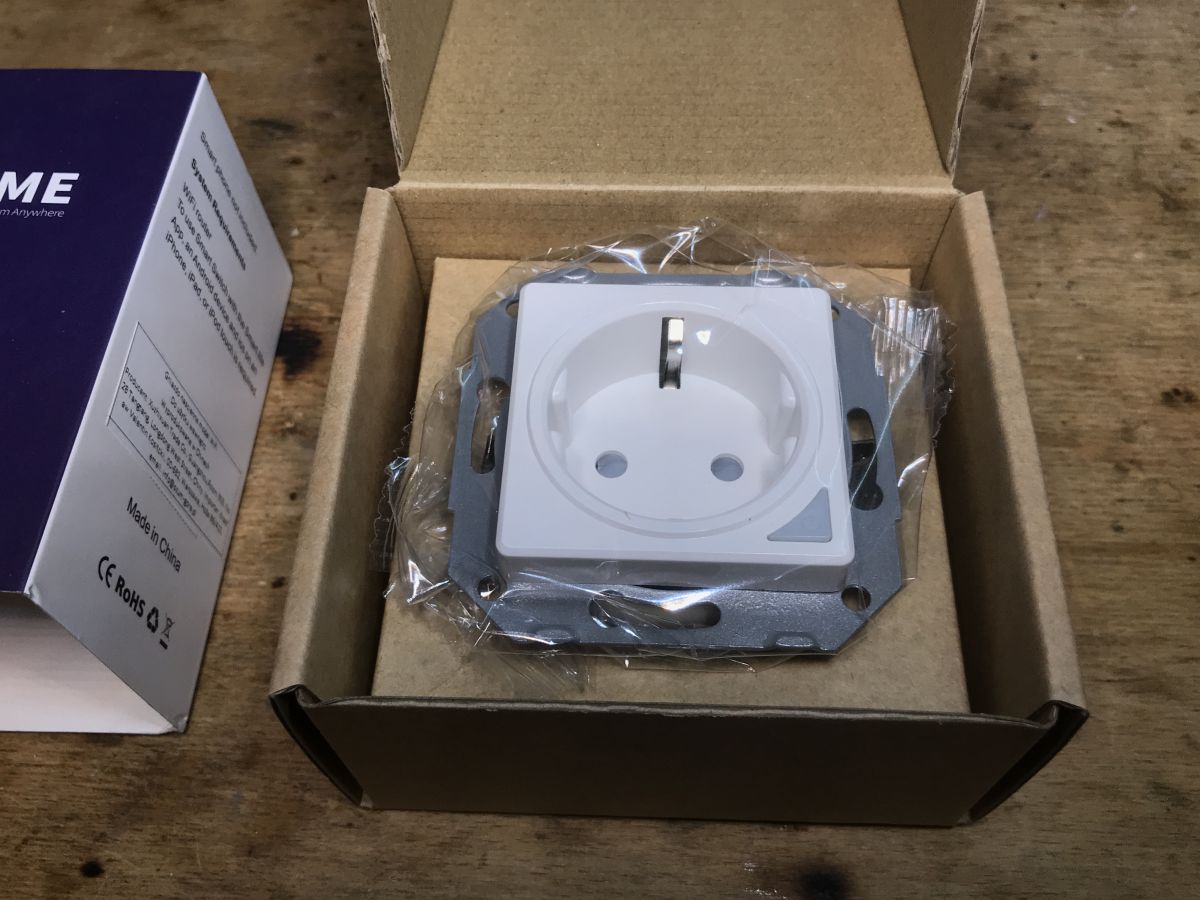
    White schuko-type SWP86-01OG electrical socket in a box, wrapped in protective foil.
    Nothing could be further from the truth, the front panel is simply loose:
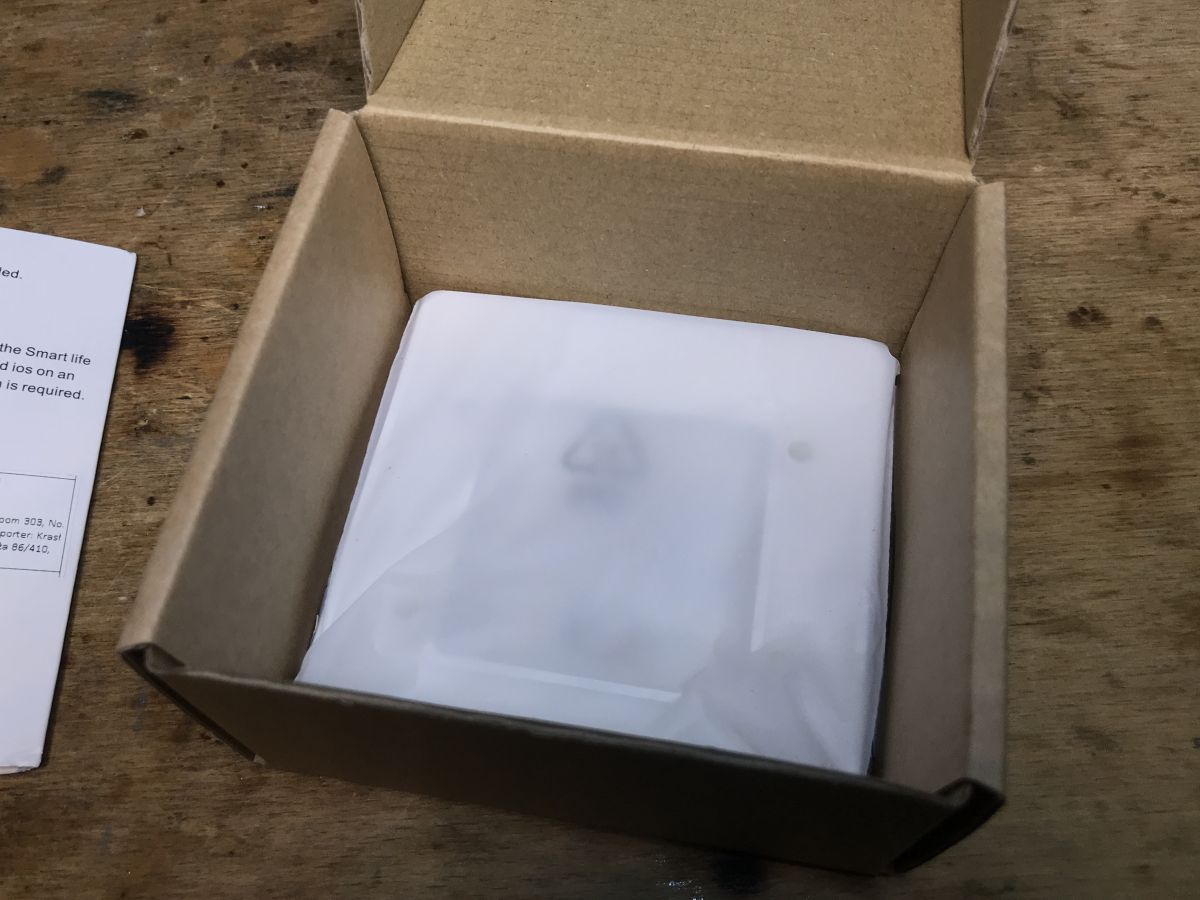
    SWP86-01OG electrical socket in white protective foil inside an open cardboard box.
    The socket itself with markings:
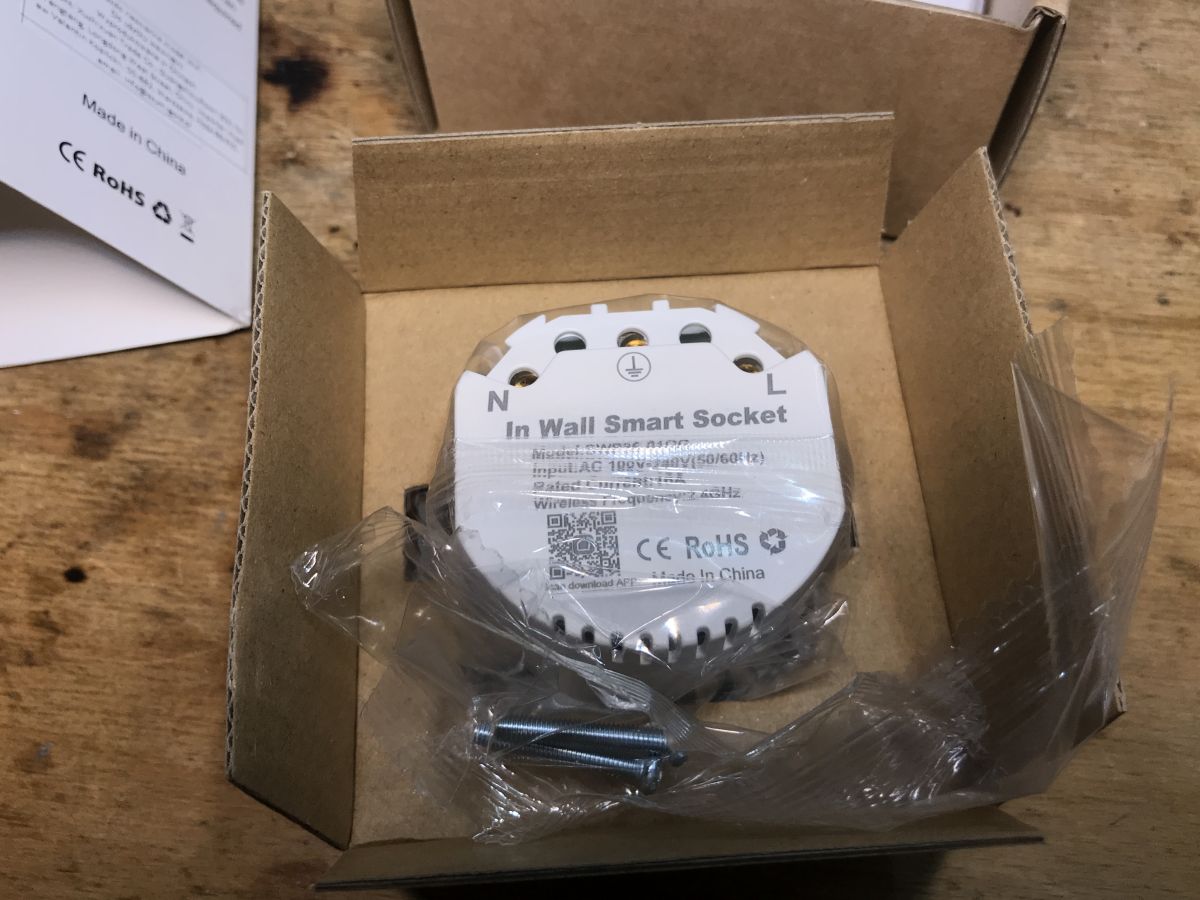
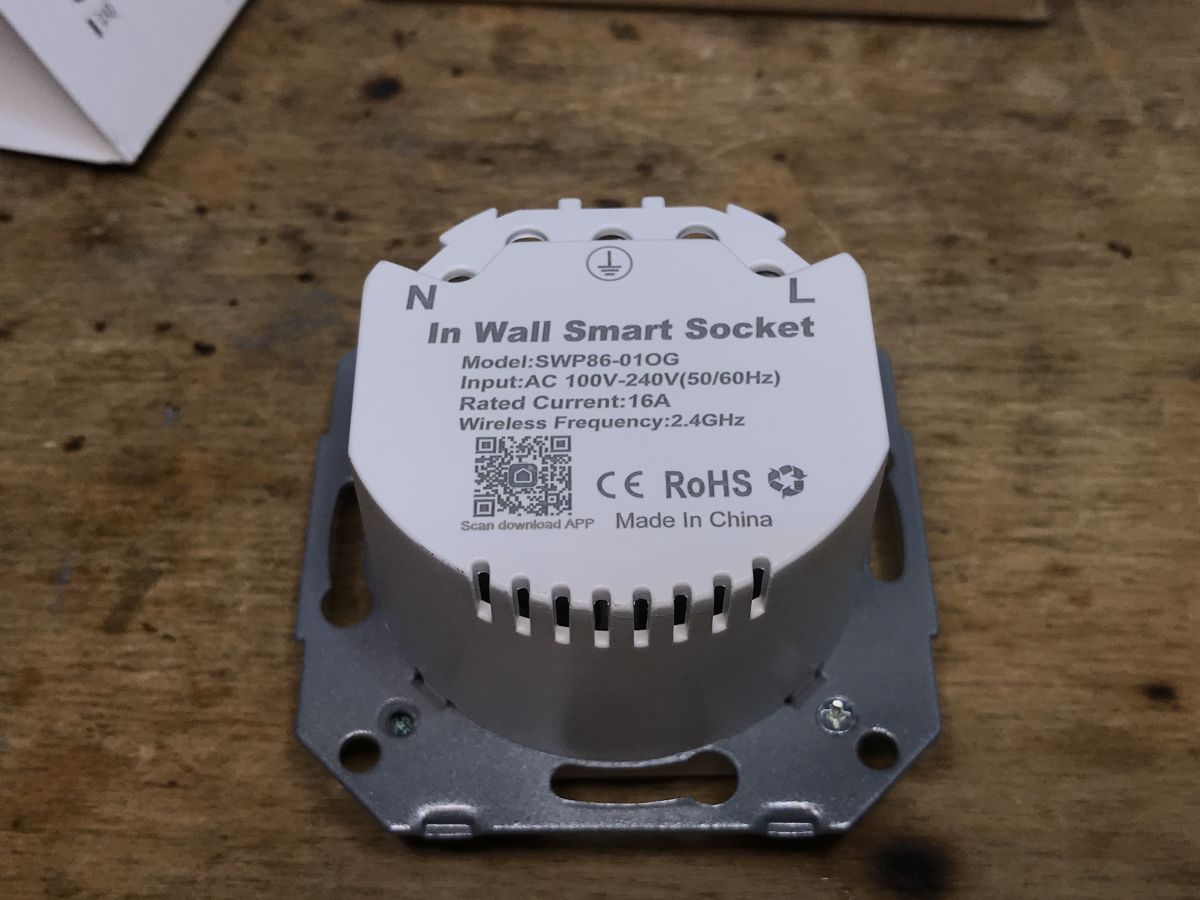
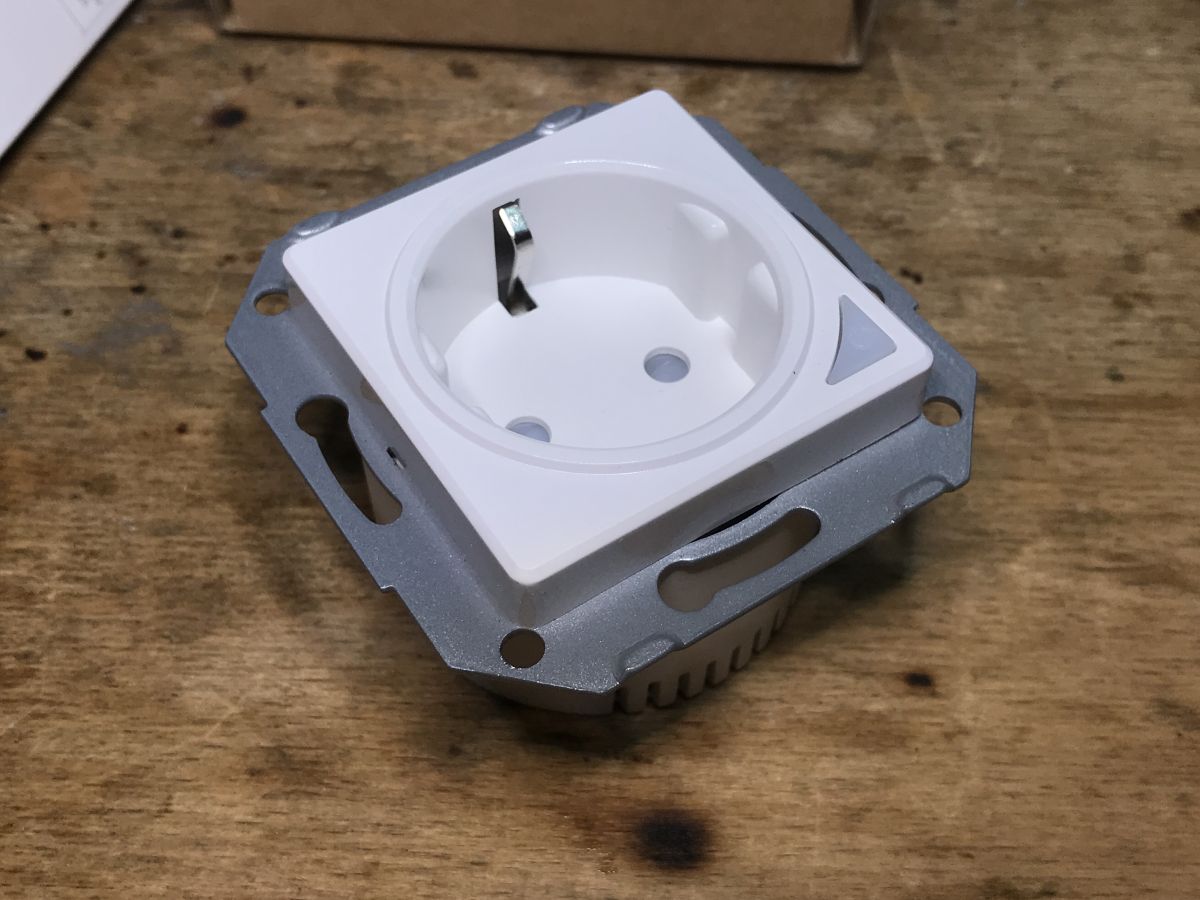
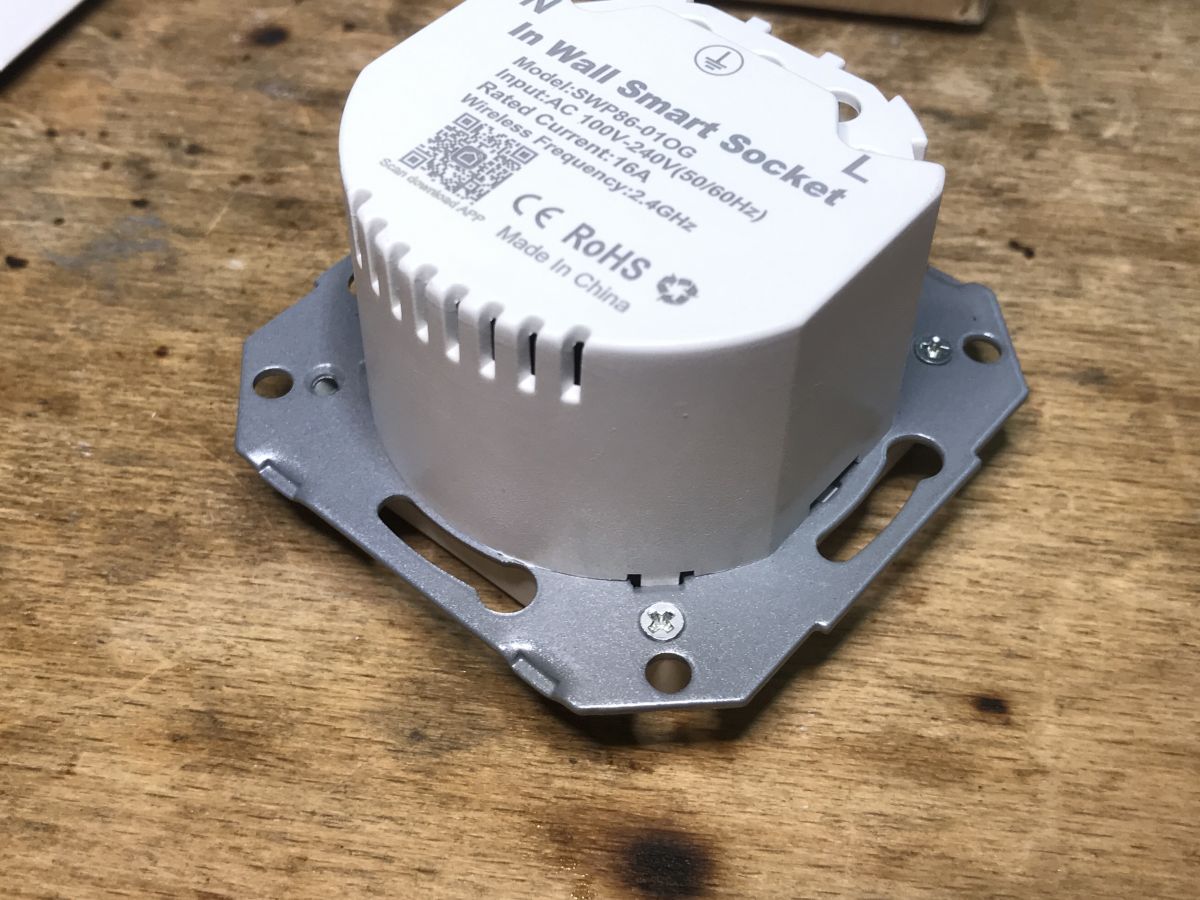
    SWP86-01OG WiFi smart socket in packaging, wrapped in plastic, with visible mounting screws. “In Wall Smart Socket” SWP86-01OG wall-mounted smart socket on a wooden surface. White schuko-type electrical socket, ready for installation on a wooden surface.
    It is worth noting that the screws are also included in the set.

    Interior of SWP86-01OG
    First, unscrew all the small screws holding the front:
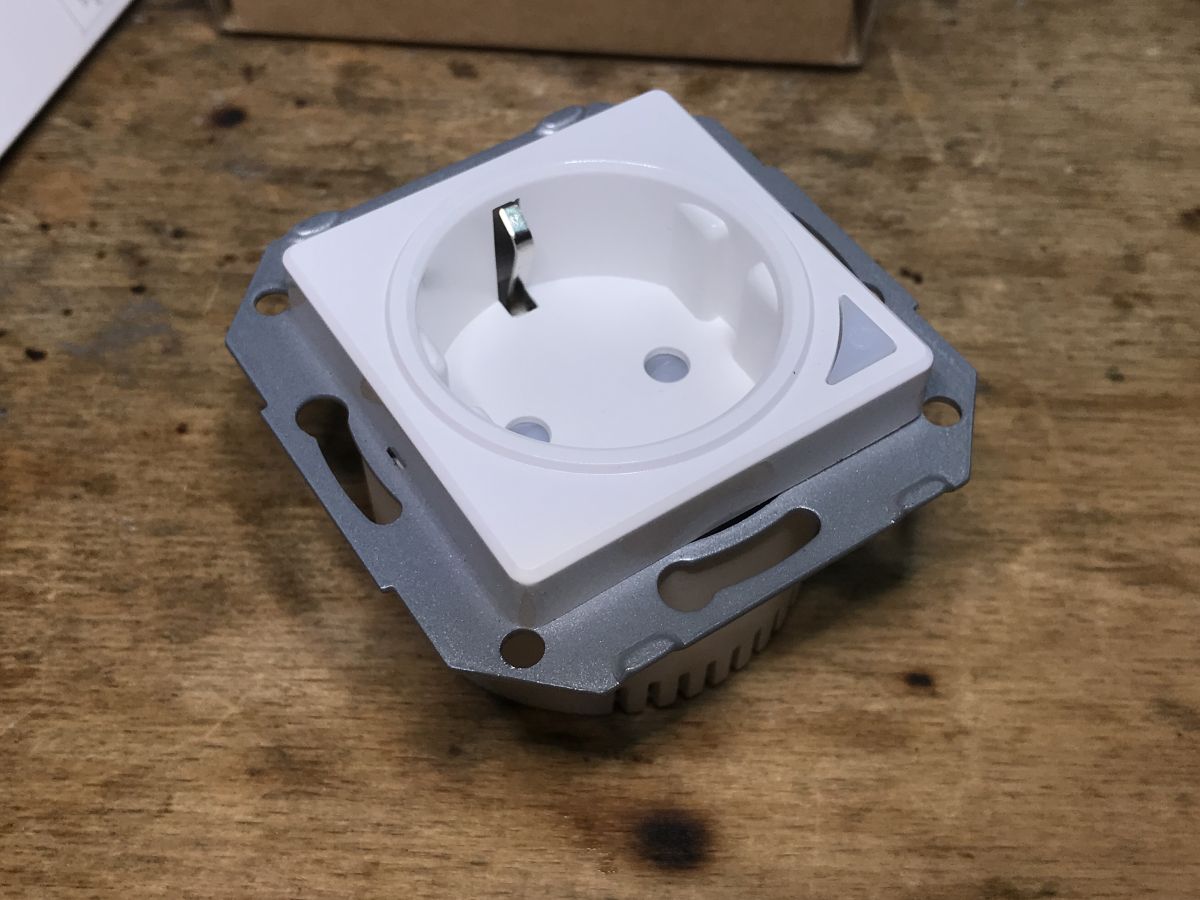
    White surface-mounted schuko electrical socket on a wooden surface. White in-wall smart socket SWP86-01OG on a wooden surface, with technical information and metal mounting frame visible.
    This allows you to free the front, we can see the cable on which the pairing/state change button and LED are connected:
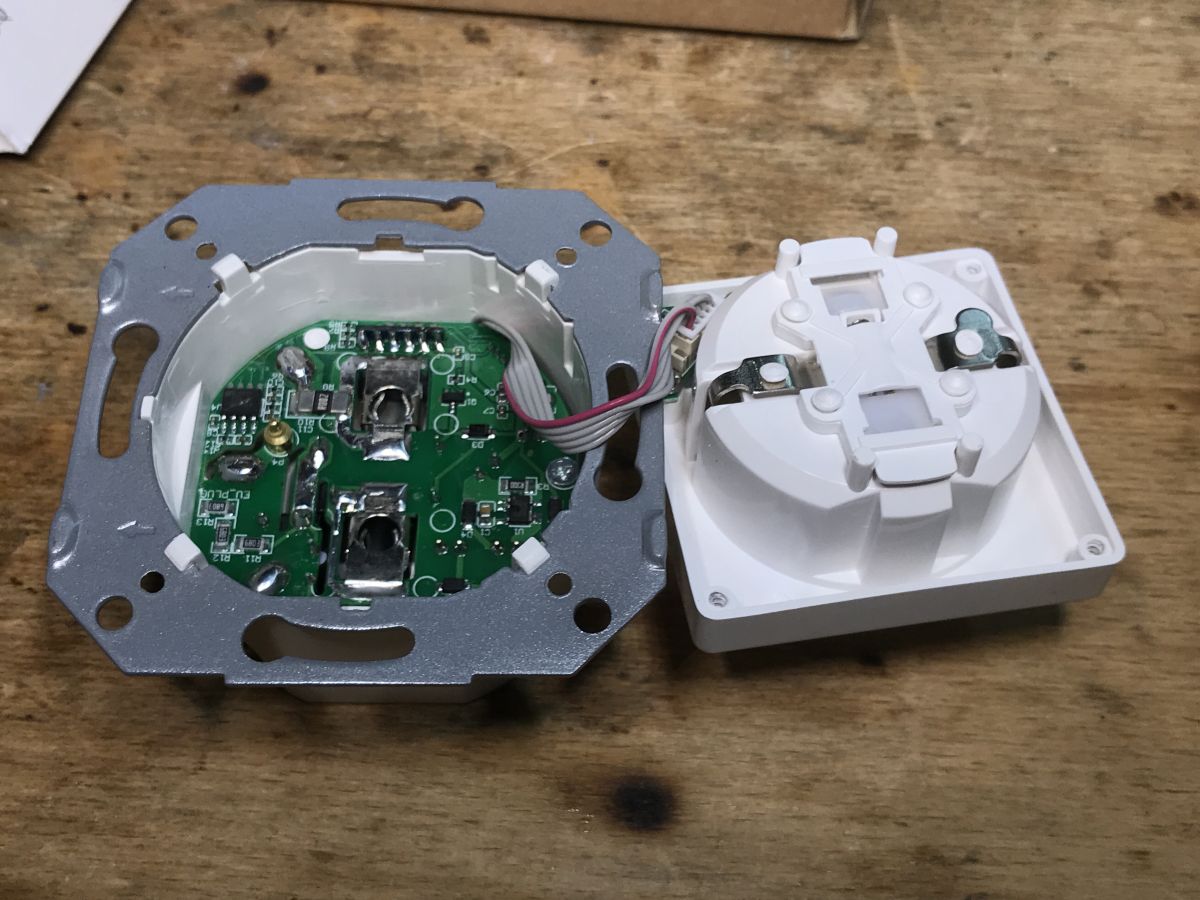
    Disassembled smart electrical socket with exposed PCB and mechanical part on a wooden surface.
    We look inside:
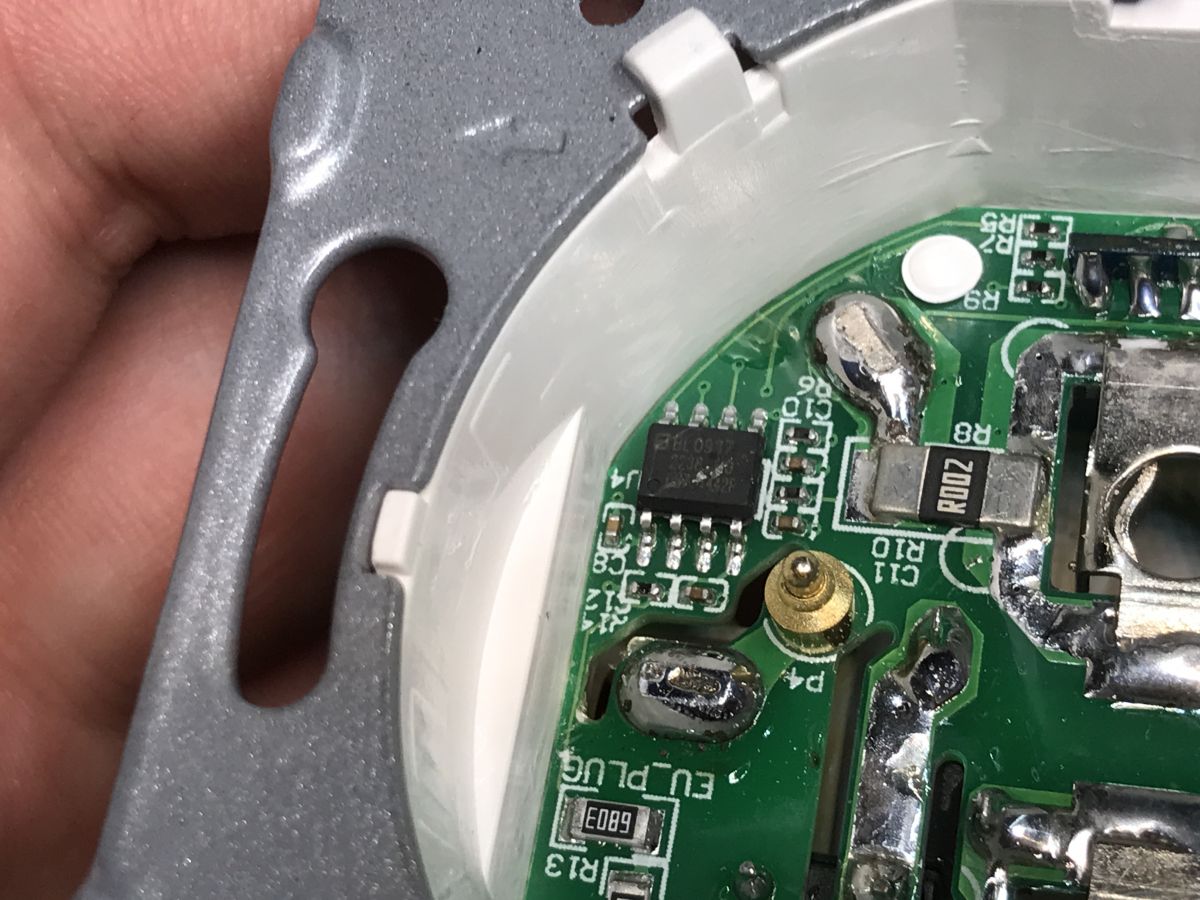
    Close-up of the inside of a WiFi power socket with the BL0937 chip and electronic components visible.
    You can immediately see BL0937 - the energy measurement system - along with a low-resistance resistor, a shunt on which the measurement is performed.
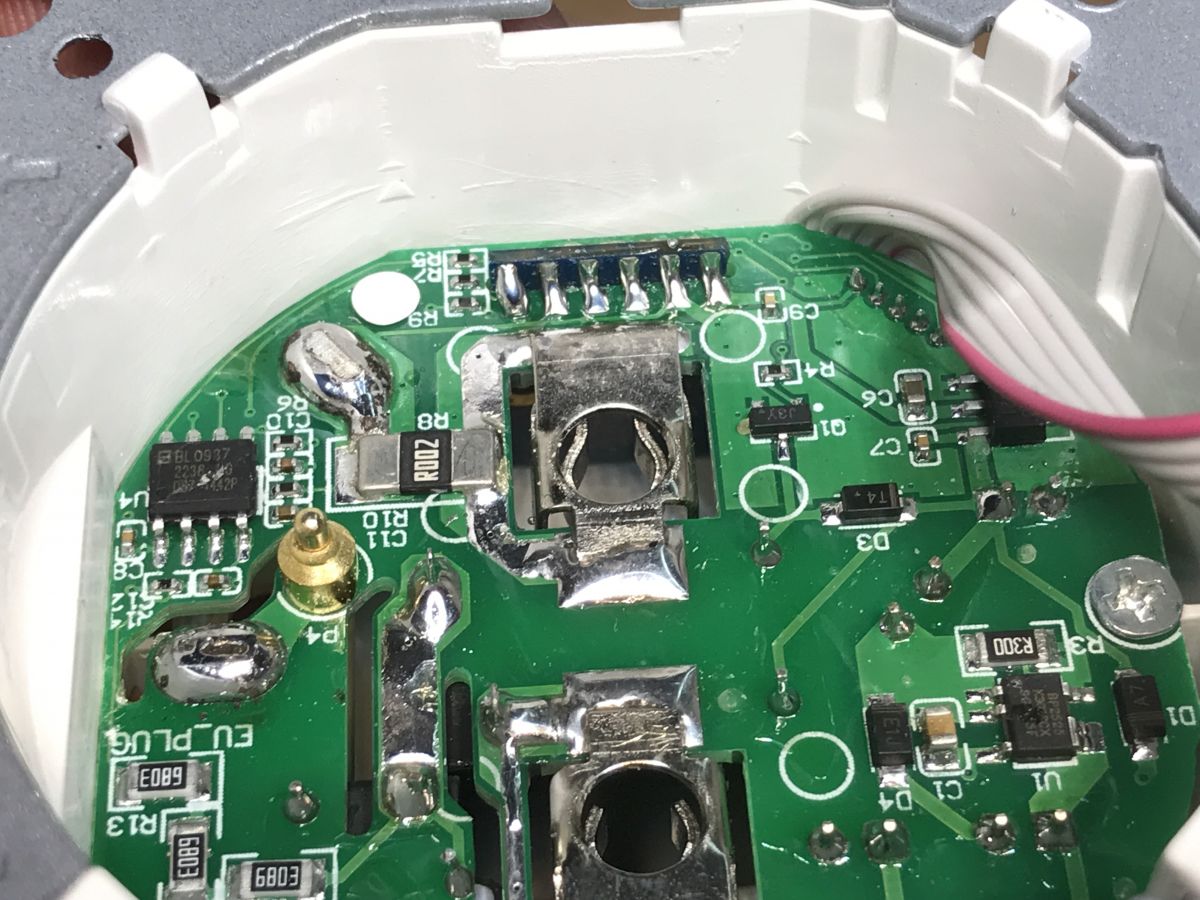
    Close-up of the inside of an SWP86-01OG power socket showing the BL0937 chip on a green PCB.
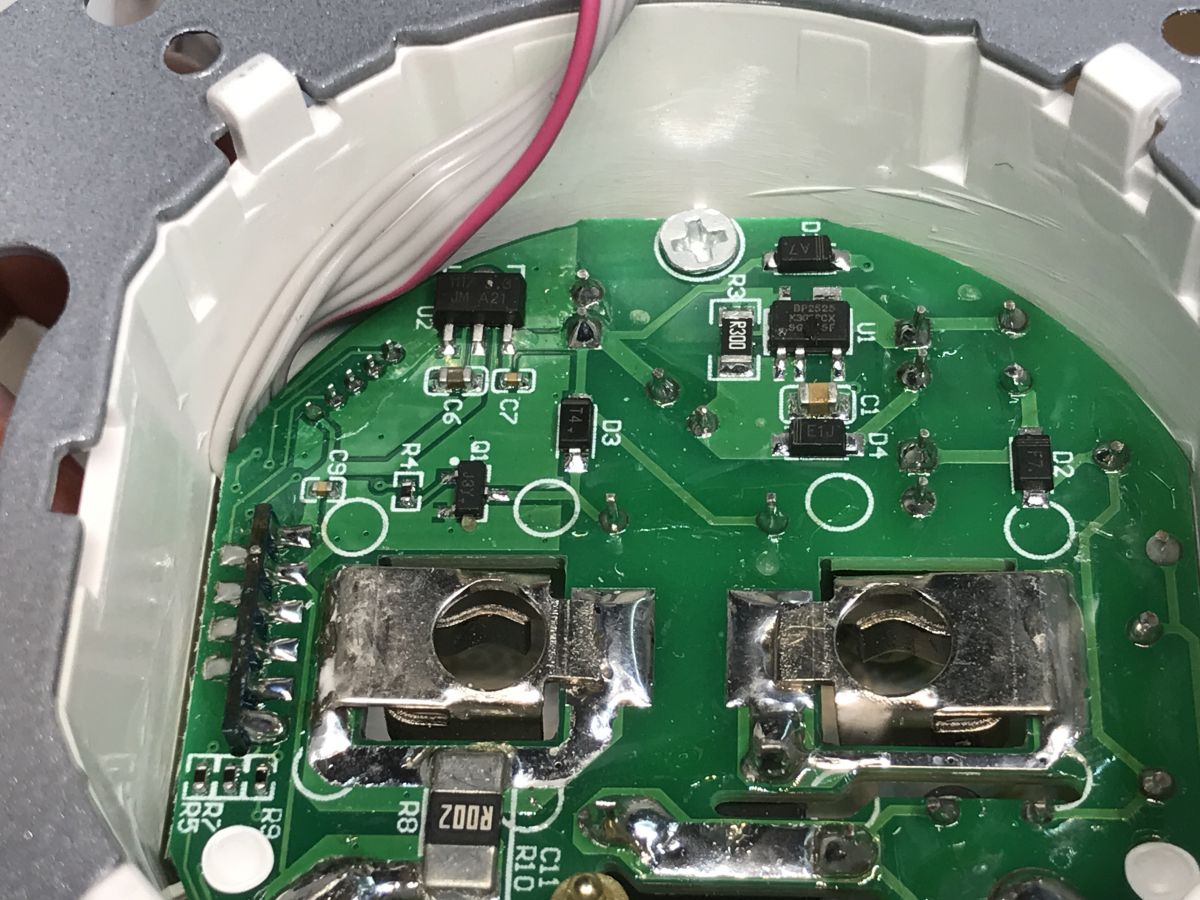
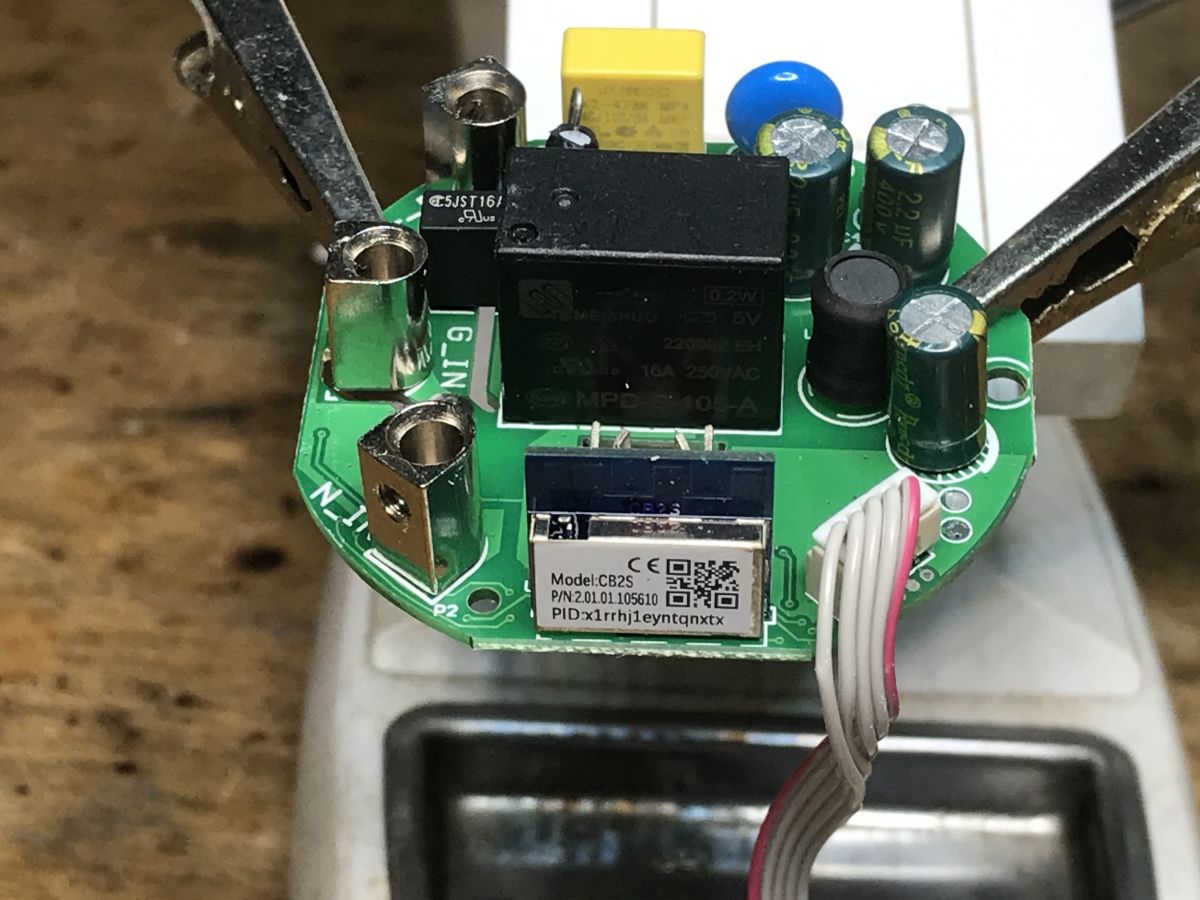
    You can also see the legs from the soldered WiFi module (CB2S or WB2S?), the transistor code J3Y, which reliably switches the relay, and the AMS1117-3.3V LDO regulator:
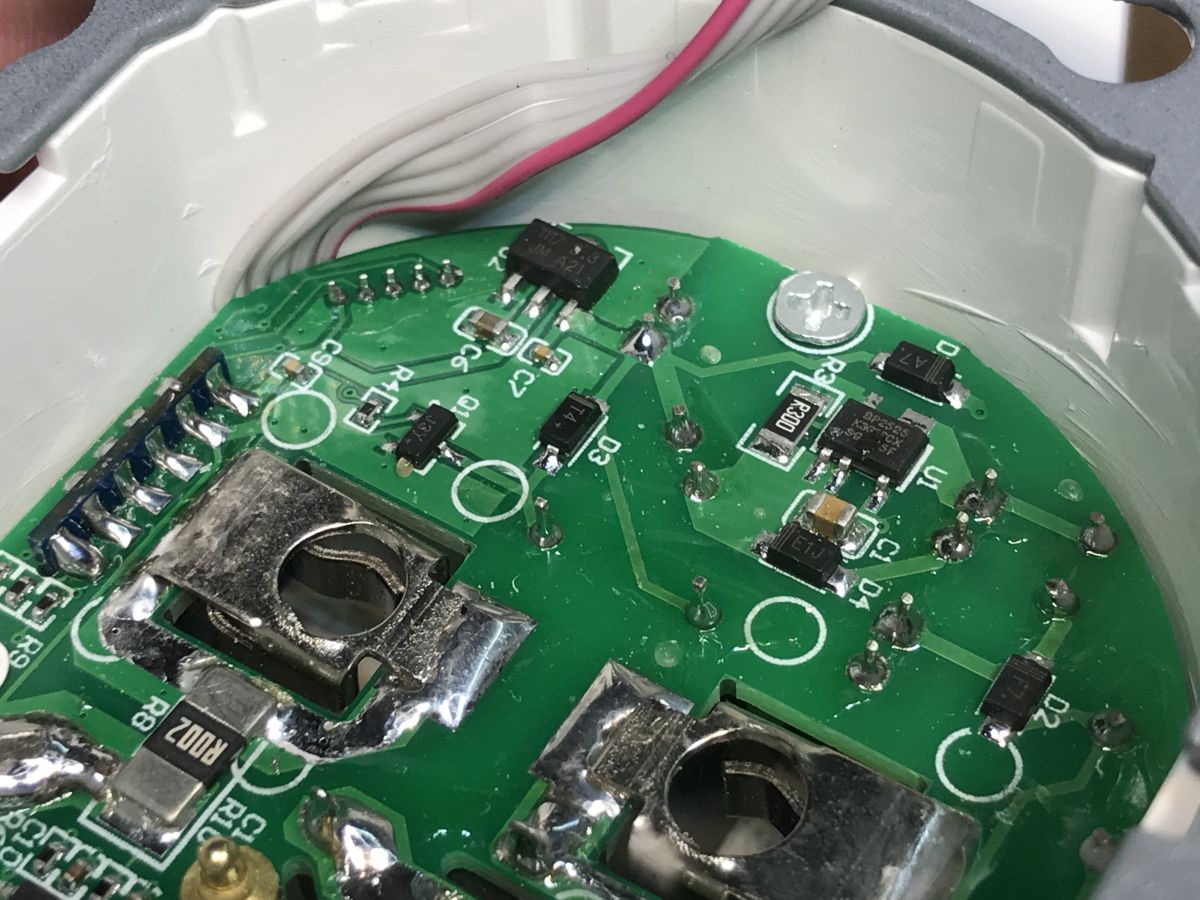
    Close-up of the inside of the SWP86-01OG electrical socket with visible PCB and electronic components.
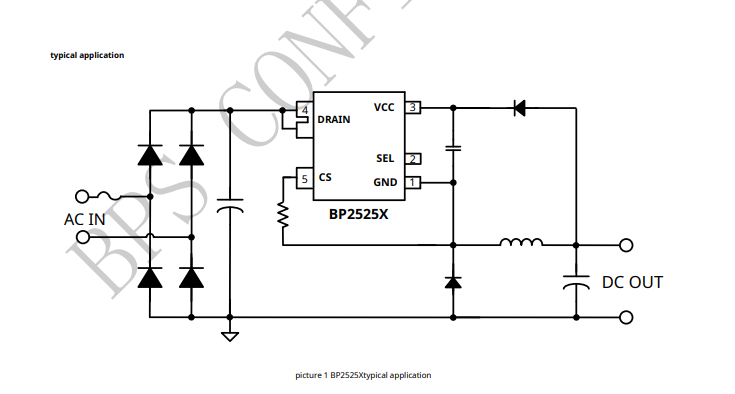
    Power is provided by BP2525:
    Typical application schematic of BP2525X showing AC input and DC output connections.
    It's just a simple step down, it's not even a flyback power supply, there is no galvanic separation... but no one is likely to push their fingers inside the socket.
    Some additional photos:
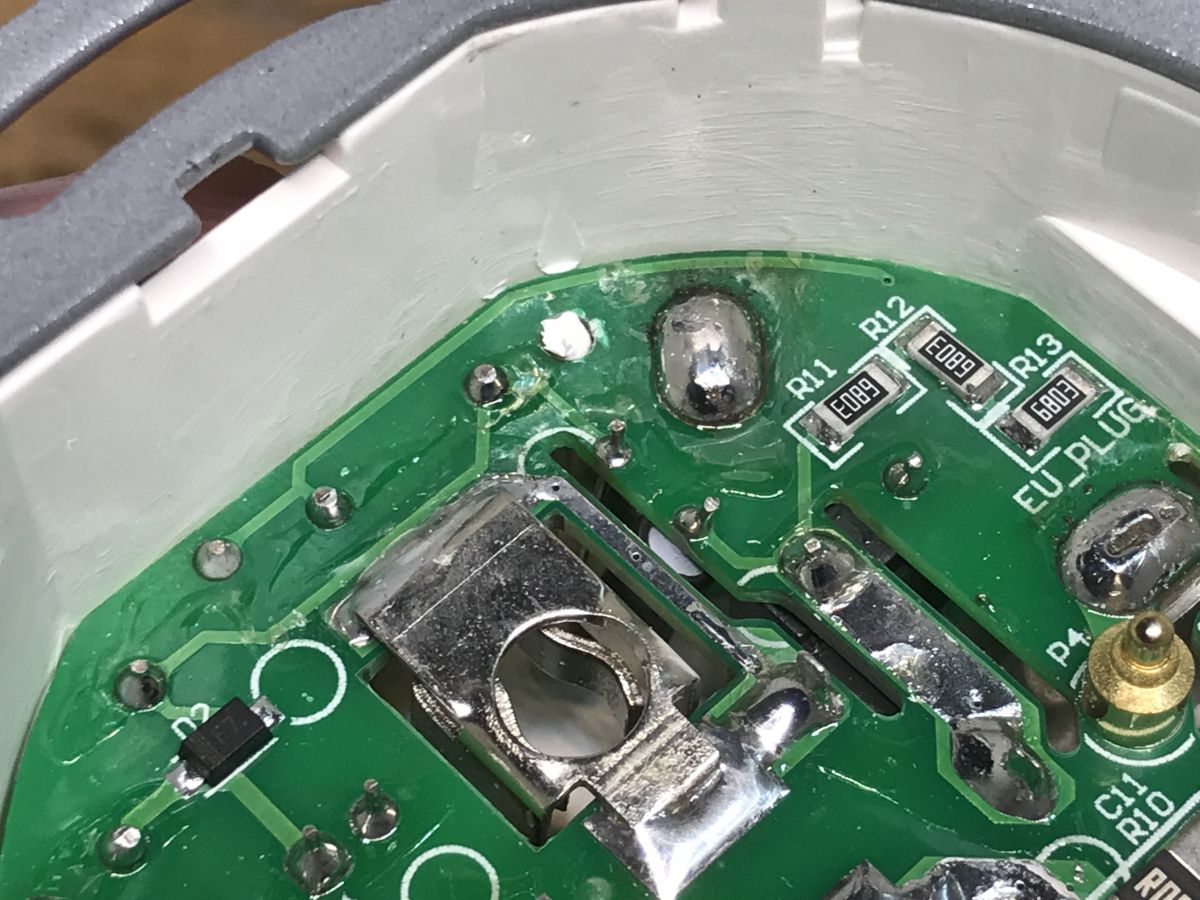
    Close-up of a power socket PCB showing resistors R11, R12, R13 and metal terminals. Interior of an electrical socket showing PCB, wires, and electronic components.
    Ok, unscrew the screws and take out the PCB:
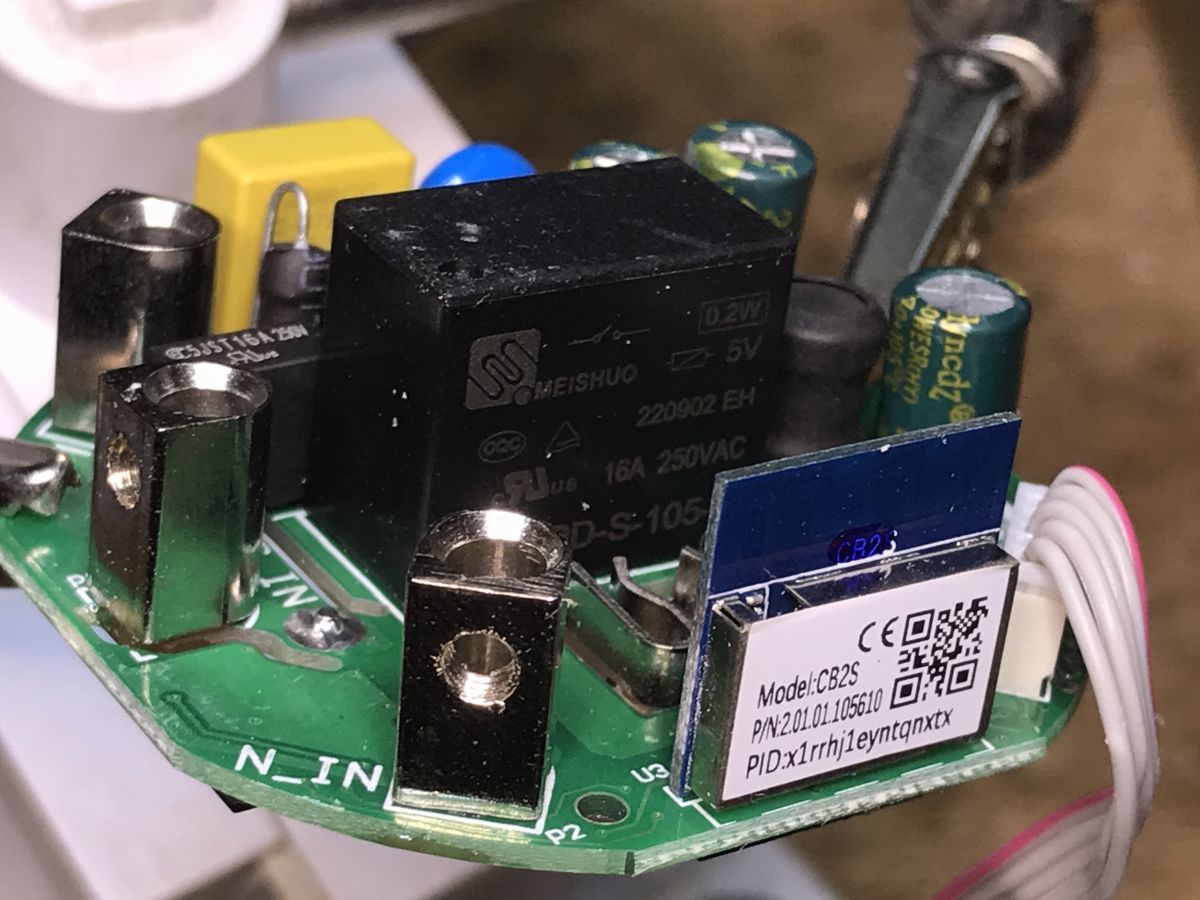
    Close-up of the PCB inside a WiFi-controlled electrical socket, showing electronic modules and components. PCB of SWP86-01OG power socket with CB2S WiFi module, relay, and capacitors.
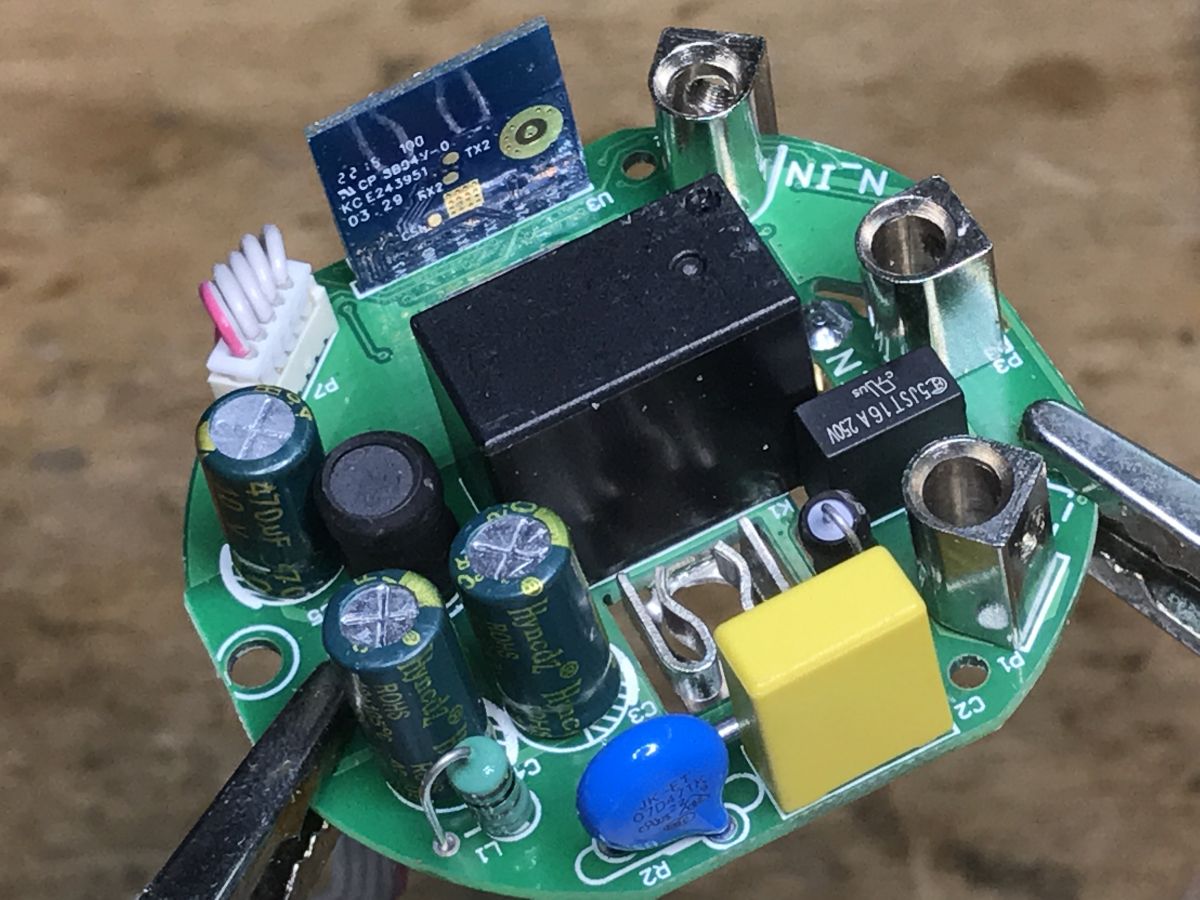
    There is a CB2S module, as I thought, BK7231N.
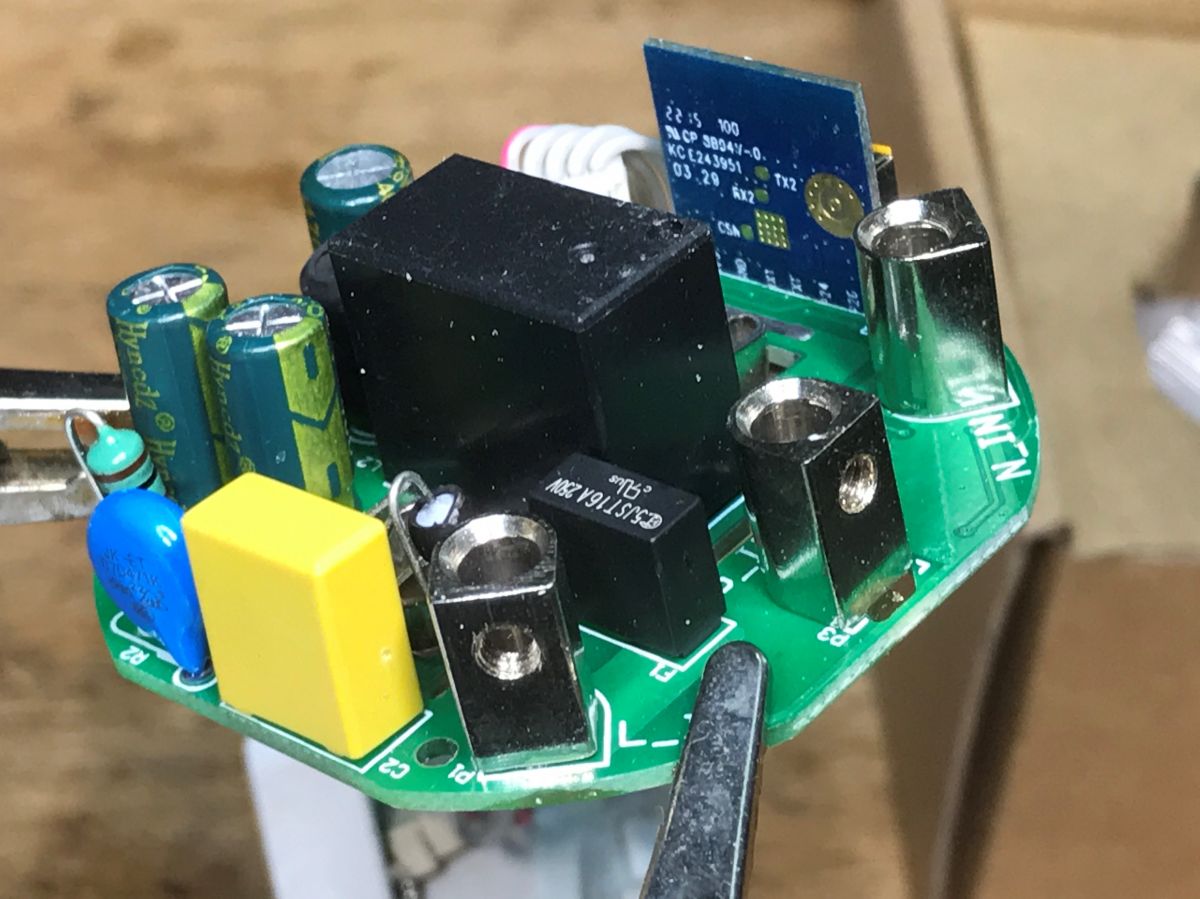
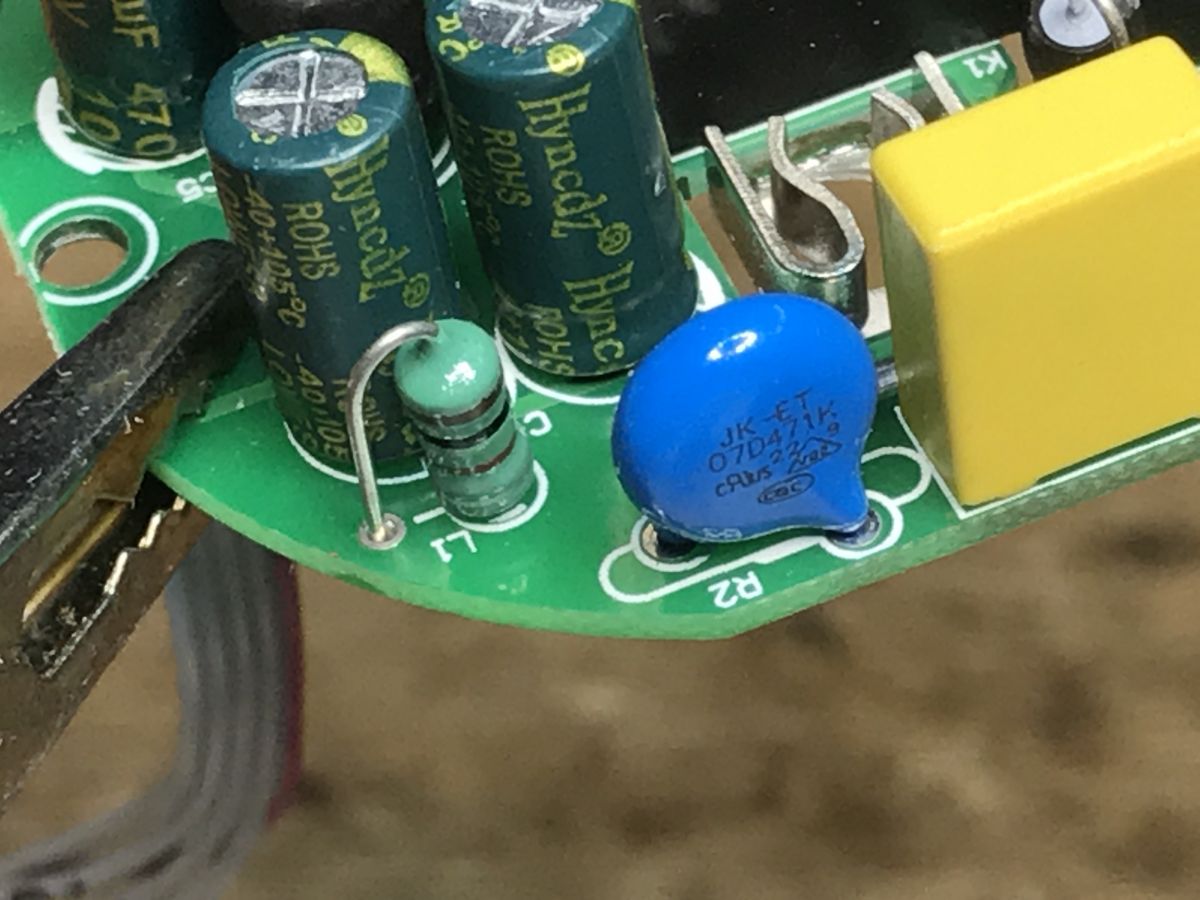
    You can also see some input protection, a fuse resistor, a varistor, an anti-interference capacitor:
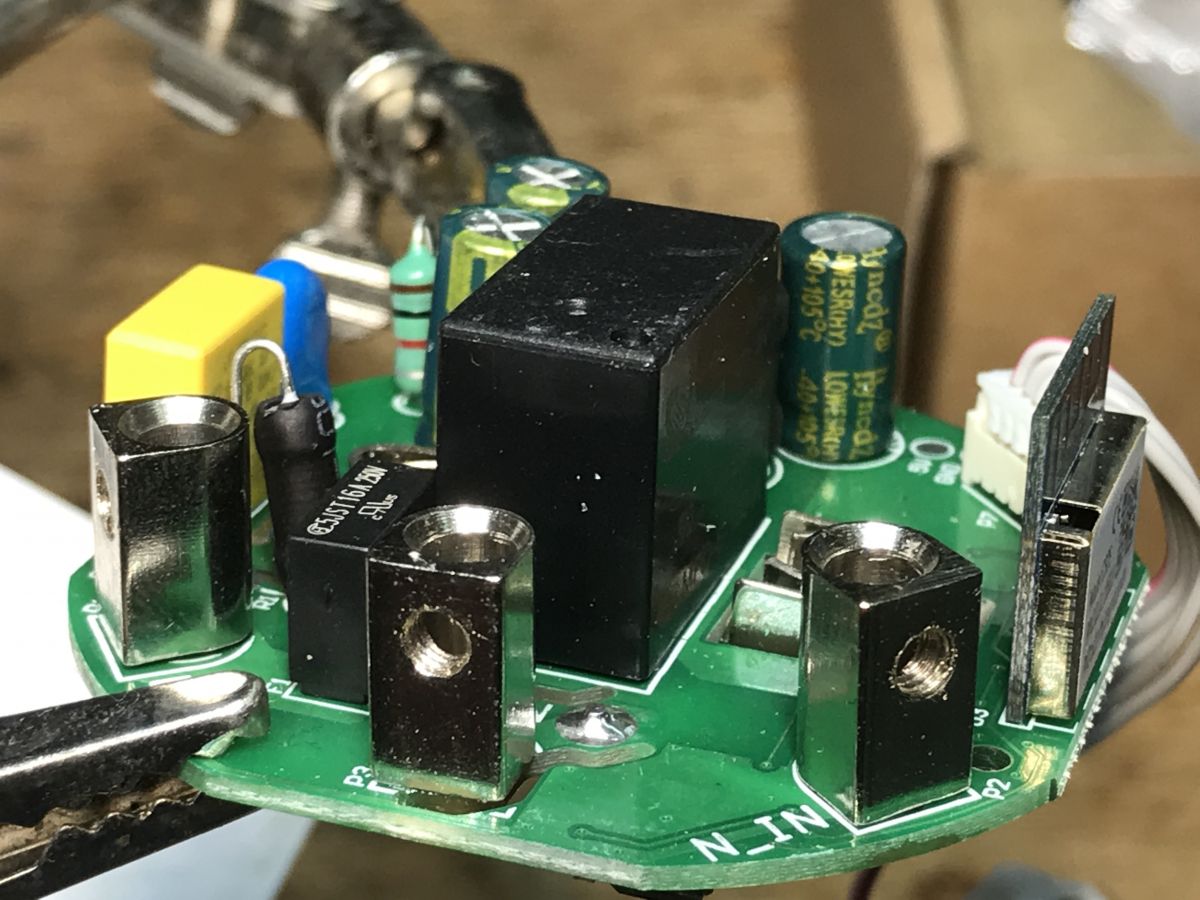
    Close-up of a smart socket PCB with electronic components, relay, and WiFi module. Close-up of the SWP86-01OG smart socket PCB with visible electronic components, including the CB2S WiFi module and capacitors. Printed circuit board of the SWP86-01OG smart socket showing electronic components and a CB2S WiFi module. Close-up of electronic components on a PCB, including capacitors, a fuse resistor, and a blue varistor.
    PCB from the bottom:
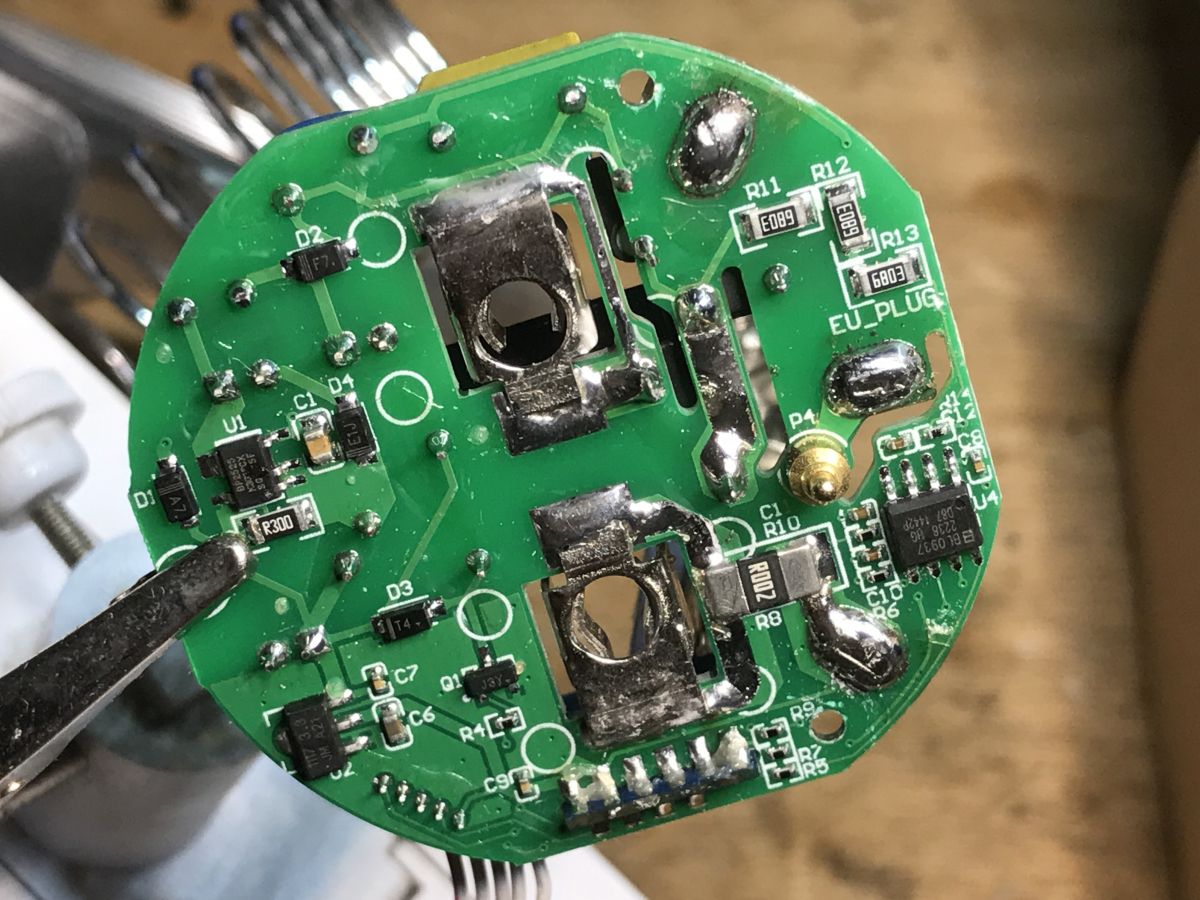
    Close-up view of the PCB from the SWP86-01OG smart socket, showing electronic components and soldered contacts.


    Firmware change
    All you need to do is solder the CB2S (or WB2S) pins, the pins are in the network, everything in accordance with:
    https://github.com/openshwprojects/BK7231GUIFlashTool
    Flux, plus a little lead binder would make soldering better and you can easily get to it through four wires:
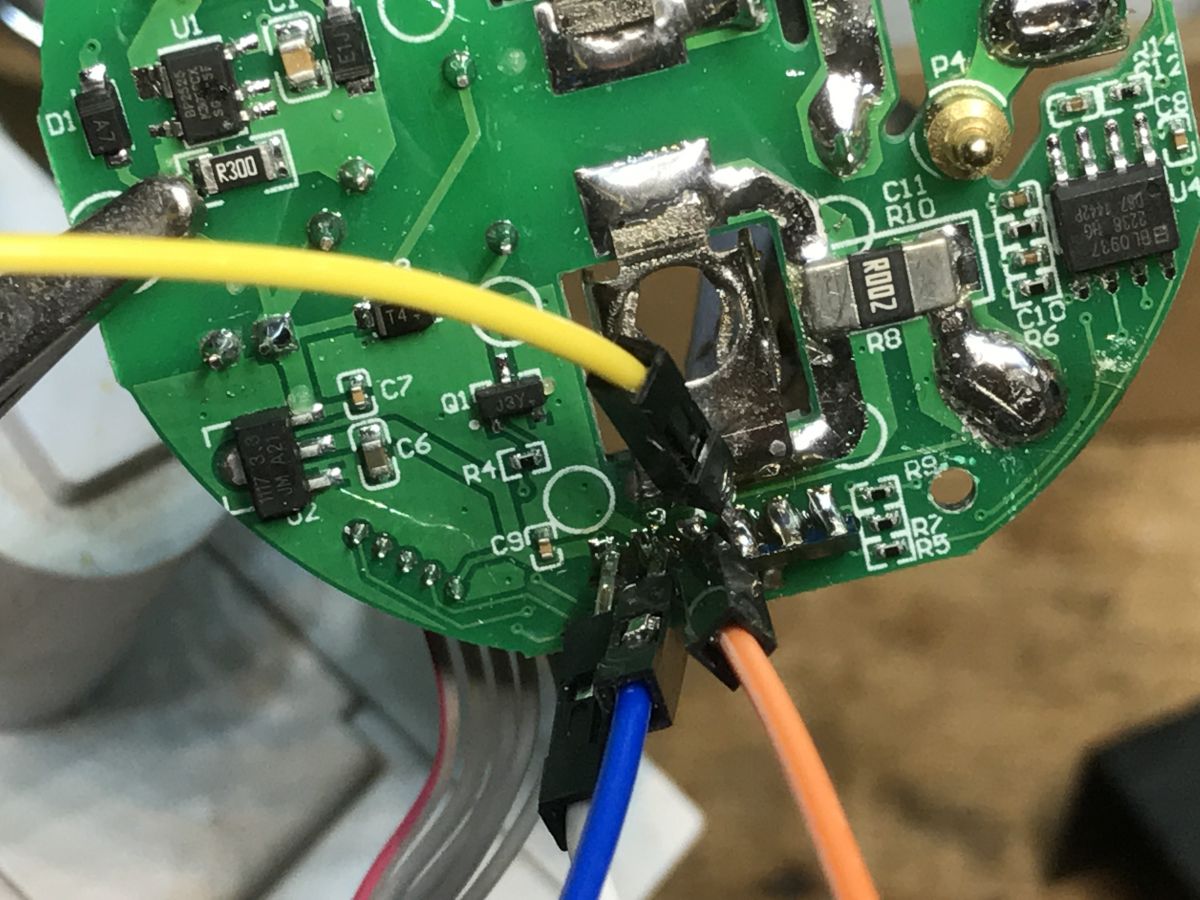
    Close-up of a WiFi socket PCB with wires soldered for firmware flashing.
    There remains the issue of GPIO. Here is the schedule:
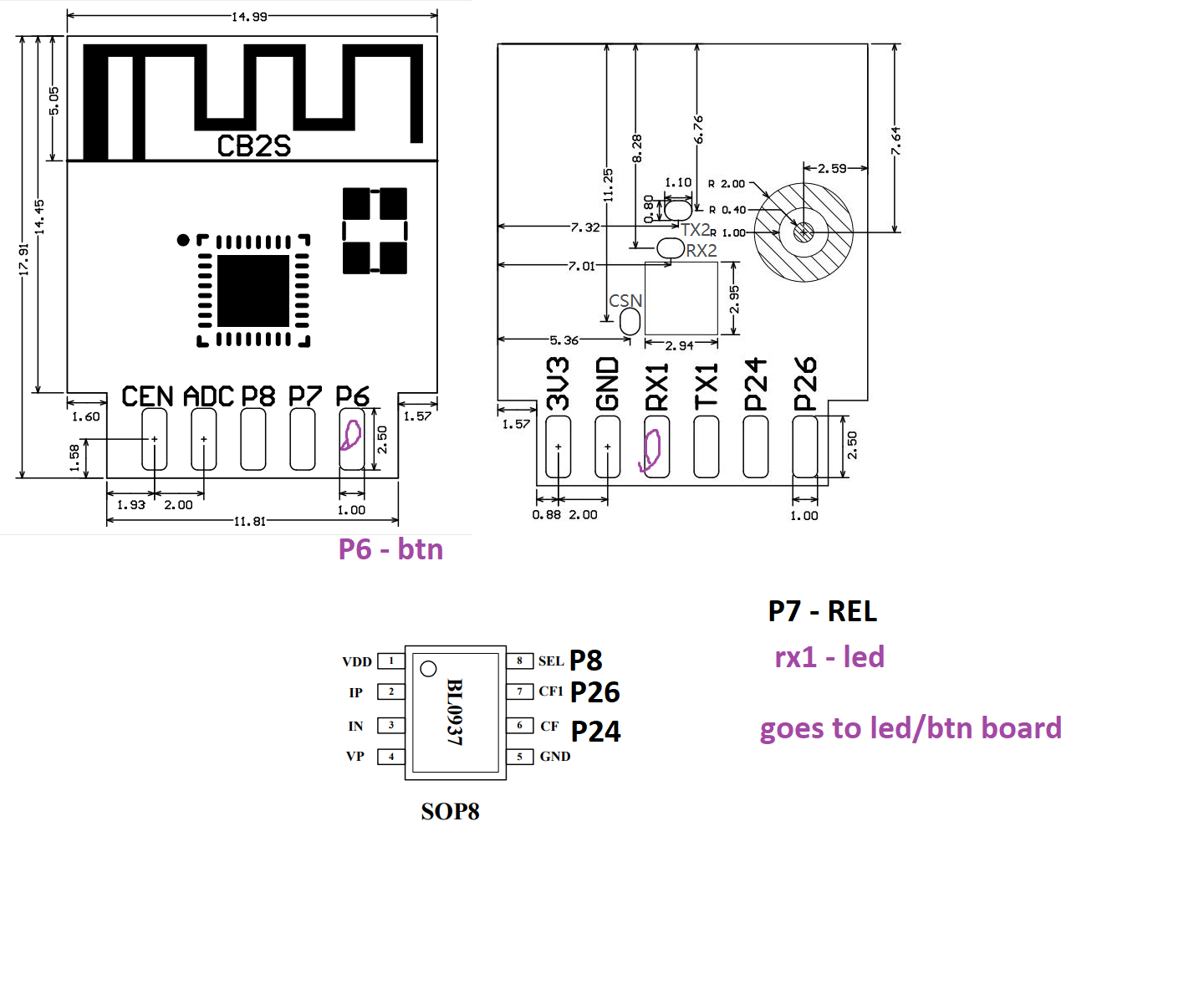
    Pinout diagram and dimensions for CB2S module and BL0937 IC with annotation of functions.
    And the template:
    Code: JSON
    Log in, to see the code

    Ready. You still need to calibrate the energy measurement using the VoltageSet/CurrentSet/PowerSet commands, as in Tasmota , and then you can use this device 100% locally, without potential manufacturer surveillance, and connect it conveniently with Home Assistant.


    Summary
    This product is not as expensive as it may seem, especially since it is available on our national auction site, with the possibility of free smart delivery to a parcel locker. Energy measurement certainly increases its usefulness. It is also worth remembering that the button on the housing also allows you to control it, so in the event of a problem with WiFi, we are not completely cut off from control.
    After changing the firmware, you can also script OpenBeken so that another product (e.g. a light switch) controls this socket locally, just add one line with the button event handler (e.g. double-click), sending an HTTP GET event with the POWER TOGGLE command to the IP of the socket . All without the use of the cloud and even without Home Assistant.
    Details about firmware here:
    https://github.com/openshwprojects/OpenBK7231T_App
    And in the documentation section:
    https://github.com/openshwprojects/OpenBK7231T_App/blob/main/docs/README.md
    Does any reader have this type of "smart" sockets at home?

    Cool? Ranking DIY
    Helpful post? Buy me a coffee.

    About Author
    p.kaczmarek2
    Moderator Smart Home
    Offline 
    p.kaczmarek2 wrote 14403 posts with rating 12336, helped 650 times. Been with us since 2014 year.
  • ADVERTISEMENT
  • #2 20682918
    Jufo
    Level 14  
    Posts: 170
    Rate: 6
    I definitely prefer schuko sockets, double grounding, no lock before turning the plug, and the plugs nowadays (I dare say it's probably 10 years old) are uni-schuko (operation with pin and schuko), the equipment must be really old.

    Regards,
    Robert
  • #3 20687108
    ro-x
    Level 14  
    Posts: 188
    Rate: 127
    Can I ask for the exact dimensions of the socket front, including the depth measured from the front to the mounting plate? I wonder if it will be possible to fit them into a standard frame from another manufacturer.
  • #4 20689421
    Jacenko1981
    Level 8  
    Posts: 99
    Rate: 7
    My friend from work bought 3 of these sockets. He installed it and it worked within 3-5 months. They failed one after the other. Strangely enough, they always failed when there was a power outage and he switched to a generator.

    I know that he started the generator on full blast and then turned on the power to the house. So it is not the fault of, for example, damage during the start of the generator when it was revving. Interestingly, only these sockets failed, and in the others, an ordinary meter pushed into the socket works normally to this day.

    The sockets worked on both the generator and the mains, but they were failing and the generator was mostly to blame. They may have improved something now, but they were poor before.

    Price now from PLN 50 to PLN 120 each. He paid PLN 120 each, so a lot.

    In his opinion, it wasn't worth it. None of them survived and the PLN 30 meters work. A bit strange, but he had the impression that it was Chinese under many brands. So I listened to some of his complaints about this device.


    Maybe it's a voltage issue or maybe a mileage issue, that the one from the generator may not have been a pure sine wave. I won't say that, maybe one of my colleagues will dare to test this gem. He won't buy it again and he wanted it because he didn't want the plugs sticking out in the sockets.


    Tomorrow I'll ask him if he still has the burnt ones. Because the last one fell off last month. If he has them, I can send them to someone who will be brave enough to check them and see what happened. The first thing he noticed were incorrect readings because I remember that he was surprised how much kW it consumed, then the result was constant and finally there was no communication. So time was also crucial.

    Tomorrow at work I'll ask my friend what he did with them.
  • #5 20689539
    p.kaczmarek2
    Moderator Smart Home
    Posts: 14403
    Help: 650
    Rate: 12336
    I'd love to dissect it. I once had a smart device with a capacitor that needed to be replaced: https://www.elektroda.pl/rtvforum/topic3898805.html
    As for the dimensions, unfortunately I can't check it, but I sent my friend who asked about it via PM the details of where I bought it, so maybe we'll find out.
    Helpful post? Buy me a coffee.
  • #6 20689741
    Jacenko1981
    Level 8  
    Posts: 99
    Rate: 7
    I asked my friend about the sockets, two of them he must have thrown away, dot the third one, he should have it somewhere in the garage, although he doesn't know whether it was thrown into the trash during the last cleaning. But look for them for us and if anyone is interested, I will be happy to send them for autopsies. I'm curious whether the fact that it happened is because of my friend's statement that it was the generator's fault.
  • ADVERTISEMENT
  • #7 20690441
    ro-x
    Level 14  
    Posts: 188
    Rate: 127
    p.kaczmarek2 wrote:
    As for the dimensions, unfortunately I can't check it, but I sent my friend who asked about it via PM the details of where I bought it, so maybe we'll find out.
    And I asked the Allegro seller. I'll let you know when I hear back.
    I don't know how important it is for others, but I have many serial frames from the developer, with 3, 4 or even 5 modules, in which I would gladly replace one of them. If the dimension is within +- 2mm, it is probably possible to "develop" the frame to accept a foreign module.
  • ADVERTISEMENT
  • #8 20694550
    Jacenko1981
    Level 8  
    Posts: 99
    Rate: 7
    I will add from recent information that my friend did not find the toy. He also admitted that he didn't look for anything special because of the renovation, the furniture had been brought into the garage and the limited traffic. As soon as he finishes the renovation, he will look more closely.
  • ADVERTISEMENT
  • #10 20818295
    p.kaczmarek2
    Moderator Smart Home
    Posts: 14403
    Help: 650
    Rate: 12336
    Helpful post? Buy me a coffee.
  • #11 20819067
    omniron
    Level 11  
    Posts: 114
    Help: 1
    Rate: 6
    Yes, CB2S, but I simply cannot remove-solder these things, have to use OTA.
  • #12 20840579
    omniron
    Level 11  
    Posts: 114
    Help: 1
    Rate: 6
    It's actually a TWB2S1-ZR (BK7231T).
    It has no power meter, and instead of using a 3.3V relay, they use a 5V AC/DC converter (same SZ2525C) and then a linear DC/DC converter for the 3.3V!
    attached the logic part of my unit.

    [BK7231N/CB2S] SWP86-01OG energy measurement socket

    [BK7231N/CB2S] SWP86-01OG energy measurement socket

    Can this be flashed OTA?
    Thanks!
  • #13 21017694
    p.kaczmarek2
    Moderator Smart Home
    Posts: 14403
    Help: 650
    Rate: 12336
    Most of the Tuya devices are nowadays patched. The serial flashing approach is more reliable. You can check out our Elektroda.com flashing guides playlist here:
    https://www.youtube.com/watch?v=L6d42IMGhHw&list=PLzbXEc2ebpH0CZDbczAXT94BuSGrd_GoM
    I have recently also had a similiar device, under different model name - AVATTO N-WOT10-EU-W
    Helpful post? Buy me a coffee.
  • #15 21754369
    mbk_med
    Level 5  
    Posts: 9
    Rate: 2
    Hey, I recently bought a new socket using the CB2S chip, and after flashing it and setting up the pins, the physical button stopped working (it supposed to turn the relay on/off).
    I checked the “GPIO Doctor” page to find the correct pin, but I couldn’t detect it. Does anyone know how to remap or reprogram the button? Everything else works fine, and the relay switches normally through the software button (toggle 0).
    Thanks.
  • #16 21754450
    p.kaczmarek2
    Moderator Smart Home
    Posts: 14403
    Help: 650
    Rate: 12336
    Have you tried Tuya Config Extraction?


    Helpful post? Buy me a coffee.
  • #17 21754544
    mbk_med
    Level 5  
    Posts: 9
    Rate: 2
    >>21754450
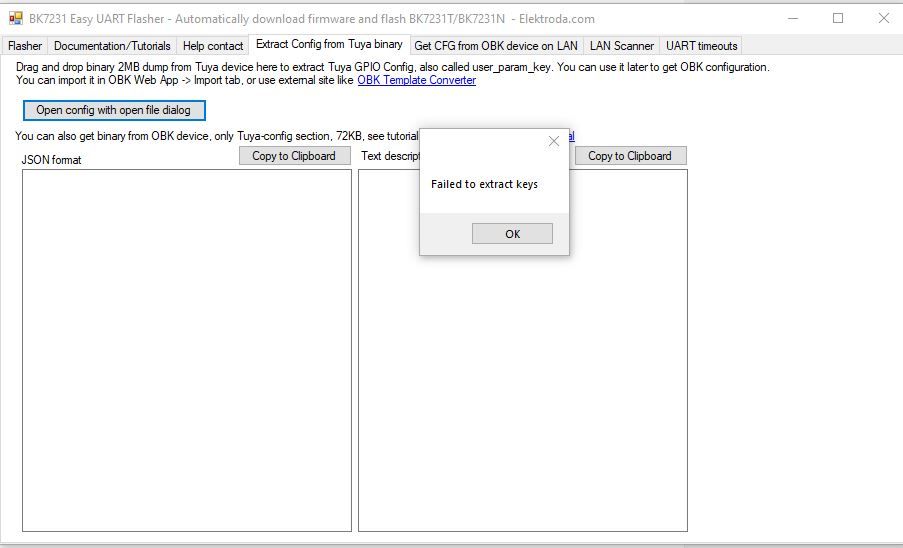
    Hello, yes, I tried it, but my file is not readable. I got an error when I opened it in BK7231Flasher.
    I tried with two files extracted from two sockets, and I got the same error.
    Error message “Failed to extract keys” in BK7231 Easy UART Flasher window
  • #18 21754555
    insmod
    Level 31  
    Posts: 1353
    Help: 160
    Rate: 425
    Try with latest flasher
  • #19 21754620
    mbk_med
    Level 5  
    Posts: 9
    Rate: 2
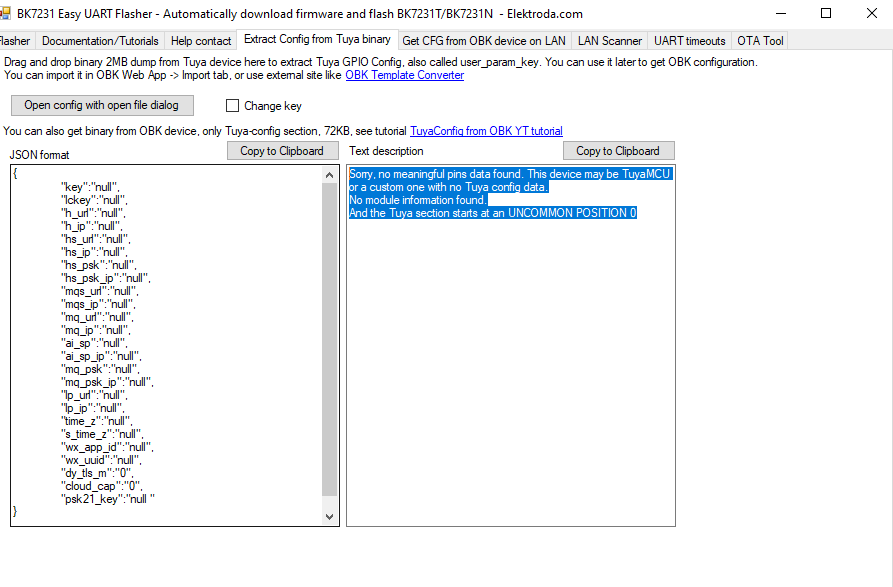
    Thanks. With the latest version, v154, I got this. It seems it doesn’t contain any configuration. Is there a solution?
    Screenshot of BK7231 Easy UART Flasher showing TuyaMCU config read error
📢 Listen (AI):

Topic summary

✨ The discussion revolves around the SWP86-01OG energy measurement socket, which features WiFi control and the ability to measure voltage, power, and current. Users express concerns about the socket's compatibility with non-Schuko plugs and grounding issues. One user reports multiple failures of the socket after power outages when connected to a generator, suggesting potential reliability issues. There are inquiries about the socket's dimensions for compatibility with existing frames and discussions about the internal WiFi module, identified as CB2S or TWB2S1-ZR (BK7231T). Users share experiences with flashing the firmware, noting that OTA (Over-The-Air) updates may be challenging, and recommend serial flashing as a more reliable method. Additional models and variants are mentioned, including AVATTO N-WOT10-EU-W and a variant with W600/TW-02.
Generated by the language model.

FAQ

TL;DR: SWP86-01OG is a PLN 65 (~€14) in-wall Schuko smart socket with BK7231N Wi-Fi and BL0937 metering; “serial flashing approach is more reliable” [Elektroda, p.kaczmarek2, post #21017694] Users report failure after 3-5 months when powered by generators [Elektroda, Jacenko1981, post #20689421]

Why it matters: A correct flash and fit turn a cloud-bound gadget into a durable, locally-controlled energy meter.

Quick Facts

• Price: PLN 65 retail on Allegro [Elektroda, p.kaczmarek2, post #20682308] • Wi-Fi module: CB2S (BK7231N) or TWB2S1-ZR (BK7231T) [Elektroda, p.kaczmarek2, #20682308; Elektroda, omniron, #20840579] • Power sensor: BL0937, ±0.5 % accuracy, 1 mΩ shunt (datasheet) • Relay: 250 VAC / 10 A, N.O., driven via J3Y transistor [Elektroda, p.kaczmarek2, post #20682308] • Form-factor: 86 mm × 86 mm face, ~35 mm depth (86-type standard) [“86 Type Wall Plate”]

What electronics are inside the SWP86-01OG socket?

The board hosts a CB2S module with a BK7231N MCU/Wi-Fi radio, a BL0937 metering ASIC connected to a 1 mΩ shunt, a BP2525/SZ2525C AC-DC converter, an AMS1117-3.3 V regulator, and a 10 A relay driven by a J3Y transistor [Elektroda, p.kaczmarek2, post #20682308]

How much does the device cost and where can I buy it?

Forum users purchased the socket for PLN 65 on Polish Allegro listings, with prices now ranging from PLN 50 – 120 depending on colour and seller [Elektroda, p.kaczmarek2, #20682308; Elektroda, Jacenko1981, #20689421].

Does every unit include power metering?

Most SWP86-01OG boards use the BL0937 for full voltage, current, and power measurement. A later variant labelled TWB2S1-ZR omits the sensor and instead powers only a 5 V relay, so it cannot report energy data [Elektroda, omniron, post #20840579]

Quick 3-step guide: how do I flash OpenBeken via serial?

  1. Solder four wires to CB2S pins: 3V3, GND, RX, TX.
  2. Connect to a 3.3 V USB-UART, hold BOOT0 low, and power up.
  3. Use BK7231GUIFlashTool to upload OpenBK7231T firmware, then release BOOT0 and reboot [GitHub OpenBK7231T_App].

What GPIO mapping should I use in OpenBeken?

Template JSON: {"6":"Btn;0","7":"Rel;0","8":"BL0937SEL;0","10":"WifiLED_n;0","24":"BL0937CF;0","26":"BL0937CF1;0"} [Elektroda, p.kaczmarek2, post #20682308] Load it, save, then calibrate meters.

How do I calibrate voltage, current, and power?

After flashing, issue VoltageSet, CurrentSet, and PowerSet commands with known loads, similar to Tasmota’s procedure [Tasmota Power-Monitoring-Calibration]. Accuracy better than ±2 % is achievable once calibrated.

Will the front plate fit a standard multi-module frame?

The face measures the common 86 mm square with approximately 35 mm depth from face to mounting plate. Frames from other 86-type manufacturers accept ±2 mm tolerance, so integration is usually possible [“86 Type Wall Plate”].

Why did some units fail after generator switch-overs?

A user reported all three sockets died within 3-5 months during power-loss events when a generator back-fed the line [Elektroda, Jacenko1981, post #20689421] Likely causes include over-voltage spikes or distorted waveforms exceeding the BP2525 converter’s 265 VAC rating. Standard meters without electronics survived, highlighting this edge-case weakness.

Is the power supply galvanically isolated?

No. The BP2525/SZ2525C operates as a non-isolated buck, so low-voltage circuitry has mains reference. Avoid probing the board while powered and ensure proper earth wiring [Elektroda, p.kaczmarek2, post #20682308]

Does the Schuko version create grounding issues in Poland?

Yes. Poland’s “pin-plus-side” sockets rely on a protruding ground pin. The Schuko face provides only side contacts, so older plugs without side earth may lose grounding. Use compatible hybrid plugs or replace the socket if local code requires the pin [Elektroda, p.kaczmarek2, #20682308; Elektroda, Jufo, #20682918].

What variants of the module have been spotted so far?

Forum members have found CB2S (BK7231N), WB2S (older Beken), and TWB2S1-ZR (BK7231T). All share a 2 MiB flash, but pin layouts differ slightly. Confirm silkscreen before applying templates [Elektroda, omniron, #20840579; Elektroda, p.kaczmarek2, #20682308].
Generated by the language model.
ADVERTISEMENT