FAQ
TL;DR: For WL2S/LN882H plugs, a 2 MB flash dump can take 15–40 minutes, but “OK!” flashing takes seconds. This FAQ helps OpenBeken users open the glued BSD34 case, wire 3.3V UART flashing, apply the right GPIO template, and understand BL0937, Home Assistant, and Wi‑Fi recovery behavior. [#20935260]
Why it matters: BSD34-style smart plugs can look identical outside yet use different modules and pin maps, so one wrong template can break LEDs, metering, or relay control.
| Variant discussed |
Radio module |
Main chip |
Pin mapping status in thread |
Flashing difficulty |
| Elivco BSD34 / WL2S version |
WL2S |
LN882H |
Fully mapped for relay, button, LEDs, BL0937 |
Required LN882H UART flashing; module was desoldered in the main guide |
| BSD34-style Amazon version |
CBS2/CB2S family |
CB2S/CBS2 noted |
Different pin map from WL2S version |
Reported as easier to flash |
| WL2S to CB2S swap idea |
WL2S replaced by CB2S |
Mixed |
Power and UART pads look similar, pin reassignment still needed |
Electrically plausible, template changes expected |
Key insight: Do not trust the enclosure name alone. In this thread, identical BSD34-style plugs shipped with WL2S, CB2S, and CBS2-family modules, and their working GPIO templates differed.
Quick Facts
- The main BSD34 guide used a separate 3.3 V power supply, shared ground, and pogo pins; USB-TTL VCC was not used for the WL2S module. [#20935260]
- The factory flash dump was capped at 0x00200000 bytes (2 MB), and the read step took about 30–40 minutes on one setup. [#20935260]
- A second tester saw LN882H flash reads vary from several hours down to about 15 minutes after a fresh Windows reboot, suggesting host-side conditions affect speed. [#20935396]
- Home Assistant discovery queued 8 MQTT config topics and published payloads of about 315–396 bytes without ERR_MEM on the updated build. [#20954030]
How do you open an Elivco BSD34 EU smart plug without damaging the glued case so you can access the WL2S module?
You can open it cleanly by cracking the glue line with clamps instead of prying the seam apart. Place G-clamps just below the top joining line, tighten until the glue cracks, then move slightly and repeat. The case separates quickly, and only the earth wire keeps both halves together. After that, remove the single PCB screw and loosen the earth screw slightly so the board can slide out. This method avoided the battered, chewed-up housing often seen after screwdriver-only opening.
[#20935260]
What is the WL2S module, and how is it related to the Lightning Semiconductor LN882H chip used in Tuya smart plugs?
“WL2S” is a Wi‑Fi module that carries the Lightning Semiconductor LN882H chip, a Tuya-class radio/MCU used in smart plugs and mini switches. In this thread, the BSD34 plug used a WL2S module with an LN882HKI-marked chip, and OpenBeken support for LN882H had only recently become available. The same discussion also mentions other LN882H devices, including 16 A mini switches. That makes WL2S the board-level module and LN882H the actual controller you flash.
[#20935260]
What is the BL0937 power-monitoring chip, and which GPIOs does OpenBeken need to read voltage, current, and power on the BSD34 plug?
“BL0937” is a power-monitoring IC that measures mains-related values by outputting pulse signals, with separate lines used for energy/current and voltage timing. For the WL2S-based BSD34 template in this thread, OpenBeken used GPIO 7 as
BL0937CF1, GPIO 12 as
BL0937CF, and GPIO 19 as
BL0937SEL. The plug also used a BL0937 chip on the main board, so metering support depended on enabling that driver in the LN882H build.
[#20935260]
How can you flash an LN882H-based WL2S module with OpenBeken using pogo pins, a USB-TTL adapter, and an external 3.3V power supply?
You flash it over UART with shared ground and the A9 boot pad held low. 1. Connect TX0→USB-TTL RX, RX0→USB-TTL TX, GND→GND, and power the module from an external
3.3 V supply only. 2. Ground A9/BOOT, then power up so LN882H enters boot mode. 3. Dump or write flash with the LN882H tools, then remove A9 ground and reboot. The reported write command targeted
0x0 and flashed a
2,000,000-byte image in a few seconds.
[#20935260]
Why does the LN882H factory flash dump sometimes take 30 to 40 minutes or even several hours, and what seems to affect the read speed?
The thread shows that dump speed varies widely and seems sensitive to the host PC state. One dump of the
2 MB flash took about
30–40 minutes, while another maintainer reported a first read taking several hours, then only about
15 minutes after a fresh Windows reboot. No firmware-side root cause was confirmed, but the observed pattern points to the flash-read tool or Windows environment, not the BSD34 hardware itself. A maintainer explicitly said he did not know why it happened.
[#20935396]
Which GPIO template works for the Elivco 20A BSD34 EU power monitoring plug with WL2S and BL0937 under OpenBeken?
The working WL2S/LN882H template used GPIO 0
LED, 3
Btn, 7
BL0937CF1, 10
LED_n, 11
Rel, 12
BL0937CF, and 19
BL0937SEL. The device metadata in the thread named it
“Elivco 20A BSD34 EU Power Monitoring (BL0937) Plug” with board
WL2S and chip
LN882H. The author also confirmed the relay and LEDs behaved correctly: red when off, blue when on.
[#20935260]
What do the A9/BOOT pad and boot mode do on the LN882H, and how do you use them during flashing?
The A9/BOOT pad forces the LN882H into UART boot mode when you pull it low during power-up. In normal power-up, the boot log showed
“GPIOA_9 high level, will enter Normal mode!”; during flashing, grounding A9 before applying
3.3 V made the chip wait for the flash tool. After writing firmware, you remove the A9 ground and reset power so the module boots the new image and exposes the OpenBeken AP.
[#20935260]
How was BL0937 support added for the LN882H build of OpenBeken, and which extra files had to be enabled in the OpenLN882H CMakeLists.txt?
BL0937 support was added by enabling the driver build and its missing dependencies in the LN882H project files. The thread says the LN882H port needed manual CMake path updates, plus
drv_bl_shared.c because BL0937, BL0942, and similar chips share routines there. A working test build also enabled
deviceGroups_read.c,
deviceGroups_util.c,
deviceGroups_write.c,
drv_ntp.c,
drv_tuyaMCU.c, and
drv_uart.c. One maintainer later merged the PR and wrote, “It was easier than I expected.”
[#20948381]
Why would Home Assistant discovery on LN882H trigger MQTT ERR_MEM errors, and what changed in later firmware to fix it?
It happened because discovery publishes many retained config payloads at once, which could overflow MQTT memory buffers on earlier LN882H builds. One maintainer said he had reports that HASS Discovery caused
ERR_MEM and then increased MQTT buffers to the required sizes. A later test showed discovery queuing
8 config topics and publishing payloads around
325–396 bytes successfully, after which the issue was marked solved.
[#20953708]
When an LN882H smart plug loses Wi-Fi, what is the normal reconnection behavior after the router or access point comes back online?
Normal behavior is automatic rescanning followed by reconnect when the AP returns. One tester turned Wi‑Fi off for more than
10 minutes and saw LN882H reconnect after about
45 seconds once the AP came back, though scan output looked incomplete and only showed weak BSSIDs at first. Another later test disabled WLAN for
20 minutes, and both LN devices reappeared within a few seconds after re-enable, with uptime preserved.
[#21016643]
What could cause the ping watchdog on an LN882H OpenBeken plug to disable Wi-Fi instead of recovering cleanly after 60 seconds?
The thread points to an older LN882H firmware issue rather than a confirmed hardware fault. One user reported that the web-configured ping watchdog hit
60 seconds, then disabled Wi‑Fi and never reconnected until a physical reboot, although the web restart button and OTA still worked. Later builds, including
1.17.517 and
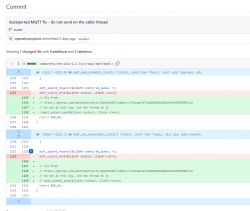
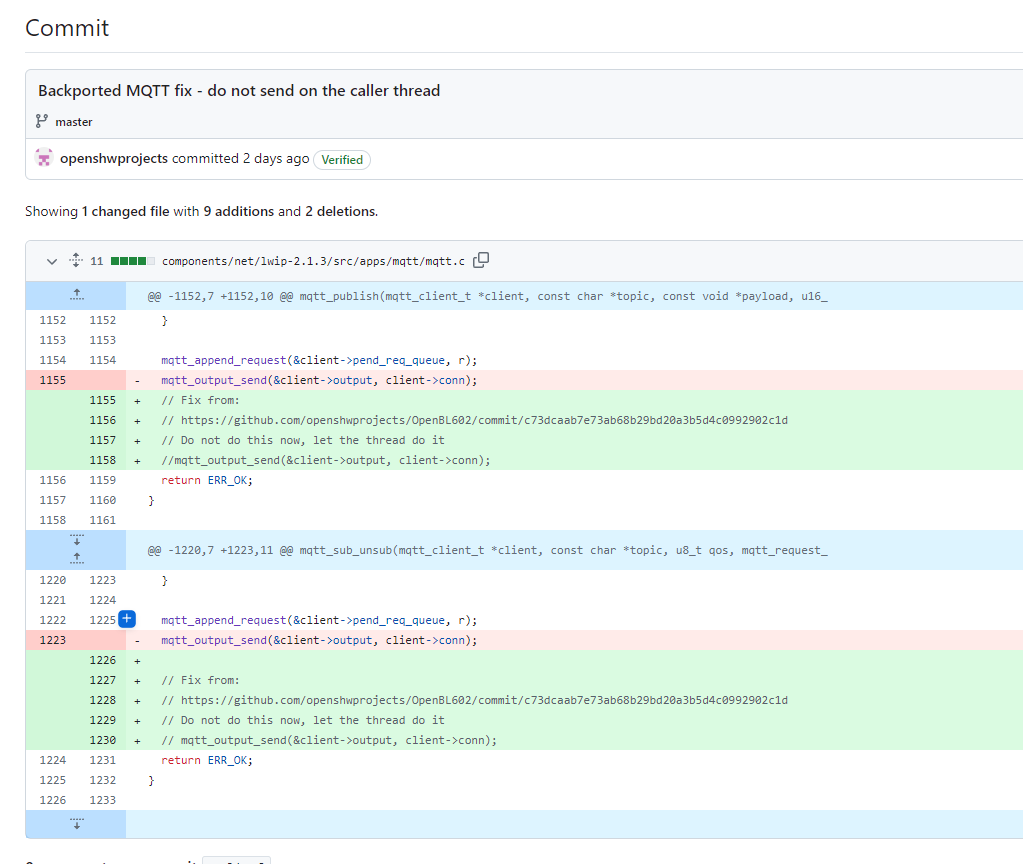
1.17.521, appeared stable, and a maintainer also integrated an LWIP MQTT threading fix during that period.
[#21010987]
How can GPIO Doctor or Tuya config extraction help identify why the red LED stays on all the time on a BSD34-style smart plug?
They help by revealing whether the red LED is a relay LED, a Wi‑Fi status LED, or mapped to the wrong pin. In the later BSD34-style case, the tester found pin
23 acted as
WifiLED;1, while pin
8 handled the blue LED behavior and pin
26 drove the relay. That explains why a WL2S template from the earlier plug could leave the red LED permanently on when applied to a visually identical but differently wired unit.
[#21433856]
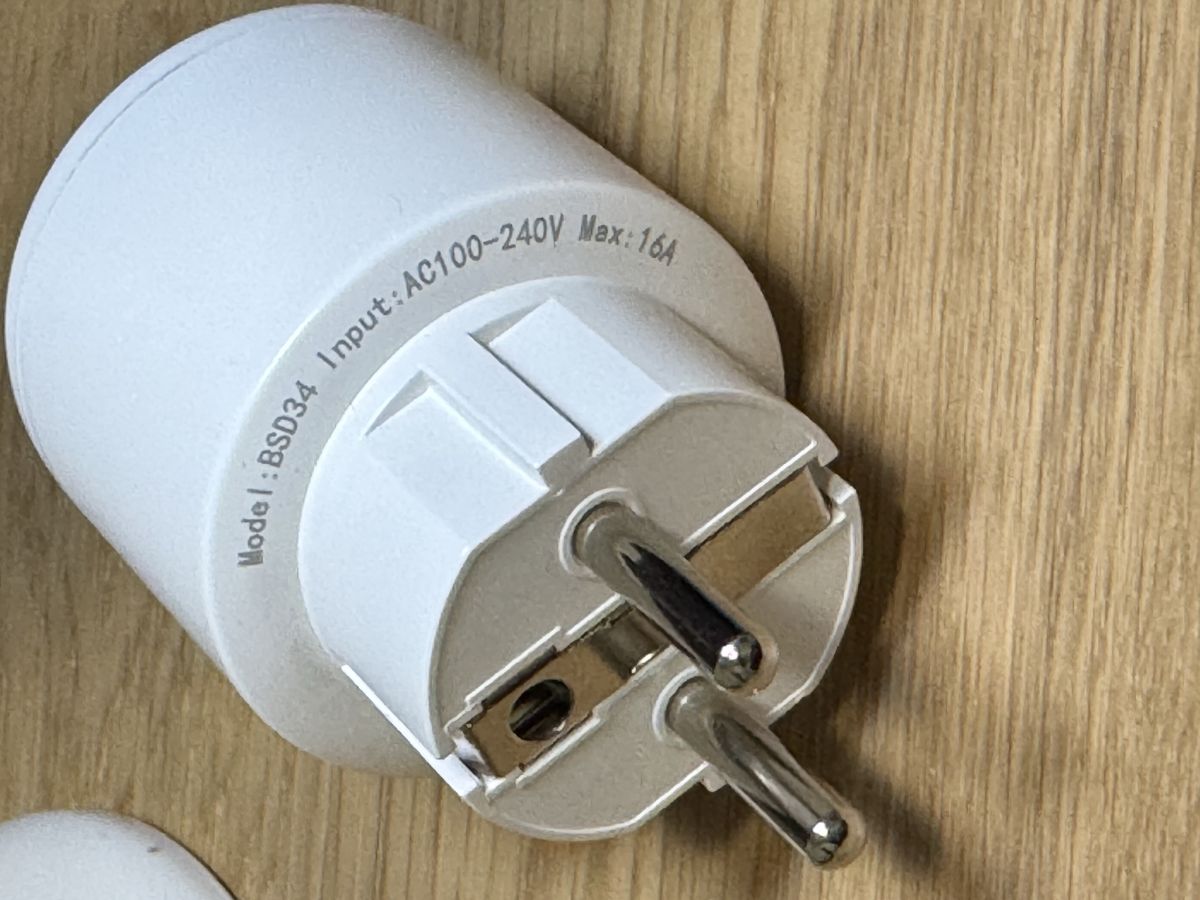
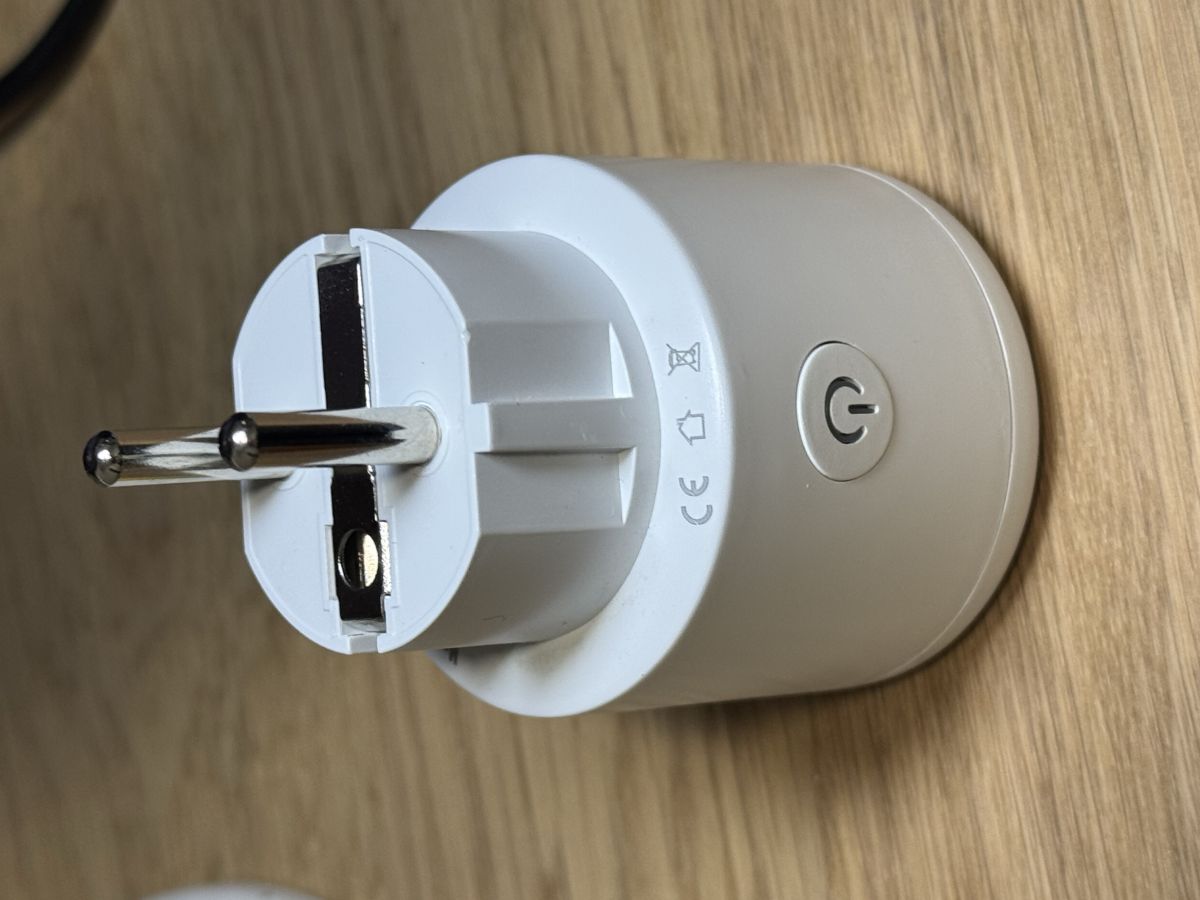
WL2S vs CB2S in BSD34-style smart plugs: what differences in pin mapping, flashing difficulty, and compatibility showed up in this thread?
The thread showed clear differences despite nearly identical housings. The original BSD34 used
WL2S/LN882H and mapped relay and LEDs to GPIOs
11, 0, and 10, while a later Amazon-branded lookalike used a
CBS2/CB2S-family module with relay and LED functions on pins
26, 23, 10, and 8. The later user also said flashing worked fine
without desoldering the module, unlike the original WL2S guide that removed the module for easier access and to avoid BL0937 interference.
[#21438406]
How feasible is it to swap a WL2S module with a CB2S module in a smart plug like the one discussed here, and what pin assignment changes would likely be needed?
It looks feasible electrically, but you should expect to remap GPIOs. A tester noted that
VCC 3.3 V,
GND, and even
RX/TX seemed to share the same layout between the smart-plug boards, so the replacement should at least power up correctly. He also warned that the main work would likely be changing pin assignments afterward. That means the swap is not template-compatible by default, even if the footprint is close enough to solder in.
[#21733480]
If two BSD34 plugs look identical externally but use different modules like WL2S or CBS2/CB2S, how should you verify the correct pinout before applying an OpenBeken template?
You should verify the module type and pin functions first, then apply or build the template. Start with GPIO Doctor or Tuya config extraction, because the thread documented externally identical BSD34-style plugs that used different modules and different LED, button, relay, and BL0937 pin maps. One maintainer explicitly advised using GPIO Doctor to find the LED pin or extracting the Tuya config before trusting the old template. That is the safest path when the enclosure and label match but the internals do not.
[#21431833]
AI summary based on the discussion. May contain errors.