logo elektroda
logo elektroda
X
logo elektroda

Mini 1080p wifi camera from Aliexpress, how to use without app (FtyCamPro)?

Wuppiduppi 43056 186
ADVERTISEMENT
  • #181 21731356
    divadiow
    Level 37  
    @insmod do you have 18-pin GC0328C and does TXW detect it?
  • ADVERTISEMENT
  • #182 21731387
    insmod
    Level 29  
    >>21731356
    Nope, the closest i have is GC0329
  • ADVERTISEMENT
  • #183 21731495
    divadiow
    Level 37  
    OK no worries. I was trying the pocket wifi cam sensor (https://www.elektroda.com/rtvforum/topic4150112.html) GC0328C on TXW earlier and it wasn't even giving me i2c address, as the others have, when using i2c driver softscan.

    I was starting to think it wasn't the same 18-pin pin-out as the others after all, but it was detected and worked in a BK7252N (a different device) with factory firmware. The sensor that BK7252N shipped with does work on TXW, so... yes. Hope that makes sense.

    I built TXW from CDK with original scan frequencies and still no sign of a match.

    More investigation required.

    Added after 13 [minutes]:

    szyszko wrote:
    Warm welcome,

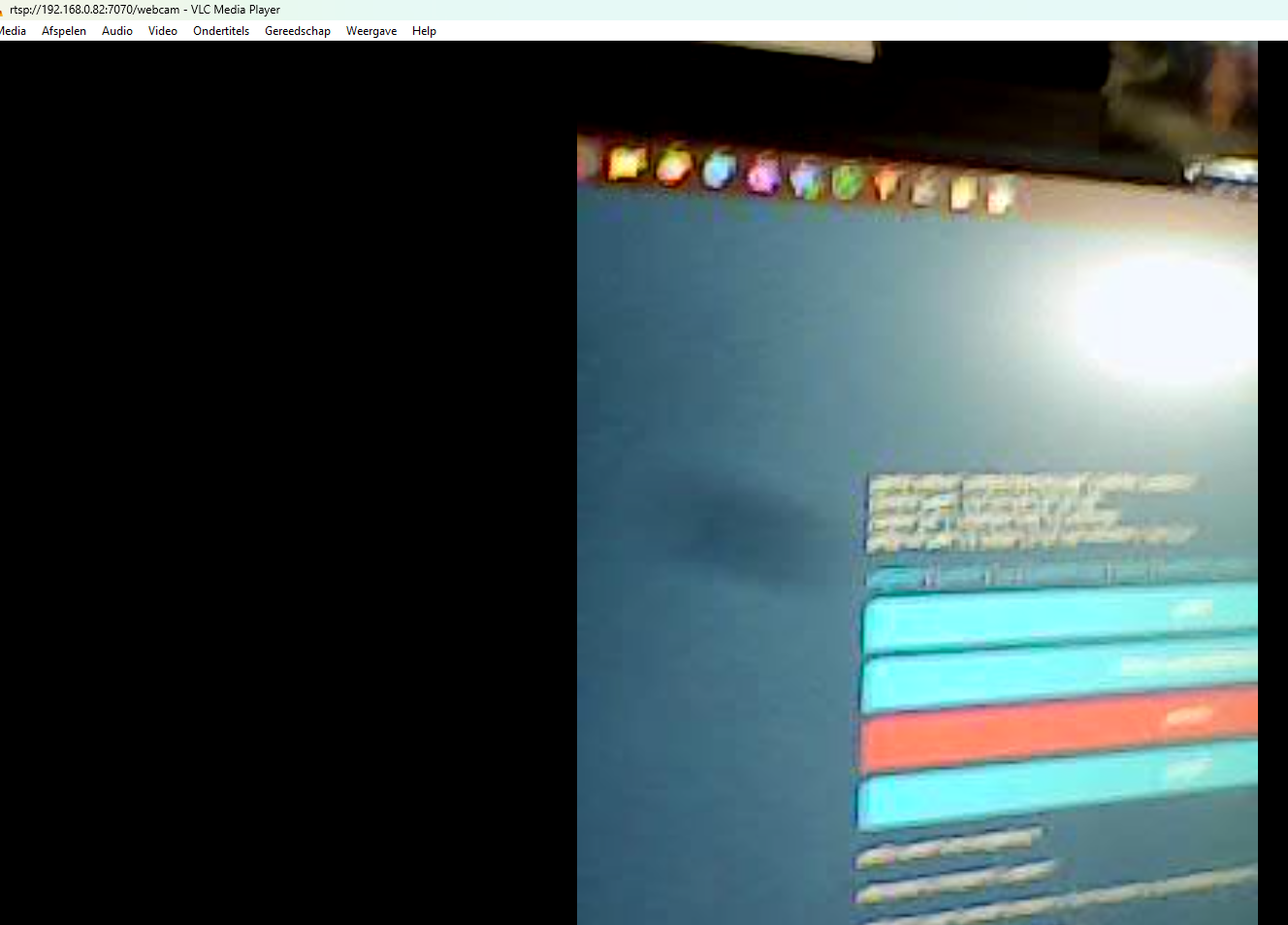
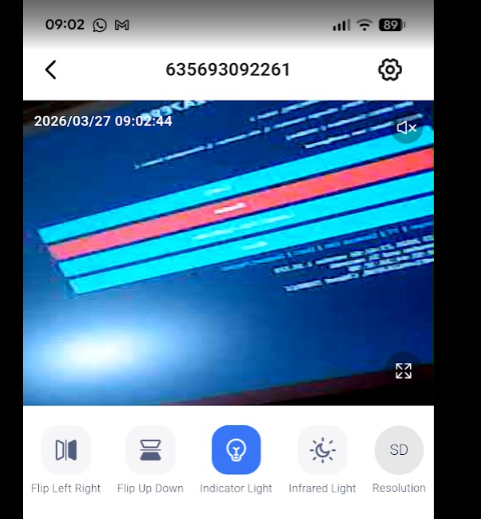
    Sorry to rehash the topic, but can someone give me a working link to Windows 10 software for viewing V9 cameras ?

    Sorry for the inconvenience and thanks in advance!

    Windows 10 software = RTSP streaming from an A(?)9 camera?

    Your options depend entirely on the type cam cam you have. Do you have pictures of outside, inside, PCB?
    What app is used to pair with factory firmware?
  • ADVERTISEMENT
  • Helpful post
    #184 21740726
    divadiow
    Level 37  
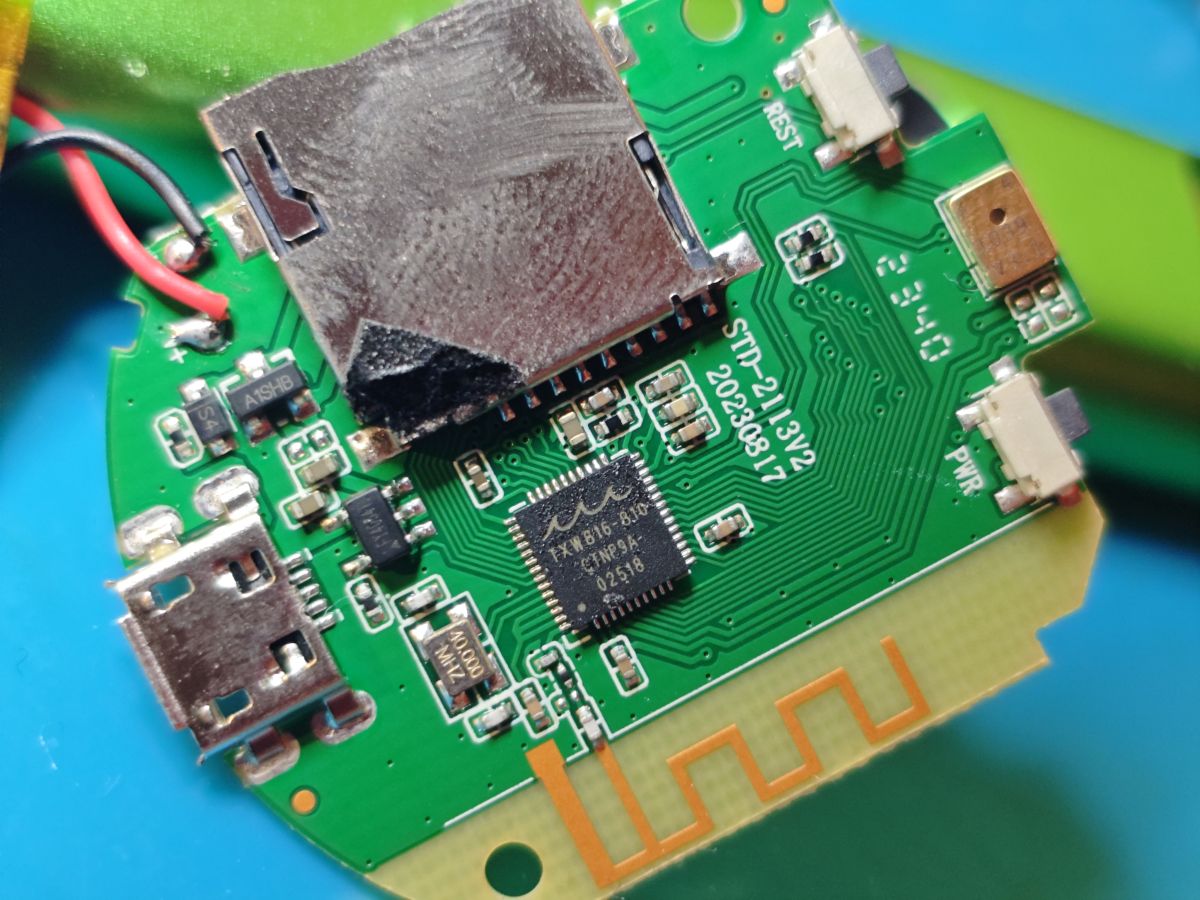
    something a little different. TXW816-810
    Close-up of a PCB with electronic components and a micro USB port

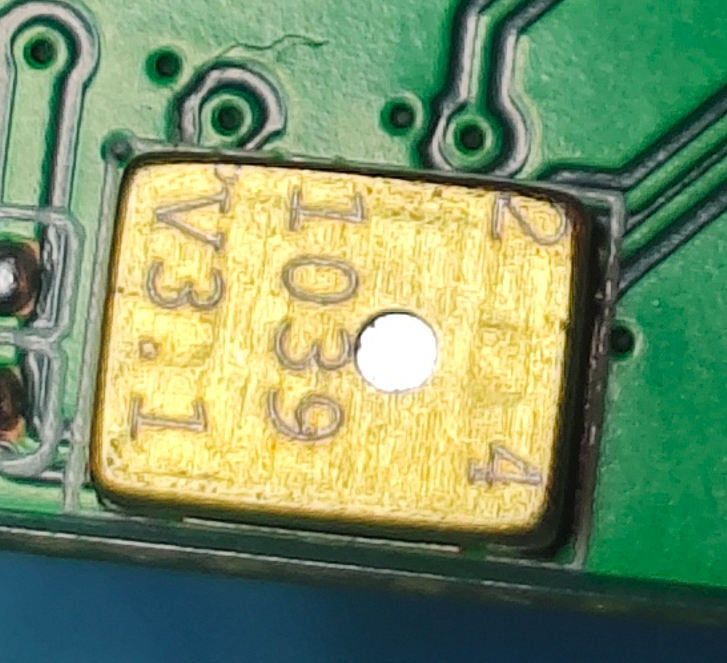
    MEMS microphone?

    Close-up of a gold electronic component labeled V3.1 1039 on green PCB
  • ADVERTISEMENT
  • #185 21768700
    obviousbullwhip
    Level 2  
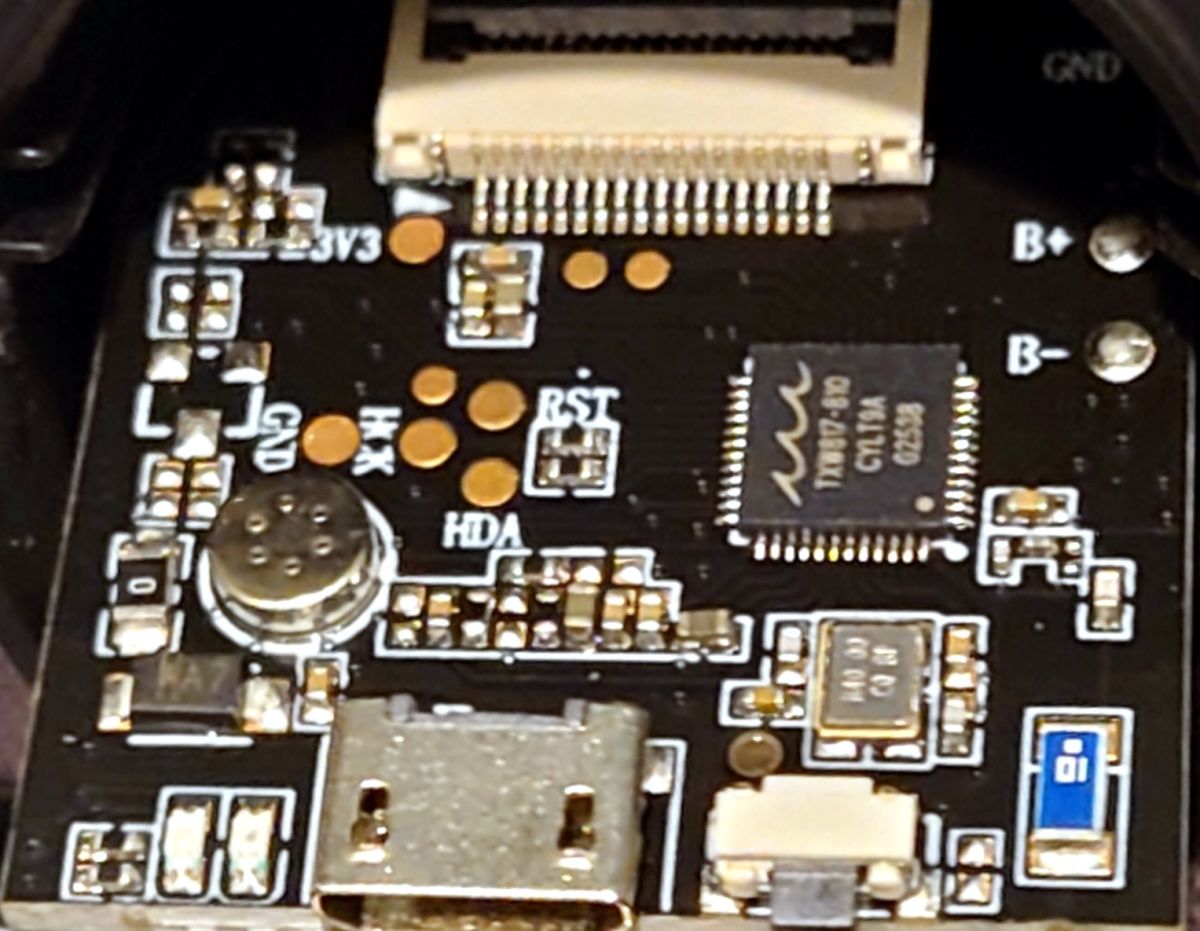
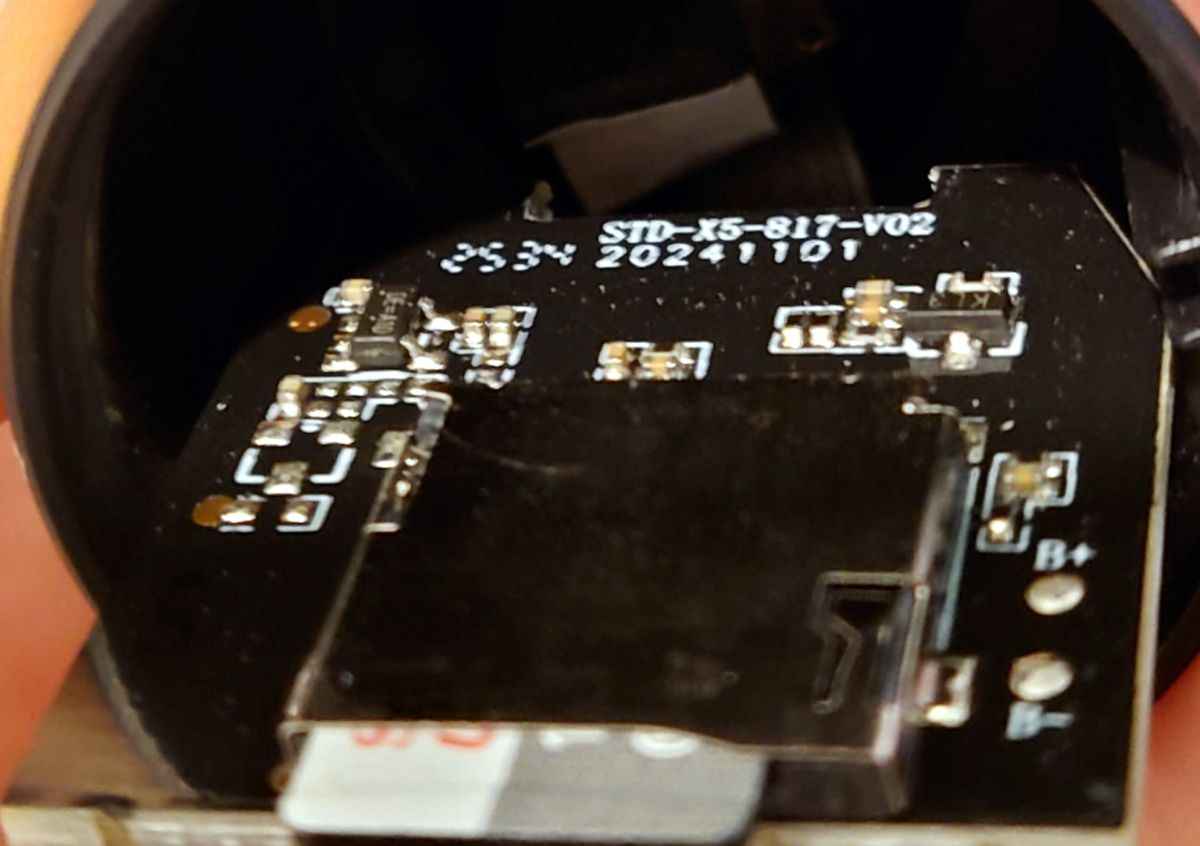
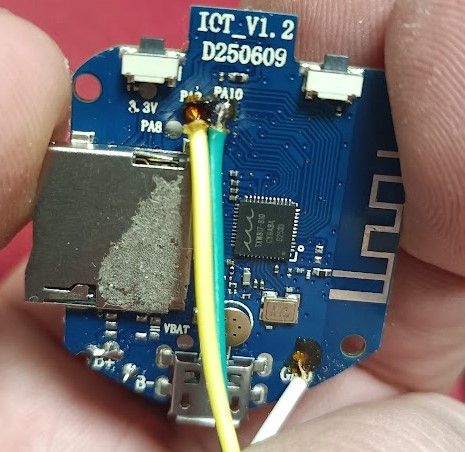
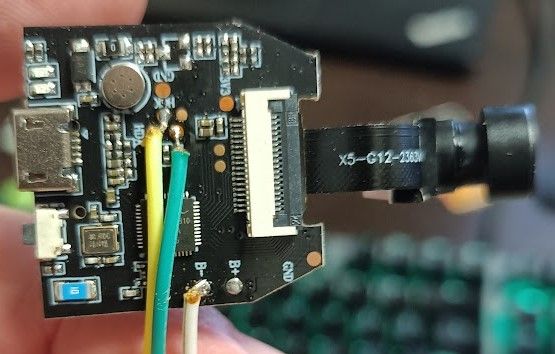
    I have a TXW817-810 based A9 with a blue PCB (IOT_V1.2, D250609) that uses ZIOT (i.e. the same board earlier used by @d1nuc0m), but I have been less successful.

    After successful flashing OpenTXW81X_1.18.221.bin (or the Taixin demo firmware txw81x_v2.5.2.6-31320_2025.5.25_IOT_AT_PC6-PC7.bin) using the C-SKY Flash Programmer, "nothing happens." I.e., after restarting the camera, the "mode" light comes on momentarily, but there is nothing written to serial output (at 115200 or 921600 baud) and there is no Wi-Fi access point.

    Reflashing the original firmware returns the camera to normal operation.

    At times I encounter "flash driver error 55555555", and often firmware writes don't actually succeed (even though they successfully "verify"), so I am manually reading back the binary and comparing against the original to confirm a successful write, so I am sure that I *am* writing successfully, especially as I can reflash the original firmware.

    Can anybody offer any suggestions?

    Thank you
  • #186 21768720
    divadiow
    Level 37  
    odd.

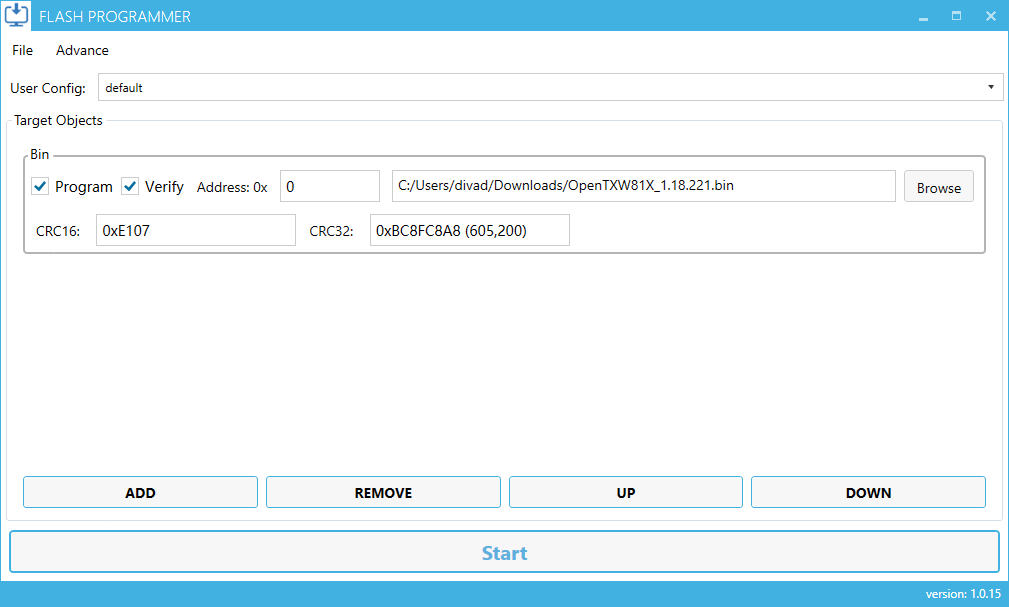
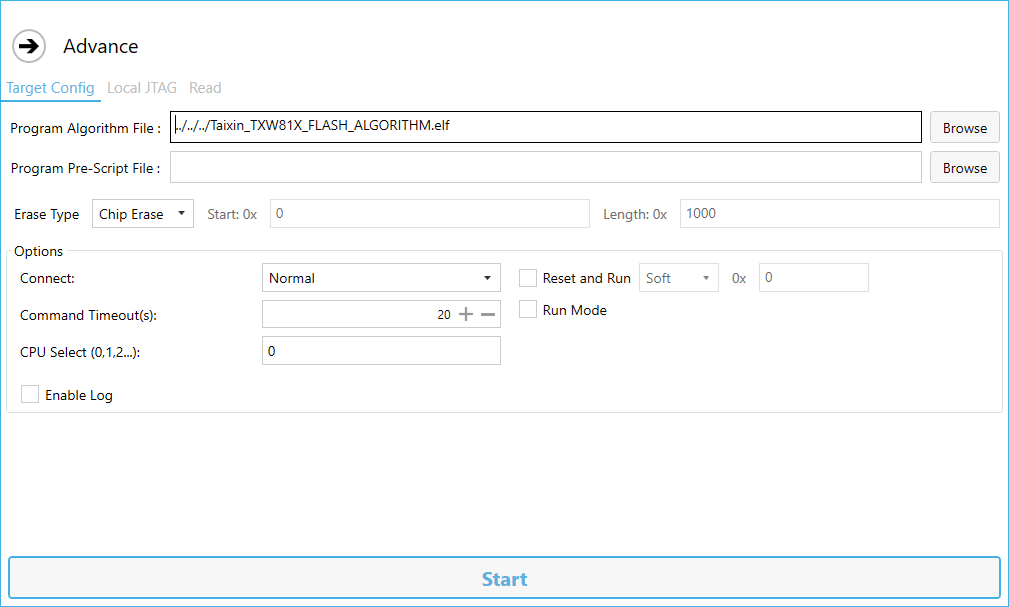
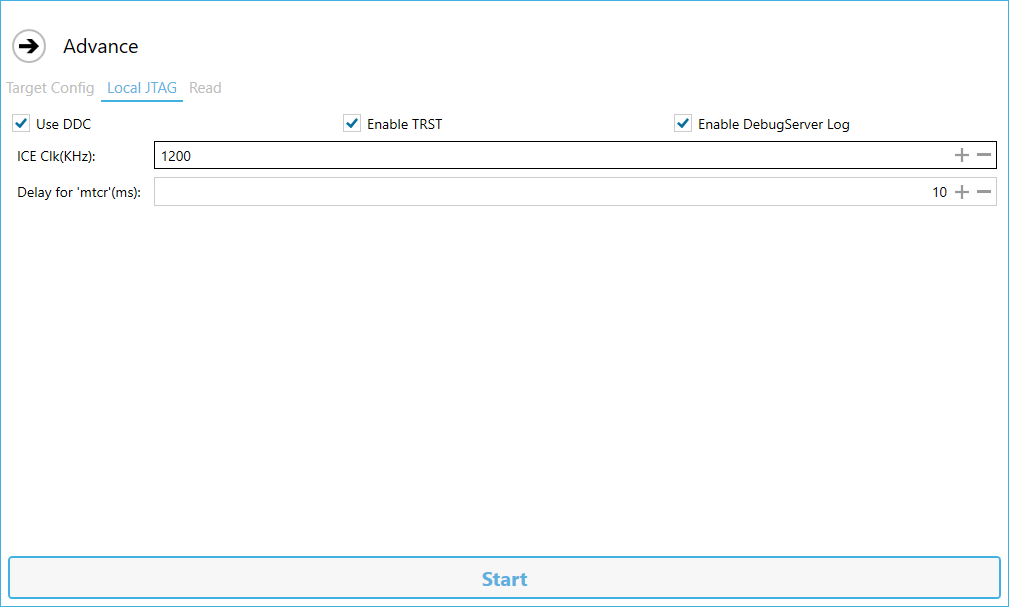
    "flash driver error 55555555" always means no boot for me but "success" after write/verify has always meant a booting firmware. Have you tried a lower IceClk speed?

    Added after 14 [minutes]:

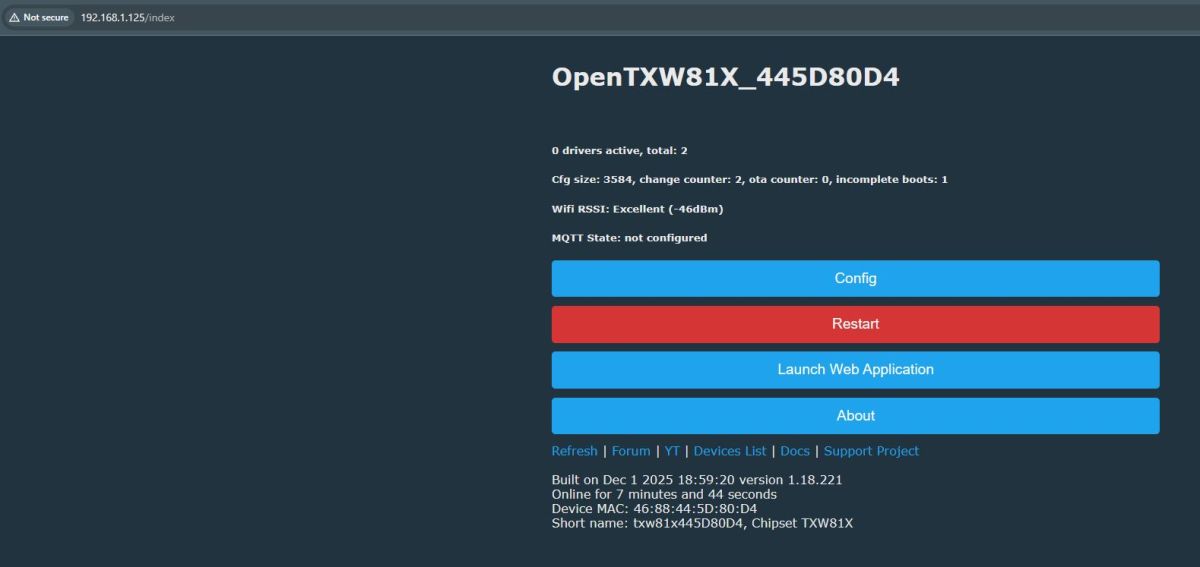
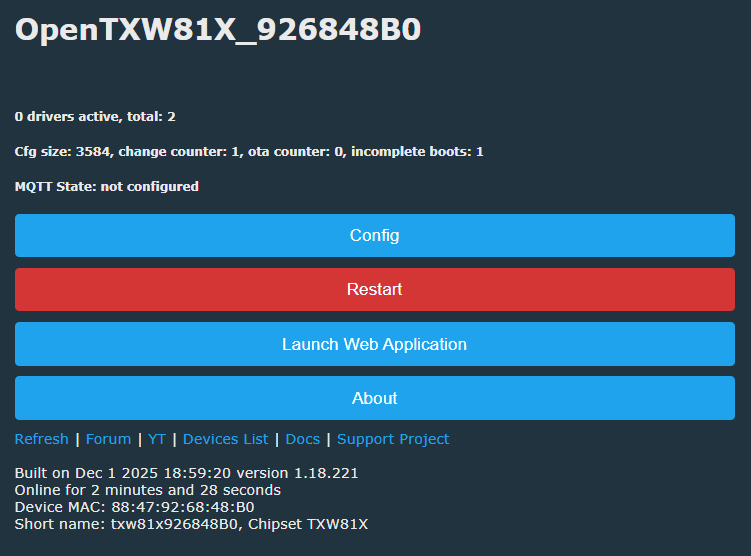
    confirming latest release OpenTXW81X_1.18.221.bin does still work

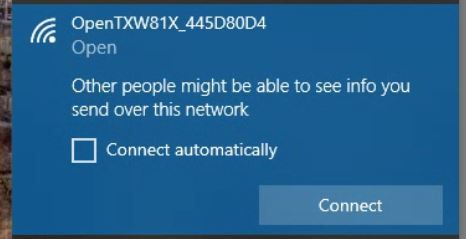
    Web interface of OpenTXW81X showing configuration and restart buttons

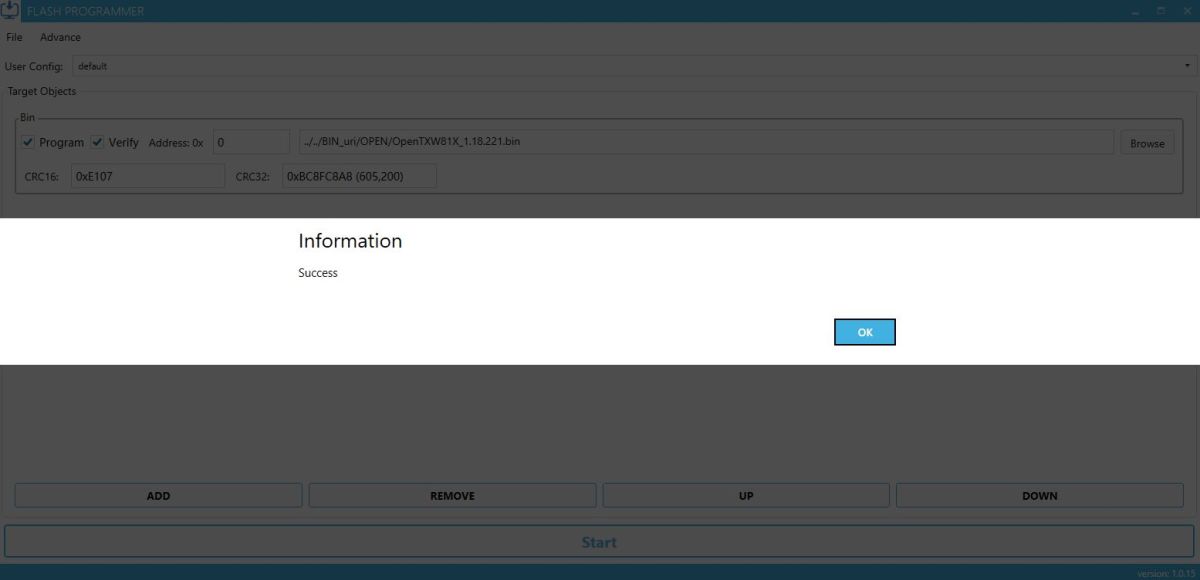
    Flash Programmer window with a loaded binary file ready for flashingJTAG programming config window with FLASH algorithm file and erase optionsScreenshot of Local JTAG settings with DDC, TRST, and DebugServer Log enabled

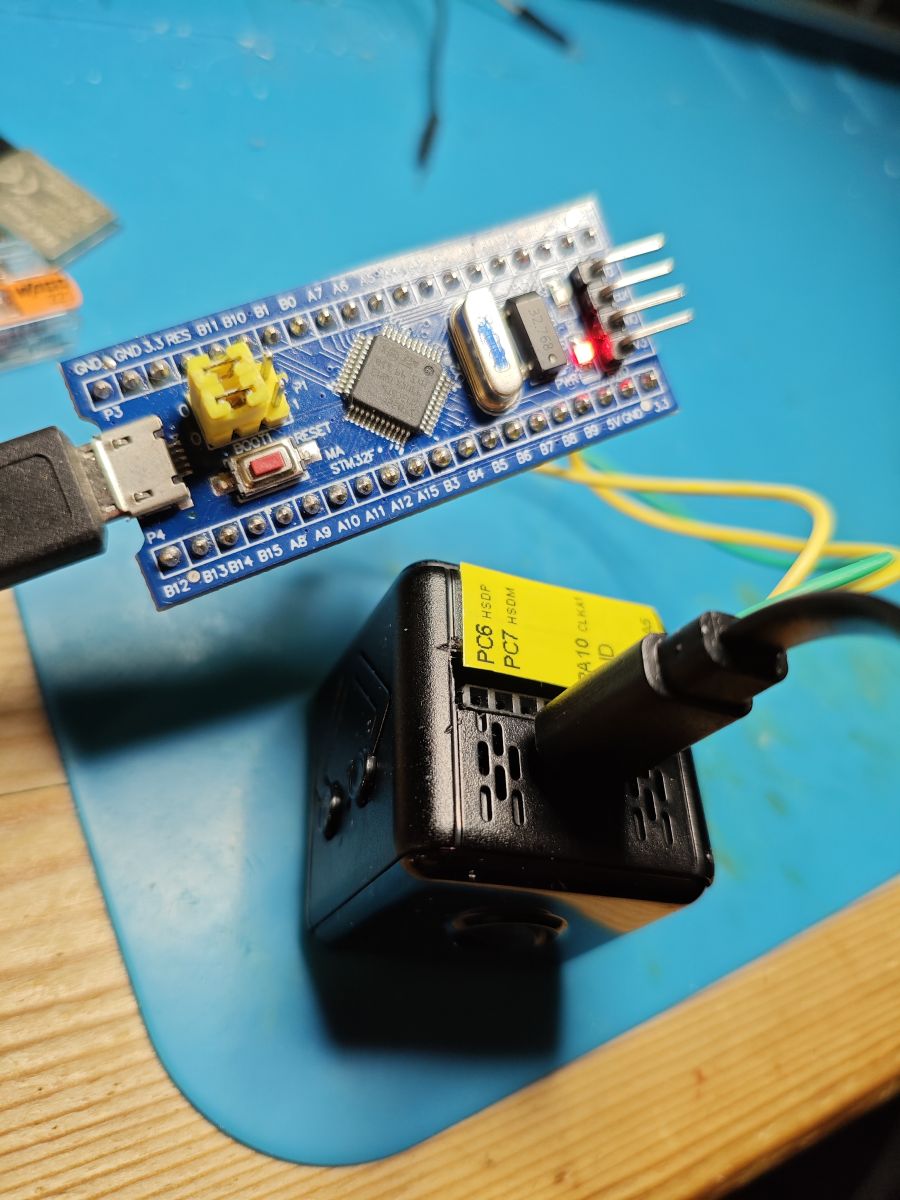
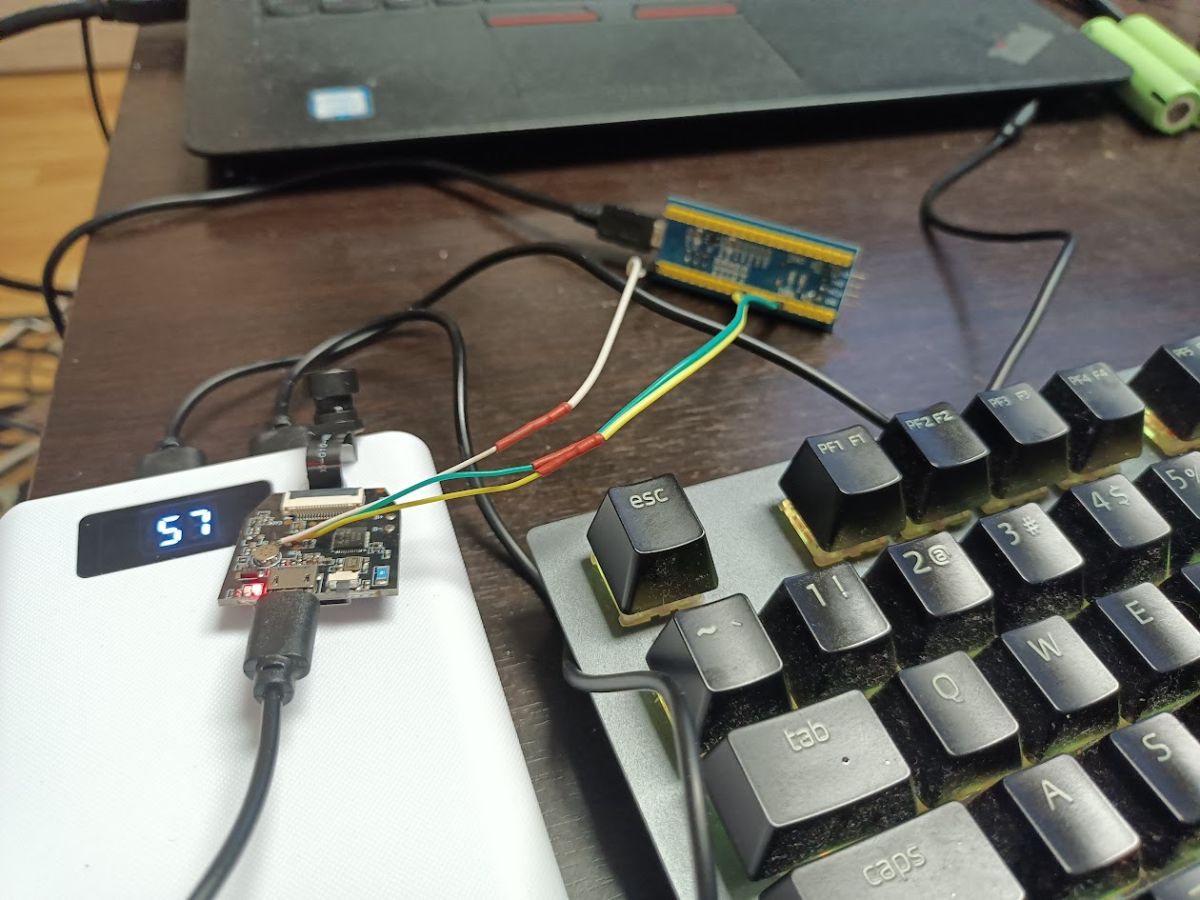
    STM32 microcontroller with wiring connected to a black power module on a desk

    Added after 17 [minutes]:

    do you have "chip erase" selected?
  • #187 21768828
    obviousbullwhip
    Level 2  
    Yes, definitely odd. I do need a lower IceClk in order to get successful writes (and I know they're successful because I can read them back again), but the only firmware that seems to do anything is the original firmware.

    Does anybody have a "hello world" application that only writes to the UART and does nothing else? Maybe that will work...

    P.S. Yes to chip erase. My screens match your screenshots.

Topic summary

A mini 1080p WiFi camera from Aliexpress priced under 3€ uses a Beken BK7252UQN48 AU3437XB chip and requires the proprietary "FtyCamPro" app for operation. The device creates its own WiFi network and assigns an IPv4 address but shows no open ports on scanning. Opening the case reveals the Beken chip, and firmware resources for this chip are available on GitHub (beken7252-opencam), enabling potential firmware backup and custom flashing after identifying the flashing pins. Some similar cameras use the Taixin TXW817 chipset, which has a different ecosystem including SDKs and programming tools like TXProgrammer and CK-Link debuggers. Attempts to access internal flash memory via QSPI/SPI have been made, but require delicate soldering and specialized hardware. The Taixin TXW81x IoT SDK and C-SKY Development Kit (CDK) support firmware development and compilation. TXProgrammer can be configured to English for easier use. A 2MB flash dump from a TXW817-810 based camera has been obtained, and a demo application runs on this hardware using hgSDK. Overall, the discussion covers hardware identification, firmware extraction, SDK availability, and programming tool usage to bypass the official app and enable local control of these low-cost WiFi cameras.
Summary generated by the language model.
ADVERTISEMENT