logo elektroda
logo elektroda
X
logo elektroda

Flashing OpenBeken on LoraTap SP800WJ-EU Smart Plug for Local Control

divadiow  0 1527 Cool? (+3)
📢 Listen (AI):

TL;DR

  • The LoraTap SP800WJ-EU EU WiFi smart plug was converted from Tuya cloud control to OpenBeken for fully local operation and Home Assistant integration.
  • The teardown exposes a WB2S module with a Beken BK7231T, and flashing uses the module's RX/TX/3.3V/GND pads without removing it from the mainboard.
  • Flashing requires an external 3.3V supply, because the USB-TTL adapter's 3.3V line is usually insufficient, and the device runs firmware version 1.3.5.
  • After flashing, OpenBeken starts an AP, assigns 192.168.4.100, and lets you configure Wi‑Fi, MQTT, Home Assistant discovery, relay, LED, button, and power monitoring.
  • Avoid pairing with the Tuya app if possible, since Wi‑Fi credentials can remain in the backup, and the live/neutral wires are awkward to resolder cleanly.
Generated by the language model.
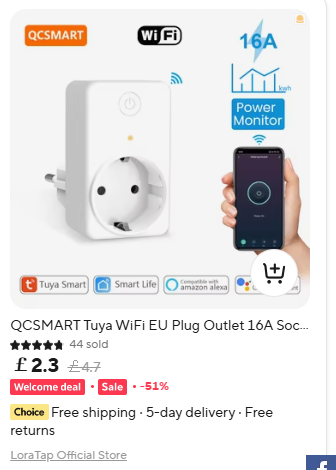
Hi. This is a look at a LoraTap branded Tuya-based EU WiFi smart plug/socket with power/energy metering. The model number is SP800WJ-EU. The official product page is here https://www.loratap.com/products/sp800wj-eu where it can also be purchased, but mine came from Ali Express at a lower price. Much cheaper if you're eligible for a Welcome Deal.
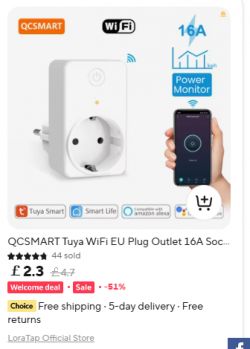
QCSMART WiFi smart socket with power monitoring

First we'll look at the product, then open it up, take it apart and solder the relevant parts up for flashing to OpenBeken, an open source Tuya replacement firmware. This conversion will cut the device off from any cloud servers for total control locally with or without HomeAssistant (and other IoT control platforms) integration.

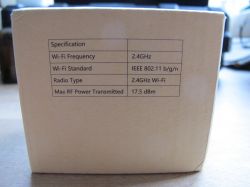
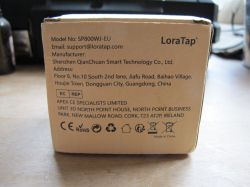
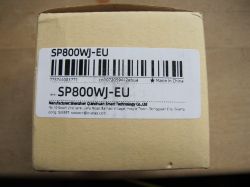
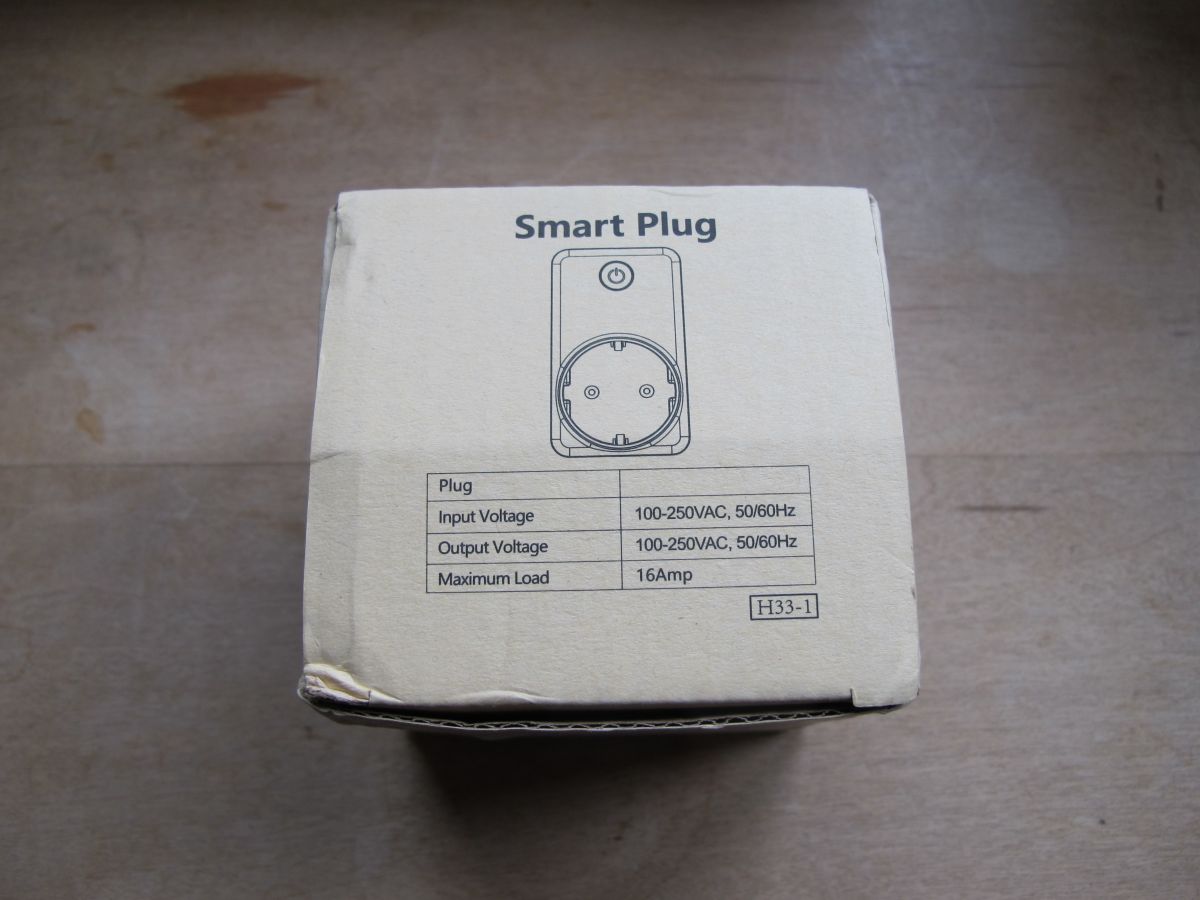
Packaging, box content, external product pictures:
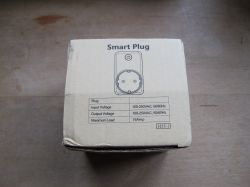
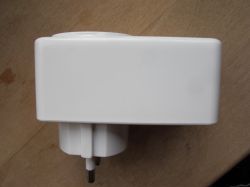
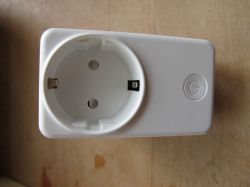
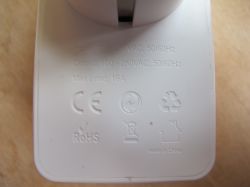
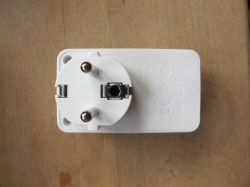
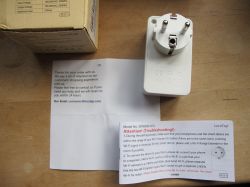
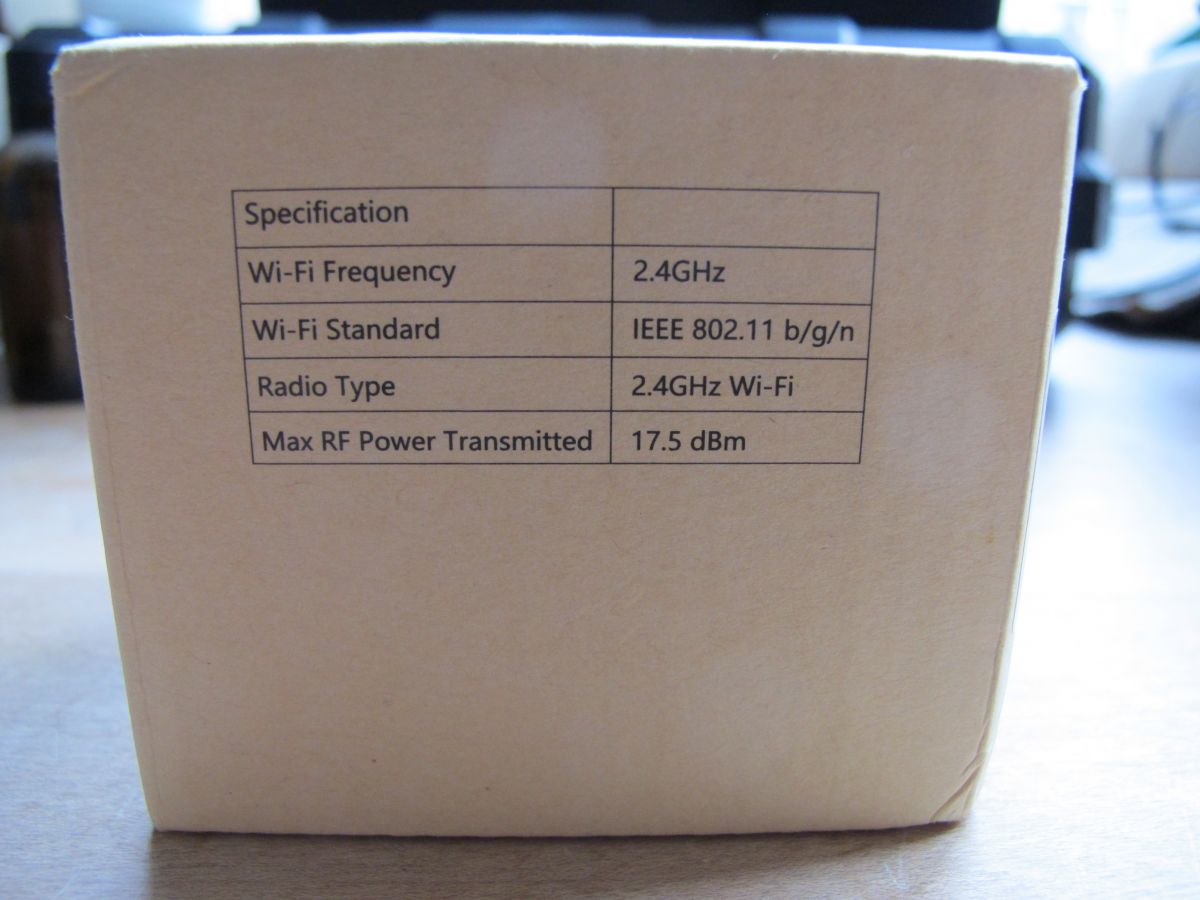
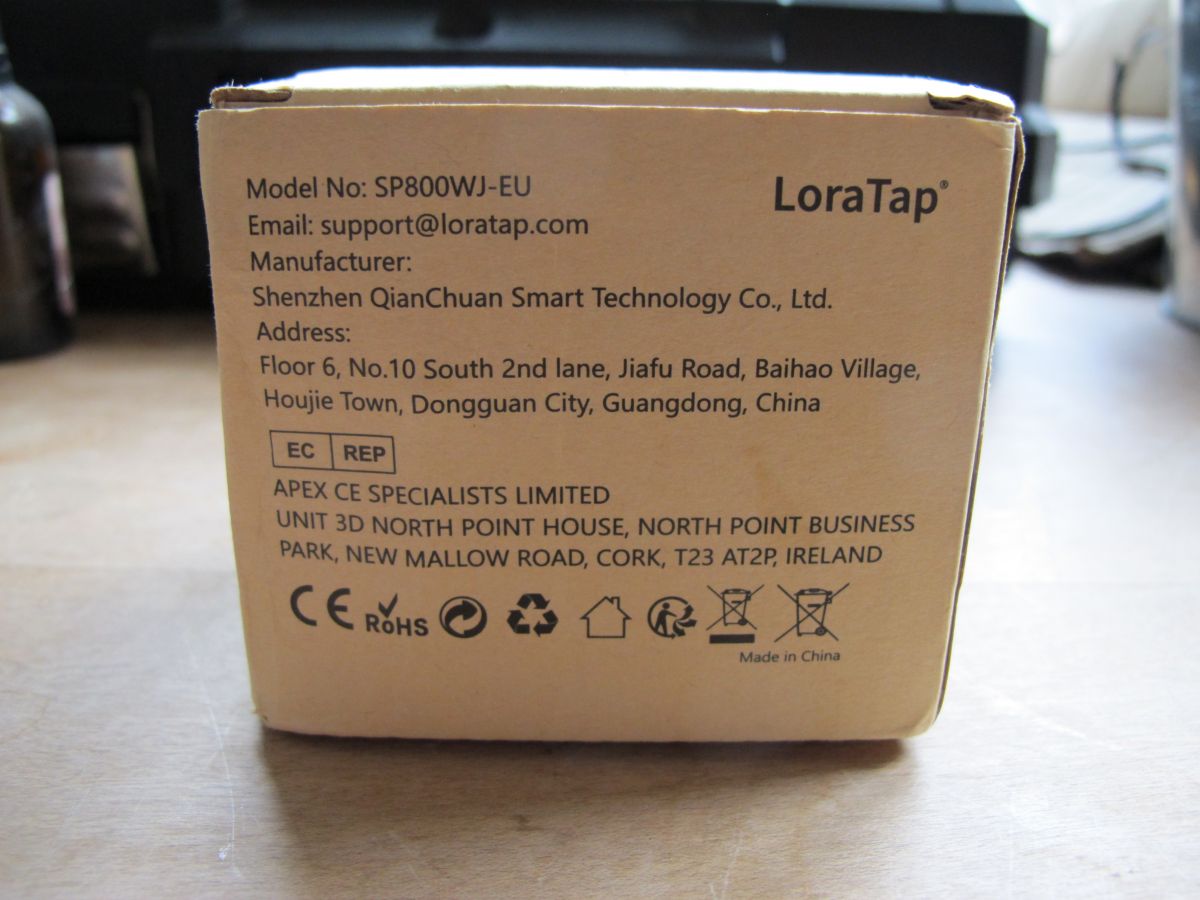
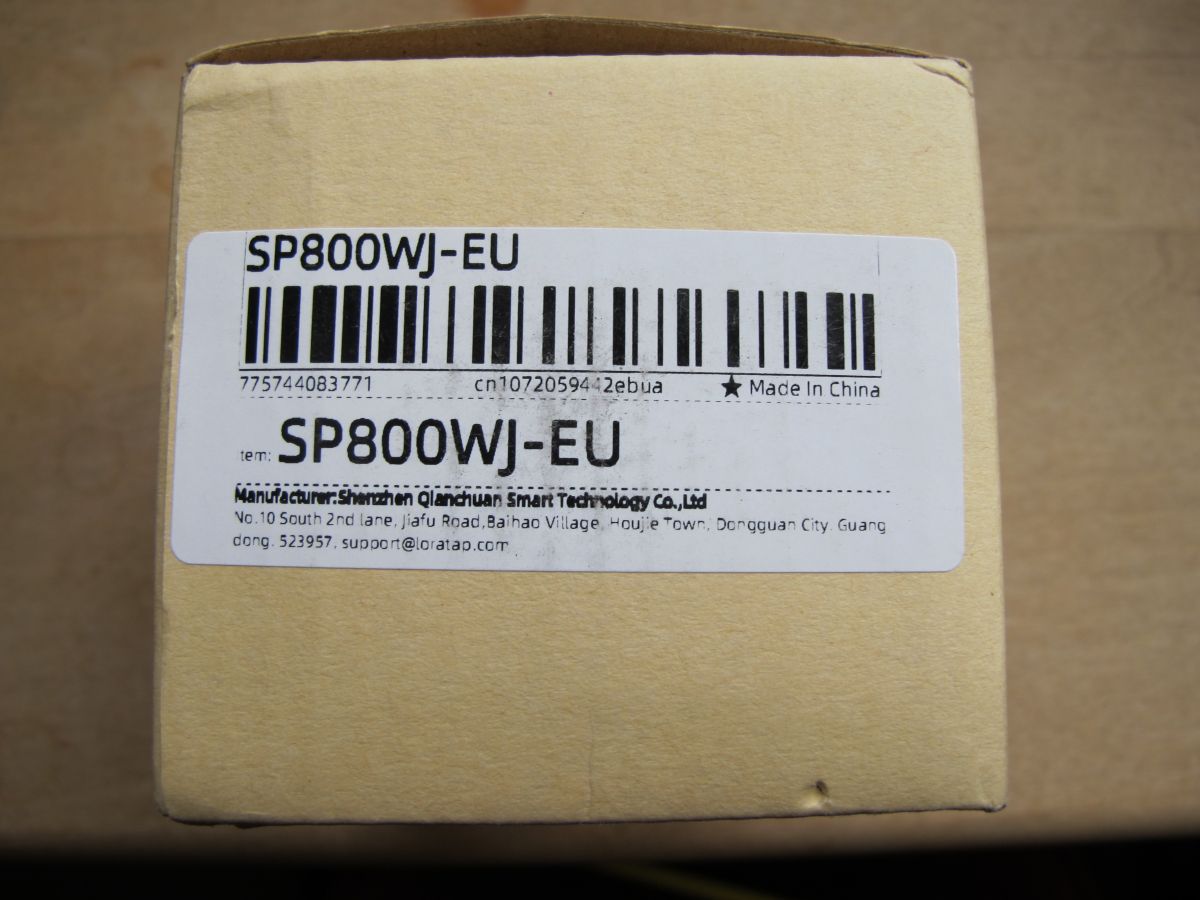
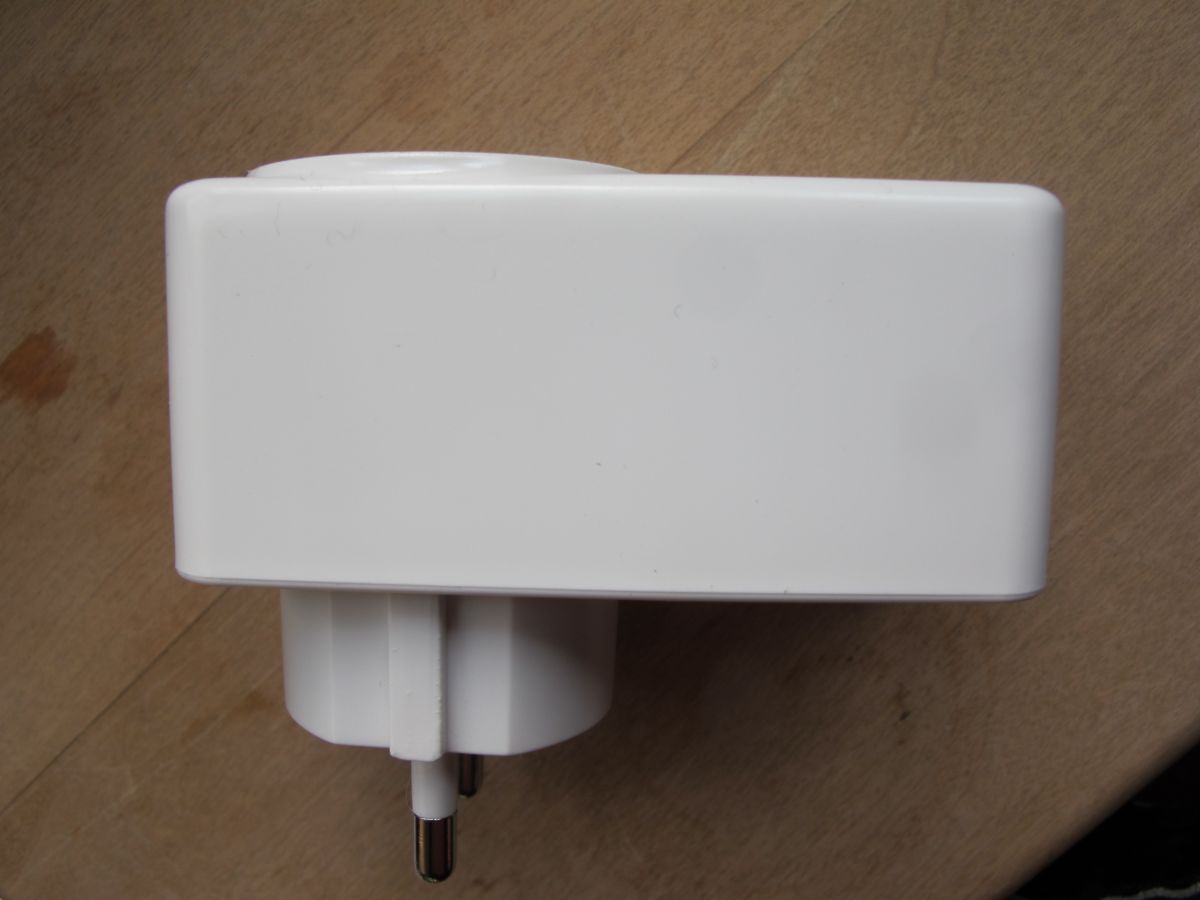
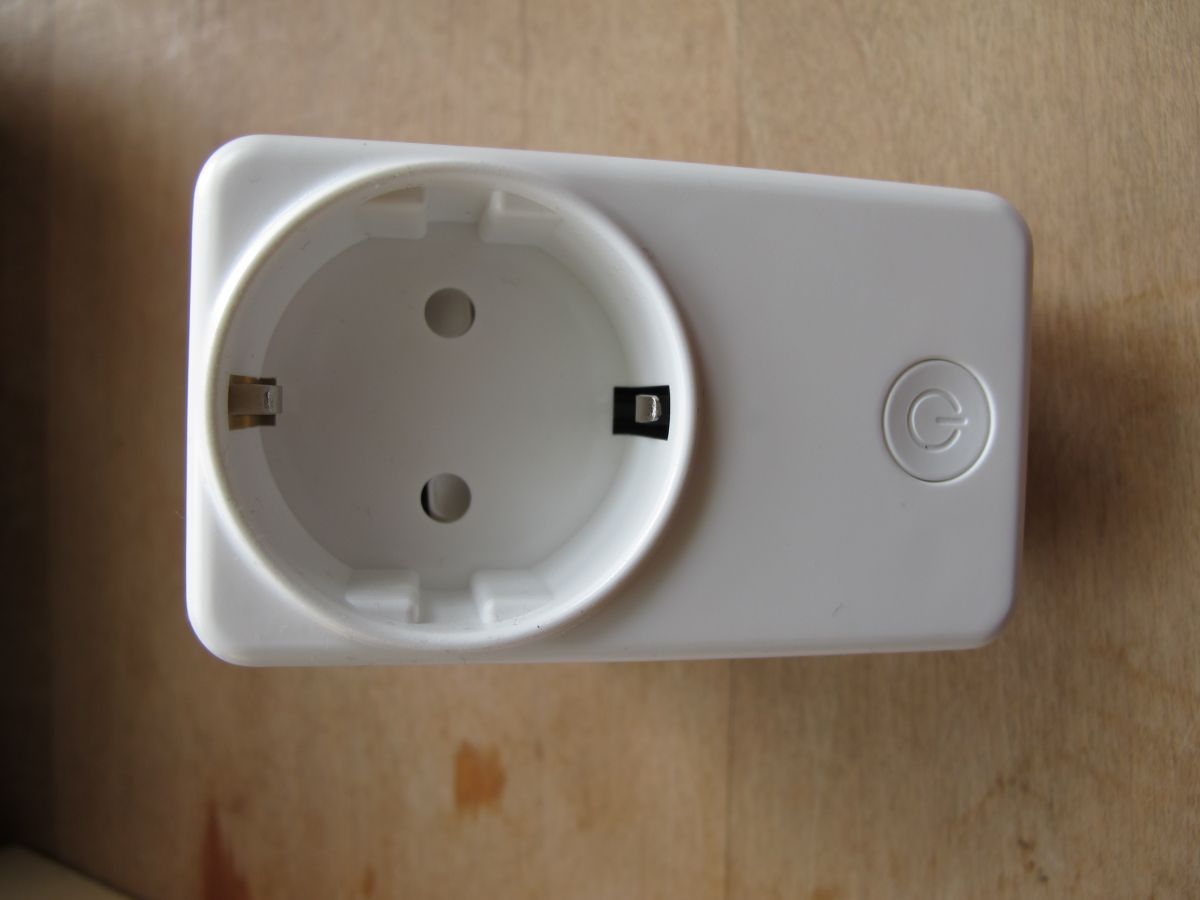
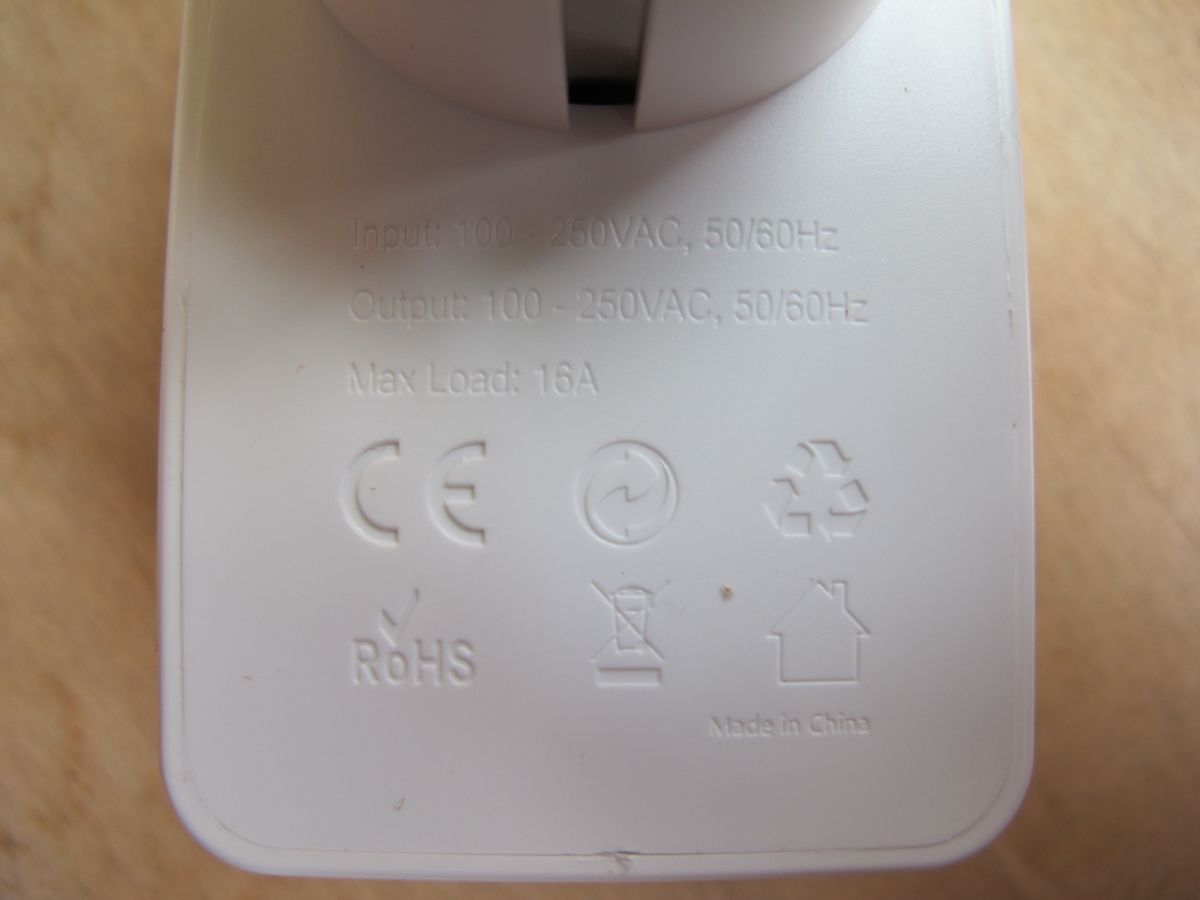
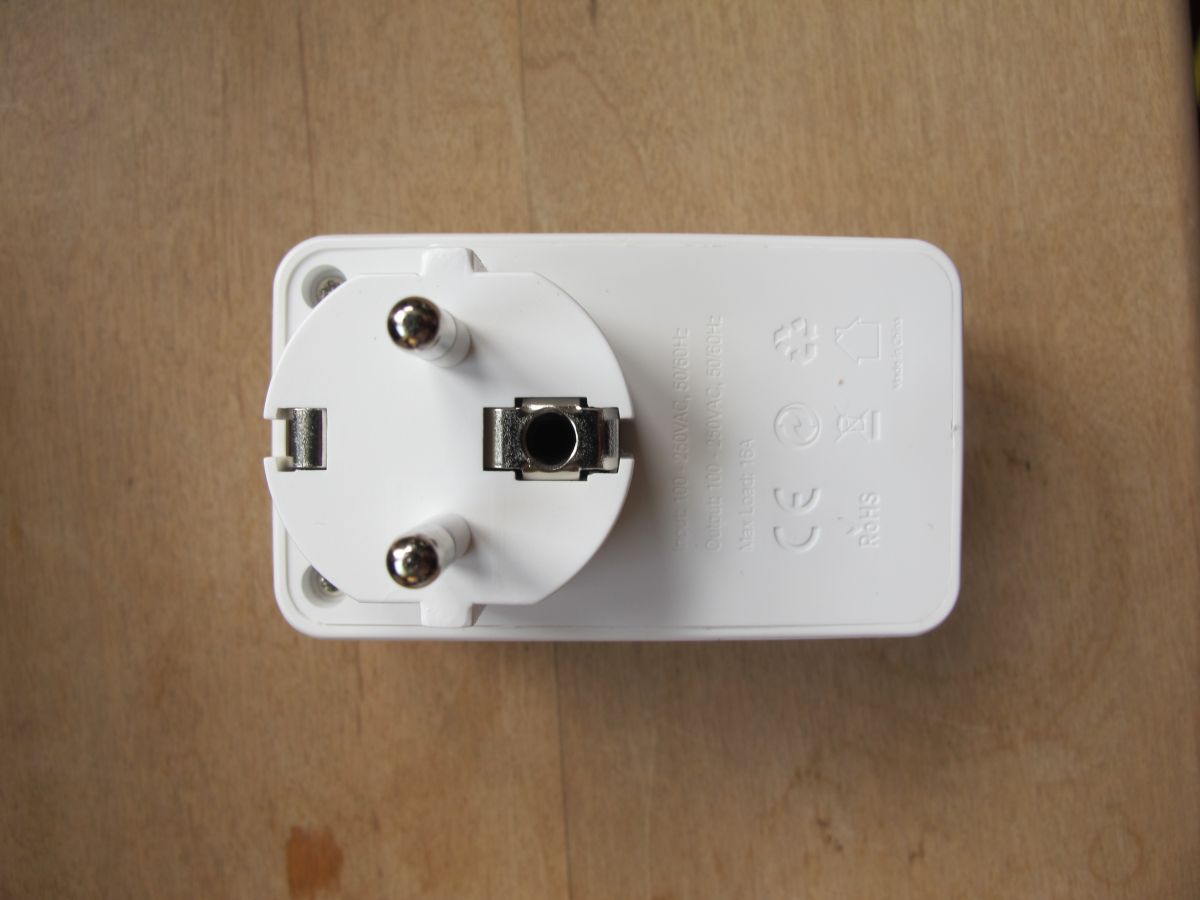
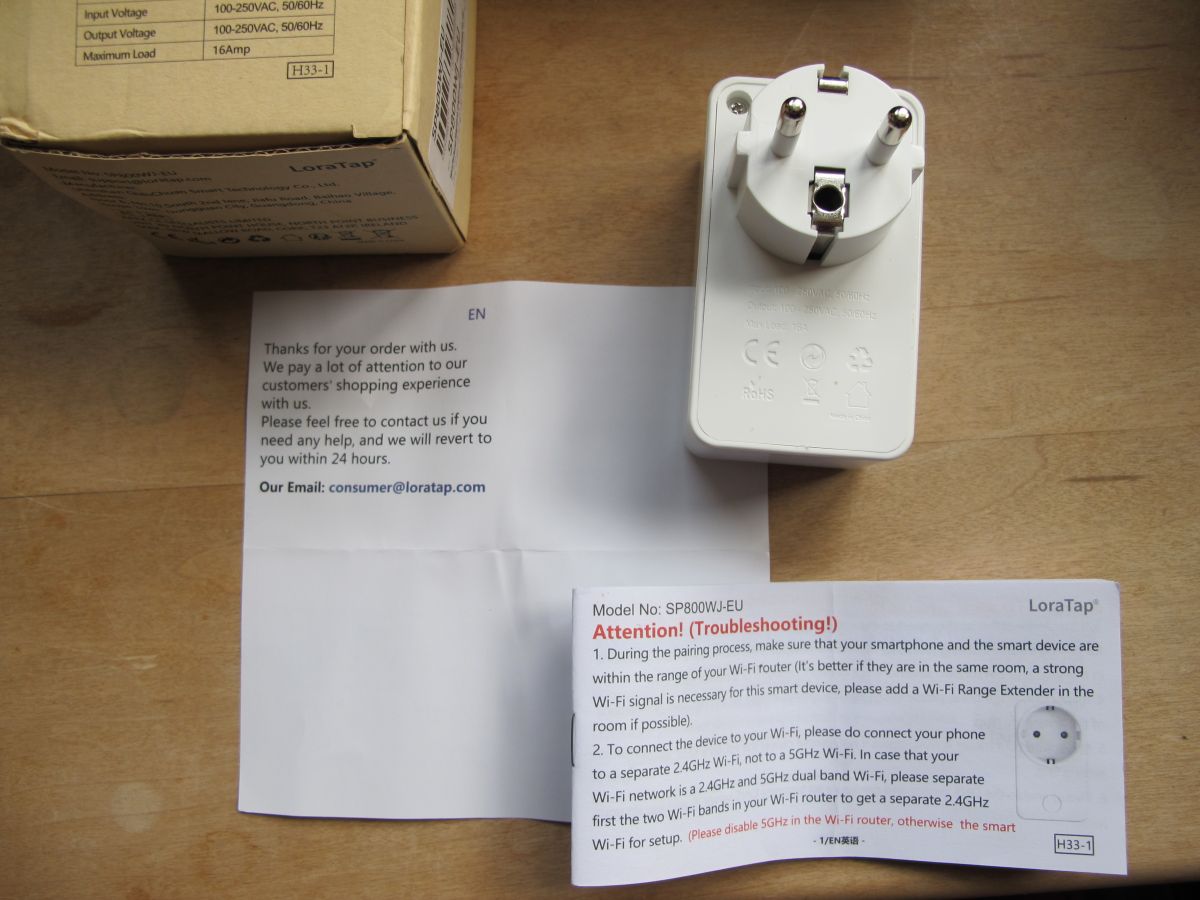
Packaging of LoraTap SP800WJ-EU smart plug Box with technical specifications of a WiFi smart plug.A cardboard box with a label containing details of Apex CE Specialists GmbH.Packaging of LoraTap plug model SP800WJ-EUCardboard box with the label of the LoraTap SP800WJ-EU product.White LoraTap EU smart WiFi plug side view.Close-up of the LoraTap SP800WJ-EU smart plug with a power button.Back of LoraTap smart plug with voltage and certification informationTop view of the European smart plug LoraTap SP800WJ-EU.LoraTap SP800WJ-EU smart WiFi plug with leaflets.

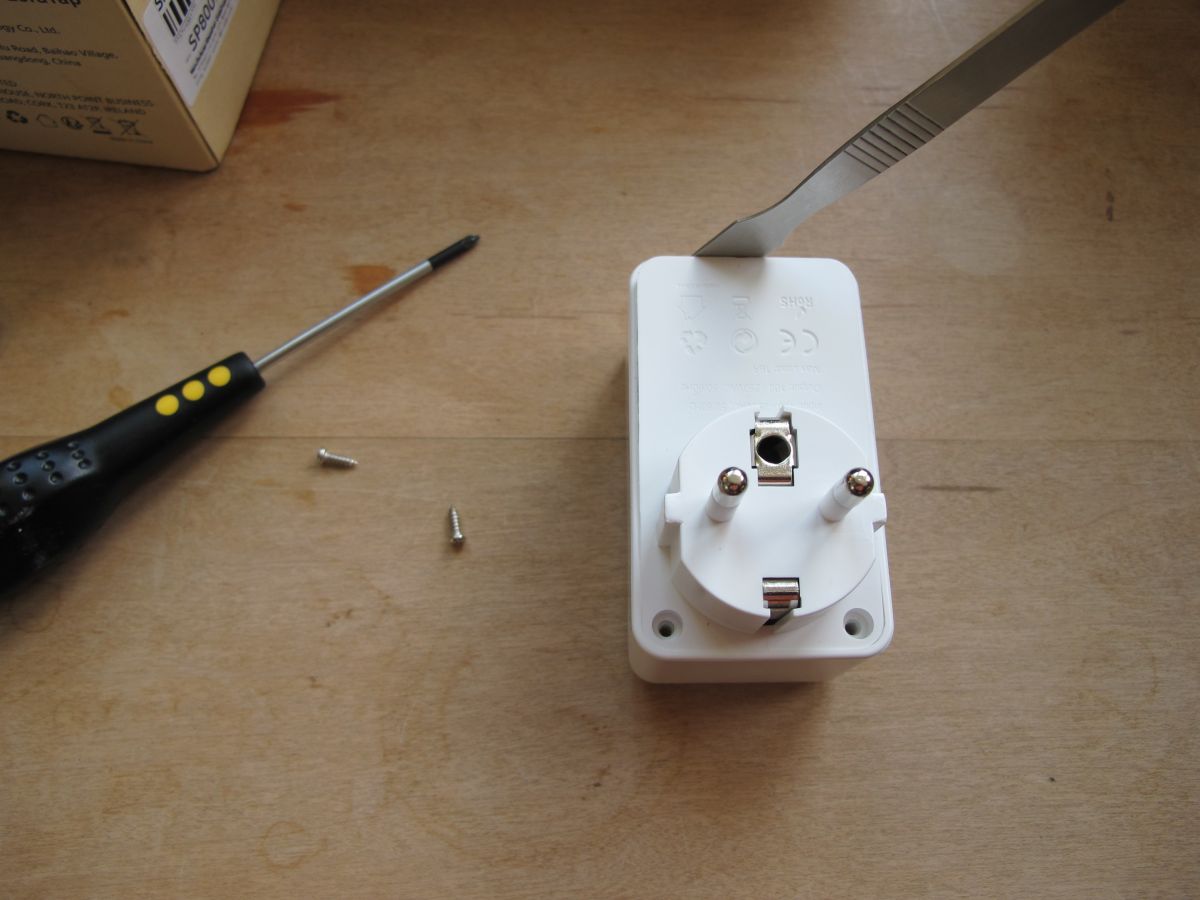
To get inside the device, the two cross-head screws on the underside need to be removed and the snap-fit casing pried open with a thin spudger
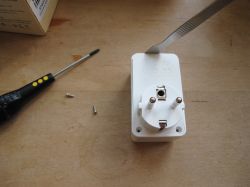
LoraTap Tuya smart plug with open case and tools on a white background.

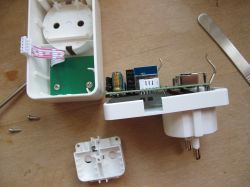
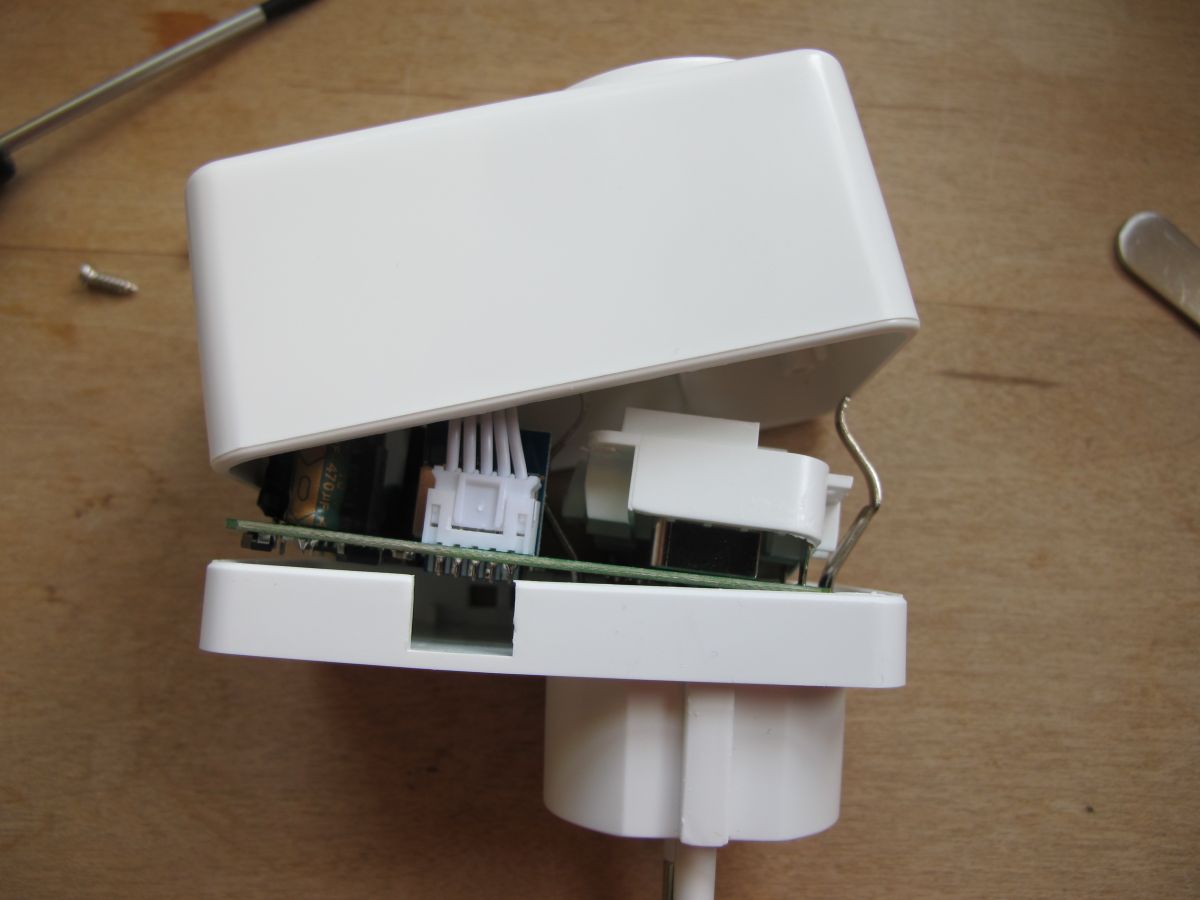
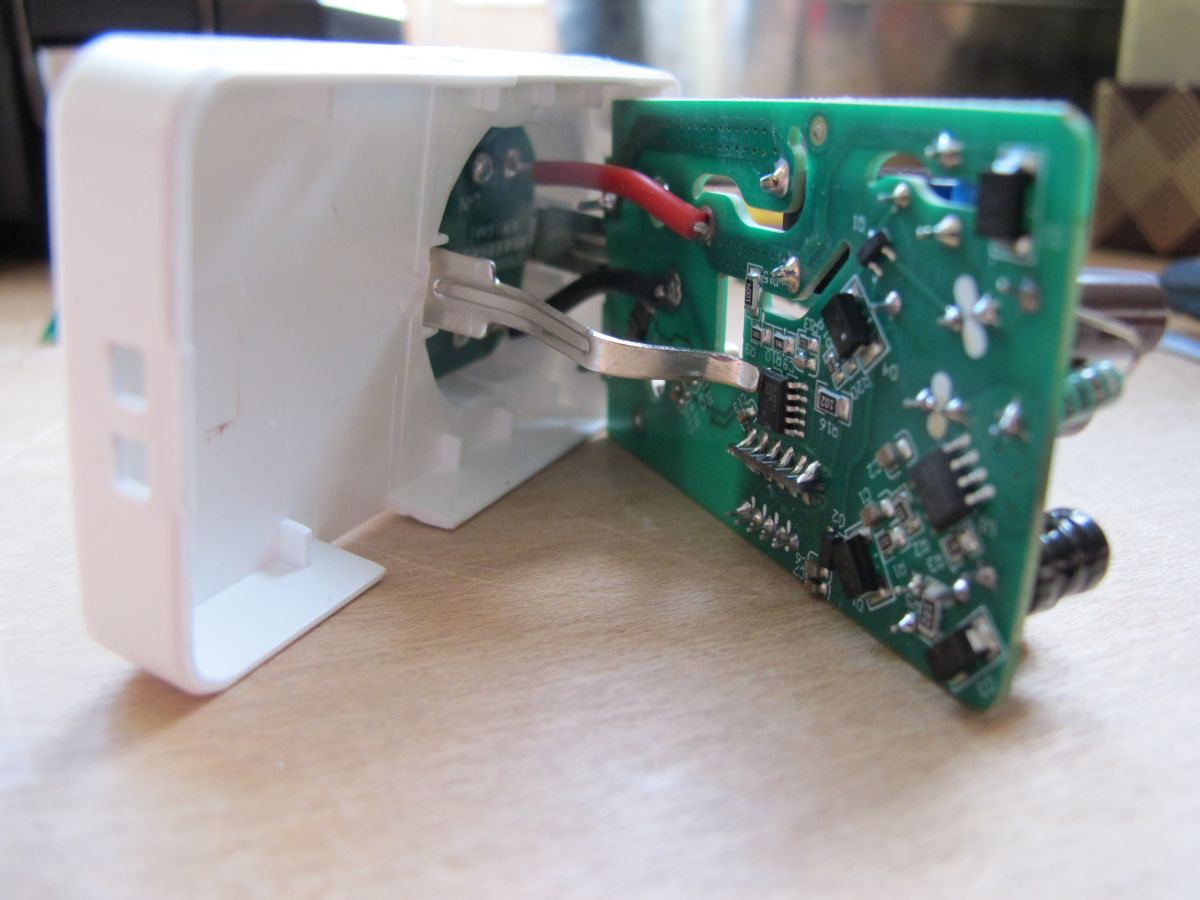
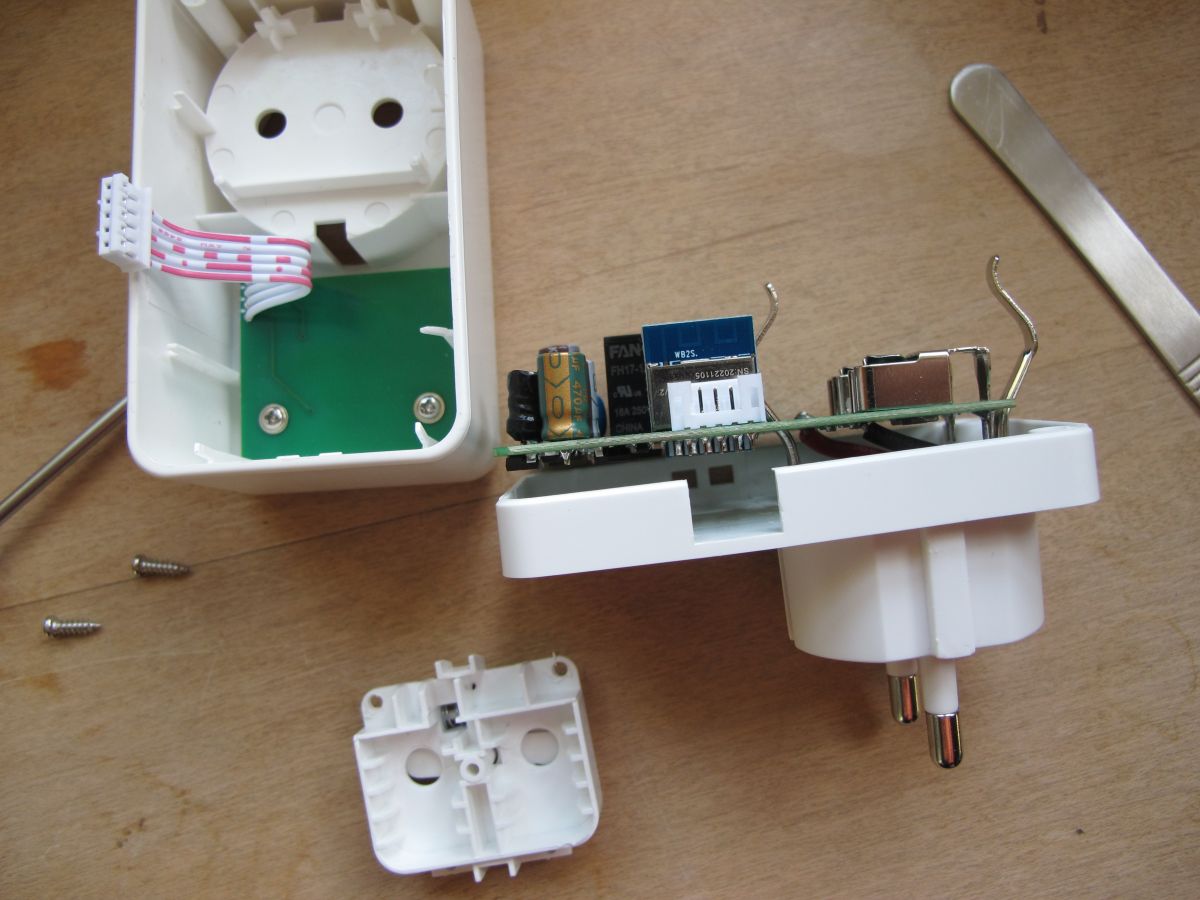
With the case apart there'll be some connections between the main parts stopping complete separation.
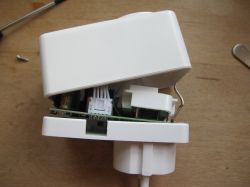
Disassembled LoraTap SP800WJ-EU smart plug.

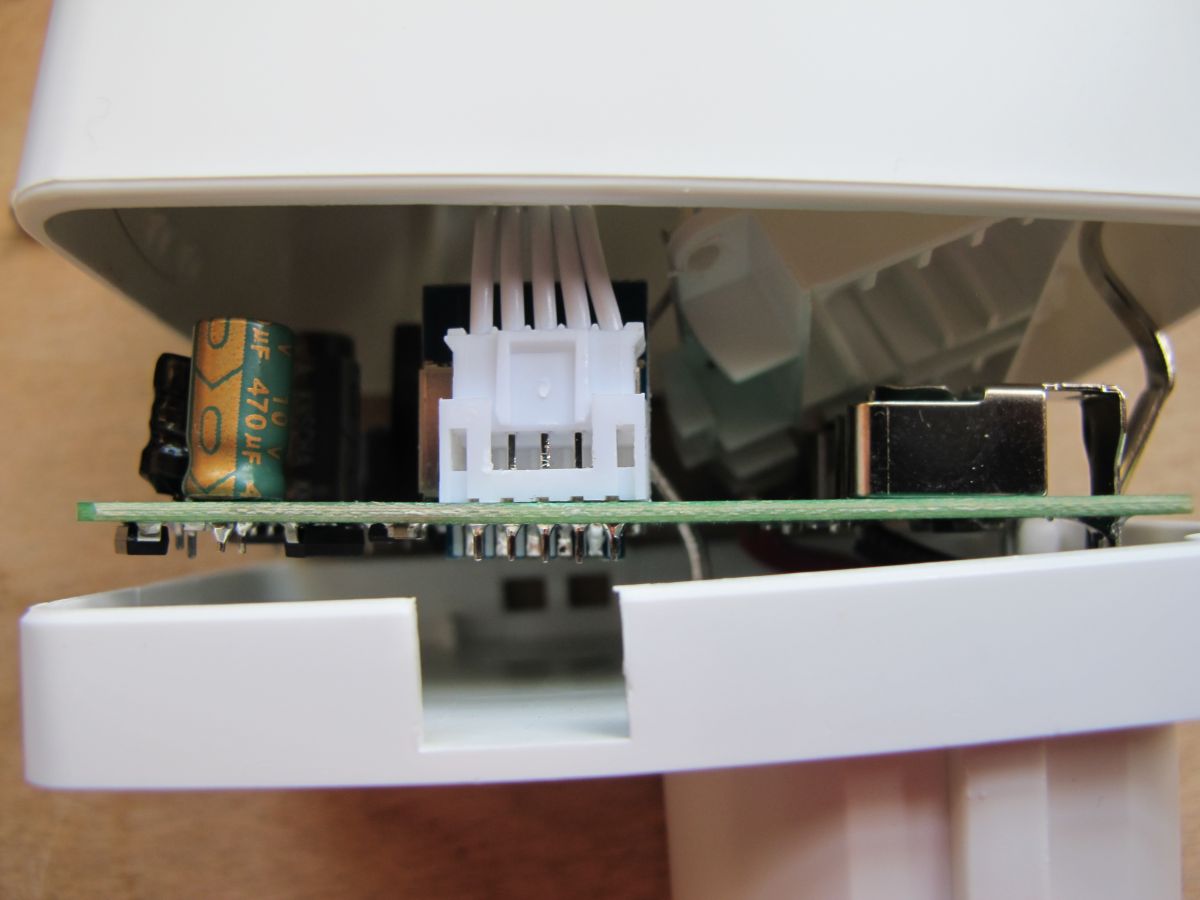
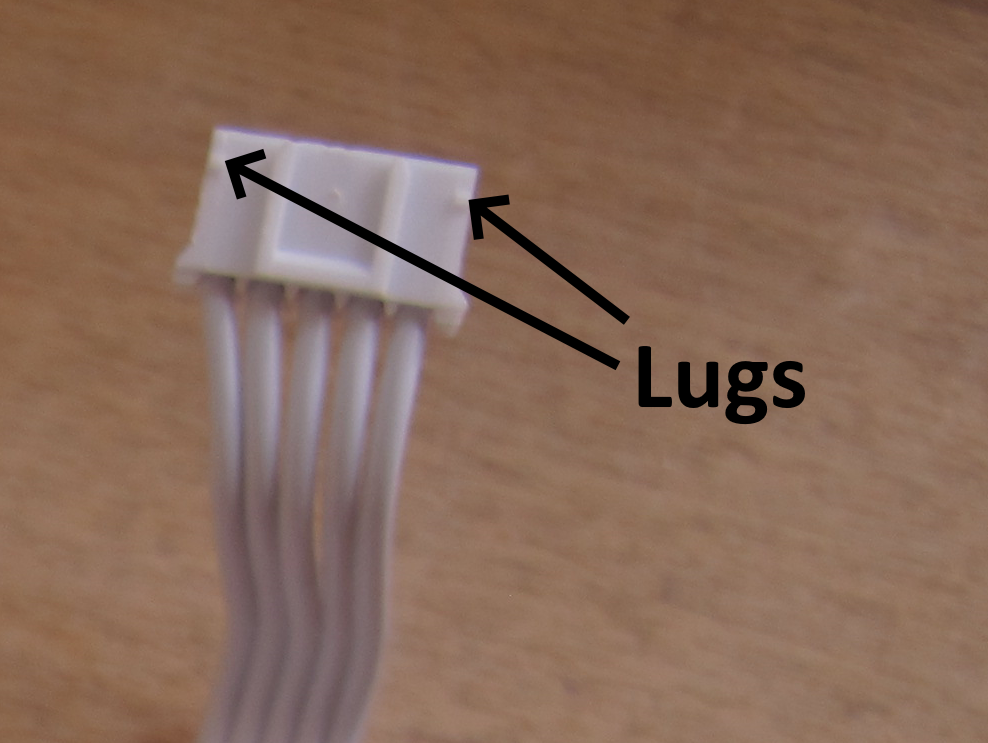
Pushing the little white lugs at the left and right of this connector allows the connector to be pushed upwards using something with a thin wedge, like a flat screwdriver or the edge of the spudger if narrow enough
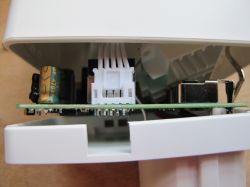
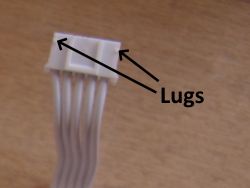
Interior of LoraTap SP800WJ-EU smart plug.Plug with wires and Lugs labels

With that separated:
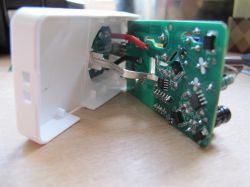
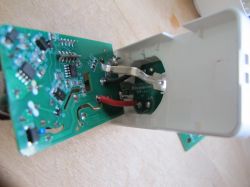
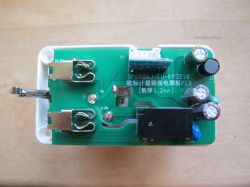
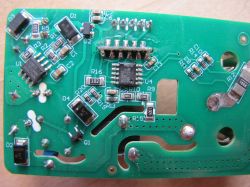
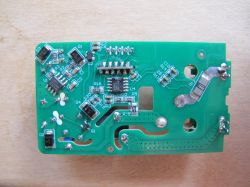
Interior of disassembled LoraTap SP800WJ-EU smart plug Interior of LoraTap SP800WJ-EU smart WiFi plug with exposed circuit board. Interior of LoraTap SP800WJ-EU smart plug housing with circuit board and ribbon cable WB2S module on a circuit board with electronic components. Close-up of the SP800WJ-EU-KP3210 circuit board with visible components. PCB of LoraTap SP800WJ-EU smart plug with electronic components. Disassembled LoraTap SP800WJ-EU smart plug showing the interior with PCB and components.

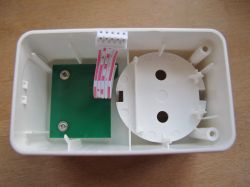
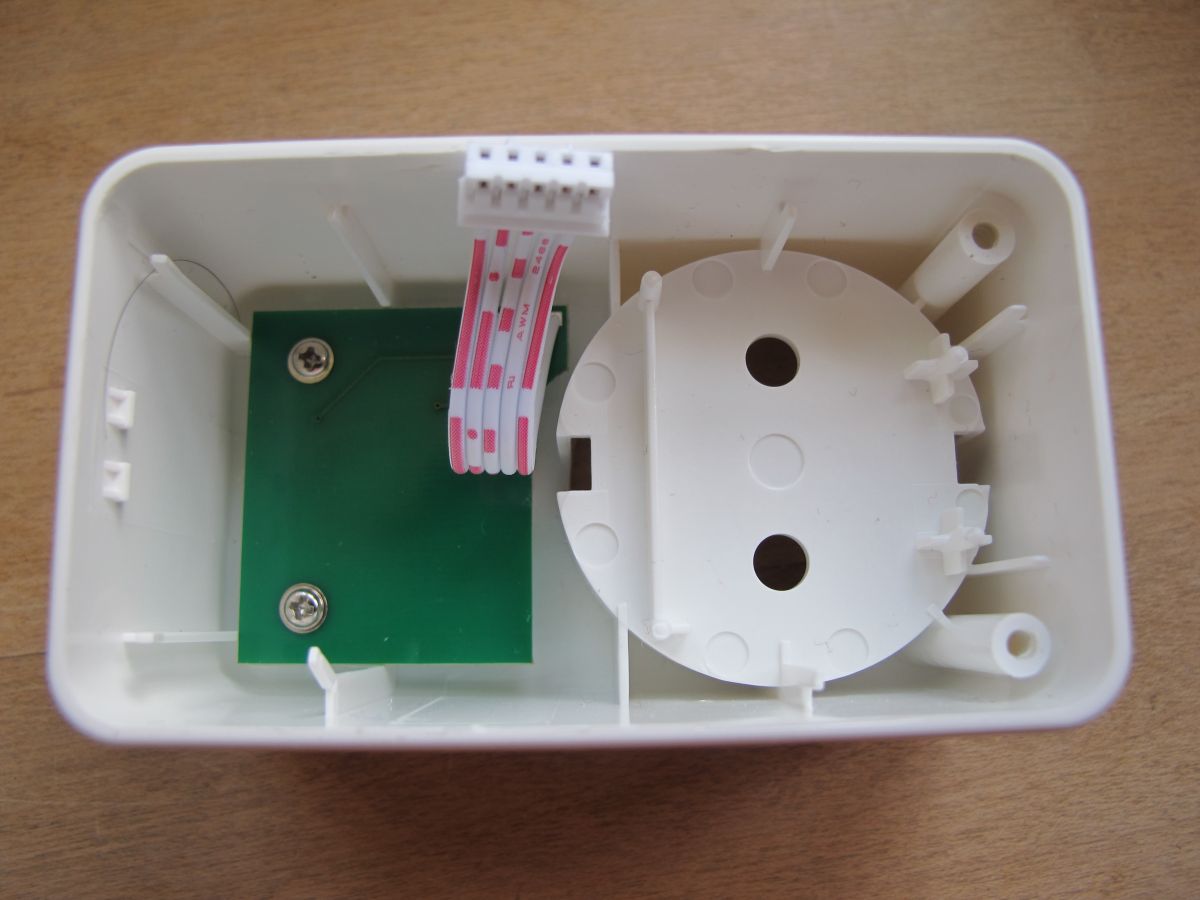
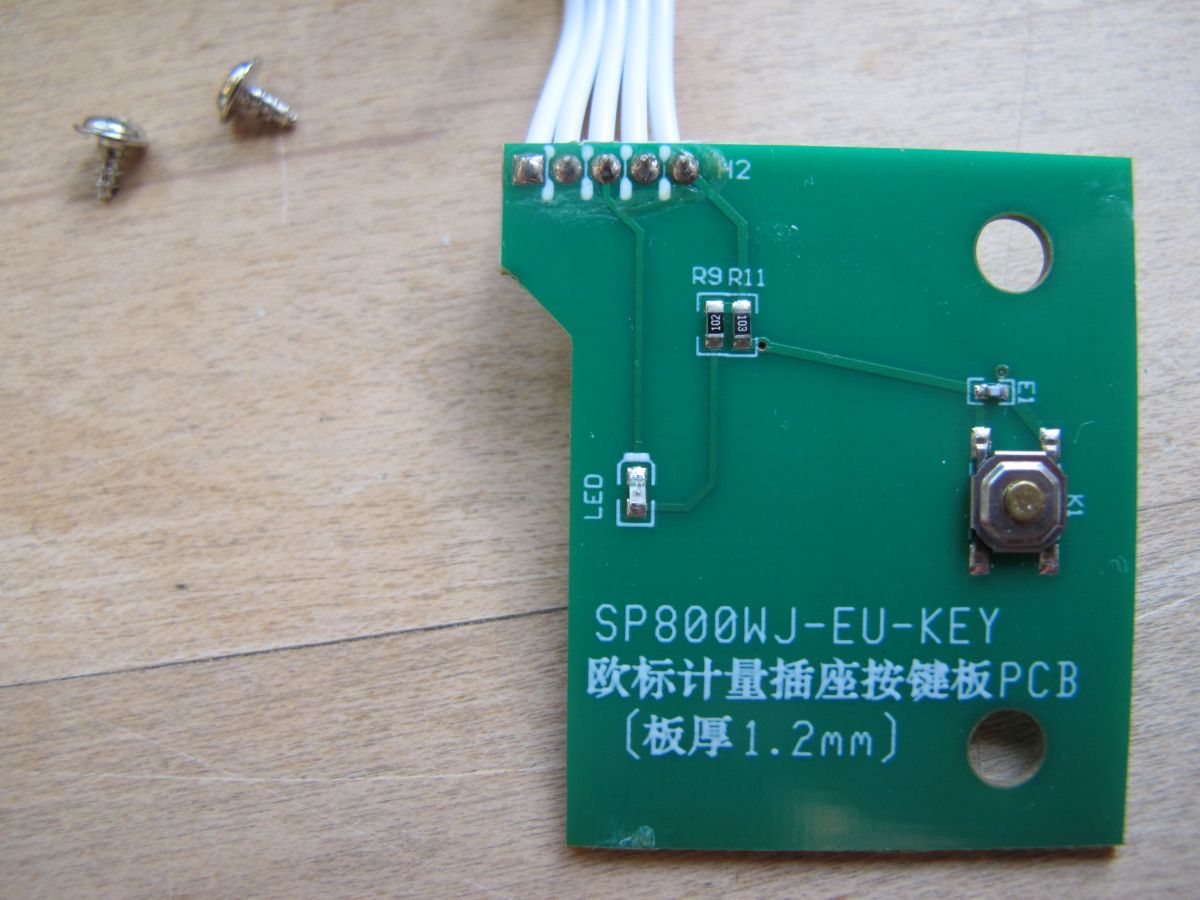
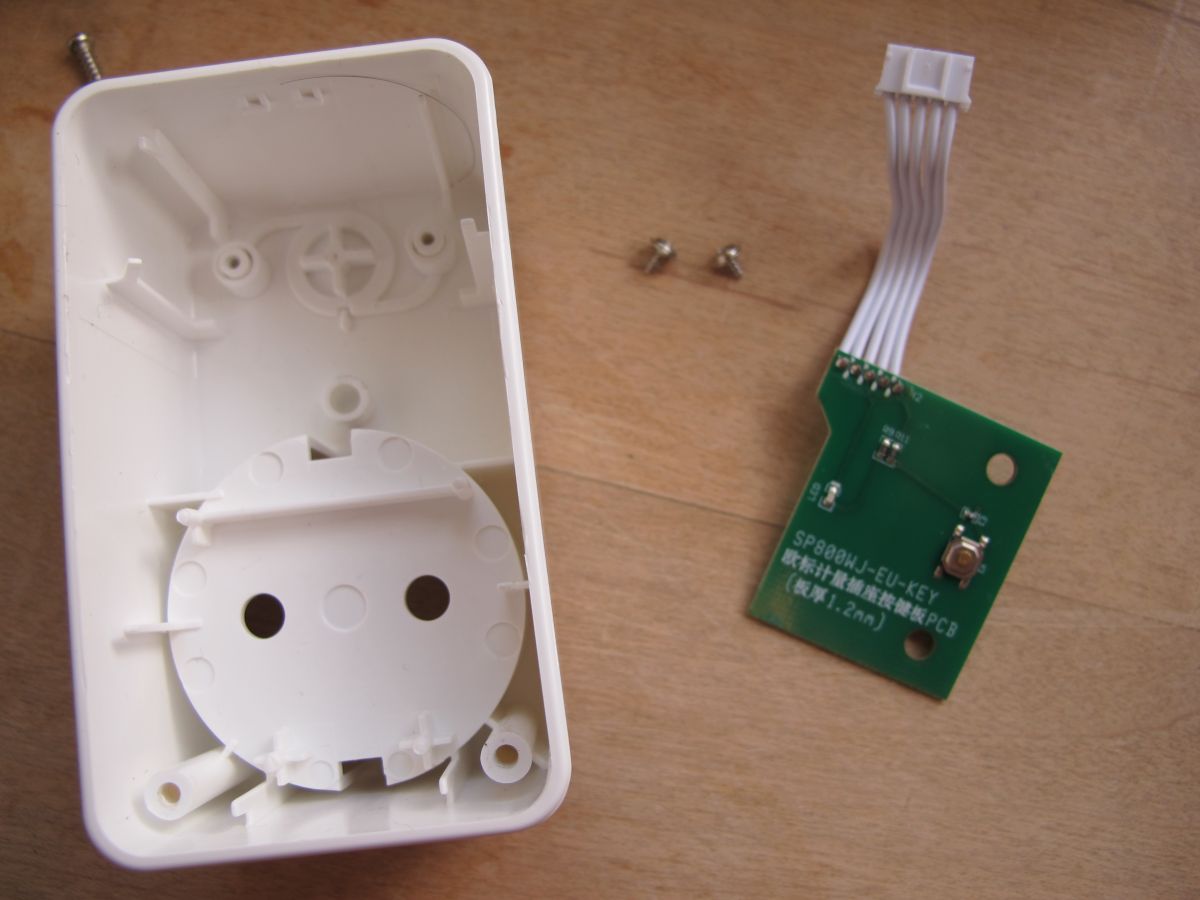
The ribbon cable went to a separate PCB where the LED and button are soldered, which itself can be freed by removing the two screws
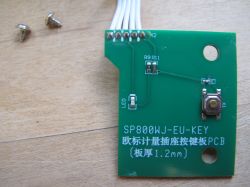
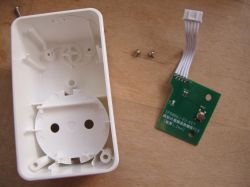
PCB board with electronic components and a button. Opened smart plug casing from LoraTap with a disassembled circuit board.

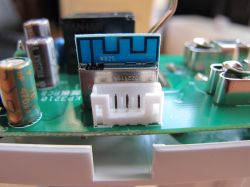
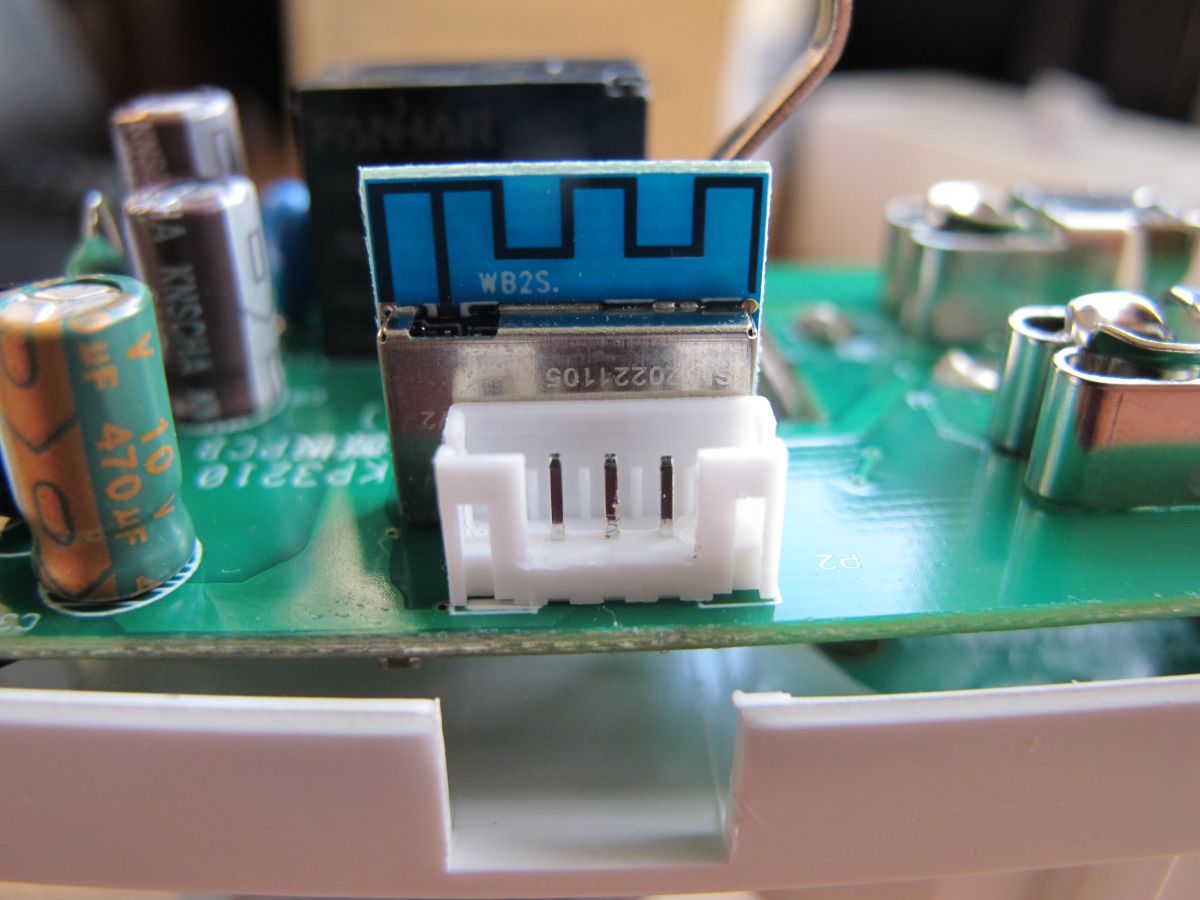
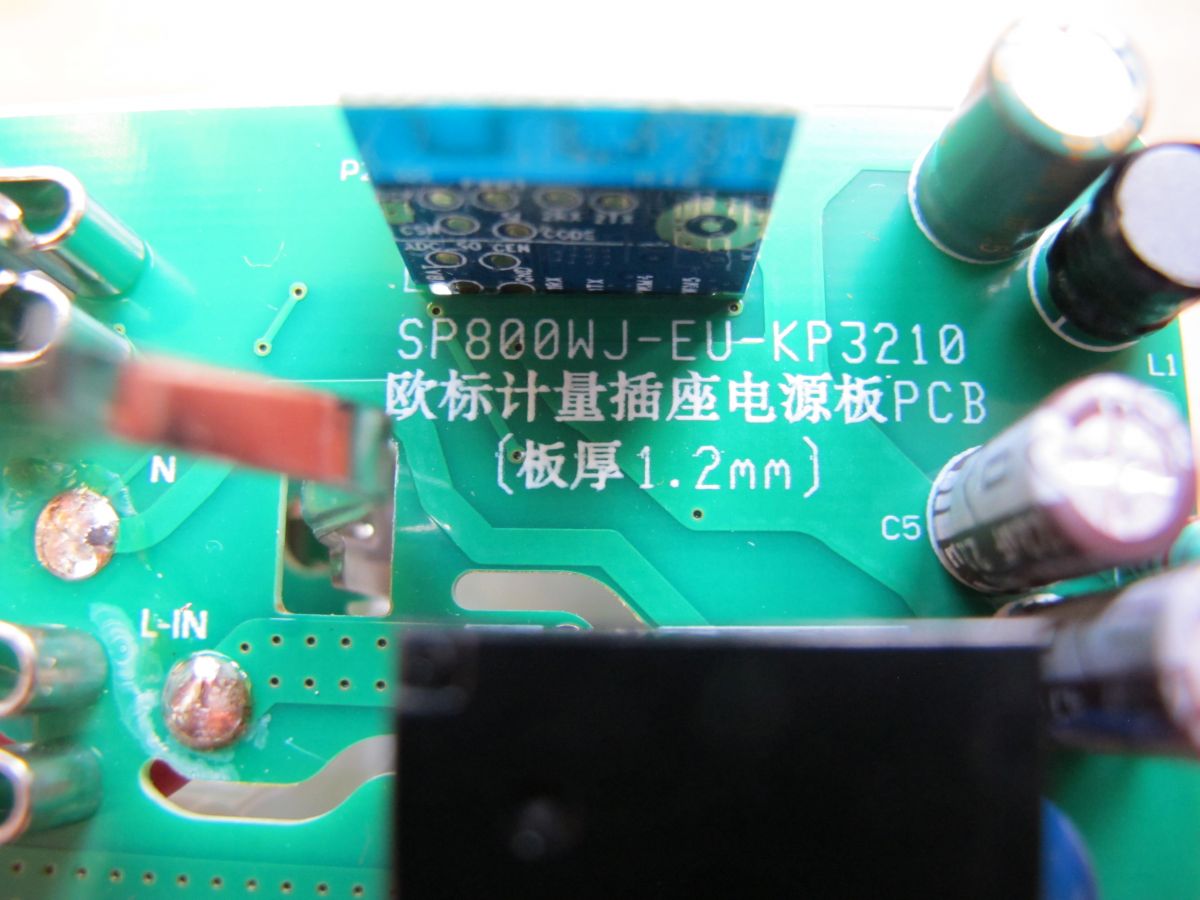
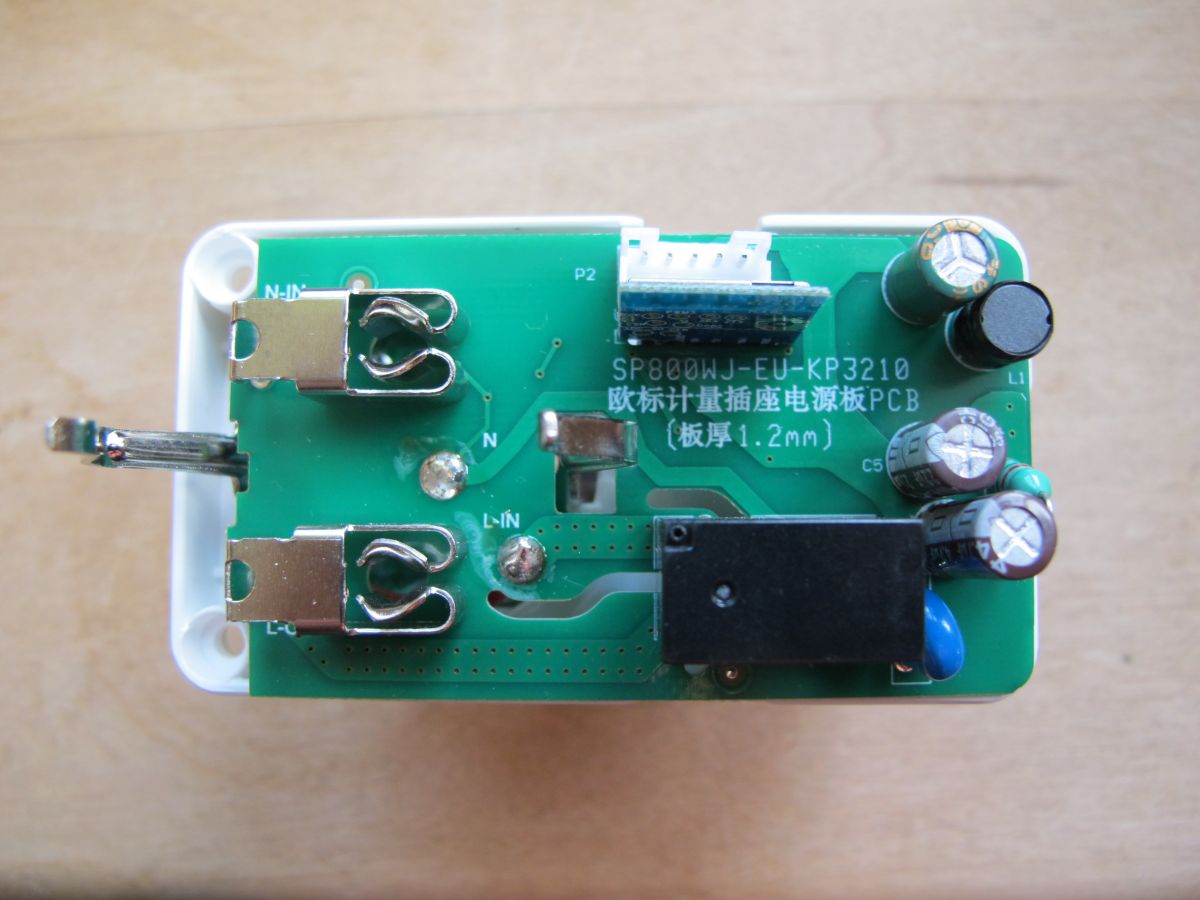
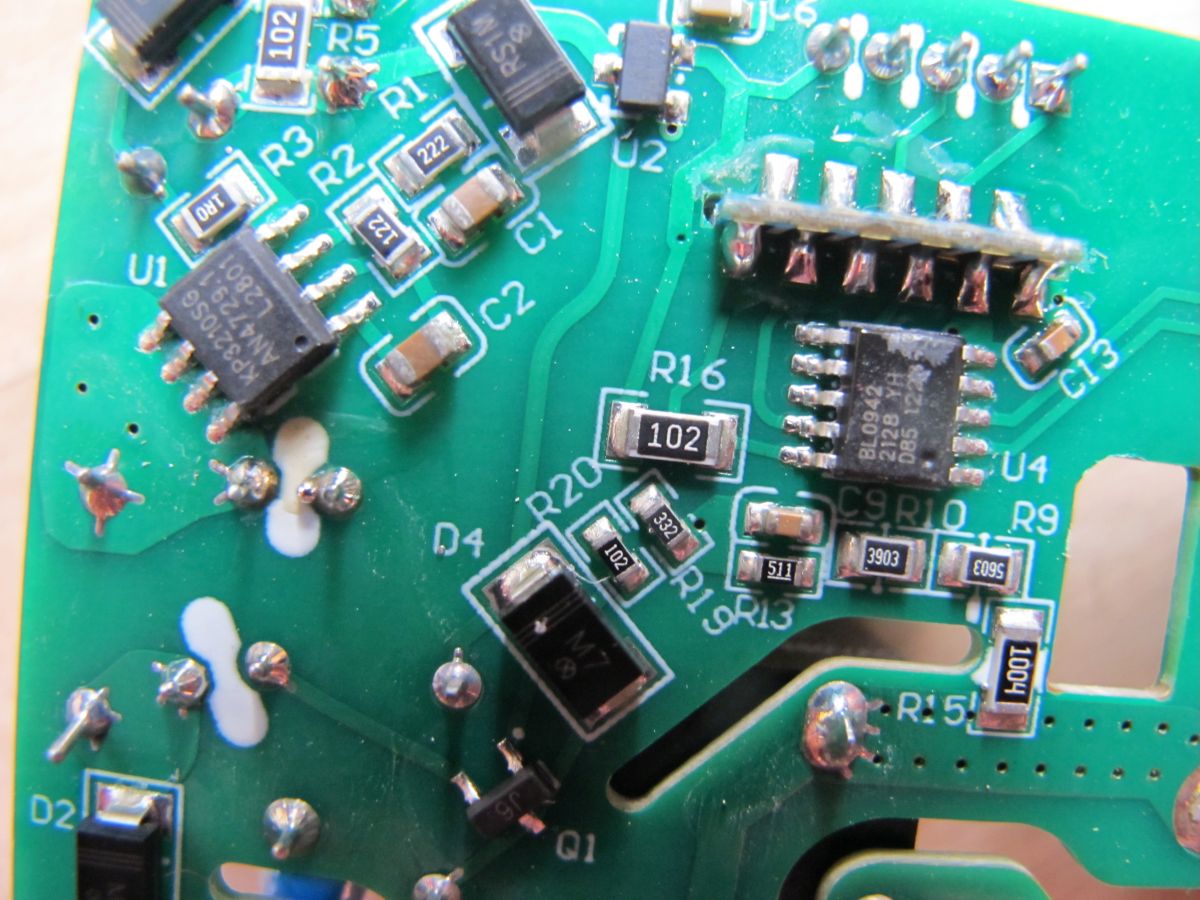
Sticking up from the main PCB is the module we're interested in - the WB2S. Tuya WB2S has a Beken BK7231T chip under the metal RF shield.

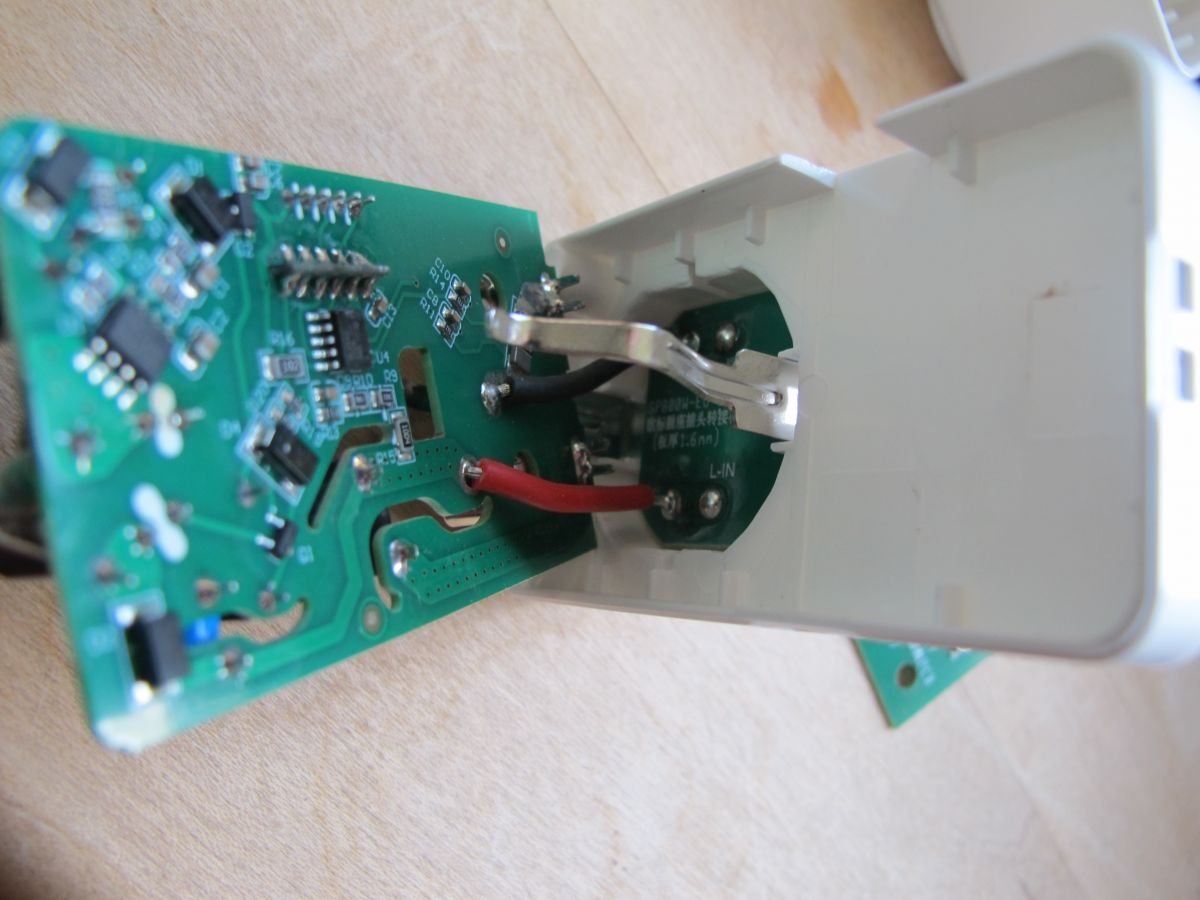
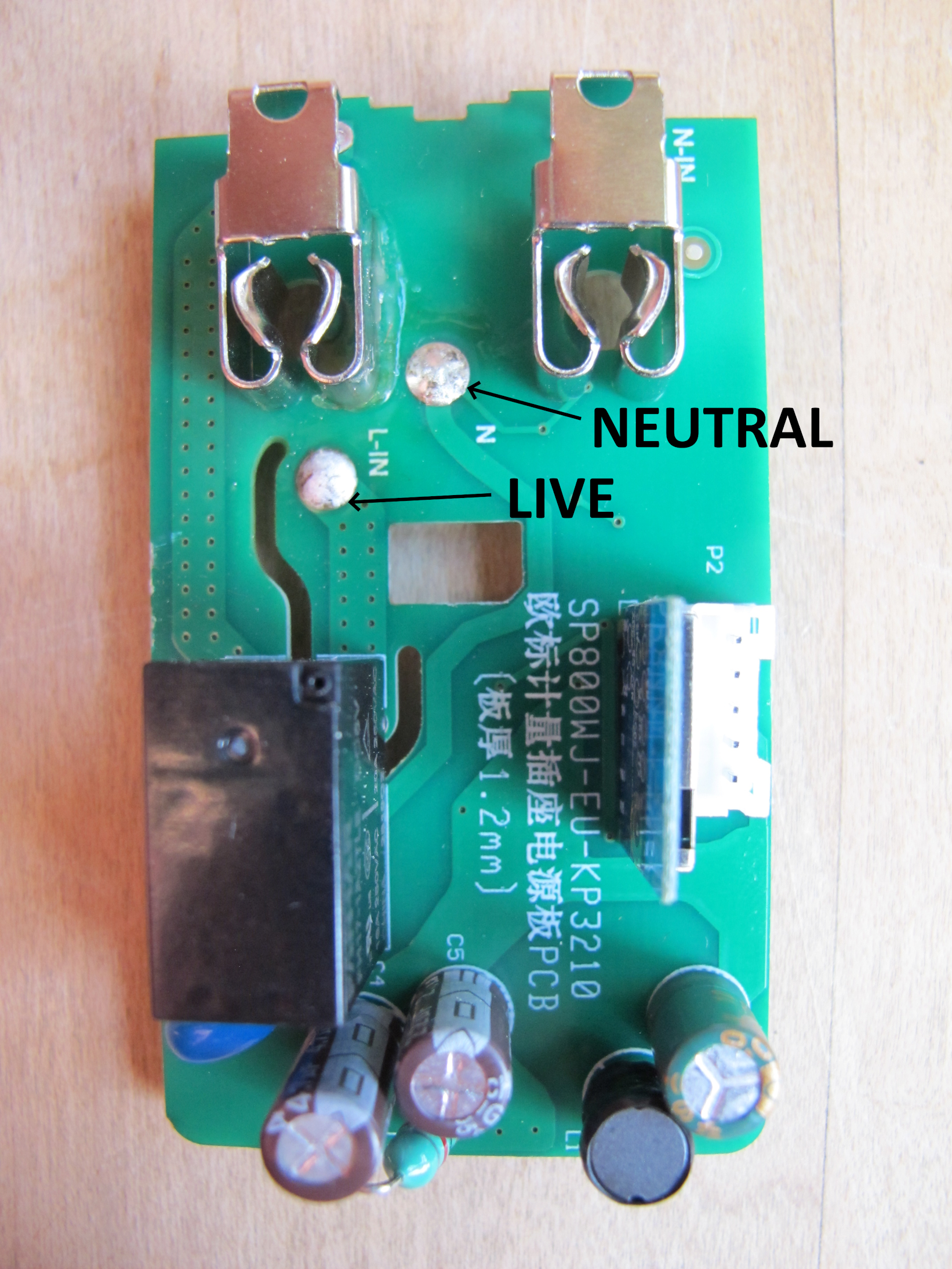
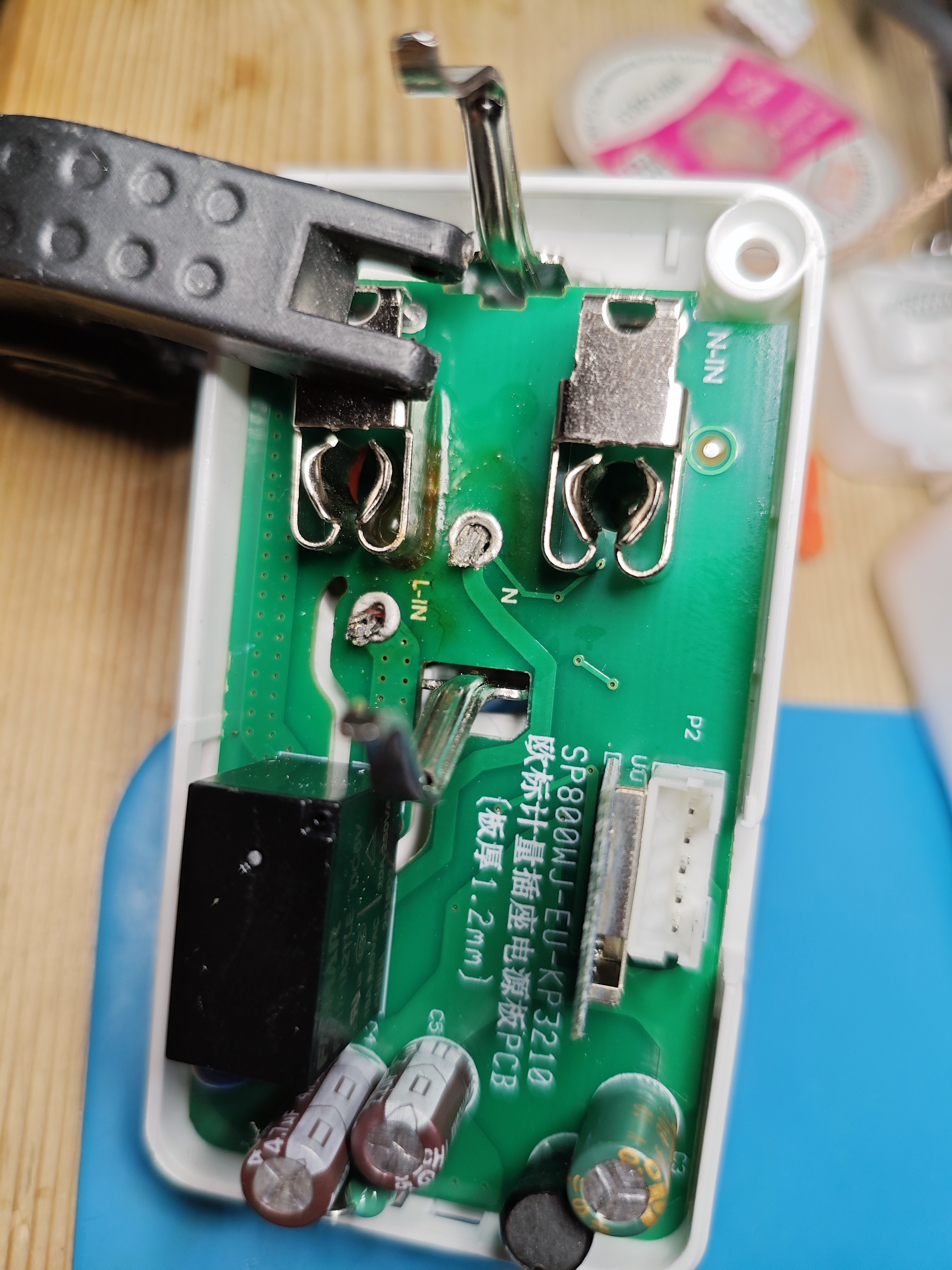
To free the main PCB completely, so we can access the WB2S properly, the mains live and neutral wires need to be de-soldered. I achieved this with a dab of flux on each solder blob and then heating each with a soldering iron until the solder melted, allowing the wires to be removed
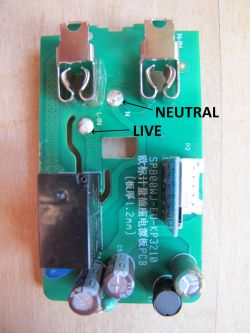
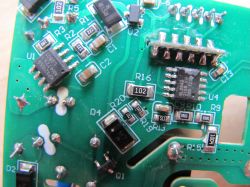
Electronic module of LoraTap smart plug with NEUTRAL and LIVE labels.

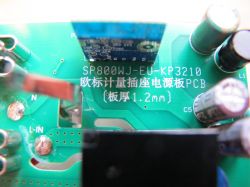
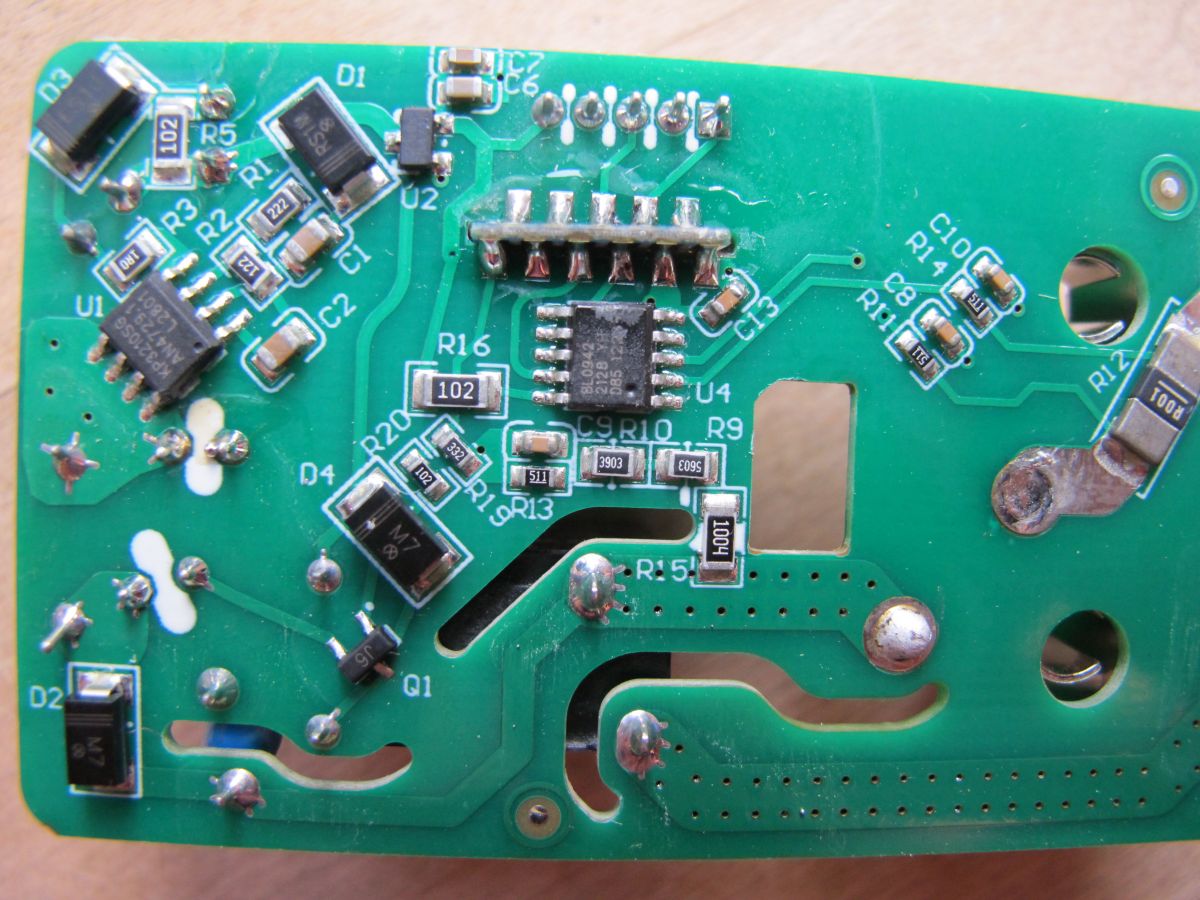
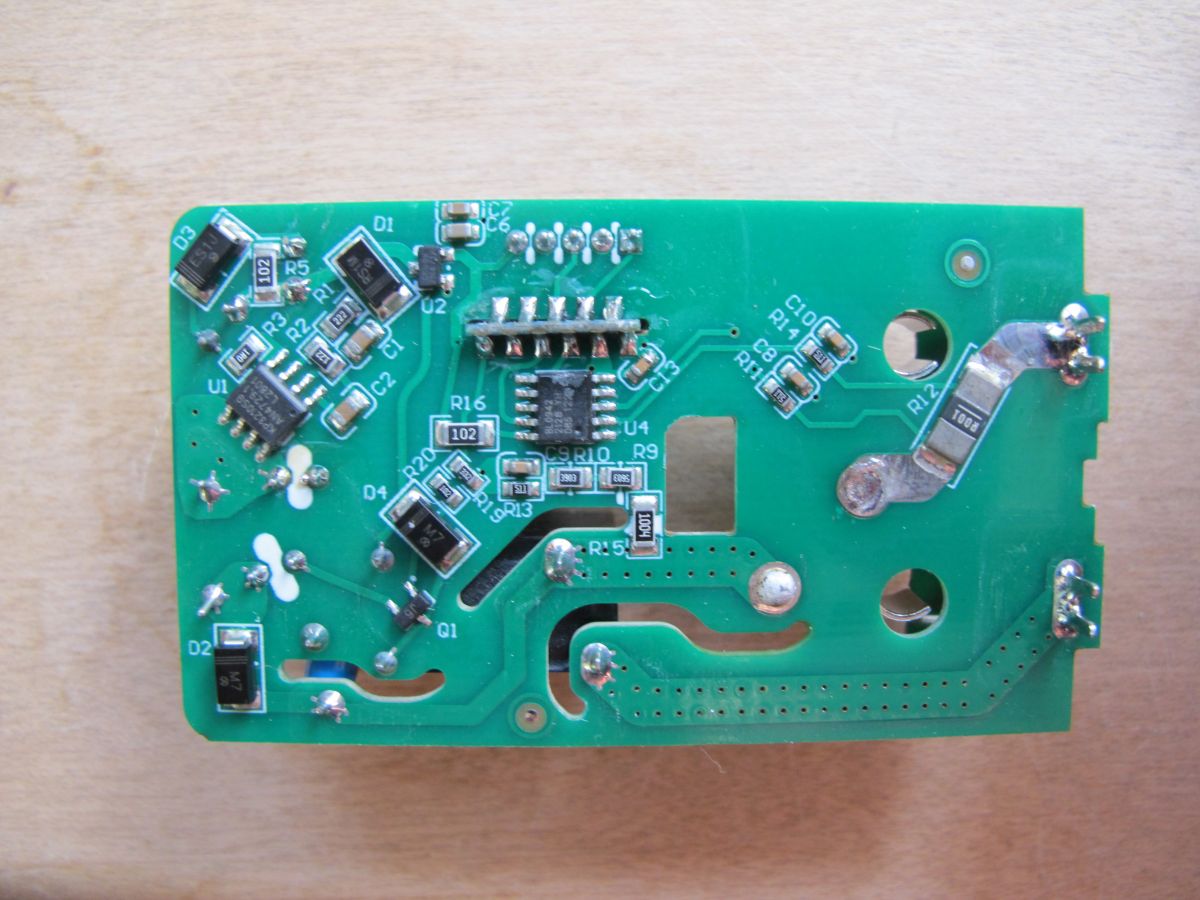
Close-up of the circuit board from the LoraTap SP800WJ-EU smart plug showing the BL0942 module. View of the internal circuit board of the LoraTap SP800WJ-EU plug. View of circuit board with electronic components

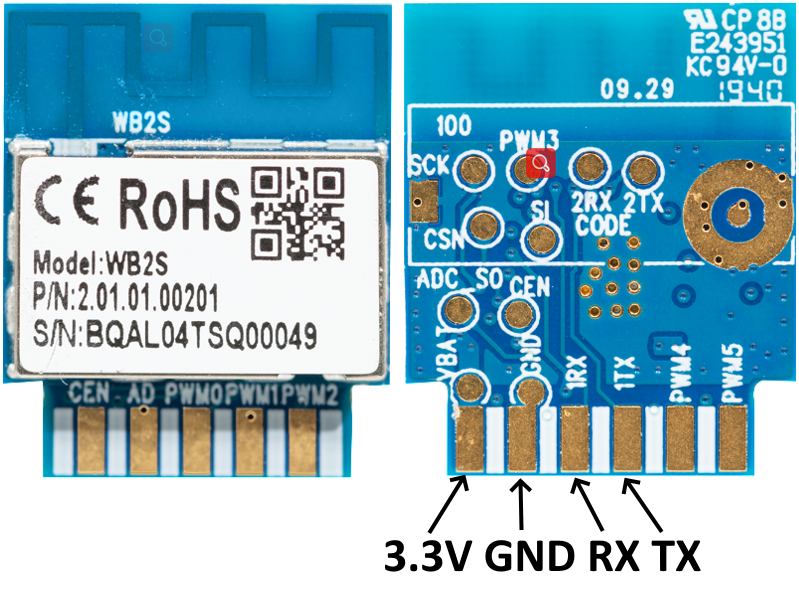
The WB2S RX/TX/3.3V and Ground points are easily accessible with the module kept in place, so no need to remove the whole module from the mainboard.
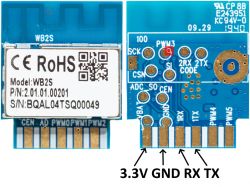
WB2S module with exposed connection points for soldering on the reverse side.

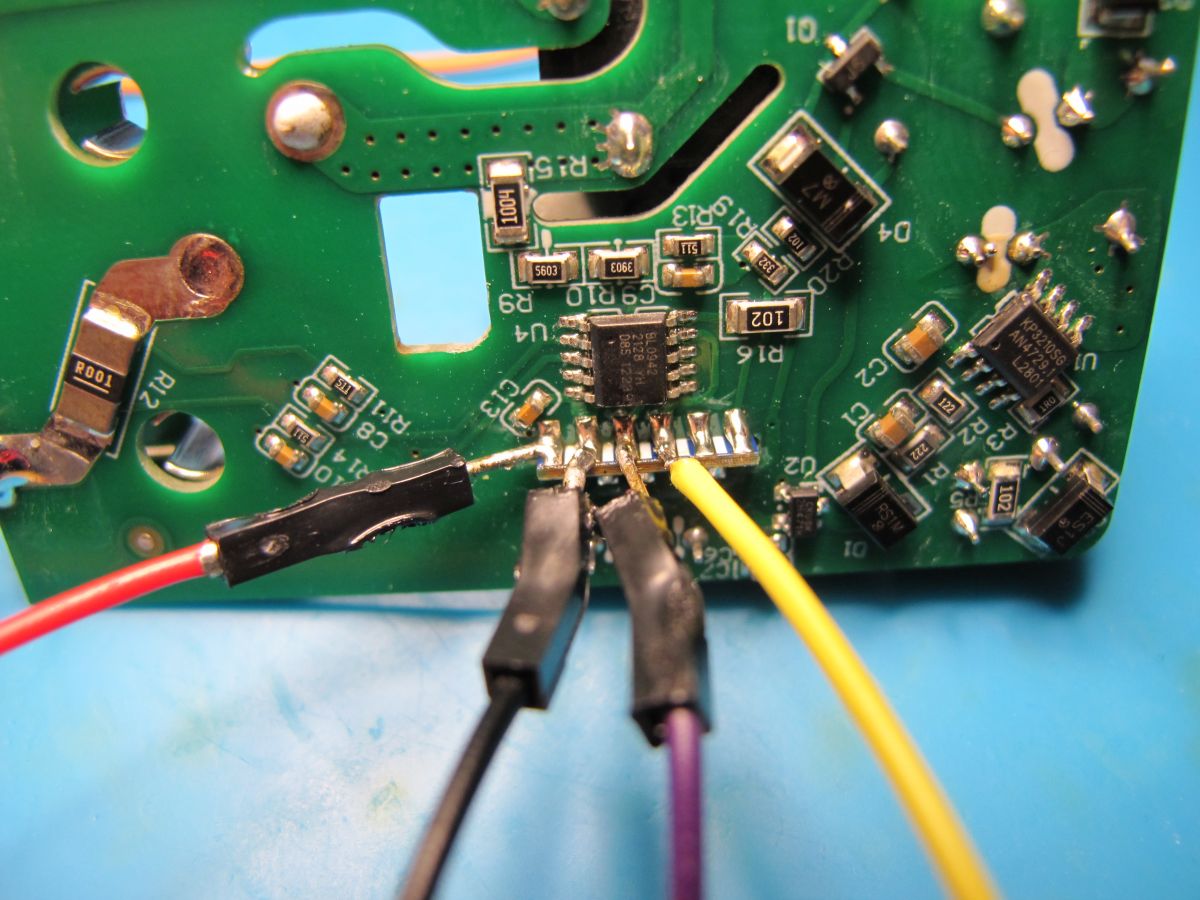
Solder those 4 up with some short thin wires
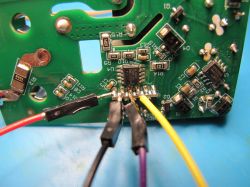
Circuit board with wires soldered to soldering points.

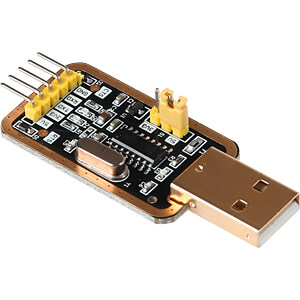
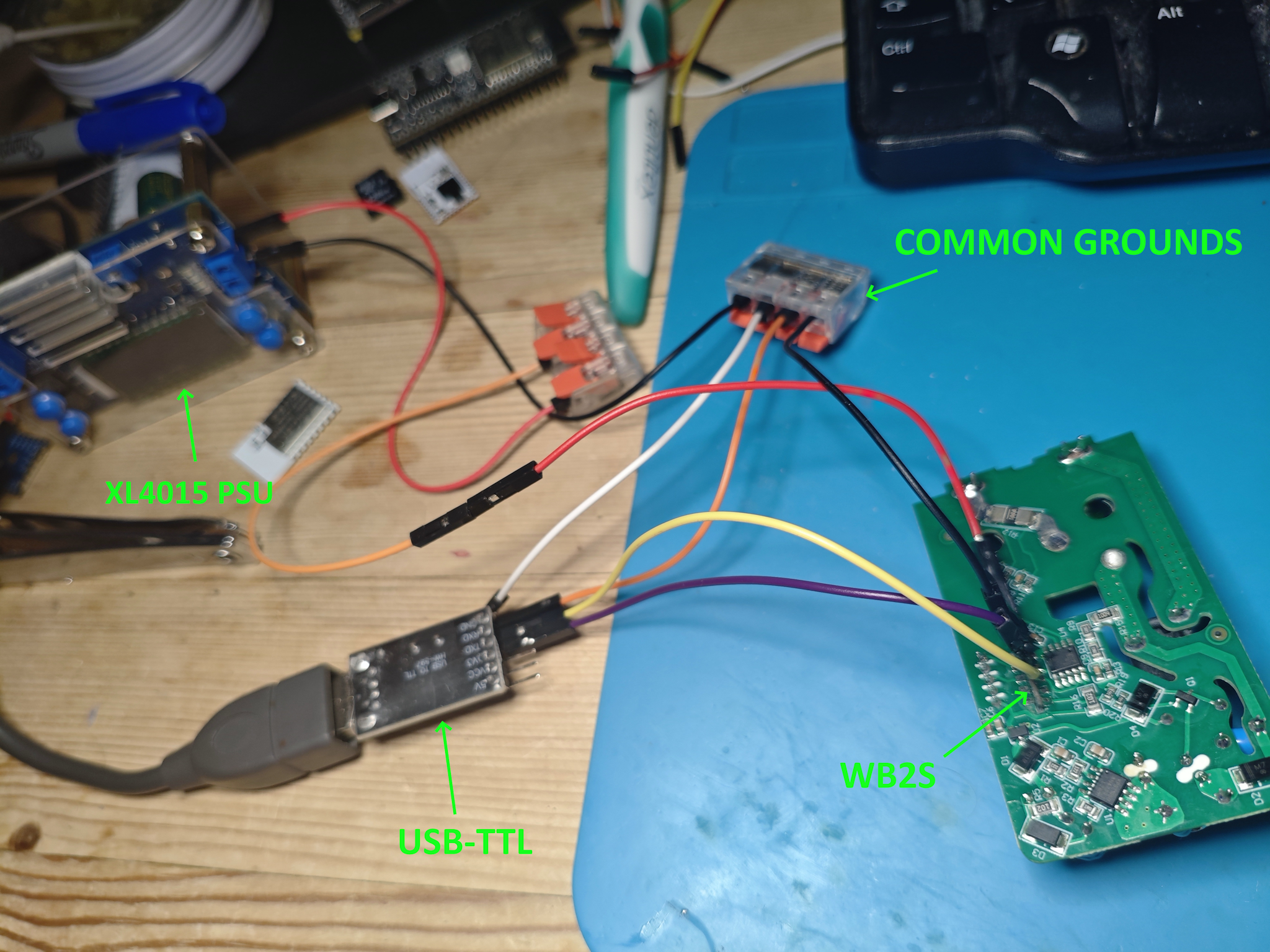
And connect as follows to your USB-TTL adaptor and external 3.3v power supply (USB-TTL's own 3.3v line will most likely not be enough for successful firmware backup and flash).
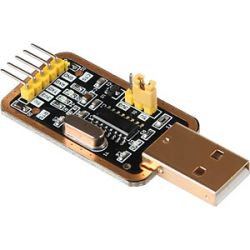
USB-TTL adapter with chip and pin connectors

WB2S RX -> USB-TTL TX
WB2S TX -> USB-TTL RX
WB2S 3.3V -> Ext 3.3v PSU
WB2S GND -> USB-TTL GND and Ext 3.3v PSU GND
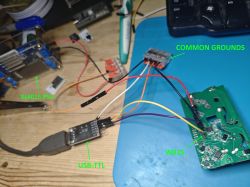
View of a PCB with wires connected to a WB2S module.

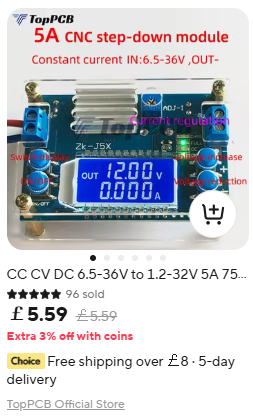
My PSU is a basic hobbyist XL4015 with LCD from Ali Express
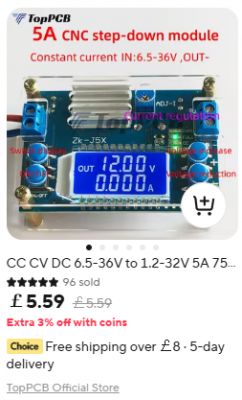
Blue voltage step-down module with LCD display.

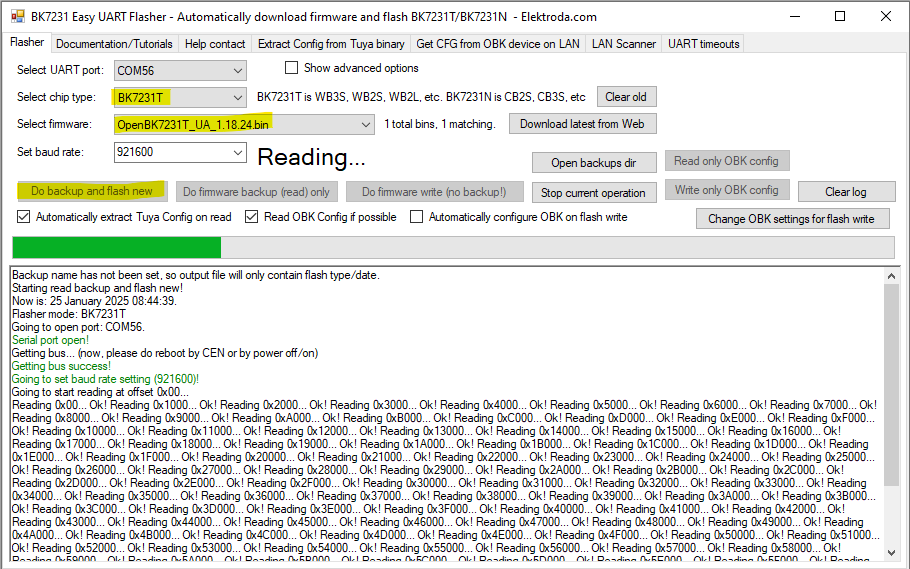
With Easy Flasherrunning, BK7231T selected and the latest OpenBeken BK7231T firmware downloaded (EF does this for you), the backup of factory firmware and flash to OpenBeken can be started. Power on the PSU to begin the process. If the reading/writing fails, try lowering the baud rate and checking your wiring is sound and short. Ensure there is continuity between common grounds and all other points with the USB-TTL and PSU powered off.
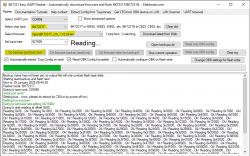
BK7231 Easy UART Flasher interface reading firmware data.

More flashing example steps: https://github.com/openshwprojects/BK7231GUIFlashTool

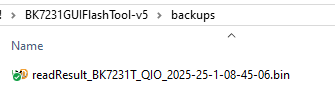
Your factory firmware will be backed-up to BK7231GUIFlashTool-v5\backups subdirectory. eg:
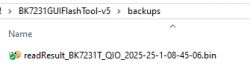
Screenshot of backup folder with binary file readResult_BK7231T.

If possible, avoid pairing with the Tuya app at all so your wifi credentials are not present in the backup. These can remain even if the device is reset/removed from the app.

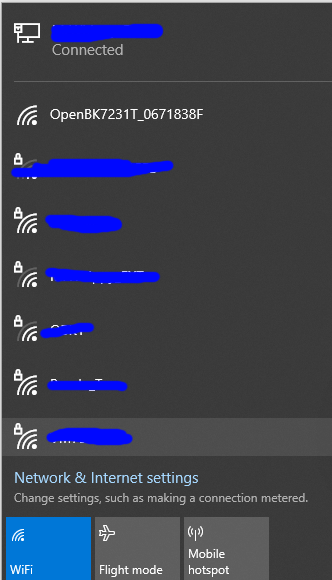
When flashing is complete and after an off/on of power, the OpenBeken AP broadcasts:
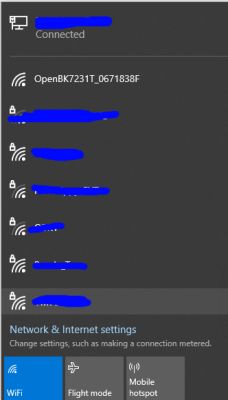
Screenshot of a Wi-Fi network list with the OpenBK7231T network selected.

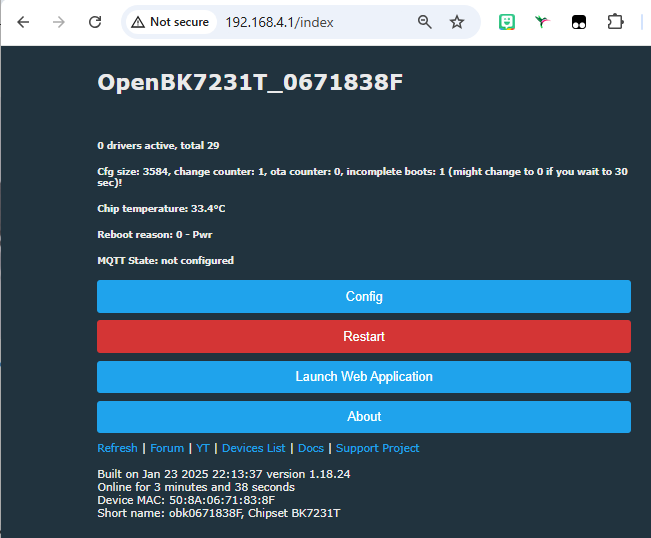
Join the AP to find OpenBeken gives you a client IP of 192.168.4.100. You can then browse to 192.168.4.1 to begin setup of OpenBeken.
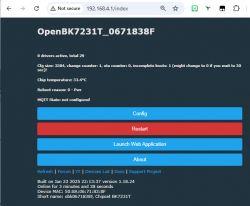
OpenBK7231T configuration screen with device information and configuration options.

From this point you can configure OpenBeken to join your wifi, setup the template to control the device (button, relay, LED), configure MQTT and Home Assistant discovery, configure power monitoring etc, just like Tasmota.

To put the device back together it is simply the reverse of the dismantle procedure, which should have been noted and remembered with care. One tip though, the live and neutral wires are a pain to line up and solder back, so I suggest soaking away with the solder from the holes on the main PCB first, poking the ends of the wires through, then soldering back up from the top with flux/solder as normal. eg:
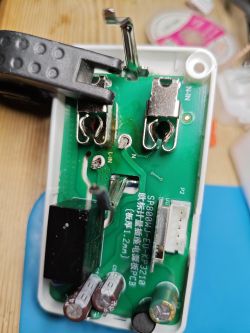

PCB of a smart WiFi plug with highlighted contacts

Further configuration and general information, including how to discover the configuration specific to this device (LED GPIO, relay GPIO etc) are better served by guides that already exist:

How to automatically configure GPIO of OpenBeken device? Tuya Config template extraction, BK7231
Easy Home Assistant Discovery Pairing for BK7231T, BK7231N, BL602, XR3, W800, W600, etc. - OpenBeken
BK7231T/BK7231N WiFi, MQTT, template and IP configuration at flash time via UART - OpenBeken flasher
BK7231 datasheet, pinout, programming, specification, wiki (BK7231T, BK7231N)
How to script automatic switching off of the relay after a certain time in OBK without Home Assistant

Many more guides and information pages:
https://www.elektroda.com/rtvforum/forum517.html
https://www.youtube.com/@elektrodacom
https://github.com/openshwprojects/OpenBK7231T_App?tab=readme-ov-file#introduction

For this device, the LoraTap SP800WJ-EU, the following template will configure the basic LED, button, relay and power monitoring functions

Code: JSON
Log in, to see the code


Notes

UART TX2 P0 boot log
Code: Text
Log in, to see the code


Firmware version 1.3.5 - CloudCutter exploitable: https://github.com/tuya-cloudcutter/tuya-clou...r/devices/loratap-sp800wj-eu-plug-v1.3.5.json

Code: Text
Log in, to see the code


Unpaired storage area:

Code: JSON
Log in, to see the code


Code: Text
Log in, to see the code


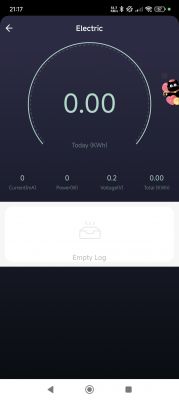
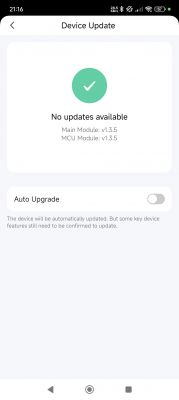
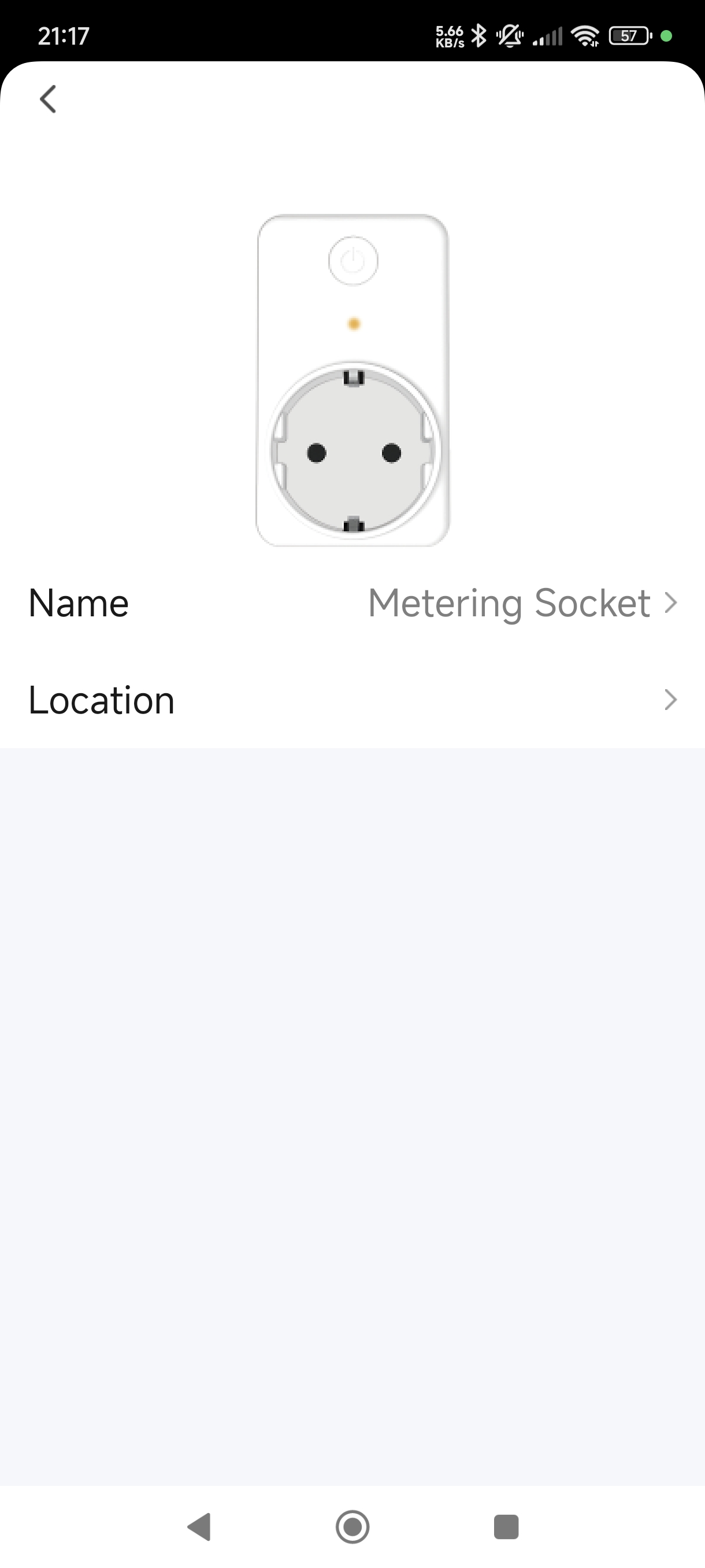
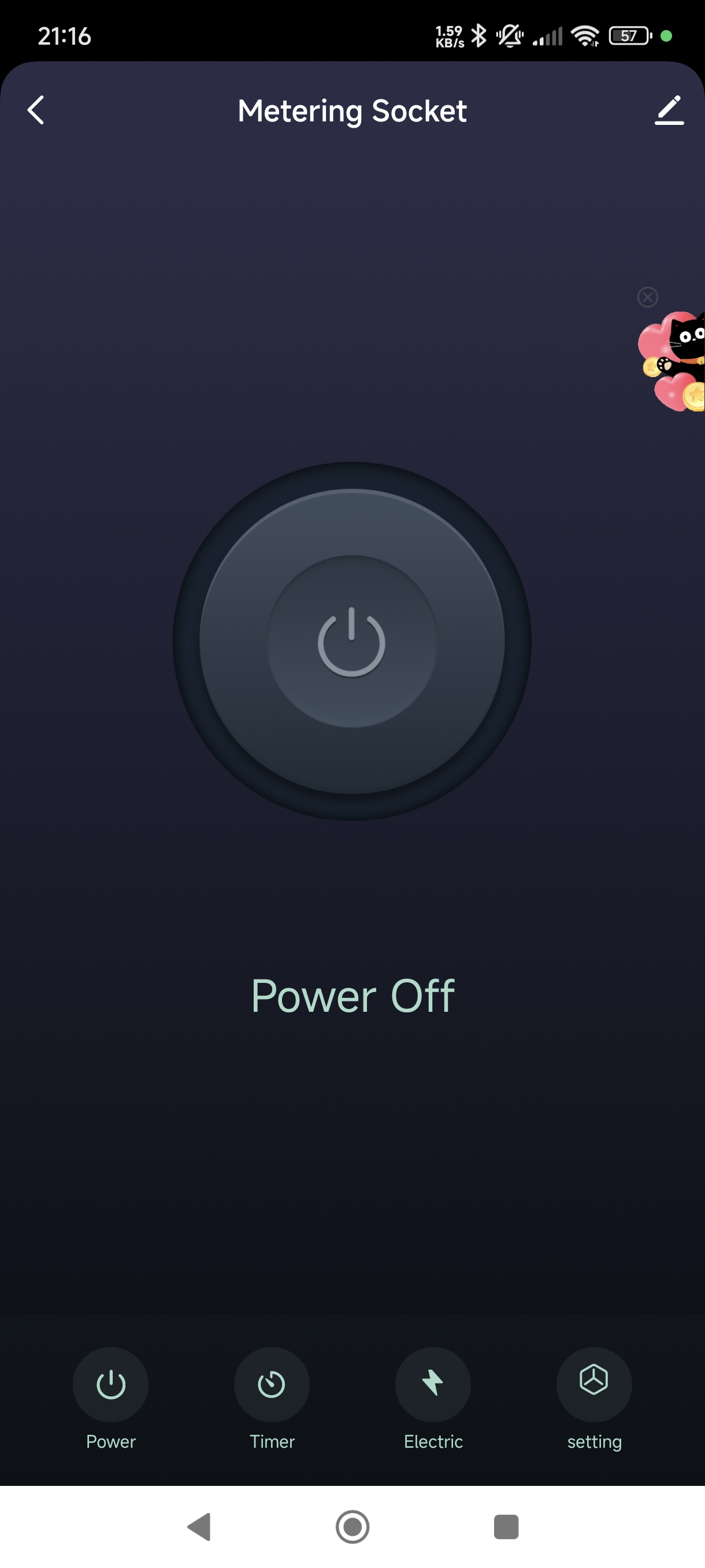
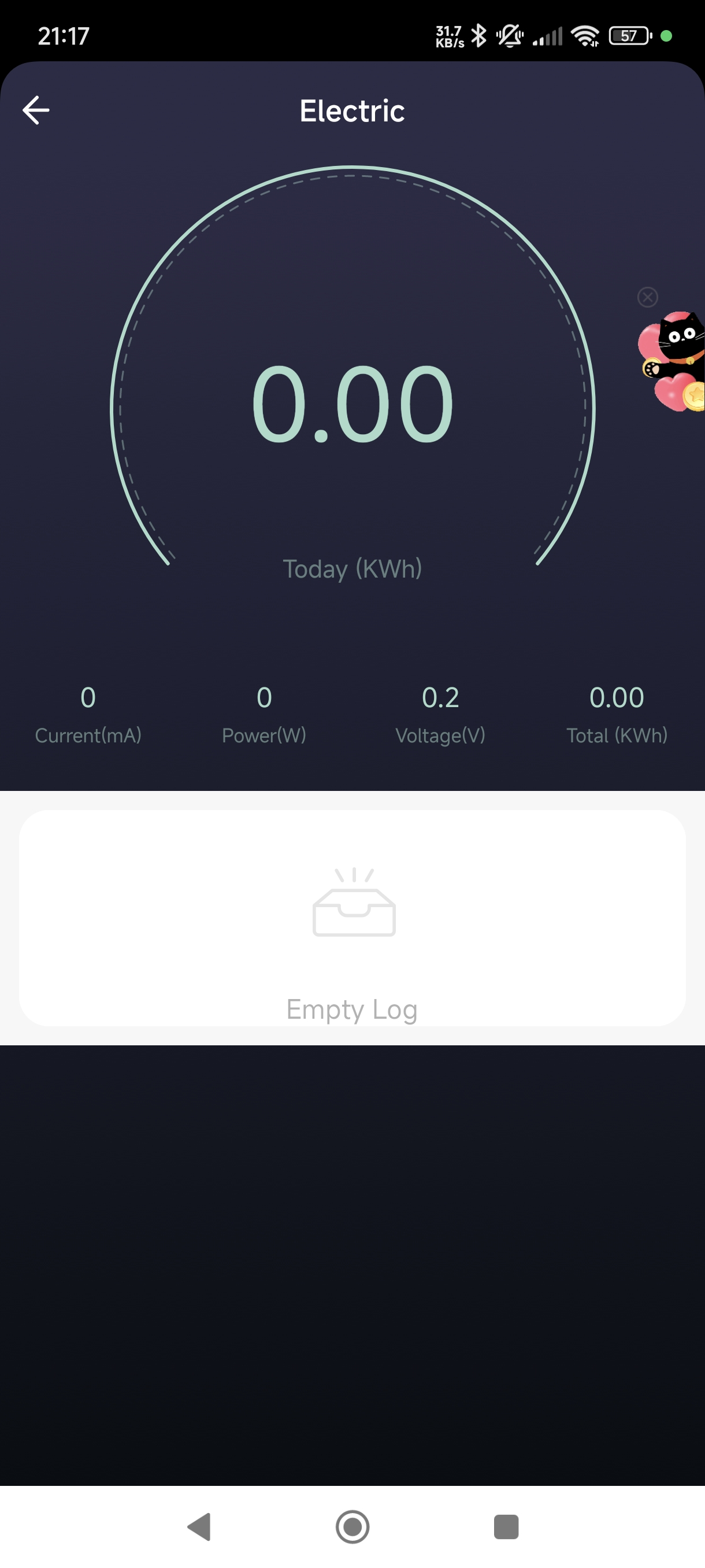
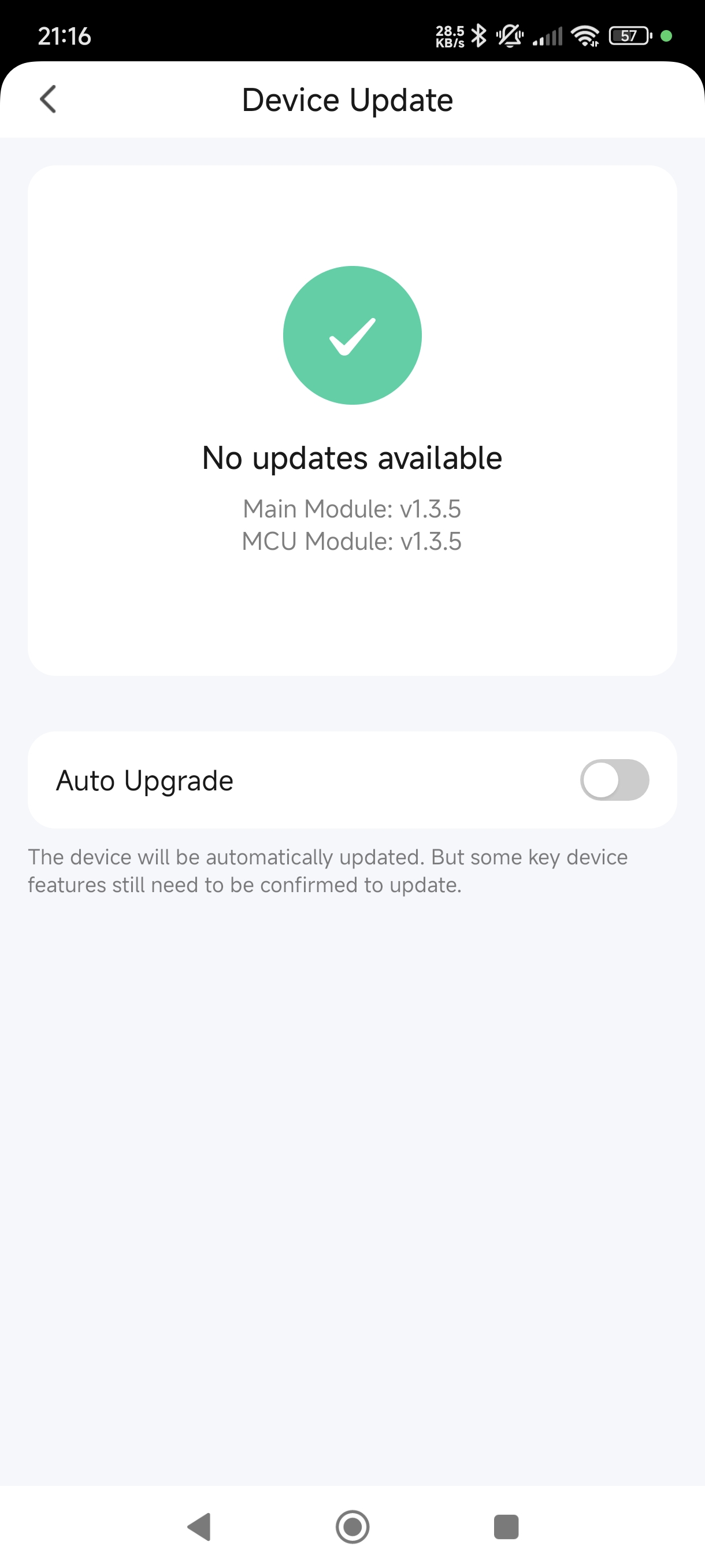
Tuya app screenshots

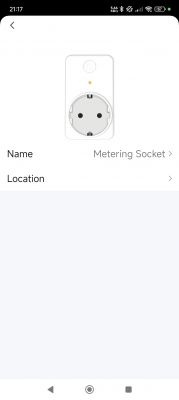
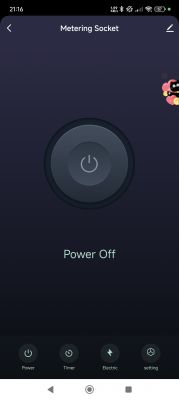
Screenshot of an app with a smart power metering socket. App screen for controlling a metering socket with the power button off. App screen showing energy consumption at 0.00 kWh. Device update screen with No updates available message.

Factory backup Tuya_LoraTap_SP800WJ-EU_Plug_(schemaID-000002zjt3)_keym9qkuywghyrvs_1.3.5.bin https://github.com/openshwprojects/FlashDumps/tree/main/IoT/BK7231T

Additionally, this is only the second BK7231T with BL0942 chip in the device list, the first has the same template: https://www.elektroda.com/rtvforum/topic4041210.html

I am wondering if I could maybe turn this device into a test thing for BL0942 testing on any platform. I could route out RX/TX/GND/VCC as a minimum for use with any module- safe as long as the module is powered solely from the plug (?), no shared ground. Of course the wires on the WB2S PCB pads would need to be secure. Thoughts?

About Author
divadiow
divadiow wrote 4921 posts with rating 875 , helped 430 times. Live in city Bristol. Been with us since 2023 year.

Comments

FAQ

TL;DR: For LoraTap SP800WJ-EU owners, flashing 4 UART wires to the WB2S converts the plug to local control. The key shortcut is: "no need to remove the whole module." Use Easy Flasher, power the board from an external 3.3 V supply, back up stock firmware first, then finish setup through 192.168.4.1. [#21408919]

Why it matters: This procedure removes Tuya cloud dependence and turns a metering smart plug into a locally managed OpenBeken device with MQTT and Home Assistant support.

Option Firmware path Cloud dependence Local web setup Power metering
Stock LoraTap/Tuya Factory firmware 1.3.5 Yes No local OpenBeken UI Yes
OpenBeken Flash over UART to WB2S BK7231T No Yes, via 192.168.4.1 Yes, with BL0942 driver

Key insight: The most important hardware fact is that the WB2S flashing pads for RX, TX, 3.3V, and GND stay accessible on the main PCB. That lets you reflash the SP800WJ-EU without removing the RF module. [#21408919]

Quick Facts

  • The plug uses a Tuya WB2S module with a BK7231T chip and exposes accessible UART pads for RX, TX, 3.3 V, and GND. [#21408919]
  • Physical teardown starts with 2 cross-head screws on the underside, then the snap-fit case opens with a thin spudger. [#21408919]
  • After flashing, OpenBeken creates an AP, assigns the client 192.168.4.100, and serves initial setup at 192.168.4.1. [#21408919]
  • The stock configuration data shows relay on GPIO26, button on GPIO7, and network LED on GPIO6 for this SP800WJ-EU template. [#21408919]
  • Boot-log and parameter data expose electrical limits of 260 V over-voltage, 100 V low-voltage, and 17000 over-current units in the factory settings. [#21408919]

How do I flash OpenBeken onto a LoraTap SP800WJ-EU smart plug with a Tuya WB2S BK7231T module?

You flash it over UART using the WB2S pads and Easy Flasher. 1. Open the plug, disconnect the internal connector, and desolder mains live and neutral so the main PCB is free. 2. Solder four wires to WB2S RX, TX, 3.3V, and GND, then connect USB-TTL plus an external 3.3 V supply. 3. In BK7231GUIFlashTool, select BK7231T, back up the factory firmware, flash OpenBeken, then reboot and join the AP for setup. [#21408919]

What is OpenBeken, and how does it replace the stock Tuya firmware for local control?

OpenBeken replaces the stock Tuya firmware with local firmware flashed directly to the WB2S module. "OpenBeken" is open-source replacement firmware that runs on Tuya-class Wi‑Fi modules, removes cloud dependence, and exposes local setup, MQTT, Home Assistant discovery, GPIO templates, and power-monitoring control. On this plug, it cuts the device off from cloud servers and still supports relay, LED, button, and metering functions. [#21408919]

Which UART pads on the WB2S module in the LoraTap SP800WJ-EU are used for RX, TX, 3.3V, and GND during flashing?

The four pads used are the WB2S pads labeled RX, TX, 3.3V, and GND. The guide says those points are easily accessible with the module still soldered to the board. Wire them as RX to USB-TTL TX, TX to USB-TTL RX, 3.3V to the external 3.3 V supply, and GND to both the USB-TTL ground and the power-supply ground. [#21408919]

Why is an external 3.3V power supply recommended instead of the USB-TTL adapter's 3.3V pin when flashing a BK7231T device?

An external 3.3 V supply is recommended because the USB-TTL adapter’s 3.3 V pin is often not strong enough for reliable backup and flashing. The guide states that the adapter’s own rail will “most likely not be enough” for successful reads and writes. A shared ground is still required, but the WB2S power should come from the external 3.3 V source. [#21408919]

What steps help troubleshoot Easy Flasher read or write failures on a BK7231T or WB2S smart plug?

Lower the baud rate, shorten the wires, and verify every connection. The thread specifically recommends checking that grounds are common and confirming continuity on all points with the USB-TTL and PSU powered off. Failures usually come from weak 3.3 V power, poor solder joints, or long wiring between the WB2S pads and the flashing adapter. [#21408919]

Where does BK7231GUIFlashTool save the factory firmware backup, and what useful data can be preserved in that dump?

BK7231GUIFlashTool saves the dump in the BK7231GUIFlashTool-v5\backups subdirectory. That backup can preserve factory firmware plus device data such as product key, firmware version 1.3.5, schema ID 000002zjt3, and unpaired storage fields. If the plug was previously paired, the dump may also contain saved Wi‑Fi credentials, which is why the guide advises avoiding Tuya pairing before backup. [#21408919]

What is the BL0942 chip in a Tuya smart plug, and how is it used for power and energy monitoring in OpenBeken?

The BL0942 is the metering chip used for power and energy measurement in this plug. "BL0942" is an energy-monitoring IC that measures electrical load data, and in this device it works with OpenBeken through a dedicated driver started by the command startdriver bl0942. The supplied template enables relay control and metering together on the SP800WJ-EU. [#21408919]

How can I configure the LoraTap SP800WJ-EU template in OpenBeken for the LED, button, relay, and BL0942 power metering?

Use the SP800WJ-EU template with GPIO6 for WifiLED_n, GPIO7 for Btn, and GPIO26 for Rel. The template also starts two drivers with startdriver ntp and startdriver bl0942. That gives you the basic LED, button, relay, and BL0942 power-monitoring functions without manual pin discovery on this specific LoraTap board. [#21408919]

After flashing OpenBeken, how do I connect to the device's AP at 192.168.4.1 and set up Wi-Fi, MQTT, and Home Assistant discovery?

Power-cycle the plug, join the OpenBeken AP, and browse to 192.168.4.1. The device gives the client IP 192.168.4.100 during this first connection stage. From the web interface, you can enter your Wi‑Fi details, then configure MQTT, Home Assistant discovery, GPIO roles, and power monitoring in the same general style the thread compares to Tasmota. [#21408919]

What precautions should I take before backing up a Tuya device so my Wi-Fi credentials are not stored in the factory firmware dump?

Avoid pairing the plug with the Tuya app before you make the backup. The guide warns that Wi‑Fi credentials can remain in flash even after you reset the device or remove it from the app. Backing up an unpaired device preserves cleaner factory data and reduces the chance that your SSID and password are embedded in the dump. [#21408919]

OpenBeken vs Tasmota on BK7231T smart plugs: which is the better fit for local control, MQTT, and Home Assistant?

OpenBeken is the better fit in this thread because the plug uses a BK7231T-based WB2S module and the entire procedure targets OpenBeken tooling and templates. The thread says OpenBeken can handle Wi‑Fi joining, MQTT, Home Assistant discovery, and power monitoring “just like Tasmota,” but it provides the actual flashing path, GPIO template, and BL0942 setup for this hardware. [#21408919]

What is Tuya CloudCutter, and how does firmware version 1.3.5 on the LoraTap SP800WJ-EU relate to CloudCutter exploit support?

Tuya CloudCutter is referenced here as an exploit path for supported Tuya firmware versions. The thread states that firmware version 1.3.5 on this LoraTap SP800WJ-EU is CloudCutter exploitable and names a matching device definition for that version. That means version 1.3.5 is specifically noted as compatible with CloudCutter support in the linked device list. [#21408919]

What is the safest way to disassemble and reassemble the LoraTap SP800WJ-EU, especially when desoldering and reconnecting the mains wires?
Remove the two underside screws, pry the snap-fit case carefully, then separate the internal connector before freeing the boards. For the mains wires, add flux, heat each solder blob, and lift live and neutral only when the solder fully melts. During reassembly, first clear solder from the PCB holes, feed the wire ends through, and solder them back from the top. [#21408919]

How could the LoraTap SP800WJ-EU be repurposed as a BL0942 test platform with RX, TX, GND, and VCC broken out for other modules?
You could repurpose it by breaking out at least RX, TX, GND, and VCC from the existing board and using the plug’s metering section with another module. The thread proposes this as a BL0942 test platform and notes one safety condition: the external module should be powered solely from the plug, with no shared ground to other powered systems. Secure wiring on the WB2S pads is essential. [#21408919]

Which GPIO pins and boot log details from the stock firmware reveal the LED, button, relay, and module configuration on this WB2S-based plug?

The stock log and parameter dump identify module WB2S, netled1_pin 6, bt1_pin 7, and rl1_pin 26. The same data shows chip_type 3, reset_t 5, and confirms firmware version 1.3.5 compiled on Dec 25 2020. Those fields directly reveal the LED, button, relay, and module mapping used later in the OpenBeken template. [#21408919]
Generated by the language model.
%}