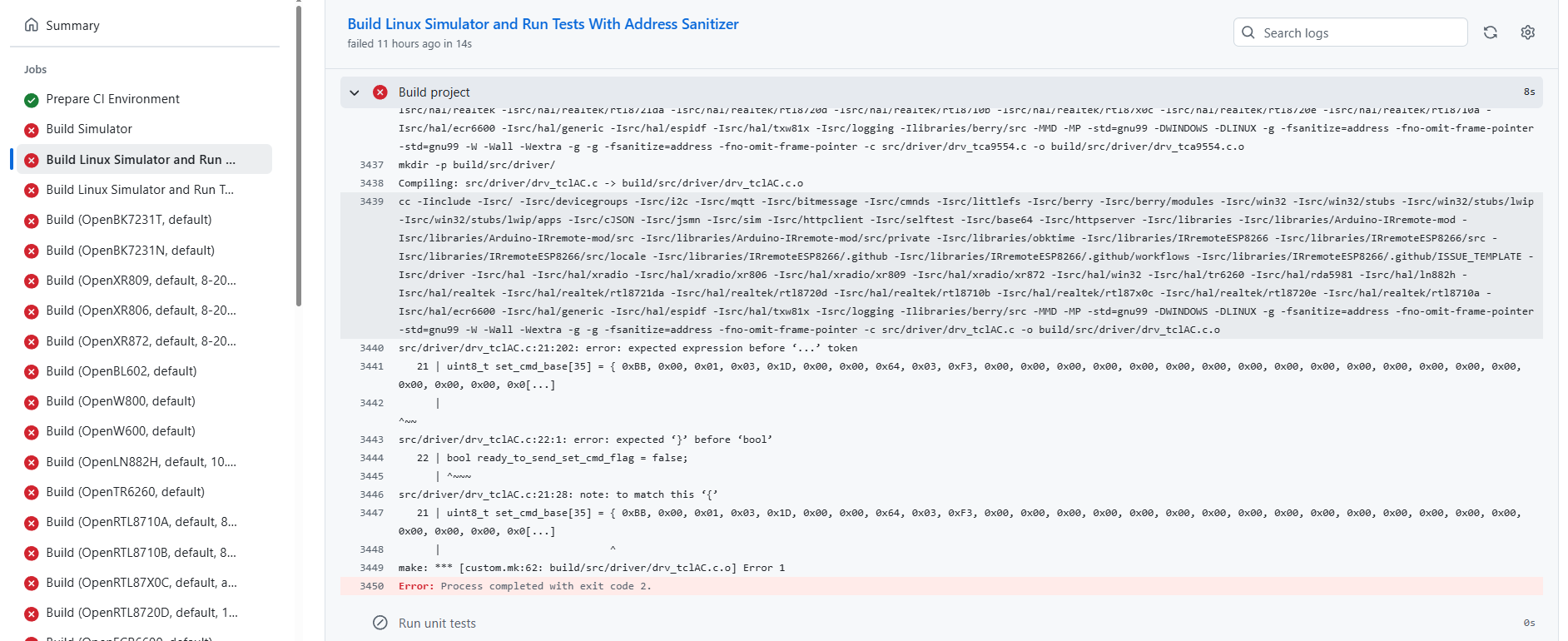
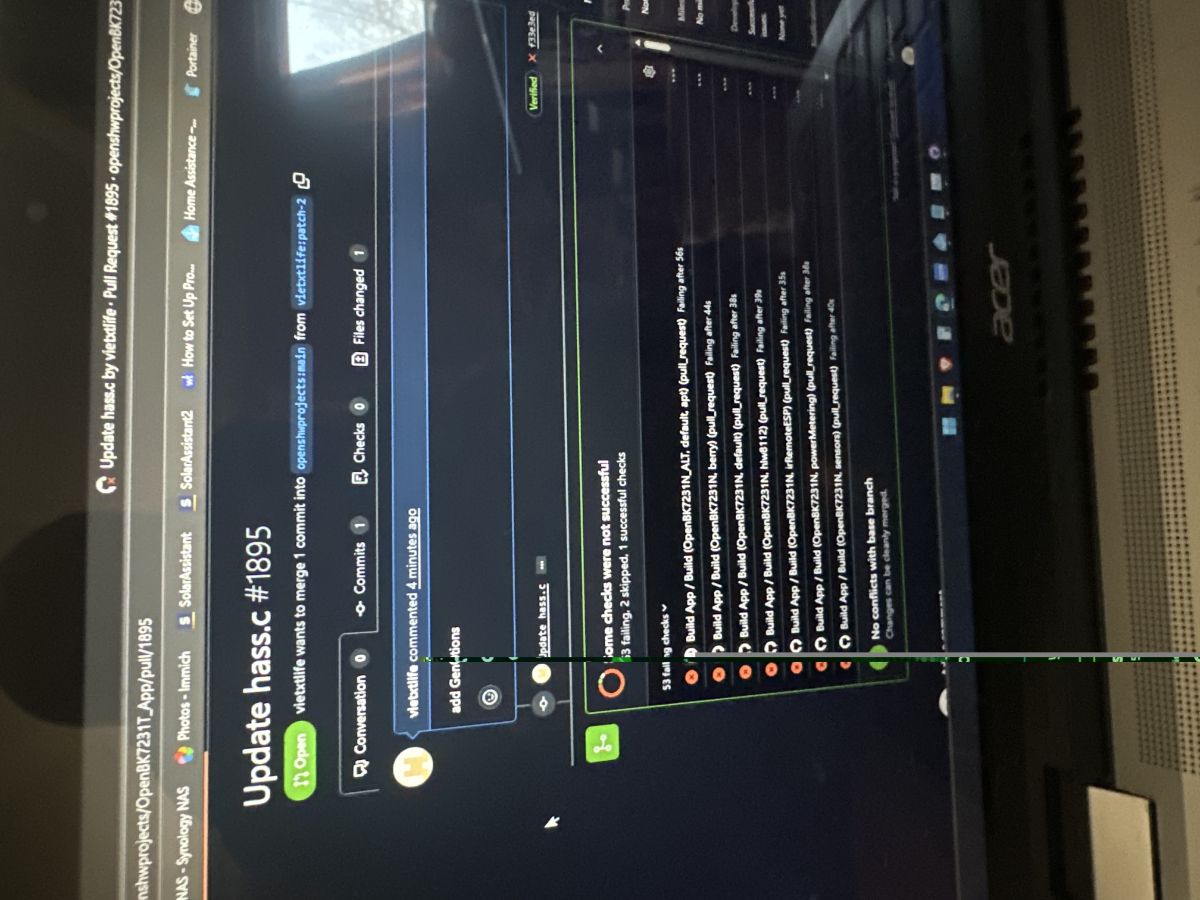
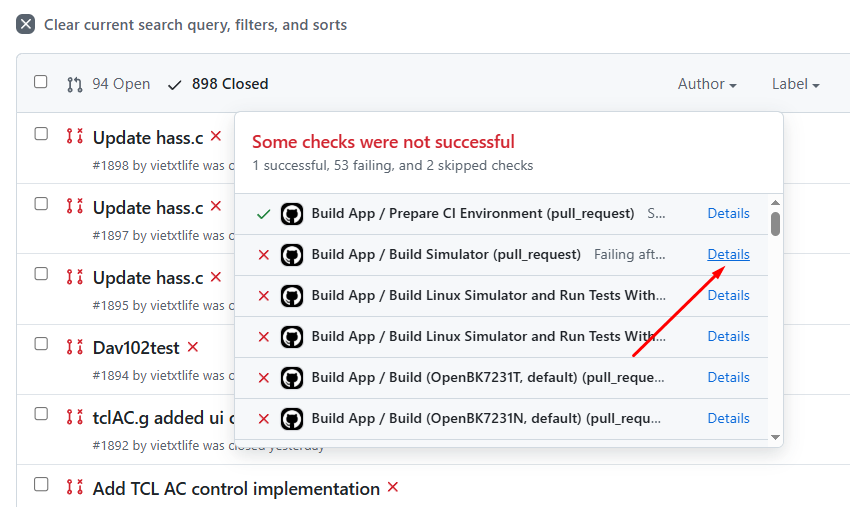
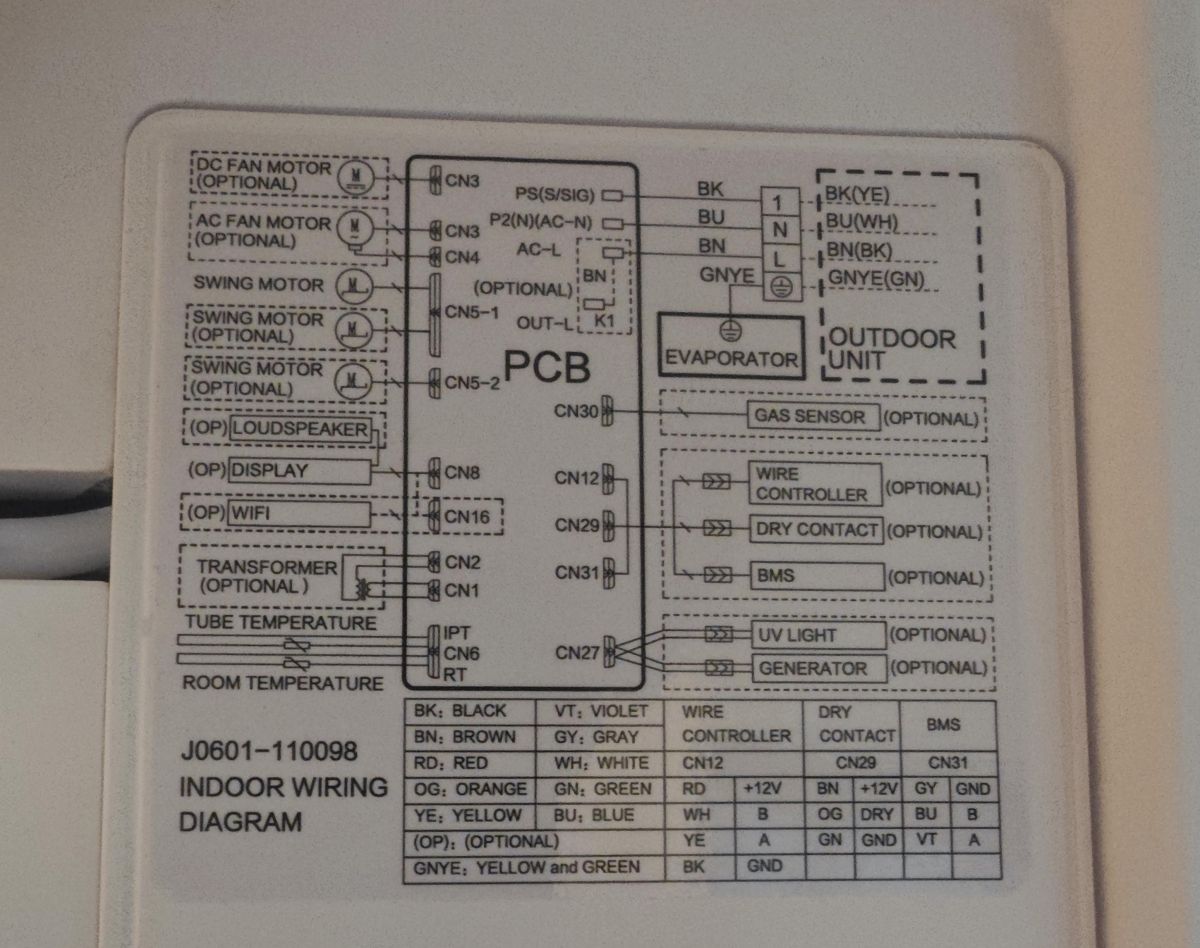
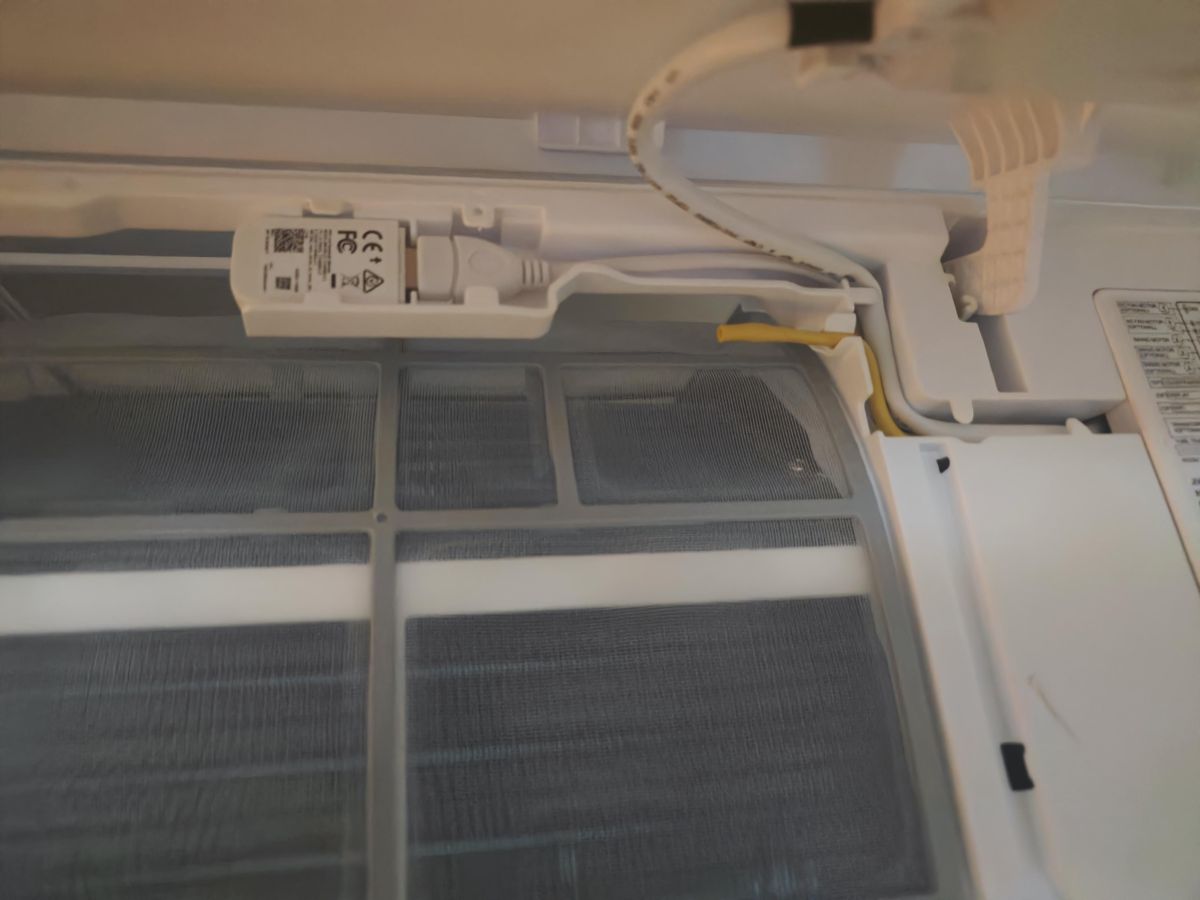
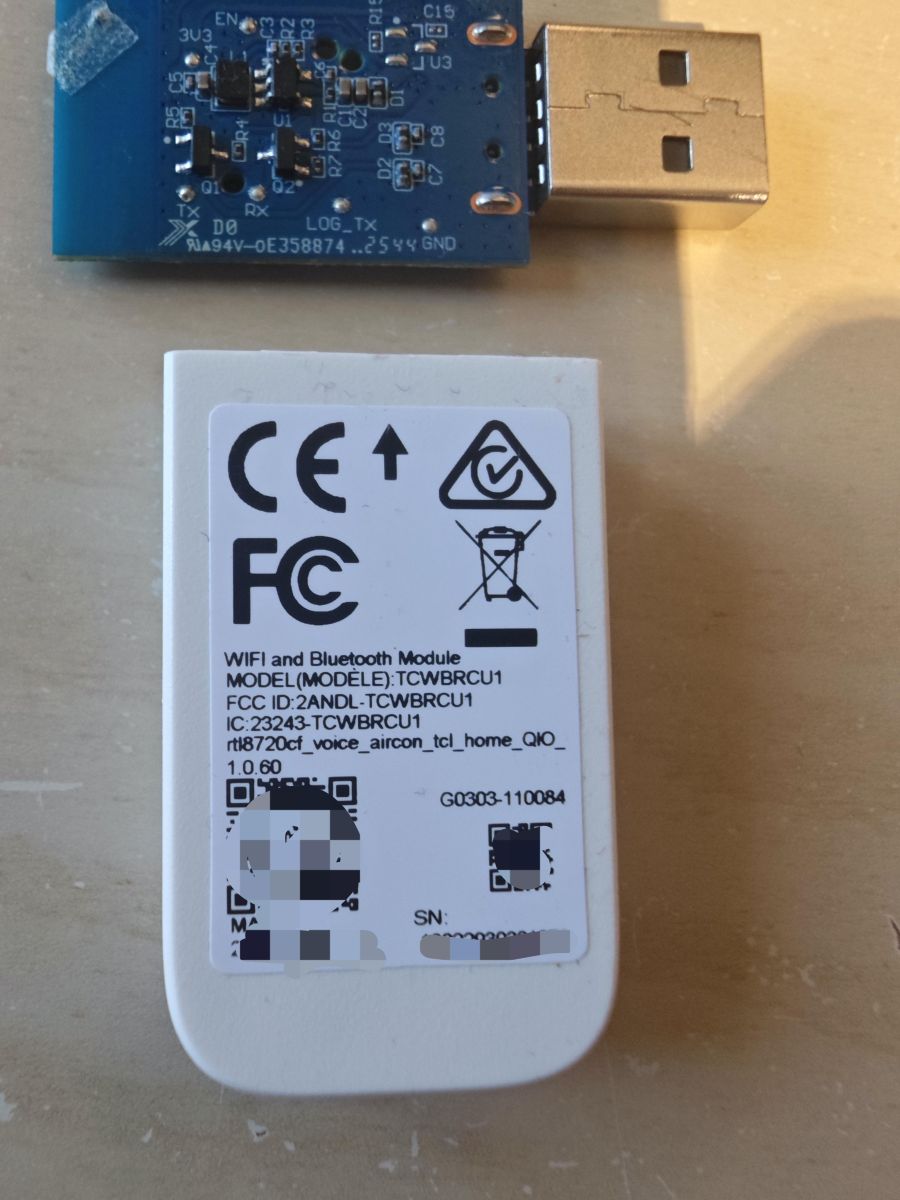
https://github.com/openshwprojects/OpenBK7231T_App/pull/1870
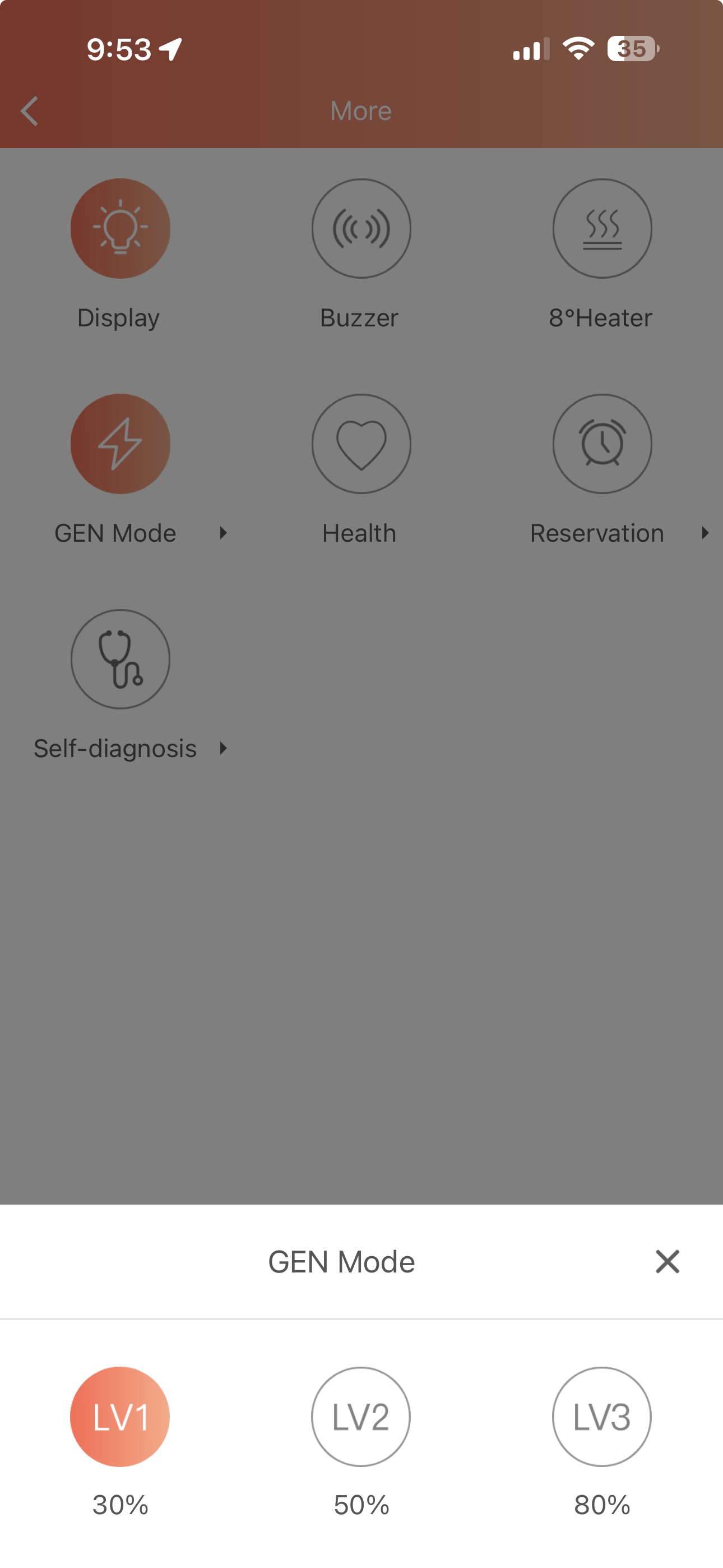
Command is "Gen X", where X is 0, 1, 2 or 3.
Czy wolisz polską wersję strony elektroda?
Nie, dziękuję Przekieruj mnie tam
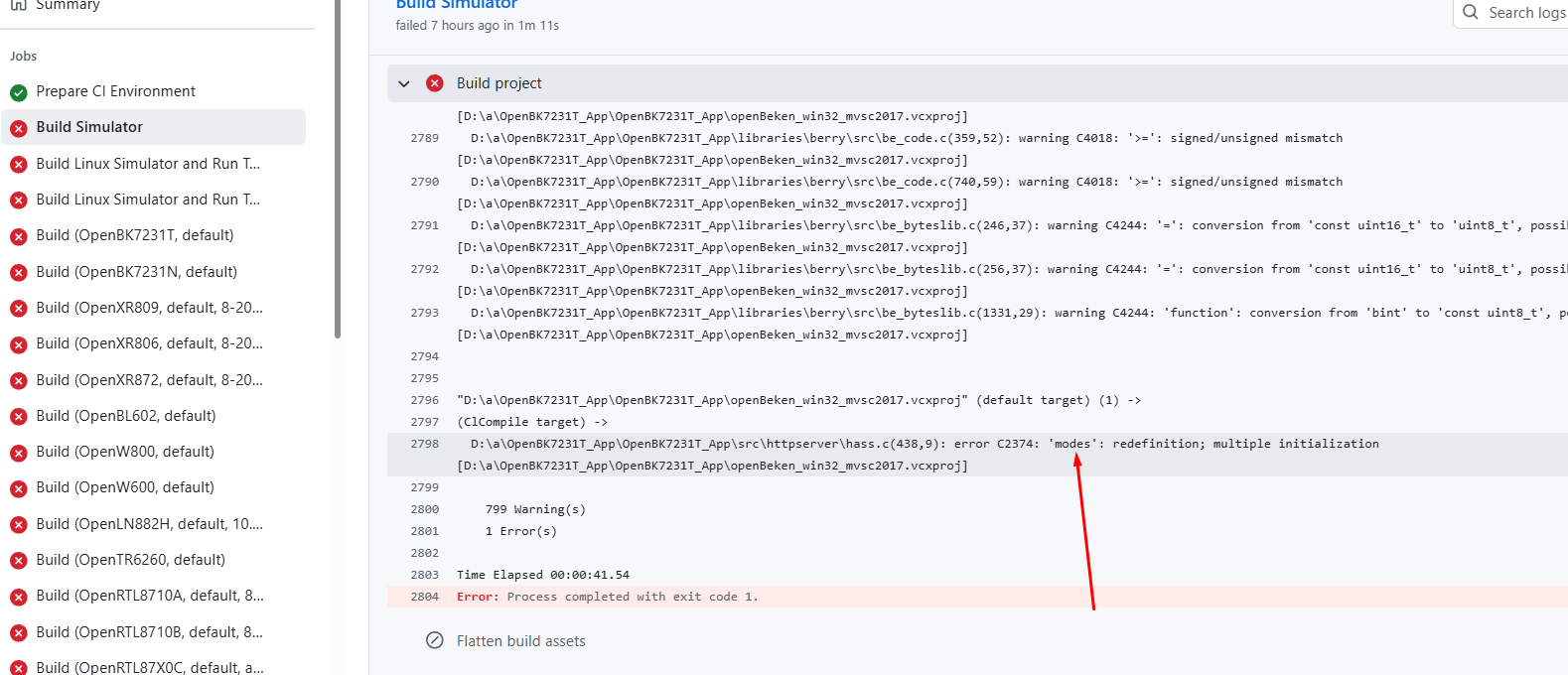
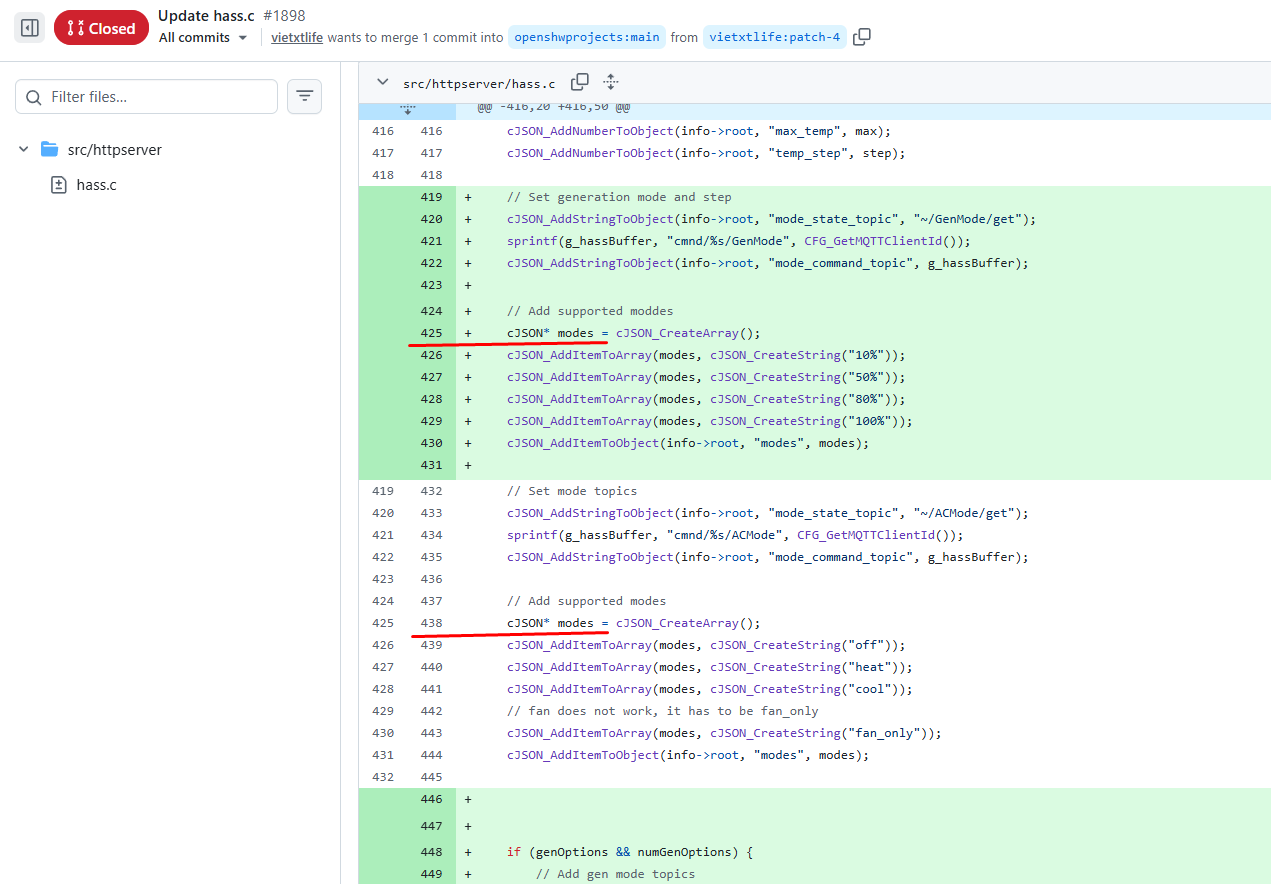
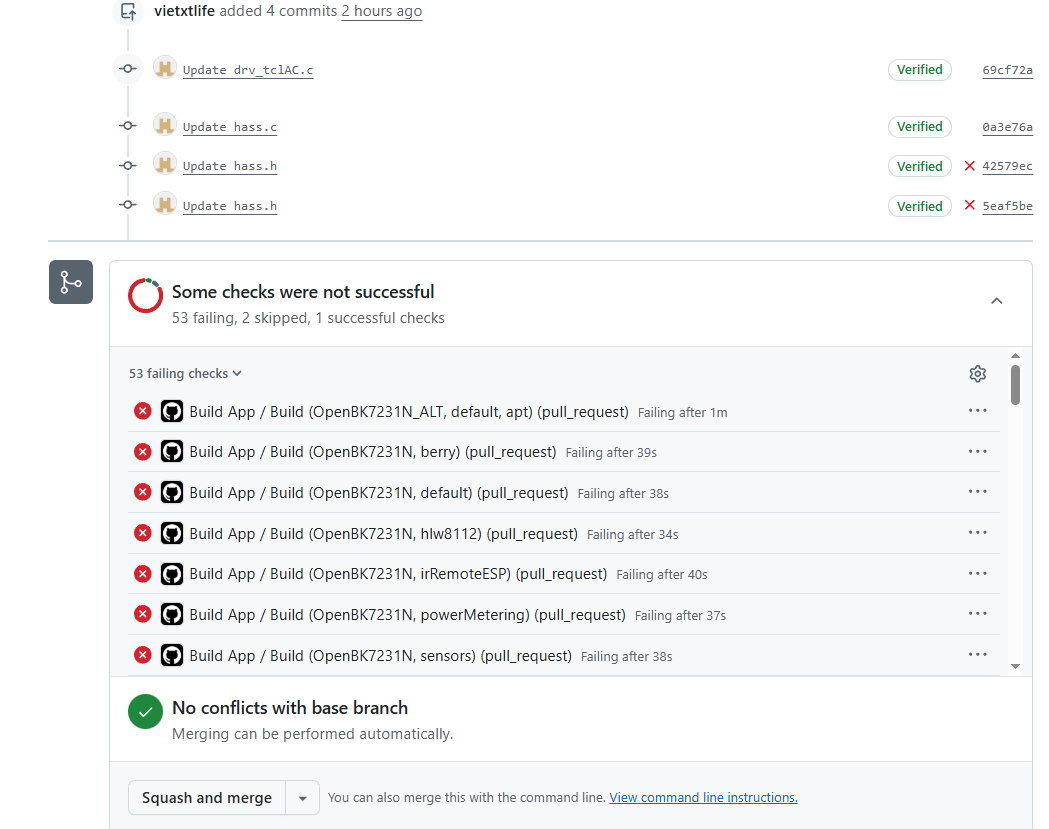
D:\a\OpenBK7231T_App\OpenBK7231T_App\src\httpserver\hass.c(438,9): error C2374: 'modes': redefinition; multiple initialization
TL;DR: If you have a Della mini split with a WBR3 module, you can flash OpenBeken locally, back up the original 2 MB flash first, and then control cooling, heat, fan, swing, buzzer, display, and even GEN mode. As one developer put it, "It worked!" This FAQ is for owners who want cloud-free control without losing core AC functions. [#21551100]
Why it matters: This thread shows that some Della WiFi modules are not standard TuyaMCU devices, so using the correct Realtek tools and the TCL driver is the difference between a working local AC and a dead-end flash attempt.
| Option | Chip family | Fit/use in thread | Main caveat |
|---|---|---|---|
| WBR3 | Realtek RTL8720CF/AmebaZ2 | Native Della module; fully tested with OBK TCL driver | Fragile pads and traces during wiring |
| WBR1 on TCLWBR | Realtek RTL8720CF | Also worked after correct VIN/VCC power wiring | Needed both 5 V and 3.3 V path active |
| WB3S | Beken | Considered compatible replacement for TuyaMCU-style UART layout | Must verify 3.3 V, GND, reset, and UART pin match |
| CB3S | Beken | Considered compatible replacement with OBK support | Same pinout checks as WB3S |
Key insight: The Della TCWBRCU1/WBR3 setup in this thread was ultimately treated as a custom TCL serial protocol, not a normal TuyaMCU datapoint bridge. That is why flashing succeeded only after using Realtek-specific tools and why control required the OpenBeken TCL driver, not GPIO templates. [#21549462]
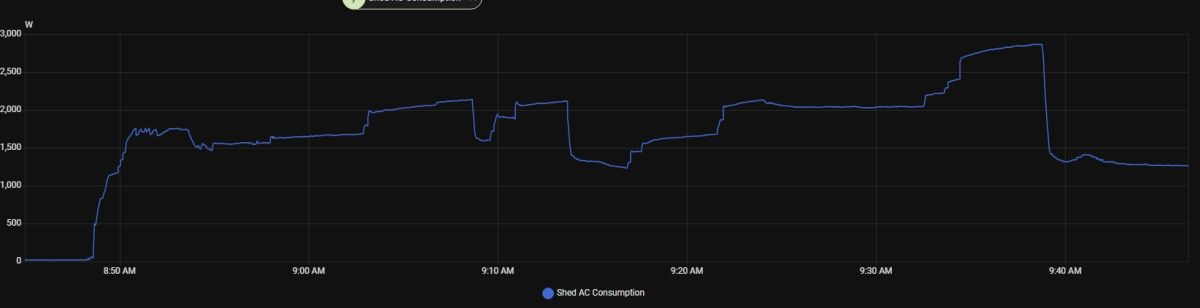
startDriver TCL, then test commands such as ACMode 1, FANMode 3, and TargetTemperature 24. The thread showed this sequence working on the Della 048-TP-9K2V-23S-IN after successful backup and flash. [#21547316]startDriver TCL, ACMode, FANMode, SwingH, SwingV, TargetTemperature, Buzzer, Display, and later Gen. Confirmed examples included ACMode 1 for cool, ACMode 3 for fan-only, TargetTemperature 24, Buzzer 0, Display 0, and the test PR command Gen 0 through Gen 3. Those commands were validated progressively in the thread and then exposed to Home Assistant through MQTT discovery. [#21761114]TargetTemperature 75 was interpreted as a Celsius-side command, wrapped internally, and produced values like 29 °C, which appeared as about 84 °F on the unit. Once the user switched to TargetTemperature 24 and 25, the display correctly showed 75 °F and 77 °F. [#21553392]startDriver TCL and then either Home Assistant discovery from the UI or the command scheduleHADiscovery 1. After that, Home Assistant created a climate entity and additional controls, and later builds added mode, fan, horizontal swing, and vertical swing support to the discovered entity. [#21561364]Gen 0 to Gen 3, and finally validated by watching real power draw. Practical results on one unit were about 1.2 kW for L1, 1.8 kW for L2, 2.3 kW for L3, and 2.9 kW with no GEN limit during cold-weather heating. The user mapped L1, L2, and L3 to roughly 30%, 50%, and 80% compressor power limits. [#21762524]