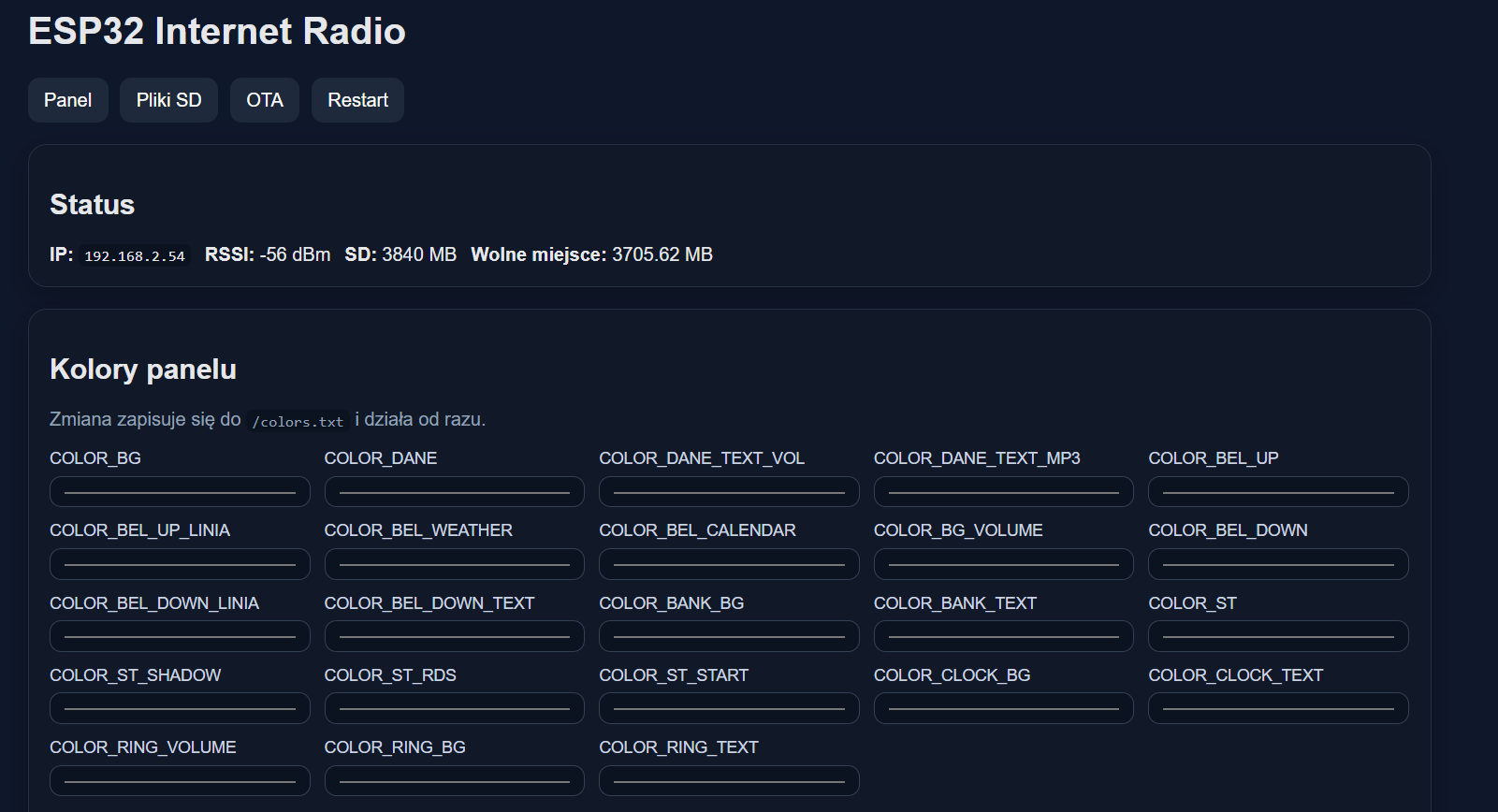
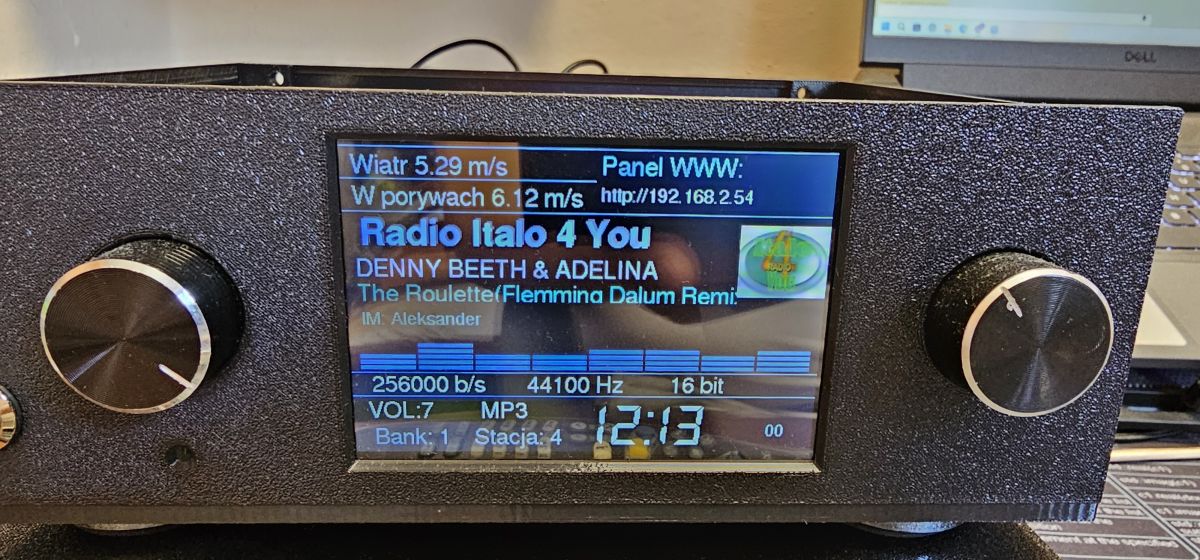
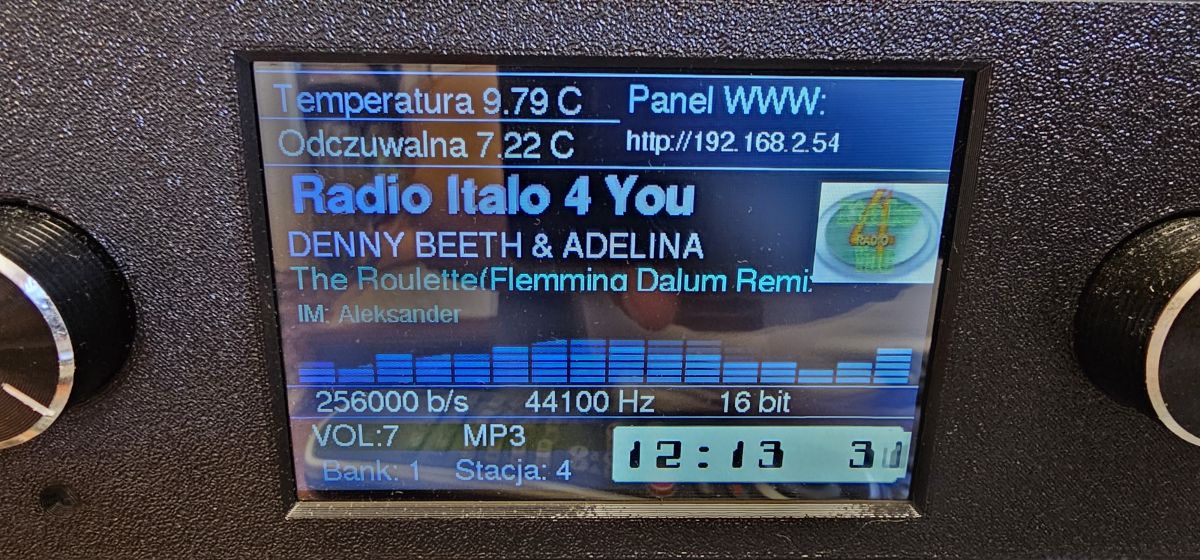
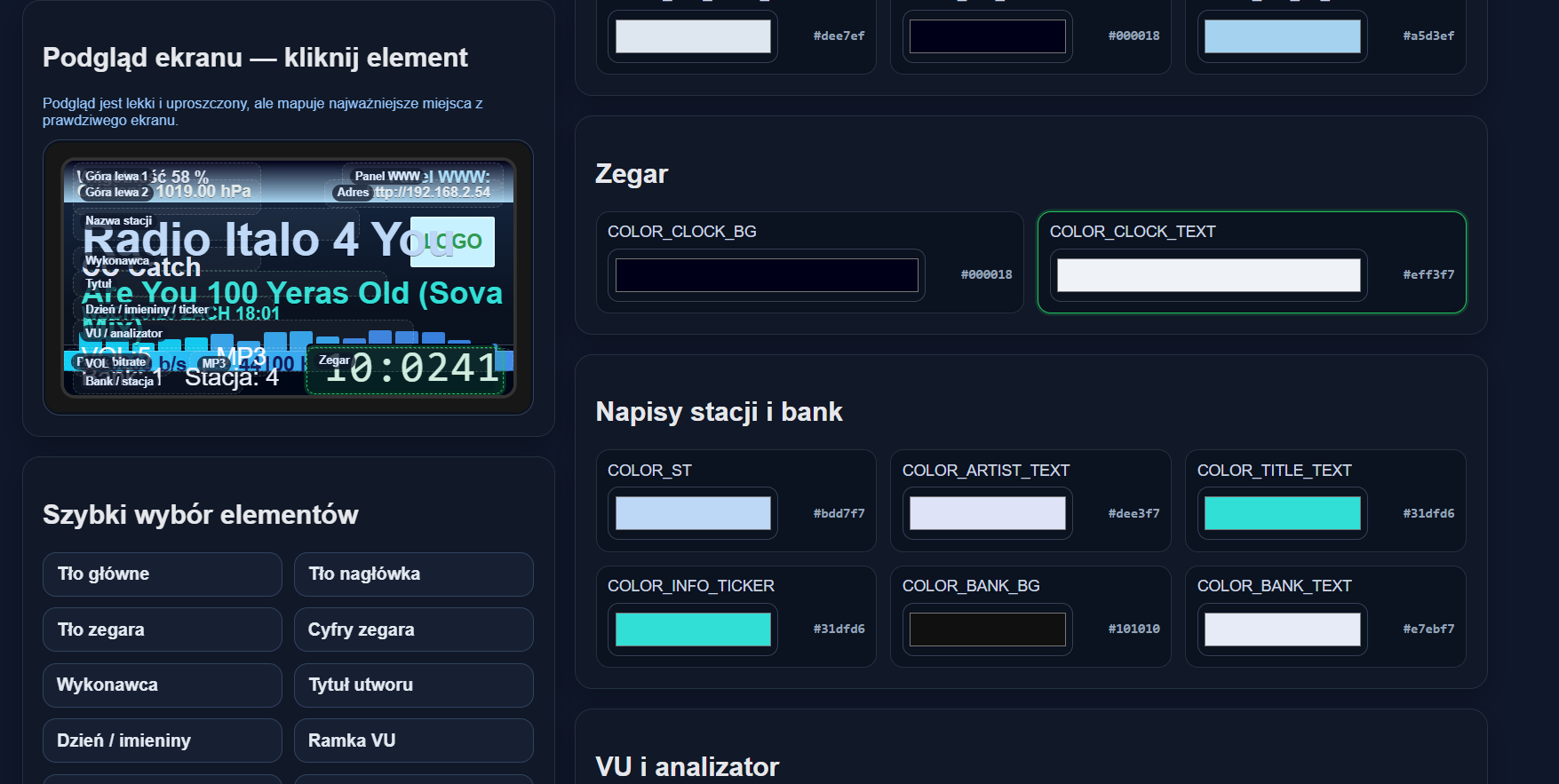
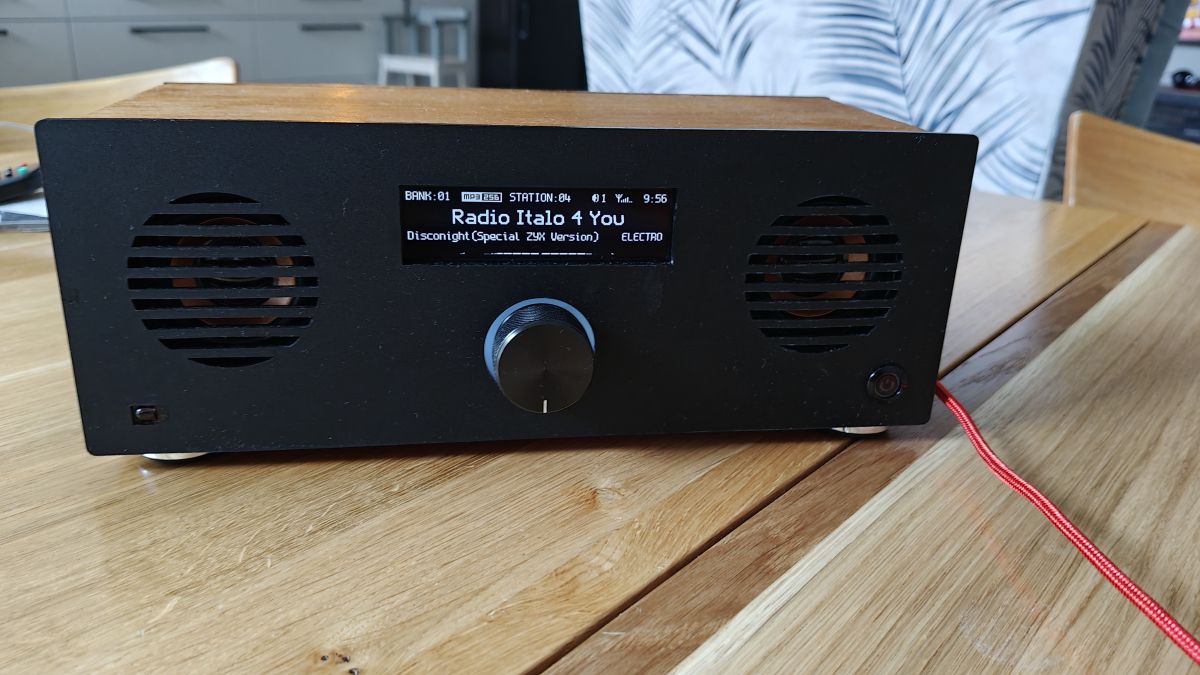
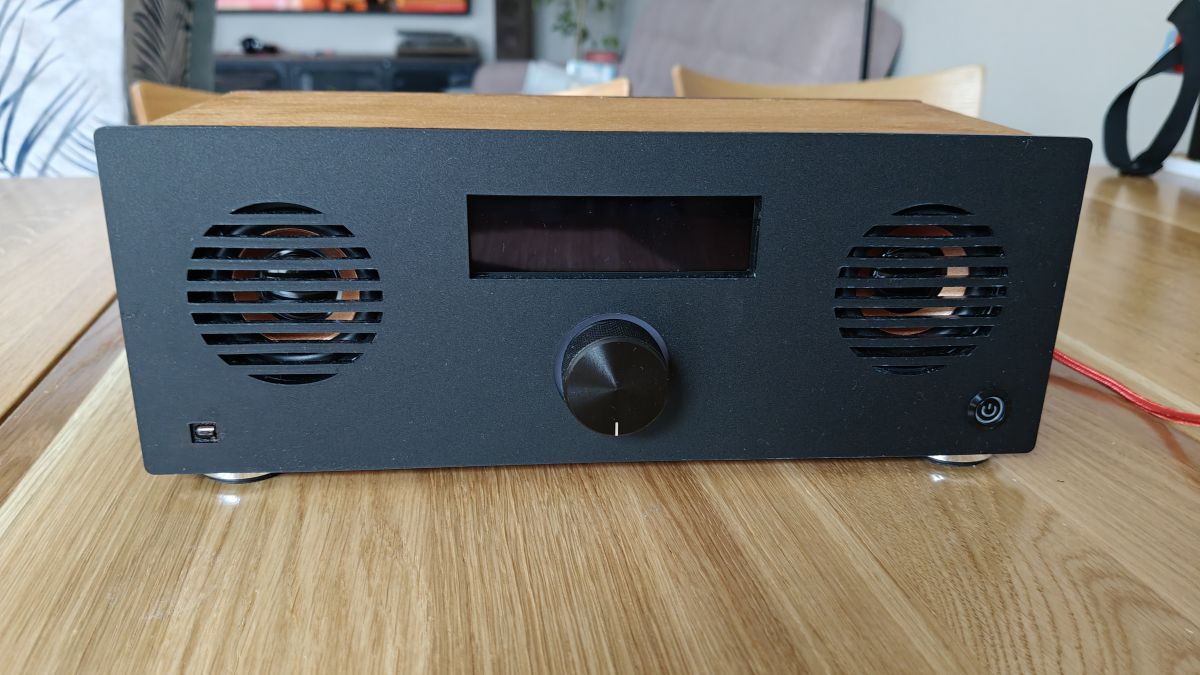
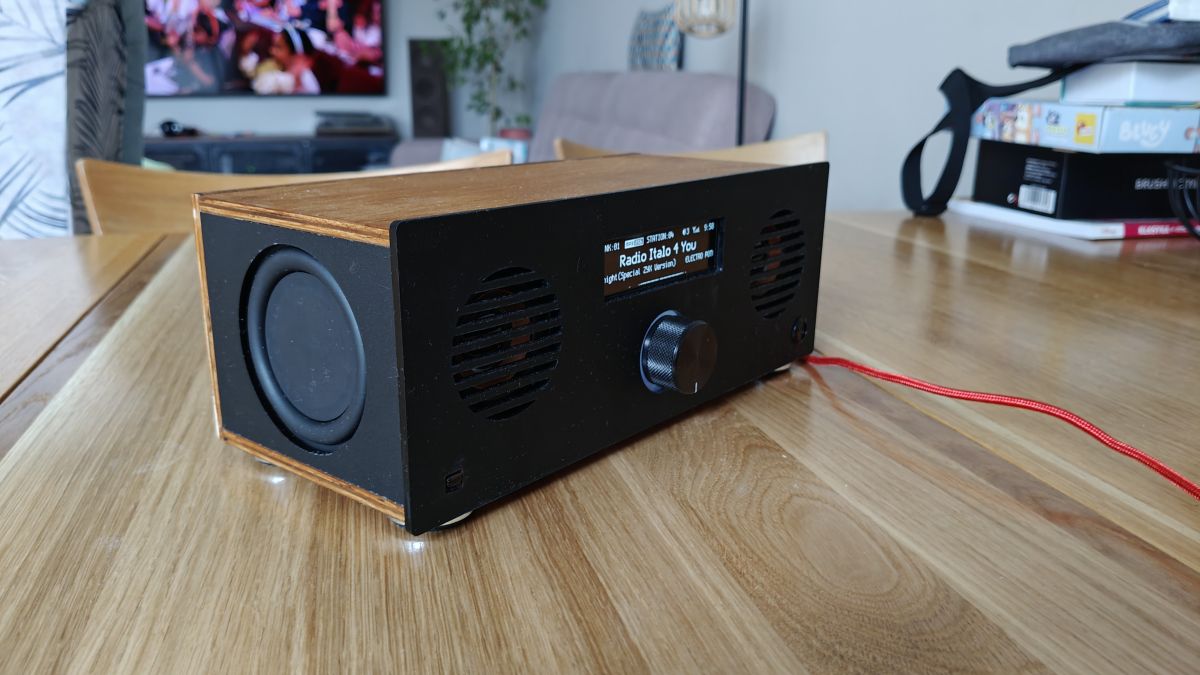
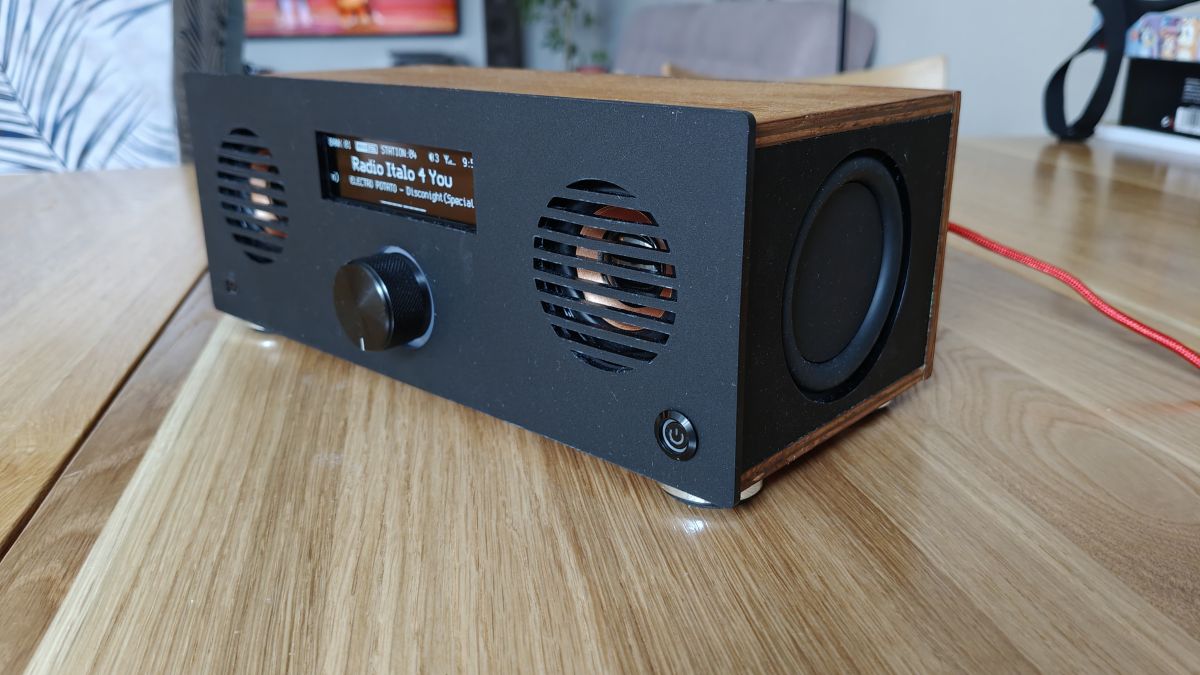
Hi, it would be better if you added it to the radio setting.
I do not understand where I have to go to the "main radio screen" and what do you add?
Thank you for your help
These are the basics of the basics see how you have all the code built.
First the variable pin declarations etc.
Then all the void functions with content
Then the void setup.
The program goes through this part at startup
And finally void loop is the program loop where everything inside is executed over and over again. Another void function can be called from there.
And this is how it works. I suggest you read some courses about Arduino and code construction. It will illuminate a lot.
>>21872345 To have a perfect comparison one would have to build two identical ones with and without a membrane.
But comparing to a similar radio I built earlier I have the impression that these diaphragms add a bit of that "bass".
The sound is really pleasant and you can feel those low tones. Especially since the transducers are not from the high end but ordered from aliexpress
Questions about knob ring, front panel, and diaphragm sizing
>>21872339 I am curious as to how you have printed the ring for the knob illumination. I have done a dozen different prototypes I have some of my solution but maybe it can be done even better.
I also see that the status led landed in the knob and switch only in reverse polarity
Front milled or do you have access to such a large printer ? Because it seems to be more than 256mm or maybe an illusion on the film ?
It came out nice. About the diaphragms a colleague already asked, I'll just ask if you counted them or just put them together? In the sense of volumes for speakers and diaphragms?
I made the ring quite simply. I have polycarbonate light diffusers 2mm thick. I also cut the hole for the knob a little wider and pasted this diffuser on the other side with the encoder fitted. The diffuser distributes the light well so all I had to do was direct the two LEDs left and right onto it.
The LEDs are exactly in reverse polarity. I took advantage of the "mistake" of my colleague supsak.
I cut the front and the housing with a laser, I have a Longer RAY10. It allows a 40x40cm operation.
However, the radio itself is exactly 25x10x12cm.
The litre of the enclosure unfortunately can not be calculated as you do not know the parameters of the speaker, and unfortunately our Chinese friends rarely add them I was mainly guided to keep the dimensions as small as possible but assisted by the knowledge of chataGPT. The most important thing is that the enclosure is tight, stable and I think that soundproofing also helps a lot.
A video of how it plays:
Asking about diffuser material and 10W laser cutting
>>21872375 The ring itself how to design it I know because I have These diffusers you have ready made or you cut from some type of plexi with laser ?
Is 10W enough for cutting without burning the edges ? I'm thinking of buying some cheap laser and wondering what is worth investing in.
Take some photo of the same diffuser. I am curious about this design. I for the time being print such things the right way by designing the LEDs place, thickness and fill.
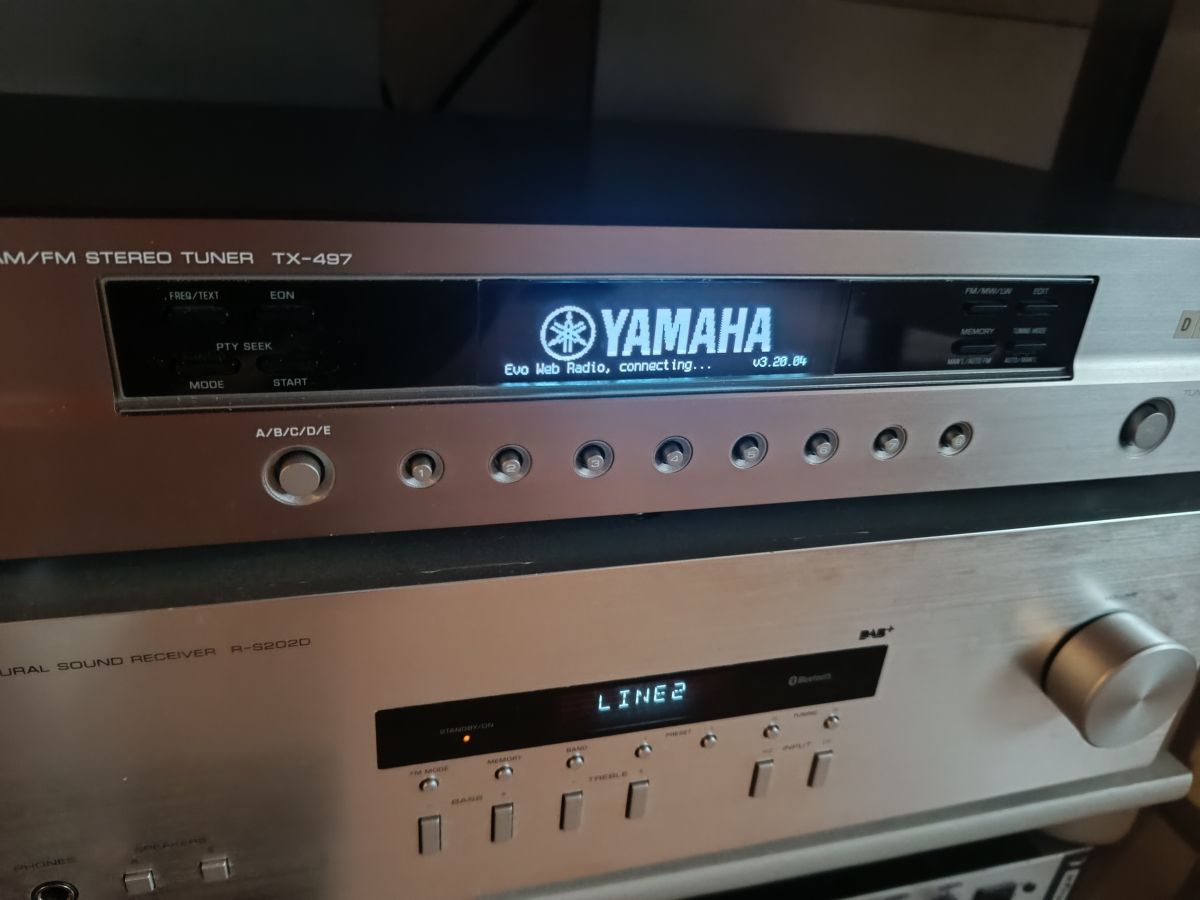
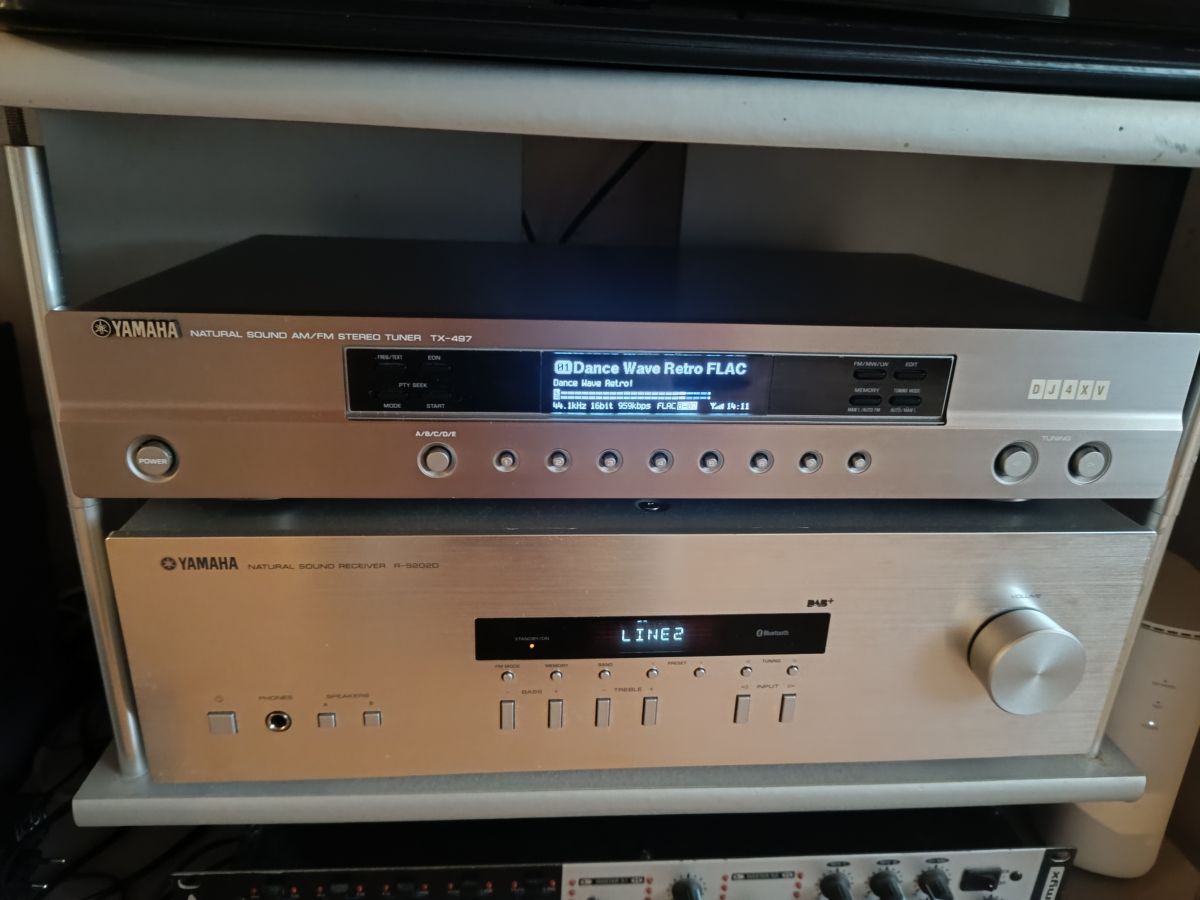
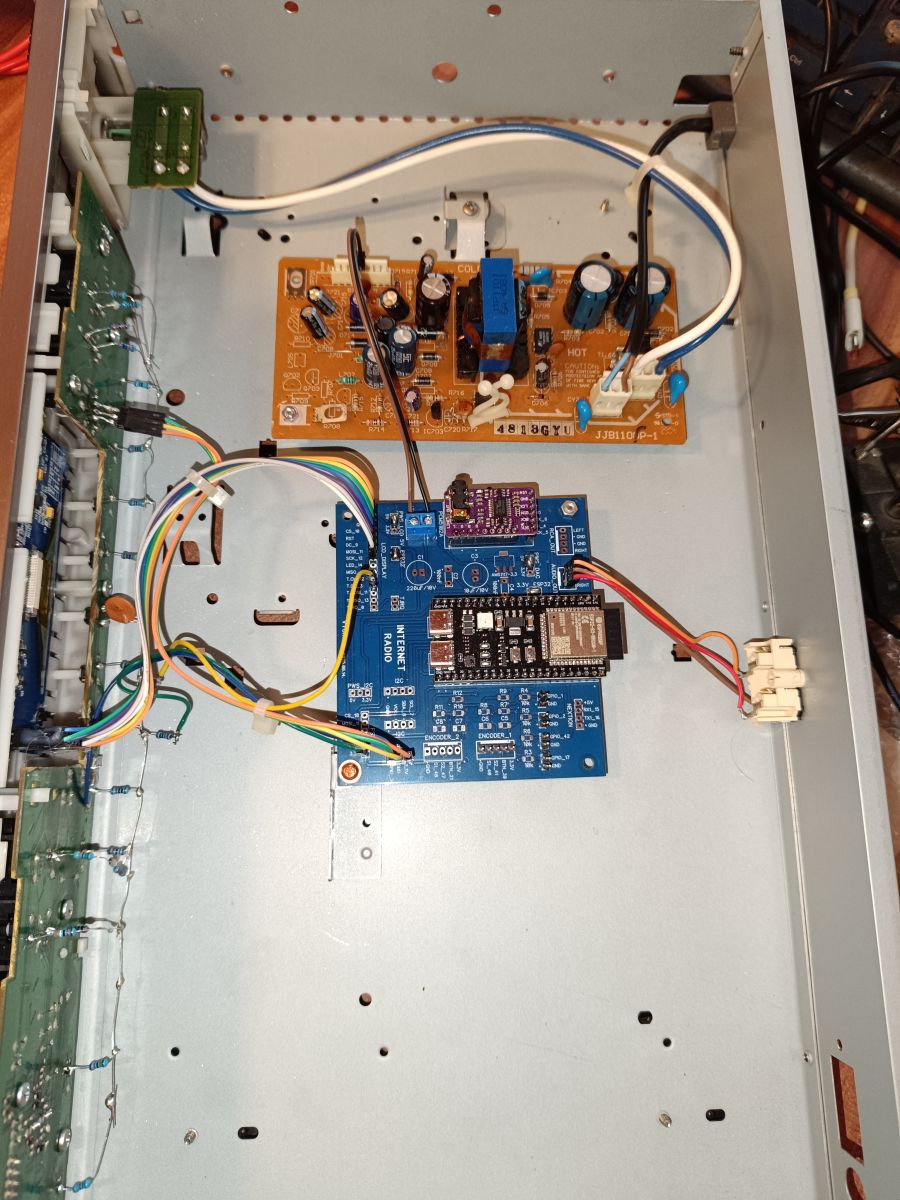
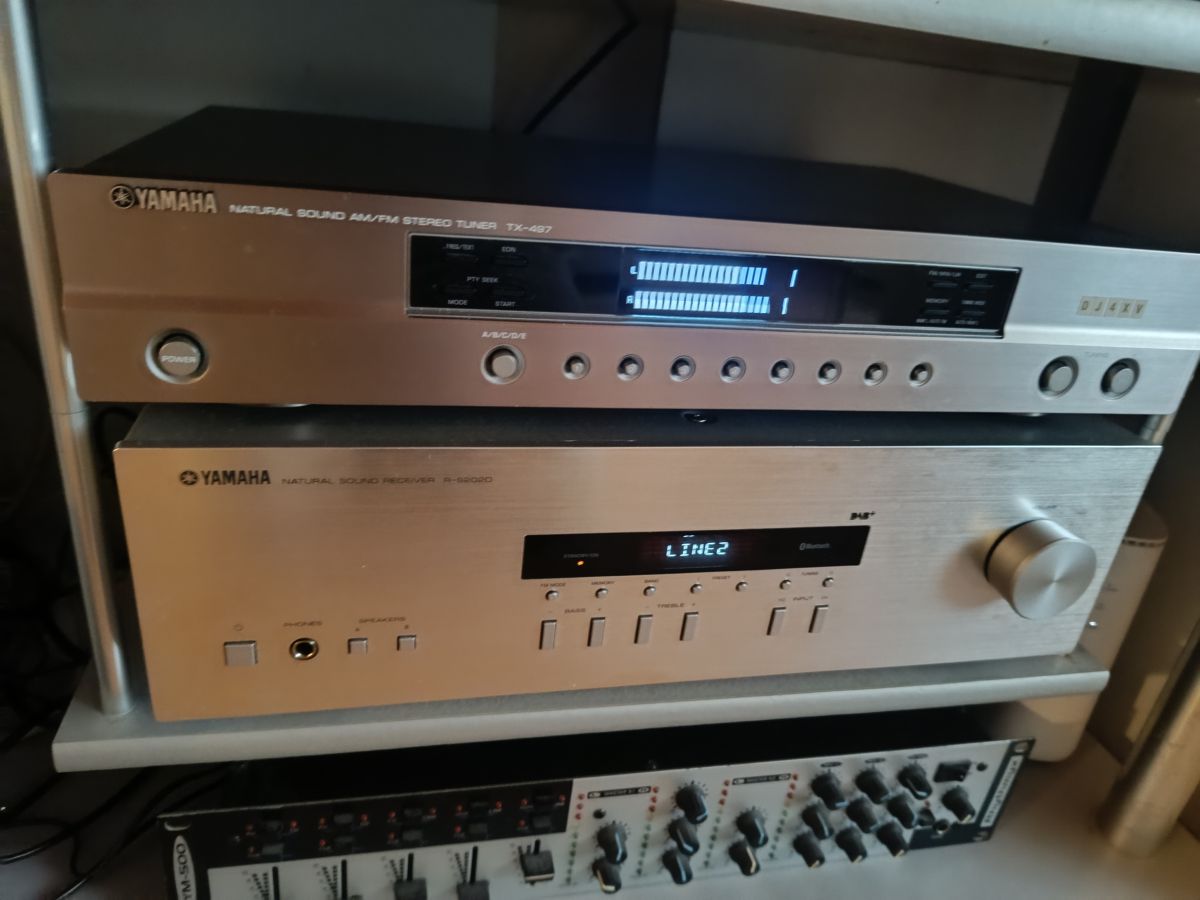
Hello! I hope you don't mind me showing you my finished tuner. Thank you for the software. All buttons work, 19 of them. It required a lot of filing and post-processing to cut plexiglass.
>>21872538 You probably have a CNC design of some kind, because with a laser you don't carry any load. Looking at what colleague @dawidkosciesza has cut out, it seems that 10W also does the job. For "thicker" subjects I have a CNC.
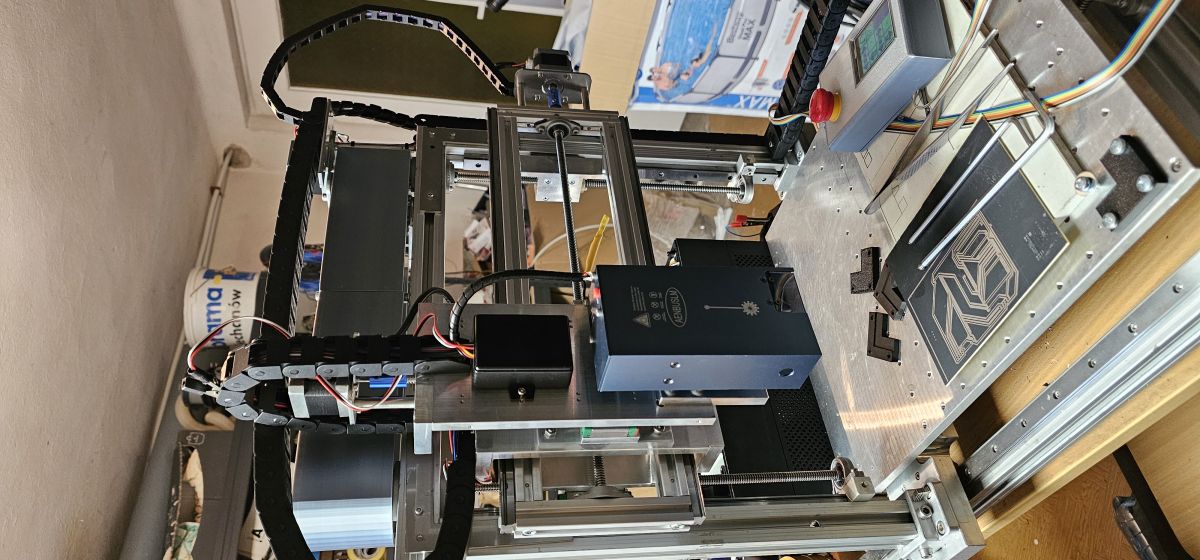
I didn't build it myself from scratch. The design is mine as well. It's 4-axis, it was supposed to be a multi-tasking cnc machine, I have a spindle alternating with a laser, I have a 20W and an 80W, you really don't do much with it, I use it for pcb, it doesn't even burn paint.
>>21872645 And are you sure that it has 20 and 80W of power ? Have you measured it with something? With lasers it varies and 80W seems impossible in such a small box as in the picture. I would rather expect that this is a conversion from co2 laser to LED and then it is about 8-10W but maybe I am wrong.
That's what the Chinese guy wrote, the optics were right at the beginning he was still burning the paint not badly but then it was just drugs that set it on fire so I don't believe the Chinese guy could burn something like that with that 80W for sure because it makes a pretty clear mark on the stainless steel with the engraving in the galvanizing is a fight of about 0.3mm so I'm just writing what I have and that's it
As for the laser engraver this power is enough for me.
I bought it on ali in promki for 600zl I cut mostly in 3mm plywood and 3mm black acrylic. The plywood and this acrylic goes in one cut. The 6mm plywood already has to go twice.
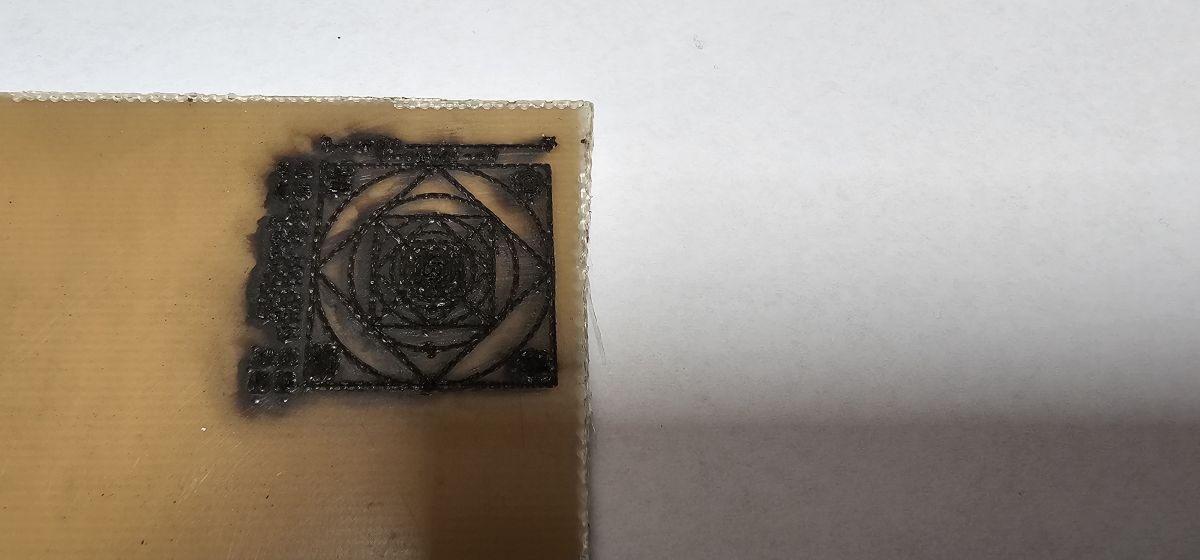
As for other materials, you can't cut PCB, it burns too much. Acrylic in other colours has to be cut several times. White and blue are not affected by laser at all. From what I have read it is related to the colour of the laser beam.
Mirrored surfaces should preferably be painted black and then engraved, and the paint washed off after processing. Care should be taken as without painting you can destroy the laser by reflecting the beam back to the head.
@robgold here is a link to the diffuser I use, I cut it by machine because unfortunately it melts and burns under the laser.
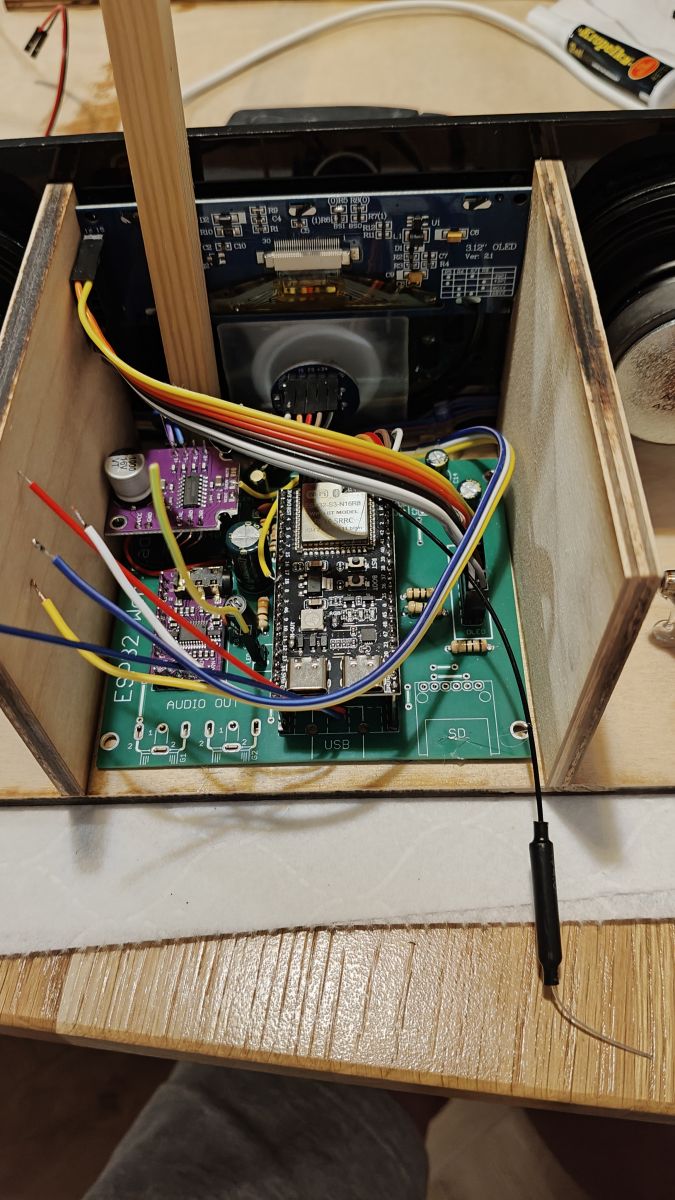
Today I was struggling with a radio I made for my Dad. I had a big problem there with noise and screeching. The radio has a TPA3110 amplifier and is powered by a pack in series of 3x18650. A supply of about 12.6V goes to the amplifier and a step-down converter powers everything else.
Specifically, what ground have you disconnected from the module, the one between the L and R channels or the one from the power supply or both? How does it work without GND ? Can you describe it ?
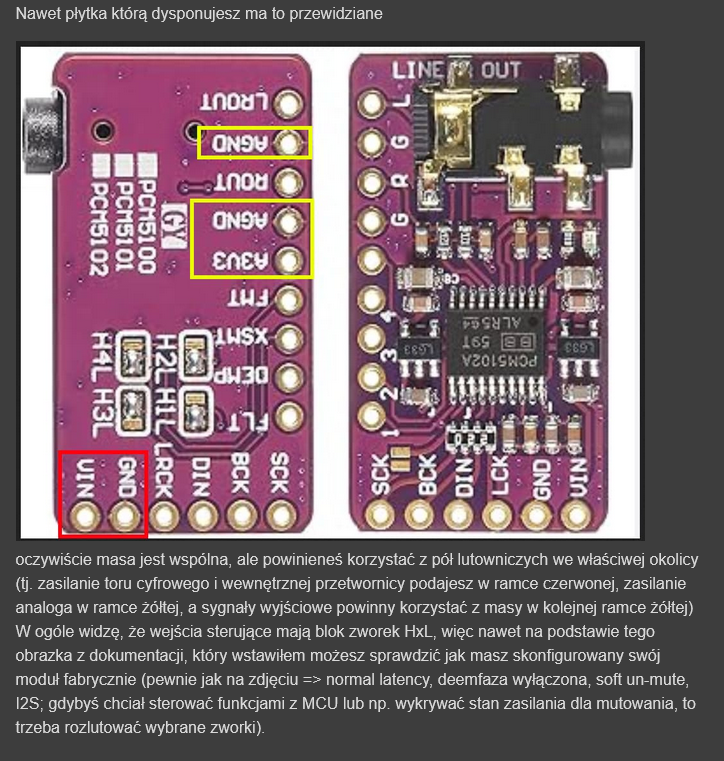
>>21872947 I wrote here to insert a 10Ohm resistor in the PCM ground. I have the PCM itself done separately with a 3.3V supply for the digital and analogue parts. Unfortunately their grounds are tied together on one plane. Putting resistors into the speaker output is a no-go. How do you have this TPA amplifier ? The modules from Ali have a preamp inserted and it makes a lot of noise.
What do you use to cut this diffuser so as not to rag the edges ? CNC comes to mind but cutting a thin ring is not so easy.
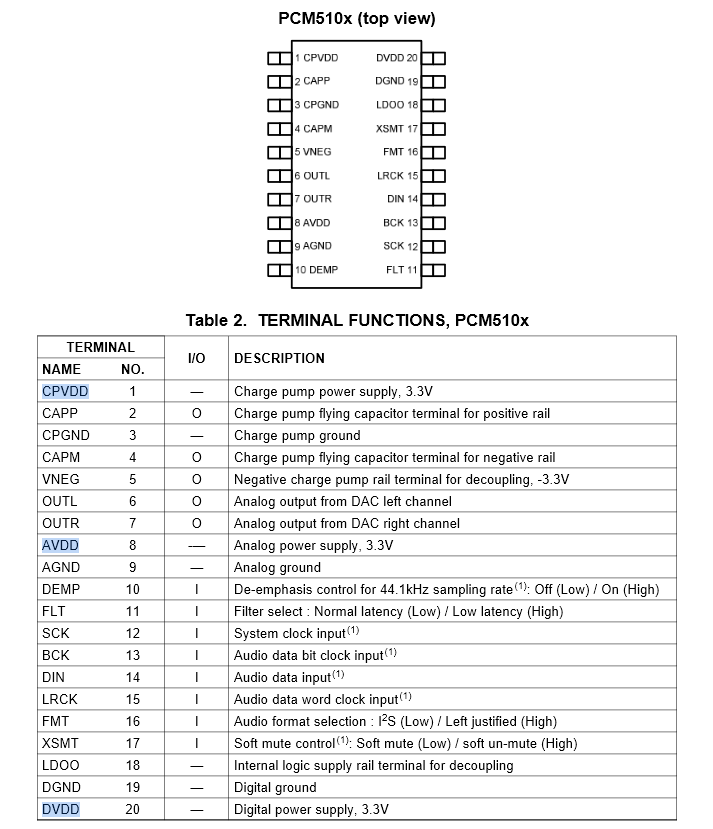
>>21873678 Without the power ground, I left the bridge alone between SCK and GND. Apparently in that case the PCM then uses the ground between channels L and P. Sort of like a backwards ground from the amplifier.
I was shocked myself that this worked.
>>21873647 You're right, it's hard to cut it out nicely, that's why he uses a trick like the one in the photo.
>>21873693 I have a similar connection arrangement. PCM5102 - only the digital ground is connected. Then the analogue tone circuit and onto the TPA3110 amplifier. TPA - power supply ground only. This works without interference. Interestingly the signal wires are twisted single wires with a wire connected on one side to ground.
>>21873933 Because there are two grounds in this circuit. Analogue, to pass the signal to the analogue audio paths. E.g. analogue preamplifiers. Here it is described. https://serwis.avt.pl/manuals/AVT5534.pdf
I have a similar connection arrangement. PCM5102 - only digital ground connected.
Ladies and Gentlemen. I was preparing the board gerbers today and noticed that I incorrectly stated earlier that the analogue ground is unconnected. Both grounds are shorted. I apologise for misleading you.
>>21874839 Yes there are two grounds but both are connected and not at the power supply but on the PCMa board. This makes it very easy to create unnecessary ground loops for yourself. In the original Evo board there are still problems with the OLED inverter despite leading them out separately.
https://github.com/dzikakuna/ESP32_radio_evo3/blob/main/Photos/ESP_radio_rev1.0_PCBvis2.png
Interestingly I have now ordered the display boards themselves of a slightly different design and with them there is complete silence.
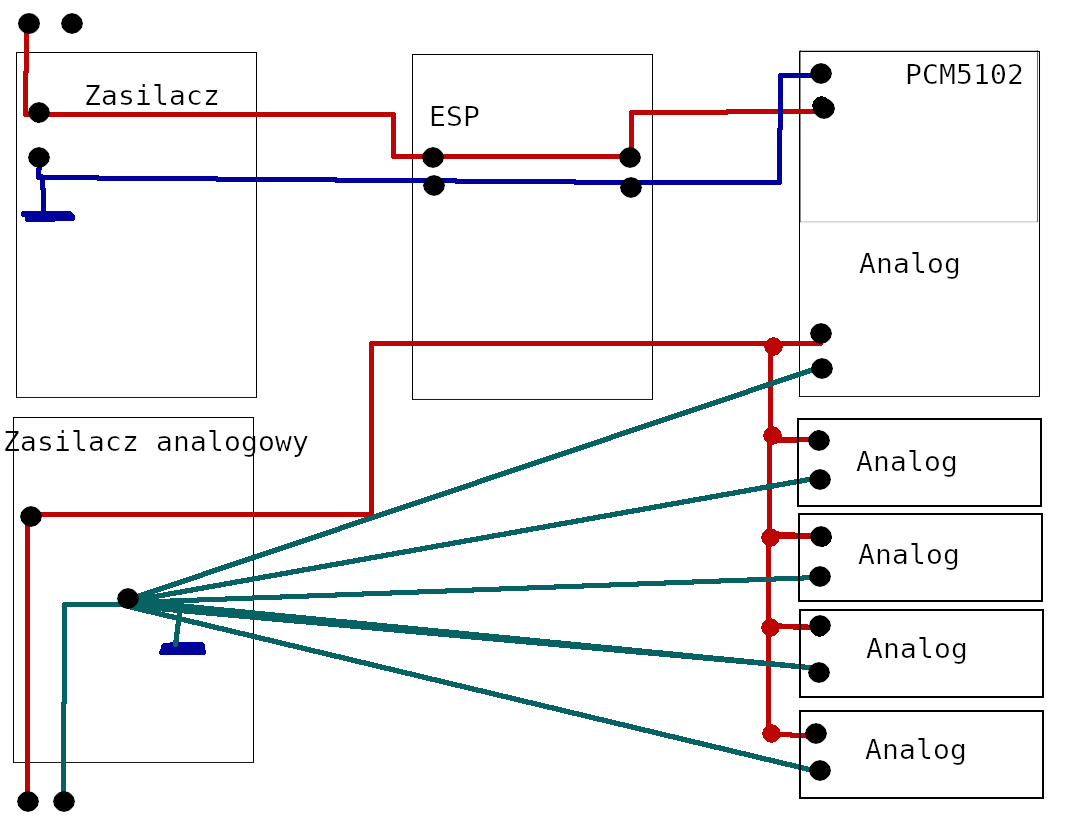
>>21875298 I can't draw. maybe you can grasp. Analogue ground always radial from the power supply, in addition you have to skilfully find the point where it has the least noise. Digital power supply runs in cascade. This is why there are two ground connection points in the PCM5102. The fact that they are physically connected is irrelevant. What matters is that the power supply is separate and that this ground is connected where it is written. And there is no interference. Because they go straight to the power supply and not through the circuits. Red is PLUS. BLUE IS DIGITAL GROUND. Green is ANALOG GND.
Ferrite beads and ground-loop fixes for OLED noise
First of all, I would like to thank my colleagues MajsterXXL and Robgold for a very cool project. To the other participants in this thread, I would like to congratulate the level of discussion, which is not at all obvious in Elektroda.
This is what made me dare to write and share a few observations about my colleague Robgold's version.
Interference from the OLED's inverter. It is extremely poorly designed. My observations indicate that the OLED has a high level of radiated interference, which indicates that the frequency of the inverter is quite high.
The rescue here turned out to be the insertion of ferrite beads in the power supply series (ground and plus) right next to the pins on the OLED board. I inserted such beads as I had on hand. Impedance 130Ohm at 100MHz
Interestingly, I have 3 OLED displays and only in one case did these beads need to be inserted. The other 2 were quieter and inserting the beads had no effect.
As for conducted noise and what you hear in the speaker - here I had two candidates: OLED (inverter and SPI) and ground loop.
If one assembles according to colleague Robgold's schematic (GitHub), there are several possible ground loops when connecting the DAC.
As you can see, the SCK pin is supposed to be to ground. If someone pulls this wire to minus and at the same time the other wire as GND and God forbid still AGND or the RCA sockets to GND, then problem ready, because digital and analogue ground are already shorted on the DAC board.
My version of the PCM5102 board has extra solder fields for the SCK jumper to ground. So I only have one GND wire to the PCM5102 board.
By the way, you can also skip the FMT connection from the ESP32 - when configuring the PCM5102 board, set the FMT jumper to L, which is to ground.
If we still have a silent buzz, inserting a 220uH choke (140mA, R_DC=5ohm) in series with the PCM5102 ground and power supply can help.
The SPI bus is also a possible source of noise. Here, increasing the value of the series resistors to 22-33 ohms will help. In my case, 10 ohm resistors are sufficient.
And one more note - the prototype is at my place connected to an external HiFi amplifier, input impedance 1MOhm.
Discussion of a DIY internet radio and SD-card audio player built on an ESP32-S3 with an OLED display, rotary encoders, buttons, and a front-panel interface. The project uses Wi‑Fi to download station lists from GitHub/public stream databases, supports MP3 and later AAC/FLAC playback, displays metadata including Polish characters via a modified font table, and stores settings such as station/bank selection and volume. The thread covers PCB design in EasyEDA, ESP32-S3 module pin spacing issues, PSRAM and Arduino IDE setup, library compatibility problems, SPI/I2S wiring, SD card reader boot issues, encoder behavior, WiFiManager-based network setup, and troubleshooting of crashes, HTTP download failures, and audio initialization errors. Several improvements were added over time, including station selection by encoder, time sync, browser update support, and saving settings to card memory. AI summary based on the discussion. May contain errors.