logo elektroda
logo elektroda
X
logo elektroda

Internet radio and audio file player on ESP32-S3

MAJSTER XXL 235725 2552
ADVERTISEMENT
Treść została przetłumaczona polish » english Zobacz oryginalną wersję tematu
📢 Listen (AI):
  • #2551 21865854
    robgold
    Level 23  
    >>21865827 That's why an oscilloscope is essential, because you would immediately check if those 3kHz (quite a lot for tests, it's better to start from 1k) enter the PCM correctly. As far as DSP is concerned, you should be interested in the TAS (TI TAS 5805) which I threw into the radio here; they have a very extensive DSP in them.
    As for input/output handling and conversion to i2s, I recommend the PCM9211 used in a lot of gear. I will be figuring out communications with it in the near future.
  • ADVERTISEMENT
  • #2552 21865978
    kula350
    Level 12  
    Thanks to MajsterXXL for the radio heart.

    / Encoder:
    Set up for my big scoop.
    1. 1 pos SW - switching between Player/Radio. Compare remote control buttons for IR in data/IRcodes.h. Attached original with description.
    2. 1 pos. twist - station/folder selection.
    3. 2 pos. after 1.2s holding SW - volume. (Doesn't matter if 20, 21, always range 0-100%, here jet 5 with 20 as default. I will put the gain on full anyway)
    4. 3 pos. after 2s holding SW - Off/On. Compare remote control buttons for IR in data/IRcodes. Attached original with description.
    Colours can be selected in the colours.txt file. By deleting the colors.txt file or renaming it, the radio enters the colours contained in the program code.
    // VUmeters (the analyser) has a vu.txt file on the SD card, in which 7 vumeters can be selected by specifying their numbers from 0 to 6.

    the // Weather is set to ORE, can be easily adjusted in the program code by changing, line about 939, to:
    ?latitude=50.25&longitude=18.85.
    There must be 4 digits and a dot in the middle. Here it is set to 50.25 and 18.85, check on Google maps what the latitude and longitude is for you. Round up to this format.

    // Pins:
    Pin #1 added - on/off. It is 1 when started, 0 when switched off. The rest of the pins are as they were. It is switched on with the encoder as On/Off, from the IR remote control the code "rcCmdOff". From the remote control only off, the return does not need, because there will be a mechanism to switch on the whole device with the radioplayer. This code will receive another device, depending on how it is set, the corresponding configuration will switch on.

    // IR pins described in data/IRcodes.h
    // Library arduinoFFT added. (someone asked)

    // This is not the end of this radio for me, it will be expanded with more segments according to my needs and assumptions.
    Improvements welcome. I don't limit the work of MajstraXXL to dissemination, but I don't want mine to get tangled up on FB in the Yoradio group, due to being treated like an intruder, to say no more.... Therefore, please do not pass this on the Yoradio group on FB . Apologies for errors.
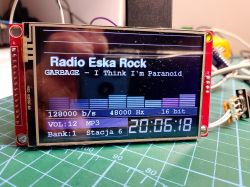
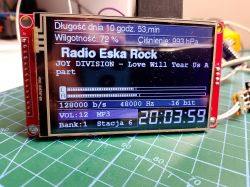
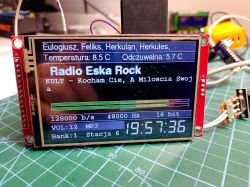
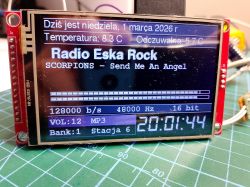
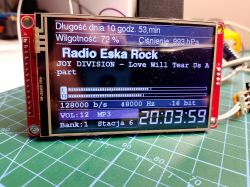
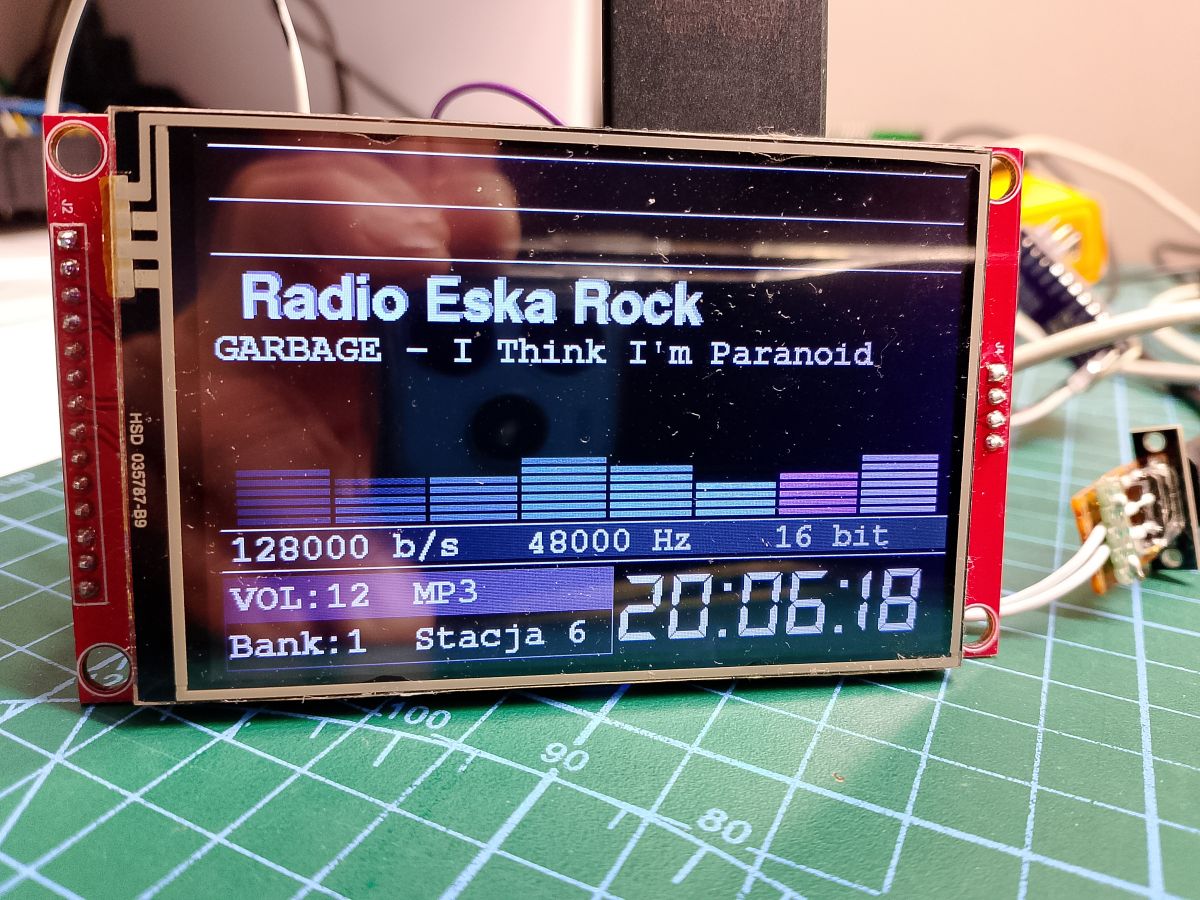
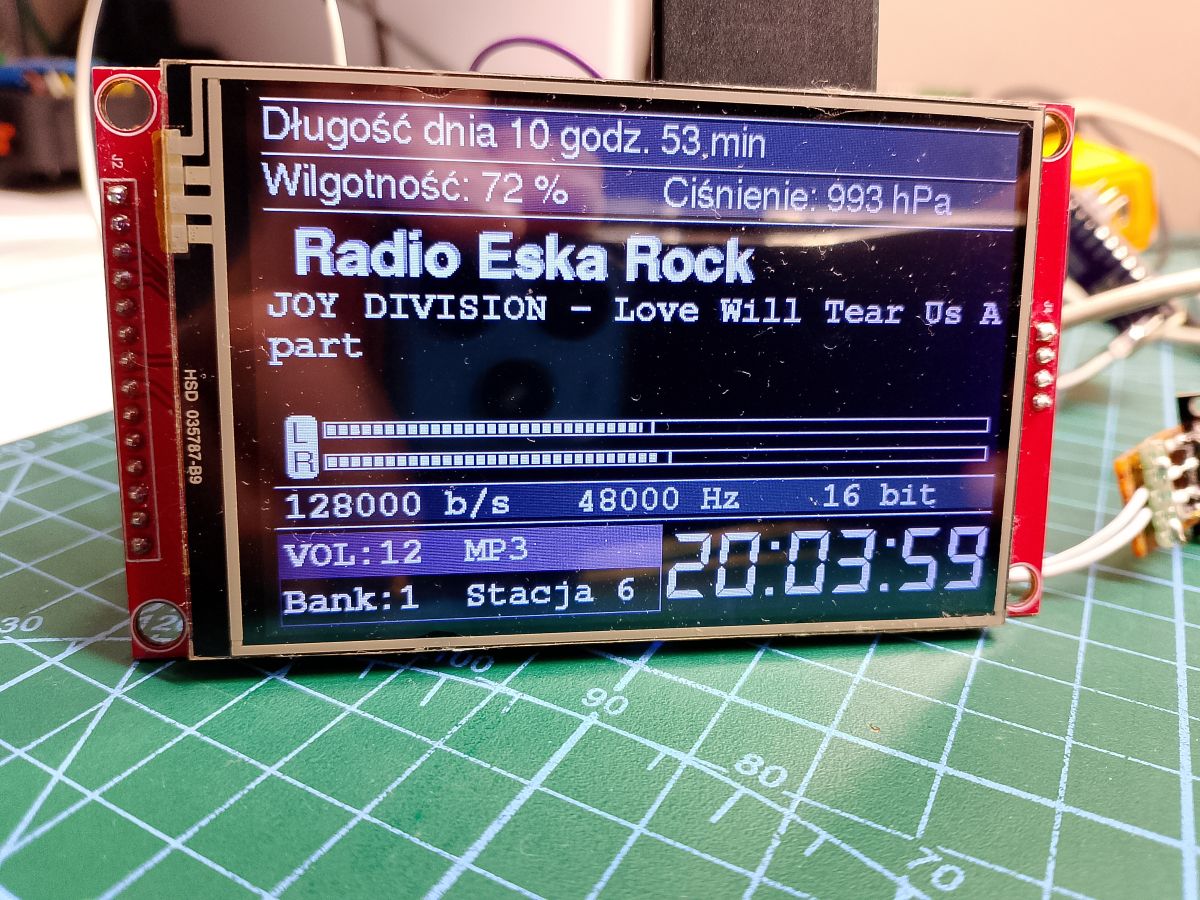
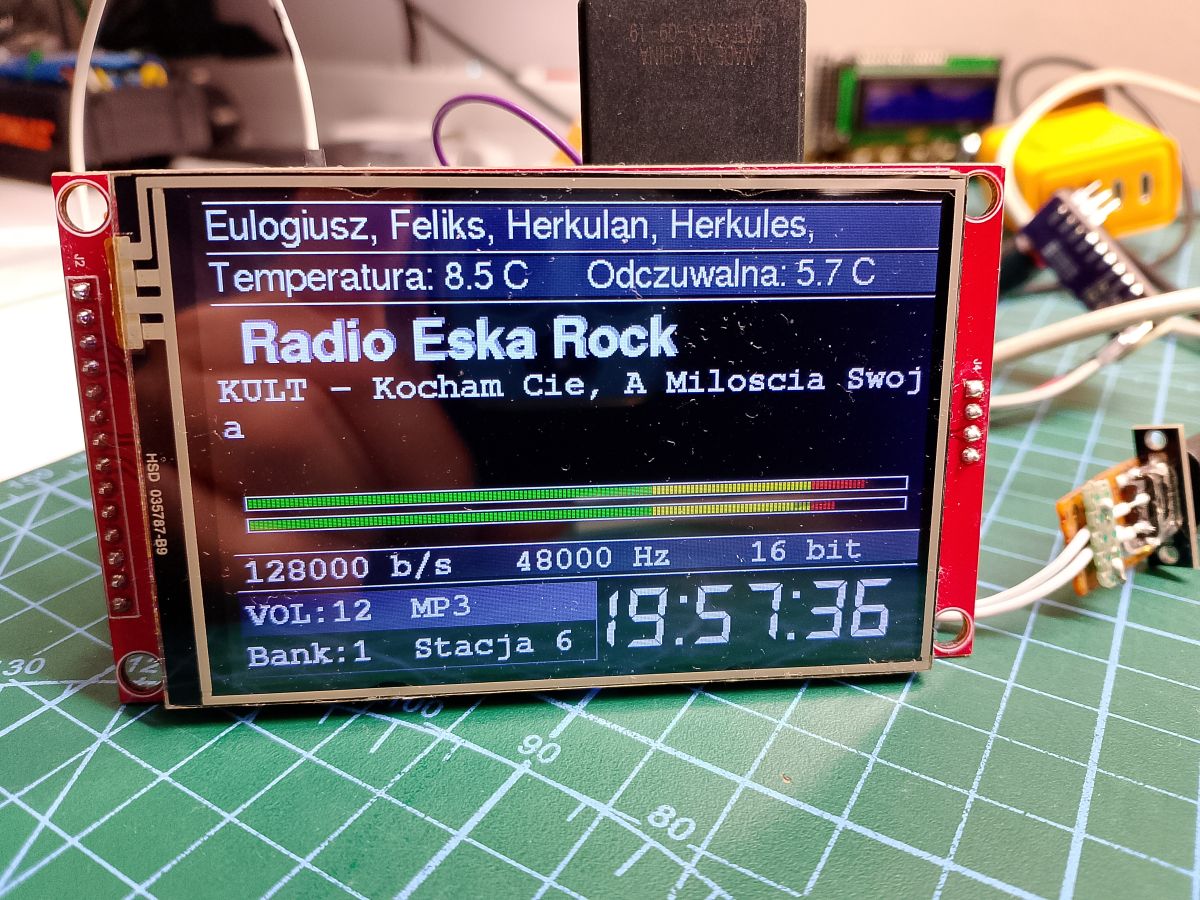
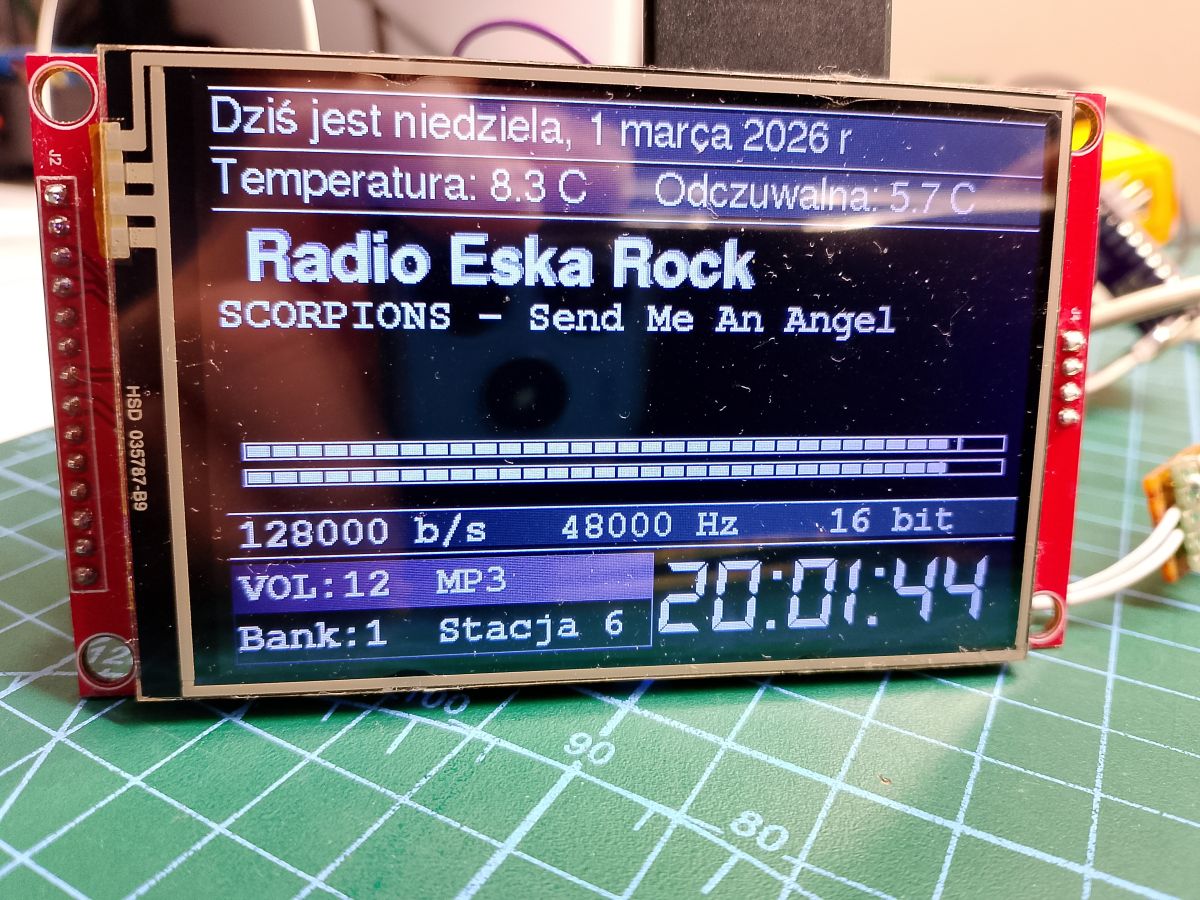
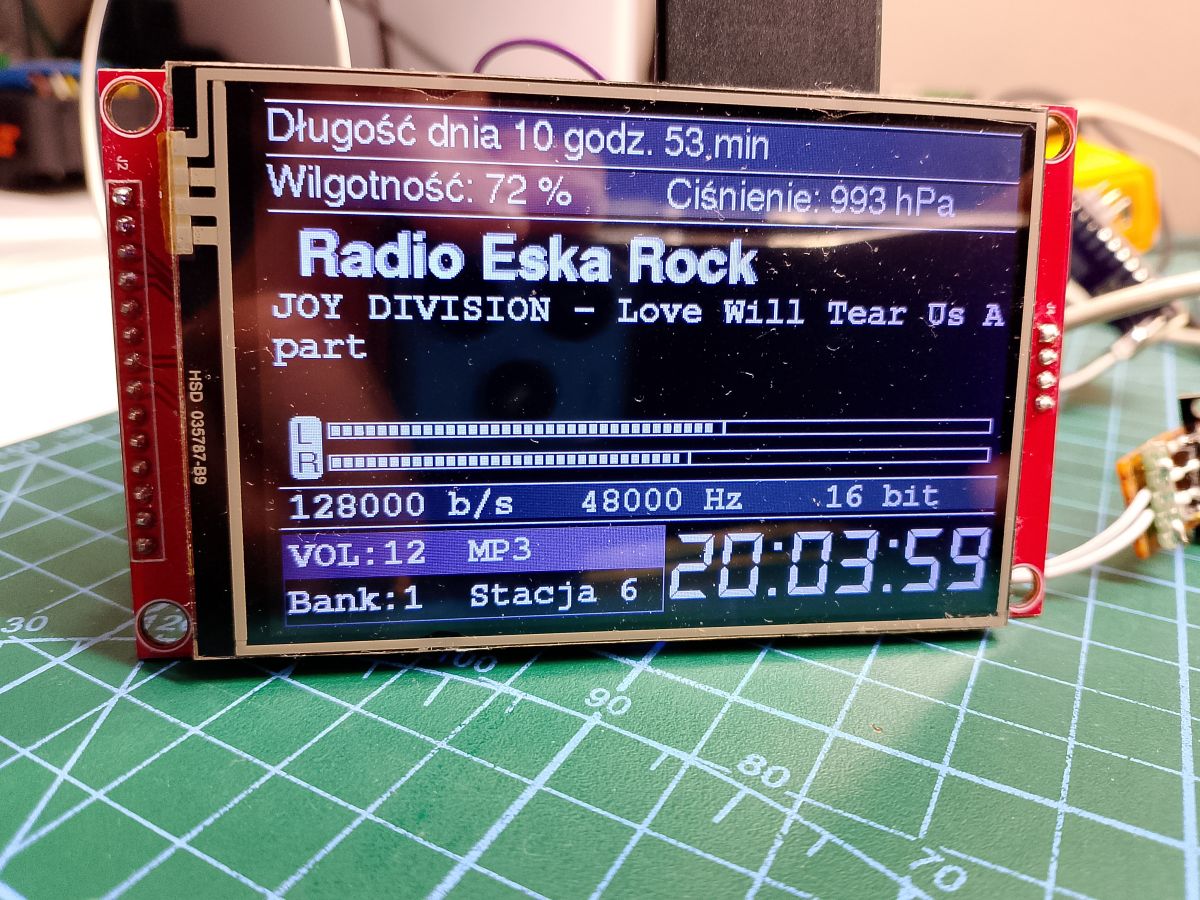
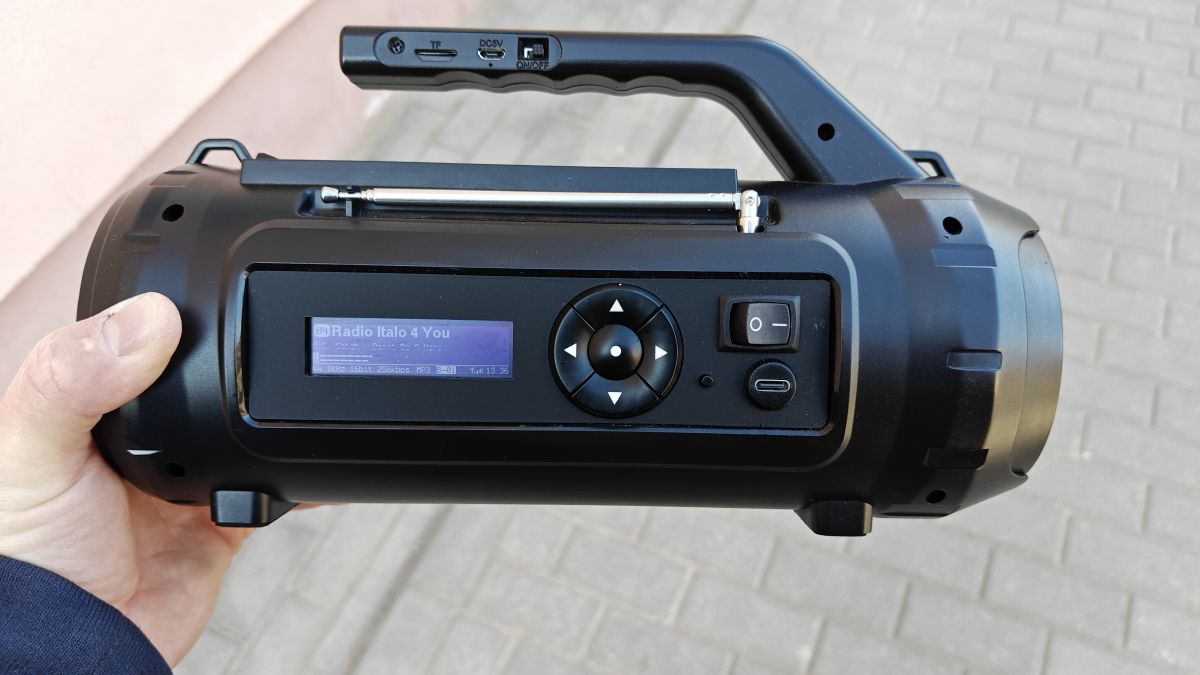
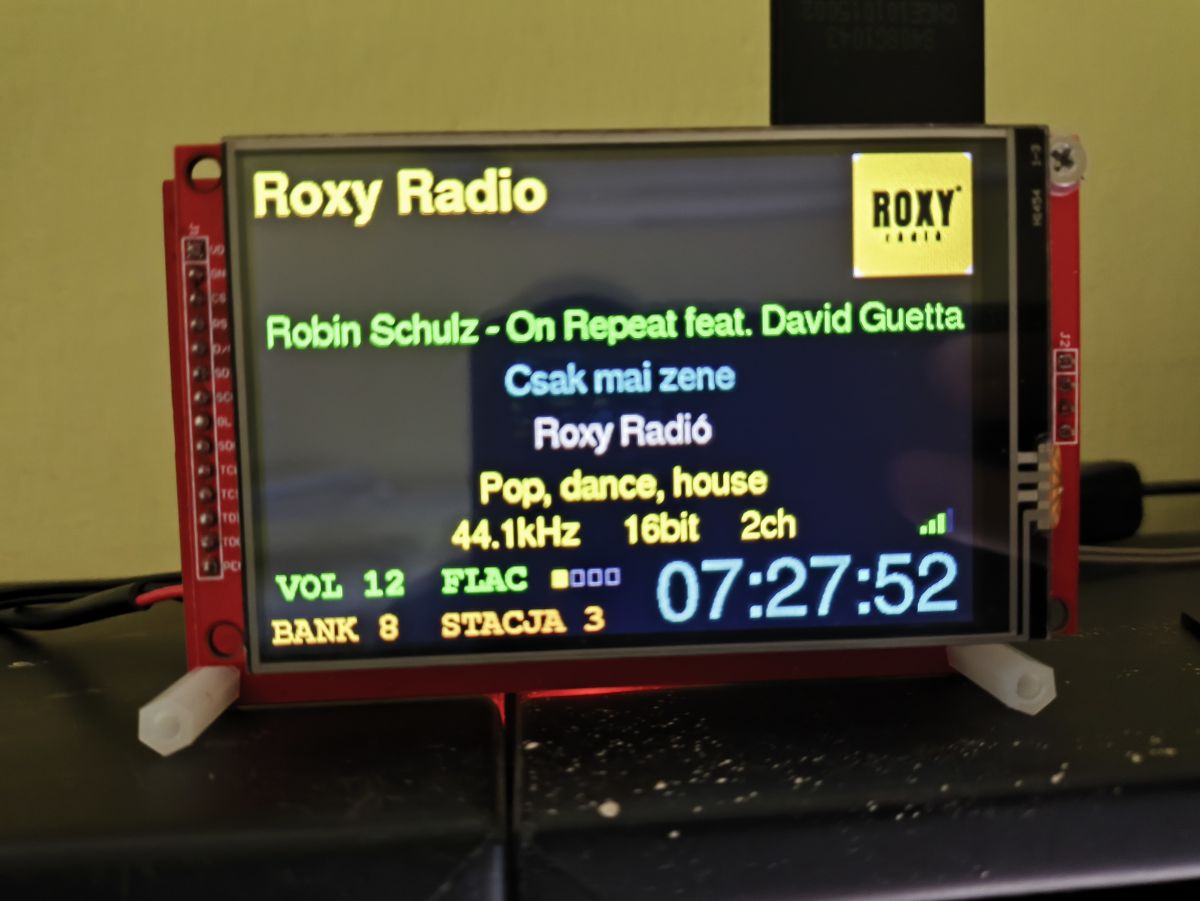
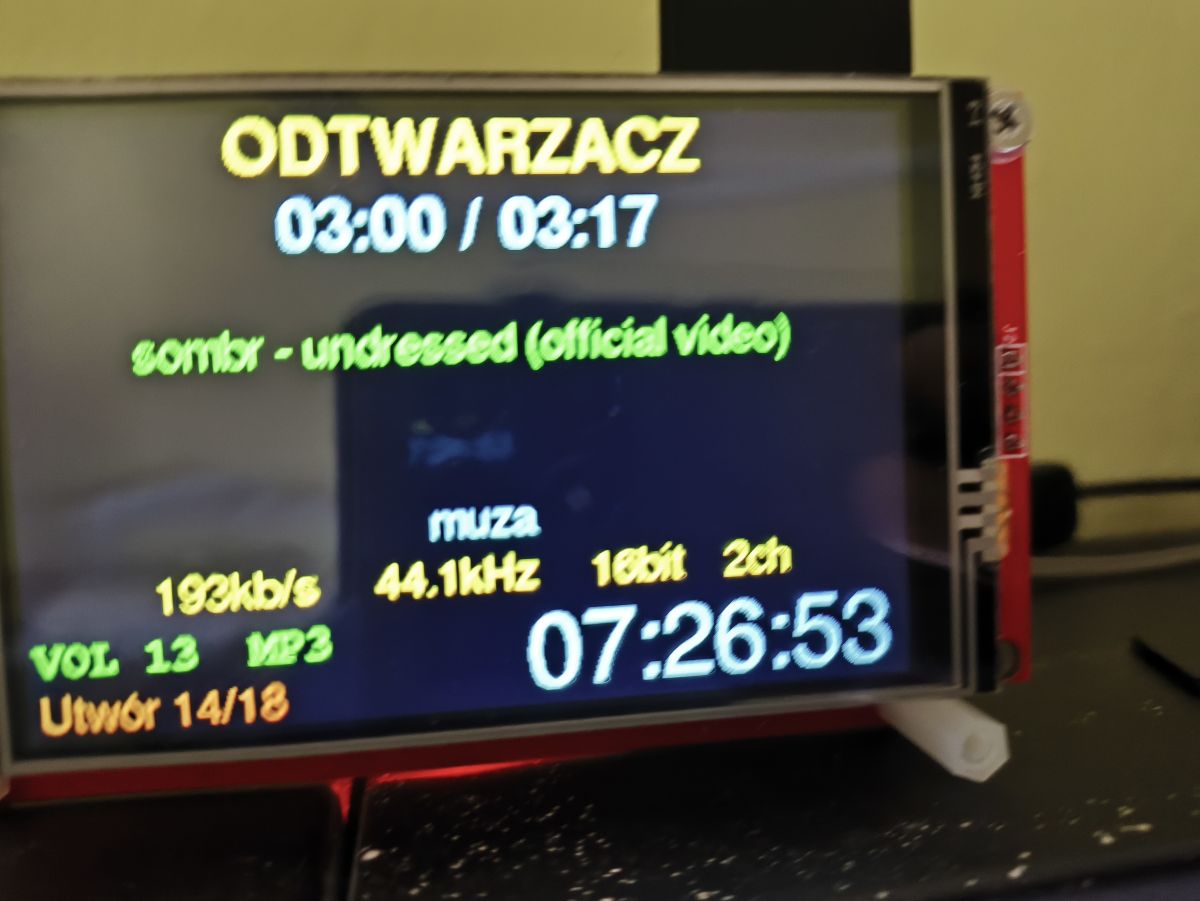
    LCD module showing radio UI: “Radio Eska Rock”, “GARBAGE - I Think I'm Paranoid”, with VU meter bars. TFT audio module display showing “Radio Eska Rock,” weather data, audio meters, and time 20:03:59. LCD module on a PCB shows Radio Eska Rock, weather data, and the time 19:57:36. TFT display showing internet radio UI: Radio Eska Rock, Scorpions track, and weather data LCD module on a PCB shows “Radio Eska Rock”, a Joy Division track, and time 20:03:59
    Attachments:
    • 1 ESP32_majster_v3-main.rar (134.62 MB) You must be logged in to download this attachment.
  • #2553 21866028
    DJCheester
    Level 27  
    Kula / Majster I was thinking about the player function so that you can delete songs from the SD card because sometimes it would prztdało from the remote control when you are lying down and listening and a song is already boring.

    Greetings ...
📢 Listen (AI):

Topic summary

The discussion centers on the development of an internet radio and audio file player based on the ESP32-S3-WROOM-1 module, featuring a custom-designed prototype PCB with OLED display and user controls including rotary encoders and buttons. Key challenges addressed include pin spacing discrepancies in the ESP32-S3 module footprint, integration of Wi-Fi connectivity with dynamic station list updates, and handling of Polish character encoding on the OLED display. The project uses Arduino IDE (version 2.3.2) with ESP-IDF support and requires enabling PSRAM. Audio playback supports MP3, AAC, and FLAC streams, with the ESP32-audioI2S library recommended over the incompatible Audio library. Users reported issues with SPI MISO pin assignment causing bootloader conflicts, resolved by reassigning MISO to pin 35. The project incorporates WiFiManager for network configuration, EEPROM and SD card storage for saving last played station and settings, and includes plans for tone control via an external KA2107 equalizer and a CS8673 amplifier module. Problems with encoder input stability and memory limitations for Bluetooth A2DP on ESP32-S3 were noted. The community suggested alternatives like KaRadio and ESP32-MiniWebRadio projects. Debugging tips include serial terminal logs for HTTP errors and flash memory erasure to resolve boot loops. The project is open-source on GitHub, encouraging forks and modifications. Additional features under development include browser-based updates, directory navigation, and potential audio recording to SD card.
Summary generated by the language model.
ADVERTISEMENT