logo elektroda
logo elektroda
X
logo elektroda

Unusual BSD33 smart socket from Vesync APP on BK7231M (batch change, interior)

p.kaczmarek2 1584 2

TL;DR

  • Unusual BSD33/LSPA9-style smart socket uses a BK7231M Wi‑Fi module and Vesync APP instead of Tuya.
  • The CB2S-labeled module is actually BK7231M, so it needs BK7231M-specific firmware handling because its keys and bootloader differ from BK7231N.
  • Inside, the PCB BSD34-202110 includes a varistor, a BP2525 non-isolated step-down supply, and a BL0937 power-measurement chip.
  • After flashing OpenBK7231T, the relay and button GPIOs had to be mapped and calibration set, but the socket then worked cloudlessly with Home Assistant.
Generated by the language model.
ADVERTISEMENT
Treść została przetłumaczona polish » english Zobacz oryginalną wersję tematu
📢 Listen (AI):
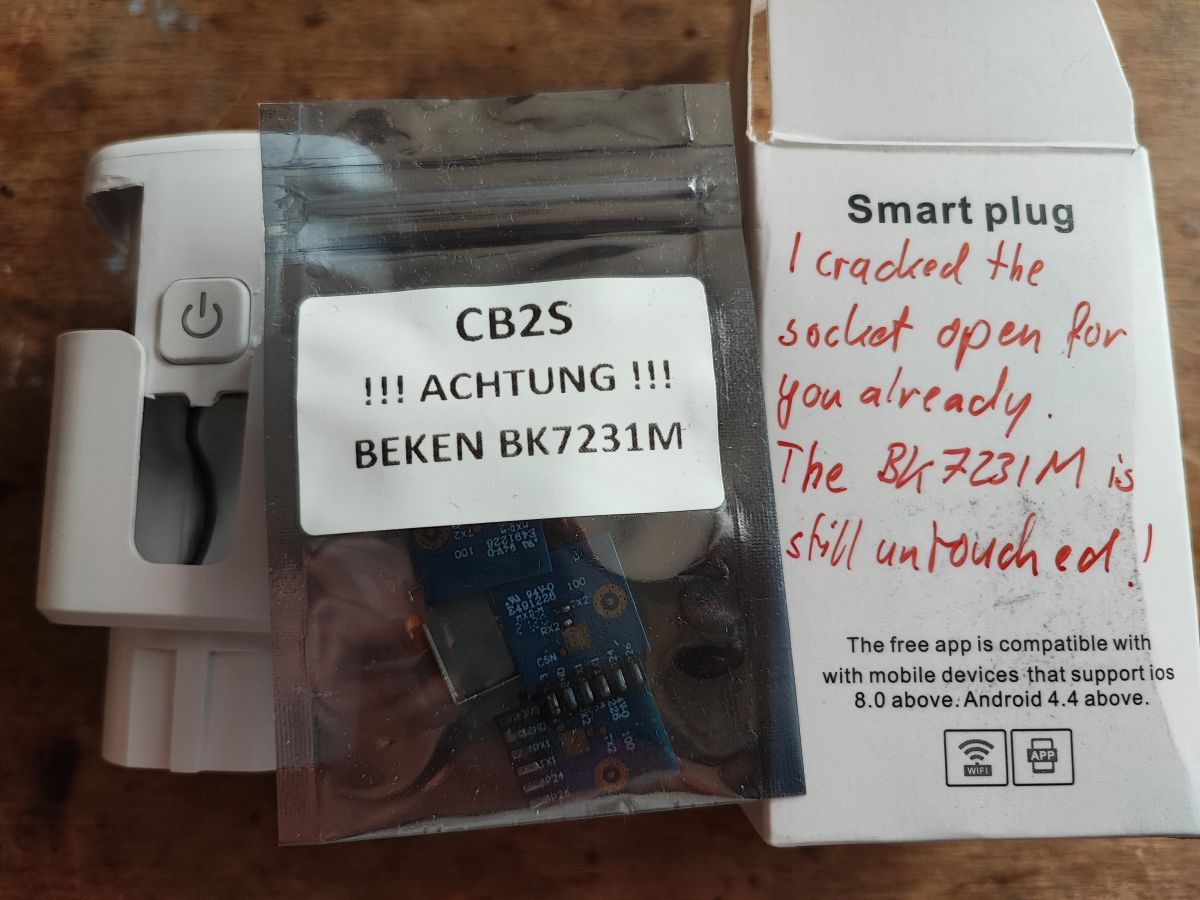
  • Smart plug packaging with CB2S BK7231M module and sender's note. .
    Today I have another package on the table from a reader in Germany. This time it's an unusual smart socket, seemingly just another version of the popular LSPA9, but here distinguished by an unusual WiFi module from the BK7231M. The BK7231M is essentially the BK7231N but with different encryption keys stored in the fusebits and a different bootloader. Such a situation is characteristic of the 'Bekens' used by manufacturers other than Tuya. Such WiFi modules are not compatible with the batch compiled for the regular BK7231N, so they have to be specially handled....

    The socket was sent to me with additional BK7231M modules (labelled CB2S, which suggests BK7231N) back in the days when nobody knew how to flash BK7231M. At the moment my Flasher already supports BK7231M, details:
    How to flash BK7231M/BL2028N devices other than Tuya with 000000 keys? .
    BK7231M also has binary batches separately compiled for this platform (under these encryption keys).

    But let's start with the standard, on-package markings:
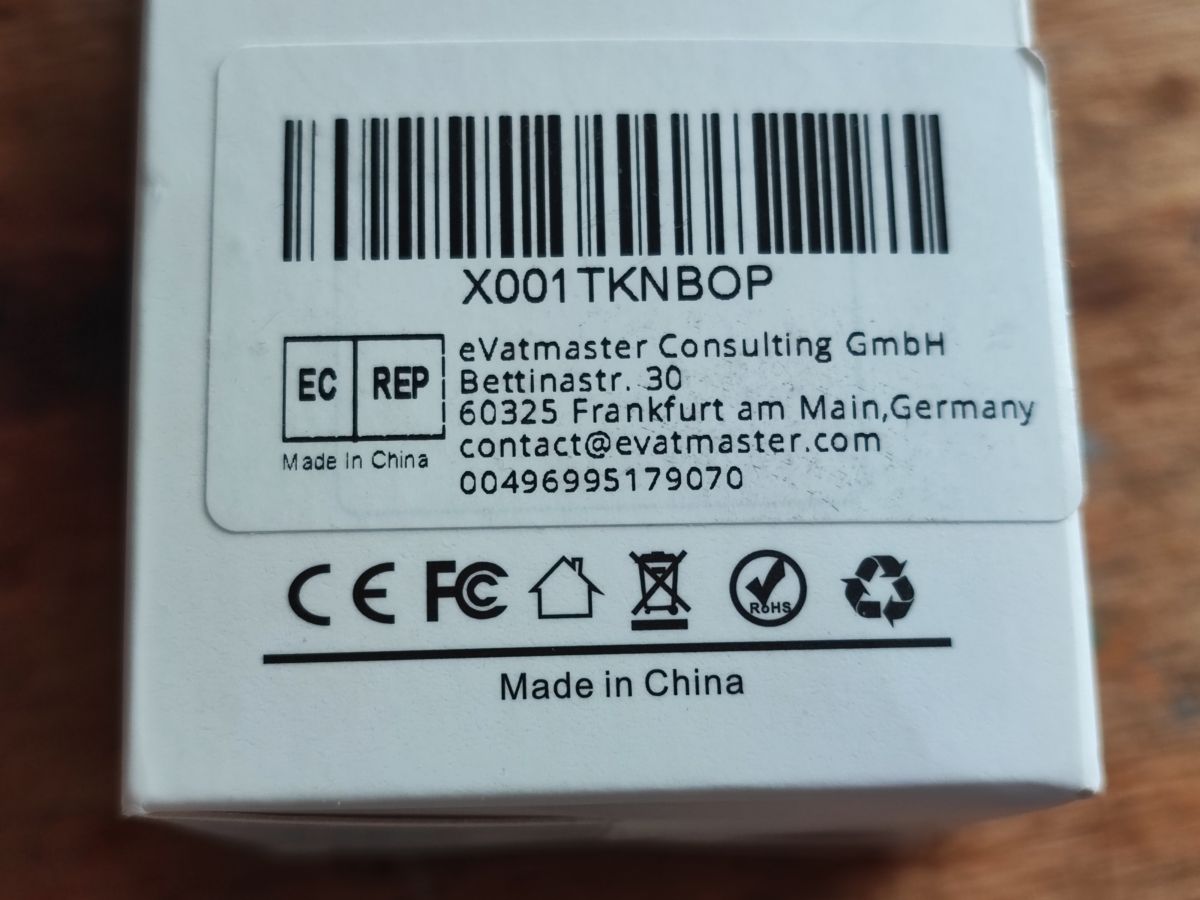
    Label with contact information and certification marks on a white background. .
    X001TKNBOP.
    Instructions:
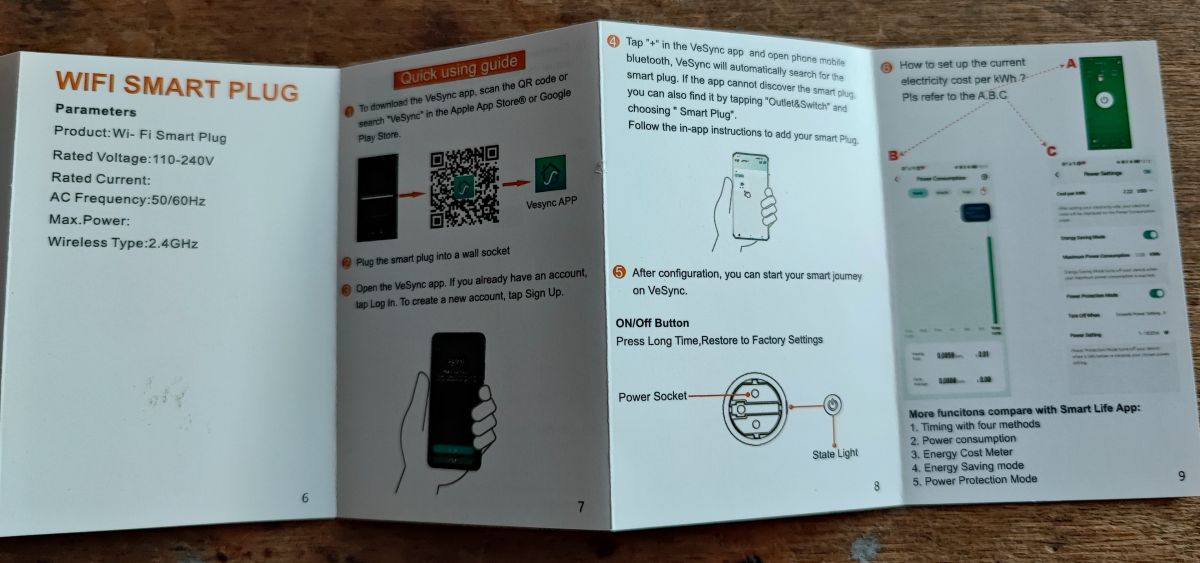
    Vesync Wi-Fi smart plug user manual on a table. .
    In the instructions, the 'Vesync APP' appears, not Tuya, which somewhat confirms the observation that the BK7231M (as a module with other keys in efuse) is used in products just from other ecosystems.

    Now it is time to change the firmware. One way to open the case describes the topic:
    How to open the ELIVCO LSPA9 case without damage? .
    The measure resembles other LSPA9s:
    https://www.elektroda.com/rtvforum/find.php?q=LSPA9
    Here one of the earlier descriptions:
    https://www.elektroda.com/rtvforum/topic3887748.html#19984436

    So, the interior:
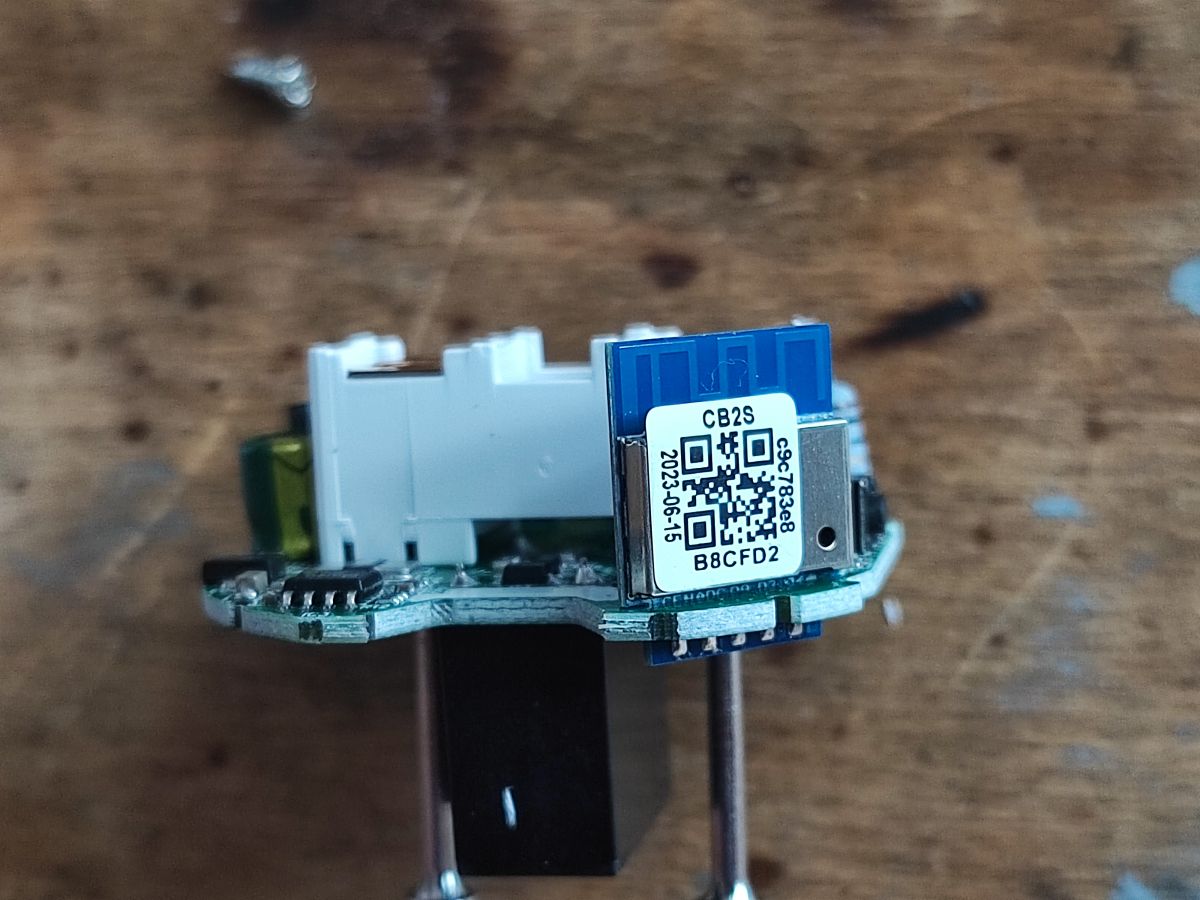
    Close-up of CB2S module marked as BK7231M on a circuit board. .
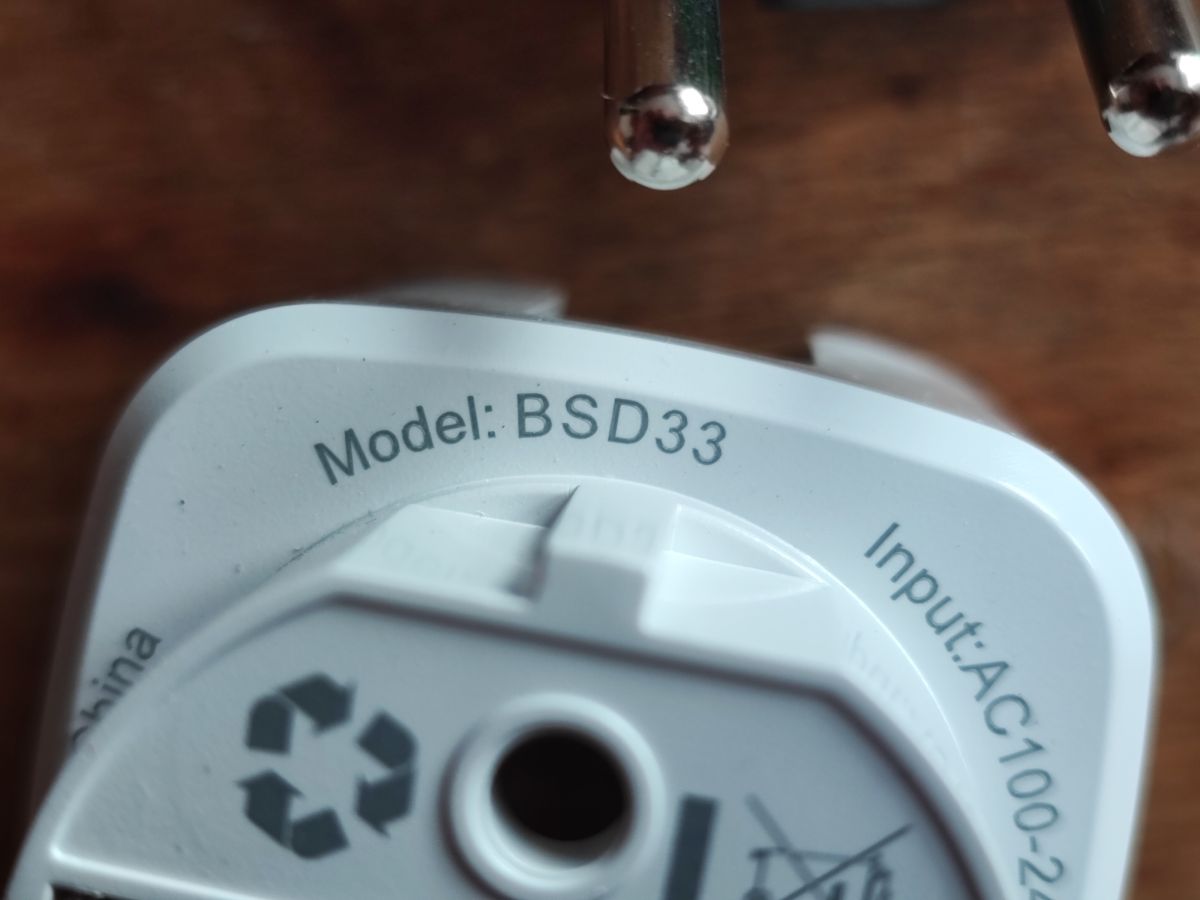
    Slot designation:
    Close-up of the BSD33 socket model marking with power input specifications. .
    The module is marked CB2S, but it is BK7231M. Several similar ones were sent to me by a reader:
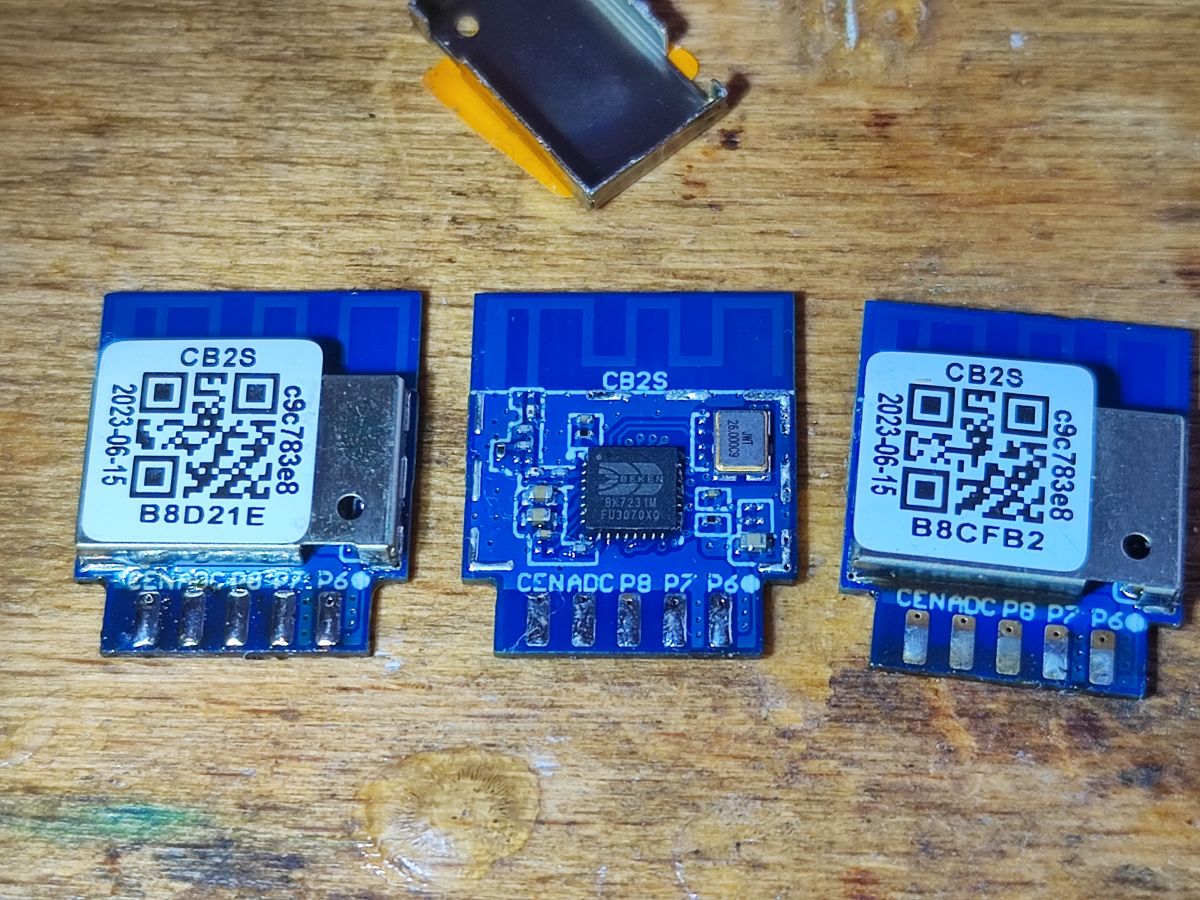
    Three CB2S modules labeled BK7231M on a table. .
    Yes, when the screen is removed it is a BK7231M:
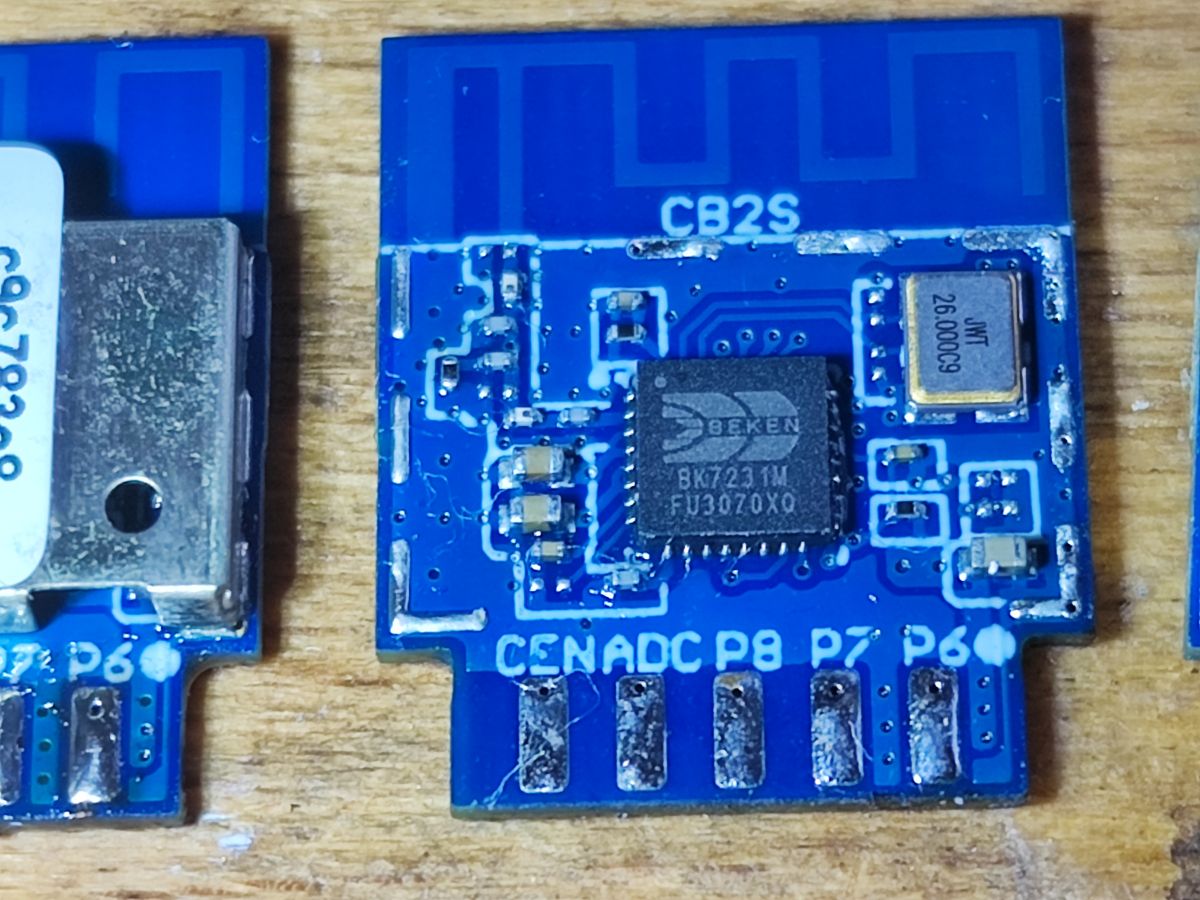
    CB2S module with BK7231M chip on a blue circuit board .

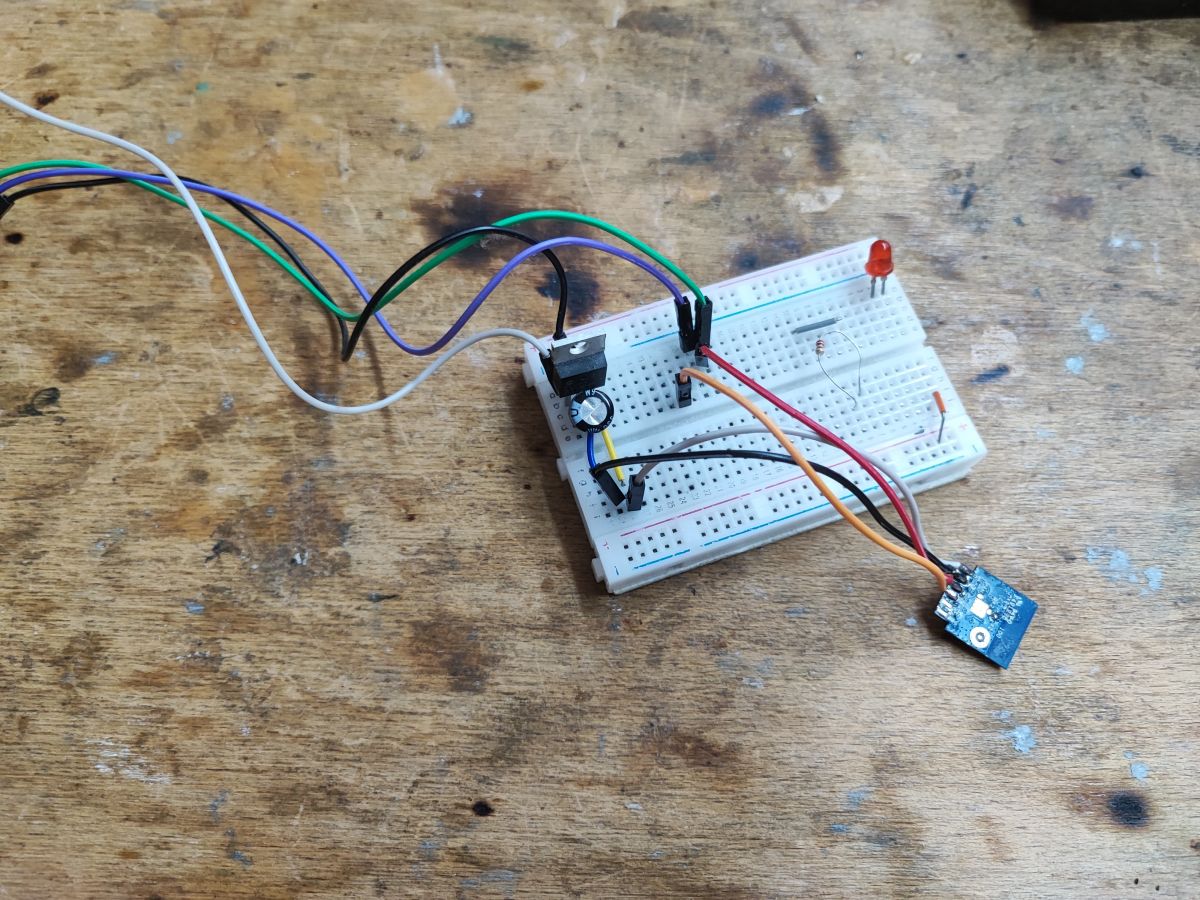
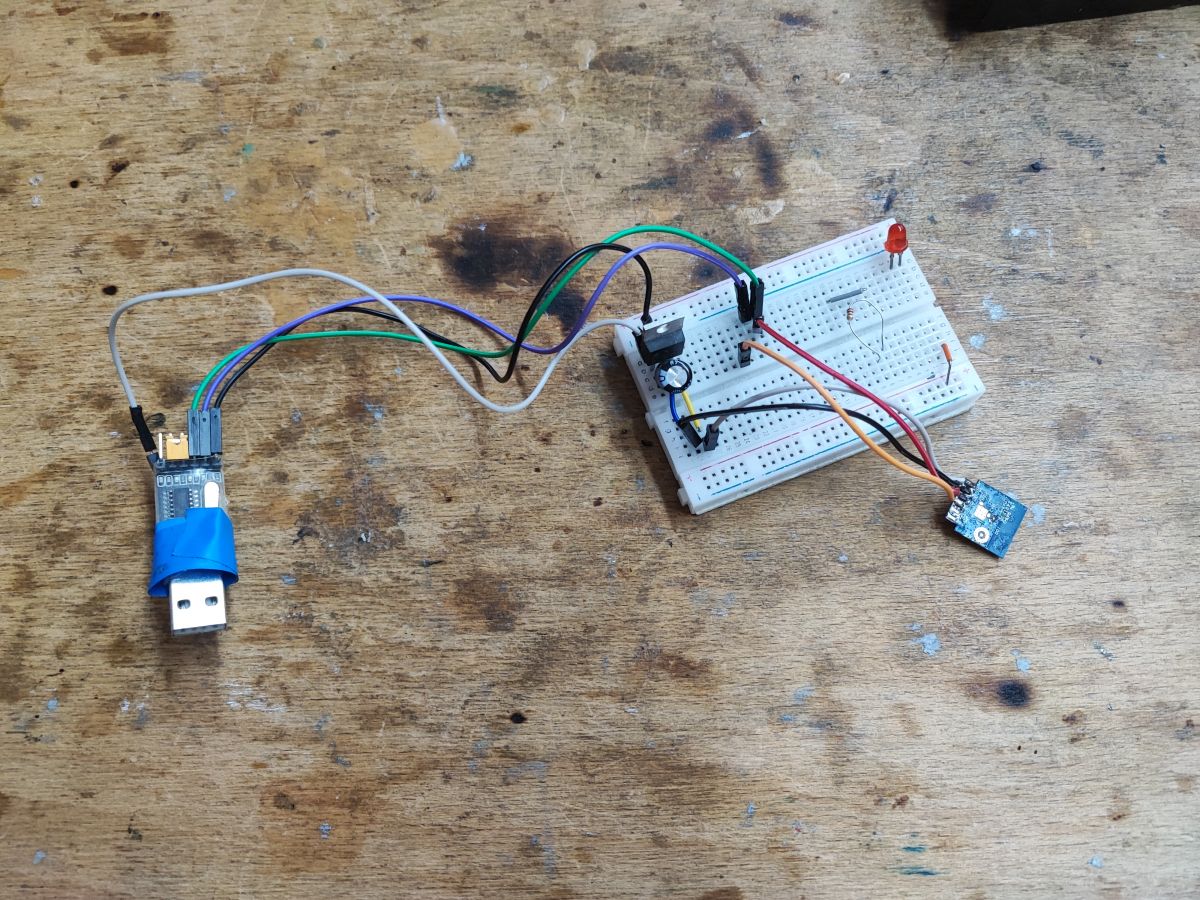
    Other than that flashing as standard. I soldered out the CB2S:
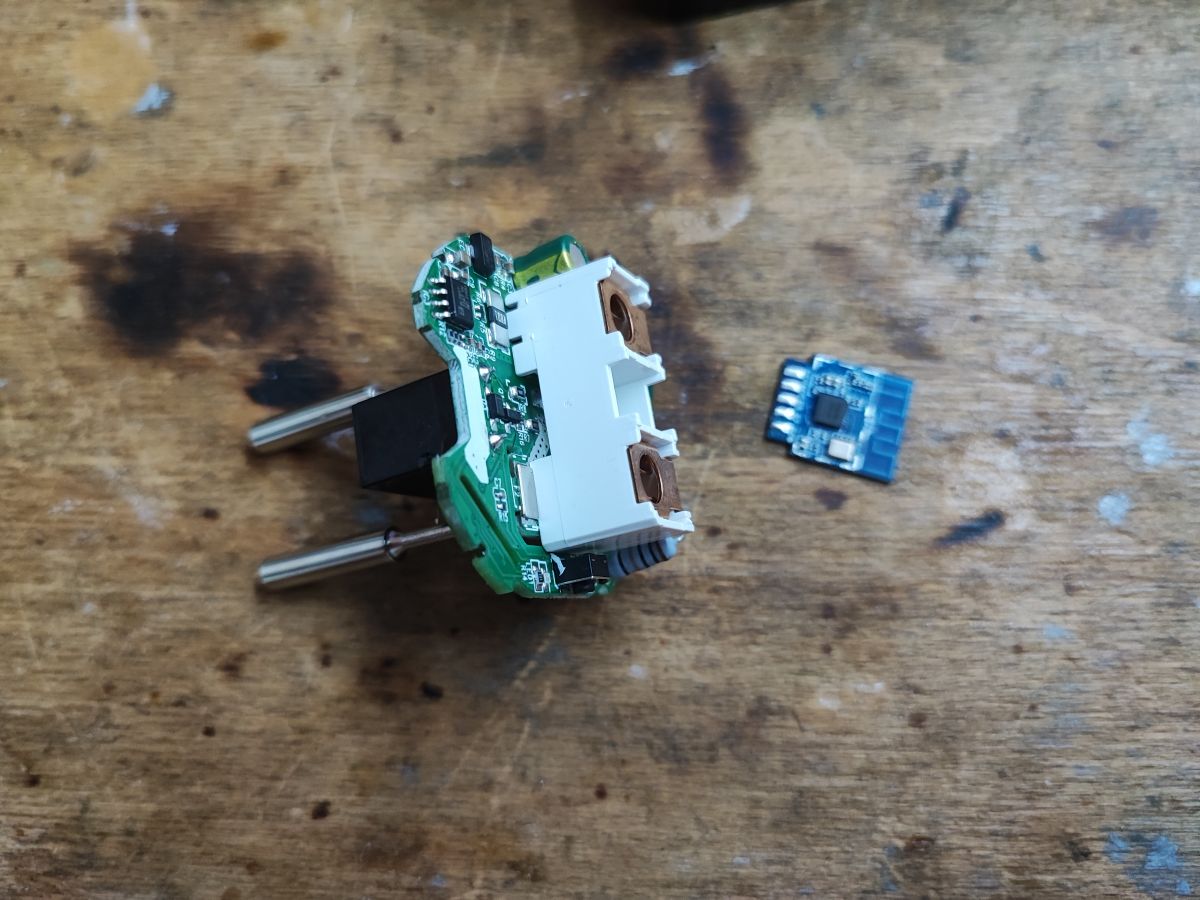
    Disassembled smart plug with BK7231M module on a wooden table. .
    All according to the flasher instructions:
    https://github.com/openshwprojects/OpenBK7231T_App
    You can also follow the topic about BK7231M:
    How to flash BK7231M/BL2028N devices other than Tuya with 000000 keys? .
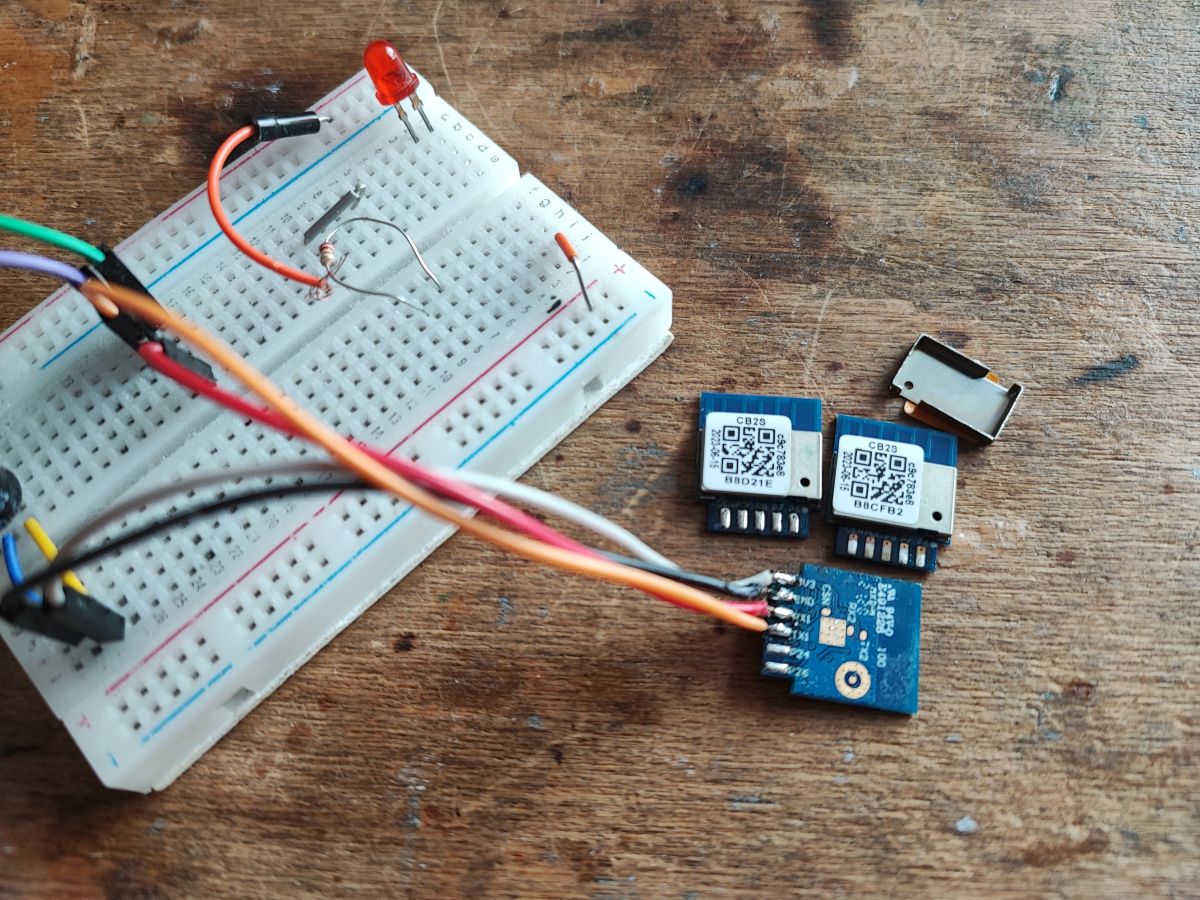
    Breadboard with LED, electronic components, and three CB2S BK7231M modules. Prototype circuit on a breadboard with wires and an electronic module. Circuit on a breadboard with a WiFi module, connected via USB. .
    The rest of the photos, the socket is a typical LSPA9:
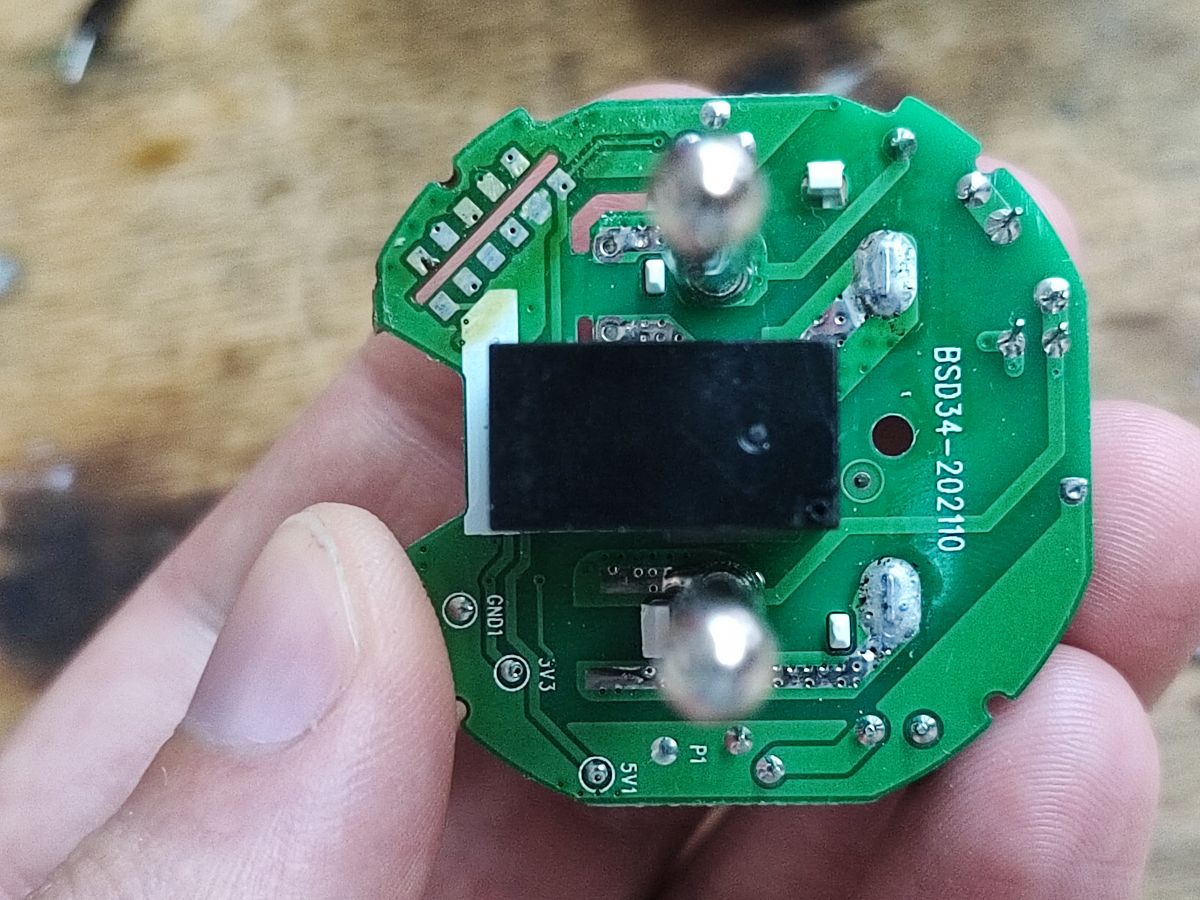
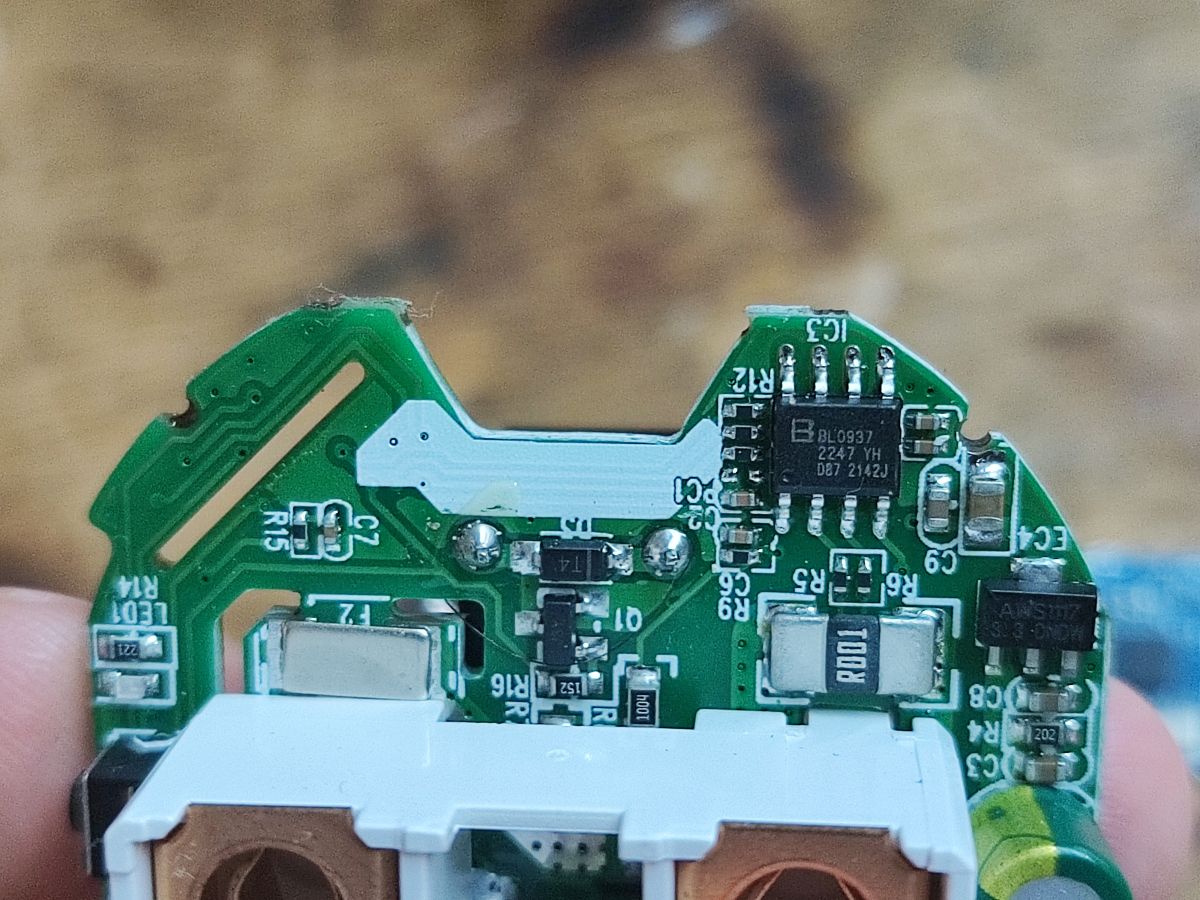
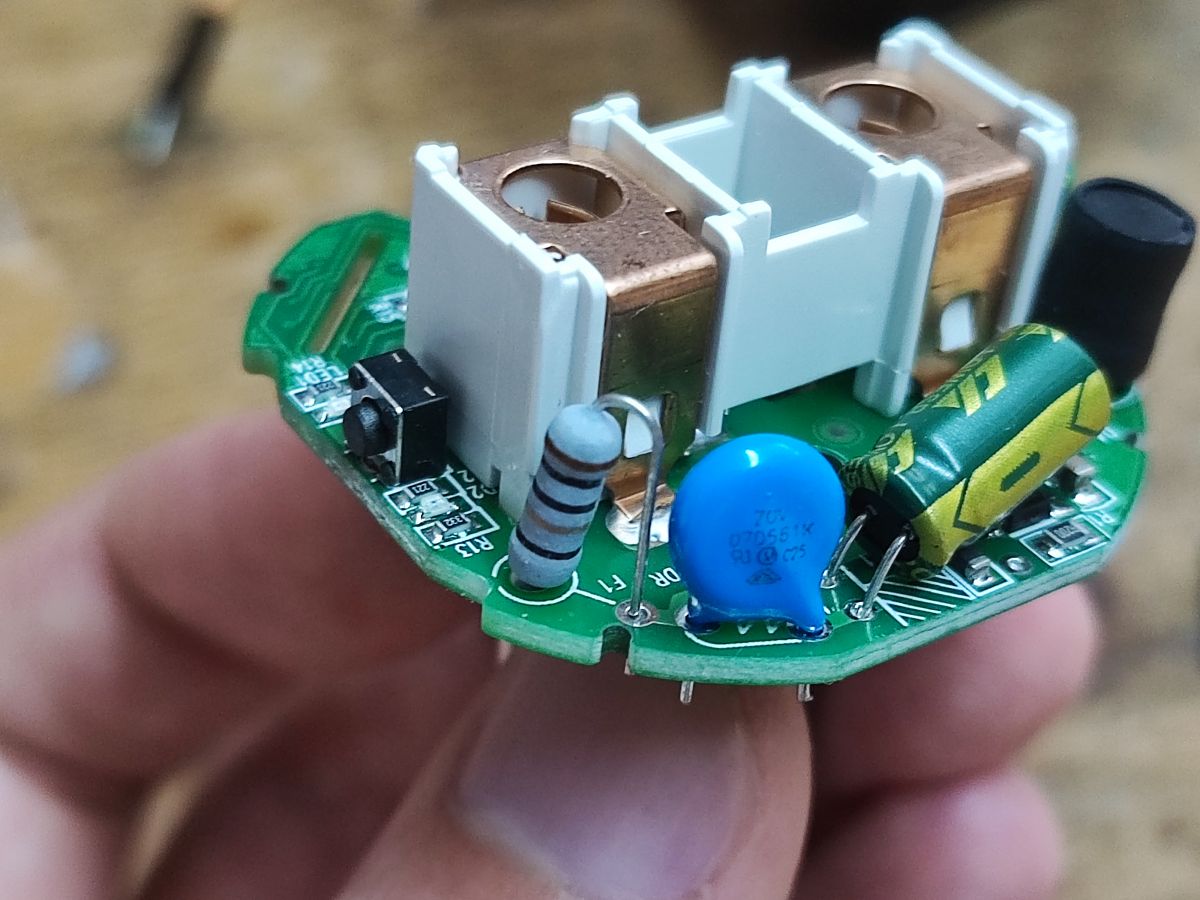
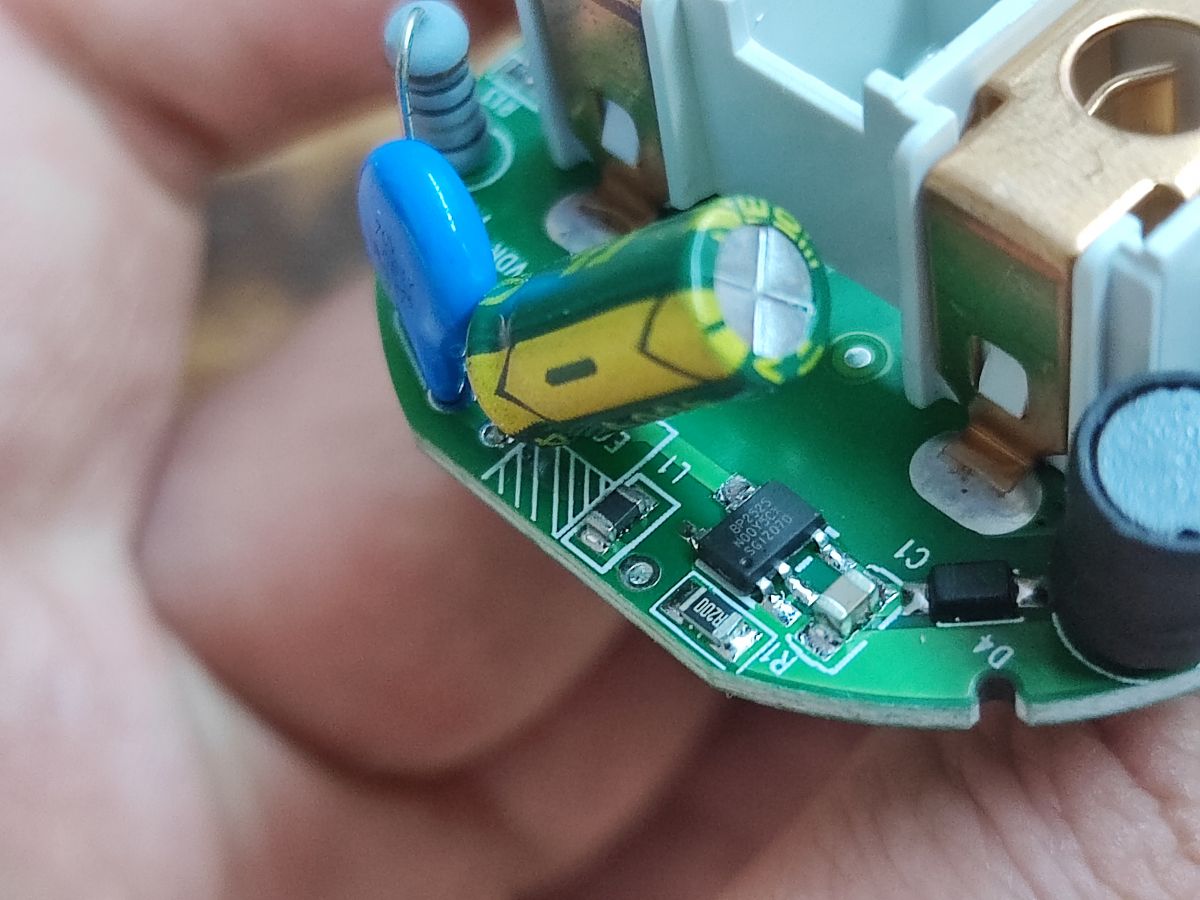
    Close-up of a green PCB board of LSPA9 socket with the marking BSD34-202110. Close-up of internal electronic components of a smart socket. Smart plug electronic board with identifying components. Close-up of electronic components on a circuit board with a capacitor, resistor, and other parts. .
    The varistor is present, not bad. The inverter is as usual non-isolated, step down, here on BP2525, as usual. In addition to this we have here a BL0937 for power measurement. The PCB designation is BSD34-202110

    After uploading everything works, but you still need to set the GPIO roles, i.e. where is the relay, where is the button, fortunately here the template from Elvico fits:
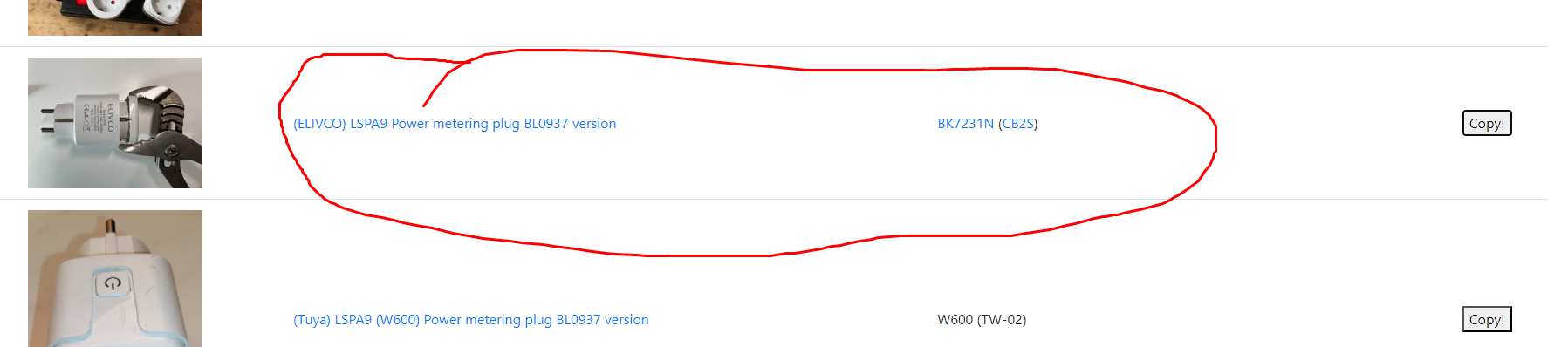
    Computer screen showing ELIVCO LSPA9 socket and version description. .
    Code: JSON
    Log in, to see the code
    .
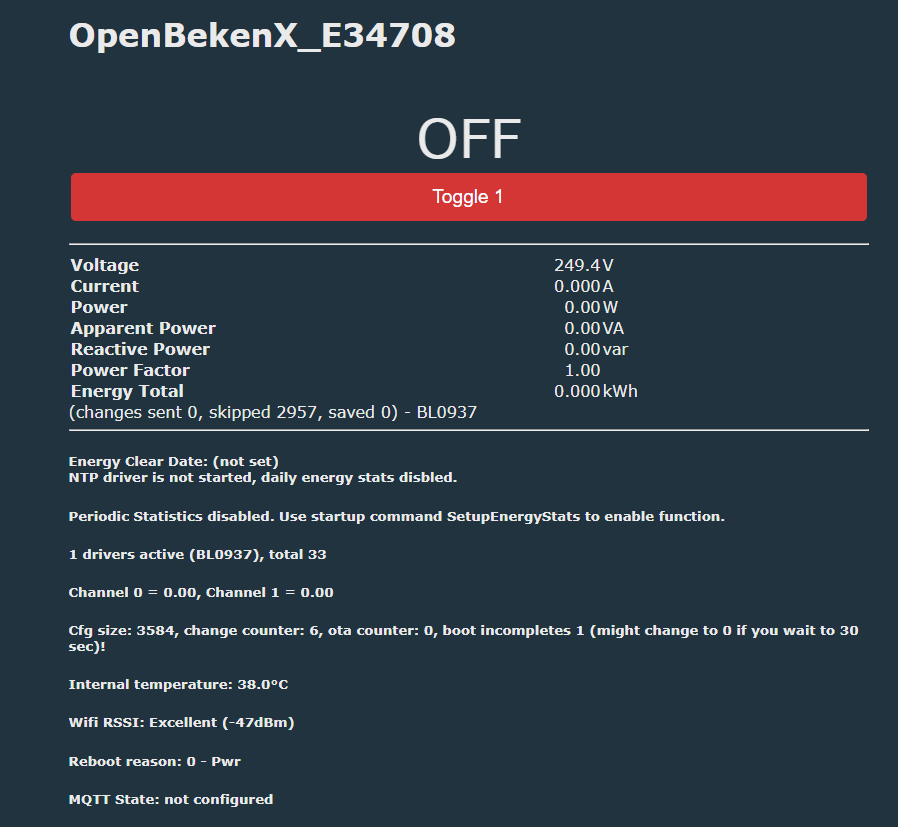
    You just need to calibrate:
    OpenBekenX_E34708 user interface showing the status of a smart plug. .
    According to the documentation, VoltageSet, etc:
    https://github.com/openshwprojects/OpenBK7231T_App/blob/main/docs/commands.md
    PowerSave can also be enabled.

    Summary .
    Thank you for the delivery!
    It took a little while, but I managed to add BK7231M support to my flasher and environment, so from now on this socket can work cloudless, conveniently and with Home Assistant.
    Also, thank you for giving me additional modules with BK7231M, I will probably need them for, among other things:
    How to access the hardware SPI port on the CB2S? P16 (MOSI) solder to QFN .
    I am very pleased to have such active readers actively participating in putting up new topics.
    If any readers also come across the BK7231M then please let me know - I'm curious to know how many WiFi modules of this type are on the market.

    Cool? Ranking DIY
    Helpful post? Buy me a coffee.

    About Author
    p.kaczmarek2
    Moderator Smart Home
    Offline 
    p.kaczmarek2 wrote 14444 posts with rating 12414, helped 650 times. Been with us since 2014 year.
  • ADVERTISEMENT
  • #2 21134849
    Mateusz_konstruktor
    Level 37  
    Posts: 4170
    Help: 266
    Rate: 1100
    p.kaczmarek2 wrote:
    If anyone reading also comes across a BK7231M then please let me know - I'm curious as to how many WiFi modules of this type are on the market.
    .
    Is it possible to determine by external appearance alone what type of module we find inside?
    Or are there groups of devices, either in terms of manufacturer or the function performed, which have the modules you are looking for?
  • #3 21134877
    p.kaczmarek2
    Moderator Smart Home
    Posts: 14444
    Help: 650
    Rate: 12414
    At the moment it looks like Tuya has its SDK under BK7231N and BK7231T and there it has one specific key written in fusebits, so if there is a Tuya product with Bluetooth then you can bet on Beken (based on user reports, this happens often), while BK7231M was reported to be found in products without the Tuya logo (probably on a different SDK in general), e.g. in this Vesync topic or in other Dogness.

    Another clue from the 'external appearance' is the Bluetooth information, when I get a product and there is no mention of BT at all (or more precisely WiFi+BT) I suspect it is still on the ESP8266, whereas when the manufacturer declares WiFi+BT then in the case of Chinese budget products from odd applications there is a good chance there will be BK.

    You can also look according to our list or other sources from the internet:
    https://openbekeniot.github.io/webapp/devicesList.html
    Sonoff has interesting products, also based on ESP32, although there have also been some blunders, e.g. on BL602
    Helpful post? Buy me a coffee.
📢 Listen (AI):

FAQ

TL;DR: This FAQ covers 5 GPIO mappings and one batch-change clue for users who want a BSD33 smart socket running locally. "The module is marked CB2S, but it is BK7231M," and that mismatch explains why standard BK7231N builds fail and why OpenBeken plus calibration are required for Home Assistant use. [#21134471]

Why it matters: A BSD33 plug that looks like a routine LSPA9 variant can hide a BK7231M module, so correct identification, flashing, GPIO mapping, and calibration decide whether local control works at all.

Platform / clue Ecosystem clue Firmware note Thread-specific identification clue
BK7231M Vesync and other non-Tuya products Needs BK7231M-specific handling and builds CB2S marking can still hide BK7231M
BK7231N Tuya SDK products Standard BK7231N builds apply Common Tuya-oriented baseline
BK7231T Tuya SDK products Tuya-side Beken family support Often considered when WiFi+BT is present
ESP8266 WiFi-only budget products Different platform path No BT mention suggests ESP8266
ESP32 Seen in some Sonoff products Different platform path Mentioned as an alternative used by Sonoff

Key insight: Do not trust the CB2S label alone. On this BSD33 batch, the only reliable path was to open the socket, confirm BK7231M on the module, flash a BK7231M-capable build, then apply the correct BL0937 template and calibration.

Quick Facts

  • The tested BSD33 socket uses a BK7231M WiFi module, a BL0937 energy-metering chip, a BP2525 non-isolated step-down supply, and a fitted varistor for surge handling. [#21134471]
  • The working OpenBeken pin map assigns GPIO6 = BL0937CF1, GPIO7 = BL0937CF, GPIO10 = button, GPIO24 = BL0937SEL, and GPIO26 = relay. [#21134471]
  • The board marking reported inside the socket is BSD34-202110, while the package marking shown outside is X001TKNBOP. [#21134471]
  • After flashing, the socket booted correctly, but energy reporting still required calibration commands such as VoltageSet and optional PowerSave configuration. [#21134471]

How do I flash a BSD33 smart socket with a BK7231M module so it works locally with OpenBeken and Home Assistant?

Flash it with a BK7231M-capable OpenBeken workflow, not a standard BK7231N build. 1. Open the LSPA9-style case and confirm the module is really BK7231M. 2. Remove or wire the CB2S module and flash it with the BK7231M-supported flasher. 3. Apply the BSD33 template, then calibrate BL0937 readings so relay, button, and power metering work in Home Assistant. [#21134471]

What is BK7231M, and how is it different from BK7231N in smart plugs and sockets?

"BK7231M is a WiFi system-on-chip that runs smart-home firmware, using different fusebit encryption keys and a different bootloader than BK7231N." In this thread, that difference matters because BK7231M is not compatible with firmware batches compiled for a regular BK7231N. The socket looked routine outside, but the hidden module required separate BK7231M support in the flasher and separate binary builds. [#21134471]

Why does a CB2S-marked WiFi module sometimes turn out to be BK7231M instead of BK7231N?

Because the board label does not guarantee the silicon under the shield. In this BSD33 batch, the module was marked CB2S, which usually suggests BK7231N, but removing the shield showed BK7231M instead. That makes the label a weak identifier and the internal chip check the decisive step before flashing. [#21134471]

What GPIO template should I use for a BSD33 BK7231M power metering plug with a BL0937 chip?

Use the Elvico-fitting BSD33 template shown in the thread. It maps GPIO6 to BL0937CF1, GPIO7 to BL0937CF, GPIO10 to Btn, GPIO24 to BL0937SEL, and GPIO26 to Rel, then starts the driver with backlog startDriver BL0937. Those 5 assignments are the difference between a booting plug and a fully working one. [#21134471]

How do I calibrate voltage, current, and power readings on a BL0937 after flashing OpenBeken?

Calibrate the BL0937 after flashing by applying the documented OpenBeken calibration commands. The thread explicitly points to VoltageSet and related commands, then notes you can also enable PowerSave afterward. Flashing alone is not enough; the author states the socket worked only after GPIO setup and calibration. [#21134471]

What is BL0937, and what role does it play in a power metering smart socket like the BSD33?

"BL0937 is an energy-measurement chip that reports electrical values in a smart plug, using dedicated signal pins so firmware can calculate voltage, current, and power." In the BSD33 socket, BL0937 is the metering IC tied to GPIO6, GPIO7, and GPIO24, which is why the template and later calibration directly affect power readings. [#21134471]

BK7231M vs BK7231N vs BK7231T — which Beken platform is used in Tuya products and which appears in non-Tuya ecosystems like Vesync?

In this thread, BK7231N and BK7231T are associated with Tuya SDK products, while BK7231M appears in non-Tuya ecosystems such as Vesync. The author states Tuya uses its SDK under BK7231N and BK7231T with one specific key in fusebits. By contrast, the Vesync-branded socket in this post used BK7231M with different keys and a different bootloader. [#21134877]

What clues from the packaging, app name, or product description can help identify whether a smart plug uses BK7231M, BK7231N, ESP8266, or ESP32?

Use ecosystem and radio clues first, then confirm internally. In this case, the manual named the Vesync app instead of Tuya, and that matched a BK7231M finding. The author also says WiFi+BT on budget devices often points to Beken, while no BT mention suggests ESP8266; Sonoff products may also use ESP32. [#21134877]

Why are BK7231M devices not compatible with firmware builds made for standard BK7231N modules?

They are incompatible because BK7231M uses different encryption keys in fusebits and a different bootloader. The author states that binaries compiled for regular BK7231N do not work on these modules, so BK7231M devices need specially handled flashing and separately compiled firmware batches under the matching keys. That is the core reason this BSD33 batch needed a different process. [#21134471]

How do I open an LSPA9-style smart socket case without damaging the enclosure or PCB?

Open it using the same non-destructive method used for other LSPA9 sockets, then inspect the interior before any flashing. The thread does not repeat the full tool sequence, but it explicitly points to a dedicated guide for opening the ELIVCO LSPA9 case without damage and says this BSD33 mechanically resembles earlier LSPA9 designs. Follow that case-specific method first. [#21134471]

What does it mean when a smart plug uses a non-isolated BP2525 step-down power supply, and what safety concerns should I watch for while modifying it?

It means the low-voltage supply is derived by a non-isolated mains step-down stage, so the board must be treated as live and hazardous during modification. The thread identifies the power stage as a usual non-isolated BP2525-based supply and separately notes the presence of a varistor. That combination does not remove the need for careful handling while soldering, probing, or flashing. [#21134471]

Which parts inside the BSD33 socket handle relay control, the button input, surge protection, and energy measurement?

The relay uses GPIO26, the button uses GPIO10, surge protection comes from the fitted varistor, and energy measurement is handled by the BL0937. The thread also shows BL0937 support lines on GPIO6, GPIO7, and GPIO24. Those named parts cover the four core functions that matter most after a local-firmware conversion. [#21134471]

Where can I find a reliable device list or database to identify OpenBeken-compatible smart plugs and modules like CB2S, BK7231M, and BK7231N?

Use the device list linked in the thread: the author explicitly points readers to the OpenBeken device database as a lookup source. He recommends checking that list or other internet sources when external appearance is inconclusive. In practice, it is a starting filter, not a substitute for opening the device when CB2S labeling is ambiguous. [#21134877]

Why do WiFi+BT smart home products from lesser-known apps often use Beken chips, while WiFi-only devices may still use ESP8266?

Because the thread’s pattern is ecosystem-driven: budget WiFi+BT devices often land on Beken, while products with no BT mention still suggest ESP8266. The author states that if a manufacturer declares WiFi+BT, there is a good chance of BK in Chinese budget products with odd apps. He contrasts that with WiFi-only products, where he still suspects ESP8266. [#21134877]

What troubleshooting steps help when a freshly flashed BK7231M smart socket boots but the relay, button, or power metering does not work correctly?

Check the GPIO template first, then calibrate the metering chip. The thread gives a concrete failure pattern: firmware upload succeeded, but the socket still needed correct role assignment for relay, button, and BL0937 lines before it behaved normally. If power values remain wrong after that, run the BL0937 calibration commands such as VoltageSet and only then enable PowerSave. [#21134471]
Generated by the language model.
ADVERTISEMENT