logo elektroda
logo elektroda
X
logo elektroda

Eswin ECR6600 flashing guide, datasheet, pinout, 100% local setup, Home Assistant

p.kaczmarek2 10101 116

TL;DR

  • ECR6600 WiFi+BT modules, including Tuya AXY2S and WG236 variants, get a pinout, datasheet links, and a guide for running them locally with Home Assistant.
  • Flashing uses UART0 TX0/RX0, GND, 3.3V, and ideally RST; unlike ESP chips, ECR6600 has no GPIO0 and relies on reset timing when prompted.
  • The chip pairs an Andes D10 @160MHz, up to 240MHz, with 512KB SRAM and 2MB/4MB Flash.
  • RDTool backs up the original firmware with a stub, then writes the OpenECR6600 UART binary; after reboot, the device exposes a WiFi access point for configuration.
  • The firmware release is still a March 2025 WIP, and backups should be made before cloud pairing because dumps may contain SSID and other personal data.
Generated by the language model.
ADVERTISEMENT
📢 Listen (AI):
📢 Listen (AI):

Topic summary

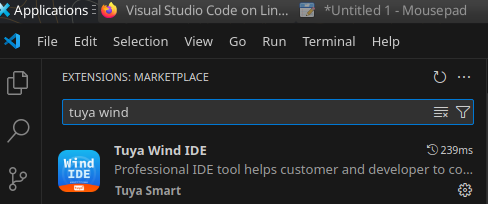
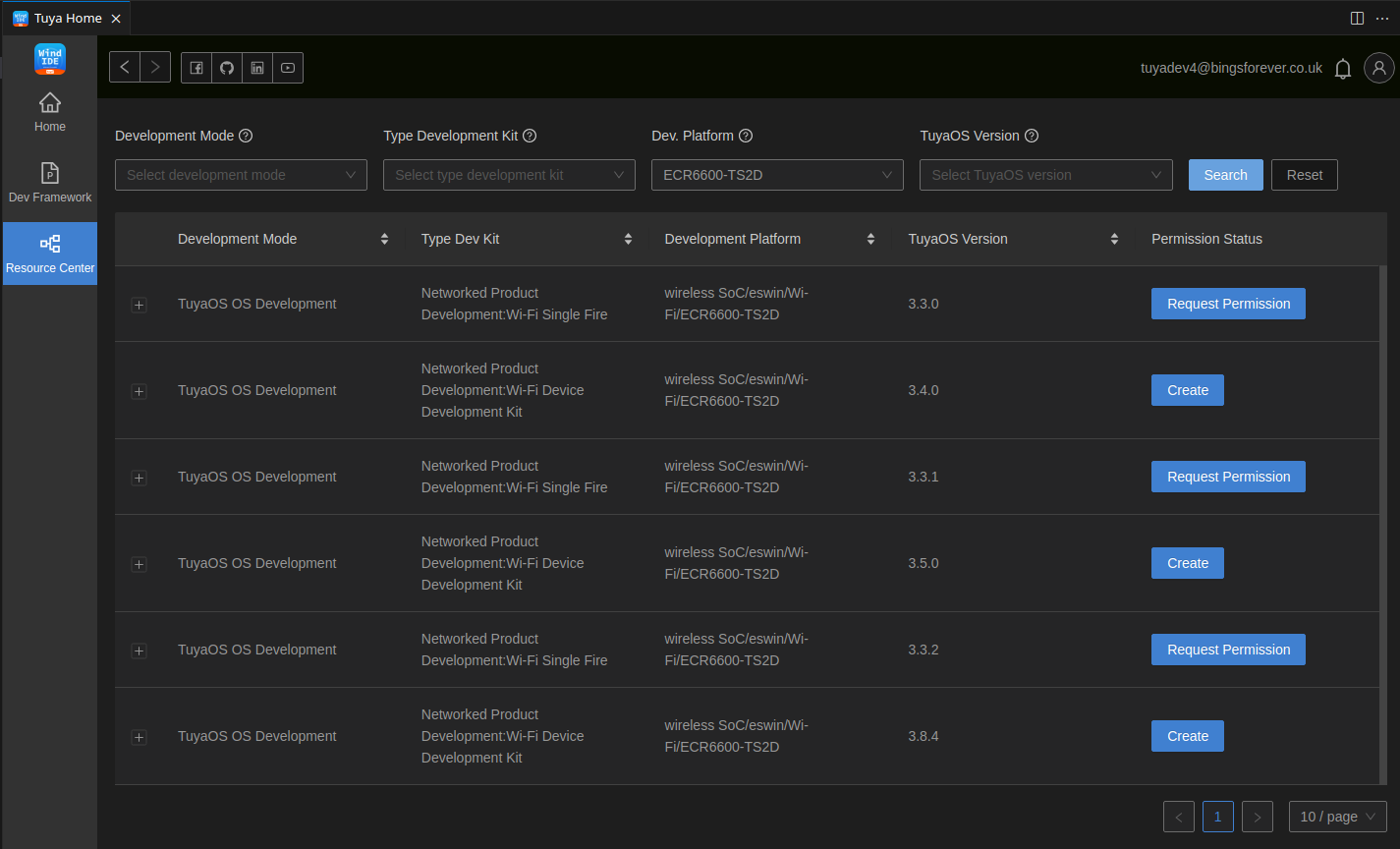
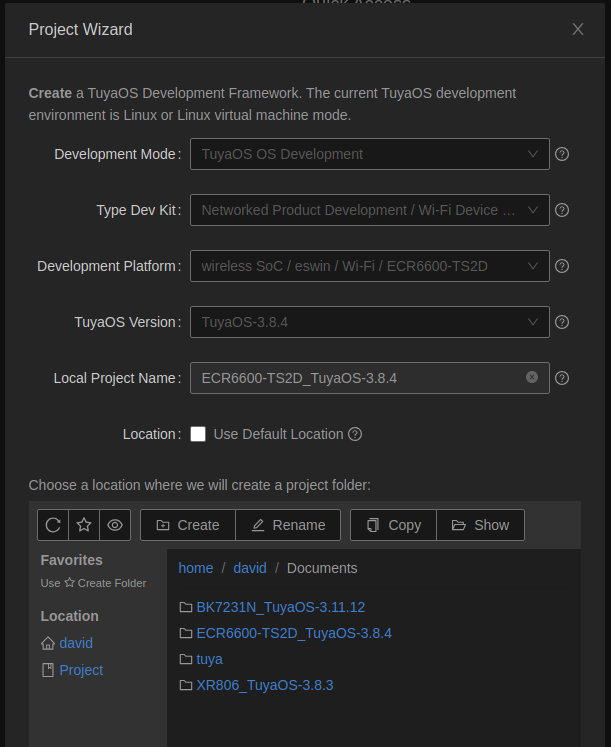
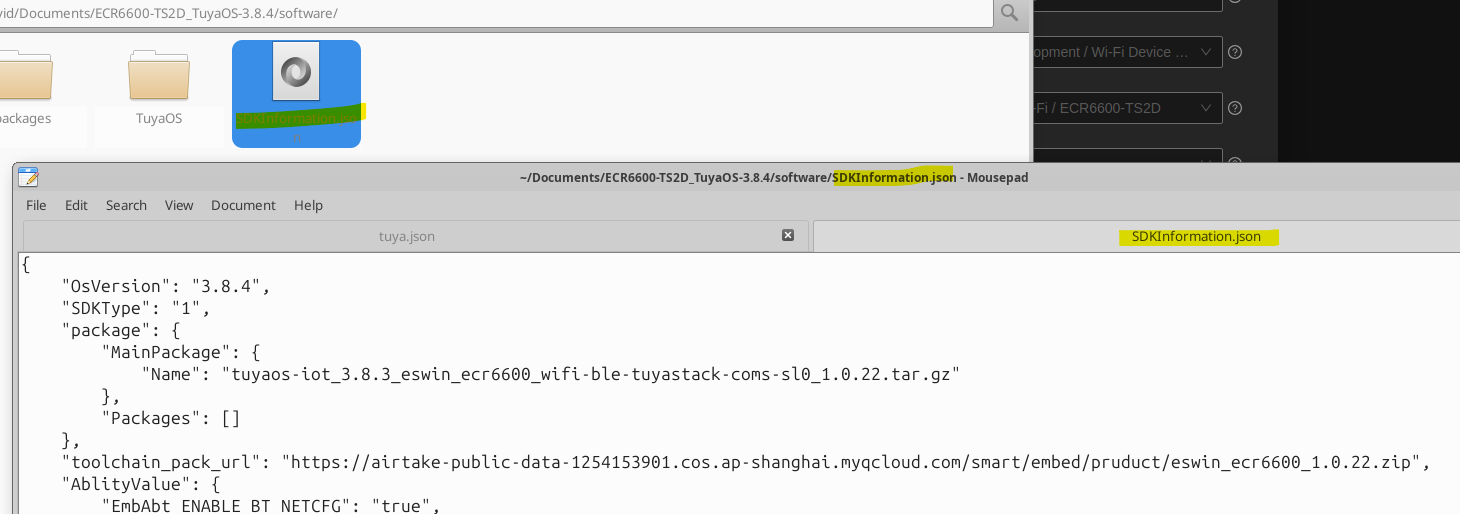
✨ The discussion focuses on the Eswin ECR6600 WiFi+Bluetooth SoC module used in IoT devices, particularly smart plugs with integrated BL0937 energy metering chips. Key topics include detailed pinout configurations, firmware flashing procedures via UART, and local firmware development to enable cloud-free operation with Home Assistant using Tasmota/esphome-like firmware ports. Users report initial issues with the BL0937 driver not functioning due to its exclusion from firmware builds, which was later resolved by including the driver and verifying correct pin assignments. Attempts to extract and decrypt Tuya configuration keys from original firmware backups reveal challenges due to changed secondary keys and CRC errors, complicating full firmware analysis and key extraction. The community explores using Tuya Wind IDE on Linux for SDK access, and reverse engineering efforts with Ghidra face difficulties due to the ECR6600’s NDS32 architecture and base address uncertainties. Firmware disassembly and key extraction are ongoing, with partial success in identifying key material and decrypting some blocks. Additional tests confirm the ECR6600 supports WiFi 6 (2.4 GHz only) and HTTP GET/POST commands for local network control, including file downloads via HTTP client functionality. Integration efforts include porting missing HAL functions like hal_machw_time and lwip_close_force for timing and socket management. Various ECR6600-based devices, including plugs ordered from AliExpress (e.g., TNCE 16A power monitors and E103-W11 modules), are tested for firmware backup, flashing, and local control capabilities. The discussion also covers SDK build issues, firmware memory mapping, and the need for improved tooling and documentation to fully support ECR6600 development and integration with open-source platforms.
Generated by the language model.

FAQ

TL;DR: With 2 MB or 4 MB flash and a "very small" boot window, ECR6600 devices can be backed up over UART, flashed with OpenECR6600, and then paired locally with Home Assistant instead of Tuya cloud. This guide is for users converting Tuya plugs, dimmers, and switches to fully local control. [#21479963]

Why it matters: It gives ECR6600 owners a repeatable path from unknown Tuya hardware to local firmware, backup safety, and practical pin mapping.

Option Chip/module family Flashing method in thread Local firmware status Notable limitation
ECR6600 / AXYU / AXY2S / WG236 ESWIN ECR6600 UART with RDTool or BK7231GUIFlashTool OpenECR6600 works; Home Assistant local use confirmed Reset timing is critical
BK7231-based modules Beken CB2S/WB2S/CBU-like Similar UART workflow Used as reference platform Tuya config extraction behavior differs
ESP8266-based TYWE2S ESP8266 Mentioned as module comparison Familiar baseline for users ECR6600 has no GPIO0-style flash pin

Key insight: ECR6600 flashing is straightforward once wiring is correct: use TX0, RX0, 3.3 V, GND, and usually RST, then hit reset exactly when the tool starts. The harder part is often pin mapping or Tuya config extraction, not writing firmware.

Quick Facts

  • ECR6600 is a Wi‑Fi + BLE SoC with 2.4 GHz 802.11 b/g/n/ax, BLE 5.0, an Andes D10 at 160 MHz up to 240 MHz, 512 KB SRAM, and 2 MB or 4 MB flash variants. [#21479963]
  • The flashing UART uses IO6/TX0 and IO5/RX0; IO13/TX2 outputs boot logs at 115200 baud, which helps confirm whether firmware actually boots. [#21479963]
  • RDTool backup reads from address 0x0 with length 0x400000 for 4 MB parts or 0x200000 for 2 MB parts; if RDTool reports "FLASH is not enough!", switch to 0x200000. [#21479963]
  • AXY2S is an 11-pin Tuya-style ECR6600 module, while AXYU is a 21-pin CBU-shaped module exposing extra GPIOs such as P00, P01, P02, P03, P04, P21, P23, and dedicated L_RX/L_TX log pins. [#21479963]
  • In March 2025, a BL0937 plug issue was traced to a build error: the BL0937 driver was not included in the binary, and a rebuilt firmware fixed zero readings. [#21480949]

What is the Eswin ECR6600, and how does it compare to BK7231, ESP8266, and other Tuya Wi-Fi modules for local firmware use?

ECR6600 is a Wi‑Fi and Bluetooth SoC used in Tuya-style modules such as AXY2S and AXYU, and it can run local OpenECR6600 firmware. It offers 2.4 GHz 802.11 b/g/n/ax, BLE 5.0, 512 KB SRAM, and 2 MB or 4 MB flash. In the thread, it is compared to BK7231 modules like CB2S and WB2S and to the ESP8266-based TYWE2S because those are familiar Tuya module formats. For local use, the big practical difference is flashing: ECR6600 has no ESP-style GPIO0 boot strap and instead relies on reset timing during UART flashing. [#21479963]

How do I flash an ECR6600 device over UART with RDTool and OpenECR6600 for a fully local Home Assistant setup?

You flash it over UART, then join the new AP and finish setup like Tasmota. 1. Wire 3.3 V, GND, TX0 on GPIO6, RX0 on GPIO5, and preferably RST. 2. In RDTool, open the develop tool, use the download tab, choose the all-in-one OpenECR6600 UART binary, click Start, then reset or power-cycle the board immediately. 3. After flashing, power-cycle again, connect to the firmware access point, open the configuration page, and add it to Home Assistant locally. The thread states this was already working in March 2025, though the release was still marked WIP testing. [#21479963]

What are the important ECR6600 flashing pins, and how are TX0, RX0, IO13, RST, 3.3V, and GND used during backup and programming?

The essential pins are TX0, RX0, 3.3 V, GND, and usually RST. TX0 is IO6 and RX0 is IO5; they form the user UART used for backup and flashing. IO13 is TX2 and outputs boot logs at 115200 baud, so it helps verify whether the firmware starts after programming. RST lets you hit the short boot window without repeatedly removing power. 3.3 V powers the module, and GND is the common reference. The thread’s tested wiring used an ESP adapter on a WG236 module, but the same signal roles apply across ECR6600 modules. [#21479963]

What's the difference between BK7231GUIFlashTool and the legacy ESWIN RDTool for reading and writing ECR6600 flash?

BK7231GUIFlashTool is the newer multi-platform flasher, while RDTool is the original ESWIN utility shown in the screenshots. The main post says ECR6600 read and write support was added to BK7231GUIFlashTool in 2026, with the same soldering and UART wiring as RDTool. RDTool remains the documented legacy workflow for backup, restore, and flashing OpenECR6600. Later thread feedback showed mixed real-world results: one user reported BK7231GUIFlashTool v.228 failed with wrong-header errors, while another flashed successfully at 921600 baud. If you want the most proven path from the thread, RDTool is still the safest first choice. [#21823087]

How do I back up the original ECR6600 firmware, and which read length should I use for 2 MB vs 4 MB flash chips?

Back up first with RDTool’s stub workflow, then read the whole flash from address 0x0. In RDTool, open develop tool, go to single file, load ECR6600F_stub_V1.3.1.bin, set startup address to 0x10000, and trigger reset exactly when you click Start. Then switch to the flash tab, enter start address 0 and read length 0x400000 for 4 MB or 0x200000 for 2 MB. If you do not know the size, try 0x400000 first. If RDTool says "FLASH is not enough!", retry with 0x200000 and save the dump under a descriptive filename. [#21479963]

Why does RDTool on ECR6600 require precise reset timing, and what is the easiest way to catch the boot window reliably?

RDTool needs precise timing because the bootloader accepts the UART session only in a very short window after reset or power-up. The thread explicitly says "the window of opportunity is very small," so clicking Start alone is not enough. The easiest reliable method is to wire the RST pin and ground it exactly when RDTool starts, instead of pulling power each time. If RST is unavailable, power-cycle 3.3 V at the same moment. Using IO13 boot logs at 115200 baud also helps confirm whether you missed the window or the firmware simply failed to boot. [#21479963]

What is AXYU or AXY2S in the context of ECR6600 devices, and how do their pinouts differ from WG236-style modules?

AXY2S and AXYU are Tuya-style ECR6600 modules, while WG236 is a non-Tuya module in an ESP-12 or CB3S-like format. "AXYU is a module board that exposes the ECR6600 SoC in a CBU-shaped 21-pin footprint, with UART, ADC, PWM-capable GPIOs, and dedicated log pins for integration into Tuya devices." AXY2S is smaller, with 11 pins including VBAT, GND, RX, TX, ADC, RST, and a few PWM GPIOs. AXYU exposes many more signals, including P00–P04, P21, P23, P24, P25, TXD, RXD, L_TX, and L_RX, so it is easier to probe and repurpose. [#21479963]

Why was the BL0937 energy meter showing all zero values on OpenECR6600, and how was that issue fixed in the thread?

It showed zero because the BL0937 driver was missing from the build, not because the reported plug pinout was wrong. The user first flashed an OpenECR build and saw the driver start but every reading stayed at 0.0 V, 0.000 A, and 0.00 W. After investigation, the maintainer said the cause was simple: "BL0937 driver was simply not included in the build." A new binary was generated and uploaded, and the tester later confirmed that BL0937 then worked correctly and could be calibrated. [#21480949]

How can I verify BL0937 CF, CF1, and SEL pin assignments on an ECR6600 smart plug when the driver starts but readings stay at zero?

Verify them by checking pulse activity, not only continuity. The thread suggests adding a Counter role as a simple HAL-backed change counter, then using GPIO Doctor to see which pin actually carries BL0937 pulse traffic. That helps distinguish CF from CF1 when the driver loads but readings remain zero. One tested plug used pin 14 for BL0937CF, 15 for BL0937SEL, and 20 for BL0937CF1, but the maintainers still wanted a counter-based method to confirm assignments on future boards. If the driver runs and values stay at zero, first suspect missing pulses or swapped CF and CF1. [#21480916]

Why does Tuya config extraction from ECR6600 backups fail after the first block, and what does the thread suggest about changed secondary keys or TuyaOS 3 storage?

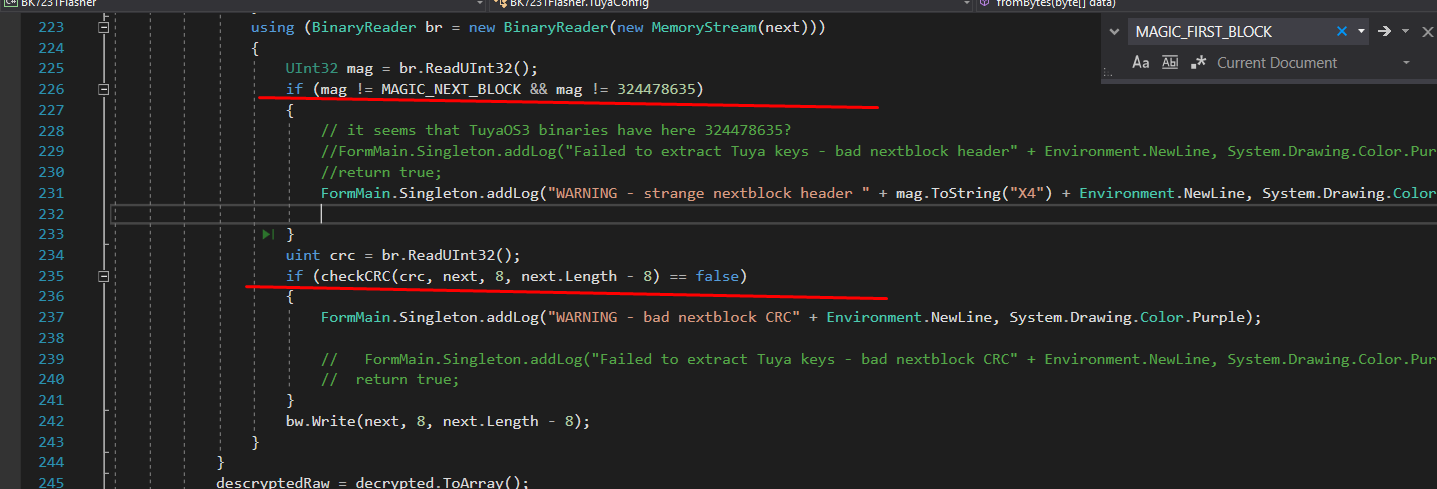
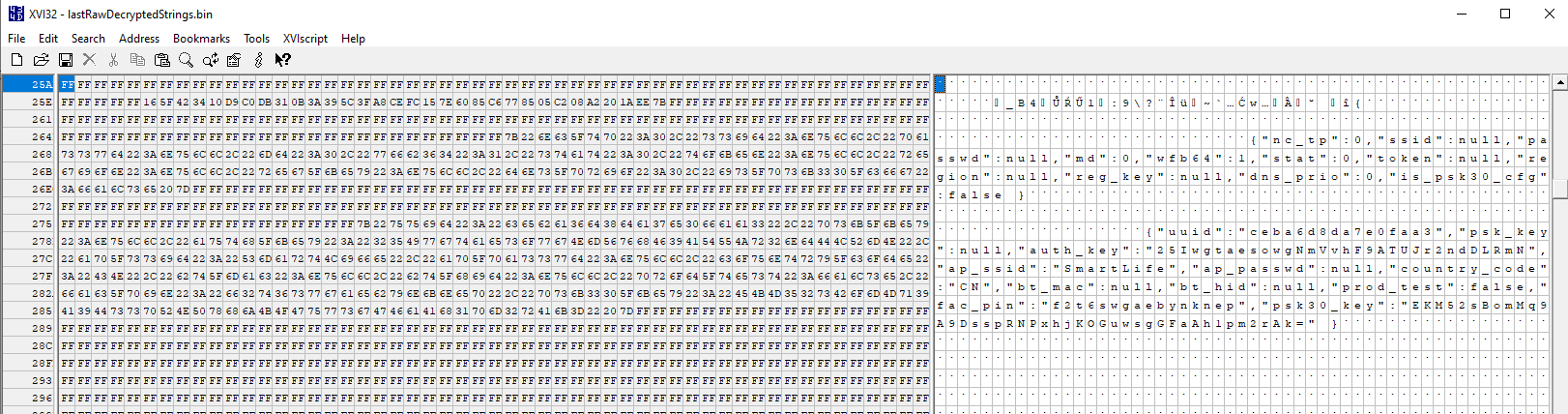
It fails because the first block decrypts, but later blocks fail header and CRC checks, which points to a changed secondary key or a different storage scheme. The extractor found the Tuya config magic at offset 1921024, passed the first MAGIC and CRC checks, then produced repeated "strange nextblock header" and "bad nextblock CRC" warnings. The thread’s main hypothesis was that ECR6600 changed KEY_PART_1 used by makeSecondaryKey, while a related idea was that newer TuyaOS 3 firmware stores config differently from older BK-based devices. In short, the parser understands the opening block but not the follow-up encryption logic. [#21481206]

What is KV_KEY_SEED in Tuya firmware, and why does it matter when trying to decrypt or extract configuration from ECR6600 dumps?

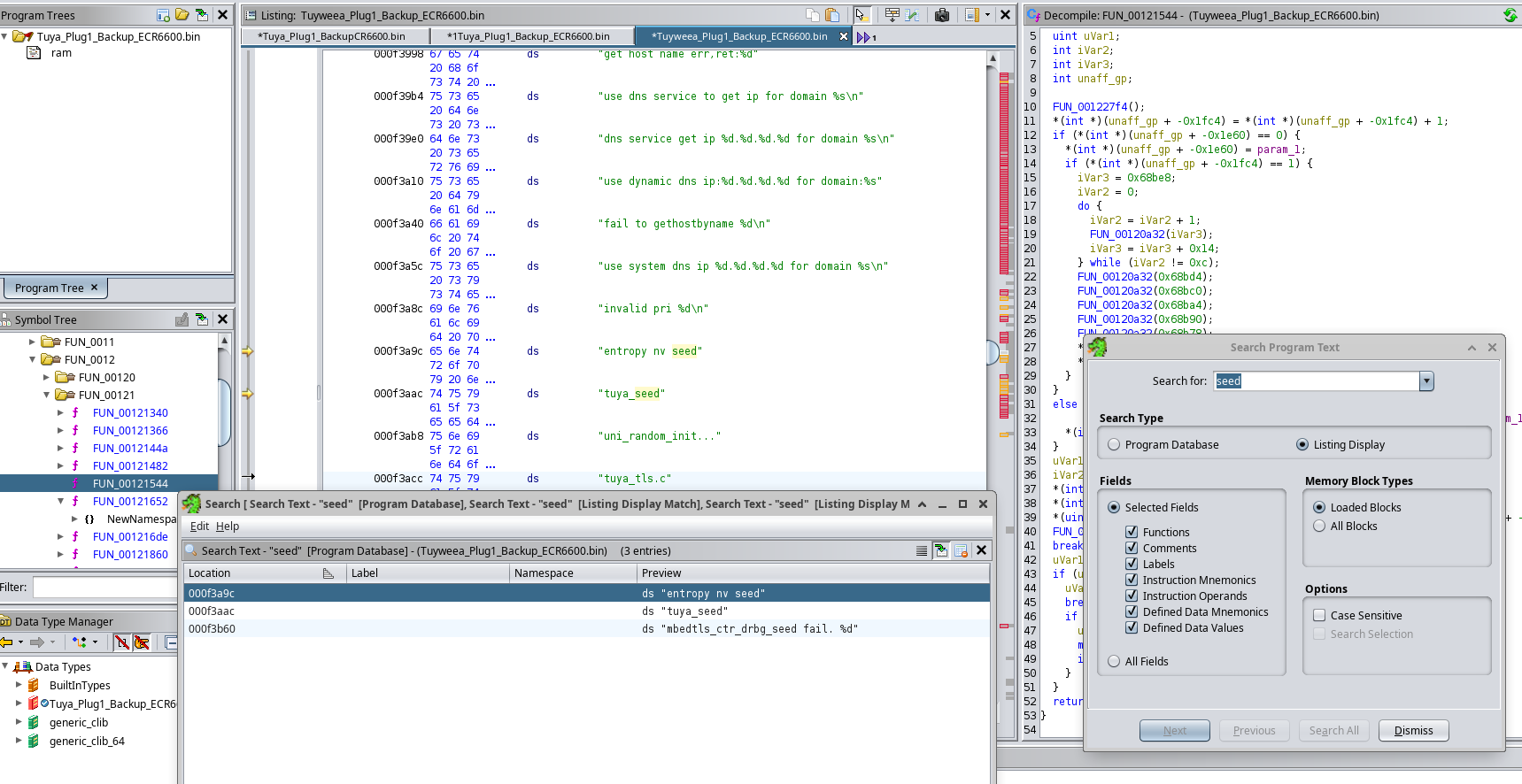
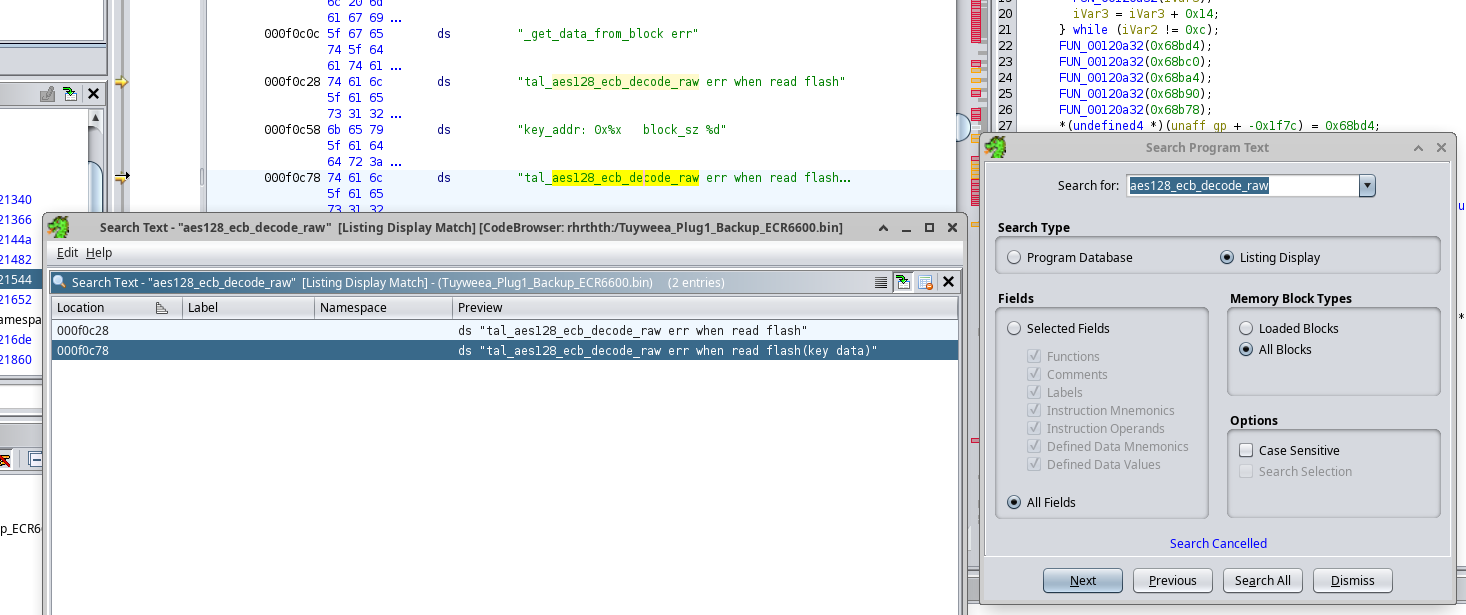
KV_KEY_SEED is the short seed string used to derive part of Tuya’s secondary flash-encryption key for stored configuration. "KV_KEY_SEED is a Tuya firmware configuration value that feeds key derivation for encrypted key-value storage, and changing it breaks block decryption even when the first flash header still matches." In the thread, older non-ECR examples used CONFIG_KV_KEY_SEED="8710_2M", but ECR6600 binaries appeared to contain only some known key parts, not that seed. Because decryption failed right after makeSecondaryKey was applied, the maintainers suspected ECR6600 used a different KV seed or a modified derivation path. [#21481270]

How do I restore a full ECR6600 backup in RDTool after saving the original flash image?

Restore the full dump from RDTool’s single file tab using the same stub setup as backup. 1. Open develop tool, choose single file, select the same stub, set the port, and keep startup address at 0x10000. 2. In the main file path area, choose your saved backup file, set begin address to 0x0, and check is download. 3. Click Start next to startup address and immediately reset or power-cycle the device. The thread notes that stub upload and full-flash restore then happen in one go, so you do not need a separate restore stage. [#21480971]

What is NDS32 in relation to the ECR6600 SDK, and how were people in the thread using Ghidra to analyze ECR6600 binaries?

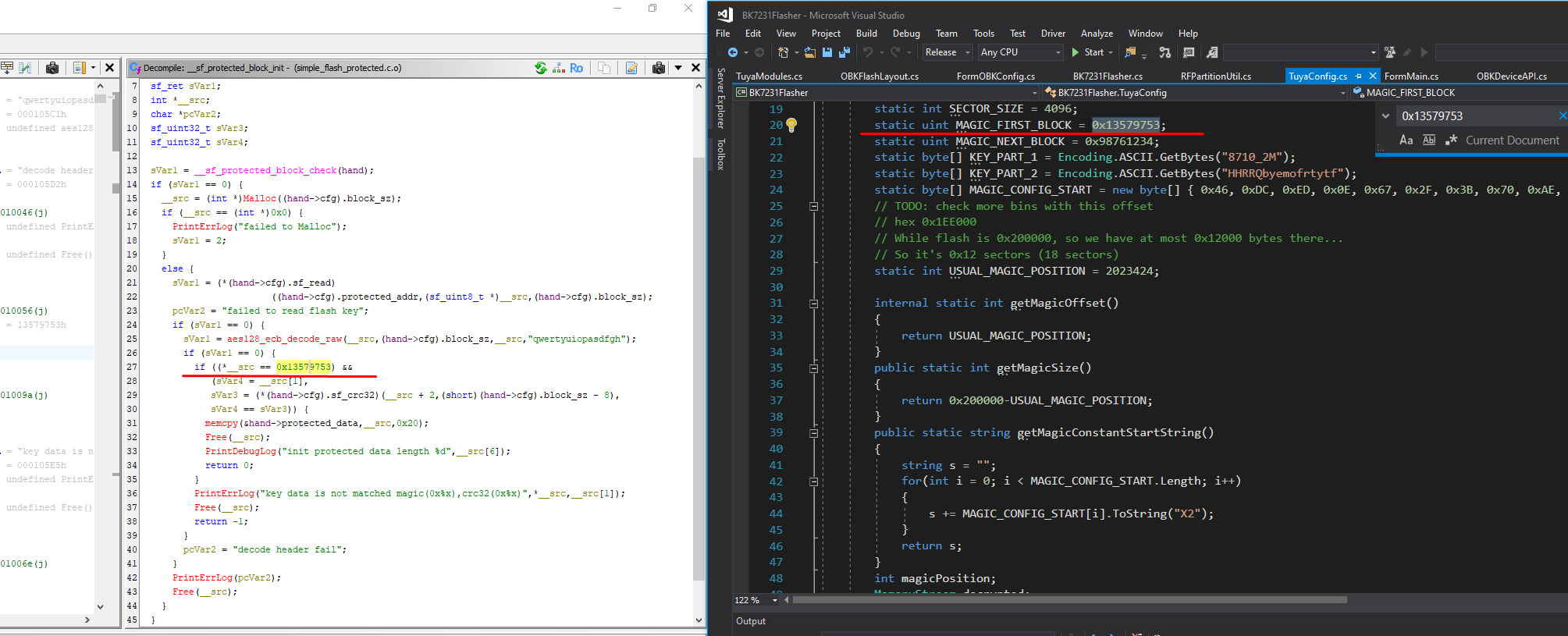
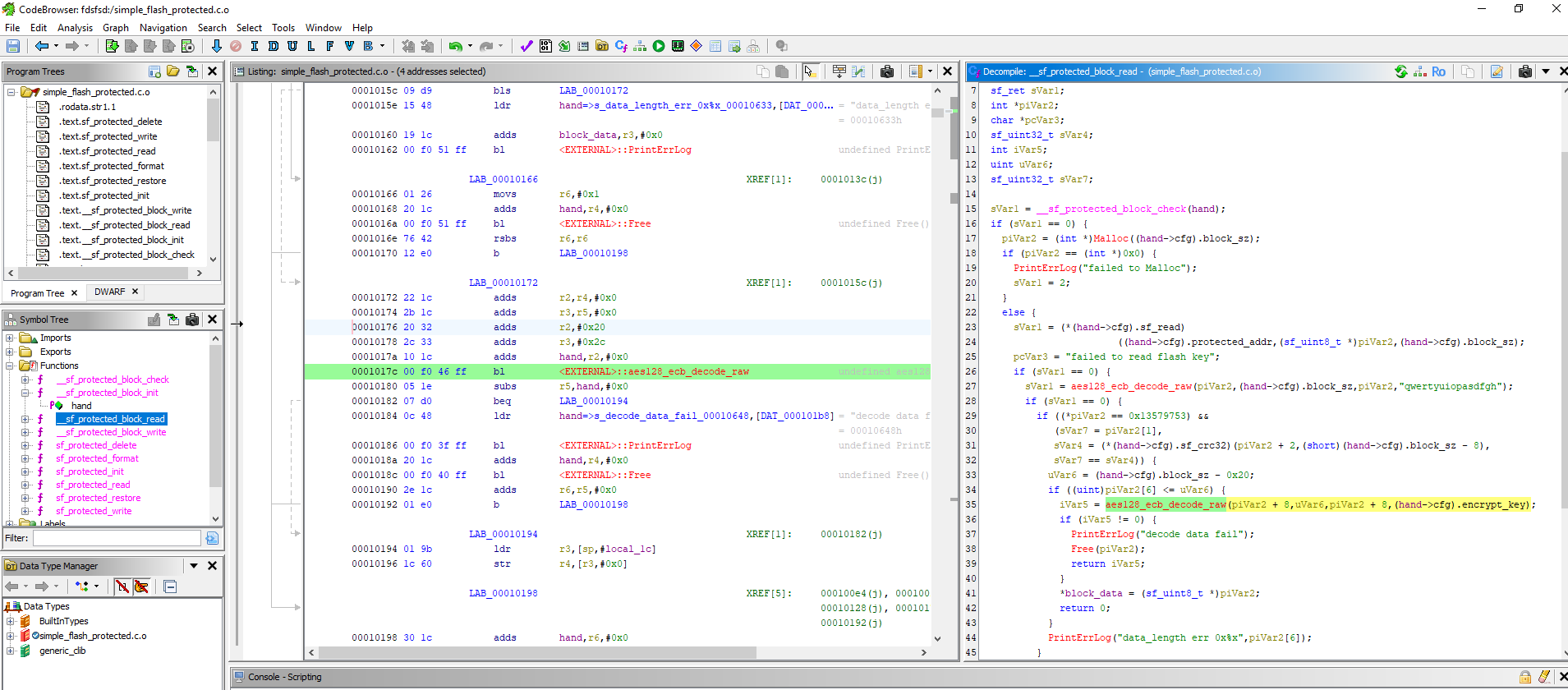
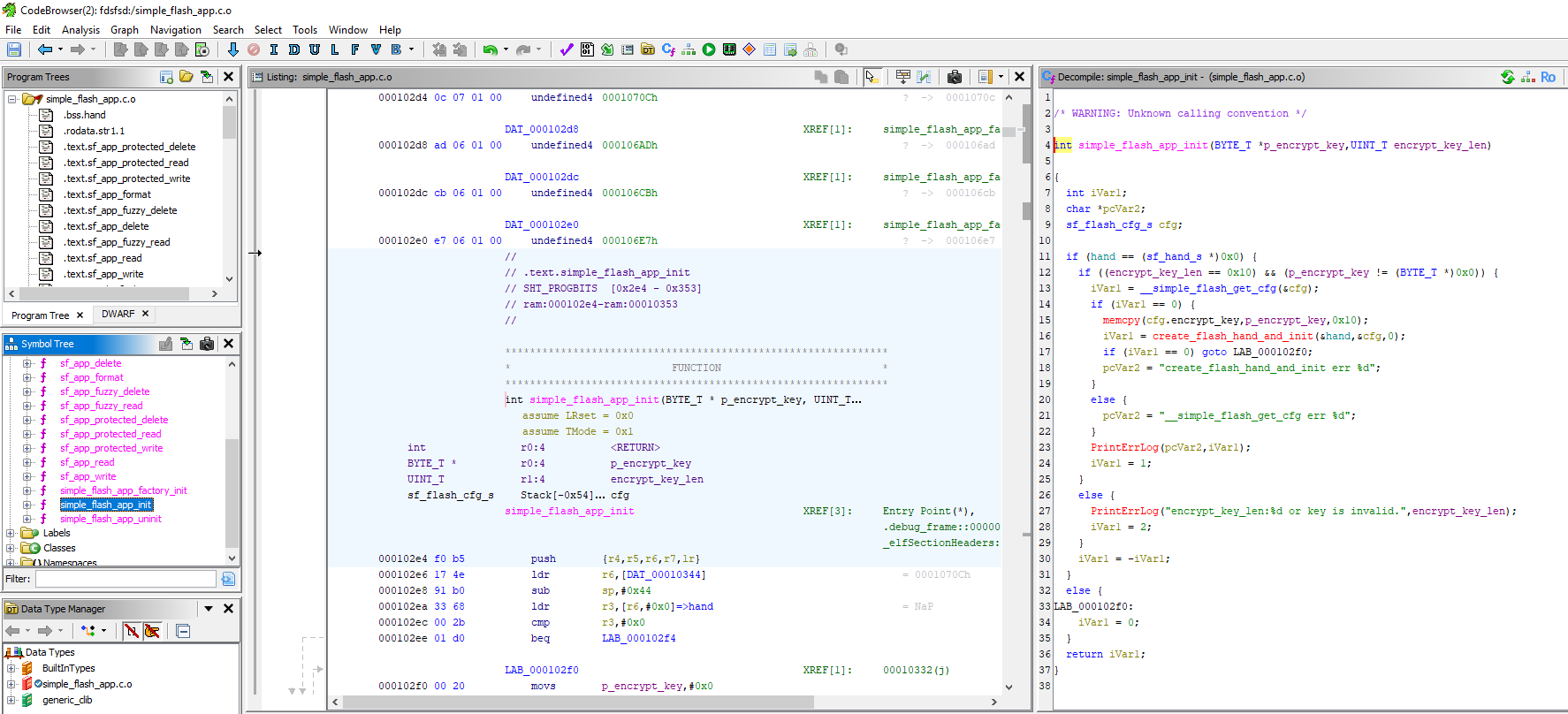
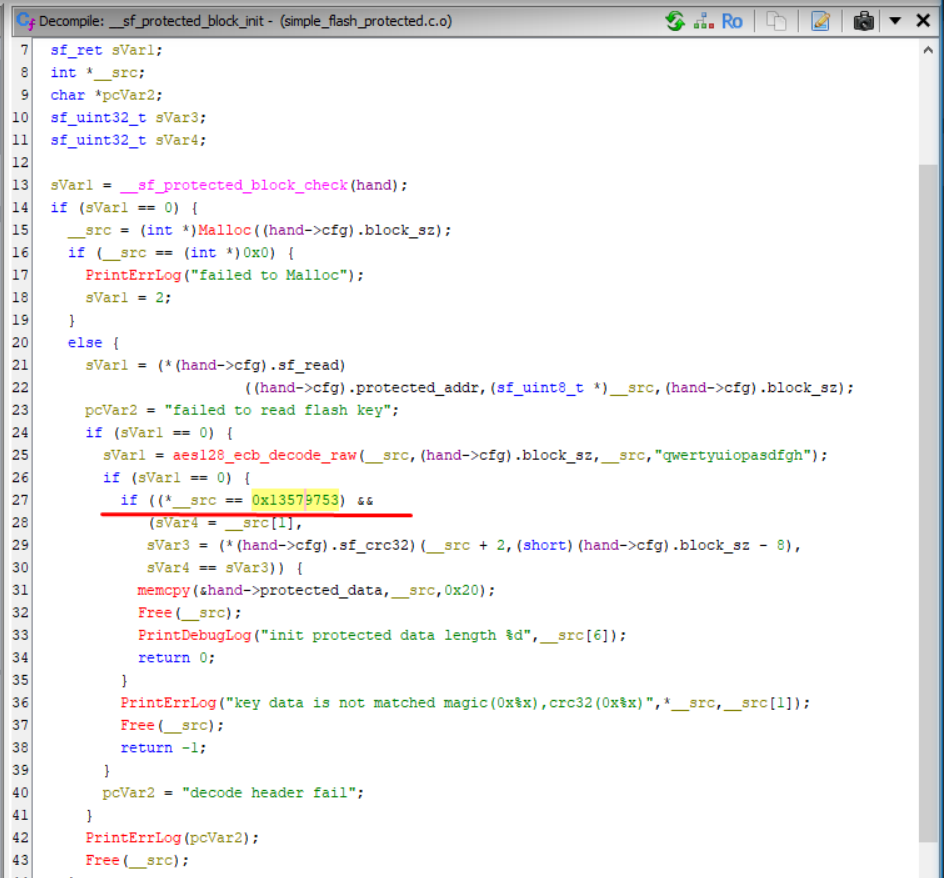
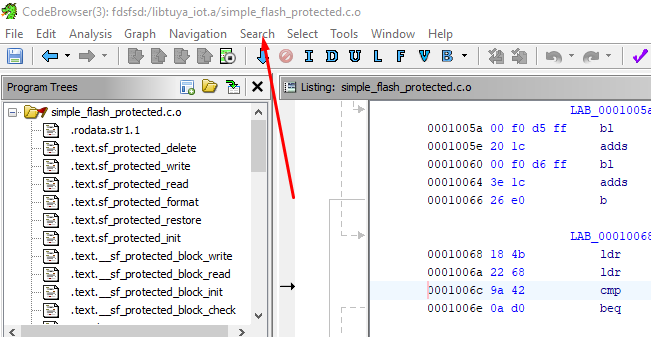
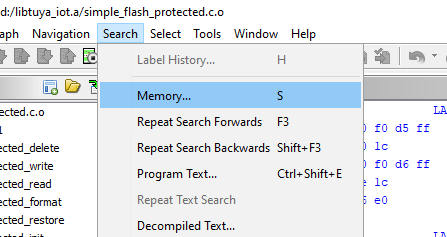
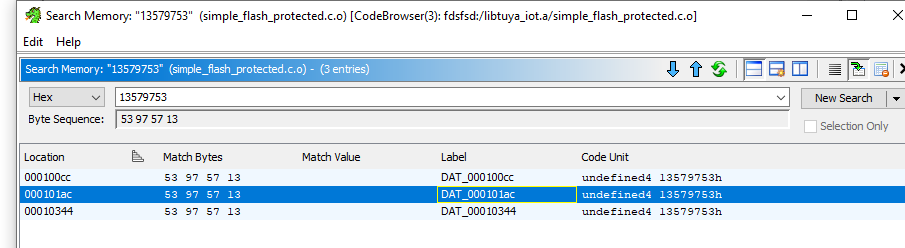
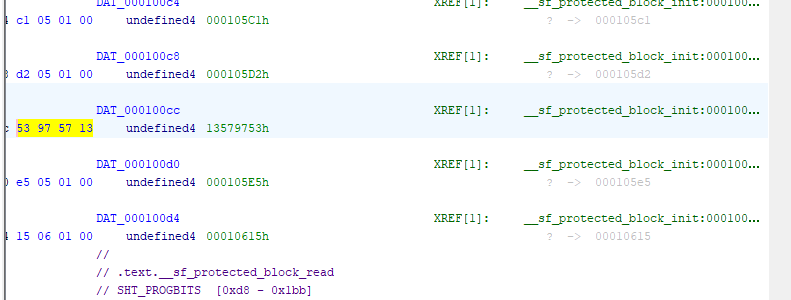
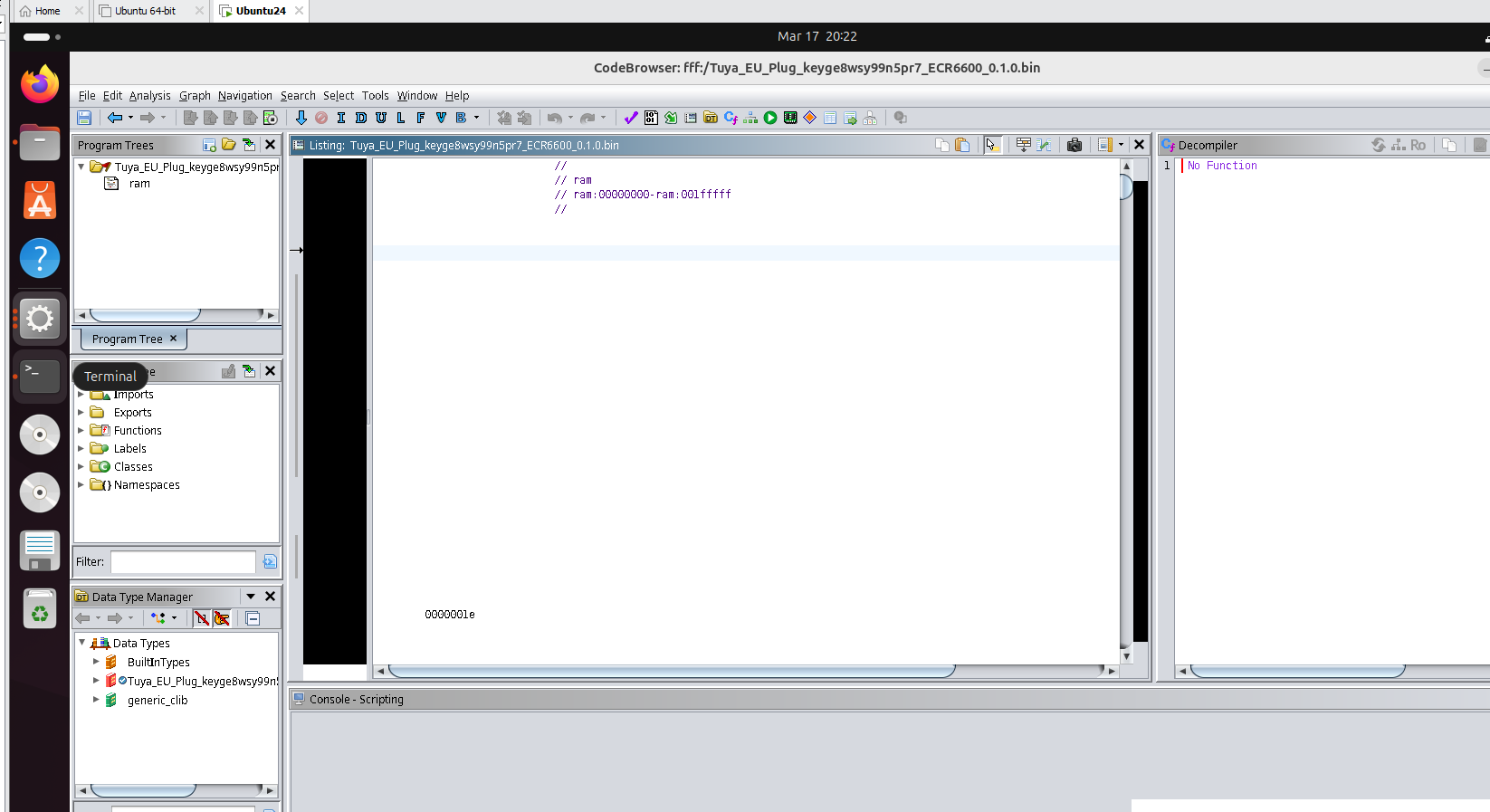
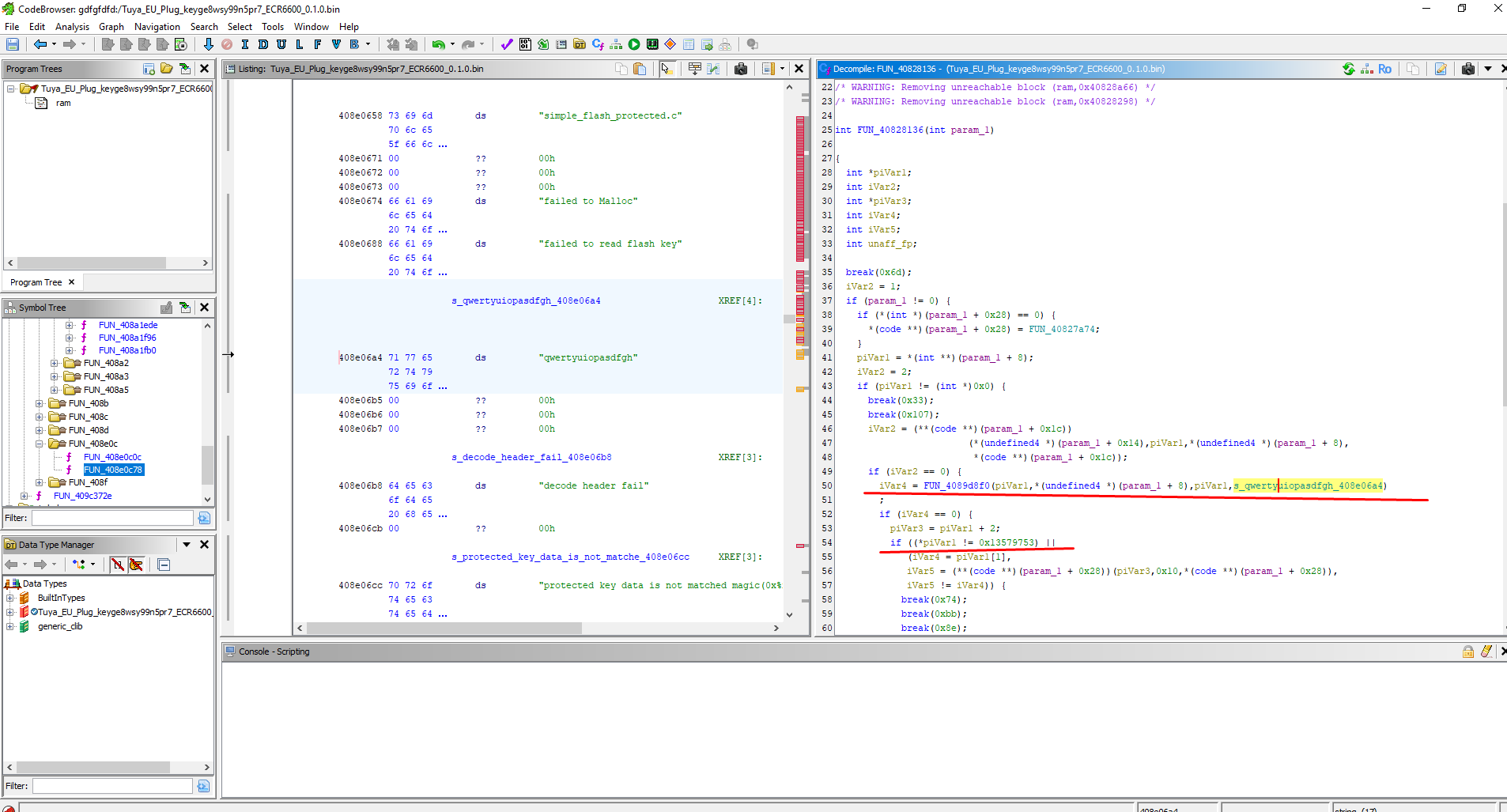
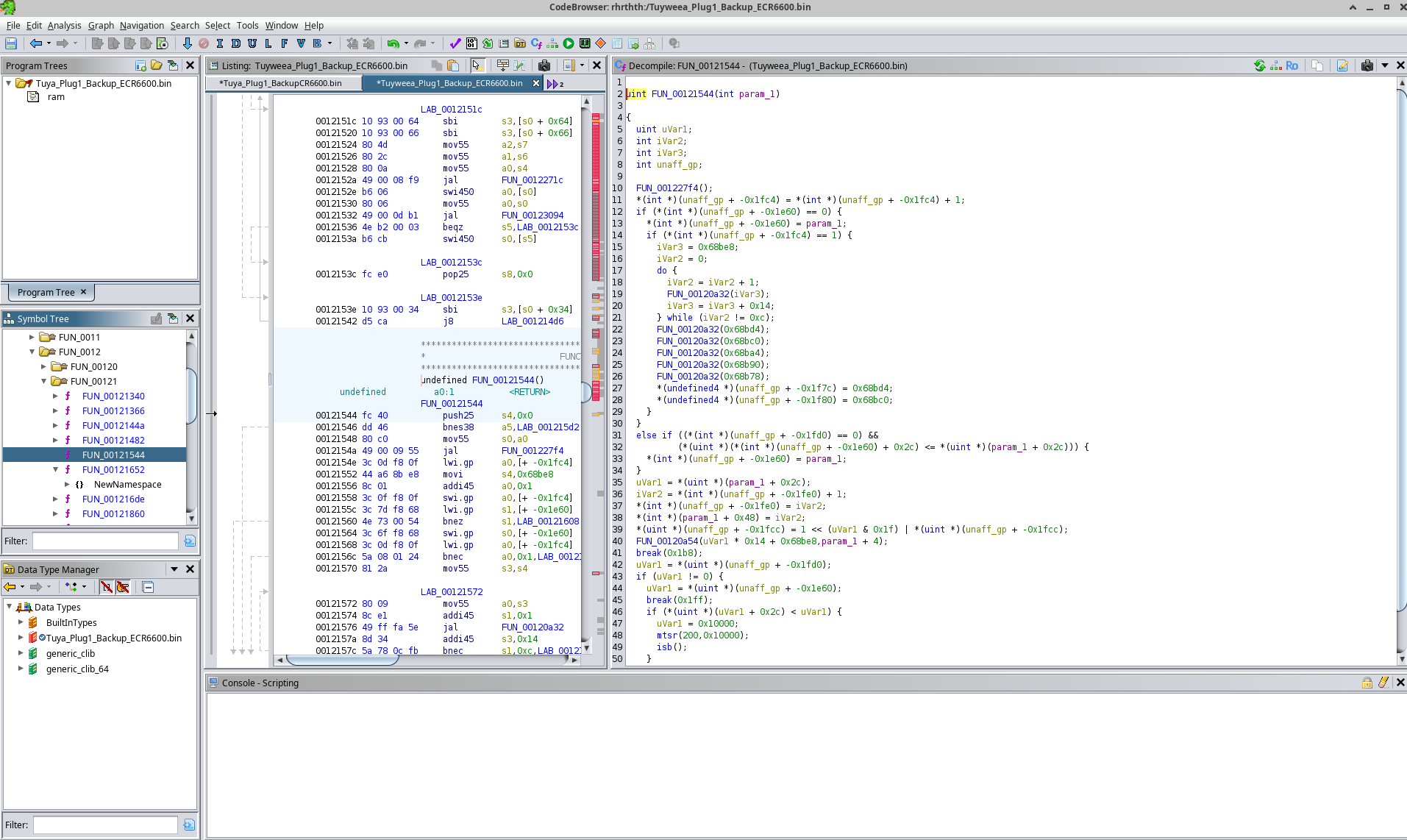
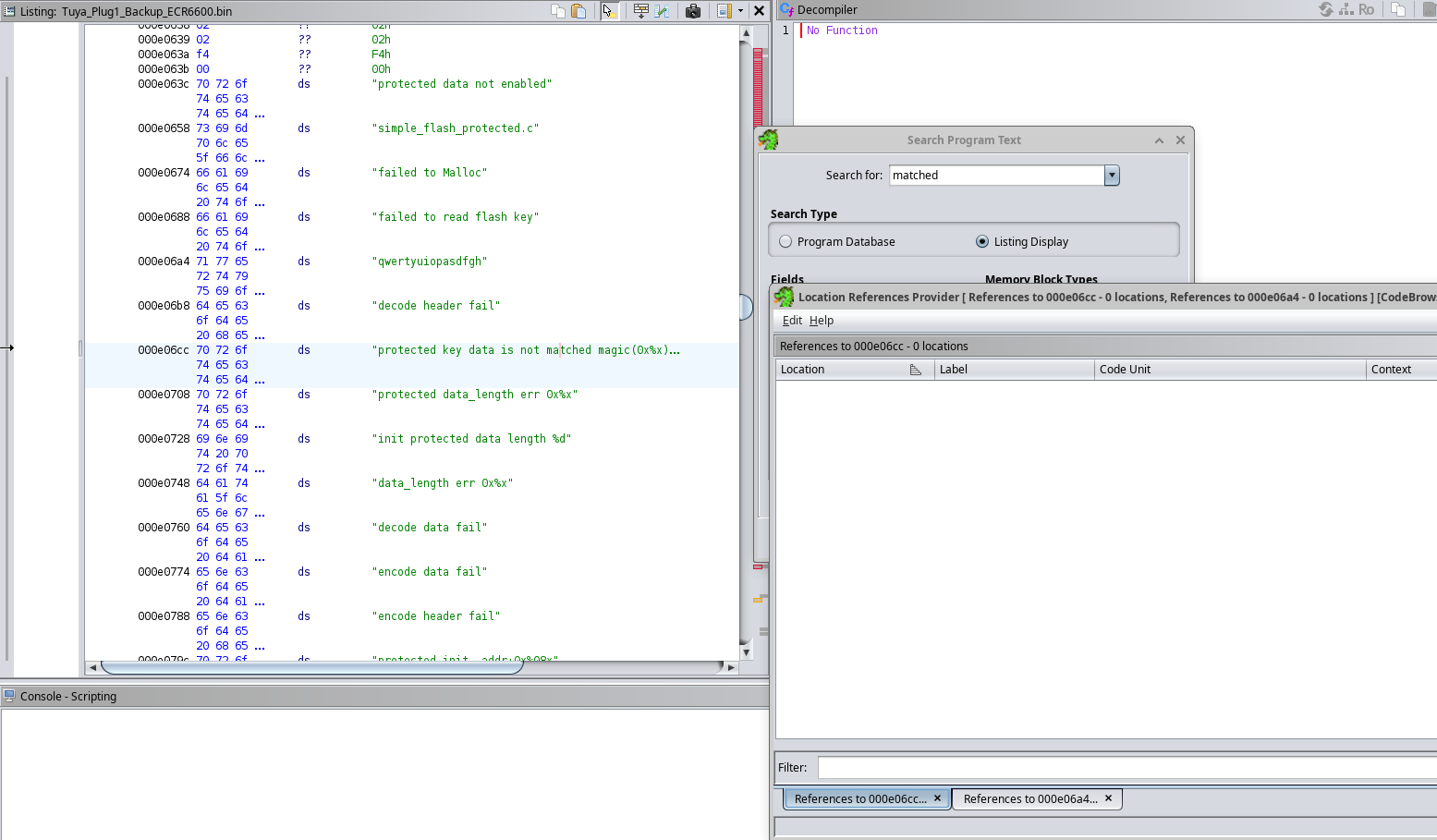
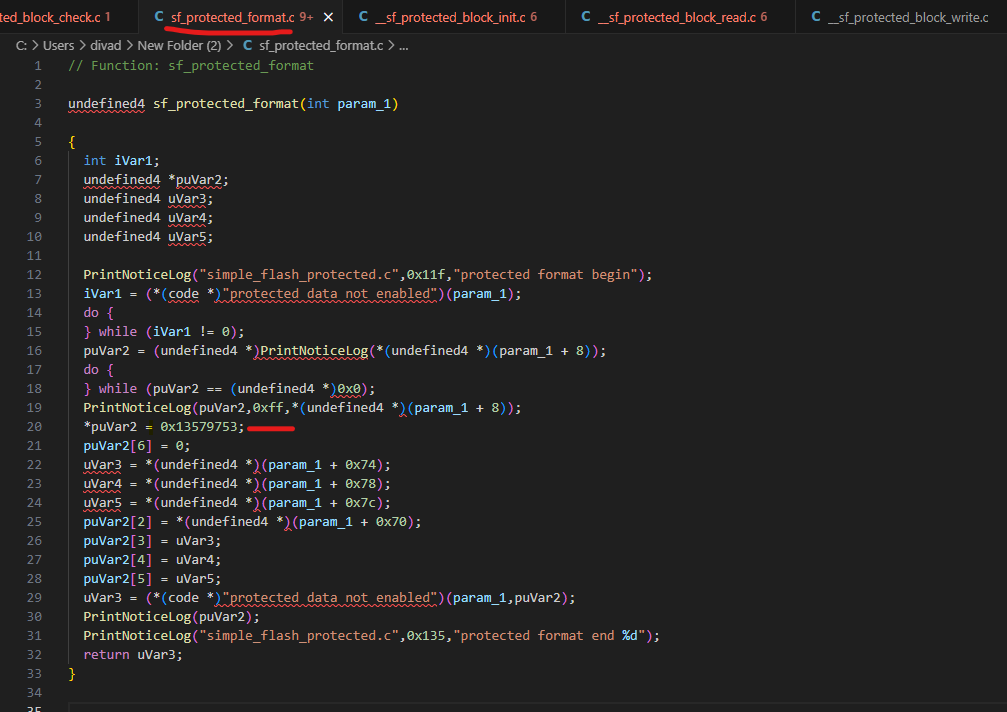
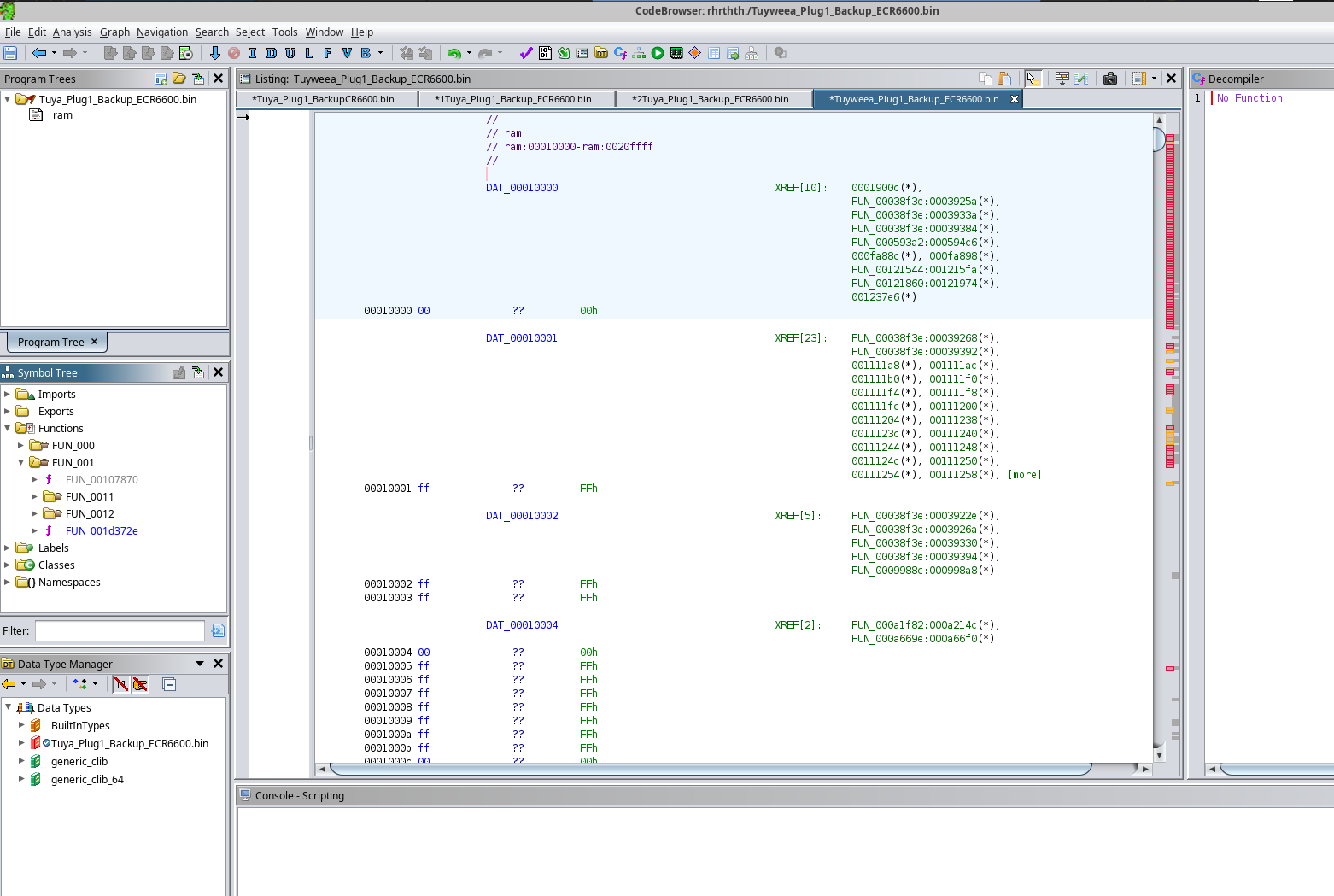
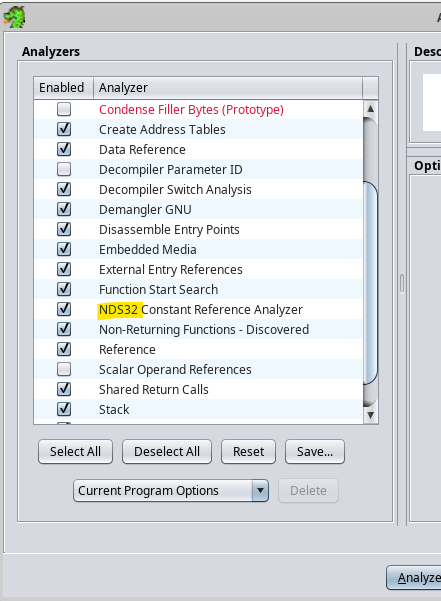
NDS32 is the Andes CPU architecture used by ECR6600, and it is why stock reverse-engineering setups struggled with the binaries. The thread found the SDK used nds32le-elf-mculib-v3s, then built a custom Ghidra version with NDS32 processor support from an external branch. After that, users could at least open binaries and view disassembly. They searched for strings, constants like 0x13579753, and boot-log references such as the key print path to locate simple_flash and key-handling routines. The goal was to trace where ECR6600 derives or loads the Tuya secondary decryption key. [#21481465]

How can I find relay, button, and LED pins on an unknown ECR6600 switch using GPIO Doctor and boot logs without a published template?

Use GPIO Doctor for live testing, then confirm with the original firmware boot log. One maintainer advised testing unconfigured pins as outputs while the device is on mains; when a relay clicks, you found the relay pin. For buttons, the user had already identified them, and for LEDs, the thread notes they are often tied to the same logic as relays on many switches. Boot logs from the factory dump can list initialized pins, which helps narrow candidates. This method produced a full 3-gang mapping, including buttons on 0, 2, 17 and relay-related pins on 14, 15, 22, 23, 24, and 25. [#21616102]

How do I build or configure OpenBK/OpenECR6600 so SendGet can use HTTPS instead of HTTP, especially for requests to services like Google Apps Script?

You need a build that enables HTTPS in the platform SDK, because the tested SendGet path only supports plain HTTP by default. The thread confirms this directly: a user tried sending a Google Apps Script request and was told SendGET could only do HTTP unless OpenBK was built with secure support. On ECR6600 specifically, one maintainer noted that mbedTLS is enabled by default in the SDK, so HTTPS may be possible there, but no finished OpenBK HTTPS procedure was provided. The practical limitation is clear: unmodified SendGet works for http://..., not for https://... targets like Google Apps Script. [#21640832]
Generated by the language model.
ADVERTISEMENT