logo elektroda
logo elektroda
X
logo elektroda

TL;DR

  • DIY-A586 v1.9 is a revised FPGA board built around a Spartan6 XC6SLX9, with hardware changes accumulated over several years.
  • It removes joystick multiplexing, supports two floppy drives without extra circuits, and adds an 18.432MHz generator plus USB-C pull-downs.
  • The board uses 32MB 16bit SDRAM, 16MB flash, and stores up to 30 FPGA configurations in flash.
  • Mikan core runs with 8MB CHIP and 23.5MB FAST, and the 8MB DMA CHIP unexpectedly worked.
  • Diagram, Gerberas, and commercial-use restrictions are included in the appendix.
AI summary based on the discussion. May contain errors.
ADVERTISEMENT
Treść została przetłumaczona polish » english Zobacz oryginalną wersję tematu
📢 Listen (AI voice):
  • #241 21090383
    piotr_go
    DIY electronics designer
    Posts: 2910
    Help: 94
    Rate: 3350
    Yes, the Amiga disk is stored on the card as a partition of type "F0" (I realise how strange this sounds).

    Check with a hex editor whether the HDF starts with "RDSK".
    Under address 0x200 should be "PART".

    HDF boots under UAE?
  • ADVERTISEMENT
  • Faulty SD card caused read errors

    #242 21090424
    leonecomdir
    Level 9  
    Posts: 35
    Yes, it loads under uae, if you write the whole image on a separate SD card, the A586 will also be loaded

    Added after 9 [minutes]:

    I tried sudo dd if=/dev/sdc of=/dev/sdb2 status = progress
    (sdc is a disk recorded by Rpi imager with HDF, which loads fine)
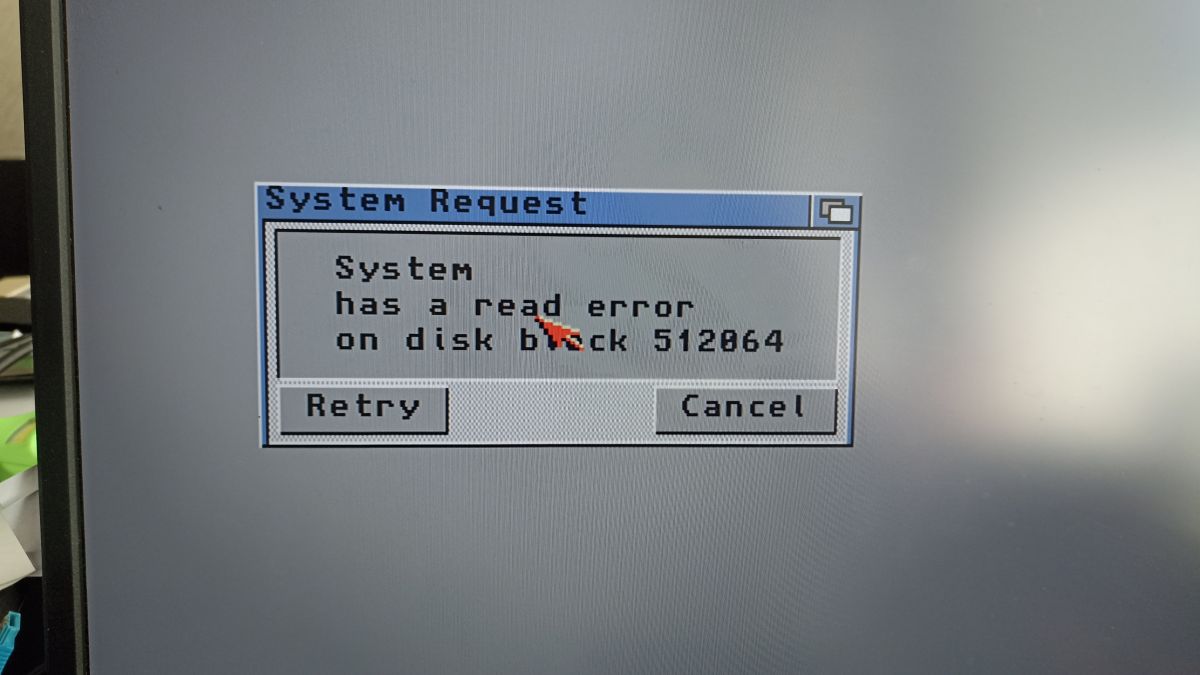
    First there was a DH0 error, and now a clipping read error at all. Maybe the SD card is bad? I will now try another
    A computer screen displays a read error message on disk block 512864 with options Retry and Cancel.

    Added after 33 [minutes]:

    Here, sorry, really the problem was in the faulty SD
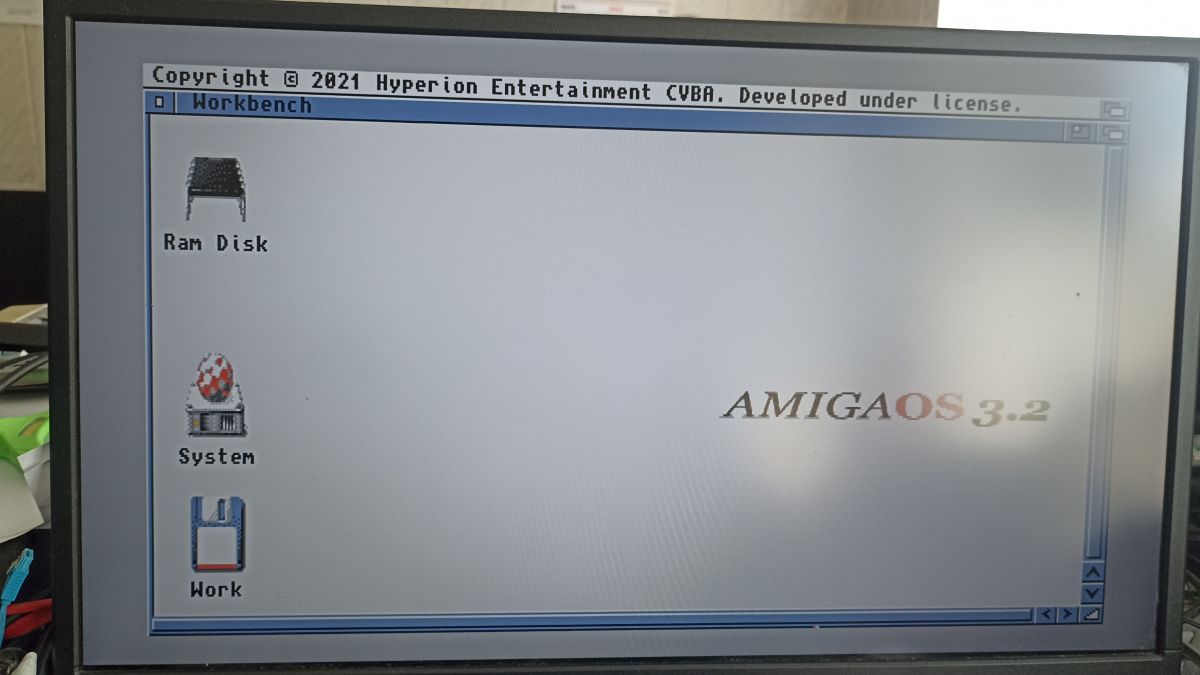
    Screenshot of AmigaOS 3.2 showing icons Ram Disk, System, and Work on the desktop. .
  • ADVERTISEMENT
  • Workbench does not see newly created SD partitions

    #243 21091882
    leonecomdir
    Level 9  
    Posts: 35
    >>21083217

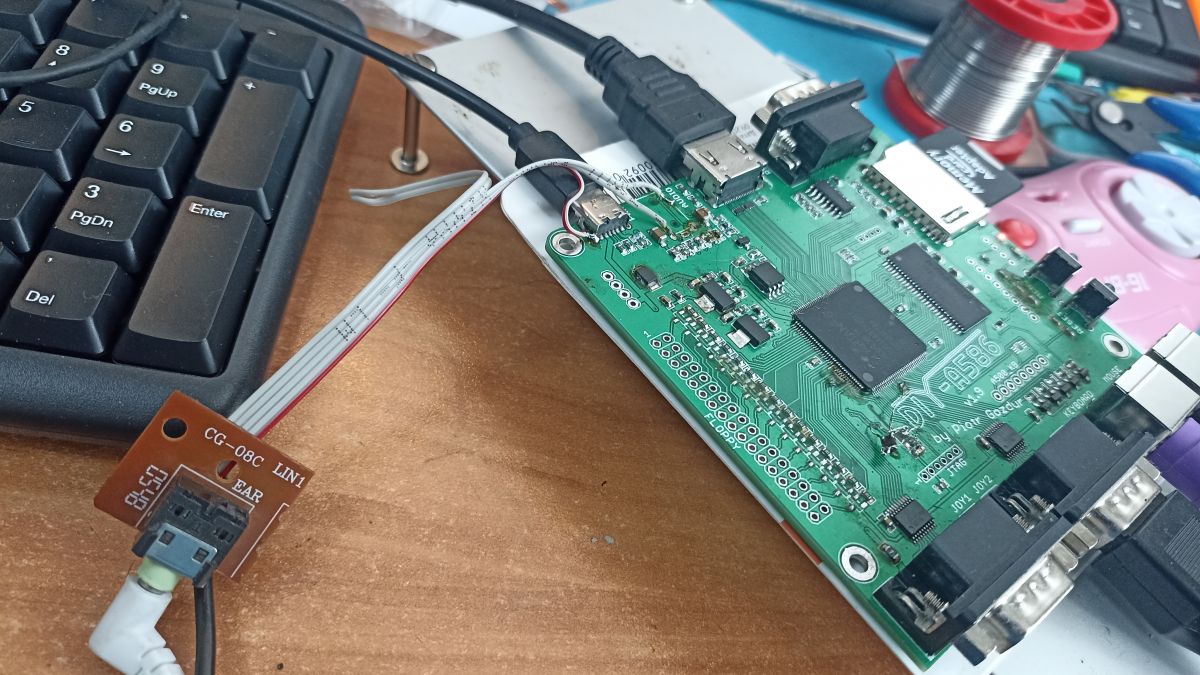
    there was no Audio connector, I had to solder some temporary thing))
    The sound in the spectrum is good, but you can hear the background of the power supply and the reference to the SD. On a good block-right silence in the background.
    Close-up of a circuit board with soldered components and wires, with a keyboard in the background.

    Added after 5 [minutes]:

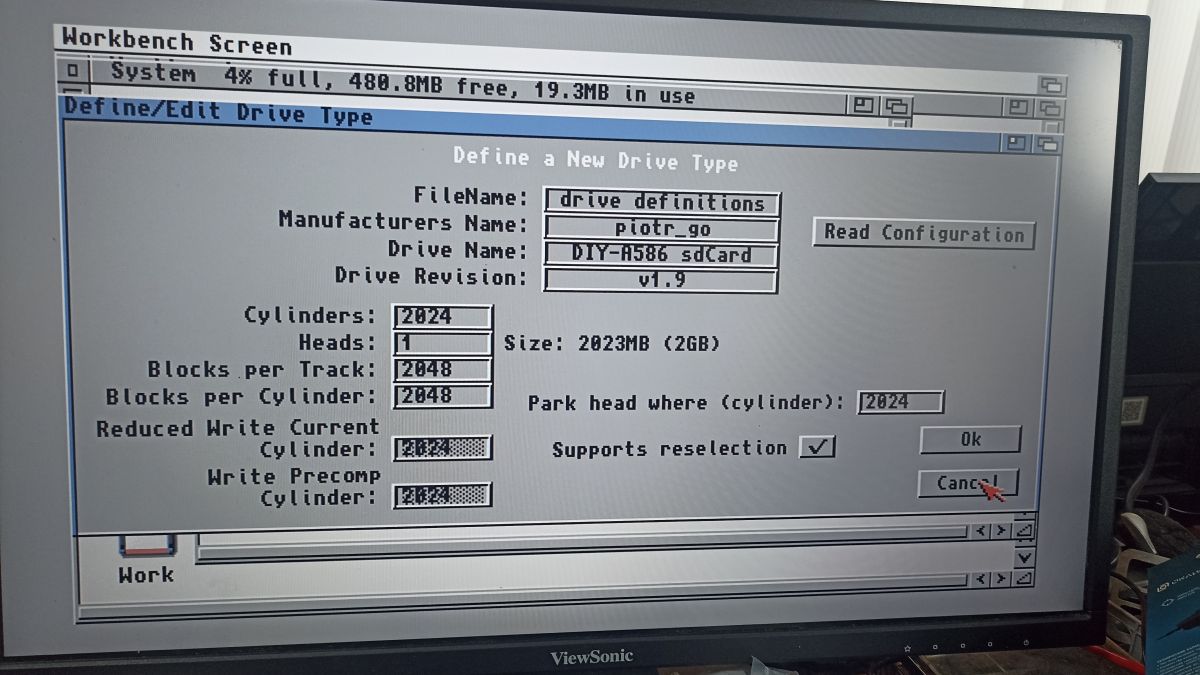
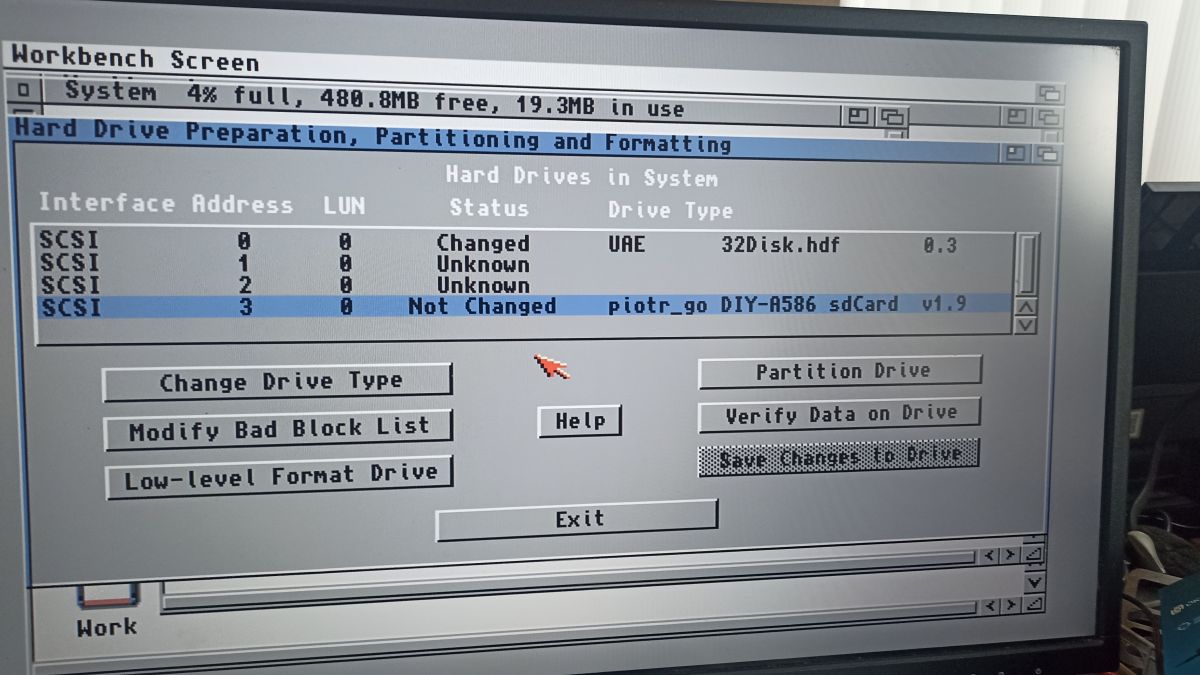
    Now I have this question-create an SD partition (with AmigaOS) on a free space, HDTools sees the partition, detects it automatically and allows to partition into FFS partitions. But Worckbench does not see these disks and does not allow to format them.

    Workbench screen with an open window defining a new drive type. Workbench screen displaying hard drive preparation and partitioning window. .
  • #244 21091888
    sillycon
    Level 10  
    Posts: 43
    Rate: 7
    bravo,
    did you test the noise in the audio on some equipment or just "by ear"?
    in my experience the sound from the diy is fine. in the raspberry pi i always had a puncture from the power supply - the audio worked satisfactorily only over hdmi.
    otherwise if the diy gave the sound digitally, i would not complain either. but i guess there is no place in cora for such a solution anymore.
  • Mounting FFS partitions in Linux with parted offsets

    #245 21091896
    leonecomdir
    Level 9  
    Posts: 35
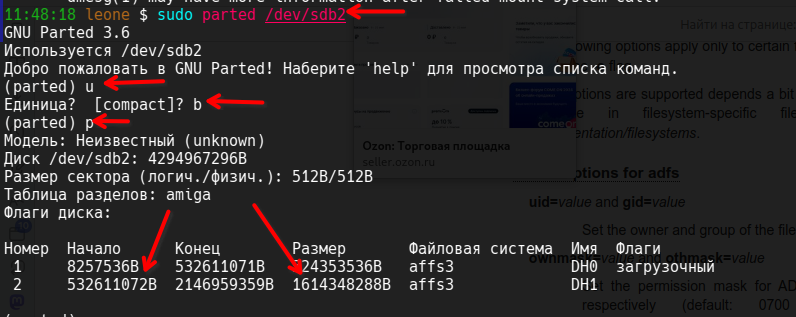
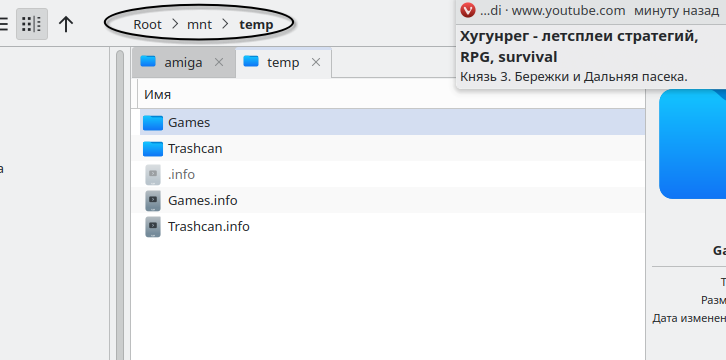
    I also learned how to mount FFS partitions in my Linux.

    First start parted (pointing to the sdXN partition, not the sdX device) and find the start and size of the partition (in bytes!)

    then mount to the pre-created directory with mode=0777

    Screenshot of a console showing the use of parted for disk partition management on Linux. Screenshot of a terminal with a command to mount a partition in Linux. Screenshot of a file manager showing the path Root > mnt > temp with folders related to Amiga.

    Added after 4 [minutes]:

    >>21091888


    Only in headphones, but the sound suited me. Although in the Amiga core is completely without background, aw ZX - for some reason the background of the power supply is still audible
  • ADVERTISEMENT
  • #246 21094787
    leonecomdir
    Level 9  
    Posts: 35
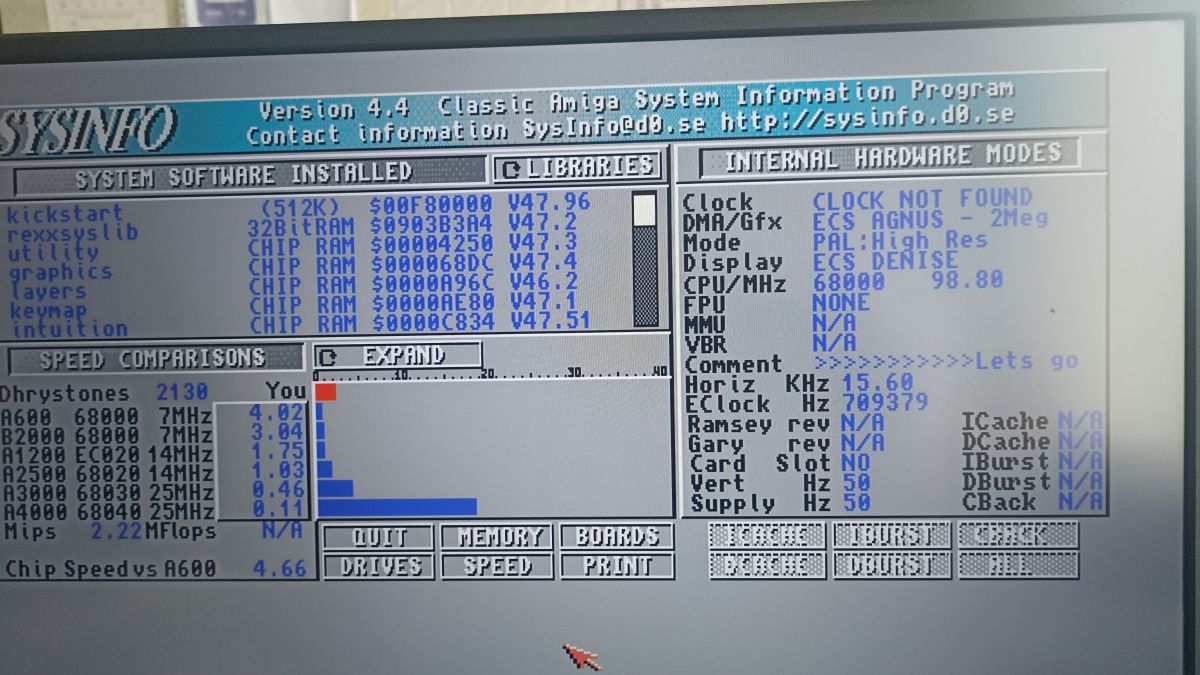
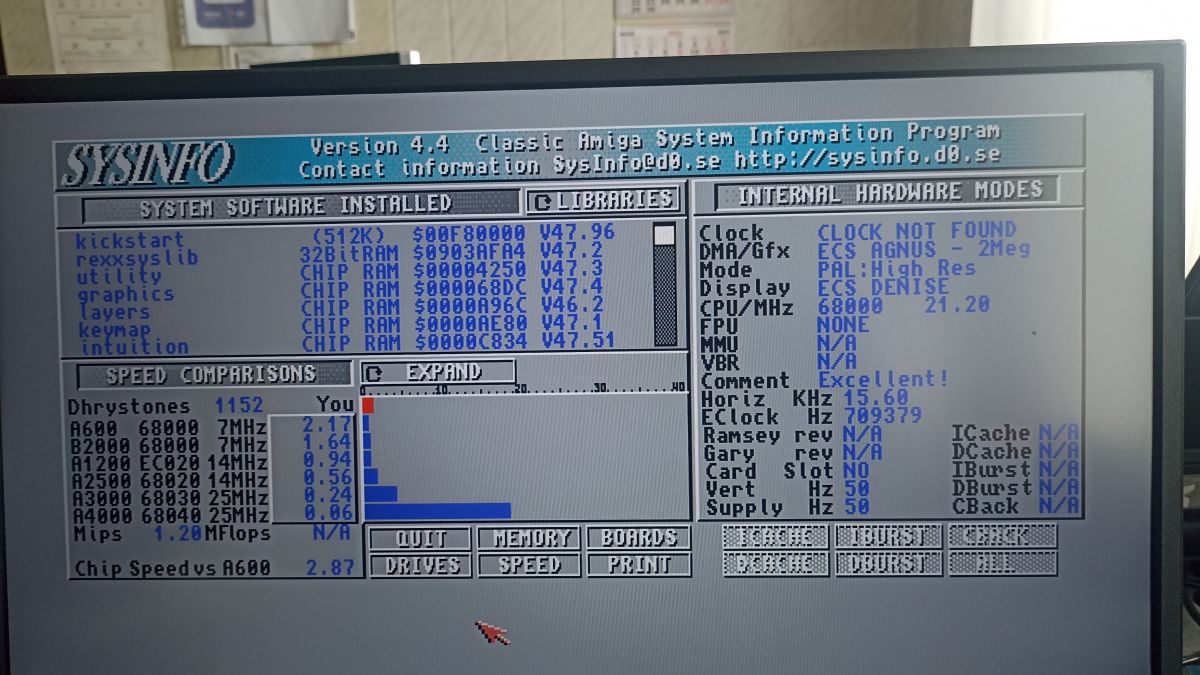
    The speed, the speed of many (or maybe all) games is clearly faster than it should be. Apparently the issue is that the processor is running at around 90mHZ, so sysinfo shows. Is there any way to reduce the frequency? I found Acatool, but this program cannot detect the board, which is not surprising)))
  • #247 21095359
    piotr_go
    DIY electronics designer
    Posts: 2910
    Help: 94
    Rate: 3350
    And an example?
  • #248 21095403
    leonecomdir
    Level 9  
    Posts: 35
    Alien3

    Added after 50 [minutes]:

    Although many others are running at normal speed. Maybe I'm worrying in vain. But a few games certainly run too fast.
  • #249 21097608
    piotr_go
    DIY electronics designer
    Posts: 2910
    Help: 94
    Rate: 3350
    I tested this Alien3 on an A1200 with turbo and the acceleration was not there.
    When I find some free time I will sit down and experiment on it. Maybe the blitter is too fast?
  • #250 21097629
    leonecomdir
    Level 9  
    Posts: 35
    I just don't know the normal speed of most Amiga games, but it seems that many of them run well, some games are strangely fast, I'm afraid to make a mistake. I will make a little video of alien 3, This game is on other platforms and there it is obviously much slower
  • #251 21097789
    piotr_go
    DIY electronics designer
    Posts: 2910
    Help: 94
    Rate: 3350
    Check out this version. I slowed down the blitter and cpu.
    Attachments:
    • mikan_slow.d19.tar.gz (127.66 KB) You must be logged in to download this attachment.
  • #252 21098281
    leonecomdir
    Level 9  
    Posts: 35
    Everything is fine! Thank you!!! Below is a video and a picture of the sysinfo screen


    Screenshot of the SysInfo Classic Amiga program showing system information.


    Screenshot of the SysInfo 4.4 program on an Amiga computer.


  • #253 21100399
    leonecomdir
    Level 9  
    Posts: 35
    So the next core))
    PC 186 - question - what version of DOS are you using? If you download the scanned SD image here, DOS loads but the keyboard doesn't work, apparently there are no drivers. I've tried inserting files of different versions, but then DOS doesn't load or the keyboard doesn't work either
  • ADVERTISEMENT
  • #254 21100556
    piotr_go
    DIY electronics designer
    Posts: 2910
    Help: 94
    Rate: 3350
    Check another keyboard.
    Probably does not support DOS codes (Set 1) but only newer ones (Set 2).
  • Spectrum core only detects two gamepad buttons

    #255 21100737
    leonecomdir
    Level 9  
    Posts: 35
    Since I'm looking for an older keyboard, I have another question))

    The other day the game Neoplasma2 for Zx Spectrum was released, including a version for the classic Spectrum 128k.
    And in this game the control is via a gamepad with three buttons, but the Spectrum core can only see two buttons on my gamepads (from a Sega MD clone) - the "A" button does not work. Is this a feature of the kernel or the hardware configuration?
  • #256 21101856
    piotr_go
    DIY electronics designer
    Posts: 2910
    Help: 94
    Rate: 3350
    Do you have a diagram of how to connect it to spectrum?
  • Spectrum joystick wiring requires direct contact soldering

    #257 21101891
    leonecomdir
    Level 9  
    Posts: 35
    I started looking for schematics and studying the subject, but it turns out that everything is complicated in the Spectrum))) It's amazing that even two buttons work)))

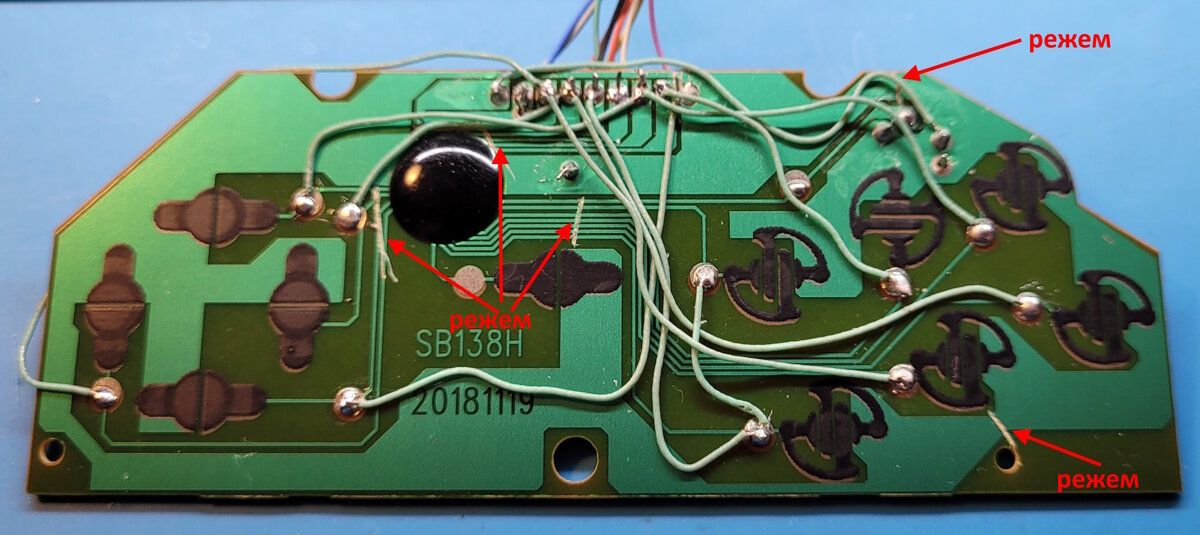
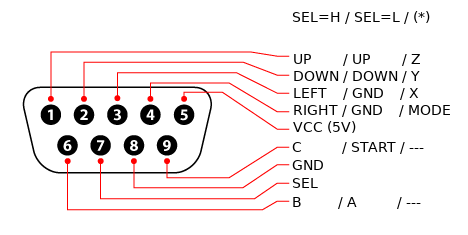
    There are wiring diagrams for the "iron" Spectrum - I'll attach a photo. But there you have to disconnect the microchip in the gamepad and solder the wires directly to the contacts.
    Circuit board with soldered wires on a gamepad assembly. Diagram showing the connection schematic of a gamepad with nine pins.


    Generally it is fine with two buttons)
  • #258 21101899
    piotr_go
    DIY electronics designer
    Posts: 2910
    Help: 94
    Rate: 3350
    In the amiga the power supply is on 7.8.
  • Prototype 3D-printed housing for DIY-A586 v1.9

    #260 21104211
    sillycon
    Level 10  
    Posts: 43
    Rate: 7
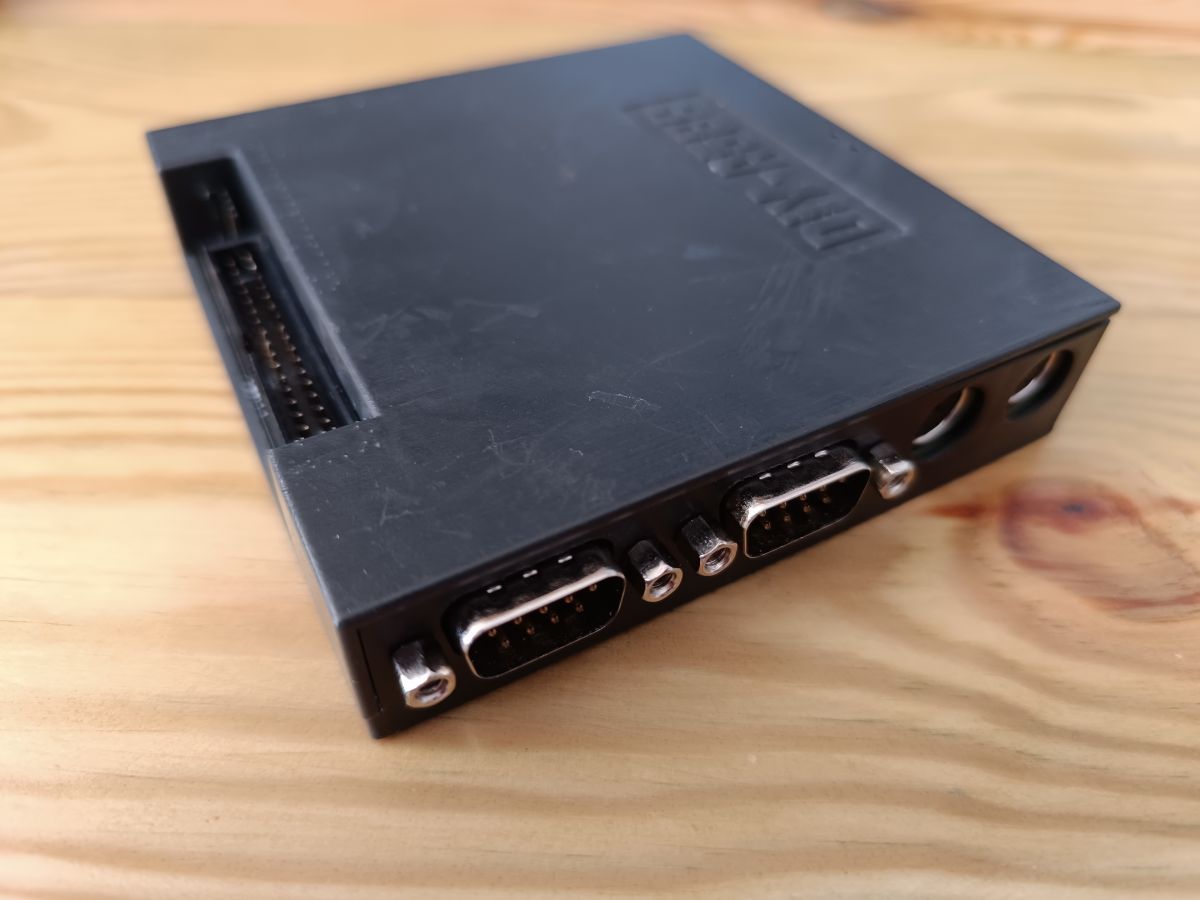
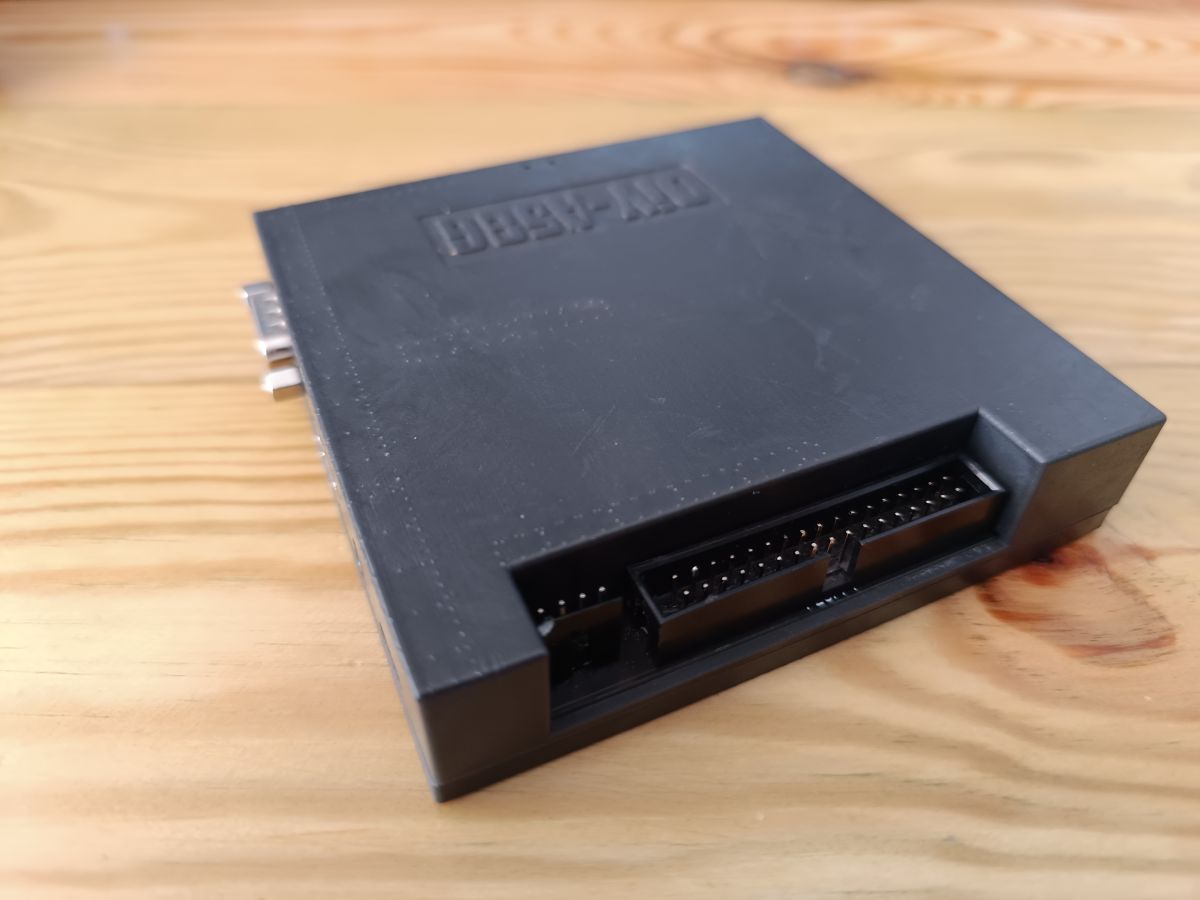
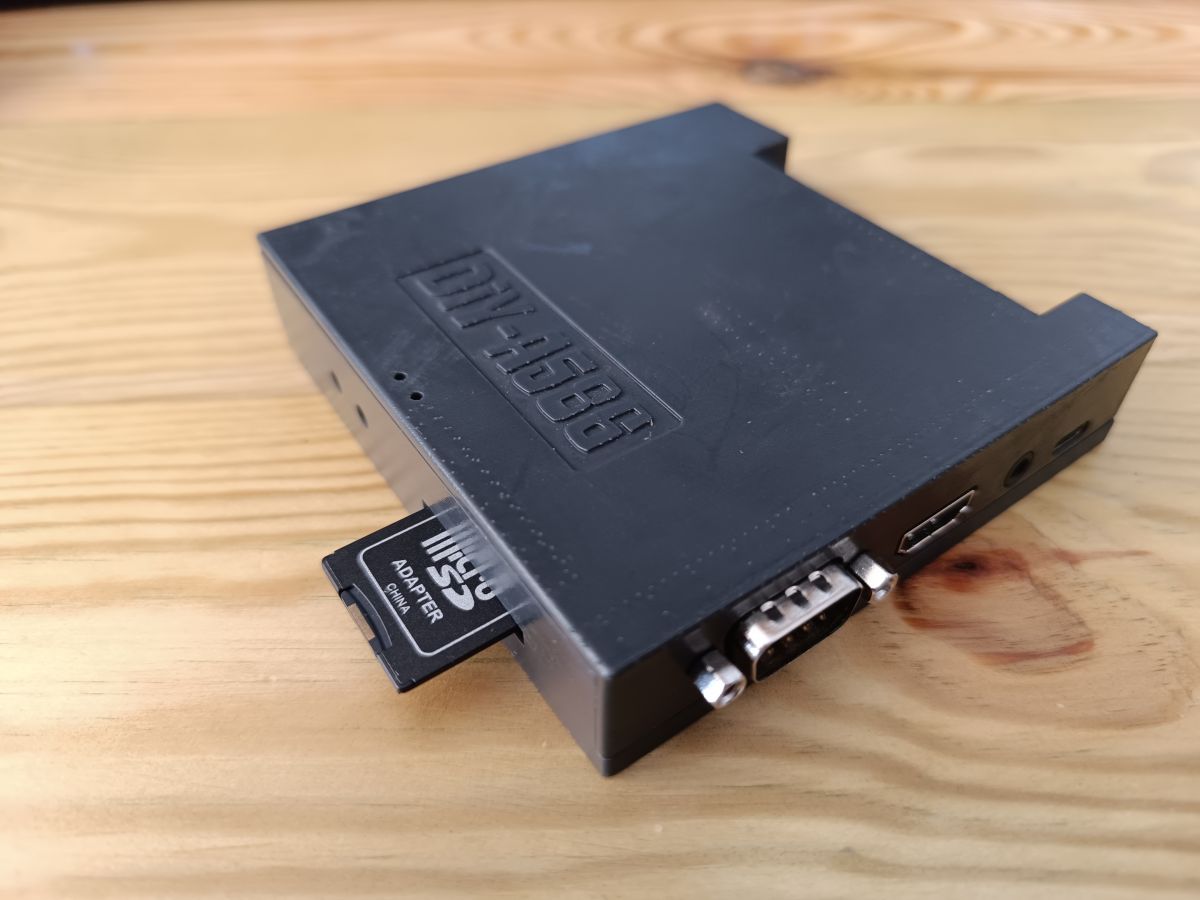
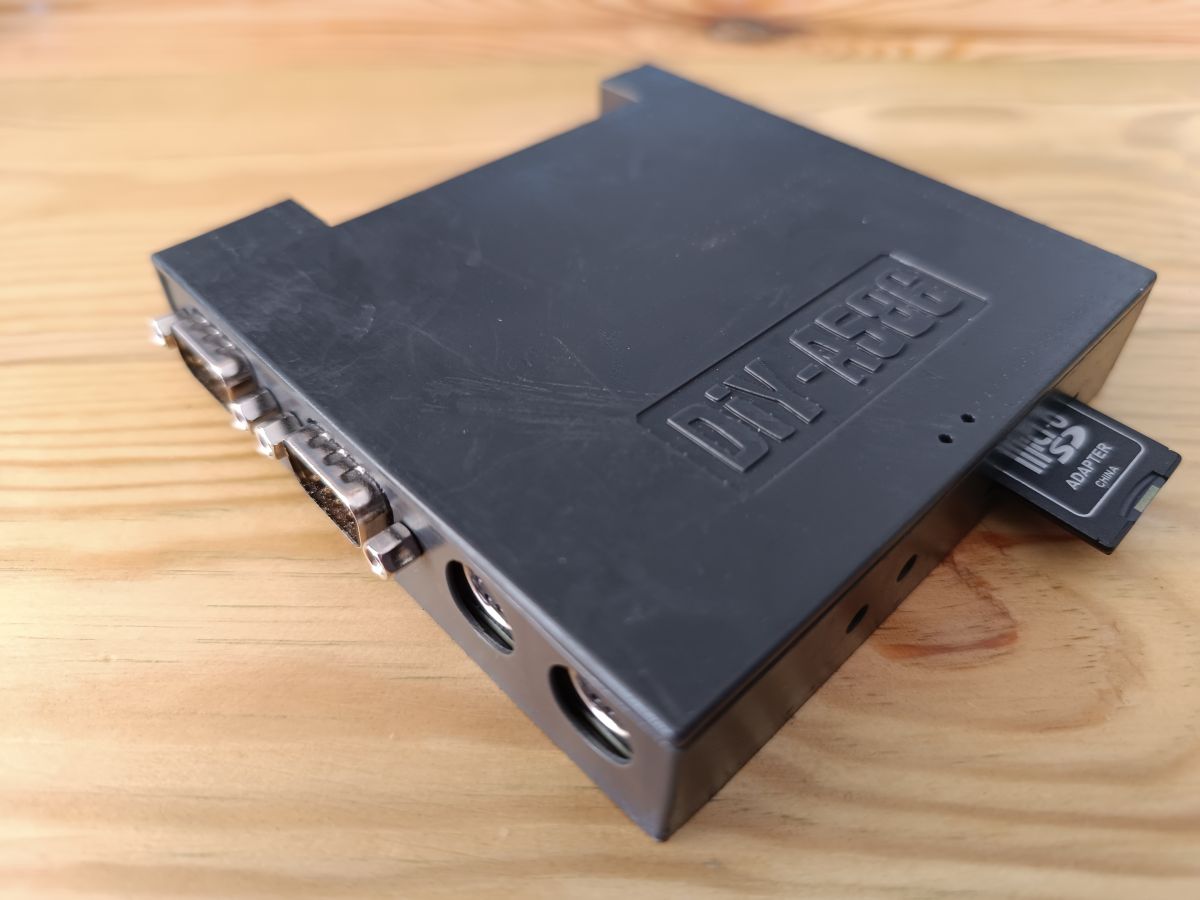
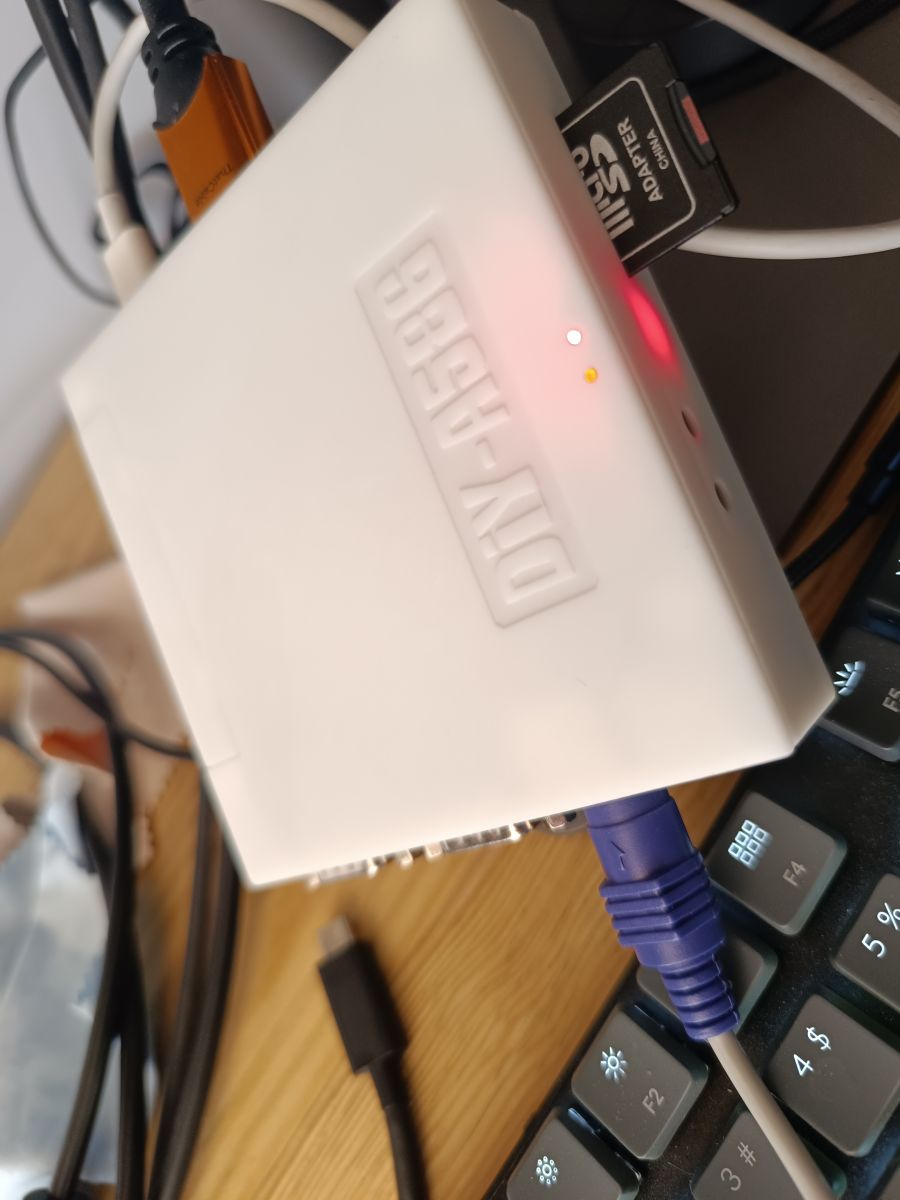
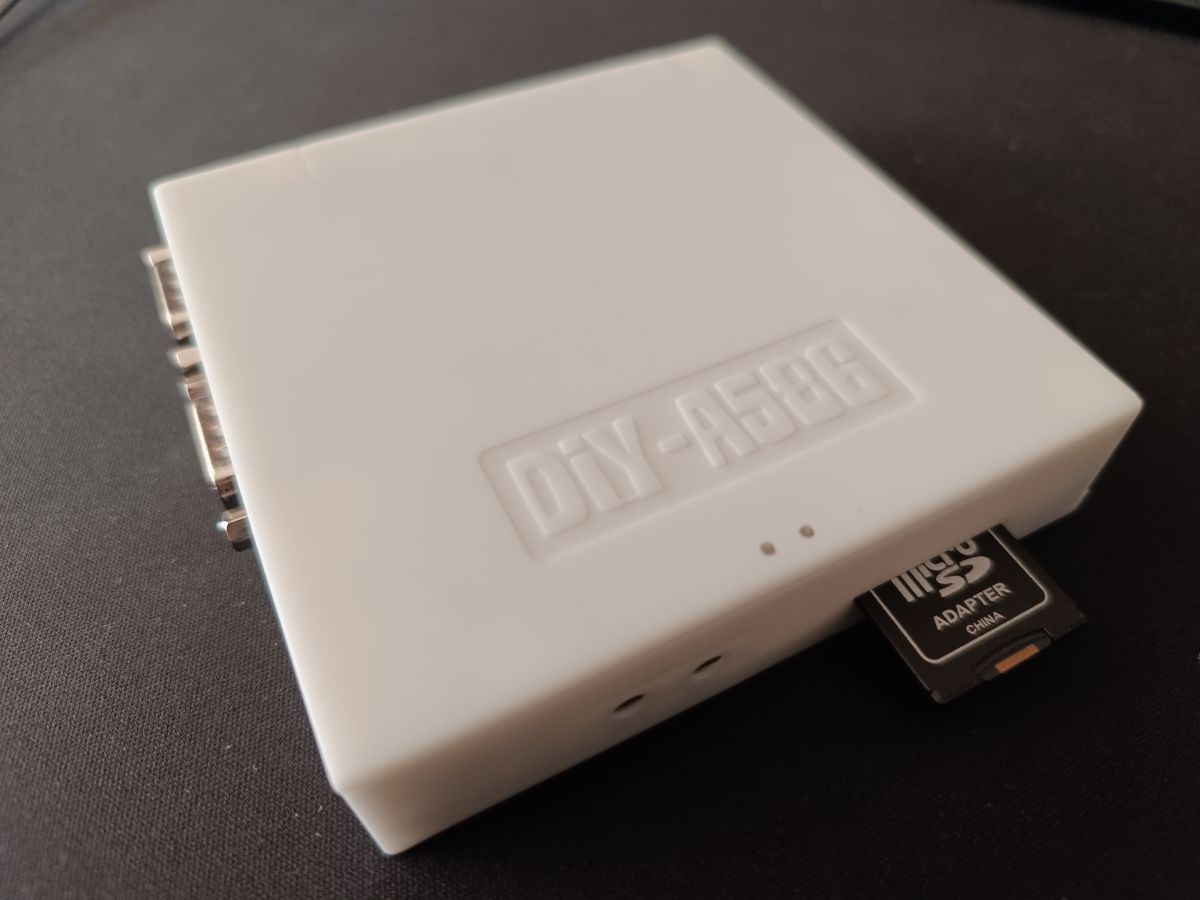
    I present the prototype of the housing for the DIY-A586 v1.9.

    Pictures of printing from a 3D printer (version 1):
    Black prototype case of DIY-A586 with visible ports and connector 3D printed. Prototype case for DIY-A586 v1.9, 3D printed on a wooden background. Prototype DIY-A586 case with 3D printing, featuring a visible microSD adapter. Prototype case of DIY-A586 made of black plastic with visible microSD adapter, placed on a wooden surface.


    Development version with locking to disk station port, on the way.


    I encourage you to support Peter and buy a licence. 3D printing files available for those who have a licence. Cost of printing in JLCPCB about $5.50.
  • #261 21107147
    leonecomdir
    Level 9  
    Posts: 35
    >>21100556 .
    Indeed the problem turned out to be the keyboard, the A4Tech is a bit old but cool, works great.
    How do you buy a license? I'm pretty sure I won't be able to pay that easily now, but it's interesting)
  • #262 21107152
    piotr_go
    DIY electronics designer
    Posts: 2910
    Help: 94
    Rate: 3350
    In the menu, you press 'v', then 'k'. The number you enter will appear.
    I send back the key that you enter there.
    Payment 20USD by paypal.
  • #263 21107174
    leonecomdir
    Level 9  
    Posts: 35
    OK I'll give it a try. We are having, um, problems with PayPal right now.
    There are workarounds though, I will try to support the author and the project if I can
  • Keyboard ghost input and second gamepad direction issue

    #264 21114443
    leonecomdir
    Level 9  
    Posts: 35
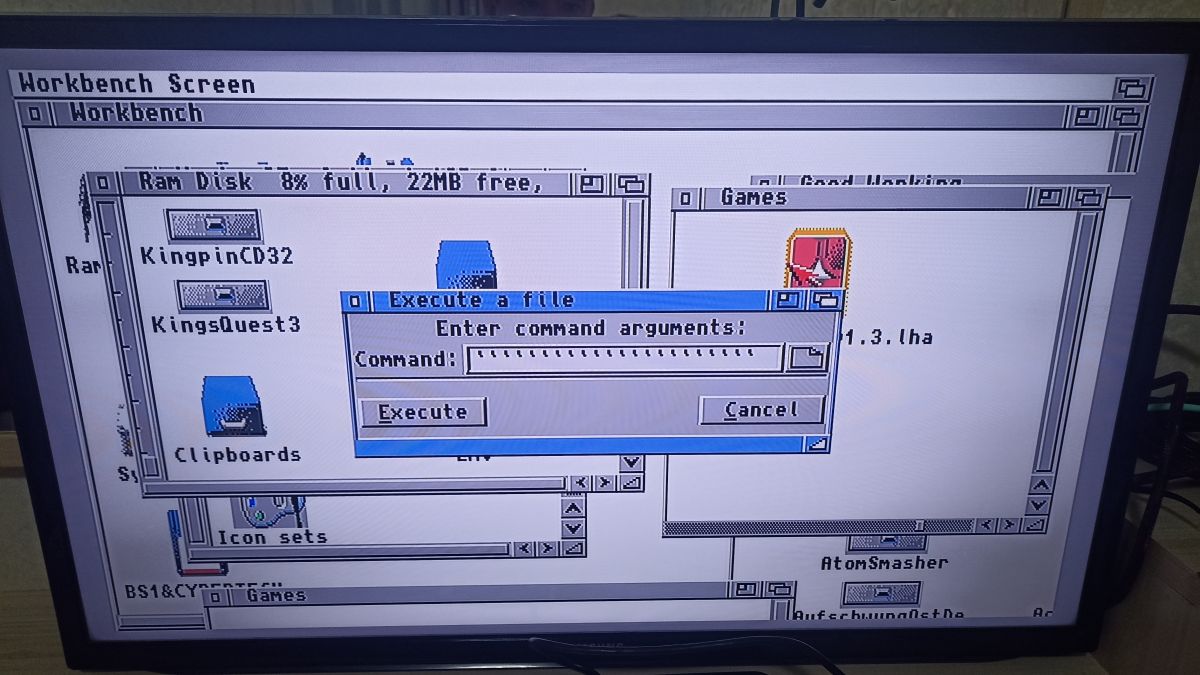
    Hello, two more questions have arisen. Firstly, sometimes (but quite often) the keyboard itself typing the character'. Top Arc) enters until you press any key, after that it stops for a while and then can start again. Secondly, in all games the Gamepad in the second port is the first, but it works fine and regardless of the port. But the second Gamepad, which in the first port, works only the buttons. And the direction does not work, or rather the direction for some reason works on the mouse)) maybe to play together you have to turn off the mouse?

    Screenshot of the Amiga Workbench operating system with an open file execution window. .
  • #265 21114475
    piotr_go
    DIY electronics designer
    Posts: 2910
    Help: 94
    Rate: 3350
    leonecomdir wrote:
    in all games the Gamepad in the second port is the first...
    .
    This is rather normal on the Amiga. The first one is usually occupied by the mouse.
    There is no such mess as on the C64. Every game is a different port.

    As for the keyboard, I'll see in my spare time.
  • #266 21114491
    Macosmail
    Level 35  
    Posts: 2860
    Help: 227
    Rate: 861
    With the keyboard I confirm, I have also observed this.
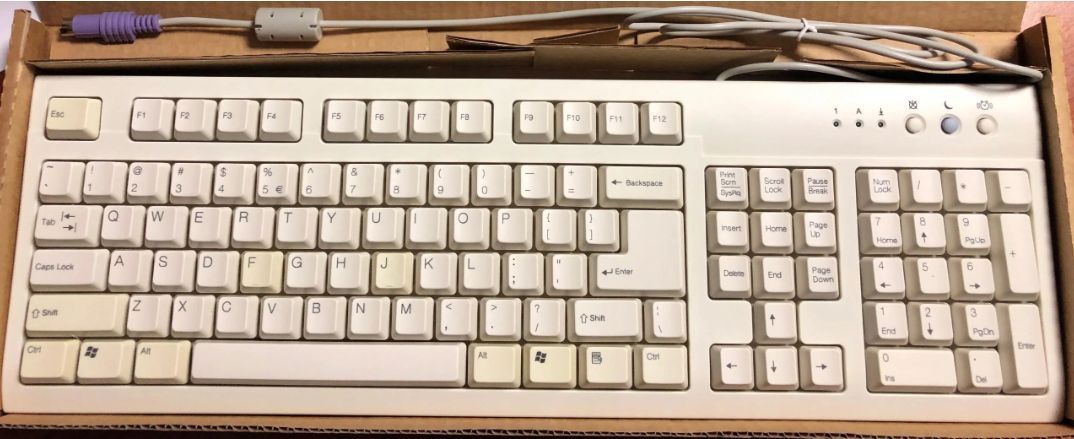
    I have a keyboard like this BTC:
    White BTC keyboard with large keys in a box. .
  • #267 21114561
    leonecomdir
    Level 9  
    Posts: 35
    PS. I tried two different keyboards
  • CIA reset state may require a specific value

    #268 21115643
    piotr_go
    DIY electronics designer
    Posts: 2910
    Help: 94
    Rate: 3350
    I managed to get this error (I insert the terminal floppy when on the animation the floppy is inserted).
    This is not a keyboard fault.
    It is not a PS/2 -> amiga converter bug.
    It is probably some bug in the CIA. Although I don't know why, after blocking the keyboard interrupt from CIA the error still appears.
    Is the system expecting some specific value after a reset? If the CIA is not reporting new data then it should be OK and it is not.
  • #269 21116761
    sillycon
    Level 10  
    Posts: 43
    Rate: 7
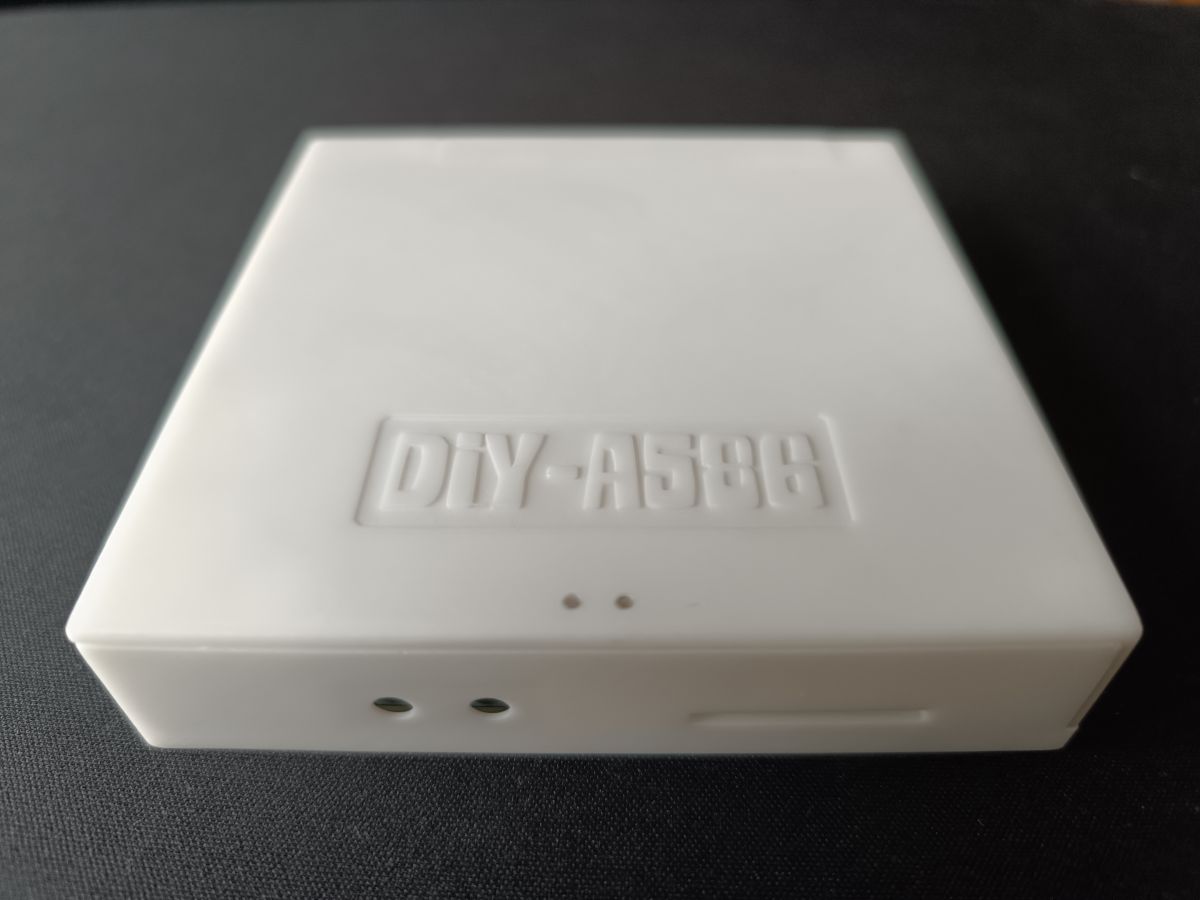
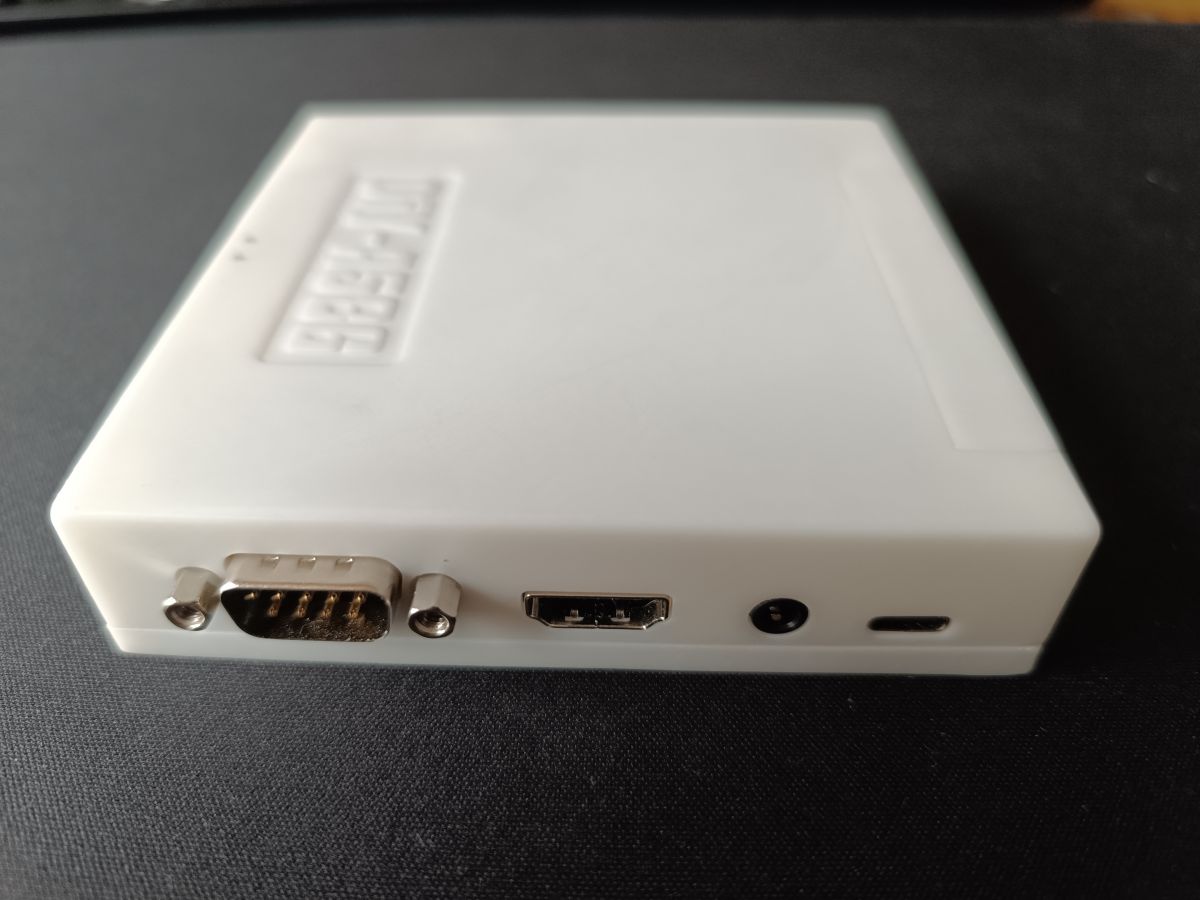
    White version with floppy drive port closure in full glory:
    White DIY-A590 adapter connected with several cables and a microSD card. White DIY-A586 adapter with microSD card. White casing with DIY-A5896 inscription on a dark background. White device casing with several ports on the back. .
  • #270 21121948
    leonecomdir
    Level 9  
    Posts: 35
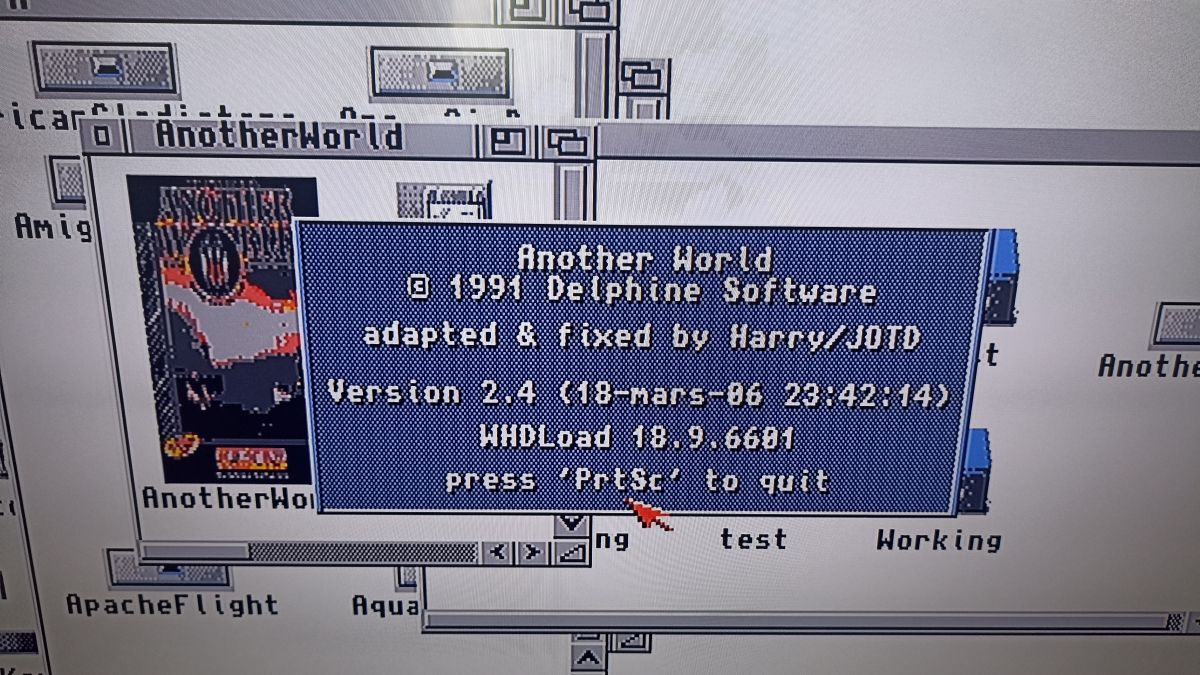
    So I have another request/question. is it possible to change the video mode selection key? Often in WHDload games PrintScreen is used to exit
    Another World game information screen with 'PrtSc' key exit instruction. .
📢 Listen (AI voice):

Topic summary

✨ Discussion of the DIY-A586 v1.9 FPGA-based Amiga-compatible board by piotr_go, built around a Spartan-6 XC6SLX9 with 32 MB SDRAM, 16 MB flash, HDMI, analog audio, SD, RS232, joystick, PS/2, floppy and A500 keyboard interfaces. The thread covers core architecture (own core with TG68 CPU), compatibility, FPGA resource usage, synthesis constraints, and comparisons with Minimig/MiSTer. A large part of the discussion focuses on assembly and bring-up: flash programming, ROM loading, SD card formatting, Kickstart patches, floppy-drive conversion, Gotek compatibility, SDRAM timing, oscillator choice, and soldering order. Later posts report fixes and updates for Amiga core, SD support, PS/2 reset, floppy reading, audio, and bitplane handling, plus questions about parts sourcing, connector footprints, and possible future ports or expansions such as AGA, C64, Spectrum, and alternative FPGA platforms.
AI summary based on the discussion. May contain errors.
ADVERTISEMENT