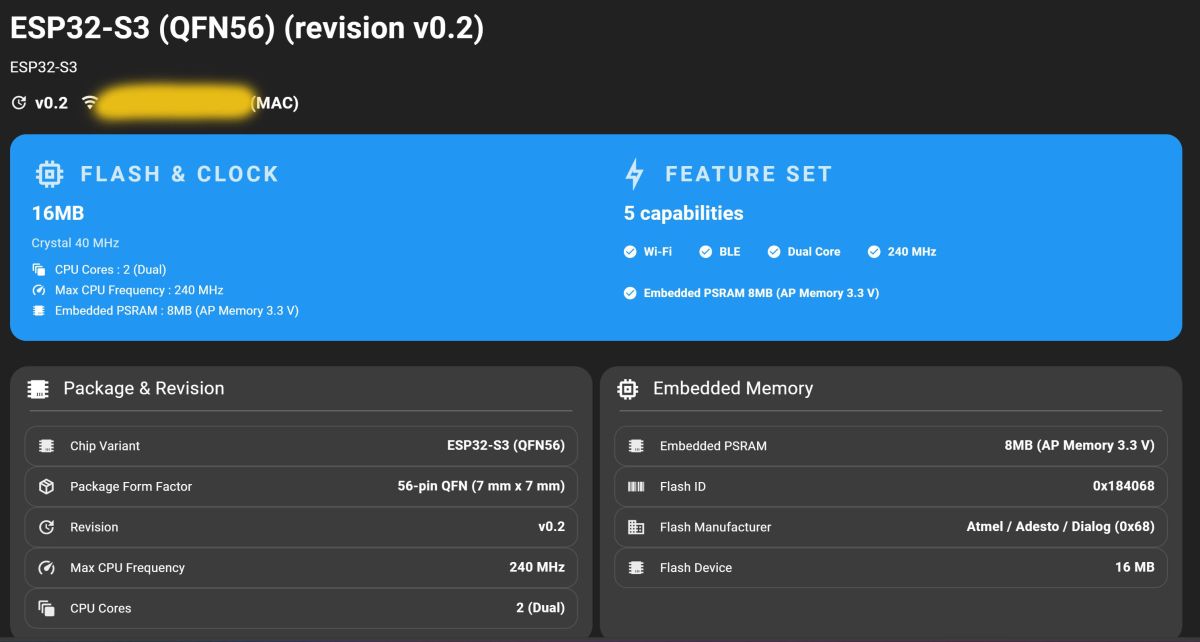
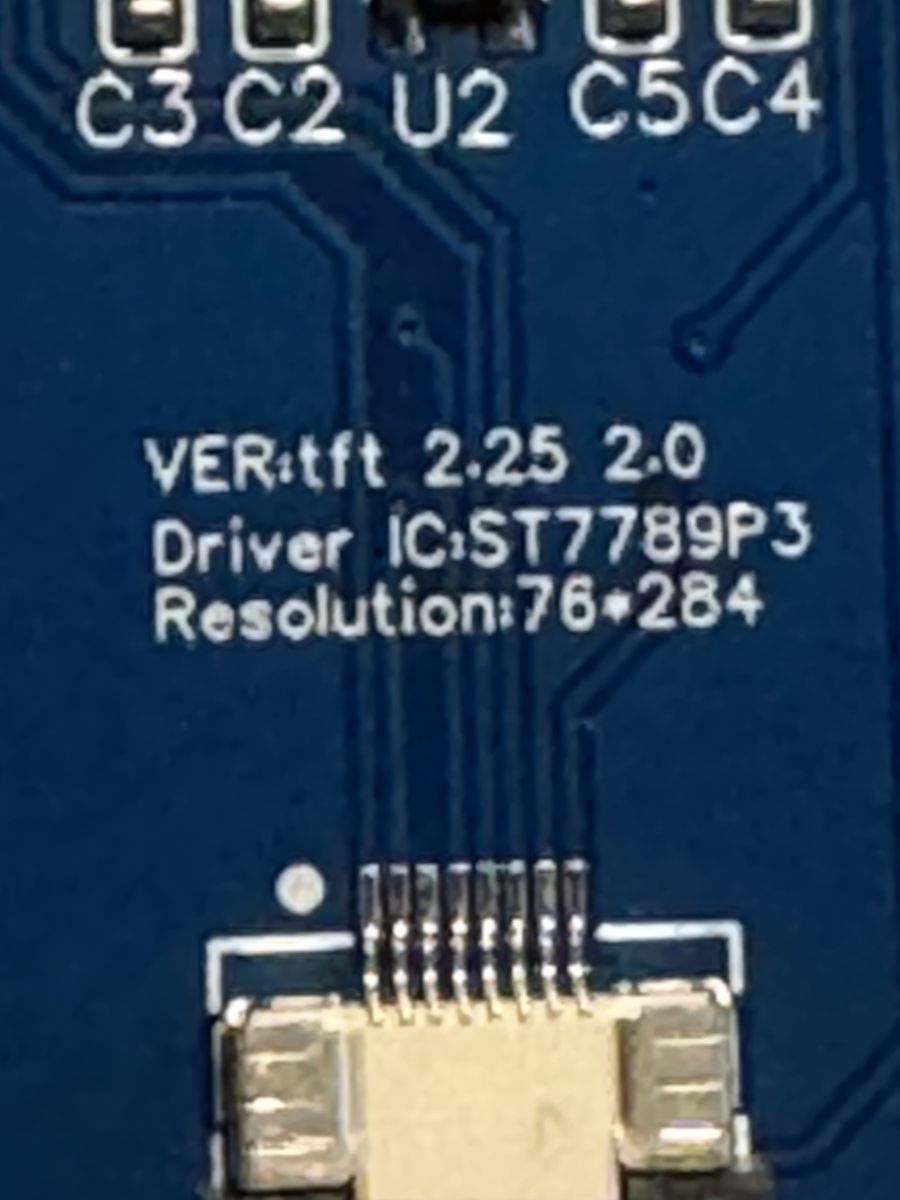
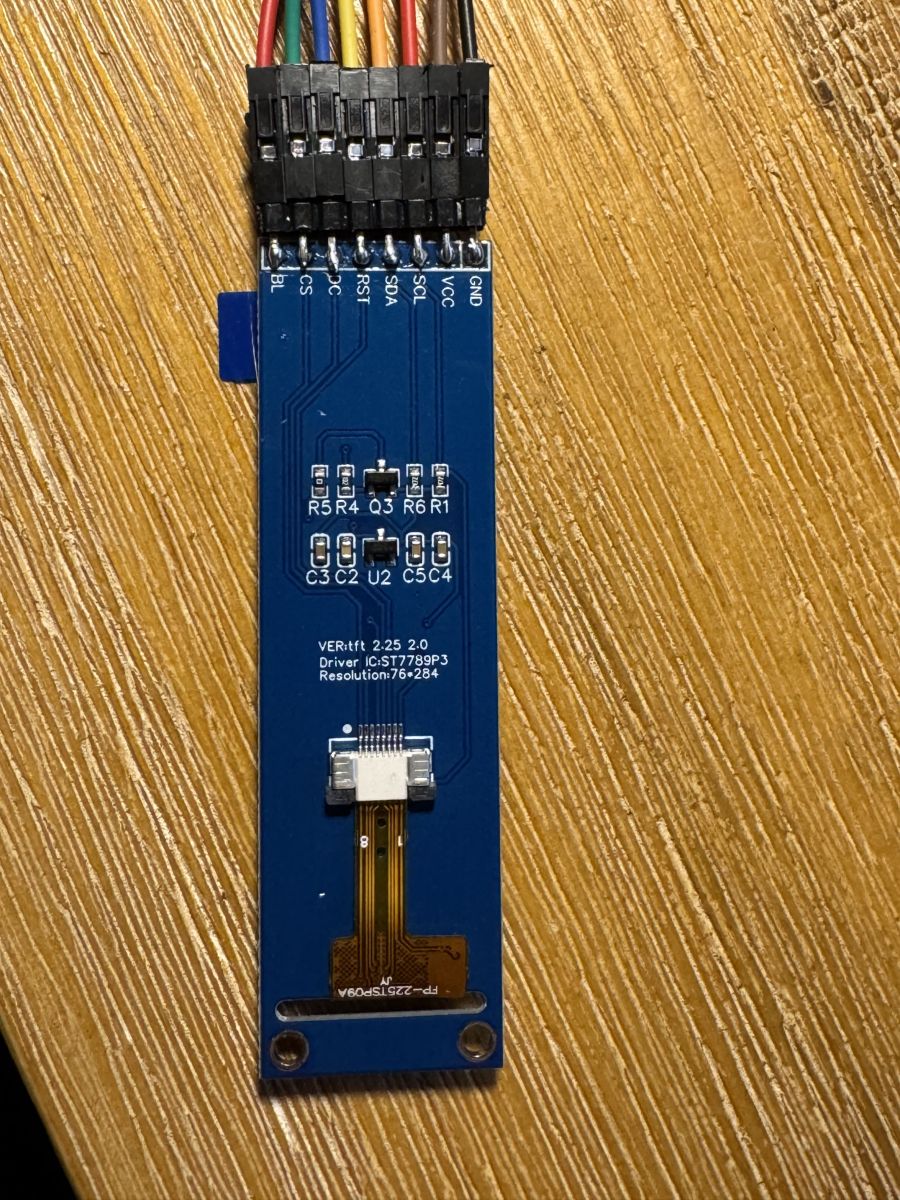
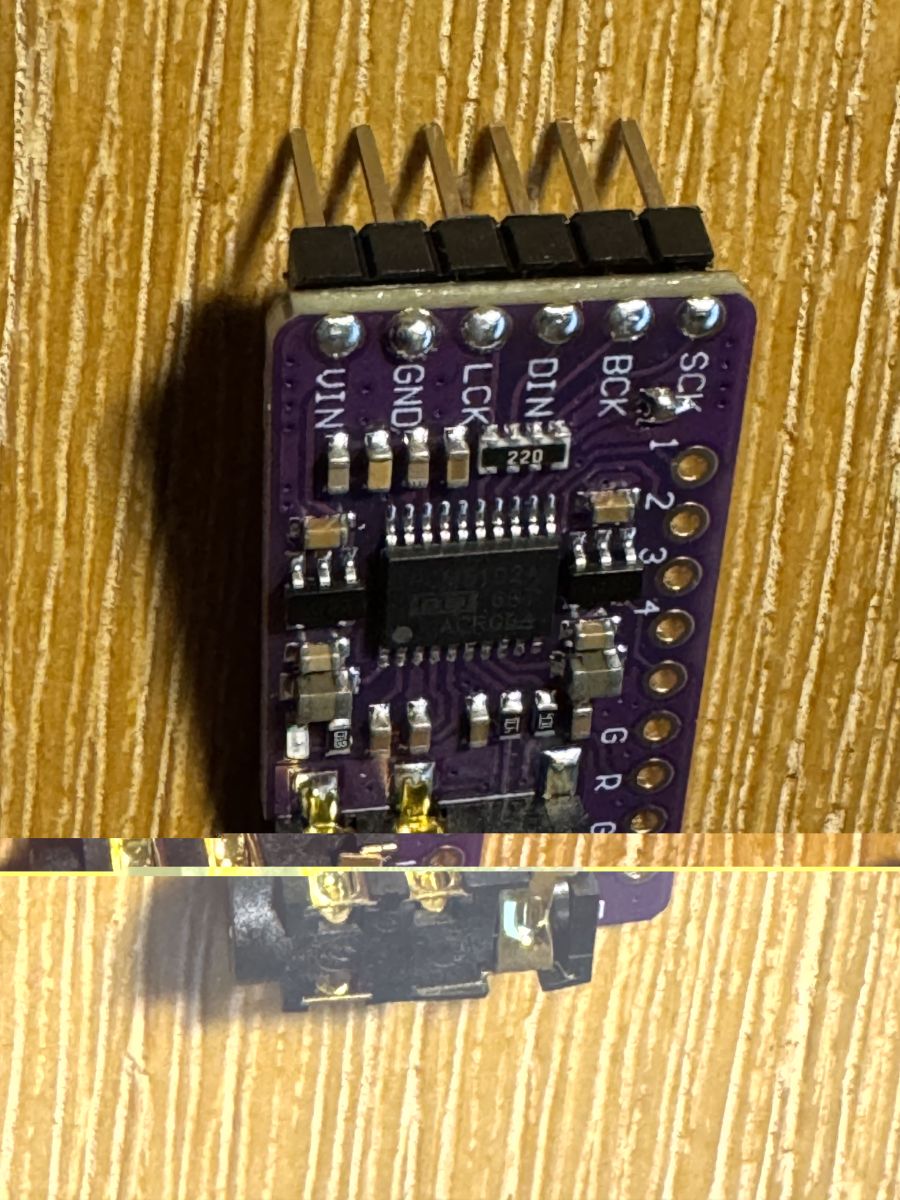
Hallo zusammen, ich bin sehr begeistert und ein Neuling im Thema ESP32. Habe bereits 2 x CYD Cheap Yellow Display erfolgreich eingerichtet und mit Audiokarte erweitert.
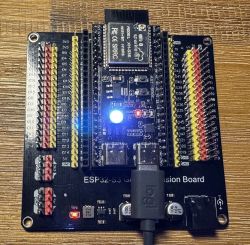
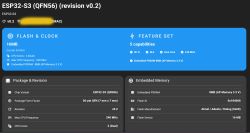
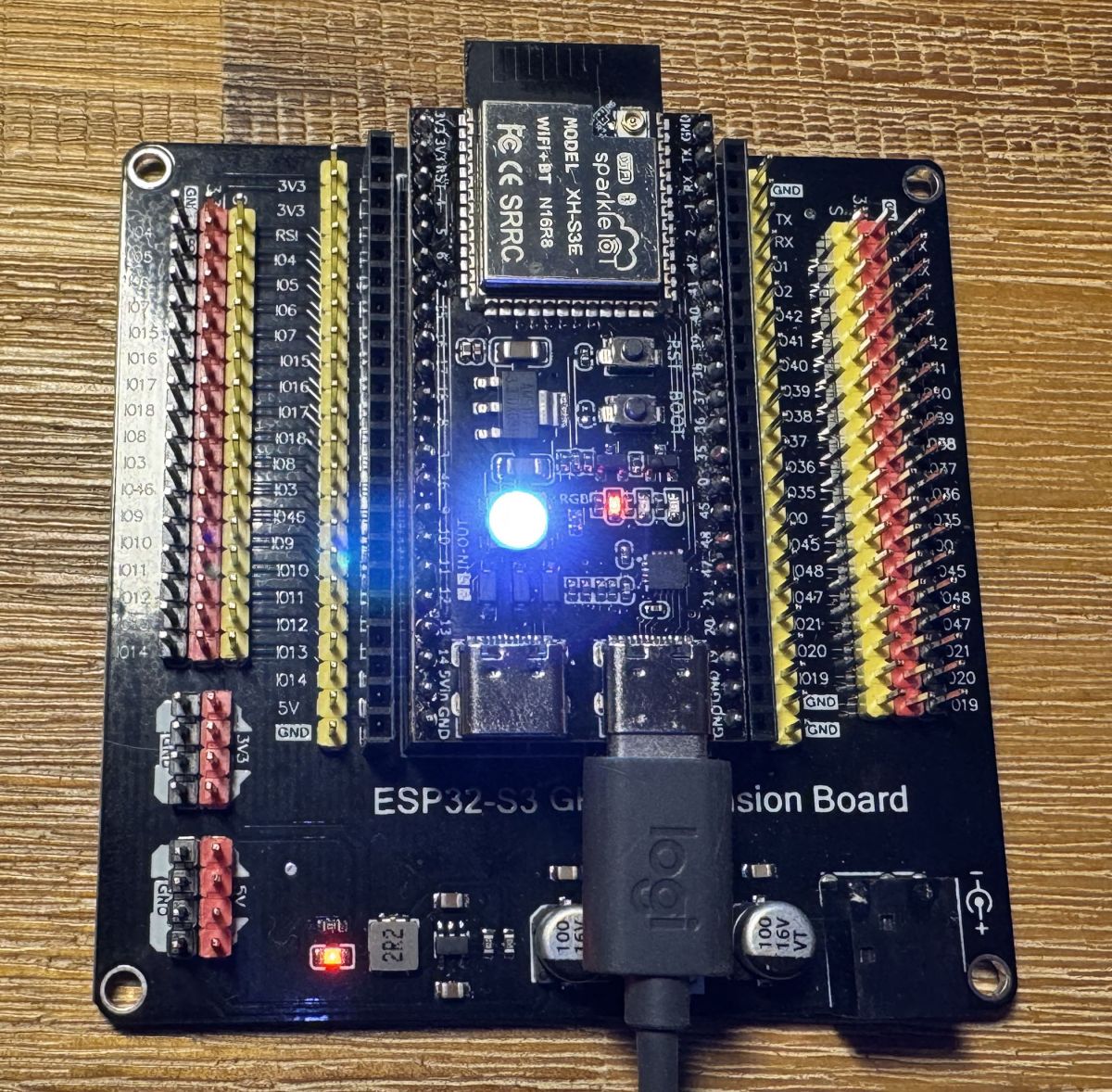
Ich habe ein weiteres ESP32 S3 mit einem GPIO Extansion Board und einiges anschließen können.
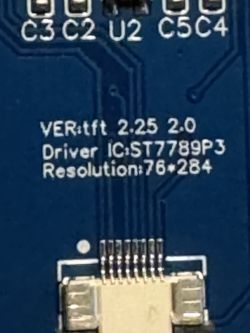
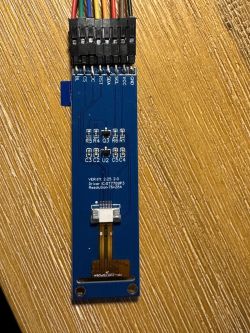
Habe allerdings nur ein TFT 2.25" 284x76 ST7789 P3 Farb Display hier.
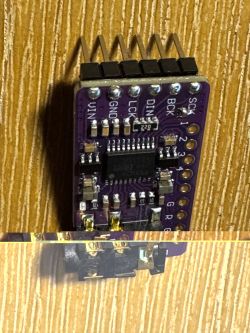
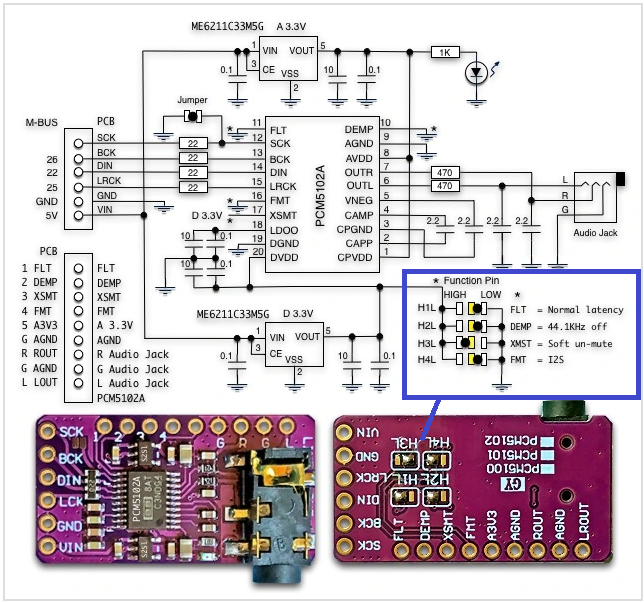
Dann Liegt hier noch der PCM5102 I2S IIS DAC
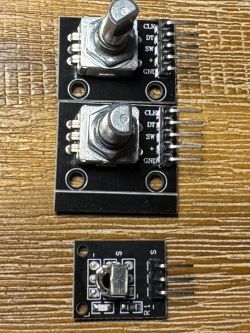
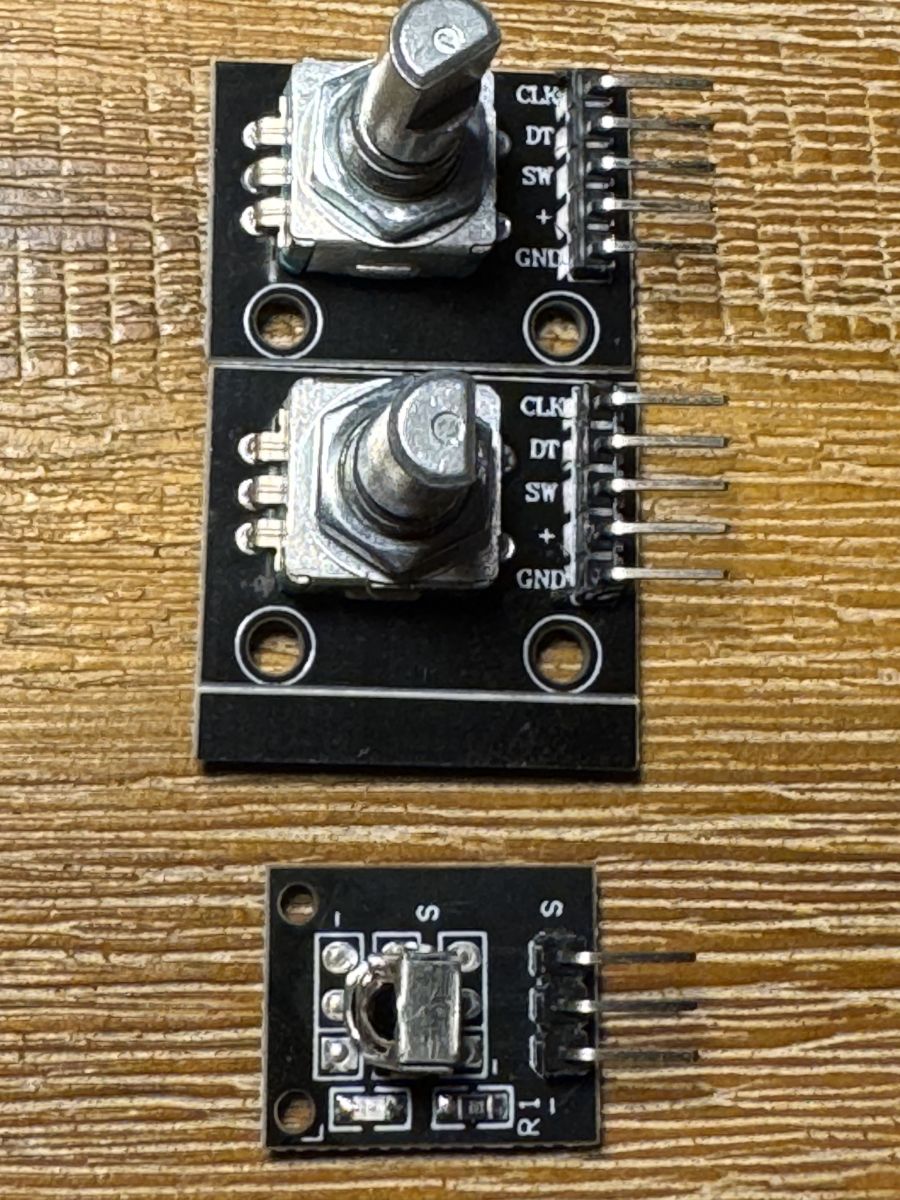
2 x KY-040 Drehgeber Rotary Encoder
Und noch ein 38 KHZ Infrarot-Empfangsmodul
Aurduino IDE und alte Version Aurduino 1.8.19 etc habe ich mich sehr viel eingelesen aber leider keinen Erfolg gehabt. Immer nur Fehler bis ich die Geduld verloren habe.
Habe jetzt über Github ESP32_radio_evo3-main zip geladen und aus den Build Ordnern ein full Image mit ESPConnect (Webflasher) eingespielt.
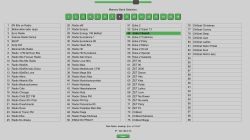
Der ESP32 S3 startet. Habe Wifi AP bereits eingerichtet. Ich komme auf die Weboberfläche und kann in die Einstellungen gehen.
Ich habe leider keine Fertige PCB und muss meine Hardware irgendwie verbinden. Leider finde ich keinen Schaltplan (Schematic) wie es ohne diese PCB funktioniert.
Was mich auch noch stört ist das diese helle RGB LED sehr weis leuchtet - die macht mich beim arbeiten blind
Ich hoffe ihr könnt mir helfen. Und es ist nicht schlimm das ich in Deutsch schreibe.
Habe hier schon sehr viele Seiten durchgelesen.
ADVERTISEMENT
Recommended ESP32-S3 Devkit N16R8 and PCM5102A DAC parts
Hello everyone. As I'm a layman, but I like to play around, and after reading I see it's fun and even inexpensive, I have a big request. If someone who knows a bit about this, and I see you are quite good at it, could help me with the hardware for this game. I know that you need an ESP32, but the choice on the Polish market is large, and on the Chinese market infinite. I'd like to buy a good one, reasonably up-to-date and, most importantly, one for which there is freely available software and expert help, and it's not about the PLN30 cheaper.
ESP32, from what I can see, there are with built-in antennas and with external antennas, newer ones on USB-C, WROOM-32U, WROOM-32, WROOM-32 38-pin with CP2102 USB-C chip, WROOM-32 30-pin with CP2102 USB-C chip. There's a whole bunch of these and I'm completely lost. Maybe also some larger LCD, as I'm getting on in years and have poor eyesight.
Hello, my eyesight is already poor too
What you need for this fun depending on the version of the radio you want to build.
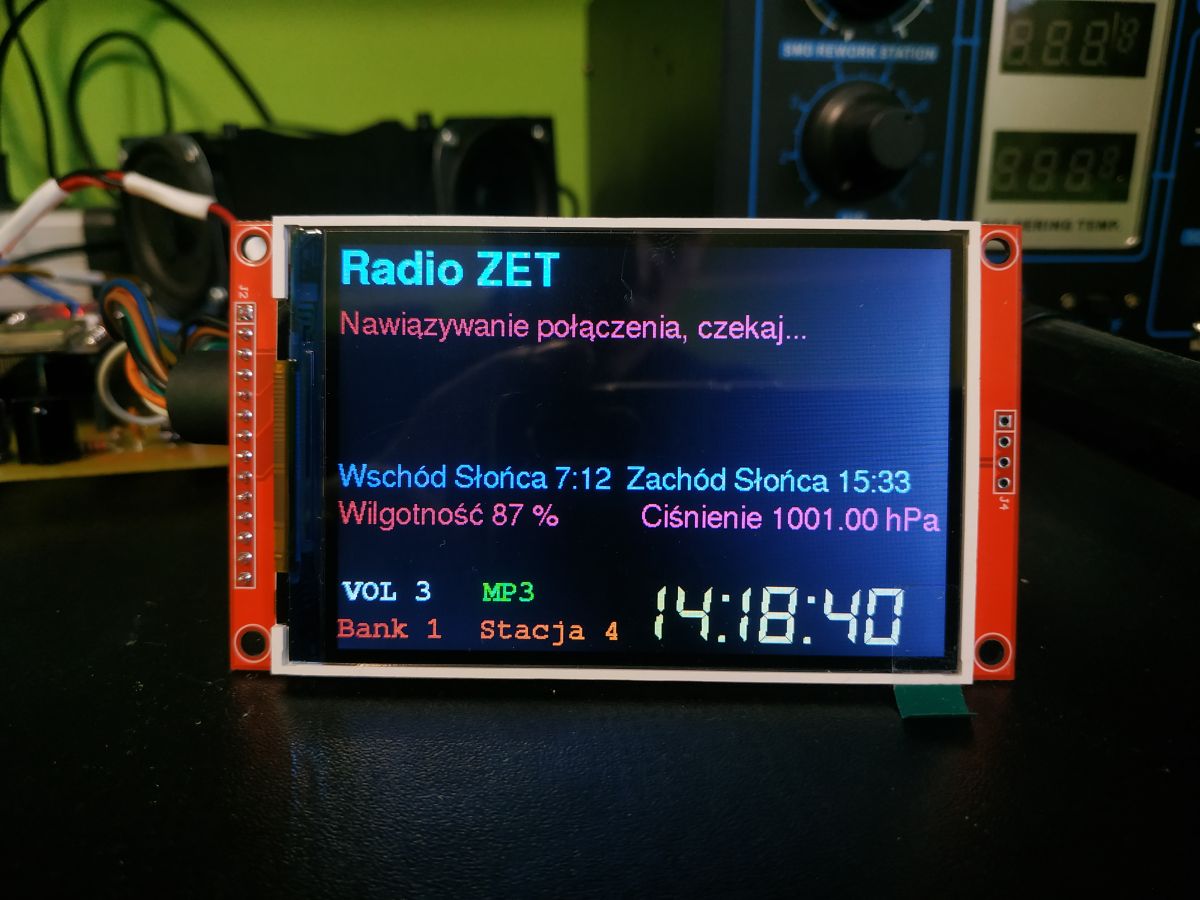
Here are two versions currently being developed by colleague MajstraXXL with a colour LCD display such as the one below.
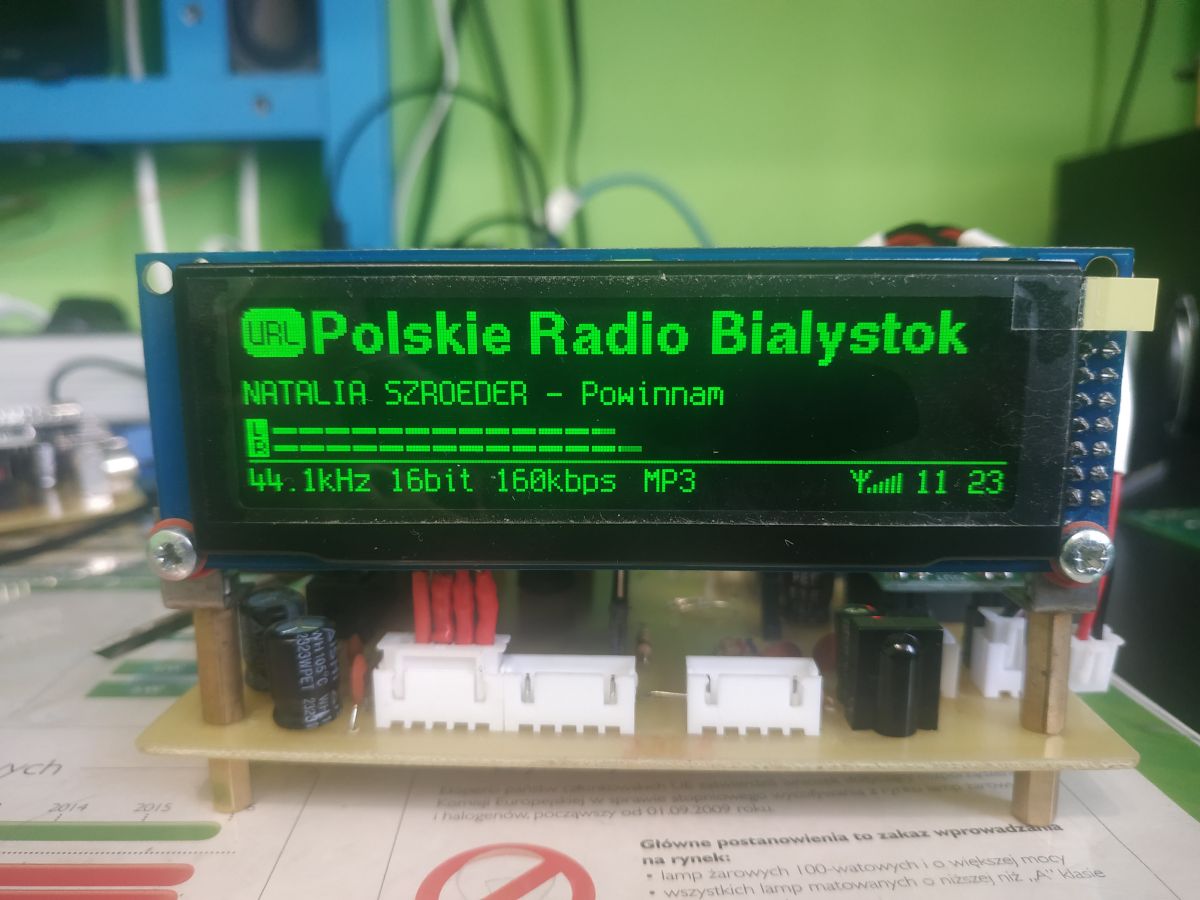
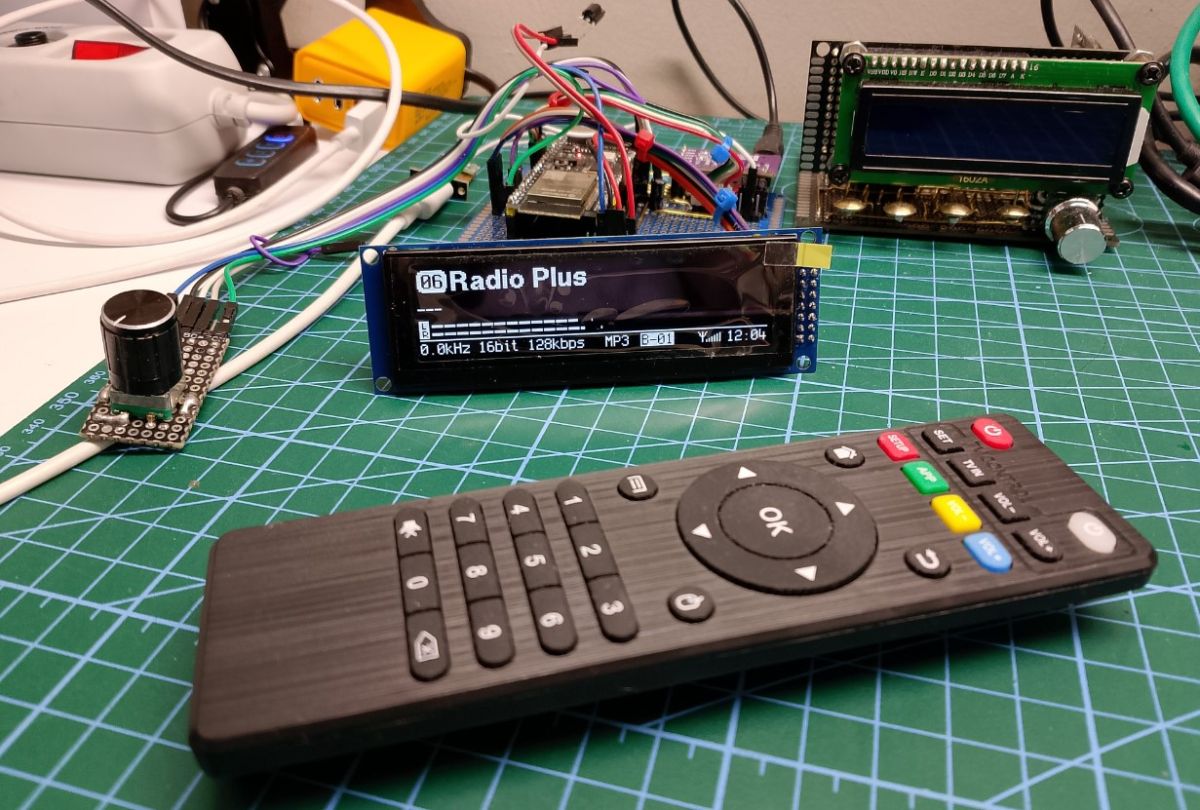
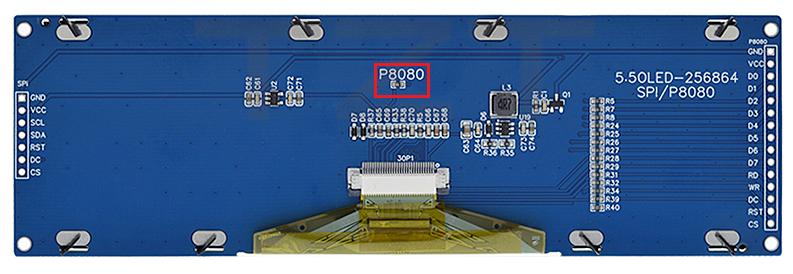
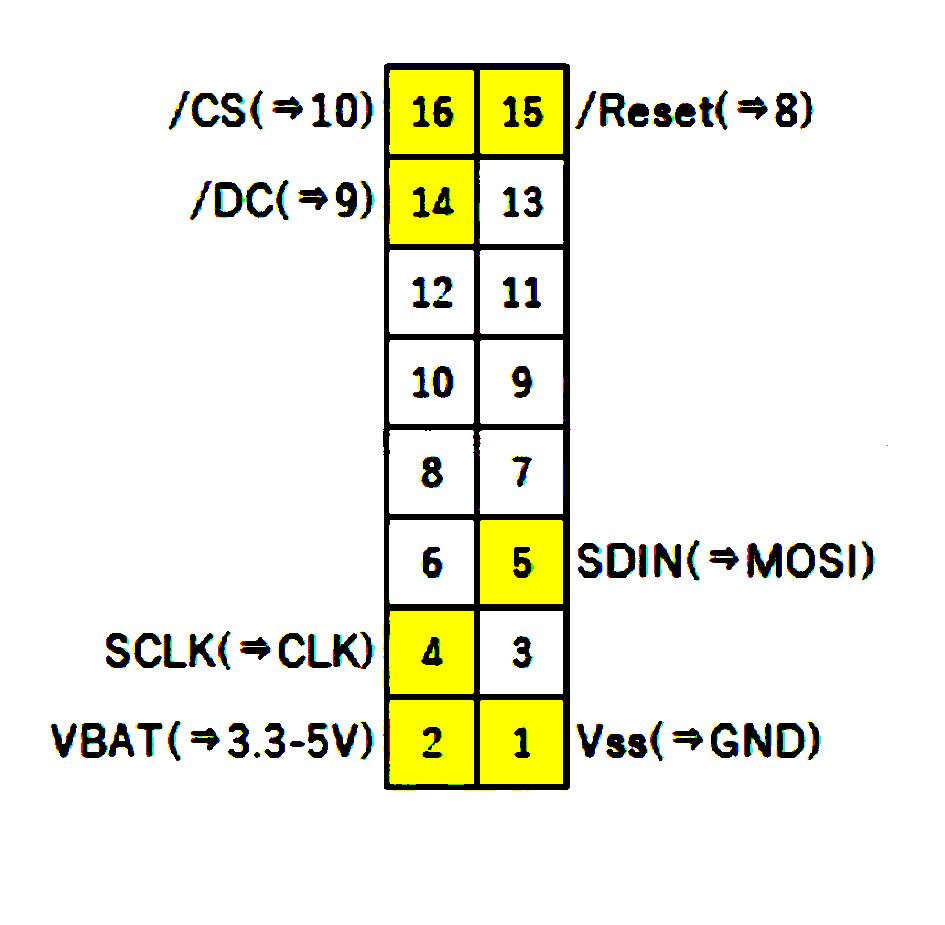
And a second version by colleague Robgold (with modifications by colleague ejcon) with a monochrome OLED display such as below
Both projects differ in the type of display and in the different GPIO connections
You need to decide which one you want to build.
And as for the parts as above colleagues wrote you need an ESP32S3 Devkit and a version of the N16R8
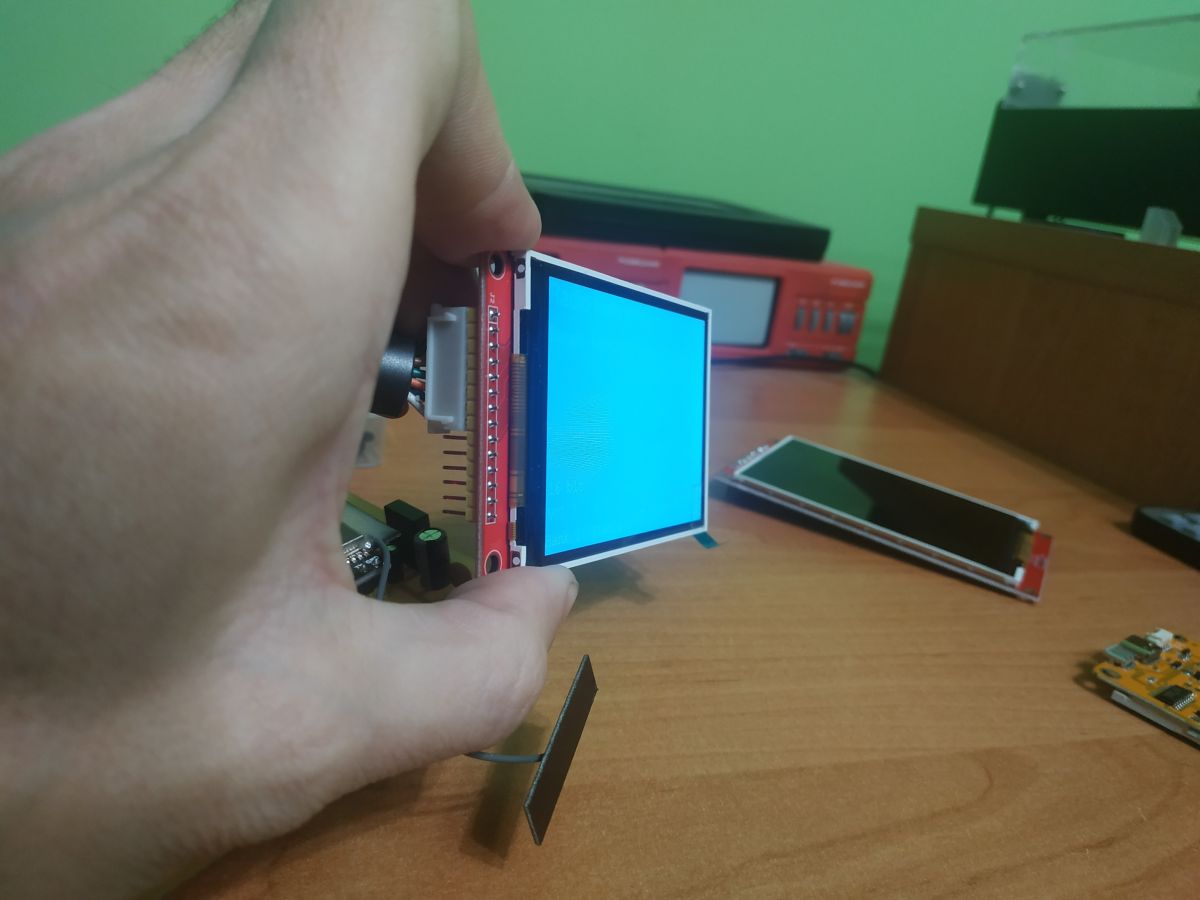
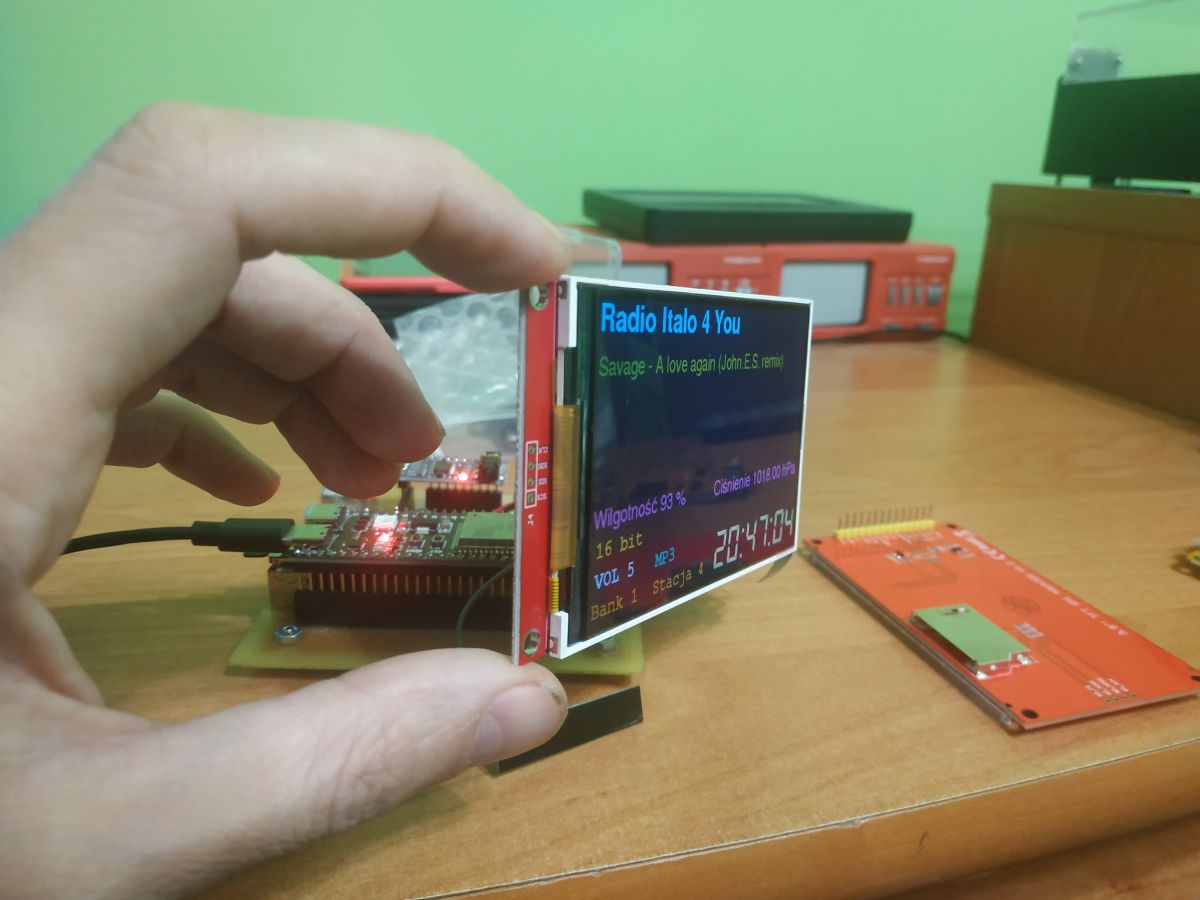
The difference between IPS and TN LCDs is that the viewing angle of an IPS is much greater so for a radio it's worth buying one.
Below a TN LCD display at an angle
And below an IPS at roughly the same angle
In the case of this display, it has an SD card reader soldered on the back and can be used instead of a microUSB reader
As far as I know on some versions of the display there are resistors pulling up the reader lines to the power supply you have to remove them for the reader to work, but on my IPS there are no longer these resistors so it should work when properly connected, I haven't checked.
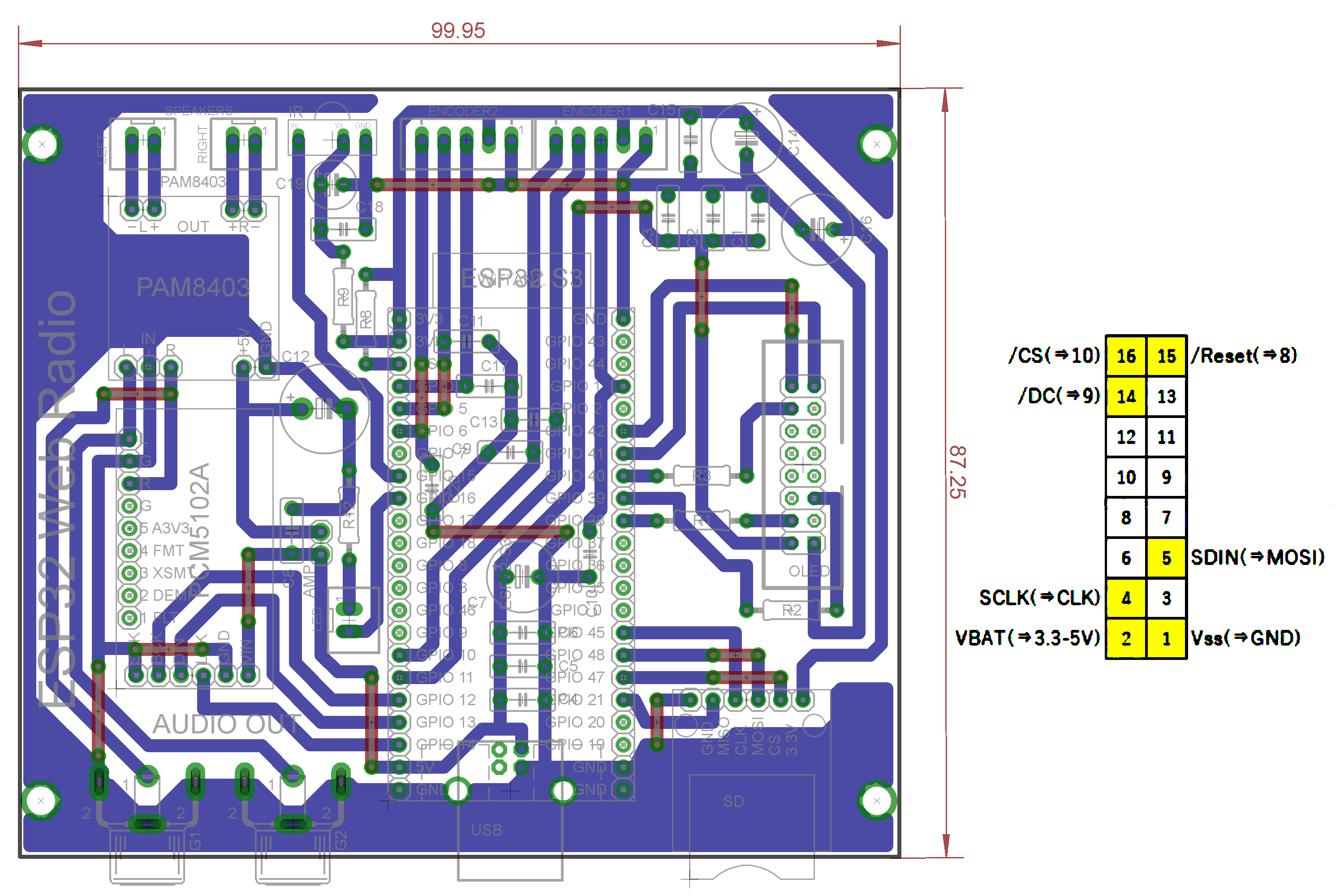
One last thing on colleague Robgold's github is the PCB design and gerber files for manufacturing in China, this version of the PCB contains SMD components.
I a few posts above shared the file Termotransfery.zip there are gerber files for production or thermotransfer files for both versions of the radio.
These PCBs are on Goldpin plug-in modules without SMD components everything is rewired.
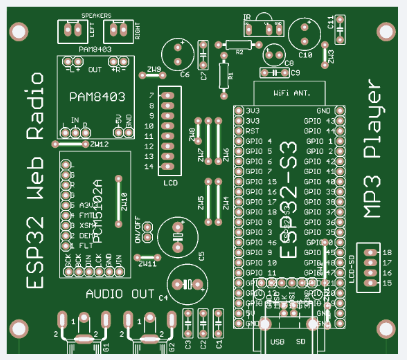
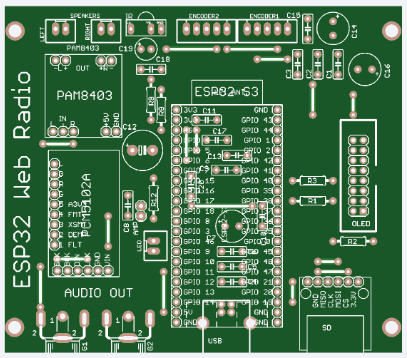
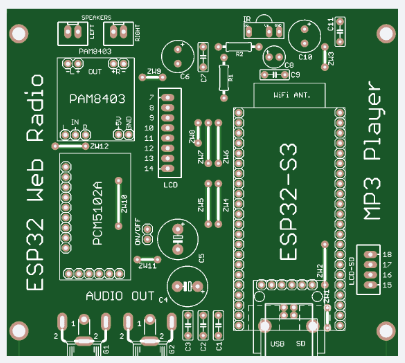
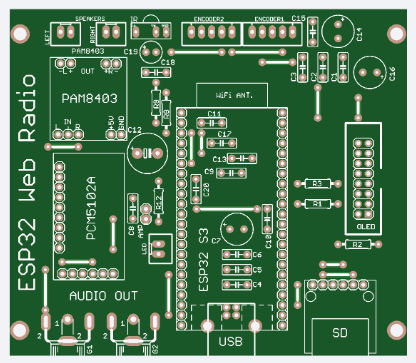
I have made available 4 versions of PCBs under LCD by Majstra under OLED by Robgold, version with one and two encoders and version under other ESP32S3 Uno
The PCB design for the LCD includes an additional JST 4pin connector to connect with it to the SD card reader on the LCD.
On my PCB versions I added a PAM8403 power amplifier, so the project assumes connecting speakers up to 3W and building a radio, e.g. a kitchen radio without using an additional external amplifier
That would be it, my colleague from Germany will also find this knowledge useful to start with, from what I have seen the display my colleague has a different one should be supplied with any of the above mentioned for the project.
Regards...
Added after 16 [minutes]:
The encoders the colleague has good, the transmitter also, the display should be bought about the PCB and schematics I wrote above.
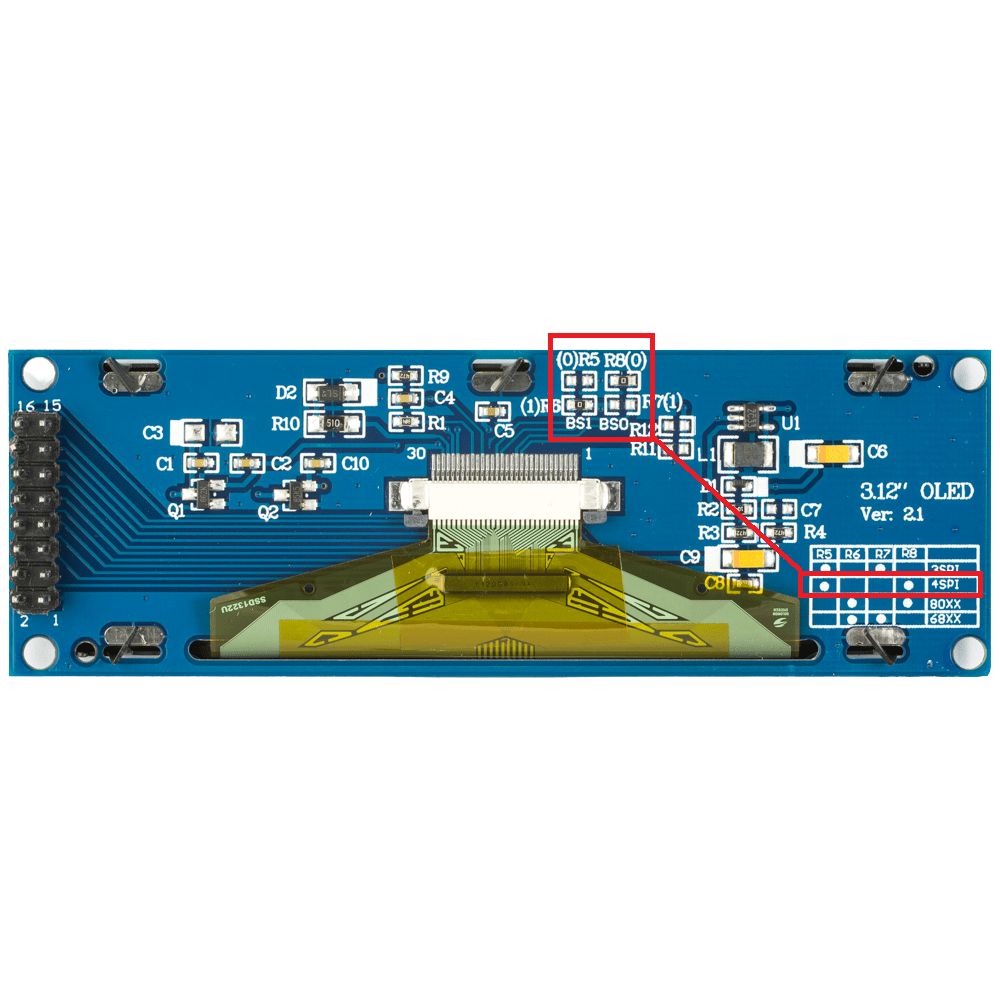
Remember to configure the encoder correctly with the patterns (solder fields on the underside of the PCB) and if you buy an OLED display, the resistor configuration must also be correct. If you want the RGB LED to be off, remove the resistor marked RGB on the ESP board. I have a TSOP31238 in my projects and I think it works best without interference from the inverters of fluorescent lamps etc. I therefore recommend the TSOP.
Regards...
ADVERTISEMENT
GPIO0 pull-up and BOOT capacitor fix startup issue
>>21798125 The @robgold version works perfectly. The app and configuration pages work perfekt. And, as I say, being 67 springs to mind. I mastered quickly and it works. On the side, not the side, in the photo is the FM wireframe I used. I have now bought the 3.5" display I will be testing the second version from @MAJSTER XXL. My ESP32 S3 was not getting up, after powering down. I first pulled GPIO0 up to 3.3 volts. It worked. But I did a second trick and soldered a capacitor at BOOT. It also works.
>>21798125 Thank you for your help, time and specific guidance. The information is very useful and I will certainly make full use of it as I move forward with the project.
I have ordered, and God's will be done
https://pl.aliexpress.com/item/10050092121213...ain.5.4c521c24NFp8iE&gatewayAdapt=glo2pol However, I have decided on another 2.8 inch screen
https://pl.aliexpress.com/item/10050097613839...in.10.4c521c24NFp8iE&gatewayAdapt=glo2pol Plus the indicated DAC and the indicated two encoders, because it was cheaper that way, and a set of cables with terminals. I will buy the rest of the components already in Polish shops, because the orders from China only had delivery at the end of February. I am still thinking of the PAM8403 amplifier , prototype boards, SD card slot if the one from the screen proves unsuitable, goldpin sockets and plugs and the 830 field contact board in white.
Hi colleagues.
Has anyone bude zamavjacz PCBs from China from JLCPBL, will they be made by thermotransfer?
As per the proposal published by DJCheester.?
I would be interested in two boards each of these versions:
2. A board under Robgold v3 evo software (up to the latest software version 3.19.53 with two encoders)
3. Tile under the Majstra v3 Color LCD software - available from the latest version
>>21800284 Tell me more please, the order of connecting the pins of the various components, screen, encoder and DAC to the ESP32 S3, and where do you guys get this information from. Then, how to swap the remote control in the project https://github.com/sarunia/ESP32_internet_radio_v3 for the encoder. In this version, which is really cool, you can see that the developer has put a lot of work in, but I'm still wondering what and where to connect to the ESP32 S3.
I know there is a program where you add the appropriate components, but as far as I can see it supports the old ESP32. https://e2002.github.io/docs/myoptions-generator.html And that is the whole secret of this device, connecting all the components correctly. The way I see it at the moment, the design is super clear and easy to understand, switch this, download that, paste here, change there, set up like this. It's all clear and after studying it I've already caught it. The creator literally leads by the hand, however, I am missing information on how we identify the pins on the ESP32 S3 and how to swap the remote control for an encoder, and if there is a similar program for the ESP32 S3 that creates such a batch file.
On the github of colleagues there are diagrams where the GPIO connection between modules is described
If you have an Arduino IDE environment run the sketch with the ino extension this is the source code and there is also the GPIO pins of the individual signals declared at the beginning, the signal descriptions are on the modules so you just need to connect this.
Or best for me use the schematics.
Alternatively, if you have a little experience, you can order a ready-made PCB from China and solder the components and modules.
Encoders are in case of Robgold software 1 or 2 it is set in code, with changes in code you need compilation and for that you need a series of actions with libraries to make it work, of course you can follow the instruction what I did some time ago to play it one by one. But if you don't want to do that you can use the compiled ready batch and flash download tools from espressif and with this program upload the software to the new ESP.
The issue of the remote control is created by swapping the codes in the text file you win this to the card. The files can also be found on Robgold's github.
Regards...
Added after 3 [minutes]:
In the case of Majster's colleague's software, the pilot codes are declared in the sketch, i.e. the source code, you then need the entire Arduino environment with the new Core 3.3.3 and all libraries, a description of how to install this one by one is on Majster's github.
Regards...
Added after 38 [minutes]:
For Robgold's colleague's software you have these declarations in the code
Code: Arduino
Log in, to see the code
Code: Arduino
Log in, to see the code
For OLED 2.08 display, OLED RESET pin 41 required
Code: Arduino
Log in, to see the code
Code: Arduino
Log in, to see the code
If you are building with two encoders then you connect the second encoder to the
Code: Arduino
Log in, to see the code
Code: Arduino
Log in, to see the code
As for the remote control button declarations, you need to SD card or SPIFFS memory (depending on how you defined it in the code - the default is to SD card)
upload a remote.txt file and inside it this structure
Code: Text
Log in, to see the code
Instead of the code 0x006A you give your own, how to read it, after uploading and starting the radio you need to start COM transmission (serial monitor) and there, when you press the buttons of your remote control (remote control must be of NEC standard), the command will appear - then enter it into the txt file.
After supplementing the remote.txt file with your commands read from the serial monitor, save the changes to the memory card or via www to SPIFFS and after a reset of the radio, the remote control should now work properly.
This is the manual for the OLED radio version of colleague Robgold.
For the version of the radio with a colour LCD display there are other connections look for such lines in the Majster code by analogy.
I have a question for @robgold@Majster XXL about banks. Wouldn't it be better to make a common bank with identical data? It would be simpler. You could make money from the station databases. They could come forward from radio themselves to add their stations. Or those who listen to radio. Collaboration doesn't hurt. (I only do in my spare moments when the headache stops.)
I have a question. When compiling the code under the ILI9844 display, it threw me an error:
Arduino:1.8.19 (Windows 10), Board: "ESP32S3 Dev Module, Disabled, OPI PSRAM, QIO 80MHz, 16MB (128Mb), Core 1, Core 1, Hardware CDC and JTAG, Disabled, Disabled, Disabled, UART0 / Hardware CDC, Minimal SPIFFS (1.9MB APP with OTA/128KB SPIFFS), 240MHz (WiFi), 921600, None, Enabled, Disabled."
C:³³³³Downloads³ESP32_internet_radio_v3-main³ESP32_internet_radio_v3-main³ESP32_radio_v3_ILI9488_canvas³ESP32_radio_v3_ILI9488_canvas.ino: In function 'void setup()':
ESP32_radio_v3_ILI9488_canvas:3970:9: error: 'class Audio' has no member named 'setBufferSize'; did you mean 'getInBufferSize'?
3970 | audio.setBufferSize(16384); // Method call on audioBuffer object, is default 1600 for mp3 and aac, set 16384 for FLAC
Unused: C:³³³³ Program Files (x86)³³³Arduino³libraries³SD
exit status 1
'class Audio' has no member named 'setBufferSize'; did you mean 'getInBufferSize'?
This report should contain more information if in
File -> Preferences the option "Show
detailed information during compilation"
AI suggested to remove the line:
audioBuffer.changeMaxBlockSize(16384);
As I did this the compilation ran successfully. Will this affect the correct operation of the device?
@bernix update your Arduino IDE to the latest version, I use the latest versions of all libraries and the esp32 board manager.
And would there be a chance to share the bin file of your version of the radio. I'm going a bit on the easy side. I have ordered PCBs of your design so everything should fit perfectly.
Everything also laughs on Arduino 2.1.1 under Windows7 64bit.
You have version 1.8.19, which was the last version under Windows 32bit and therefore the core itself is not the latest, probably 2.0.17 as far as I remember
Since the third version of core the compilation tools are already 64bit.
You need to update your software to at least 2.1.1 Arduino
If you have Win11 then win the latest as the author advises.
Awould there be a chance to share the bin file of your version of the radio.
Currently not, because the remote codes are sewn into the main program code (in the so-called arduino sketch- .ino file) and in this file you have to set your own button code assignments for your remote read after uploading the compiled program and reading the remote codes on the serial terminal in the Arduino IDE.
MAJSTER you can send him any compiled binary, he uploads it and reads the codes through the serial and gives it to him again to compile with the correct ones.
But if, say, I send him a binary and he downloads it (it is clear that the remote control will not work for him), but the serial monitor catches and writes down the codes of his remote control (assuming he has the NEC standard) and I send him these codes, I can compile a second binary with his codes and then send him a second binary and the remote control will work for him.
Regards ...
Added after 41 [seconds]:
I will load the binaries with the flash downloader from espressif
If a colleague has the time and inclination for such a feat, then sure. I assume, however, to do it myself, there is already a lot of advice and instructions, on my github to v3 is very detailed.
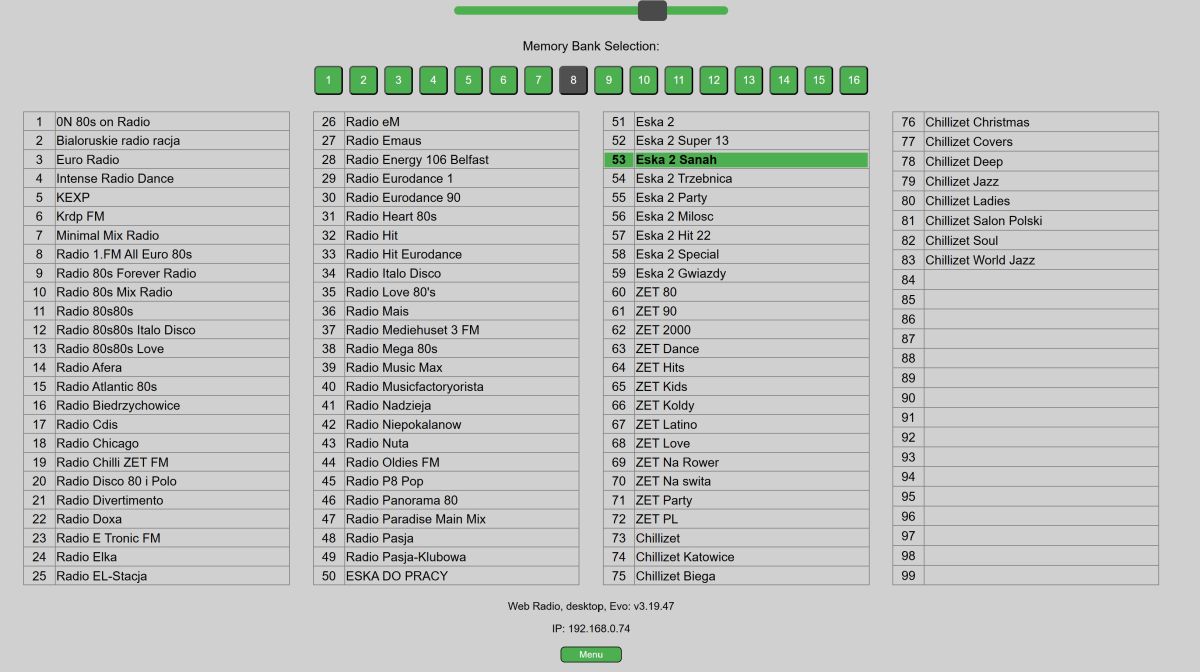
>>21801120 If I'm not mistaken the format of the memory banks is still the same so when you upload them to the memory card/internal memory (evo) you have the same banks permanently.
>>21802224 I've ordered everything out of the box, i.e. everything from the links provided plus a dozen extras, and I'll still house that OLED screen. The cost is such that I could buy a ready-made radio in a shop, but I do not listen to the radio, and so at least I will have a lot of fun and joy that I put everything together myself. It probably won't be as fun and easy as yours, because from what I've read, you guys are in the electronics business, but I'm stubborn and inquisitive.
Corrected gerber files for Major and Robgold boards
Discussion of a DIY internet radio and SD-card audio player built on an ESP32-S3 with an OLED display, rotary encoders, buttons, and a front-panel interface. The project uses Wi‑Fi to download station lists from GitHub/public stream databases, supports MP3 and later AAC/FLAC playback, displays metadata including Polish characters via a modified font table, and stores settings such as station/bank selection and volume. The thread covers PCB design in EasyEDA, ESP32-S3 module pin spacing issues, PSRAM and Arduino IDE setup, library compatibility problems, SPI/I2S wiring, SD card reader boot issues, encoder behavior, WiFiManager-based network setup, and troubleshooting of crashes, HTTP download failures, and audio initialization errors. Several improvements were added over time, including station selection by encoder, time sync, browser update support, and saving settings to card memory. AI summary based on the discussion. May contain errors.