>>21811120 I removed the spaces. As you wrote. Today it was bleeping on the "I am playing a File" caption on the letters "Odt". After switching to another file, it is ok. After switching back to the one it was bushing on, it is ok. Then everything works. In a while it's on another one again. I plugged in the lab power supply and it also pops up. This is something transient. But it's such a small flaw, which doesn't bother me in total, because when it switches to the other one by itself after playback the file is normal. I need to check the card as it's not new. Cool. We'll get through it. Now as I'm typing the same error I sent in the picture has popped up and interrupted playback, as if it's not reading from the card. I'll check the card, or swap to another card and test. If nothing happens with others, then maybe something is wrong with my parts. They are going from chinolink new to the other one. We will check.
There is a solution. I took out the SD card and swapped it from 128GB to 1GB with the same files. I copied over. It worked normally. Everything was ok, I changed the partition on the 128GB card to 64GB and it works elegantly. Previously there was a blinking RGB LED which suggested I had trouble with the card. Now there are infrequent blinks. Everything is OK. He probably doesn't like big cards, or mine is lousy. Thanks @MAJSTER XXL .
Questions about FLAC bitrate parsing and Kenwood remote codes
Which files to replace in the libraries so that EVO correctly reads the bitrate and "density" of a file such as flac
I have installed esp32 version 3.3.3
I have ordered a Kenwood remote control but I understand that nothing can be done when reading codes from Arduino remote control
if it displays codes like : FF10EF , FFA25D.
Swapping the commit from Robgold's github should take care of the bitrate.
That is, you run I think the 3.4.2 audioi2s library and swap the SRC directory with the files extracted from the Robgold commit.
You can choose any remote control you like as long as it's in NEC standard on the serial monitor, addr and cmd are displayed, then type it in the remote.txt file on the card, restart and it should work
Greetings ...
ADVERTISEMENT
Robgold audioi2s SRC patch fixes bitrate and NEC remotes
Modifying the commit from Robgold's github should take care of the bitrate.
That is, you run I think the 3.4.2 audioi2s library and replace the SRC directory with the files extracted from the Robgold commit.
You can choose any remote control you like as long as it's in NEC standard on the serial monitor, addr and cmd are displayed, then type it in the remote.txt file on the card, restart and it should work
Greetings ...
Well, if in yoradio the remote works for me, then in EVo it is silent as a grave ...
Configure NEC remote codes via serial log and remote.txt
I don't know how it is in yoRadio, here you connect the radio to the ArduinoIDE, fire up the serial monitor and there you have a log if you have connected the infrared receiver correctly, then pressing the remote control (Standard NEC) on the log you will have the received comment ADR and CMD. Now you have to edit the remote.txt file which you save to the card and download from Robgold. And there you assign your CMD and ADR values after writing the modified file to the card and resetting the radio the remote control is already working.
You don't need to compile the code because the remote control information is taken out from under the ice.
>>21811811 Ok!
I've dealt with it, I was giving the codes wrong and that's where the problem came from.
Still a question about how to change the display modes / there are four I think .../
Assign all the keys I can't remember which one it was under, just make sure you don't have the same code under two positions, because then the radhko does strange things.
Change to some dummy buttons or leave the original Robgold buttons 0-9 and assign all the others as a trial. I too have 21 buttons and have figured it out for myself. The function is definitely there. Best regards...
Added after 2 [hours] 17 [minutes]:
Oh and you can also change the display mode via www go to the radio page and there click on the screen, it will also change. But from the remote control it also works
Regards...
Added after 1 [minute]:
RonAd wrote:
I bet the missing sequence is 0xFFFF.
Change them so that each code is different I left the Robgold codes where I did not assign them for my remote, my remote had different codes so there was no problem.
I took the remote from the HEVC decoder and manned all the codes and keys.
And only now I could find the transferred functions ...
The display mode is moved to switch / sound source.
Thank you very much for any tips DJChester!
OTA web upload replaces ArduinoIDE for remote files
I'm glad you managed to find it, I didn't remember it anymore because I was running the radio about a year back. Back then the remote control commands were sewn into the code and to have your own remote control you had to compile the software, nowadays you can use ready-made Robgold files compiled using the OTA via the web once you have the radio running. Convenient and fast because you don't even need the ArduinoIDE environment. Unless, for example, you want to use the radio without SD card and use internal SPIFFS memory, then you have to prepare the file yourself, and here the environment is necessary.
@RonAd I'm very glad you liked the project. You have a breakdown of the remote control functions on the GitHub page, Link there is a picture of the remote control with the functions described.
Screens are switched by the button assigned to the "Src" function, i.e. rcCmdSrc
All remote control commands assign yourself in file remote.txt on card or in SPIFFS memory (I think I still use this one in 3.19.53) because in the latest version I switched to LittleFS. If this file does not exist, the radio will assign you the "standard" settings under the Kenwood RC-406 remote control.
Here is a link how such a file should look like: Link
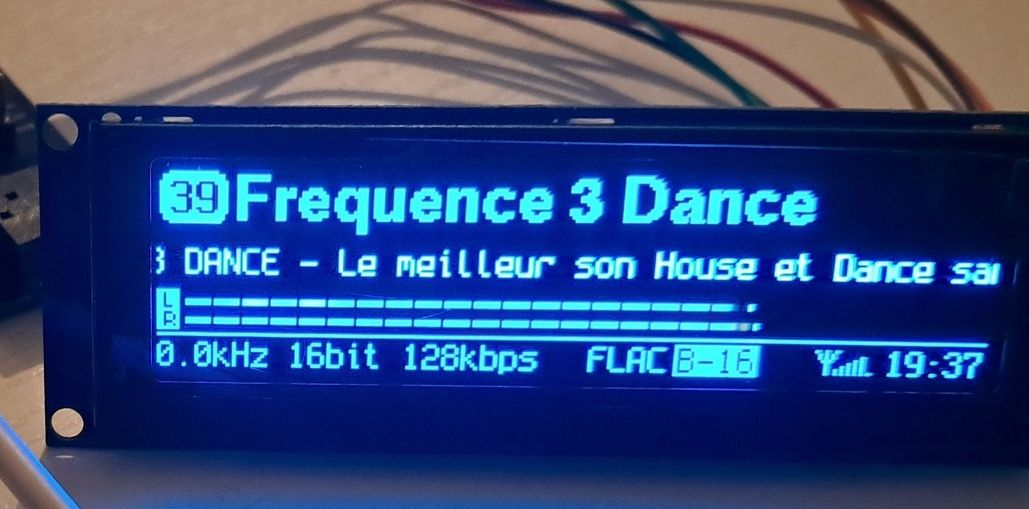
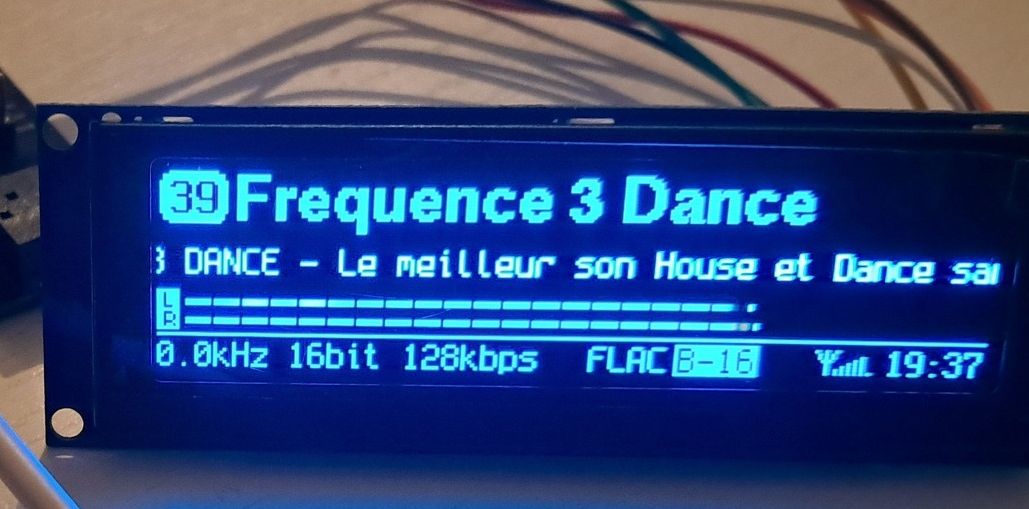
As for the erroneous bitrate on FLAC stations, this is not the fault of the radio or the audio library. It is the "negligence" of the radio stations, which, when adding a FLAC stream, do not change the rest of the settings on the Icecast server to it. I went through this issue with Mr. Peter from smoothjazz.com.pl, where it was corrected.
Two words of explanation why this happens:
If a station sends bitrate information in its metadata, the audio library does not analyse this value, trusts it to be true and simply sends this data as text to myAudioInfo() as bitrate. If the station is broadcasting 128kbps there because it hasn't changed this or has a common setting for the mp3 stream then the same erroneous data also flies for the FLAC stream. Only if the station from the Icecast server does not transmit any values (and this happens when FLAC has a variable bitrate) is the average value counted and displayed within a few seconds. Good Hi-Res CD Quality stations make sure that this data is true or as close to true as possible, such as: LIN Radio or the aforementioned Smoothjazz.com.pl.
Regarding the player:
This is on the "wish" list but with a very low priority. I have a few other ideas that I want to add ...just not enough time to do it all.
Colleagues help, missing an idea. Problem with the SDD1309 display, it only turns on properly after the second reboot. I added a resistor between 3V3 and P0. Uploaded the software several times. Board esp32 enemies.
Attachments:
VID_20260105_201243.mp4(26.72 MB)
You must be logged in to download this attachment.
Screenshot_2026-01-21-17-06-38-383_com.alibaba.aliexpresshd.jpg(514.24 KB)
You must be logged in to download this attachment.
>>21815658 Buddy, this is not the radio project. Our project has nothing to do with yoRadio. You need to look for support on groups e.g. on Facebook regarding yoRadio.
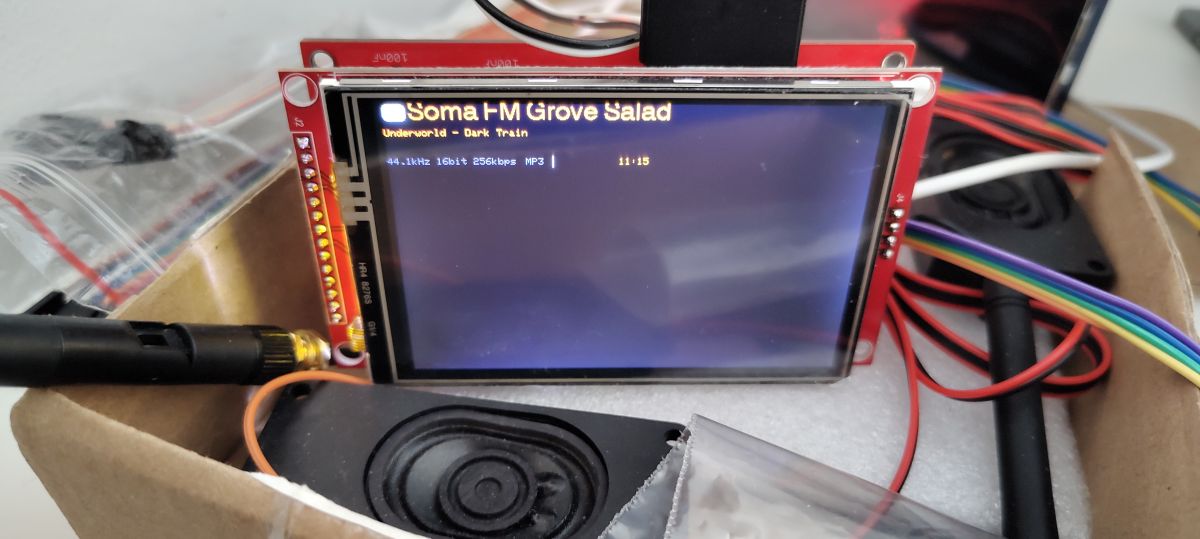
Using the LovyanGFX library, I was able to fire up the EVO3 on the ILI9488.
The library has many built-in drivers. Of the popular ones: SSD1322, ILI9488, ST7789.
Maybe this is a good way towards adding support for more displays.
Definitely need to embrace colour. In the picture you can see the 'leaven' of theme support.
The bigger issue is fonts, scaling and placement of displays relative to display resolution.
LovyanGFX brings ILI9488 support and theme groundwork
Using the LovyanGFX library, I was able to fire up the EVO3 on the ILI9488.
The library has many built-in drivers. Of the popular ones: SSD1322, ILI9488, ST7789.
Maybe this is a good way towards adding support for more displays.
Definitely need to embrace colour. In the picture you can see the 'leaven' of theme support.
The bigger issue is fonts, scaling and placement of display elements relative to display resolution.
Can you post the sof ci after the conversion? To see how it works.
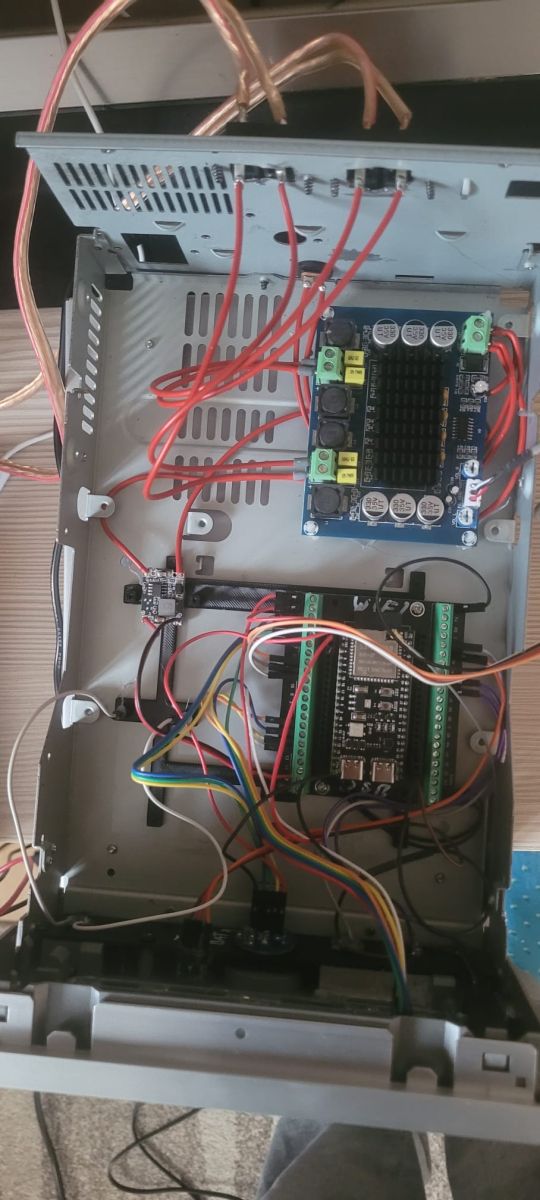
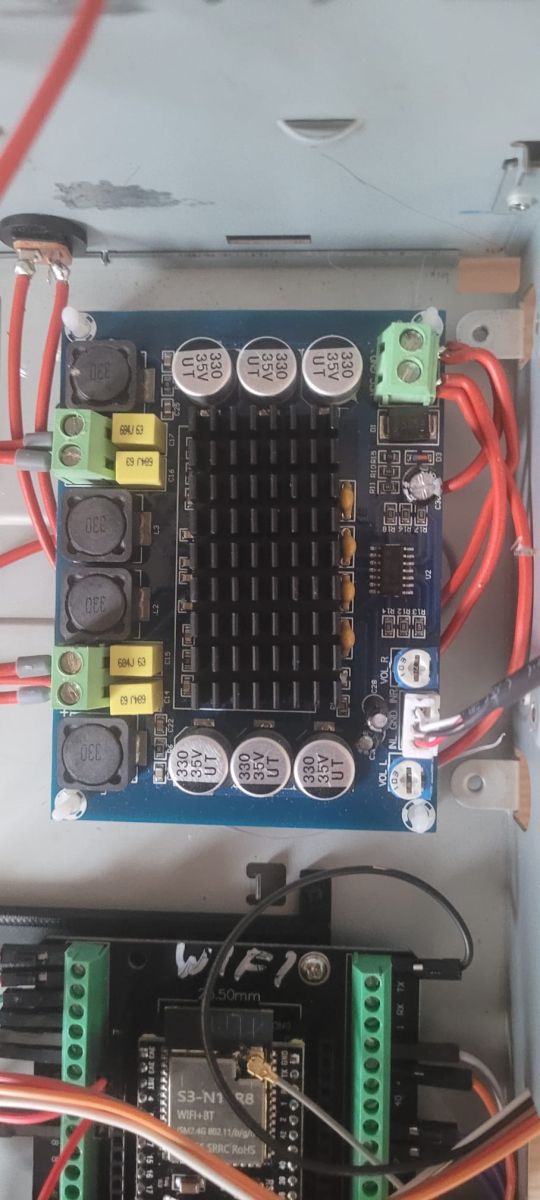
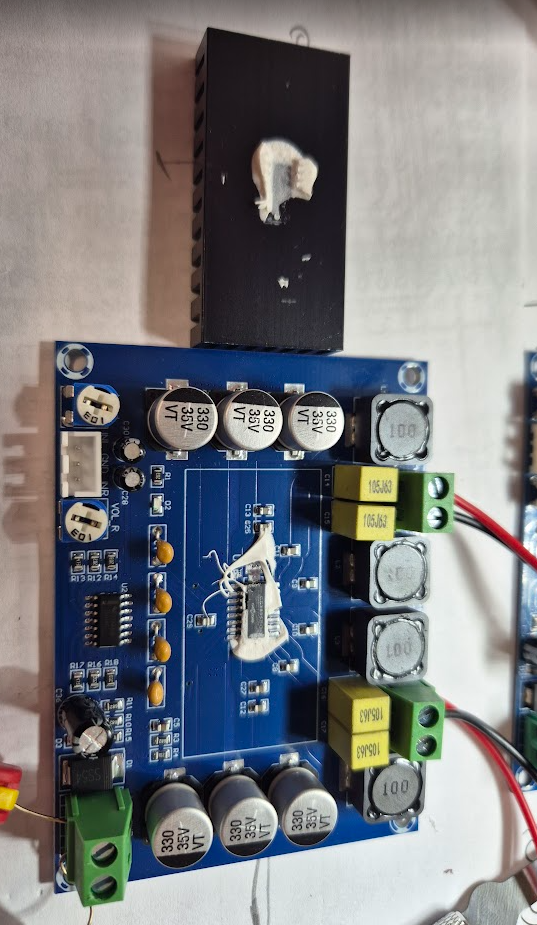
I have a problem with a TPA3116 amplifier.
24V 5A power supply.
After 1 is when switched on there is an immediate shot at the speakers. You can hear a buzz from the speakers.
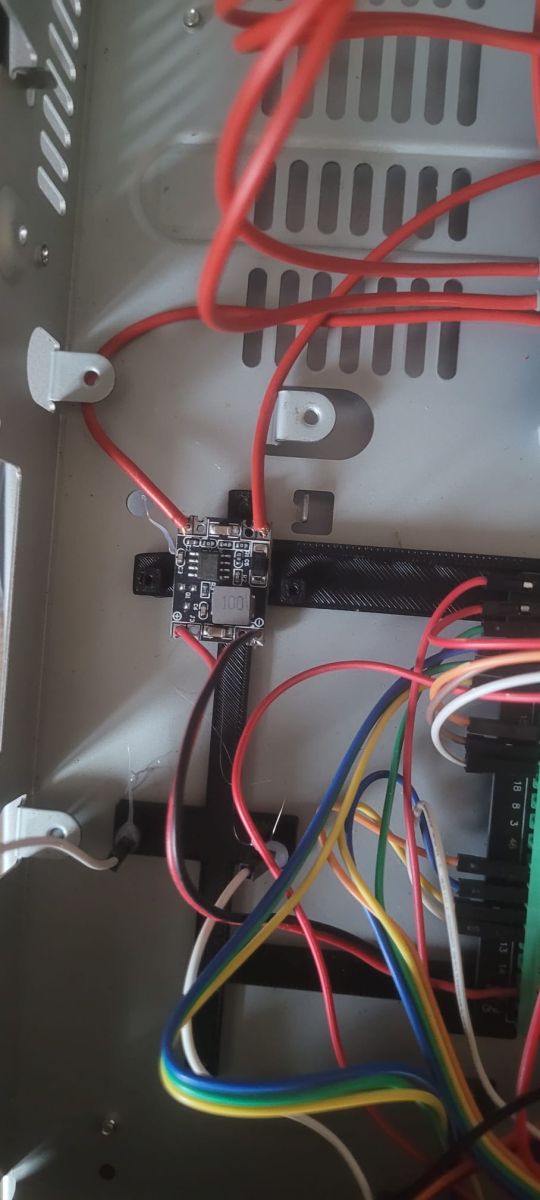
I have moved the power supply a little further and under the amplifier board. Underneath the amp I have a foil so that in the future I don't have some kind of short circuit.
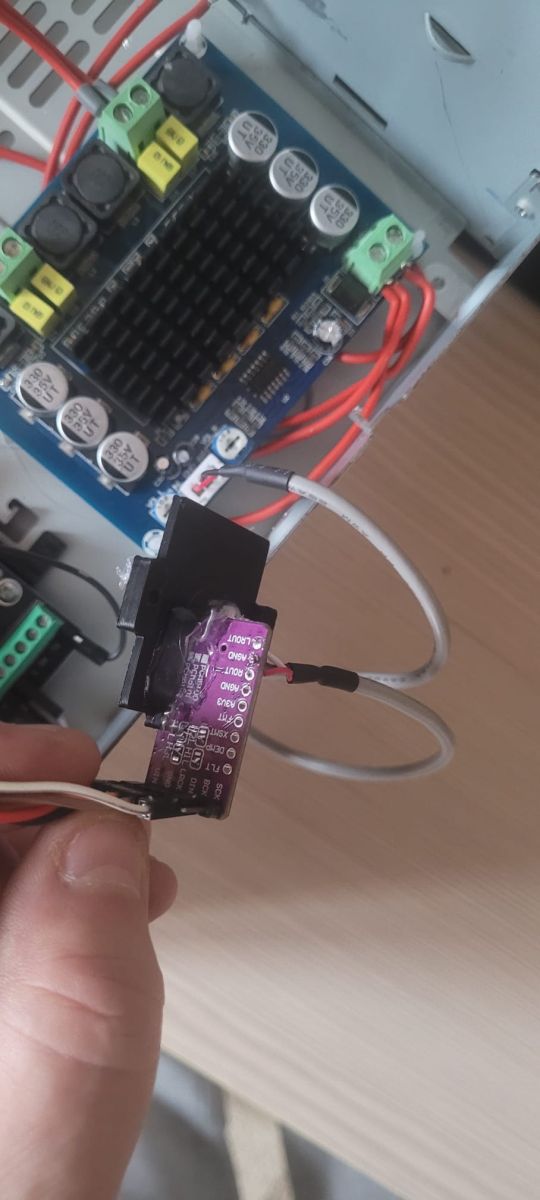
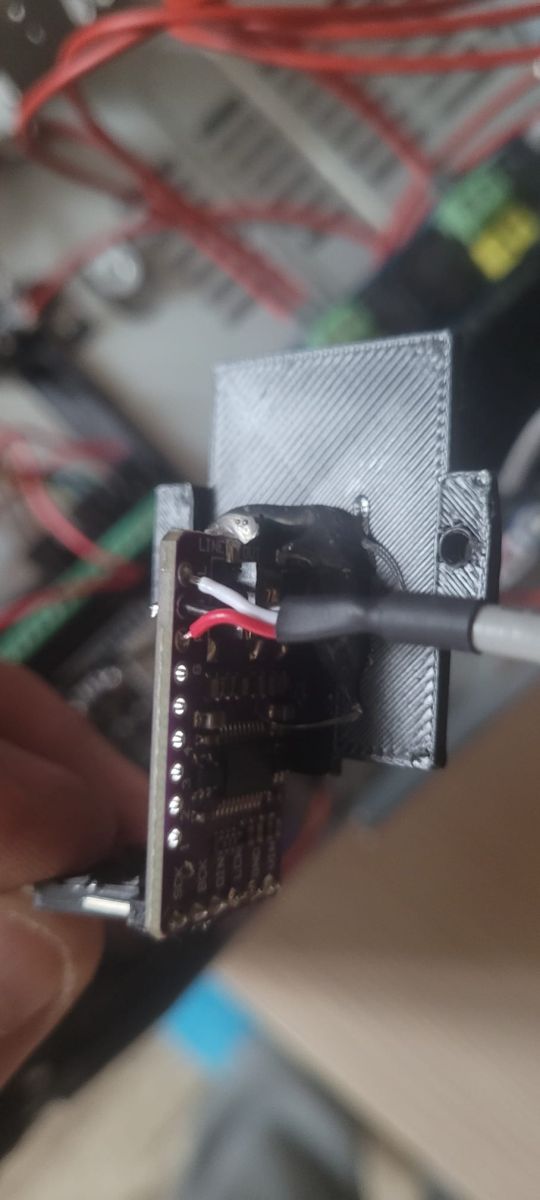
Fact I connected to one GND on the PCM5102A. But when I did the bridge it was still the same. Any ideas ?
@pawel_1980 Tidy up all wires, cable connections as short as possible. Also, eliminate the Tl074 preamp on the TPA board it makes a lot of noise. As I wrote you on prv, check if there is a real TPA under the heatsink at all. Even if there is a TPA chip then buy the original in TME from TI and replace it. There can be several sources of interference throughout the circuit. Particularly any inverters can sow ground. The original TPA plays GREAT.
As a warning of what a "Chinese" TPA looks like:
They gave the coils correct as in the reference design 10uH, capacitors also 1uF. Tracks as if someone had designed something in the "RF-microwaves" before (all unrounded). In addition, the preamplifier is poorly designed. The signal enters the negative input and then there is a classic buffer from the second amplifier, but it no longer restores the inverted phase. Overall, a lot of improvement is needed. "Knocking" when switching on is a normal symptom, there should be a timer circuit on the SD (Shutdown) input of the TPA3110 or Mute (TPA3116) to allow a soft start.
@N4d01 Also need to add such functionality in Evo eventually.
A great deal of noise is introduced by the OLED inverter, it's just badly designed and it sows on everything after the ground. Sometimes it helps to isolate it with a small resistance to cut off these currents plus PCMa ground isolation. And best of all, bring a separate +18V supply to the OLED and the problem disappears.
@ejcon in this TPA3110 on 1 leg our SD pin (will be connected to FAULT pin 2). It's worth adding a resistor there (I think it's 100k there) to control it from ESP and from the program control it then when there is a mute or start is complete silence.
Discussion of a DIY internet radio and SD-card audio player built on an ESP32-S3 with an OLED display, rotary encoders, buttons, and a front-panel interface. The project uses Wi‑Fi to download station lists from GitHub/public stream databases, supports MP3 and later AAC/FLAC playback, displays metadata including Polish characters via a modified font table, and stores settings such as station/bank selection and volume. The thread covers PCB design in EasyEDA, ESP32-S3 module pin spacing issues, PSRAM and Arduino IDE setup, library compatibility problems, SPI/I2S wiring, SD card reader boot issues, encoder behavior, WiFiManager-based network setup, and troubleshooting of crashes, HTTP download failures, and audio initialization errors. Several improvements were added over time, including station selection by encoder, time sync, browser update support, and saving settings to card memory. AI summary based on the discussion. May contain errors.