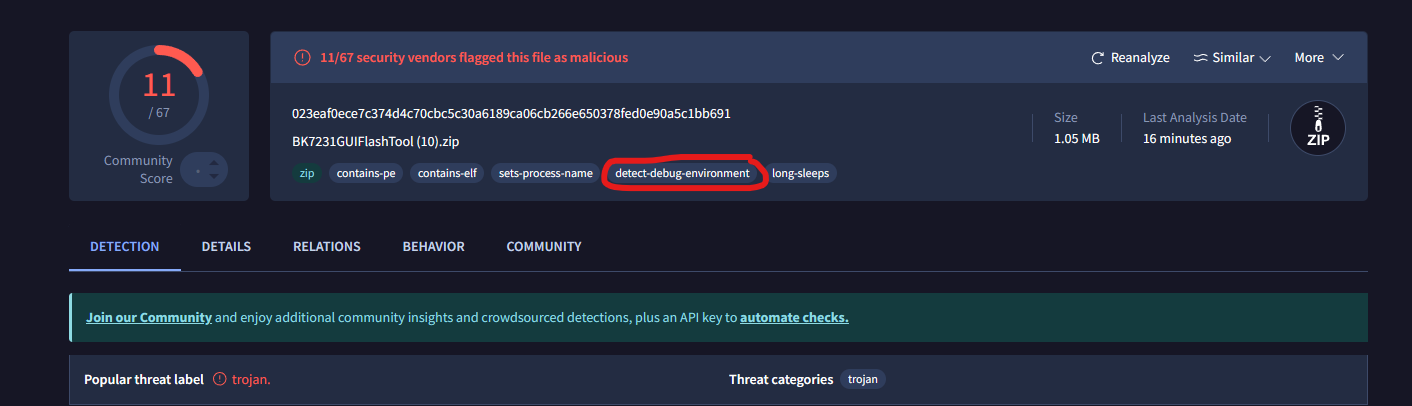
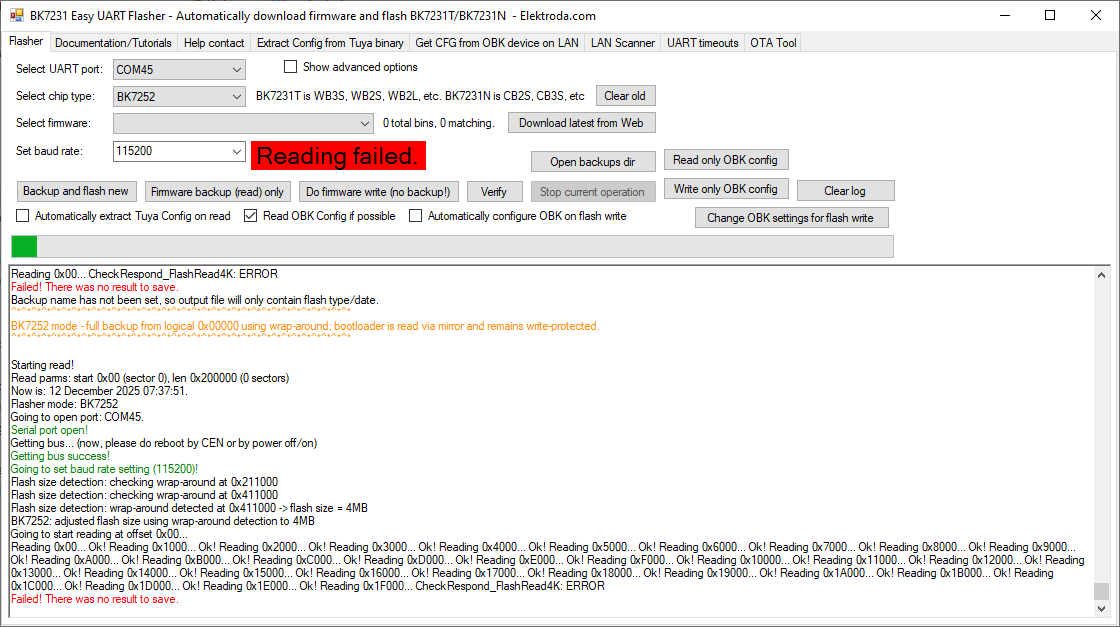
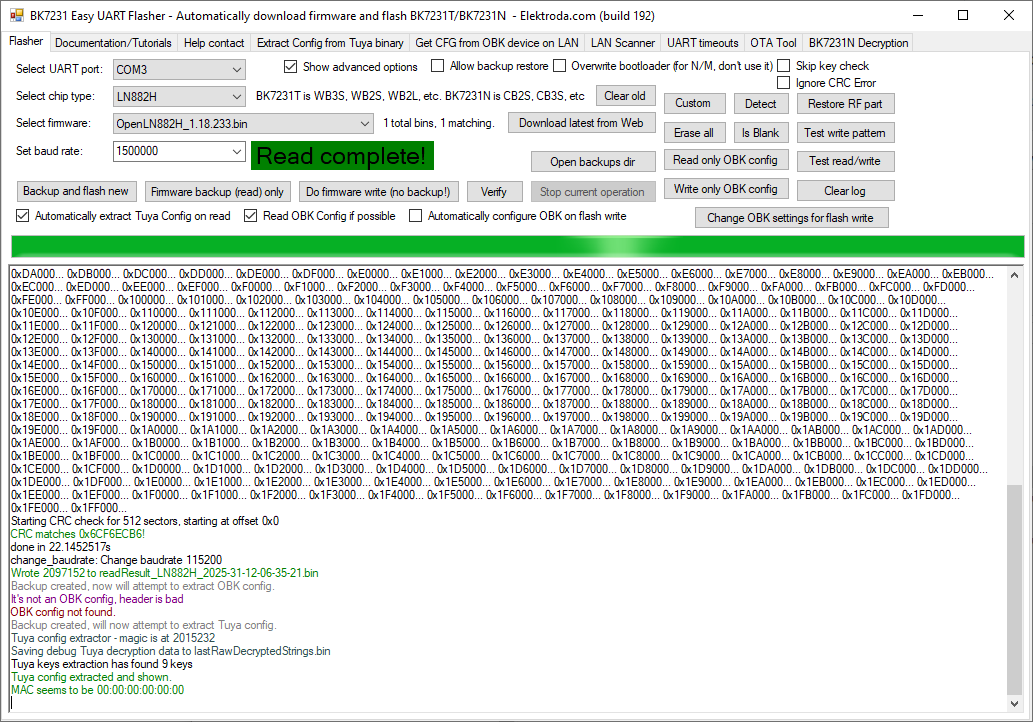
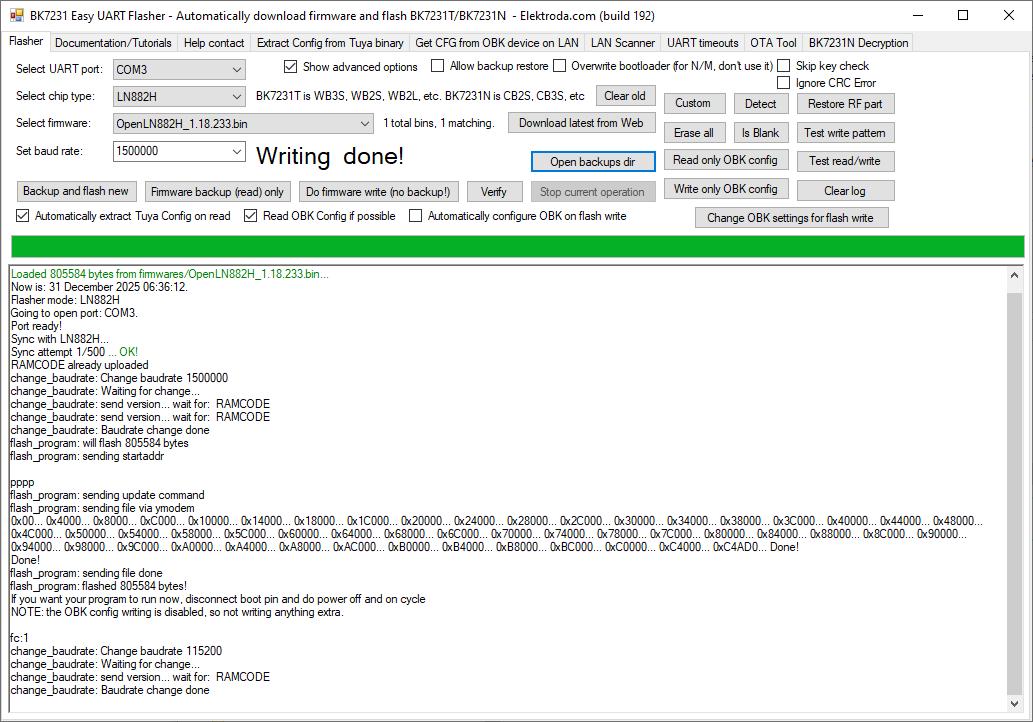
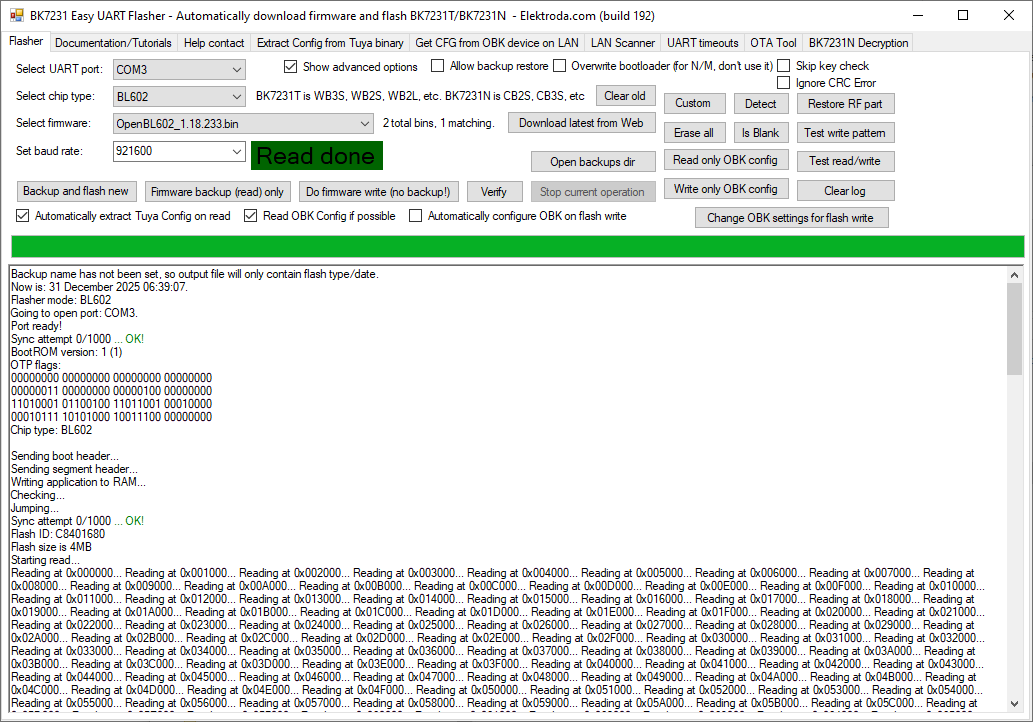
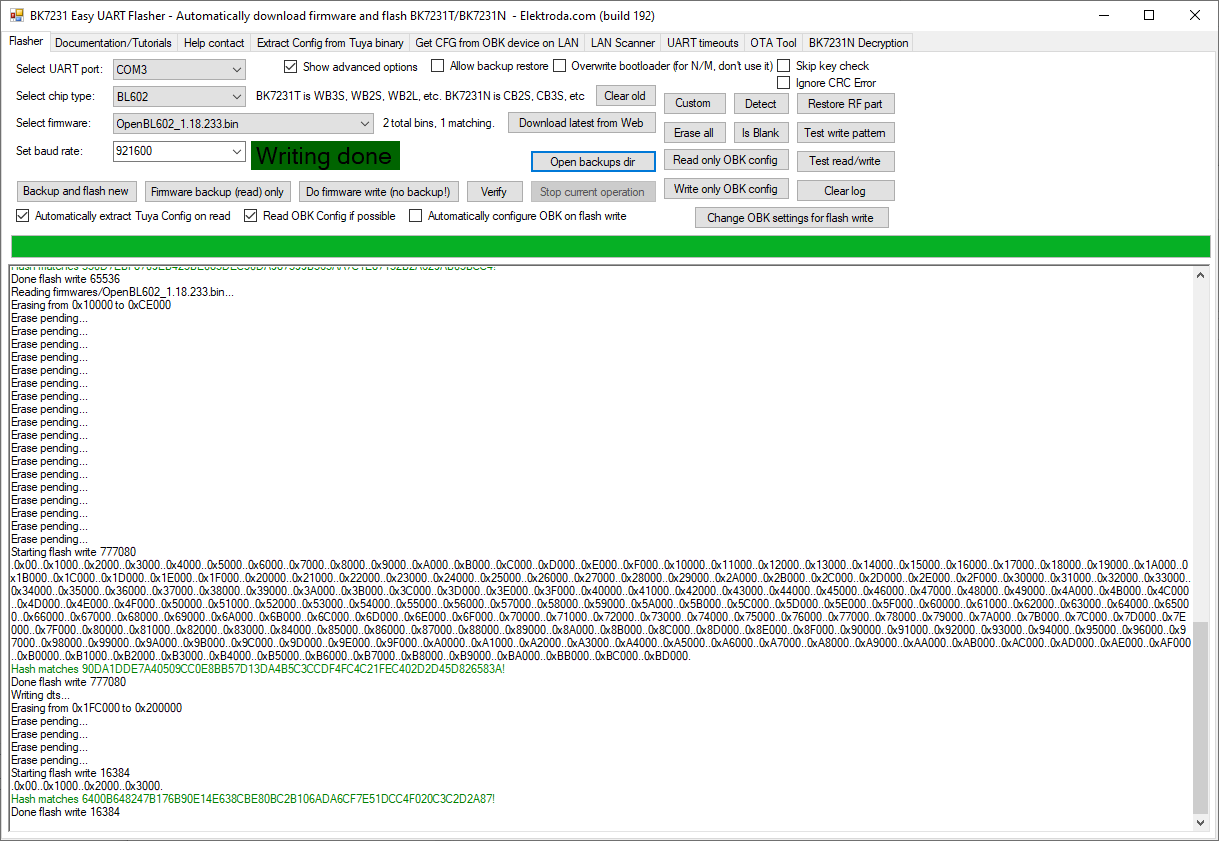
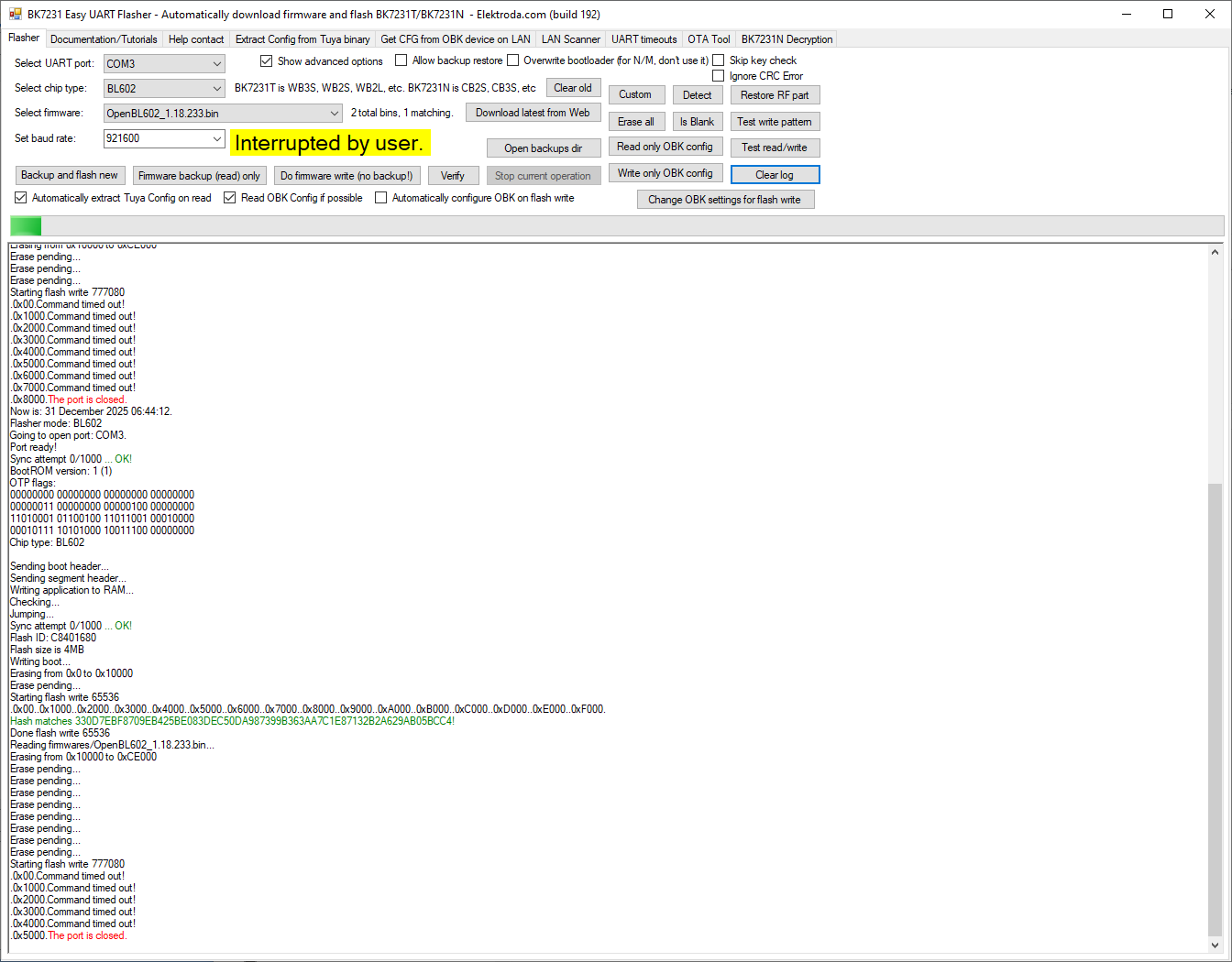
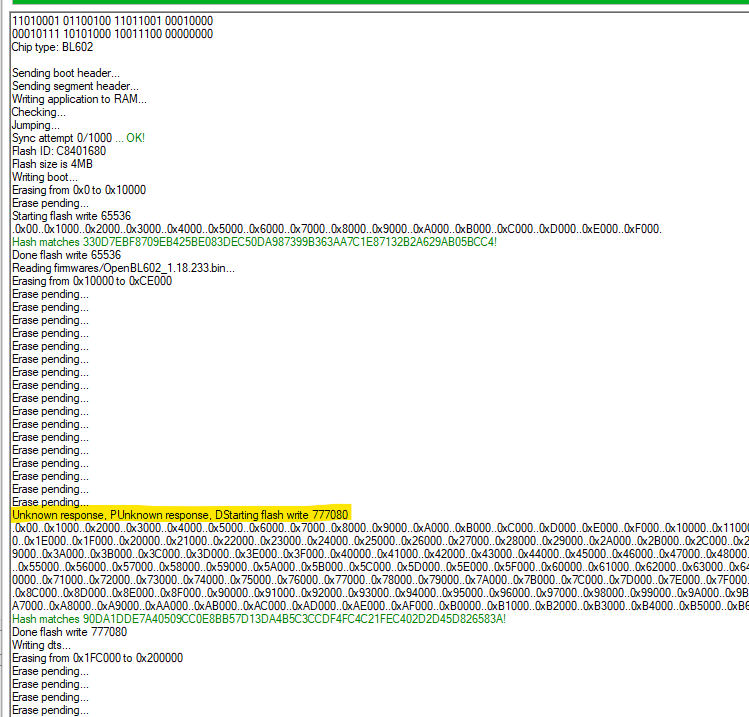
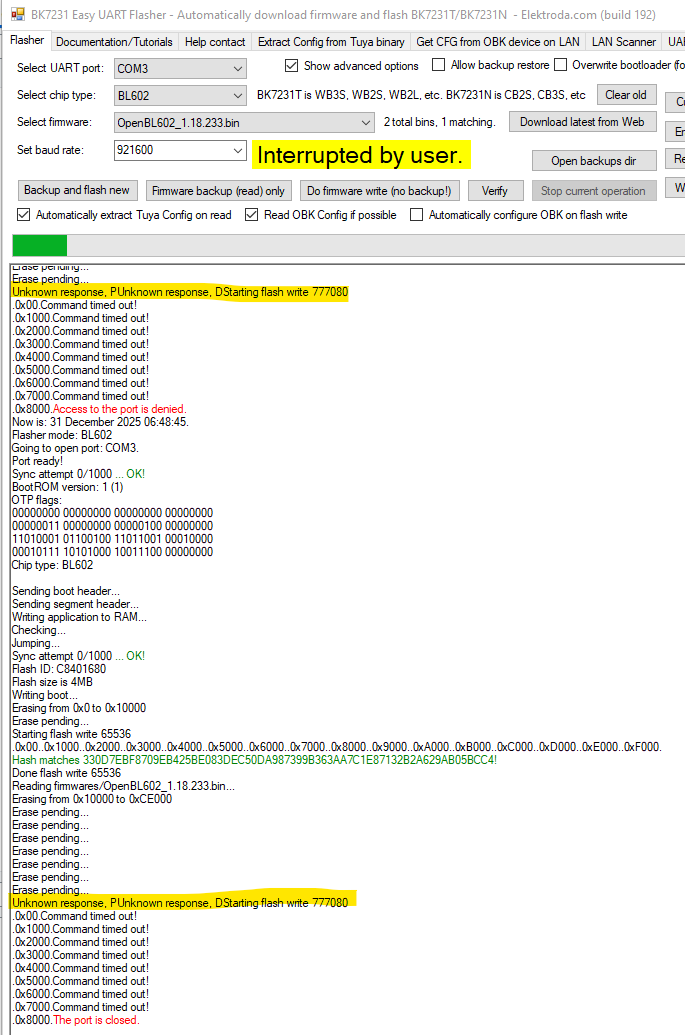
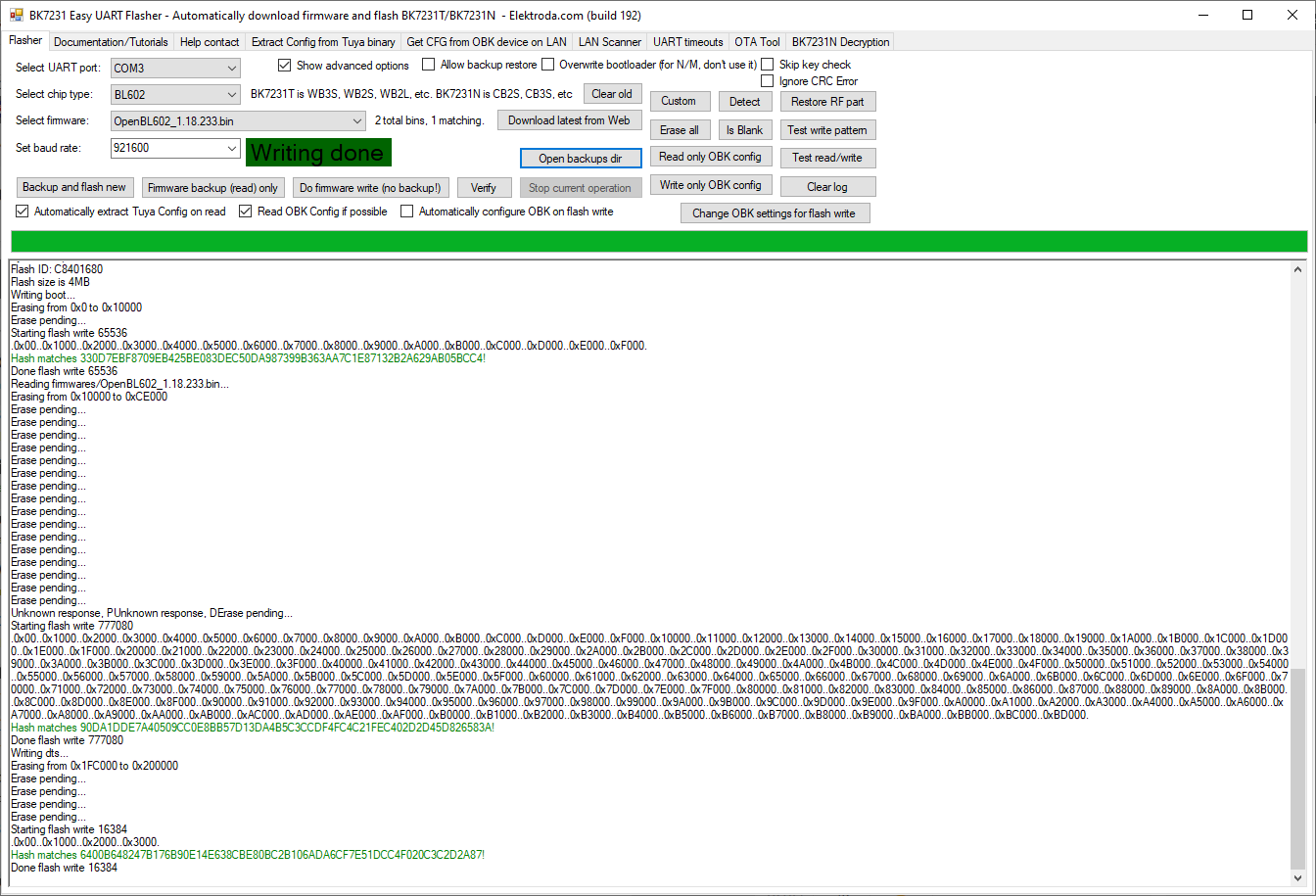
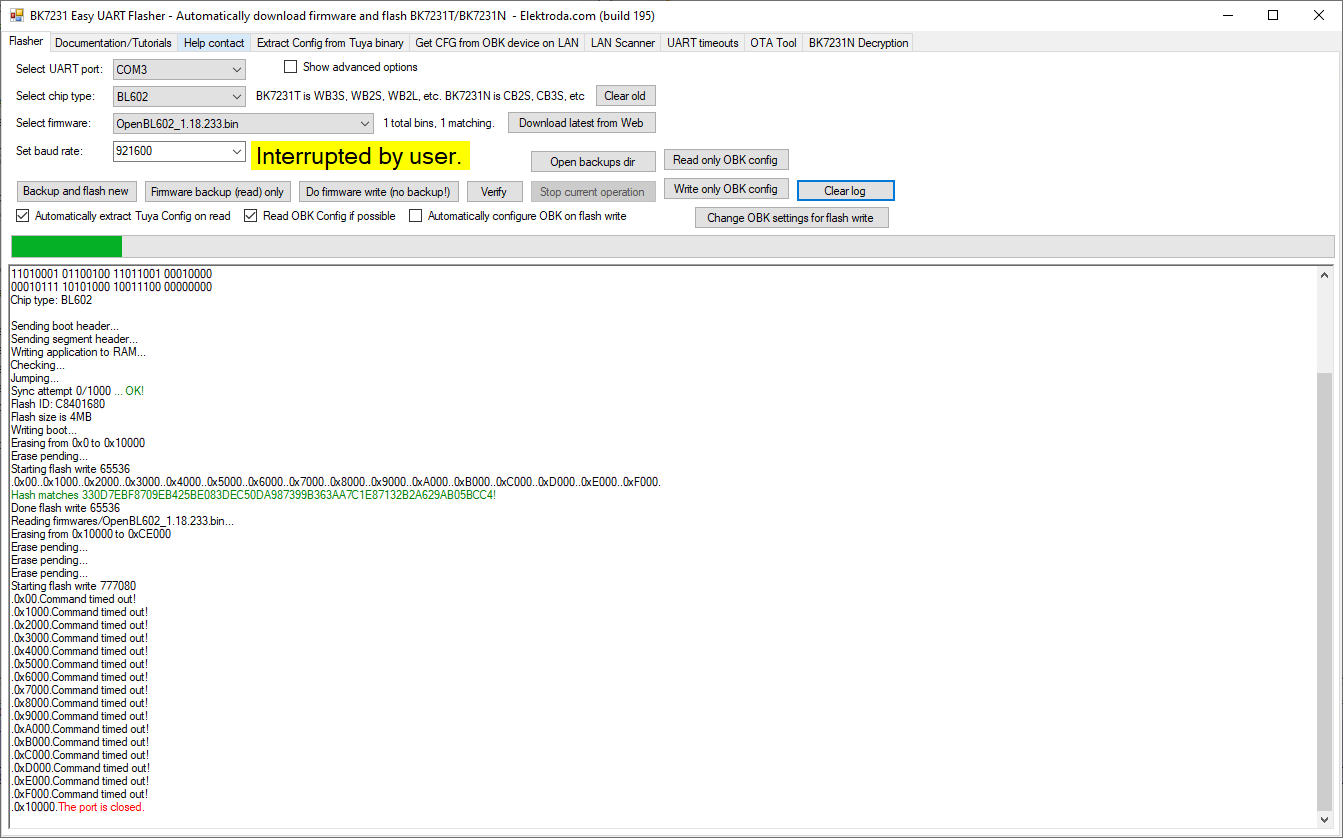
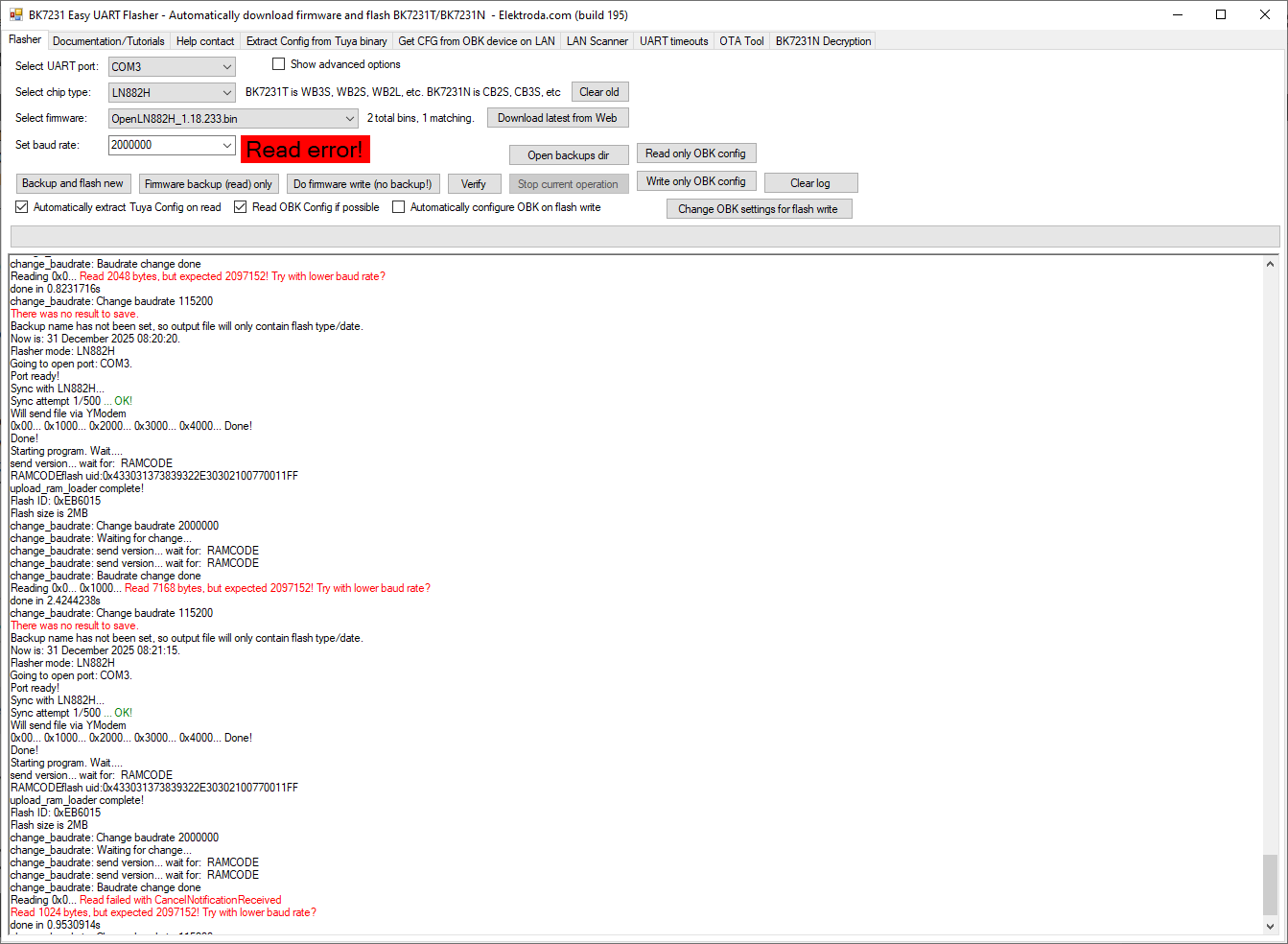
Try to remove those binary arrays (make them empty), rebuild and recheck
Helpful post? Buy me a coffee.
Why Some Antivirus Products Flag BK7231GUIFlashTool (False Positives Explained)
Proposed Body Text
Several users have reported that recent builds of BK7231GUIFlashTool trigger warnings from certain antivirus engines. These detections often appear under generic names such as Trojan.MSILZilla.xxx, MSIL.Generic, or similar. This notice explains why this happens, what changed recently, and what you can safely expect from the tool’s behaviour.
1. The short answer
These antivirus alerts are false positives.
BK7231GUIFlashTool is an open-source, C#/.NET WinForms application whose only functions are:
Opening a serial port
Communicating with supported MCUs
Reading/writing flash memory
Loading firmware files (optionally downloading them from GitHub)
Displaying progress in a simple UI
Nothing in the source code installs persistence, modifies the registry, injects into processes, or communicates with anything other than GitHub (when the “download latest firmware” option is used) and the serial port.
2. Why AV engines sometimes flag the tool
Modern antivirus products rely heavily on heuristic and reputation-based detection. A small, unsigned, niche hardware-flashing utility looks very similar—structurally—to the tools used by malware operators, even though the behaviour is entirely legitimate.
The tool has several characteristics that mislead heuristic scanners:
a) It is a .NET (MSIL) executable
Many malware families are also written in .NET, so generic signatures tend to over-match.
b) It performs “downloader-like” behaviour
When you click “Download firmware from Web”, the application downloads a binary file from GitHub and saves it to disk.
Heuristic engines sometimes classify any application that downloads executable files as a “downloader”, regardless of purpose.
c) It interacts with hardware at a low level
The program reads and writes flash memory over UART, sends stubs/loaders to the device, and transfers raw binary blocks. Tools doing this kind of I/O get flagged routinely, even though this is exactly what a flashing utility is supposed to do.
d) It is not code-signed
Unsigned executables with a small user base are automatically given lower reputation scores. This can increase false positives, especially immediately after a new release.
e) Some recent releases introduced new stubs/loaders
Binary blobs included inside the release package (e.g., RTL loader files, temporary loaders) can resemble obfuscated or “packed” resources to AV engines, which further increases the likelihood of a generic detection.
3. What changed in v32 and earlier—did anything suspicious get added?
No. Recent versions (v27–v32 and surrounding builds) include:
RTL flashing improvements
Flash ID read support
Logging fixes
A progress bar calculation fix
CI packaging changes (adding the /loaders folder to the release ZIP)
No networking changes, no system-level changes, and no code capable of malicious behaviour were introduced. The tool’s functionality has remained the same: serial-port flashing and firmware utility tasks.
False positives became more common simply because the build output changed slightly, altering the internal structure enough for heuristic signatures to trigger.
4. What you can do as a user
If your antivirus flags the tool, you may safely trust / allow it provided you downloaded it from the official GitHub Releases page.
You can also build the tool yourself from source using Visual Studio, which eliminates any doubt about the executable’s origin.
Consider adding a local exclusion for the flashing tool if your security software interferes with its operation.
If comfortable, you can submit the file to your AV vendor as a false positive—they typically whitelist legitimate tools once reviewed.
5. What we (the maintainers) will continue to do
Keep the tool fully open-source and transparent.
Avoid unnecessary obfuscation or packing.
Work with contributors to minimise false-positive triggers where feasible.
Investigate code-signing options for future releases to reduce reputation-based alerts.
6. Bottom line
BK7231GUIFlashTool is safe, open, and does exactly what a flashing tool needs to do—and nothing more.
AV detections are a side effect of heuristic scanning on a low-reputation, unsigned, hardware-flashing application, not an indication of malicious behaviour.
If you have questions or encounter new detections, feel free to comment below.