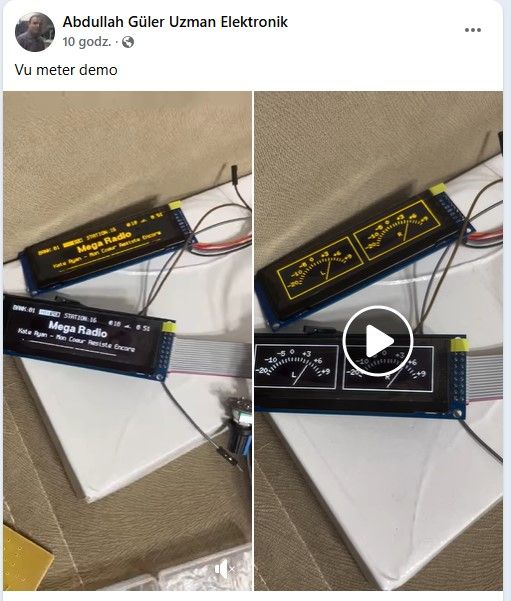
Thanks 👍 for your help.
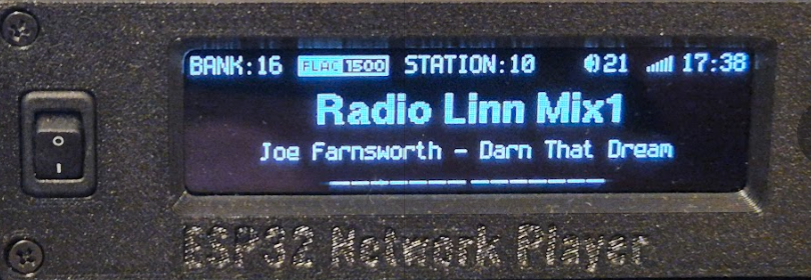
Everything won beautifully only stations from bank 16 basically can't be listened to terribly cuts despite super wifi signal.
Any ideas?
i have uploaded to GitHub Dzikakuna version Evo 3.19.19
Link
What's new ?
- improved bitrate reading for stations where the bitrate is calculated by the library (so-called estimated bitrate)
- in displayMode 4 I added such a mini logo with information about the codec and bitrate
- in the menu for displaying the list of stations, quick navigation has been added.
Now, pressing the right and left arrows jumps by 5 stations. The up/down arrows switch by +/- one station as before.
- the function of switching the radio on/off from the remote control, so called POWER OFF/ON, has appeared.
In this mode, under the rcCmdRed button (eventually there will be a dedicated code rcCmdPwr) Pressing the button once, the radio goes into Standby mode, the ESP32 goes into light sleep mode minimising current consumption (on a mini USB meter it is 0.00mA). To wake up the radio press the rcCmdRed button (red handset on the RC-406) 2x at an interval of less than 0.5sec. The first pulse wakes up the ESP32 and the second pulse is only read correctly in the interrupts and the button code is checked. If the code is correct, the radio displays POWER ON and then performs a reset and starts. If the code is wrong the radio immediately goes to sleep without showing anything on the display. Eventually this will be linked to a standby LED and a transistor to cut off the card, display, PCMa, possibly other peripherals.
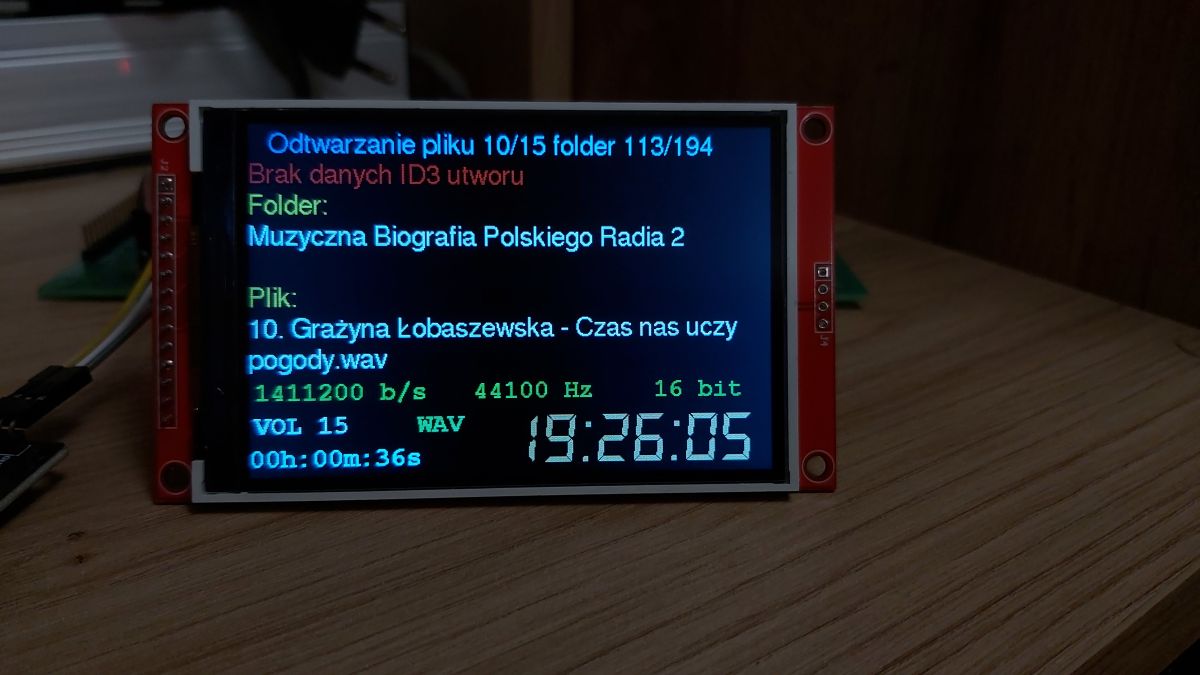
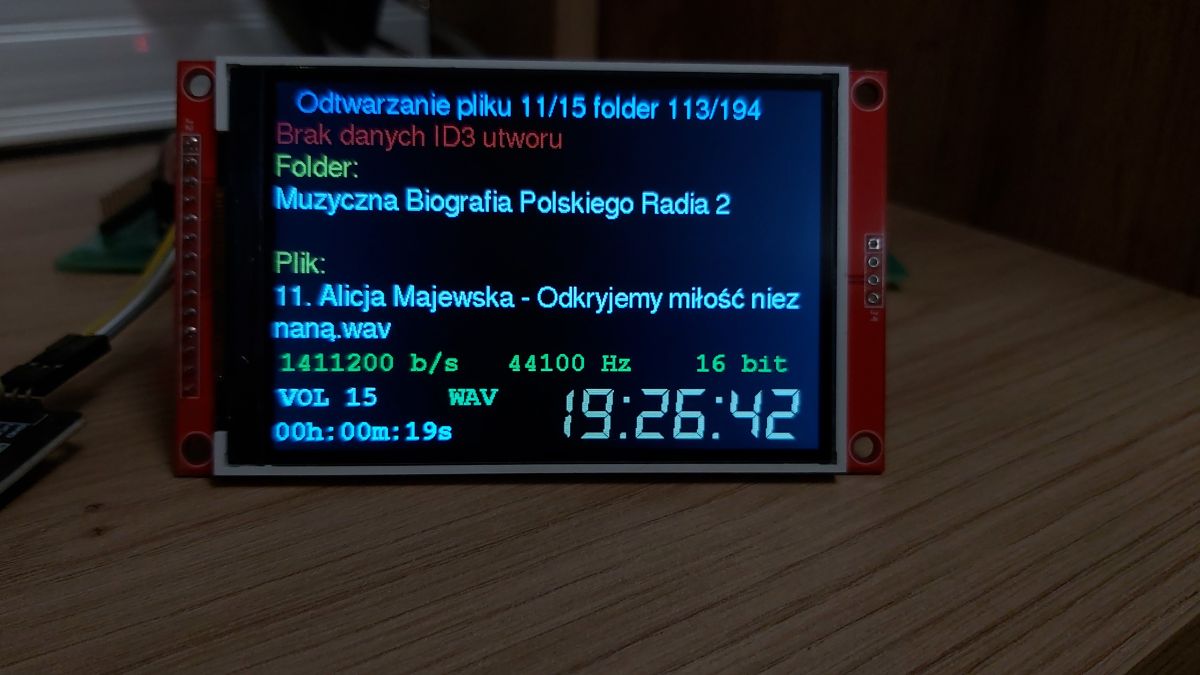
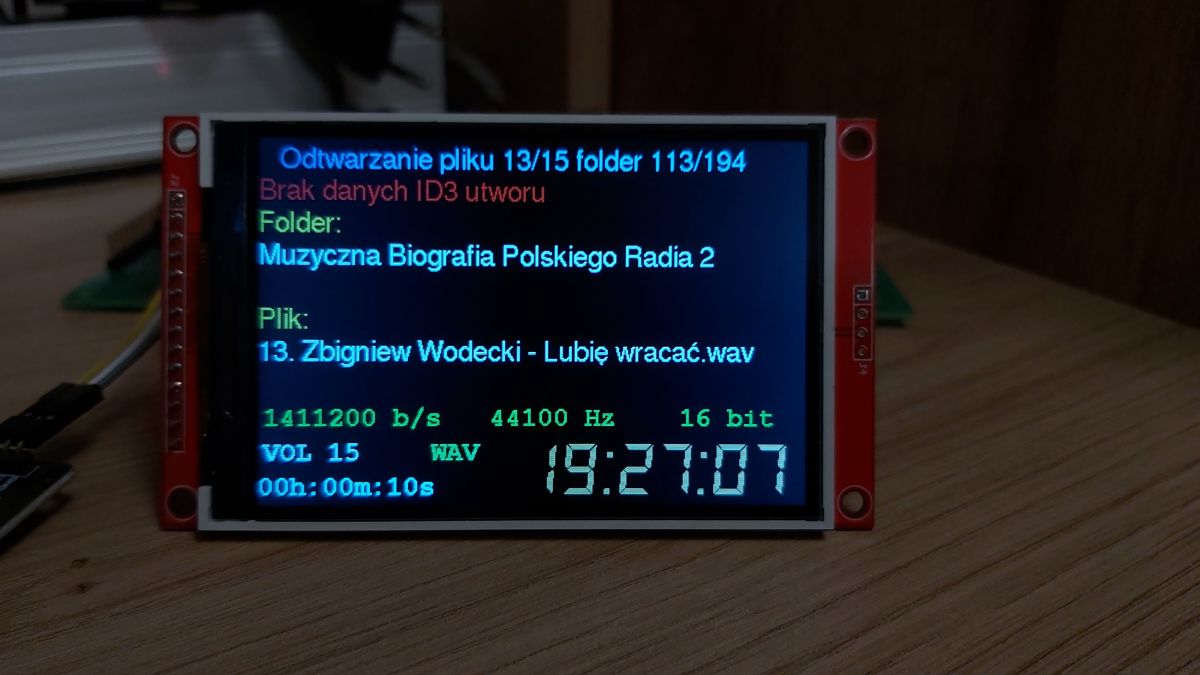
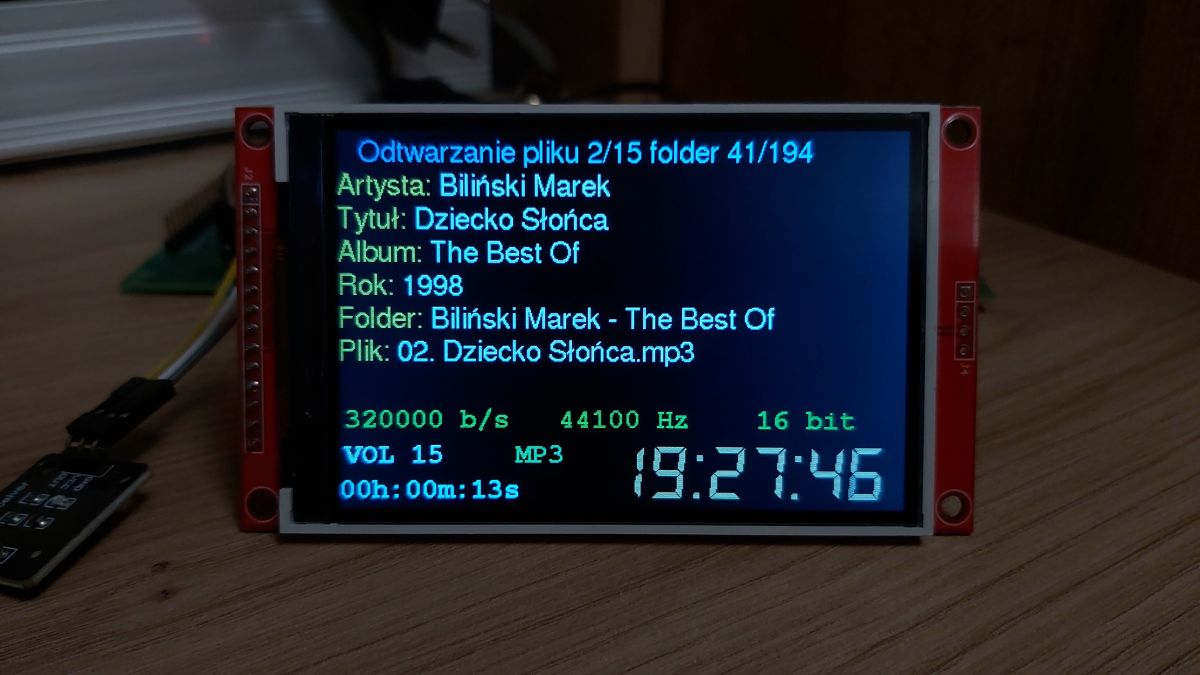
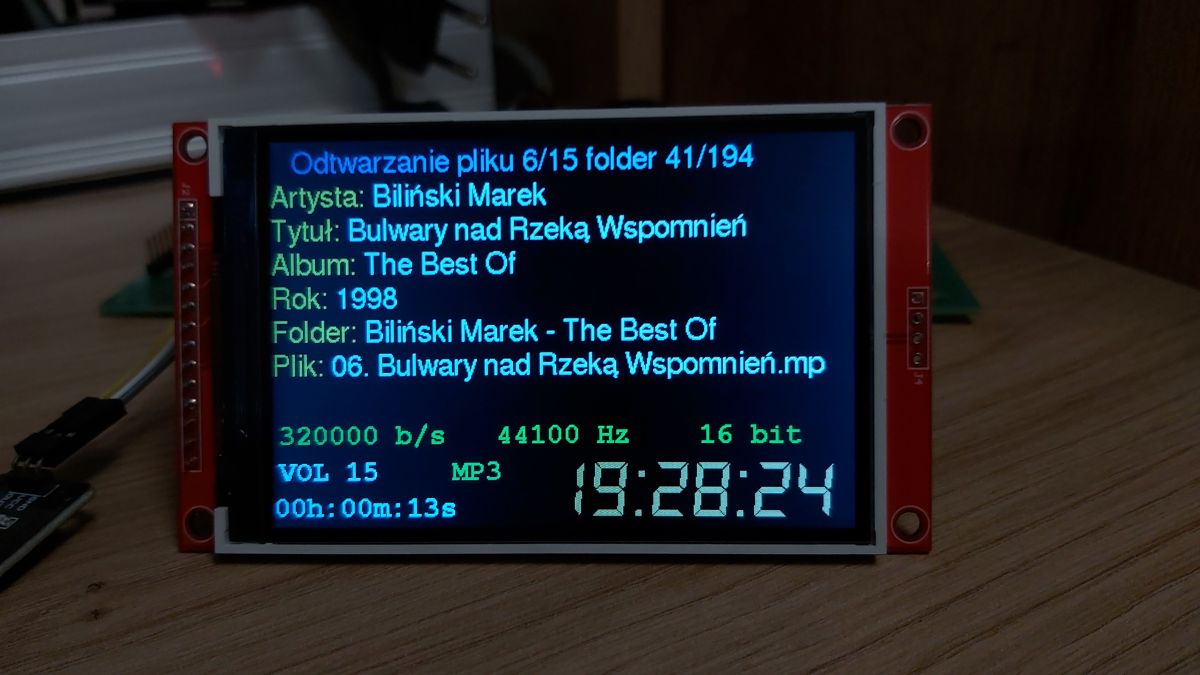
My colleague @hevet dropped me a prepared library with support for Polish characters in the FreeSans12pt7b font for testing. I've thrown this into my v3 version for now in the file player and the effect is as in the screens below. I also added display of the wav format. (Hardly anyone uses this these days). I took the liberty of uploading this file with Polish characters to my repo on github, thank you Fellow @hevet .
Hello, the radio is developing beautifully, I mean both projects of kol. Robgold as well as the version in colour of kol. MajstraXXL As I have been using the Robgold version of the radio for a long time, I wanted to put together a second receiver, this time in colour
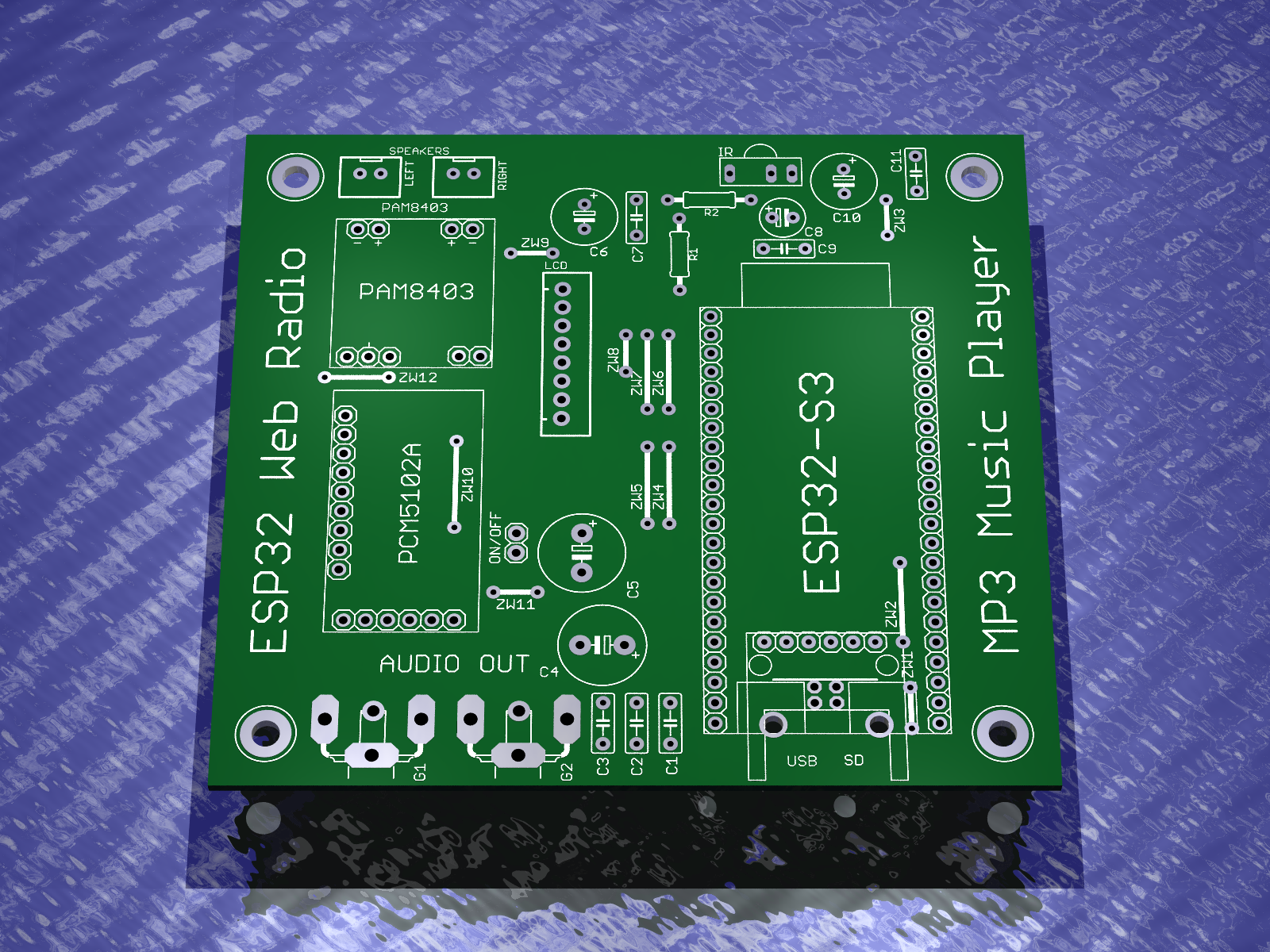
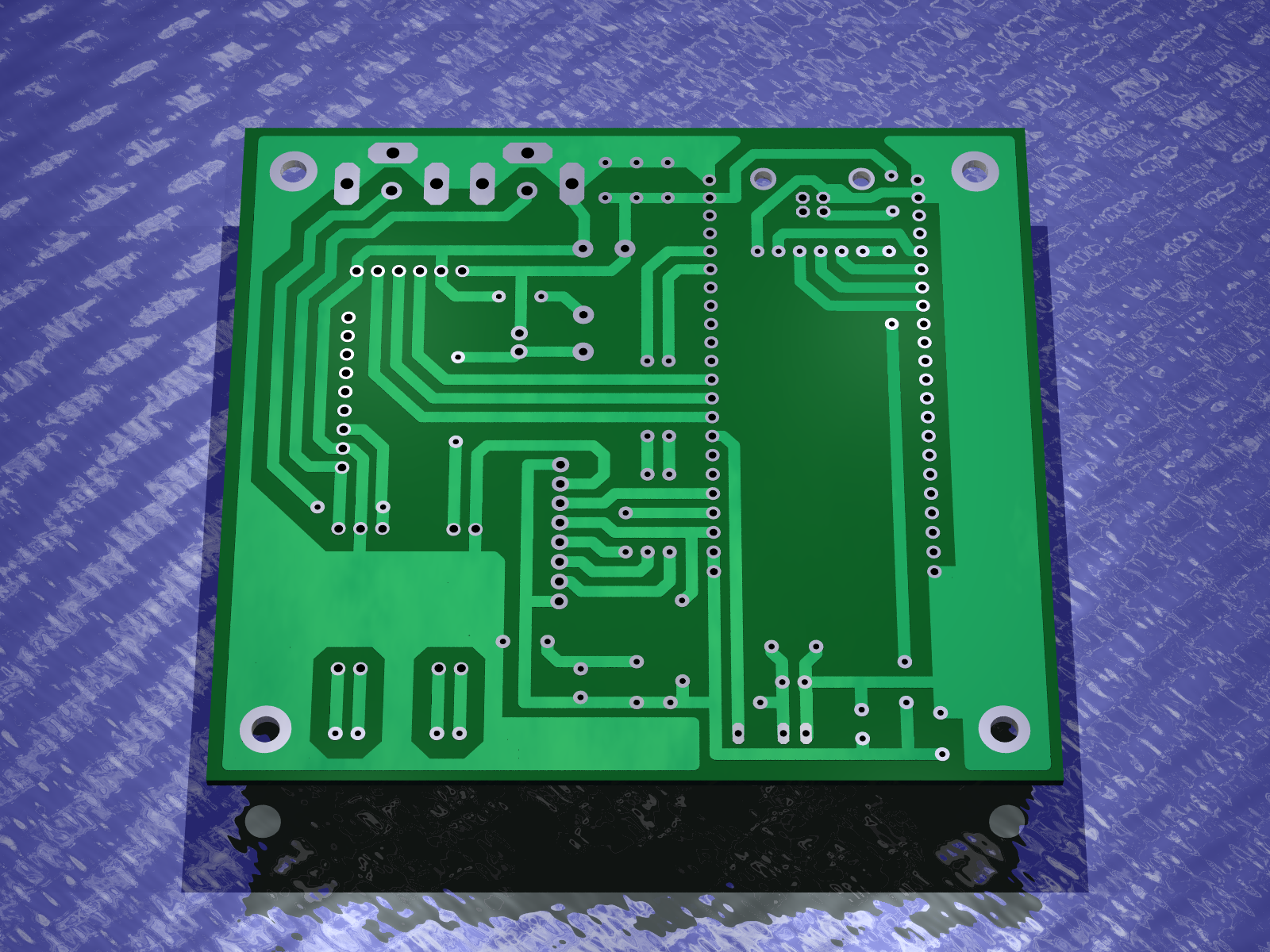
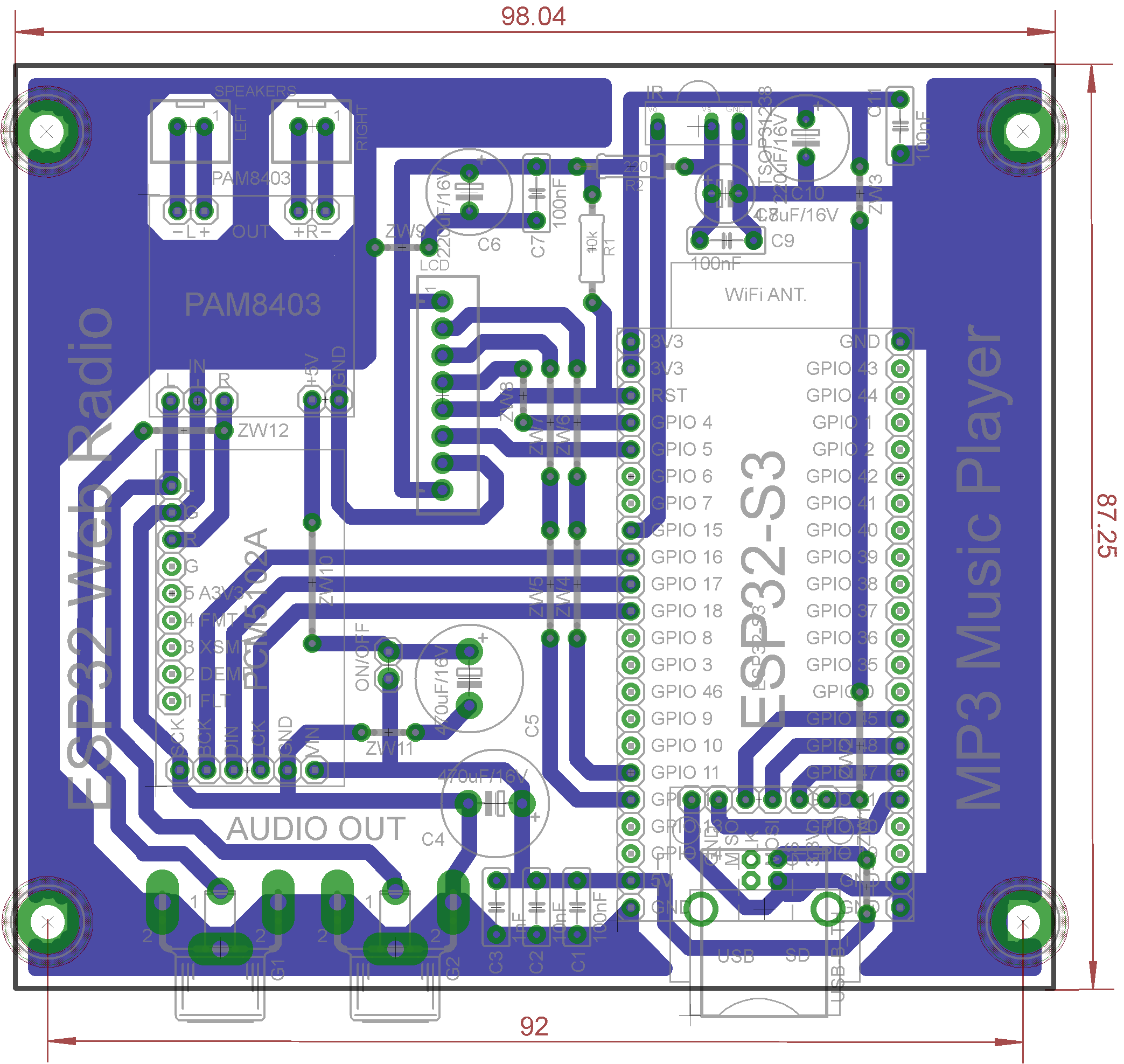
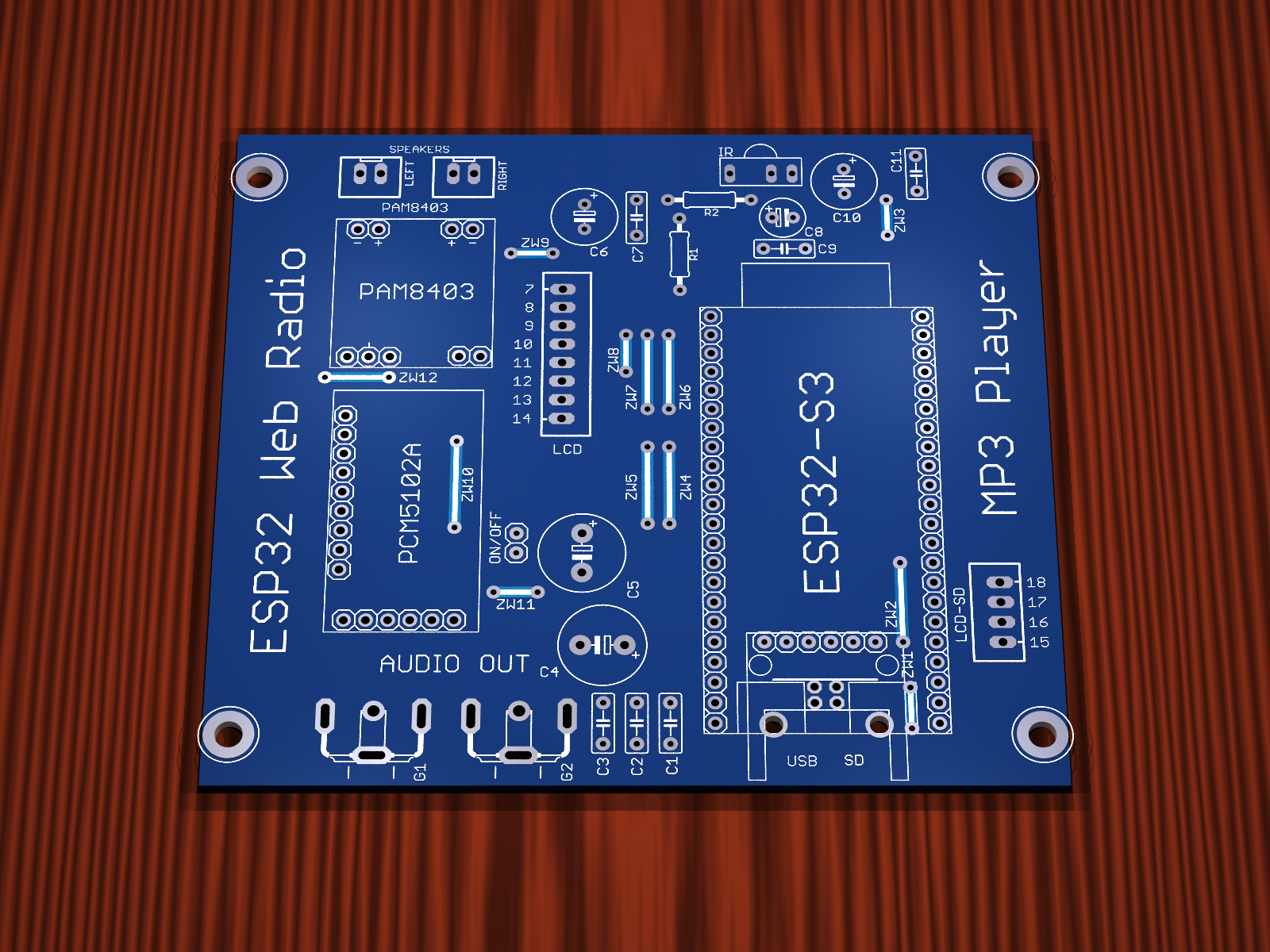
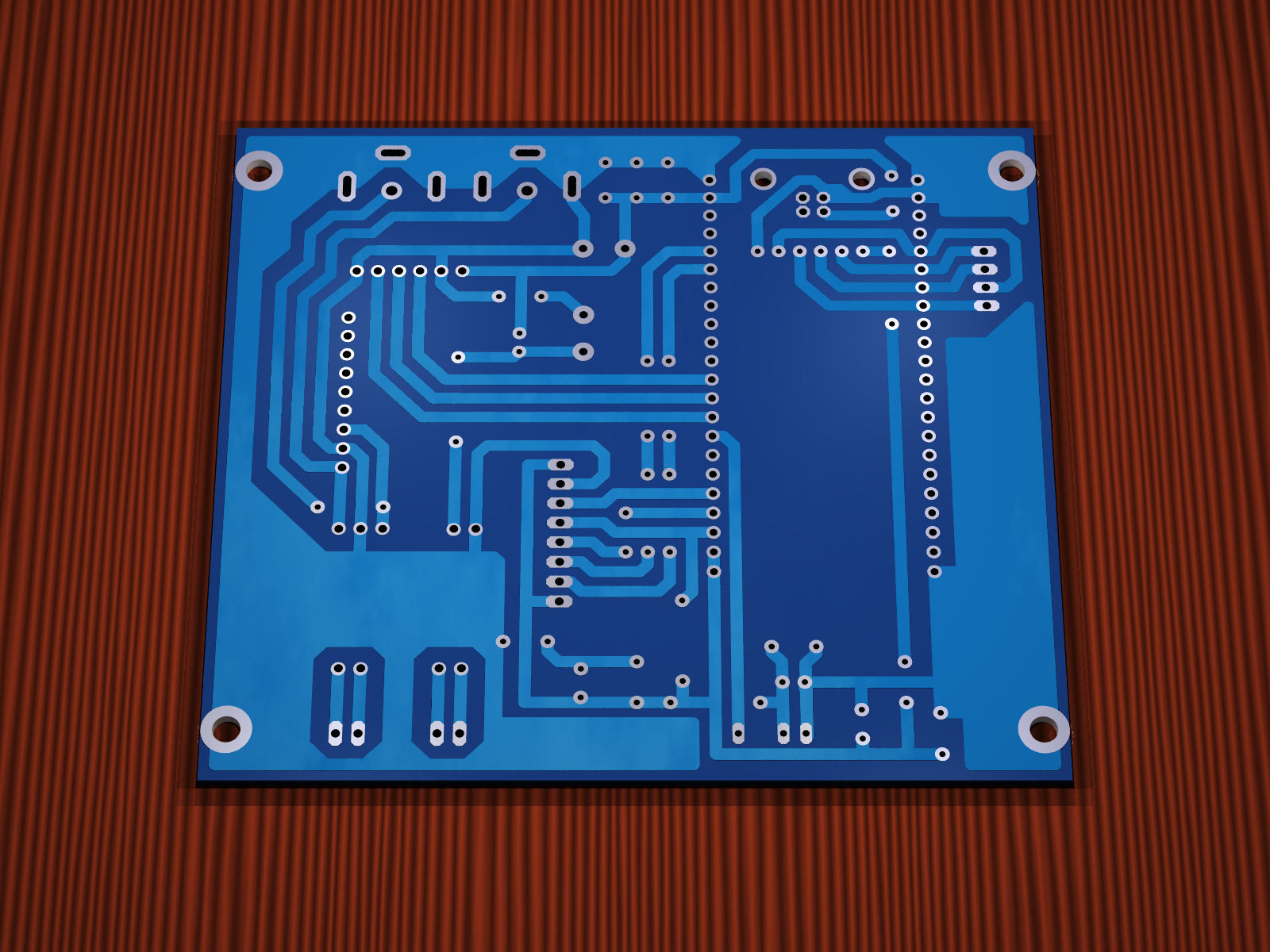
I designed a PCB for the connections of coll. MajstraXXL according to the schematic he provides on his Github.
The board is designed in my style i.e. on modules and in a through-hole version.
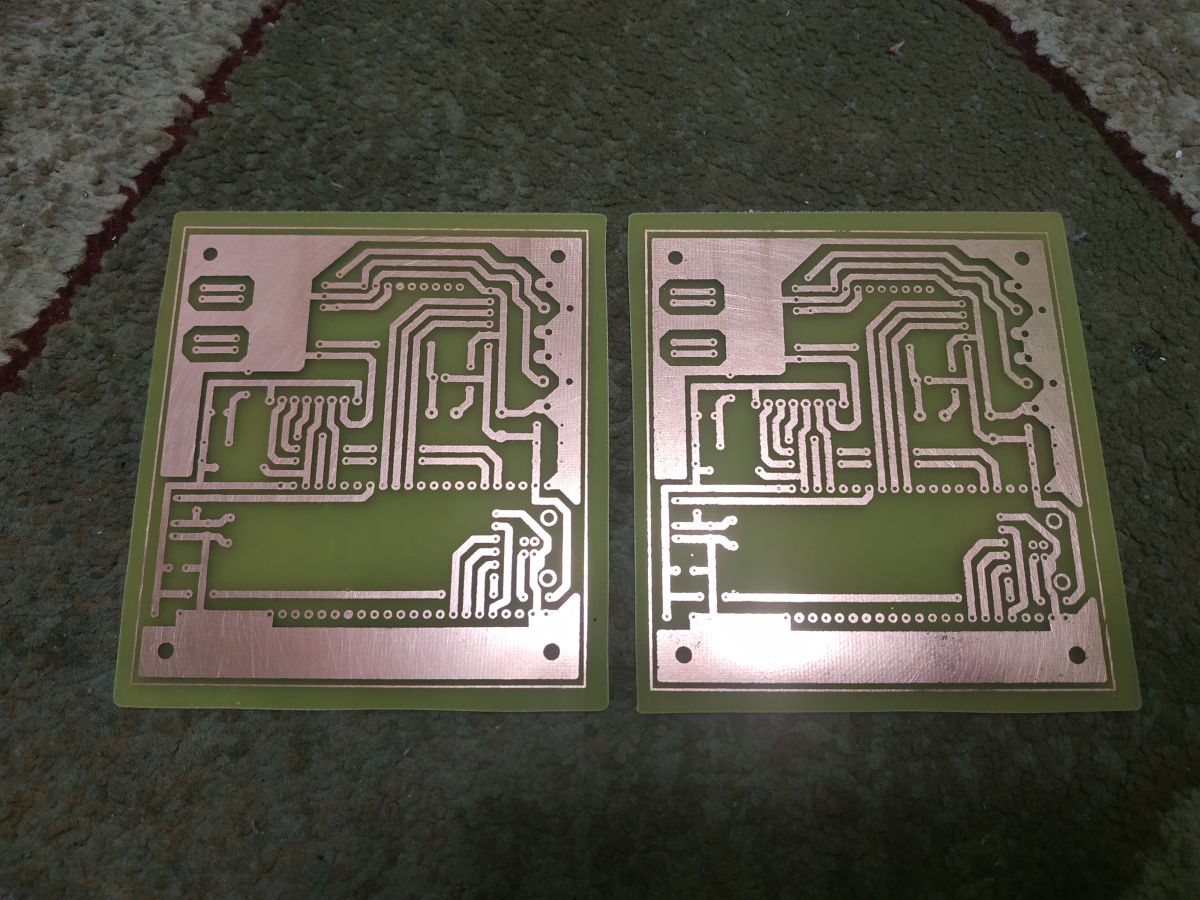
PCB looks like this
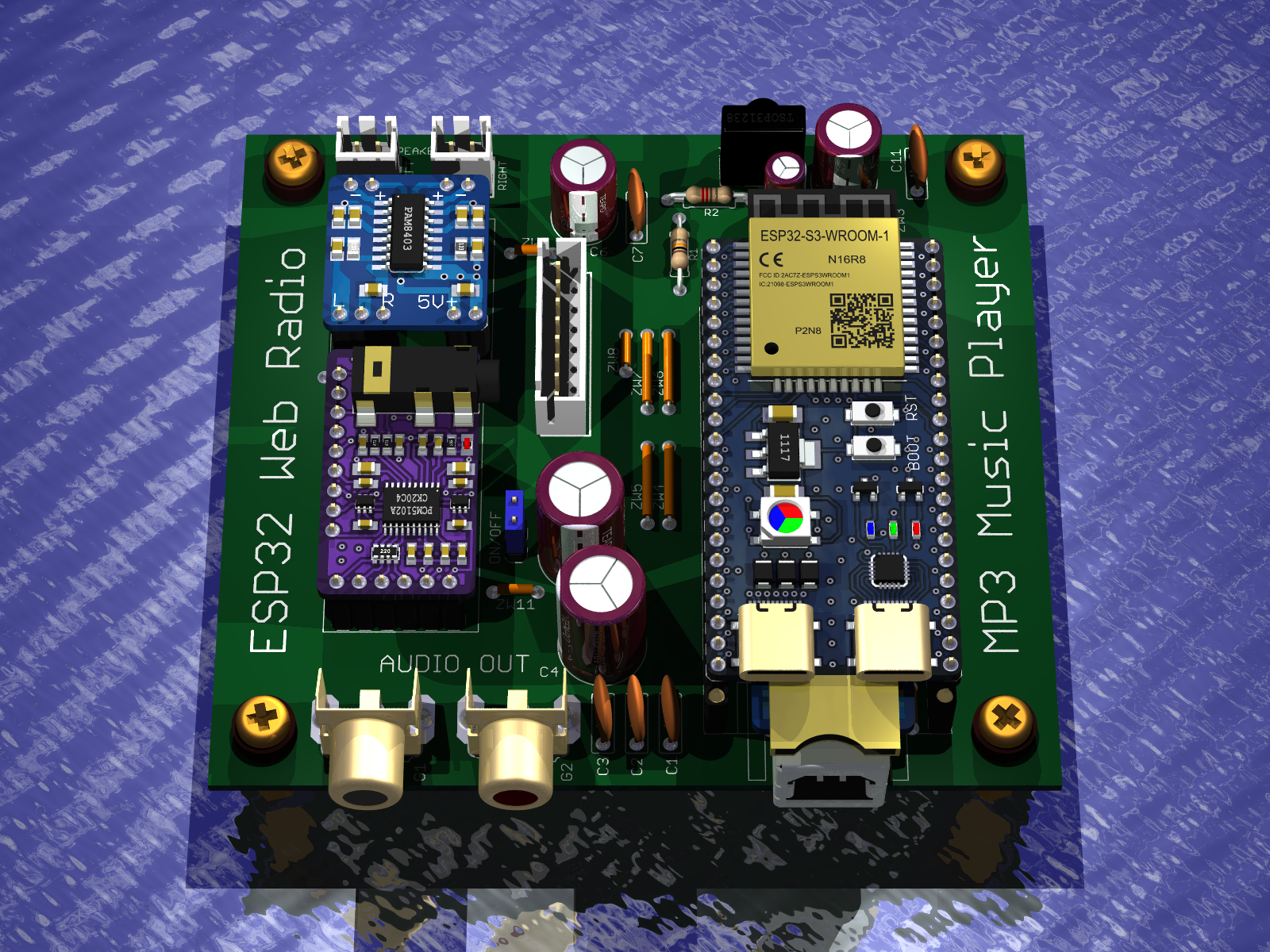
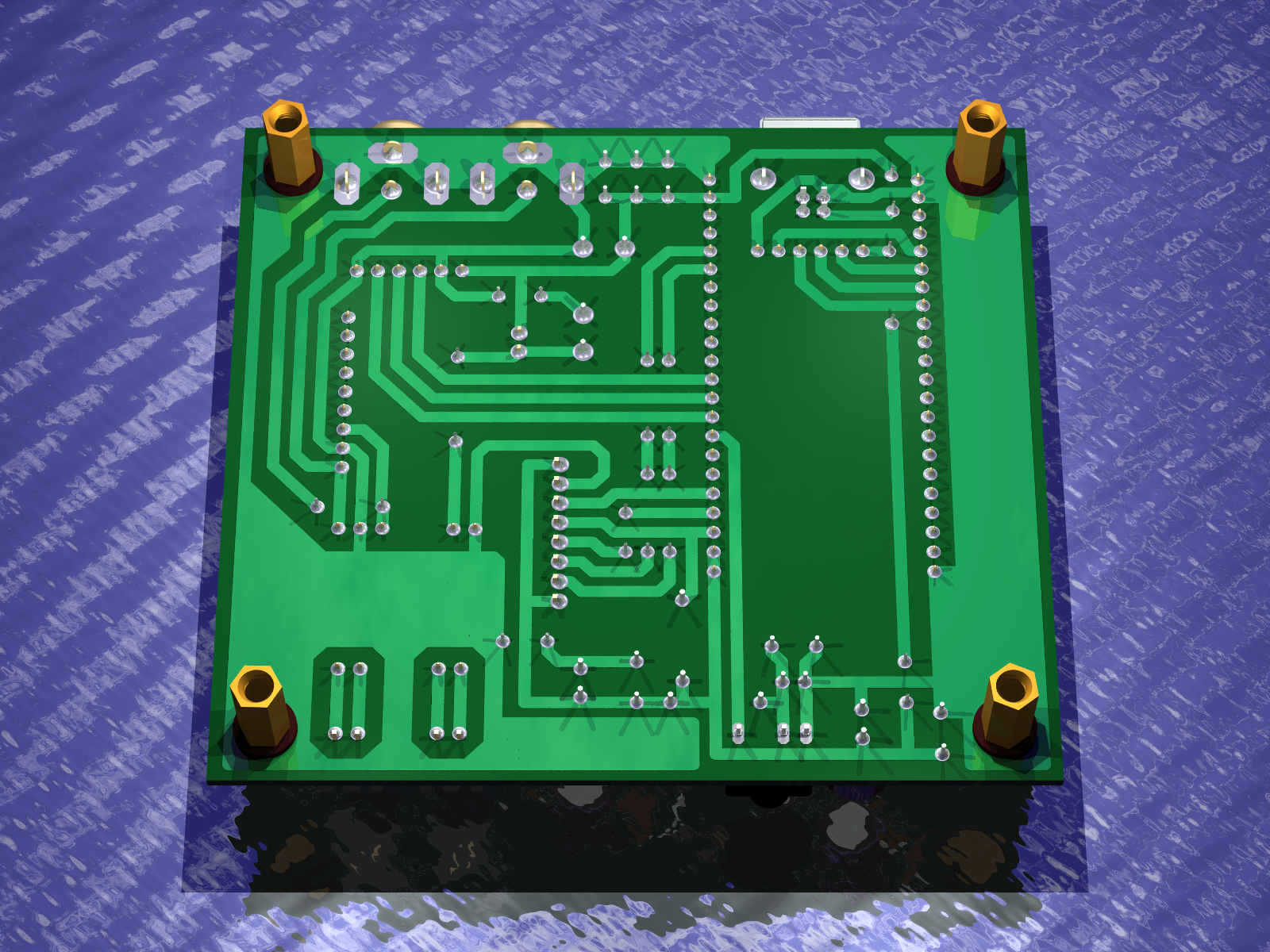
And this is how the 3D render looks
The PCB design includes the necessary modules i.e. ESP32-S3, PCM5102A, SD module, and optional PAM8403 amplifier module.
Once the prototype version is up and running I will make the project files and gerber available to others
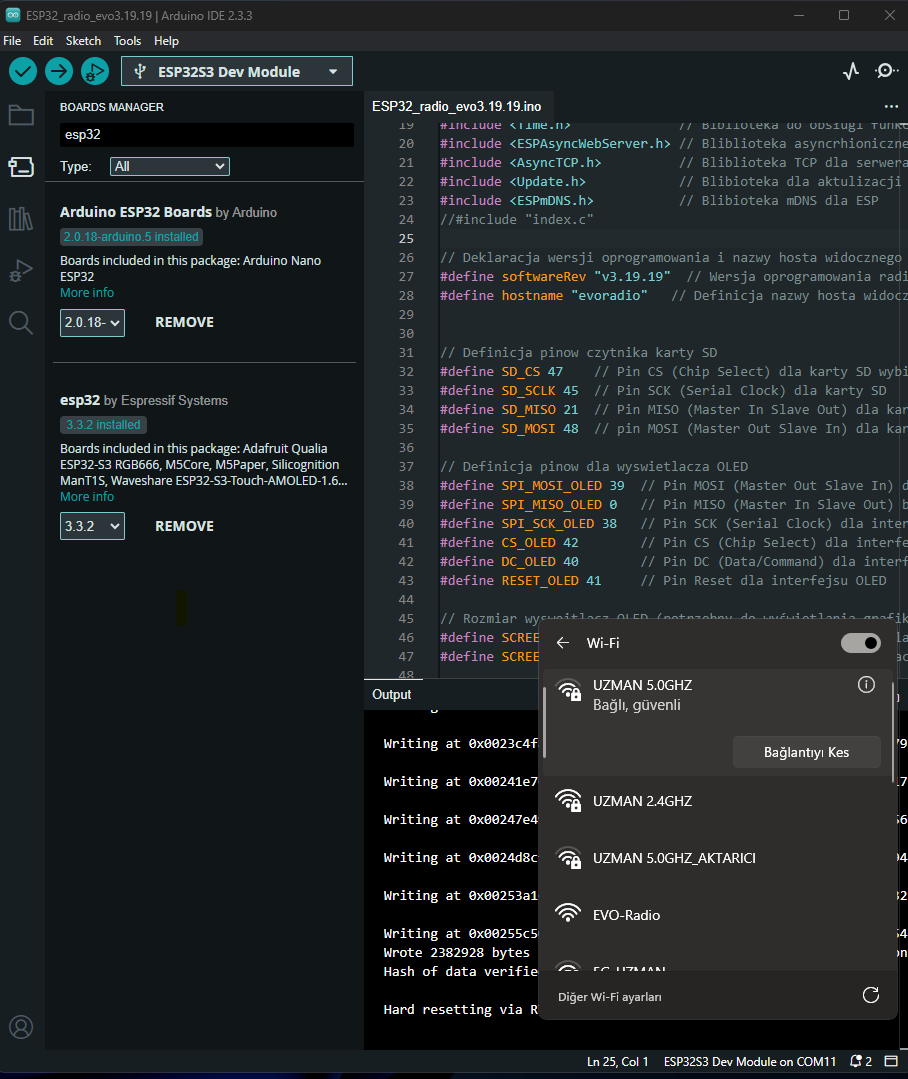
I would like to ask the author and my friends who understand this subject, to which offset address should I load the ESP32_radio_evo3.19.17.bin file with the Flash loader for internet radio? I tried 0x0, it loads but the screen does not appear. When I compiled it with Arduino IDE 2.3.4 ESP32 Core 3.3.2 without any errors and uploaded it to the ESP32 S3 Module, I can see it as EVO-Radio from WiFi, but the screen remains black. I have an SSD1322 display, and the display works with yoRadio. My display connection pins are SCK-Pin38 SDA-Pin39 RST-Pin41 DC-Pin40 CS-Pin42, I kindly ask for your help in this matter. Best regards. My English is very bad, please excuse me.
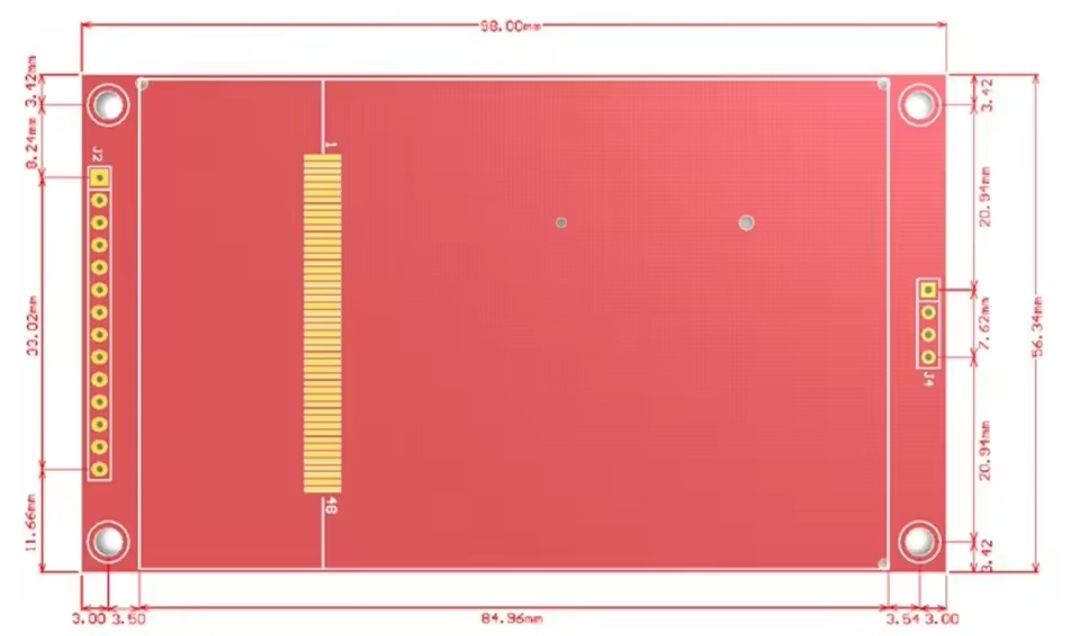
3.5-inch TFT LCD compatibility and mounting dimensions
The pins are correct, if it's an OLED display 3.12 whole (that's the one I have) then there are several reasons.
1. The 5v power supply and gnd are they connected to the display ?
2. Is there the required voltage on the 5v pin ?
3. Is the SPI interface set up correctly.
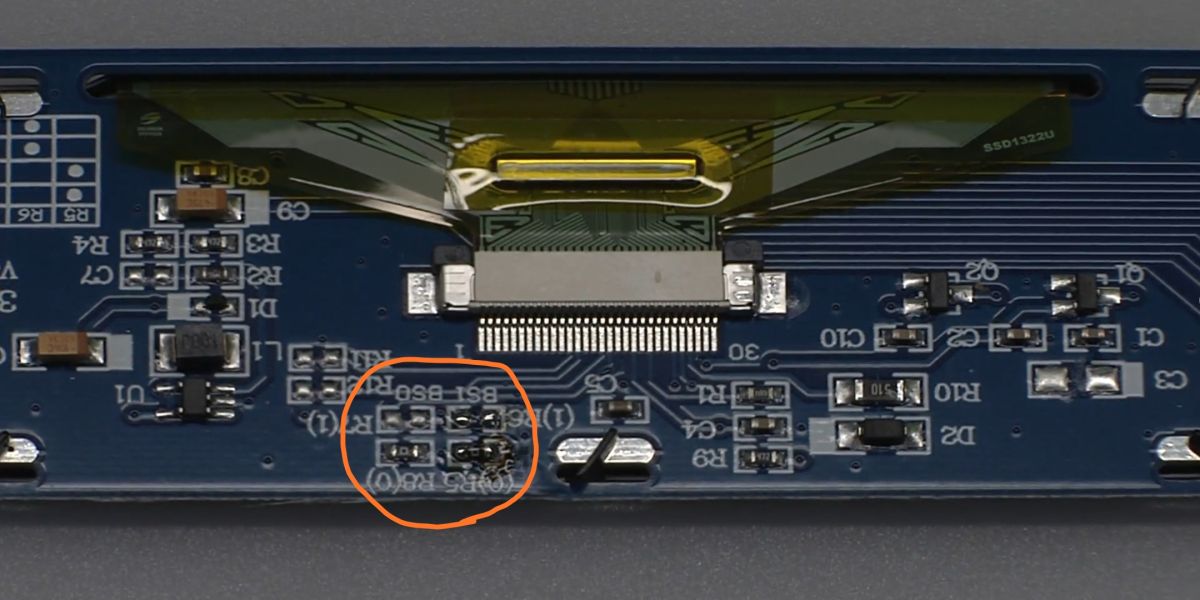
These two resistors on the display should be soldered like this ?
If everything is as it should be and it doesn't work then from attaching the photo maybe we can find out what is wrong ?
Greetings ...
Added after 51 [minutes]:
Gentlemen someone once wrote (or it seemed to me)
I've been thinking and thinking - I want to order an LCD display.
Foreman XXL sent me a link to an LCD where he was buying
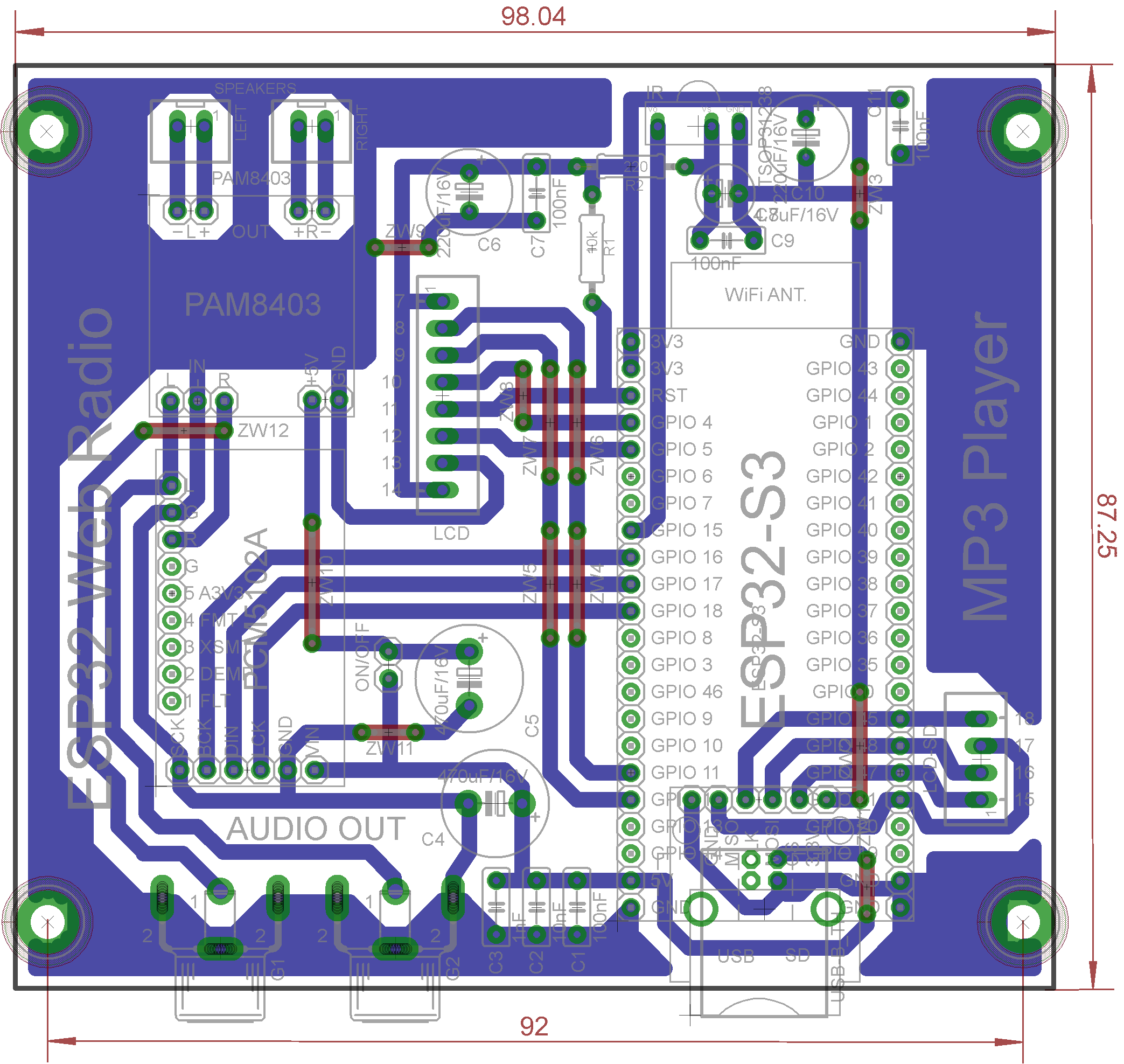
Well, I have improved the design - adding a connector for an SD card placed on the display.
Tomorrow I'll check the connections to make sure I didn't screw up when making the PCB and make a gerber.
Greetings ...
Added after 2 [hours] 35 [minutes]:
Well done
Checked connections
I added the numbers next to the JST connectors corresponding to the display pins.
This is how it looks
I also bought the missing components today - I'm assembling the PCB tomorrow, I have the modules, the display from Salamon is already on its way to me.
So there will be a launch soon, and if it goes well I will post a gerber for those who are interested.
Greetings ...
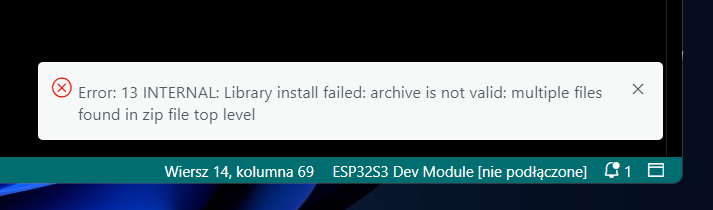
Audio_i2s library installation error on GitHub install
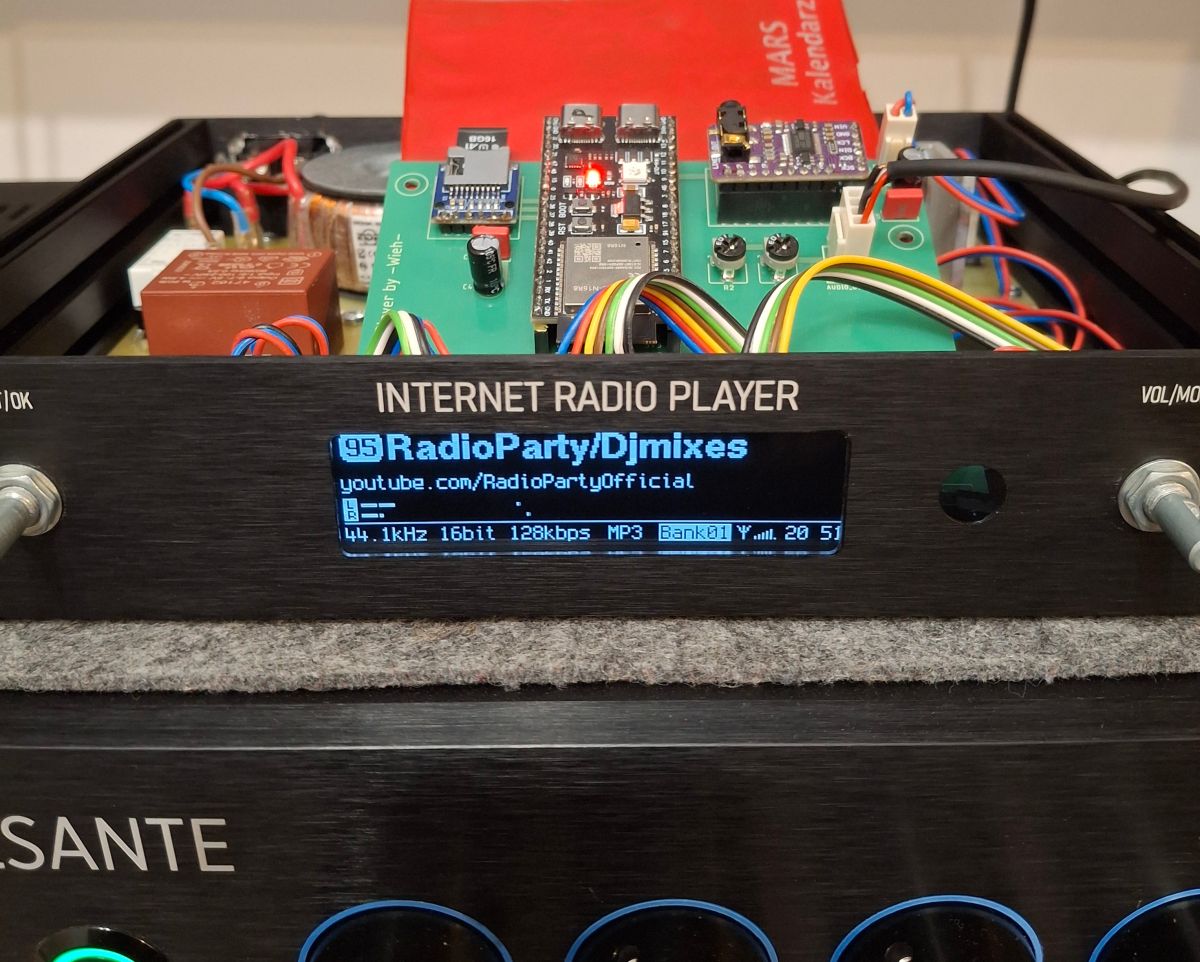
I have assembled this internet radio, it plays beautifully. I used the software from robgold version 3.18.21.
Today I wanted to upload the newer version 3.19 so I installed the recommended libraries via robgold. I just can't add the Audio_i2s library from github because the error shown in the picture appears. Is this library added differently?
The libraries are in the user name userDocumentsArduinolibraries and there is a directory "ESP32-audioI@S-master" where you need to replace the SRC content. You download the corrected files from kol.Robgold's Github.
DJCheester thanks for the help. Soft uploaded and working.
By the way a big thanks to Robgold and Majster XXL for their work.
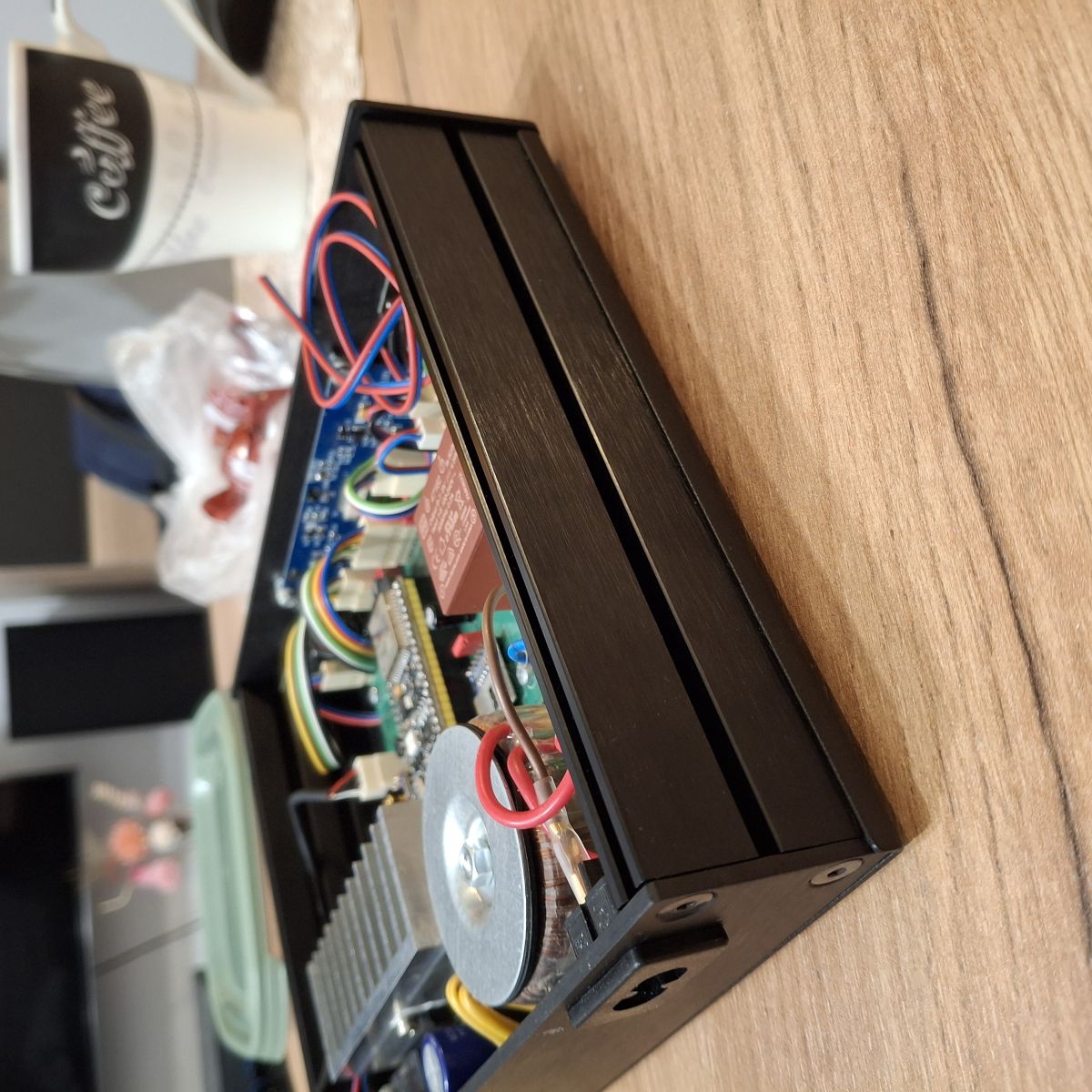
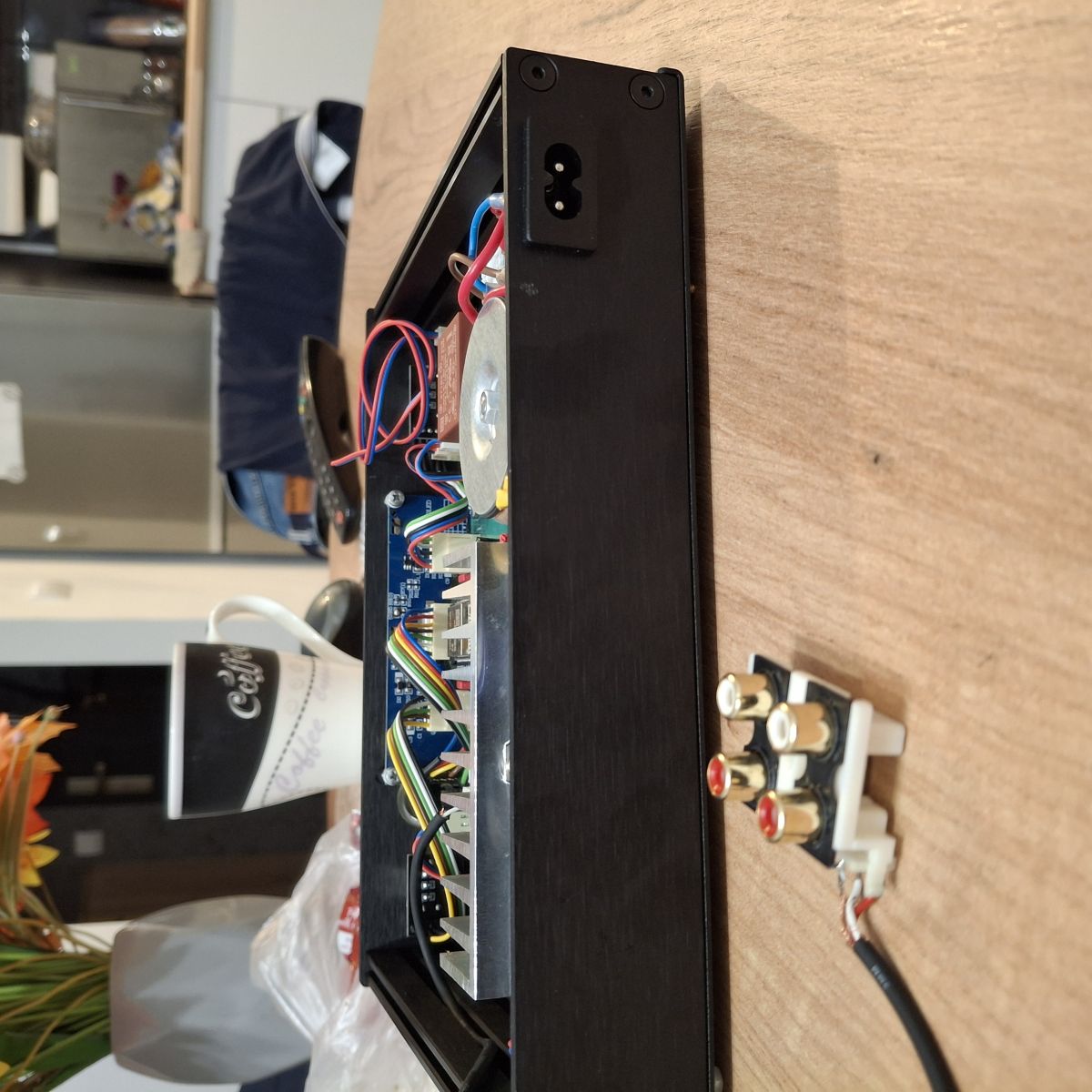
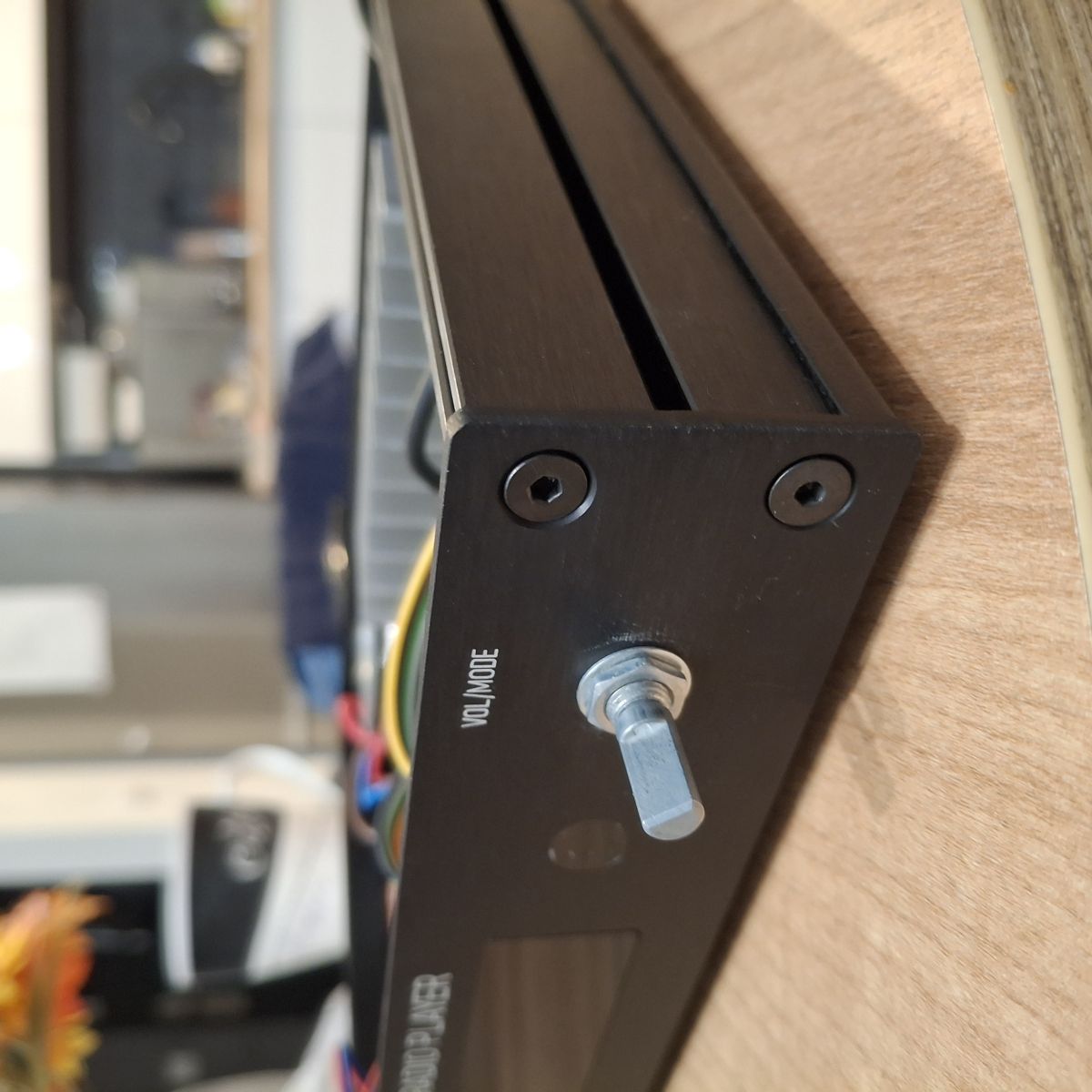
Below the radio during testing:
>>21743925 Super that you managed to get it working. Looking at the wires and display colours isn't that your FB post ?
It would be nice if you would provide a link to the authors of this radio, to this forum and correct that this is not yoRadio.
Added after 2 [minutes]:
@wieh76 I am impressed with the case. Beautiful workmanship. Will you upload any details ?
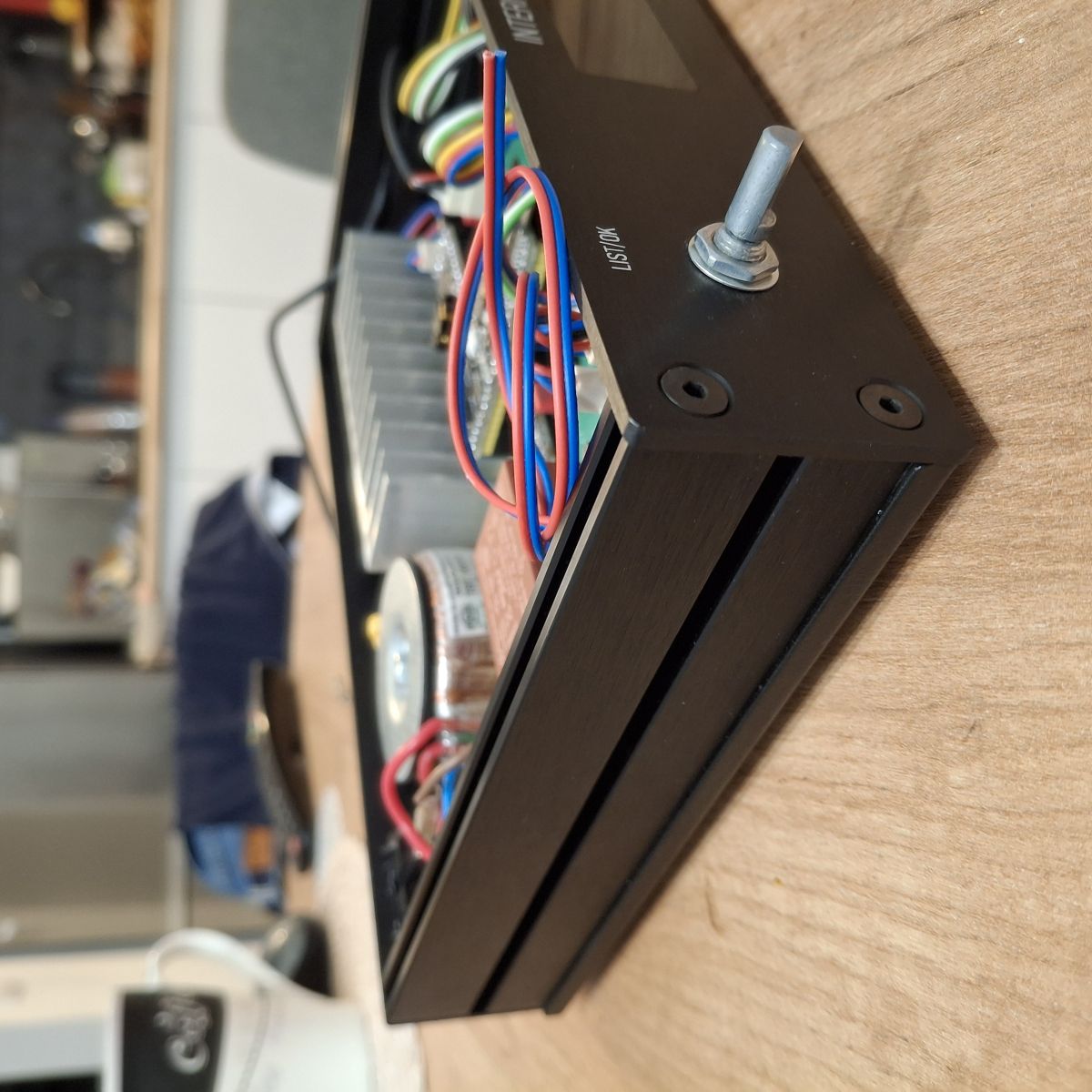
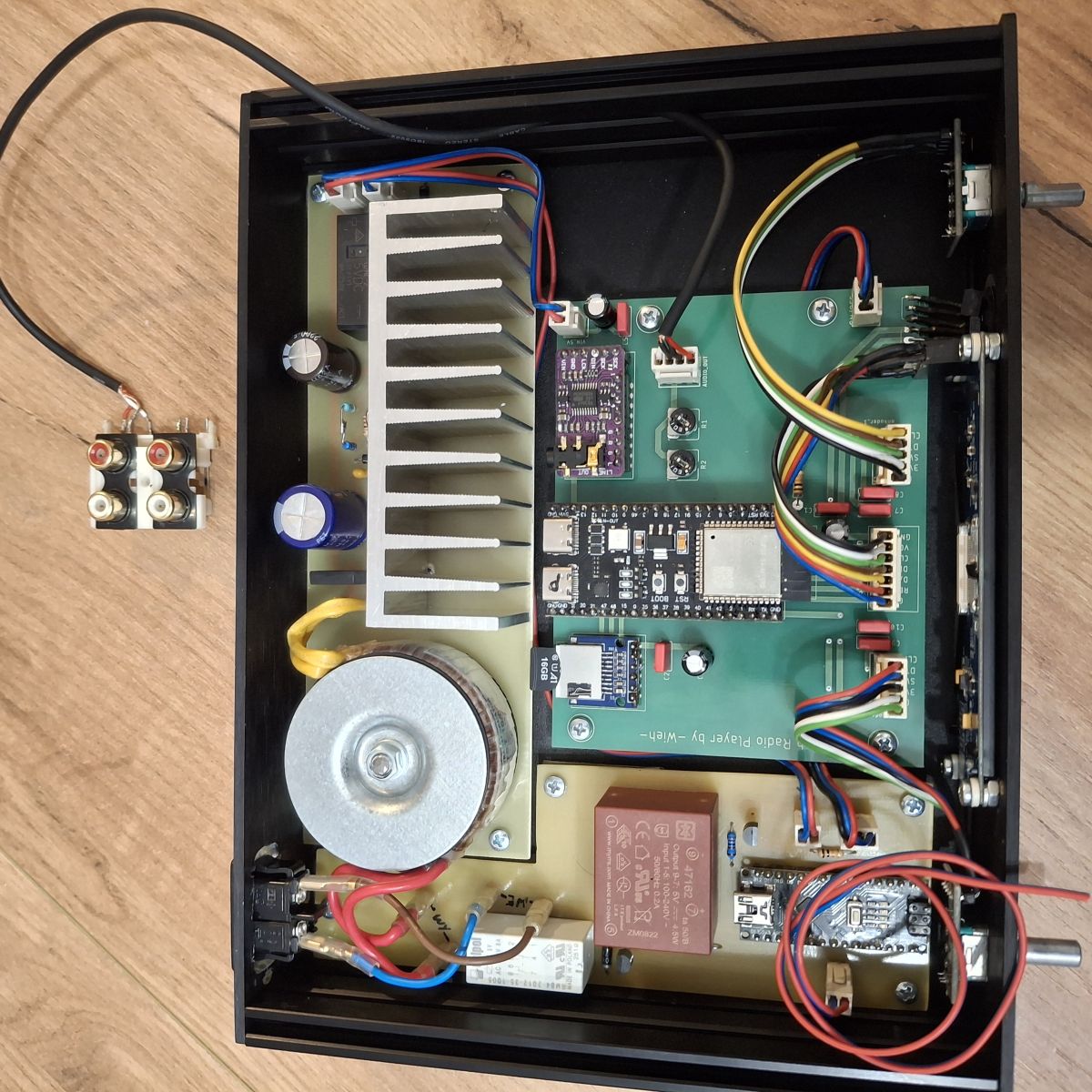
@robgold I would like to make the case like this😀. Case bought from modushop.co.uk specifically Link . Front panel + plexiglass for the holes for the display and IR receiver made on cnc also in this shop (they also do custom machining). I drew the panel in eagle including the lettering (which they burn out with a laser) and emailed it to them. Cost approx. 365 PLN (enclosure + processing) is a bit painful, but if it is to look good, it is worth paying. As you can see with me there are two encoders because originally there was supposed to be a soft XXL from the master, but he offered me yours and so it stayed. The second one will now be for decoration😀. A couple of pictures of my creations:
Greetings
Request to credit the radio authors and clarify attribution
>>21743925 Super that it worked. Looking at the wires and display colours isn't that your FB post ?
It would be nice if you would provide a link to the authors of this radio, to this forum and correct that this is not yoRadio.
Added after 2 [minutes]:
@wieh76 I am impressed with the case. Beautiful workmanship. Will you upload any details ?
I've already done it so there's no doubt who the author is 🤗👍
Suggesting dual-encoder control and asking build details
@wieh76 It came out very nicely. I for one am a believer that it's better to have something you enjoy than to save up and then be upset that it's not. It came out SUPER. I'd get that second encoder in the software and make it into two: Volume on one, stations and banks on the other. I wonder if I should go back to such an option in the Evo so that someone who wants a version with two decoders could configure it that way.
Are you planning to share the file for the CNC front end ? Question how is the display mounted/glued ?
What do you have a small arduino for in this project ?
Discussion of a DIY internet radio and SD-card audio player built on an ESP32-S3 with an OLED display, rotary encoders, buttons, and a front-panel interface. The project uses Wi‑Fi to download station lists from GitHub/public stream databases, supports MP3 and later AAC/FLAC playback, displays metadata including Polish characters via a modified font table, and stores settings such as station/bank selection and volume. The thread covers PCB design in EasyEDA, ESP32-S3 module pin spacing issues, PSRAM and Arduino IDE setup, library compatibility problems, SPI/I2S wiring, SD card reader boot issues, encoder behavior, WiFiManager-based network setup, and troubleshooting of crashes, HTTP download failures, and audio initialization errors. Several improvements were added over time, including station selection by encoder, time sync, browser update support, and saving settings to card memory. AI summary based on the discussion. May contain errors.