Hello,
i have uploaded on GitHub the new soft 3.19.52, what's new ?
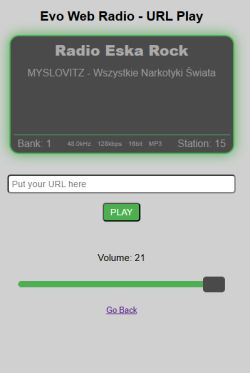
PLAY FROM URL
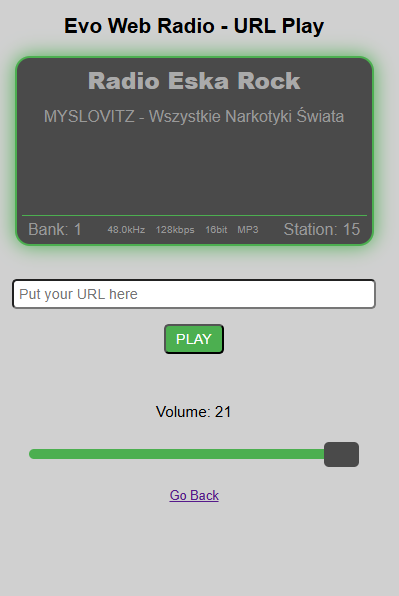
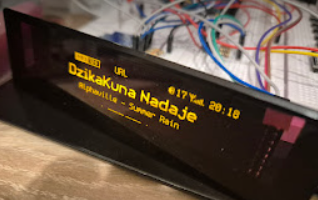
There is now a new PLAY URL button in the menu, which allows you to open a page where you can test any stream from the Internet on the radio after entering an external link. I am not hiding the fact that this is how I test various interesting stations added by other colleagues creating Internet radios.
 Start logo
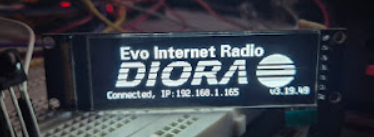
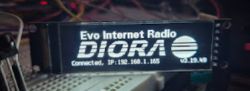
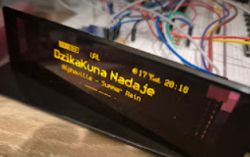
I have added options to add your own logo instead of notes. The program itself checks if you have your own logo on the SD card or in the SPIFFS memory, if so it will be displayed instead of the notes. How does this work? You need to create a logo in XBM format (e.g. using the free Gimp) with a resolution of 256x64px as a black and white 1-bit image. Save such a file under the name logo.xbm on your card or in SPIFFS memory and that's it. Just remember that above the logo, after 1 second, the text "Evo Internet Radio" will appear, so that someone who sees the radio at your place can reach the source of this radio and in the bottom line there will be information about the connection to WiFi and the IP and software version.
 WIFI MANAGER
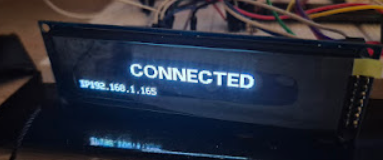
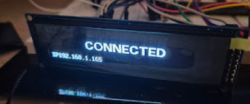
I have improved the mode of connecting to WiFi a bit. From now on, if you connect correctly, a large CONNECTED message will appear on the display for a moment, the IP number and the radio will reset itself.
 CONFIGURATION
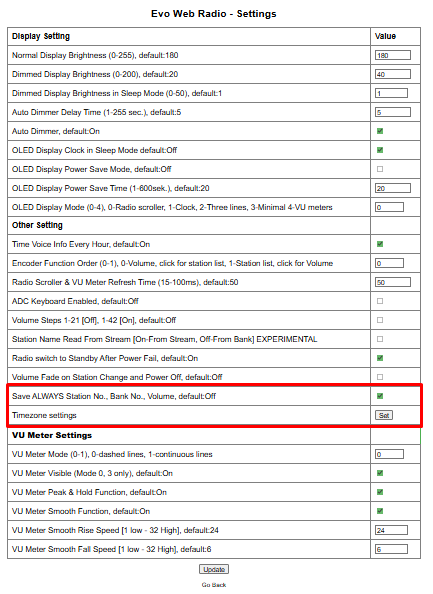
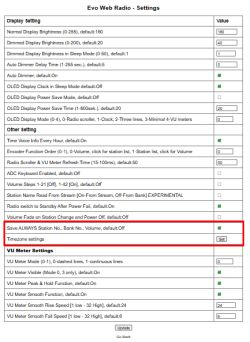
Two new options have appeared in the settings.
The first:
"Save ALWAYS Station No., Bank No., Volume" its deactivation will cause the radio to save the value of volume, last station and bank to memory
only when "powerOFF" is switched off. This is to prevent excessive memory usage especially SPIFFS.
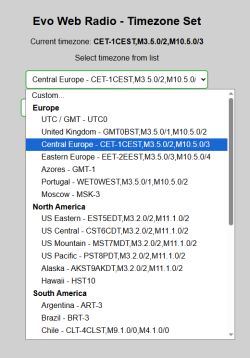
Second option:
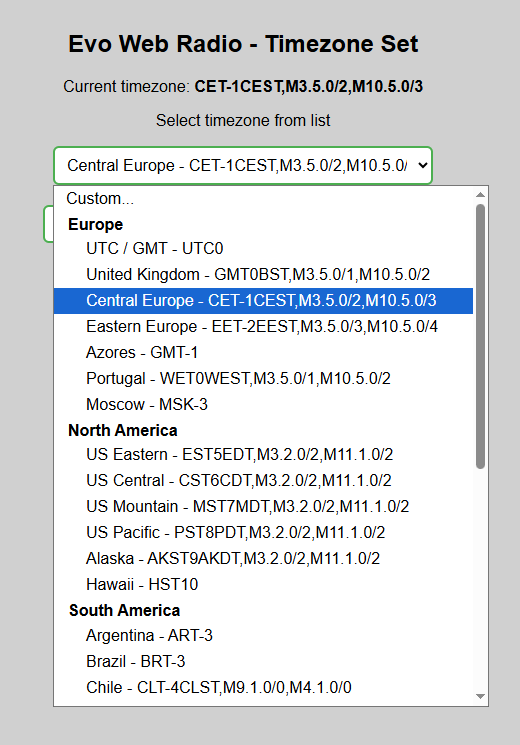
There is an option to set yourself your timezone, it is stored in the timezone.txt file, in the case of Poland you don't have to do anything, the radio in the absence of detecting this file will create it itself the first time and store our timezone there. This is a nod to colleagues outside of our time zone so that they can change this in the configuration.
 VU-indicator - mode 4
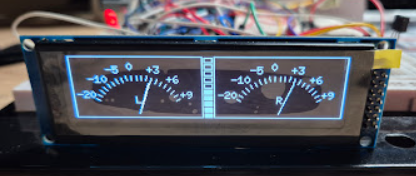
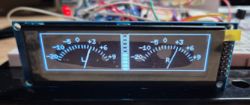
In mode 4 (analogue drive indicators) when you press the DIRECT/OK button on the remote control, 10 rectangles will appear between the indicators, each indicating 1 second of audio buffer fill. In other words, this is a quick overview of how much data a given Icecast station/server allows to buffer. This is calculated in a simple way the buffer content in kb is divided by (BITRATE / 8). The result of course depends on the correct bitrate of the station. Those which have a fixed (frequency (44.1) * channels(2) * resolution(16) i.e. 1 411 200kbps) will show an incorrect buffer value.
 VU METER - mode 0
I've added a mapping to VUmeterMode0 to eliminate clipping but I have a feeling this is a problem with the mp3 decoder, which outputs a uint16_t variable and sometimes gets overflow, so when split into two 8 bit values one may have a mismatched value in a given frame loop.
SKETCH
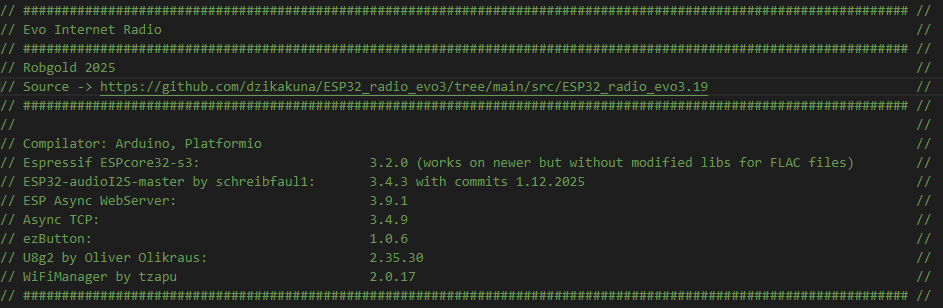
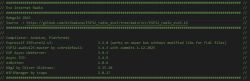
From now on in the sketch itself at the top under the header I will include information about the libraries used for compilation
 SPACE
SPACE
As you know "without LED you won't sell" so I added some LED type outputs - STANDBY_LED on GPIO16 and SD_CS which can be "pinned" on GPIO17
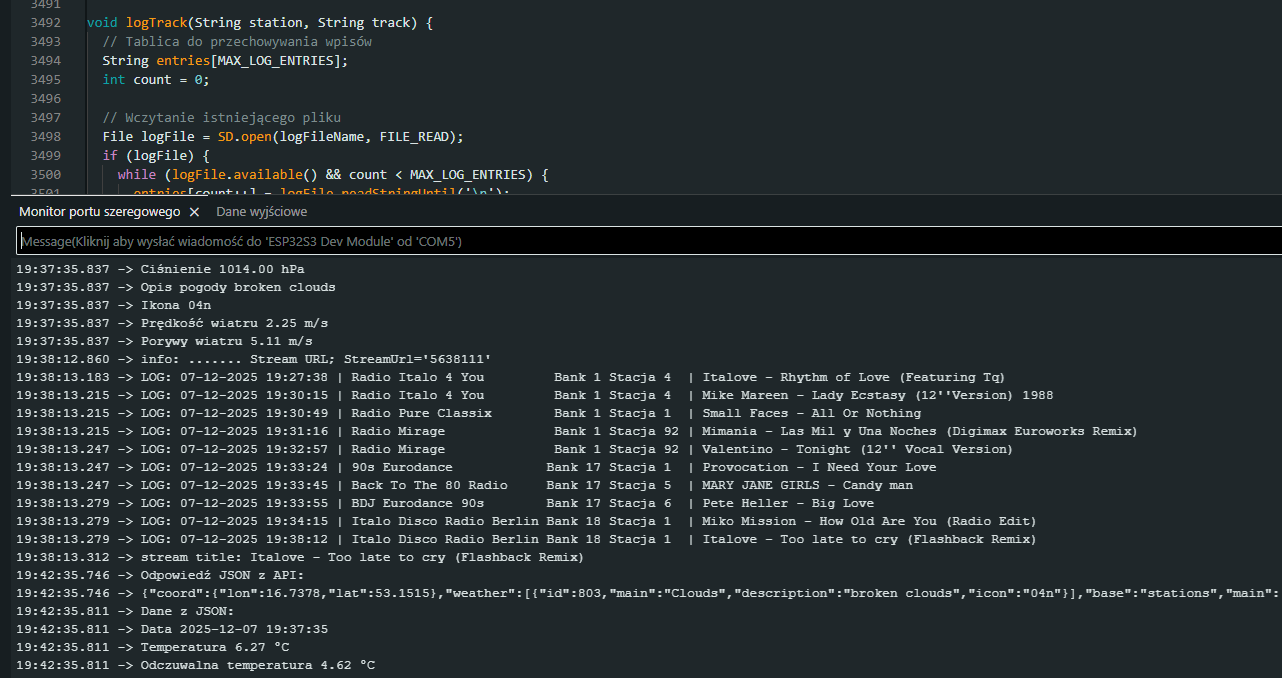
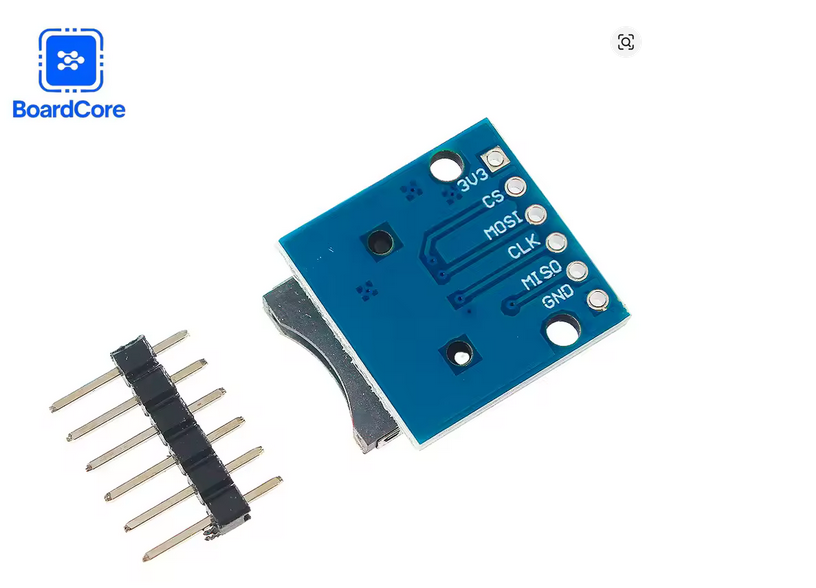
Of particular interest is the SD_LED signal, which is cloned by the GPIO matrix in ESP from the Chip Select (CS) pin of the SD card reader when the SD card is defined and used. This way we are not physically pulling the CS signal on the board and at the same time we can keep track of SD card activity especially if we are using the SD card reader that is on the Evo board at the back of the chassis. Pins 16 and 17 are no coincidence as those who have a board made for the MajstraXXL v2 or Evo schematic have them routed to the Joystick connector.
TALKS
As I've already written, I sometimes "peep" at others to see what they're creating because it's always inspiring, and on the website of my friend JCS I found an interesting program called AirMusic for Android phones. It is an application that allows you to make your phone into an Icecast server and e.g. stream any audio you play on your phone to your radio: YT, Spotify, mp3, microphone. Useful e.g. when testing spectrum analyser.
I have placed the HTML code for both PlayURL and Timezone in the INO code. It's not the happiest solution, it's easier to edit and keep it as html on the SD card but on the other hand for someone new one file to compile gives basically a finished solution.
I am attaching two example logo files. They are not on GitHub and are included here as a reference on how to create such a logo and not as part of the Evo radio.
For such a logo to work you need to rename it to "logo.xbm".
Diora.xbm (12.58 kB)You must be logged in to download this attachment. Sony.xbm (12.58 kB)You must be logged in to download this attachment.








 (turns the radio on and off)