Thank you
@p.kaczmarek2 for this firmware!
Here's another lightbulb that is compatible:
Name: Airam Smart A60 827-865 RGB 806lm E27 OP.
Specs: 9W 2700-6500K RGB E27 806lm
Chip: BK7231N (plus 8P5772? and 8P1638? which seems to be controlled with just PWM signal)
Text on PCB: 46.4LH21095
Disassembly:
1. Remove rivet on end of the bulb with knife or screwdriver. There are no threads on it.
2. Metal screw part is screwed in place and pressed into place. Loosen metal gently with a knife/screwdriver and unscrew metal part from plastic.
3. Ball part is glued in place. Gently run a knife or screwdriver around grove and remove it
4. There is a metal plate with leds visible which is also glued. Remove glue with knife or a screwdriver
5. You should now be able to remove LED PCB and microcontroller PCB.
Programming:
Backup chip before programming!
Pinouts are marked on PCB.
1. Solder 1 wire to 3.3v and 2 wires to GND
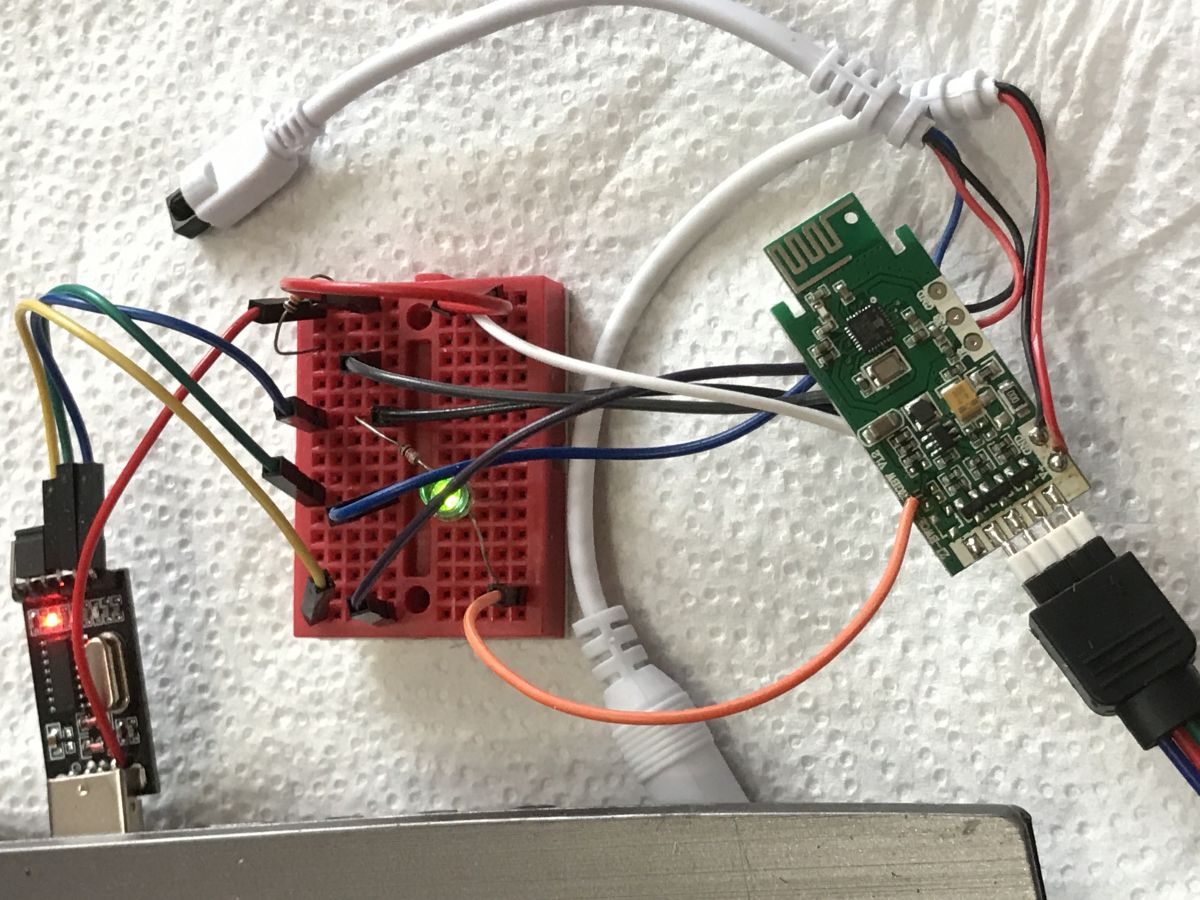
2. Solder wires to U1_RX and U1_TX
3. Connect your serial adapter to U1_RX, U1_TX, and GND
4. Connect a power supply to 3.3v and GND
5. Start programming command: uartprogram -w -s 0 -d /dev/ttyUSB0 -u -b 115200 OpenBK7231N_QIO_1.0.8.bin
6. Connect CEN to ground briefly, programming should start. This needs to be done quickly, there is a timeout. Restart programming command if timeout was reached.
Confirmed working with firmware version 1.0.8
Configuration:
Set the following pins as PWM
P6 - GREEN COLOR
P7 - RED COLOR
P8 - BLUE COLOR
P24 - COLD WHITE COLOR
P26 - WARM WHITE COLOR
Images:
![[BK7231T] My HTTP server, configurator, MQTT support from Home Assistant](https://obrazki.elektroda.pl/7363729400_1649883246_thumb.jpg "[BK7231T] My HTTP server, configurator, MQTT support from Home Assistant")
![[BK7231T] My HTTP server, configurator, MQTT support from Home Assistant](https://obrazki.elektroda.pl/4354739500_1649883247_thumb.jpg "[BK7231T] My HTTP server, configurator, MQTT support from Home Assistant")
![[BK7231T] My HTTP server, configurator, MQTT support from Home Assistant](https://obrazki.elektroda.pl/3068591800_1649883246_thumb.jpg "[BK7231T] My HTTP server, configurator, MQTT support from Home Assistant")









![[BK7231T] My HTTP server, configurator, MQTT support from Home Assistant](https://obrazki.elektroda.pl/7363729400_1649883246.jpg "[BK7231T] My HTTP server, configurator, MQTT support from Home Assistant")
![[BK7231T] My HTTP server, configurator, MQTT support from Home Assistant](https://obrazki.elektroda.pl/4354739500_1649883247.jpg "[BK7231T] My HTTP server, configurator, MQTT support from Home Assistant")
![[BK7231T] My HTTP server, configurator, MQTT support from Home Assistant](https://obrazki.elektroda.pl/3068591800_1649883246.jpg "[BK7231T] My HTTP server, configurator, MQTT support from Home Assistant")
![[BK7231T] My HTTP server, configurator, MQTT support from Home Assistant](https://obrazki.elektroda.pl/1003454400_1647908935.jpg "[BK7231T] My HTTP server, configurator, MQTT support from Home Assistant")
![[BK7231T] My HTTP server, configurator, MQTT support from Home Assistant](https://obrazki.elektroda.pl/5453931200_1647955291.jpg "[BK7231T] My HTTP server, configurator, MQTT support from Home Assistant")
![[BK7231T] My HTTP server, configurator, MQTT support from Home Assistant](https://obrazki.elektroda.pl/4354069100_1647954535.png "[BK7231T] My HTTP server, configurator, MQTT support from Home Assistant")
![[BK7231T] My HTTP server, configurator, MQTT support from Home Assistant](https://obrazki.elektroda.pl/3284853400_1650098471.png "[BK7231T] My HTTP server, configurator, MQTT support from Home Assistant")
![[BK7231T] My HTTP server, configurator, MQTT support from Home Assistant](https://obrazki.elektroda.pl/8802579500_1650107649.png "[BK7231T] My HTTP server, configurator, MQTT support from Home Assistant")
![[BK7231T] My HTTP server, configurator, MQTT support from Home Assistant](https://obrazki.elektroda.pl/4672901300_1650107189.png "[BK7231T] My HTTP server, configurator, MQTT support from Home Assistant")
![[BK7231T] My HTTP server, configurator, MQTT support from Home Assistant](https://obrazki.elektroda.pl/2483091100_1650107400.jpg "[BK7231T] My HTTP server, configurator, MQTT support from Home Assistant")
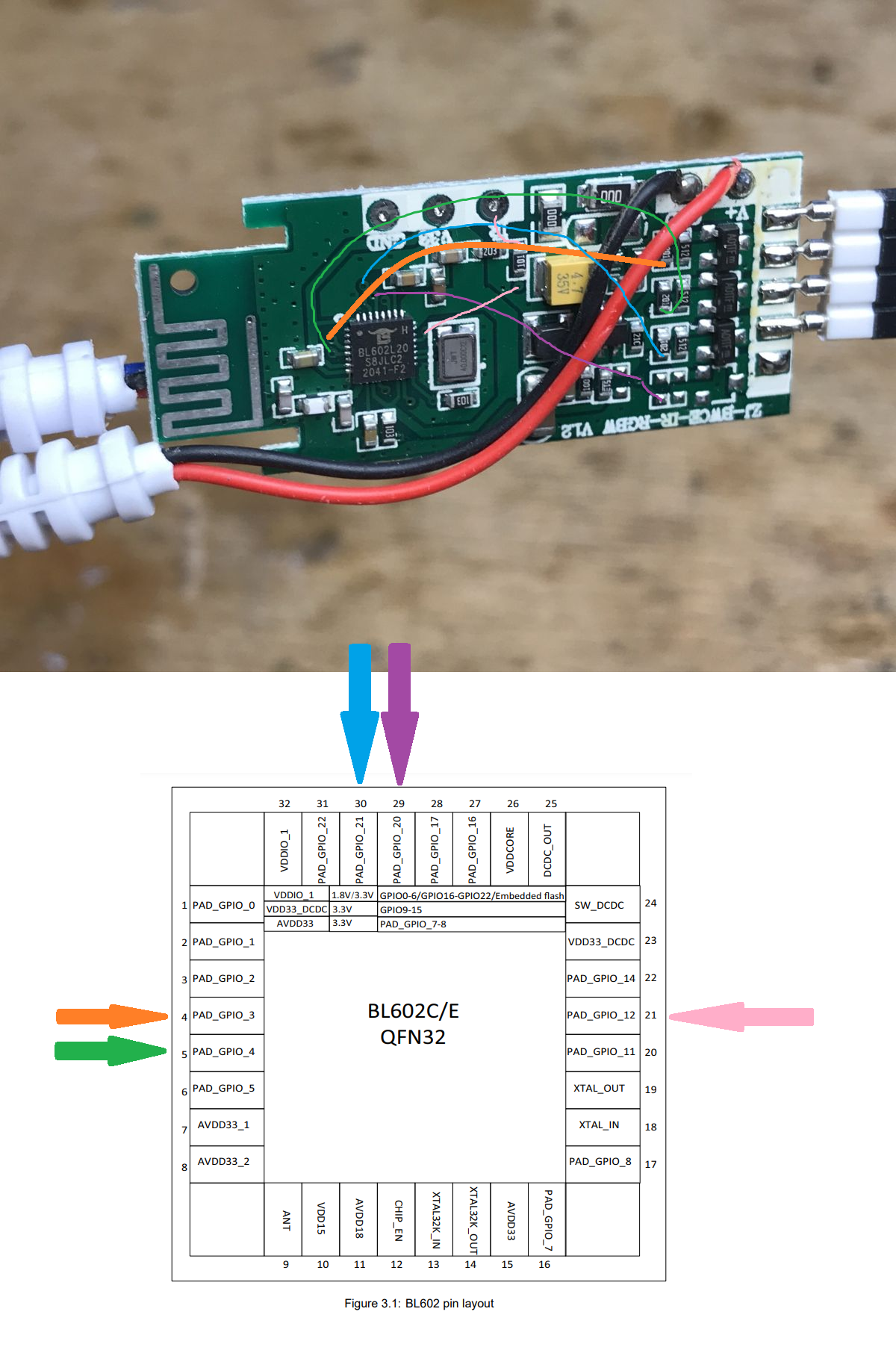
![[BK7231T] My HTTP server, configurator, MQTT support from Home Assistant](https://obrazki.elektroda.pl/7903067100_1650205171.jpg "[BK7231T] My HTTP server, configurator, MQTT support from Home Assistant")
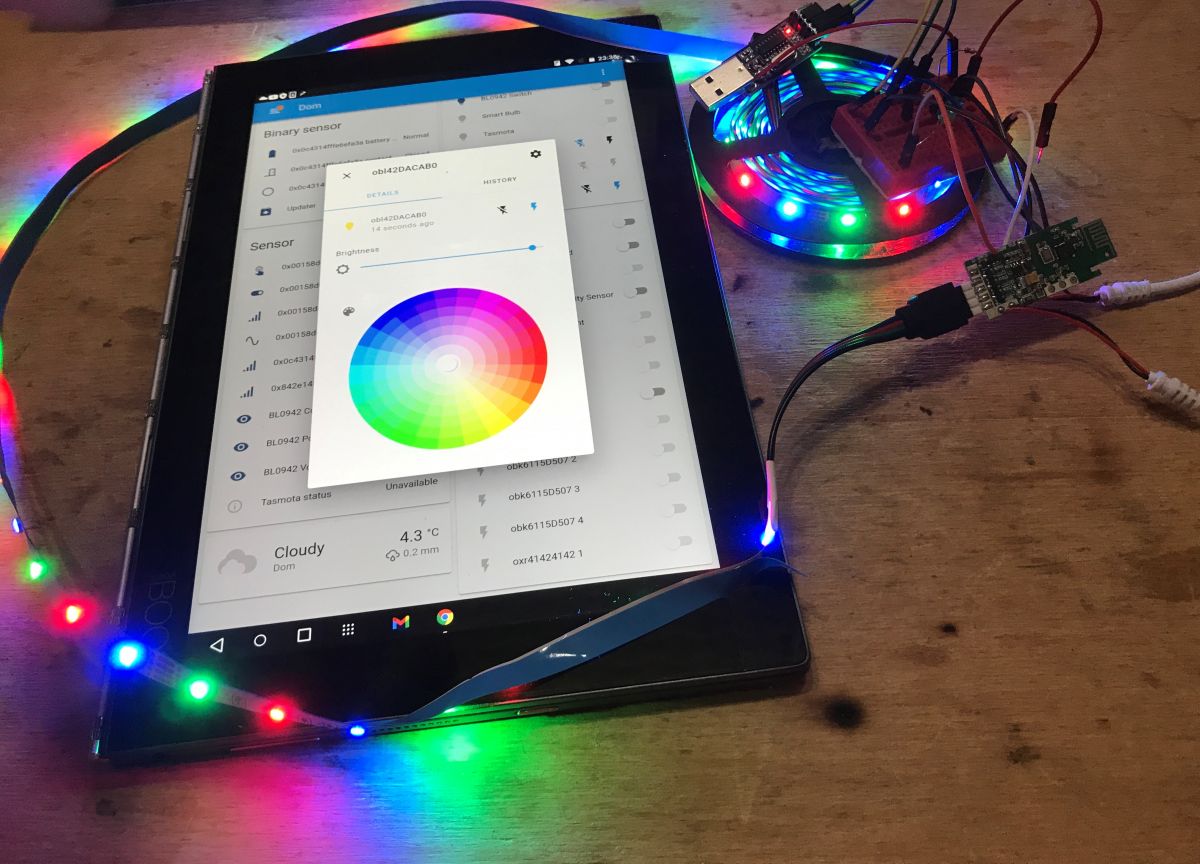
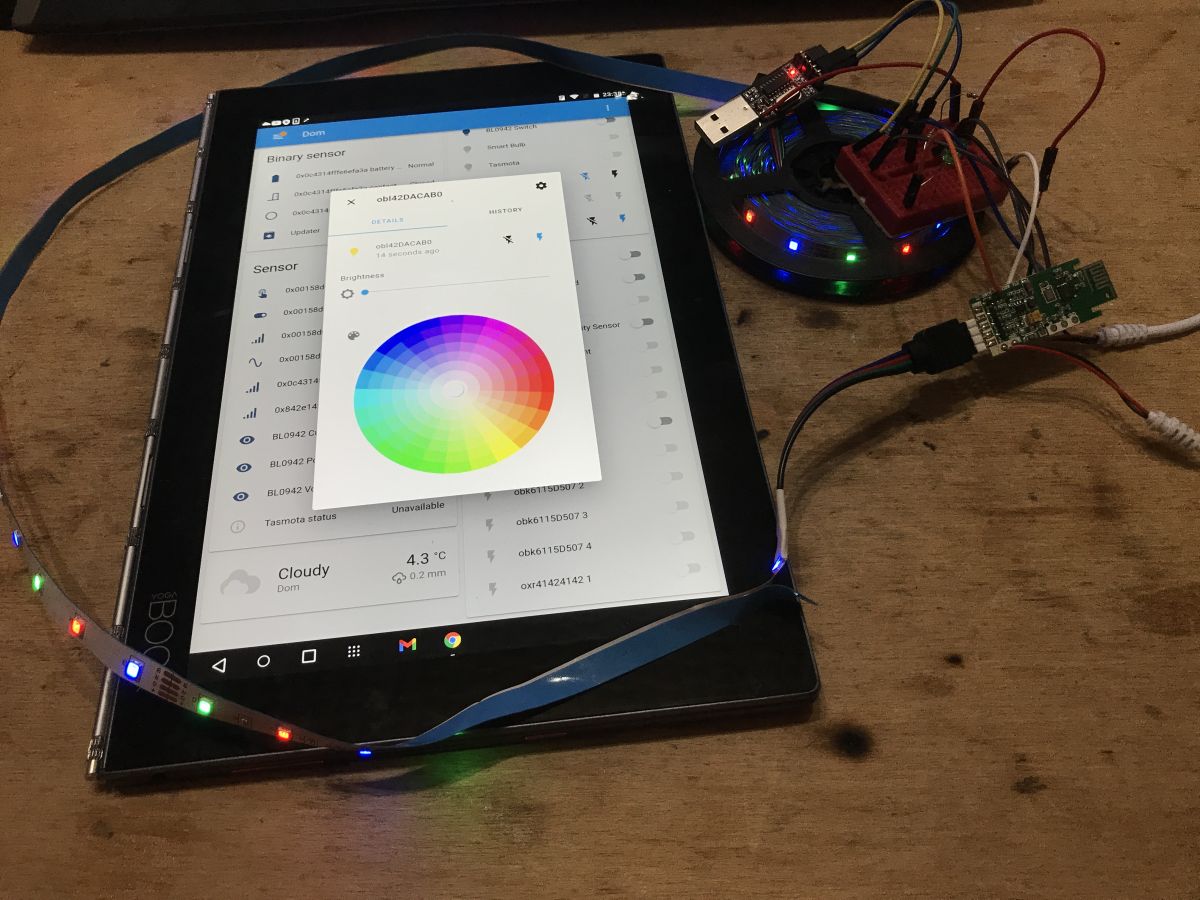
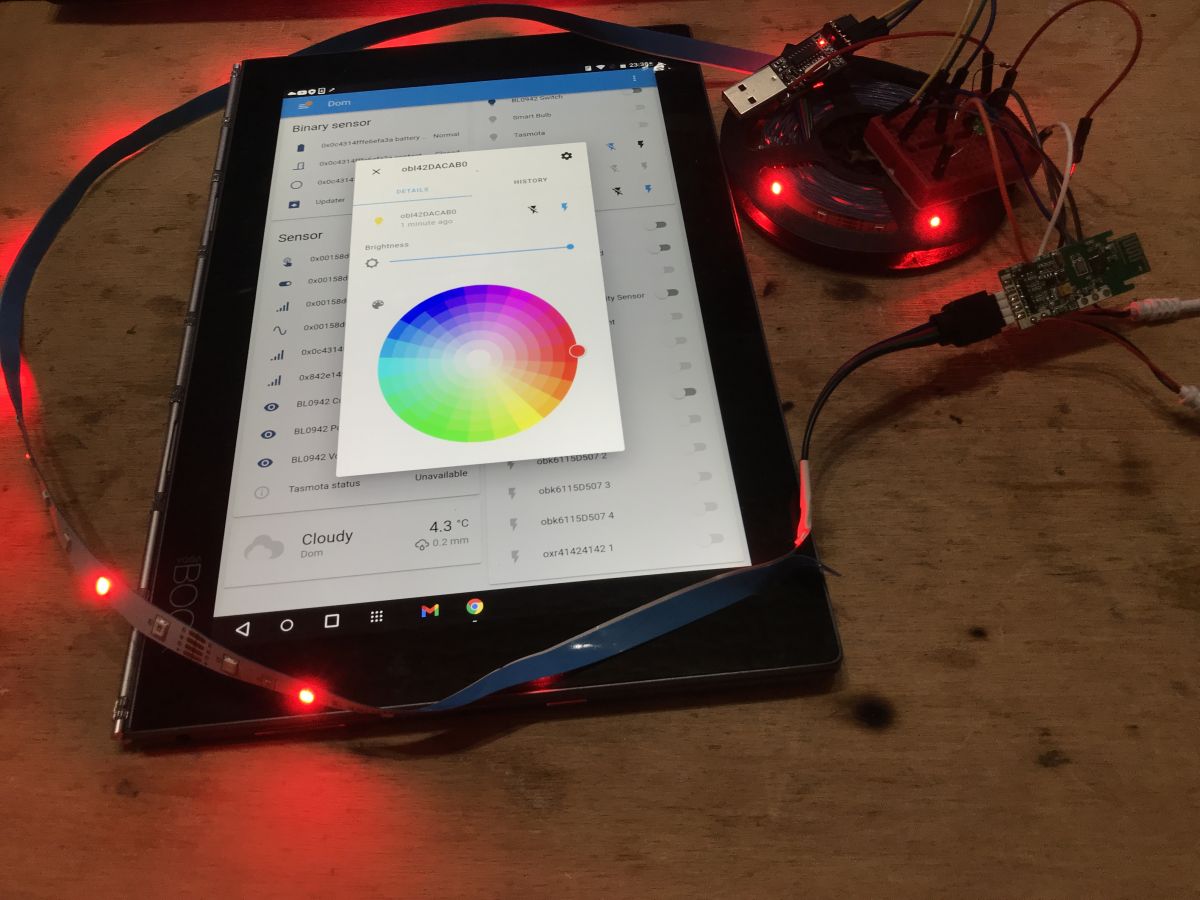
![[BK7231T] My HTTP server, configurator, MQTT support from Home Assistant](https://obrazki.elektroda.pl/7132467300_1650296248.jpg "[BK7231T] My HTTP server, configurator, MQTT support from Home Assistant")
![[BK7231T] My HTTP server, configurator, MQTT support from Home Assistant](https://obrazki.elektroda.pl/3731252100_1650296248.jpg "[BK7231T] My HTTP server, configurator, MQTT support from Home Assistant")
![[BK7231T] My HTTP server, configurator, MQTT support from Home Assistant](https://obrazki.elektroda.pl/5620844800_1650296248.jpg "[BK7231T] My HTTP server, configurator, MQTT support from Home Assistant")
![[BK7231T] My HTTP server, configurator, MQTT support from Home Assistant](https://obrazki.elektroda.pl/1662373700_1650296252.jpg "[BK7231T] My HTTP server, configurator, MQTT support from Home Assistant")
![[BK7231T] My HTTP server, configurator, MQTT support from Home Assistant](https://obrazki.elektroda.pl/1096086800_1650296254.jpg "[BK7231T] My HTTP server, configurator, MQTT support from Home Assistant")
![[BK7231T] My HTTP server, configurator, MQTT support from Home Assistant](https://obrazki.elektroda.pl/6732840600_1650296255.jpg "[BK7231T] My HTTP server, configurator, MQTT support from Home Assistant")
![[BK7231T] My HTTP server, configurator, MQTT support from Home Assistant](https://obrazki.elektroda.pl/9445207900_1650296258.jpg "[BK7231T] My HTTP server, configurator, MQTT support from Home Assistant")
![[BK7231T] My HTTP server, configurator, MQTT support from Home Assistant](https://obrazki.elektroda.pl/5130665300_1650296261.jpg "[BK7231T] My HTTP server, configurator, MQTT support from Home Assistant")
![[BK7231T] My HTTP server, configurator, MQTT support from Home Assistant](https://obrazki.elektroda.pl/1892517400_1650296261.jpg "[BK7231T] My HTTP server, configurator, MQTT support from Home Assistant")
![[BK7231T] My HTTP server, configurator, MQTT support from Home Assistant](https://obrazki.elektroda.pl/3158214800_1650296263.jpg "[BK7231T] My HTTP server, configurator, MQTT support from Home Assistant")
![[BK7231T] My HTTP server, configurator, MQTT support from Home Assistant](https://obrazki.elektroda.pl/6500286500_1650296267.jpg "[BK7231T] My HTTP server, configurator, MQTT support from Home Assistant")
![[BK7231T] My HTTP server, configurator, MQTT support from Home Assistant](https://obrazki.elektroda.pl/9874110200_1650296267.jpg "[BK7231T] My HTTP server, configurator, MQTT support from Home Assistant")
![[BK7231T] My HTTP server, configurator, MQTT support from Home Assistant](https://obrazki.elektroda.pl/9371898000_1650317916.png "[BK7231T] My HTTP server, configurator, MQTT support from Home Assistant")
![[BK7231T] My HTTP server, configurator, MQTT support from Home Assistant](https://obrazki.elektroda.pl/1424675800_1650317759.png "[BK7231T] My HTTP server, configurator, MQTT support from Home Assistant")
![[BK7231T] My HTTP server, configurator, MQTT support from Home Assistant](https://obrazki.elektroda.pl/9916878300_1624902032.jpg "[BK7231T] My HTTP server, configurator, MQTT support from Home Assistant")
![[BK7231T] My HTTP server, configurator, MQTT support from Home Assistant](https://obrazki.elektroda.pl/9628711200_1624902036.jpg "[BK7231T] My HTTP server, configurator, MQTT support from Home Assistant")
![[BK7231T] My HTTP server, configurator, MQTT support from Home Assistant](https://obrazki.elektroda.pl/4280604500_1650318539.jpg "[BK7231T] My HTTP server, configurator, MQTT support from Home Assistant")
![[BK7231T] My HTTP server, configurator, MQTT support from Home Assistant](https://obrazki.elektroda.pl/8311372200_1650318541.jpg "[BK7231T] My HTTP server, configurator, MQTT support from Home Assistant")
![[BK7231T] My HTTP server, configurator, MQTT support from Home Assistant](https://obrazki.elektroda.pl/5673117600_1650317738.png "[BK7231T] My HTTP server, configurator, MQTT support from Home Assistant")
![[BK7231T] My HTTP server, configurator, MQTT support from Home Assistant](https://obrazki.elektroda.pl/3079388600_1650317721.png "[BK7231T] My HTTP server, configurator, MQTT support from Home Assistant")
![[BK7231T] My HTTP server, configurator, MQTT support from Home Assistant](https://obrazki.elektroda.pl/3491424200_1650308399.png "[BK7231T] My HTTP server, configurator, MQTT support from Home Assistant")
![[BK7231T] My HTTP server, configurator, MQTT support from Home Assistant](https://obrazki.elektroda.pl/5219082300_1650308556.png "[BK7231T] My HTTP server, configurator, MQTT support from Home Assistant")
![[BK7231T] My HTTP server, configurator, MQTT support from Home Assistant](https://obrazki.elektroda.pl/1104989700_1650308636.png "[BK7231T] My HTTP server, configurator, MQTT support from Home Assistant")
![[BK7231T] My HTTP server, configurator, MQTT support from Home Assistant](https://obrazki.elektroda.pl/6141315100_1650311437.png "[BK7231T] My HTTP server, configurator, MQTT support from Home Assistant")
![[BK7231T] My HTTP server, configurator, MQTT support from Home Assistant](https://obrazki.elektroda.pl/3644332200_1650311471.png "[BK7231T] My HTTP server, configurator, MQTT support from Home Assistant")
![[BK7231T] My HTTP server, configurator, MQTT support from Home Assistant](https://obrazki.elektroda.pl/8237597000_1650319925.png "[BK7231T] My HTTP server, configurator, MQTT support from Home Assistant")
![[BK7231T] My HTTP server, configurator, MQTT support from Home Assistant](https://obrazki.elektroda.pl/3801546500_1650319901.png "[BK7231T] My HTTP server, configurator, MQTT support from Home Assistant")
![[BK7231T] My HTTP server, configurator, MQTT support from Home Assistant](https://obrazki.elektroda.pl/5626167200_1650319910.png "[BK7231T] My HTTP server, configurator, MQTT support from Home Assistant")
![[BK7231T] My HTTP server, configurator, MQTT support from Home Assistant](https://obrazki.elektroda.pl/9963042400_1650372208.png "[BK7231T] My HTTP server, configurator, MQTT support from Home Assistant")
![[BK7231T] My HTTP server, configurator, MQTT support from Home Assistant](https://obrazki.elektroda.pl/6069453500_1650372633.png "[BK7231T] My HTTP server, configurator, MQTT support from Home Assistant")
